naviossab
Utente Registrato
-
Iscritto il
-
Ultima visita
-
-
-
-
-
-
-
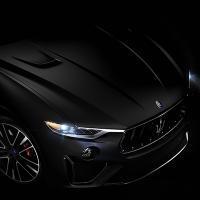
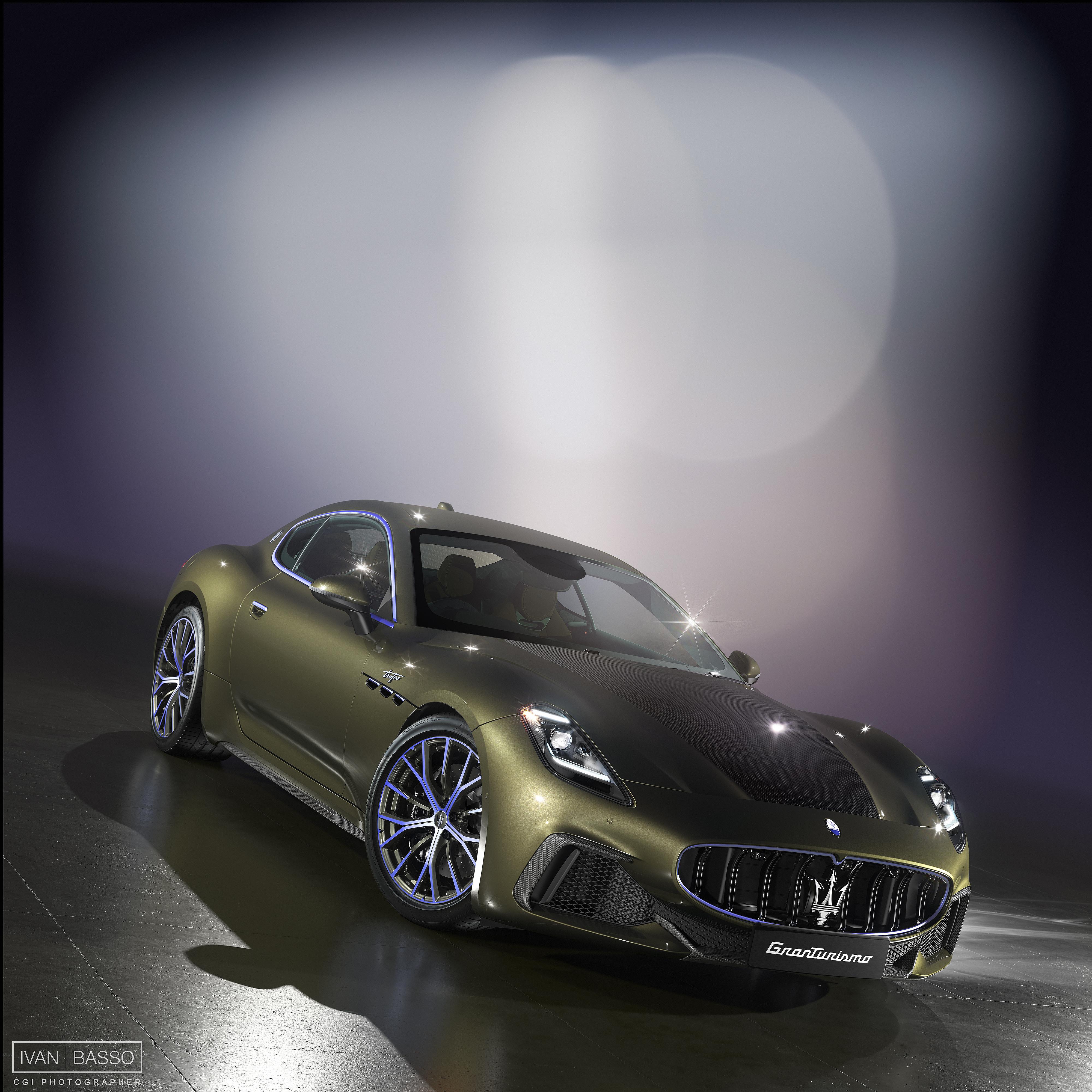
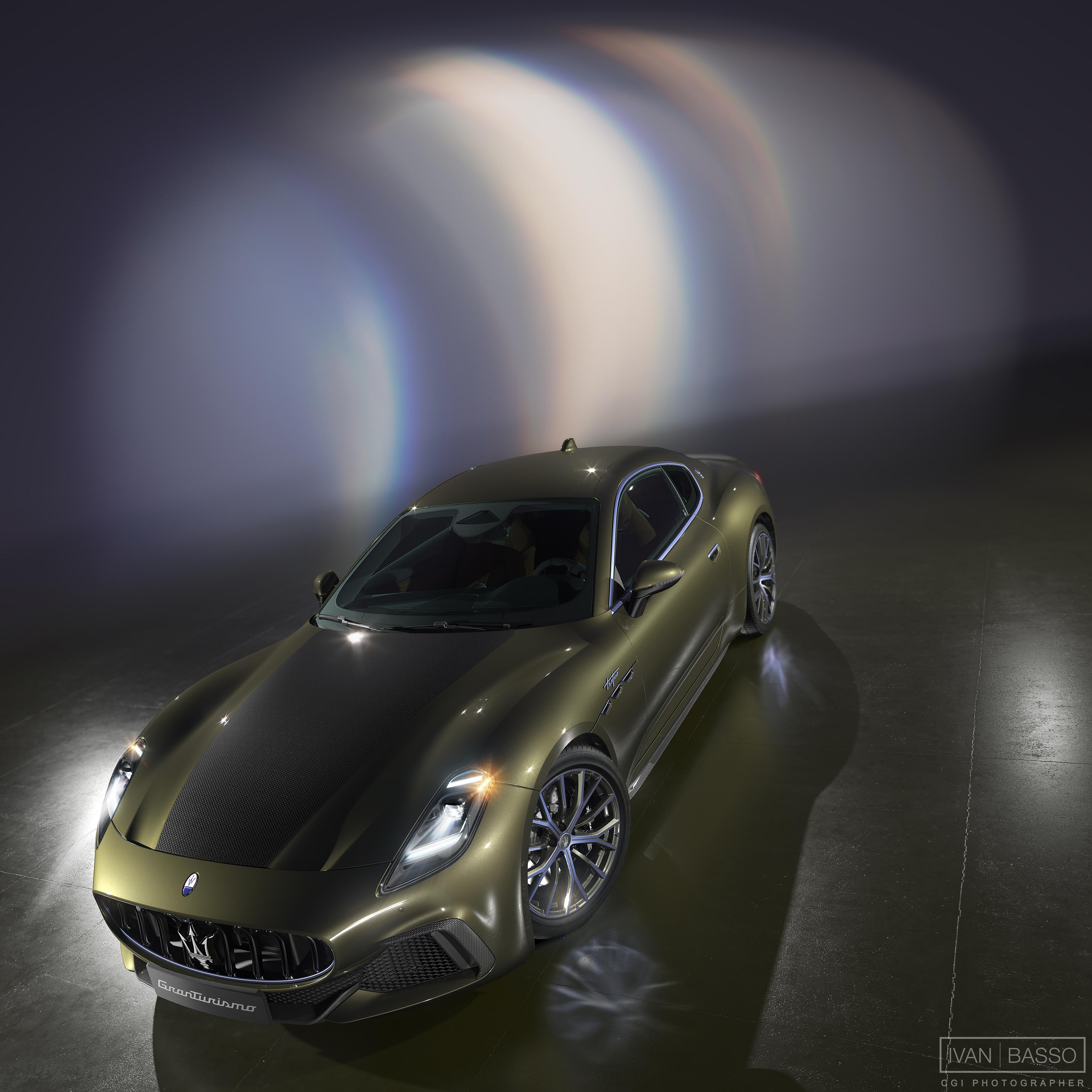
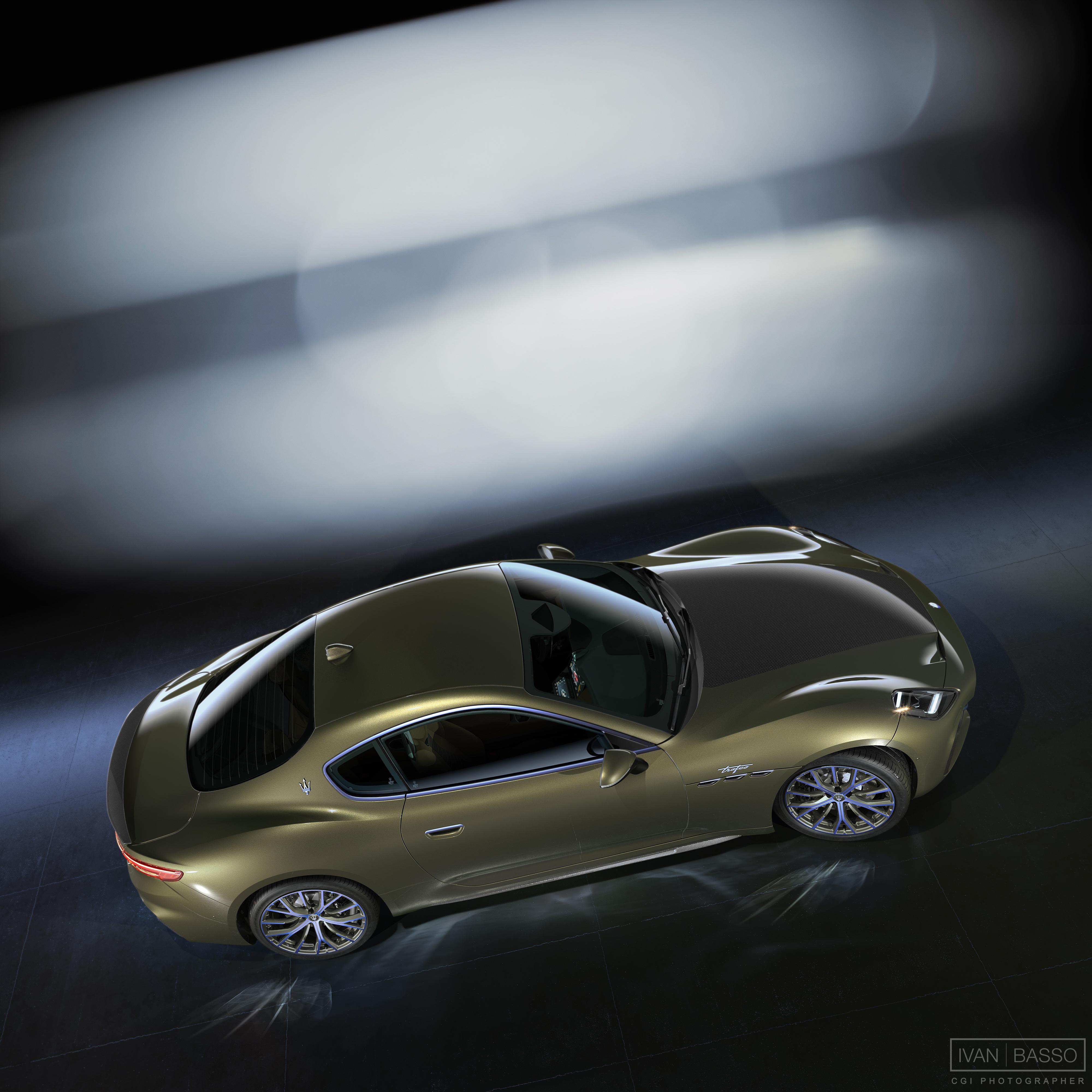
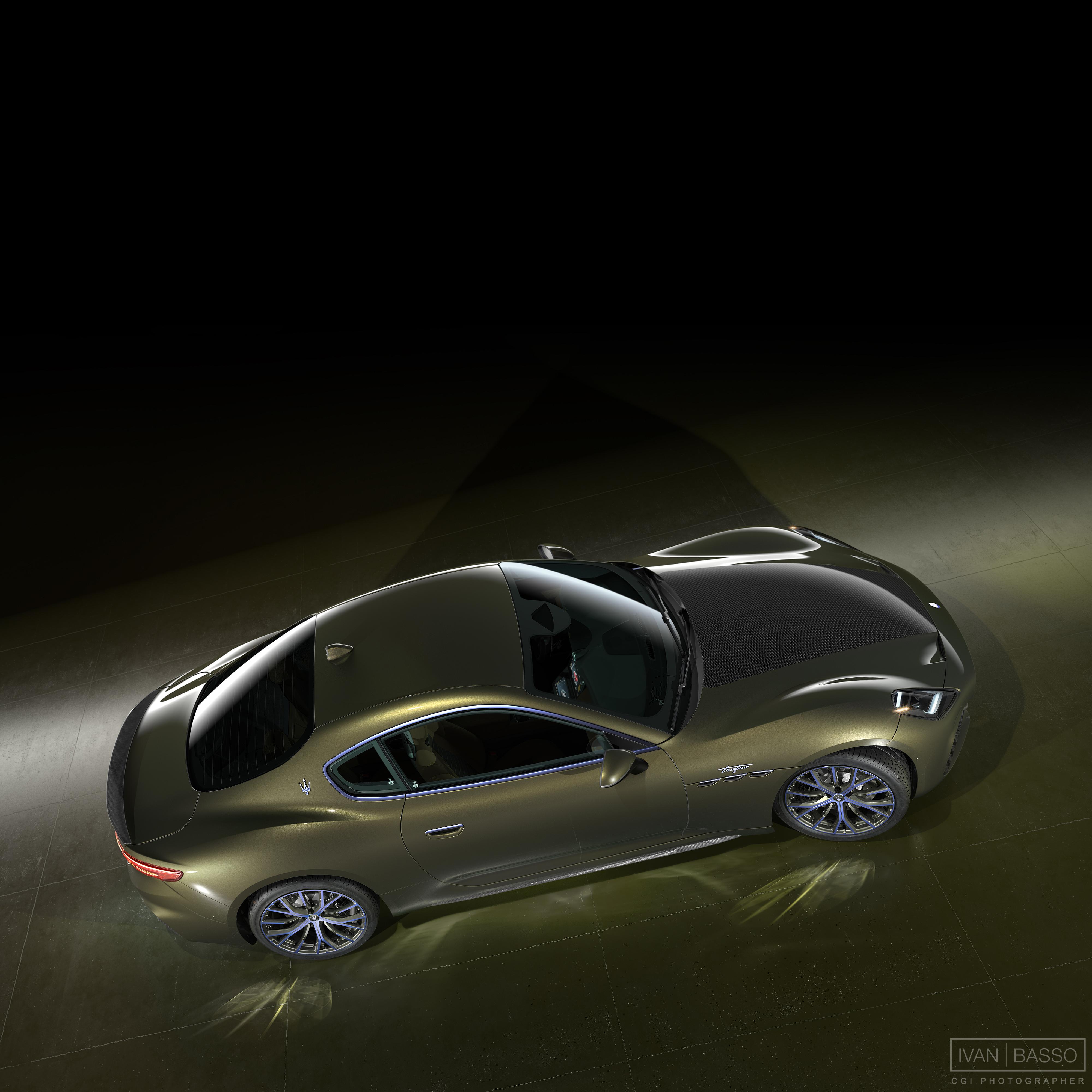
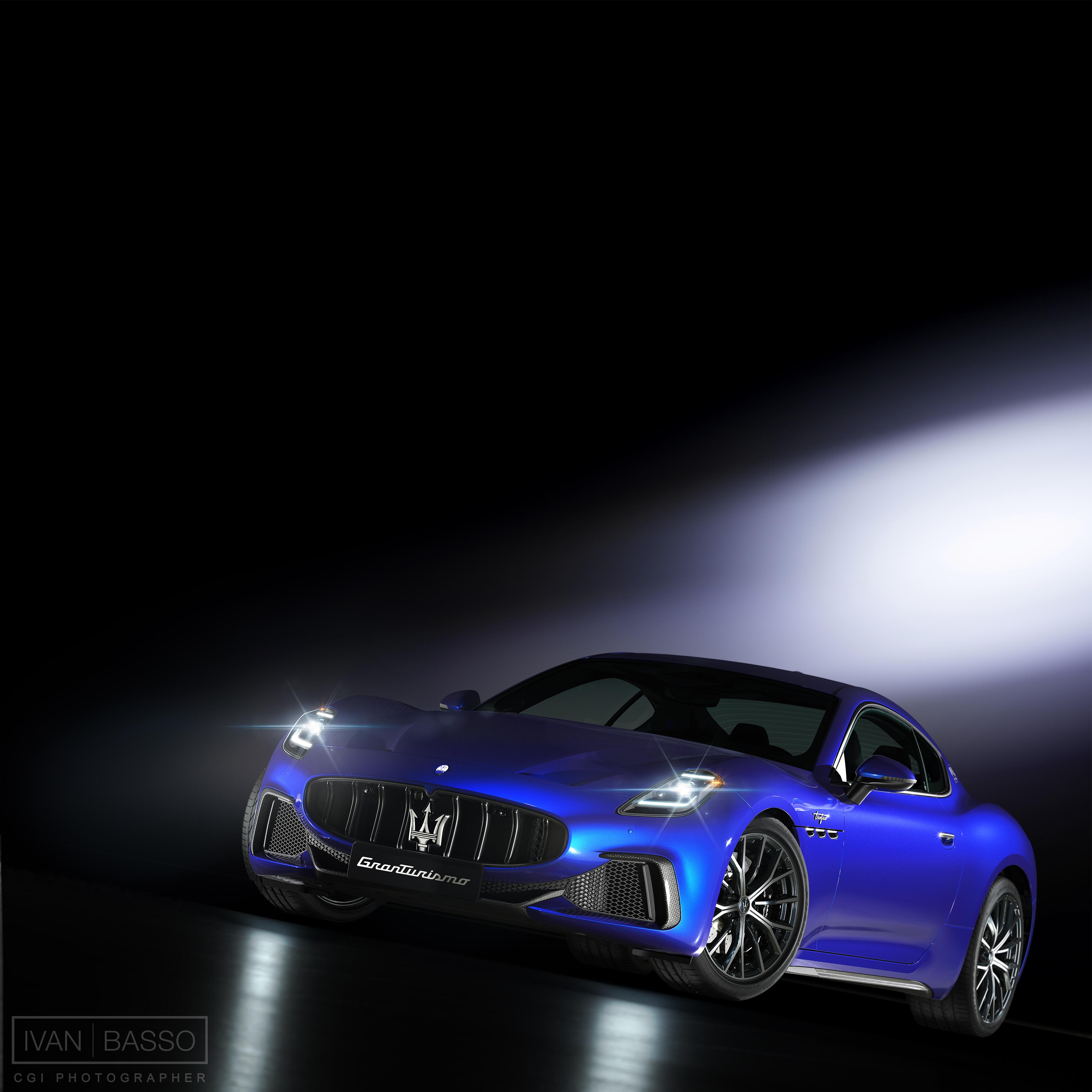
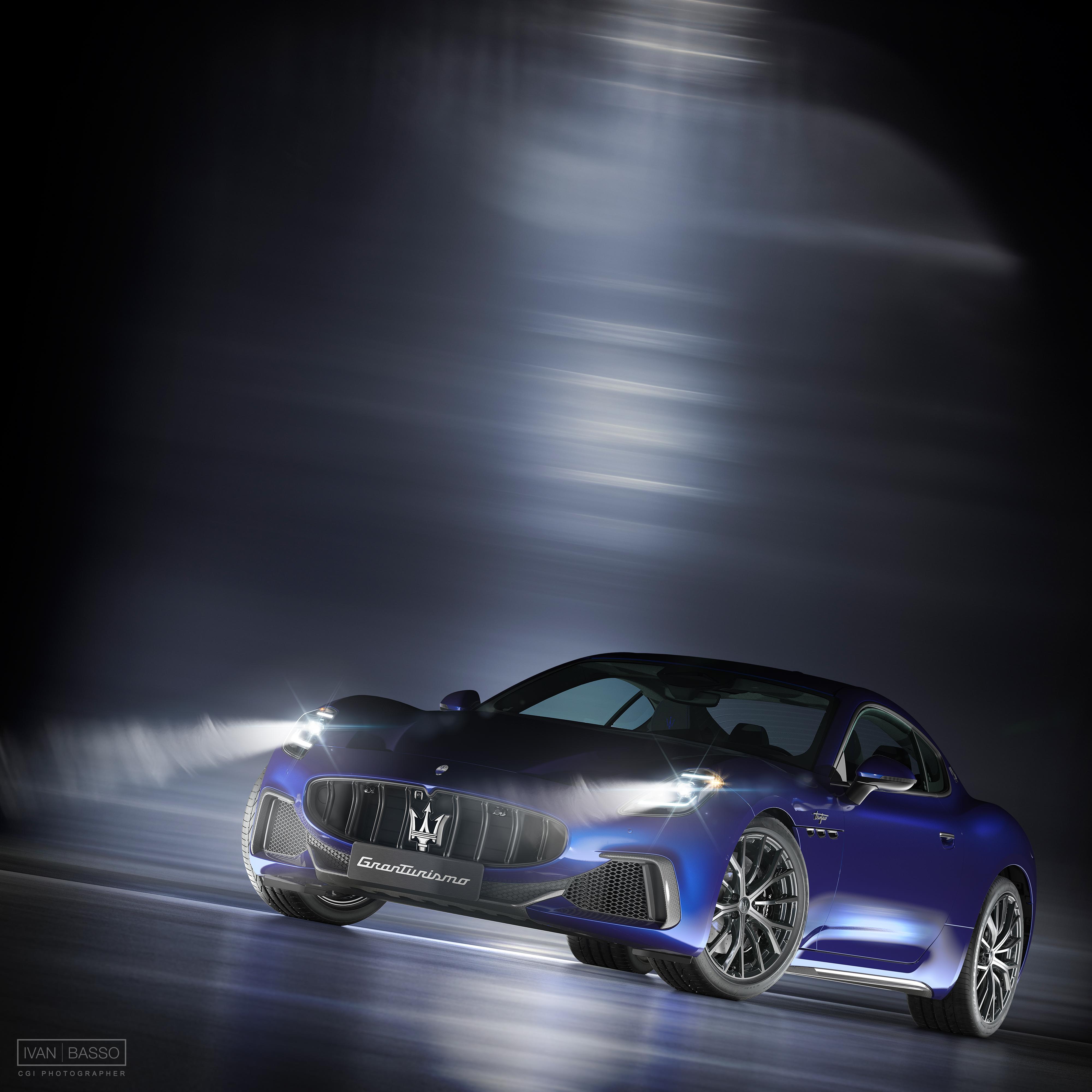
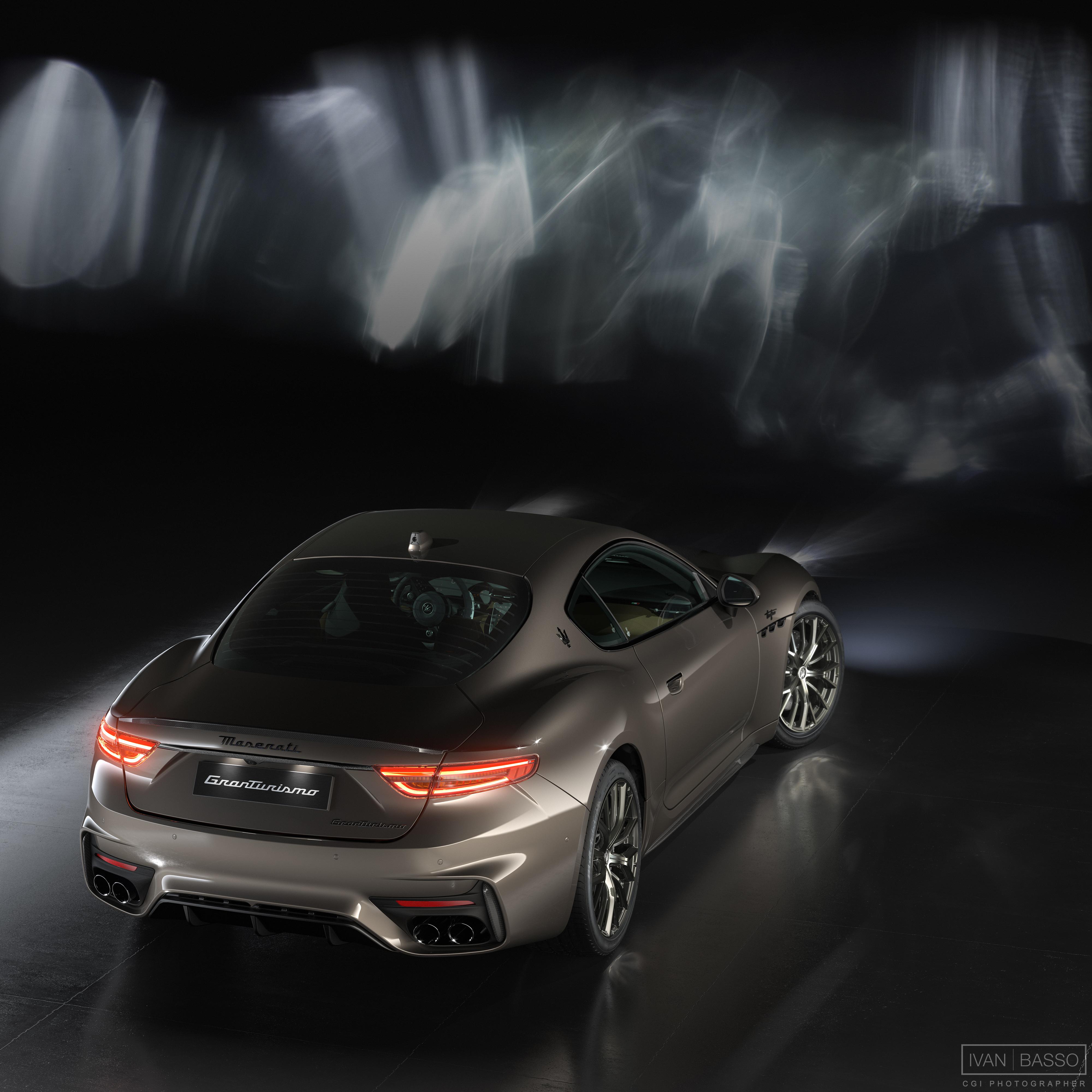
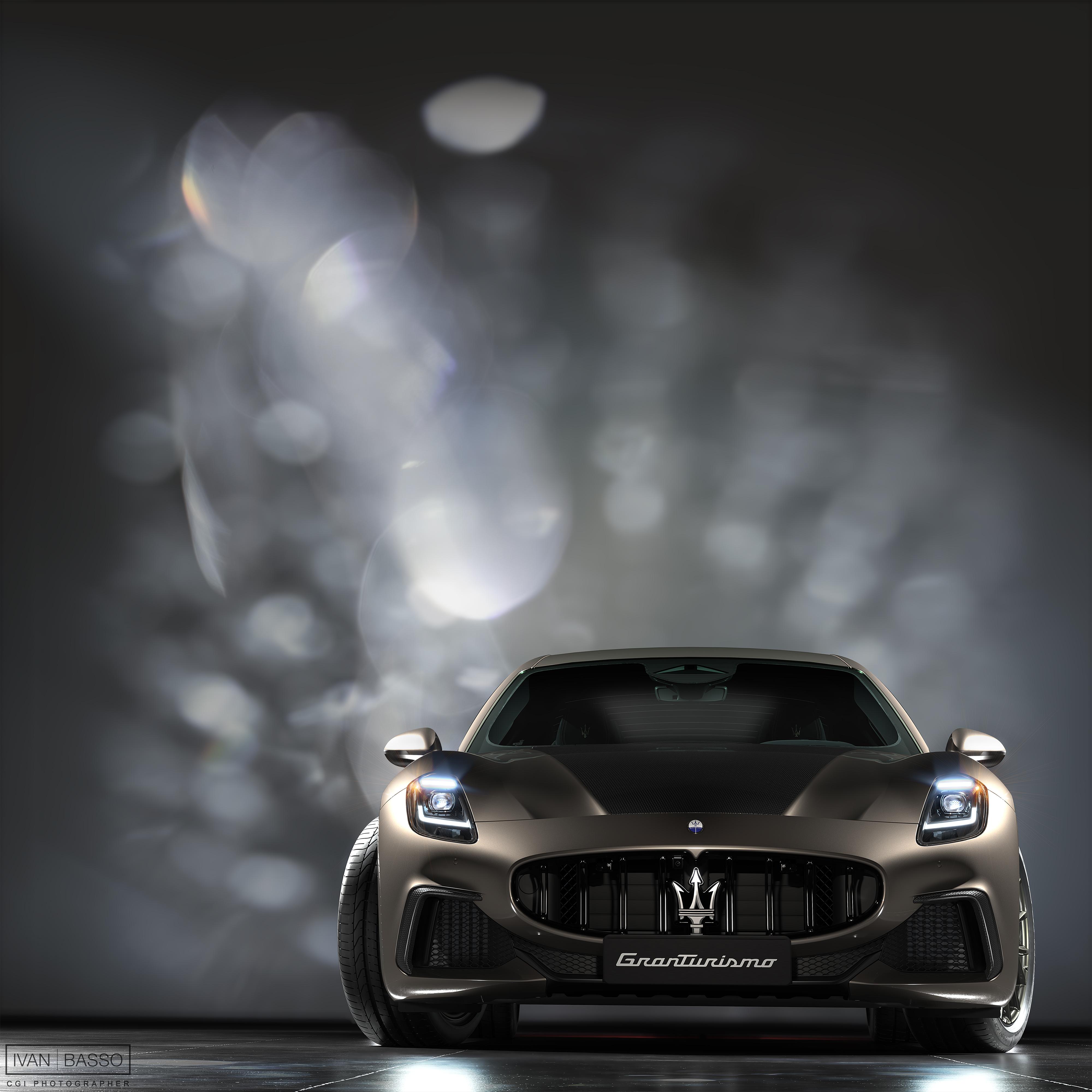
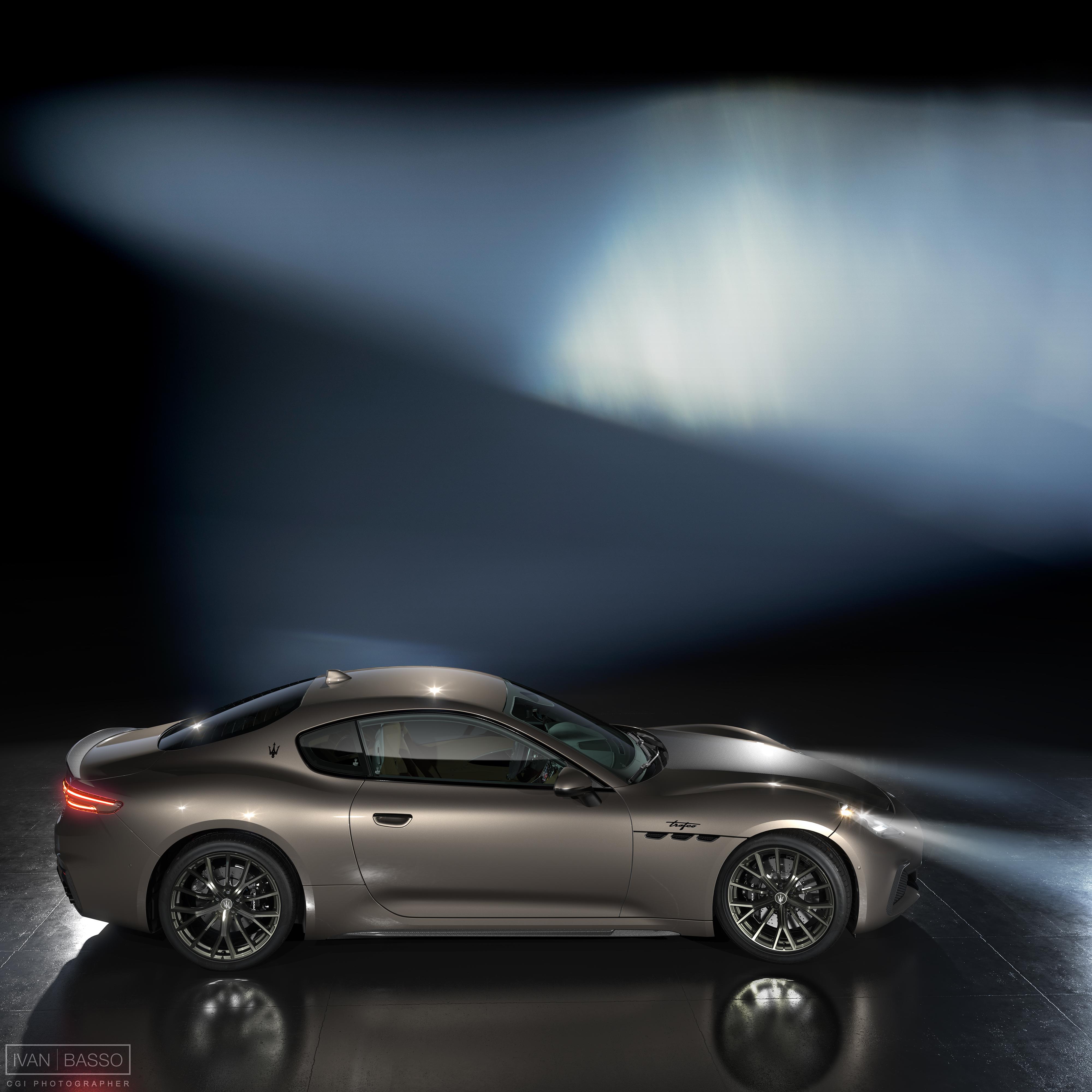
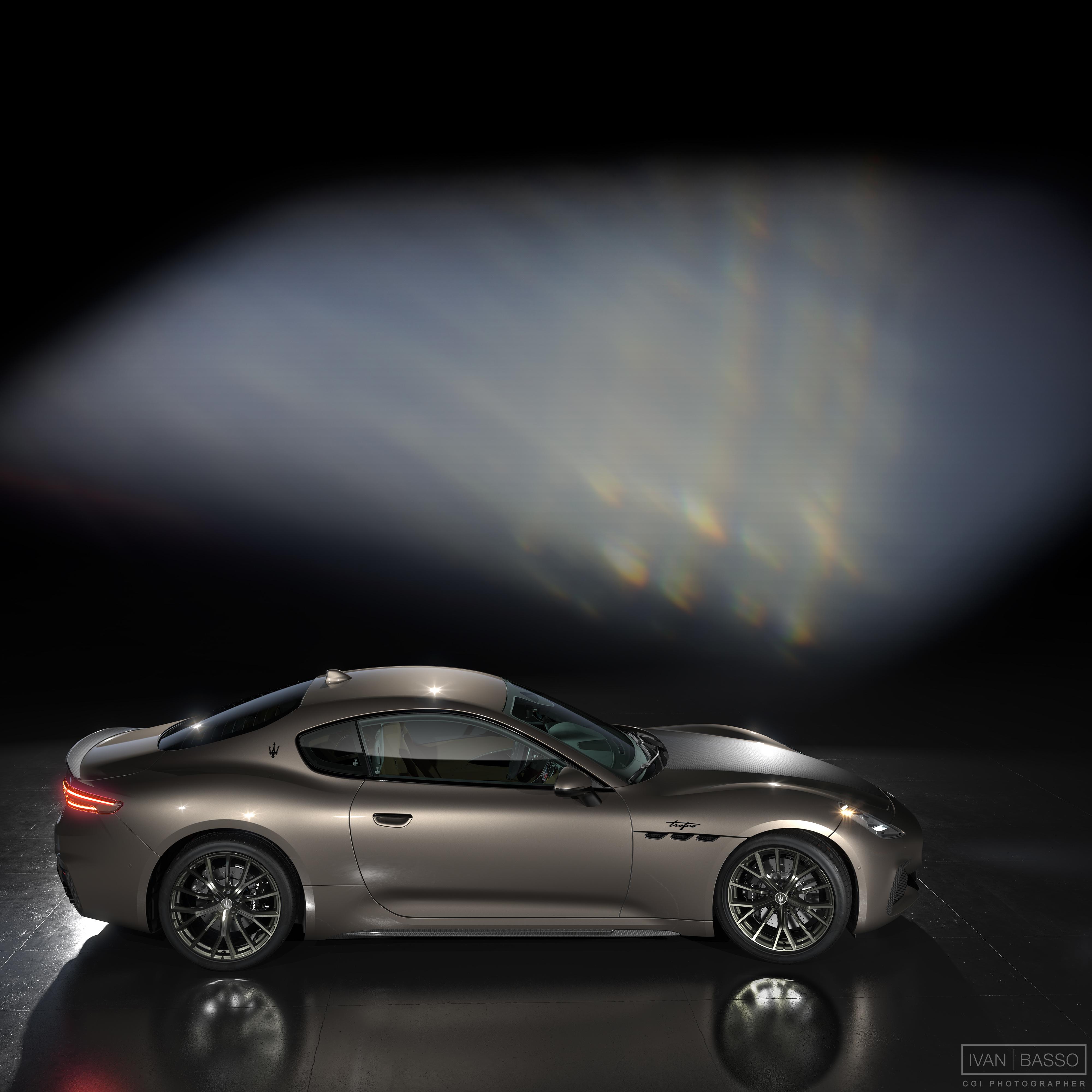
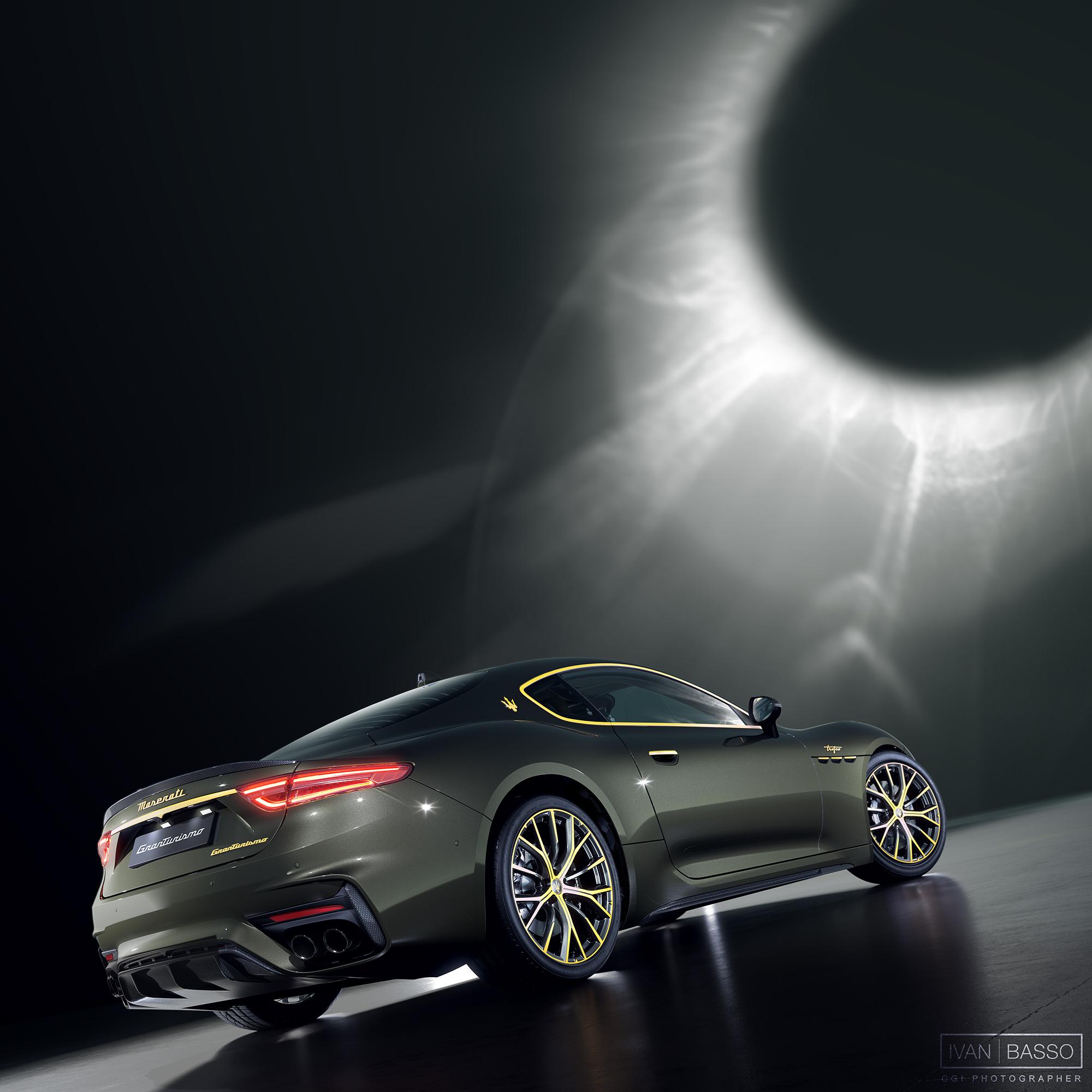
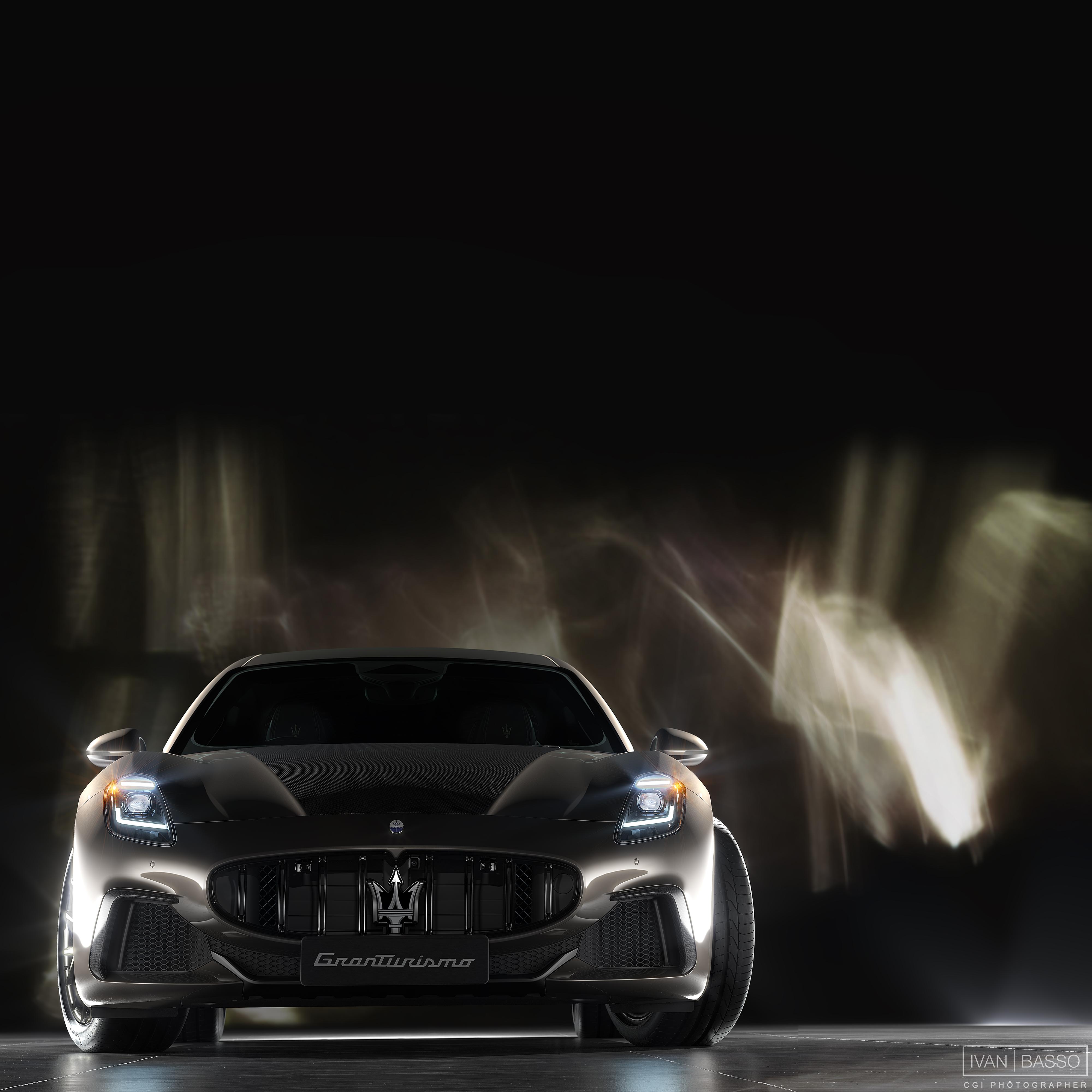
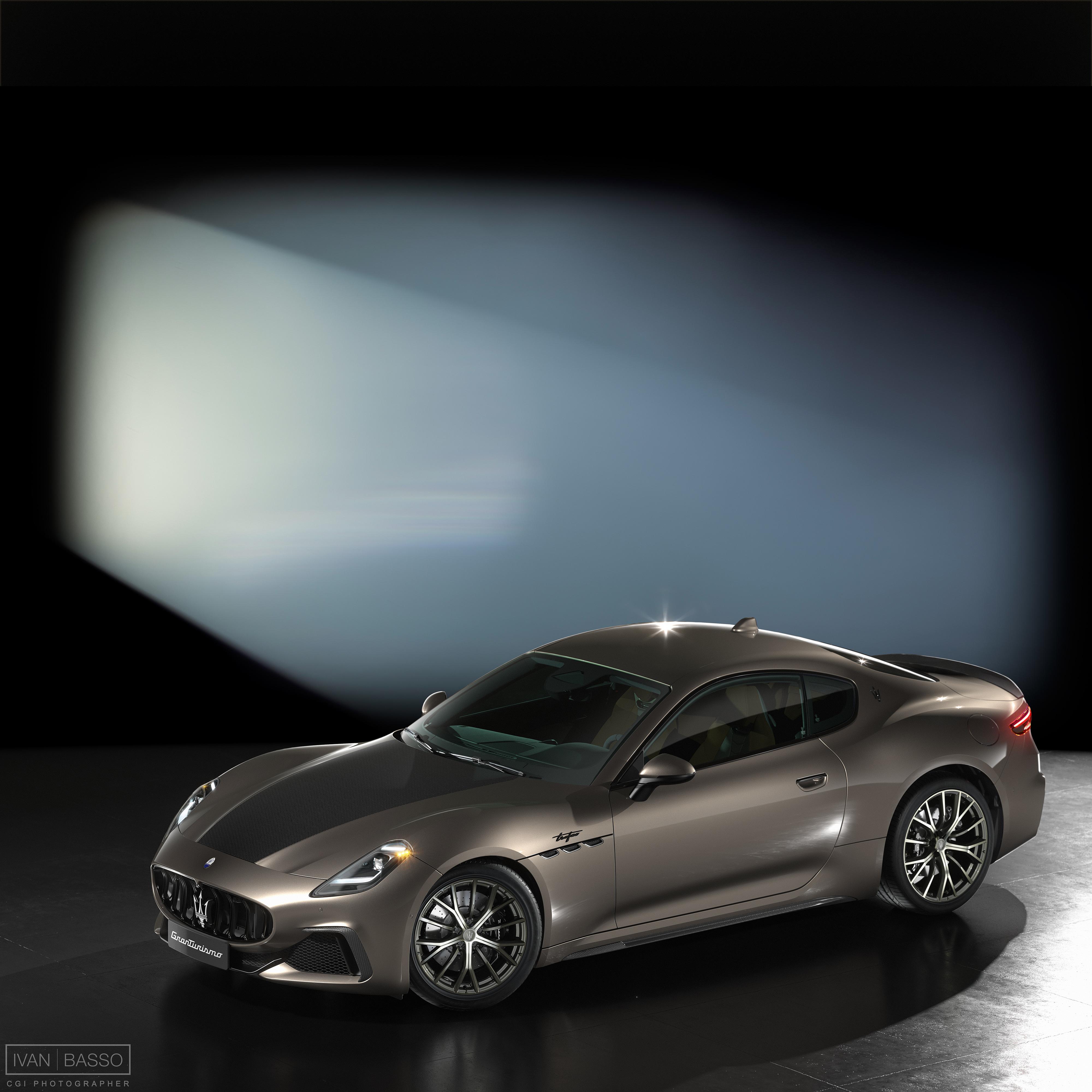
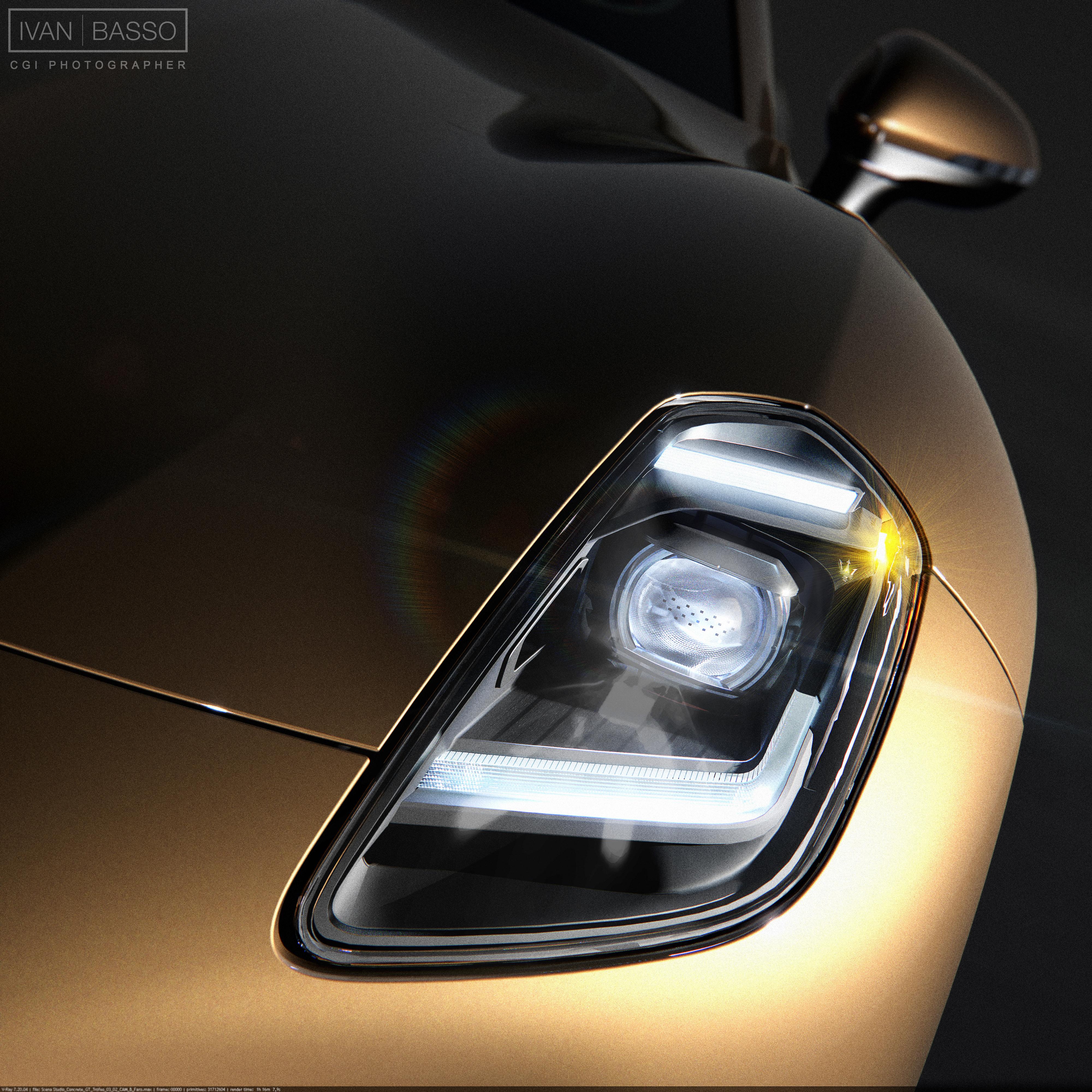
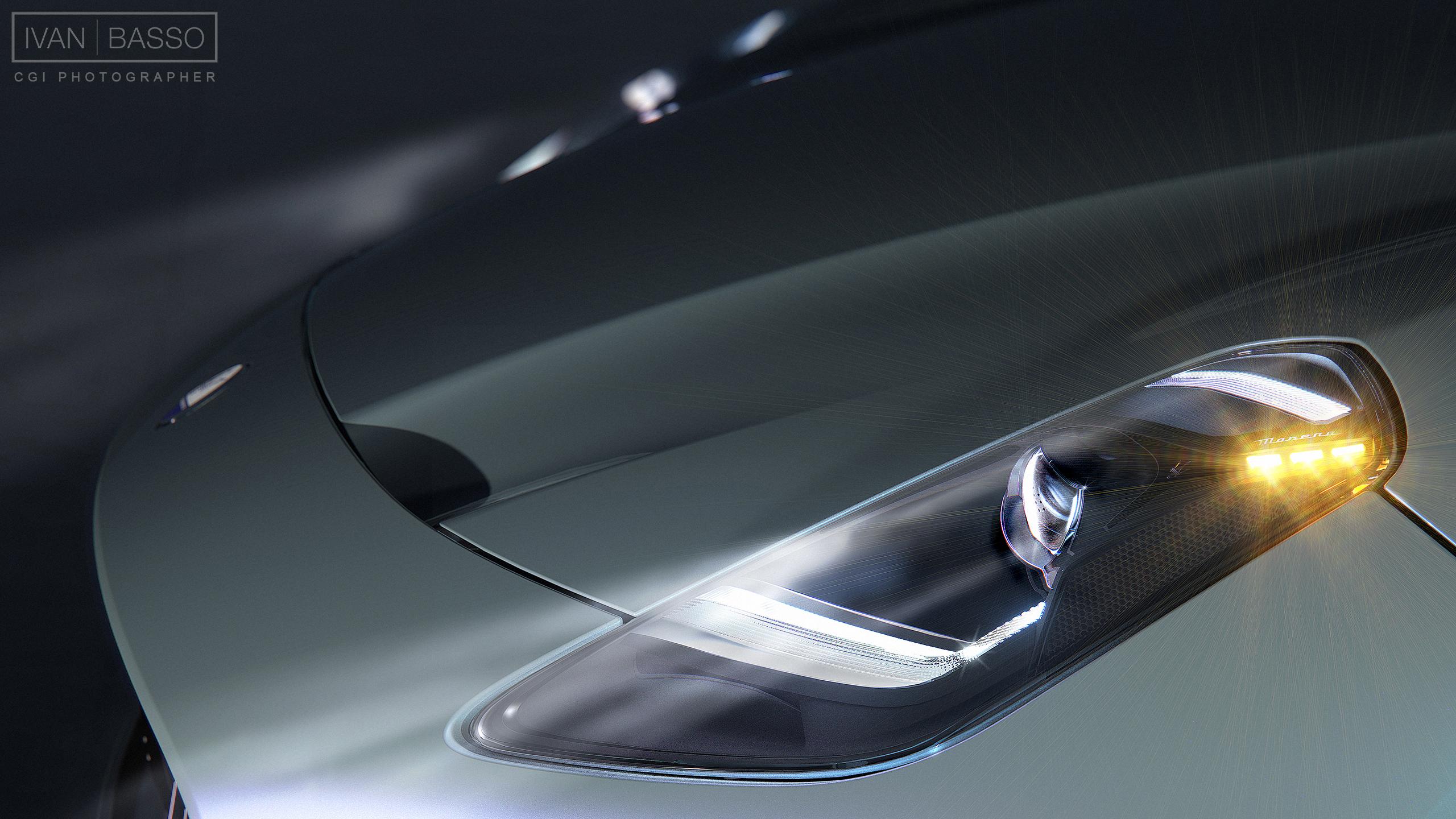
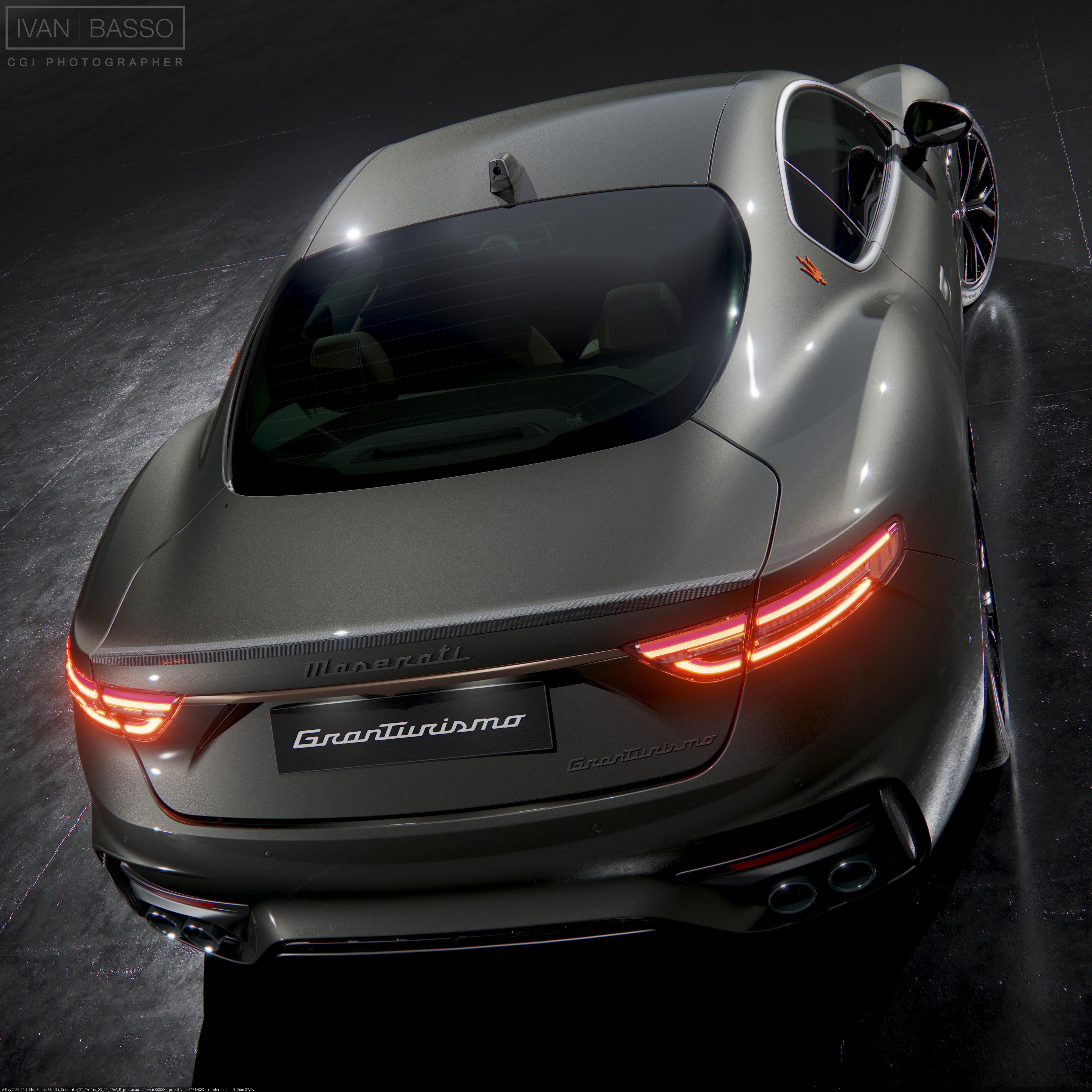
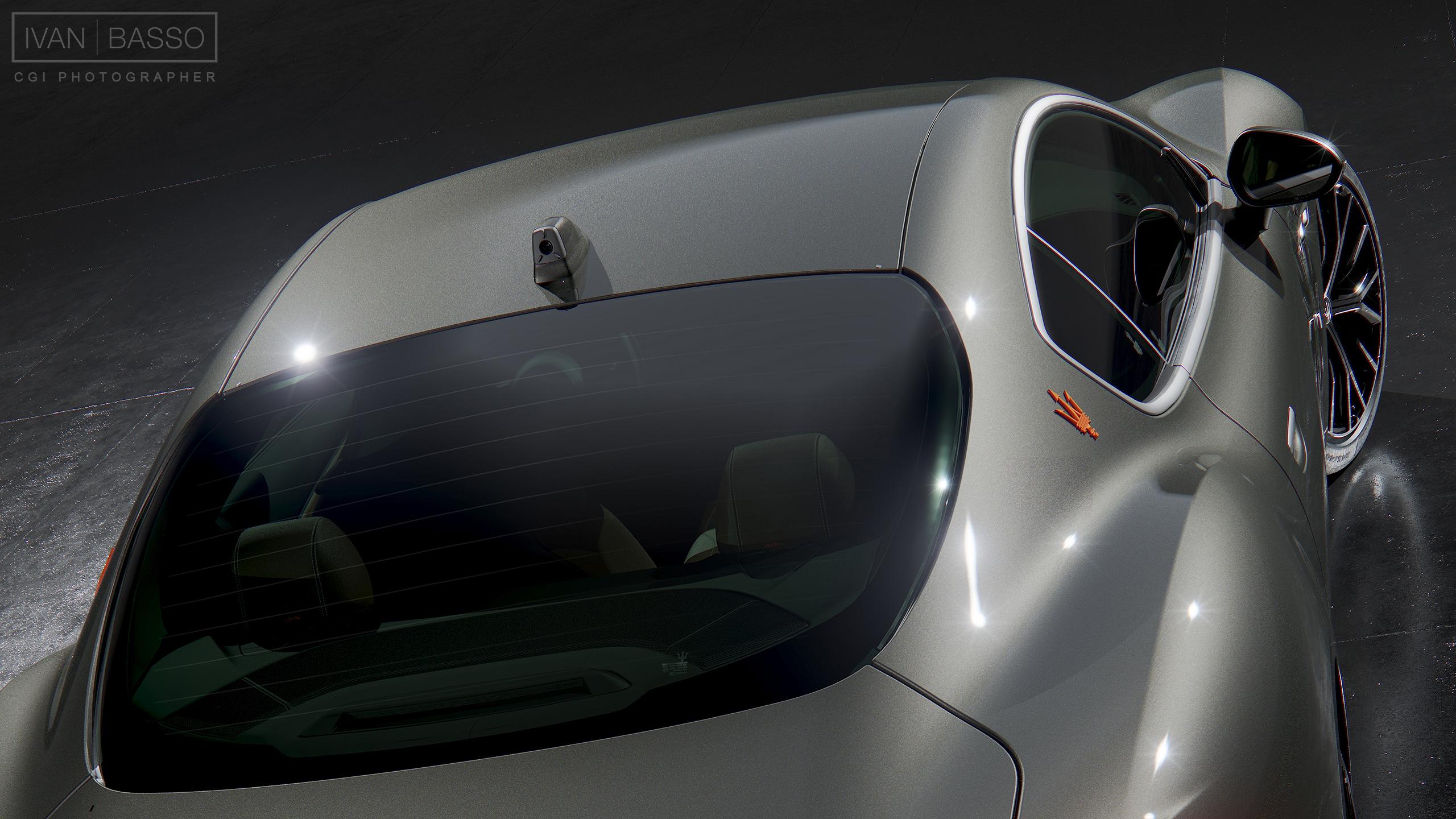
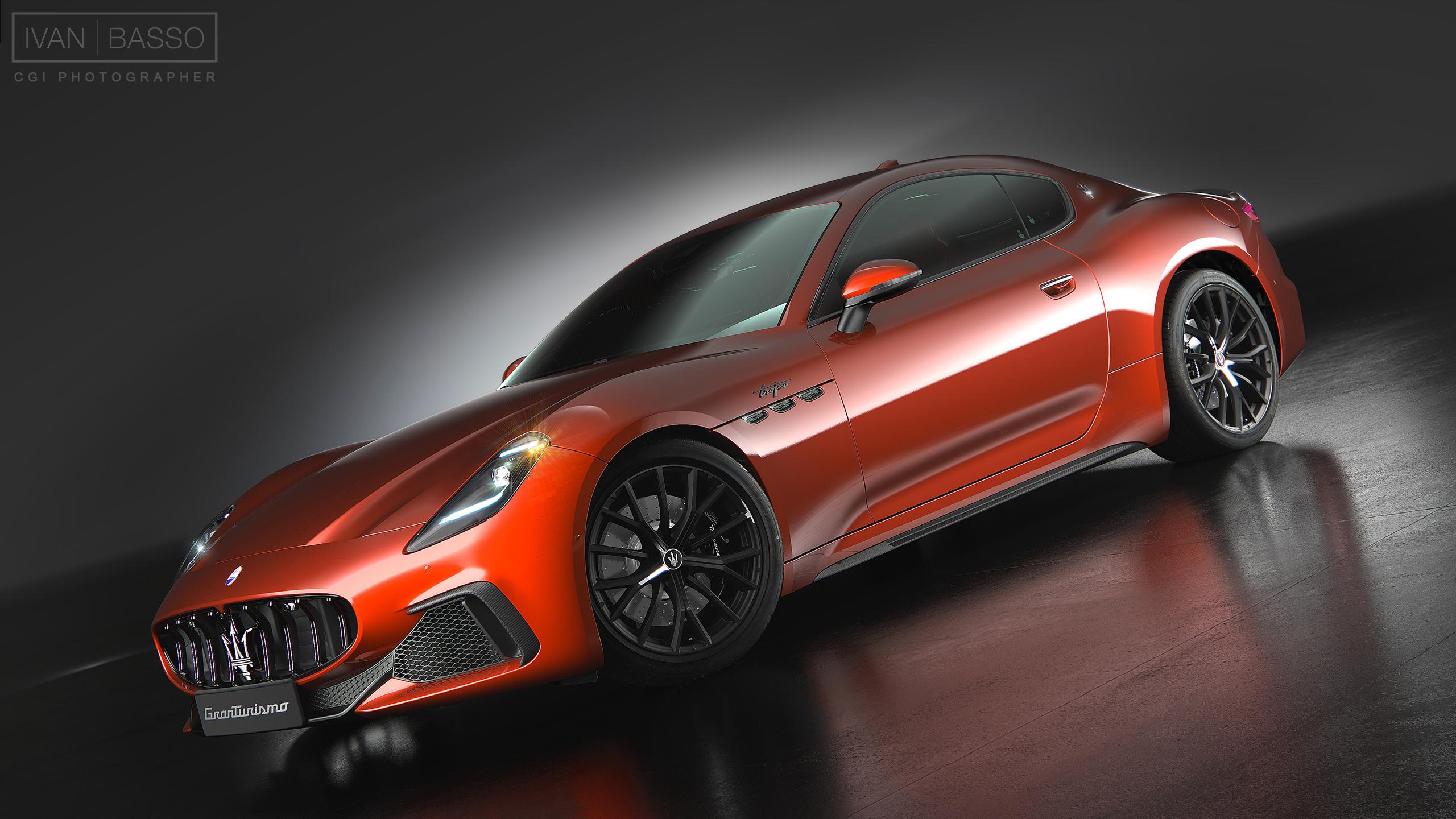
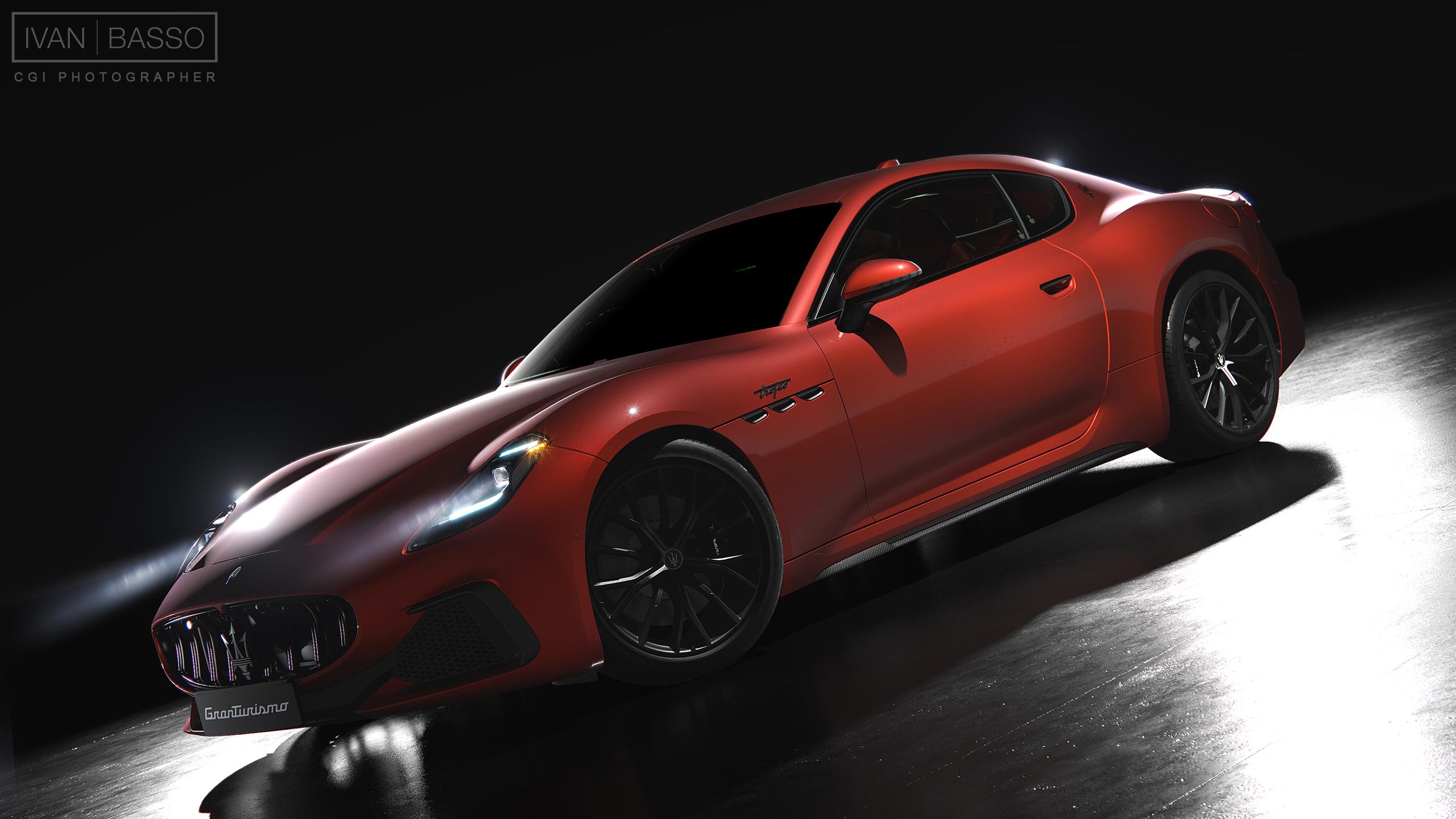
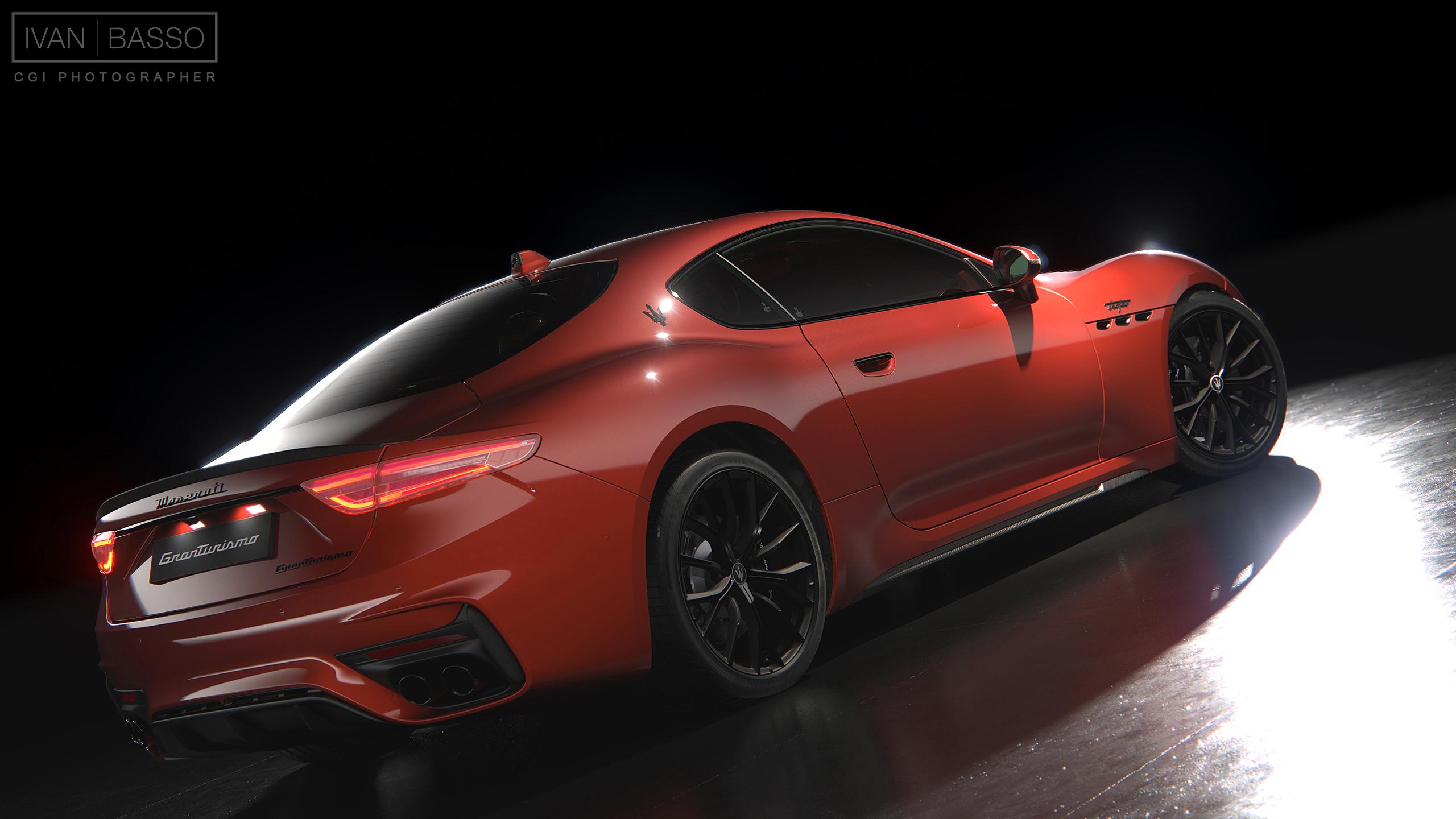
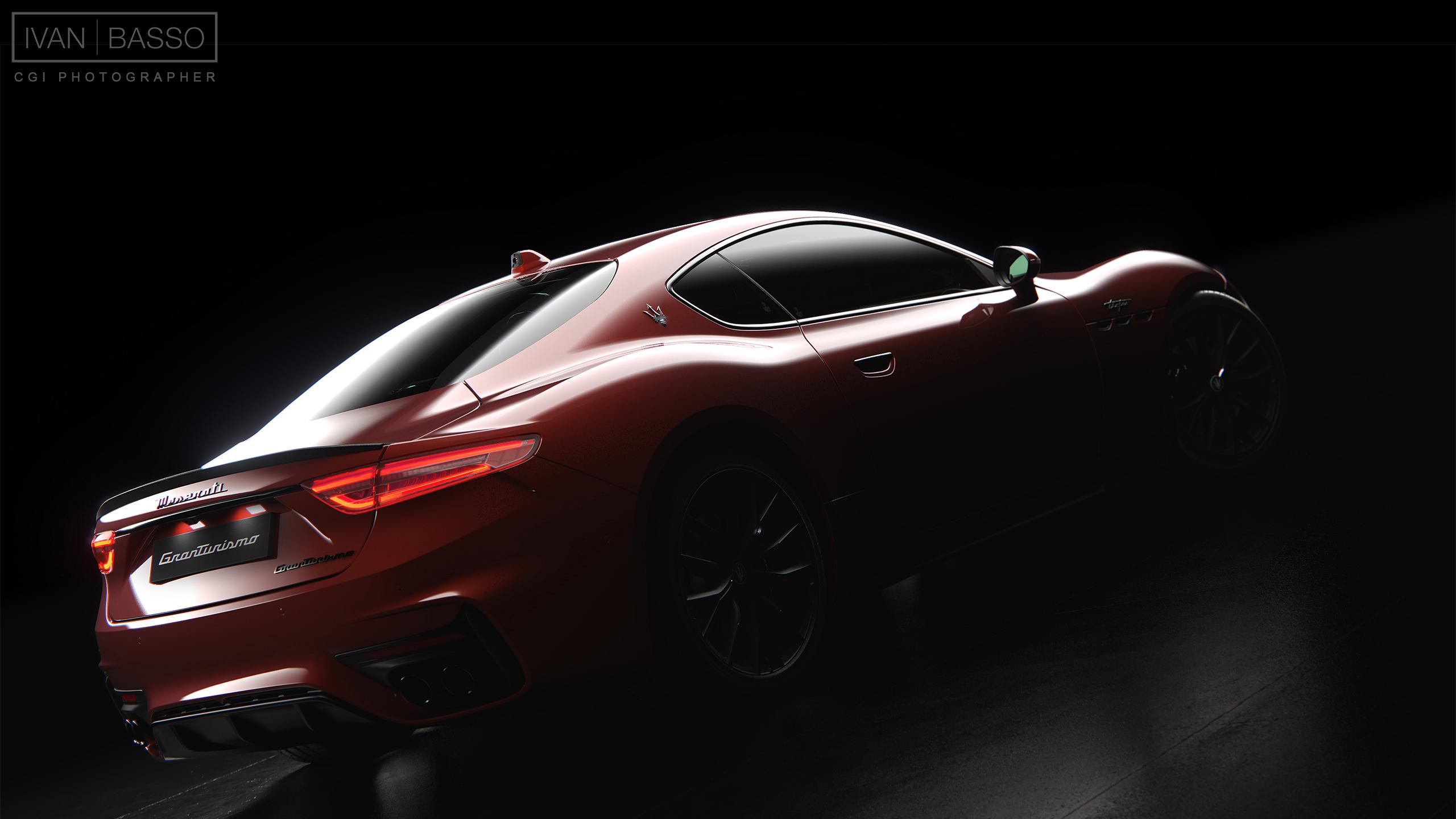
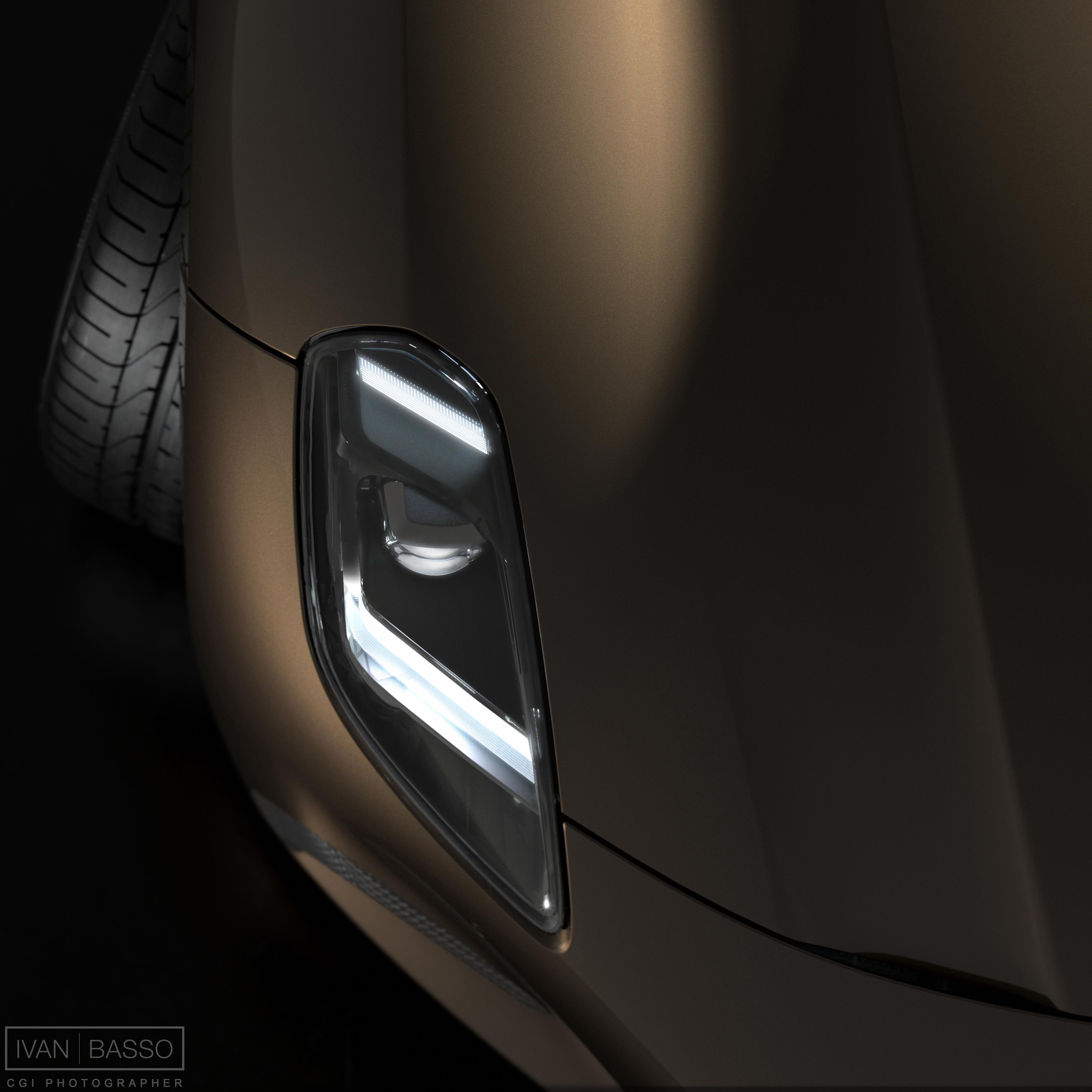
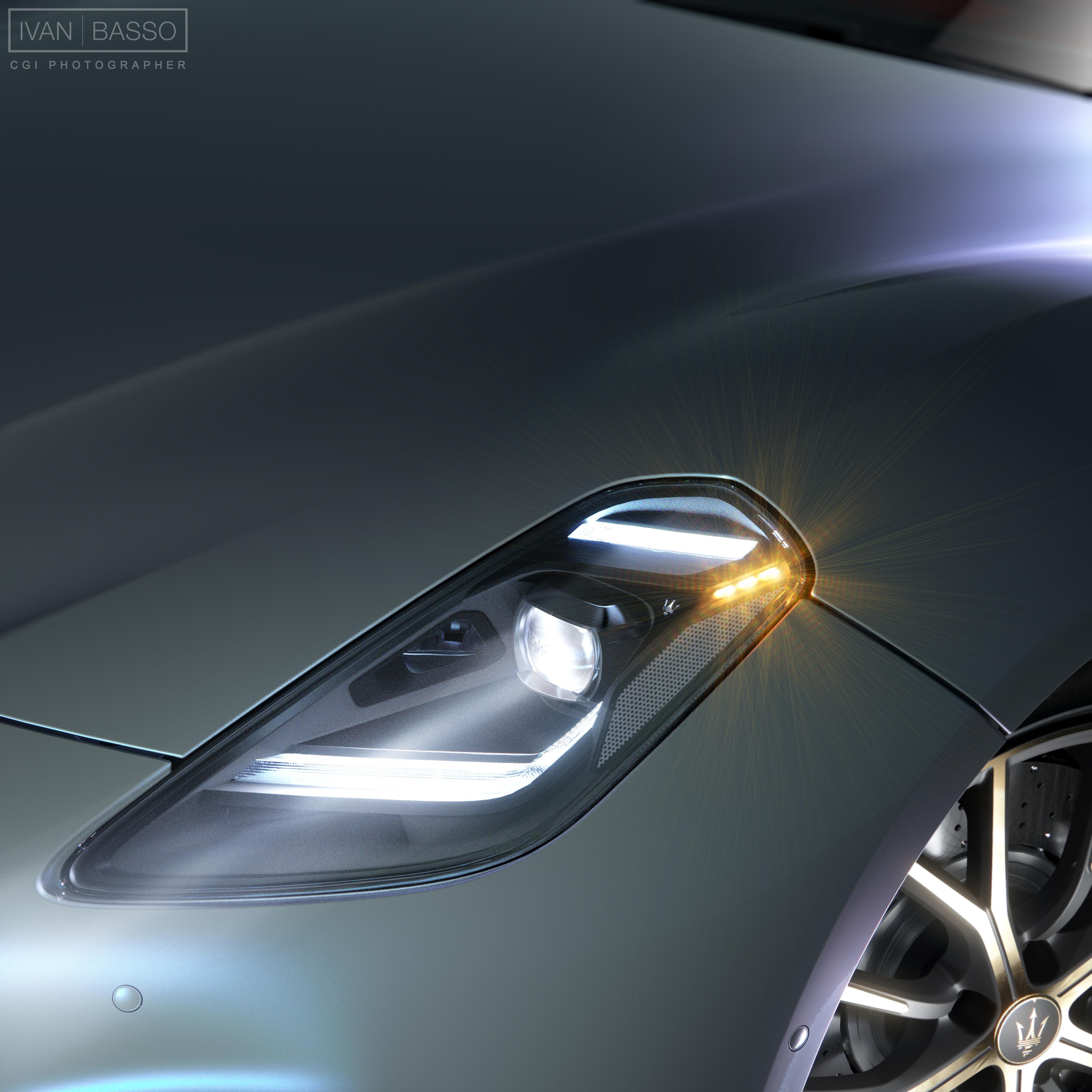
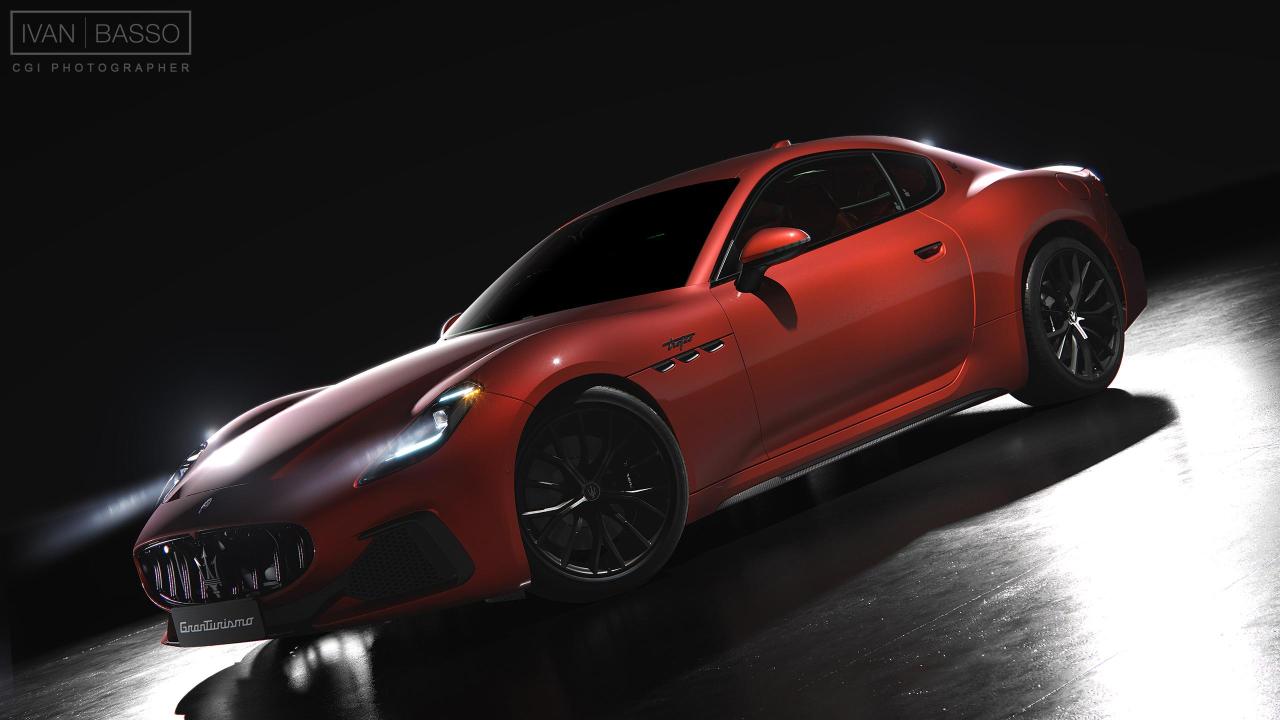
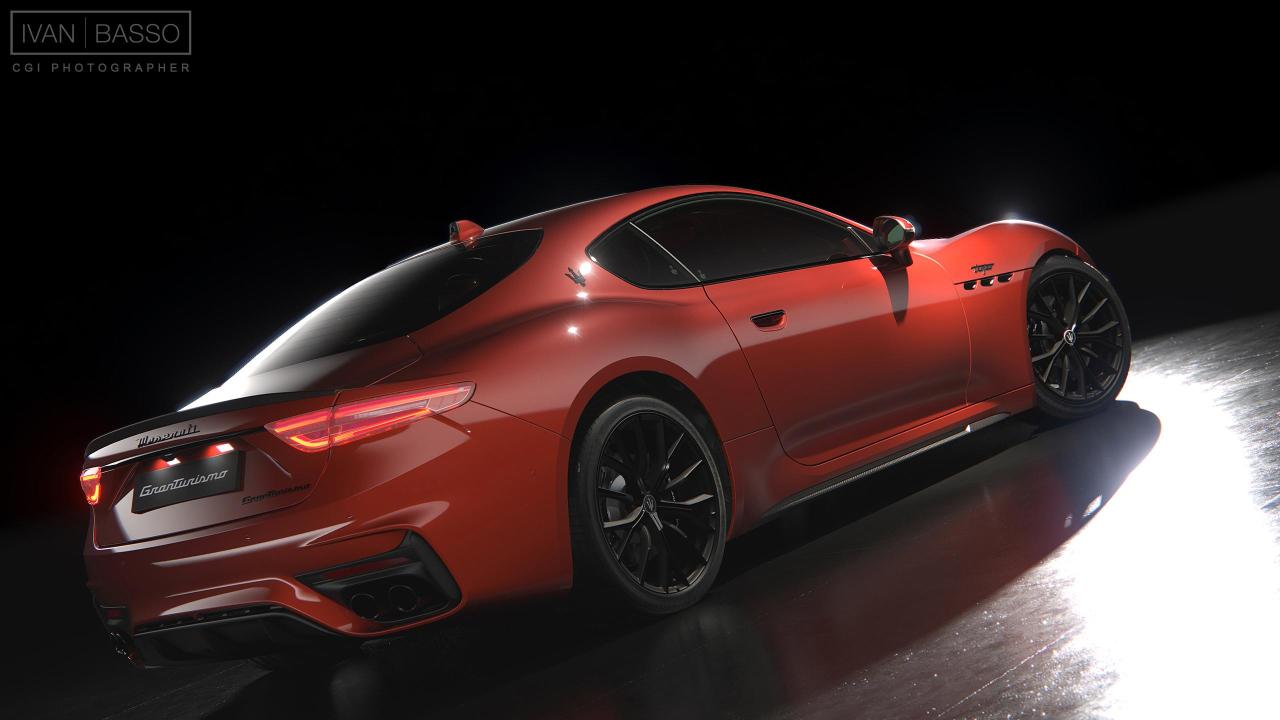
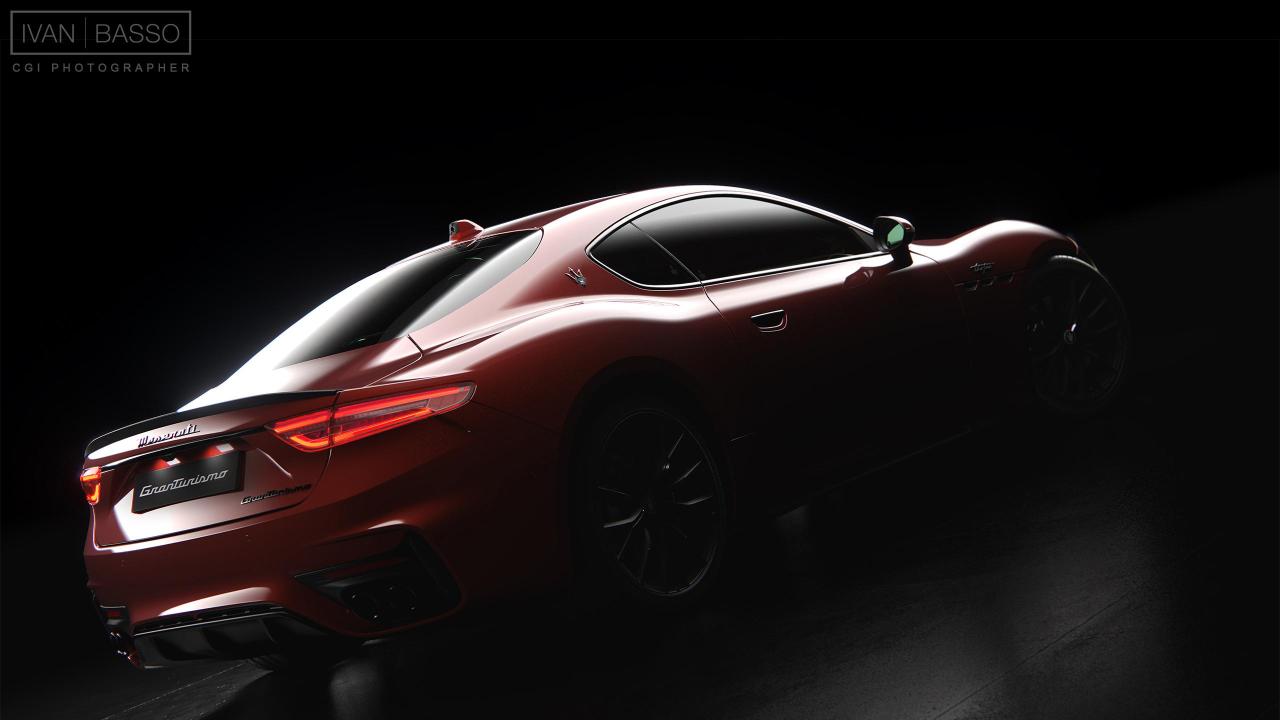
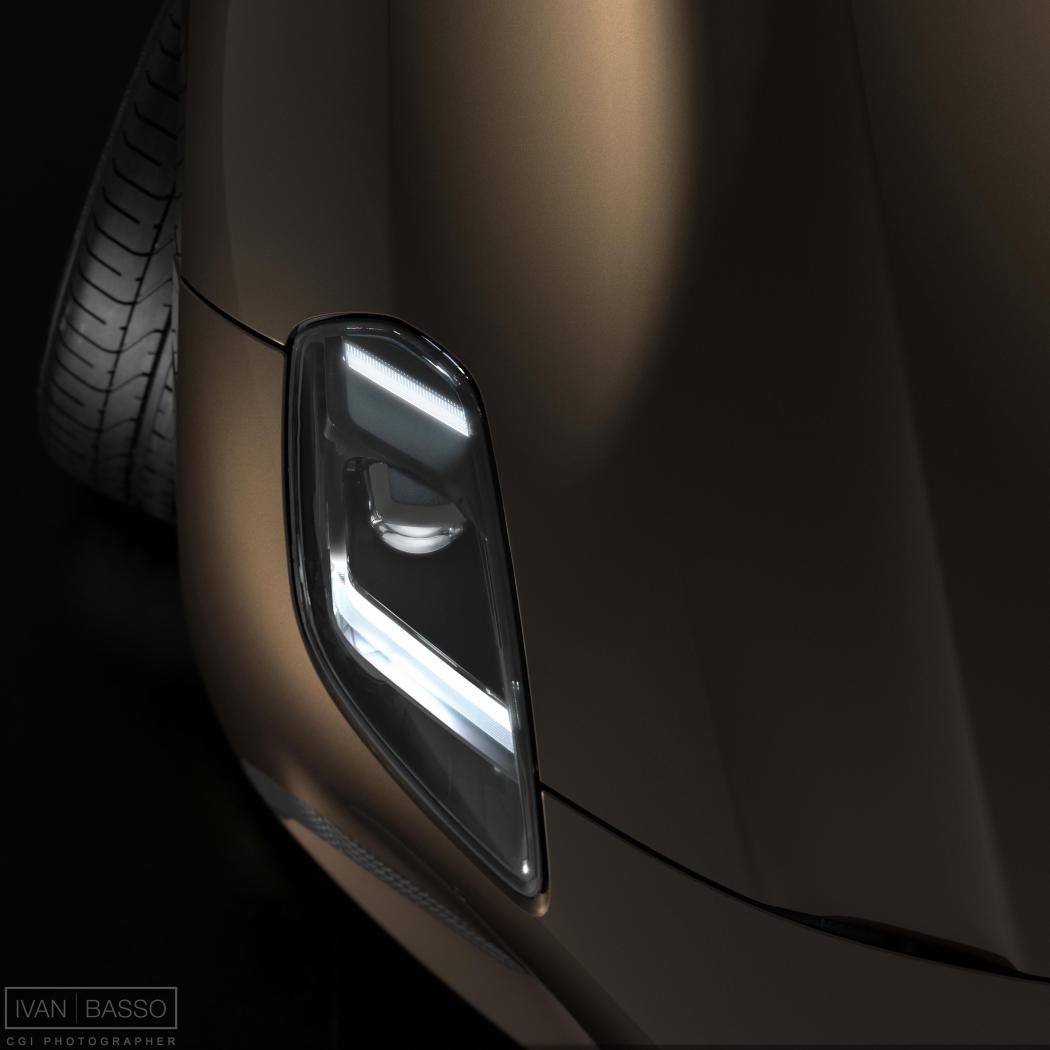
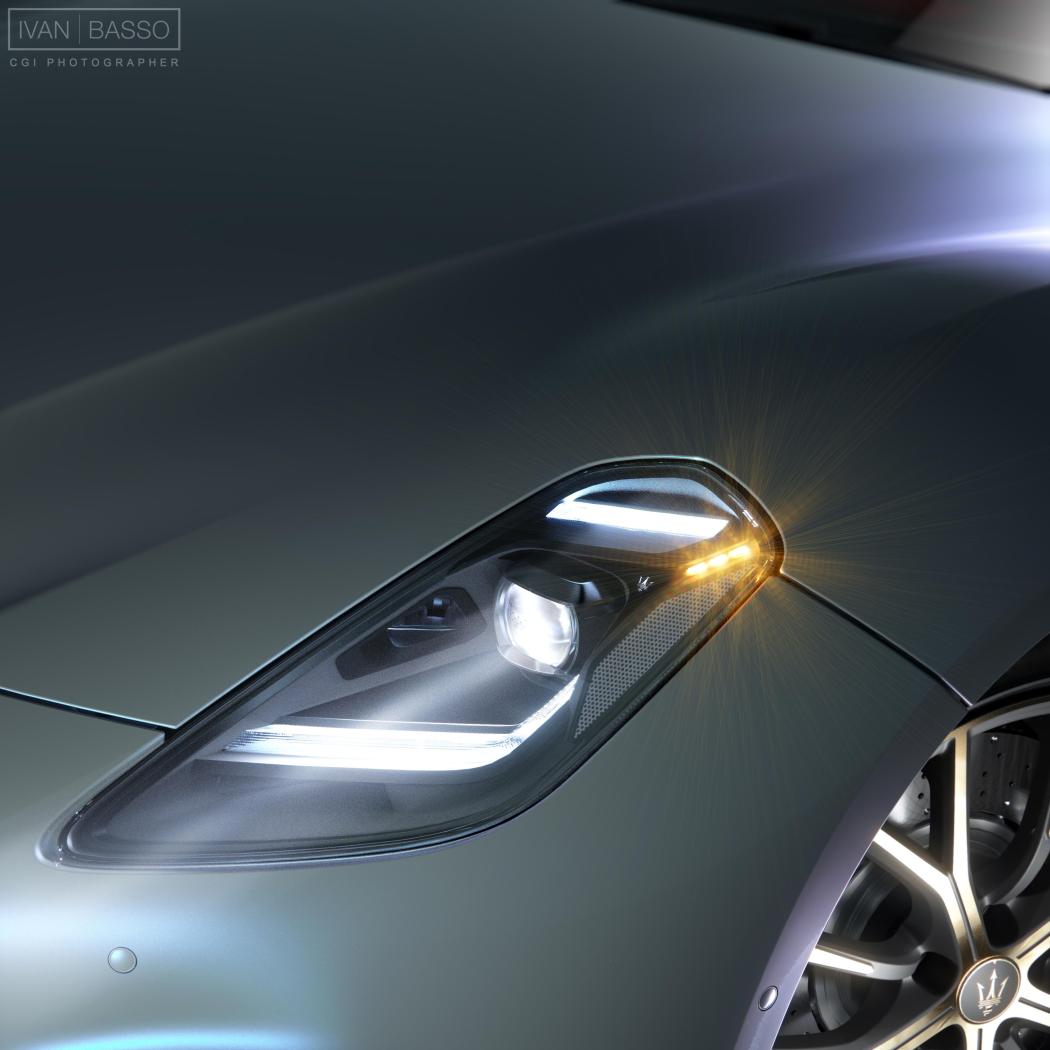
Ciao a tutti, in un momento di tempo libero ho deciso di investire un pò di tempo nel 'mio' modello di GranTurismo, cercando di elevare il livello di alcuni particolari esterni. Posto qui i risultati degli esperimenti, poi più avanti spero di arrivare al livello di qualità che mi sono messo in testa... Commenti e critiche come sempre benvenuti. I Fatto un pò di posto cancellando vecchie cose...
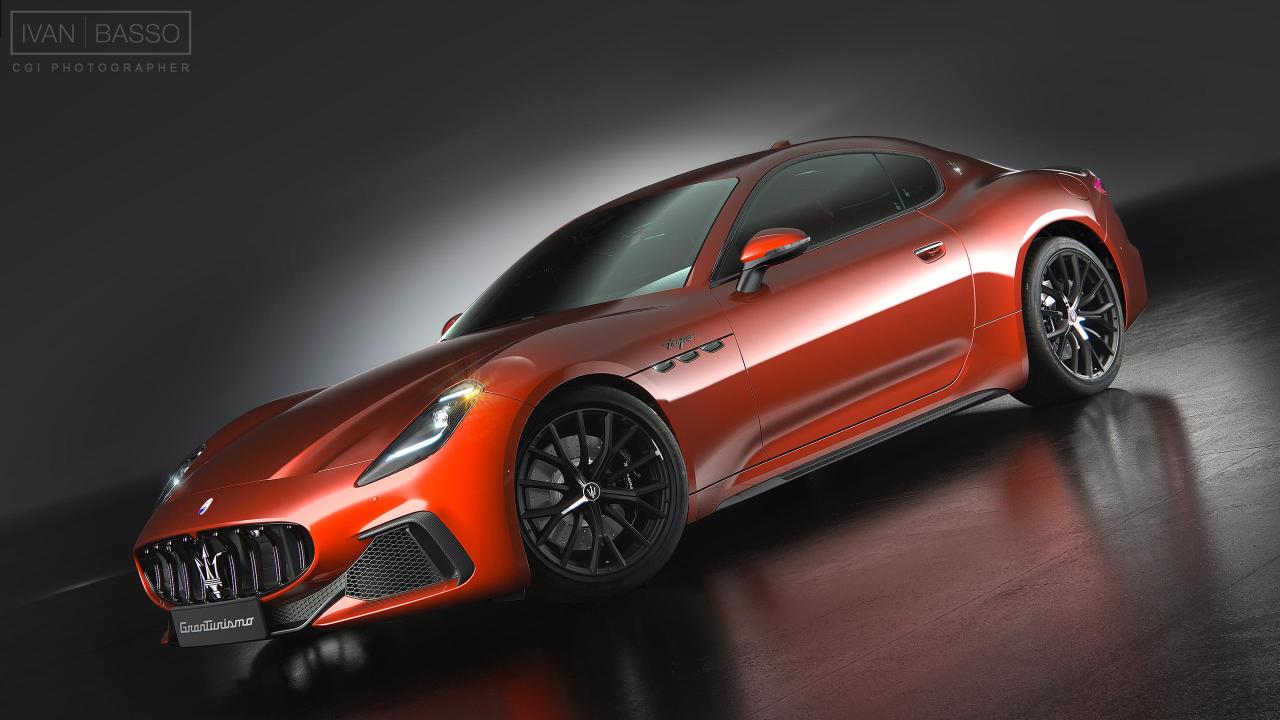
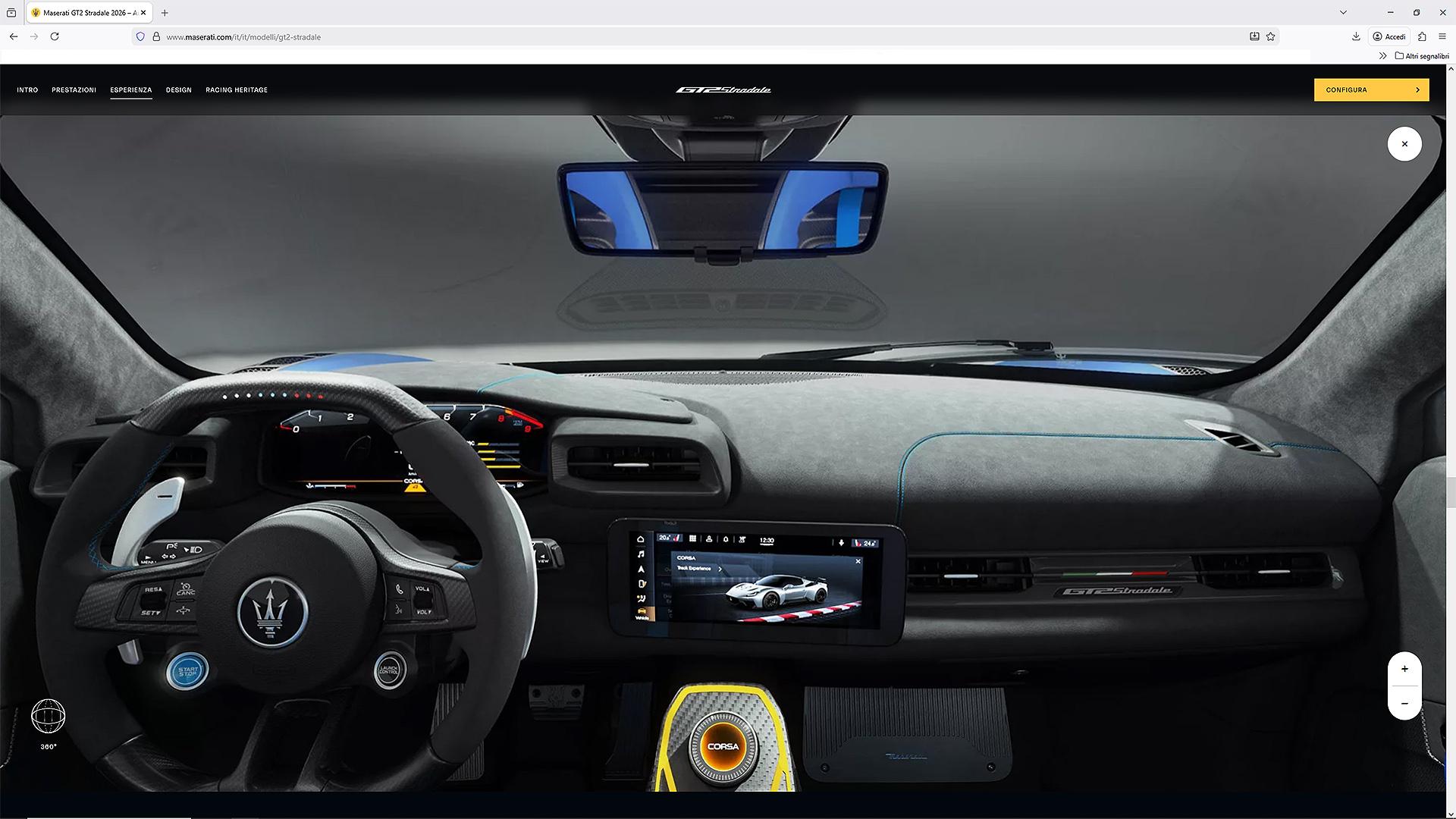
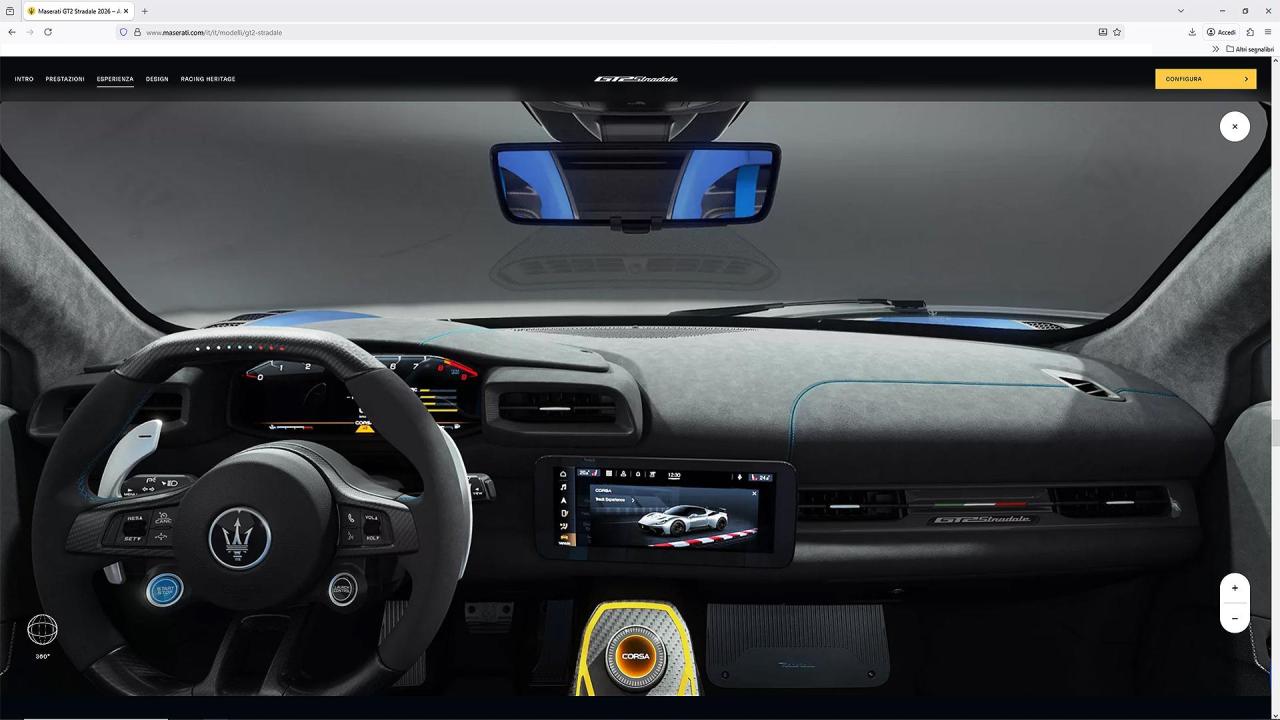
 4 ruote uguali: non ho parole, non pensavo si arrivasse ad un punto così basso nella comunicazione, è allucinante... Oppure è una presa per il culo mirata, come dire, 'vi facciamo vedere solo cazzate, e voi le bevete'... Sarebbe meglio.Purtroppo per motivi di 'peso' il file è piuttosto compresso (è stata utilizzata la tecnica della visualizzazione cubica, ed ogni singola faccia del cubo non doveva pesare più di 150-200 KB, per ovvii motivi di velocità di caricamento e fluidità di utilizzo per ogni tipo di piattaforma e connessione), chi volesse dare un'occhiata al file originale, che appare molto più dettagliato, può scaricarlo qui: https://we.tl/t-RH3oju3bN1 Per poterlo 'esplorare' correttamente, serve un lettore di file panoramici cubici: funziona bene, ed è gratuito, quello ufficiale di Microsoft, che trovate nello store: Microsoft Store - Scarica app, giochi e altro ancora per il tuo PC WindowsSimple Panorama Viewer - Download e installazione gratuit...Pure panorama image viewer. Supports general 360, cubic, and cropped panorama images. Enjoy seamless viewing, even with huge images that exceed your video adapter's capacity. Our app dynamically down Per correttezza, va detto che la scena si basa sul mastermodel ufficiale della vettura, usato per il configuratore 2D, fornitomi da Maserati, sul quale poi sono intervenuto implementando altri diversi materiali ed effettuando alcune migliorie alle geometrie, oltre che realizzare lo studio dell'illuminazione. Spero piaccia, se avete voglia di provarlo.Allora, una cosa interessante che ho realizzato interamente e che potreste vedere tranquillamente (se interessa) è la vista 3D realtime dell'abitacolo della GT2S, che potete vedere a questo indirizzo: https://www.maserati.com/it/it/modelli/gt2-stradale Dovete poi scrollare (anche qui gli altri contenuti in CG sono realizzati insieme a Corelab.it) fino a raggiungere l'applicazione ed entrarci dentro.
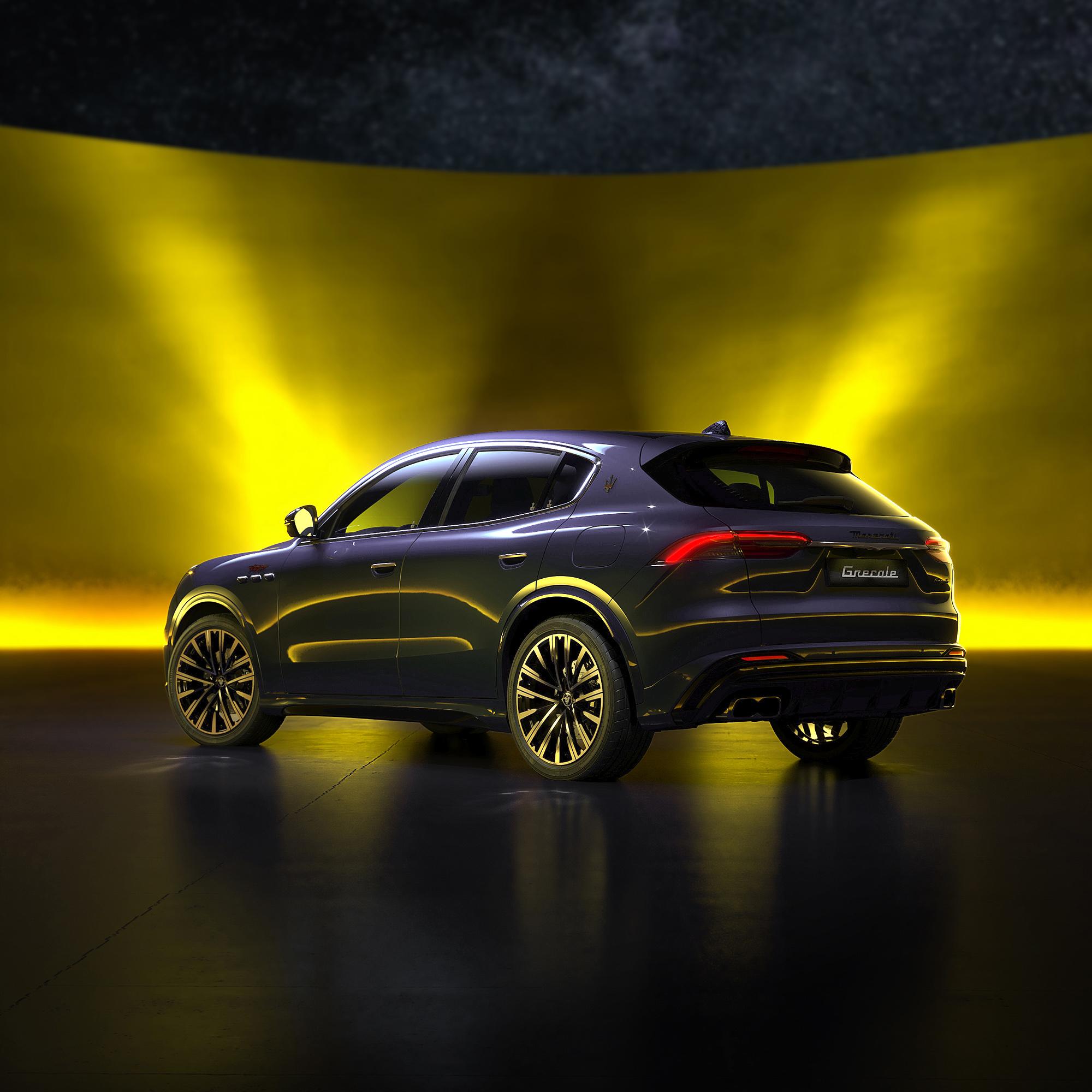
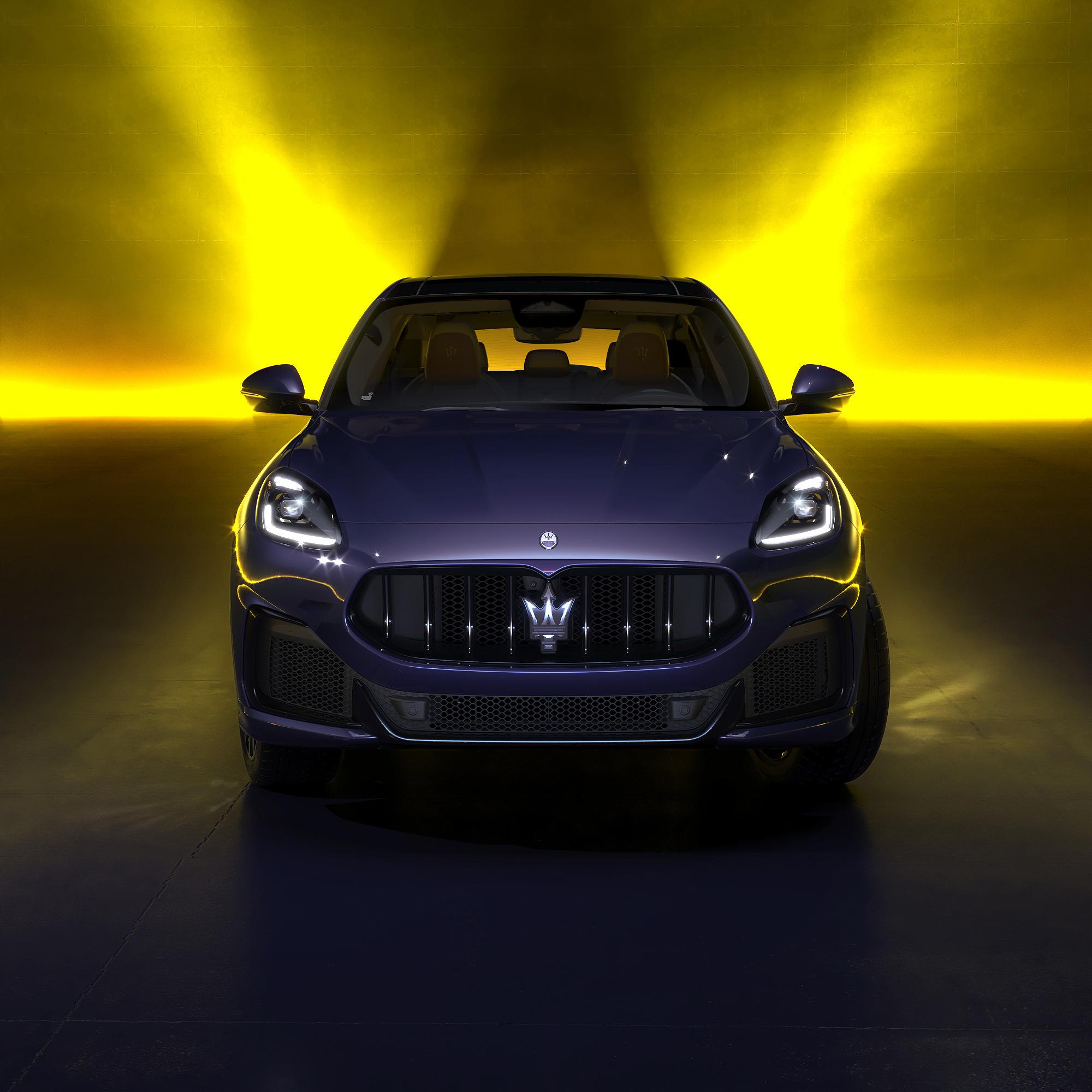
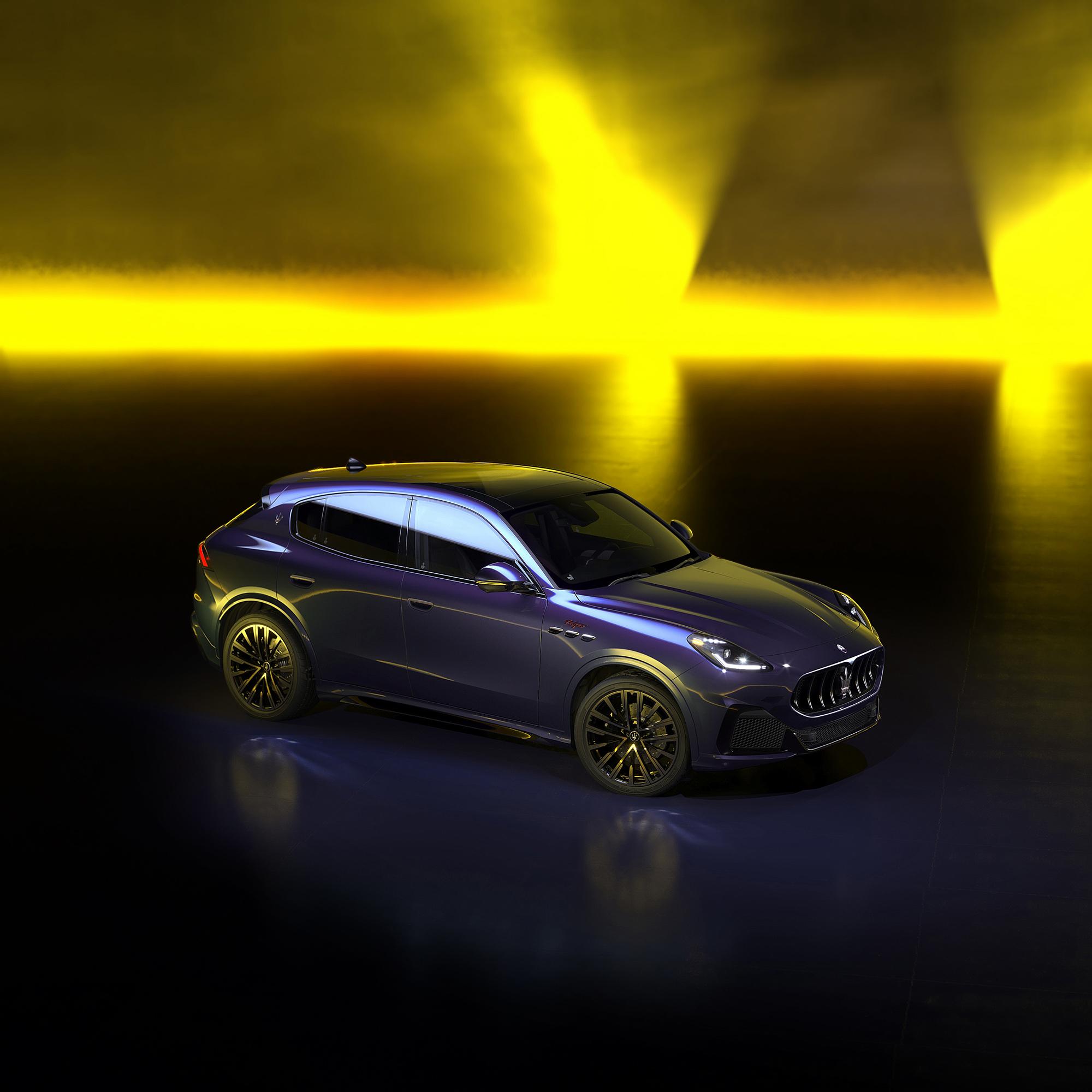
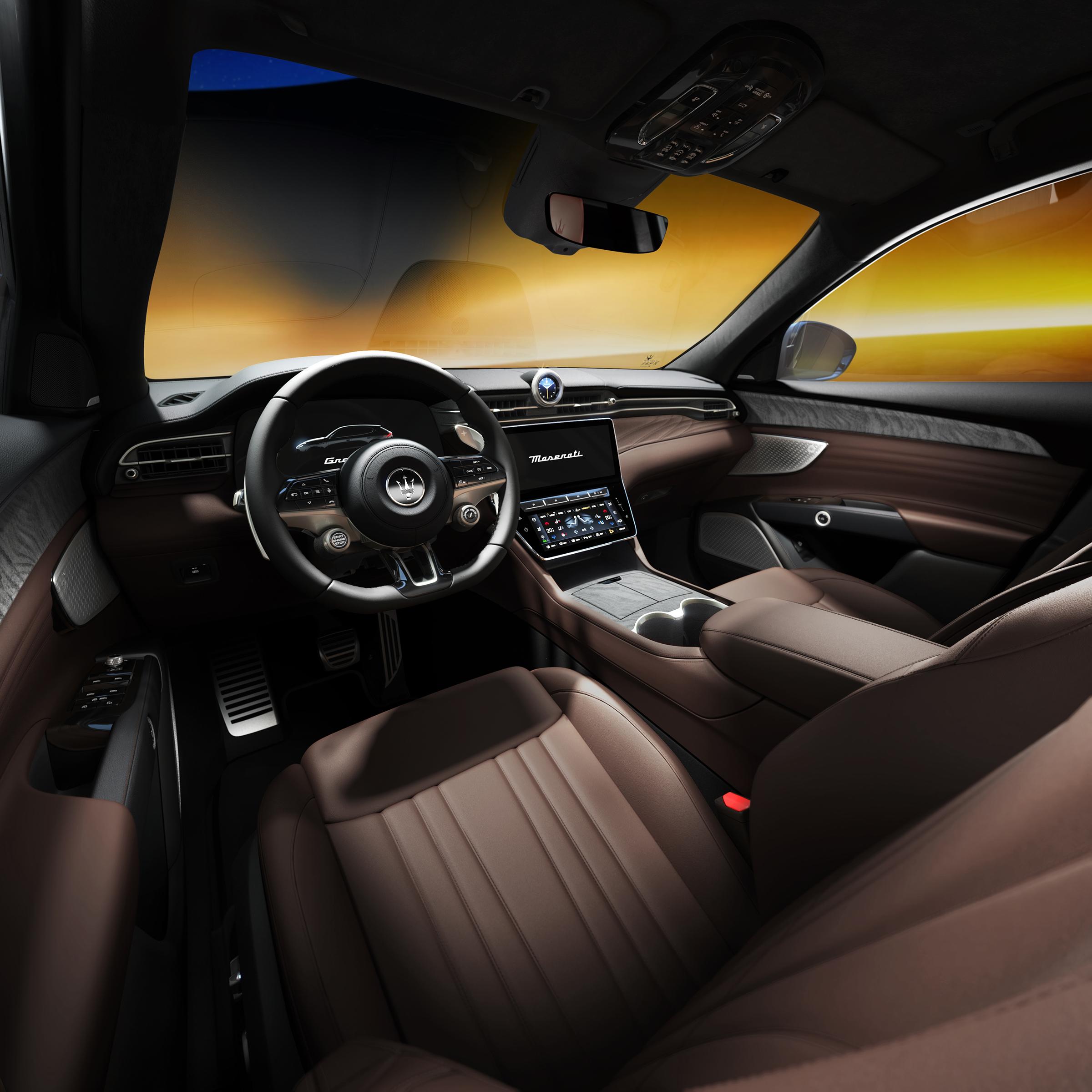
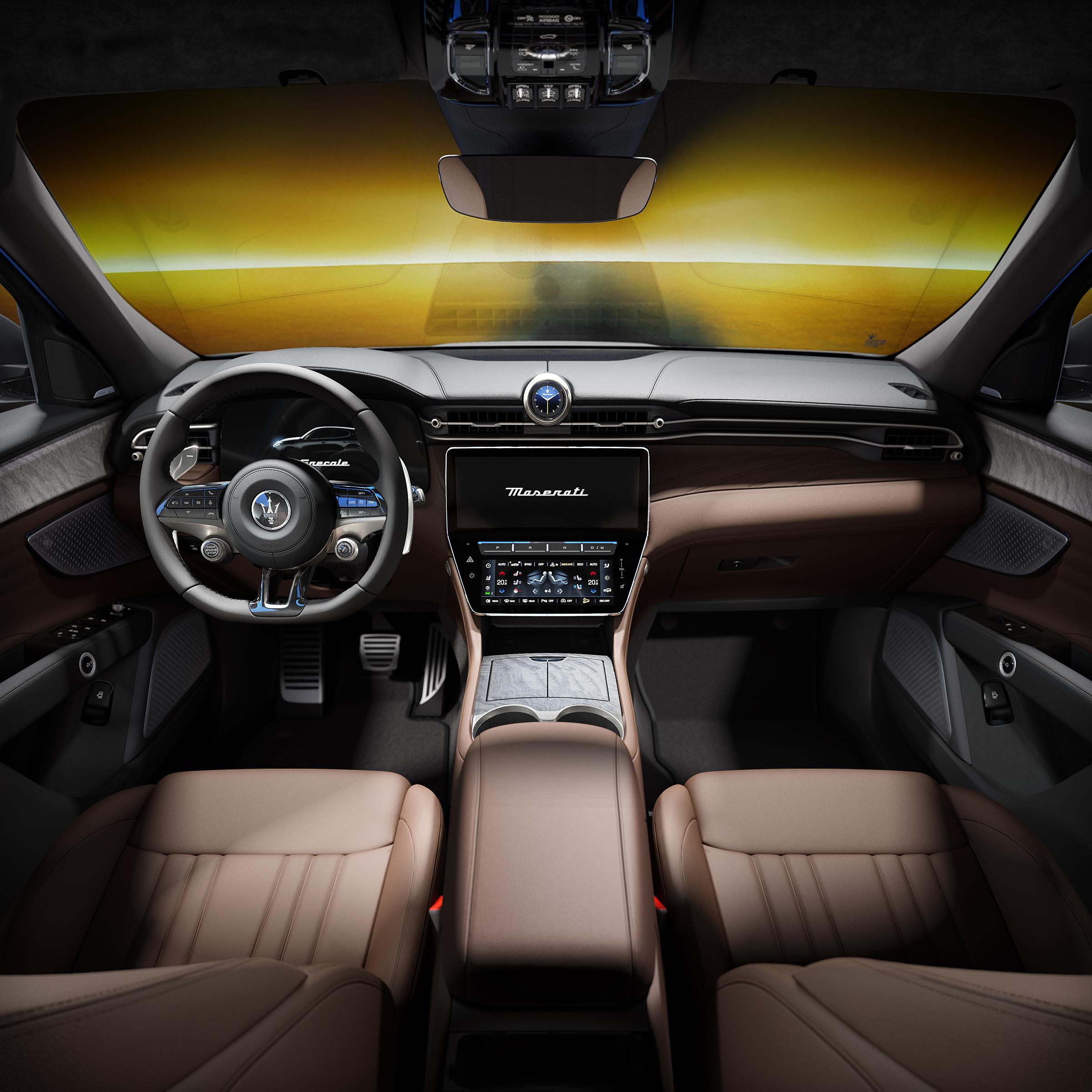
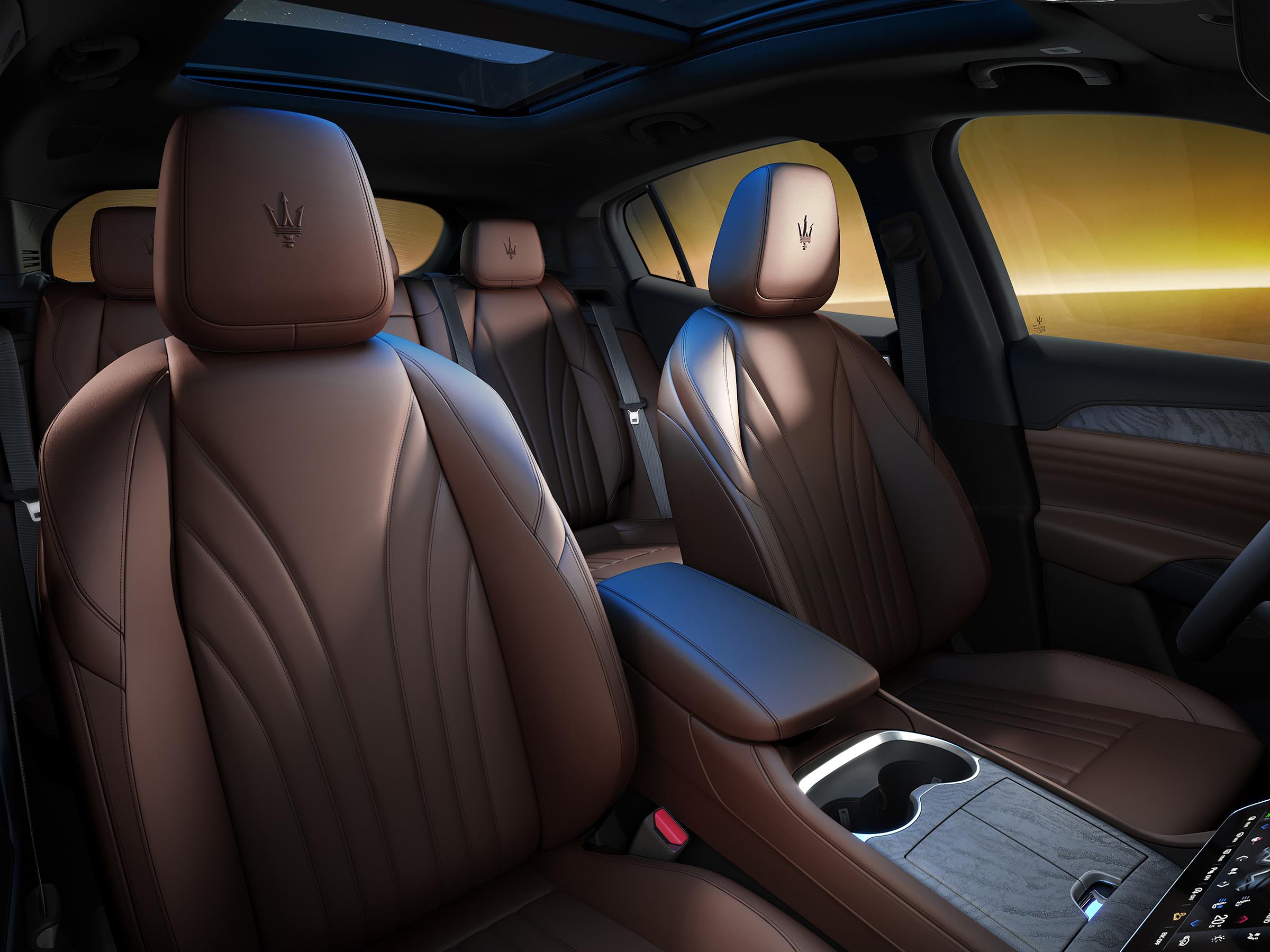
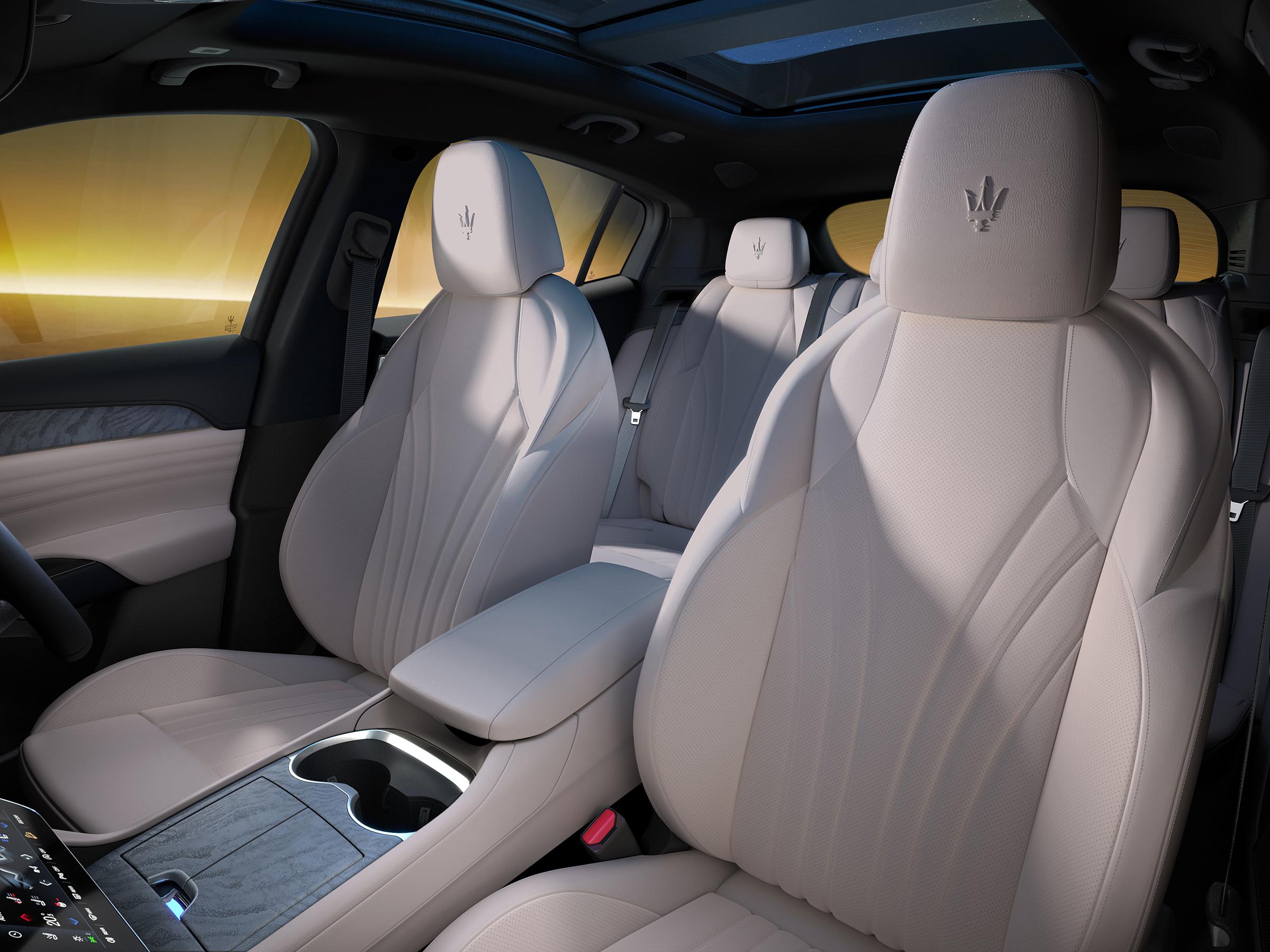
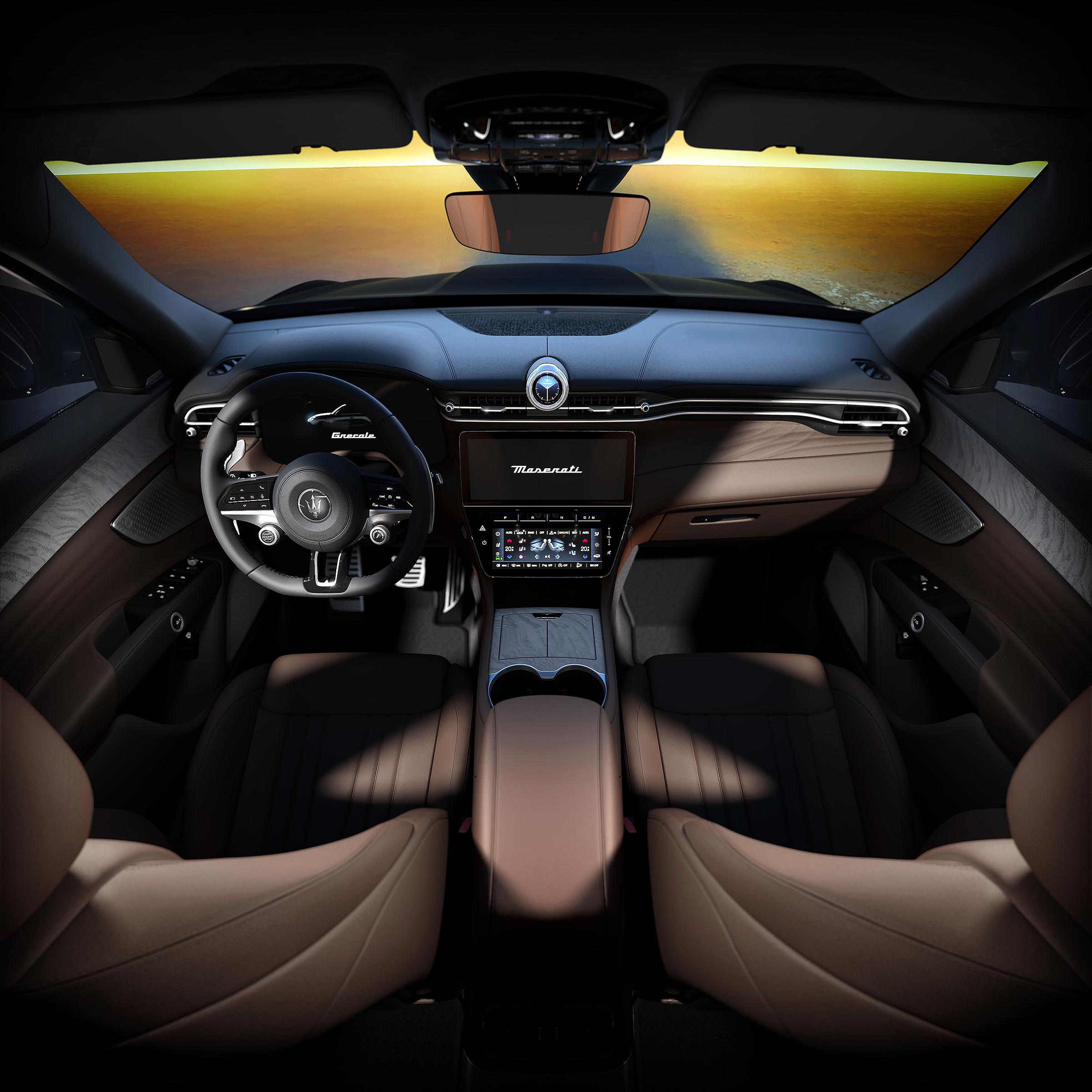
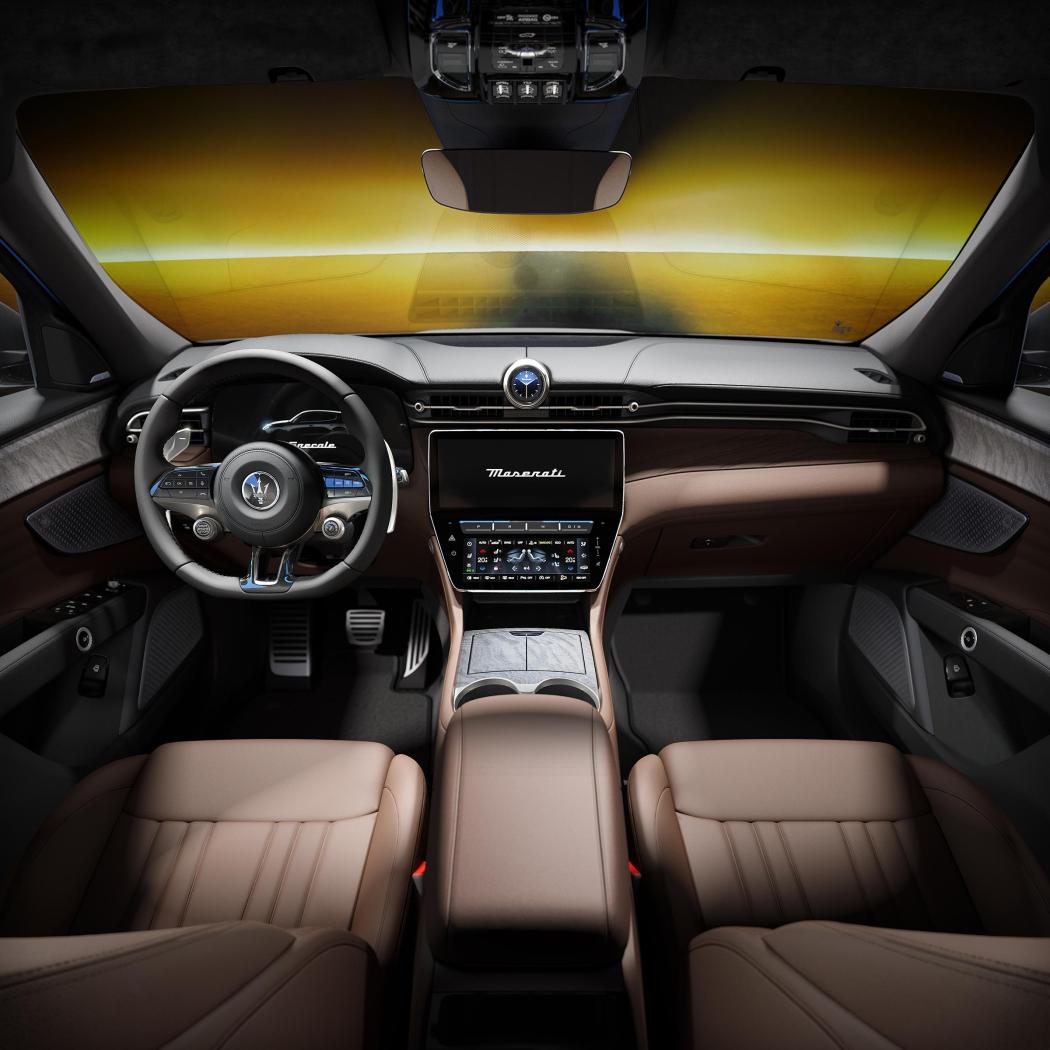
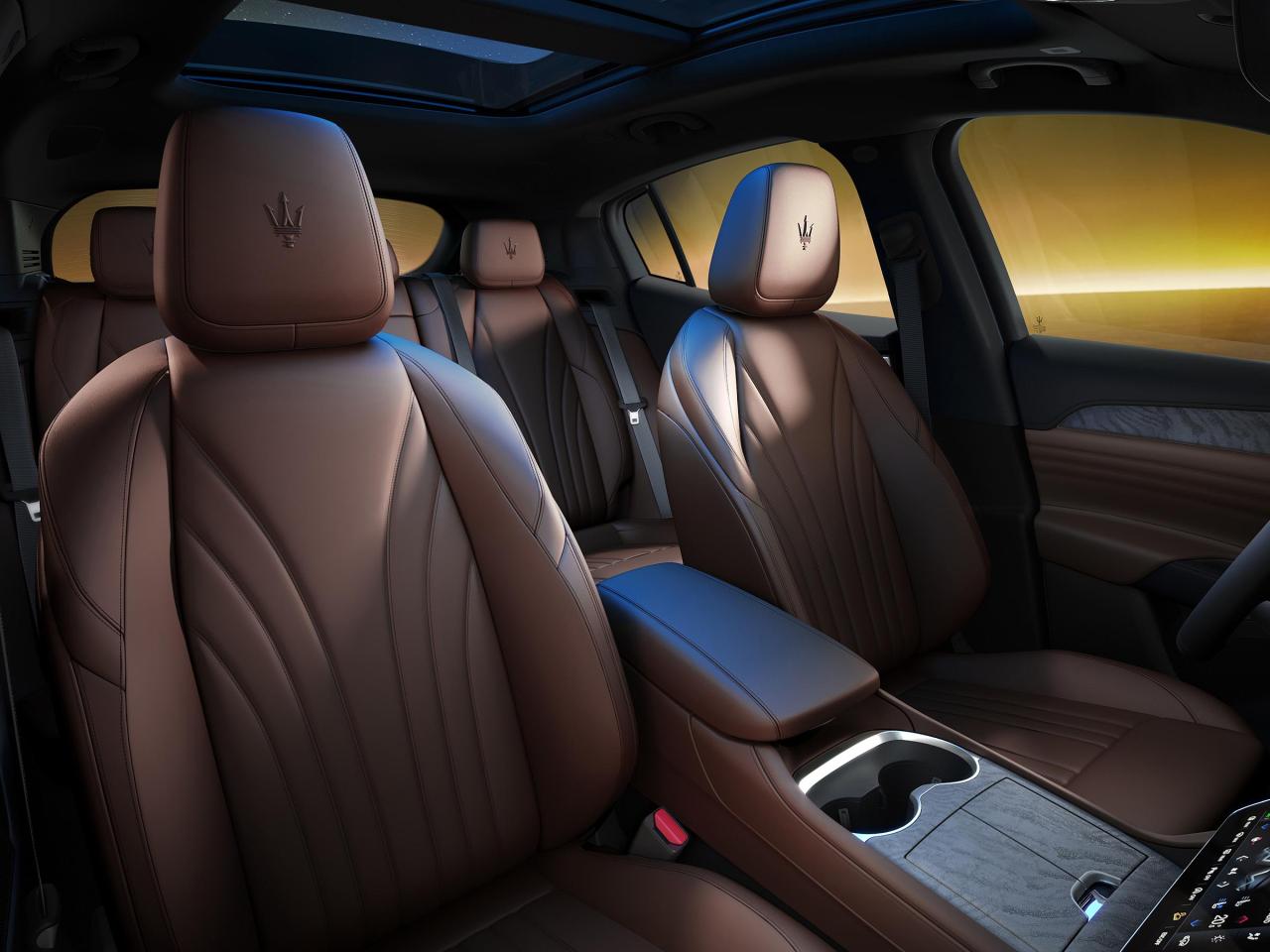
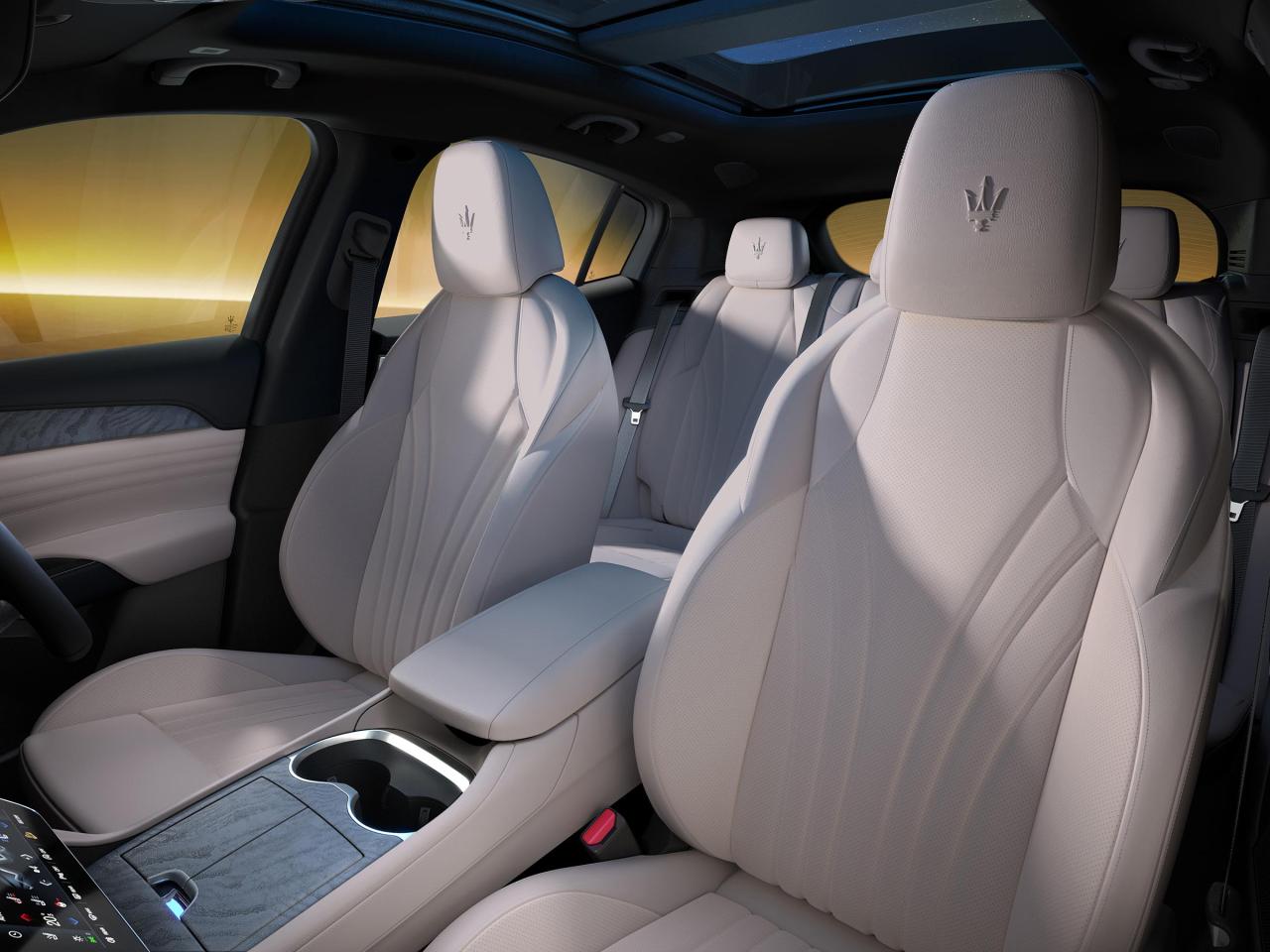
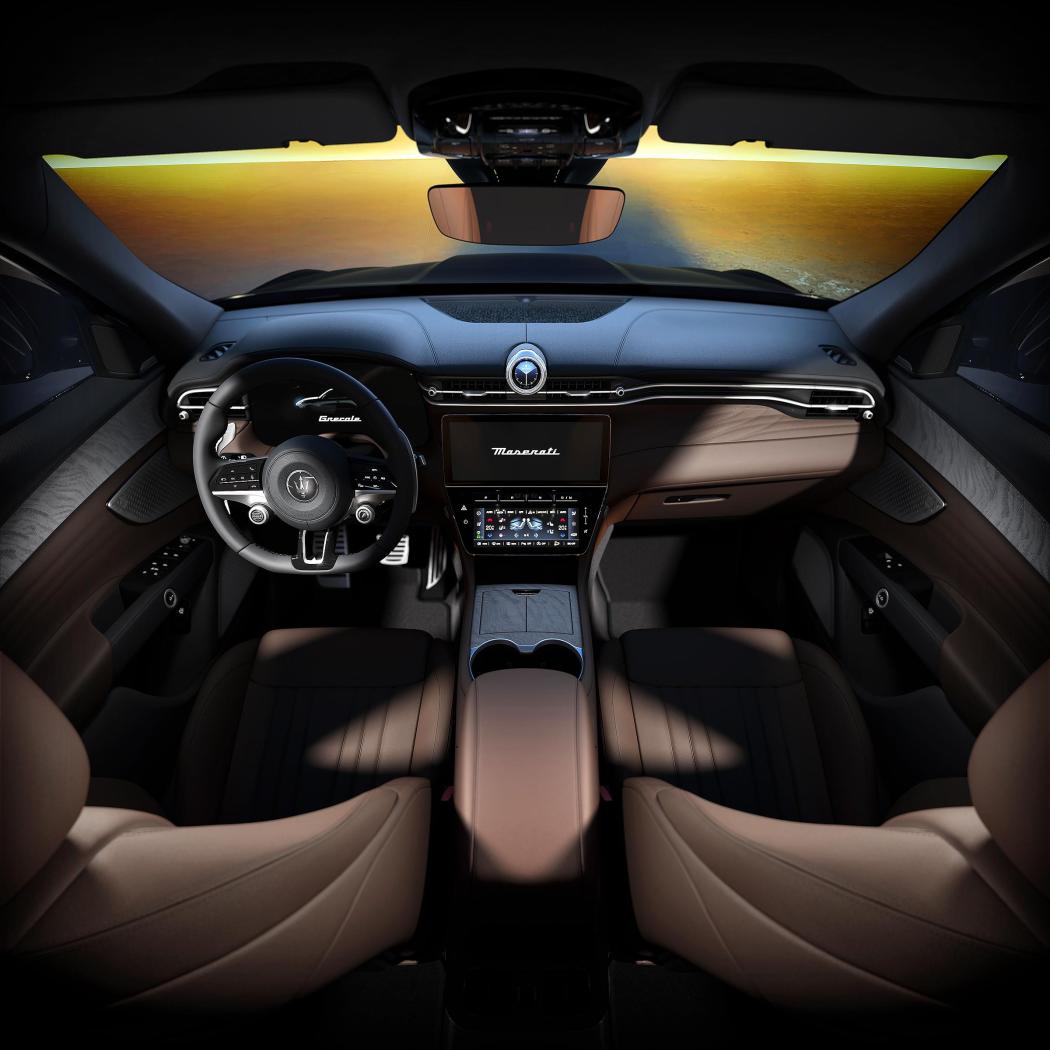
 Ciao a tutti, dopo moltissimo tempo torno a postare un lavoro fatto recentemente ed appena pubblicato. Prima una necessaria premessa, in seguito alle mie disavventure con il covid-19 (qualcuno ricorderà) ho 'perso' il mio prezione codice di fornitore Fiat -> FCA -> Stellantis e quindi non posso più lavorare direttamente come fornitore diretto (dovrei garantire adesso addirittura delle fidejussioni bancarie, ma capisco il punto di vista) e quindi agisco in joint-venture insieme al gruppo Corelab.it Detto questo, giusto per mantenere il thread attivo posto una versione speciale di Maserati Grecale che è stata appena presentata: https://www.media.stellantis.com/em-en/maserati/press/grecale-lumina-blu-the-new-special-series-of-the-maserati-suv?adobe_mc_ref= In questa progetto, mi sono occupato degli interni, dei quali allego qui alcune proposte, in media risoluzione: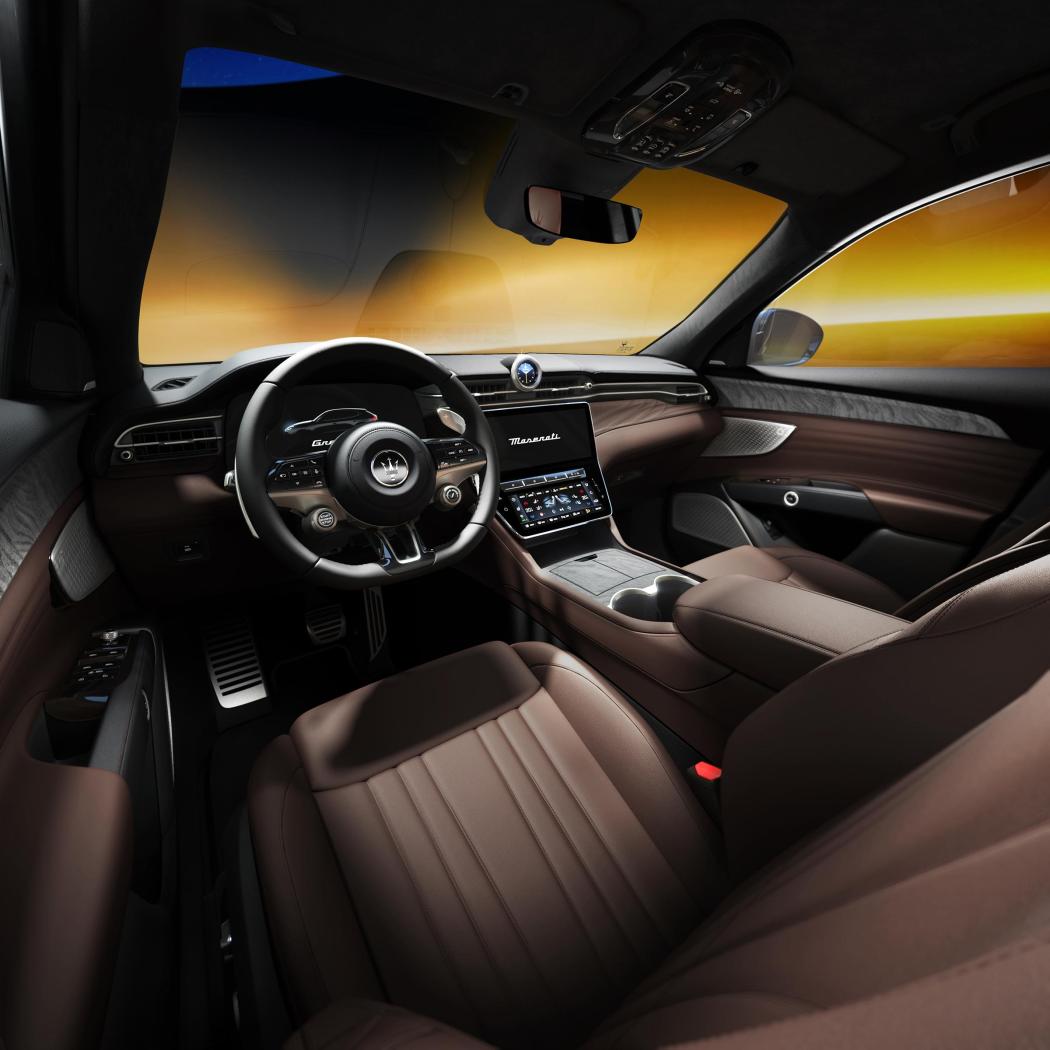
 Scusatemi, non avevo visto questa domanda, purtroppo a causa della mia malattia ho smesso di usarla a novembre 2020 ed ho potuto tornare ad usarla di nuovo a gennaio 2023. cosa posso dire...a me piace ancora: - la linea non mi pare invecchiata, anzi diversi cross over si sono mossi in quella direzione - i difetti rimangono, troppo grossa e troppo alta per lo spazio che si trova a bordo - si guida sempre bene, silenziosa, abbastanza precisa, tutto sommato parca se non la spingi - tra poco scade il leasing, si potrebbe darla dentro e prendere una MY23 avendo finito le contumelie con il vecchio infotainment...peccato che questa era stata negoziata nel momento più basso delle vendite automotive causa covid e quindi lo sconto era stato clamoroso (è full optional, ma proprio full) Adesso ho altre priorità, potrei anche tenerla.