




AleMcGir
Moderatore |Staff|
-
Iscritto il
-
Ultima visita
-
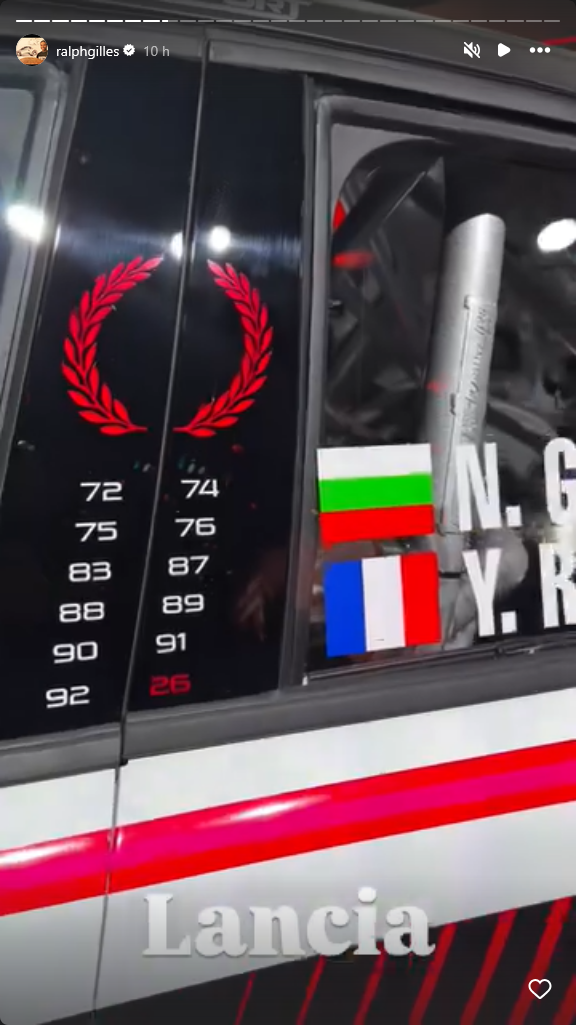
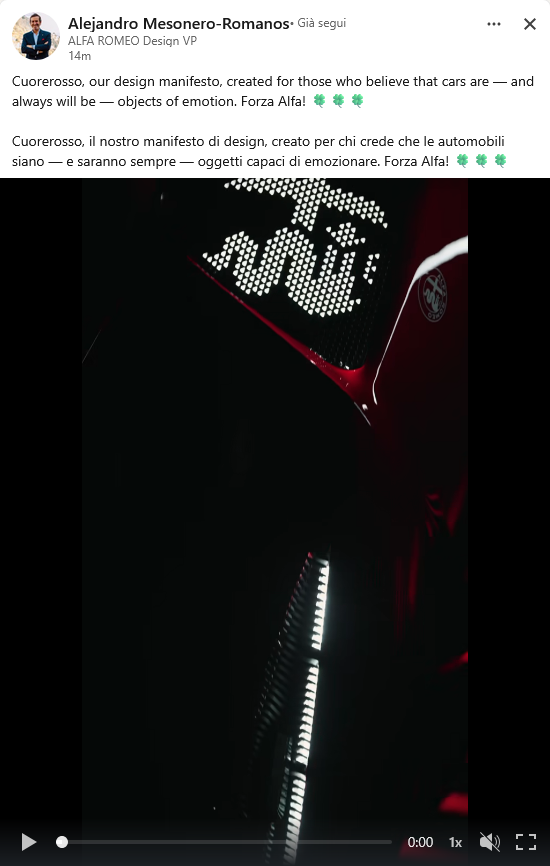
Da nostro inviato a Parigi SaveClip.App_AQPHw284cKy2AXJzk7aW73B4Zo9zPrdk1GfvXxUcMMHbiueB9qj6Q6p0yaCvm9xt8p6FEw7bV3JJURRGd6frxQJ13Tb9MAUGh3CZAnk.mp4 L'auto campione del mondo. 😄 72-74-75-76-83-87-88-89-90-91-92-26
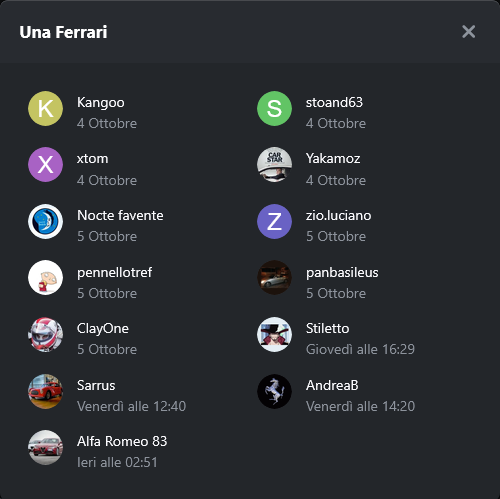
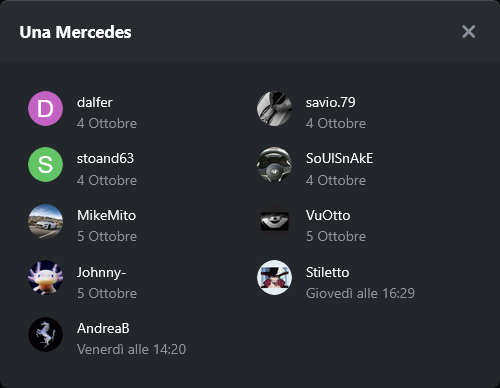
 1. Quante gare (SPRINT + RACE) vincerà il Team McLaren?
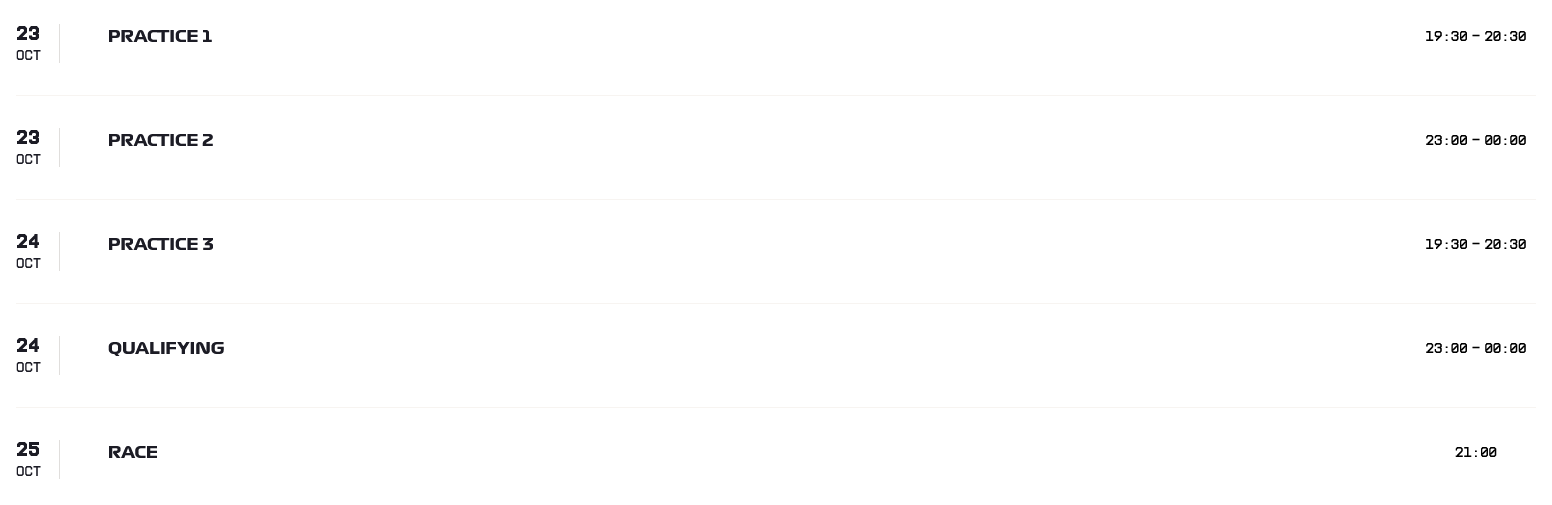
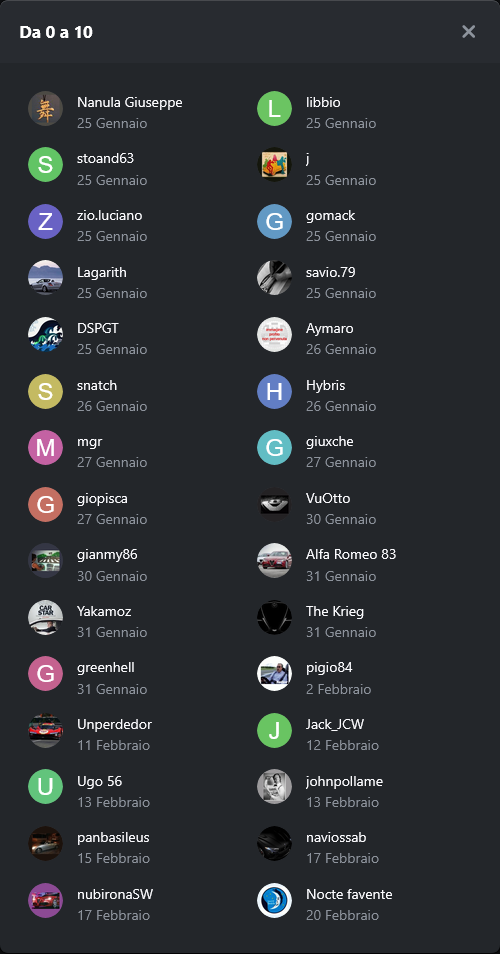 Sondaggione 2026 - Presenza 1 punto (rientra nel fattore moltiplicativo); - 4 domande; - Bonus: - una risposta giusta -> 1 punto bonus; - due risposte giuste -> 3 punti bonus; - tre risposte giuste -> 6 punti bonus; - quattro risposte giuste -> 10 punti bonus; - Fattore moltiplicativo 1.5 per chi "vota" entro le ore 19:29:59 del 23/10/2026, dopo fattore moltiplicativo 1.0; - Chiusura sondaggio alle ore 23:00 del 24/10/2026;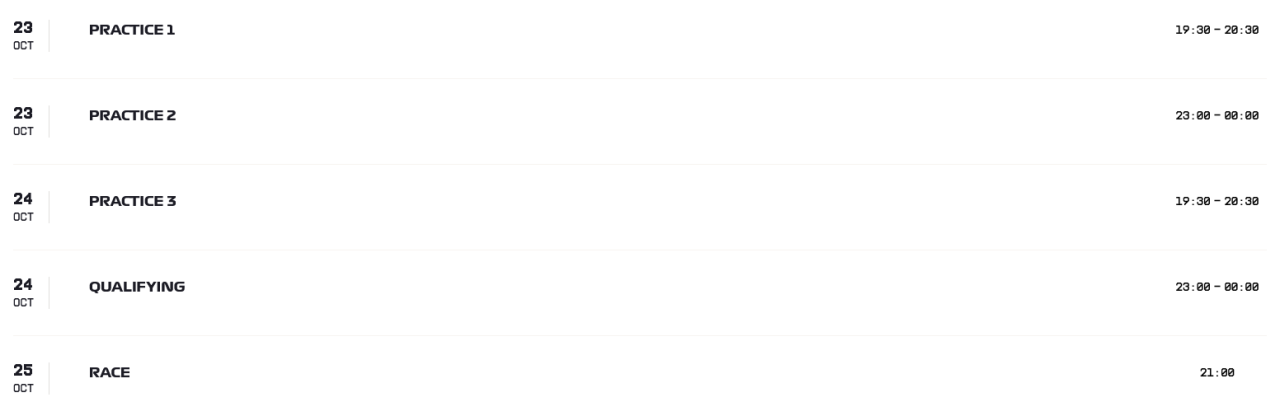
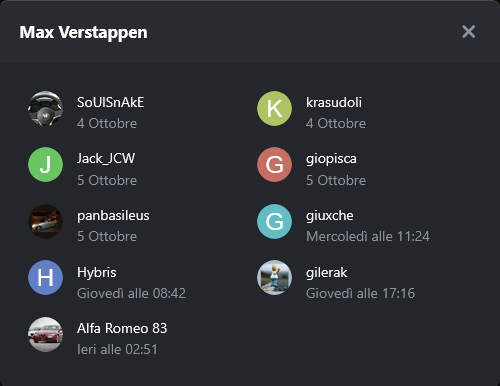
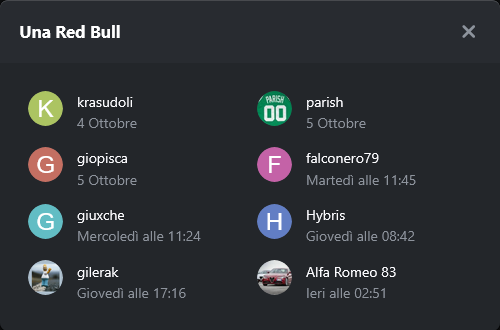
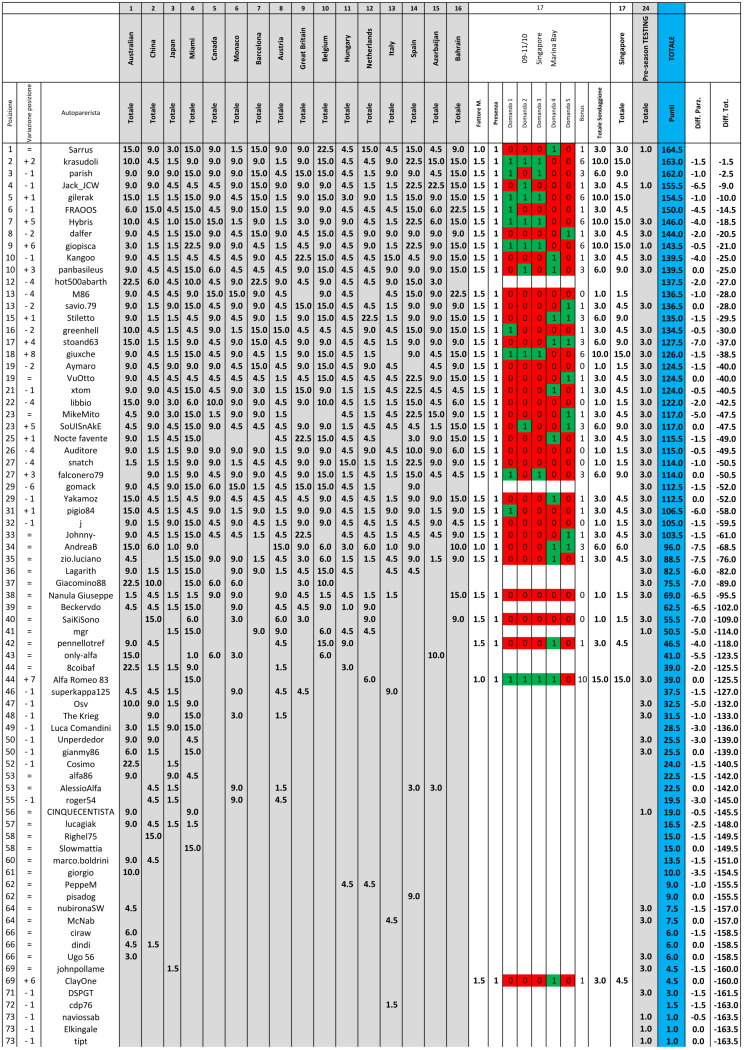
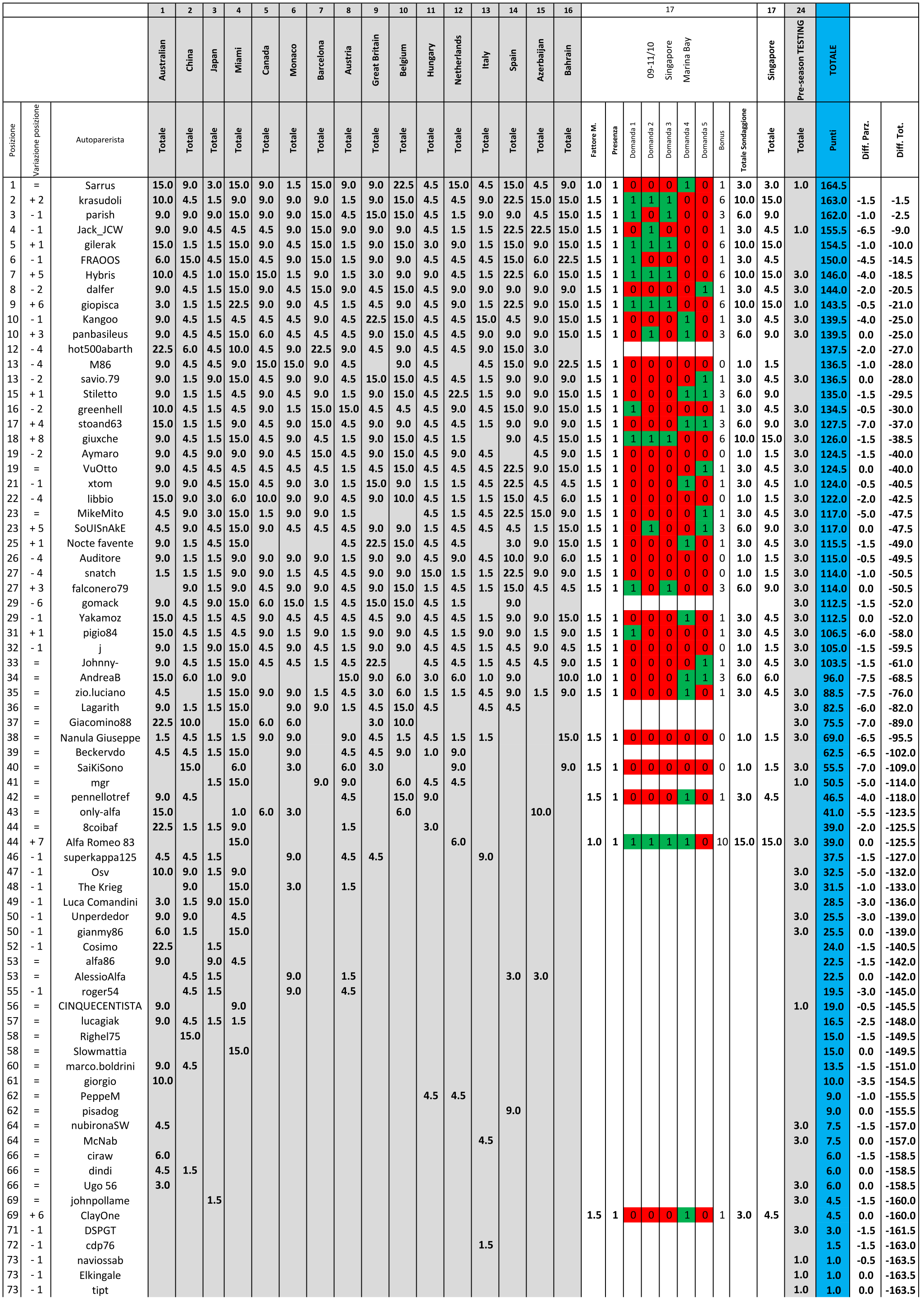
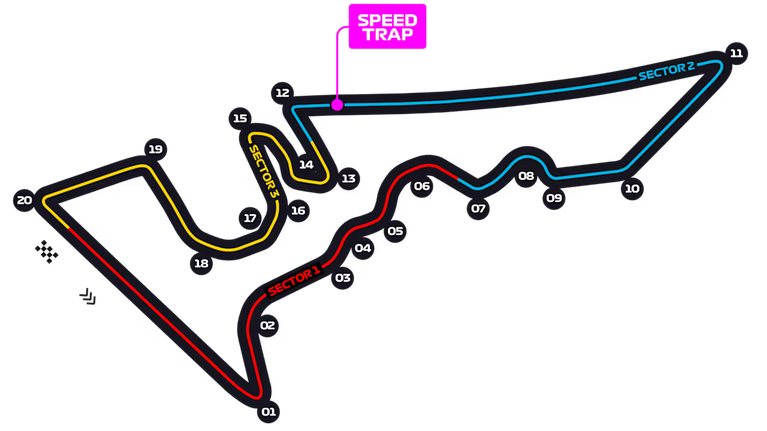 1. Arriva "UNO" nella "SPRINT" (Sabato)... 2. Arriva "UNO" nella "QUALIFYING" (Sabato)... 3. Arriva "UNO" nella "RACE" (Domenica)... 4. Arriva "DUE" nella "RACE" (Domenica)... 5. Arriva "TRE" nella "RACE" (Domenica)... Classifica Generale: @krasudoli recupera 12 punti a @Sarrus e si porta a 1.5 punti, accorcia le distanze dalla vetta anche @parish i primi 5 sono in 10 punti, arrivano in TOP10 @Hybris e @giopisca Prossimo appuntamento dal 23/10 ad Austin.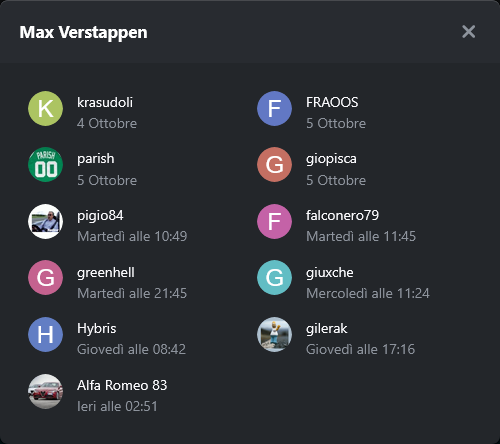







Account
Navigation
Cerca
Configure browser push notifications
Chrome (Android)
- Tap the lock icon next to the address bar.
- Tap Permissions → Notifications.
- Adjust your preference.
Chrome (Desktop)
- Click the padlock icon in the address bar.
- Select Site settings.
- Find Notifications and adjust your preference.
Safari (iOS 16.4+)
- Ensure the site is installed via Add to Home Screen.
- Open Settings App → Notifications.
- Find your app name and adjust your preference.
Safari (macOS)
- Go to Safari → Preferences.
- Click the Websites tab.
- Select Notifications in the sidebar.
- Find this website and adjust your preference.
Edge (Android)
- Tap the lock icon next to the address bar.
- Tap Permissions.
- Find Notifications and adjust your preference.
Edge (Desktop)
- Click the padlock icon in the address bar.
- Click Permissions for this site.
- Find Notifications and adjust your preference.
Firefox (Android)
- Go to Settings → Site permissions.
- Tap Notifications.
- Find this site in the list and adjust your preference.
Firefox (Desktop)
- Open Firefox Settings.
- Search for Notifications.
- Find this site in the list and adjust your preference.