Vai al contenuto
View in the app

A better way to browse. Learn more.

Autopareri

A full-screen app on your home screen with push notifications, badges and more.

To install this app on iOS and iPadOS
  1. Tap the Share icon in Safari
  2. Scroll the menu and tap Add to Home Screen.
  3. Tap Add in the top-right corner.
To install this app on Android
  1. Tap the 3-dot menu (⋮) in the top-right corner of the browser.
  2. Tap Add to Home screen or Install app.
  3. Confirm by tapping Install.

Gedj

Utente Registrato
  • Iscritto il

  • Ultima visita

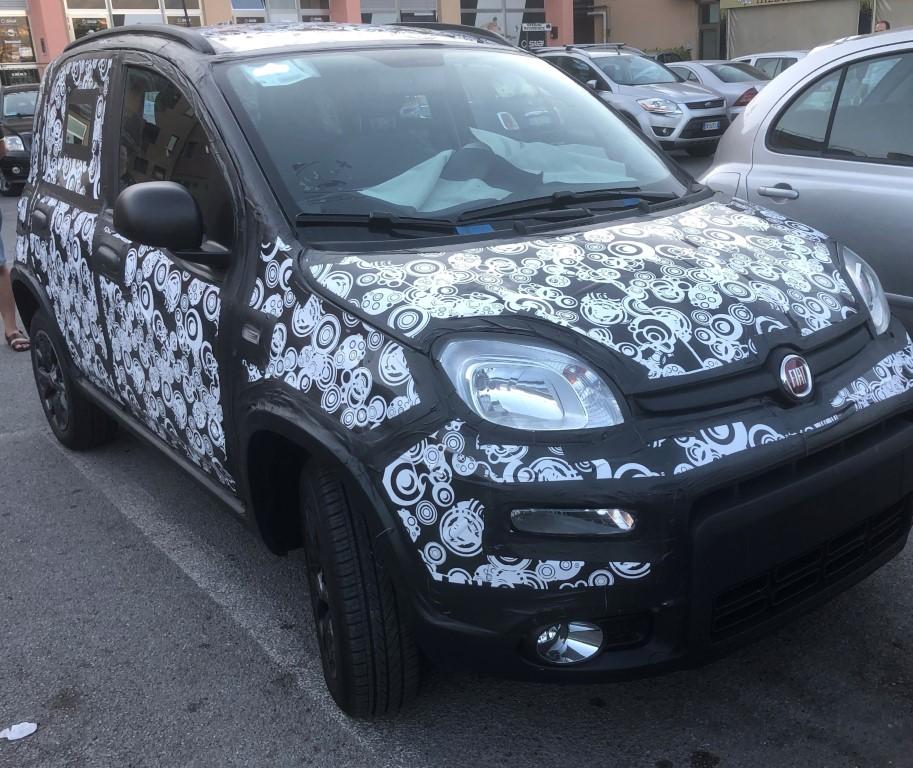
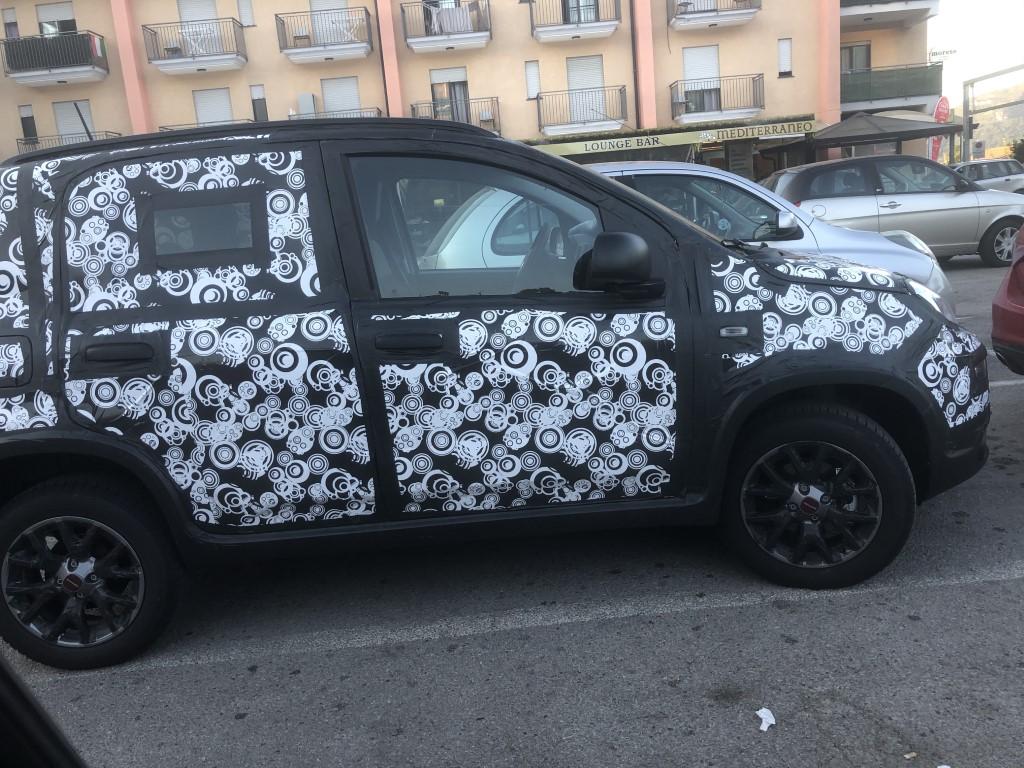
  1. Non sò come modificare i file già presenti! Ho visto che circolano su diversi altri siti, non che mi interessi più di tanto, ma non credevo che fossero foto così interessanti!
  2. Purtroppo dal cellulare, con i riflessi dei finestrini, questo è uscito! Lo schermo sembrava ben integrato, non posticcio. Aveva alcuni pulsanti a destra e a sinistra che non si vedono in foto!

  3. Foto scattate Domenica pomeriggio all'uscita autostradale di Mercato San Severino sull'Autostrada Caserta-Salerno.
Background Picker
Customize Layout

Configure browser push notifications

Chrome (Android)
  1. Tap the lock icon next to the address bar.
  2. Tap Permissions → Notifications.
  3. Adjust your preference.
Chrome (Desktop)
  1. Click the padlock icon in the address bar.
  2. Select Site settings.
  3. Find Notifications and adjust your preference.