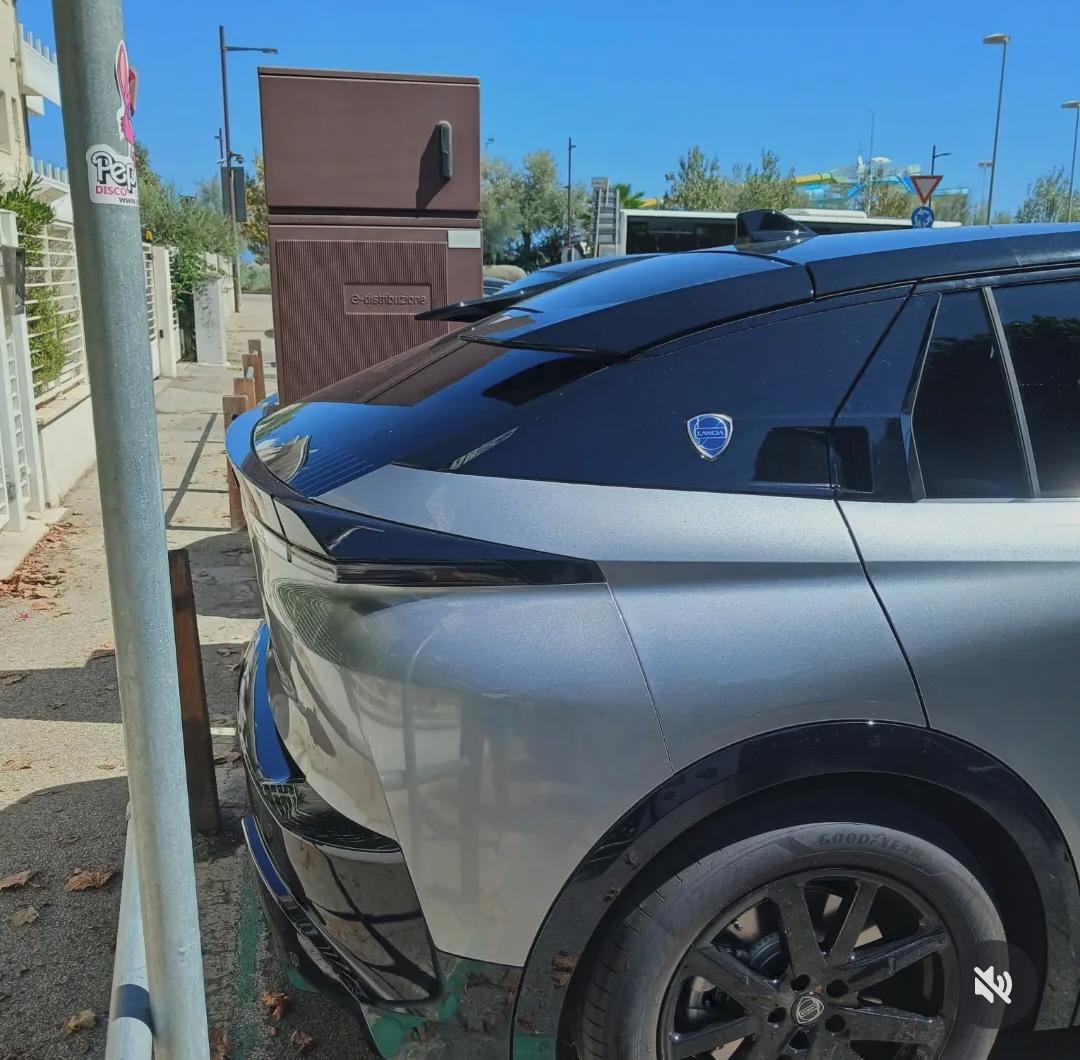
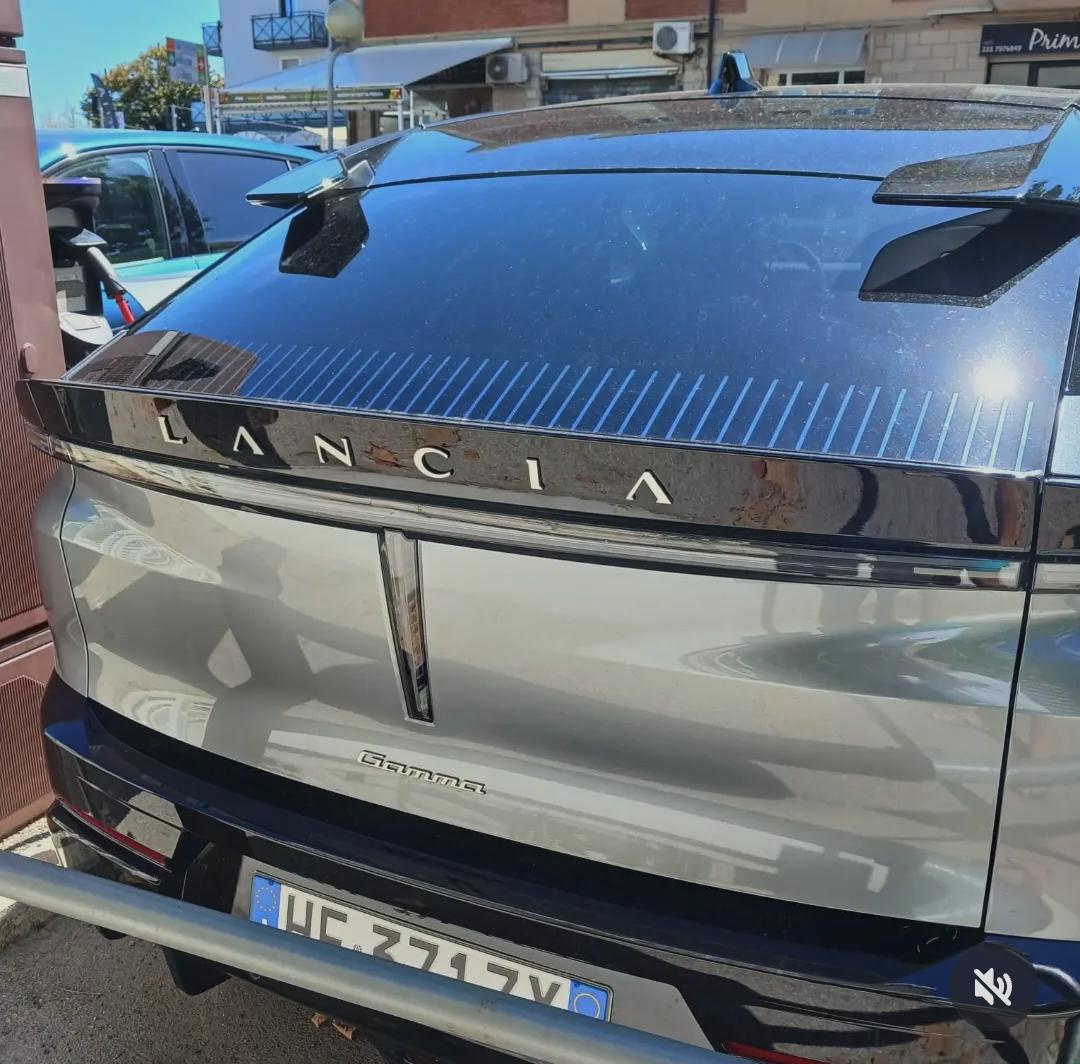
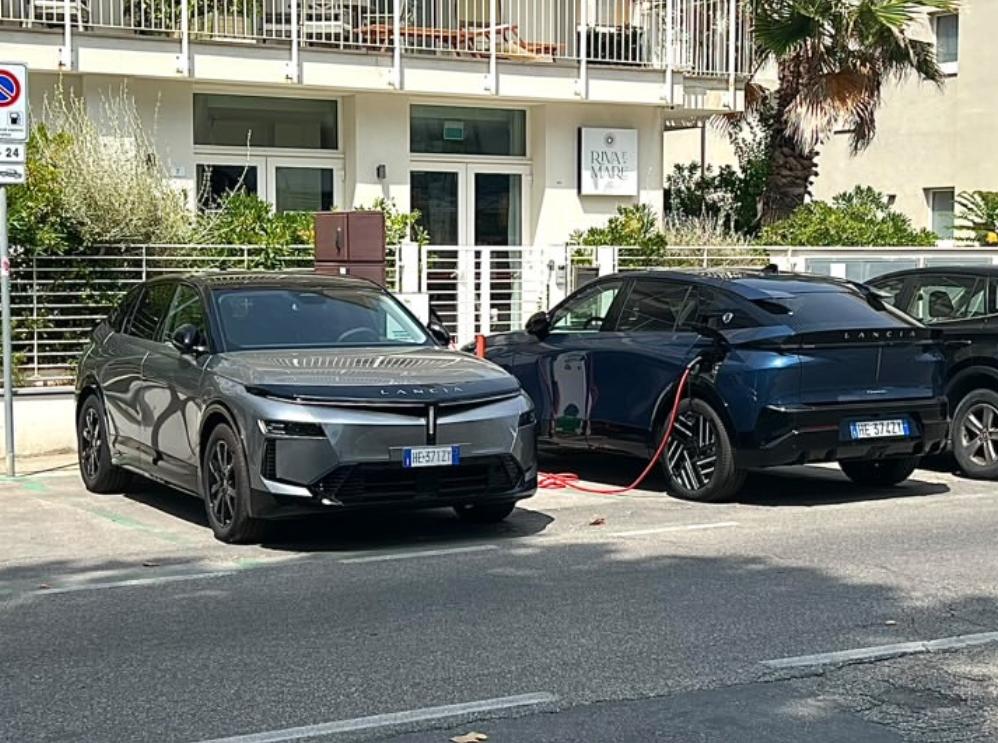
giorgio
Utente Registrato
-
Iscritto il
-
Ultima visita
-
C'è anche questo brevetto depositato da Stellantis!! Anche se l'immagine dovrebbe essere AI. Da Automoto
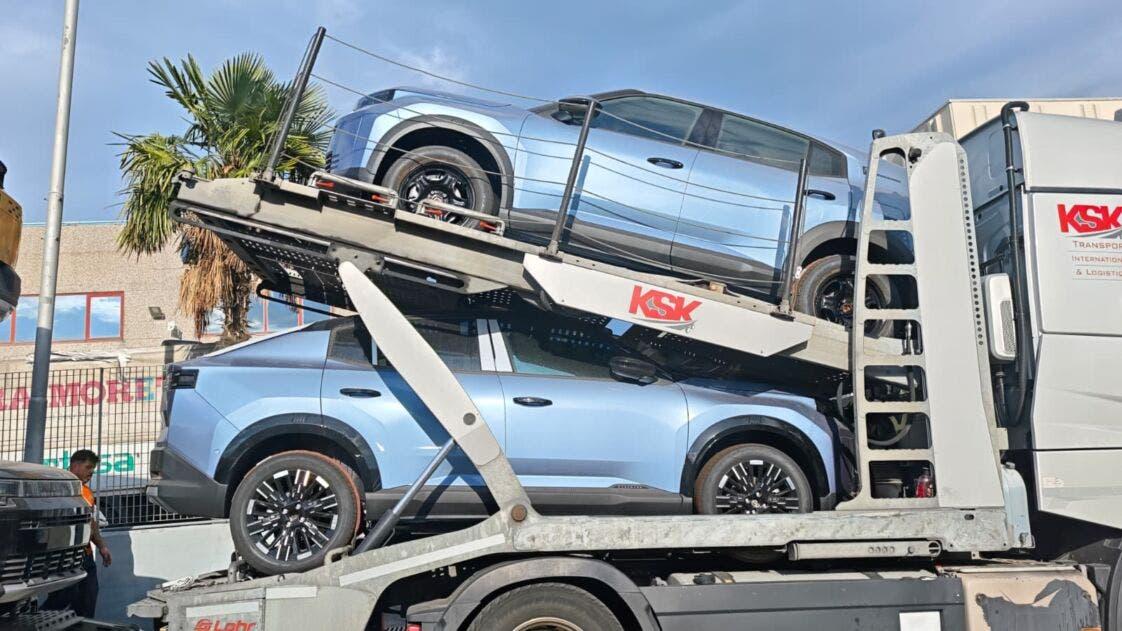
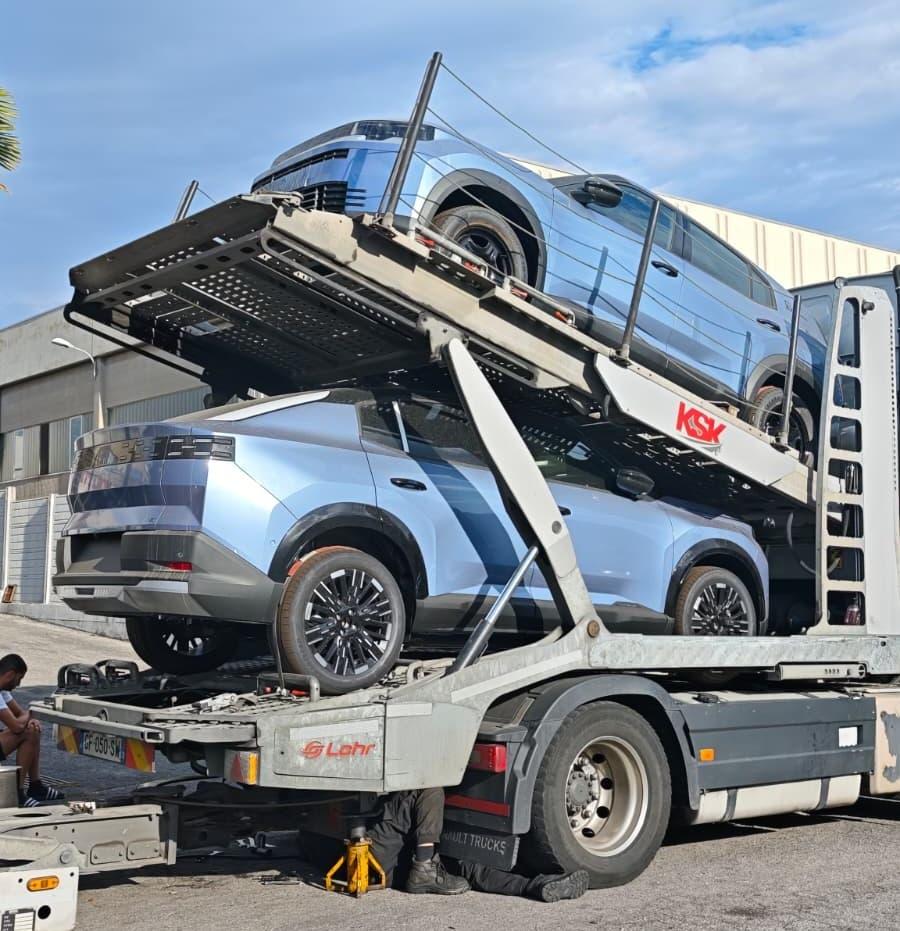
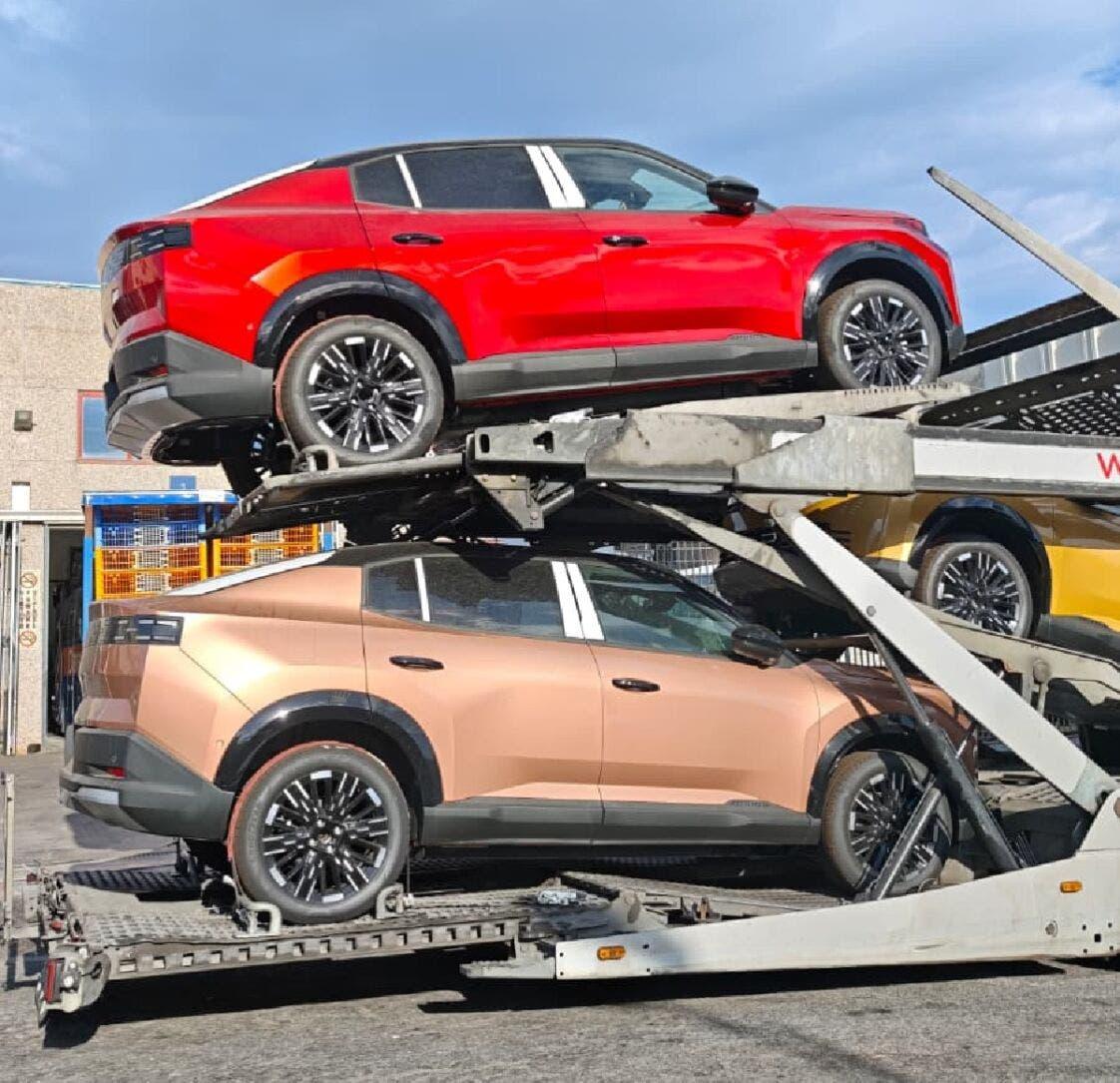
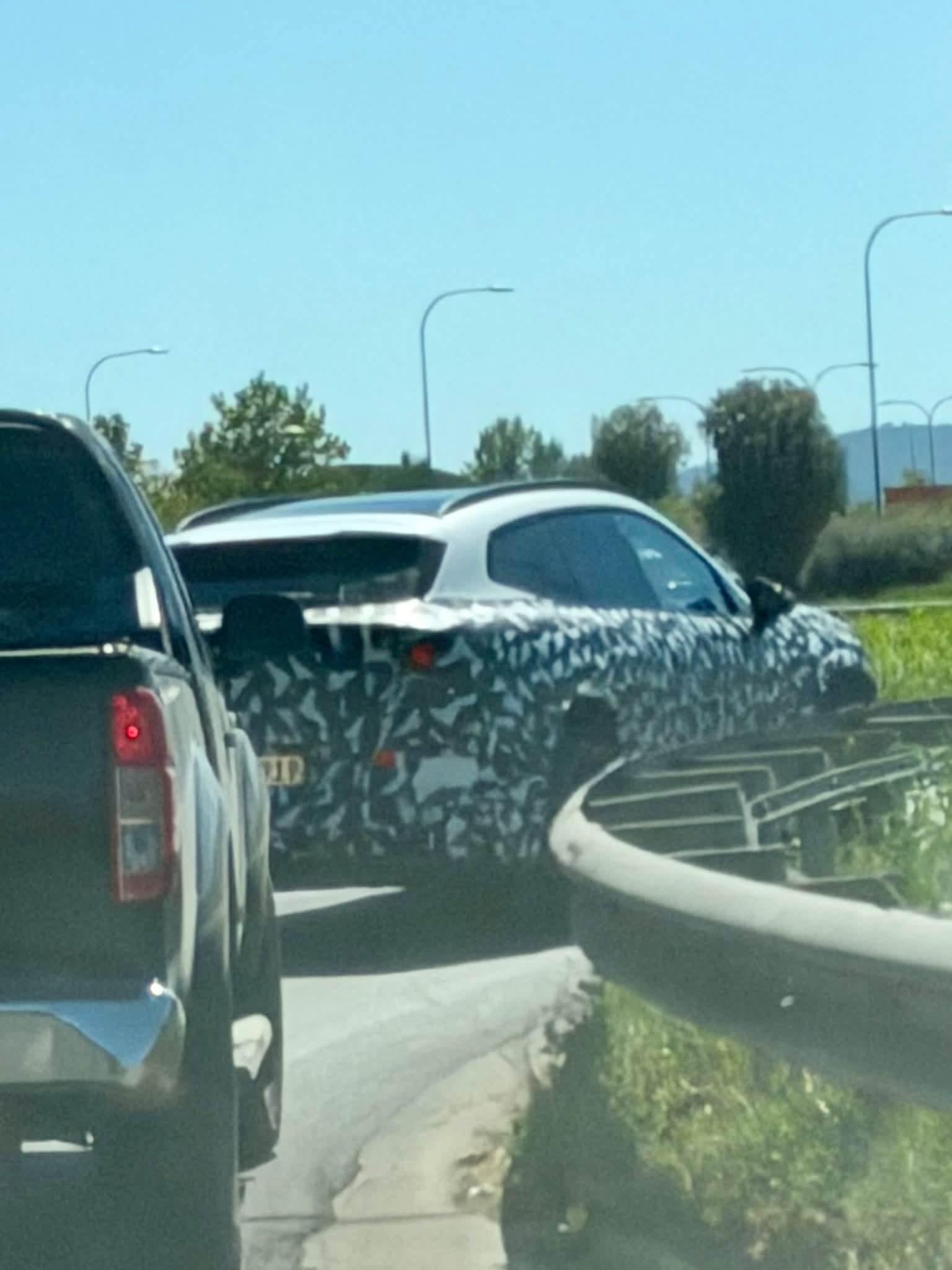
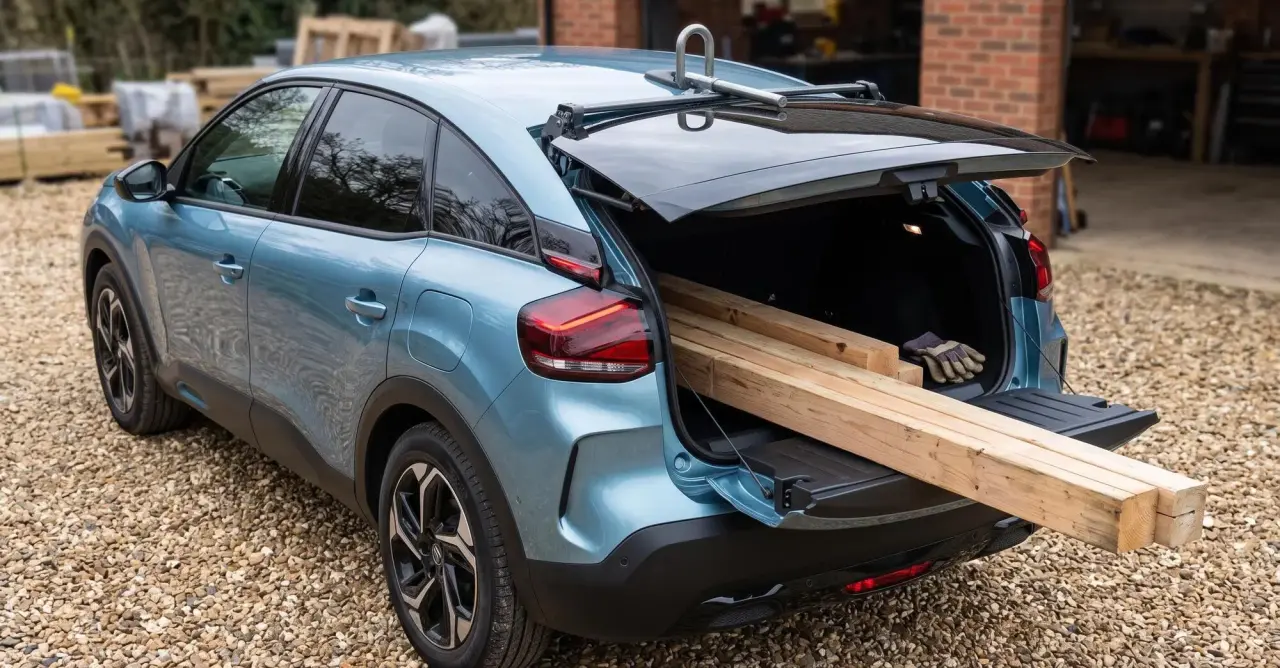 Il video degli interni da Facebook... Da notare la differenza tra i sedili anteriori che sono realizzati in misto pelle/tessuto e quelli posteriori interamente in tessuto, i pannelli porta posteriori completamente grezzi, la mancanza di rivestimento interno in plastica nella zona del lunotto e visibile a bagagliaio aperto. In compenso c'è una buona plafoniera posteriore, ci sono le maniglie di appiglio anche dietro, così come 2 prese di ricarica per chi siede sul divano e lo specchietto a scomparsa anche sul parasole del guidatore. No-video-title-fdown.net (6).mp4Gemini: Osservando il posteriore di questa Fiat Grizzly (con le sue linee squadrate, la grande superficie verticale e soprattutto i gruppi ottici posteriori costituiti da segmenti a pixel orizzontali disposti a griglia), l'impatto visivo richiama immediatamente l'estetica dei robot, dei mecha e dei supereroi dal design geometrico tipico della cultura pop, dei manga e dei fumetti. Ecco alcune somiglianze celebri che si avvicinano a questo stile: I Mecha dei Super Robot Storici (Anni '70/'80 - Go Nagai / Sunrise): Grrenizer (Goldrake) o Getter Robot: Molti robot classici dei manga e degli anime presentavano griglie di aerazione, feritoie o dettagli pixelati sul volto, sulla bocca o sulla maschera che ricordano molto la trama geometrica a pixel dei fari di questa vettura. Vultus V / Combattler V: Nei mecha classici a componenti scomponibili, le maschere dei robot sono spesso caratterizzate da intagli orizzontali, tagli netti e simmetrie squadrate molto vicine al look industriale e massiccio di questo portellone. Personaggi Marvel e DC Comics (Caschi e Volti Robotici): Cyborg (DC Comics): La metà cibernetica del suo volto e i visori tecnologici di alcuni dei suoi design alternativi presentano spesso pattern a barre luminose o a matrice di LED che ricordano la firma luminosa posteriore della vettura. Ultron (Marvel Comics): Le versioni più squadrate, robotiche e spigolose di Ultron o dei suoi droni presentano griglie frontali (nella zona della bocca o degli zigomi) formate da fessure orizzontali multiple, che richiamano lo schema geometrico di questi fari. Visione (Marvel Comics): Più che per la forma, la combinazione tra la piattezza geometrica della fronte e le linee tecnologiche orizzontali evoca il design cibernetico dei sinoidi. Il retro di questo SUV adotta un linguaggio di design "pixel-art" retrò-futuristico che strizza l'occhio proprio ai cartoni e ai fumetti di stampo sci-fi dei decenni passati.Ho chiesto a Gemini per la 3008... "Secondo i dati ufficiali del gruppo Stellantis e i report di mercato relativi all'area EU30 (Unione Europea, EFTA e Regno Unito) per l'intero anno 2025, la Peugeot 3008 ha registrato circa 121.000 unità vendute/immatricolate. Questo volume ha permesso al SUV compatto del Leone di posizionarsi stabilmente nella top 5 del segmento C-SUV in Europa, segnando una crescita significativa (intorno al +22,6% rispetto all'anno precedente) grazie anche al pieno regime commerciale della nuova generazione e alla disponibilità delle motorizzazioni ibride ed elettriche (E-3008)."