Qualcosa di grande sta per arrivare su Autopareri, e i primi a salire a bordo sarete voi. Manca pochissimo al primo di una lista di importanti annunci.
I'll judge later when I see it from different angles or in motion. But for sure it's a hefty change of design direction after a long evolutionary phase. They didn't go the "safe" way with this, which would have been a scaled down Tonale.
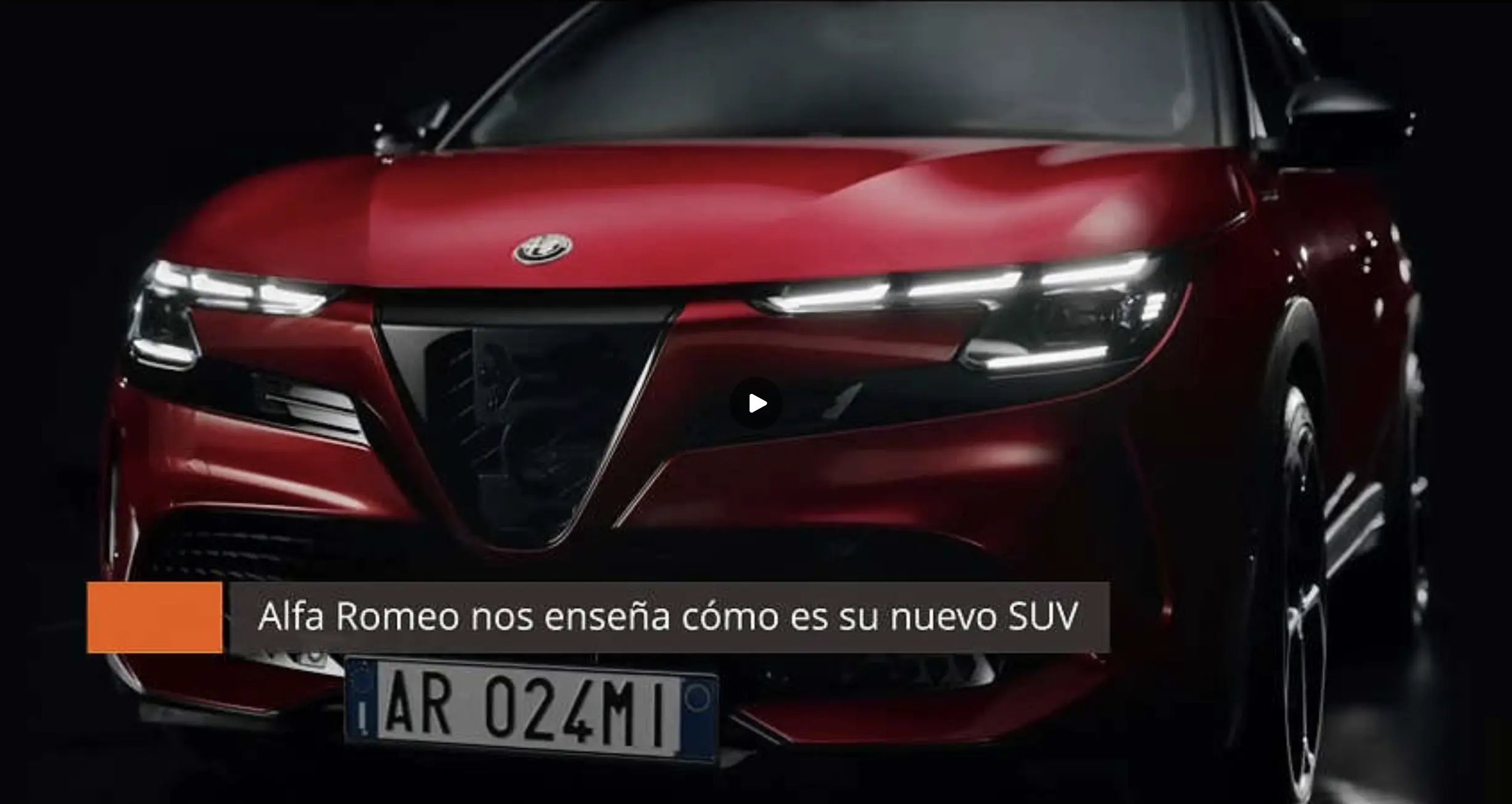
I think so. Media outlets will publish (set to public) their material right after the official presentation tomorrow. It's all prepared already. The photo looks accurate.
I made the screenshot. You can see the image for a little moment when reloading the page.
Hello, am I allowed to write in English here? I'm a longtime reader via translator. Enjoy!
Anyway, the media videos get prepared already and I found a little leak. A preview image from a private Dailymotion video:












![Alfa Romeo Hug [Trolling Mode]](https://www.autopareri.com/uploads/reactions/Alfaromeocare.png.50be1dd8d7c15ba4fec8098a15bfa18a.png)