A.Masera
Utente Registrato
-
Iscritto il
-
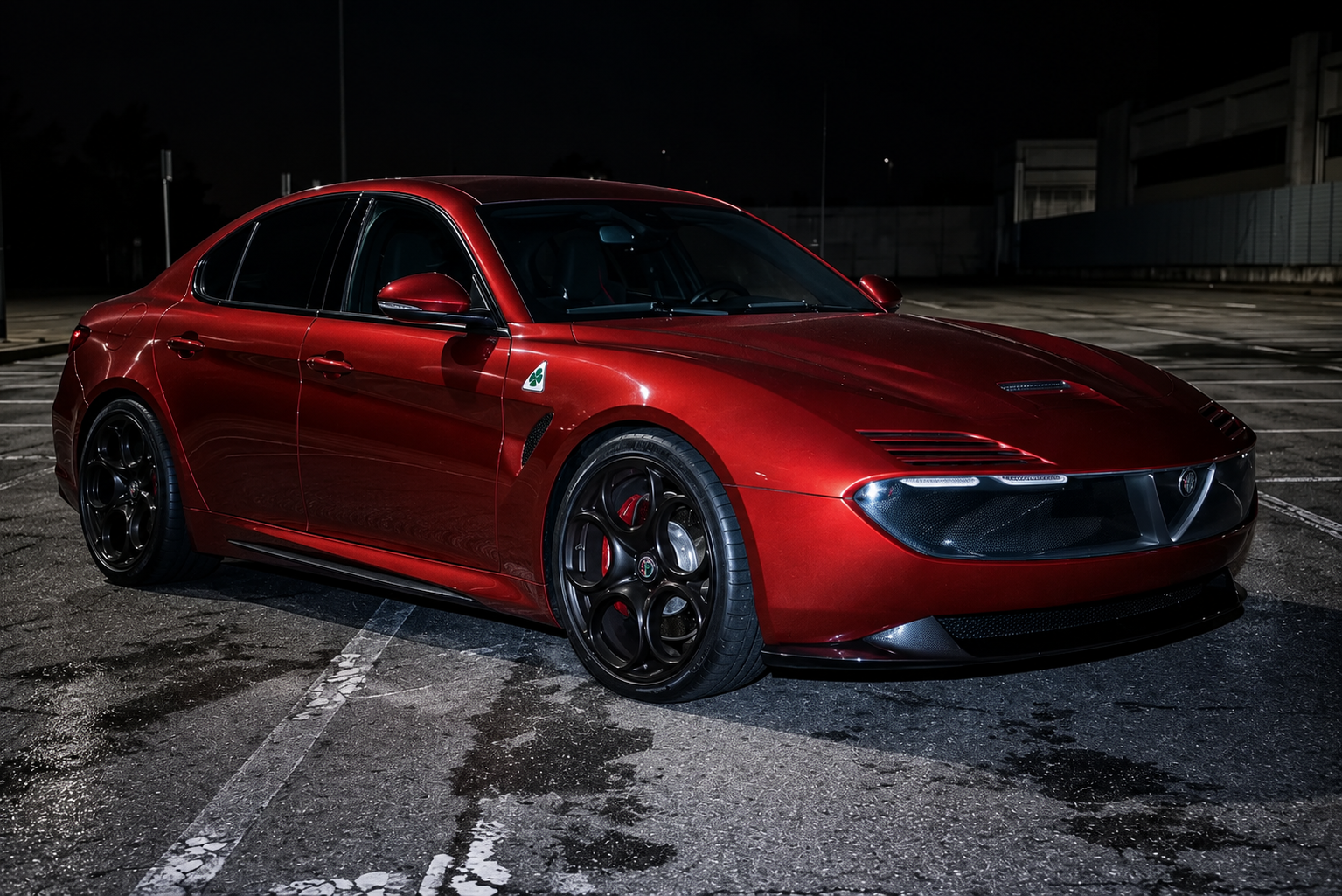
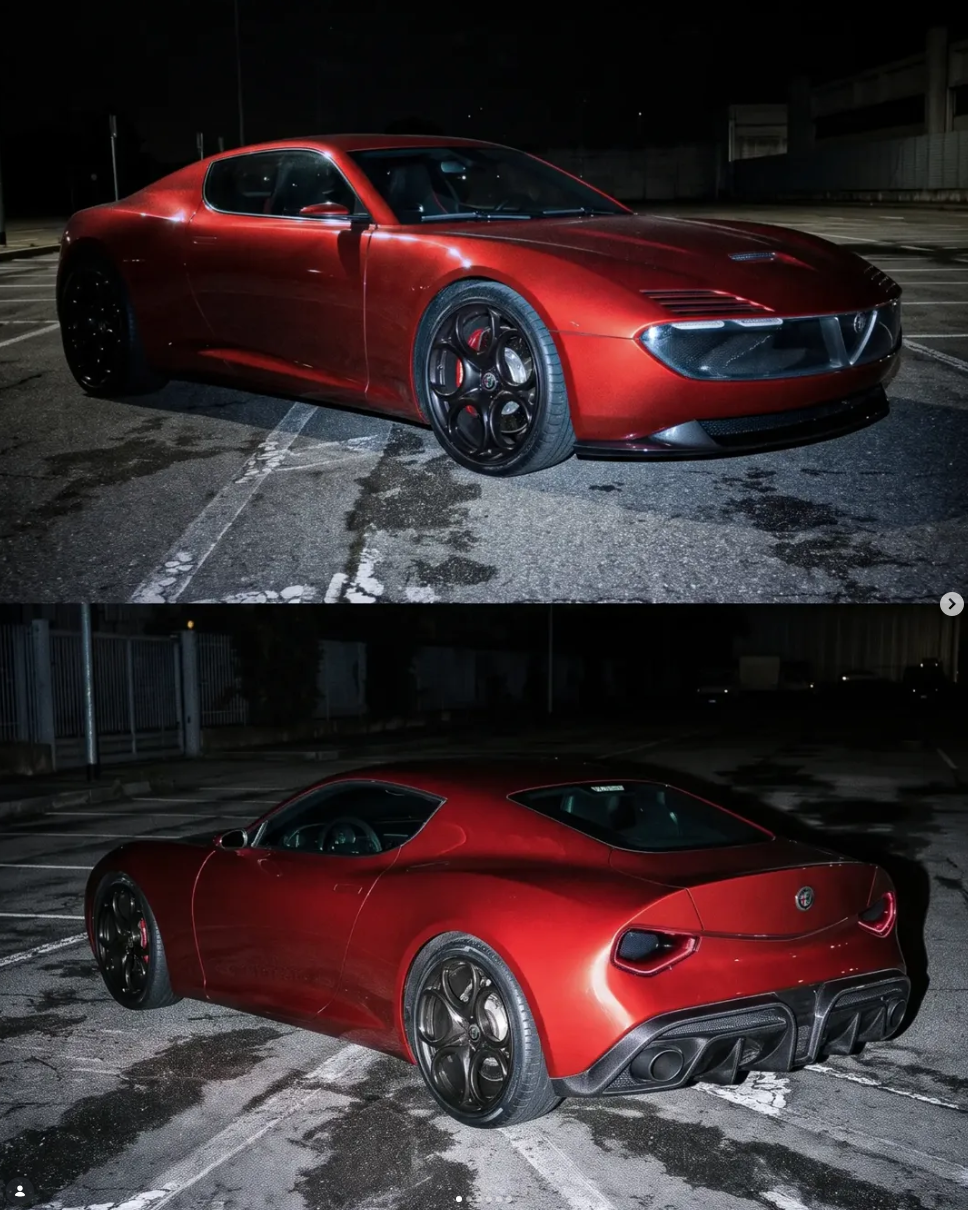
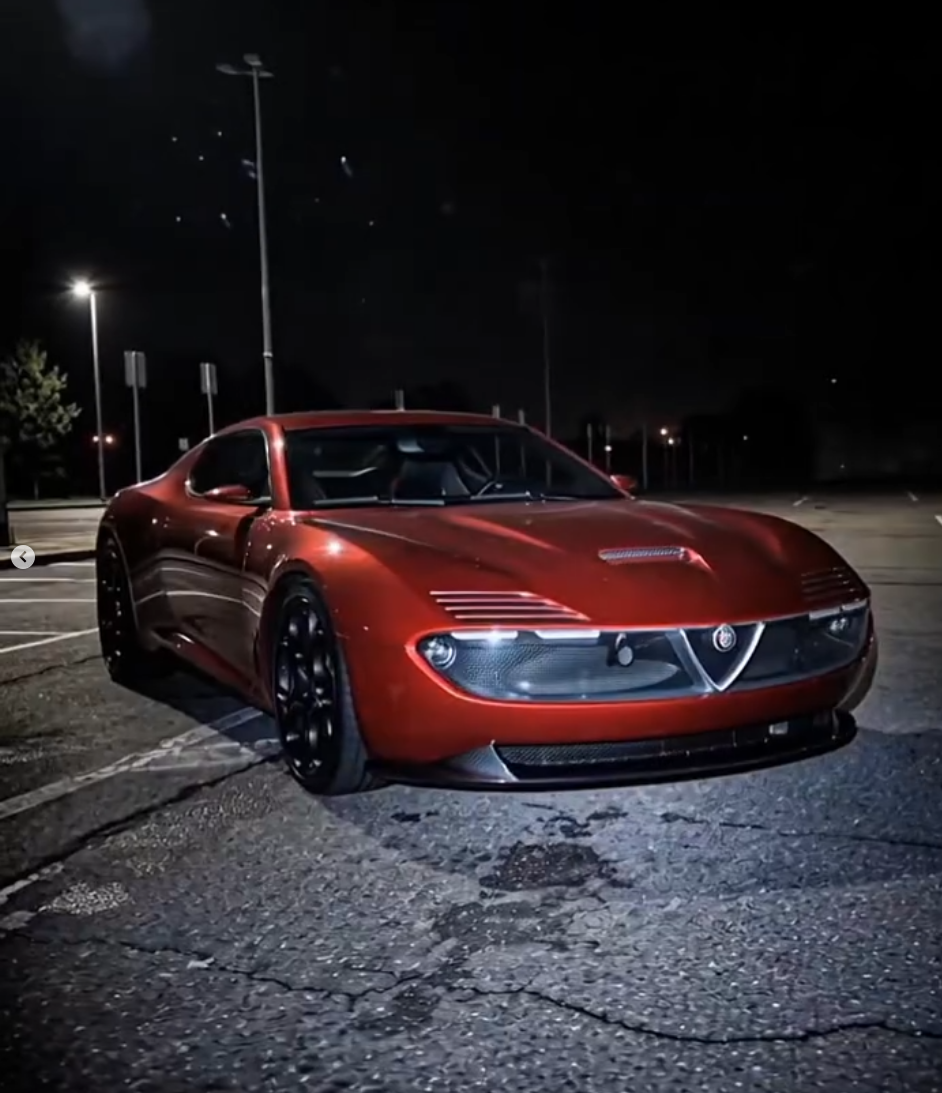
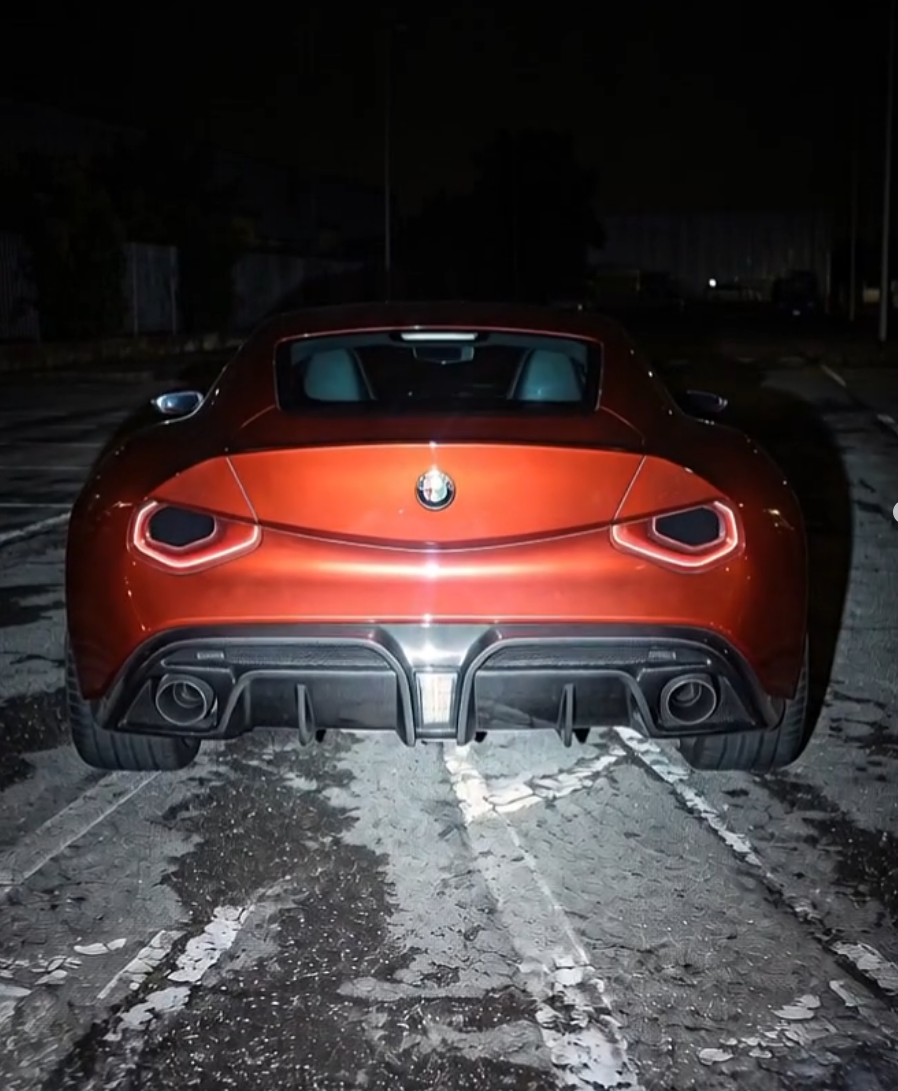
diciamo simili nel frontale dai... è una base per un buon prodotto realistico ma andrebbero sistemate delle cose: il "labbro" inferiore del paraurti anteriore è troppo rastremato e dovrebbe essere più verticale lo scudo per normativa non potrà più essere così alto e stretto salvo deregolamentazioni ero più alto e più corto per farci stare la targa centrale via quel biscione dallo scudo, inguardabile il posteriore non sarebbe mai così. Ci sta la V ma abbinata a fari più "regular".
-
-
Sta roba è una schifezza immonda, Castagna non si merita neanche di essere annoverato tra le carrozzerie più famose d'Italia... Sembra roba tuning polacca anni 2000 o il lavoro di qualche sedicente designer virtuale... come scritto sopra apprezzo solo qualche linea quali il cofano convesso ed il taglio dei fari e cofano che ricordano la Brera, per il resto uno sprecoHo letto due dati, due e non dico lo scam, ma l'assurdità è sconvolgente. La macchina sarà (forse) disponibile in versione Thrust per la funzione sola di spinta con 200 litri di serbatoio, mentre la Rocket quella che dovrebbe volare 600. Musk ha dichiarato che la macchina ricarica i serbatoi da sola, secondo le prima stime si parla di 25kWh per ricaricare la Thrust, 60-75 per la Rocket... ... per avere un "volo" di massimo 10 s teorici, con 2 di spinta massima.che zozzeria