Il Greco
Utente Registrato
-
Iscritto il
-
Ultima visita
-
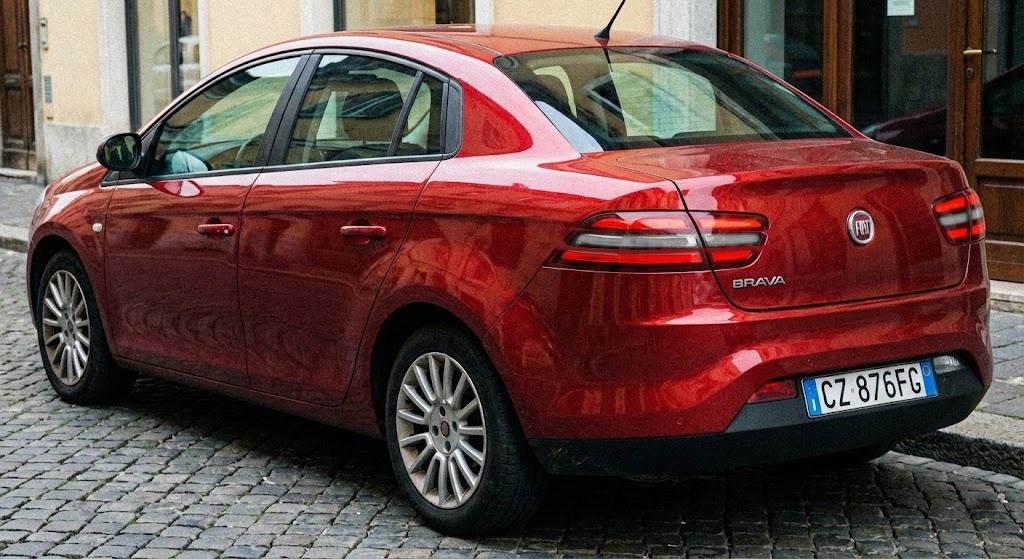
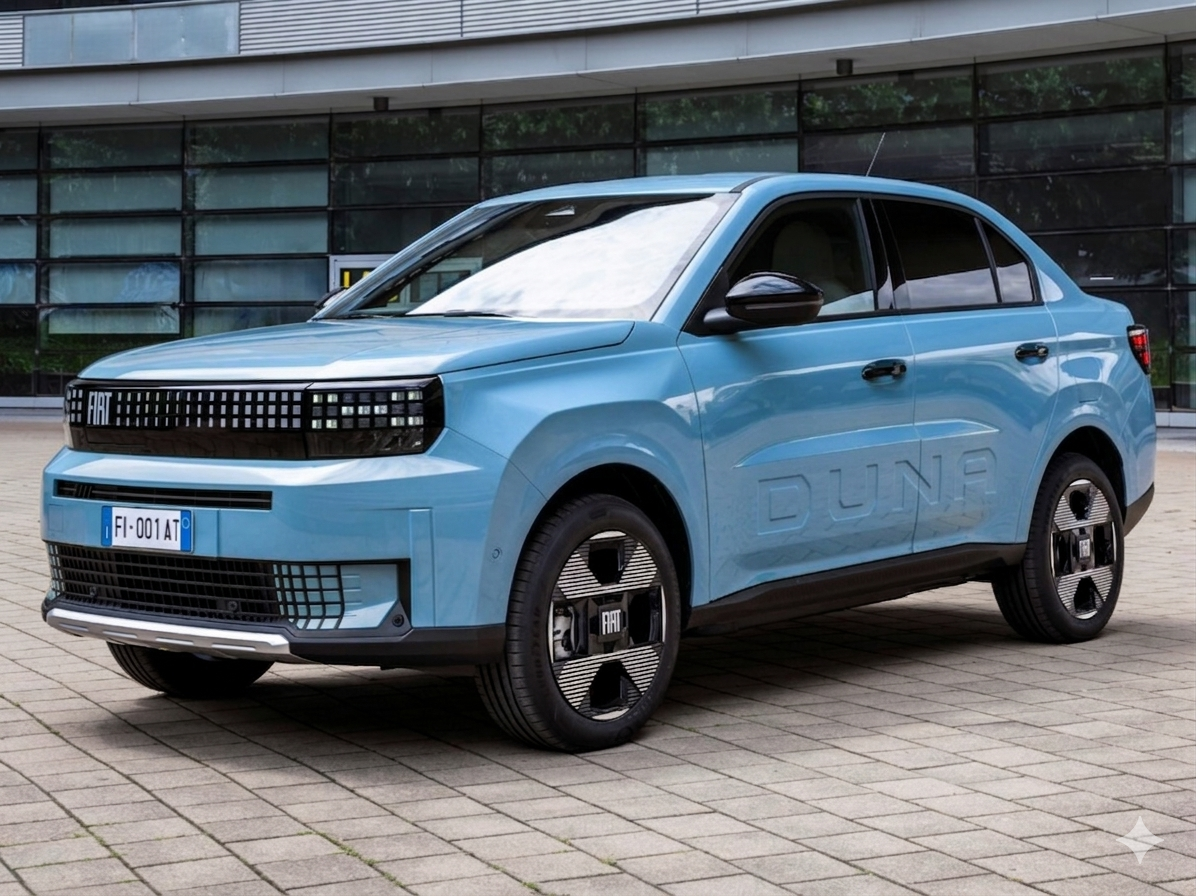
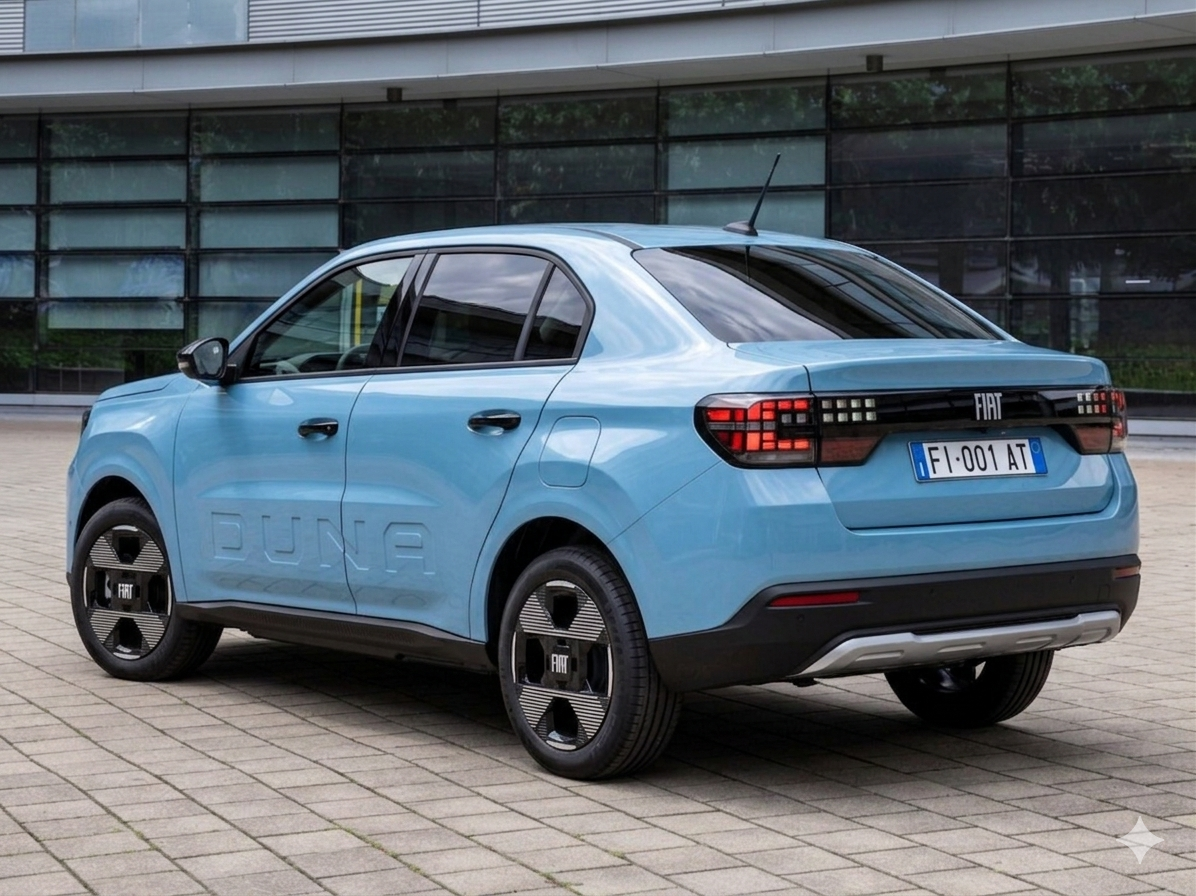
Duna revival as a sedan, based on the Grande Panda
- 92 risposte
-
-

-

-

-

- 5
-
-
- c-crossover
- f2x
- fiat
- fiat c-crossover
-
Taggato come:
-
The second one is awesome! But the first one looks like it has 4 doors instead of two
-
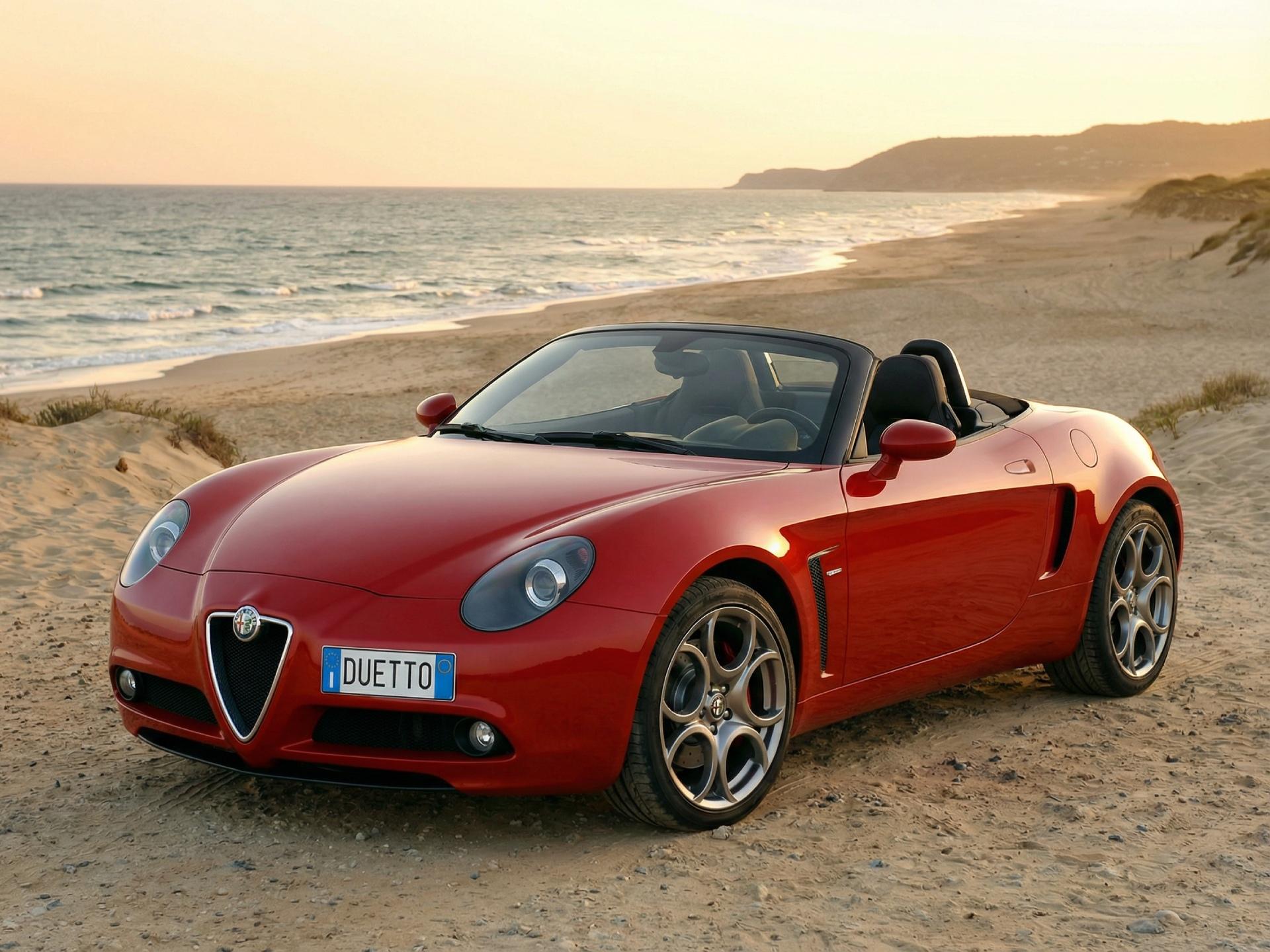
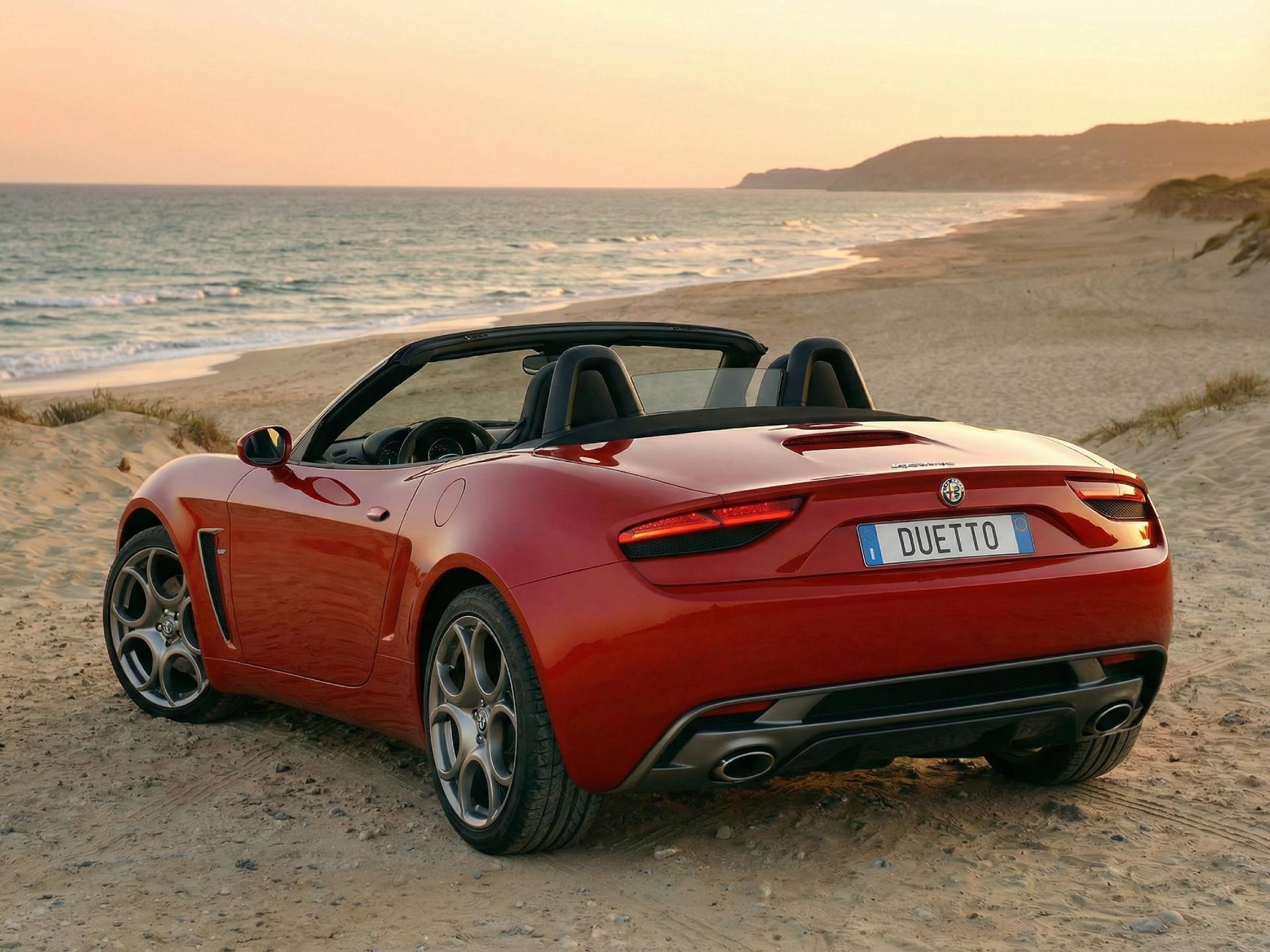
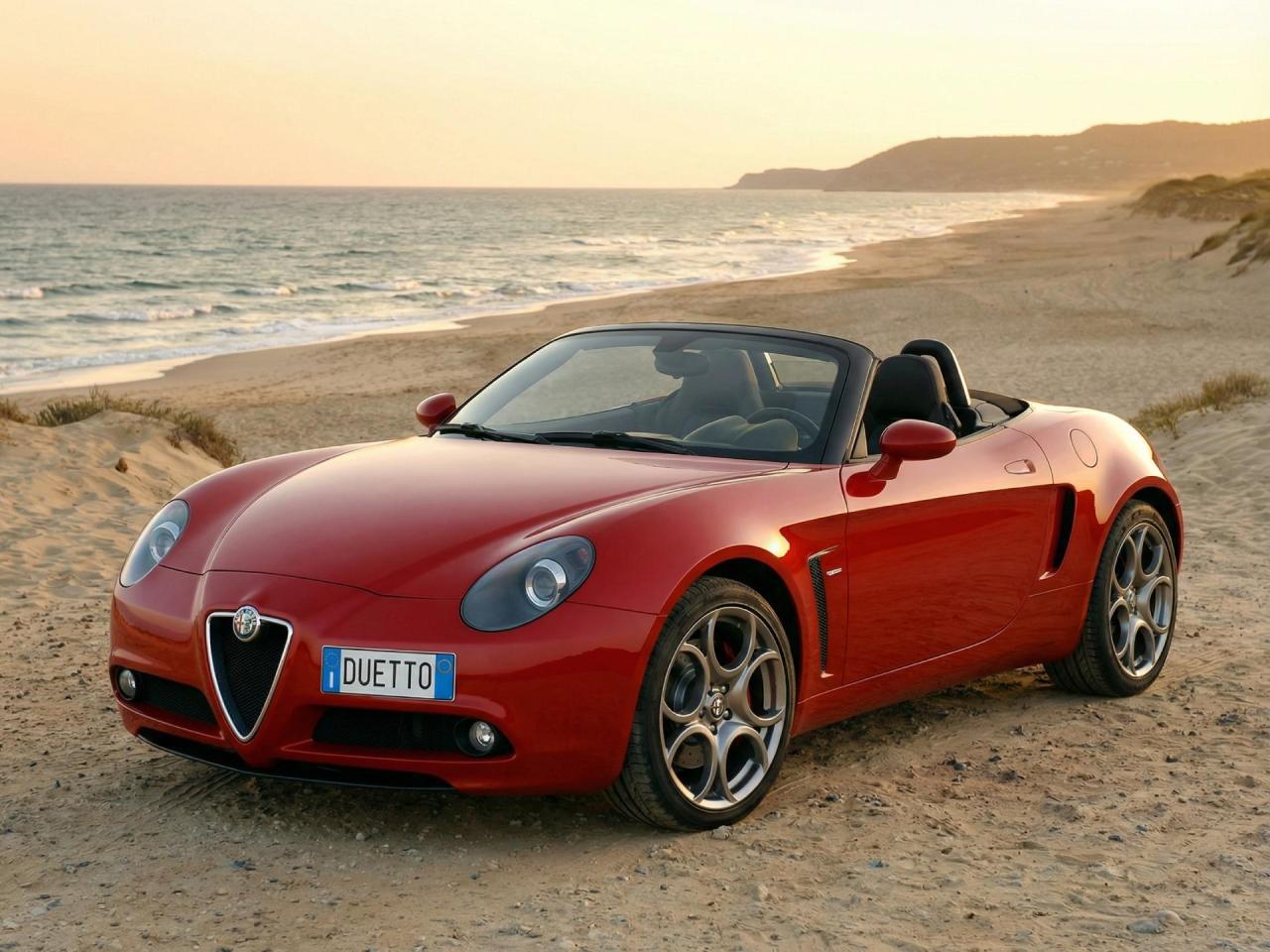
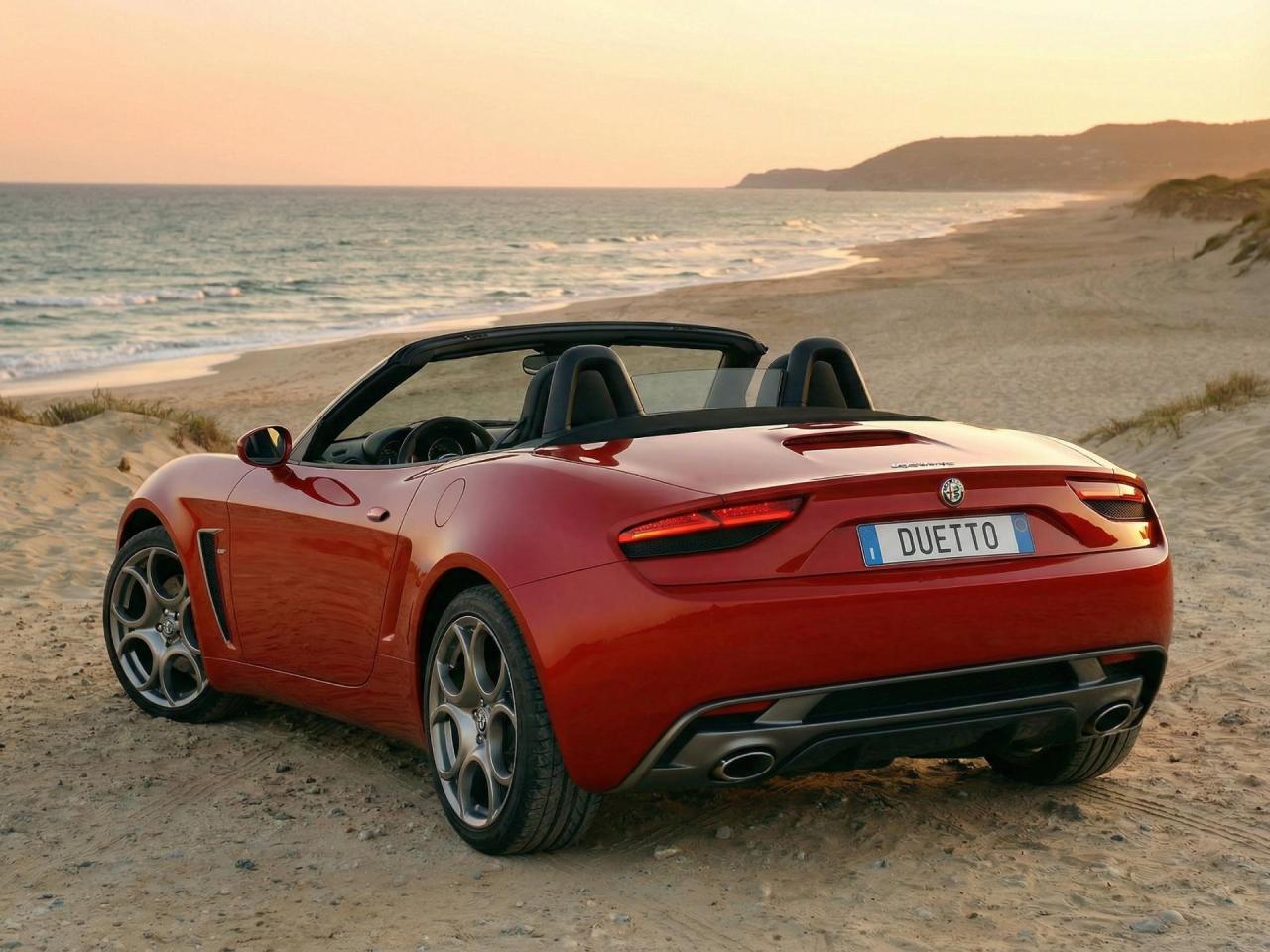
The Alfa Romeo Duetto, which is inspired by the sketches from the original message
-
-
New Tipo based on Leapmotor B05. I found the image from web Source: GT01 Design
- 92 risposte
-
-

- 1
-
-
- c-crossover
- f2x
- fiat
- fiat c-crossover
-
Taggato come:
-
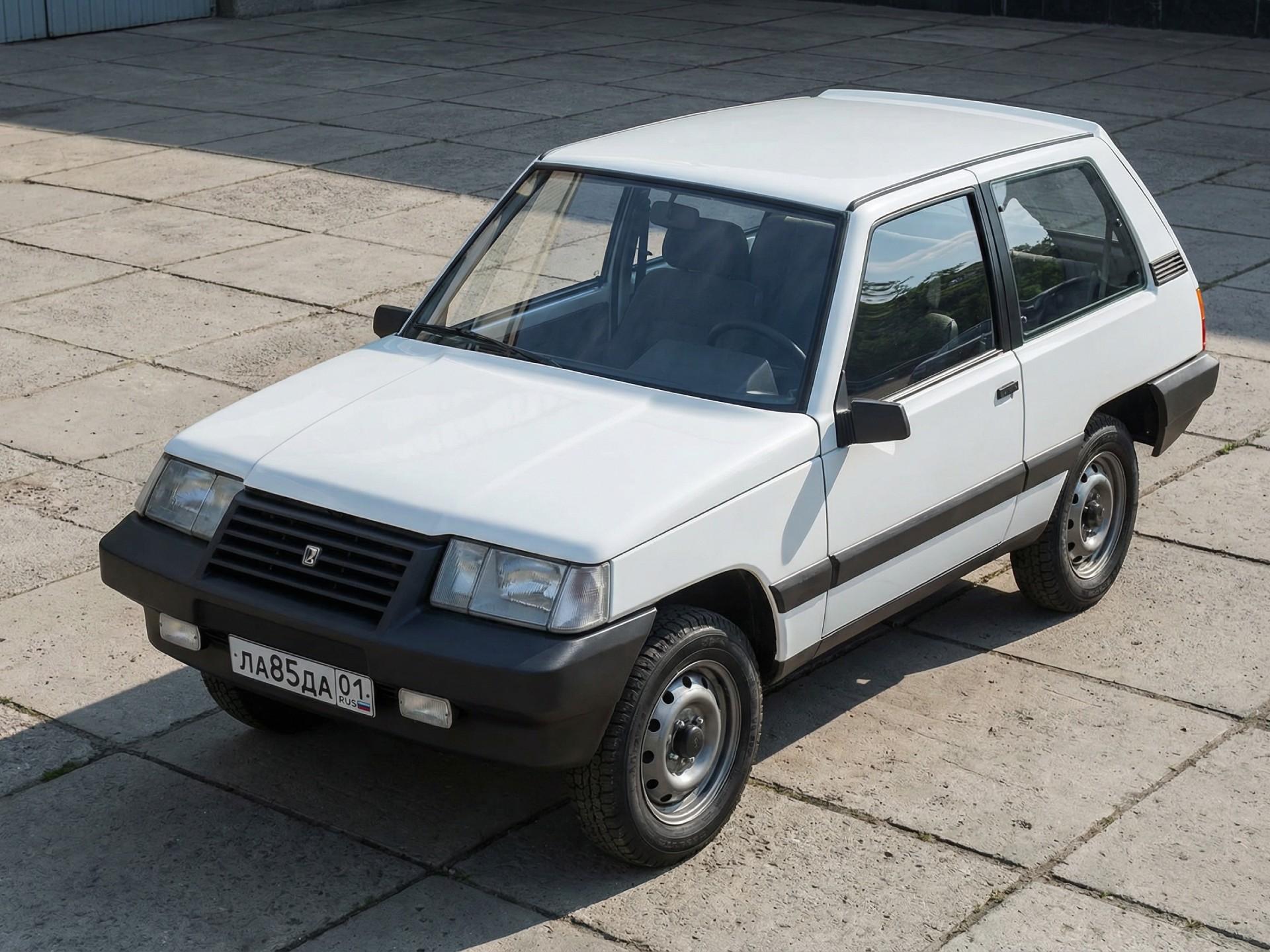
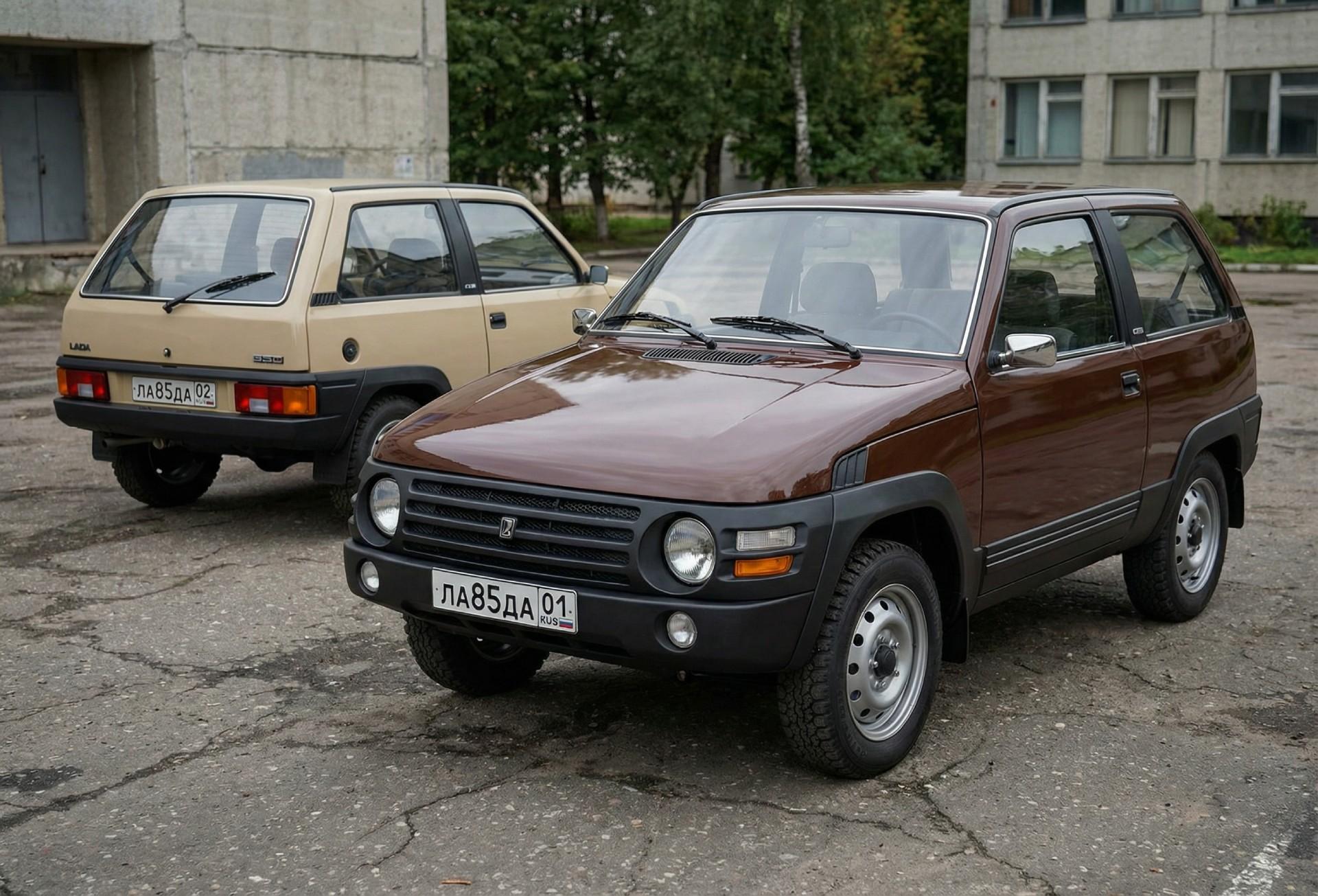
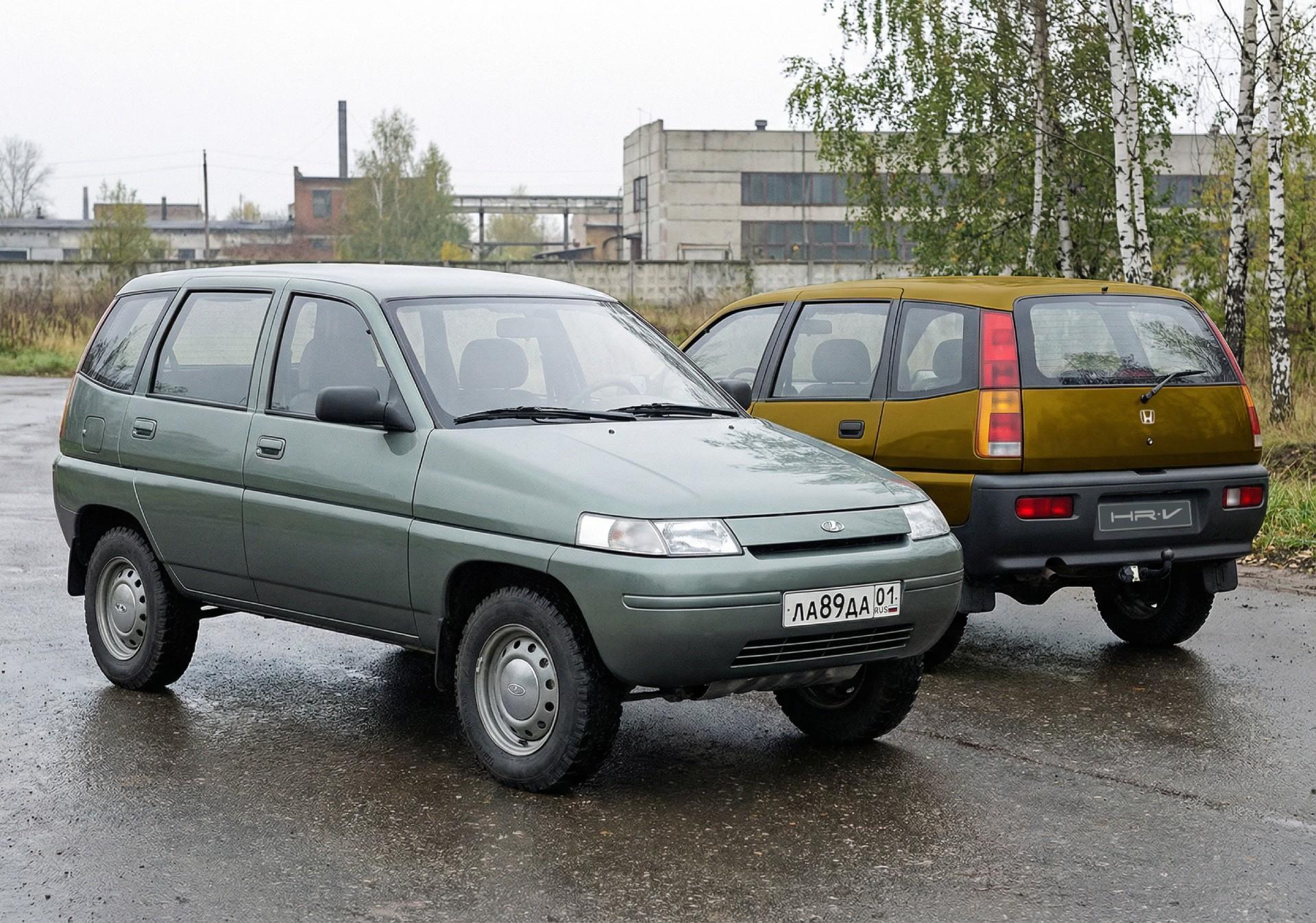
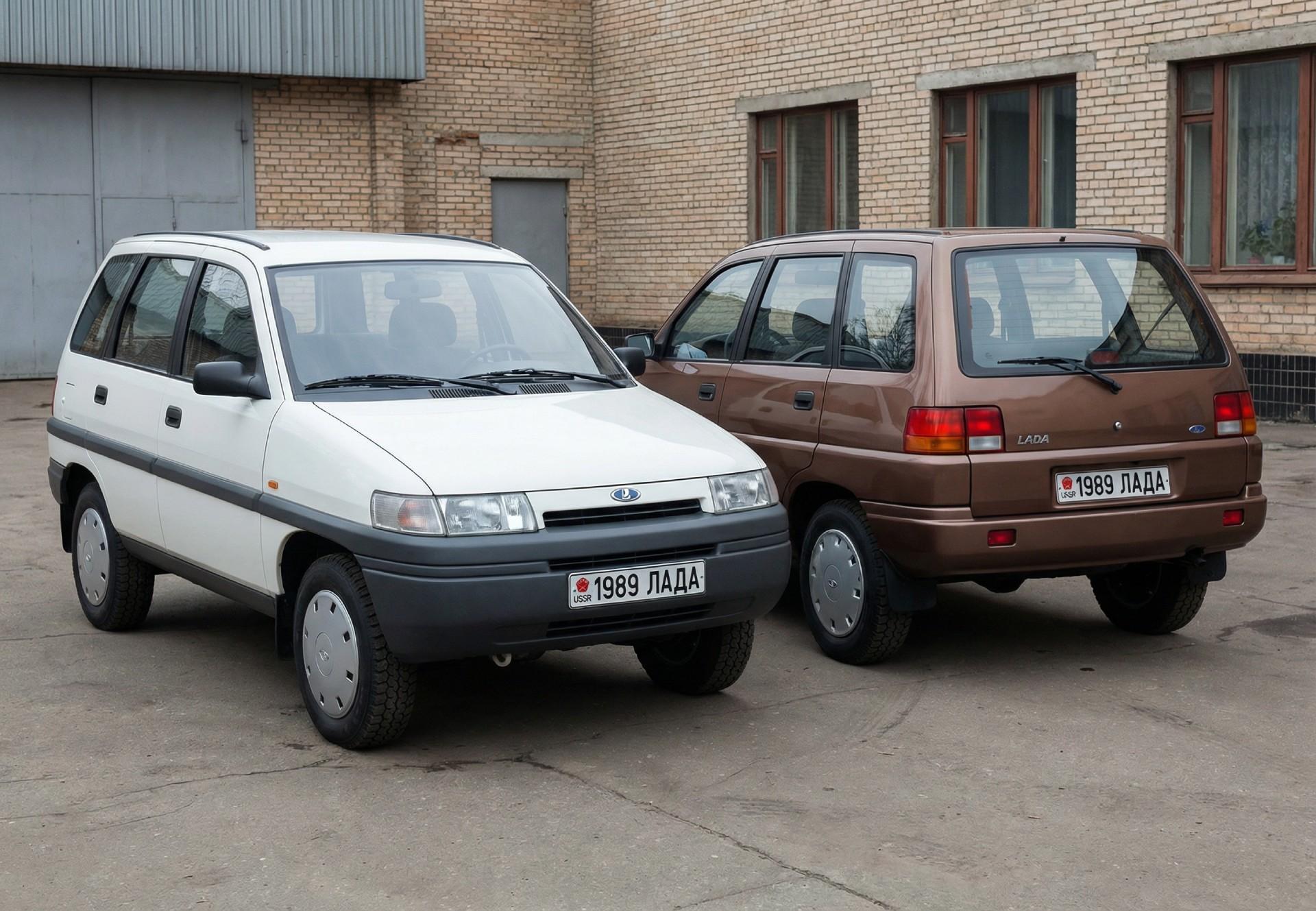
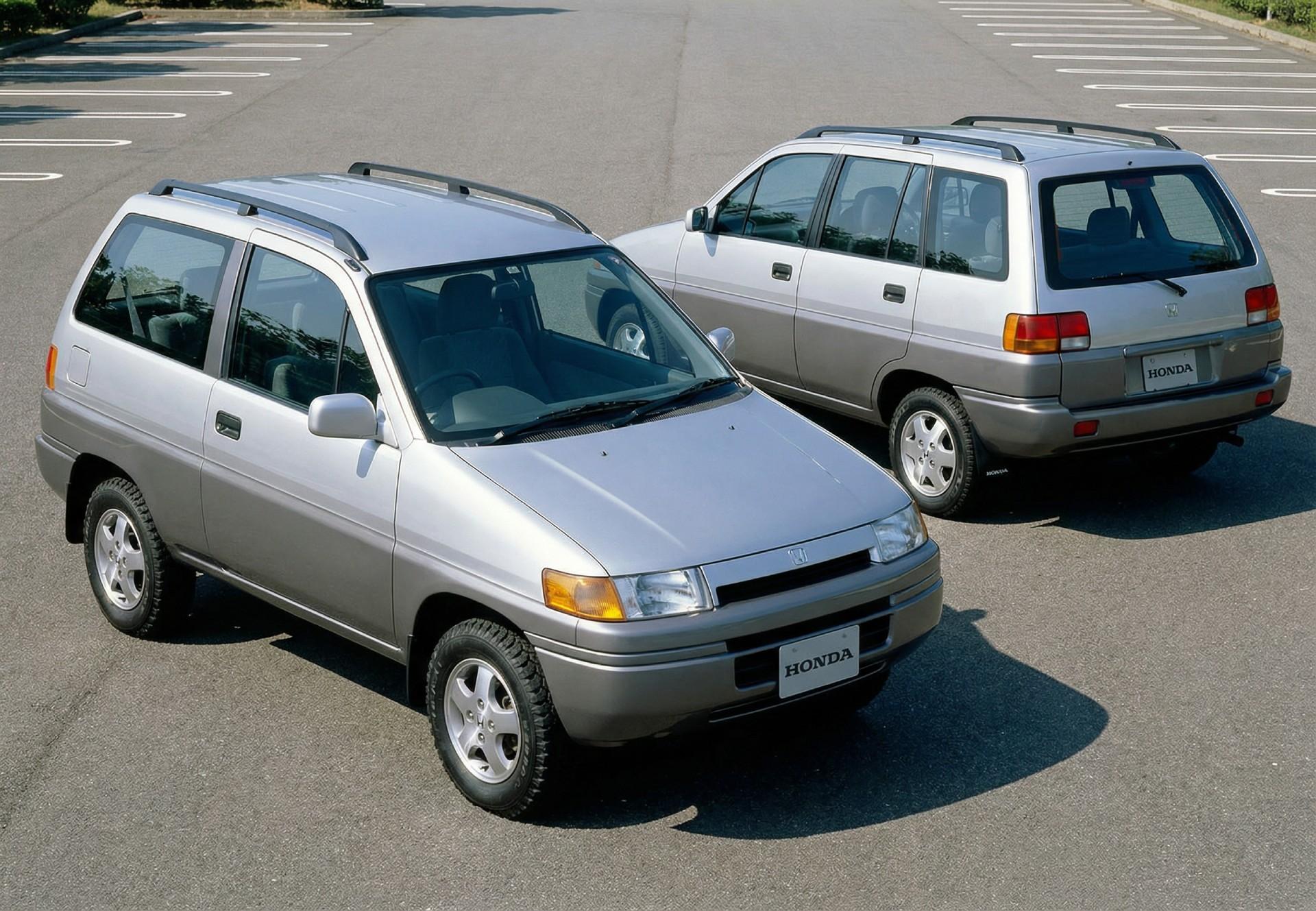
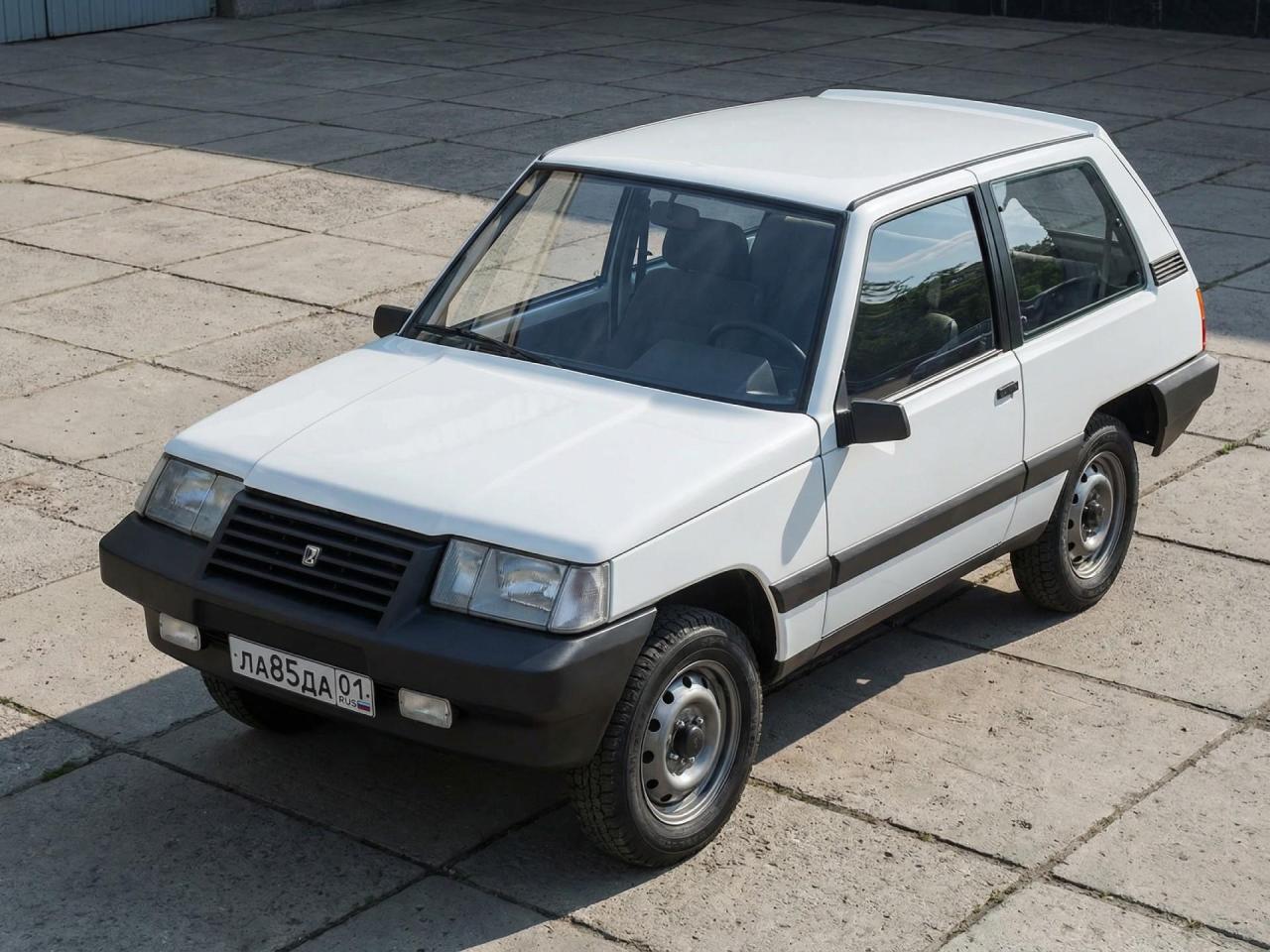
1985 Niva first concept 1985 Niva second concept 1986 Niva Concept (does it look similar to the first HR-V?) 1989 Niva Concept (+BONUS Honda version)
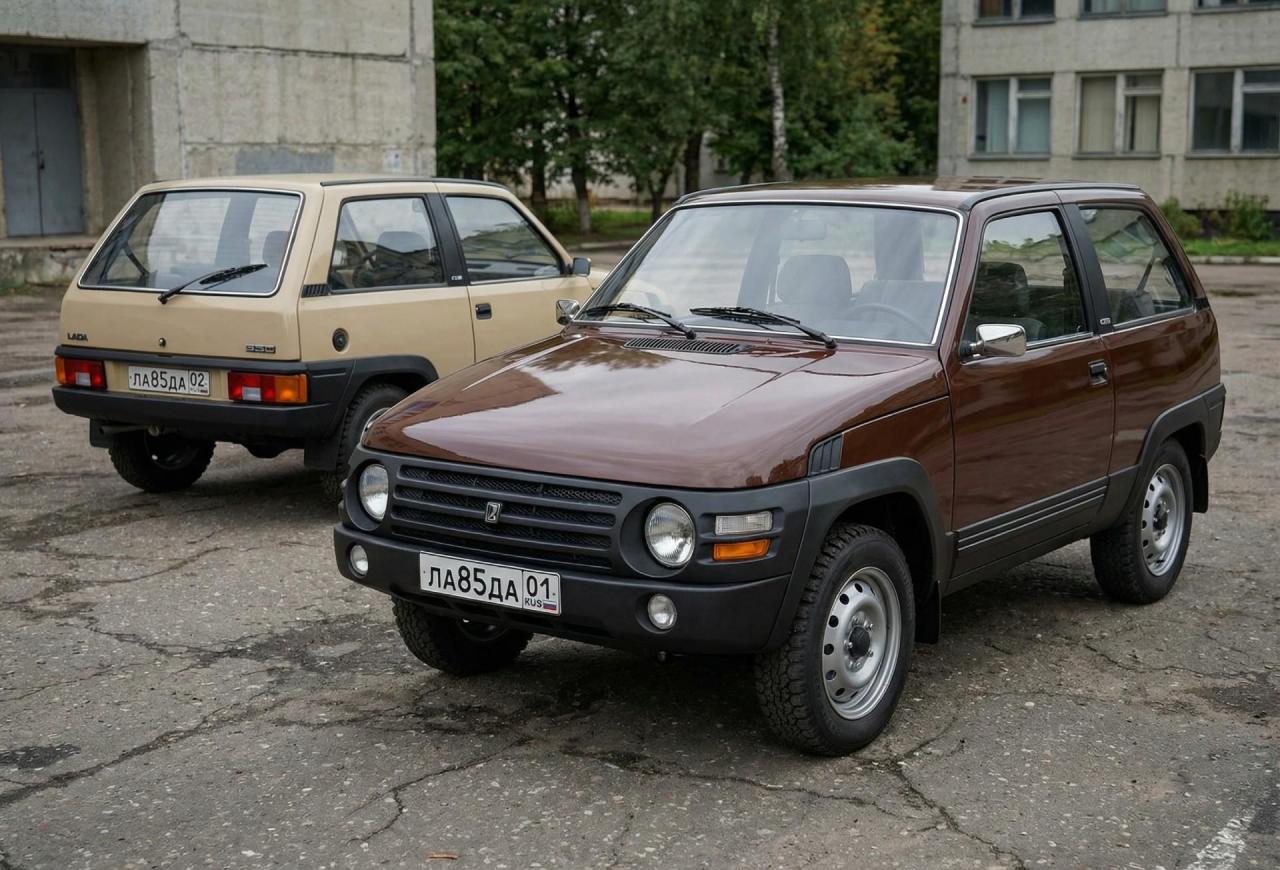
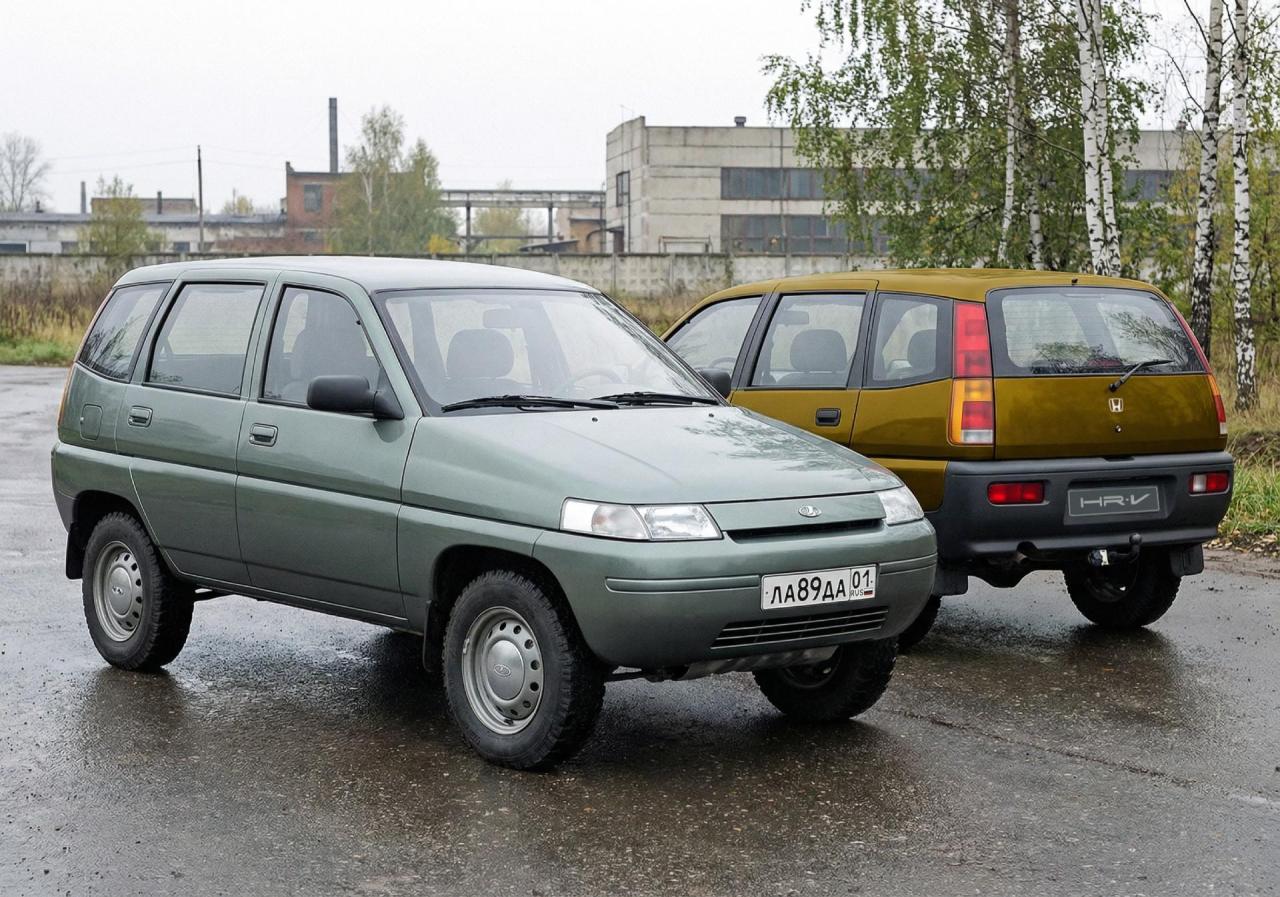
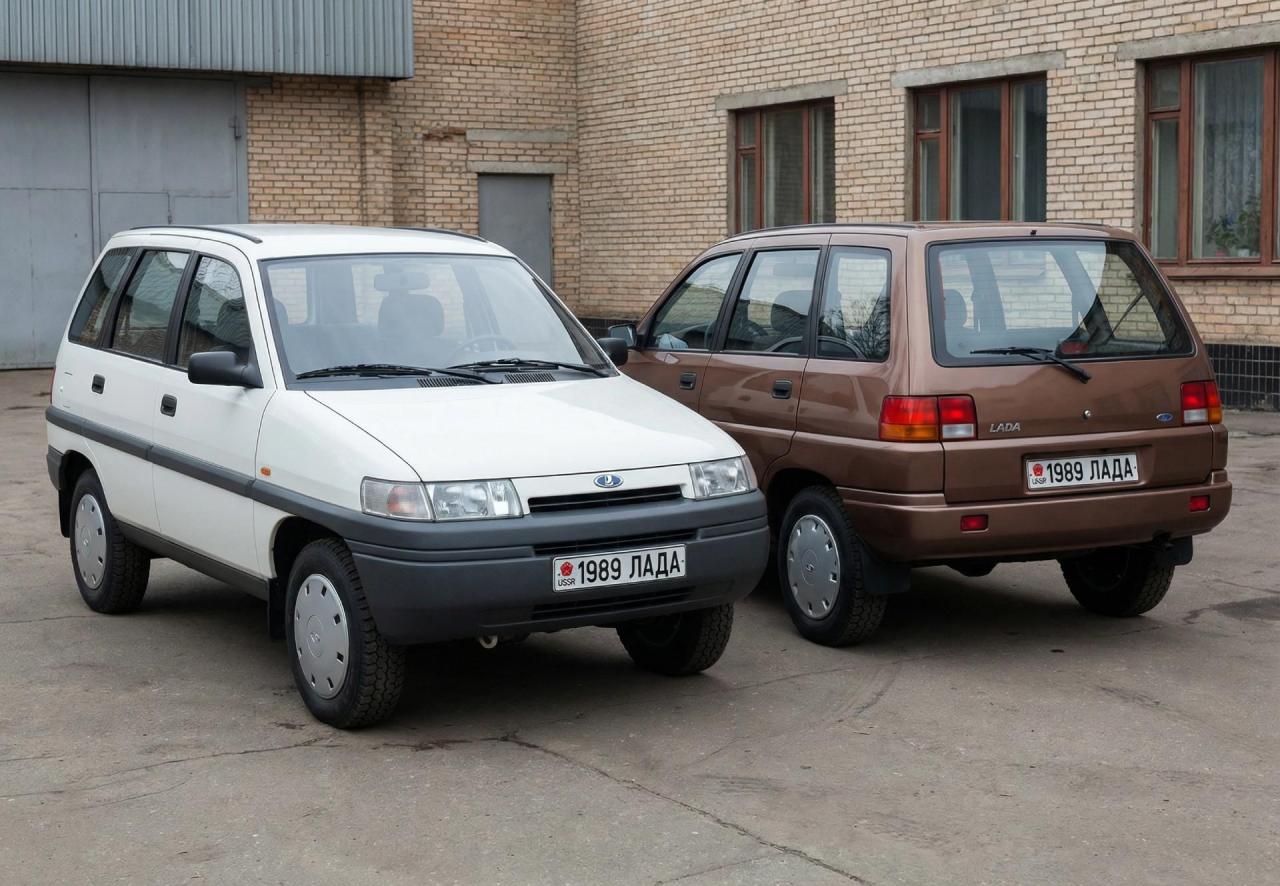
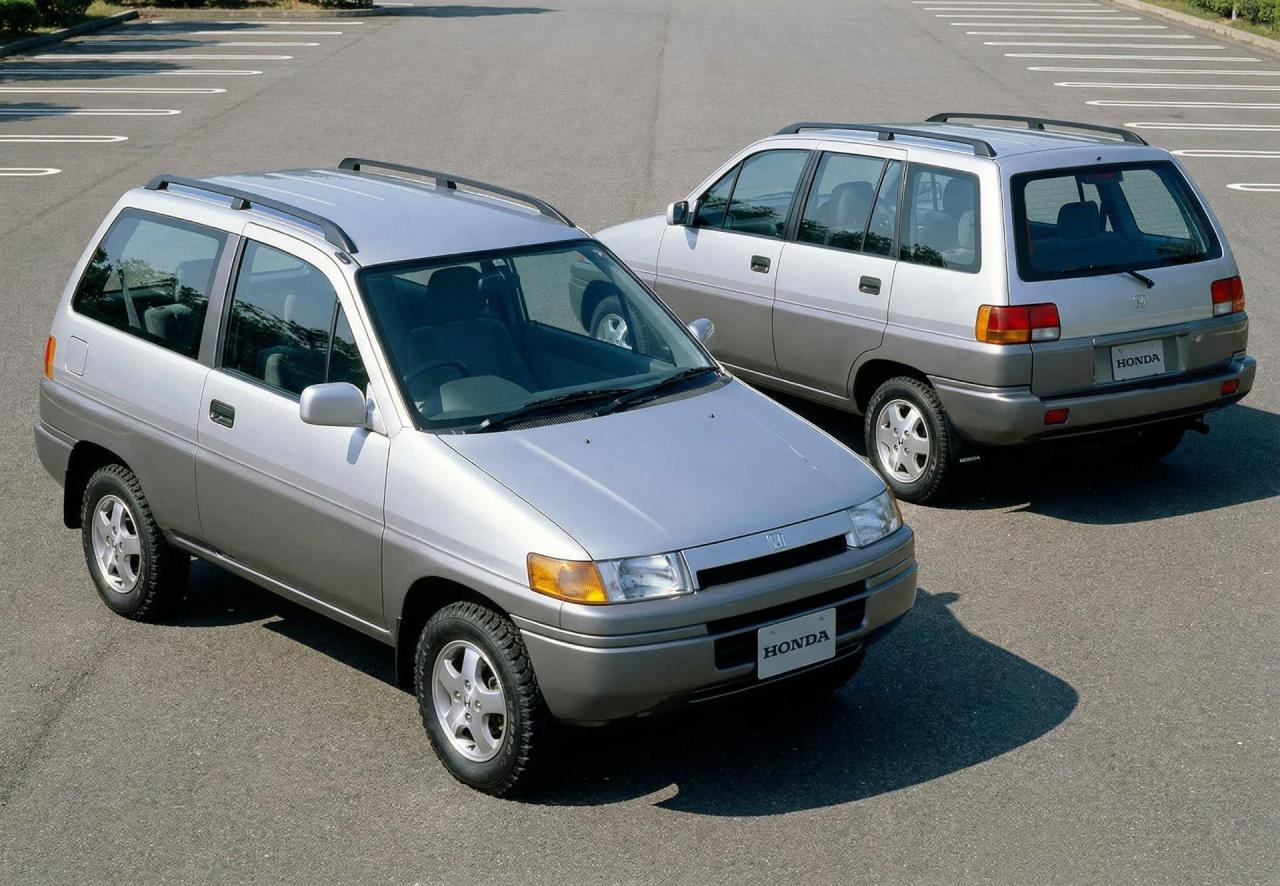
-
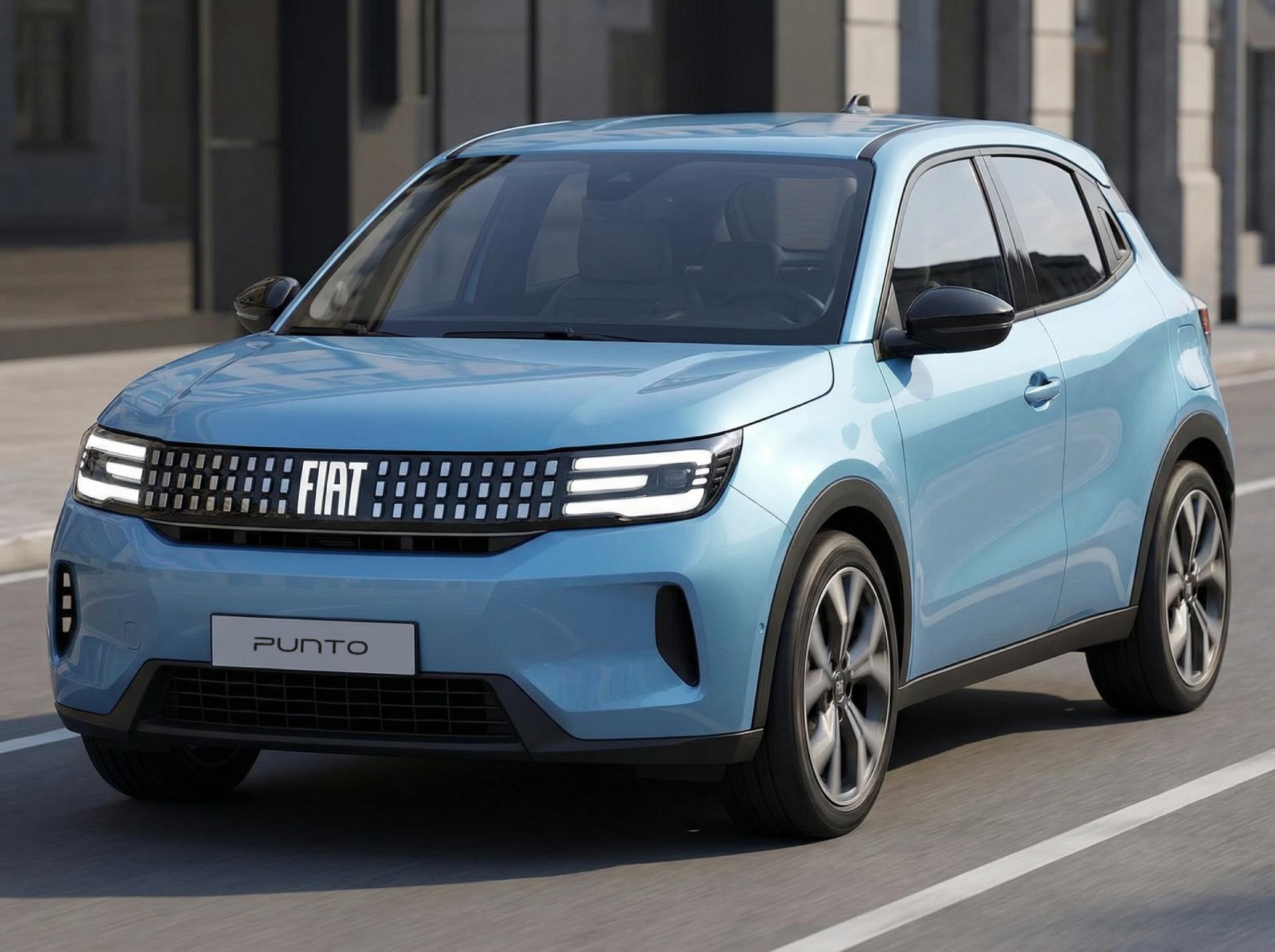
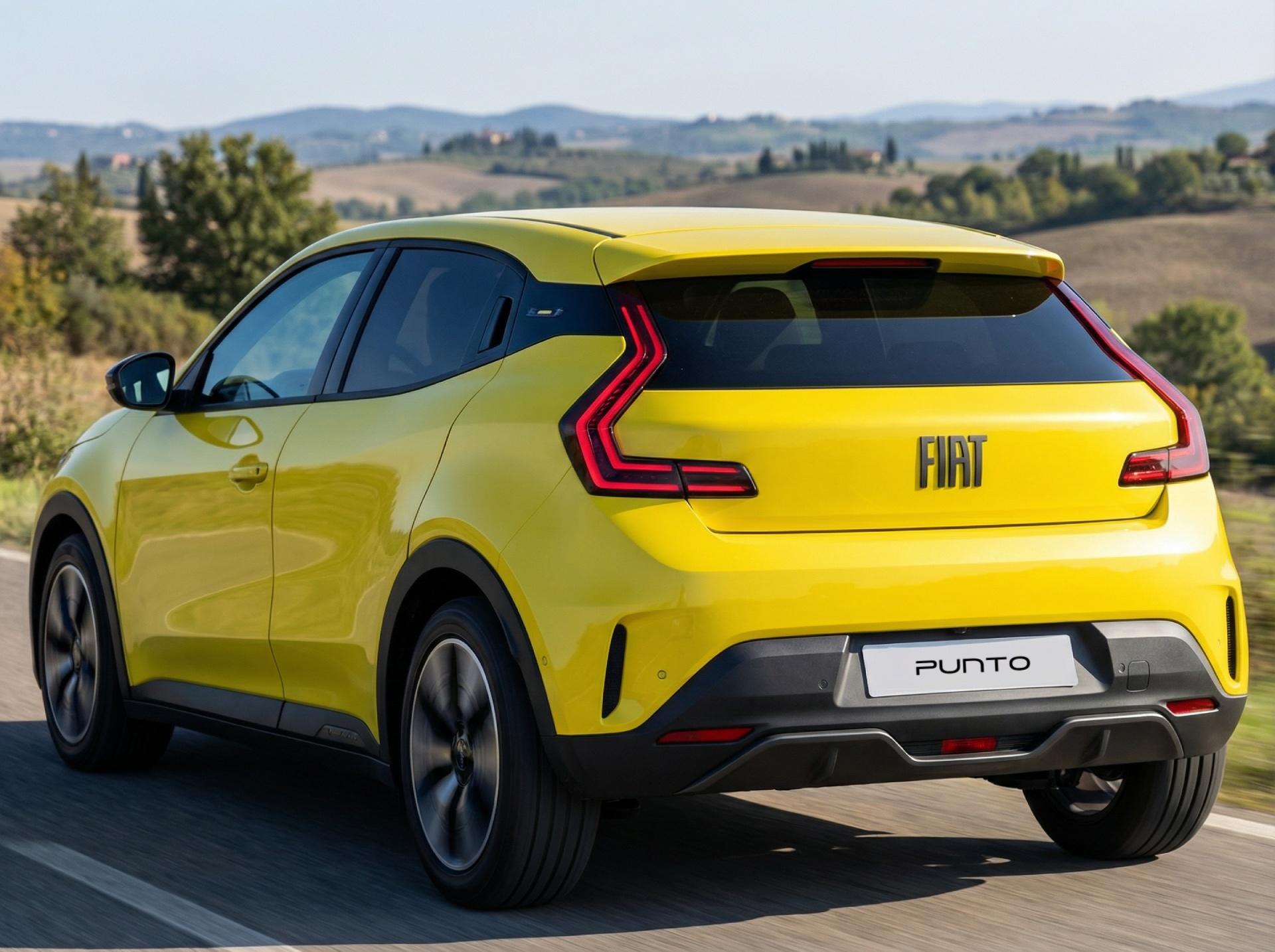
2027 FIAT Punto
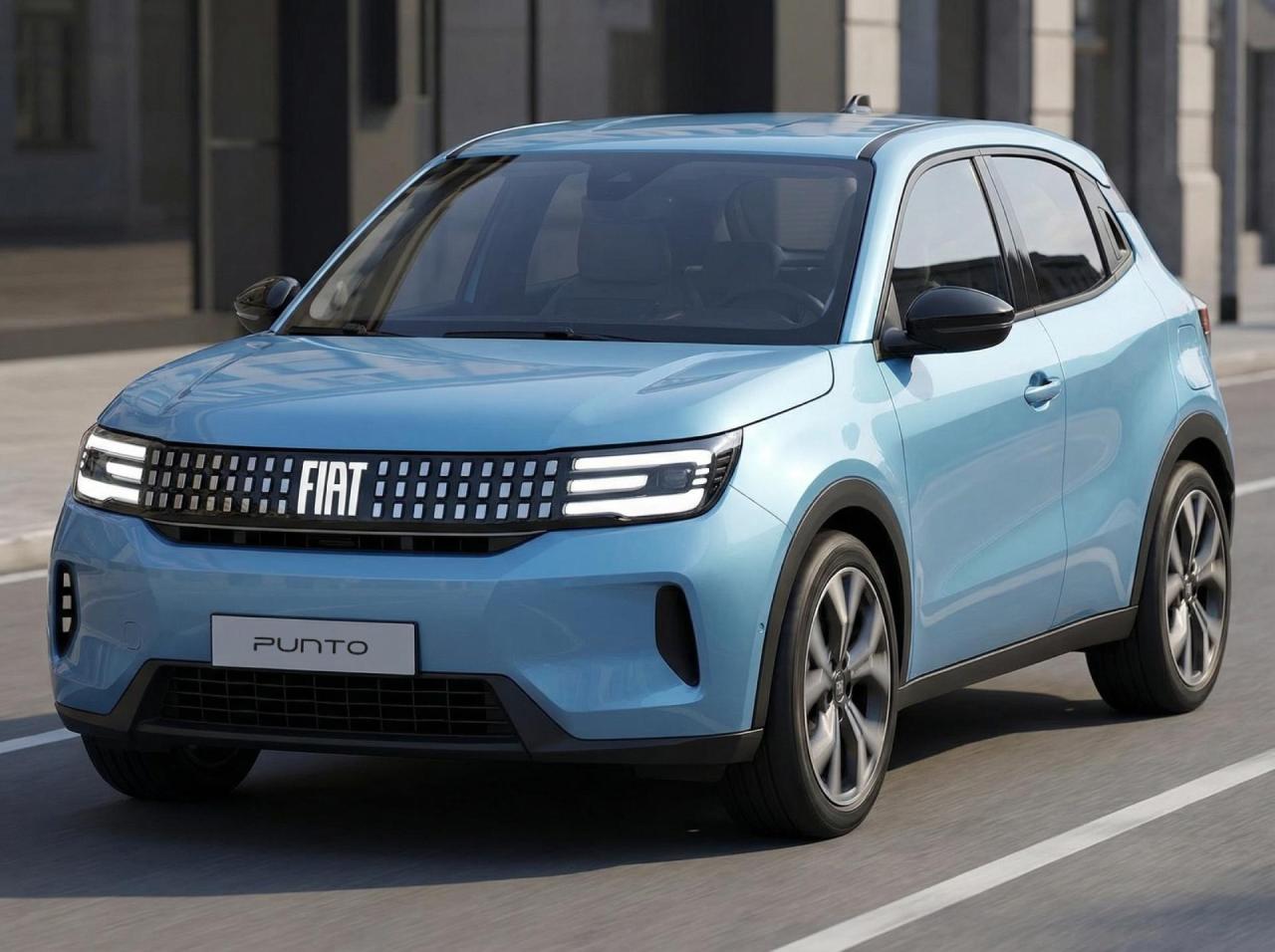
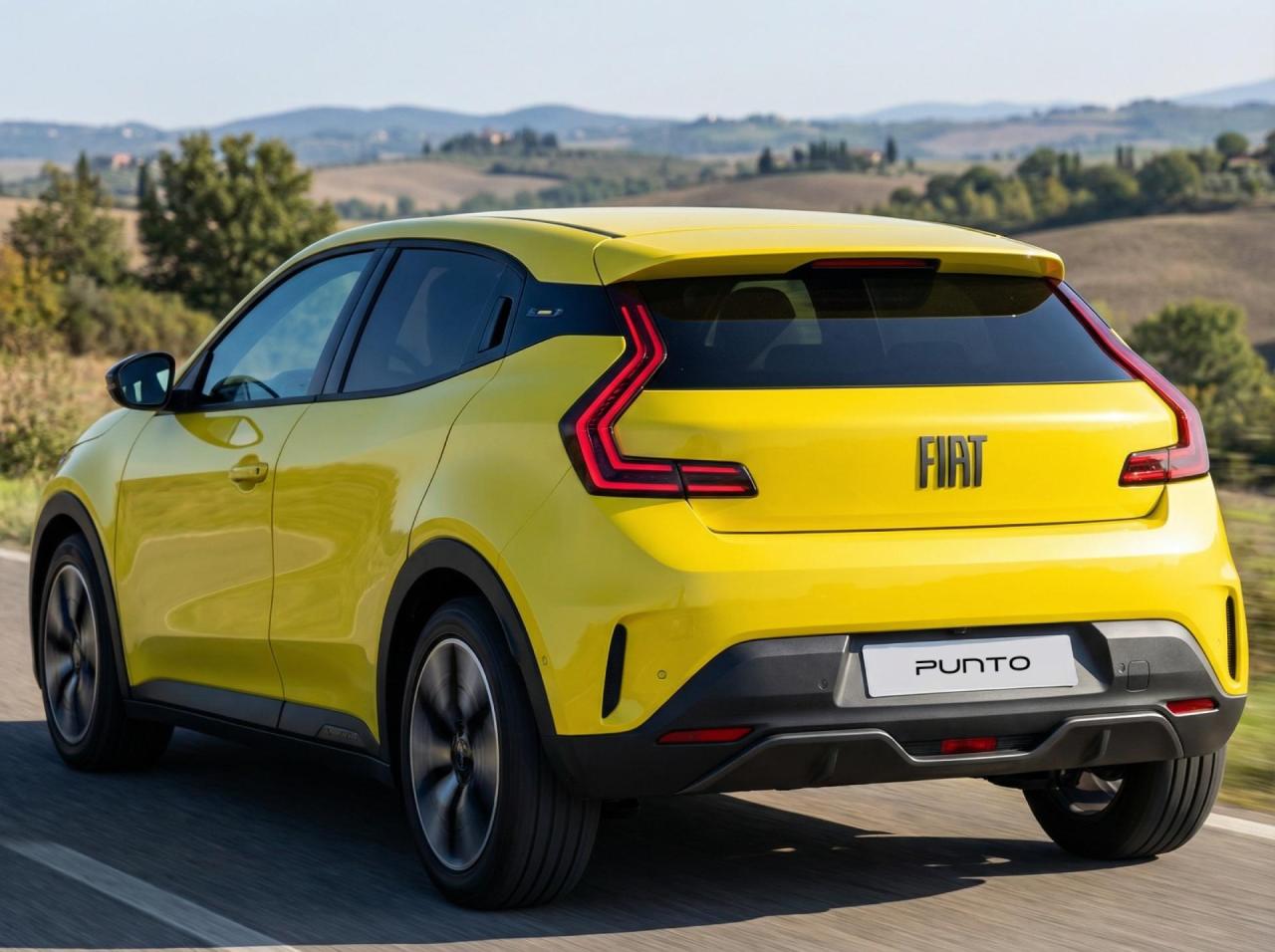
-
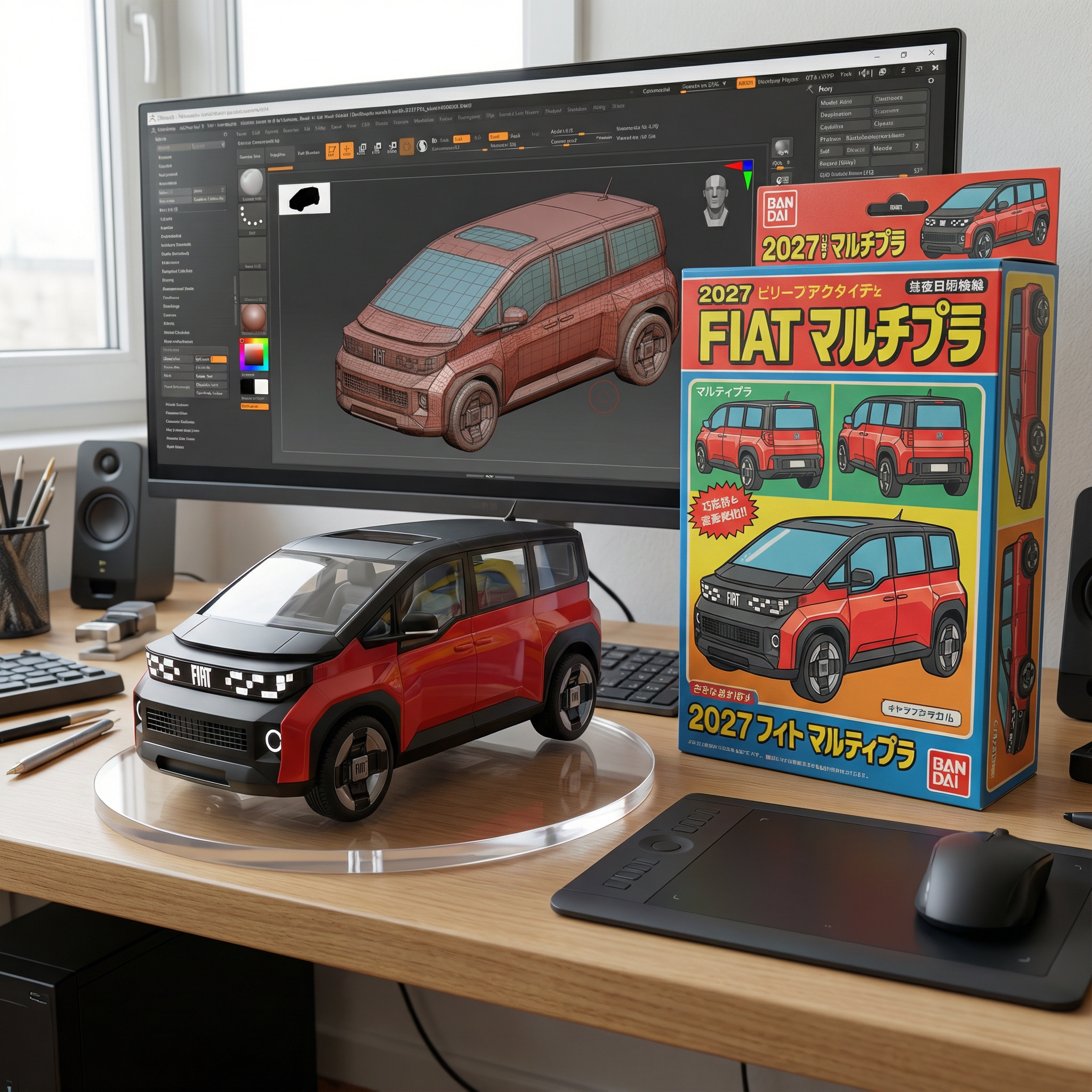
As a BANDAI miniature model
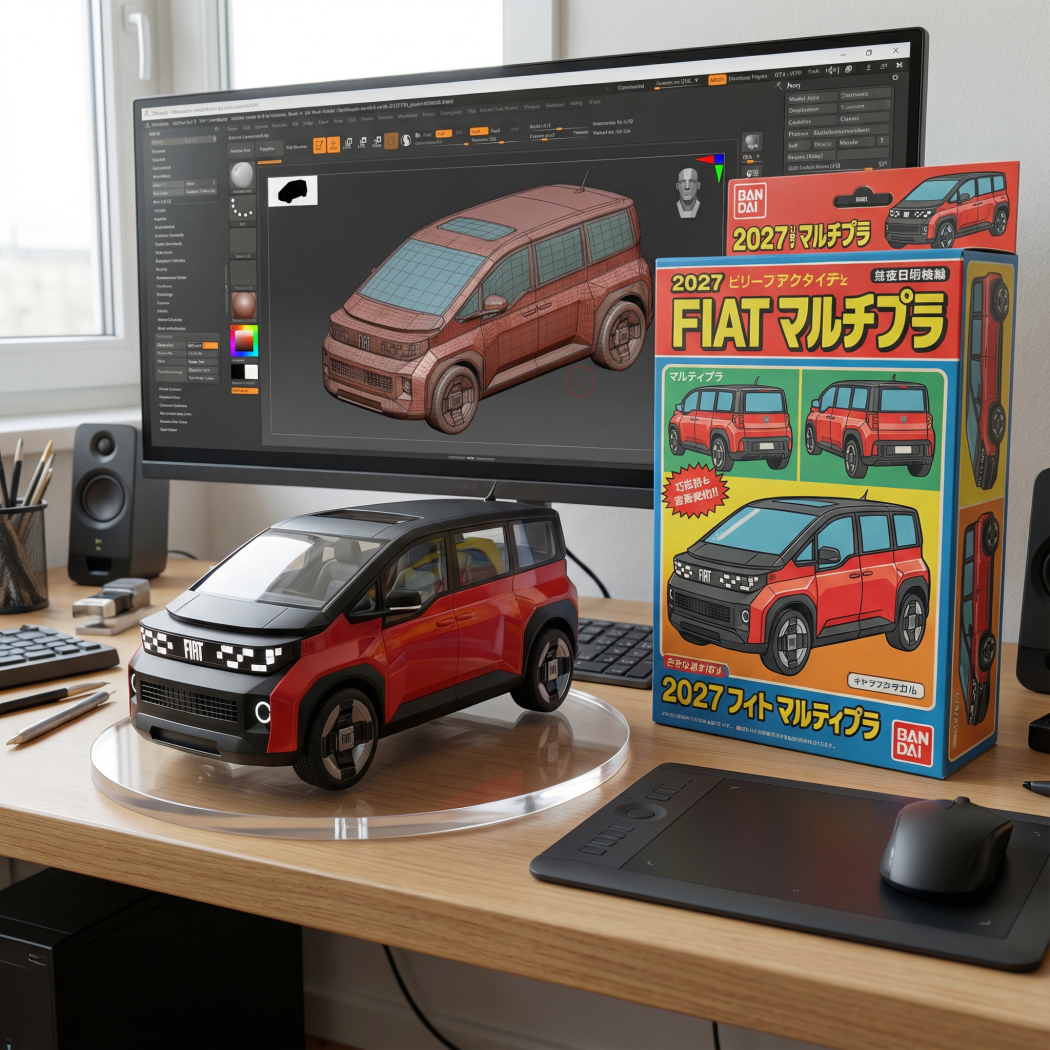
-
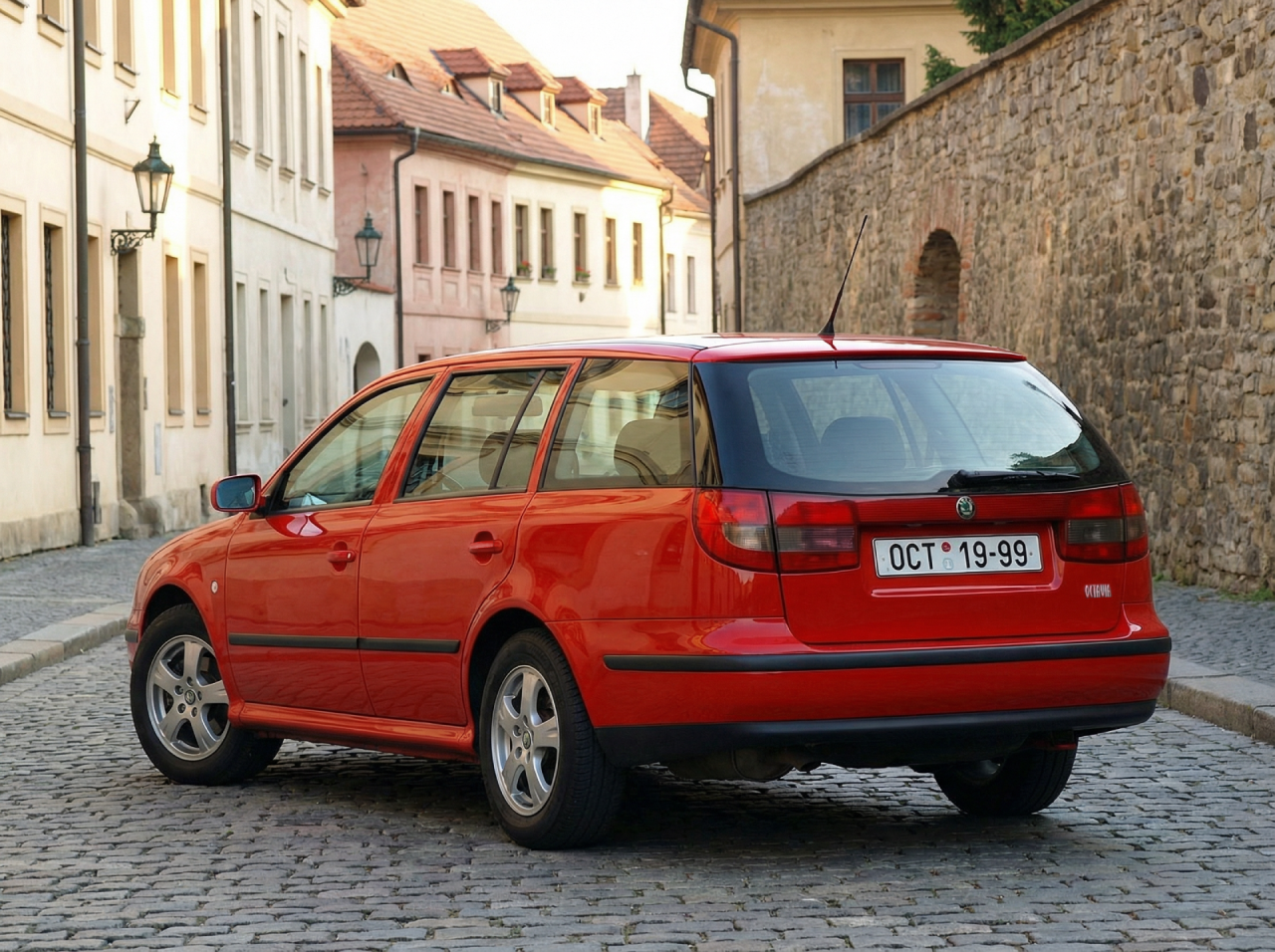
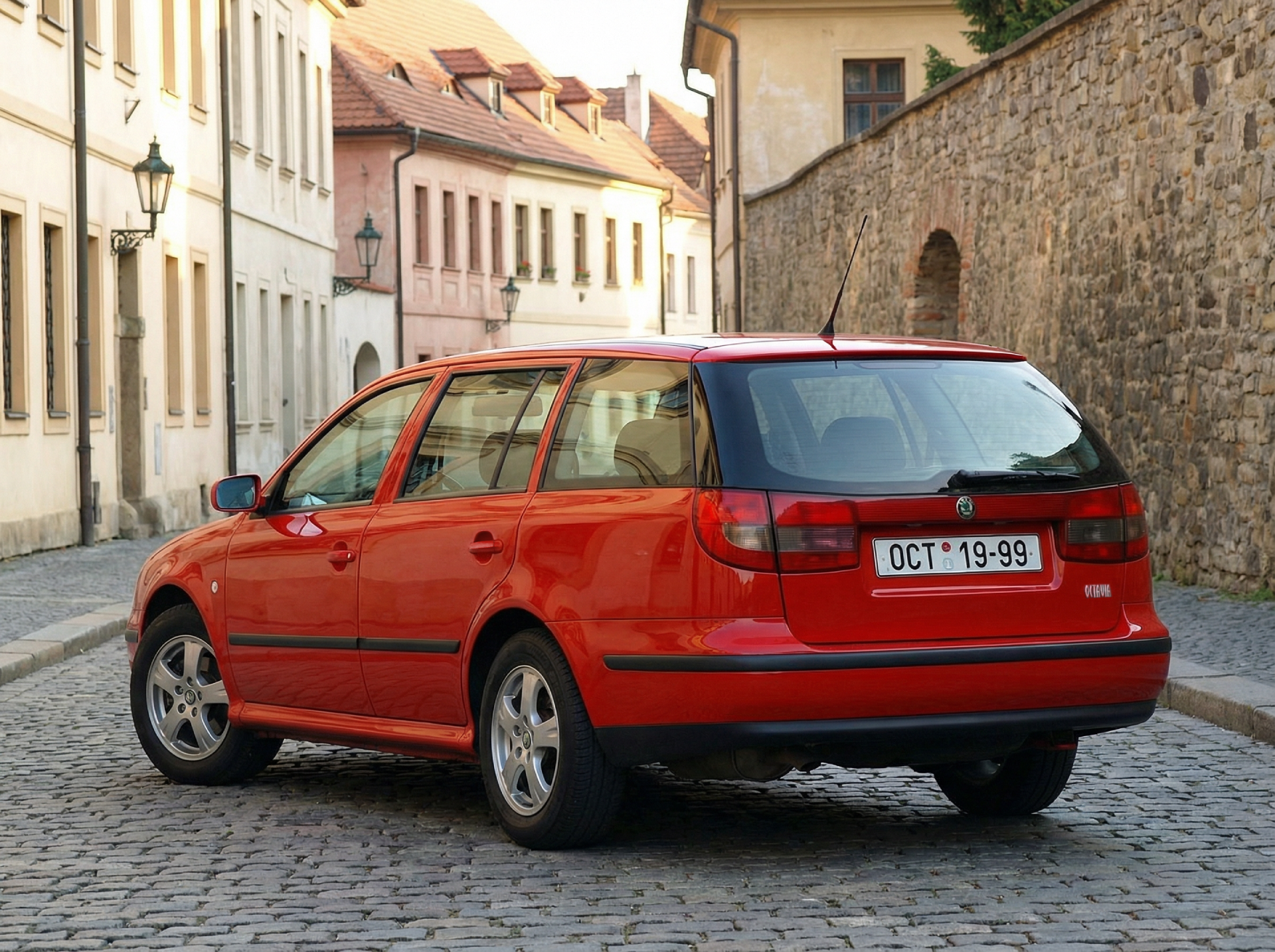
Yeah, it would be true! The design of the rear lights made me believe that it would be a Toledo SW, but I saw that the original author thought that was a Skoda, so I generated a picture with that model as a Skoda
-
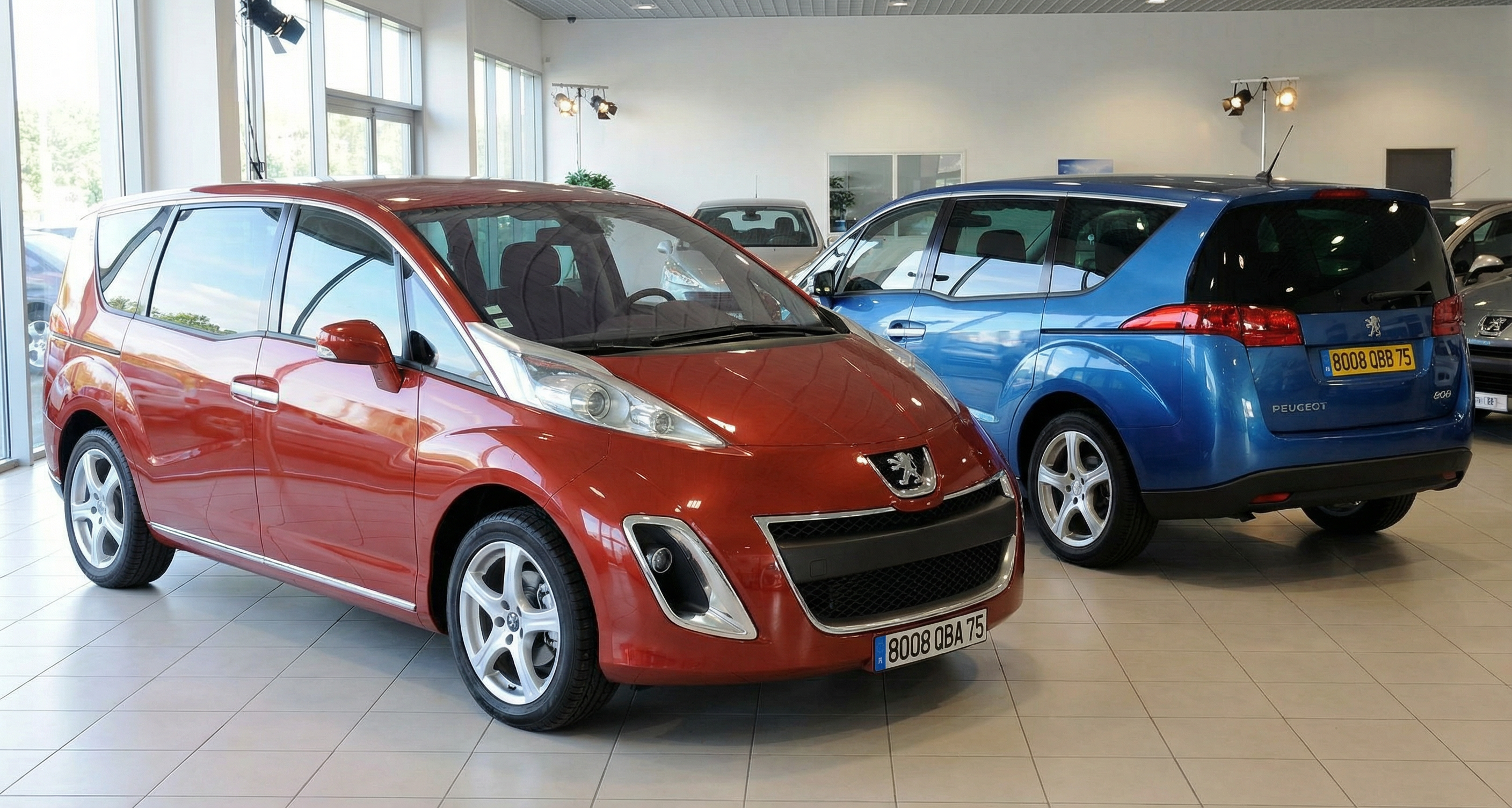
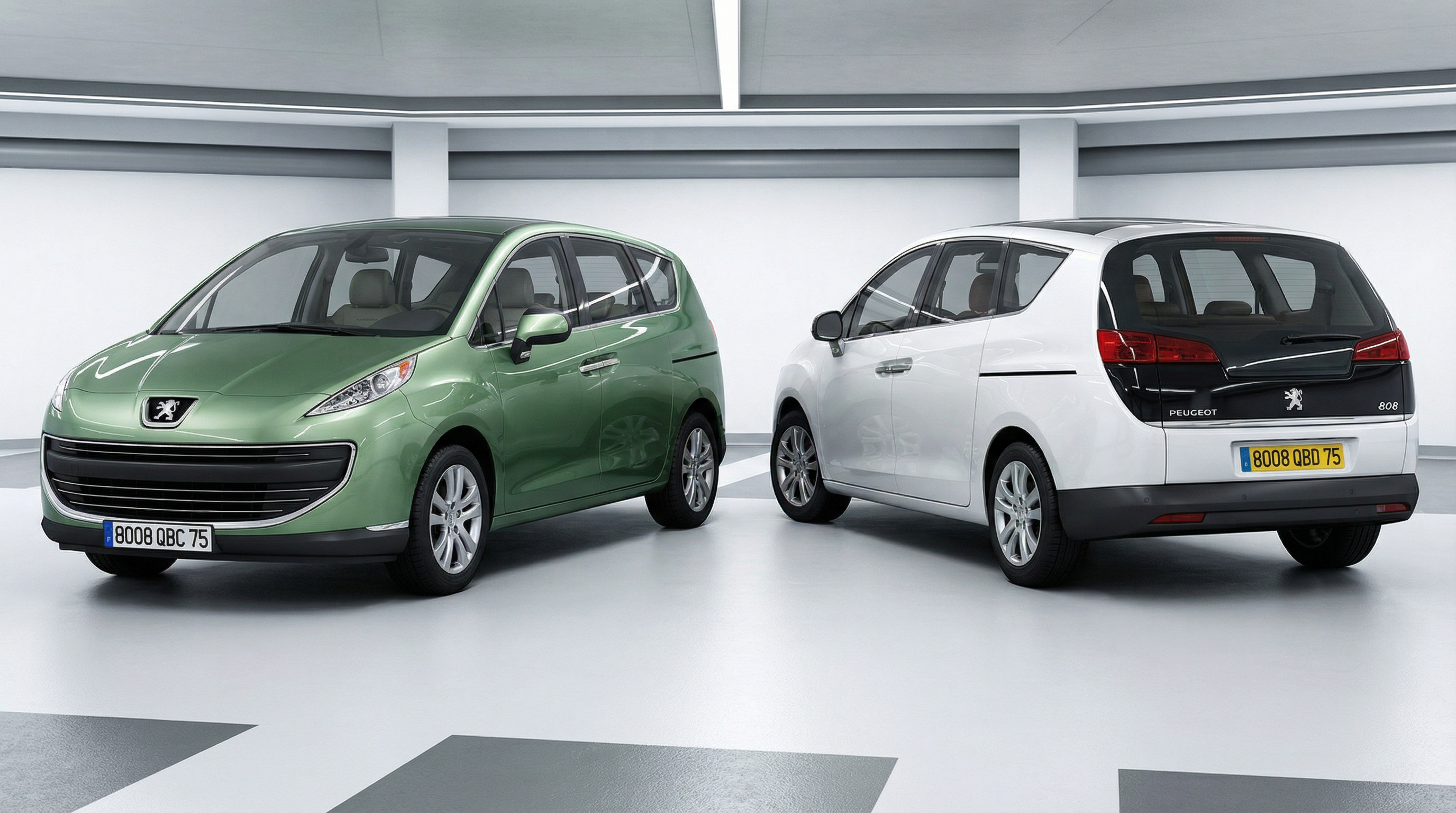
Peugeot 808 (2 different designs): First version: Second version:
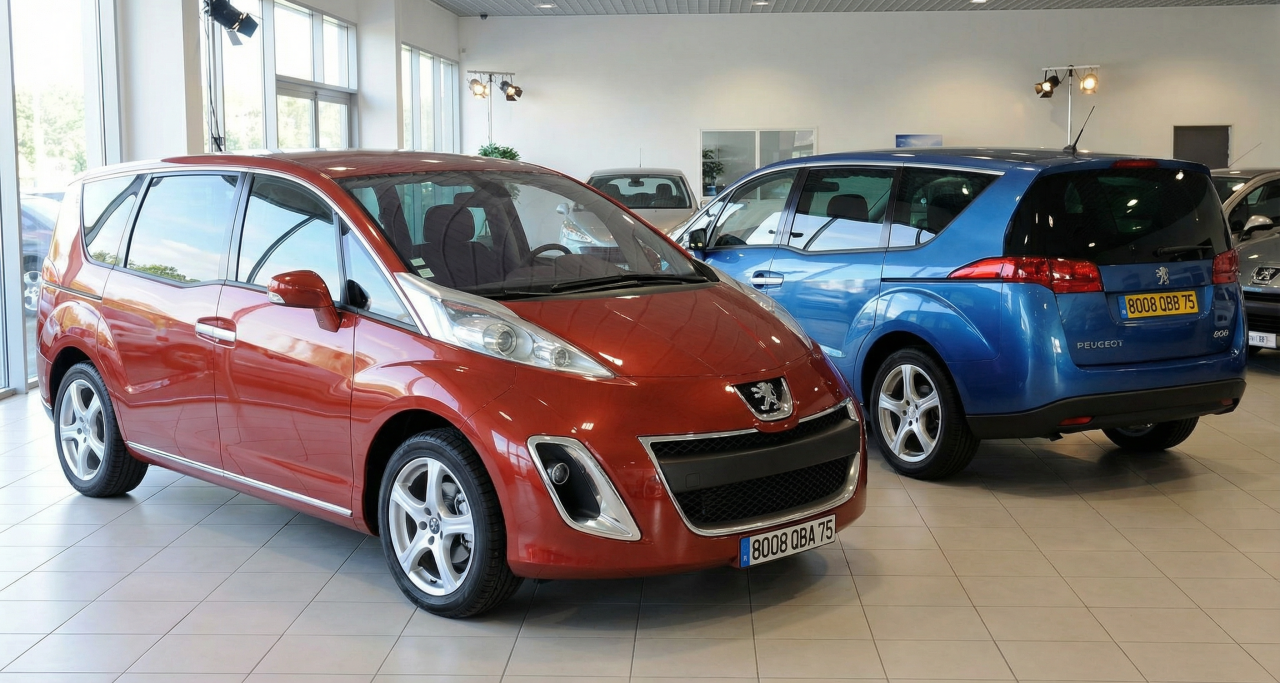
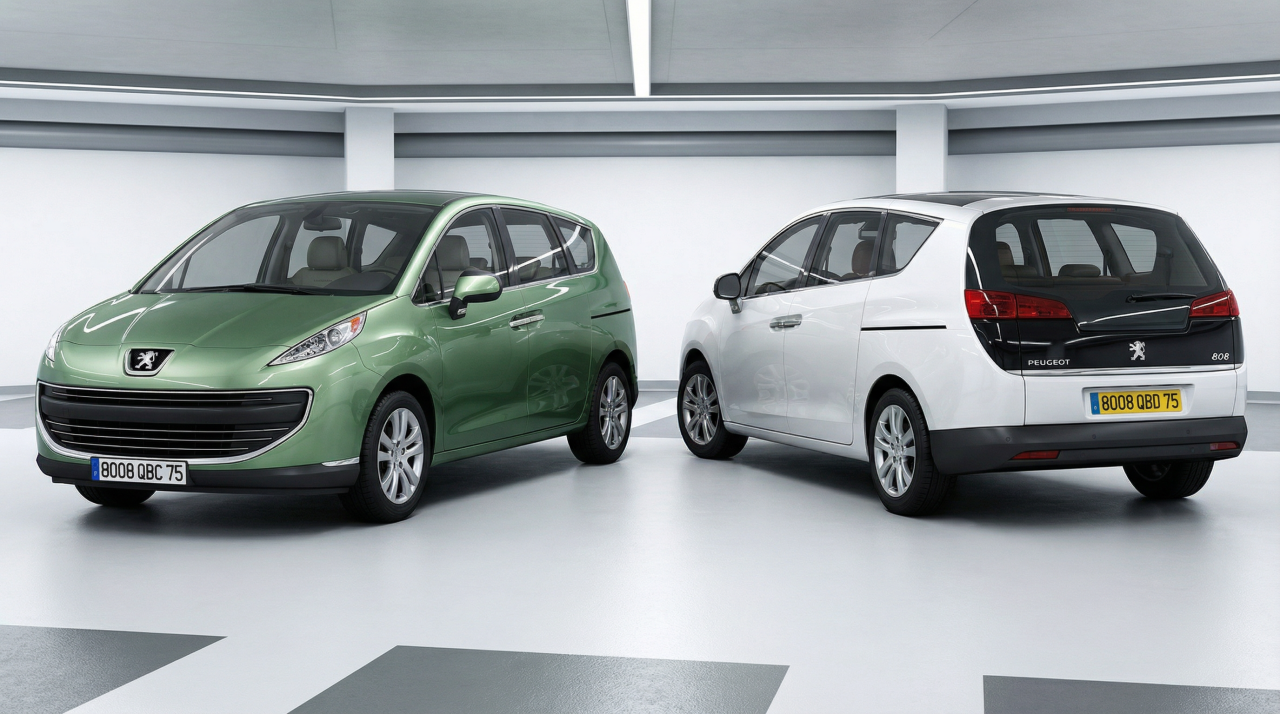
-
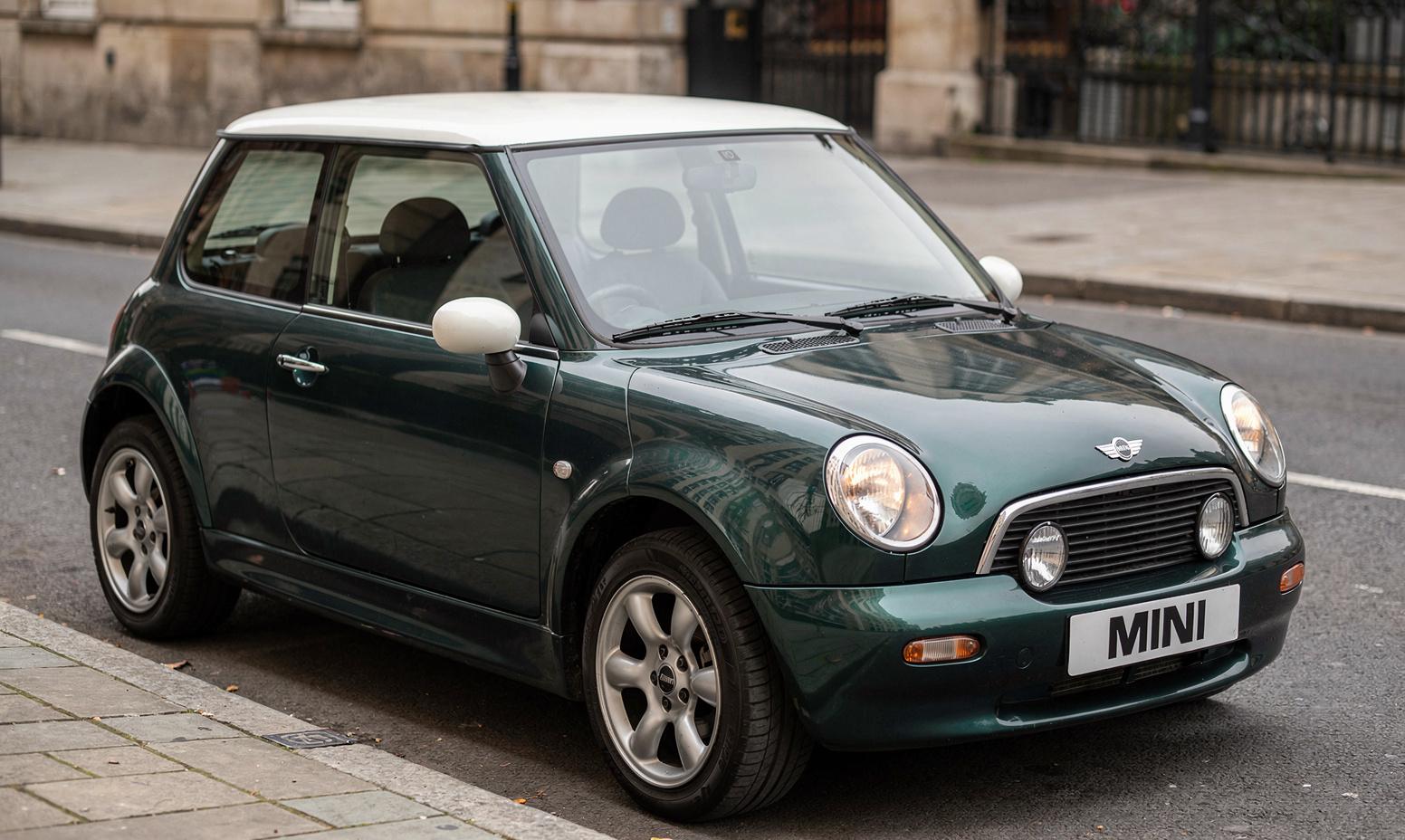
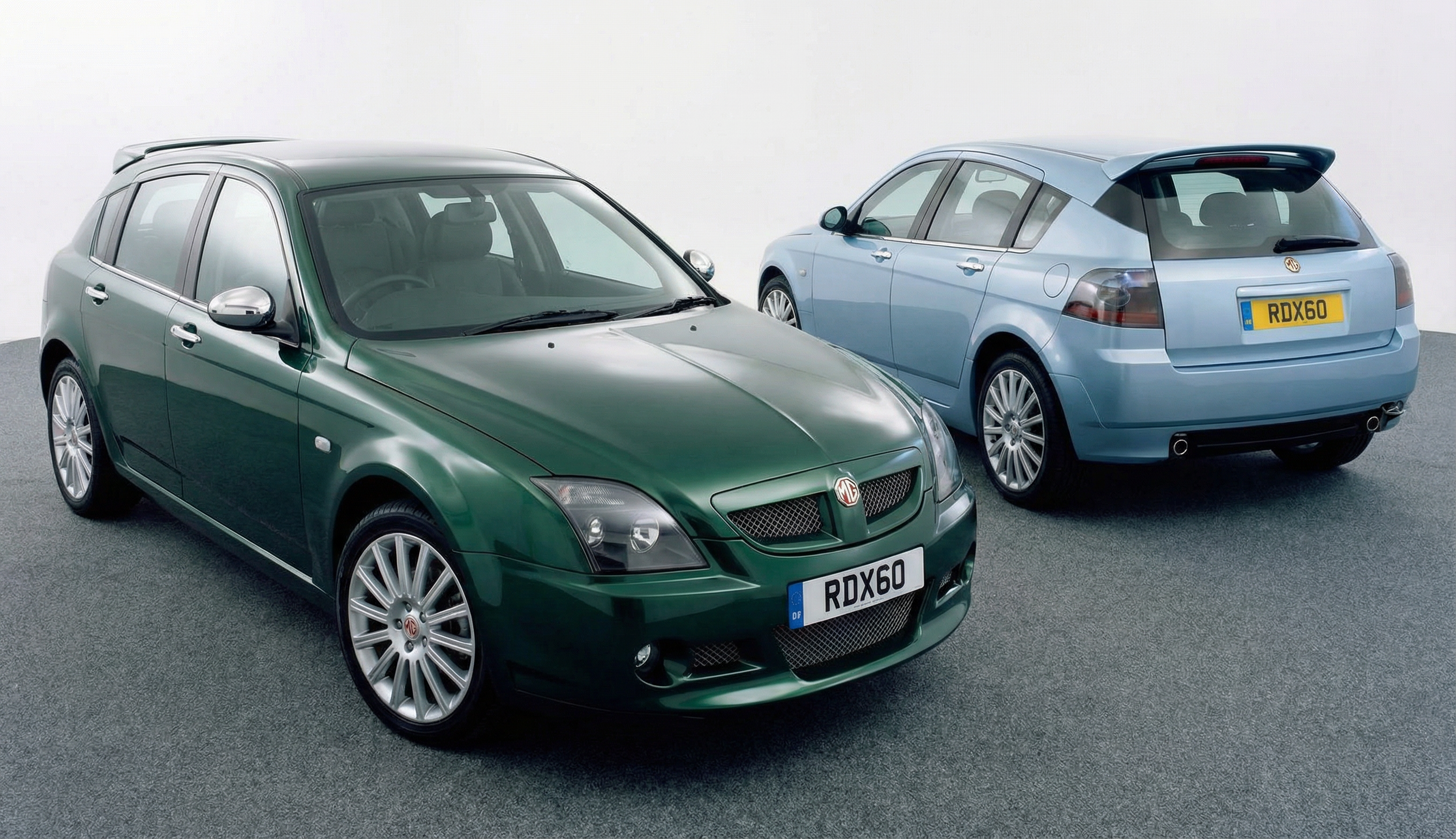
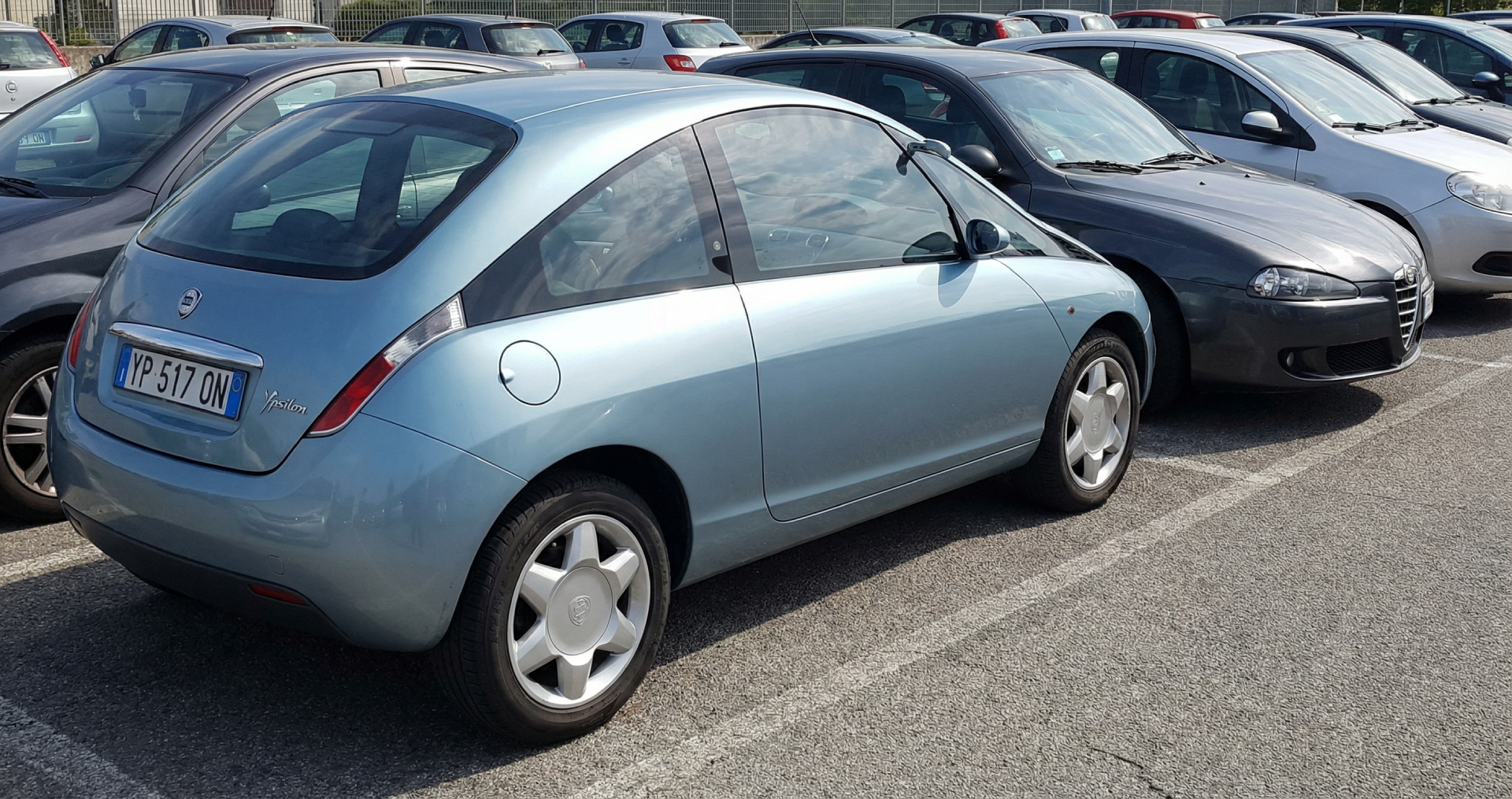
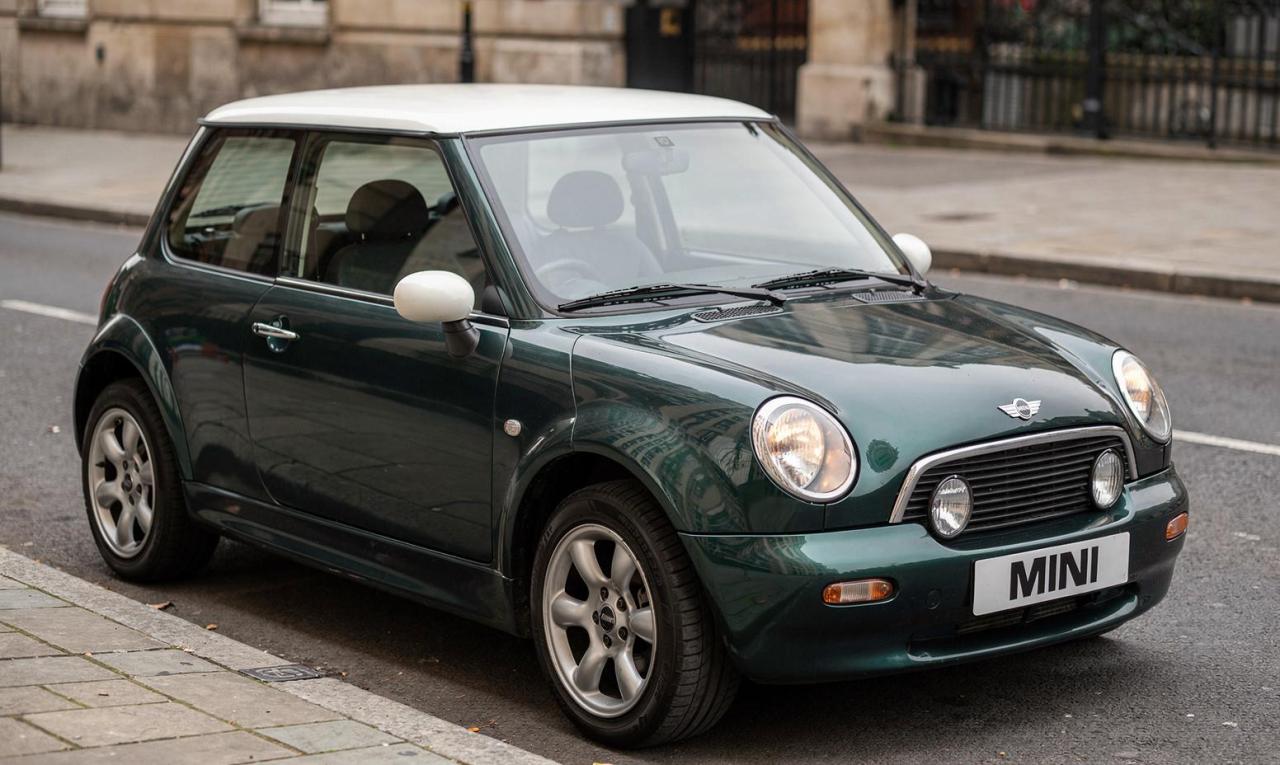
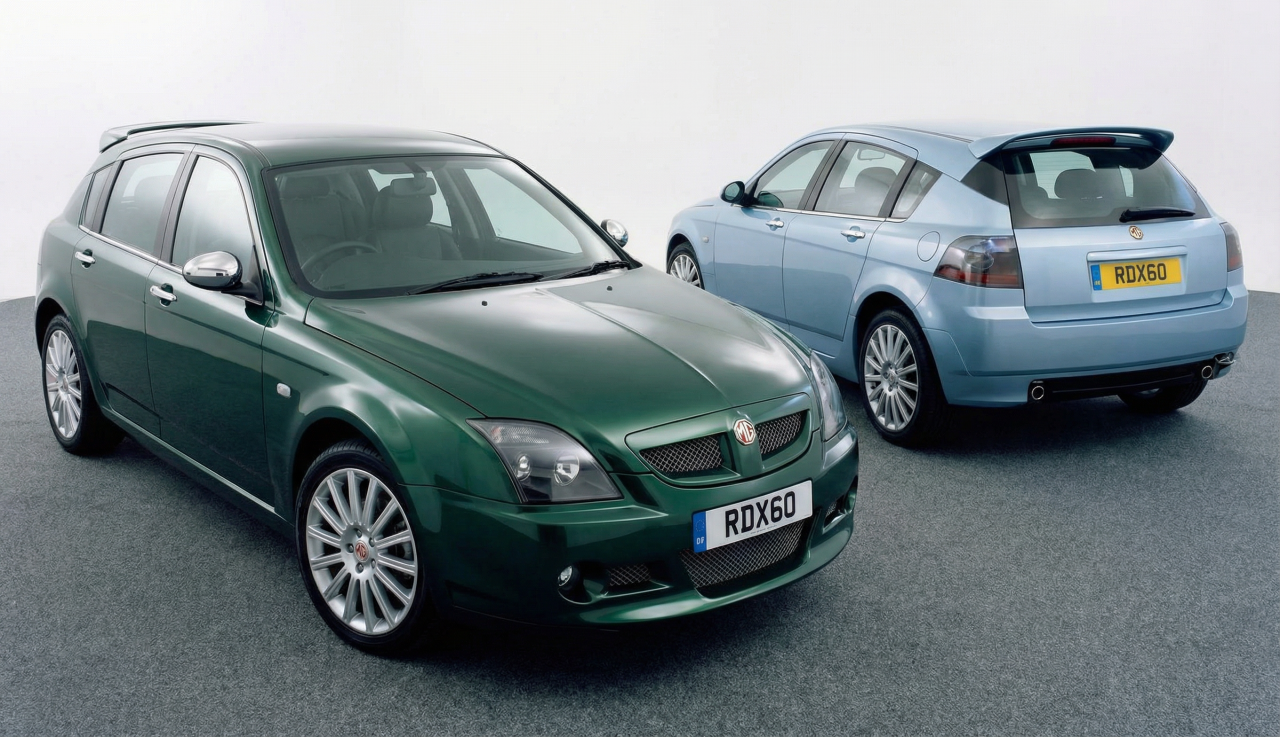
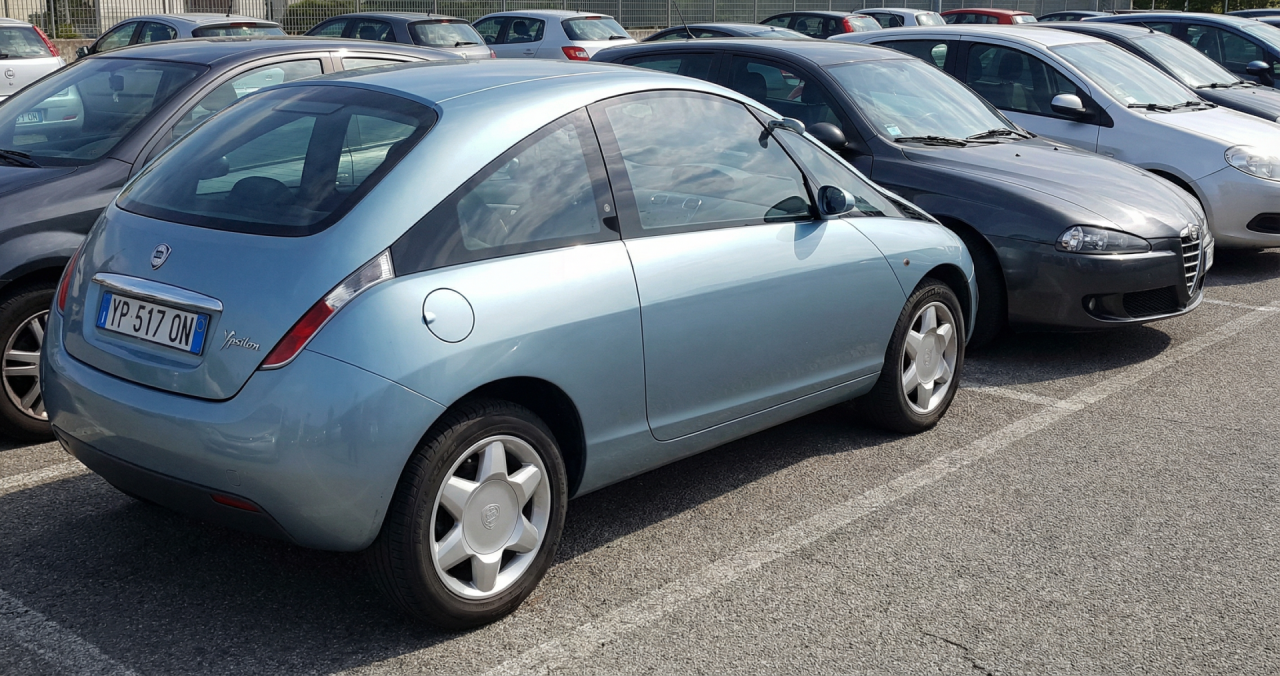
MINI by Rover (90s alternative design): MG-Rover RD60: Lancia Nea/Ypsilon Coupe: The program made the car without side doors, so I added with Photoshop a hidden door handle on the window's pillar
-
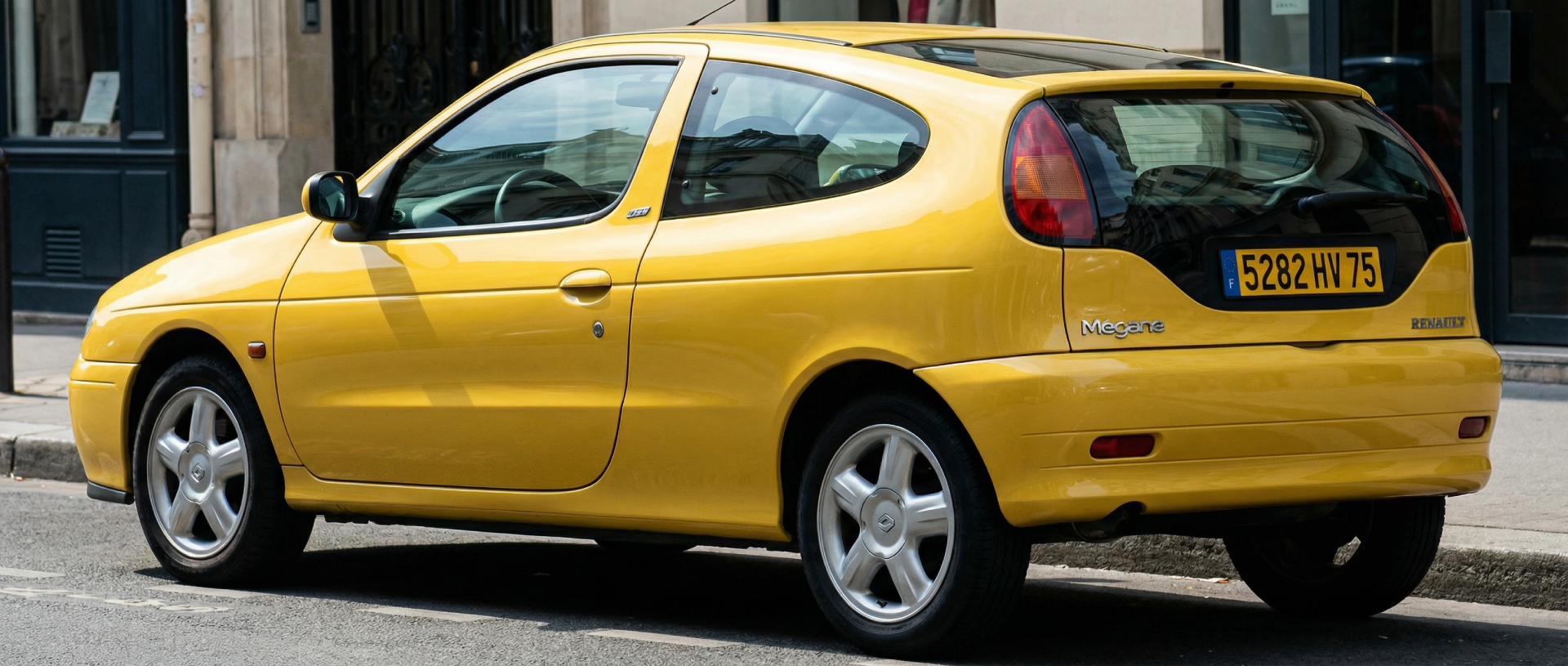
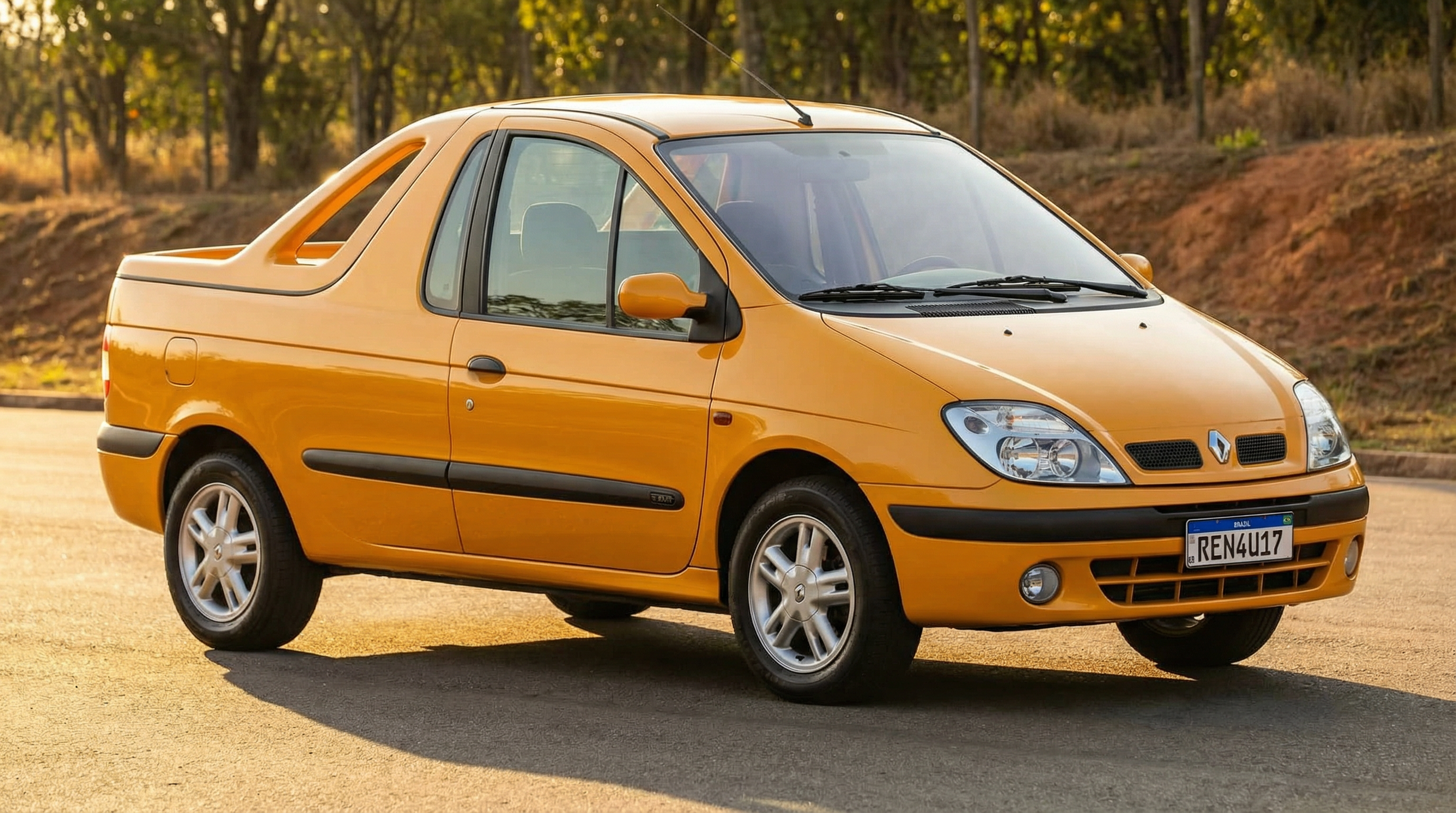
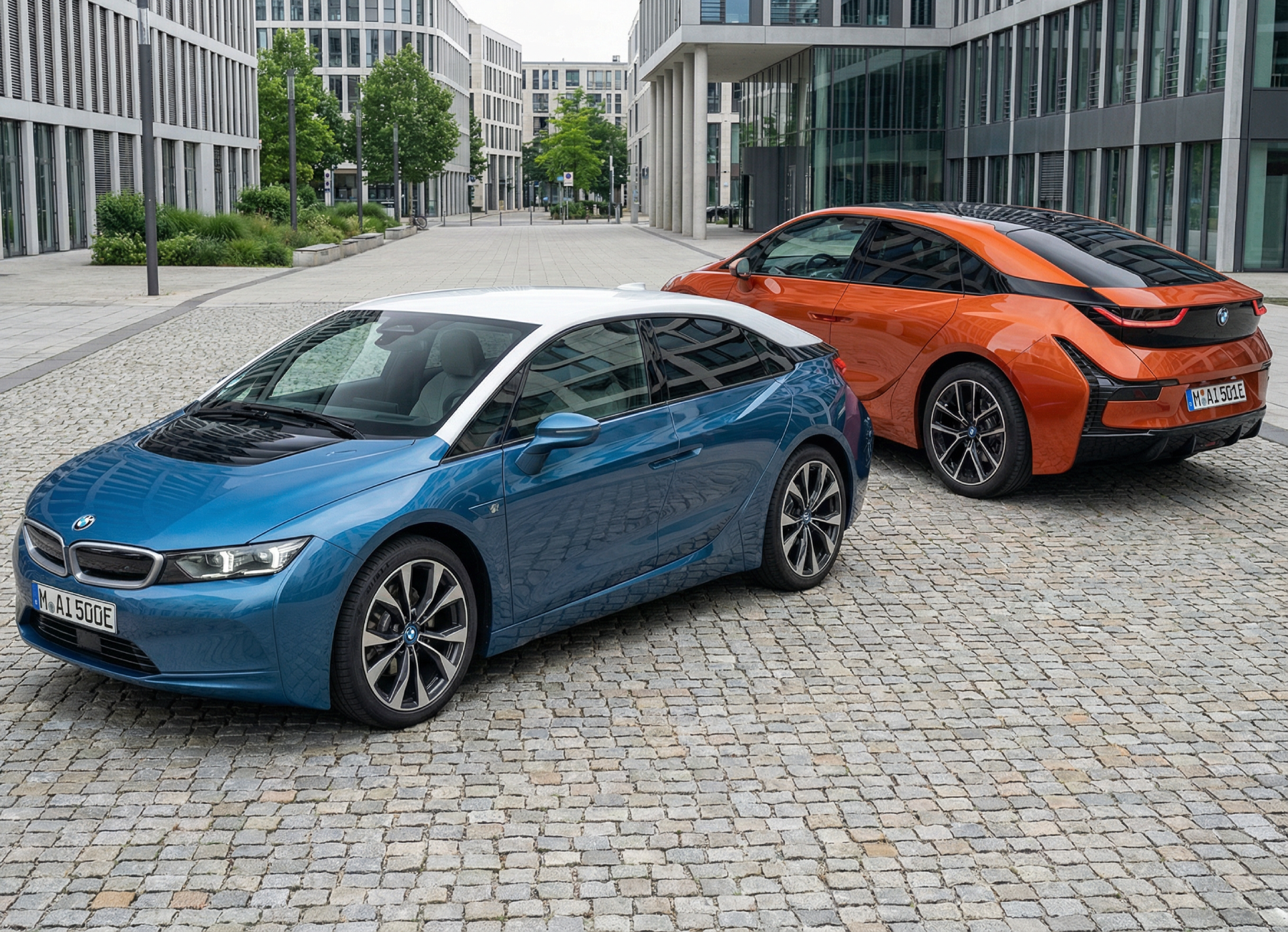
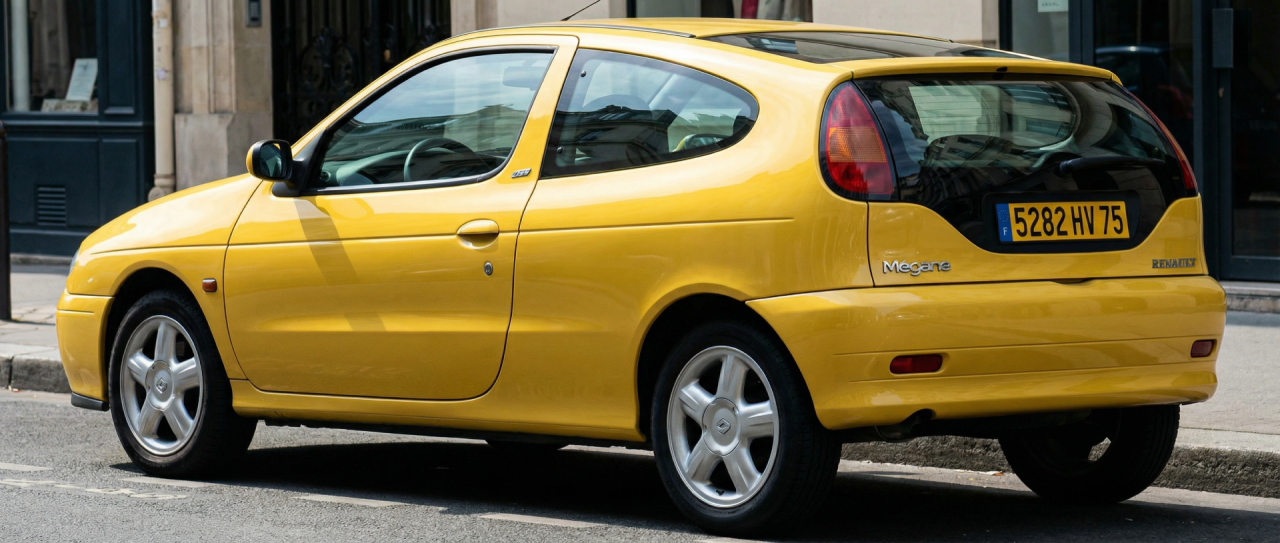
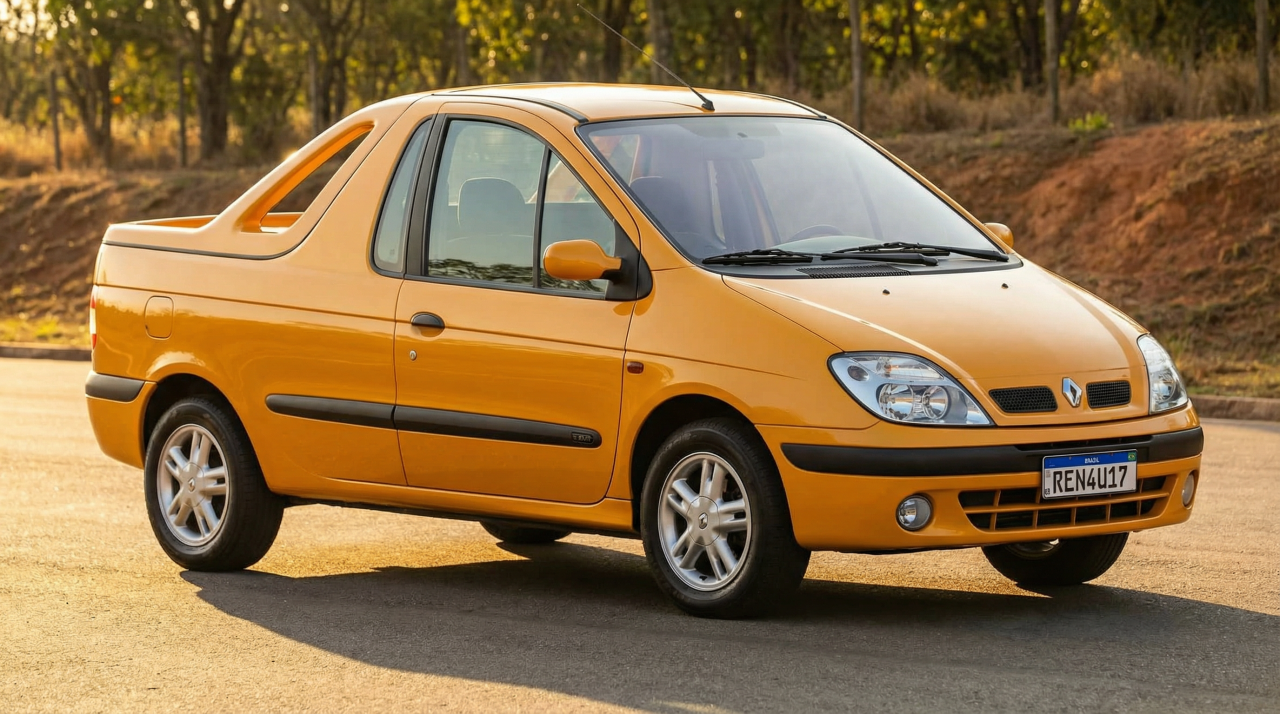
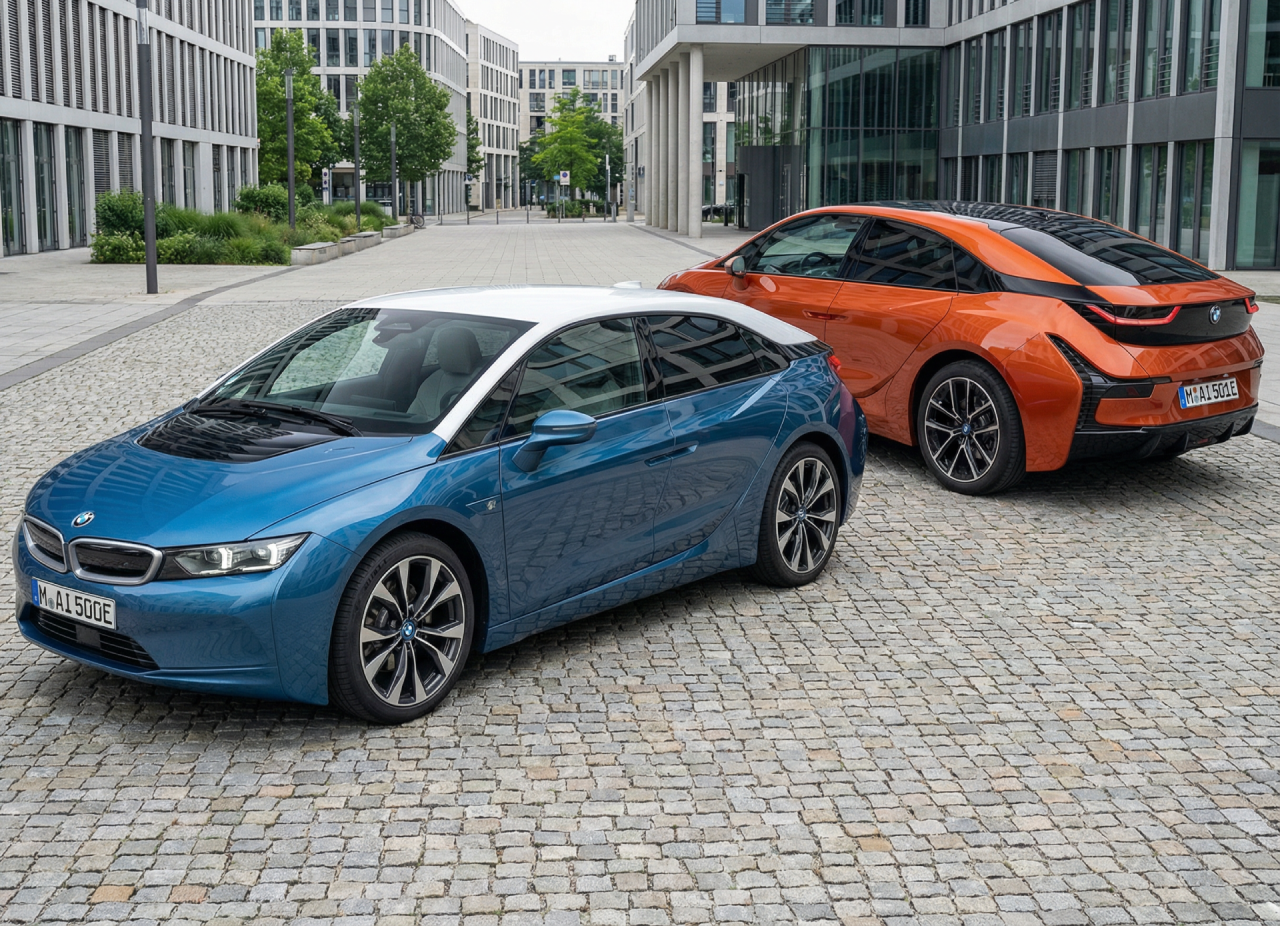
Renault Megane Coupe I with alternative design: I only made the version A, which was my favourite one: Renault Scenic I Pickup (it was planned for Latin America): BMW i5:
-
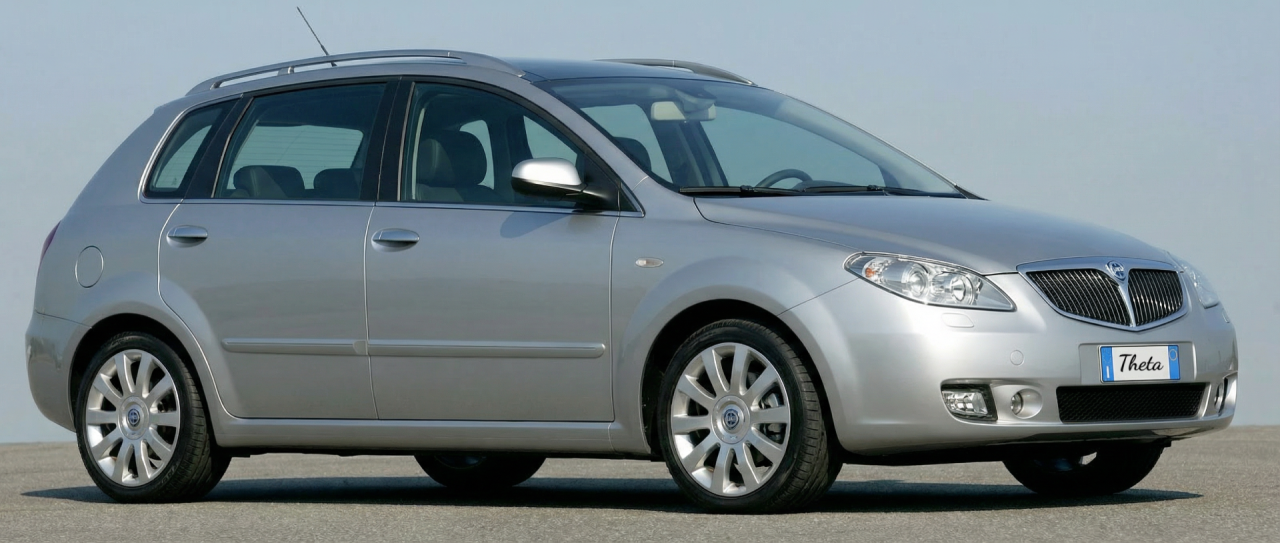
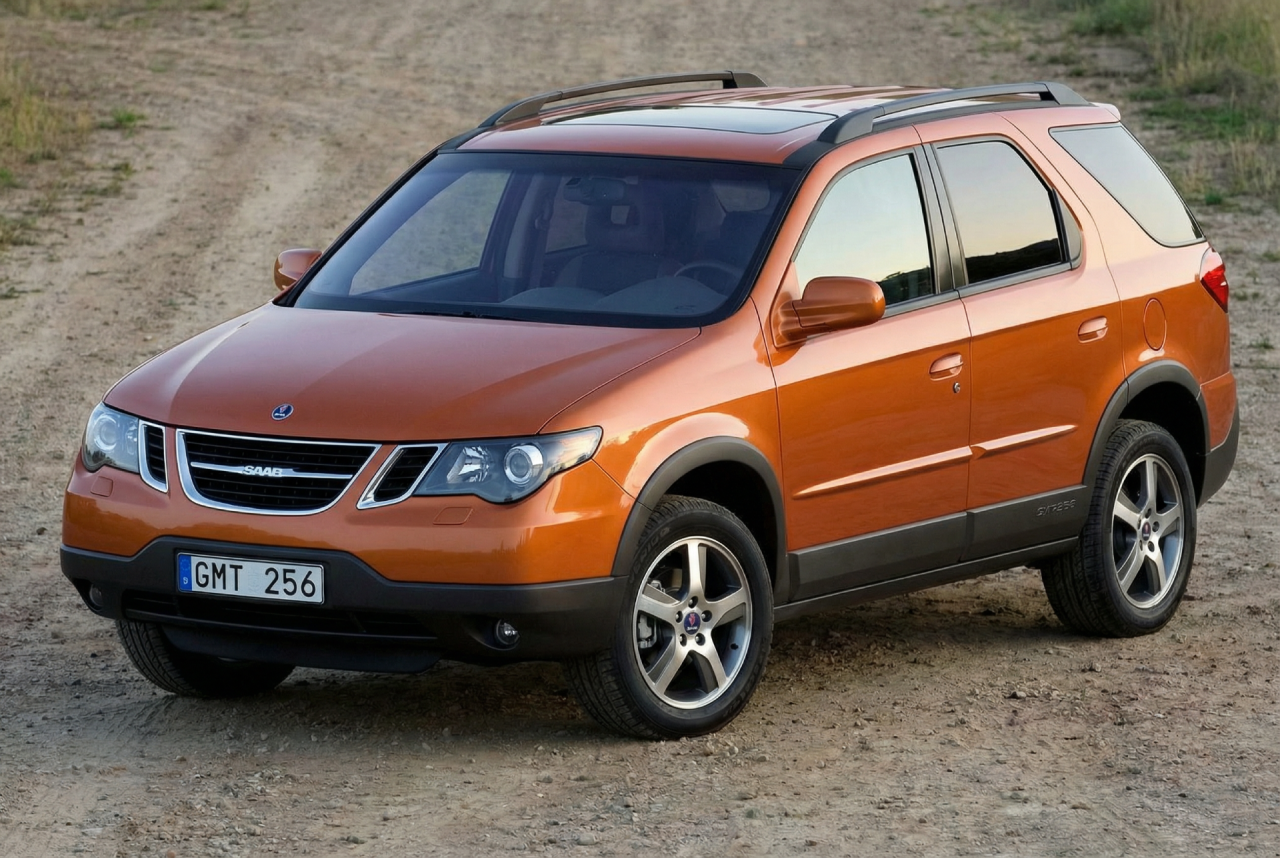
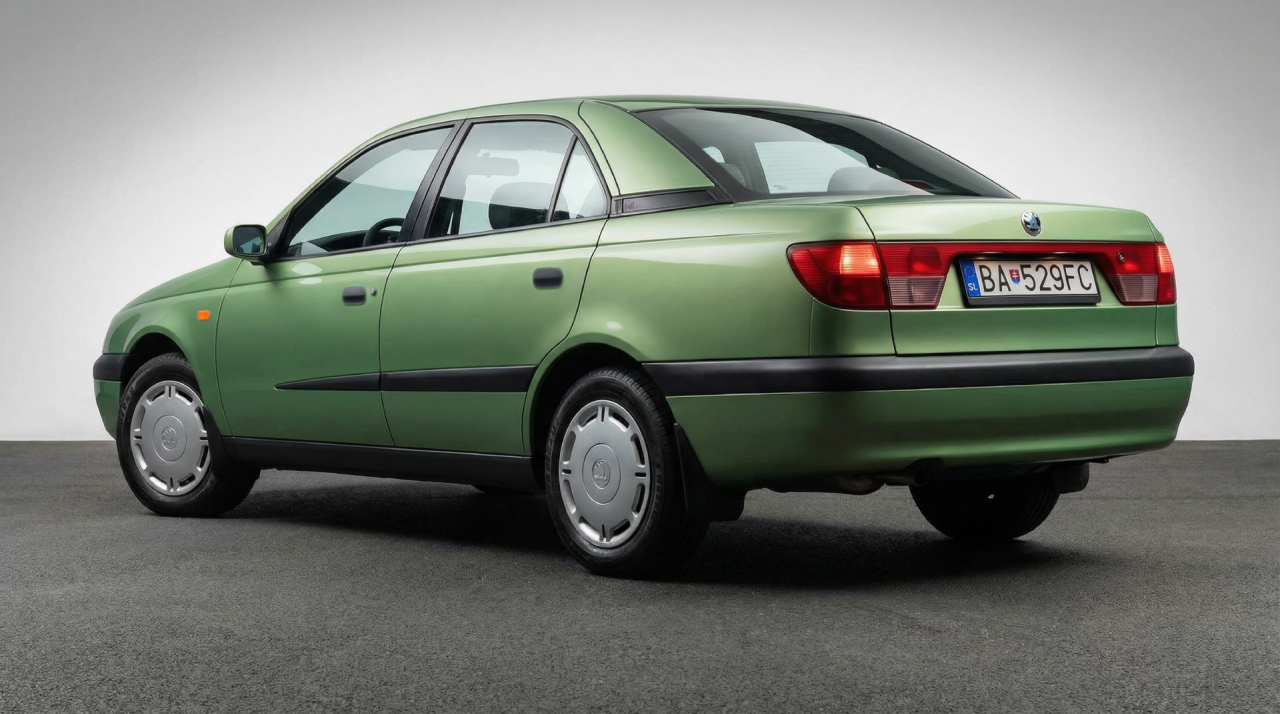
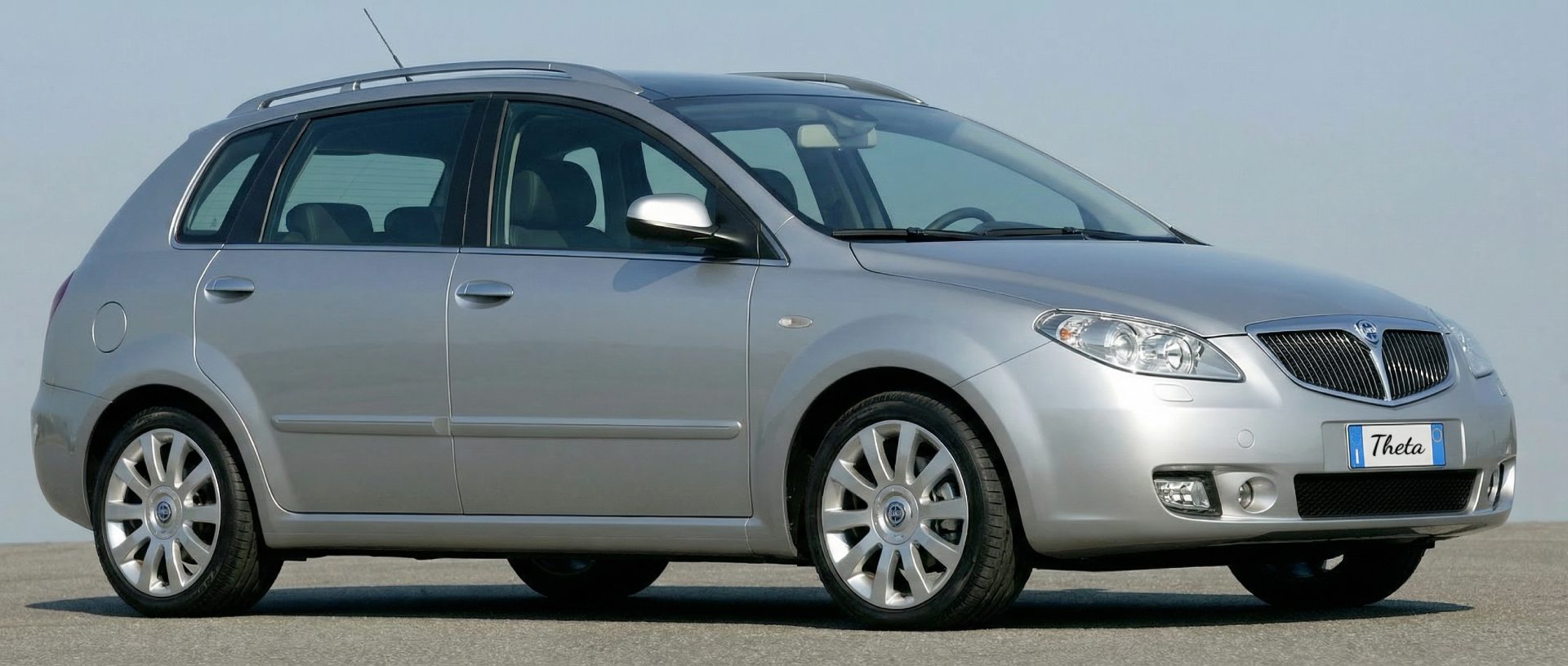
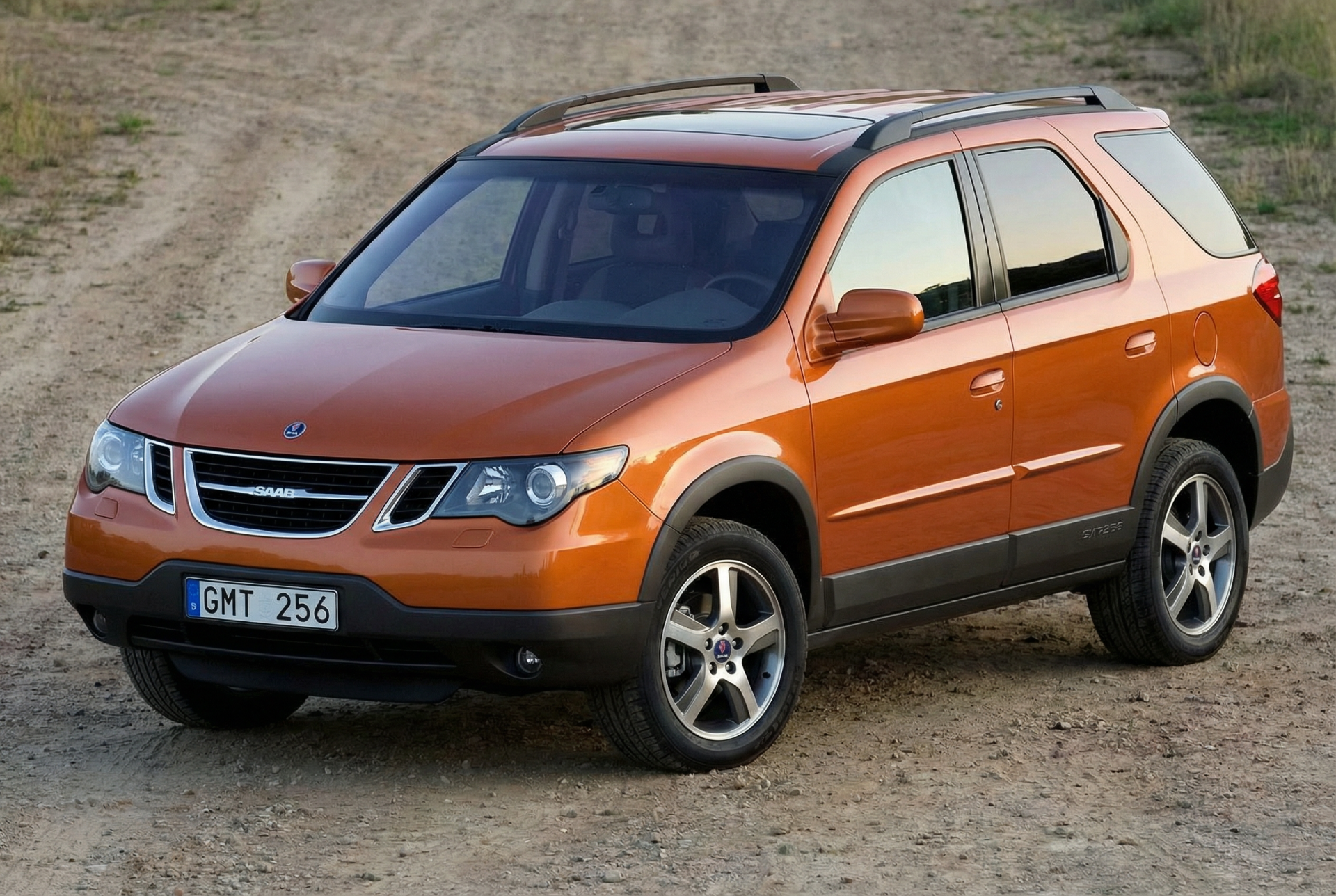
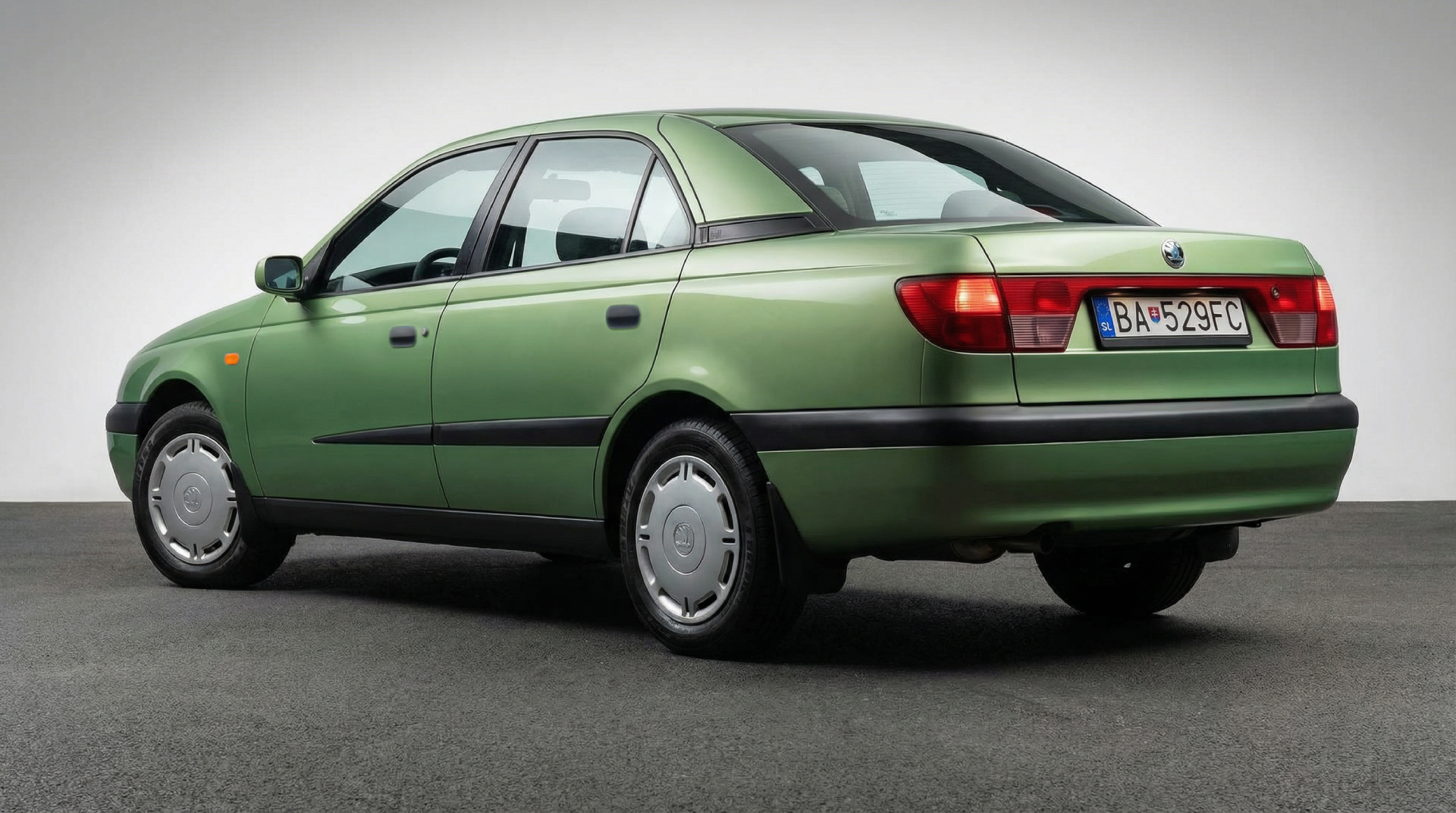
Hello everyone, first I want to wish you all a happy new year! Sorry for writing in English, but I'm from Greece and I don't know the Italian language. I'm interested with car design and I've seen lots of cool renderings in this forum, no matter if they're made with Photoshop or AI. I was searching for Greek or European forums in which users are showing their photoshopped & AI-made cars, but it seems that this one is the best. And now it's time to show you some prototypes and concept cars that were never had a production version: Lancia Theta (Croma with Lancia badges): Saab GMT256 (based on Pontiac Aztek): Skoda Octavia Combi Mk1 with different rear design: Skoda 90's sedan by Bertone