Il Greco
Utente Registrato
-
Iscritto il
-
Ultima visita
-
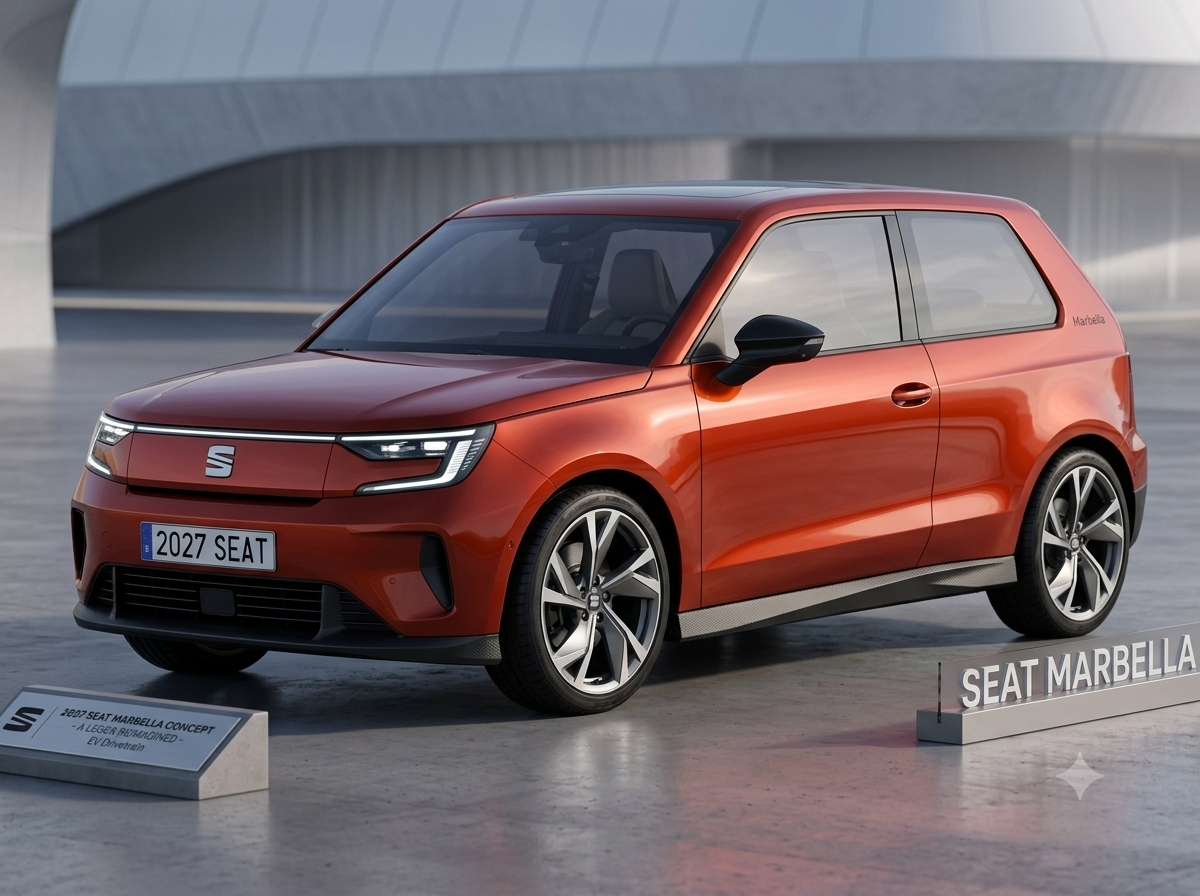
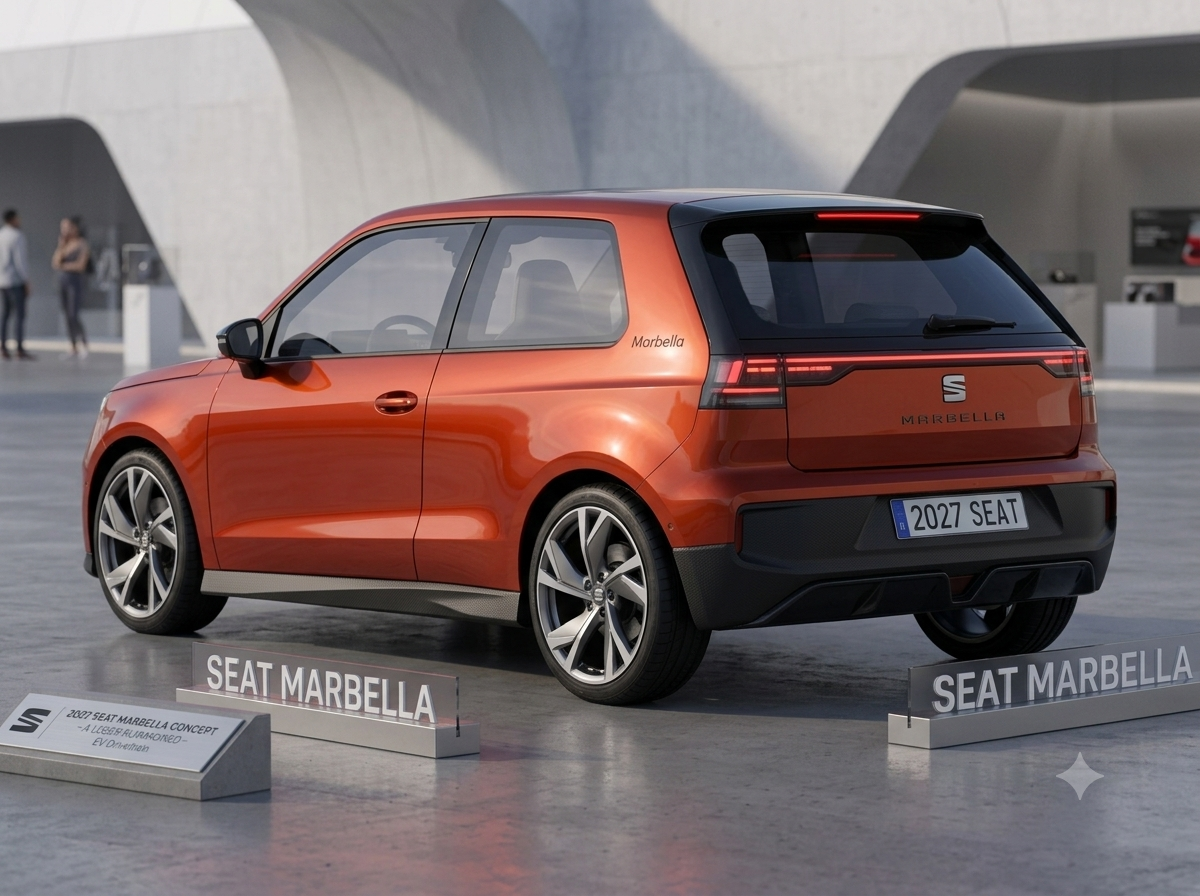
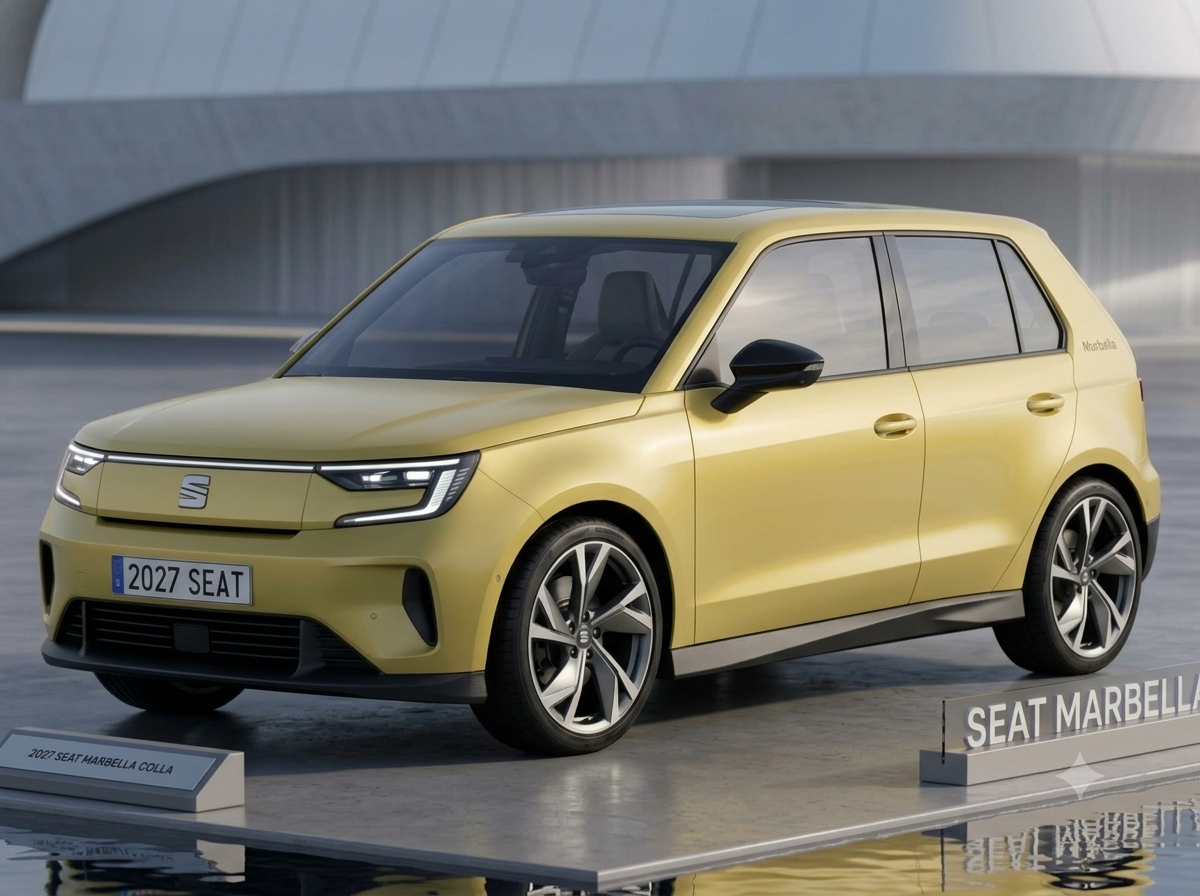
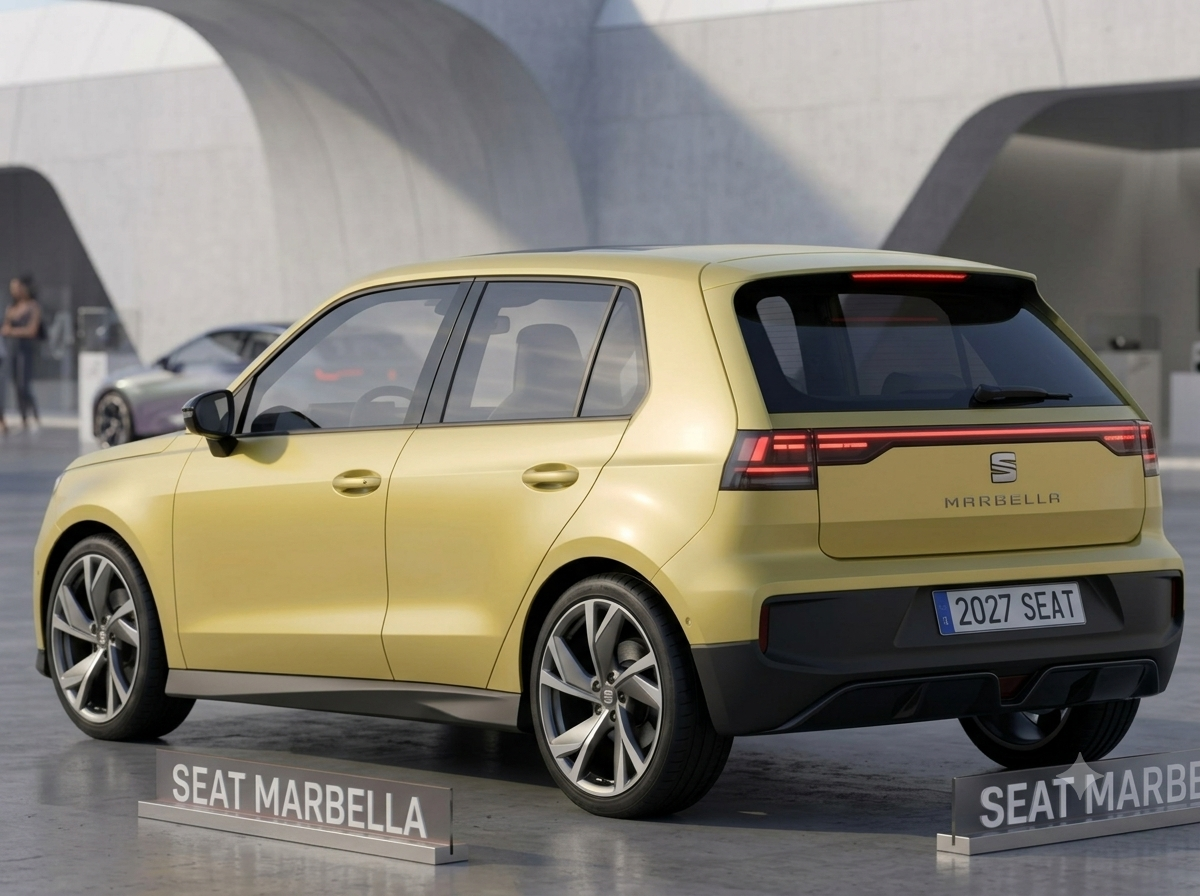
Fiat already has the Grande Panda, so why not a new Seat Marbella? I also took it a step further, by making a 5-door Marbella as well!
-
-
It looks good! It's something similar to VW T-Roc and Hyundai Kona, so it could be the new Idea
- 402 risposte
-
-

- 1
-
-
- c-crossover
- f2x
- fiat
- fiat c-crossover
-
Taggato come:
-
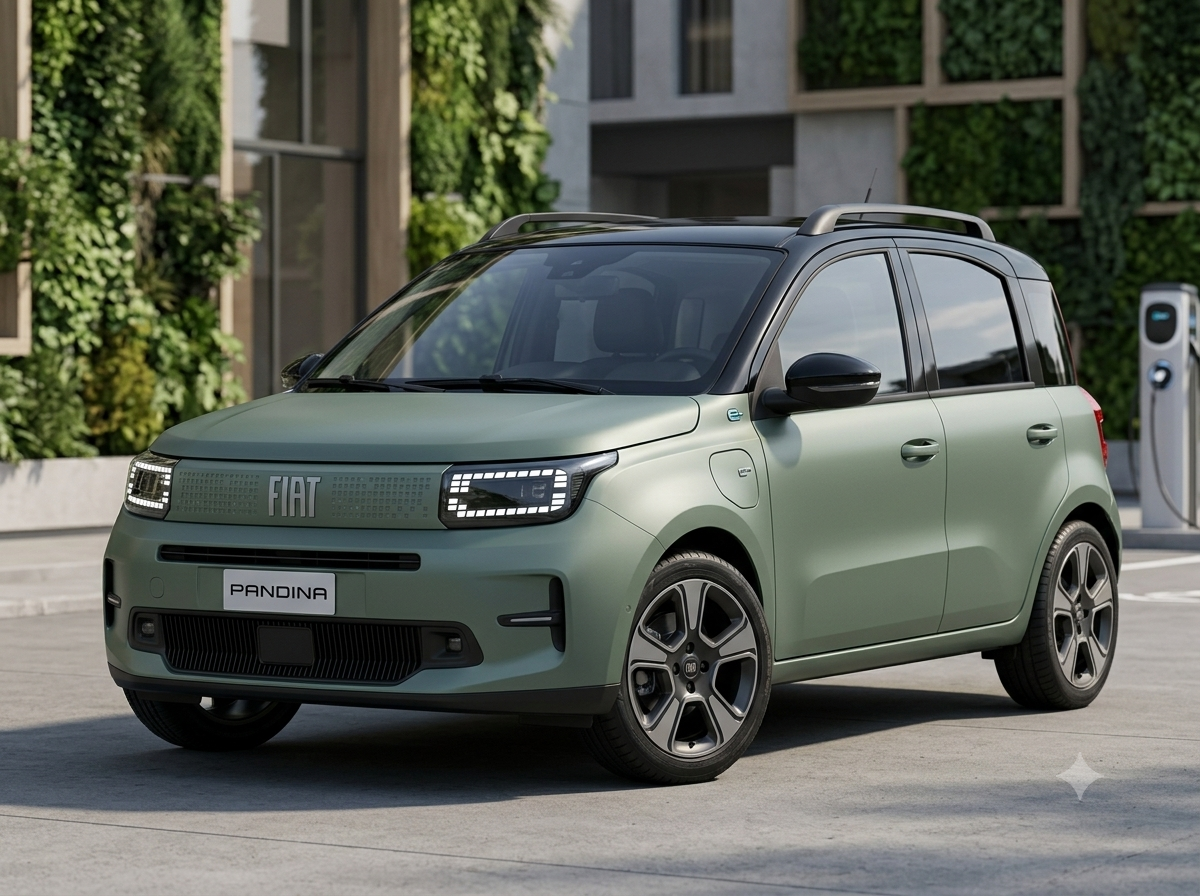
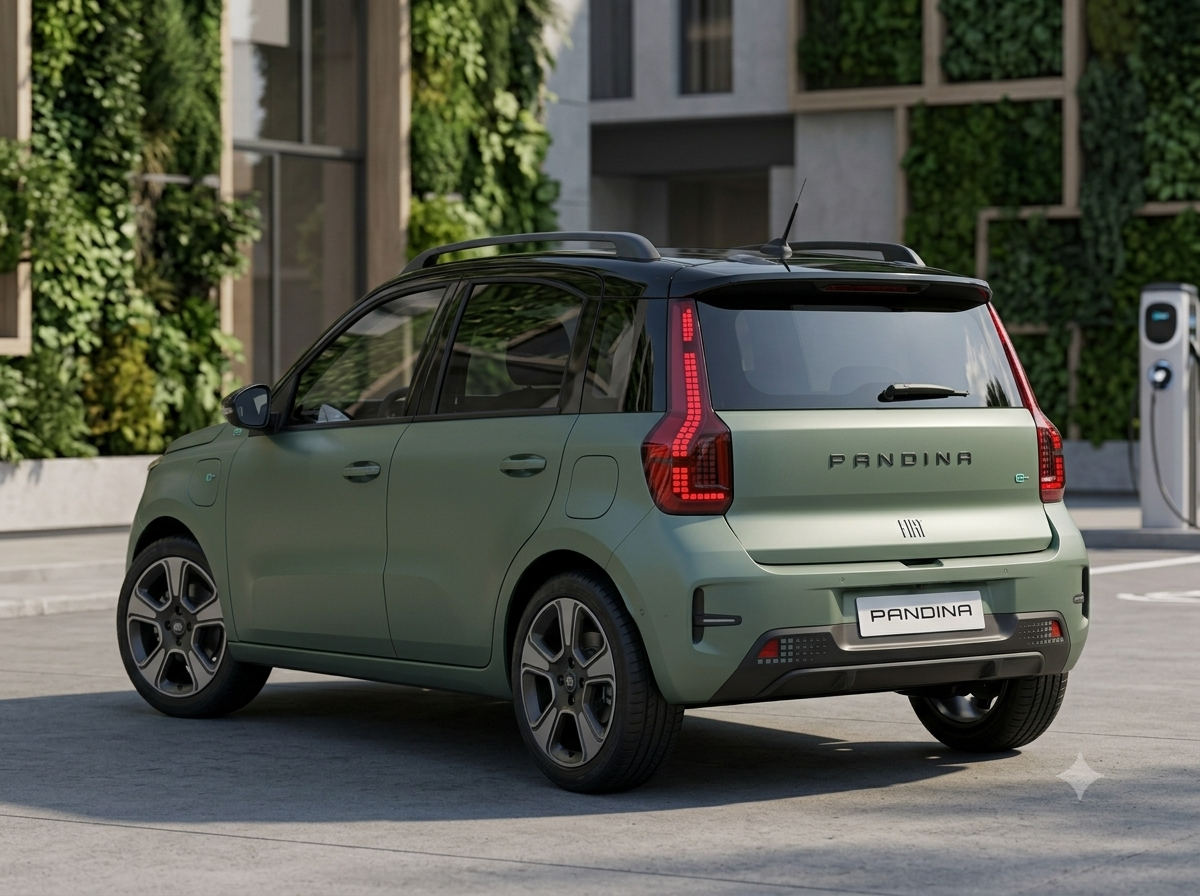
My version of the 2028 FIAT Pandina
- 402 risposte
-
-
-

- 12
-
-
- c-crossover
- f2x
- fiat
- fiat c-crossover
-
Taggato come:
-
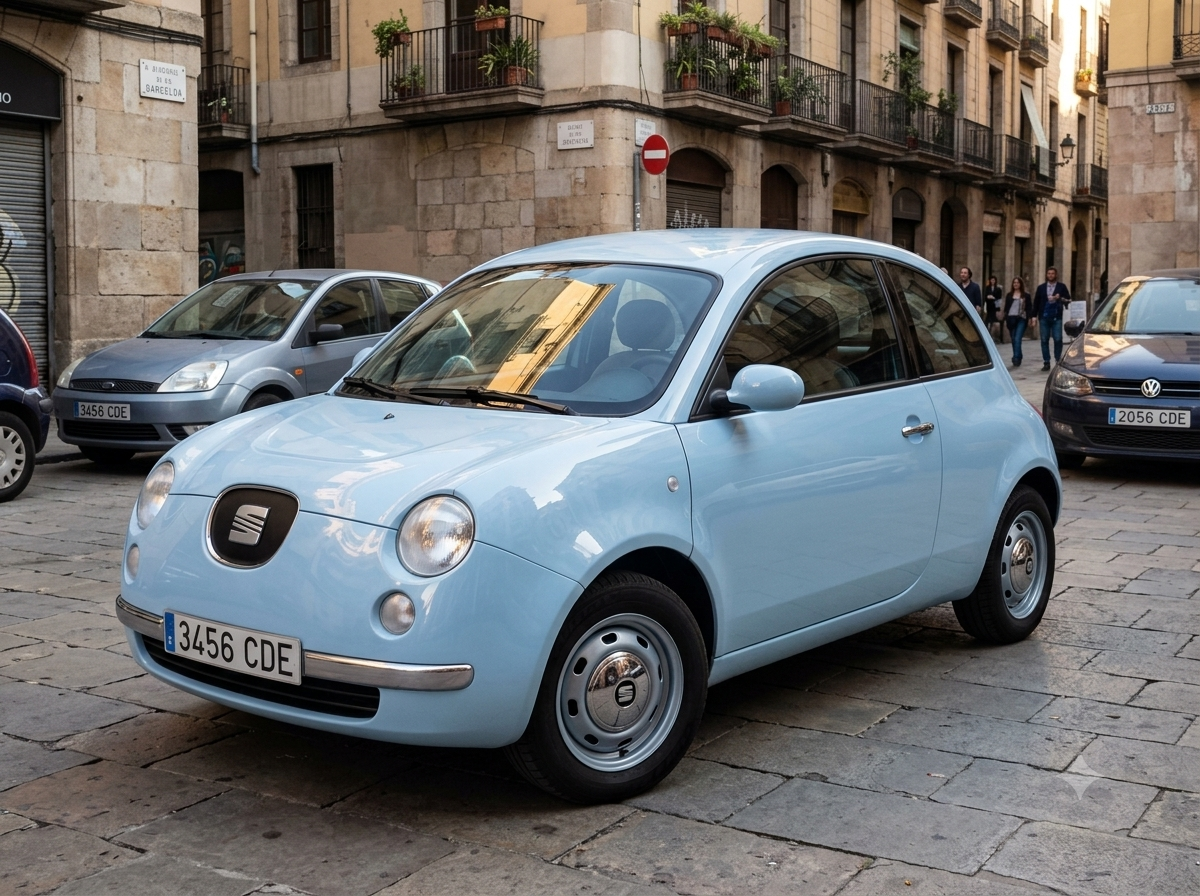
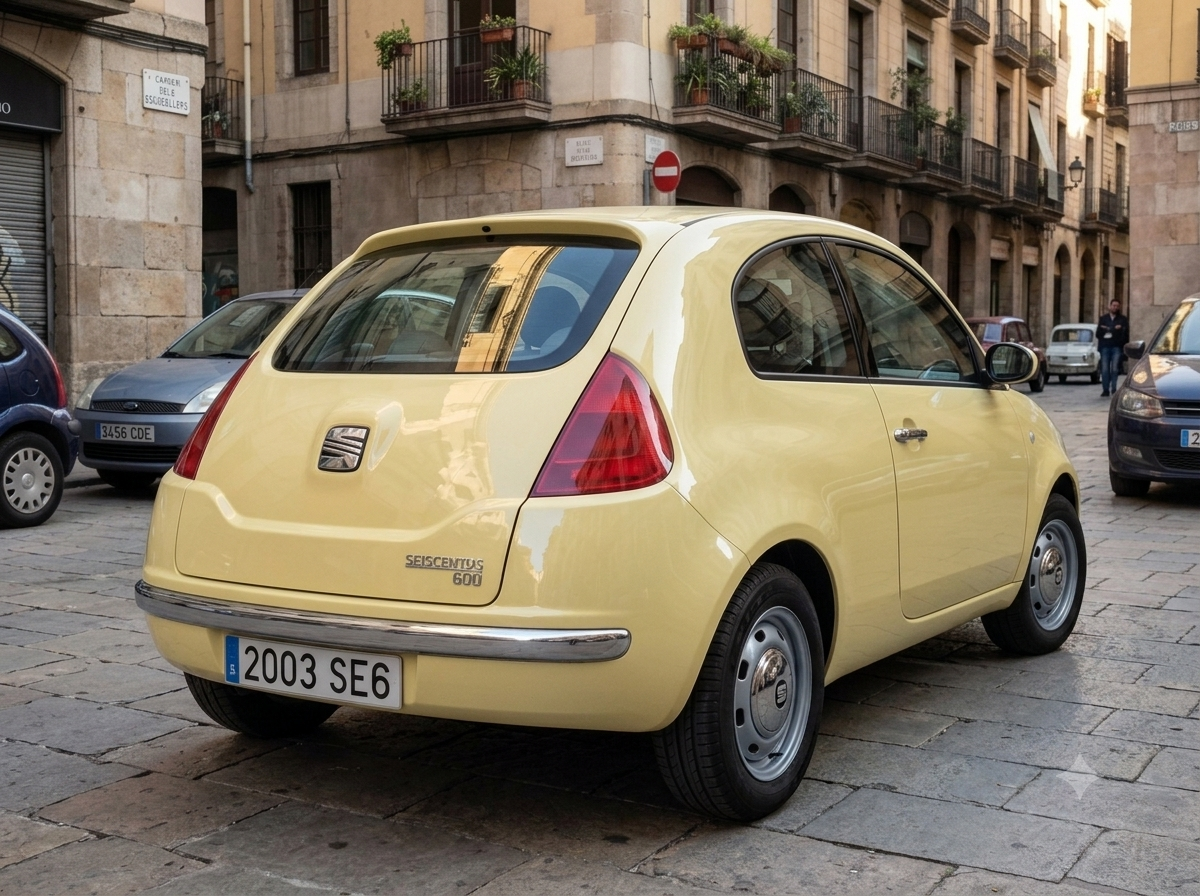
Seat 600
-
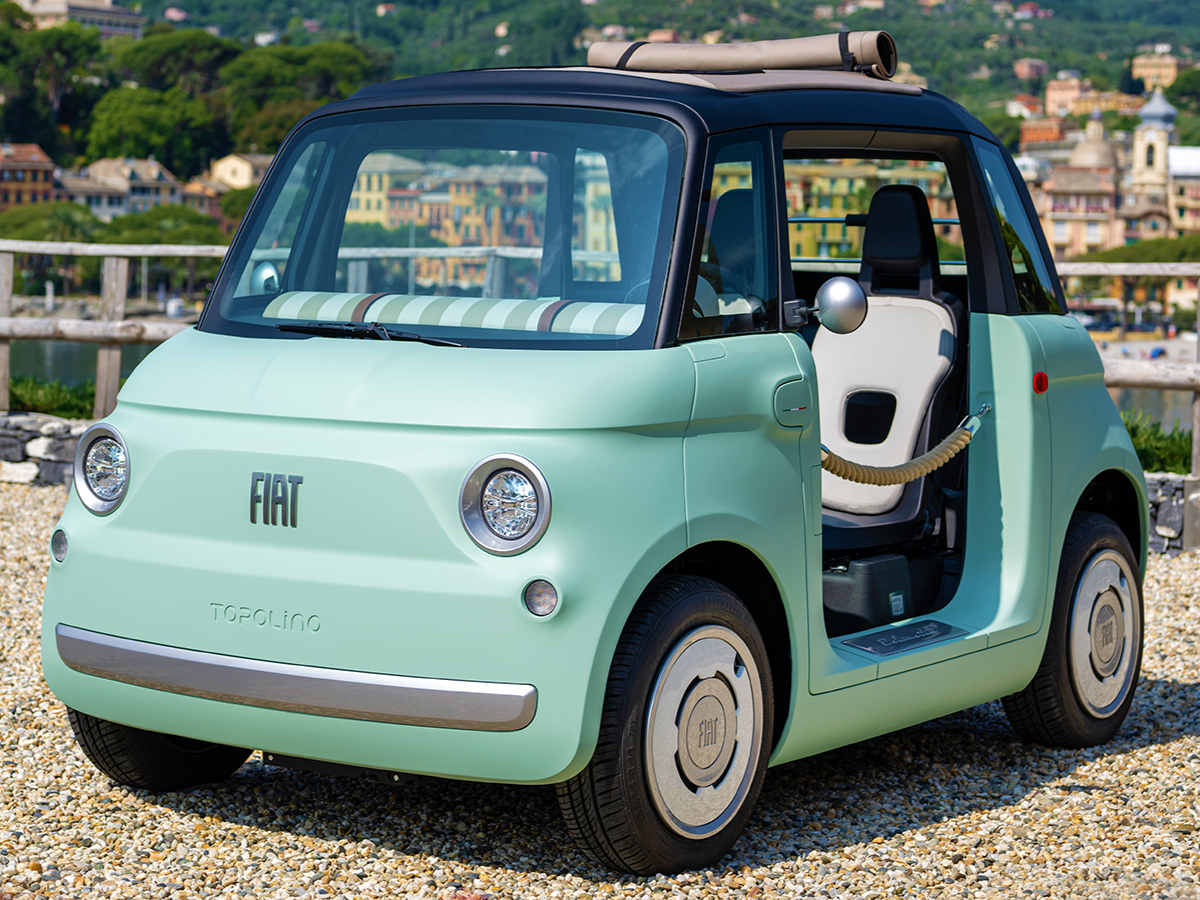
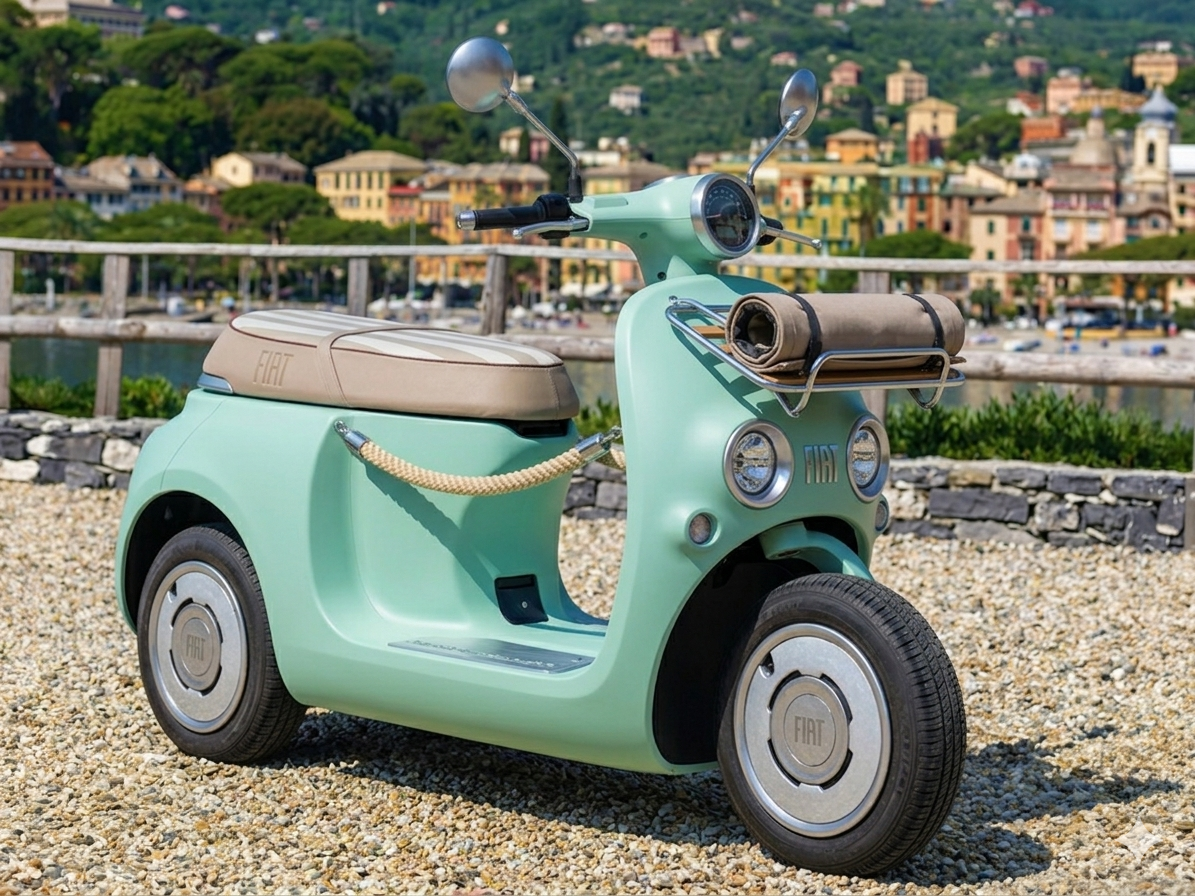
What if... Fiat Topolino as a scooter - Imagine if FIAT made a scooter with Topolino's design language. So, I went from this: To this one:
- 402 risposte
-
-
-

-
- 8
-
-
- c-crossover
- f2x
- fiat
- fiat c-crossover
-
Taggato come:
-
-
That looks awesome! Hope it would be real To be honest, if FIAT Brazil release the new Argo as a Grande Panda with different name, then the new Cronos would be this sedan. It actually makes sense
- 402 risposte
-
-
- 1
-
-
- c-crossover
- f2x
- fiat
- fiat c-crossover
-
Taggato come:
-
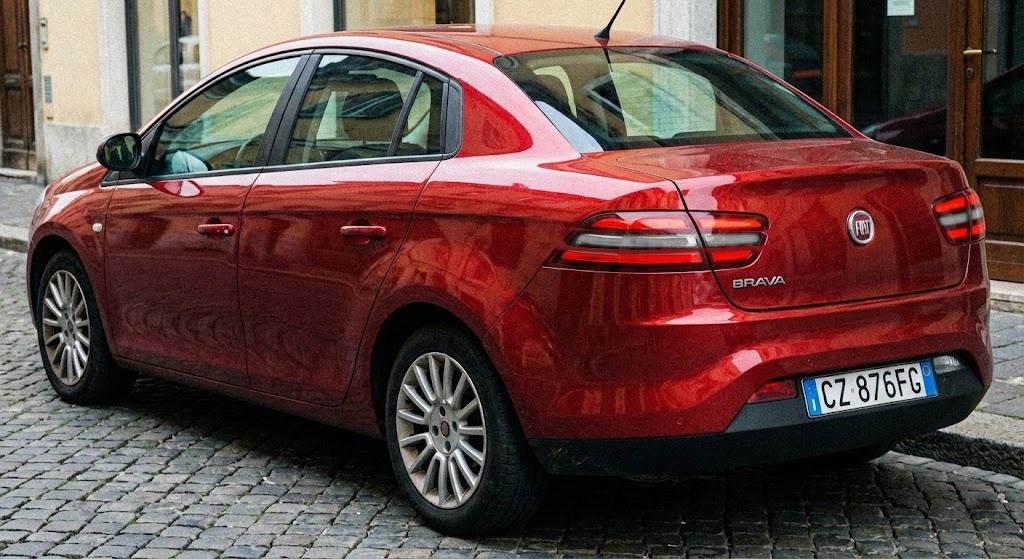
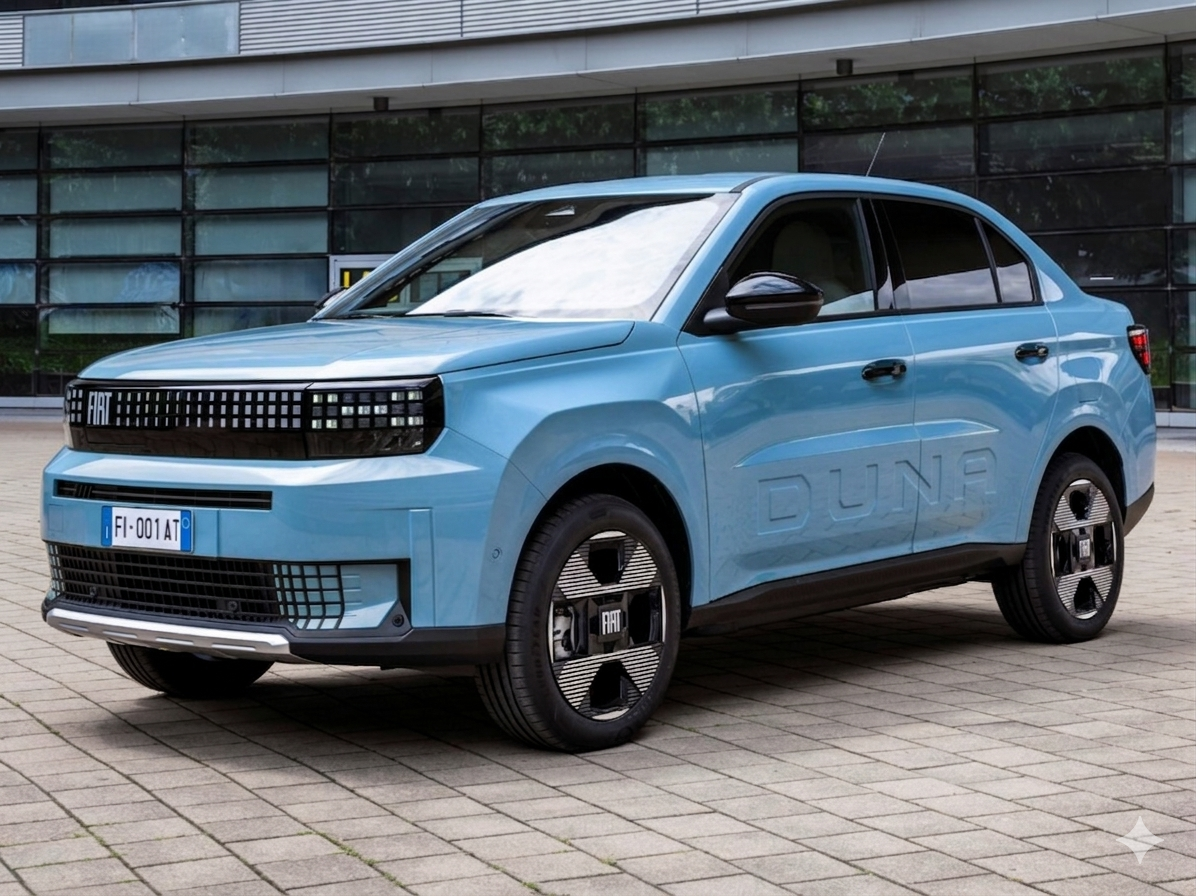
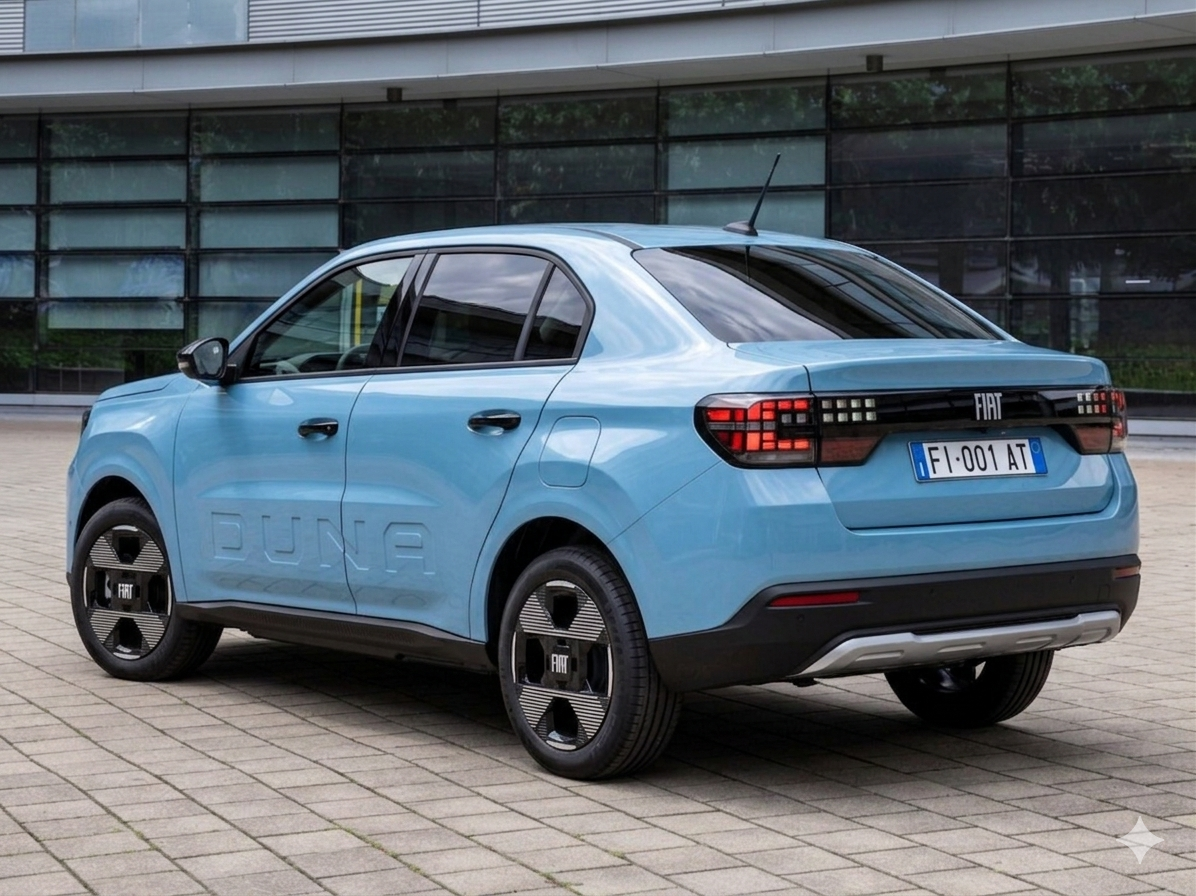
Duna revival as a sedan, based on the Grande Panda
- 402 risposte
-
-

-

-
-

-
- 9
-
-
- c-crossover
- f2x
- fiat
- fiat c-crossover
-
Taggato come:
-
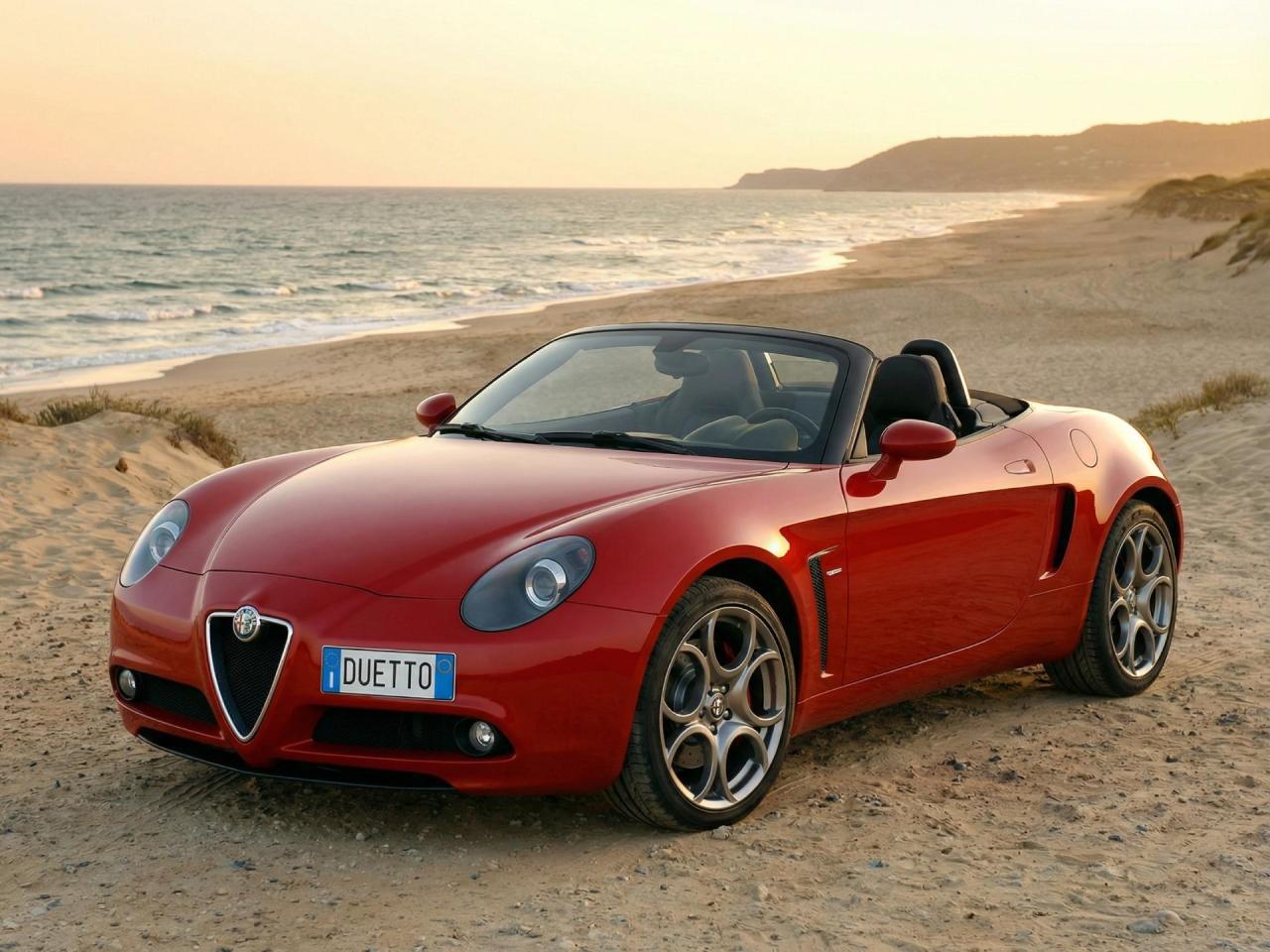
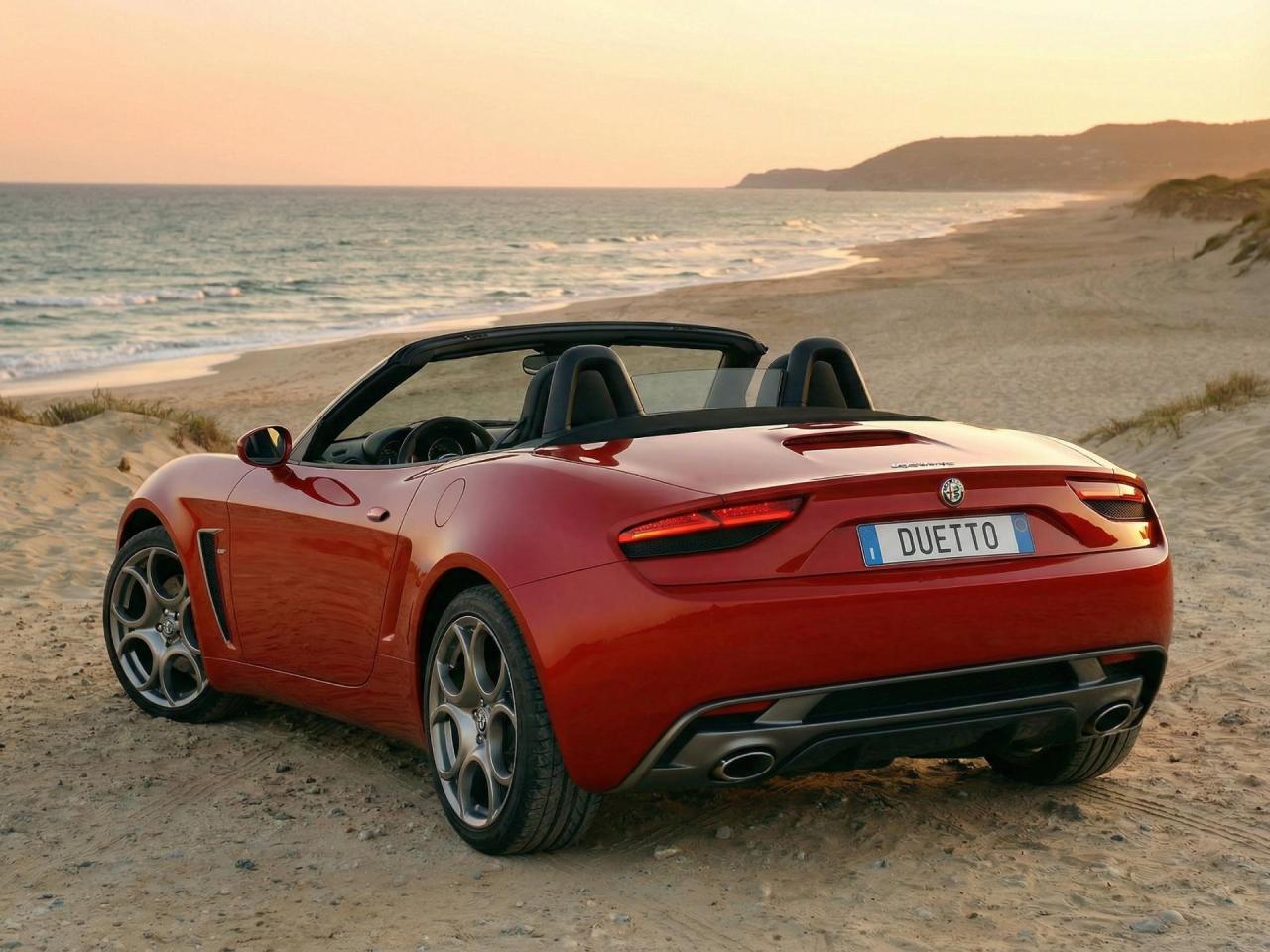
The second one is awesome! But the first one looks like it has 4 doors instead of two
-
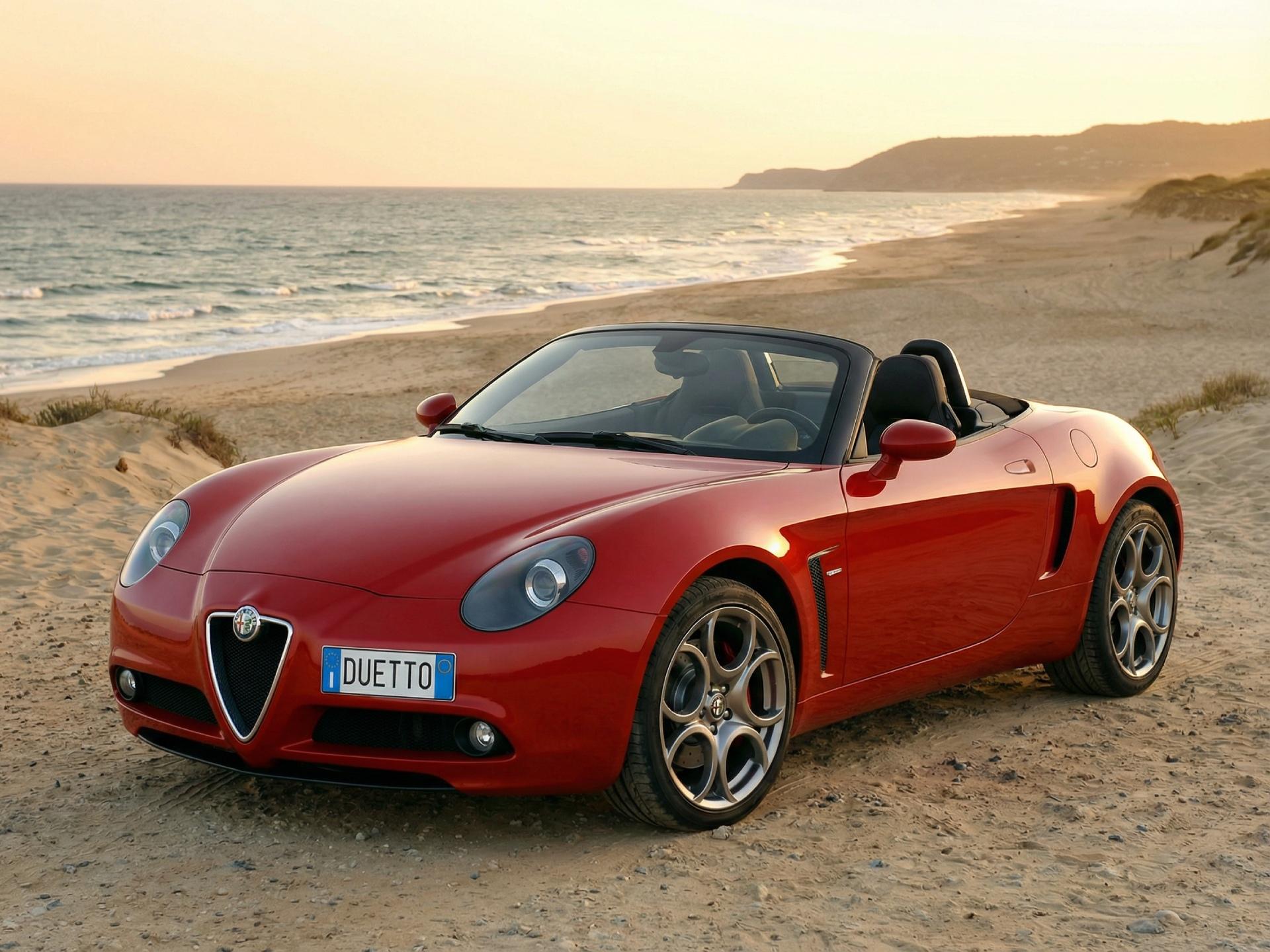
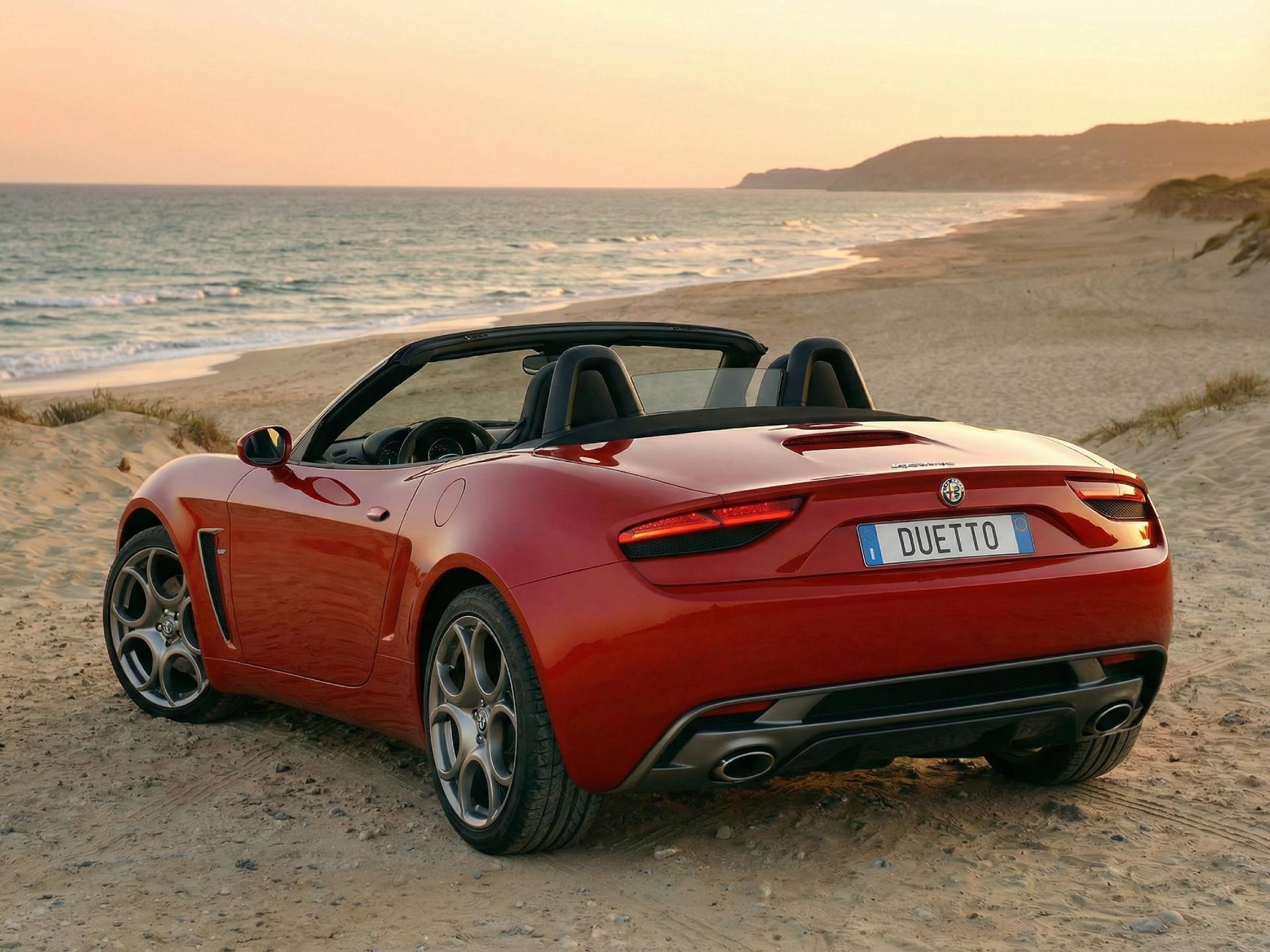
The Alfa Romeo Duetto, which is inspired by the sketches from the original message
-
-
New Tipo based on Leapmotor B05. I found the image from web Source: GT01 Design
- 402 risposte
-
-
- 1
-
-
- c-crossover
- f2x
- fiat
- fiat c-crossover
-
Taggato come:
-
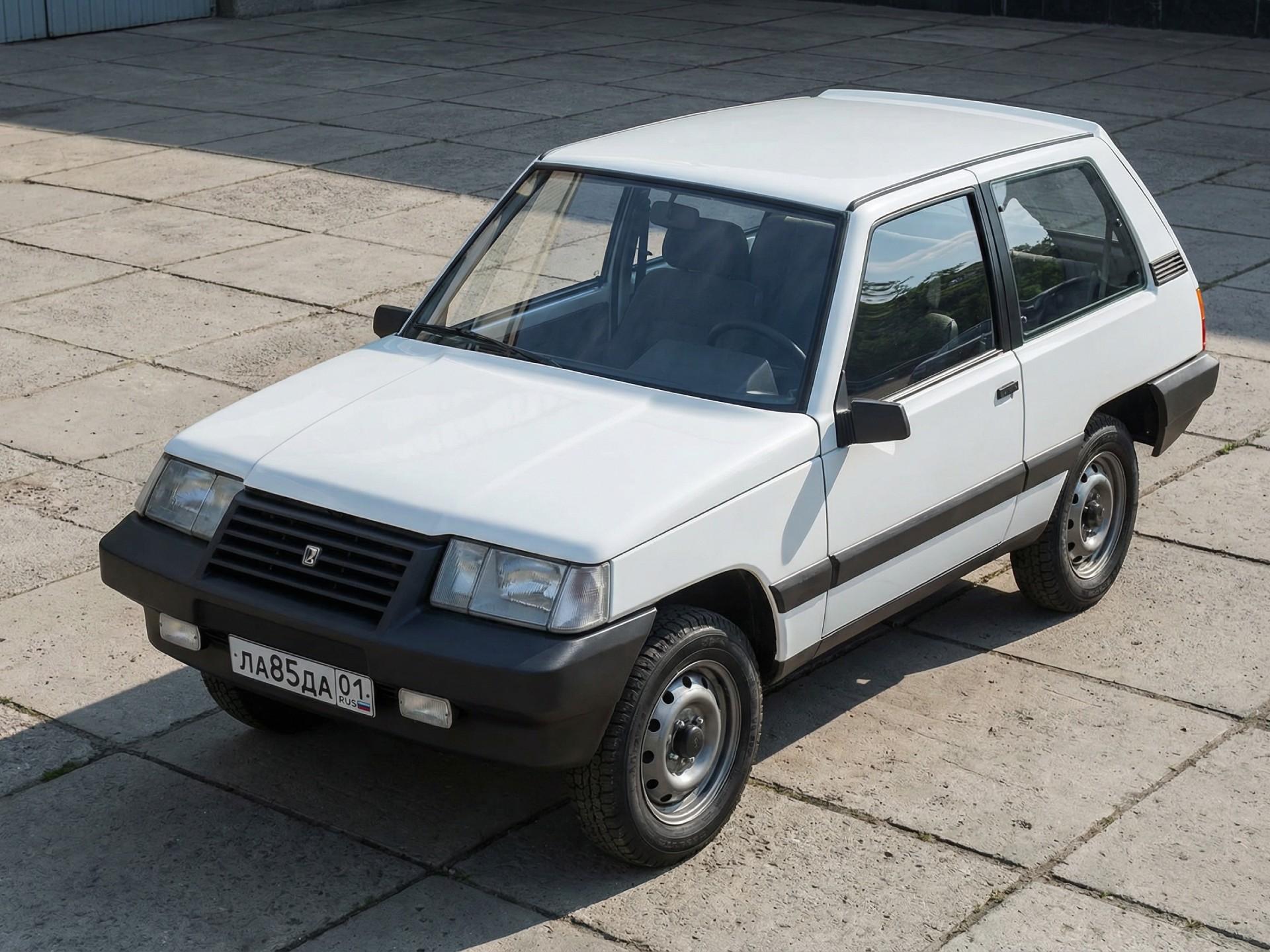
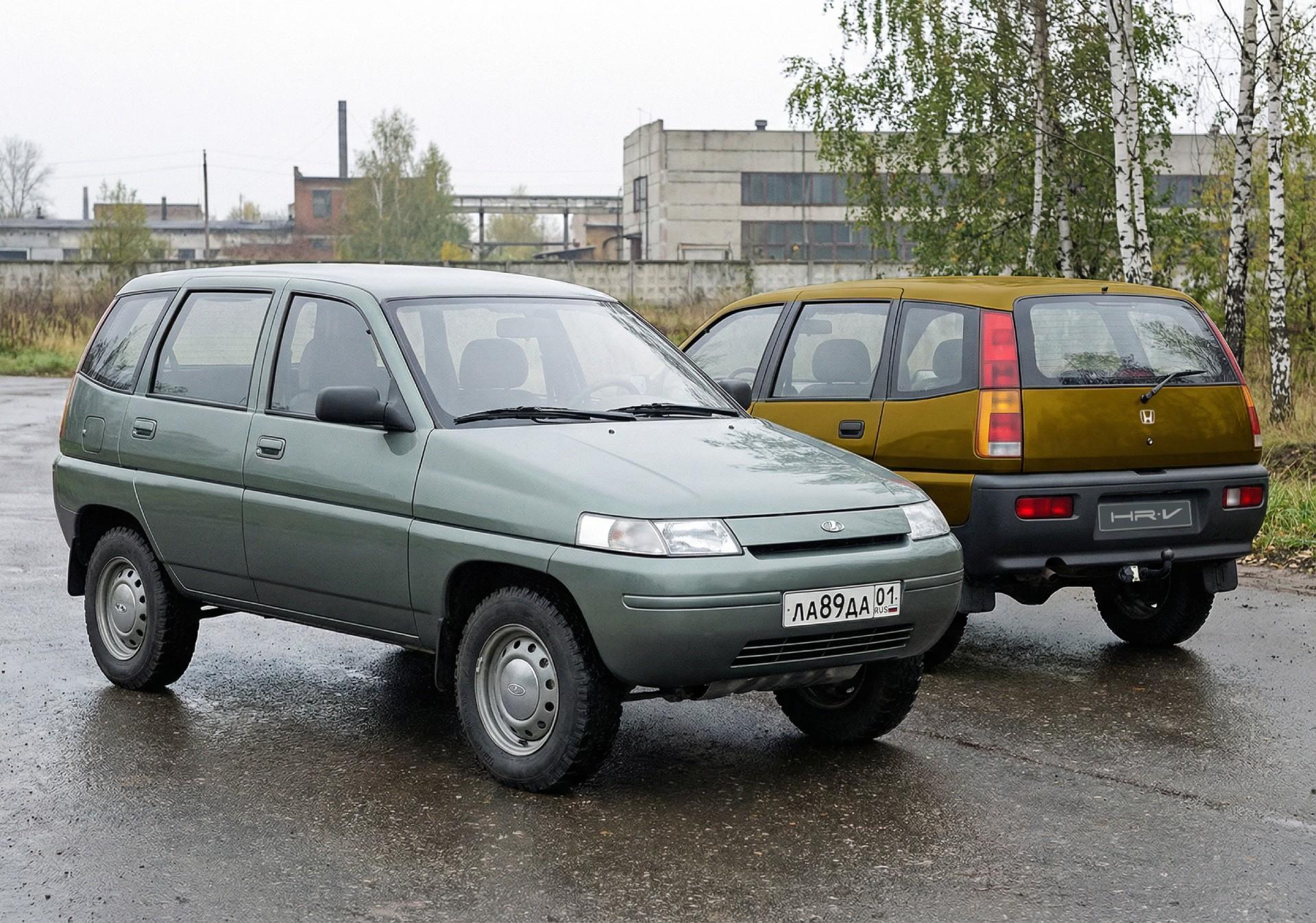
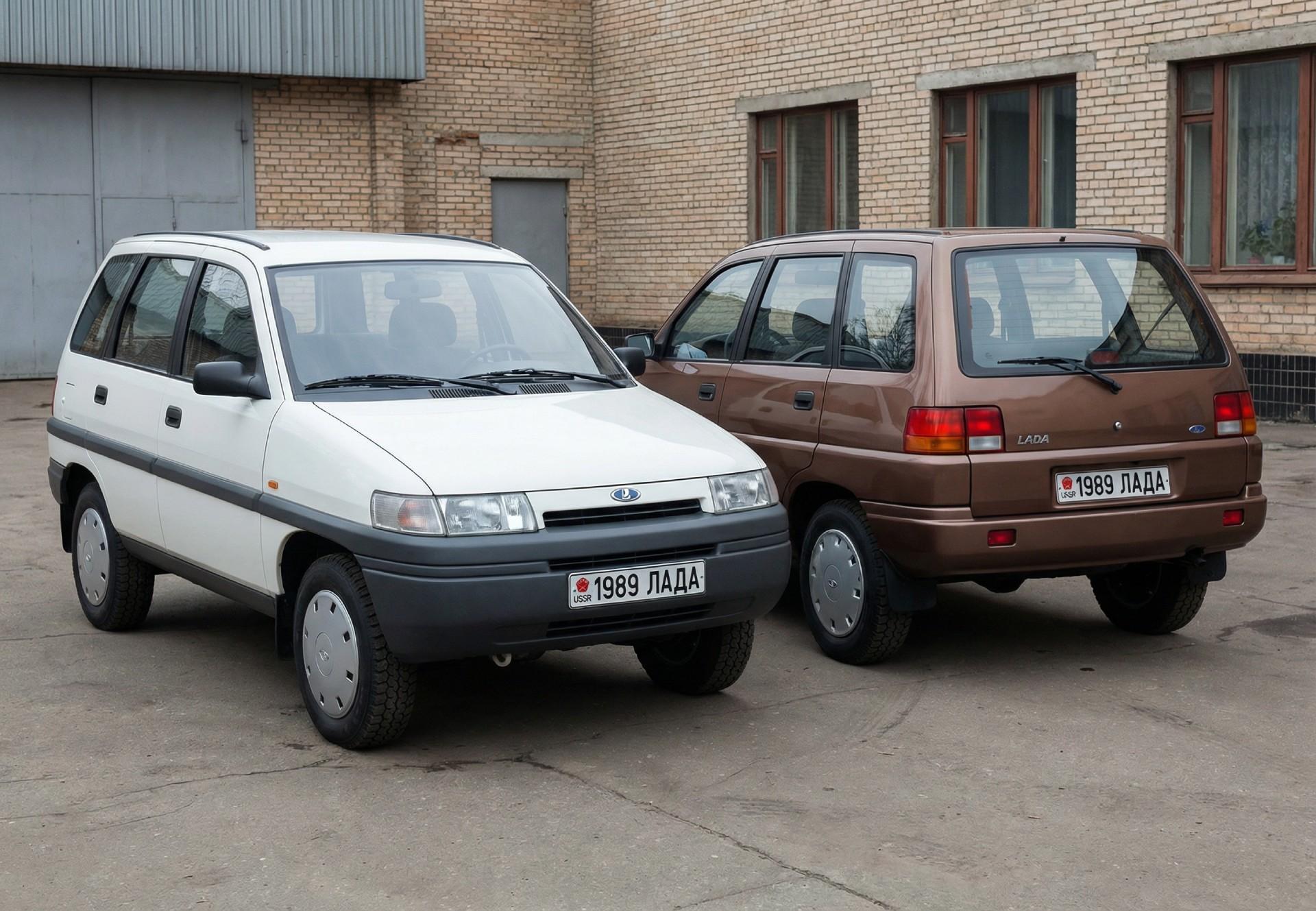
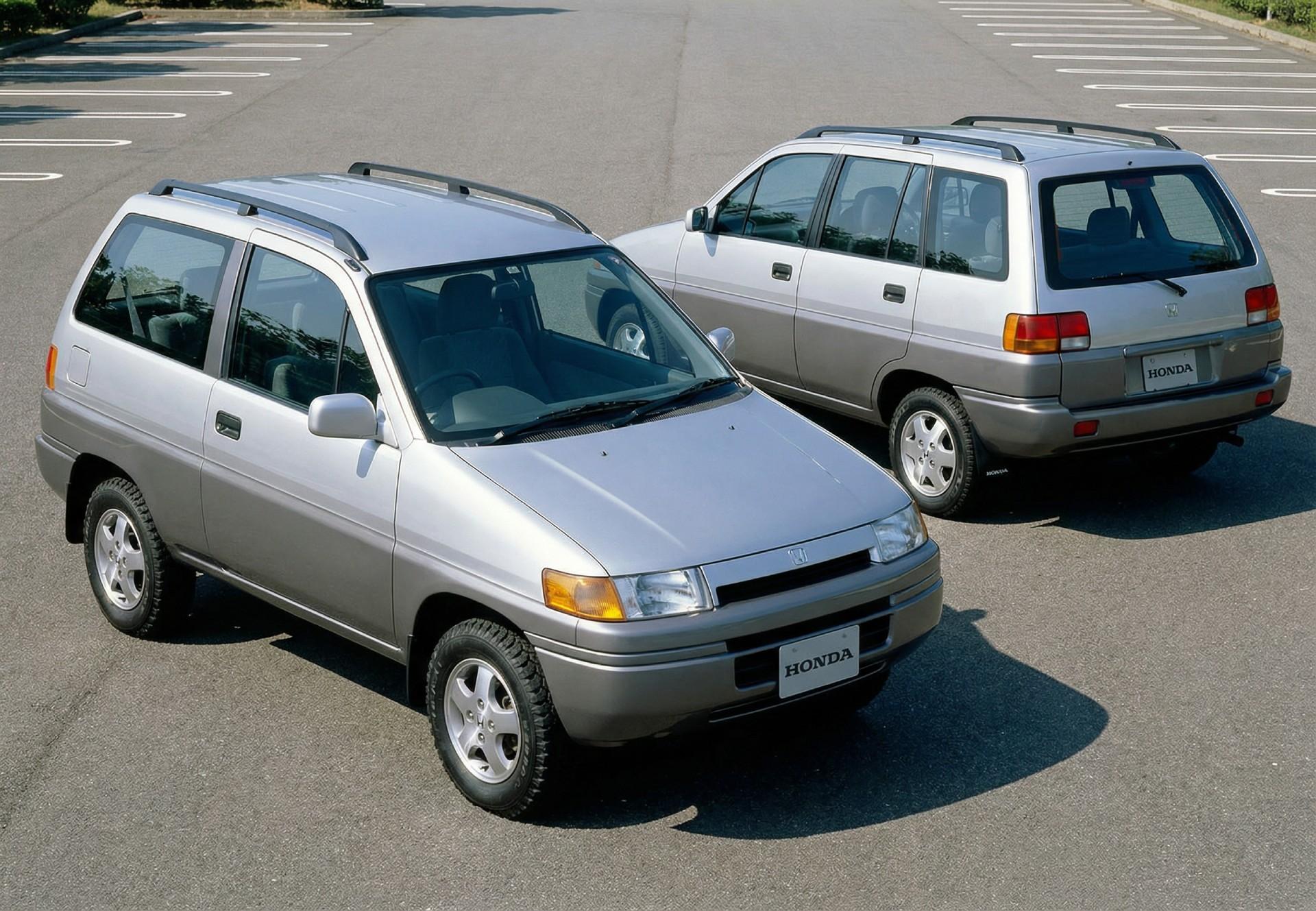
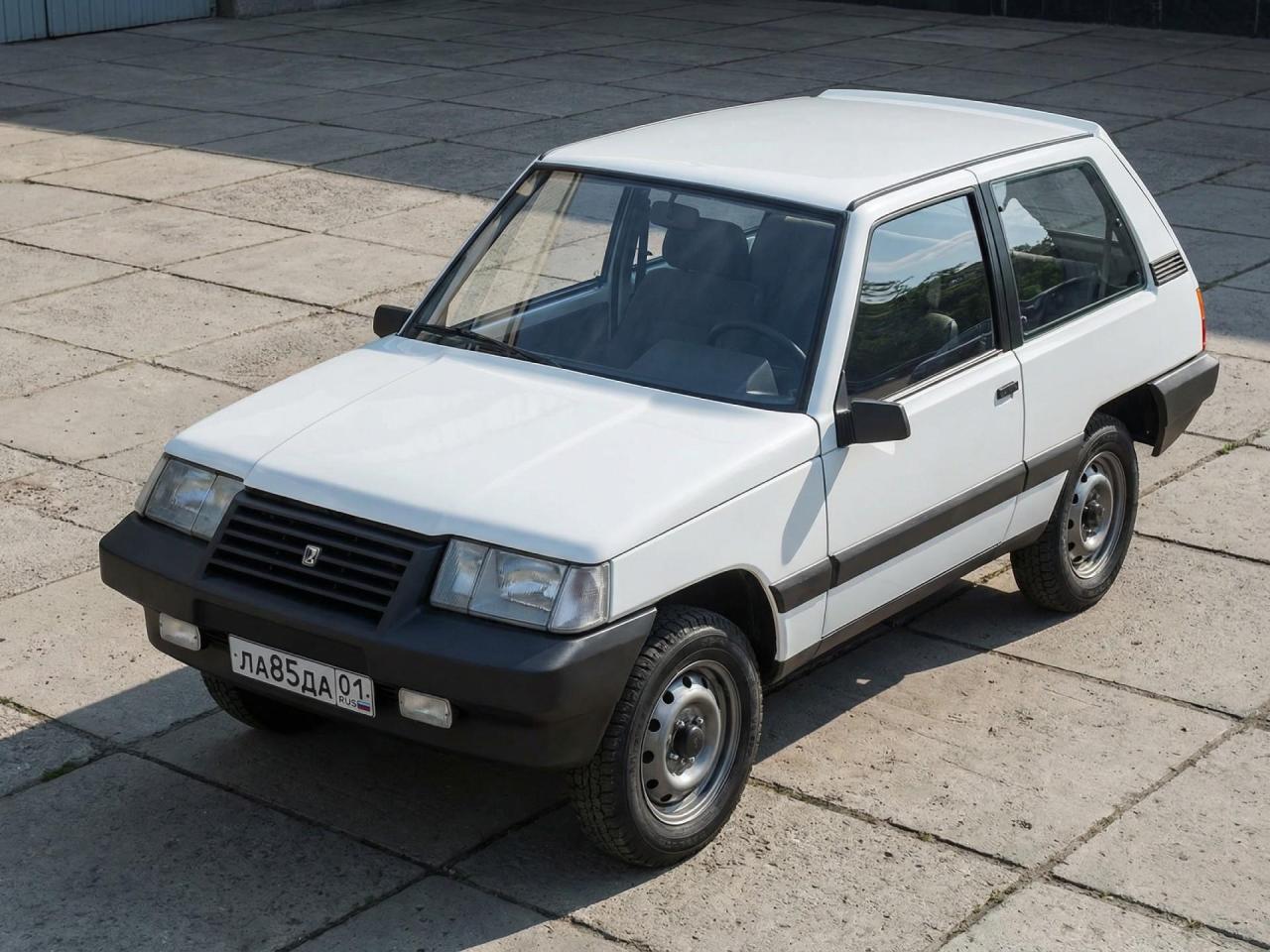
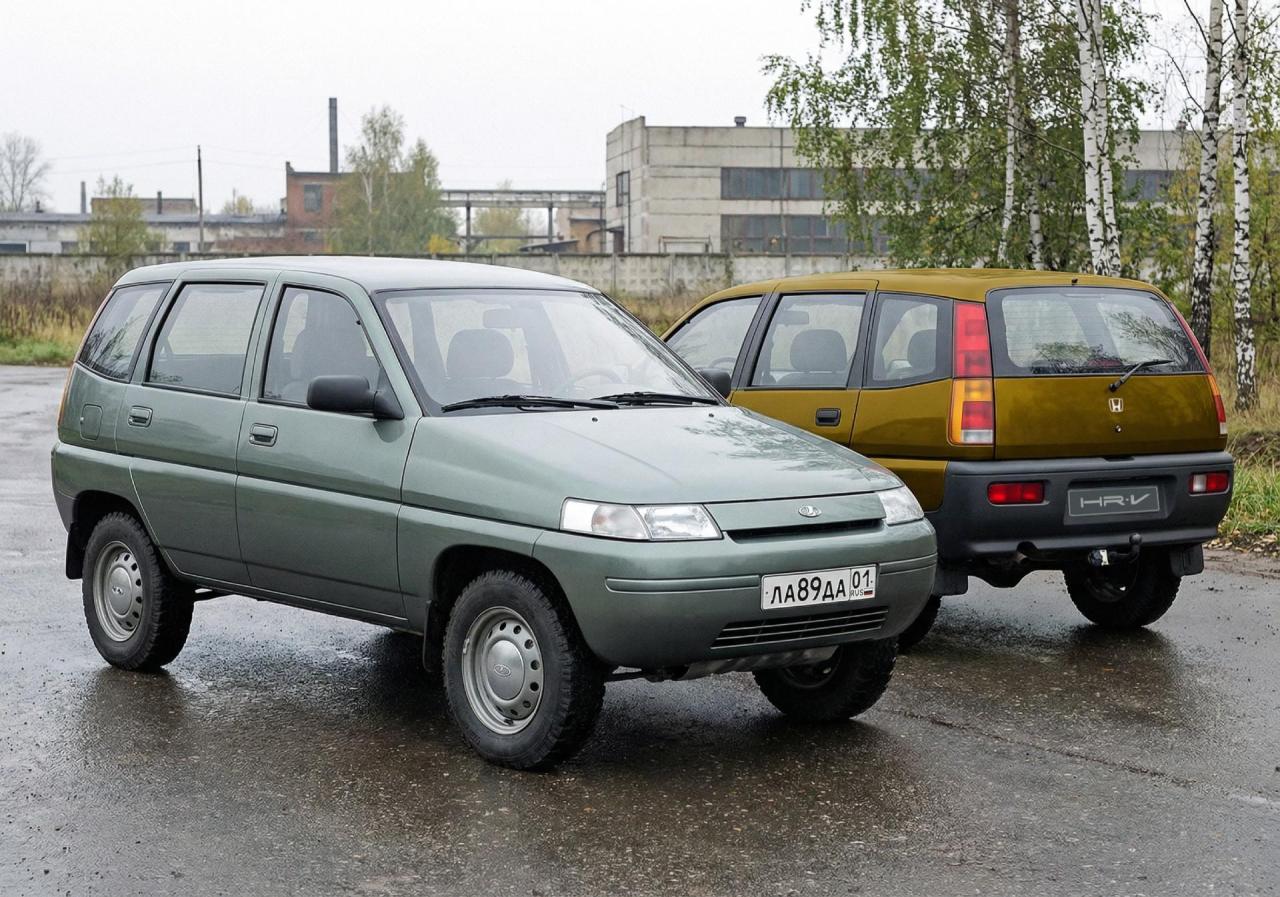
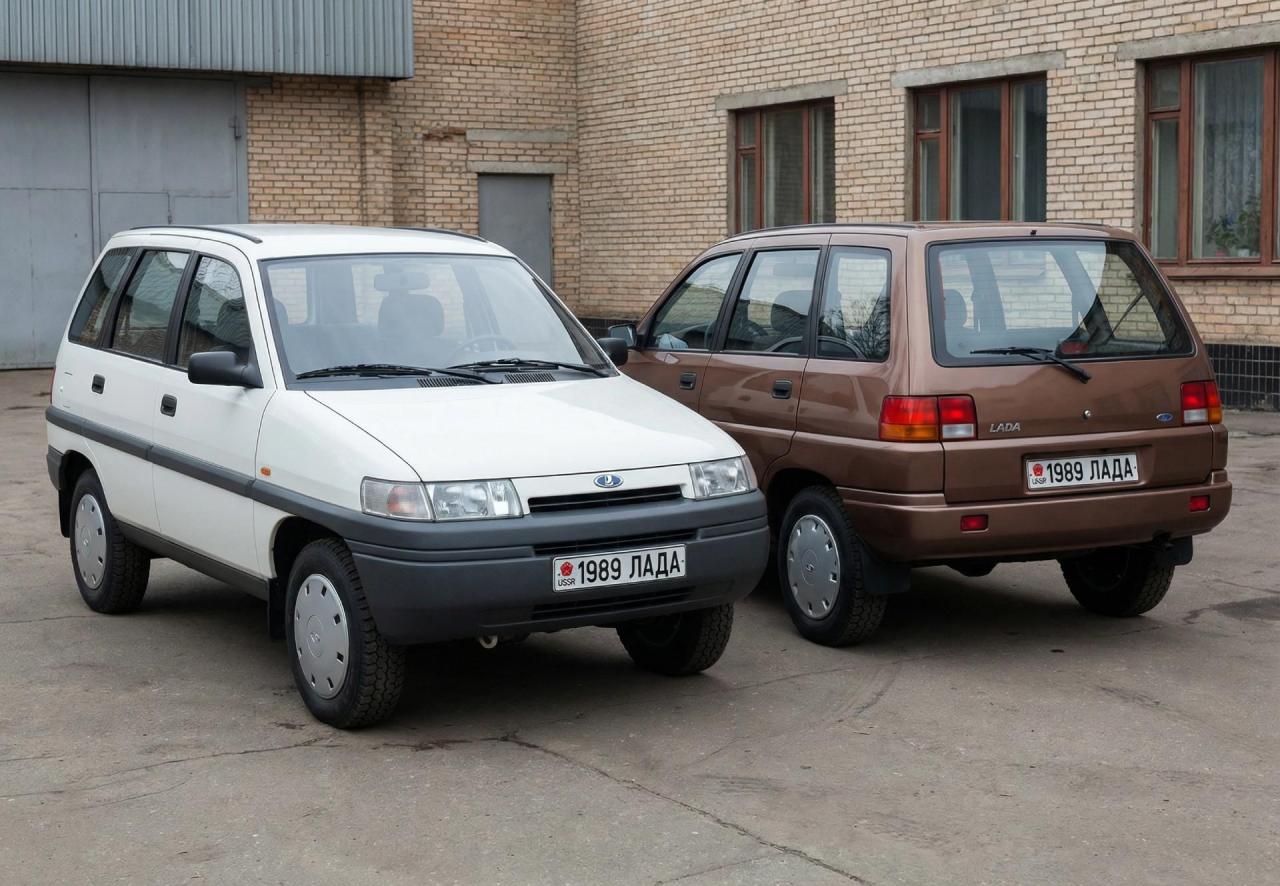
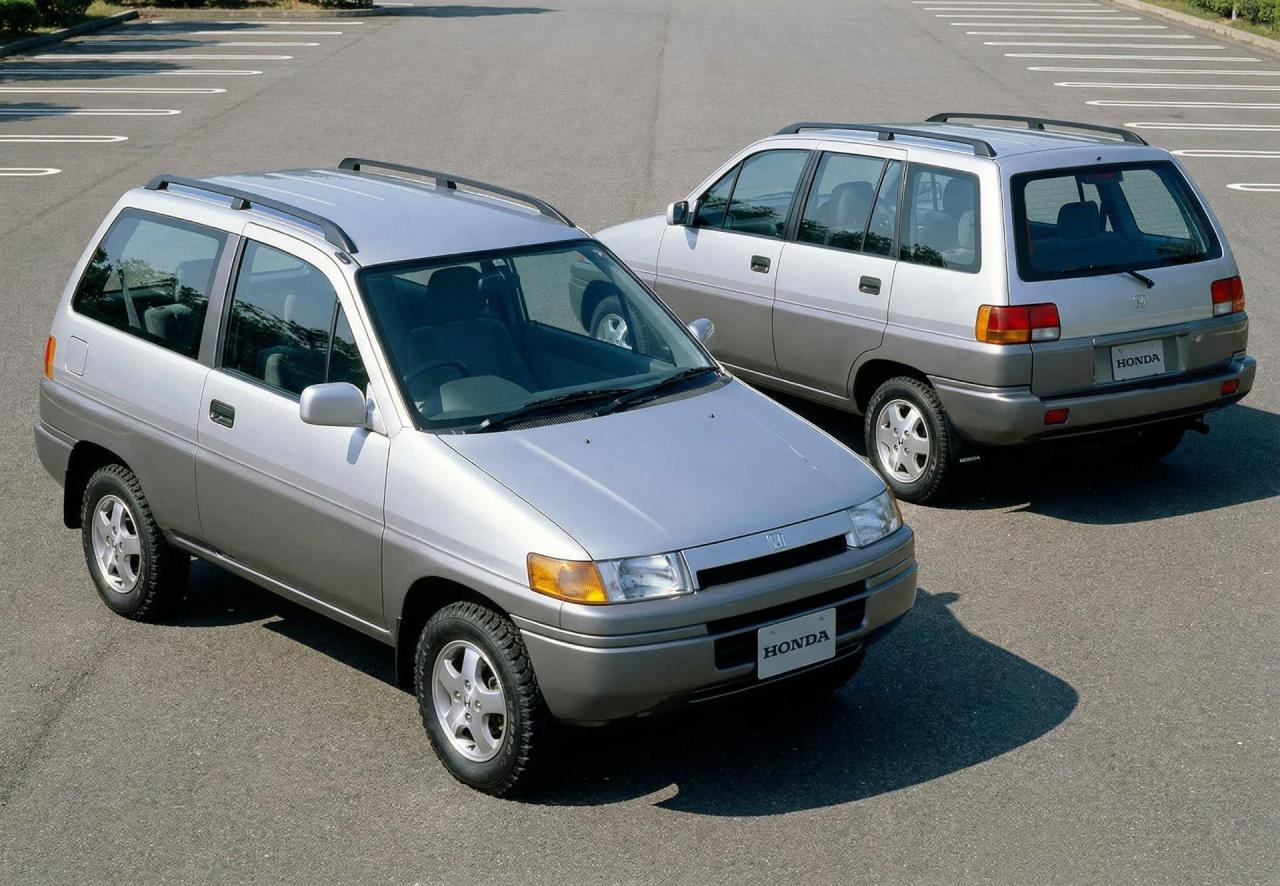
1985 Niva first concept 1985 Niva second concept 1986 Niva Concept (does it look similar to the first HR-V?) 1989 Niva Concept (+BONUS Honda version)

-
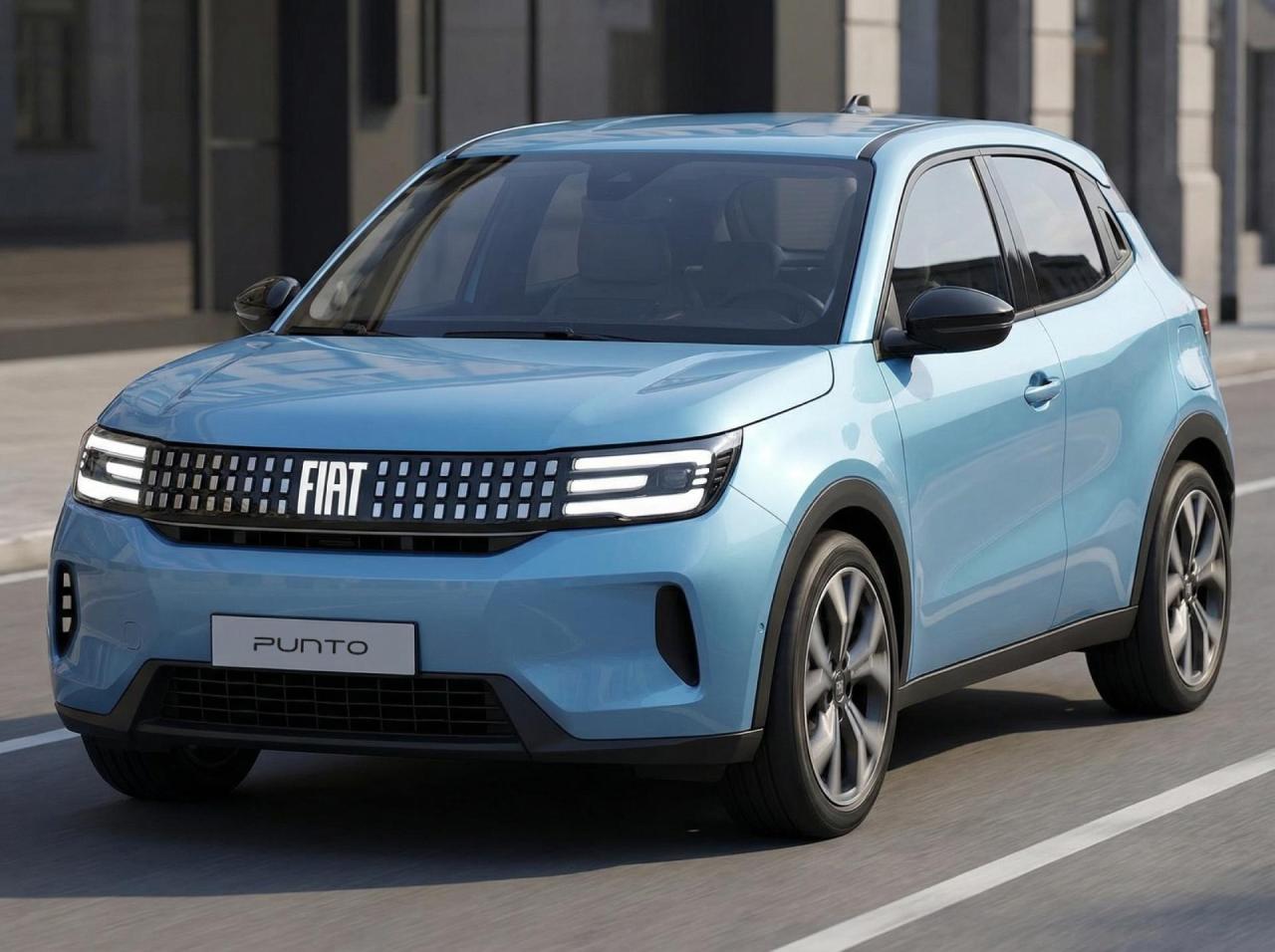
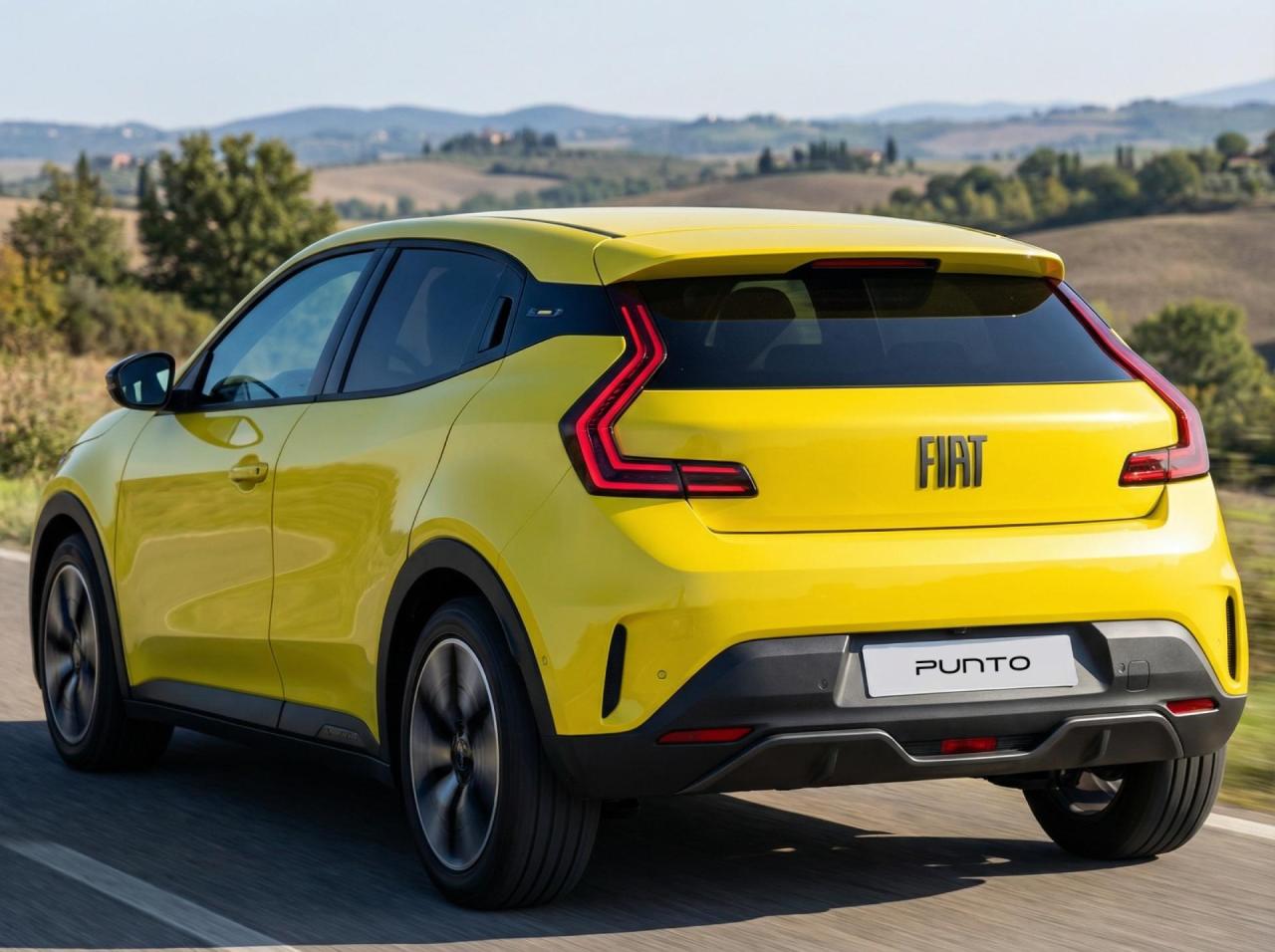
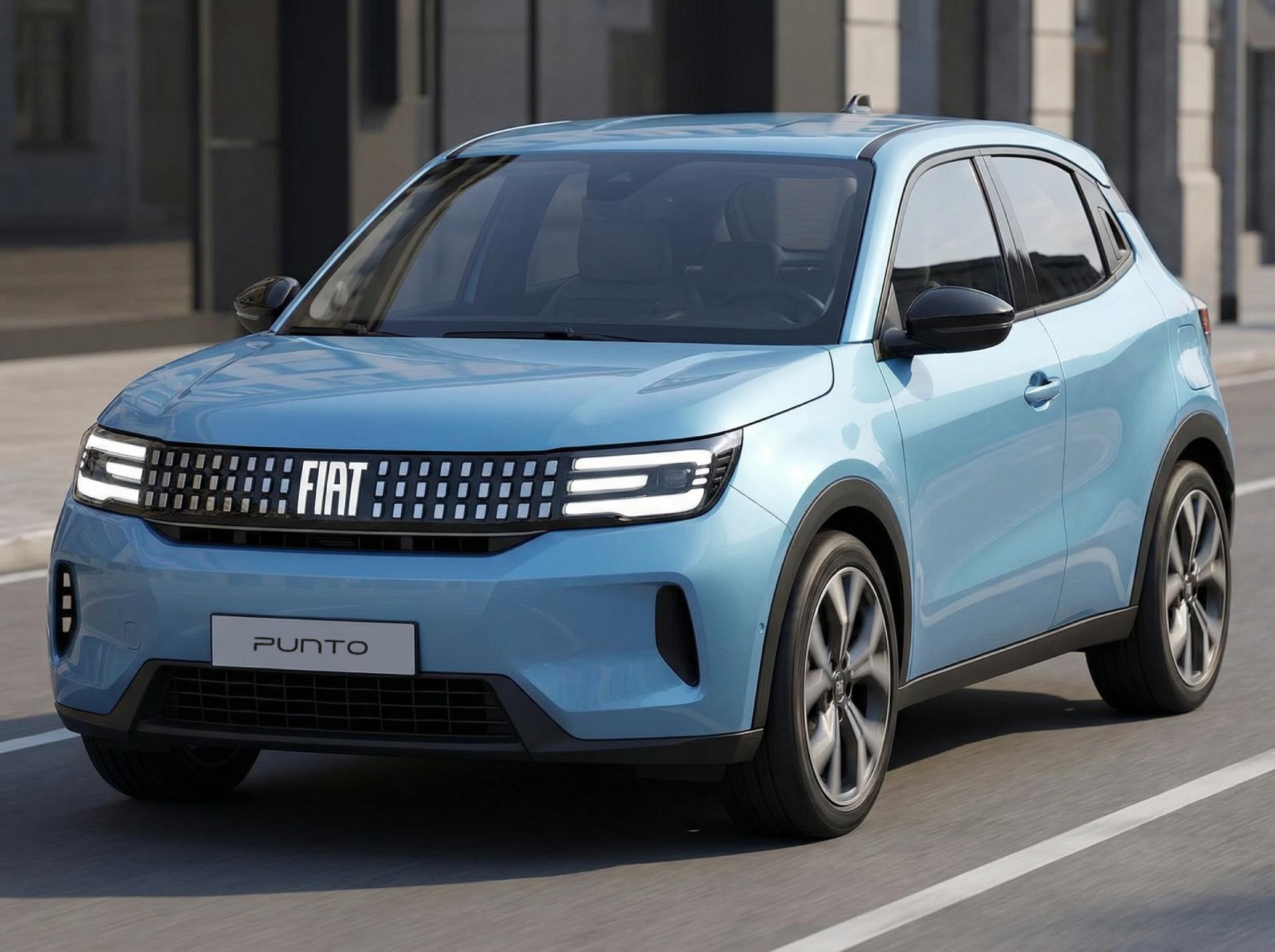
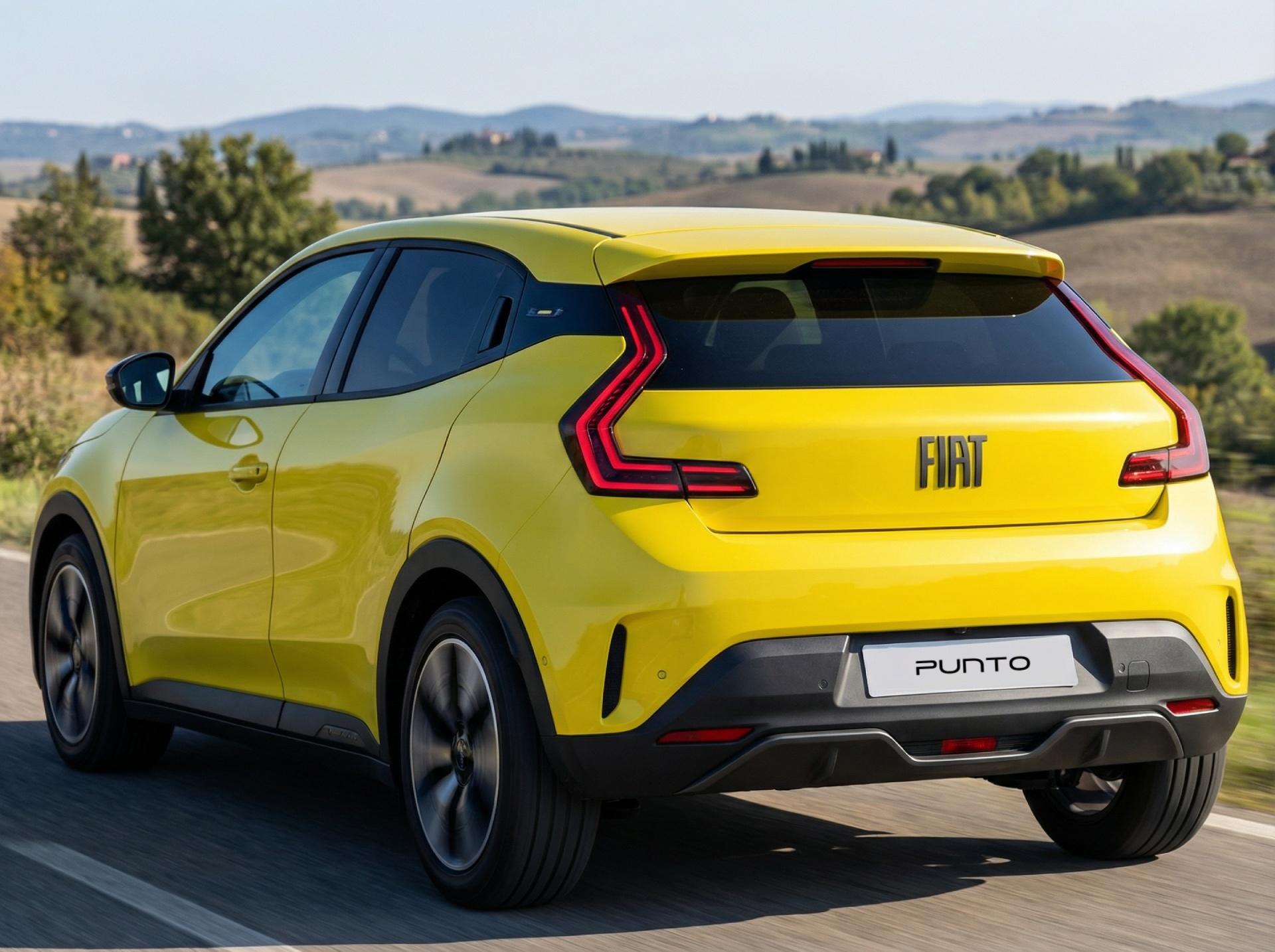
2027 FIAT Punto