Tifoso30
Utente Registrato
-
Iscritto il
-
Ultima visita
Tutti i contenuti di Tifoso30
-
-
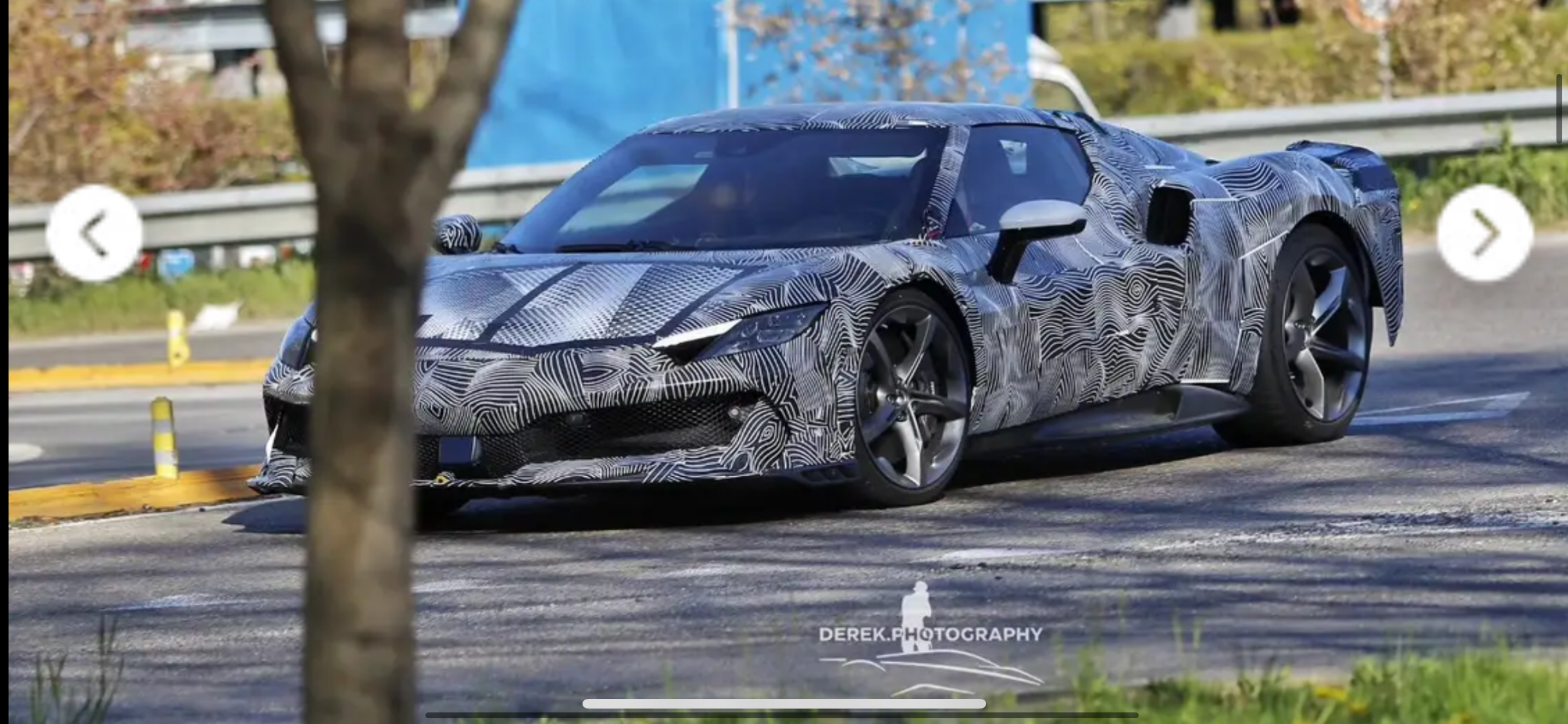
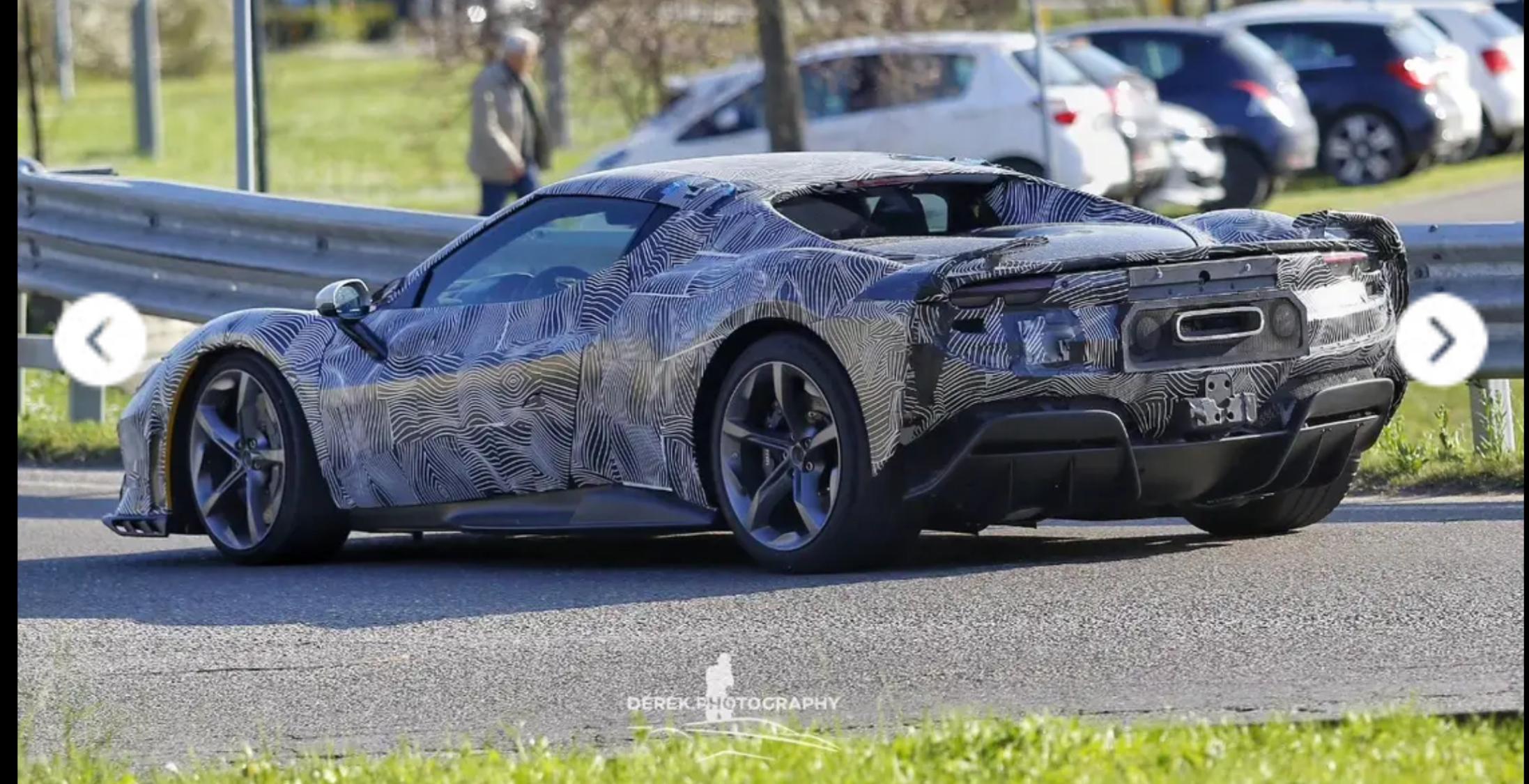
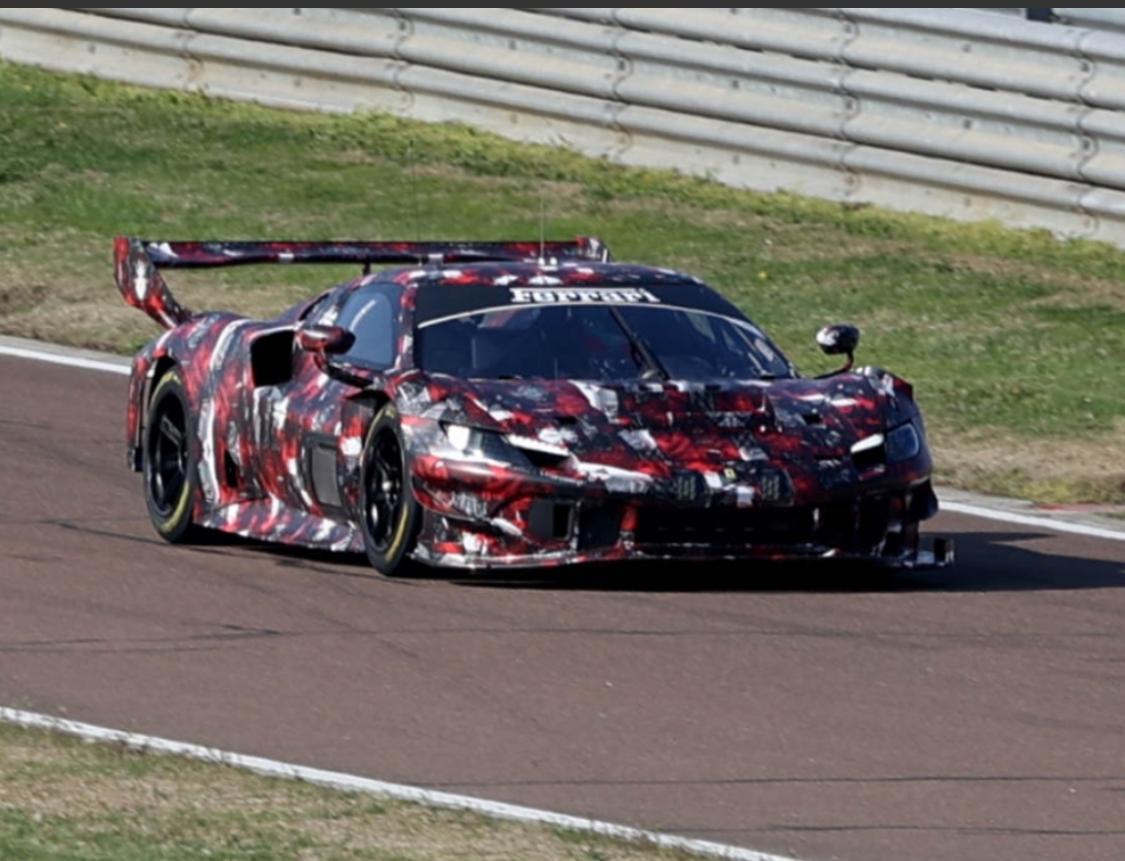
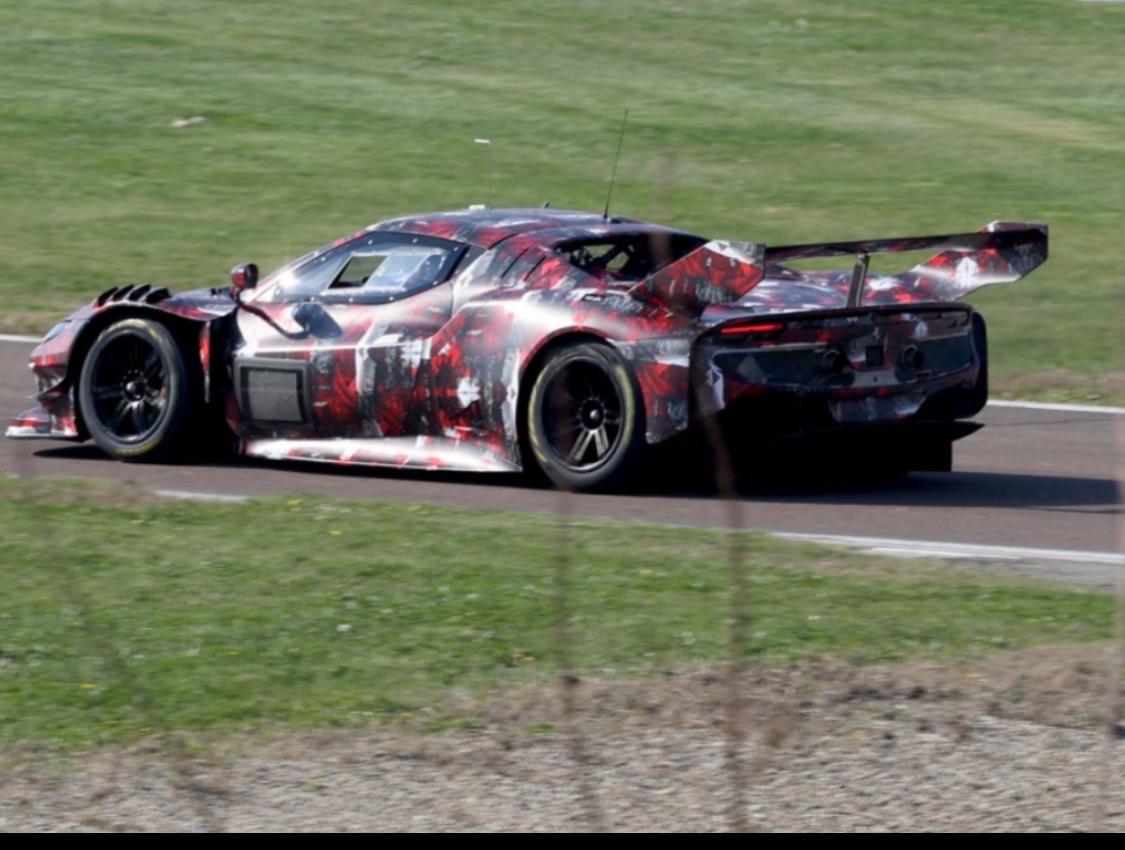
Sì a meta 2027 la gamma « piloti car » significa una macchina ad alta prestazione e l altra che sarebbe « sportscar » puo essere la gamma diciamo entry level o piccola sportiva tipo 296 anche se per me la 296 non ha niente di una entry level. La macchina presentata a luglio sarebbe dunque una GT o una nuova gamma che non conosciamo ancora secondo me vedremoPenso che sarà la V6 sportiva ma non con il cambio manuale con un concetto più estremo. Non abbiamo neanche visto un muletto o qualcosa di questo progetto puoi essere Che hanno semplicemente ripreso il sviluppo fermato due anni fa. Se fosse un progetto nuove sarebbe allo stato iniziale dunque la macchina sarebbe uscita nel 2030 più o meno. Ma communque strano🤔 per me che non abbiamo visto neanche un muletto in caso di presentazione l anno prossimoSe non sbaglio la produzione della 296 GTB finisce nel primo trimestre 26. Dunque non ci sarebbe un problema di cannibalizzazione visto che questo progetto dovrebbe uscire nel 26 per di più sapendo che la 296M uscira nel 27. Per me nella gamma manca qualcosa di più estremo diciamo Racing e senza ibrido sicuramente avra molto successo