Tifoso30
Utente Registrato
-
Iscritto il
-
Ultima visita
Tutti i contenuti di Tifoso30
-
-
-
-
-
-
-
-
-
-
-
-
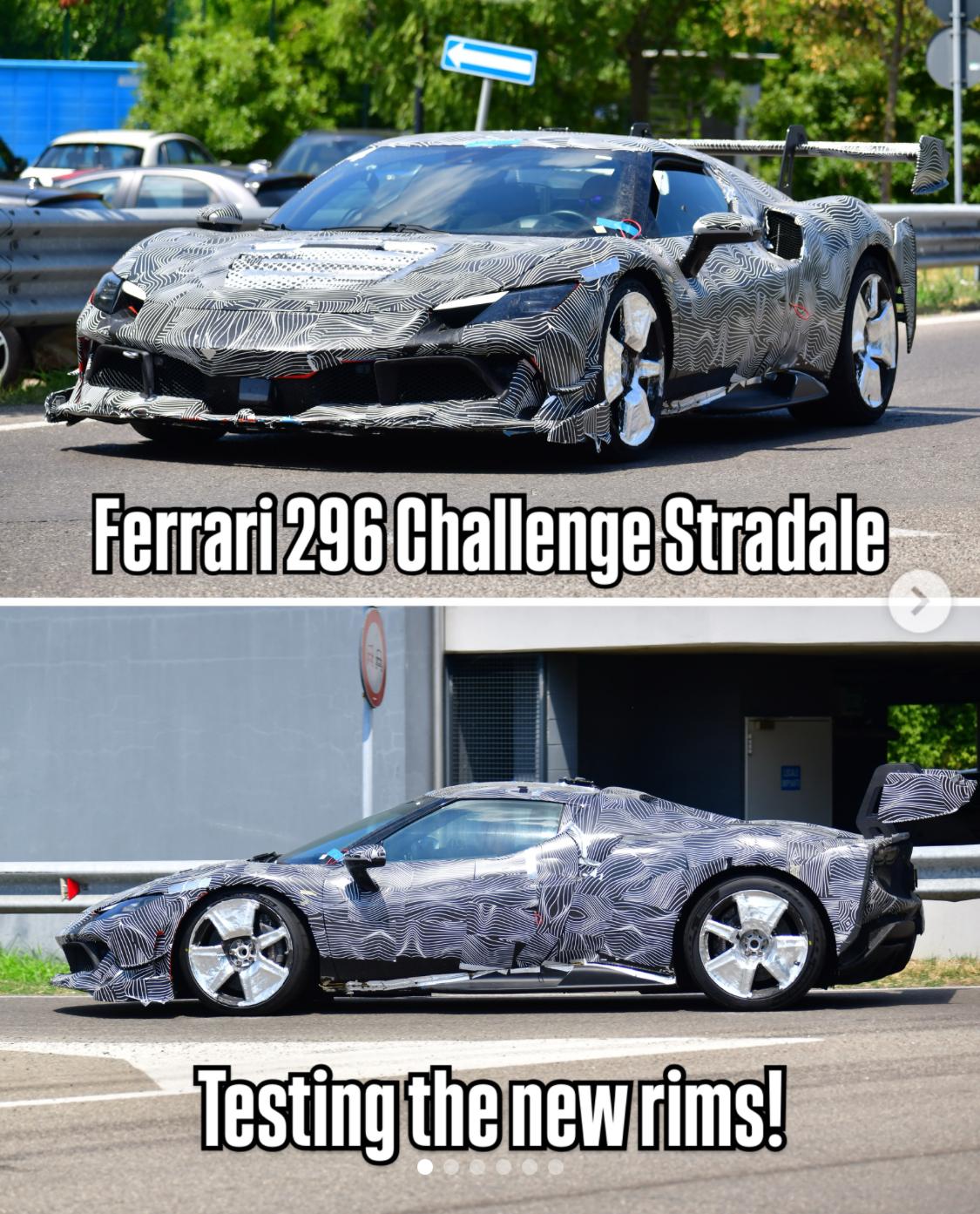
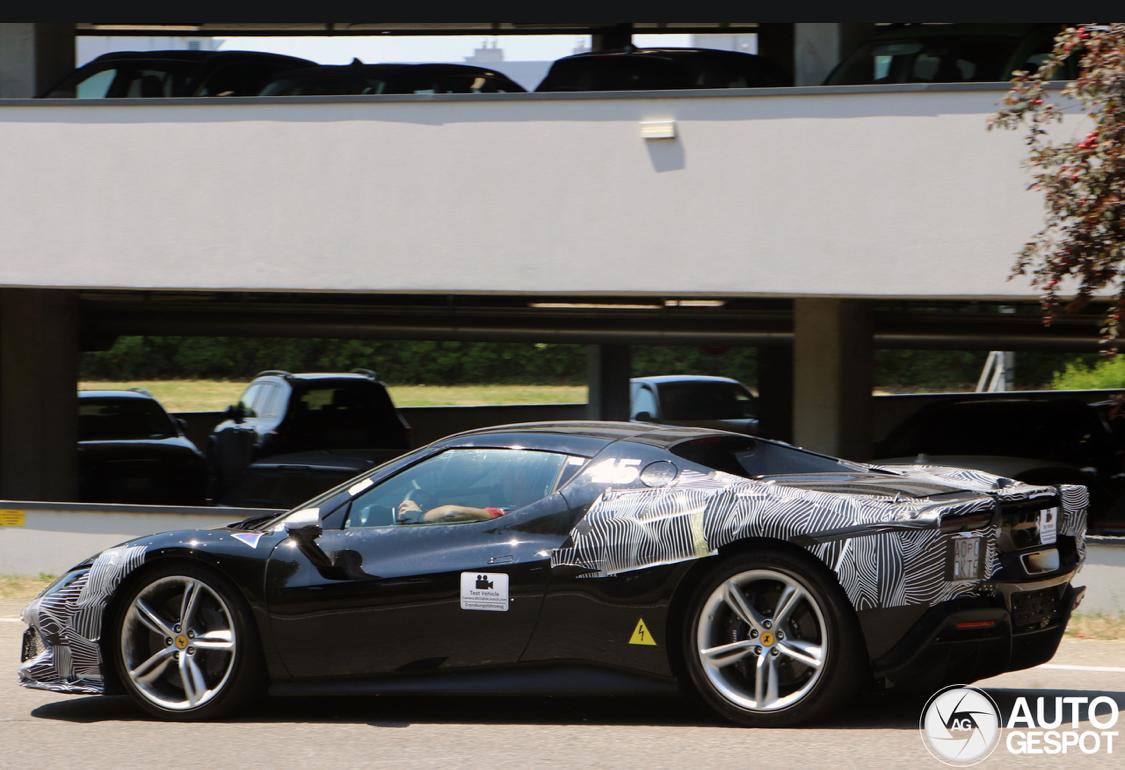
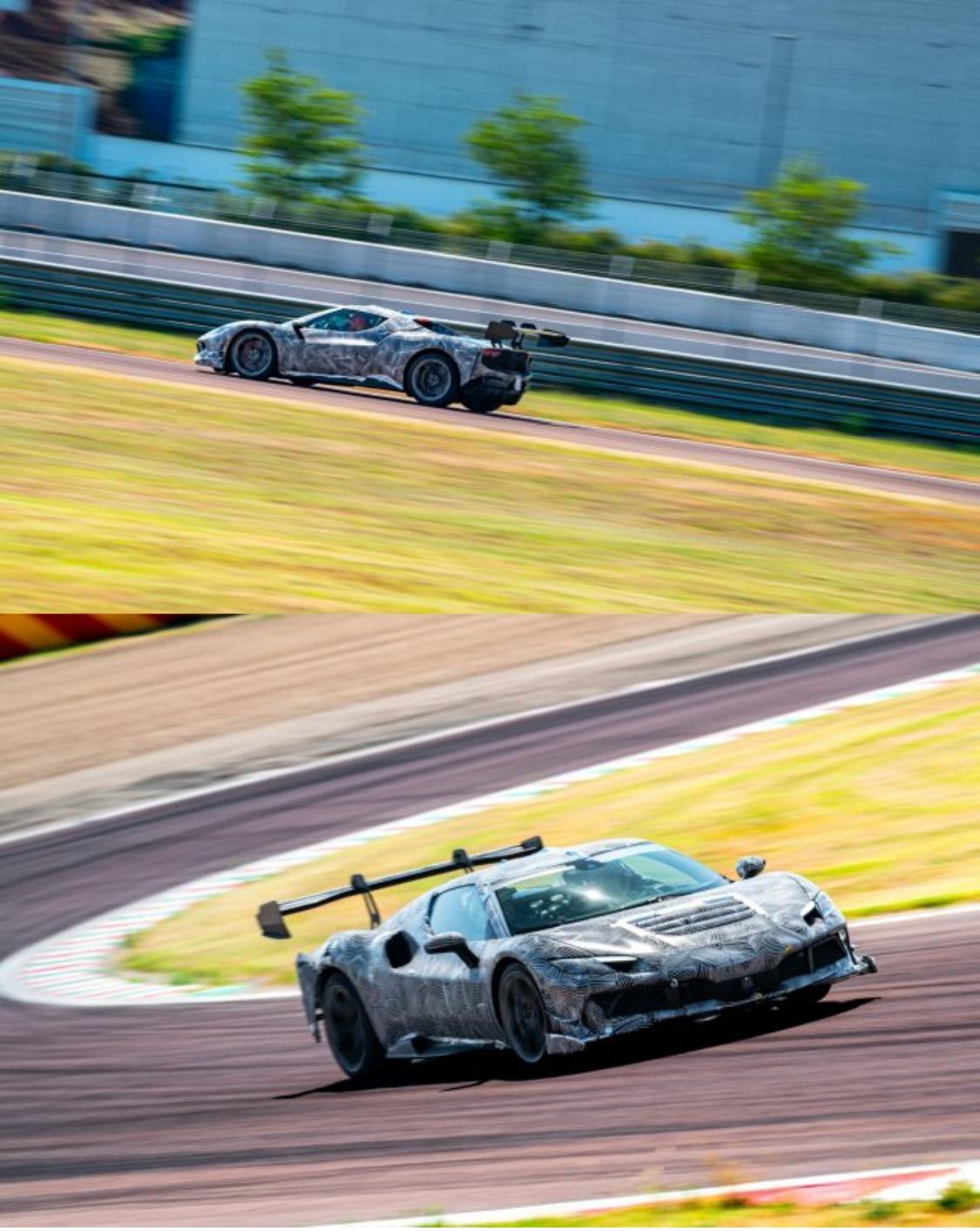
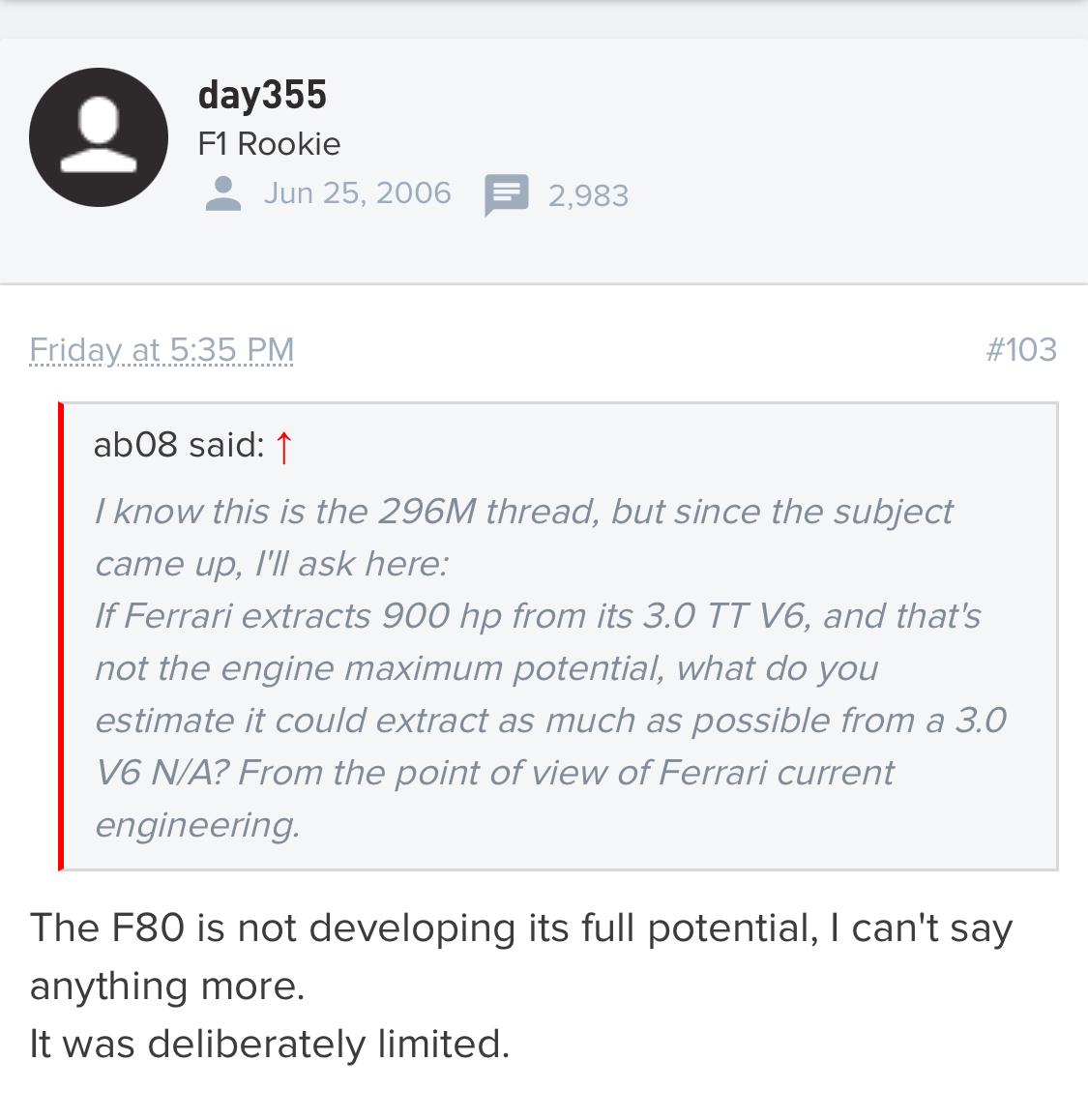
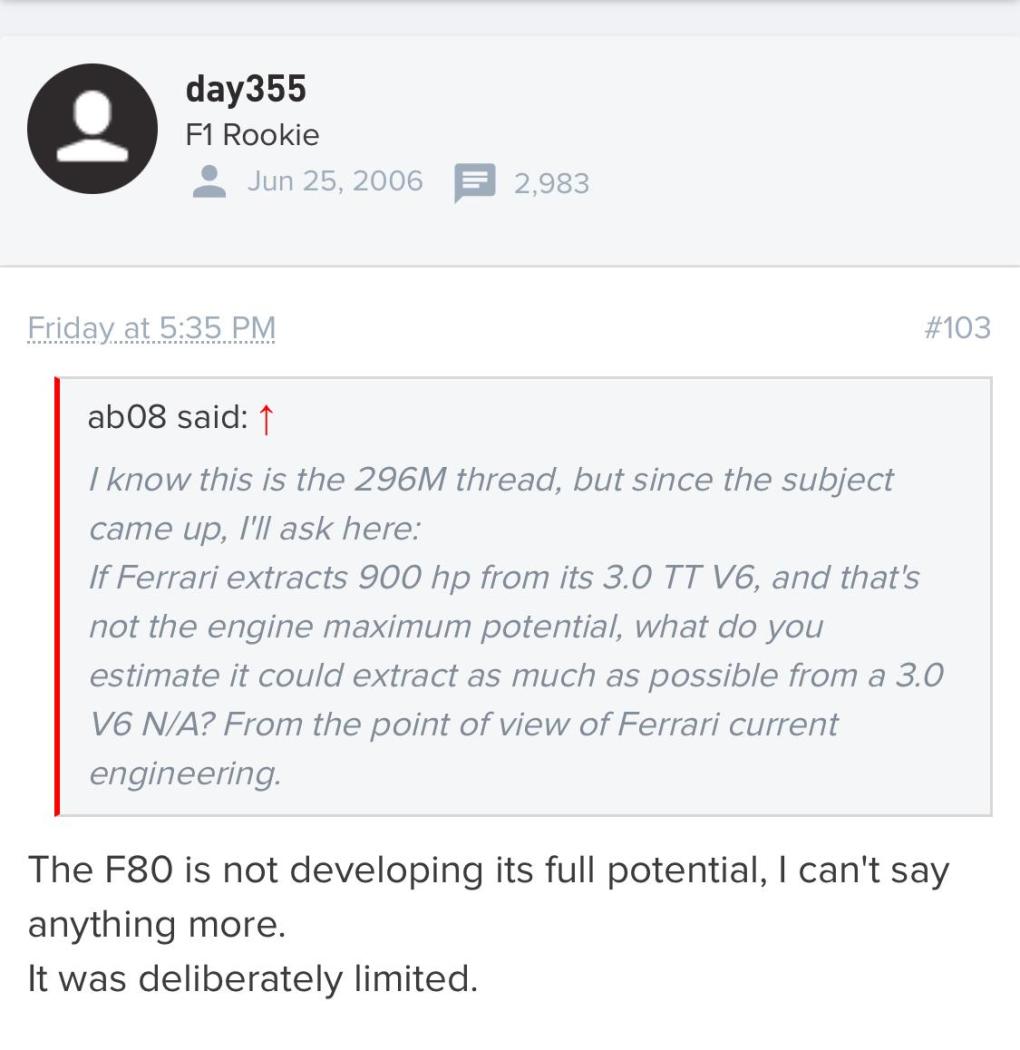
giovedi 18 giugno Secondo i rumorsSu Fchat una fonte attendibile dice che c’è la possibilita che la prossima 296 (296M ò quella ancora doppo) utilizzi delle turbine elettriche al posto del sistema ibrido per questione dí peso, sound, manutenzione etc etc.. qualcuno ha dei riscontri su questa Cosa? Quanto pesa un sistema ibrido su una 296 ? 150-180 chili?La venderanno communque putroppo. Il secondo modello elettricho spero dopo 2030. La F80 poteva essere ancora ben più potente e non l’hanno spremata al massimo veramente strano per essere la supercar della gamma almeno che qualcosa di più speciale sia in preparazione tipo la FX-100 a caso..😁😏
 La Ferrari ha depositato più nomi come F80XX ,FXX80, F80 Targa, F80 Roadster, 12Cilindri GTO e come detto prima FX-100 e FX100 Per dí più la macchina che sarà svelata a luglio dovrebbe chiamarsi 12Cilindri MM (MM per Mille Miglia) e ci sarà anche una versione aperta. Ma non sì sa se sarà presentata allo stesso tempo della versione coupe.