naviossab
Utente Registrato
-
Iscritto il
-
Ultima visita
Tutti i contenuti di naviossab
-
-
-
-
-
-
-
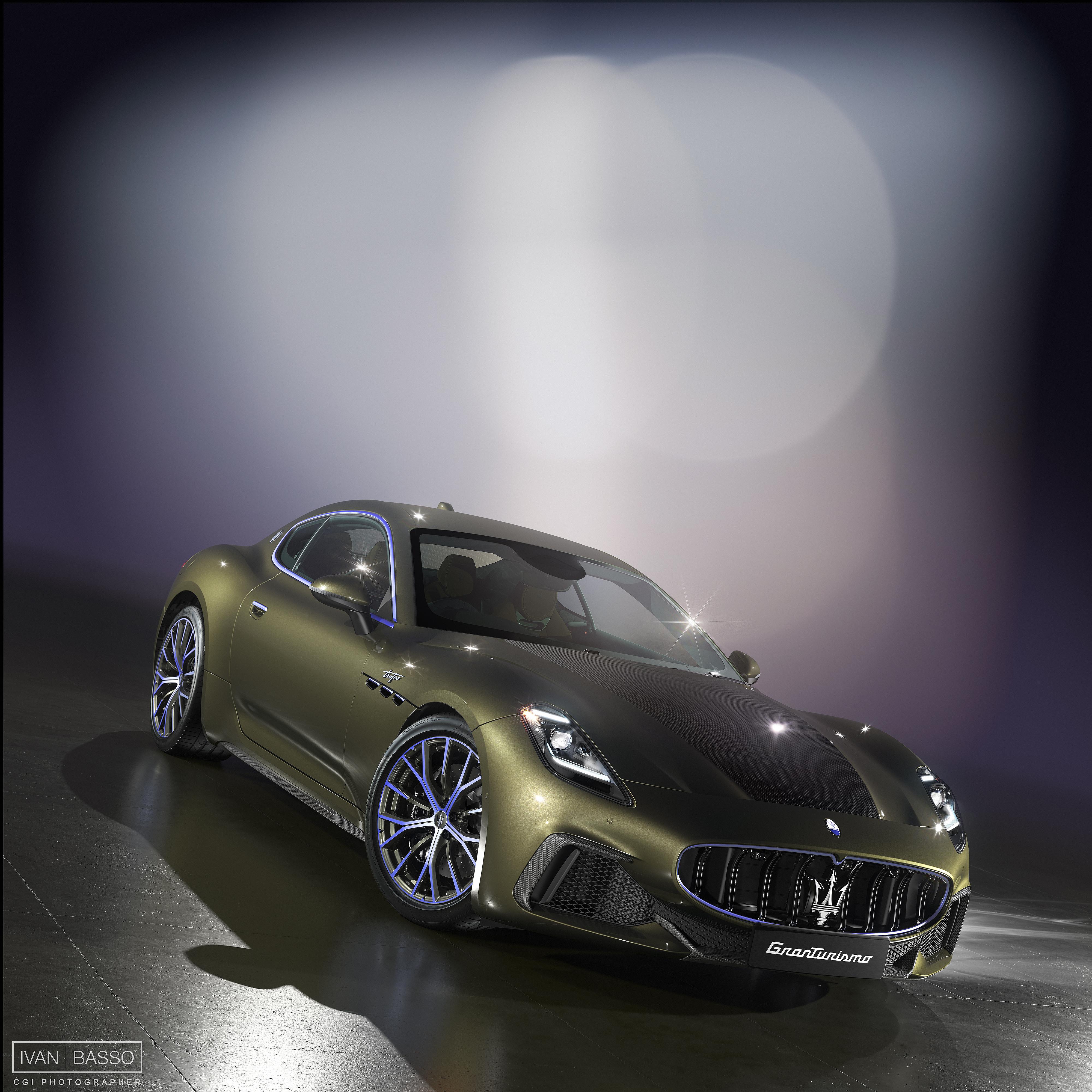
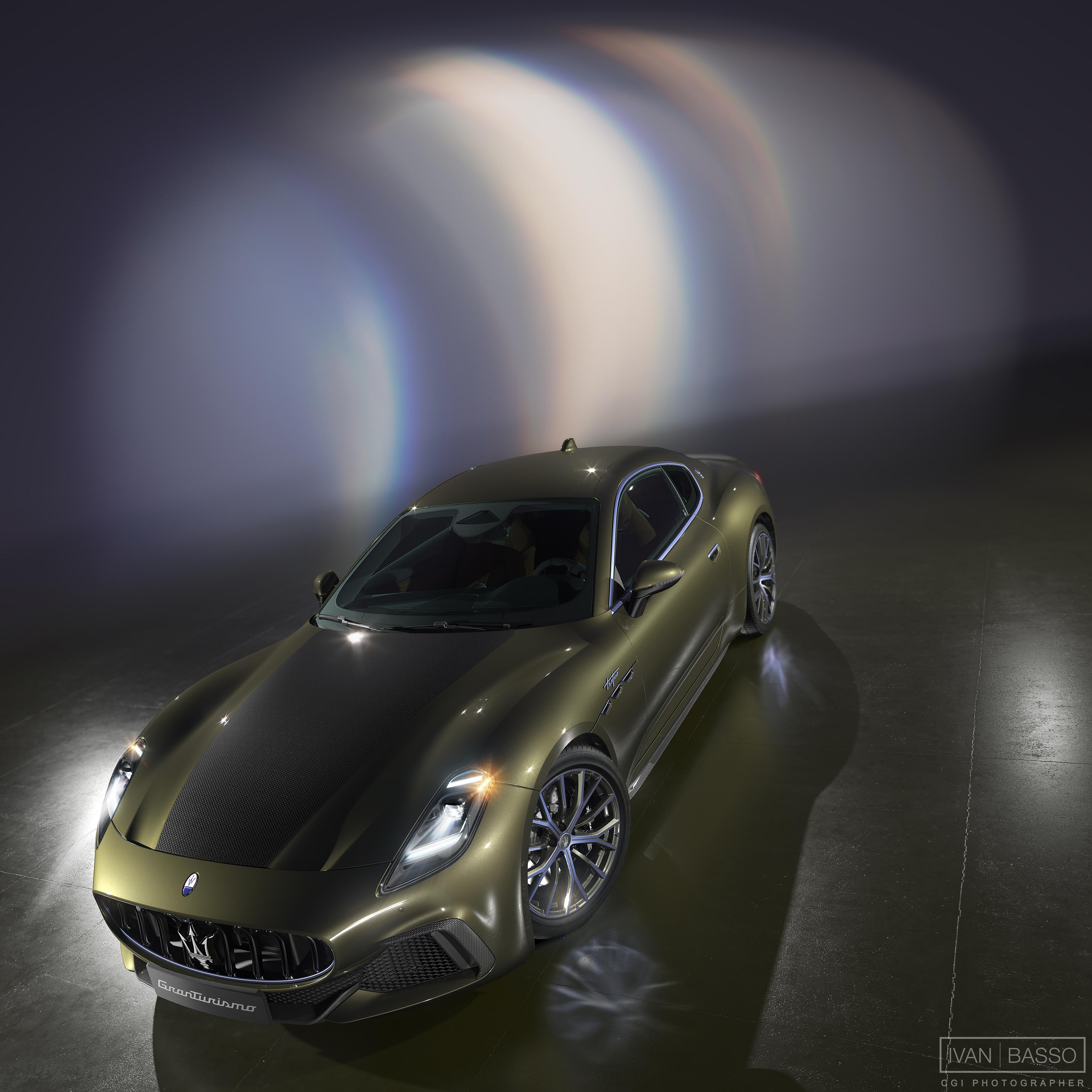
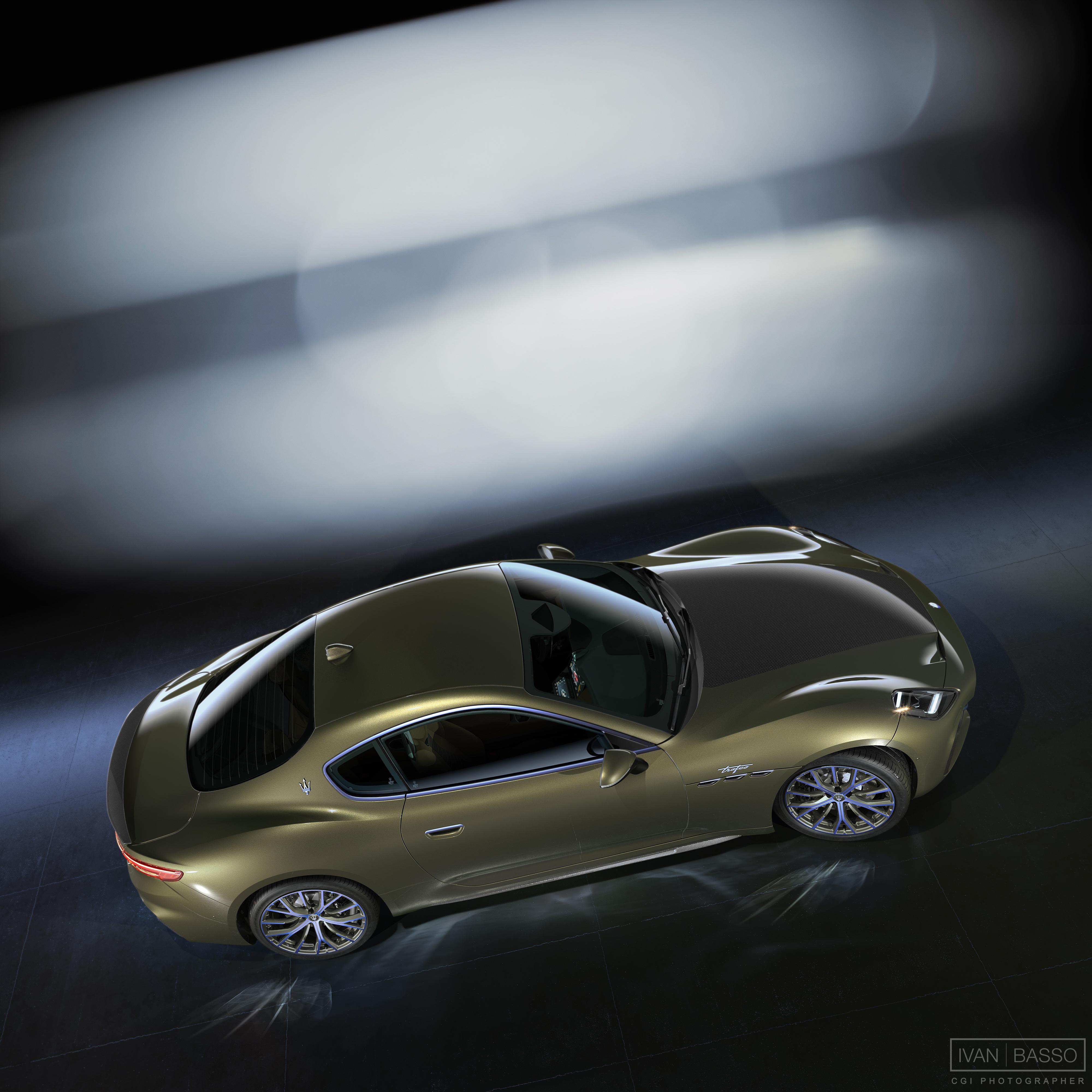
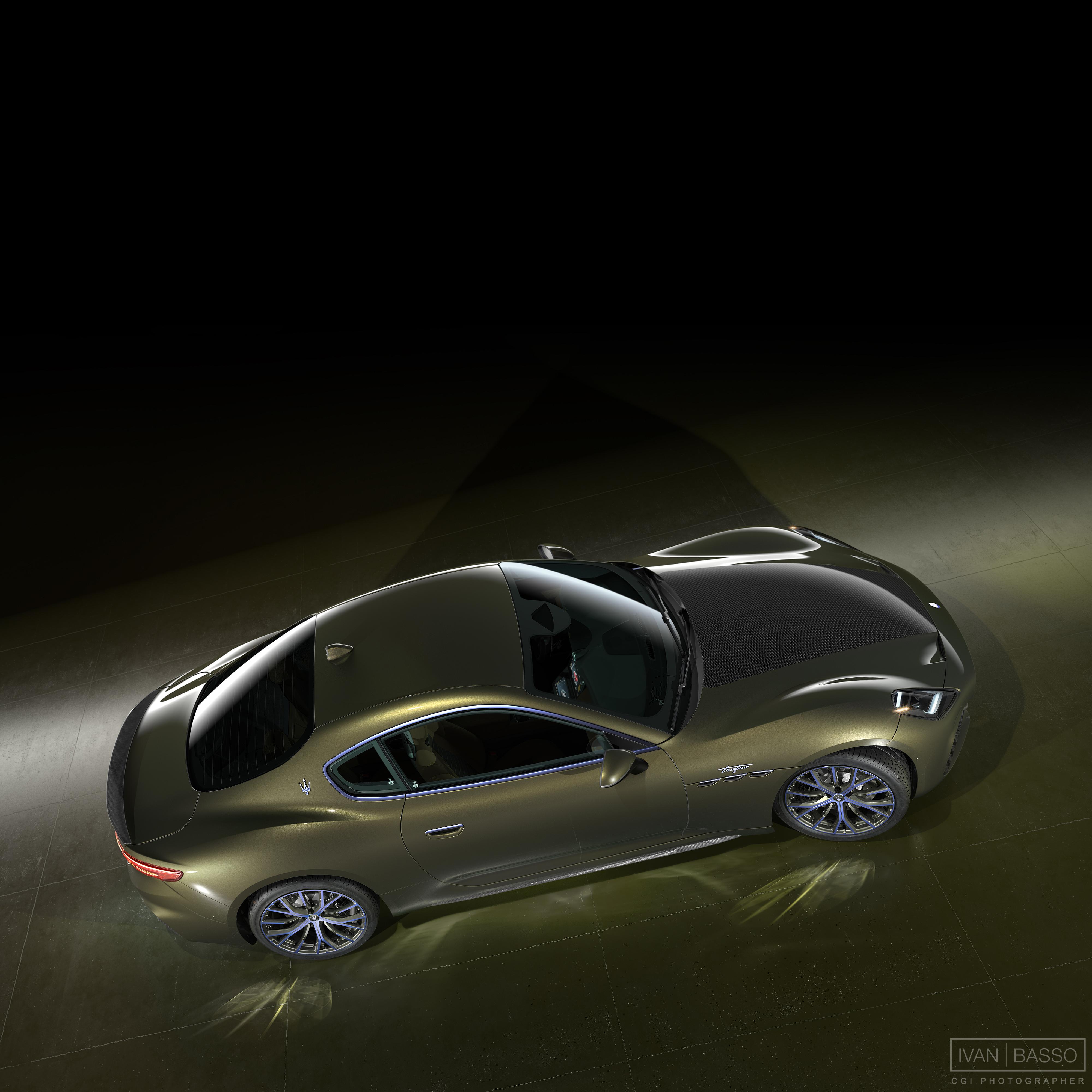
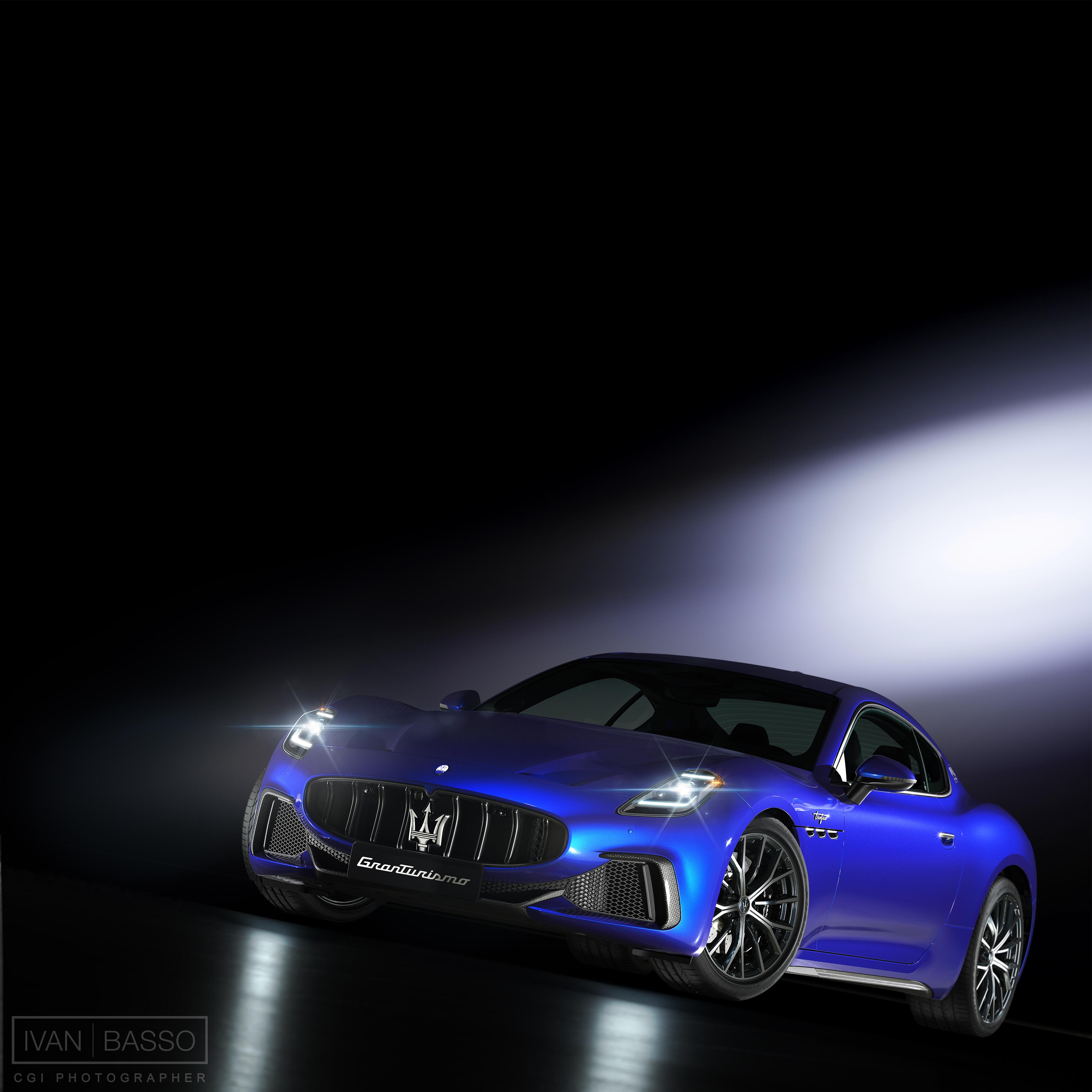
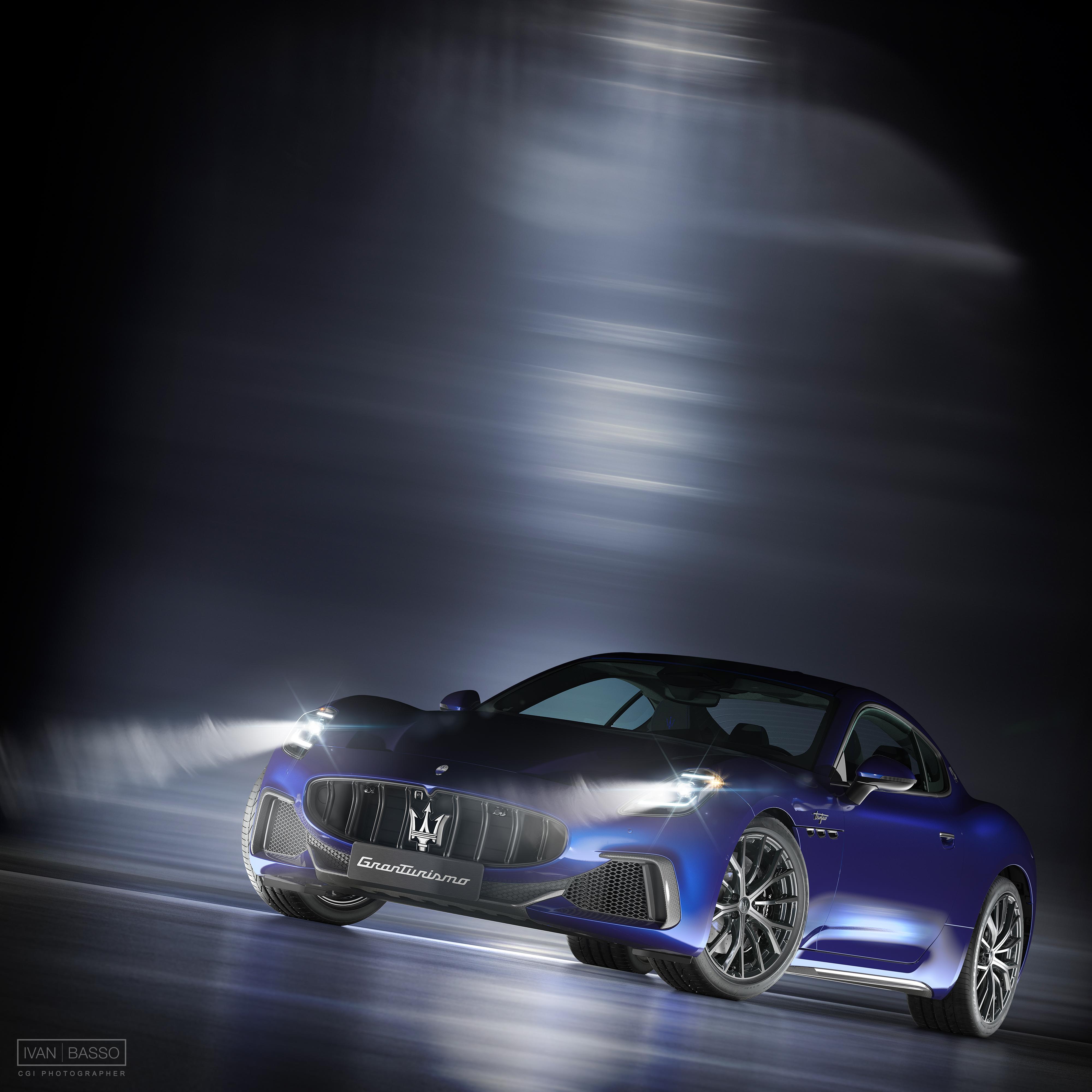
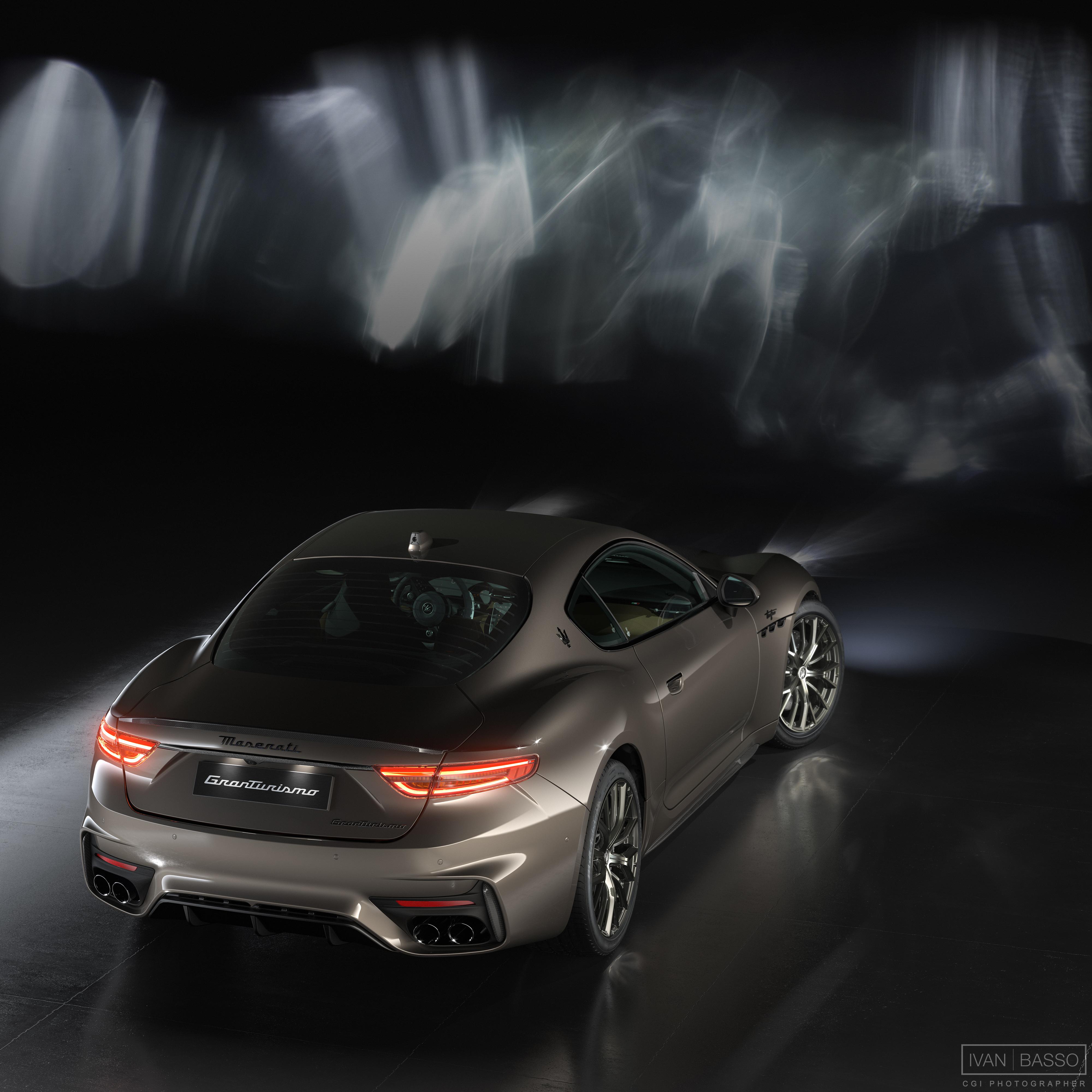
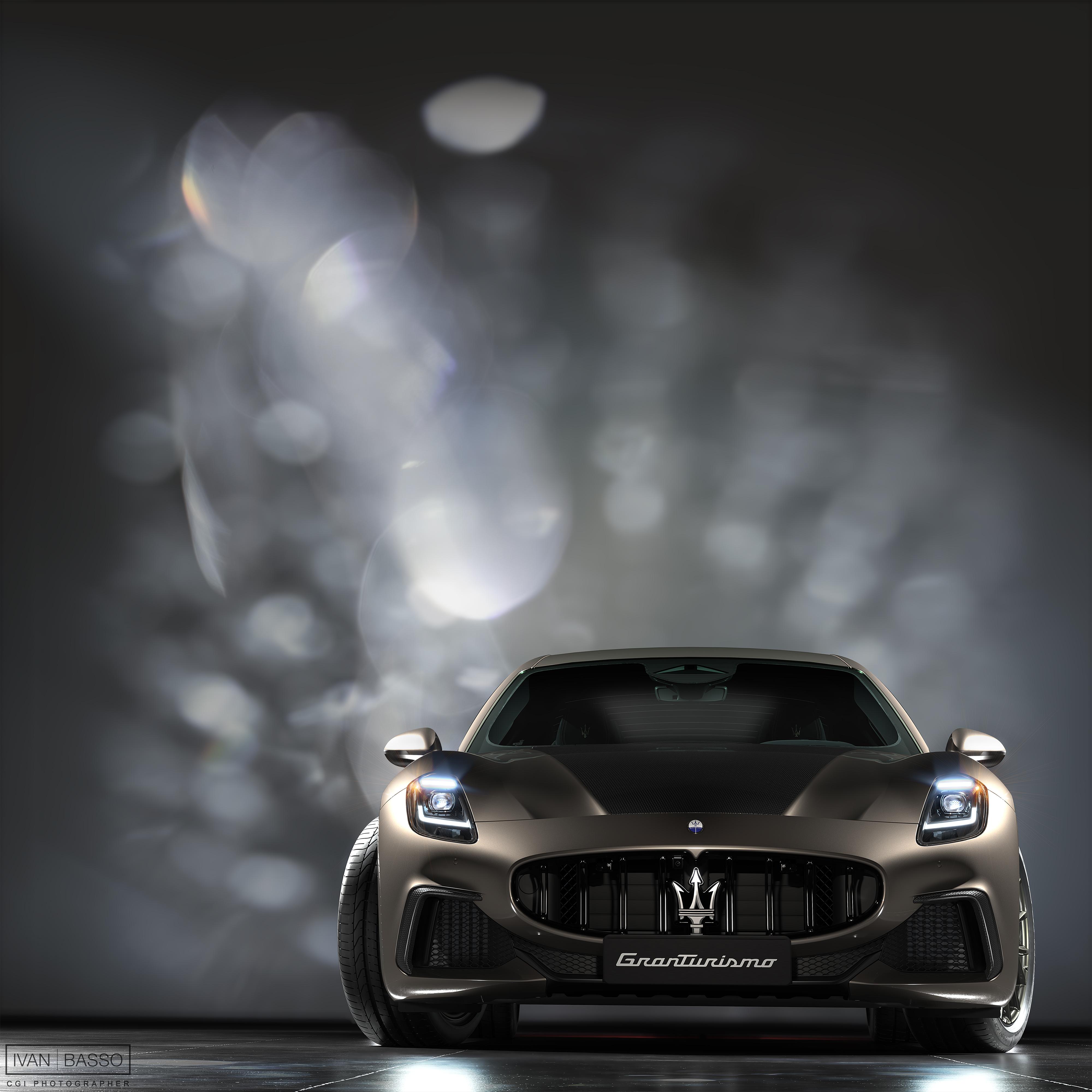
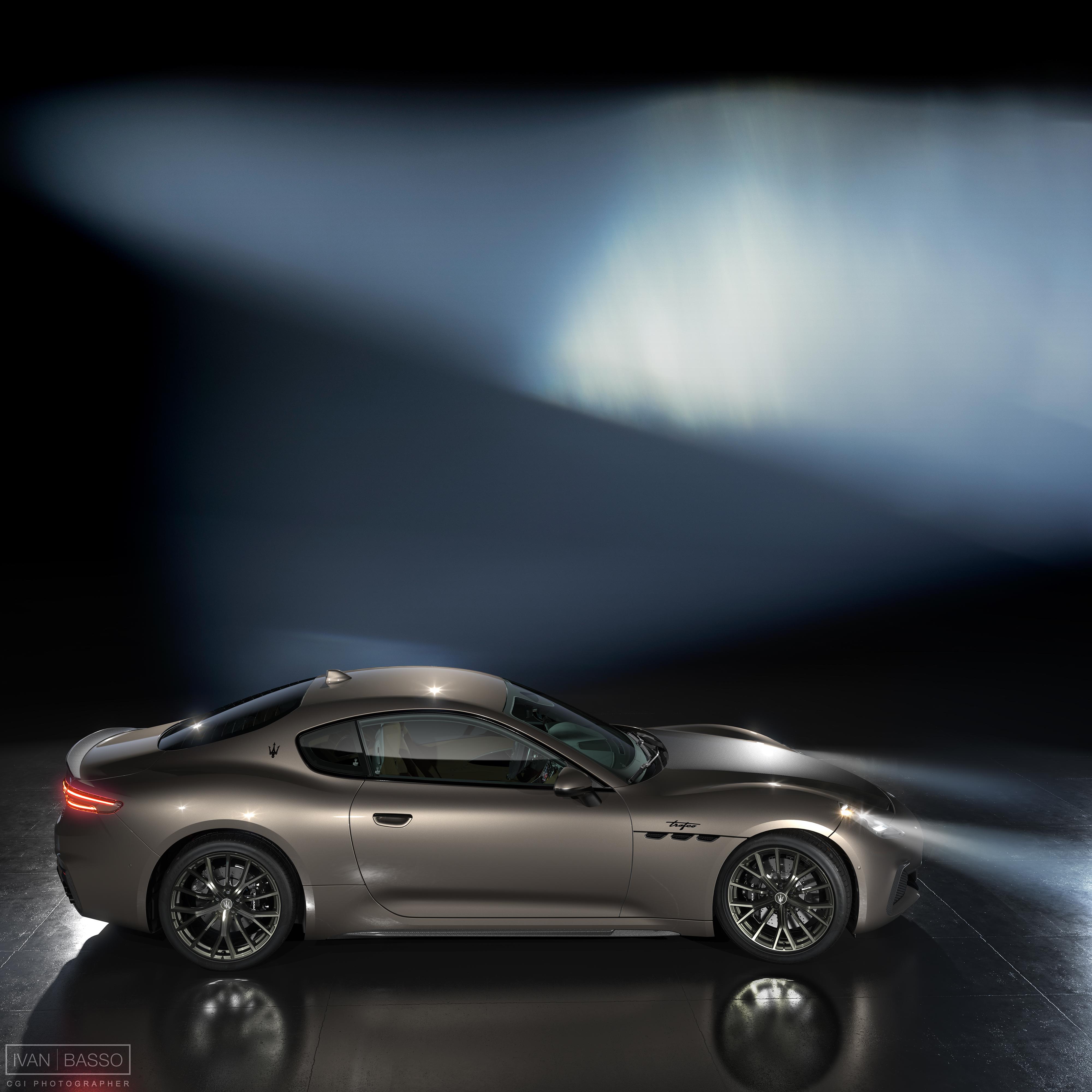
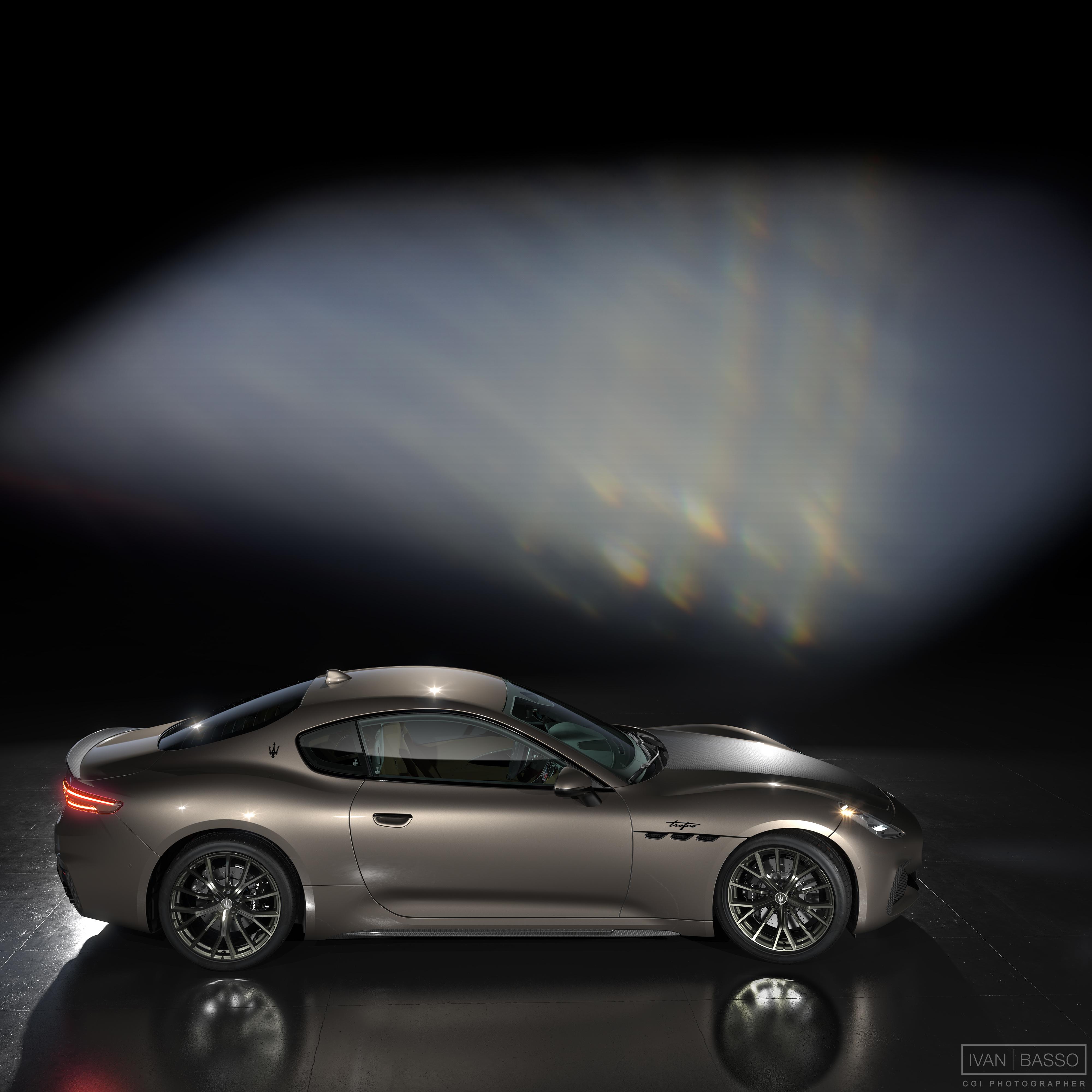
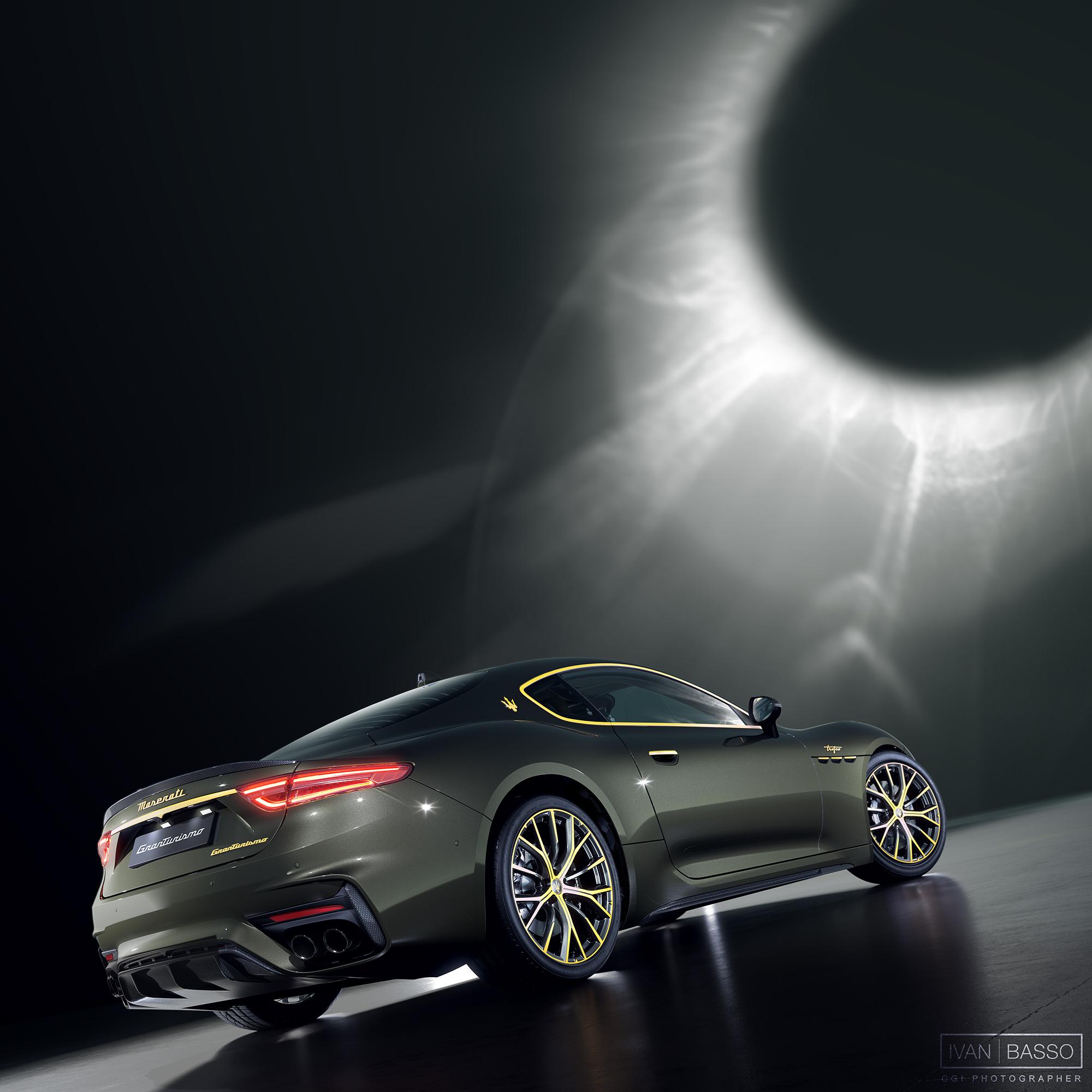
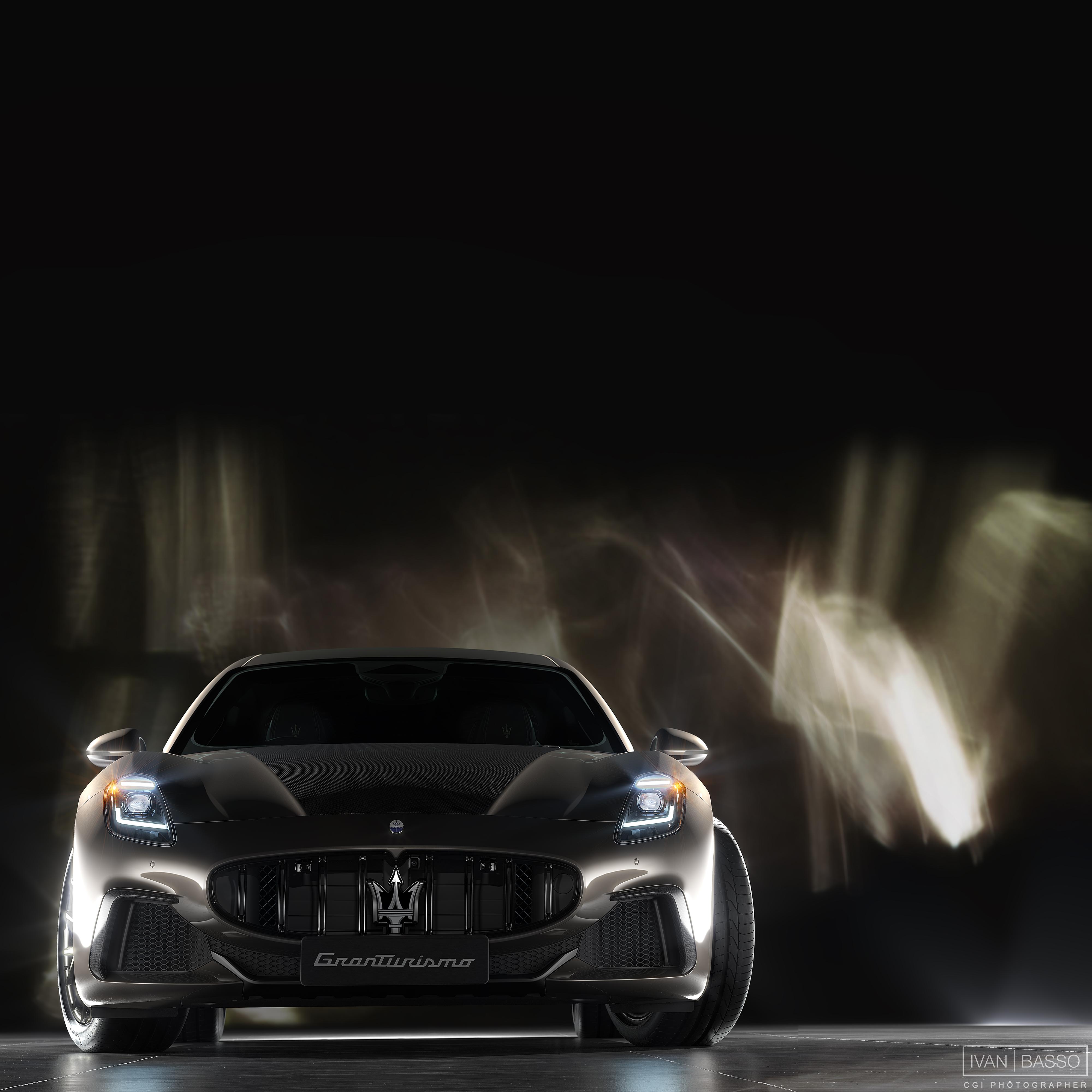
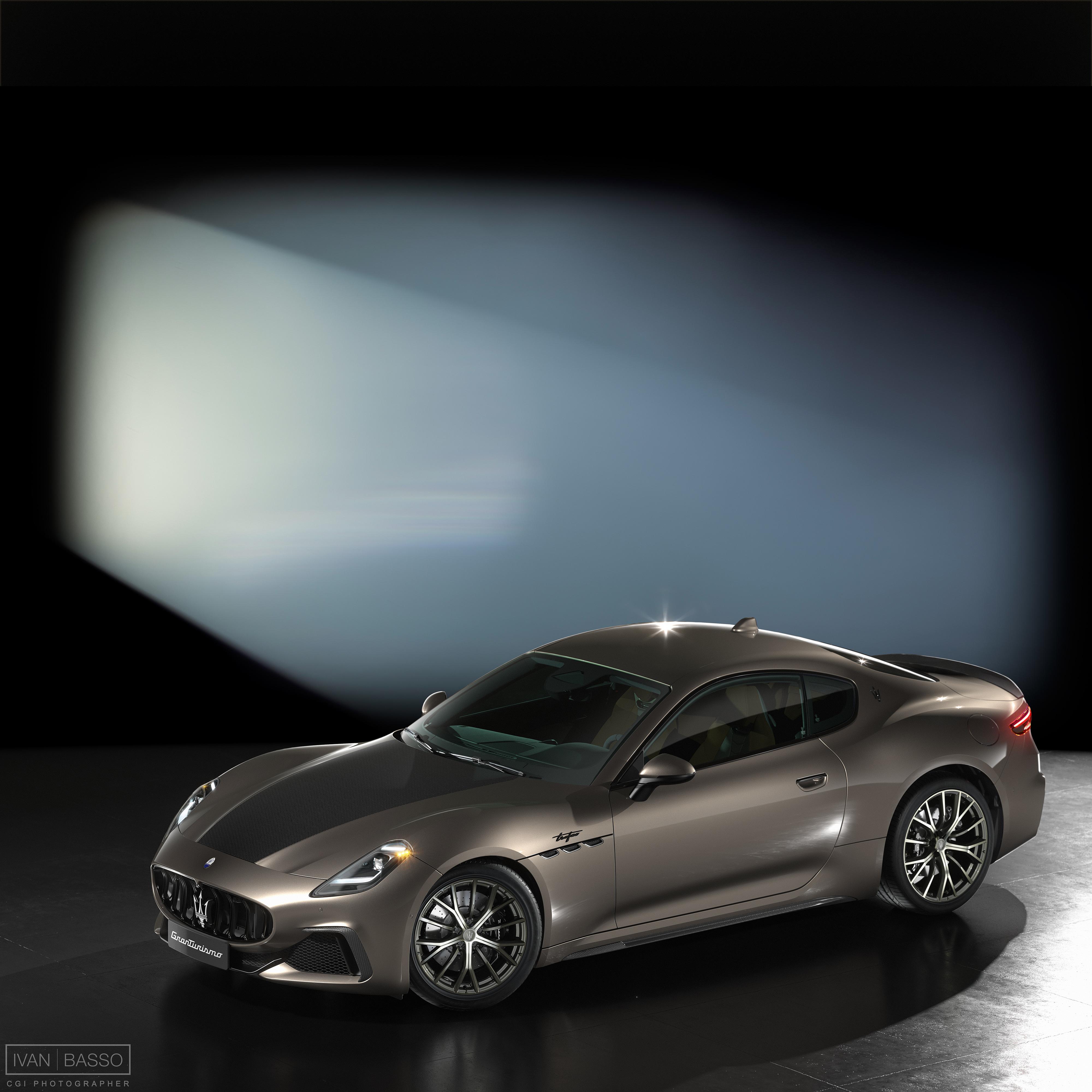
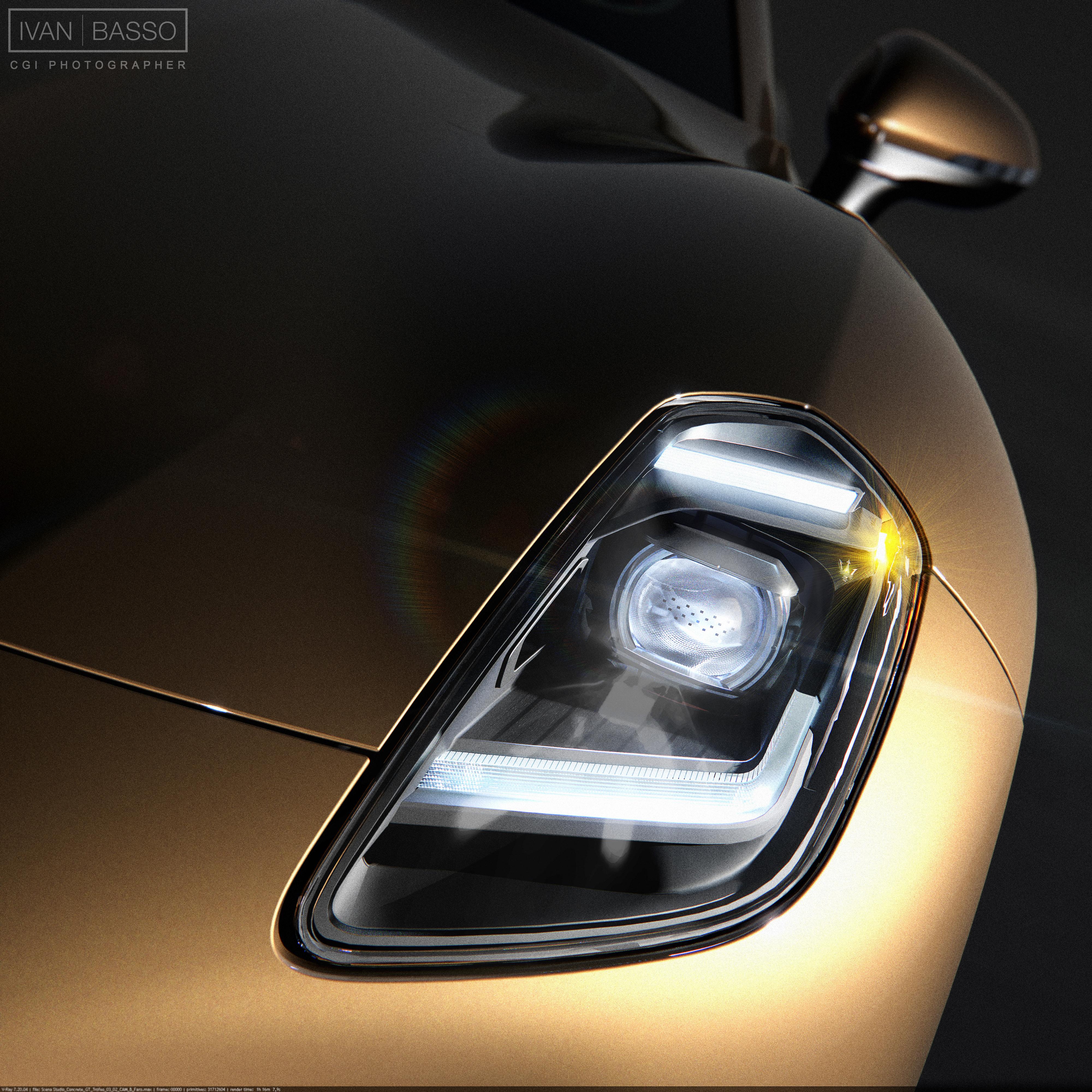
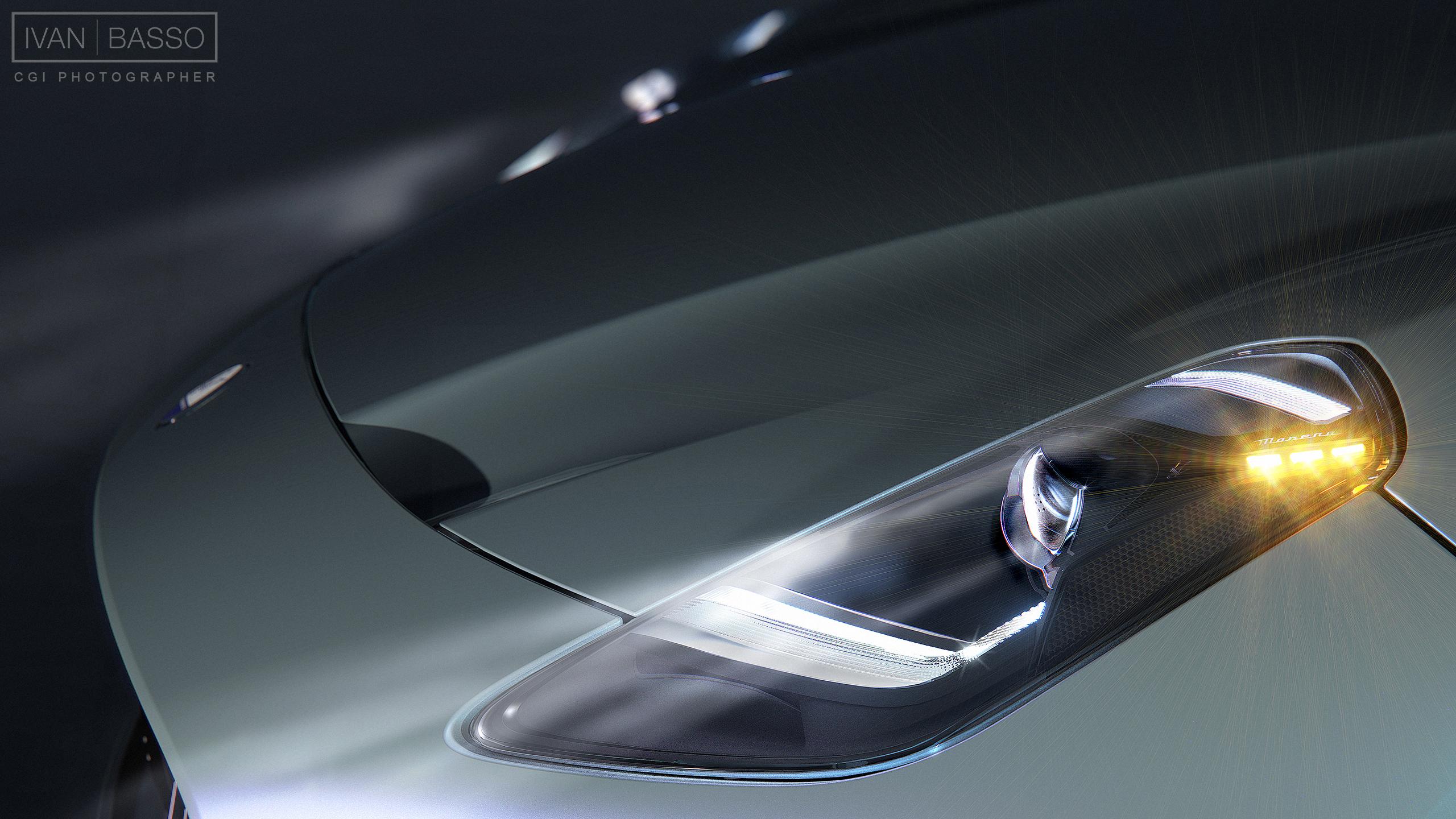
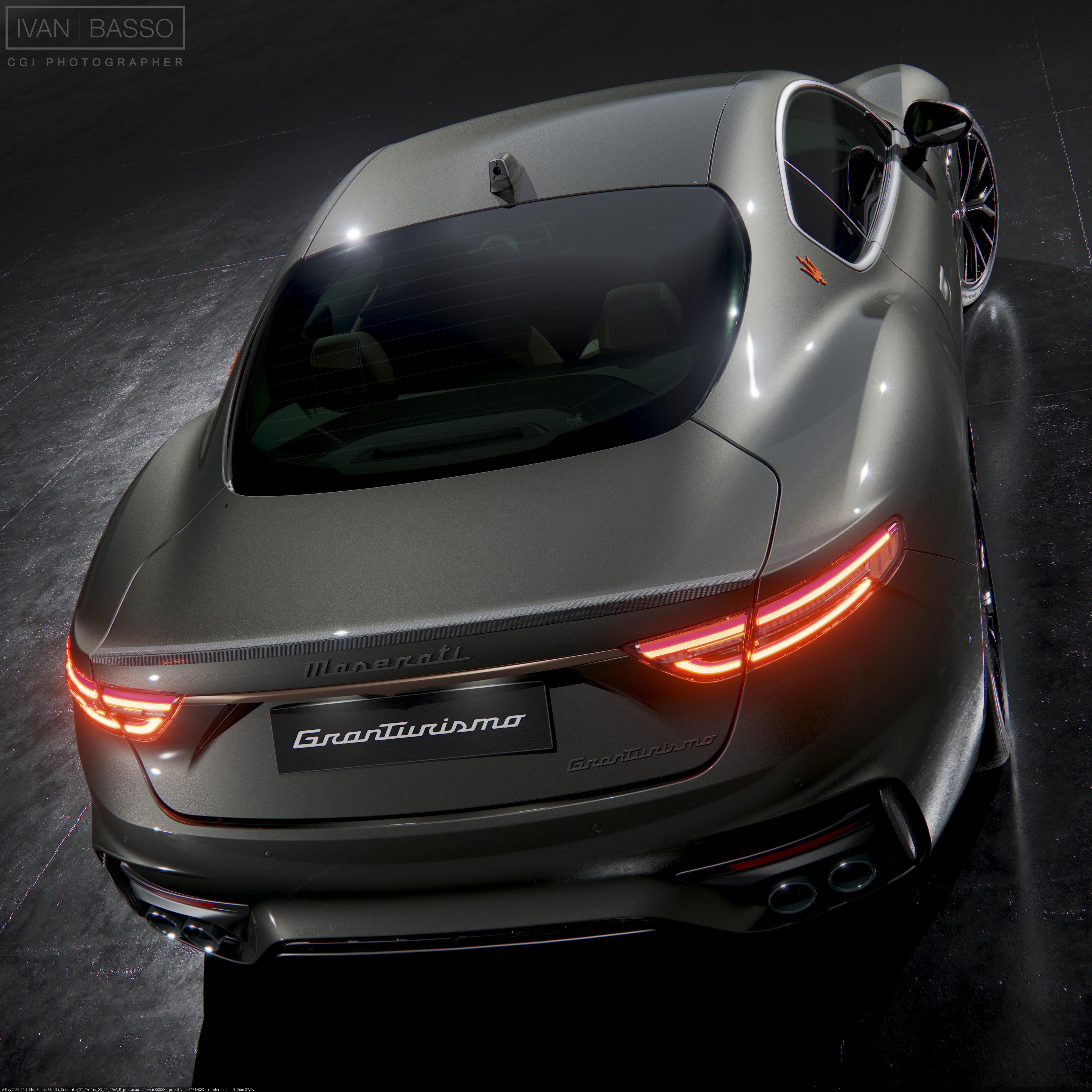
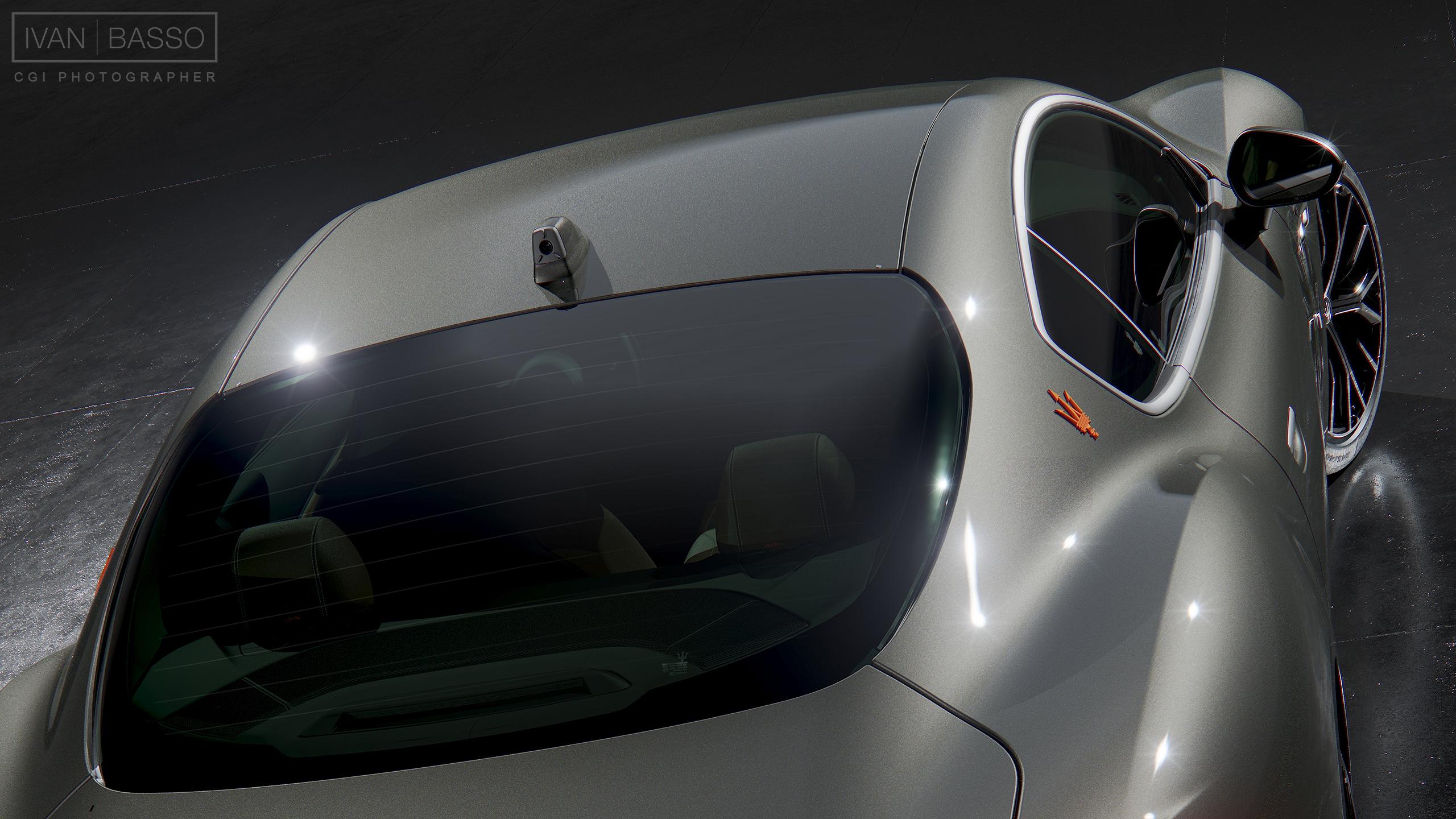
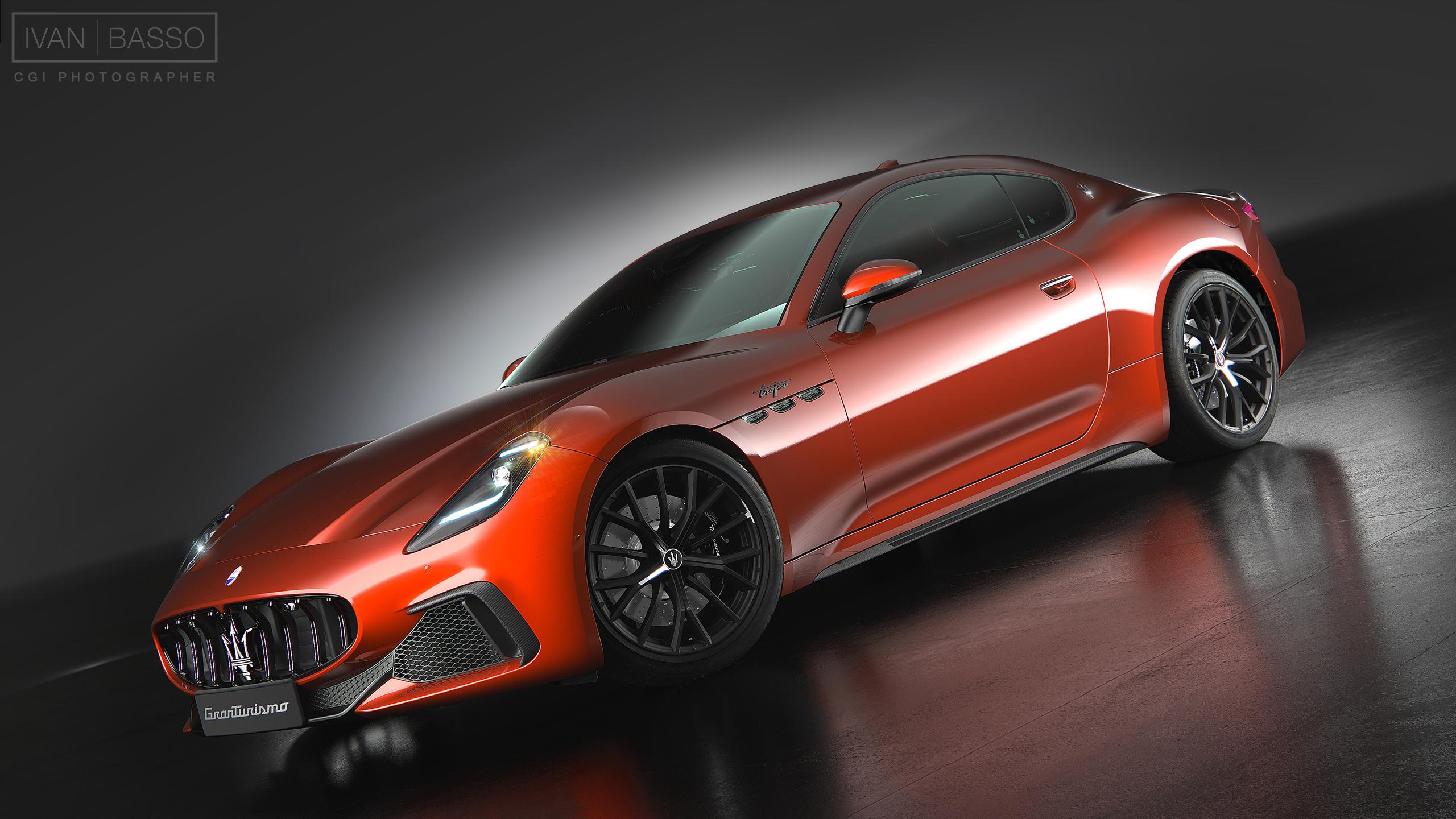
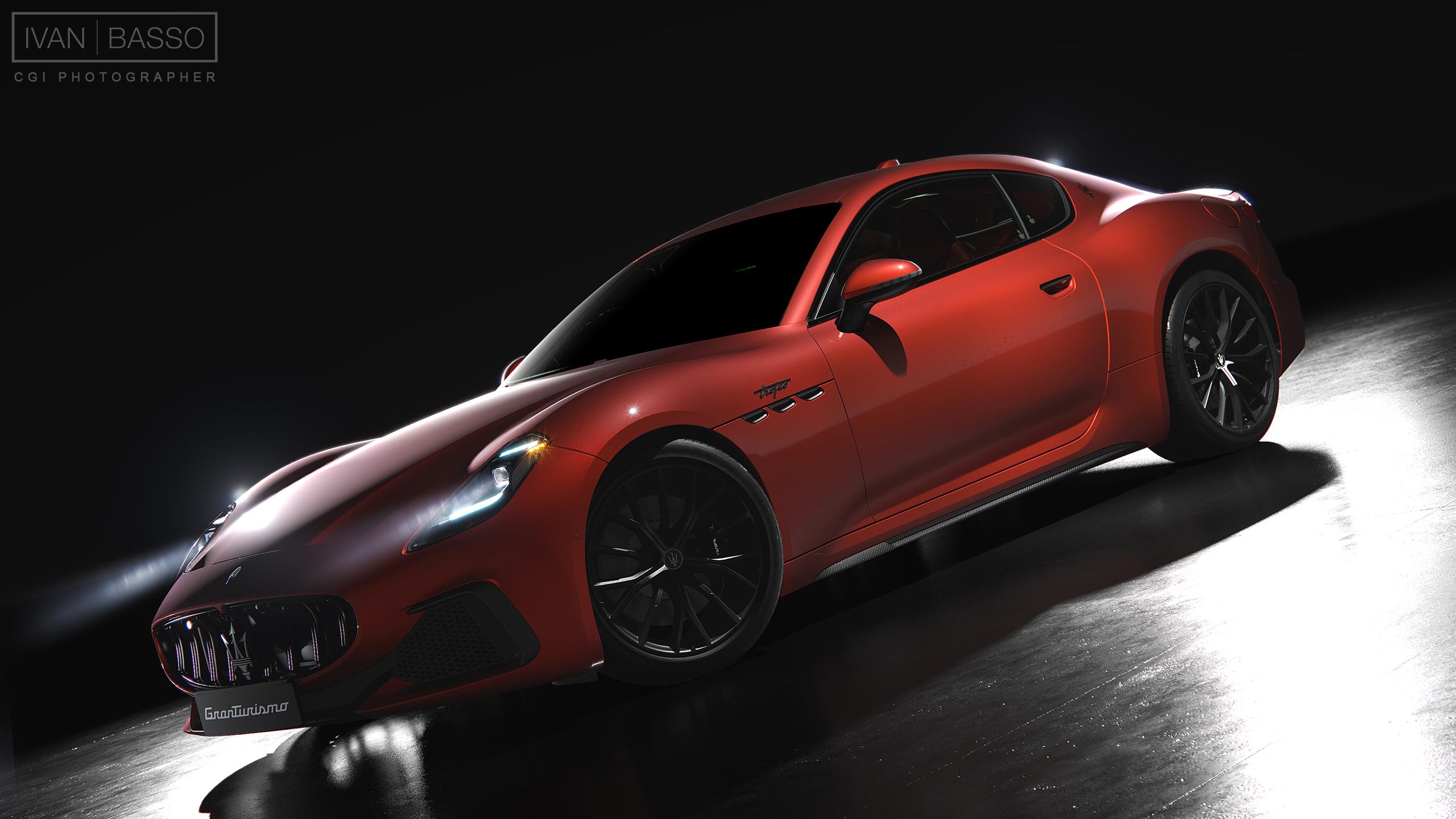
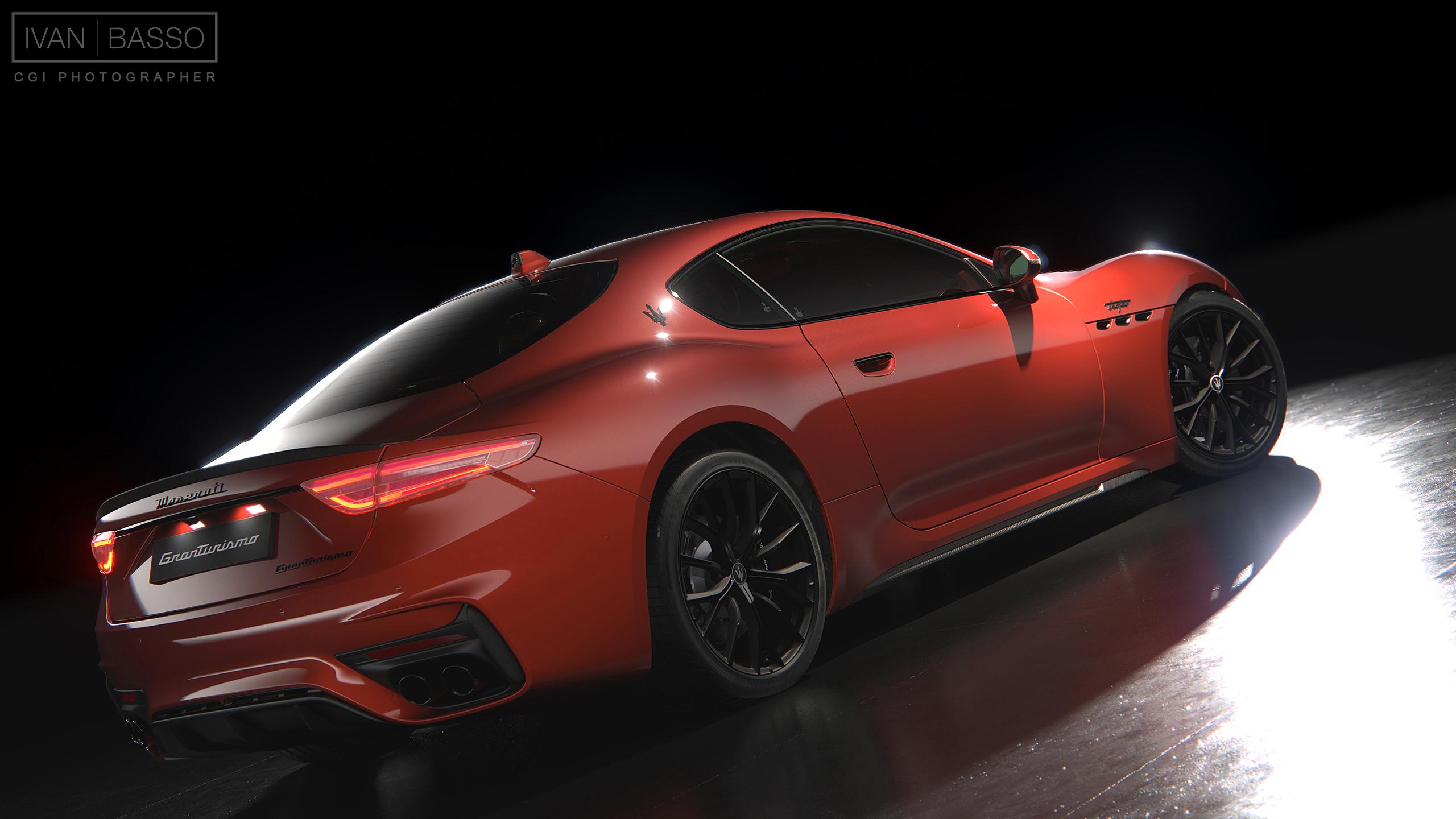
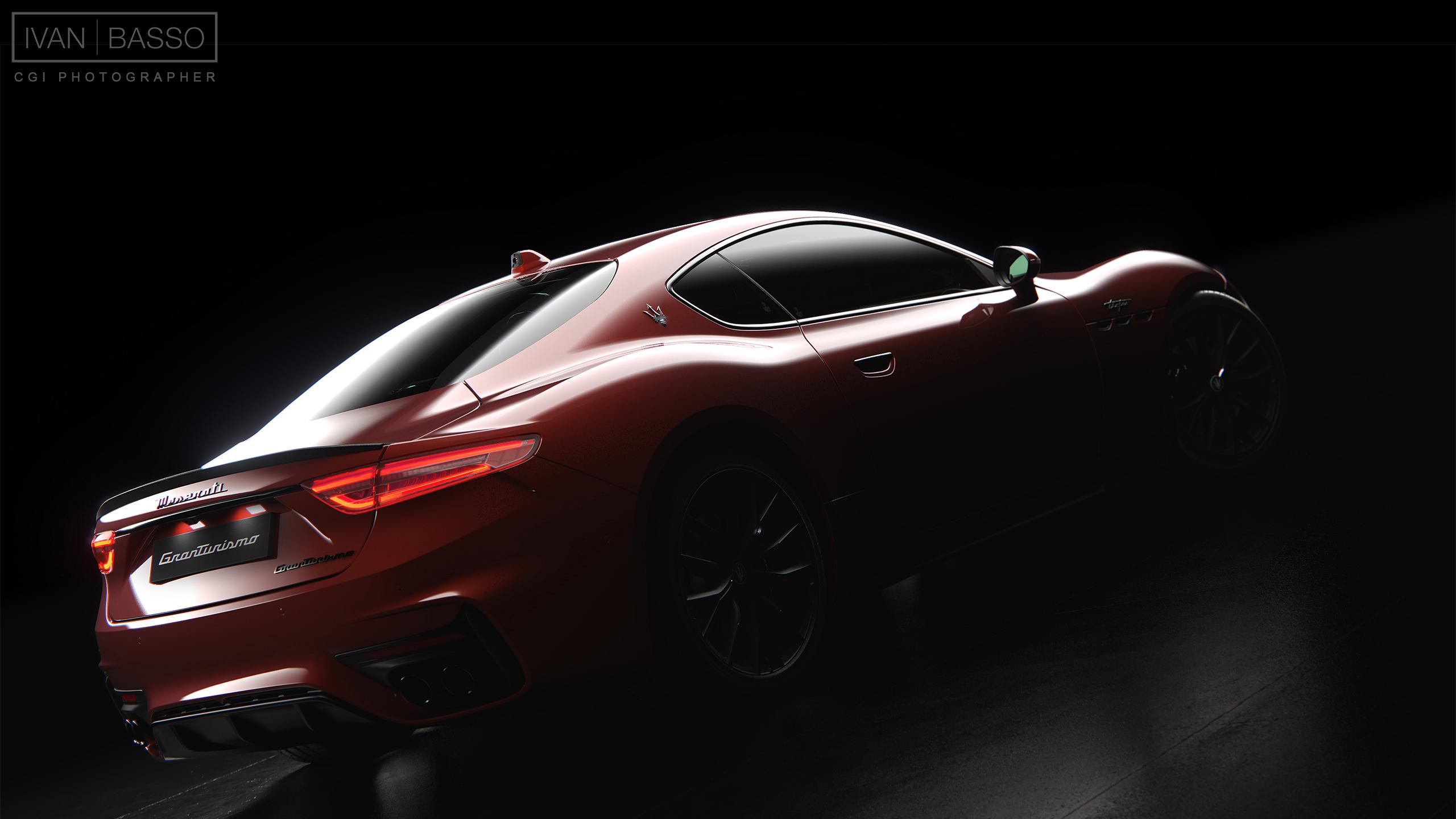
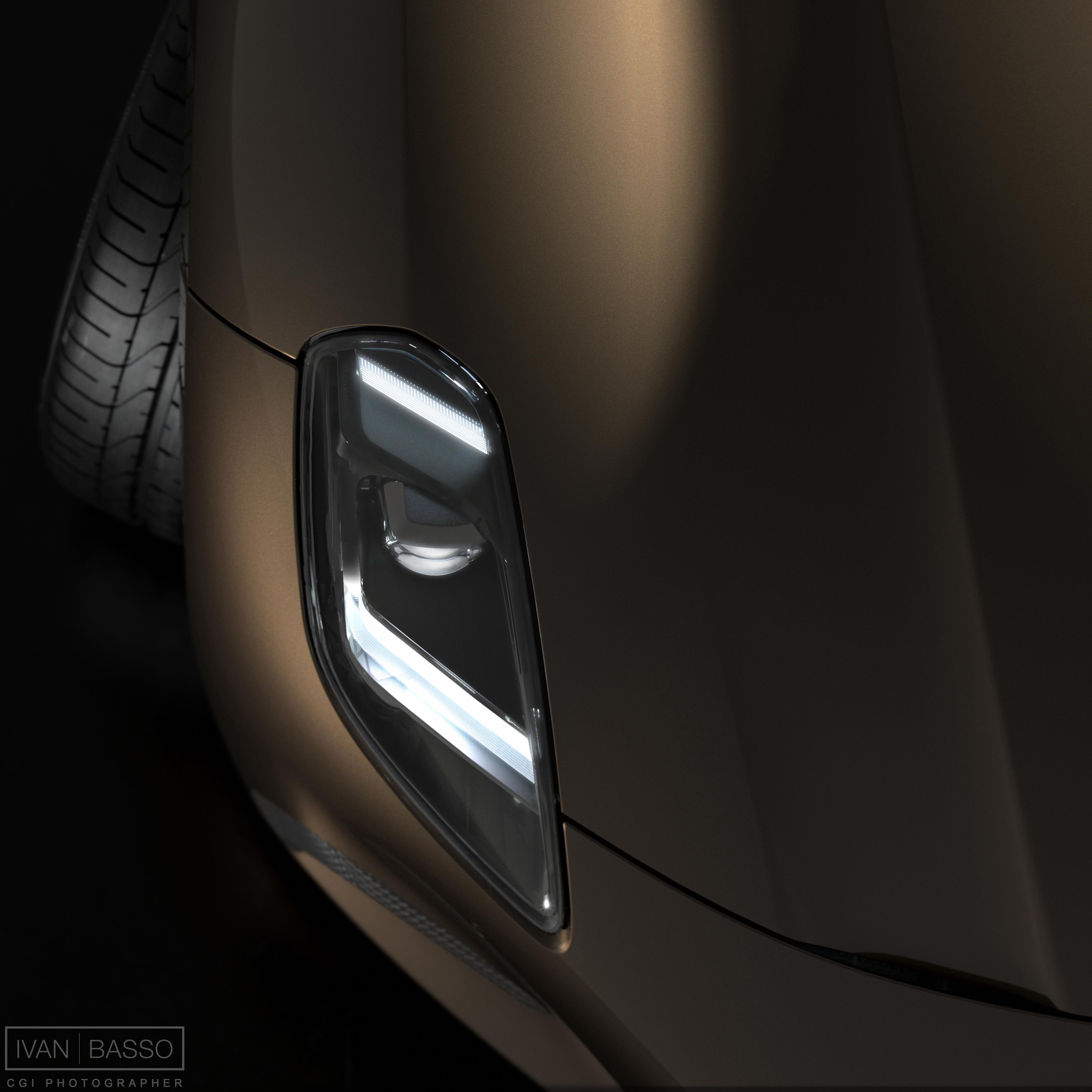
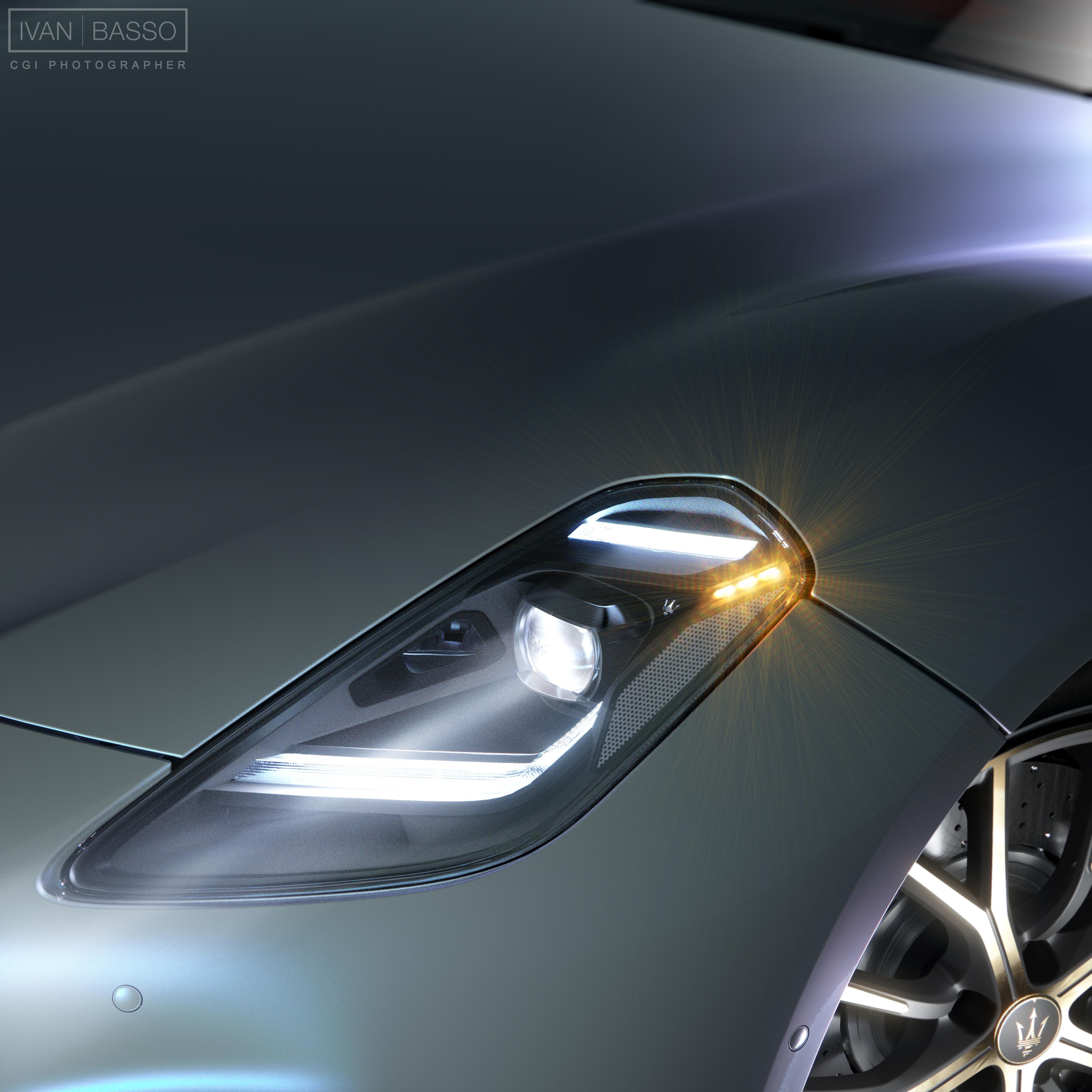
Ciao a tutti, in un momento di tempo libero ho deciso di investire un pò di tempo nel 'mio' modello di GranTurismo, cercando di elevare il livello di alcuni particolari esterni. Posto qui i risultati degli esperimenti, poi più avanti spero di arrivare al livello di qualità che mi sono messo in testa... Commenti e critiche come sempre benvenuti. I Fatto un pò di posto cancellando vecchie cose...
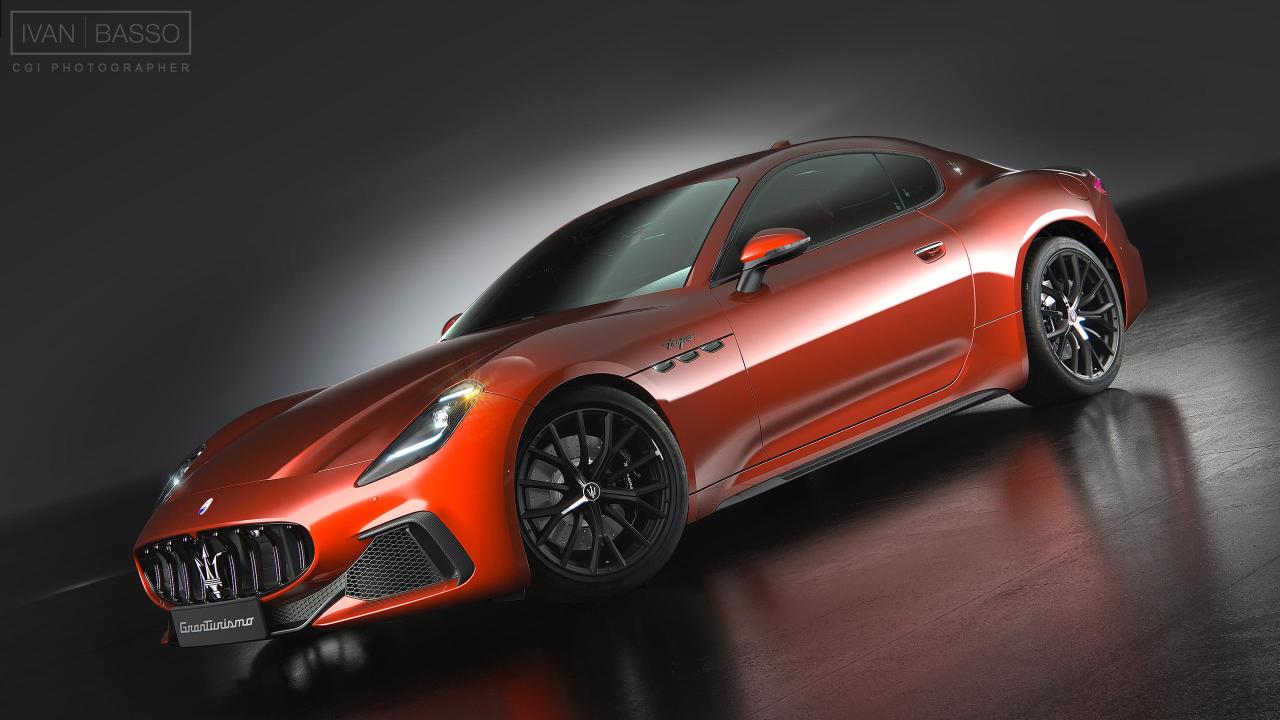
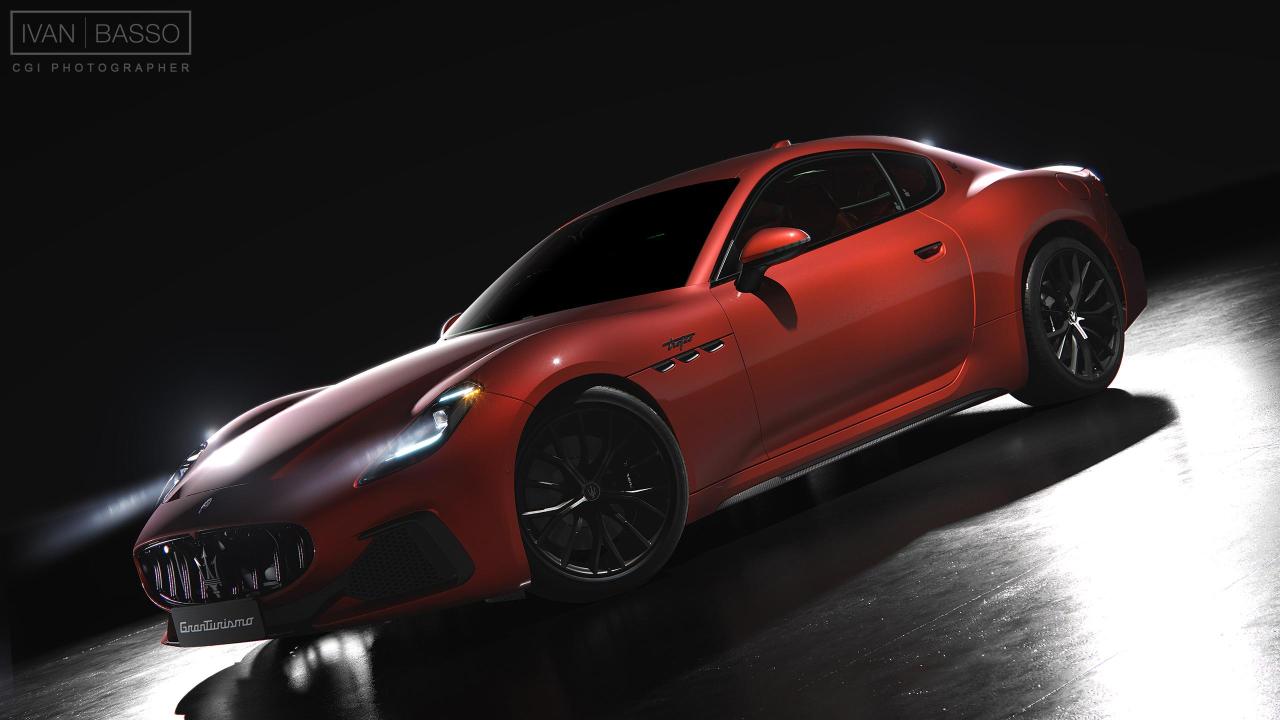
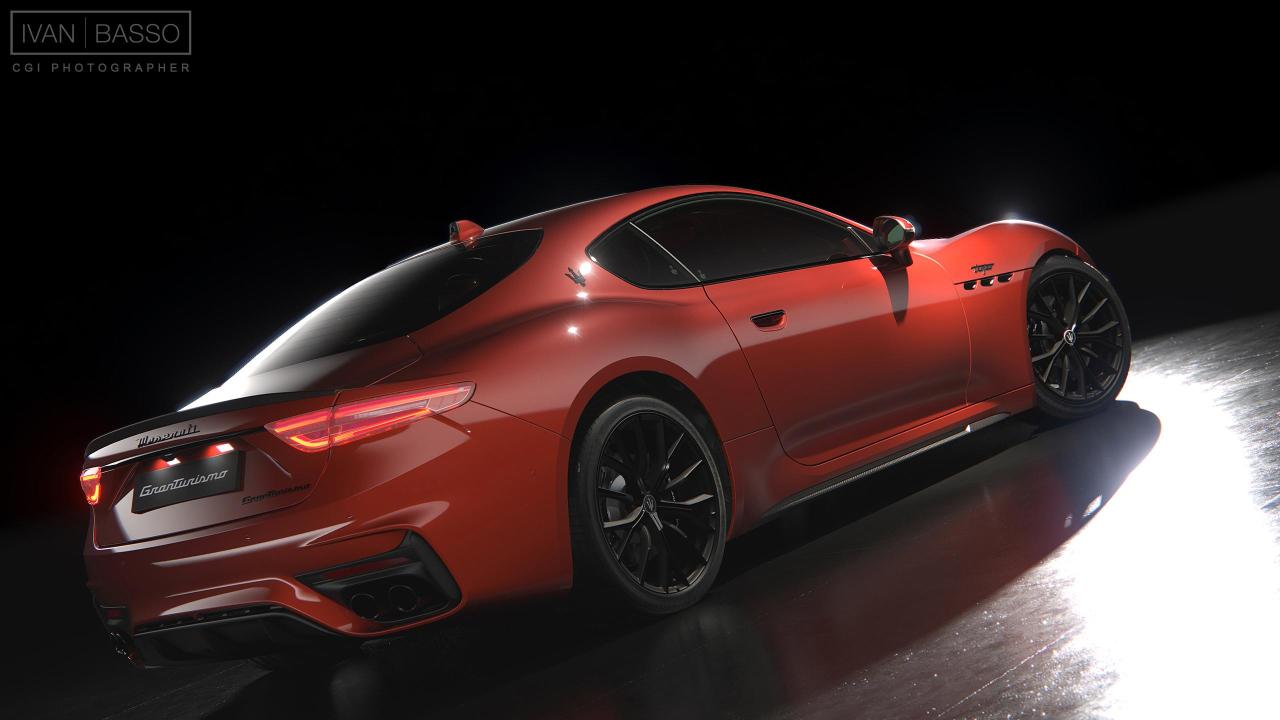
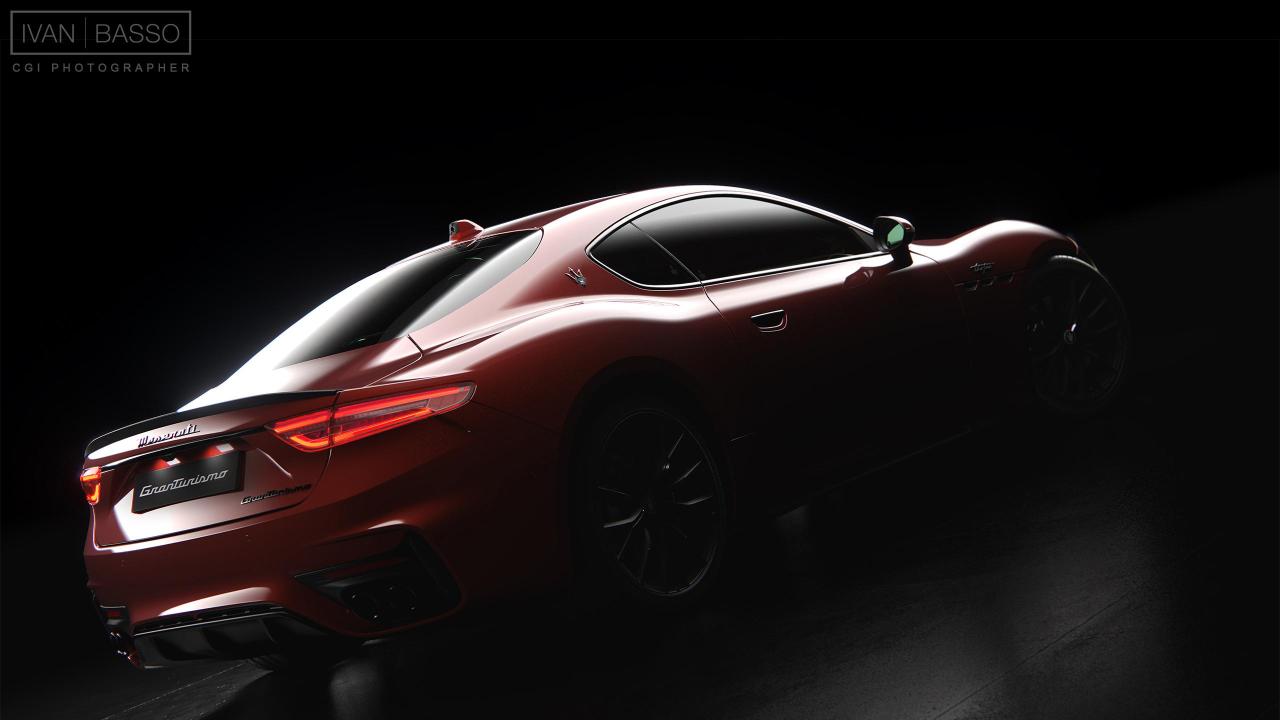
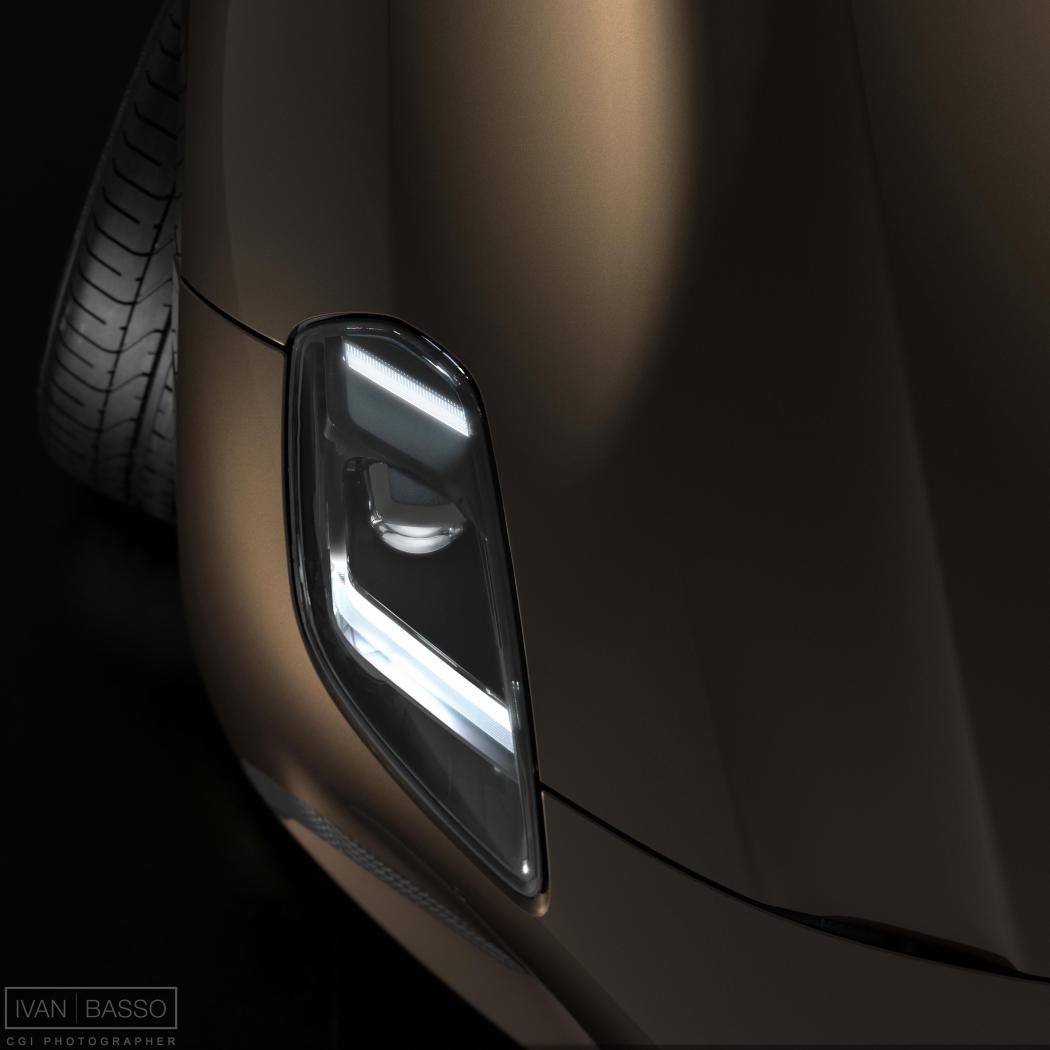
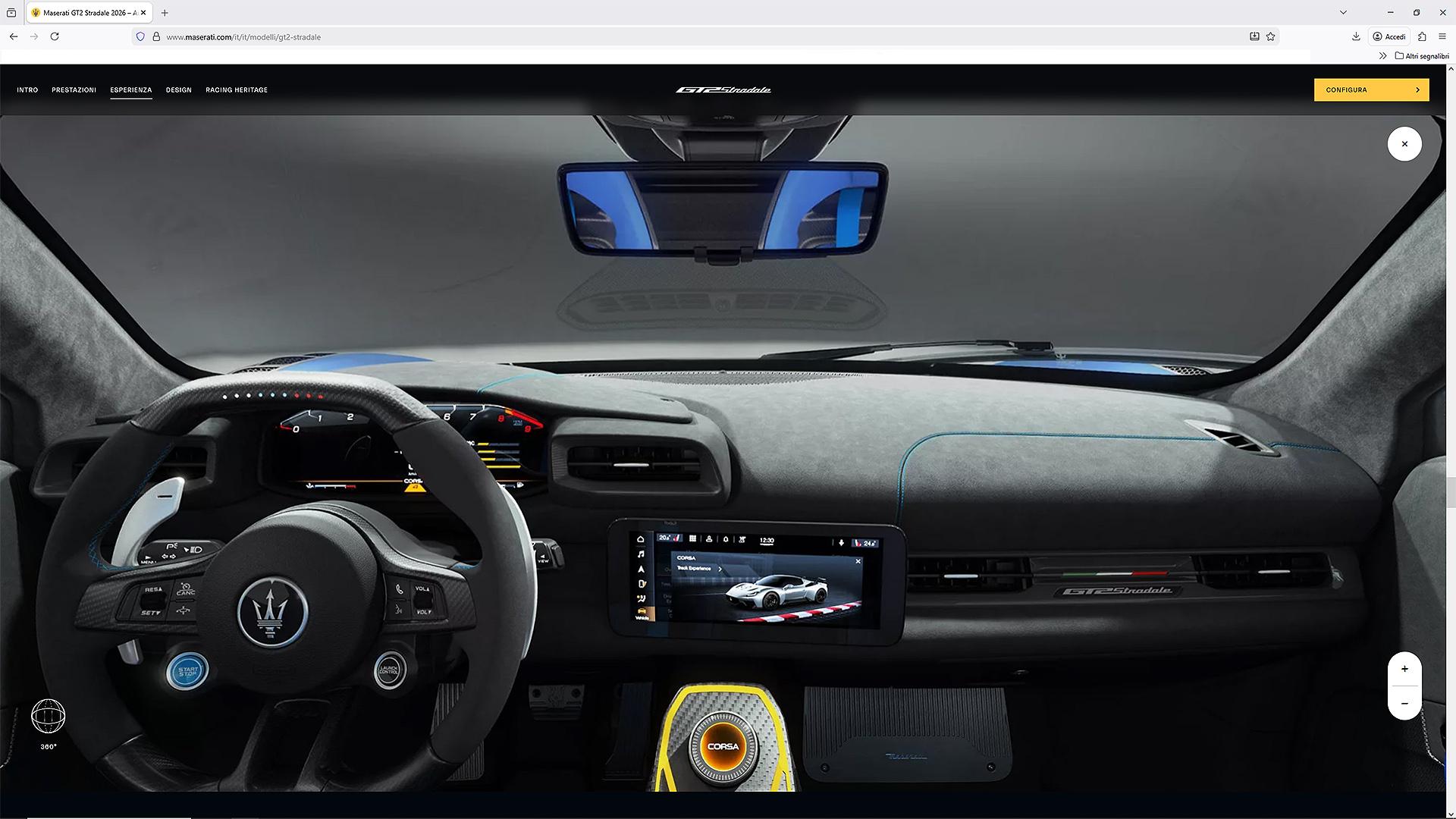
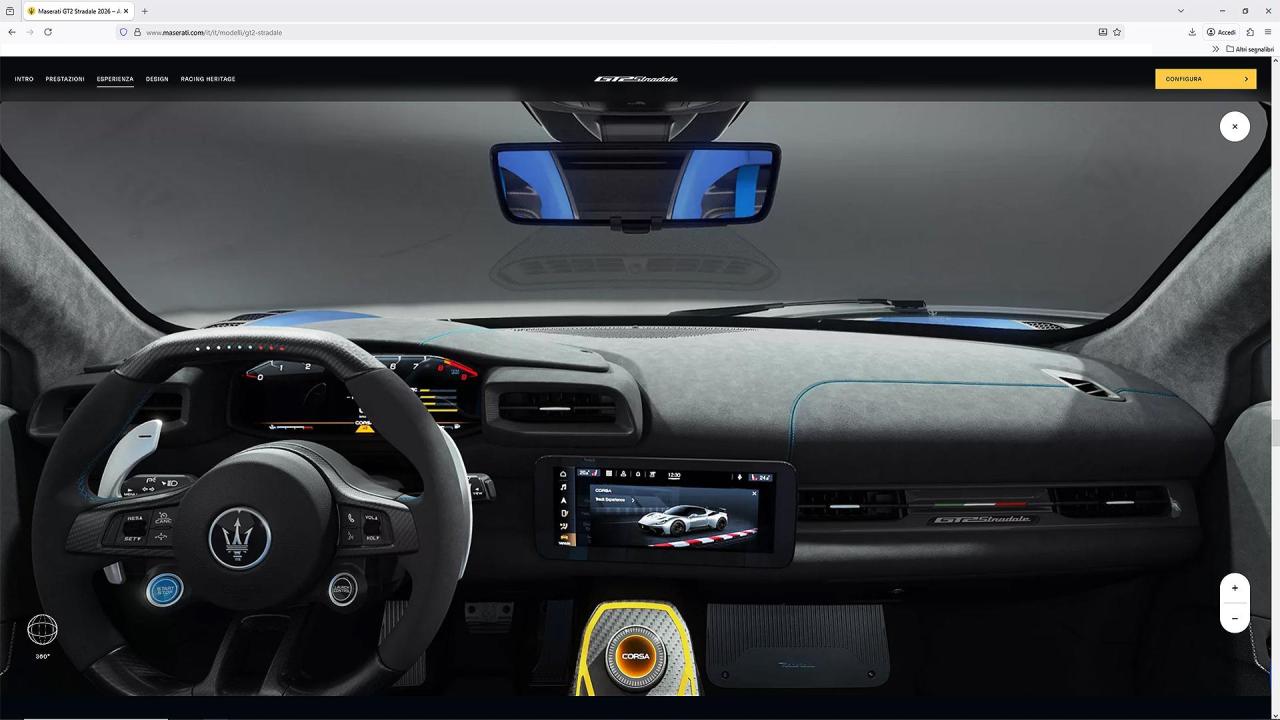
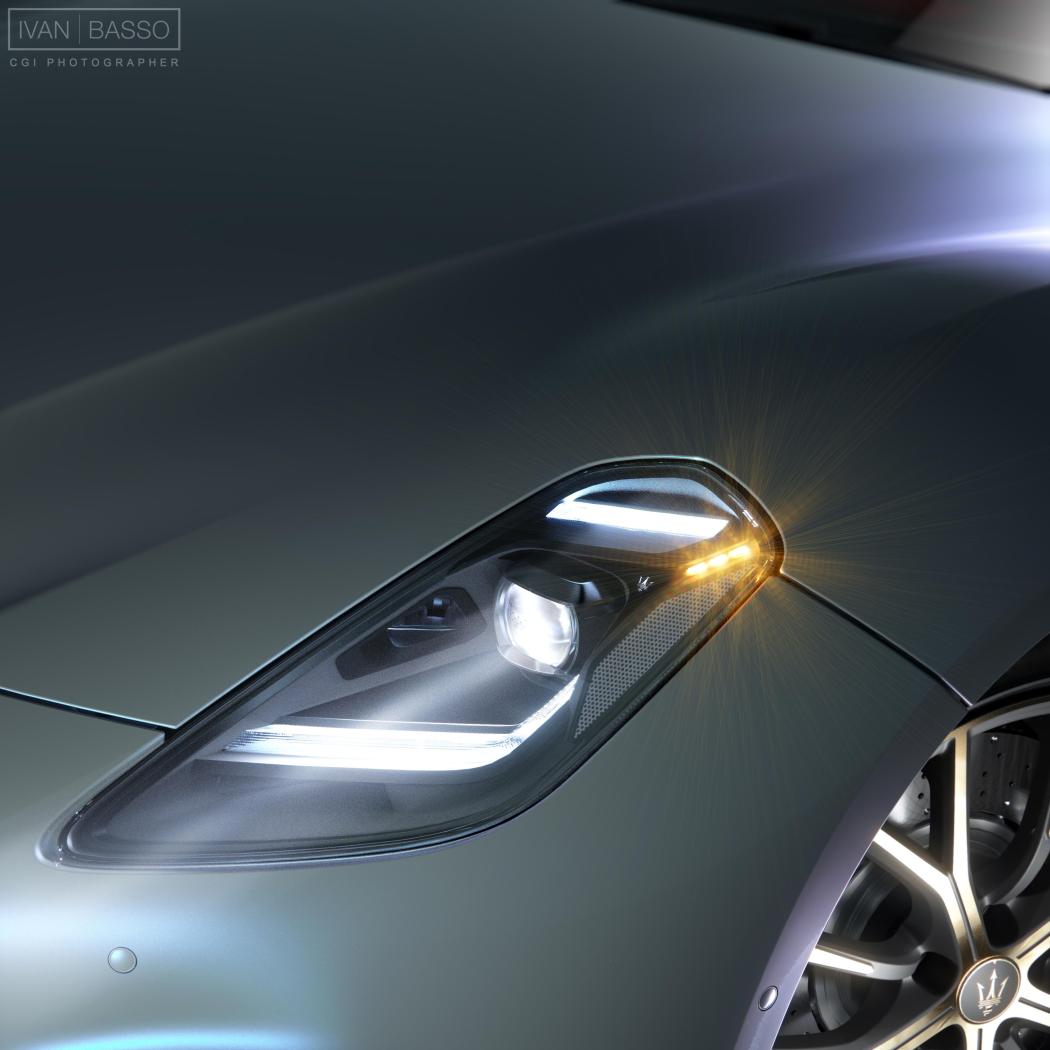 4 ruote uguali: non ho parole, non pensavo si arrivasse ad un punto così basso nella comunicazione, è allucinante... Oppure è una presa per il culo mirata, come dire, 'vi facciamo vedere solo cazzate, e voi le bevete'... Sarebbe meglio.Purtroppo per motivi di 'peso' il file è piuttosto compresso (è stata utilizzata la tecnica della visualizzazione cubica, ed ogni singola faccia del cubo non doveva pesare più di 150-200 KB, per ovvii motivi di velocità di caricamento e fluidità di utilizzo per ogni tipo di piattaforma e connessione), chi volesse dare un'occhiata al file originale, che appare molto più dettagliato, può scaricarlo qui: https://we.tl/t-RH3oju3bN1 Per poterlo 'esplorare' correttamente, serve un lettore di file panoramici cubici: funziona bene, ed è gratuito, quello ufficiale di Microsoft, che trovate nello store: Microsoft Store - Scarica app, giochi e altro ancora per il tuo PC WindowsSimple Panorama Viewer - Download e installazione gratuit...Pure panorama image viewer. Supports general 360, cubic, and cropped panorama images. Enjoy seamless viewing, even with huge images that exceed your video adapter's capacity. Our app dynamically down Per correttezza, va detto che la scena si basa sul mastermodel ufficiale della vettura, usato per il configuratore 2D, fornitomi da Maserati, sul quale poi sono intervenuto implementando altri diversi materiali ed effettuando alcune migliorie alle geometrie, oltre che realizzare lo studio dell'illuminazione. Spero piaccia, se avete voglia di provarlo.Allora, una cosa interessante che ho realizzato interamente e che potreste vedere tranquillamente (se interessa) è la vista 3D realtime dell'abitacolo della GT2S, che potete vedere a questo indirizzo: https://www.maserati.com/it/it/modelli/gt2-stradale Dovete poi scrollare (anche qui gli altri contenuti in CG sono realizzati insieme a Corelab.it) fino a raggiungere l'applicazione ed entrarci dentro.
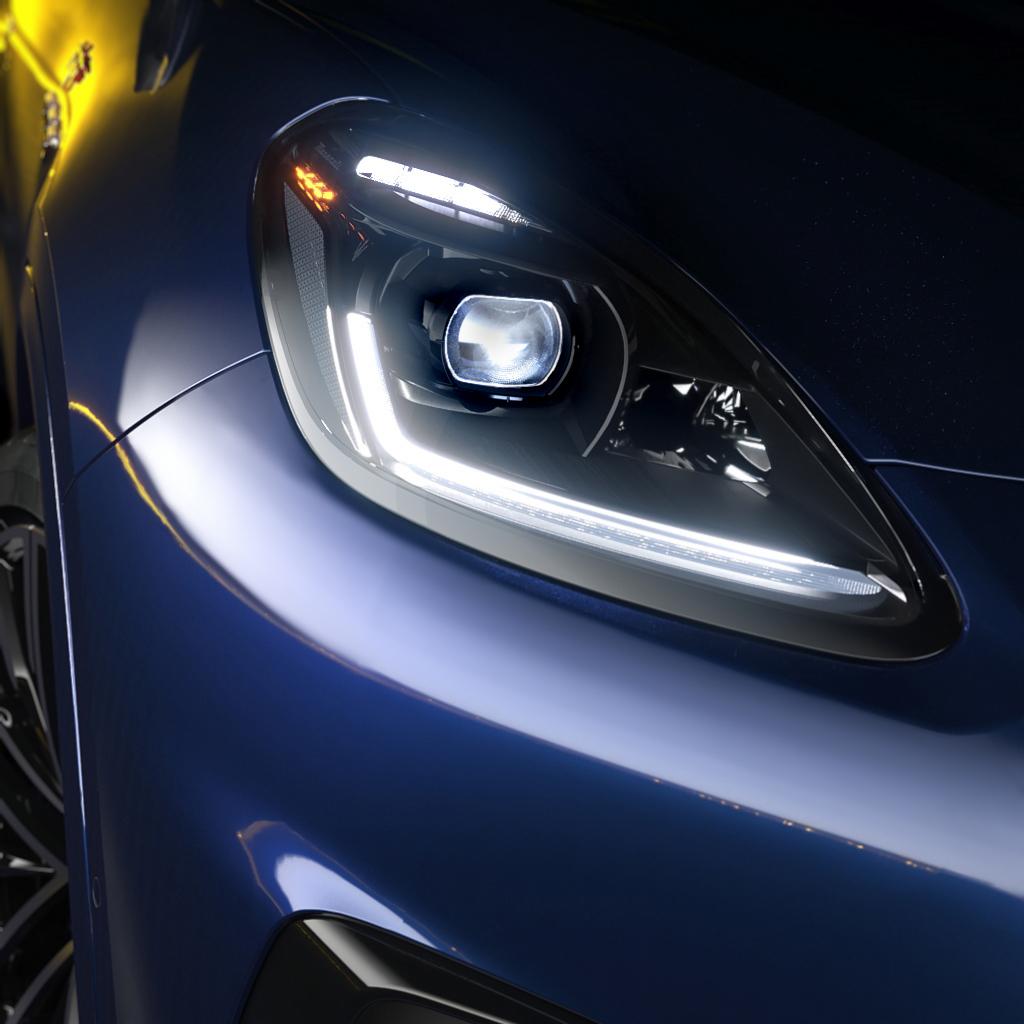
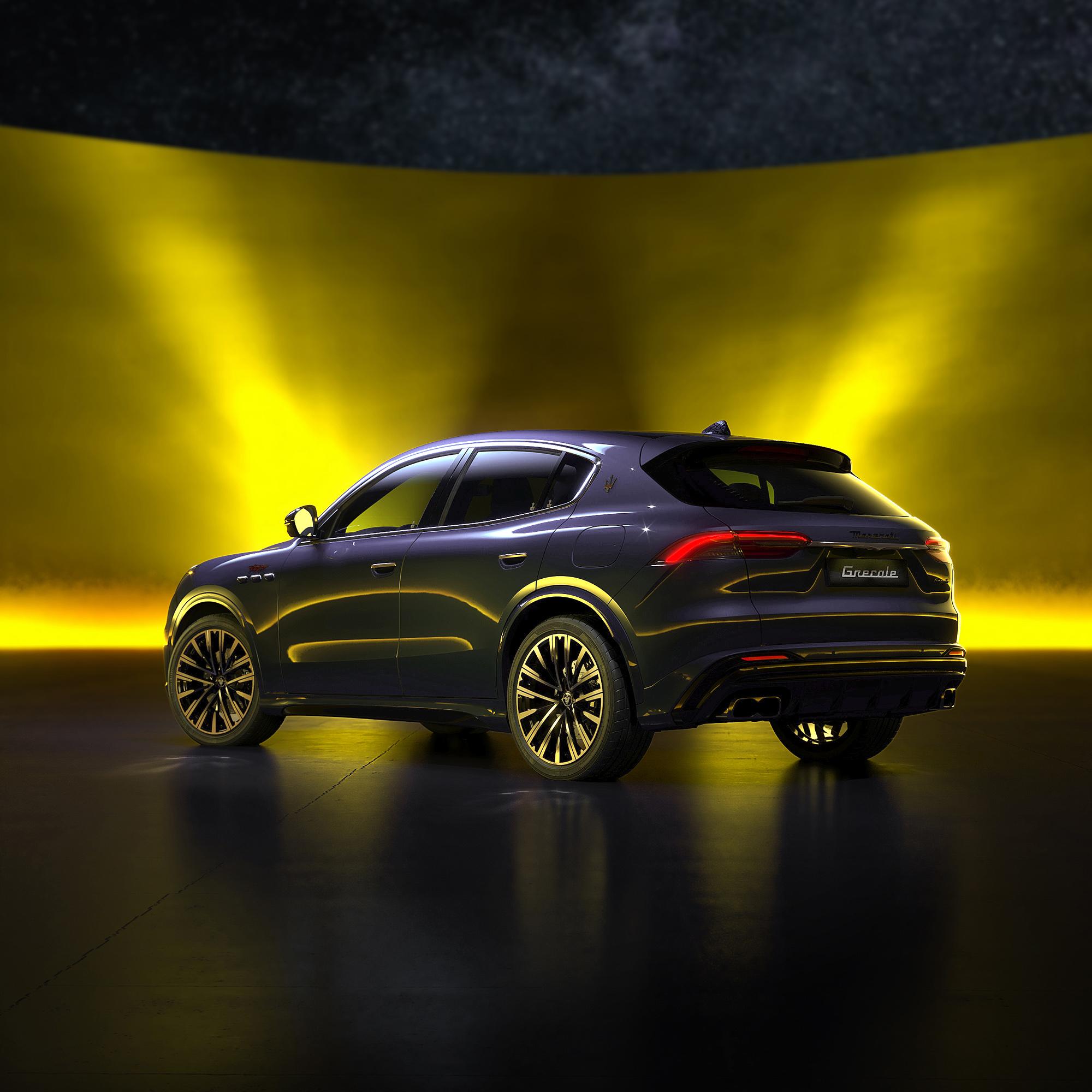
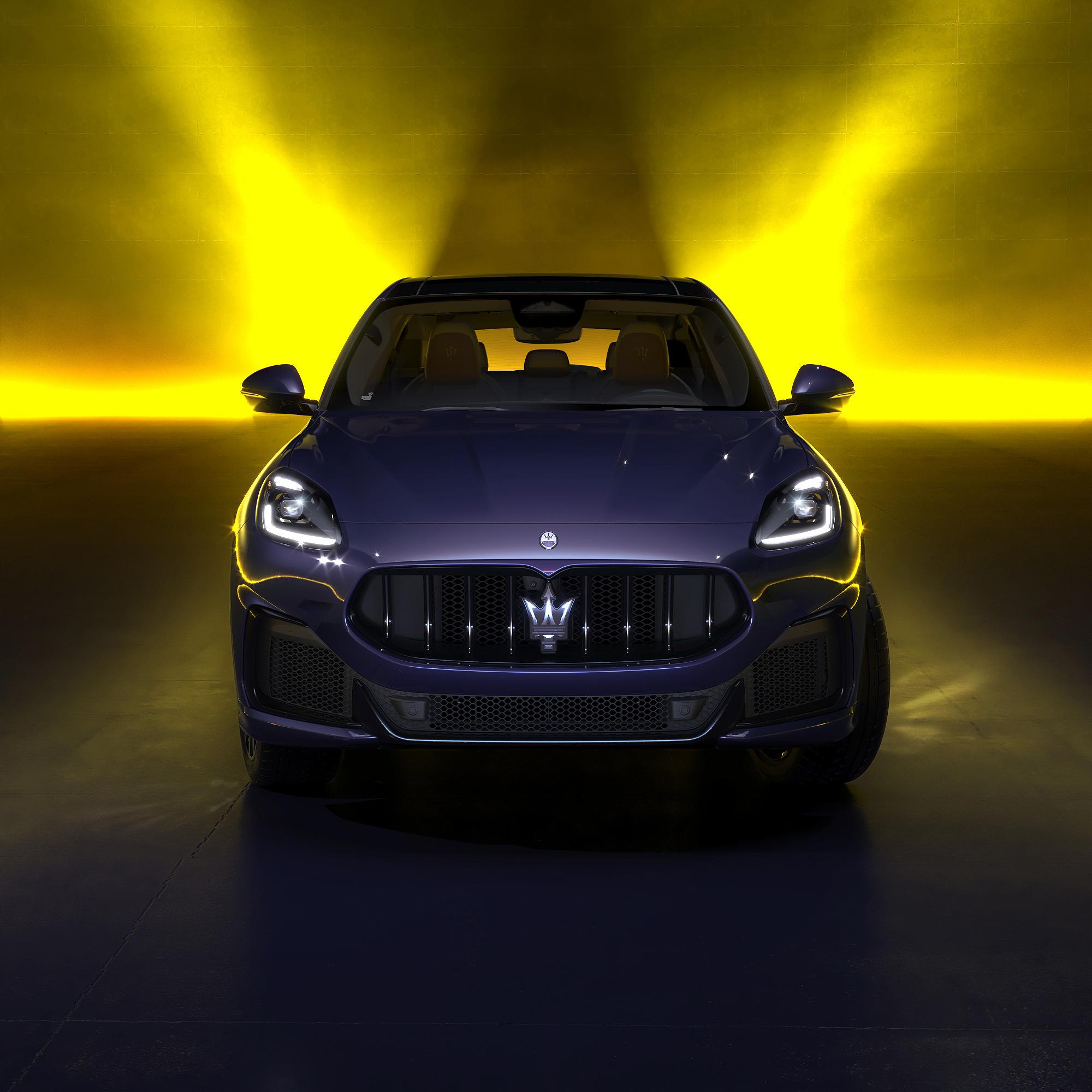
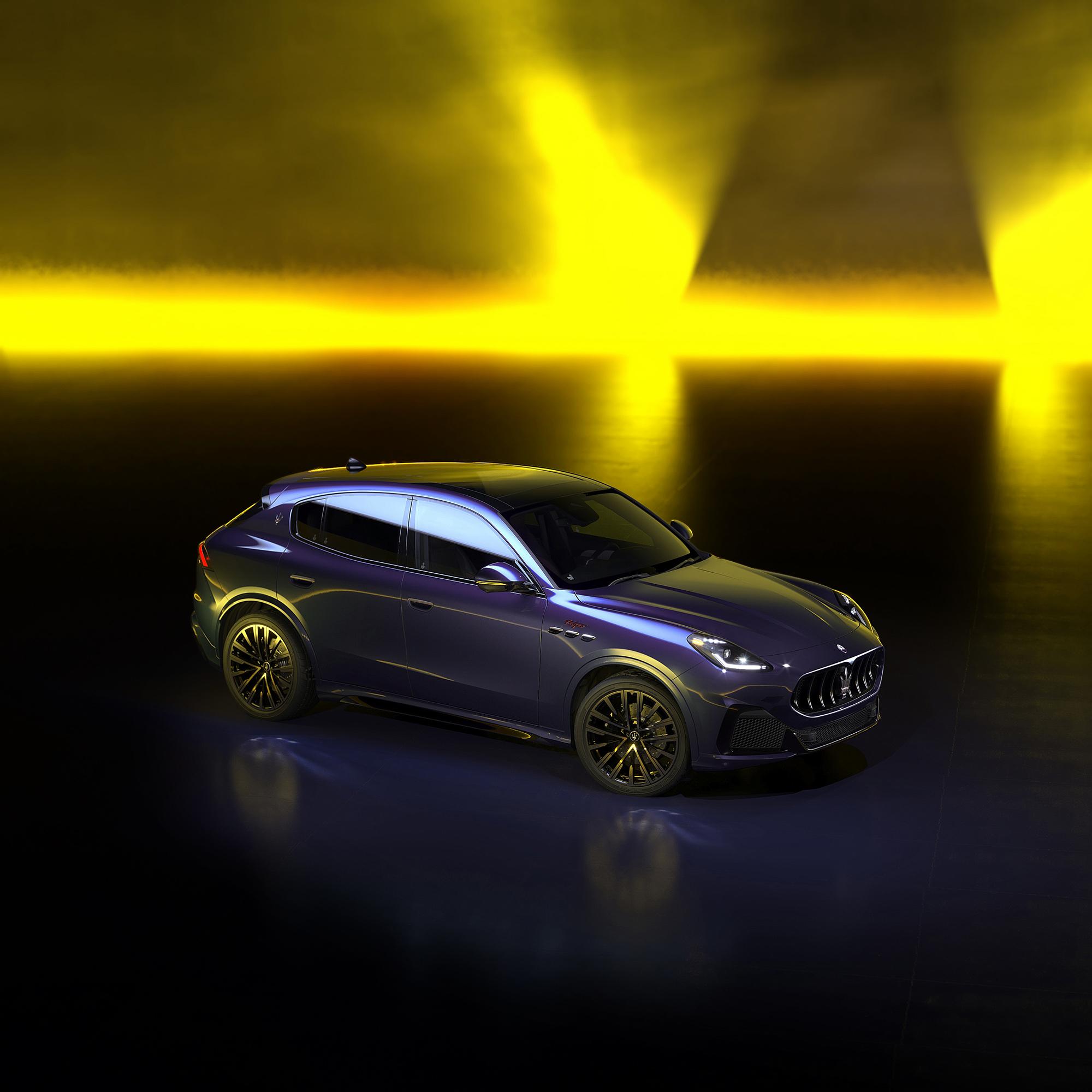
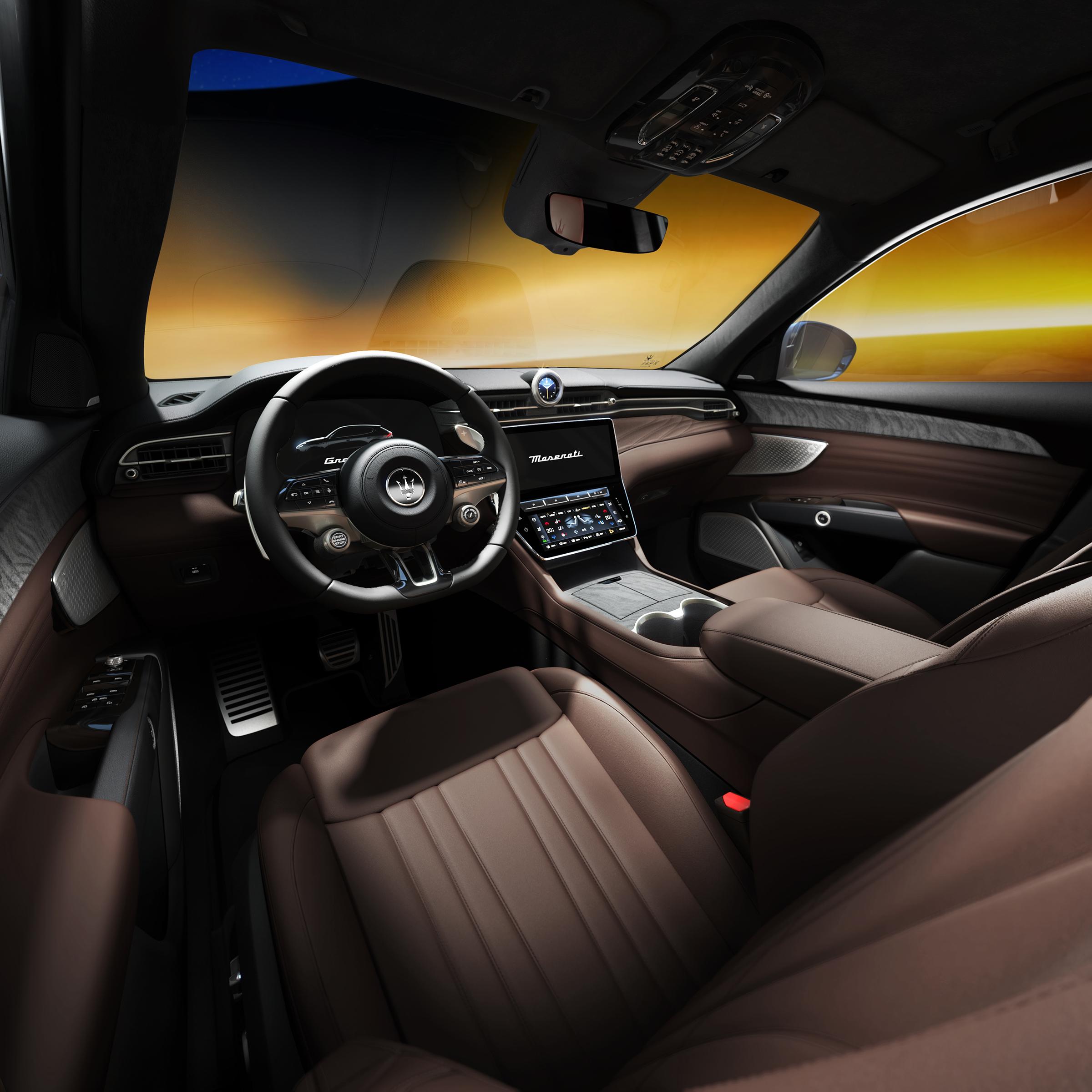
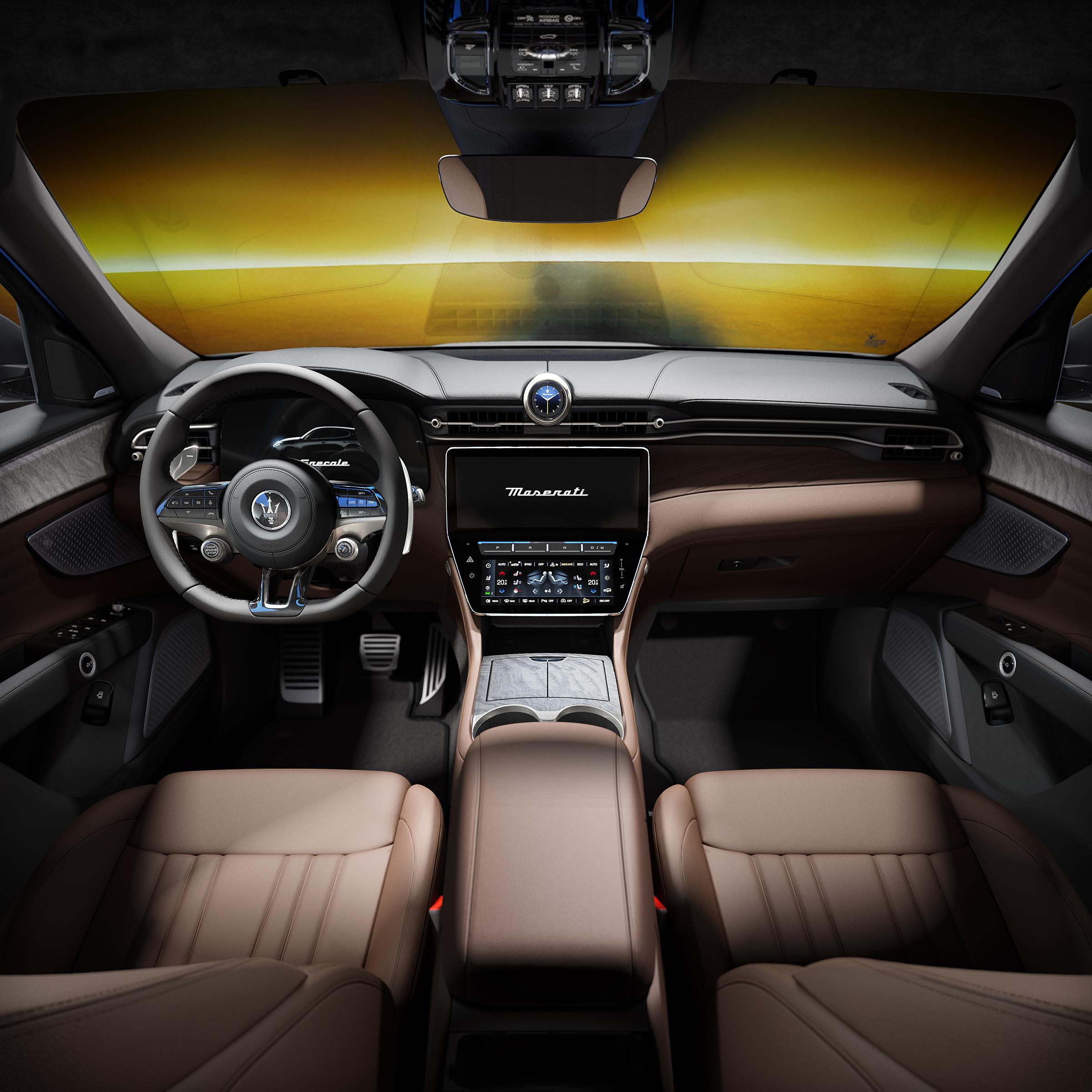
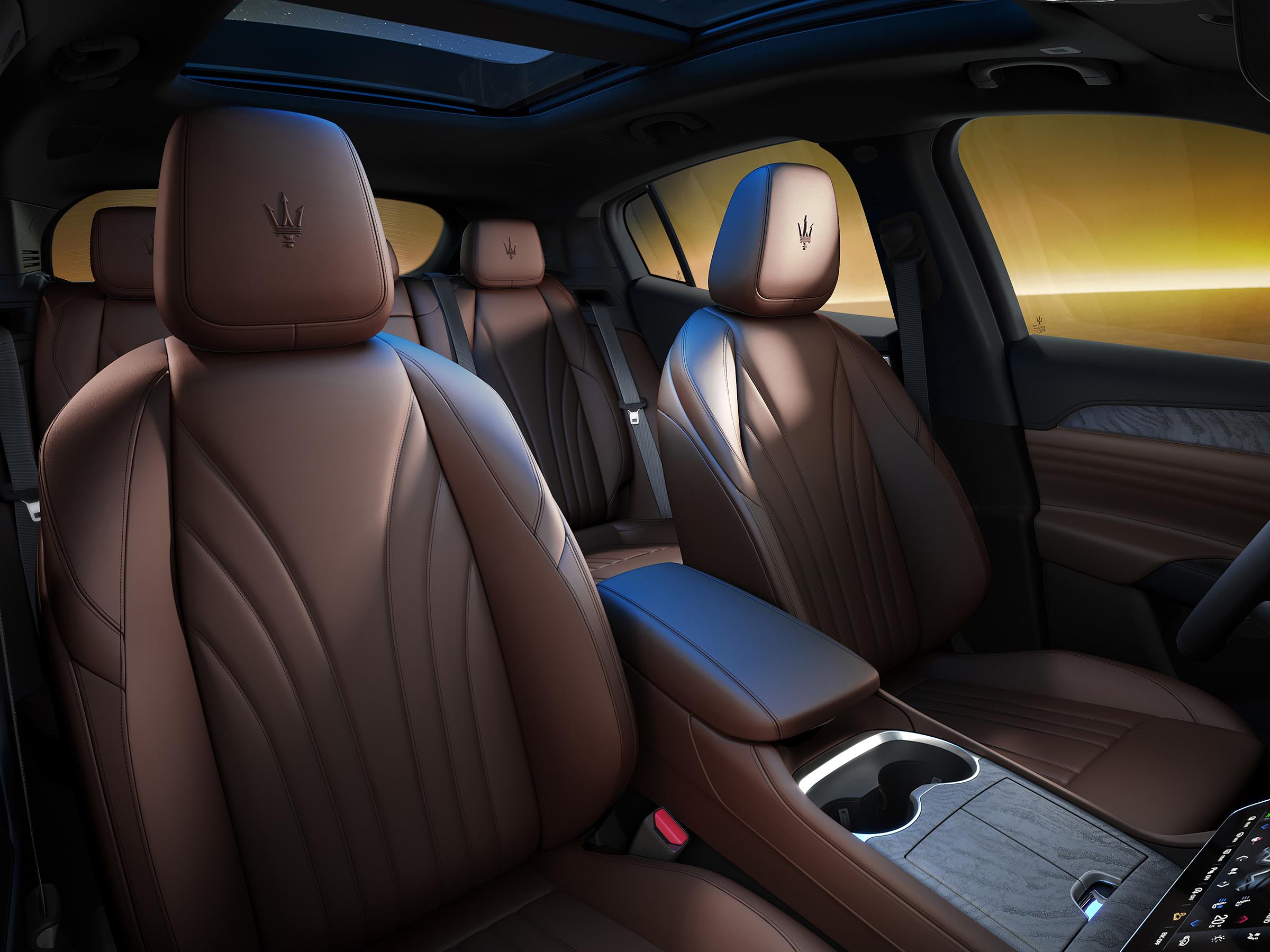
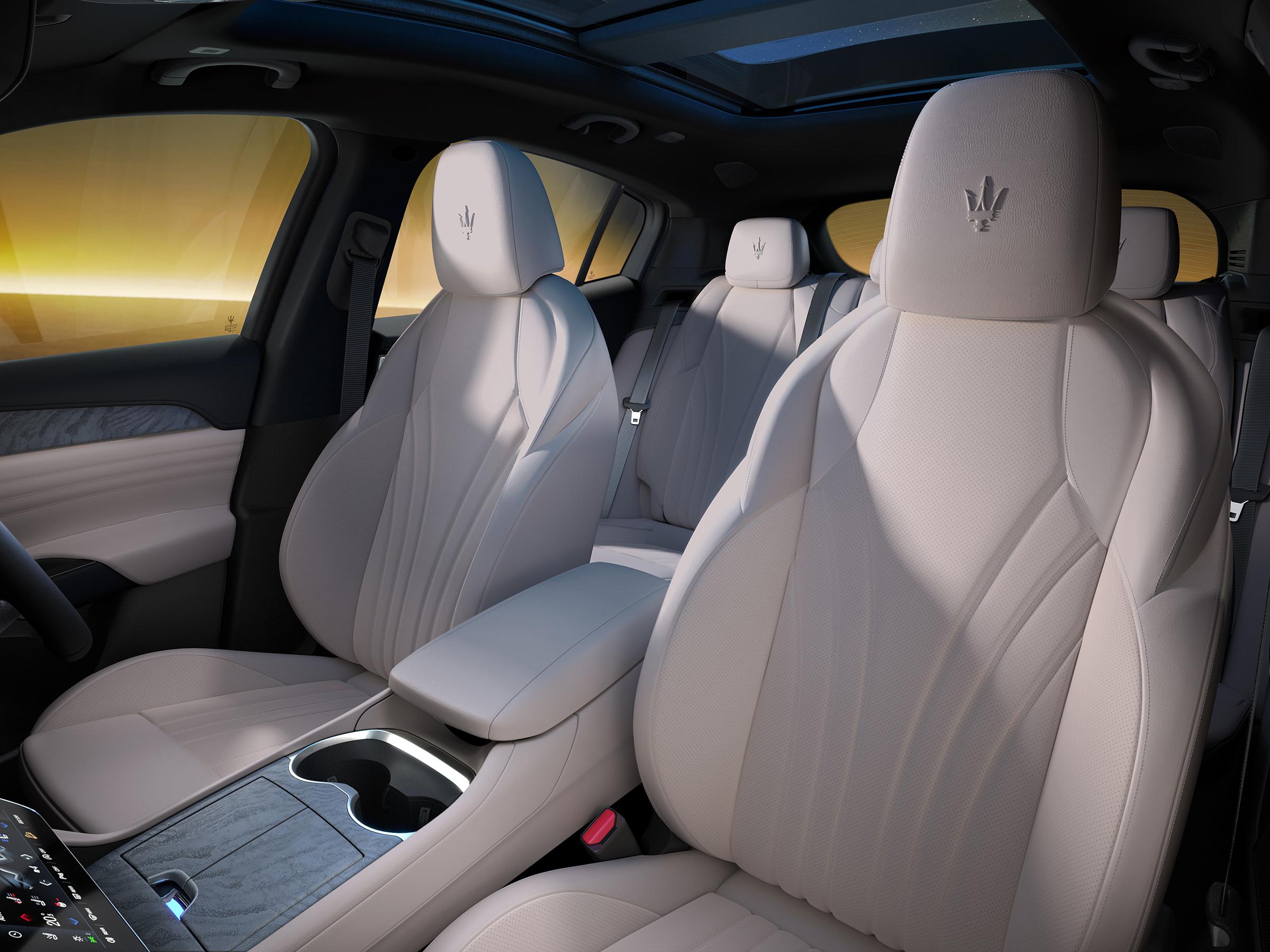
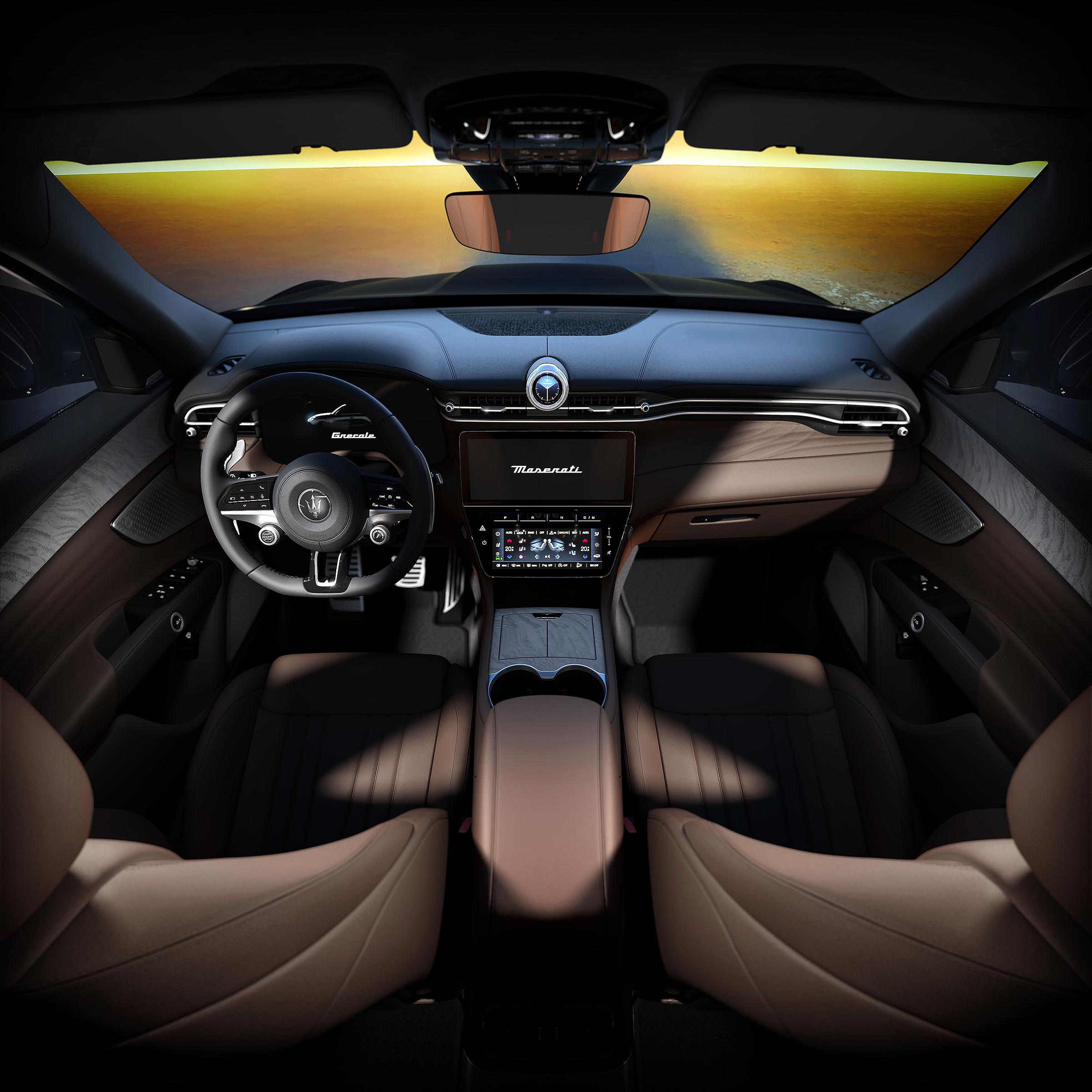
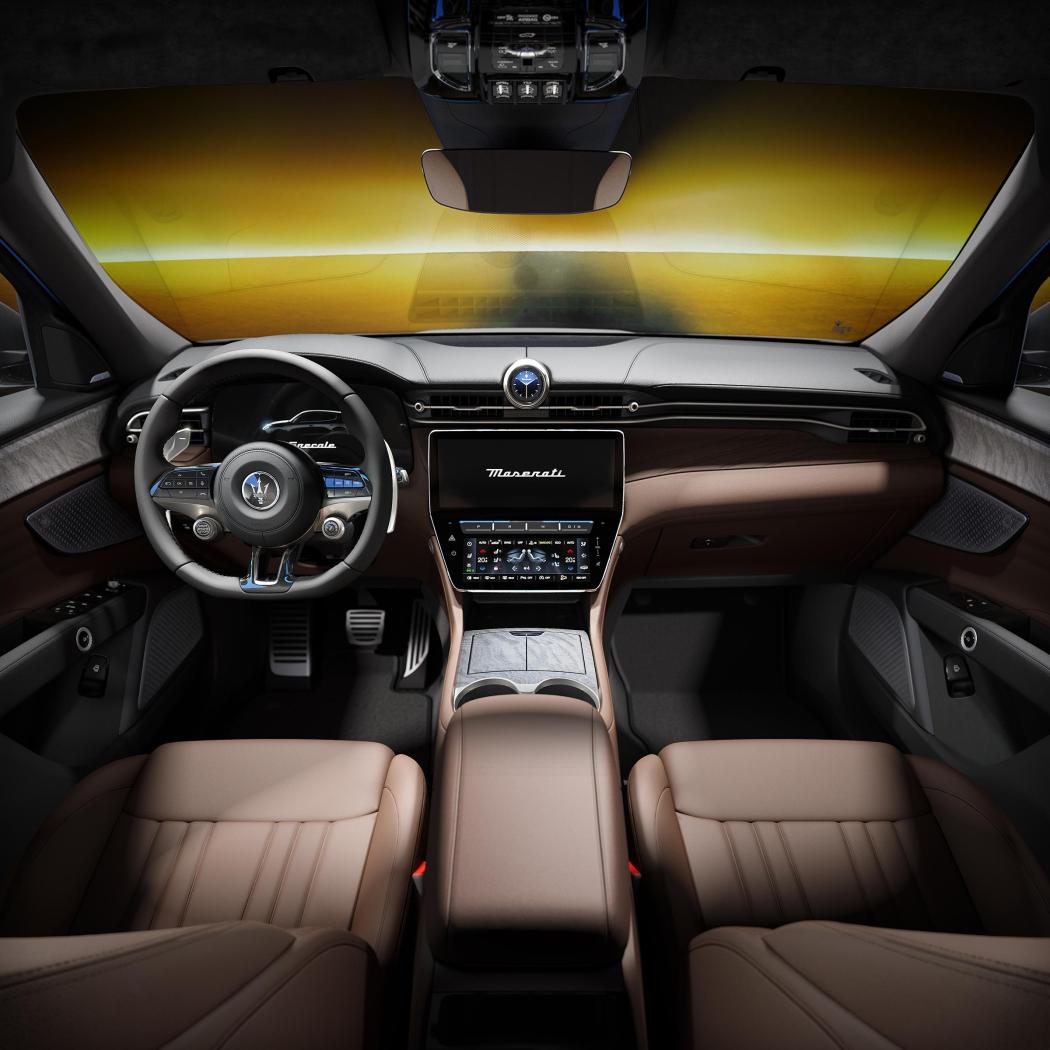
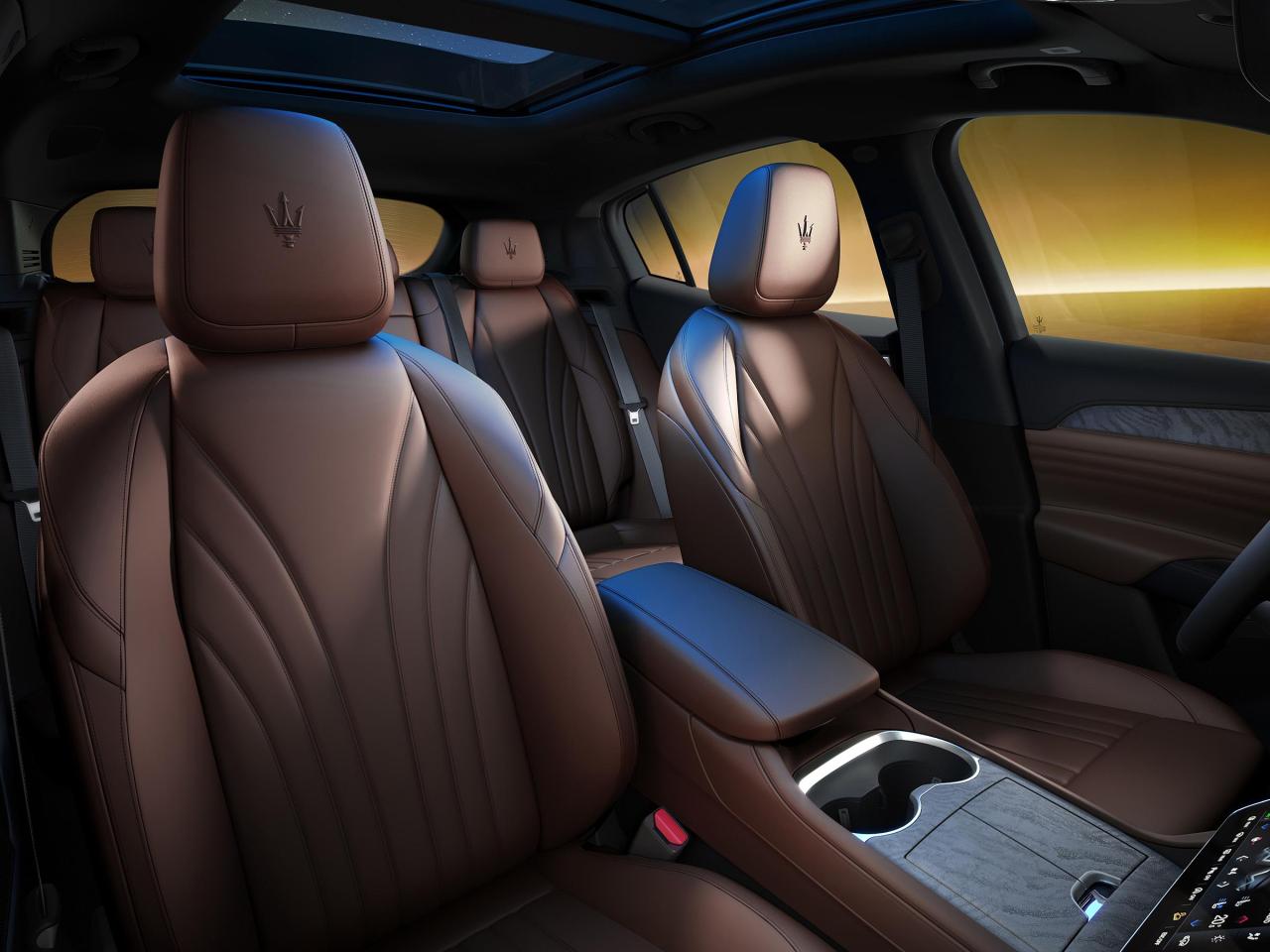
 Ciao a tutti, dopo moltissimo tempo torno a postare un lavoro fatto recentemente ed appena pubblicato. Prima una necessaria premessa, in seguito alle mie disavventure con il covid-19 (qualcuno ricorderà) ho 'perso' il mio prezione codice di fornitore Fiat -> FCA -> Stellantis e quindi non posso più lavorare direttamente come fornitore diretto (dovrei garantire adesso addirittura delle fidejussioni bancarie, ma capisco il punto di vista) e quindi agisco in joint-venture insieme al gruppo Corelab.it Detto questo, giusto per mantenere il thread attivo posto una versione speciale di Maserati Grecale che è stata appena presentata: https://www.media.stellantis.com/em-en/maserati/press/grecale-lumina-blu-the-new-special-series-of-the-maserati-suv?adobe_mc_ref= In questa progetto, mi sono occupato degli interni, dei quali allego qui alcune proposte, in media risoluzione: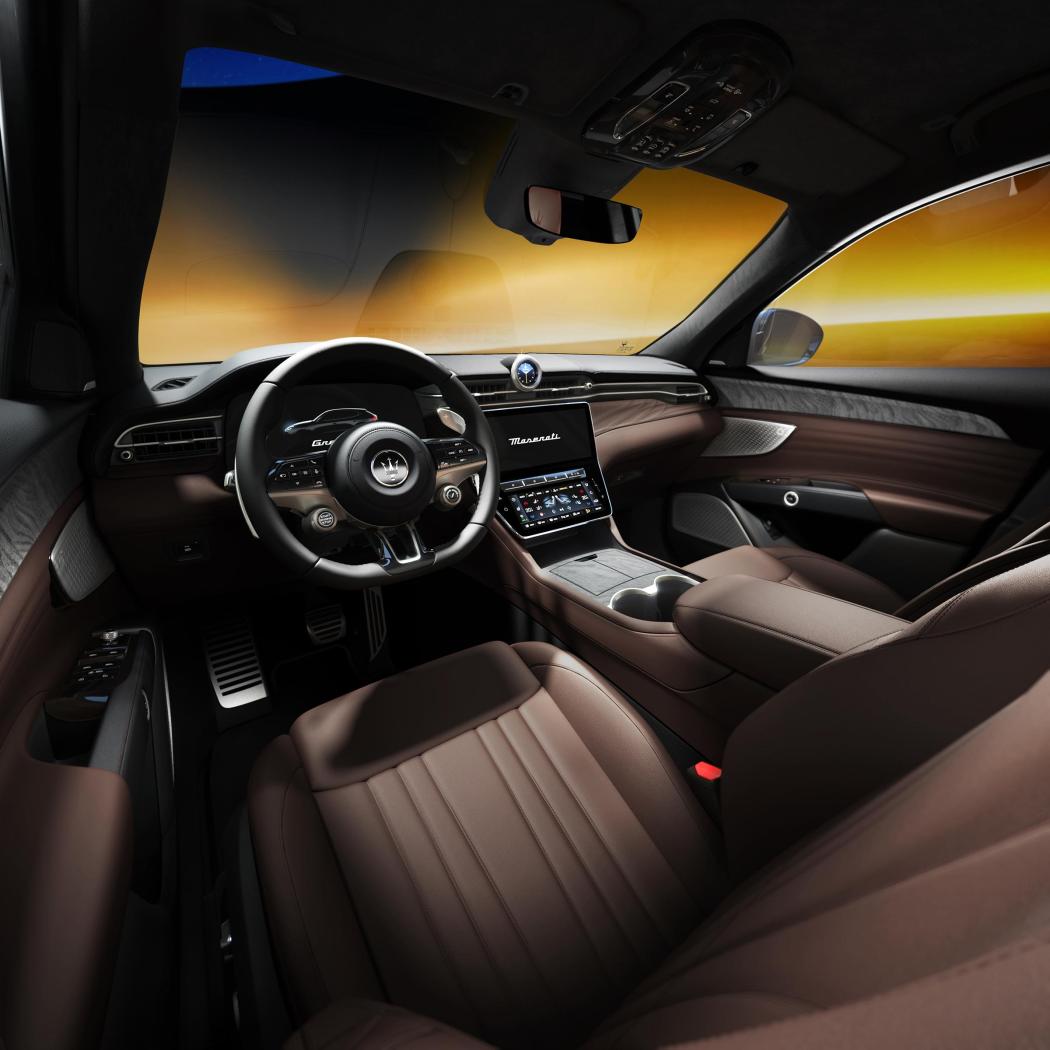
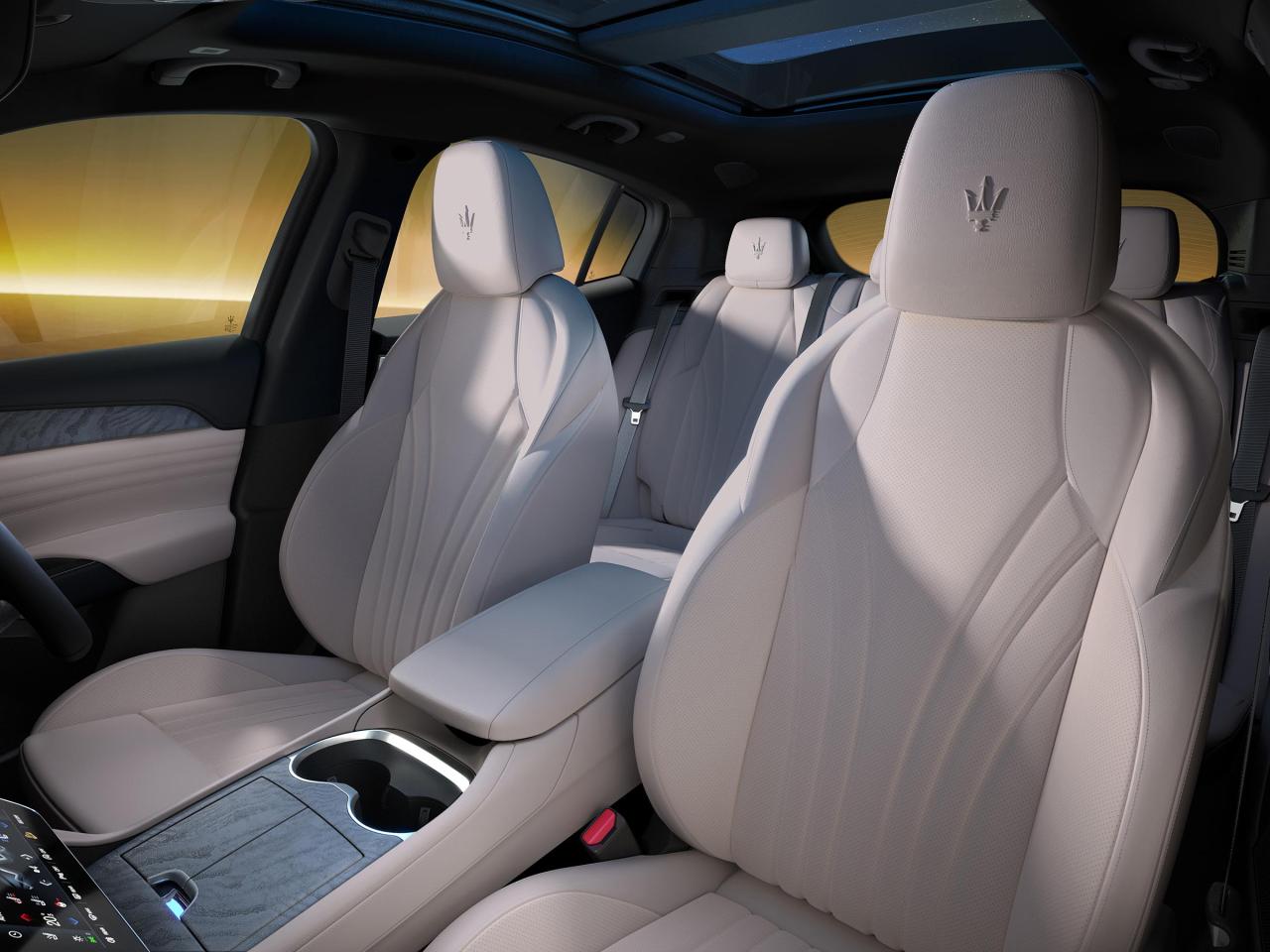
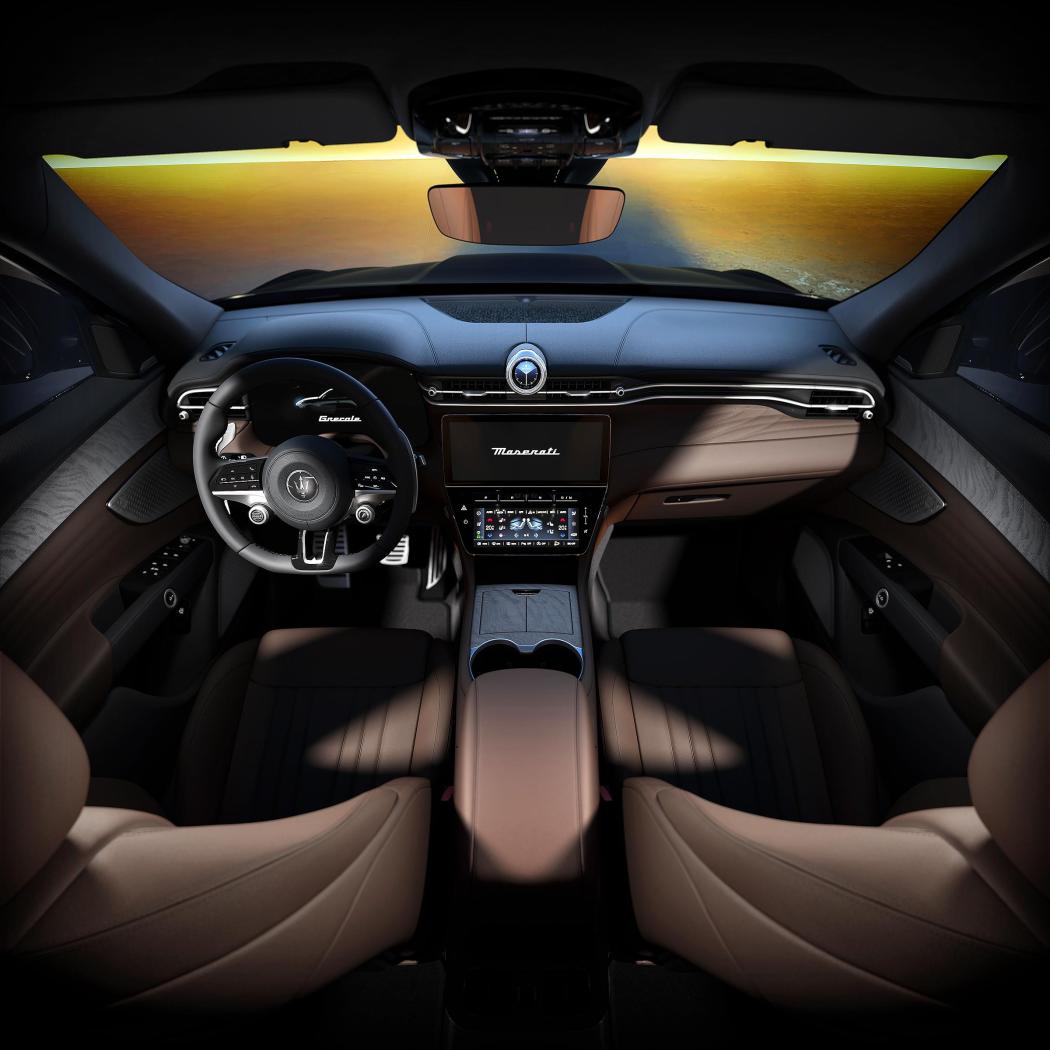 Scusatemi, non avevo visto questa domanda, purtroppo a causa della mia malattia ho smesso di usarla a novembre 2020 ed ho potuto tornare ad usarla di nuovo a gennaio 2023. cosa posso dire...a me piace ancora: - la linea non mi pare invecchiata, anzi diversi cross over si sono mossi in quella direzione - i difetti rimangono, troppo grossa e troppo alta per lo spazio che si trova a bordo - si guida sempre bene, silenziosa, abbastanza precisa, tutto sommato parca se non la spingi - tra poco scade il leasing, si potrebbe darla dentro e prendere una MY23 avendo finito le contumelie con il vecchio infotainment...peccato che questa era stata negoziata nel momento più basso delle vendite automotive causa covid e quindi lo sconto era stato clamoroso (è full optional, ma proprio full) Adesso ho altre priorità, potrei anche tenerla.Dimenticavo: il backplate 'panoramico' è stato poi tagliato a dx per avere un aspect ratio da camera 70mm 'cinema' (mi pare 2,35:1, cito a memoria ma potrei sbagliare) quindi ogni ragionamento sulla focale 'corretta' va a farsi stendere, comunque appena ho un po' di tempo preparo la versione 2.0, che in ogni caso poi mi voglio plottare almeno per una larghezza di 1,8 m per sostituire questa che ancora campeggia in studio: Altro esempio di uso improprio di un fondale (ebbene sì, è lo stesso dell'immagine di gamma MY19 di pagina 6 https://www.autopareri.com/forums/topic/62178-le-auto-di-ivan-basso/?do=findComment&comment=2223123 è questo TEST non poi rifinito ma che lascia intendere come le cose potrebbero lo stesso funzionare, senza porsi troppe domande 😊Allora, grazie dei consigli @Auditore: il backplate (come l'HDR) sono realizzate dal fotografo (e amico) Roberto Pastrovicchio, nello specifico il primo è un compositing ponoramico di più immagini scattate con una focale di 50 mm, quindi la focale 'globale', per così dire, dovrebbe essere intorno ai 40-42 mm. Per poter estrudere correttamente i palazzi dovrei sapere anche la loro altezza con buona approssimazione, altrimenti il camera match potrebbe dare delle sorprese... @Wilhem275: tutto corretto, ma devi pensare che questa è una foto di prodotto, quindi il piano focale è volutamente 'corto' per mettere in evidenza le vetture, che devono 'saltare fuori' all'occhio dell'osservatore. Poi essendo il FOV una cosa regolata in post produzione, ti omaggerò certamente di qualcosa un poco più 'stirato' e realistico.Thesis avesse avuto una linea di cintura un poco più alta sarebbe avanguardia ancora adesso secondo mePunto interessante questo, e da tenere conto per lo sviluppo della 2.0 (auto con ruote sterzate, probabilmente la Trofeo sarà nera, HDR scattata nel posto giusto della piazza, adesso sto utilizzando ancora quella usata per la 'vecchia' immagine di gamma postata qualche pagina indietro) vediamo meglio: Qui andiamo a vedere più o meno dove passa l'orizzonte del backplate, lavoro immediato avendo a disposizione degli elementi molto regolari nella scena: la congiungente A-B è grosso modo il nostro orizzonte Dall'interfaccia di 3ds max caricando la scena rucuperiamo l'orizzonte ottico della camera che riprende le macchine (linea nera orizzontale): Sovrapponendo le due immagini, vediamo che i due orizzonti coincidono grosso modo in 'B' ma poi l'orizzonte della camera 3D (che è perfettamente orizzontale) tende a staccarsi dal quello del backplate: probabilmente 0.5 -1 ° di tilt della camera potrebbero rimettere a posto perfettamente le cose: Quindi direi che il disaccoppiamento degli orizzonti non è così marcato da manifestarsi come 'difetto', rimane il problema che le macchine sembrano un poco troppo 'schiacciate' dall'obbiettivo rispetto a cosa vediamo nel backplate e quindi probabilmente una focale leggermente più corta aiuterebbe, ma probabilmente renderebbe le macchine meno accattivanti. Proverò un compromesso e lo posterò una volta finito, se non finisce prima sotta nda.Rimane sempre a mio parere irrisolta la zona della griglia frontale, non riescono (non vogliono) differenziare tra parti estetiche e parti strutturali interne, è un accrocchio di plastiche che visto in profondità si confondono e danno un senso di posticcio e 'stratificato', per me incomprensibile oltre che low tech