






Indav
Utente Registrato
-
Iscritto il
-
Ultima visita
Tutti i contenuti di Indav
-
-
-
-
-
-
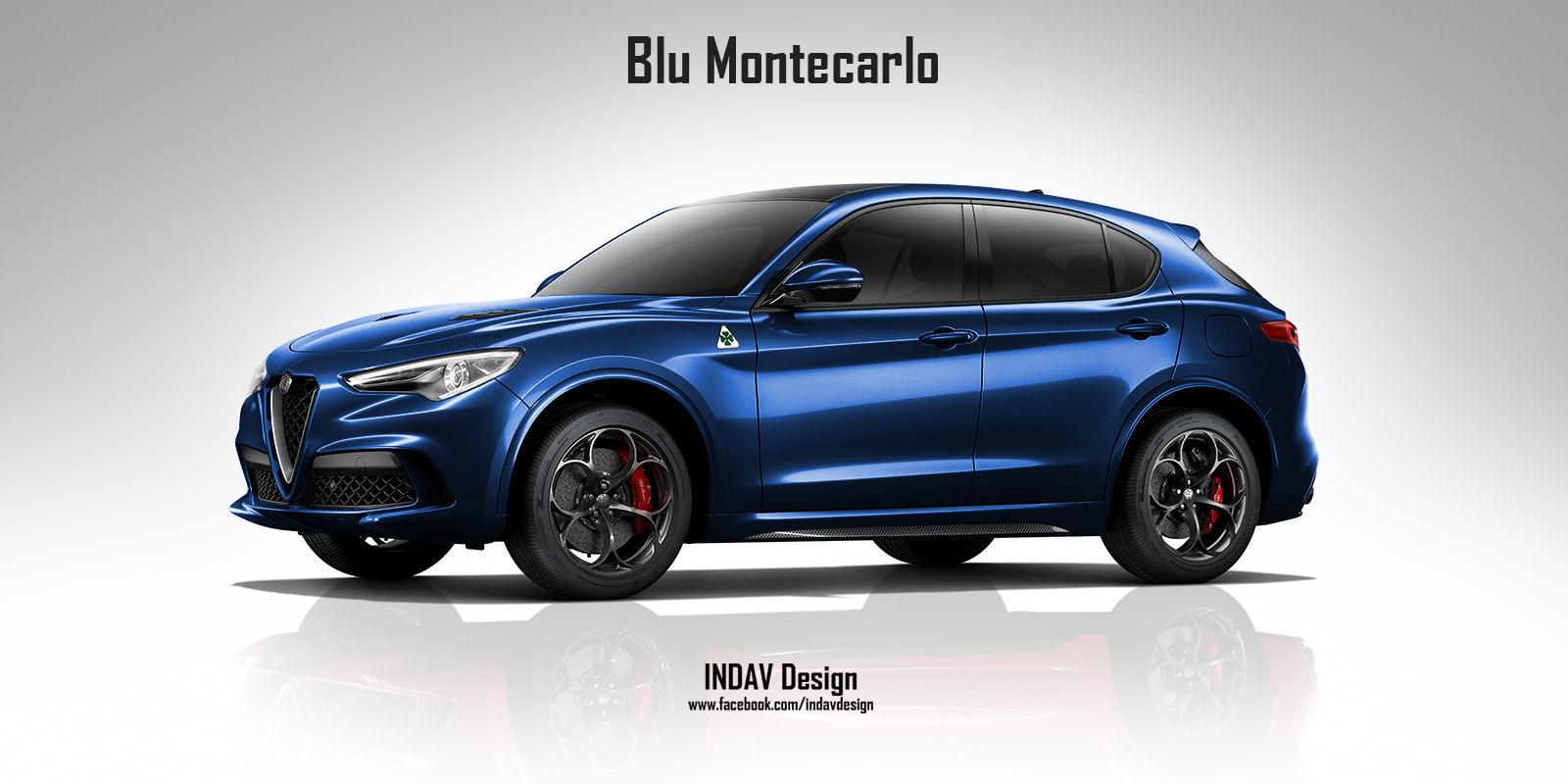
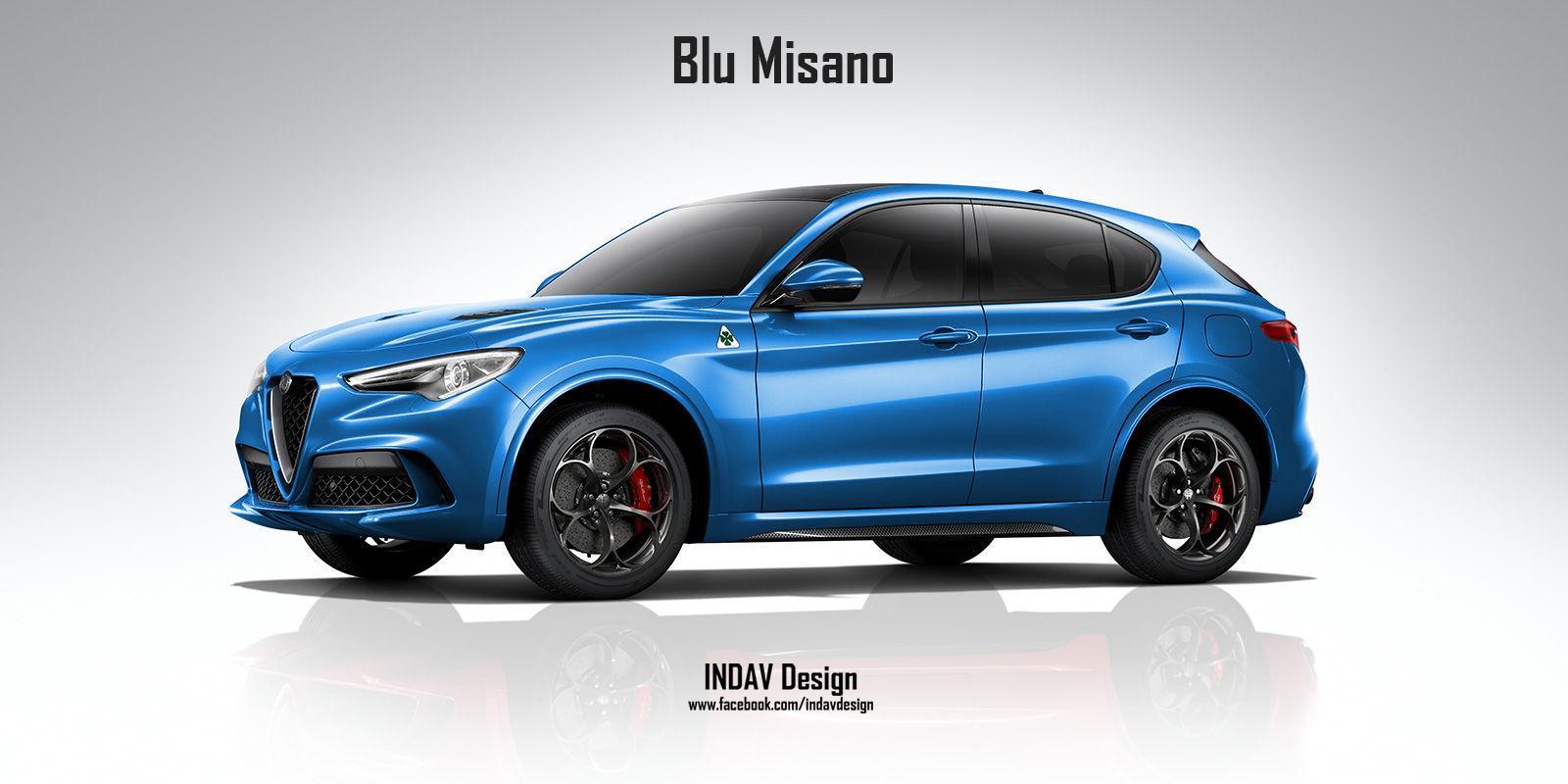
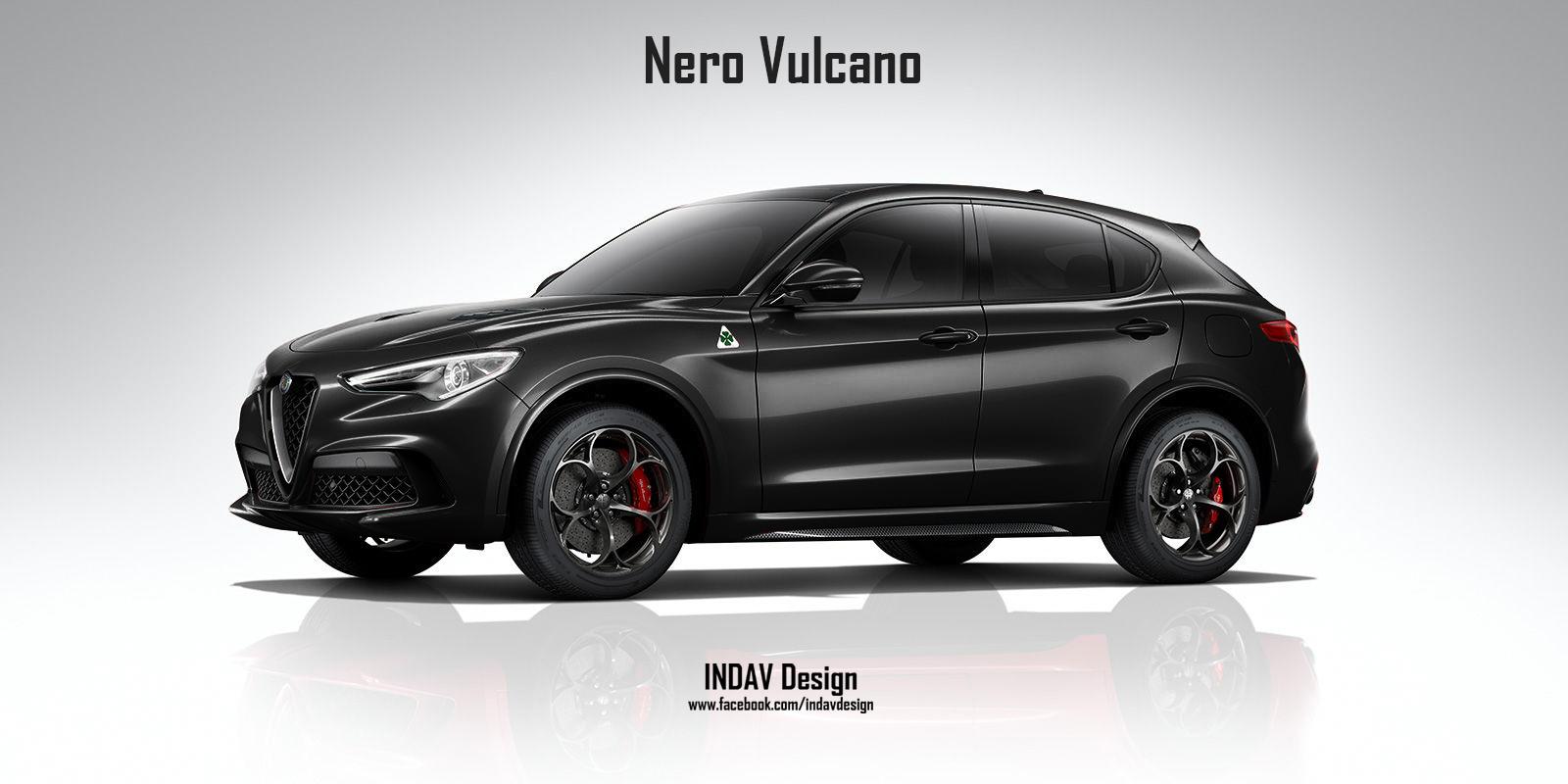
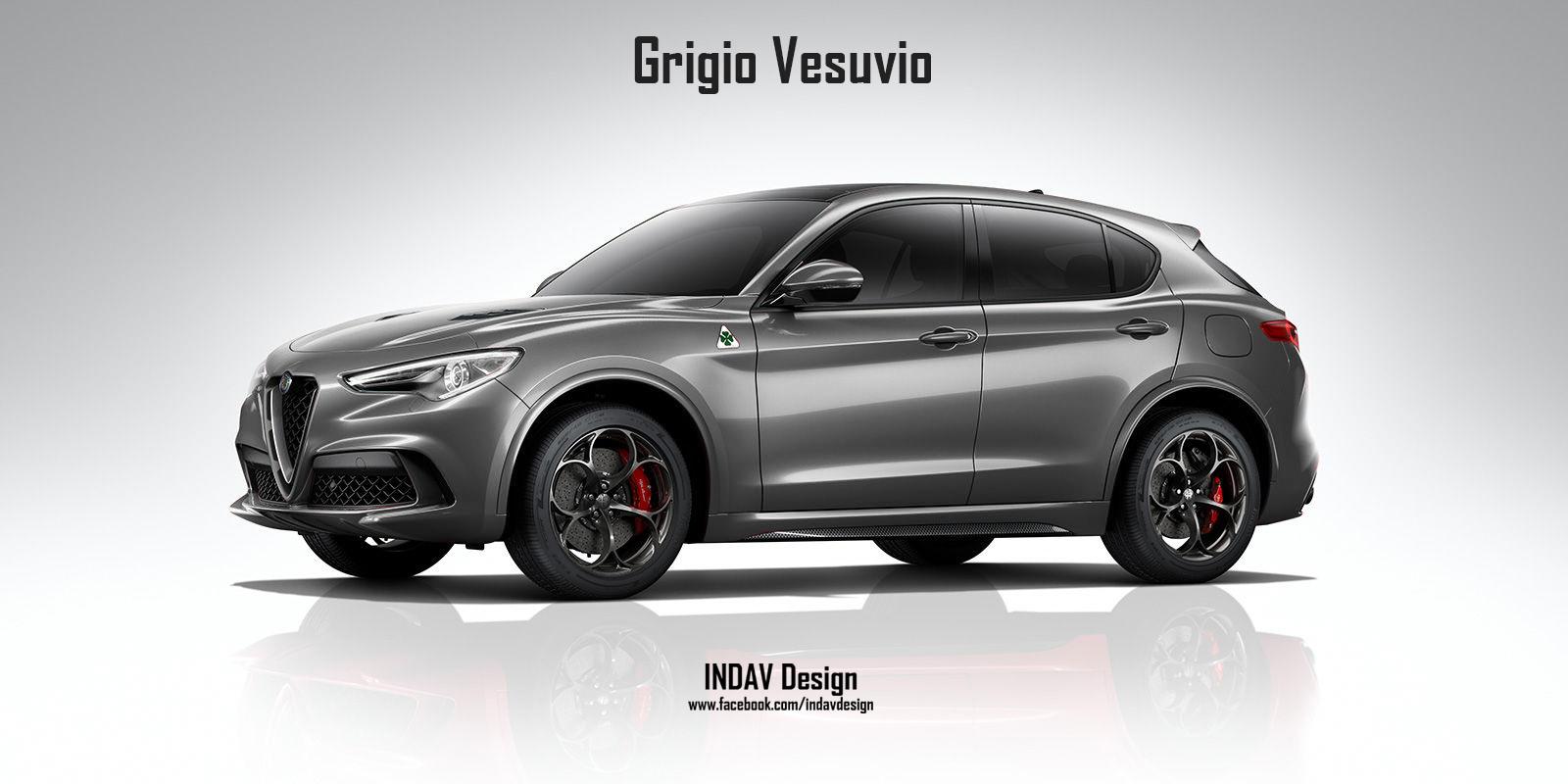
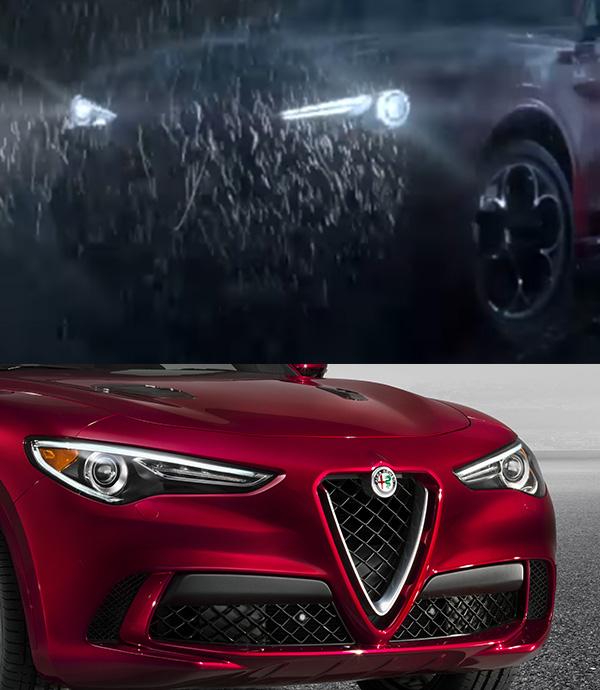
Mi son lette tutte le pagine, visto tutte le foto. Ebbene, devo dire che mi piace! Stamattina con quei render mi ha lasciato alquanto perplesso, soprattutto per il disegno dei fari, ma con queste ultime lo sto digerendo meglio. Alla fine anche Giulia non mi convinceva ed ora appena ne vedo una mi fermo a guardarla come fosse la prima volta. Finalmente anche Alfa dice la sua!


Account
Navigation
Cerca
Configure browser push notifications
Chrome (Android)
- Tap the lock icon next to the address bar.
- Tap Permissions → Notifications.
- Adjust your preference.
Chrome (Desktop)
- Click the padlock icon in the address bar.
- Select Site settings.
- Find Notifications and adjust your preference.
Safari (iOS 16.4+)
- Ensure the site is installed via Add to Home Screen.
- Open Settings App → Notifications.
- Find your app name and adjust your preference.
Safari (macOS)
- Go to Safari → Preferences.
- Click the Websites tab.
- Select Notifications in the sidebar.
- Find this website and adjust your preference.
Edge (Android)
- Tap the lock icon next to the address bar.
- Tap Permissions.
- Find Notifications and adjust your preference.
Edge (Desktop)
- Click the padlock icon in the address bar.
- Click Permissions for this site.
- Find Notifications and adjust your preference.
Firefox (Android)
- Go to Settings → Site permissions.
- Tap Notifications.
- Find this site in the list and adjust your preference.
Firefox (Desktop)
- Open Firefox Settings.
- Search for Notifications.
- Find this site in the list and adjust your preference.