






sonicwp7
Utente Registrato
-
Iscritto il
-
Ultima visita
Tutti i contenuti di sonicwp7
-
-
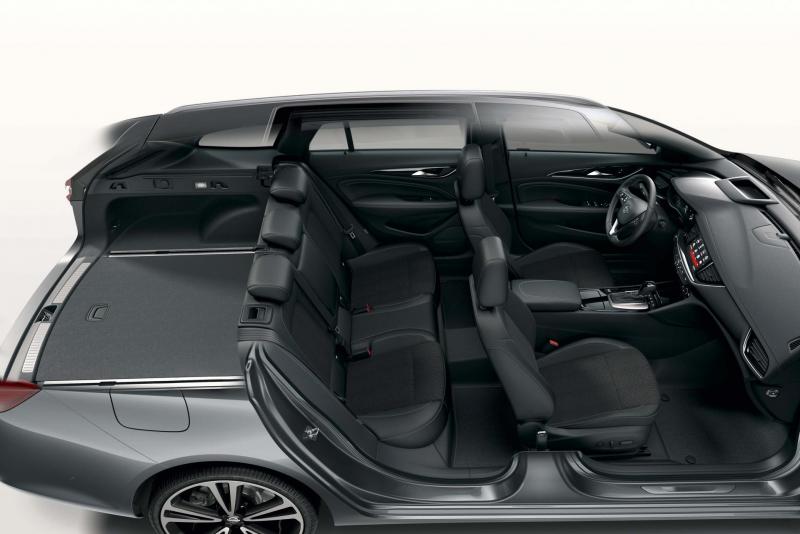
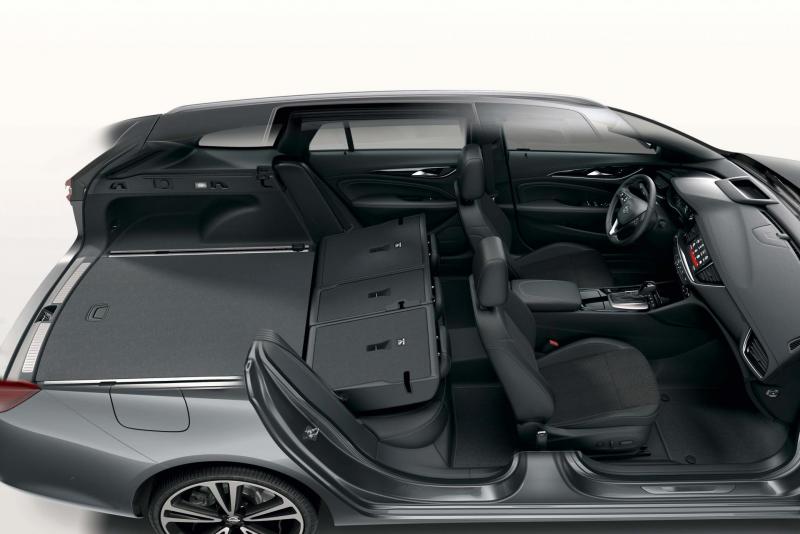
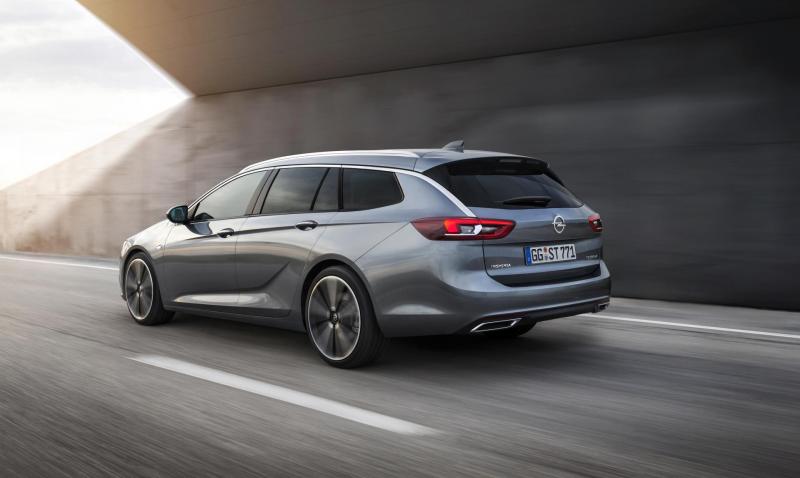
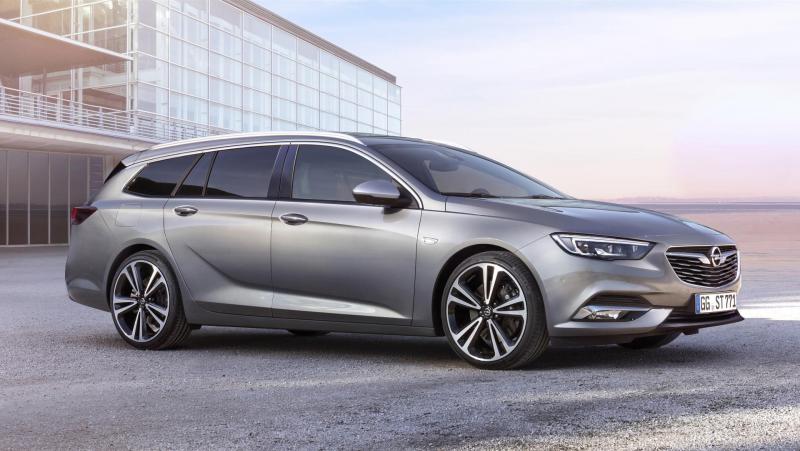
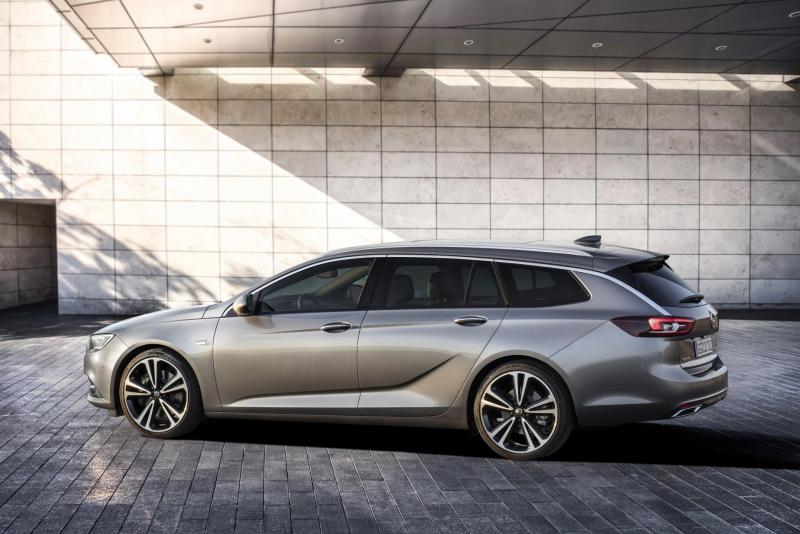
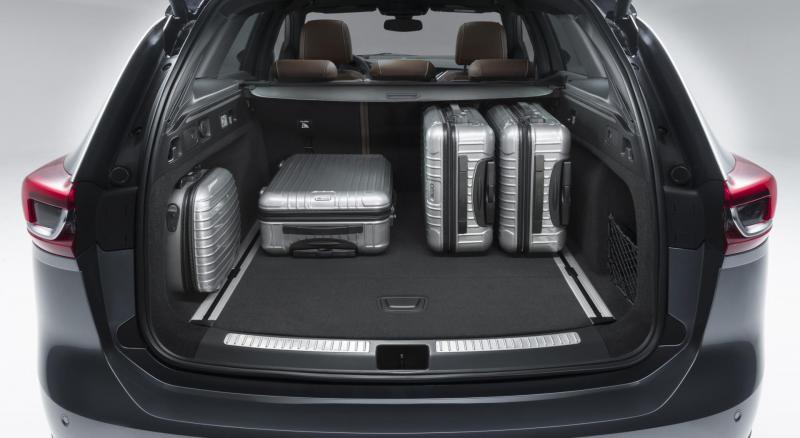
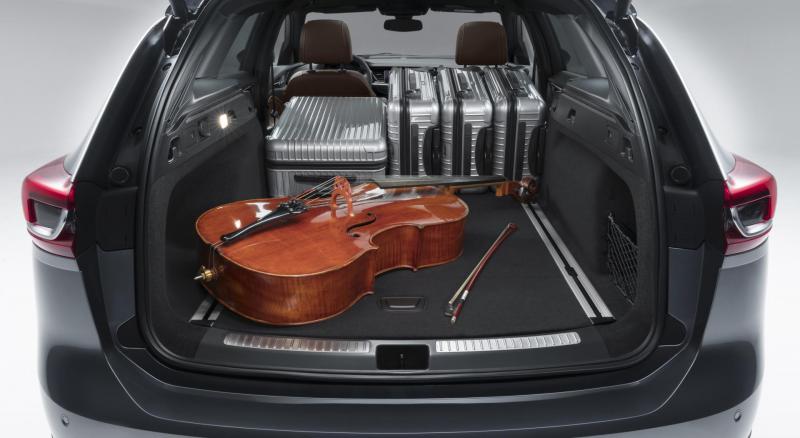
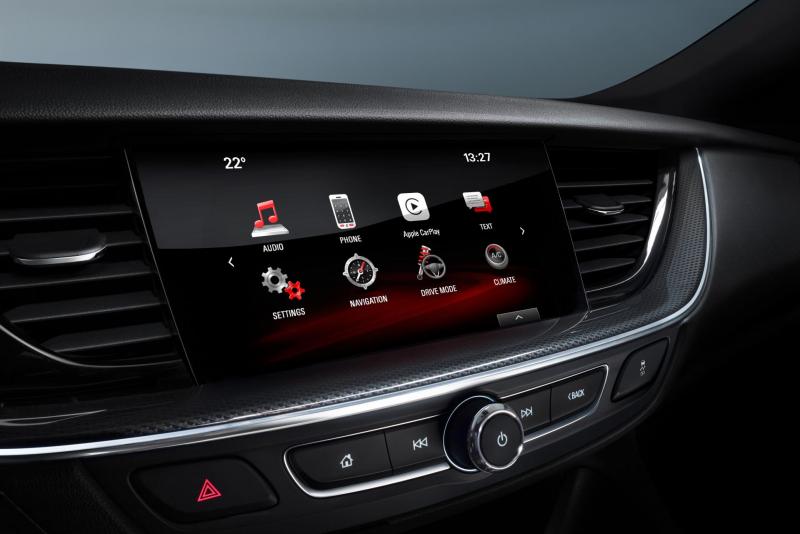
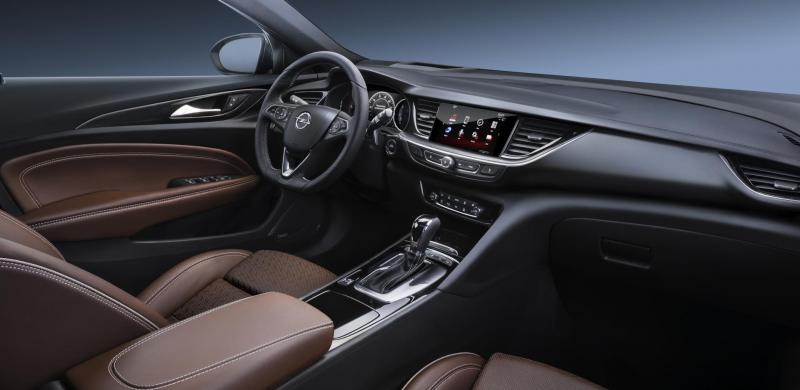
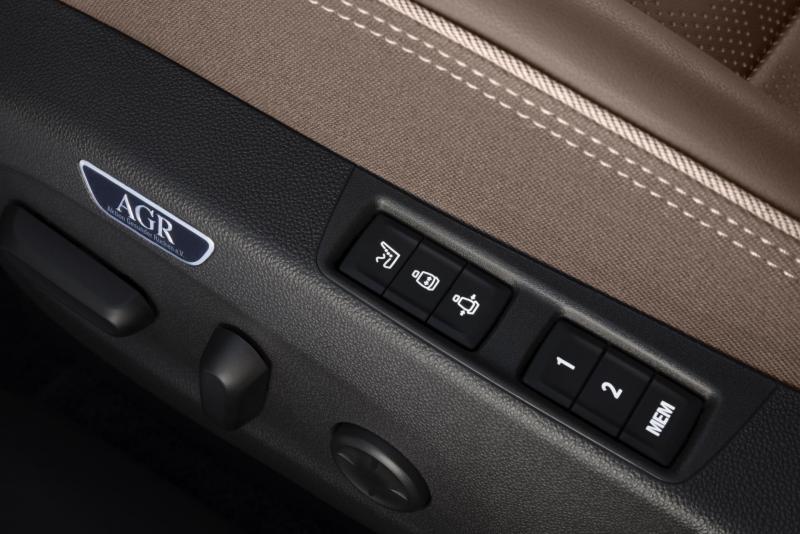
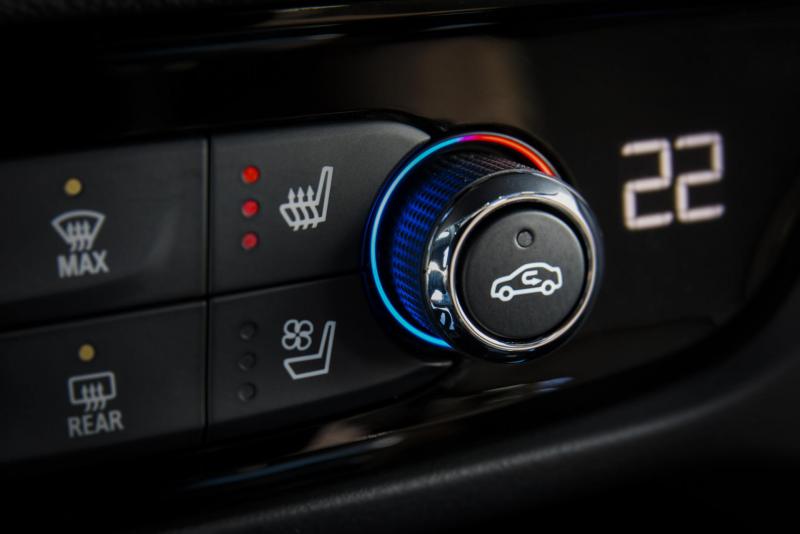
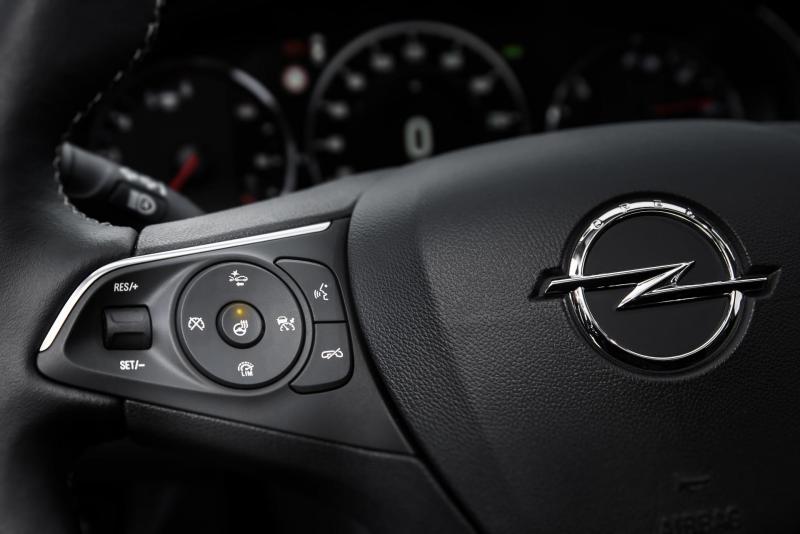
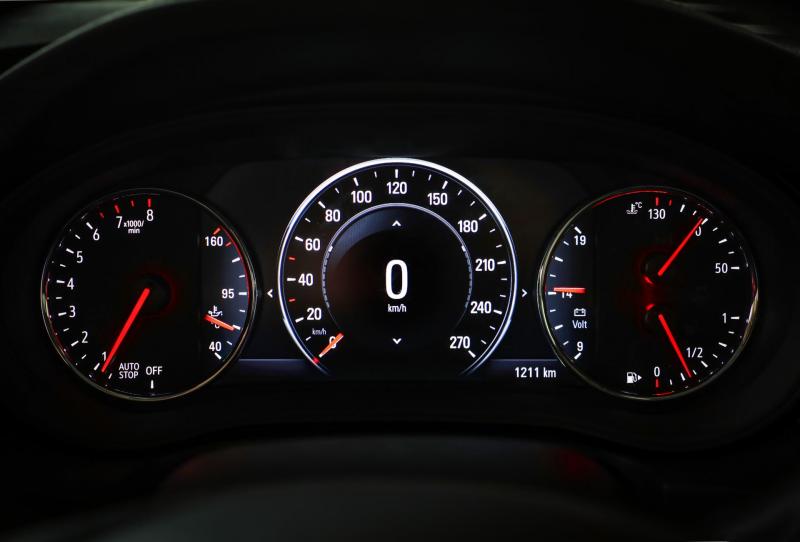
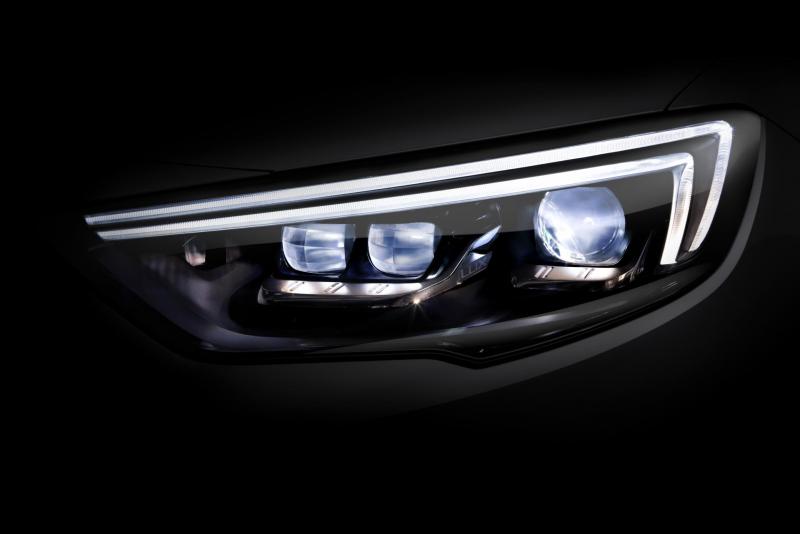
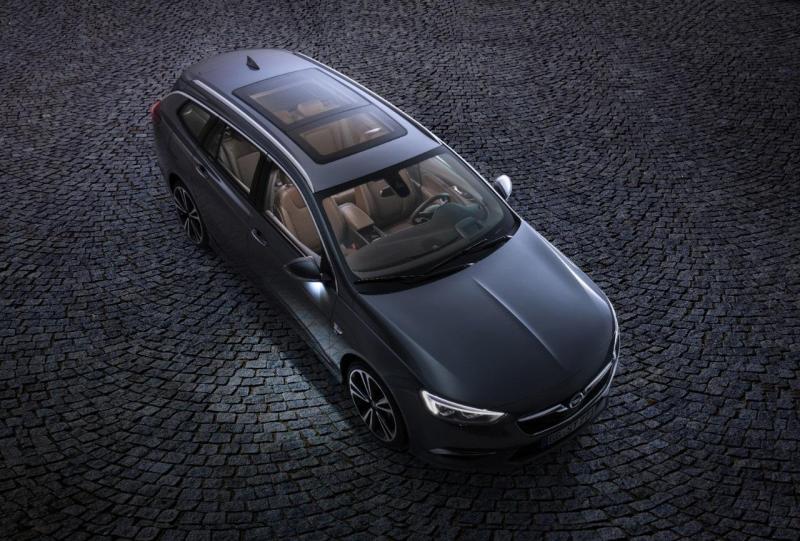
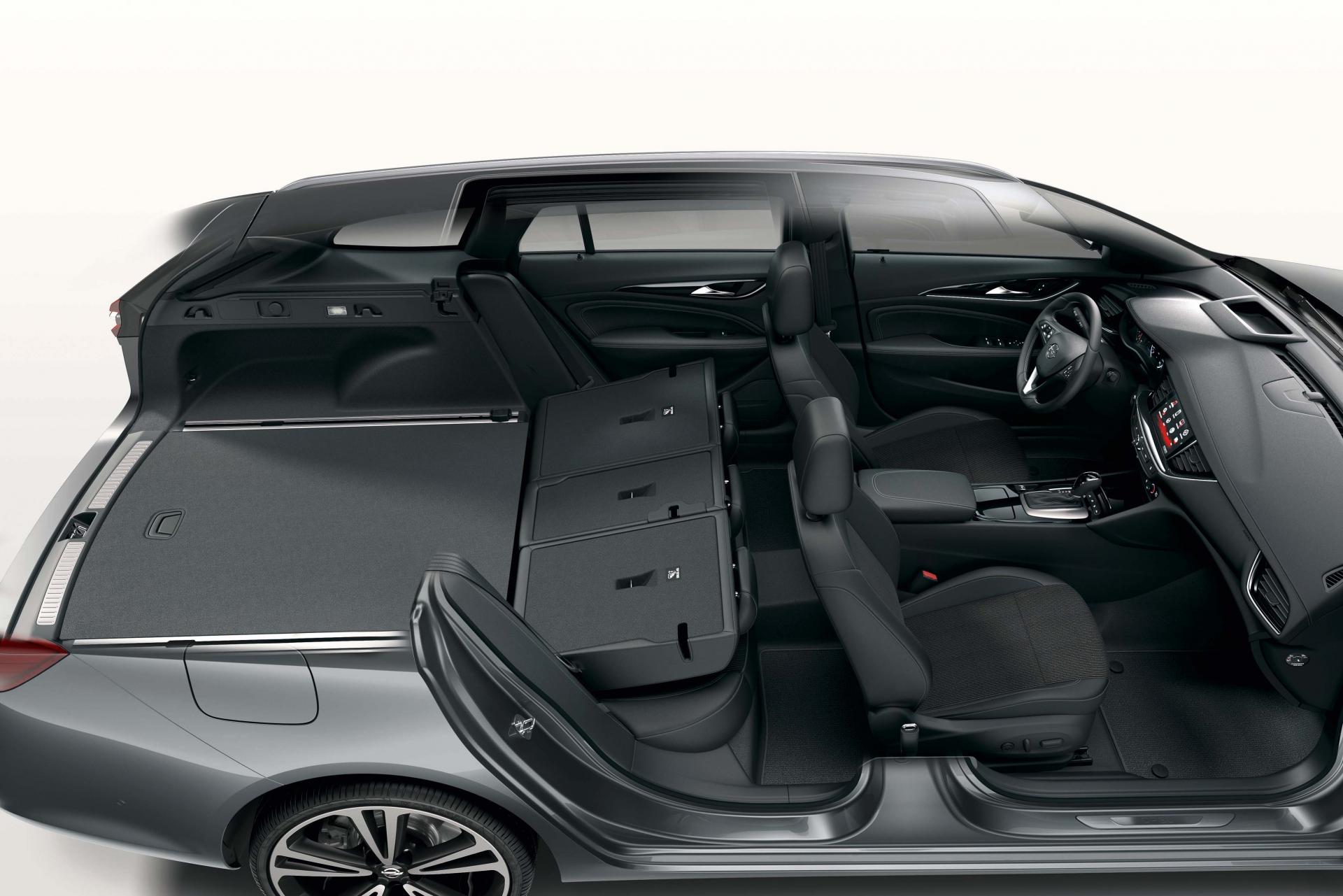
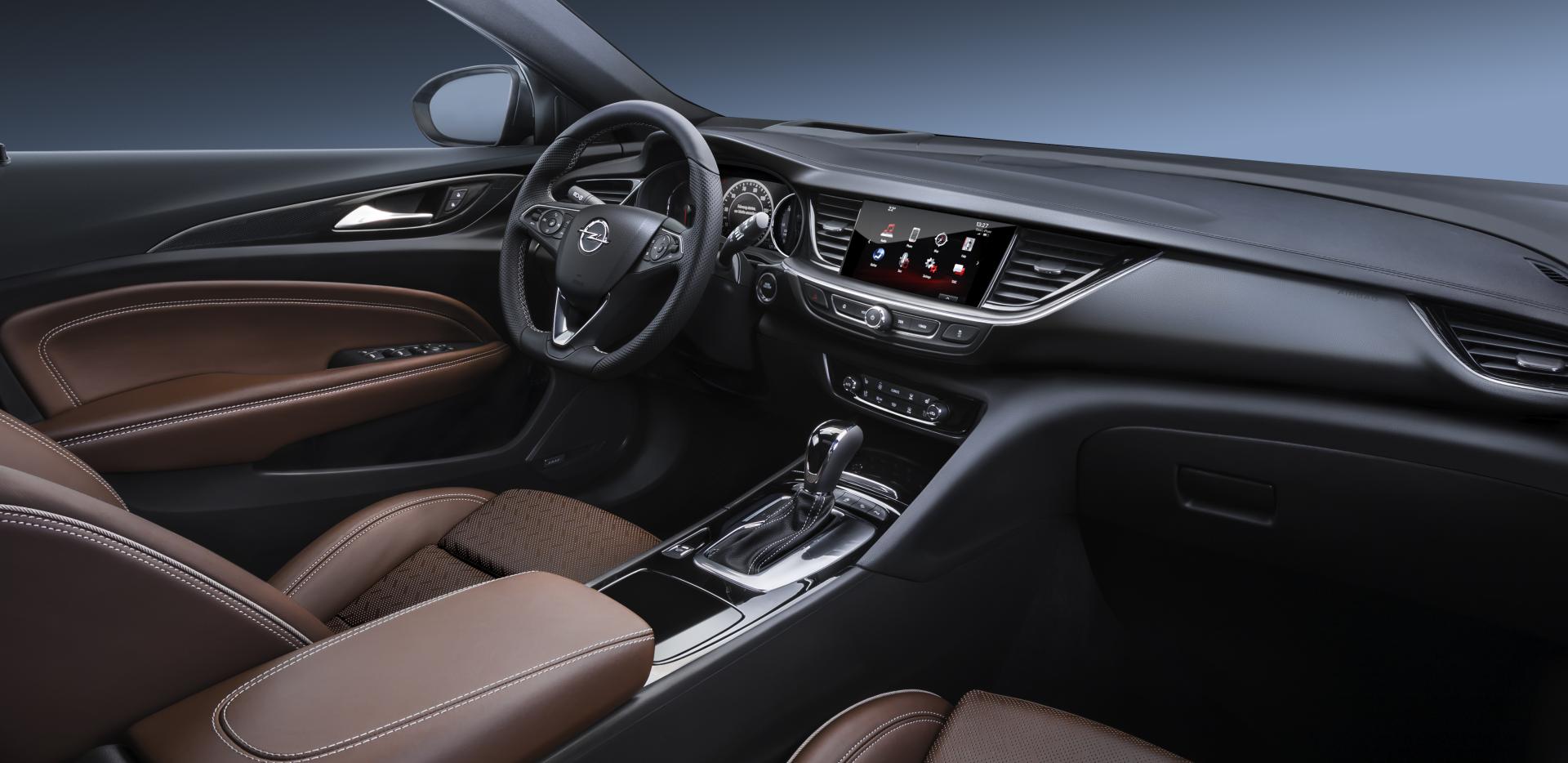
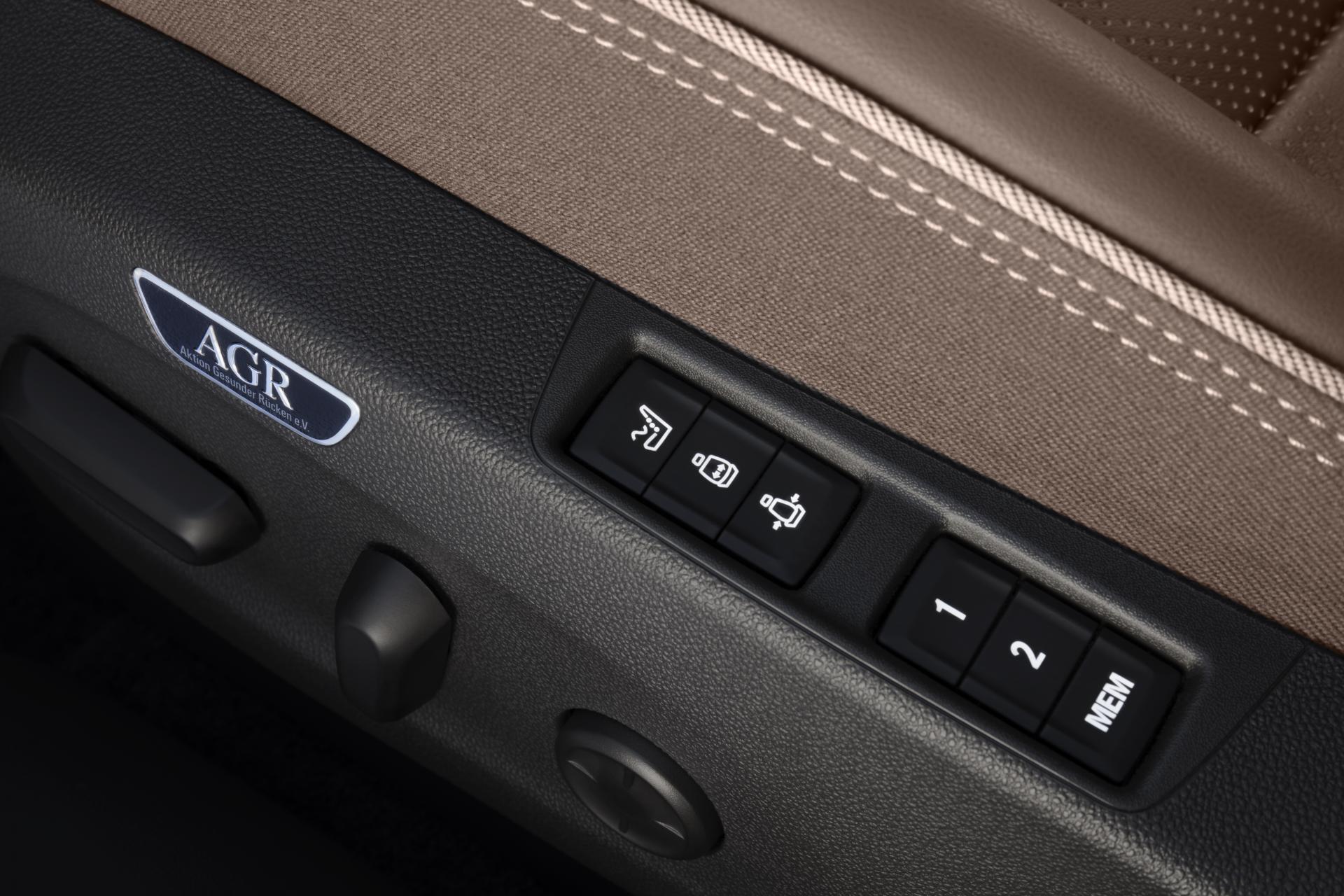
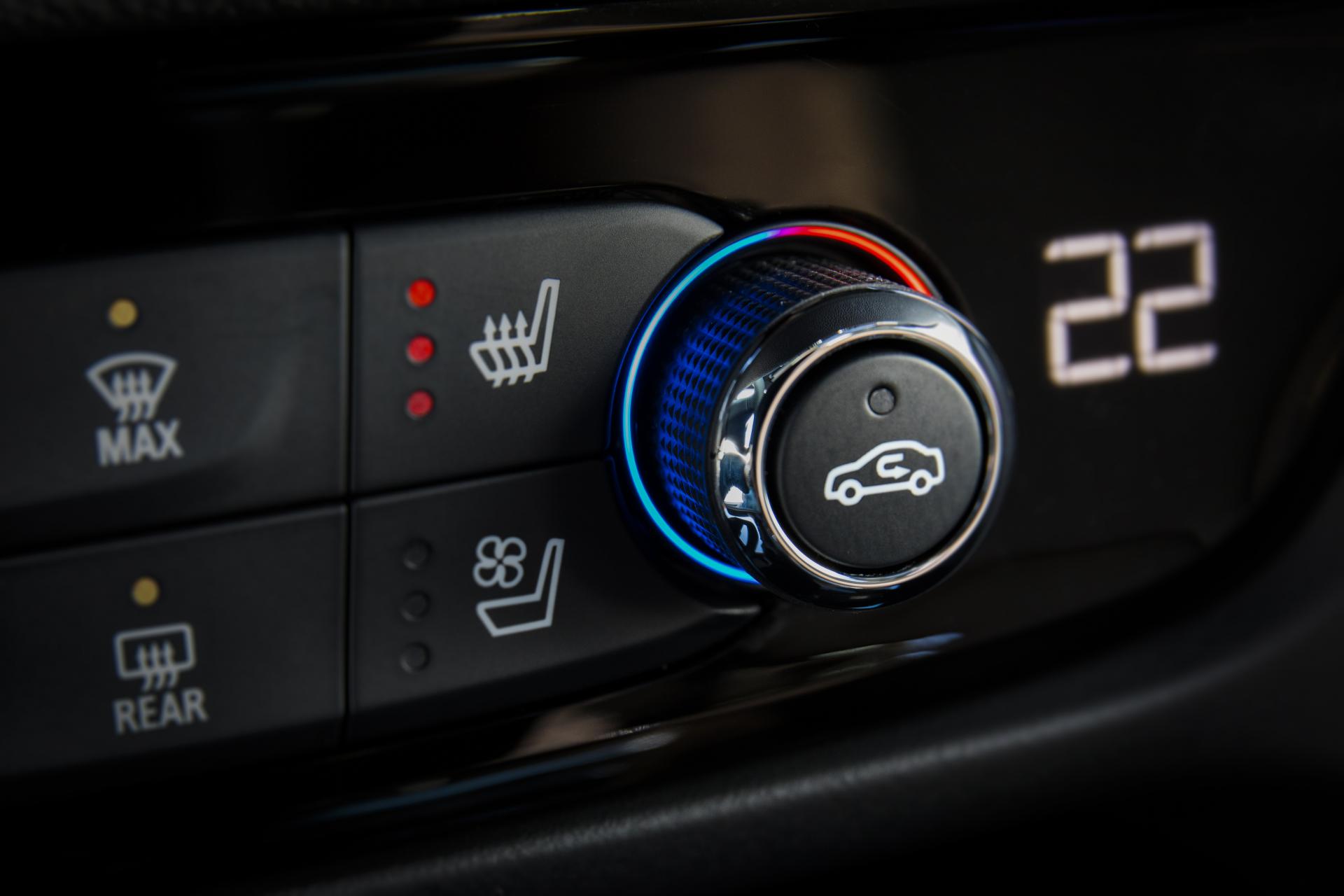
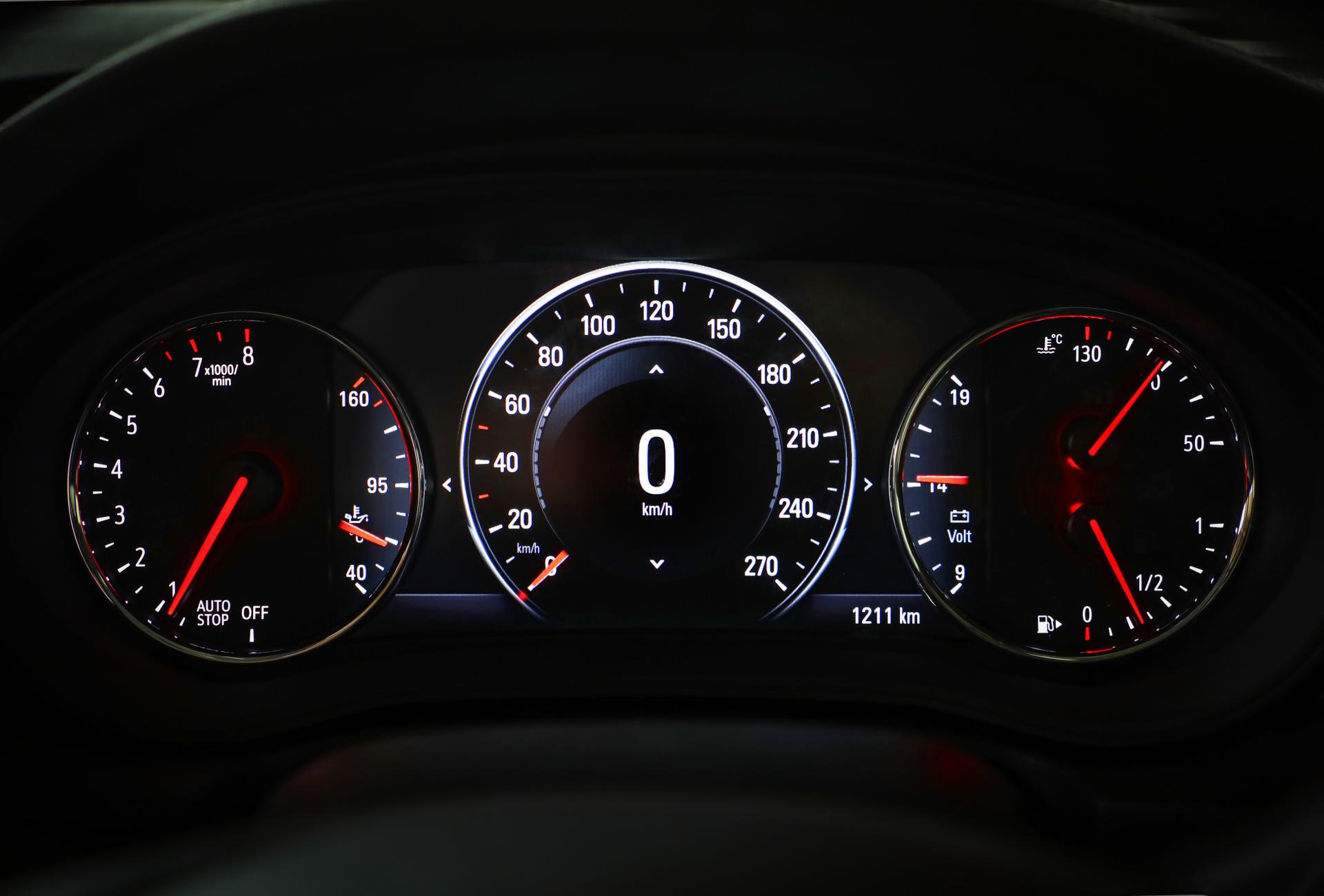
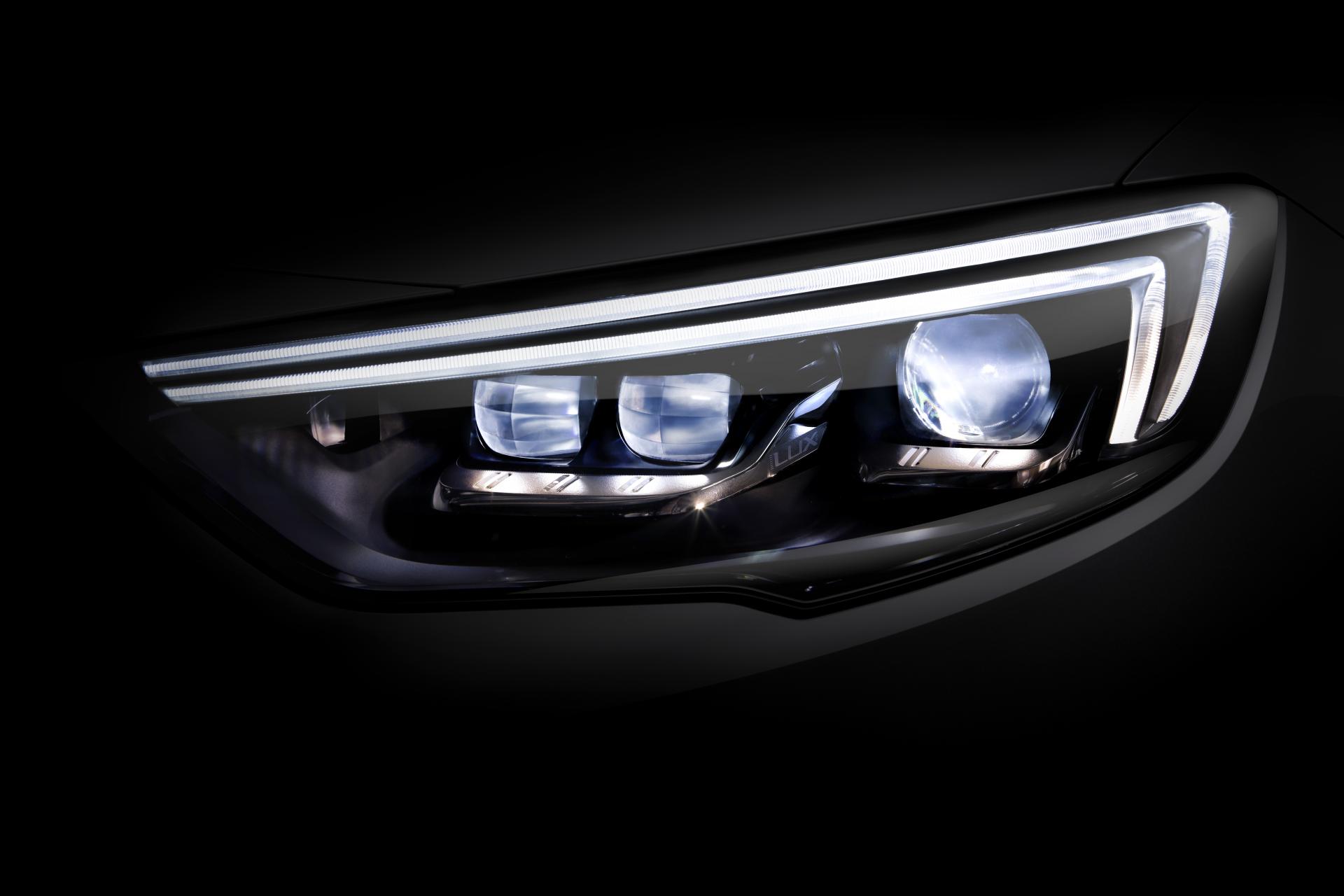
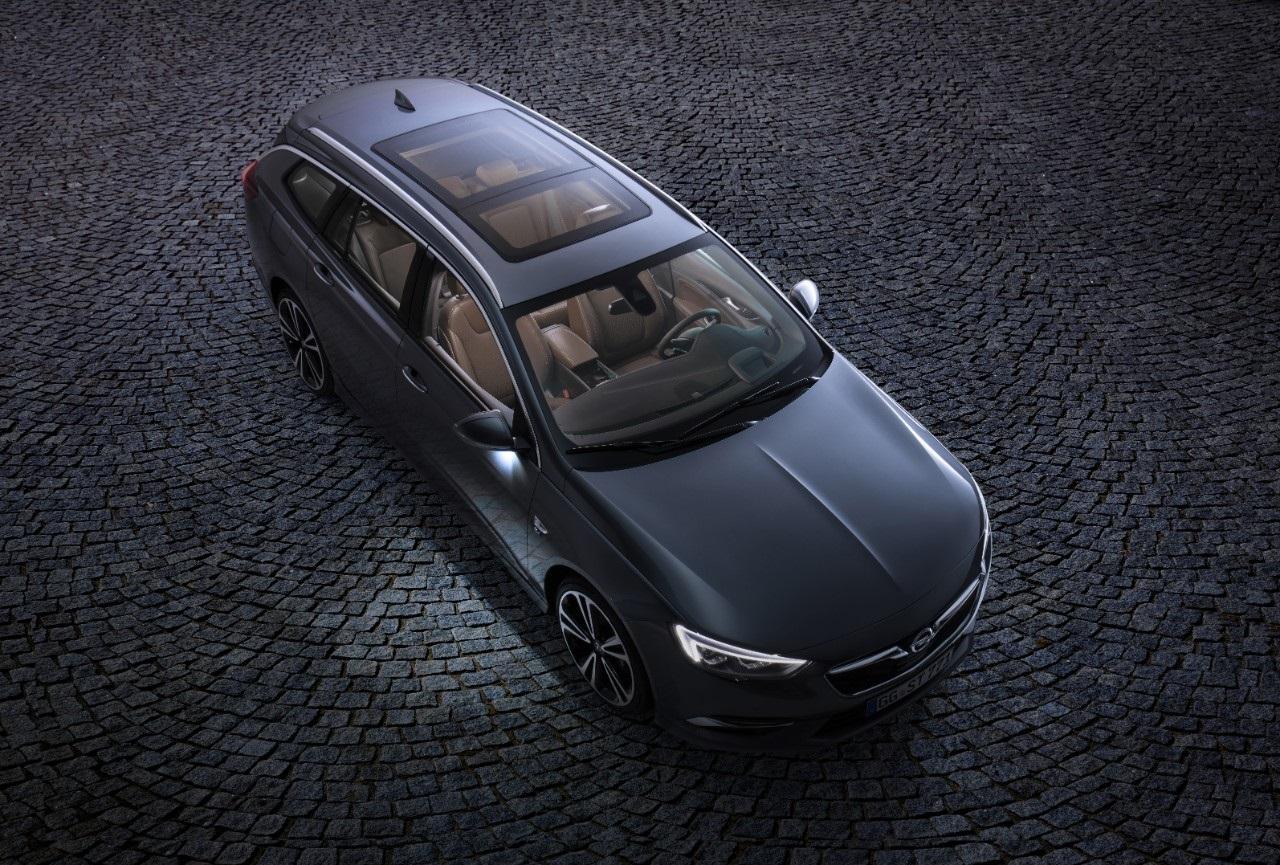
che Gm stia facendo "pulizia" in vista di un acquisizione di FCA? (perchè di acquisizione si tratterebbe non un matrimonio)agevolo....Messaggio Aggiornato il 10/04/2017 PRESS RELEASE ------------------------------------------------------------------------------------ Spy: Opel Insignia II [Sedan, SW] - Prj.B (Spy) Sedan: Opel Insignia Grand Sport 2017 Versione GSi: Opel Insignia GSi 2017 SW Rialzata: Opel Insigna Country Tourer 2017 ------------------------------------------------------------------------------------




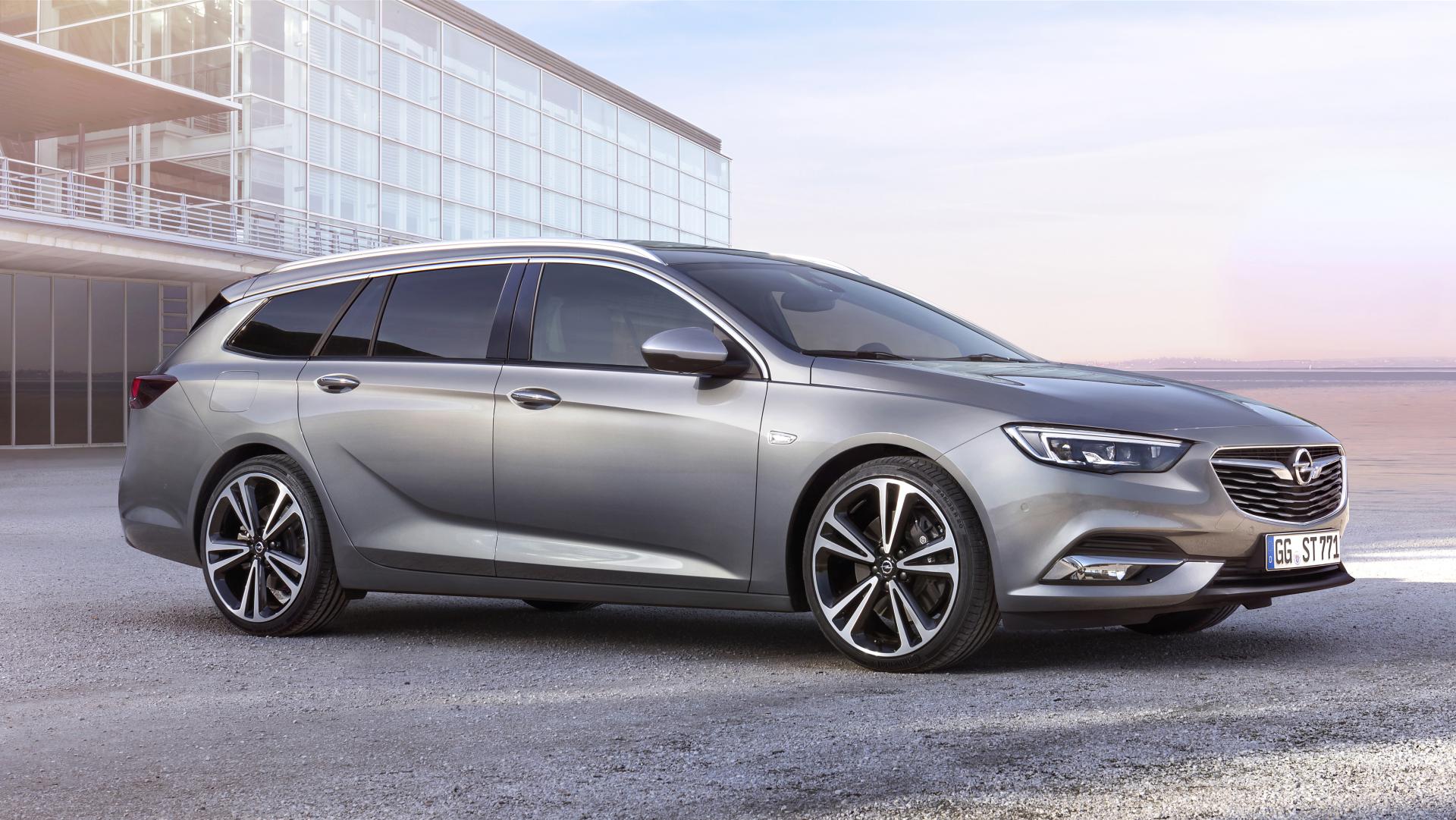
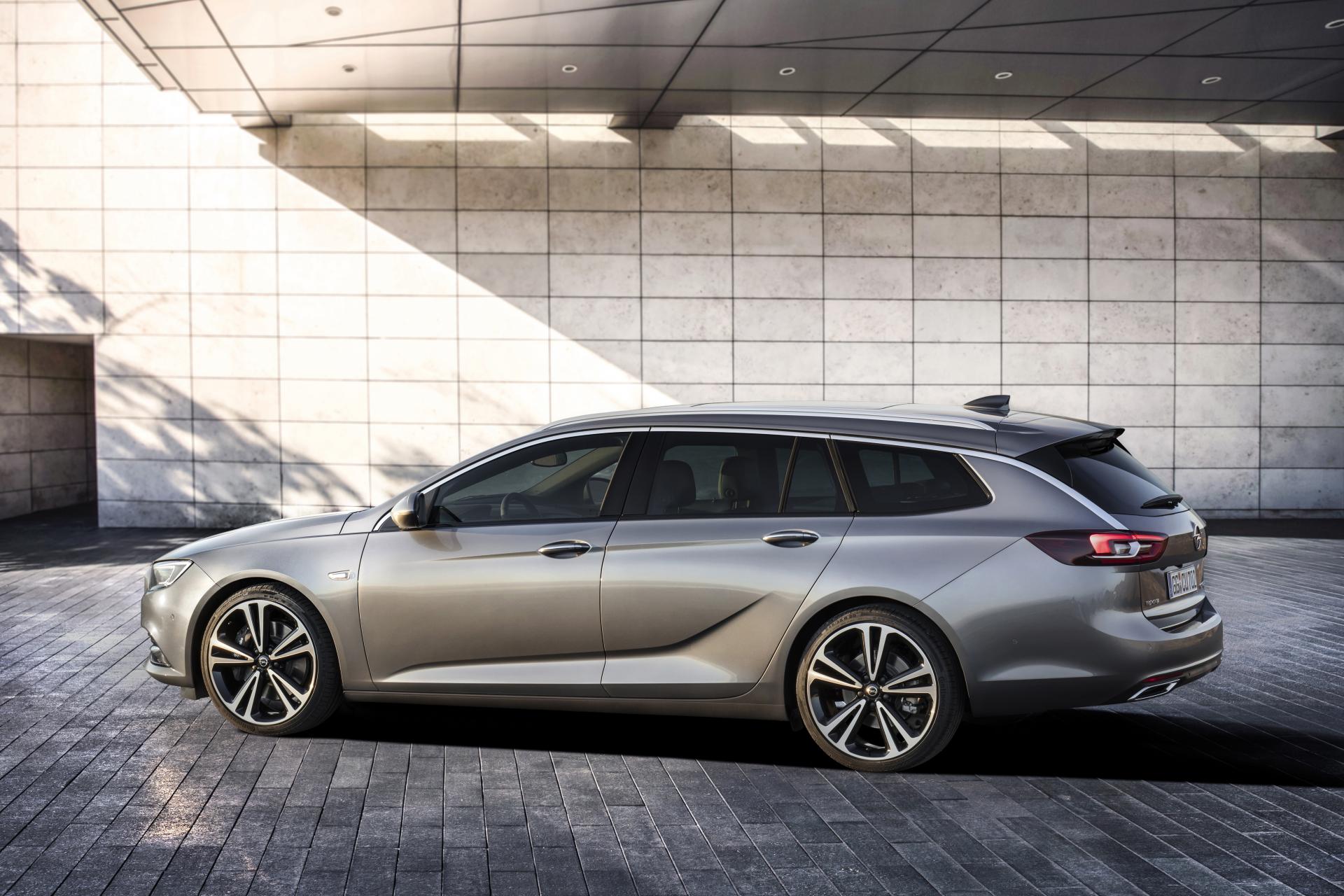
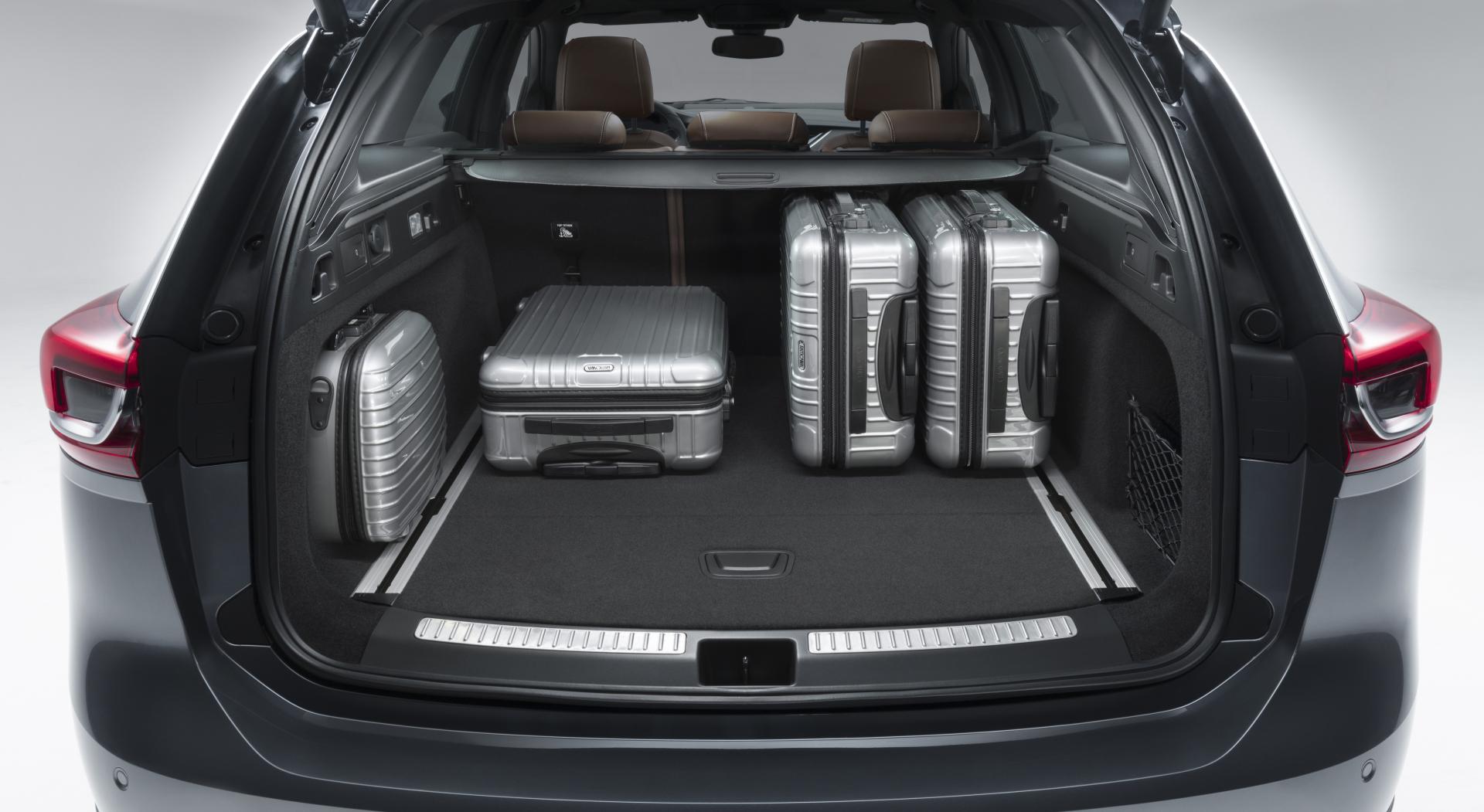

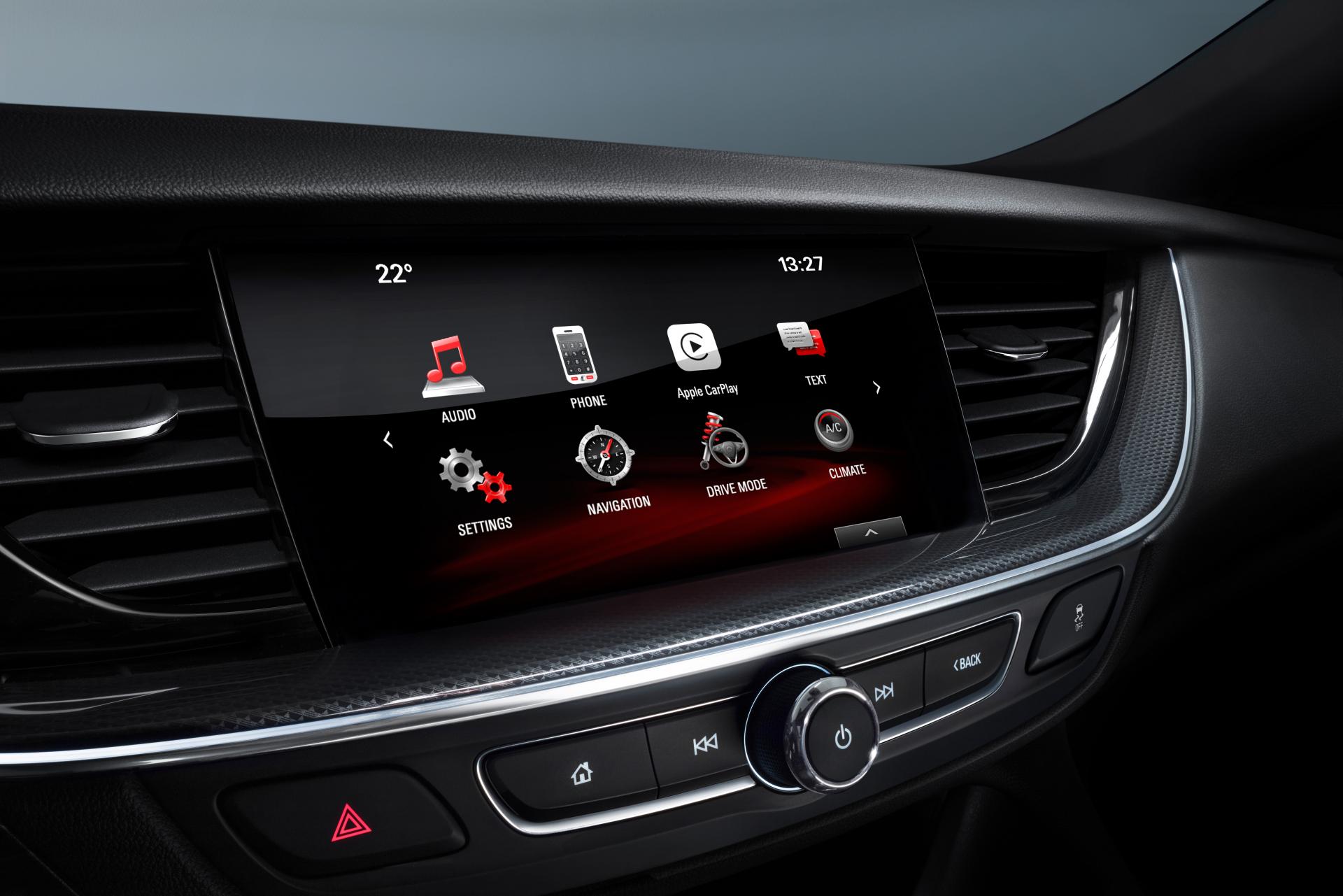

Account
Navigation
Cerca
Configure browser push notifications
Chrome (Android)
- Tap the lock icon next to the address bar.
- Tap Permissions → Notifications.
- Adjust your preference.
Chrome (Desktop)
- Click the padlock icon in the address bar.
- Select Site settings.
- Find Notifications and adjust your preference.
Safari (iOS 16.4+)
- Ensure the site is installed via Add to Home Screen.
- Open Settings App → Notifications.
- Find your app name and adjust your preference.
Safari (macOS)
- Go to Safari → Preferences.
- Click the Websites tab.
- Select Notifications in the sidebar.
- Find this website and adjust your preference.
Edge (Android)
- Tap the lock icon next to the address bar.
- Tap Permissions.
- Find Notifications and adjust your preference.
Edge (Desktop)
- Click the padlock icon in the address bar.
- Click Permissions for this site.
- Find Notifications and adjust your preference.
Firefox (Android)
- Go to Settings → Site permissions.
- Tap Notifications.
- Find this site in the list and adjust your preference.
Firefox (Desktop)
- Open Firefox Settings.
- Search for Notifications.
- Find this site in the list and adjust your preference.