





super pax
Utente Registrato
-
Iscritto il
-
Ultima visita
Tutti i contenuti di super pax
-
- 466 risposte
-
- auto in arrivo
- foto nuove auto
- golf
- golf facelift 2017
-
Taggato come:
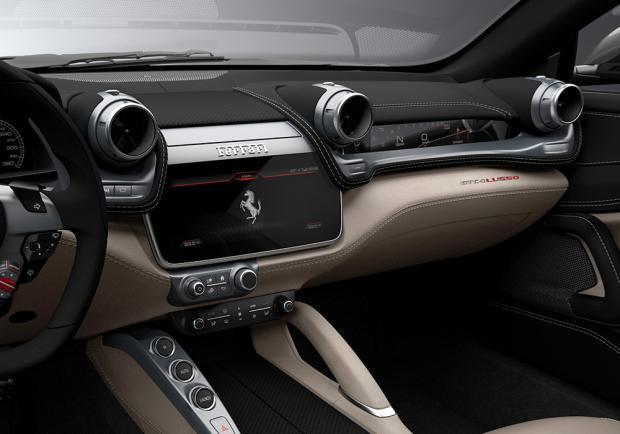
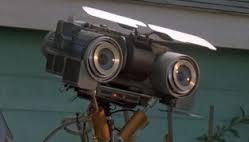
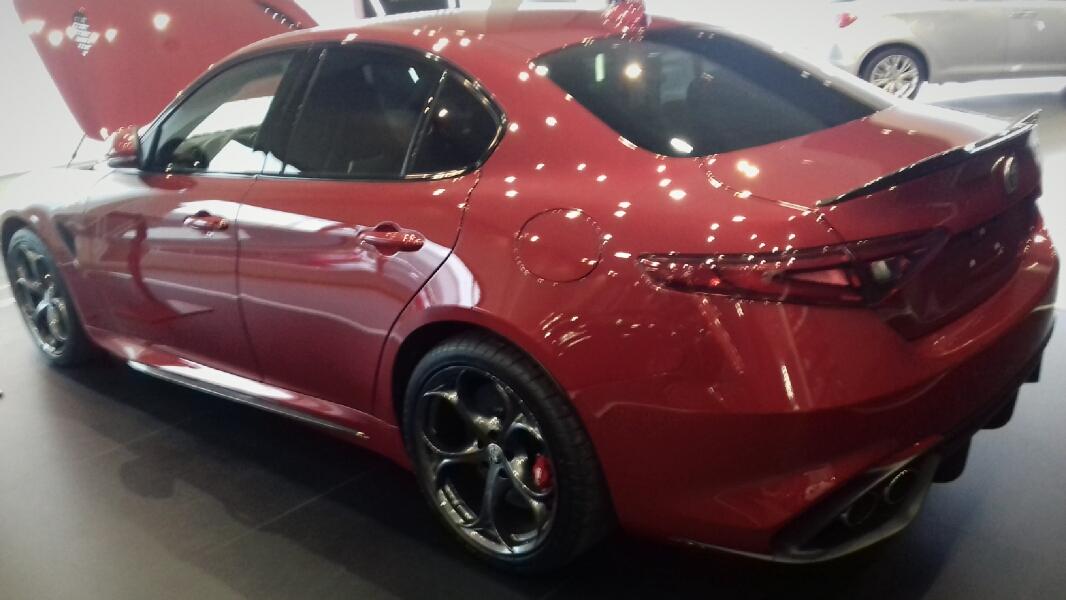
E messa "maluch"In questa foto c'è molto made in Italy.... Alfa,Buon caffè e belle fi...( italo Americane o più probabilmente dell'est ) In questa foto c'è molto made in Italy.... Alfa,Buon caffè e belle fi....Vista dal vivo in salone ,wow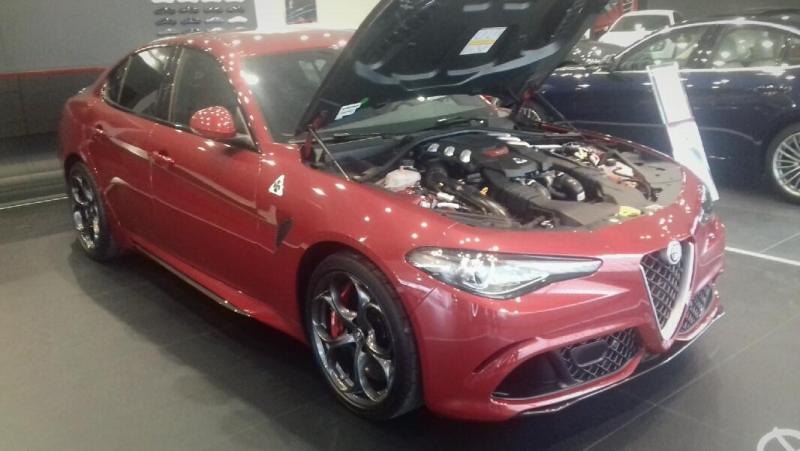
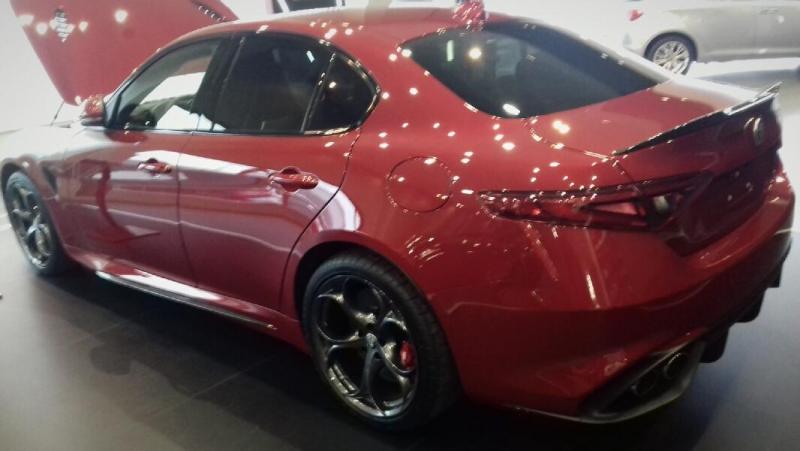 Ultimamente il giallo sta tornando di moda....

- 466 risposte
-
-

- 6
-
-
- auto in arrivo
- foto nuove auto
- golf
- golf facelift 2017
-
Taggato come:
- 466 risposte
-
- auto in arrivo
- foto nuove auto
- golf
- golf facelift 2017
-
Taggato come:
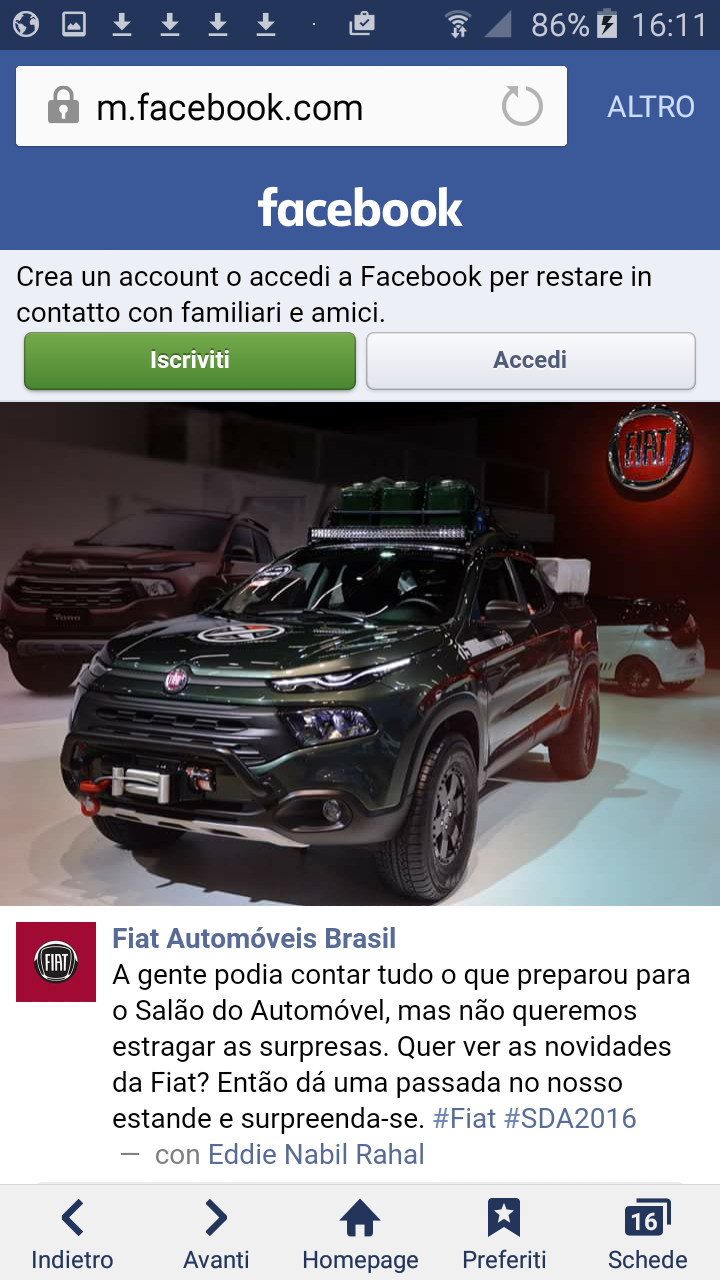
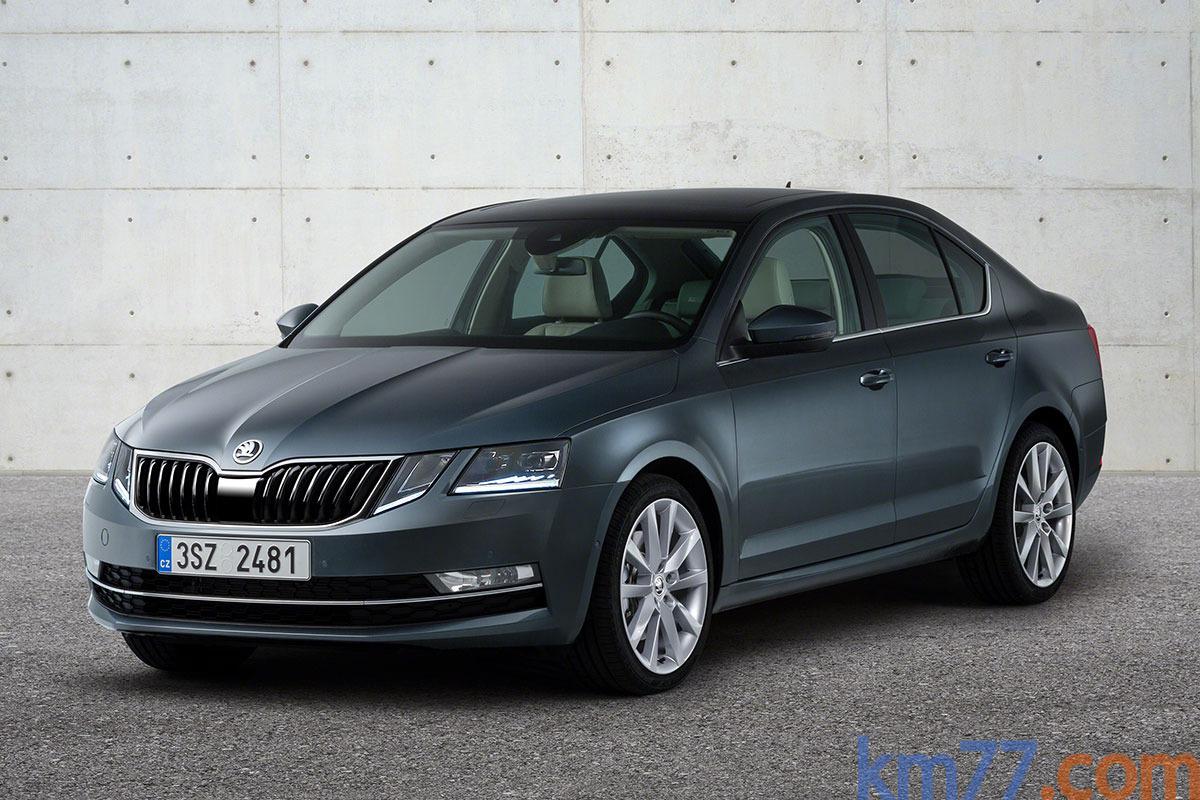
New entry nella Hit parade dei restyling peggiorativi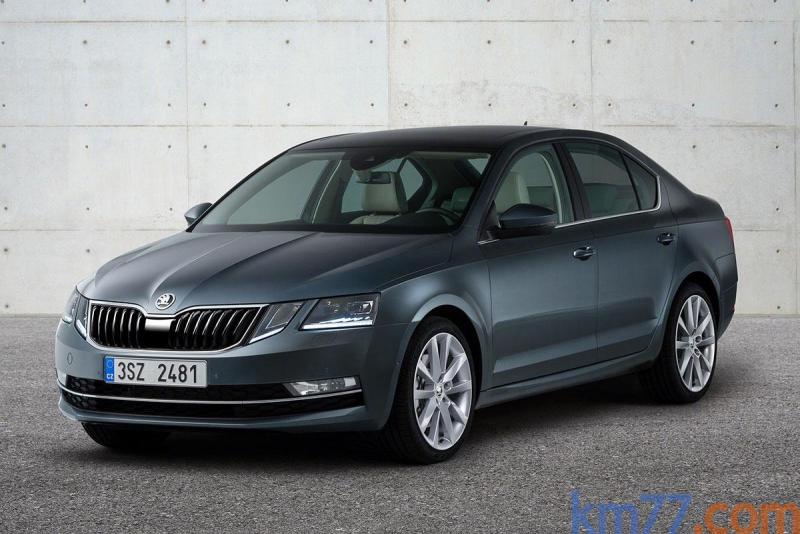













Account
Navigation
Cerca
Configure browser push notifications
Chrome (Android)
- Tap the lock icon next to the address bar.
- Tap Permissions → Notifications.
- Adjust your preference.
Chrome (Desktop)
- Click the padlock icon in the address bar.
- Select Site settings.
- Find Notifications and adjust your preference.
Safari (iOS 16.4+)
- Ensure the site is installed via Add to Home Screen.
- Open Settings App → Notifications.
- Find your app name and adjust your preference.
Safari (macOS)
- Go to Safari → Preferences.
- Click the Websites tab.
- Select Notifications in the sidebar.
- Find this website and adjust your preference.
Edge (Android)
- Tap the lock icon next to the address bar.
- Tap Permissions.
- Find Notifications and adjust your preference.
Edge (Desktop)
- Click the padlock icon in the address bar.
- Click Permissions for this site.
- Find Notifications and adjust your preference.
Firefox (Android)
- Go to Settings → Site permissions.
- Tap Notifications.
- Find this site in the list and adjust your preference.
Firefox (Desktop)
- Open Firefox Settings.
- Search for Notifications.
- Find this site in the list and adjust your preference.