





super pax
Utente Registrato
-
Iscritto il
-
Ultima visita
Tutti i contenuti di super pax
-
Fino a poco tempo fa' ne girava una dalle mie parti,esteticamente non mi ha mai entusiasmato. Tabella vendite europee (fonte Honda blog Italia)
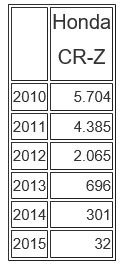
.png.6b4d62c58e59d202ae37946d9e8e6c8d.png)
-
-
Taglio dei costi?Mica ho detto il contrario E palese che meccanicamente 156 fosse di prim'ordine,una tra le migliori t.a di tutti i tempi.Io invece preferisco la plancia della easy senza il Tablet iso mercedes ,soluzione che non amo in generale.Beccata oggi nel parcheggio dell'iper Lancia gamma coupé






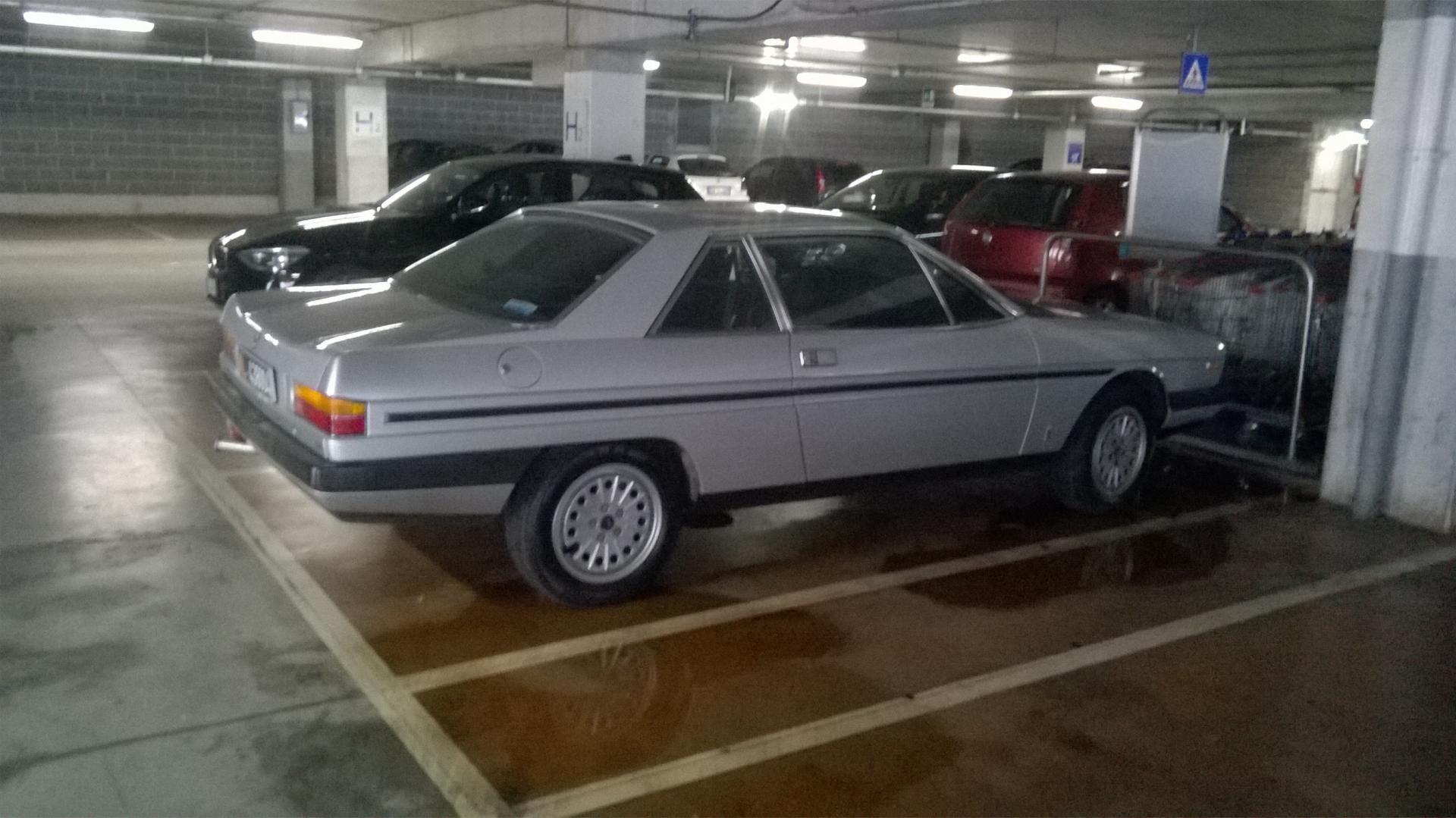

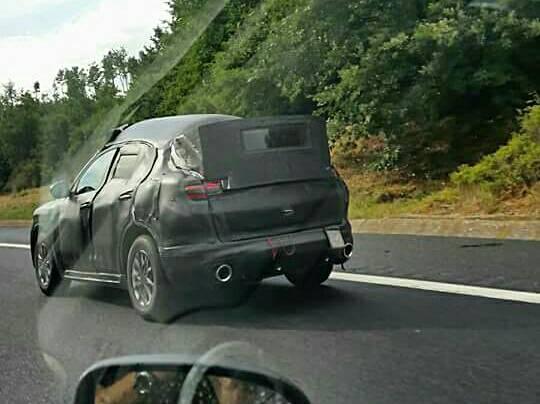
.jpg.2d7d348c1ee9f0f58d5d8490f64f25f0.jpg)

.jpg.e8fb40b219a30f22de0d41991668101e.jpg)
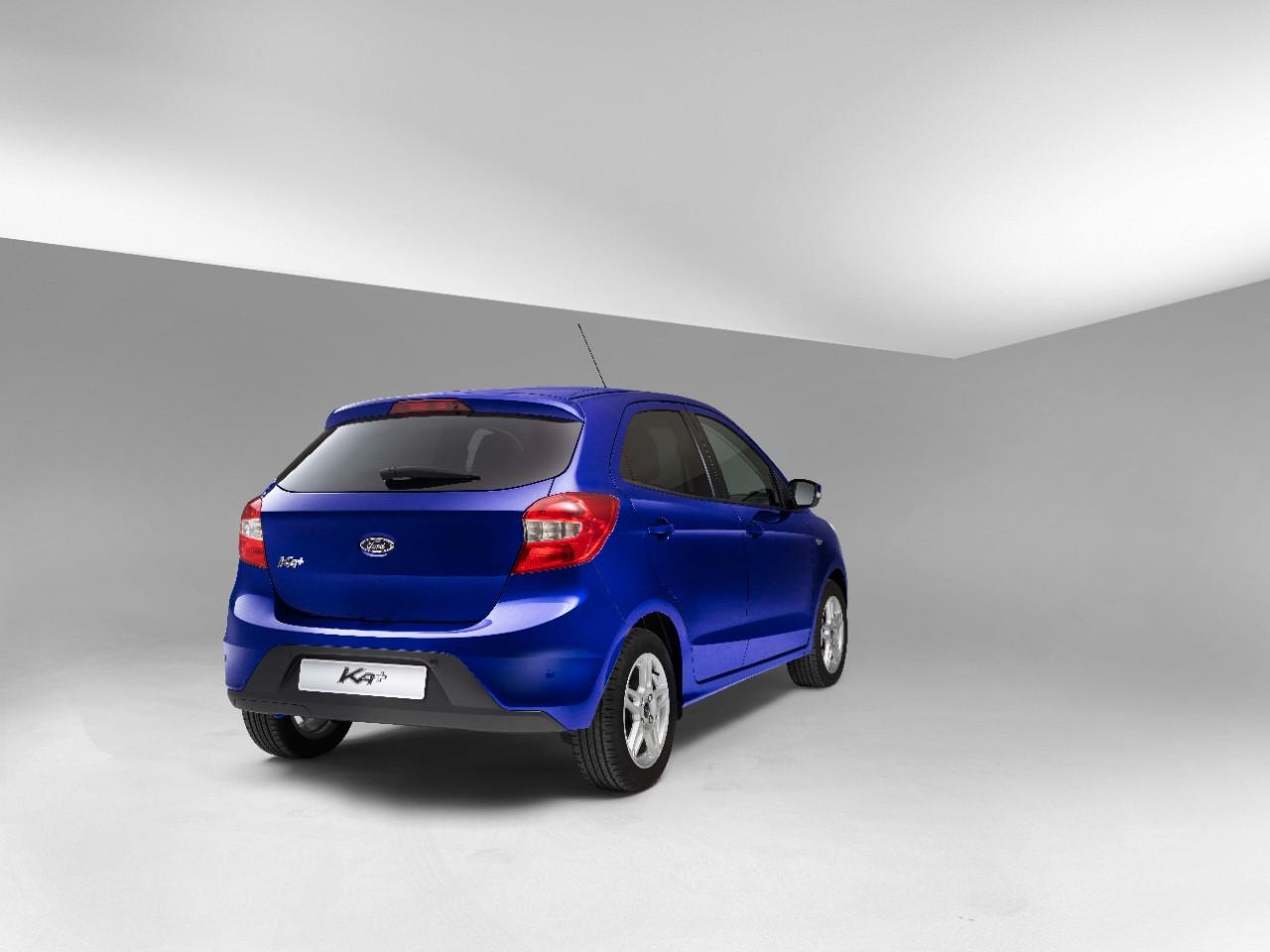

Account
Navigation
Cerca
Configure browser push notifications
Chrome (Android)
- Tap the lock icon next to the address bar.
- Tap Permissions → Notifications.
- Adjust your preference.
Chrome (Desktop)
- Click the padlock icon in the address bar.
- Select Site settings.
- Find Notifications and adjust your preference.
Safari (iOS 16.4+)
- Ensure the site is installed via Add to Home Screen.
- Open Settings App → Notifications.
- Find your app name and adjust your preference.
Safari (macOS)
- Go to Safari → Preferences.
- Click the Websites tab.
- Select Notifications in the sidebar.
- Find this website and adjust your preference.
Edge (Android)
- Tap the lock icon next to the address bar.
- Tap Permissions.
- Find Notifications and adjust your preference.
Edge (Desktop)
- Click the padlock icon in the address bar.
- Click Permissions for this site.
- Find Notifications and adjust your preference.
Firefox (Android)
- Go to Settings → Site permissions.
- Tap Notifications.
- Find this site in the list and adjust your preference.
Firefox (Desktop)
- Open Firefox Settings.
- Search for Notifications.
- Find this site in the list and adjust your preference.