reckoner00
Utente Registrato
-
Iscritto il
Tutti i contenuti di reckoner00
-
motor.es
-
• The Monaco F1 Grand Prix weekend will see New Mégane R.S. make its first public appearance around the Principality’s famous street track on May 26 in the hands of Nico Hülkenberg.• Mégane R.S. will sport a yellow and black livery to mark Renault Sport’s colours.• New Mégane R.S. will be unveiled at next September’s Frankfurt Motor Show. http://media.renault.com/global/en-gb/renault/media/shortnews.aspx?mediaid=91554&nodeid=product63&utm_campaign=rss_tous types de média&utm_medium=rss&utm_source=media.renault.com
-
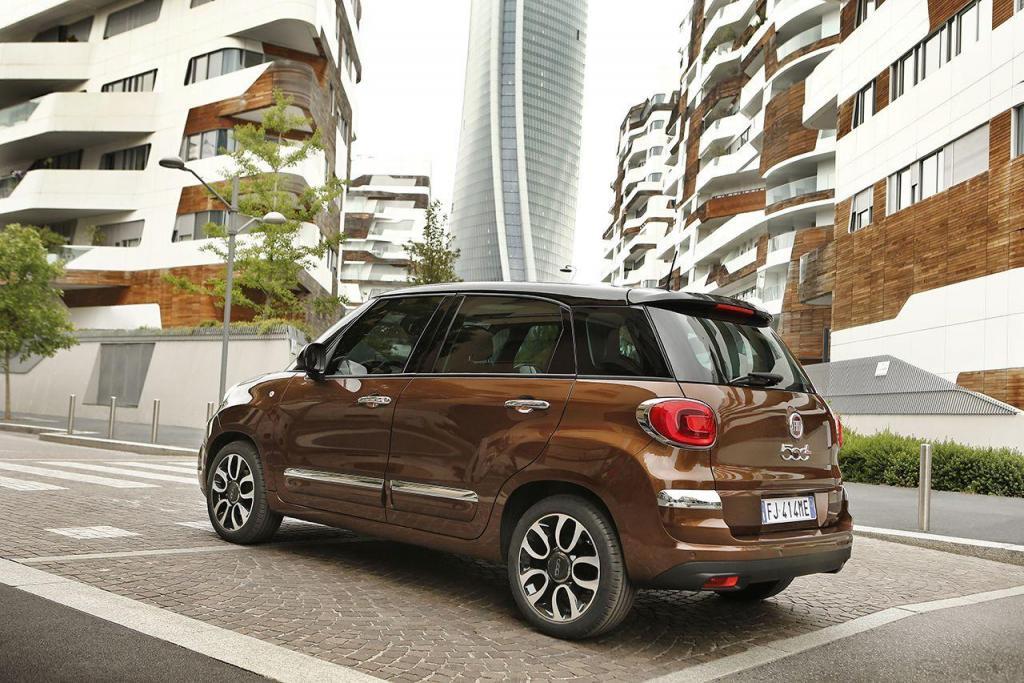
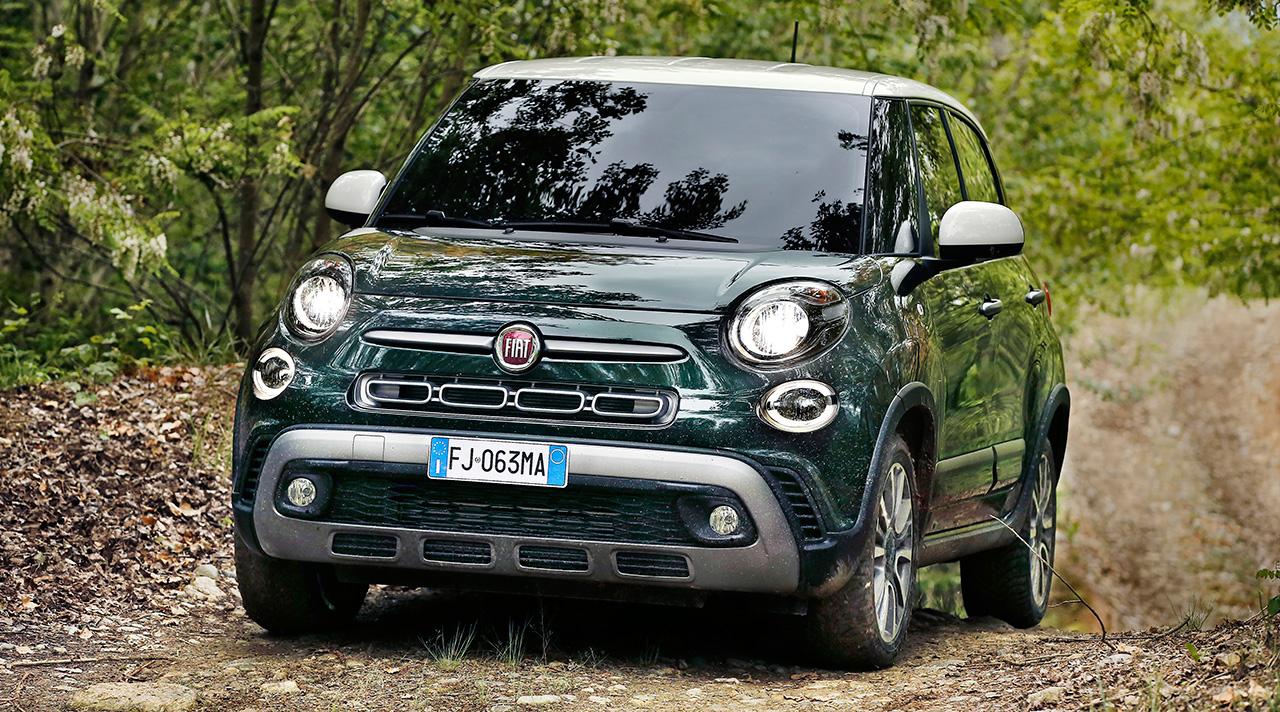
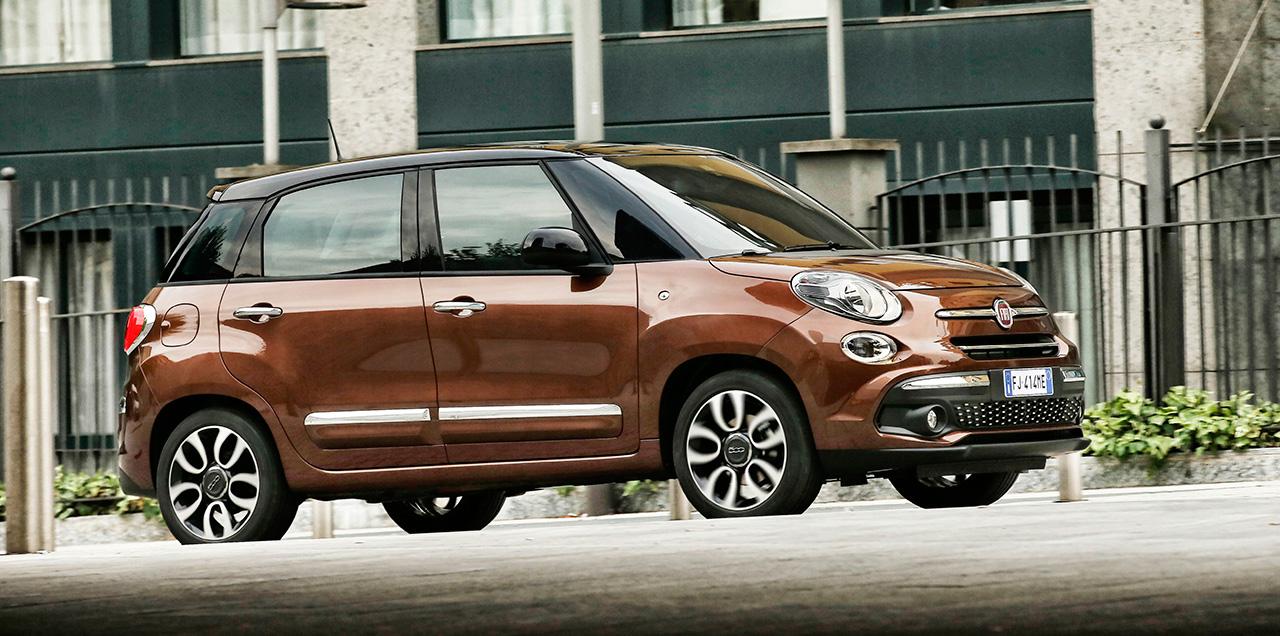
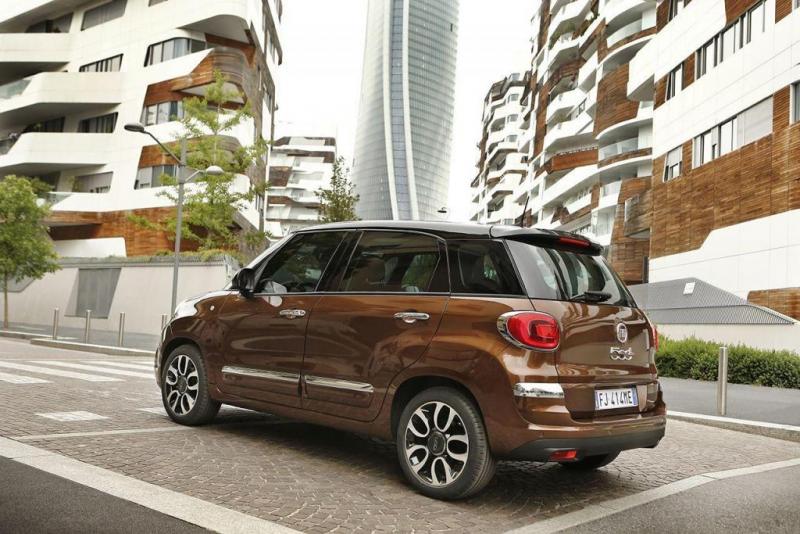
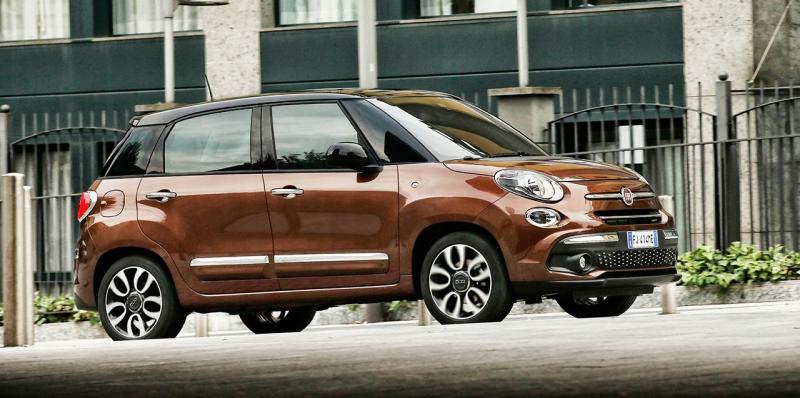
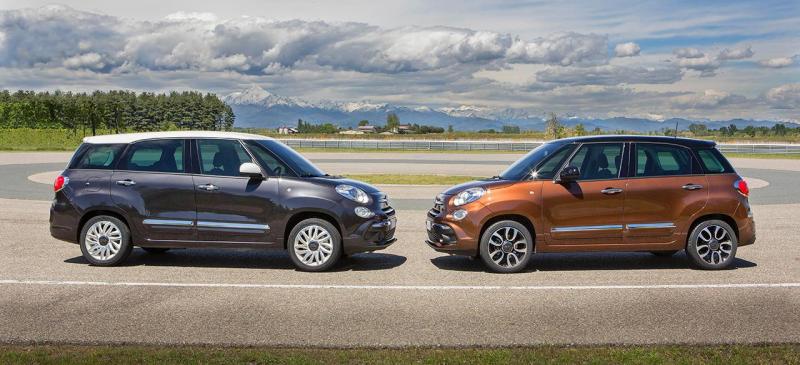
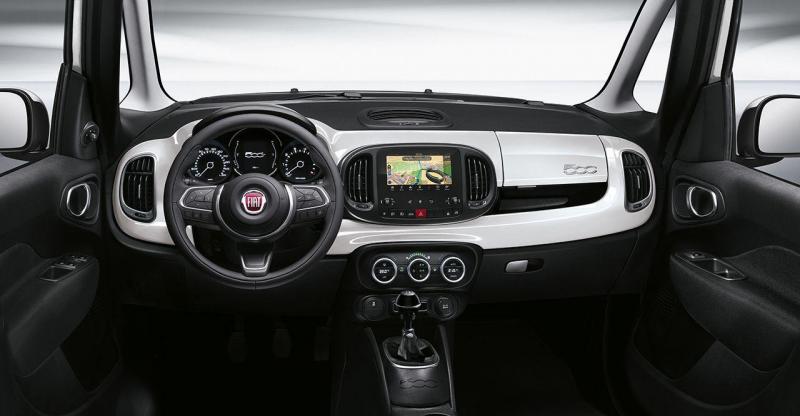
Configuratore: https://www.fiat.it/fiat-500l/configuratore-500l
-
Press Release http://www.fiatpress.com/press/article/la-nuova-fiat-500l Topic Spy: http://www.autopareri.com/forums/topic/62146-fiat-500l-facelift-spy/

-
Hyundai i30N prototype: new hot hatch driven - https://www.autocar.co.uk/car-news/n...t-hatch-driven autoevolutionhttp://www.auto-motor-und-sport.de/fahrberichte/hyundai-i30-n-prototyp-fahrbericht-kompaktwagen-11854039.html motor1
Account
Navigation
Cerca
Configure browser push notifications
Chrome (Android)
- Tap the lock icon next to the address bar.
- Tap Permissions → Notifications.
- Adjust your preference.
Chrome (Desktop)
- Click the padlock icon in the address bar.
- Select Site settings.
- Find Notifications and adjust your preference.
Safari (iOS 16.4+)
- Ensure the site is installed via Add to Home Screen.
- Open Settings App → Notifications.
- Find your app name and adjust your preference.
Safari (macOS)
- Go to Safari → Preferences.
- Click the Websites tab.
- Select Notifications in the sidebar.
- Find this website and adjust your preference.
Edge (Android)
- Tap the lock icon next to the address bar.
- Tap Permissions.
- Find Notifications and adjust your preference.
Edge (Desktop)
- Click the padlock icon in the address bar.
- Click Permissions for this site.
- Find Notifications and adjust your preference.
Firefox (Android)
- Go to Settings → Site permissions.
- Tap Notifications.
- Find this site in the list and adjust your preference.
Firefox (Desktop)
- Open Firefox Settings.
- Search for Notifications.
- Find this site in the list and adjust your preference.