





super pax
Utente Registrato
-
Iscritto il
-
Ultima visita
Tutti i contenuti di super pax
-
-
-
-
-
-
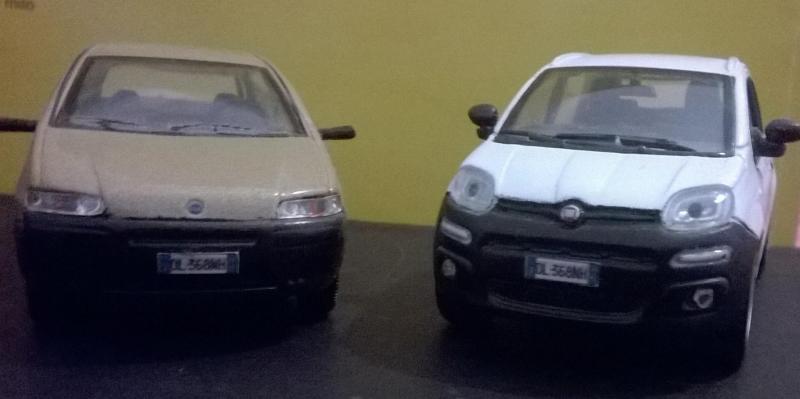
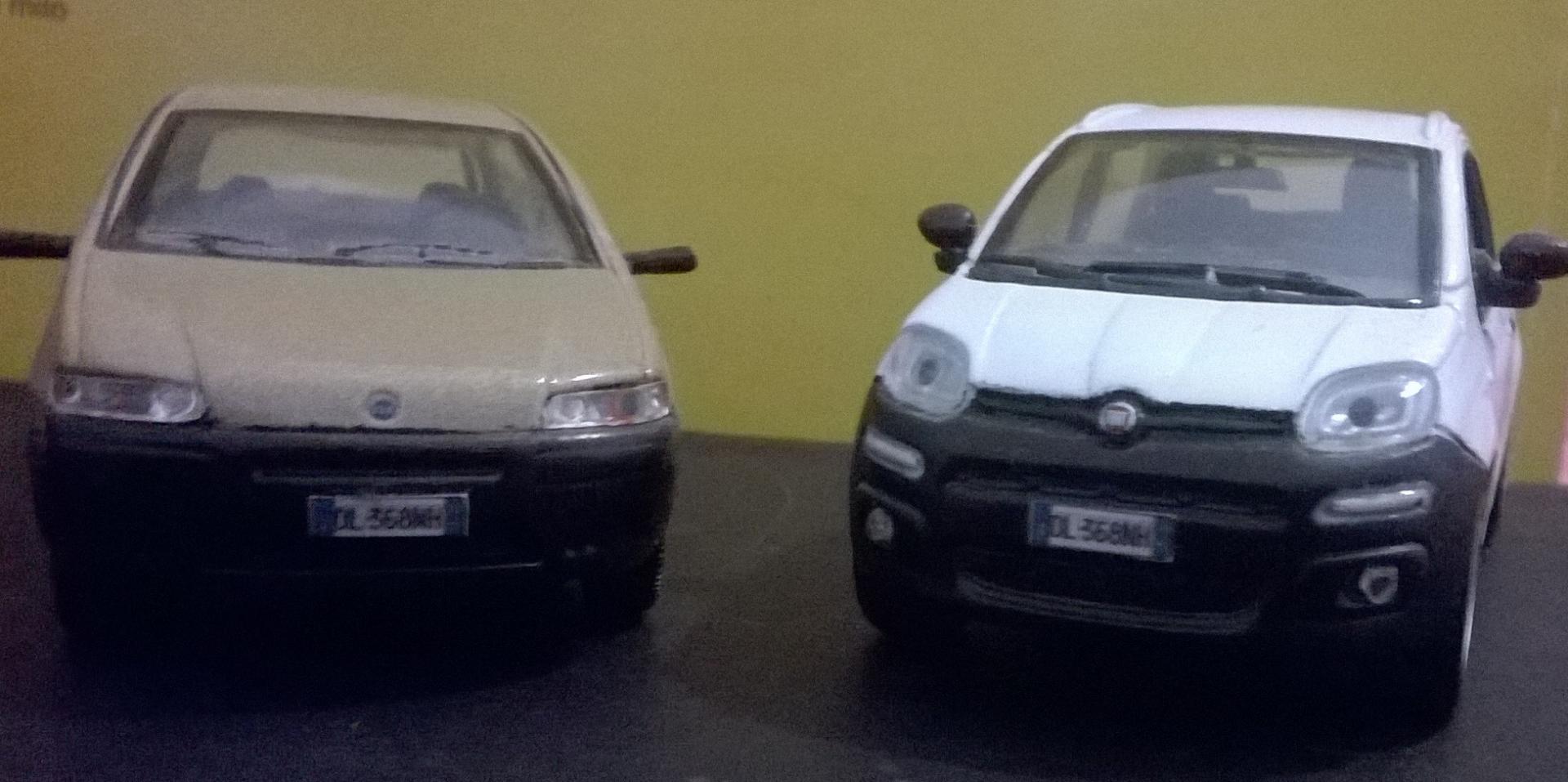
Agghindata cosi sembra una tata nano.Barbon Edition Collection 1/43

- 23 risposte
-
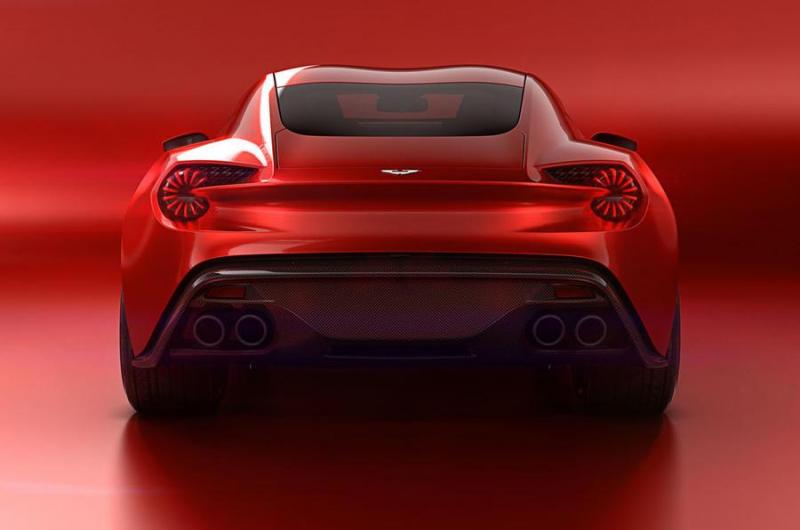
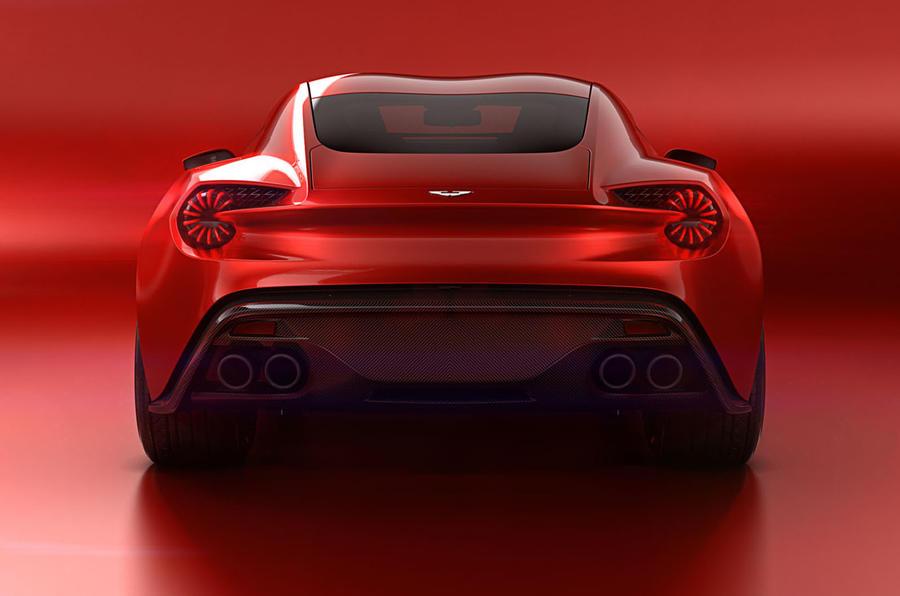
- aston martin
- aston martin zagato
- aston martin vanquish
- aston martin vanquish zagato concept
-
Taggato come:
- aston martin
- aston martin zagato
- aston martin vanquish
- aston martin vanquish zagato concept
- aston martin vanquish zagato concept 2016
- auto in arrivo
- concept
- foto nuove auto
- novità auto
- novità auto 2016
- nuove auto
- presentazioni auto
- sondaggio
- topic ufficiale
- ufficiale
- vanquish zagato concept
- zagato
- zagato concept


.jpg.0c1213941e86ad0f791c0b20cd6c3a80.jpg)
.jpg.6d1df5d1ba7adb4a07a4e68c3b7f2854.jpg)



Account
Navigation
Cerca
Configure browser push notifications
Chrome (Android)
- Tap the lock icon next to the address bar.
- Tap Permissions → Notifications.
- Adjust your preference.
Chrome (Desktop)
- Click the padlock icon in the address bar.
- Select Site settings.
- Find Notifications and adjust your preference.
Safari (iOS 16.4+)
- Ensure the site is installed via Add to Home Screen.
- Open Settings App → Notifications.
- Find your app name and adjust your preference.
Safari (macOS)
- Go to Safari → Preferences.
- Click the Websites tab.
- Select Notifications in the sidebar.
- Find this website and adjust your preference.
Edge (Android)
- Tap the lock icon next to the address bar.
- Tap Permissions.
- Find Notifications and adjust your preference.
Edge (Desktop)
- Click the padlock icon in the address bar.
- Click Permissions for this site.
- Find Notifications and adjust your preference.
Firefox (Android)
- Go to Settings → Site permissions.
- Tap Notifications.
- Find this site in the list and adjust your preference.
Firefox (Desktop)
- Open Firefox Settings.
- Search for Notifications.
- Find this site in the list and adjust your preference.