A_D
Utente Registrato
-
Iscritto il
-
Ultima visita
-
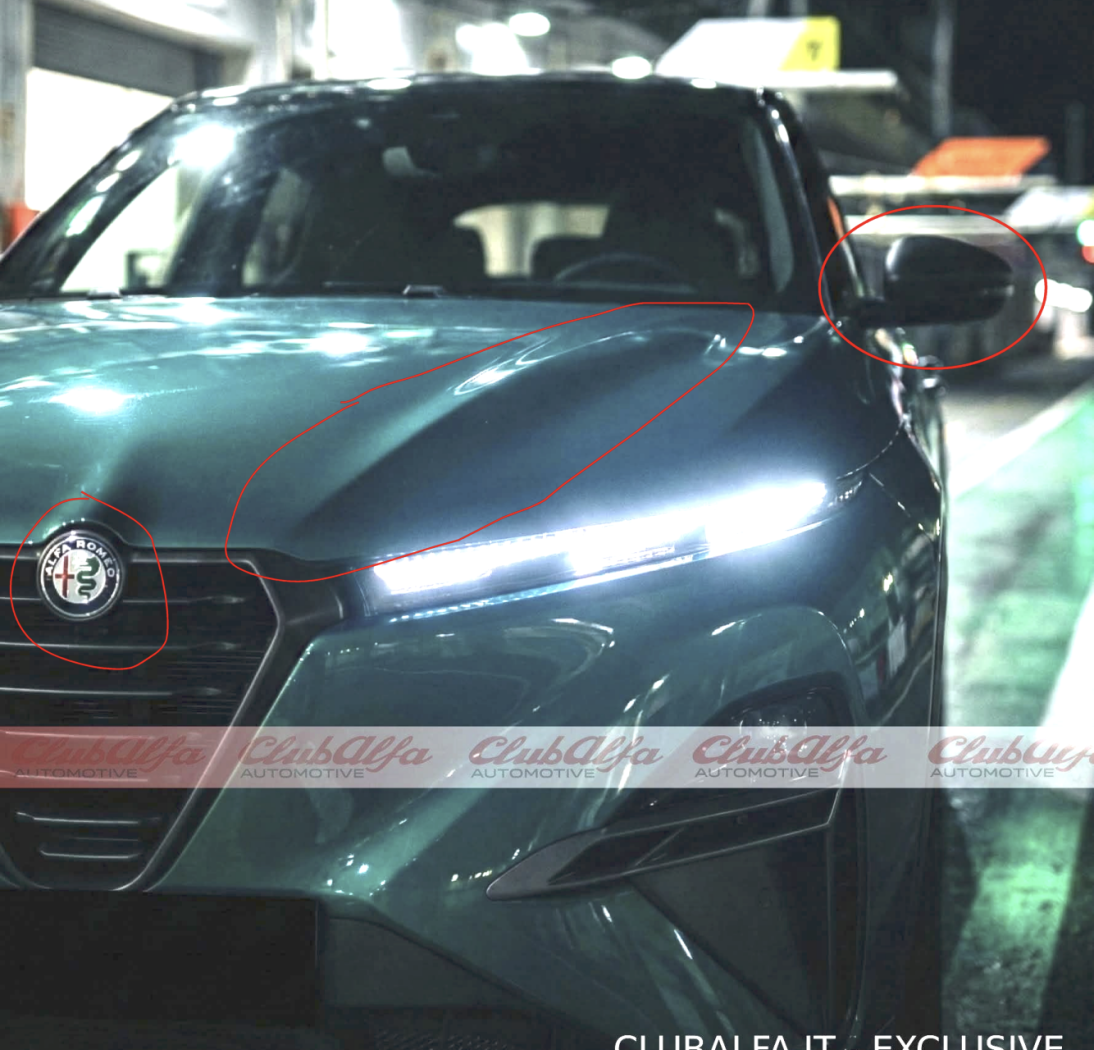
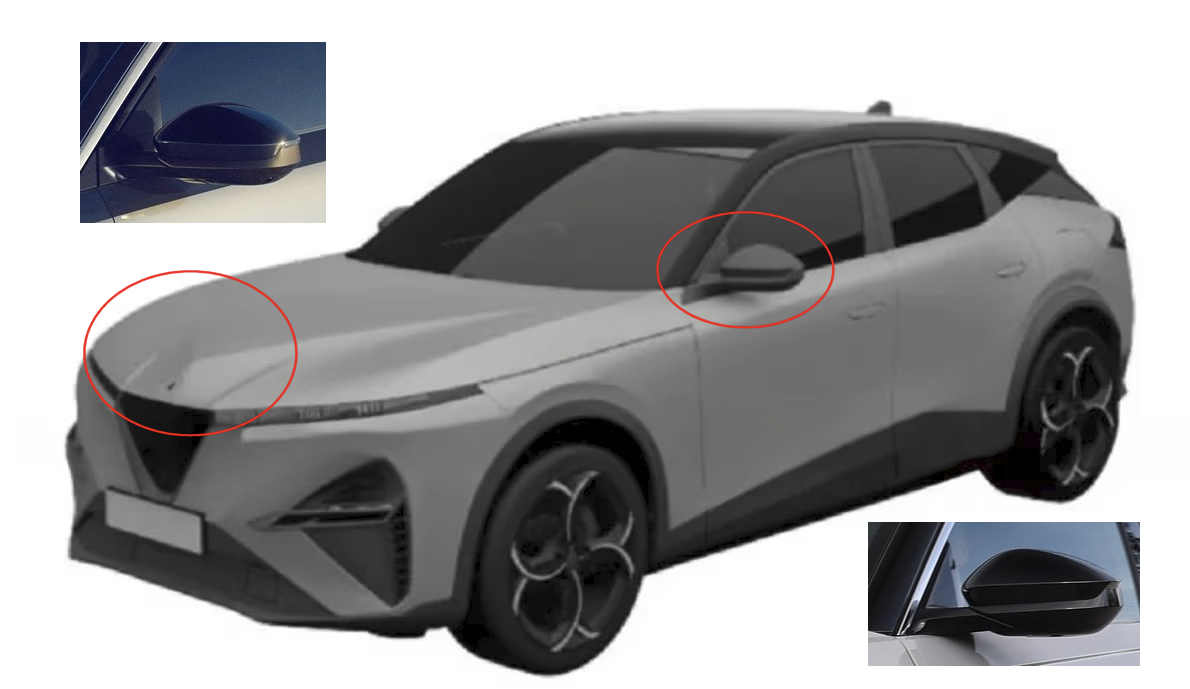
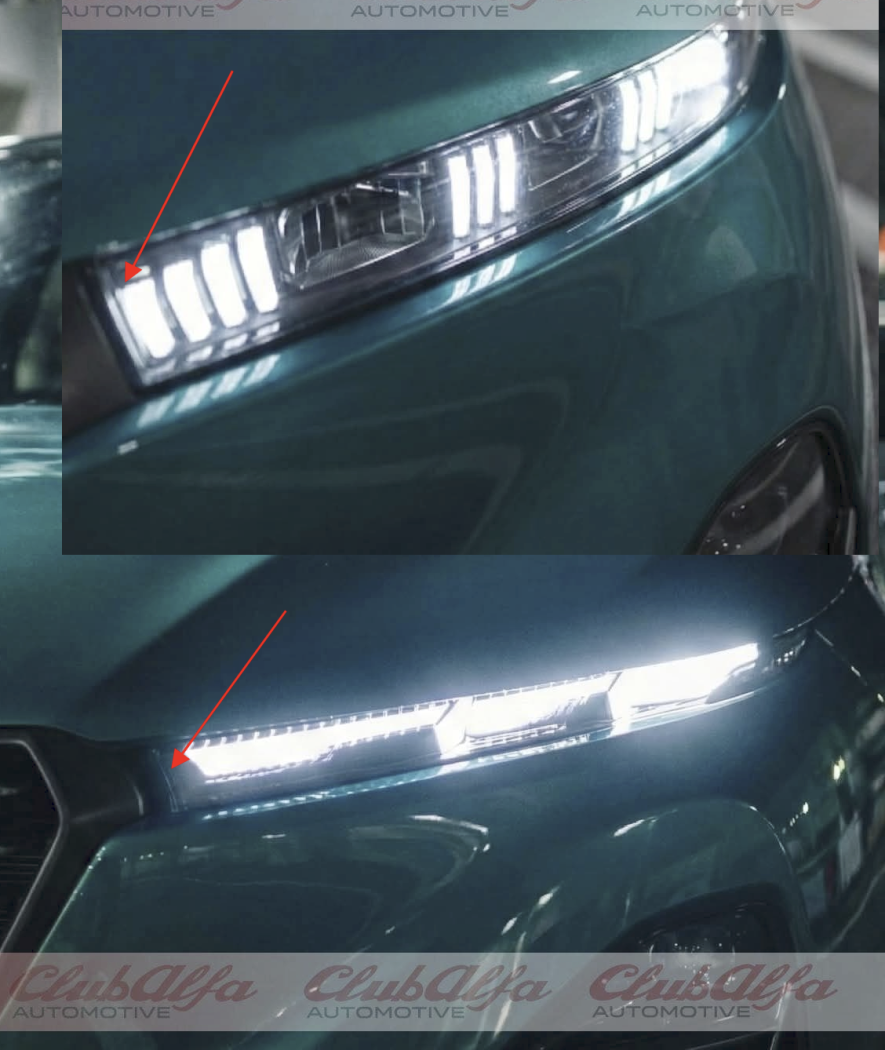
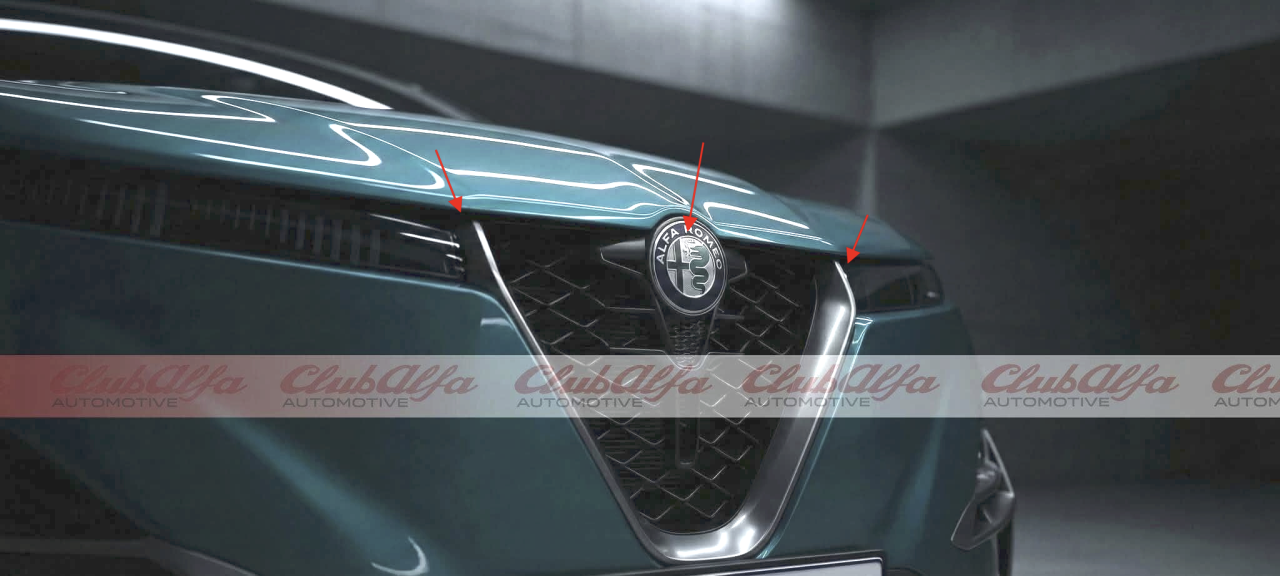
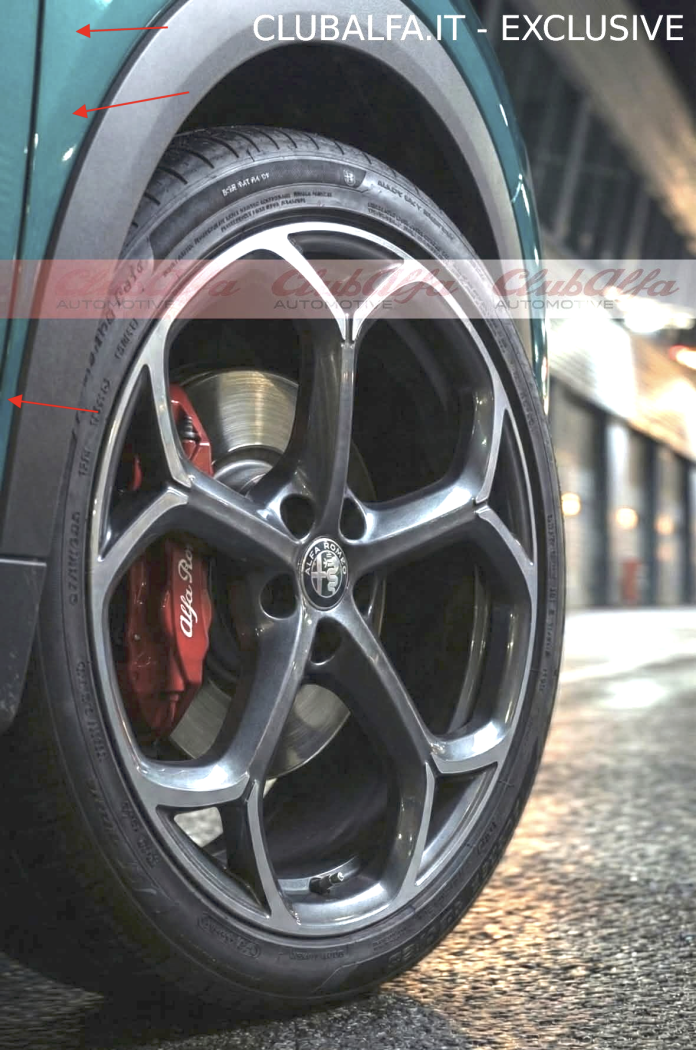
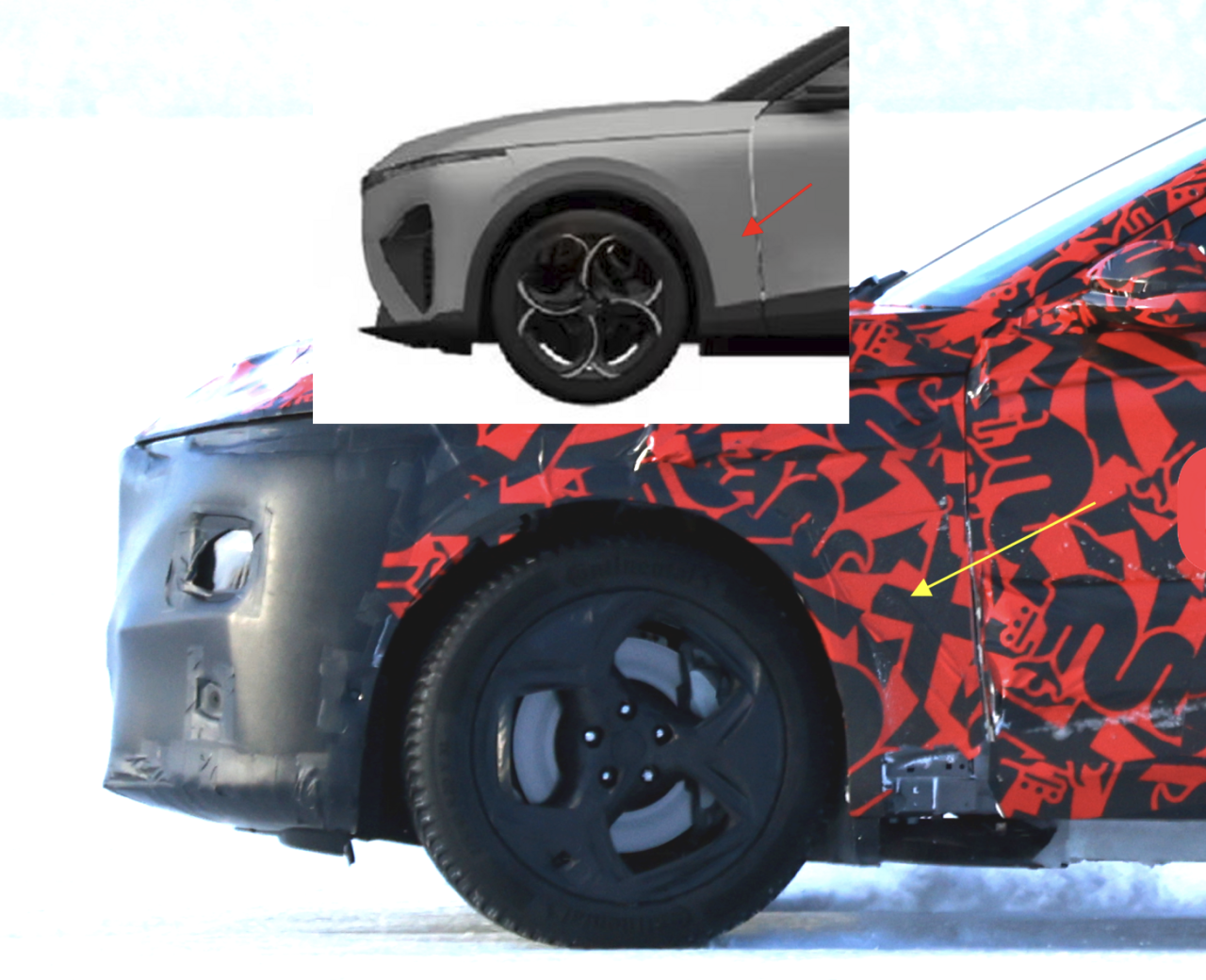
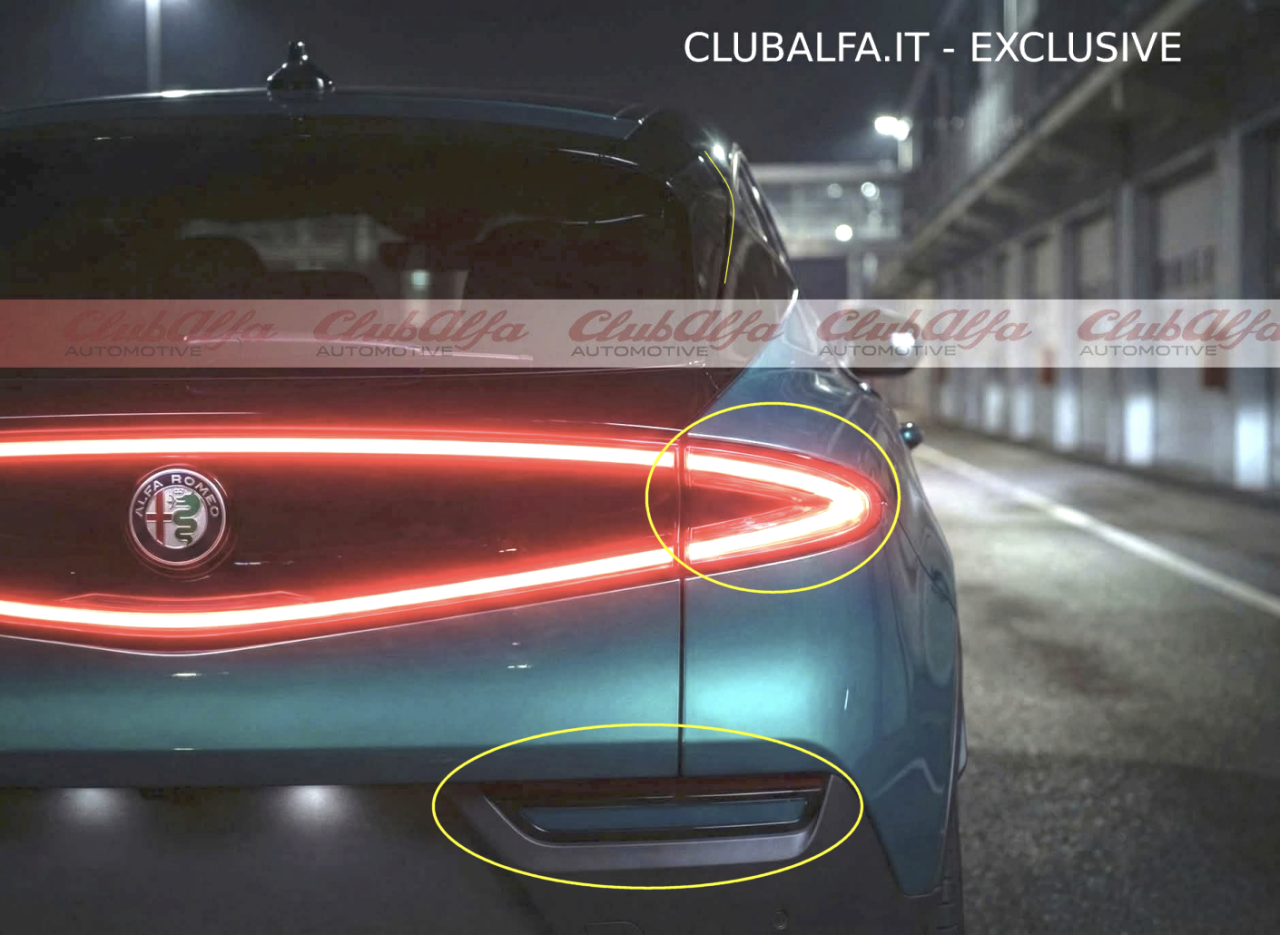
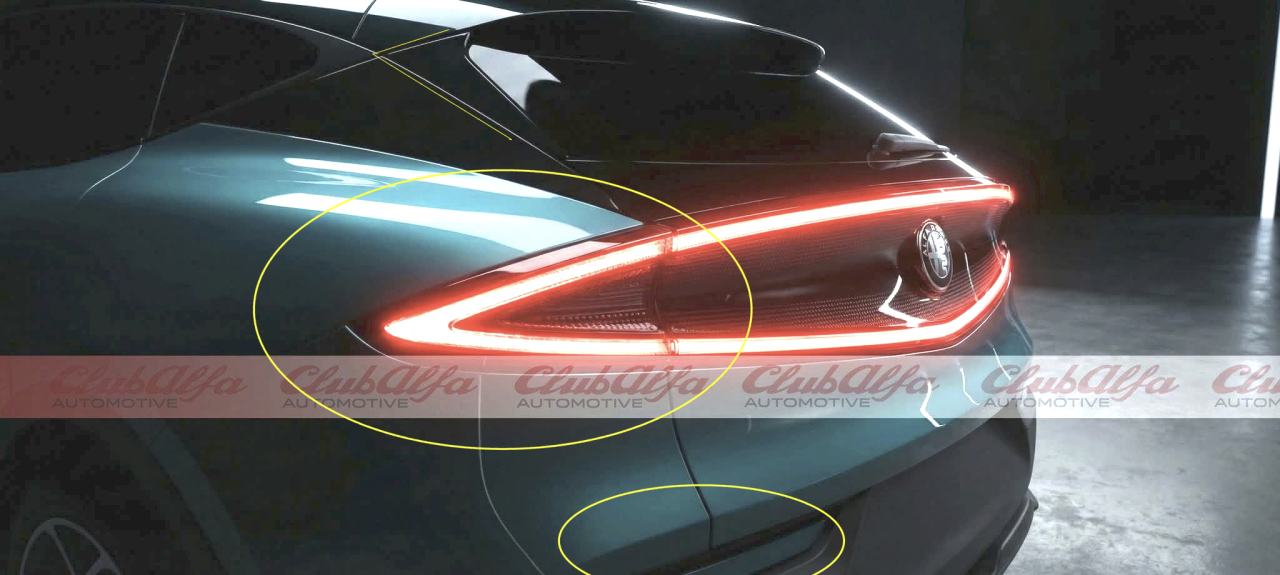
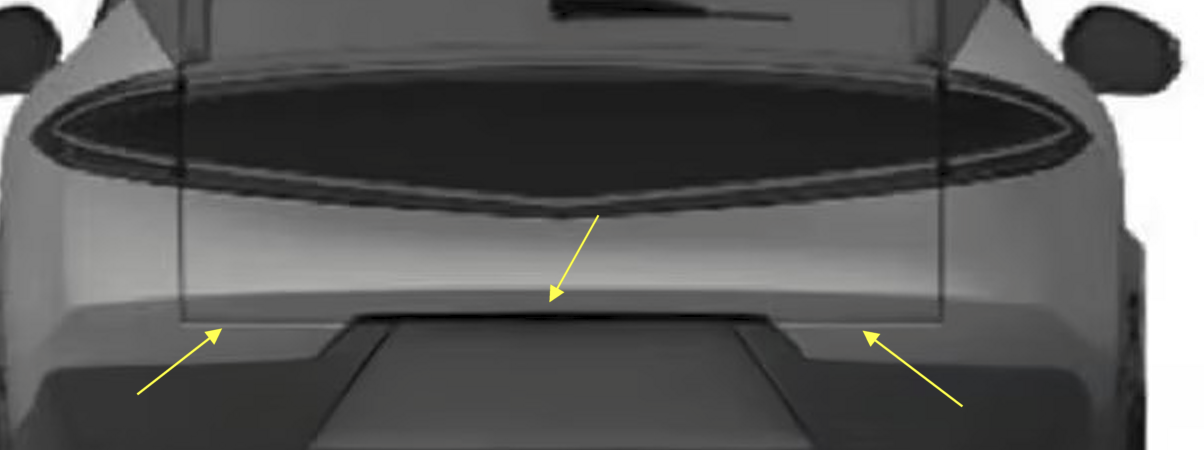
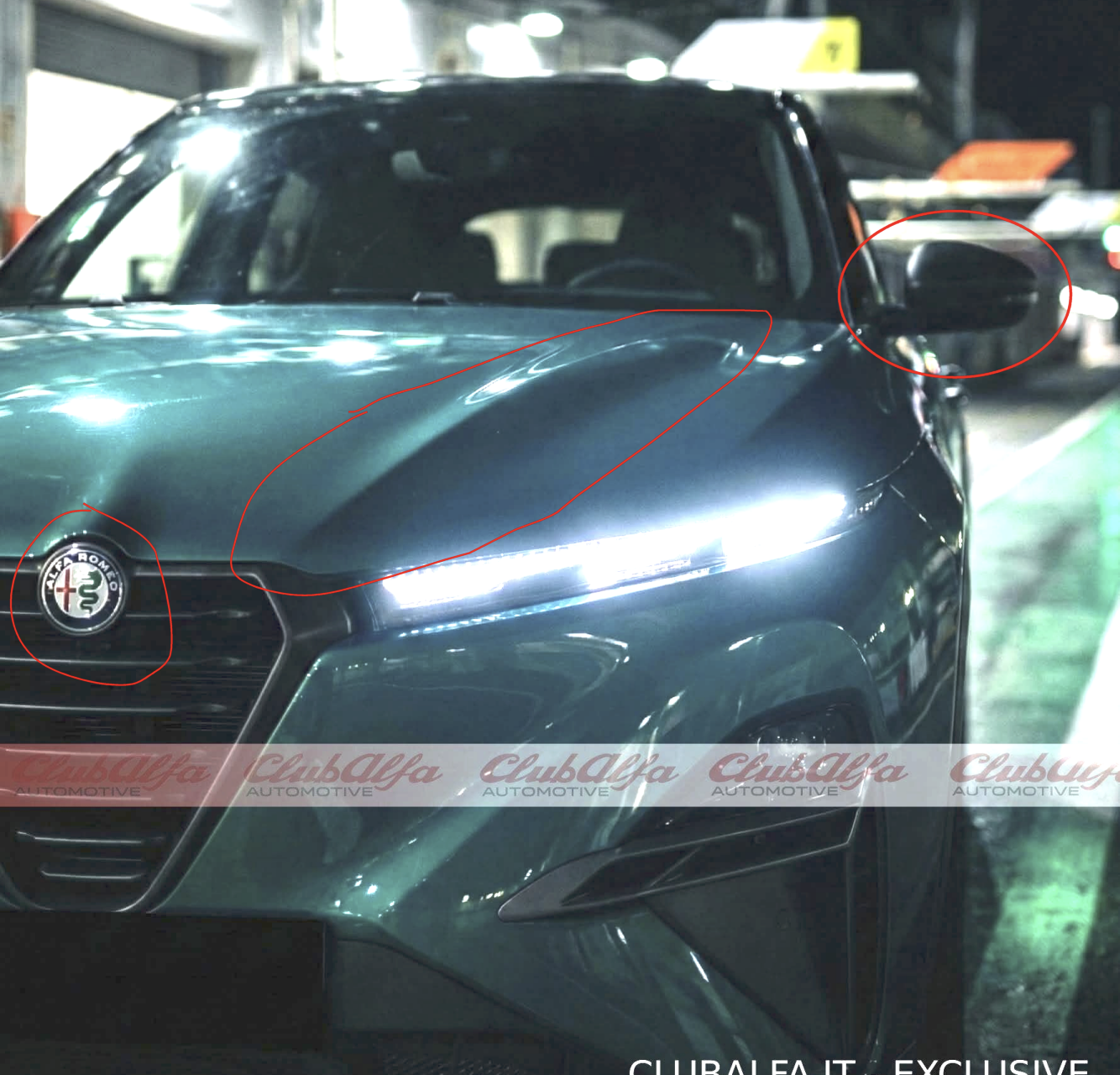
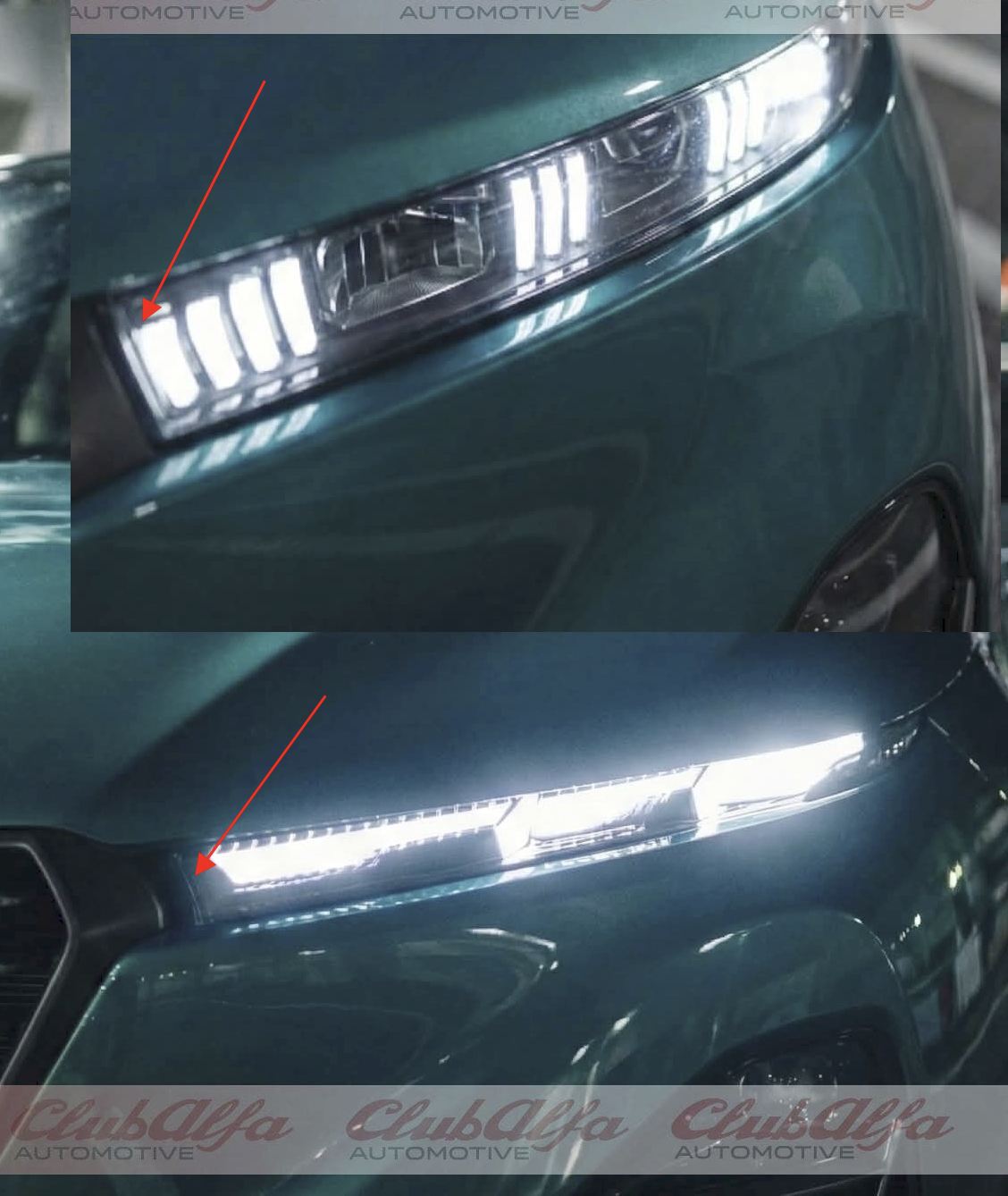
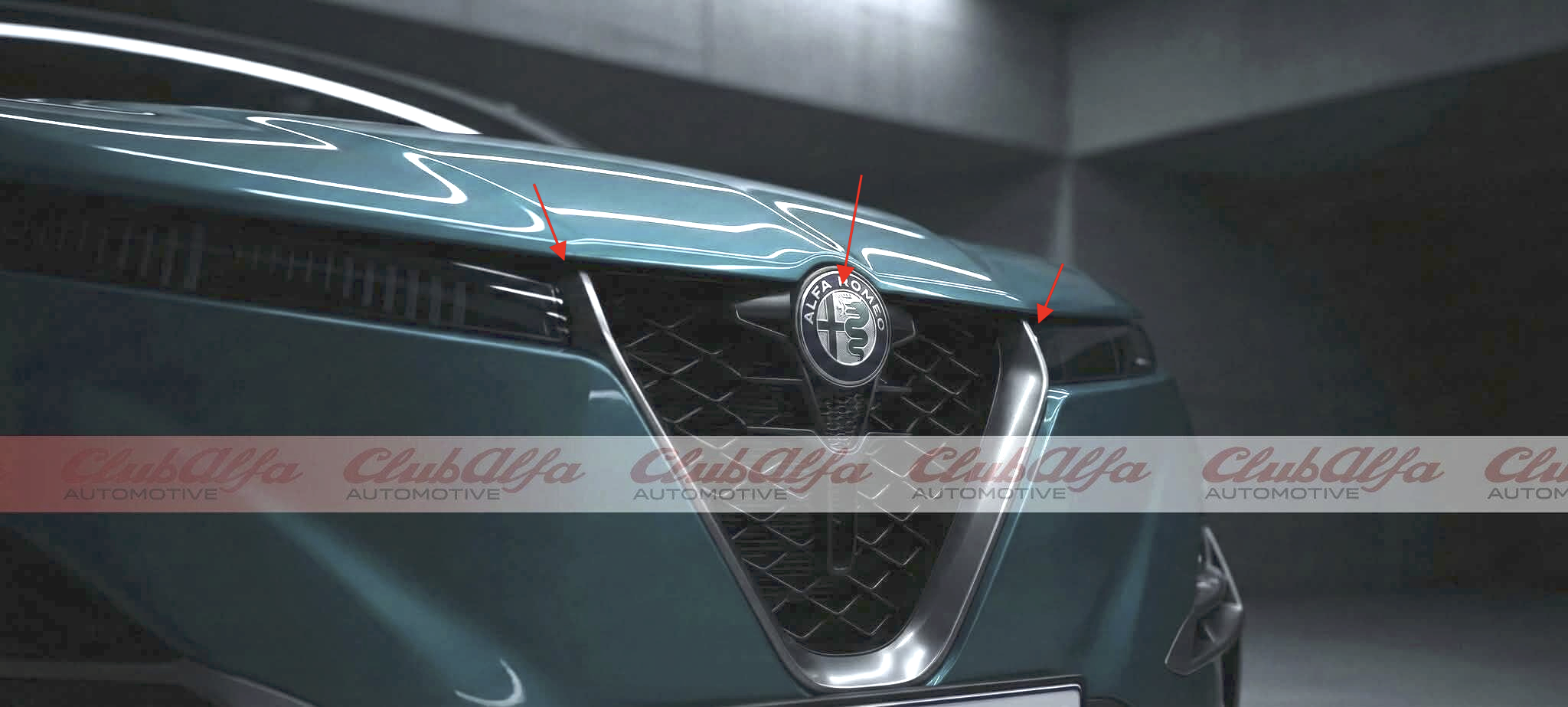
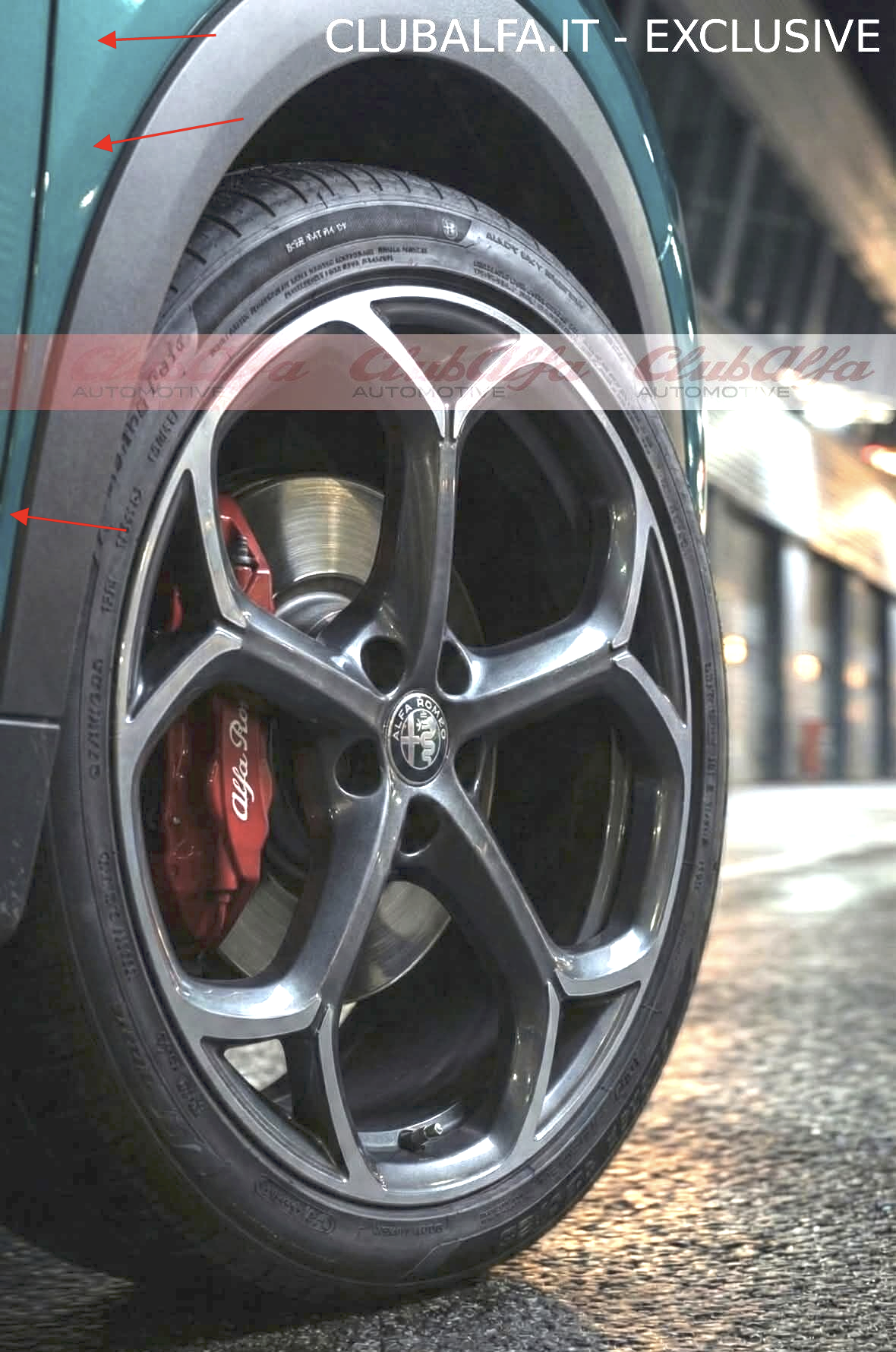
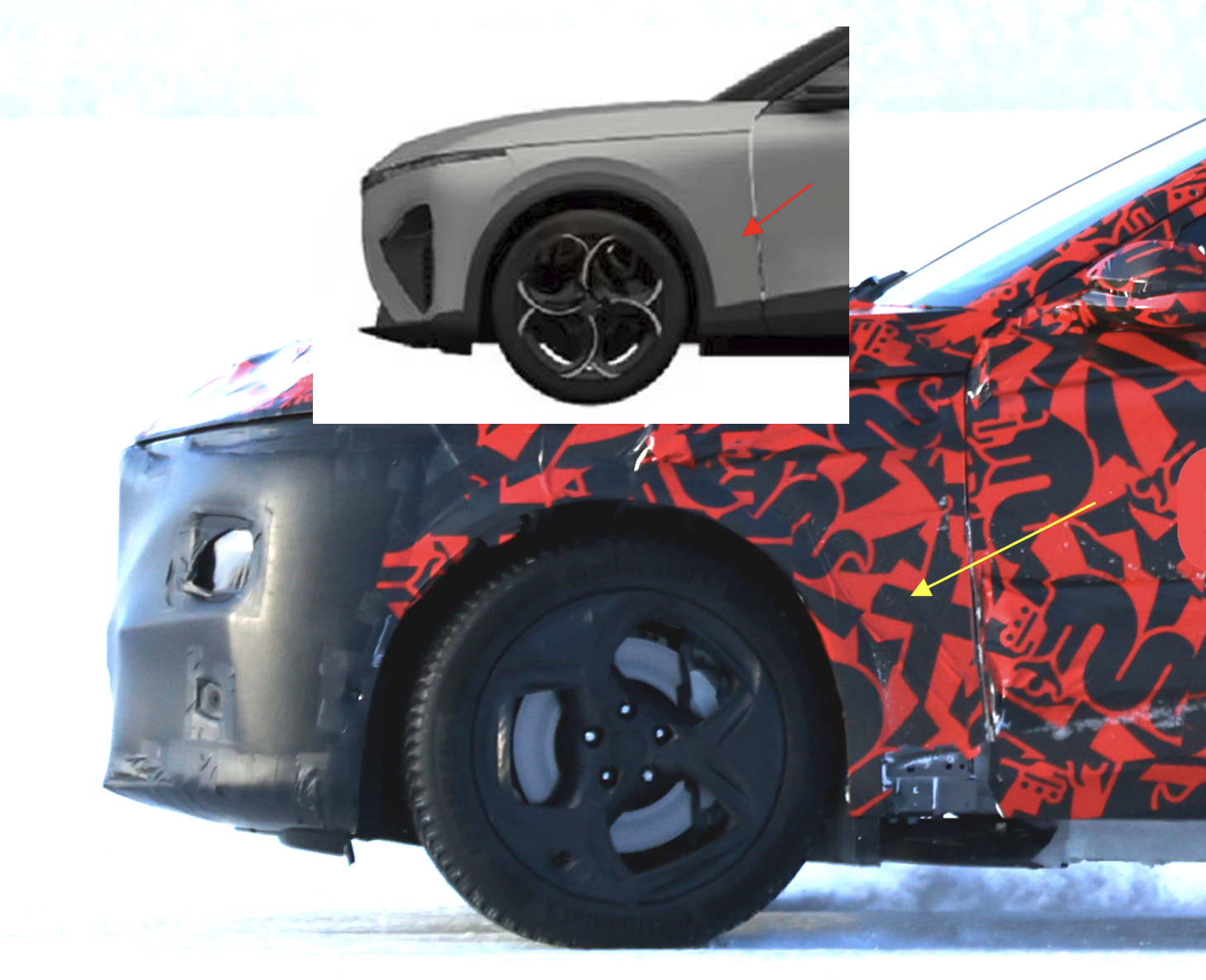
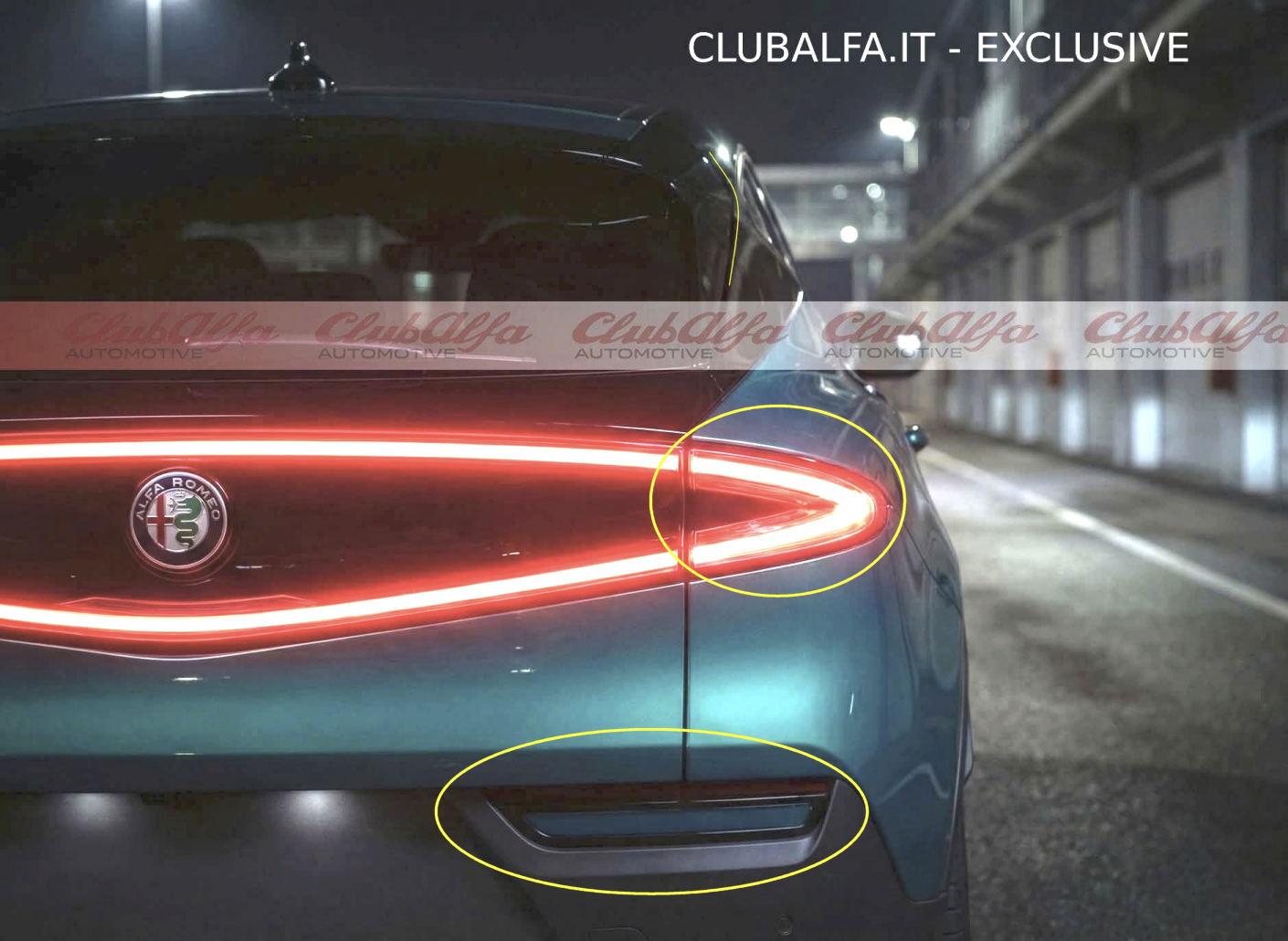
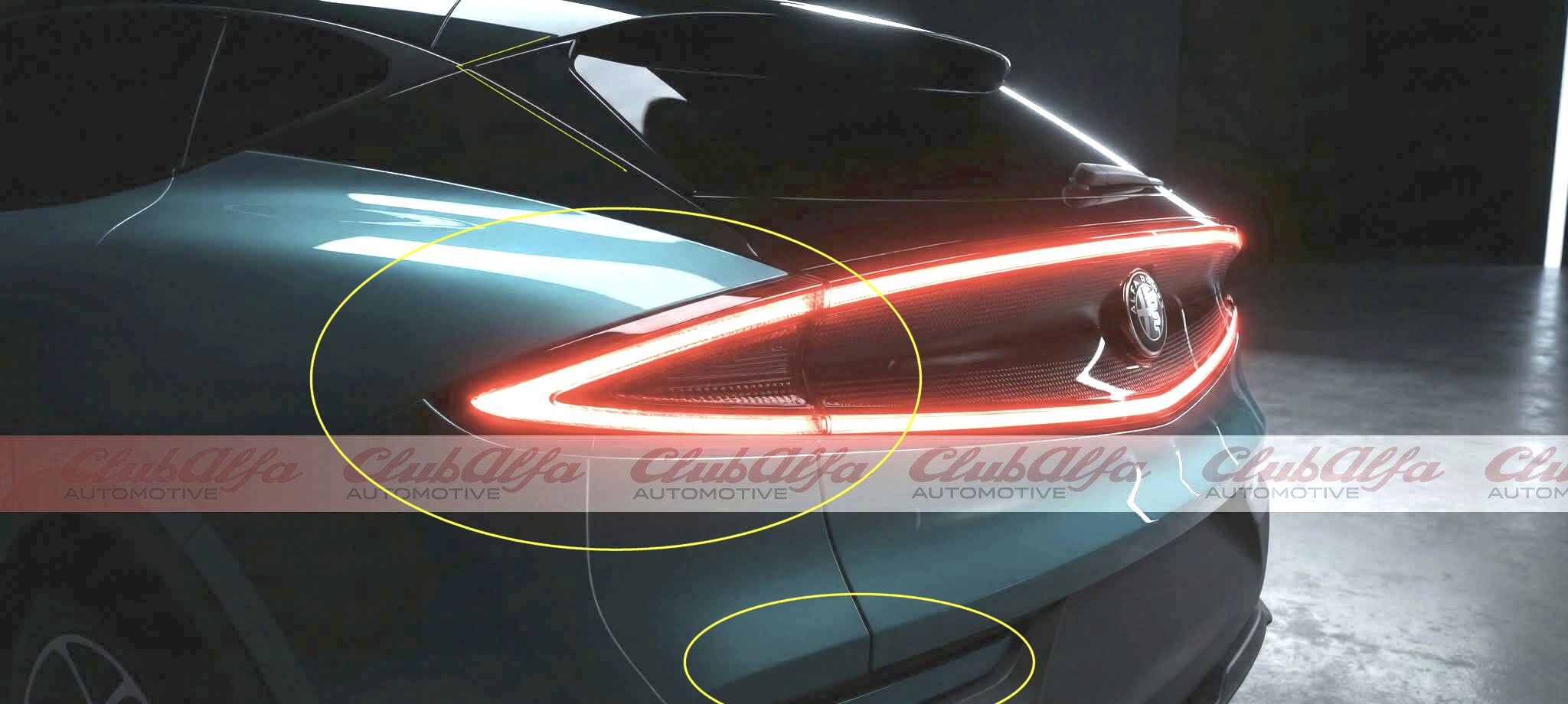
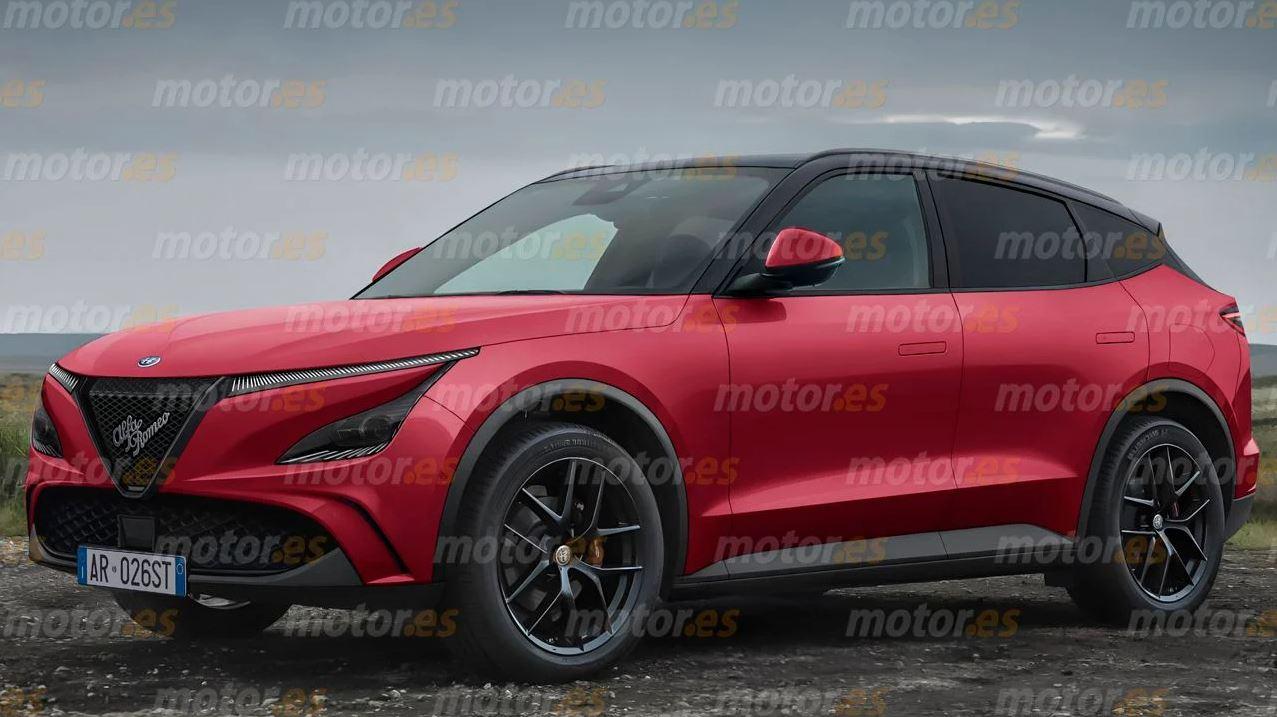
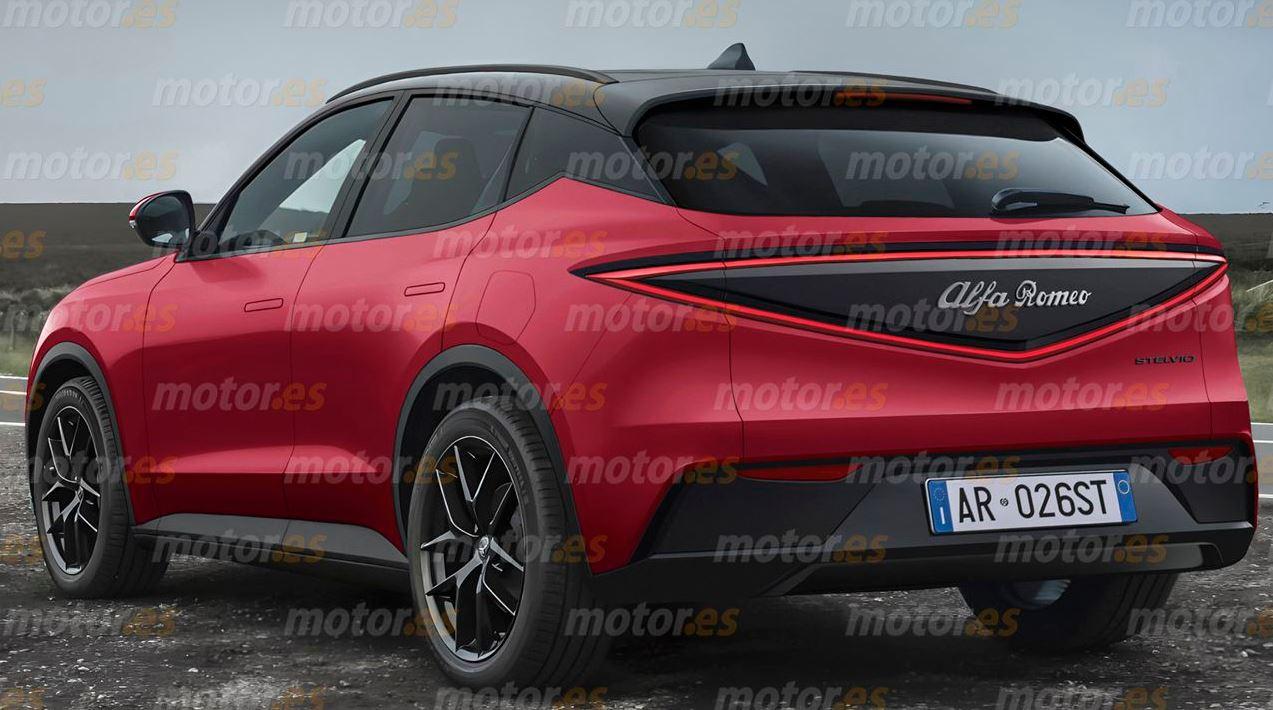
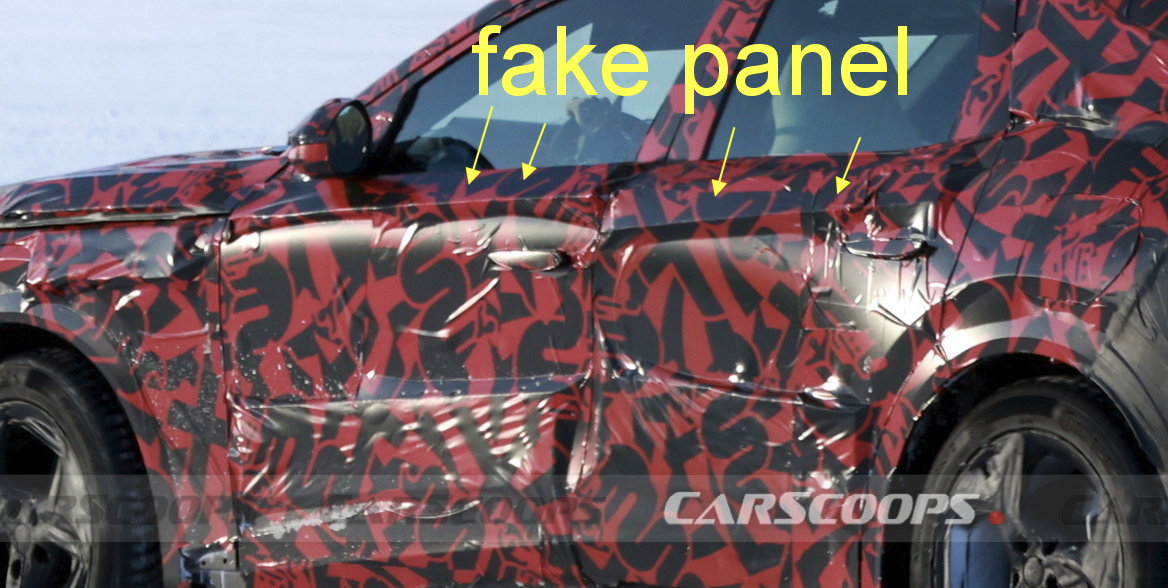
ehh something is off with these photos. sorry for using english edit, someone posted the source in another thread confirming not real. https://www.facebook.com/groups/1281737209368253/posts/1924591341749500/ First, the side mirror is wrong, clearly from the tonale, the hood is wrong, has a bulge, missing the V shape like Alfa 33, and the logo is on the grill. Compare to the patent and spy photos, the side mirror is almost identical if not the same as DS No8 and peugeot 5008. I know light graphics can be different on models thanks to different trims and LEDs, but the light design is different on these 2 photos. Also different here, with a logo on the grill not on the hood? Yes alfa could have changed it during the redesign, but 3 different light and grill designs? Even if we ignore these issues, the area between front fender and front door line is too short. Patent photos and the spy photos show a much larger area. Finally the rear photos do not match with each other that well, not to mention they don't match the patent photos either, especially the rear trunk line at the bottom. Could it be changed before production? maybe, but why would the trunk design need changing? It wouldn't, especially when the delay is relayed to the engine options.