





AleMcGir
Moderatore |Staff|
-
Iscritto il
-
Ultima visita
-
Attualmente
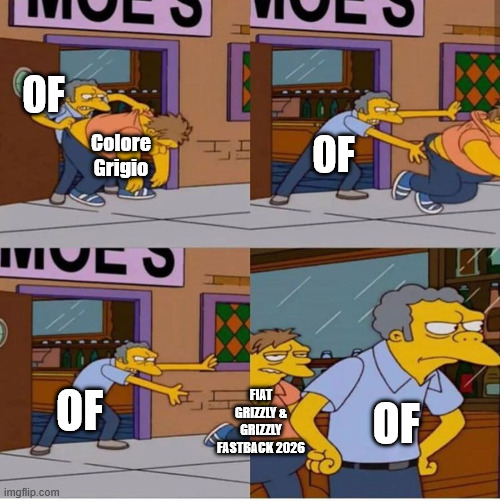
Visualizza la discussione: Fiat Grizzly & Grizzly Fastback 2026
Tutti i contenuti di AleMcGir
-
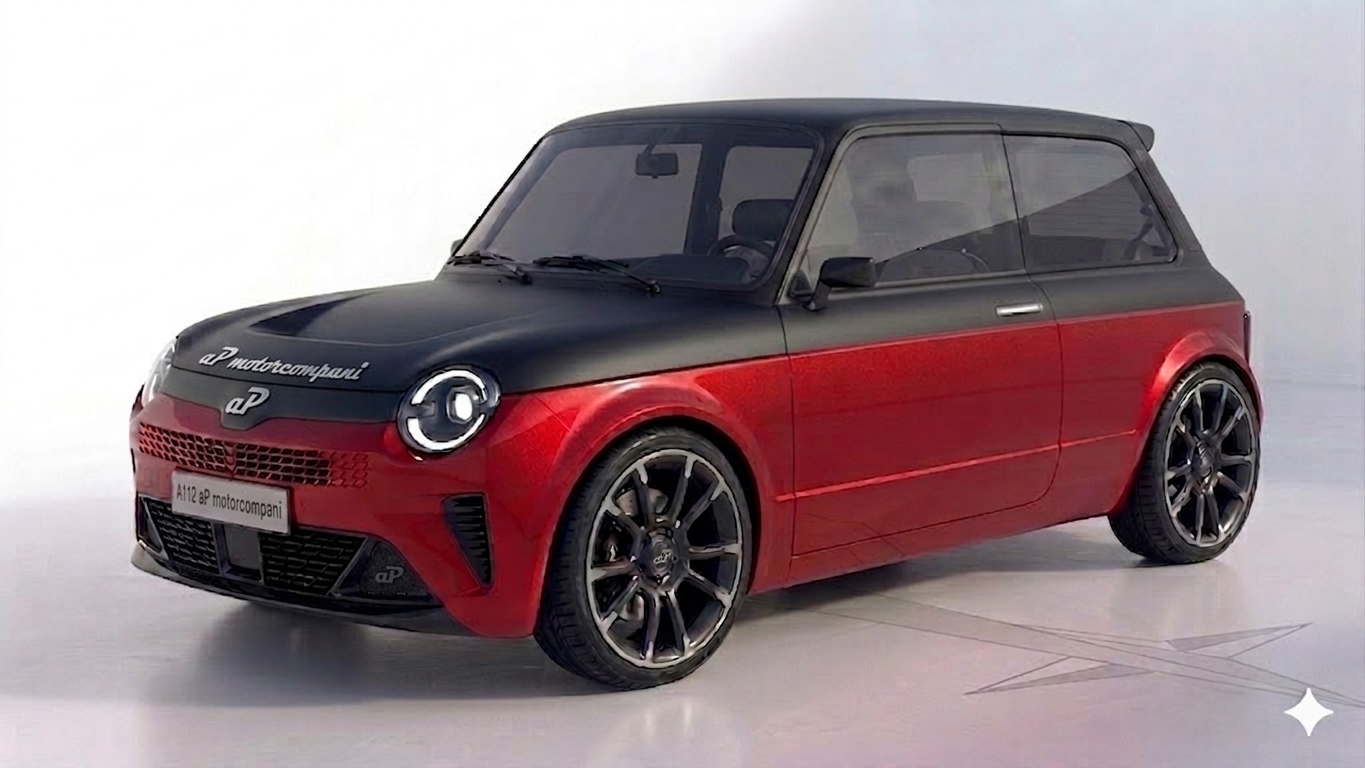
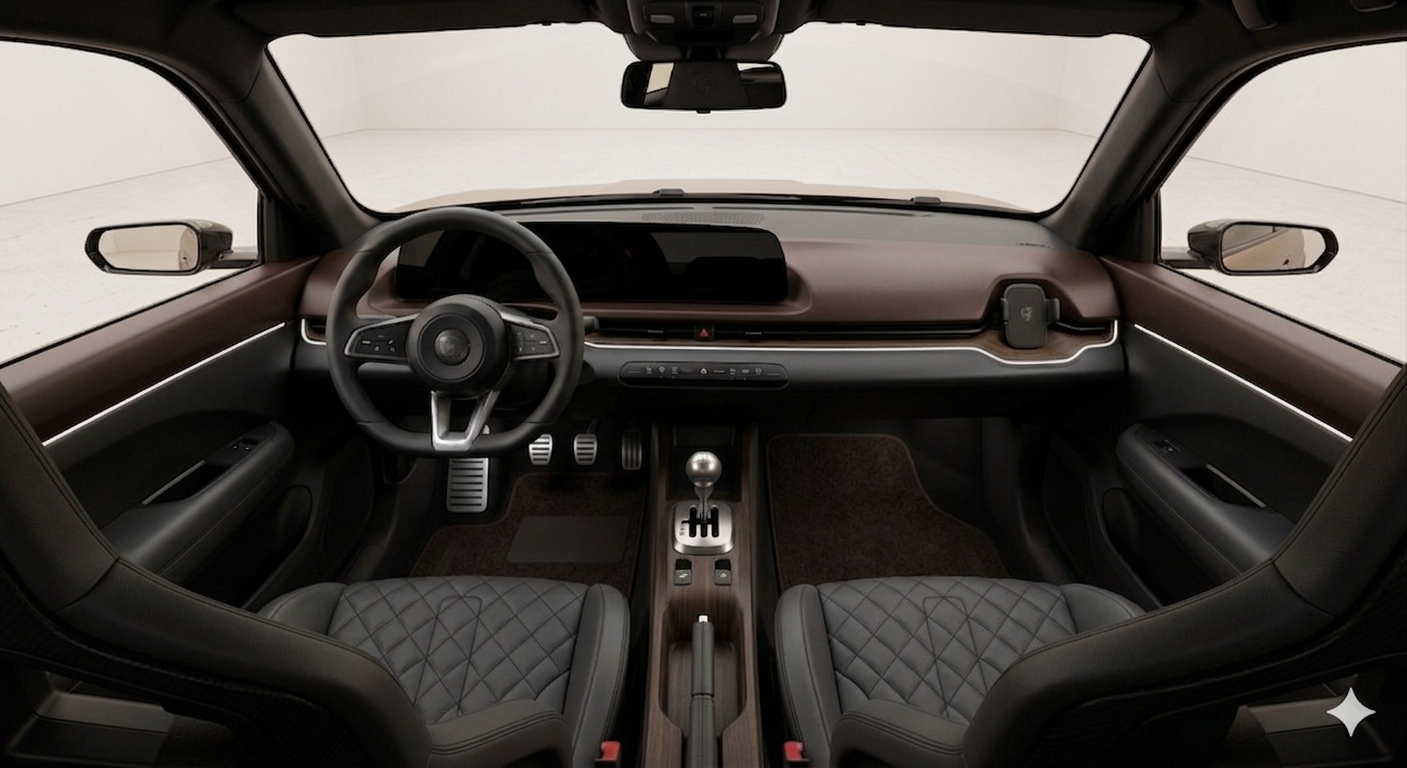
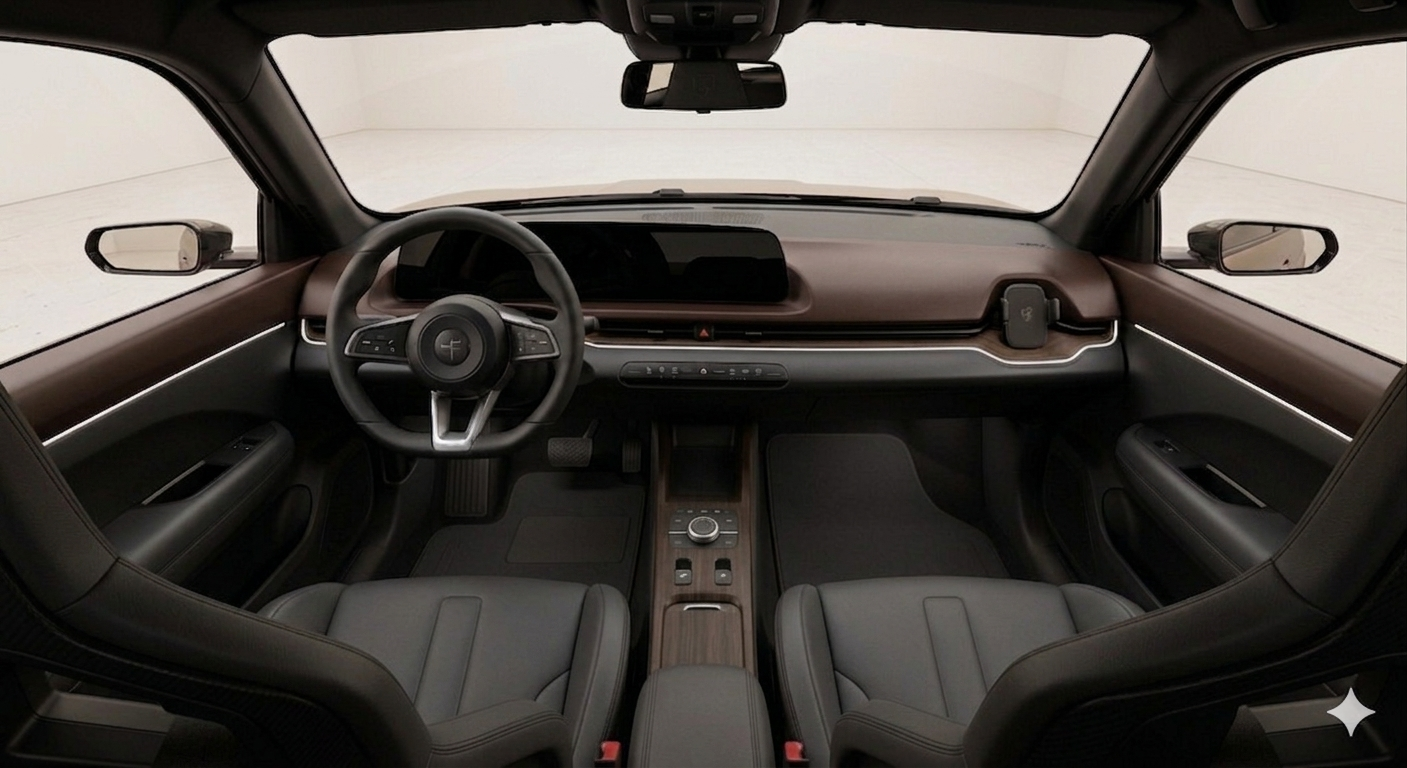
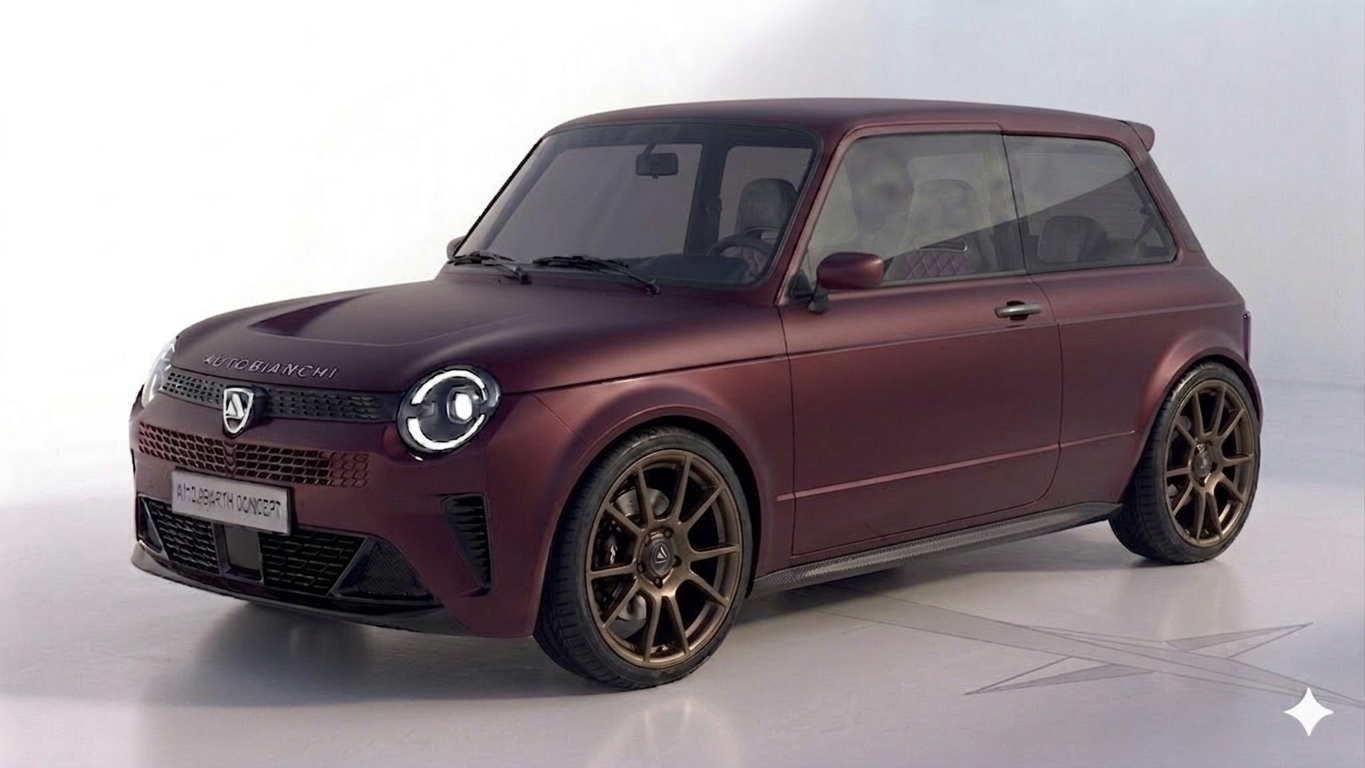
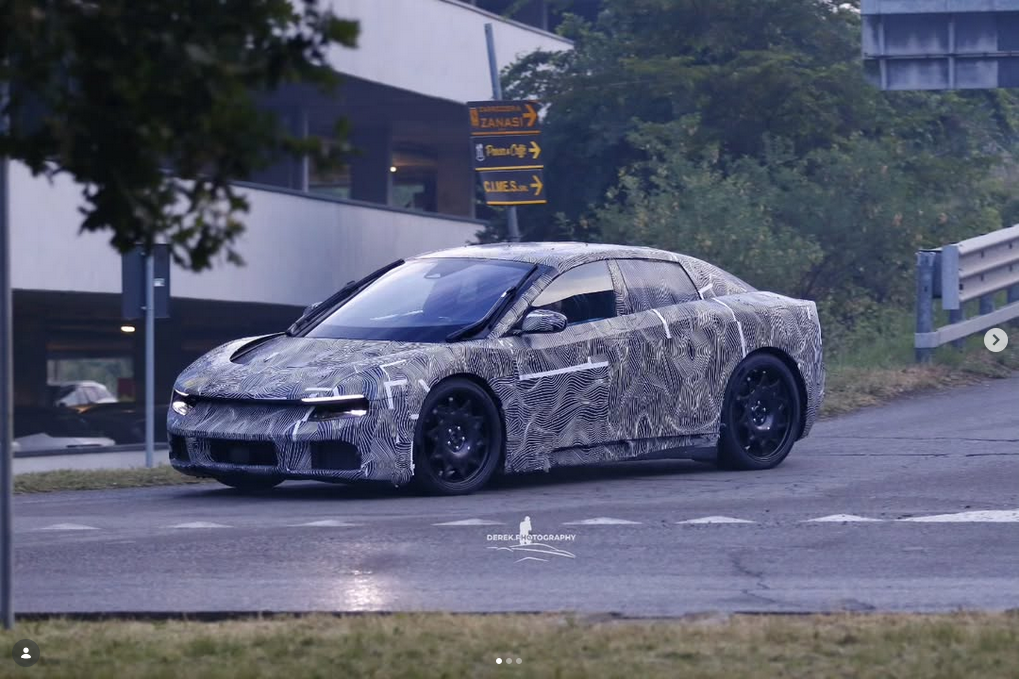
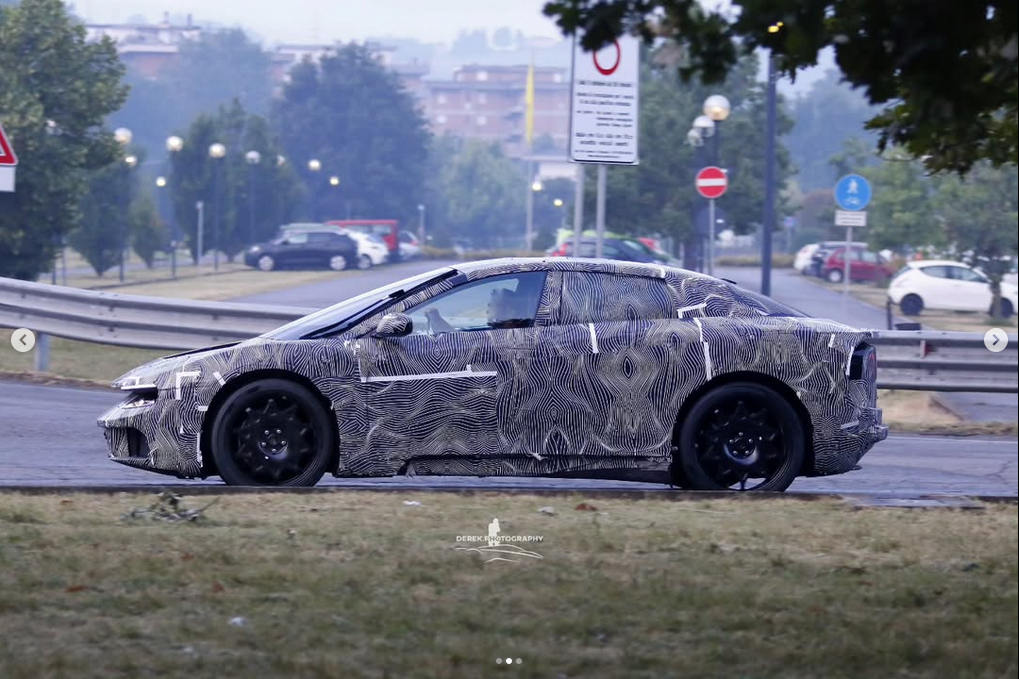
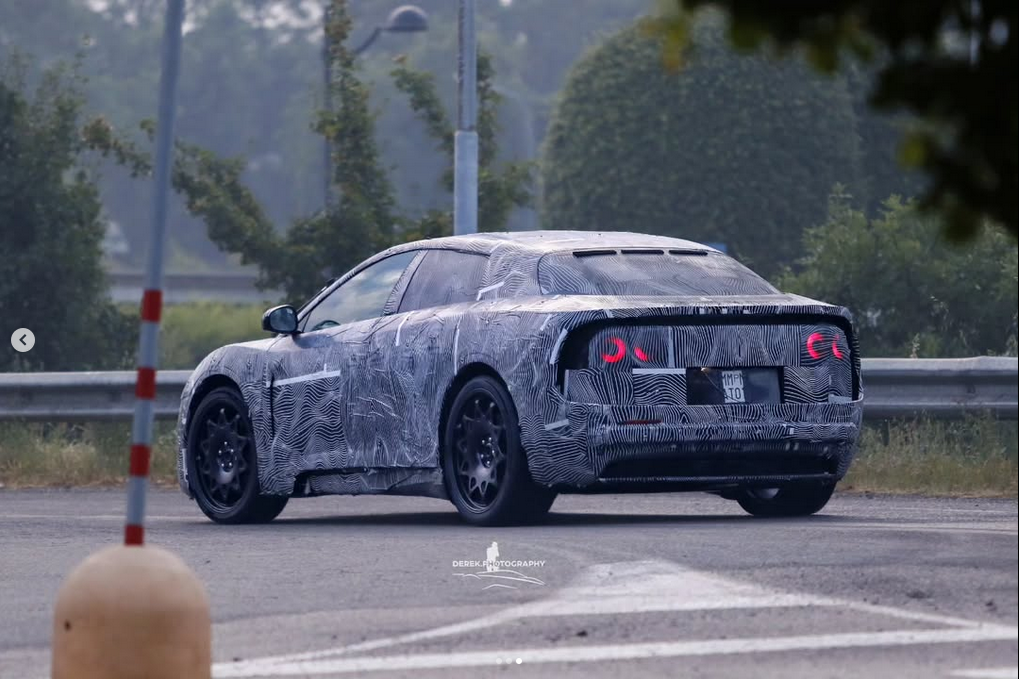
La Fulvio non si tocca: l'omaggio al fondatore resta sacro e intoccabile! ✋ Però, se sei così pignolo, puoi sempre bussare al reparto Tailor Made della aP motorcompani. C'è un programma speciale per farsi cucire addosso una "Furio" su misura: stessa motorizzazione della Fulvio, ma carrozzeria shooting brake che reinterpreta in chiave moderna la mitica 131 Panorama. Rigorosamente in livrea Bianco Corfù con barre portatutto d'ordinanza. Di serie nel pacchetto: tessera ACI Gold e widget sul display centrale con aggiornamento meteo radar in tempo reale per meteoropatici, con shortcut sul volante per far partire la chiamata diretta al servizio ACI Pronto e chiedere: "Senta, io sono un socio ACI... " 📞🌧️😂 Via aPmotorcompani press
-
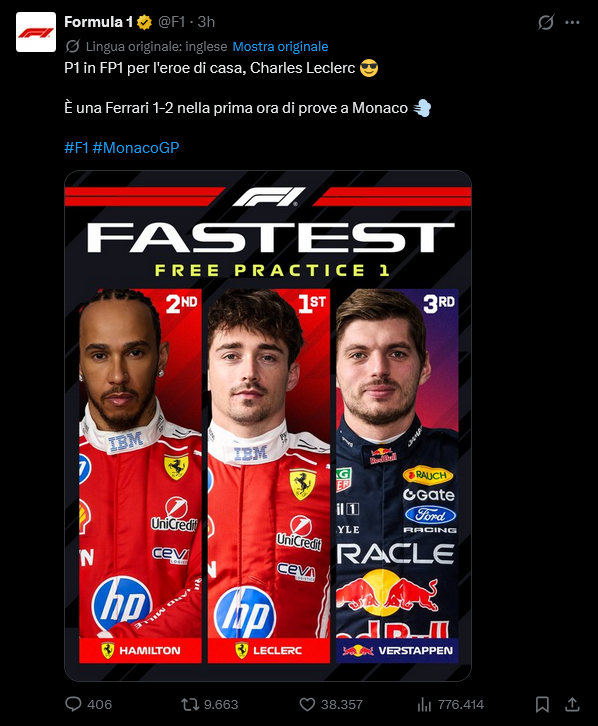
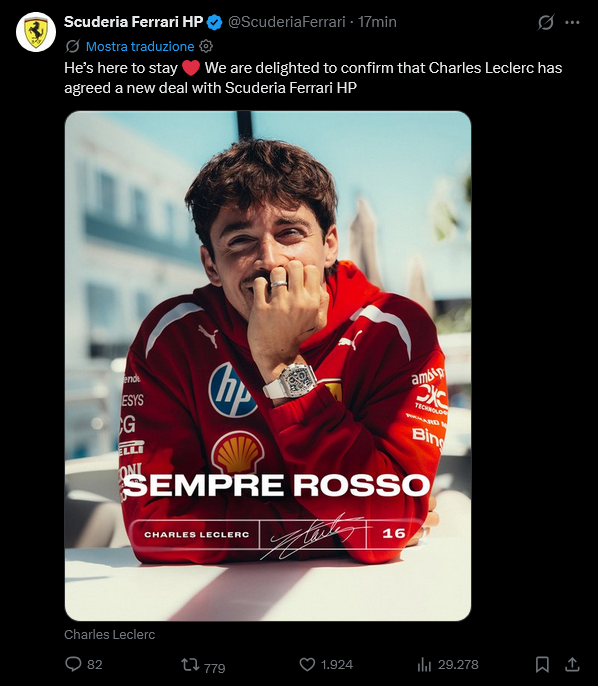
Da qua fino a dicembre: Il "Bocia" Vs il "Vecchio Leone" Il pilota italiano Vs la scuderia italiana Ect....
-
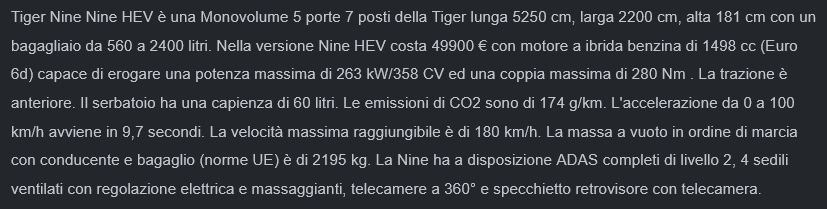
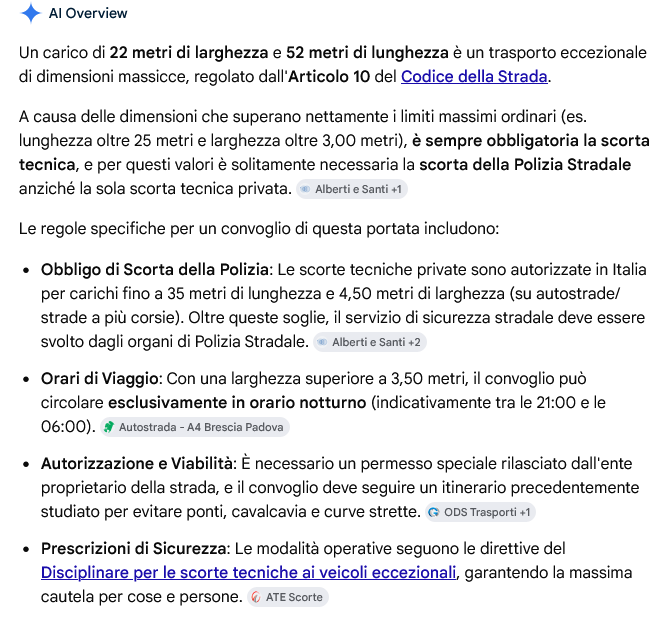
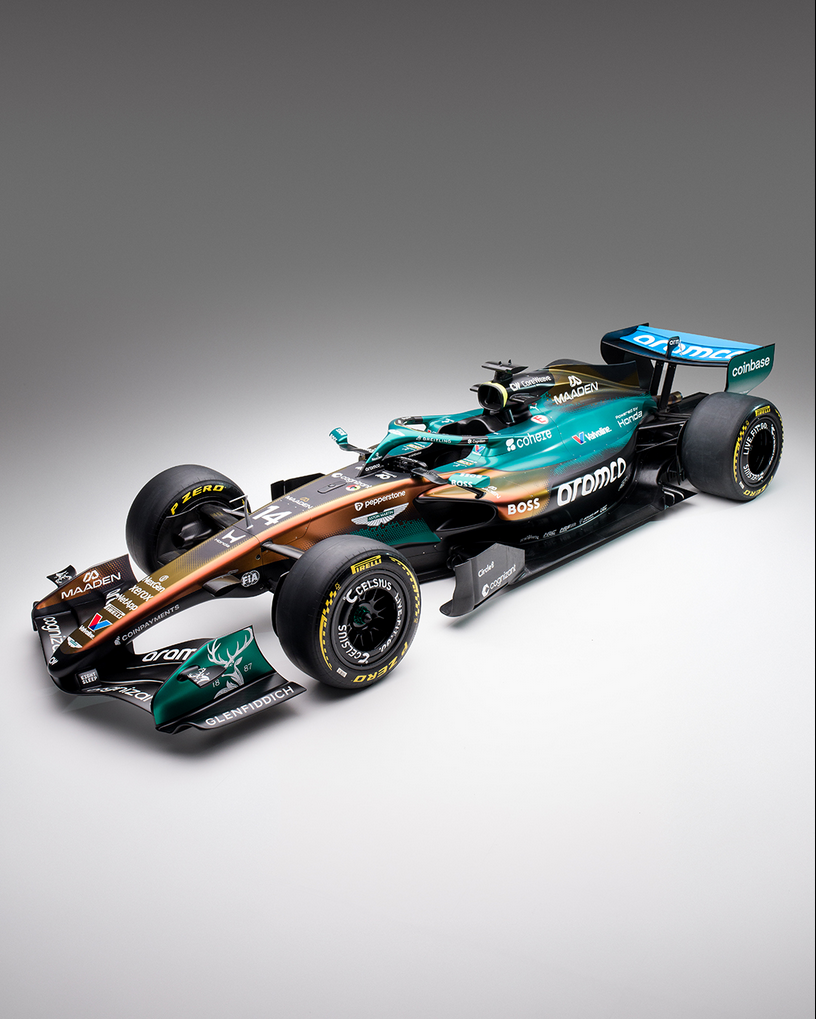
Troll-mode 😂 Per andare in giro con una cosa lunga 52.50 metri, larga 22 metri, oltre la B ti serve: 😂
- 15 risposte
-
-

- 6
-
-
- dr
- dr automobiles
- dr groupe
- nine
-
Taggato come:
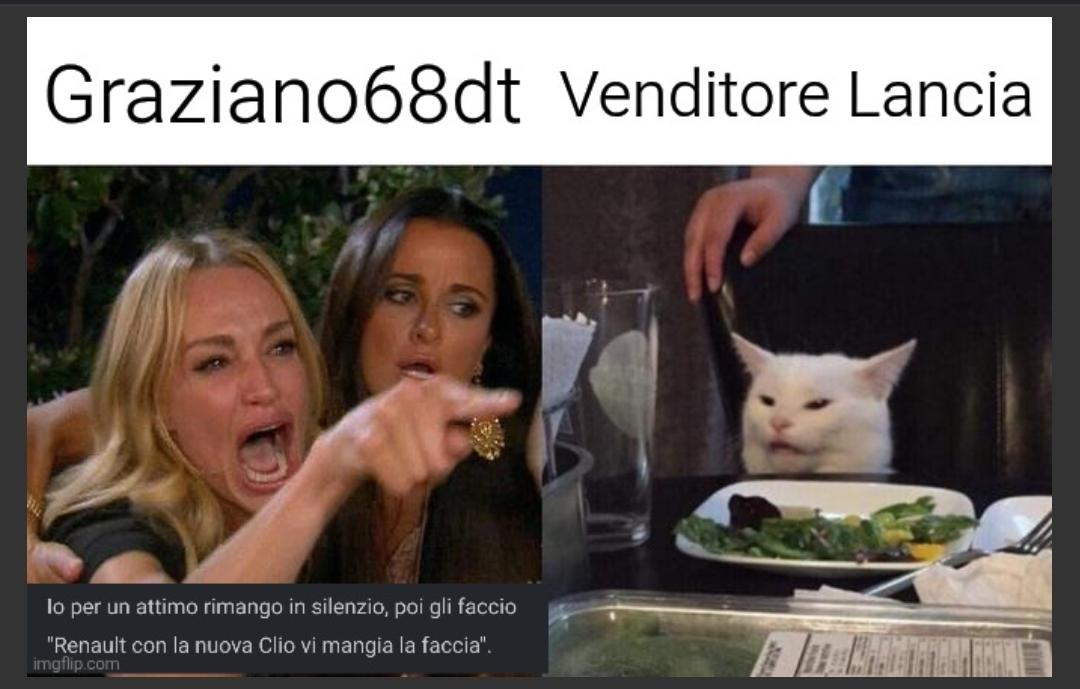
Tanta invidia - Mode 😂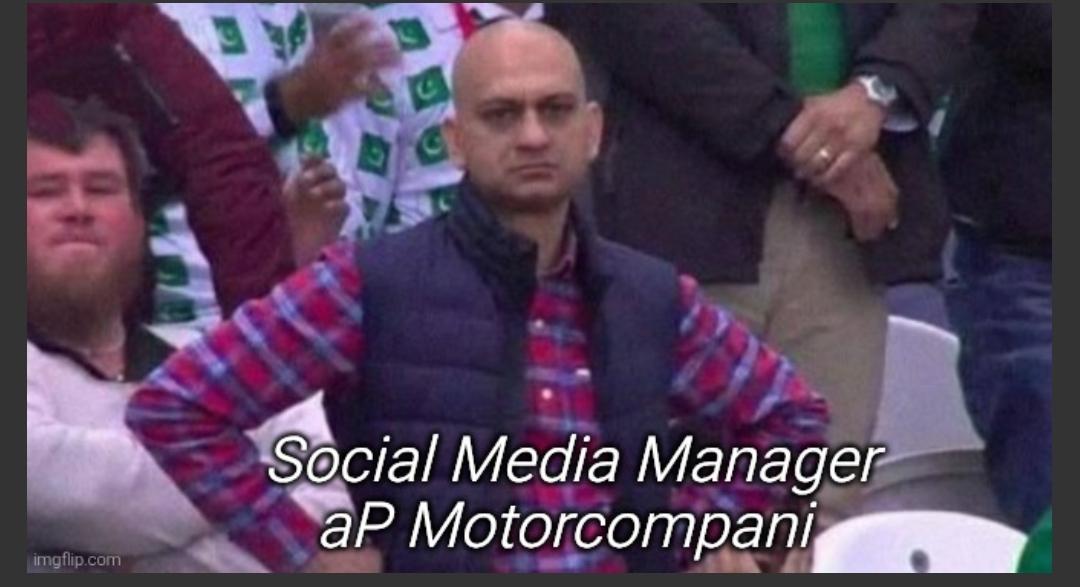 Sondaggione 2026 - Presenza 1 punto (rientra nel fattore moltiplicativo); - 4 domande (Qualifying, Qualifying, Race, Race); - Bonus: una risposta giusta -> 1 punto bonus; due risposte giuste -> 3 punti bonus; tre risposte giuste -> 6 punti bonus; quattro risposte giuste -> 10 punti bonus; - Fattore moltiplicativo 1.5 per chi "vota" entro le ore 23:59:59 del 12/06/2026, dopo fattore moltiplicativo 1.0; - Chiusura sondaggio alle ore 16:00 del 13/06/2026;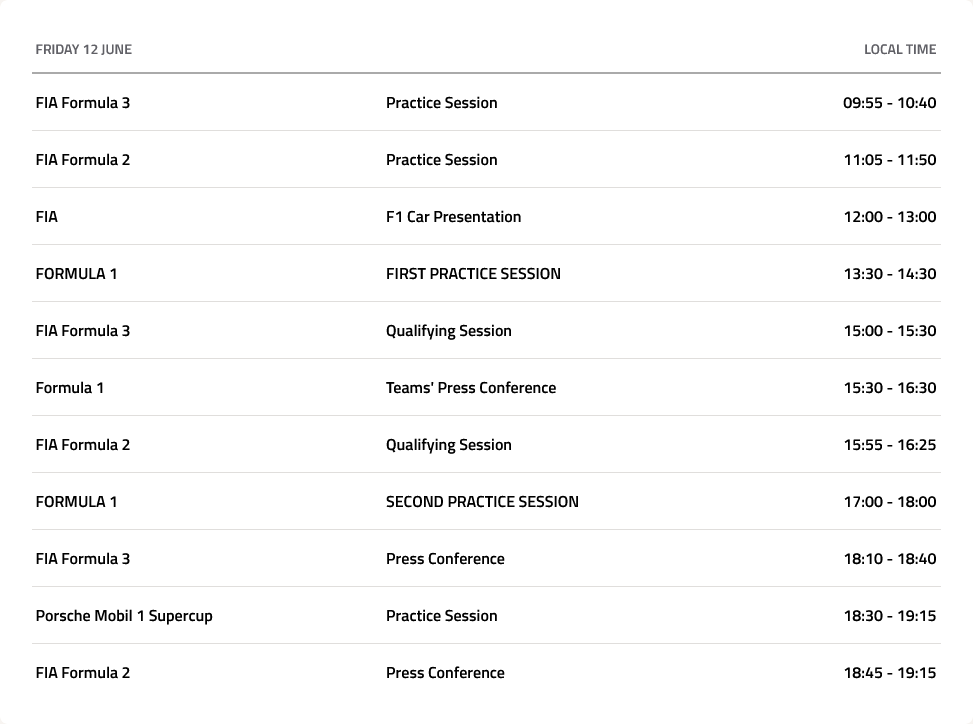
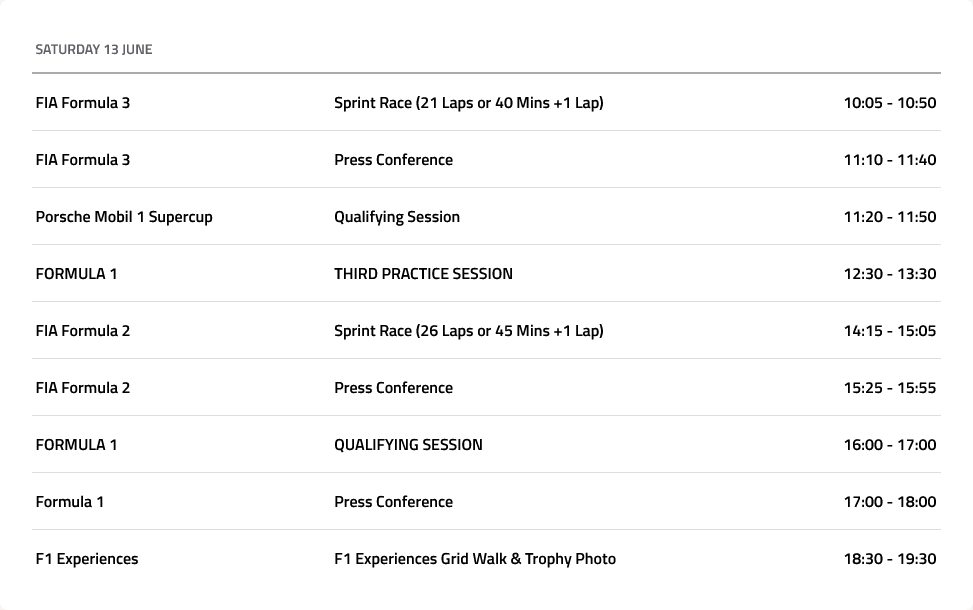
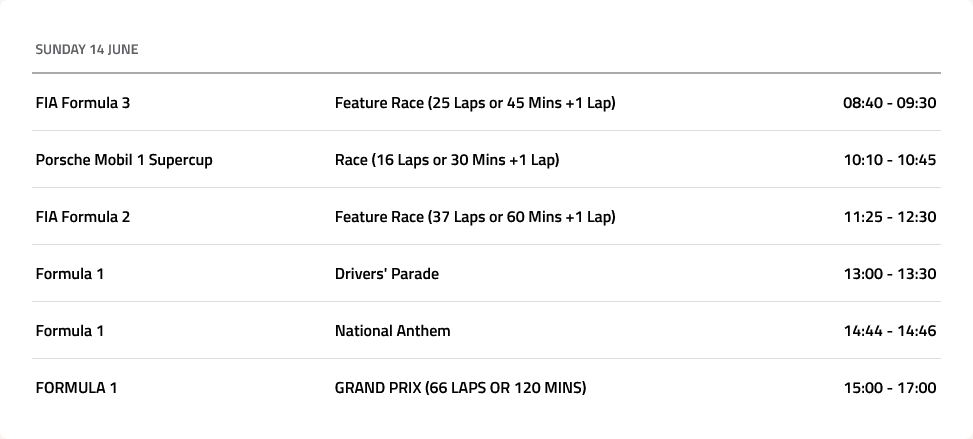
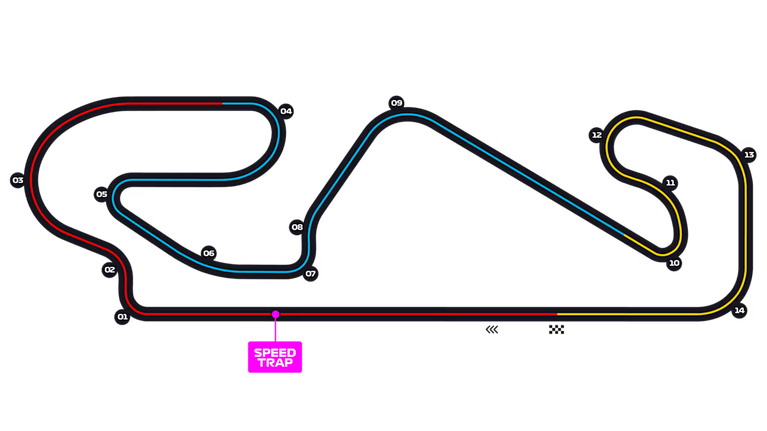
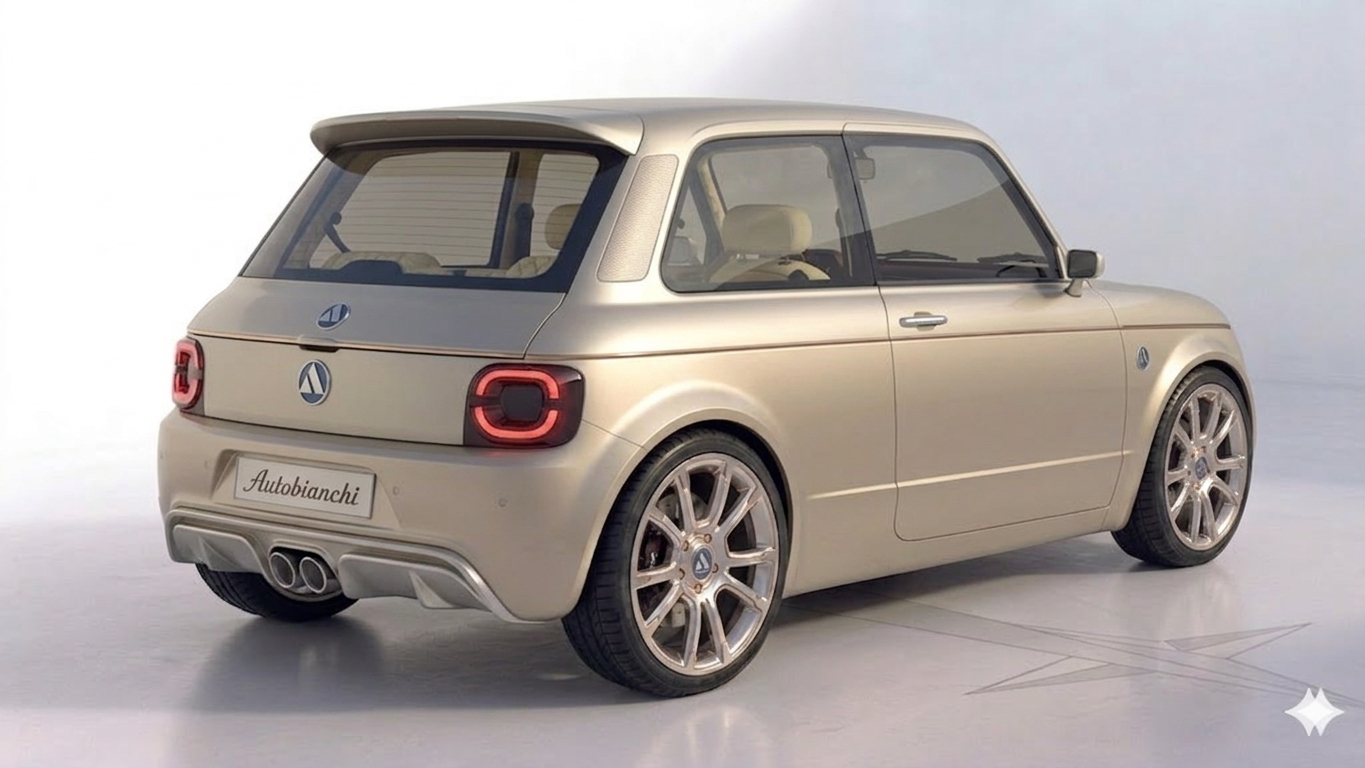
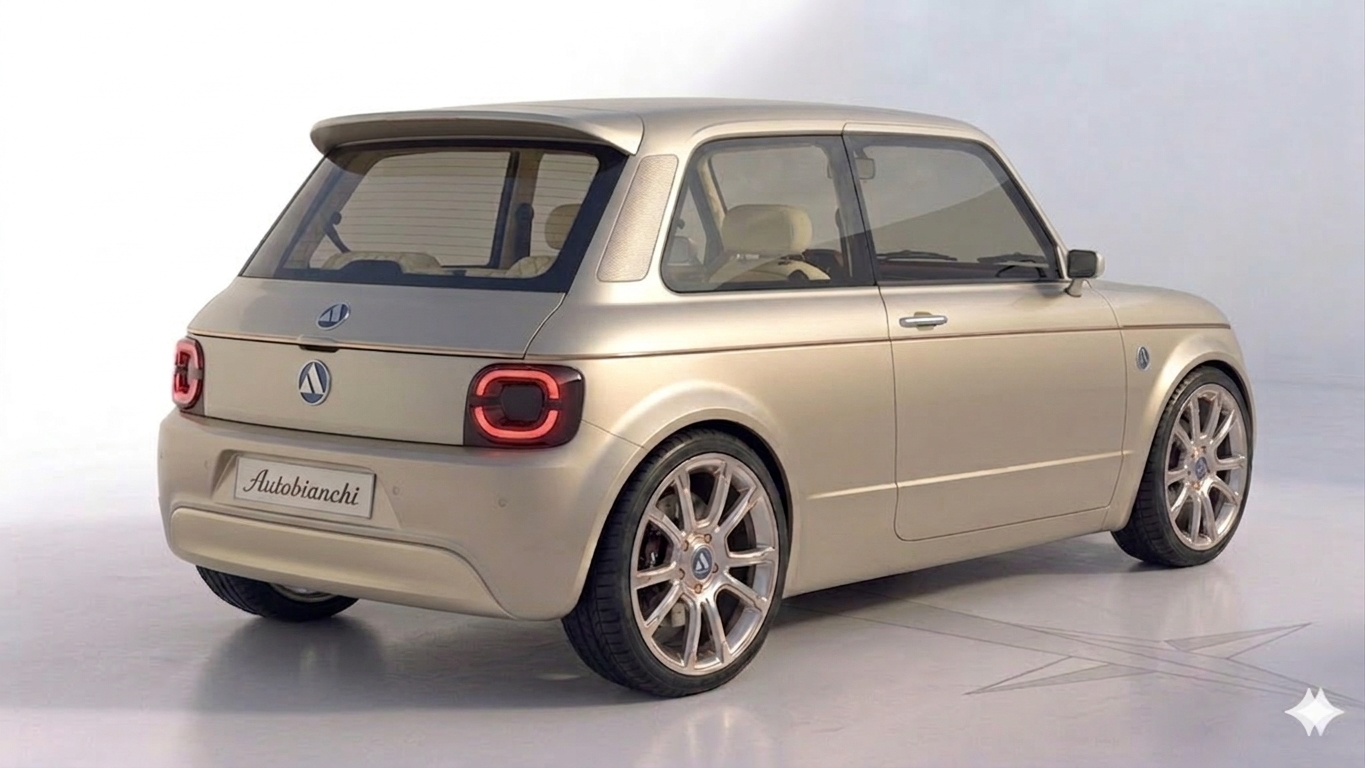
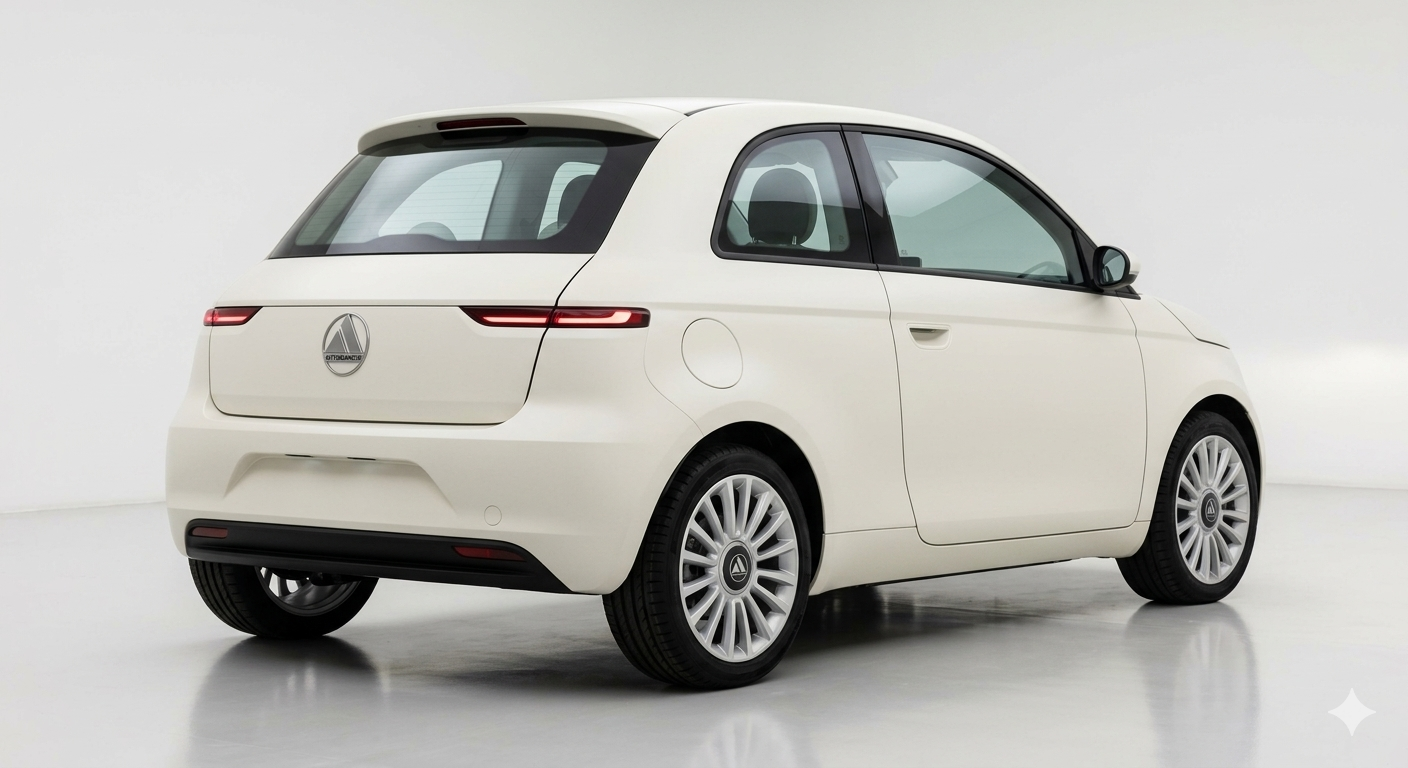
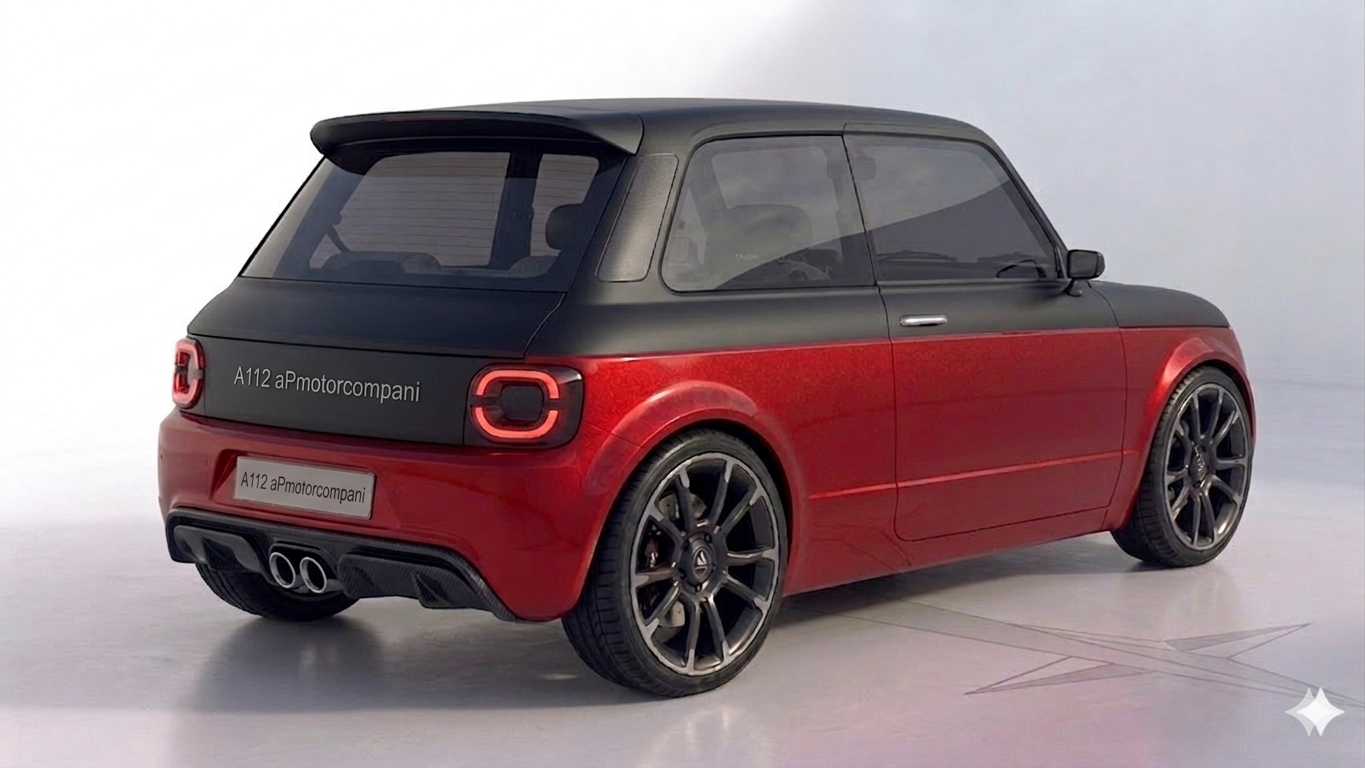
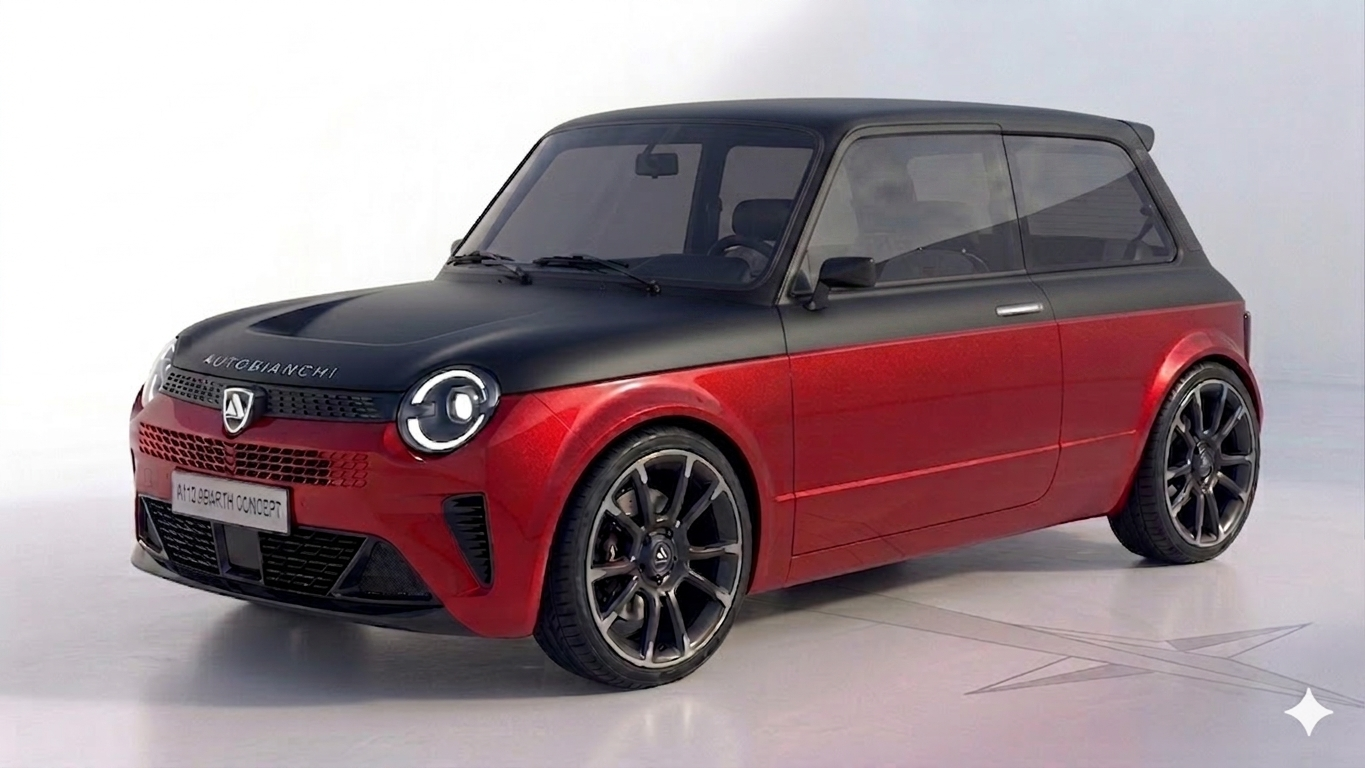
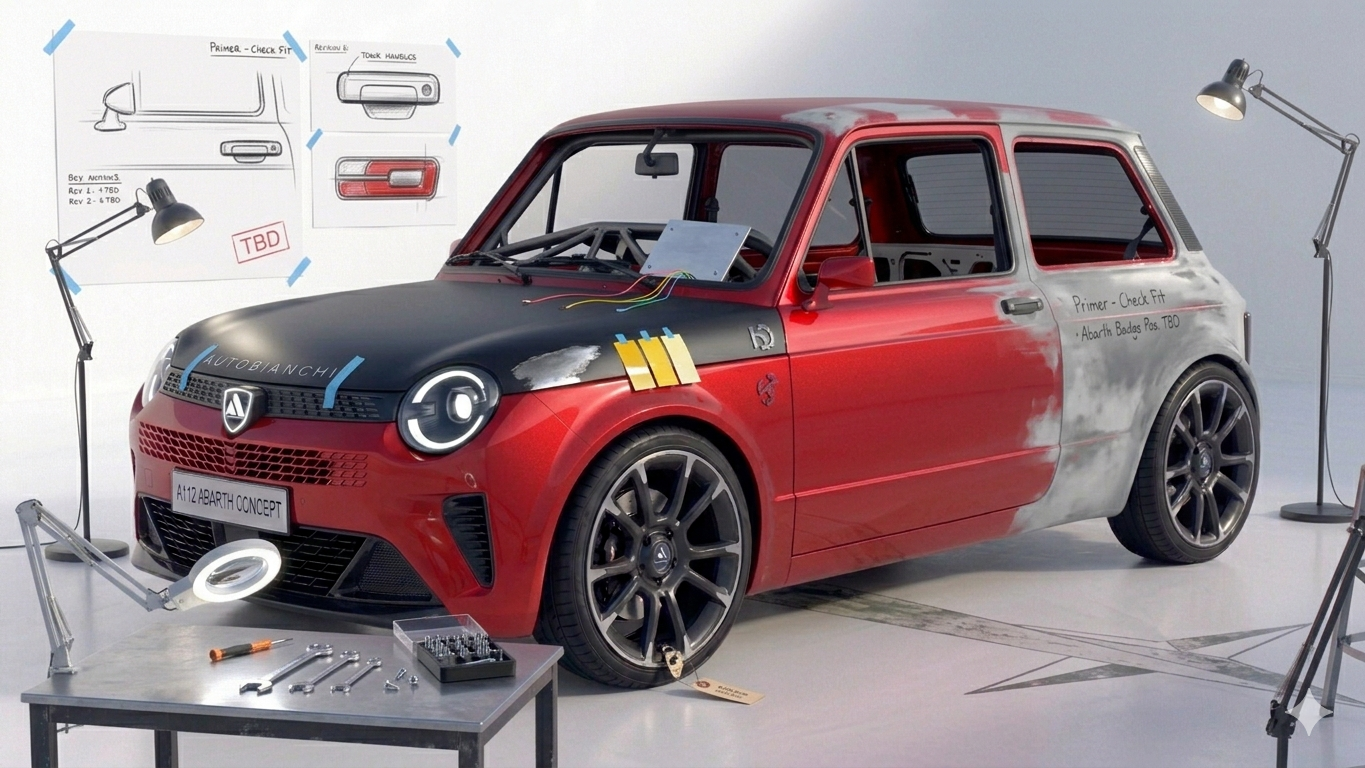
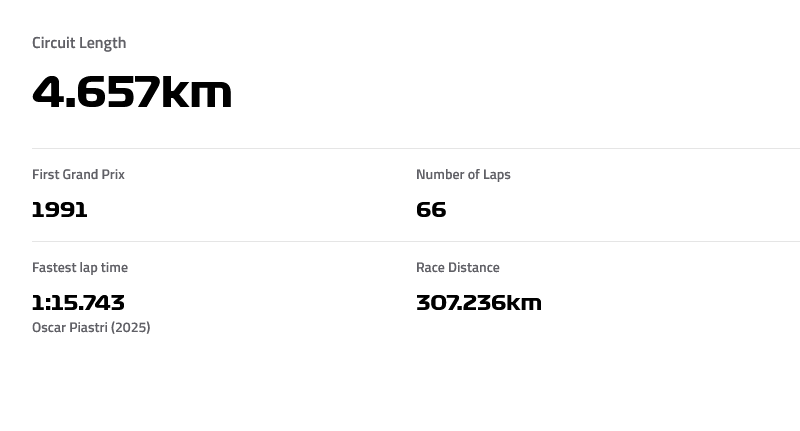 Comunicazione di servizio Risultati sondaggione in settimanaDue auto al teaser di una.La aP motorcompani li ha industrializzati in vibranio, superando tutti i vari test. 😂Si, ma era troppo simile al modello sportivo, volevo una maggiore differenziazione, e dopo diversi tentativi, con quello che voleva fare "LEI" mi sono stufato, mi ha proposto anche una versione aP motorcompani. 😂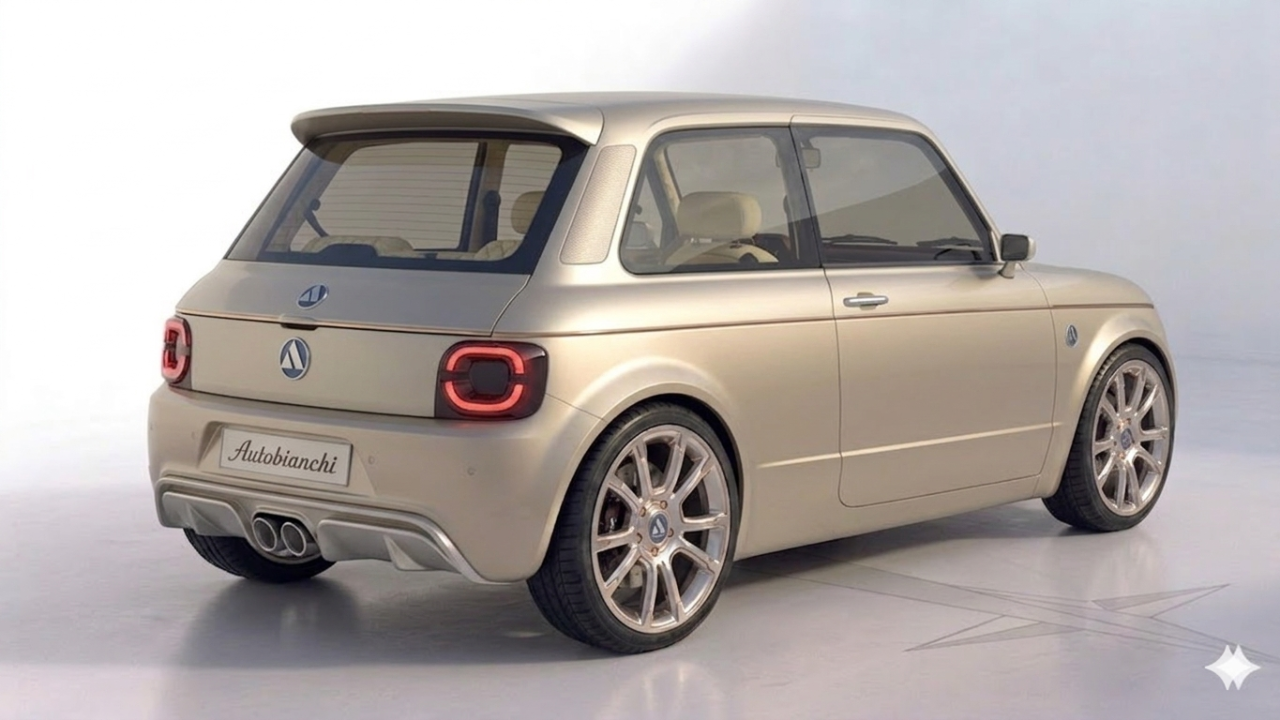
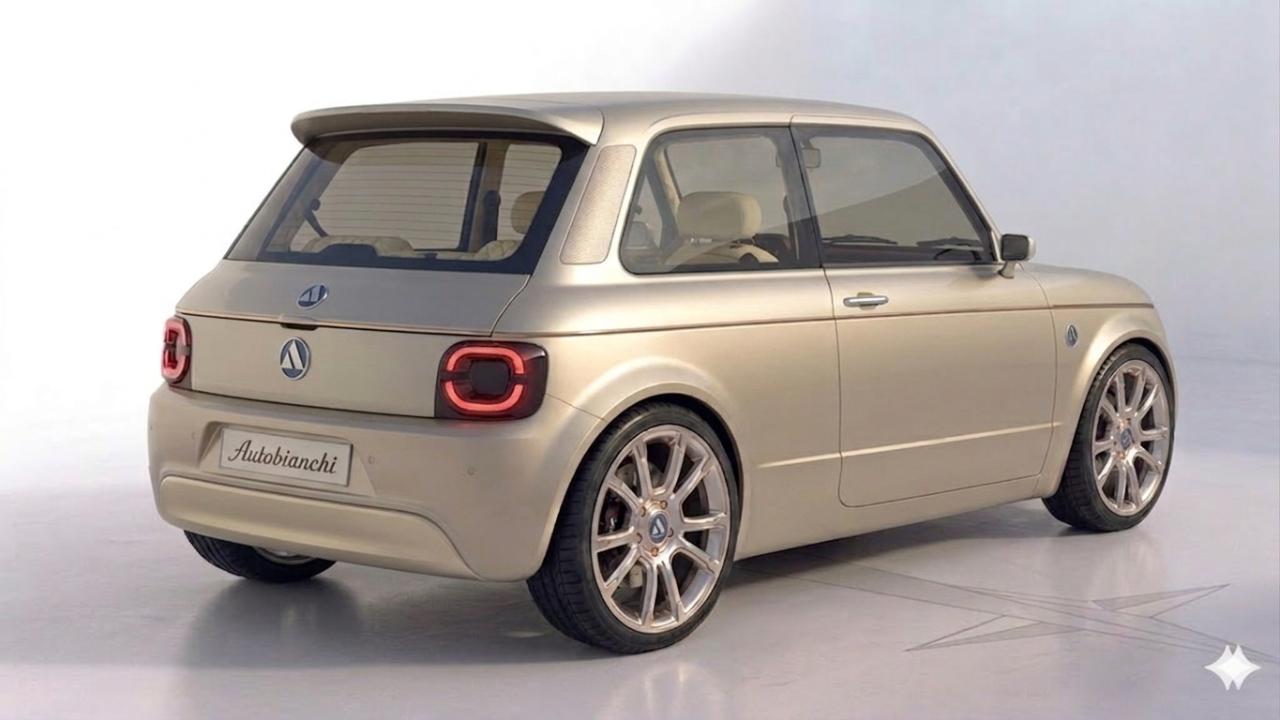
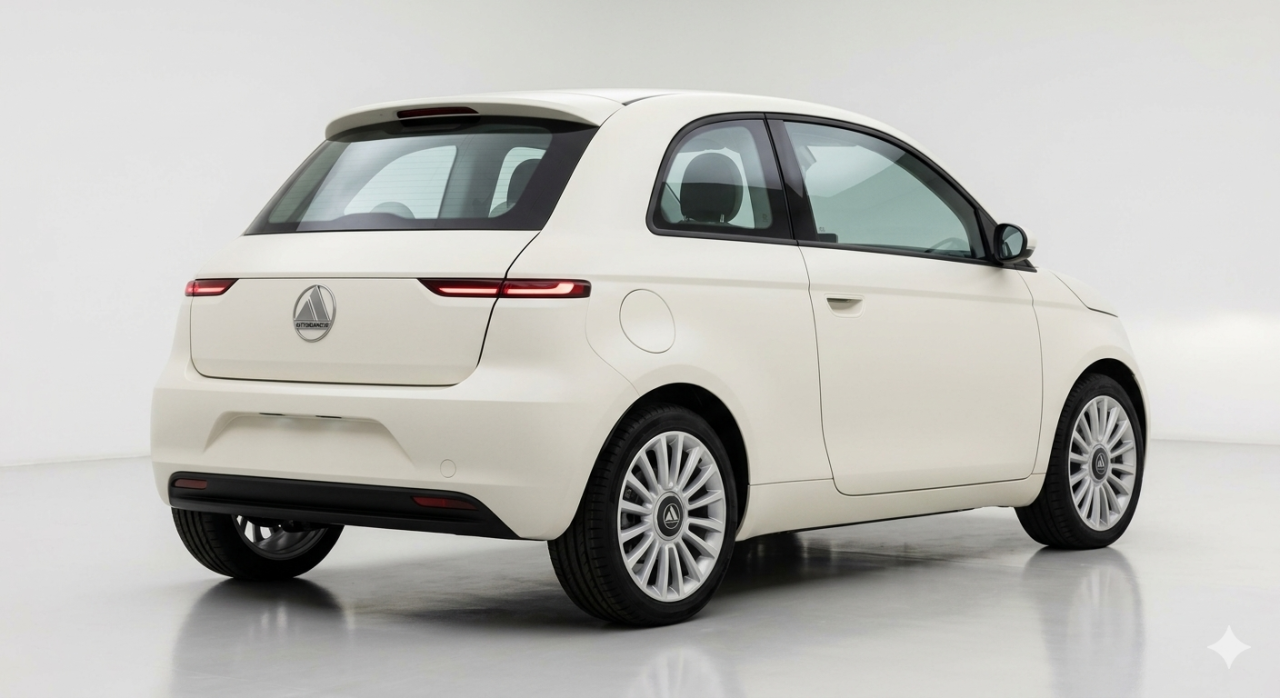
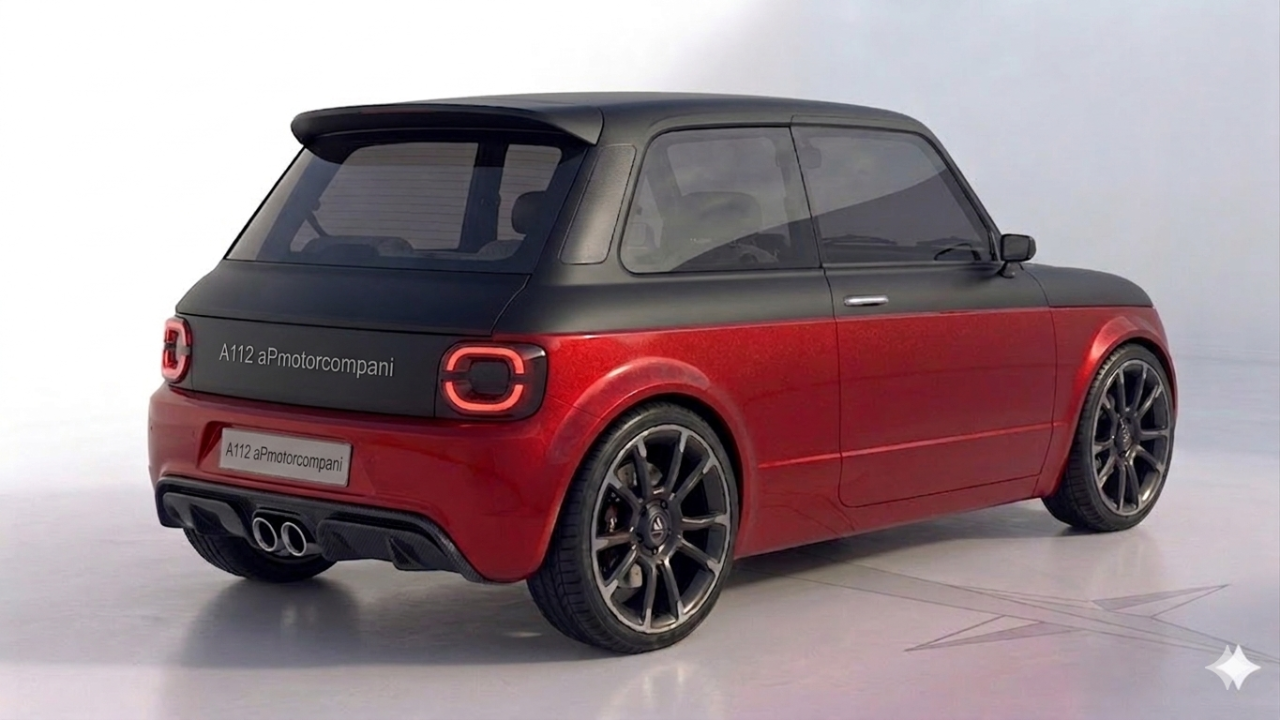
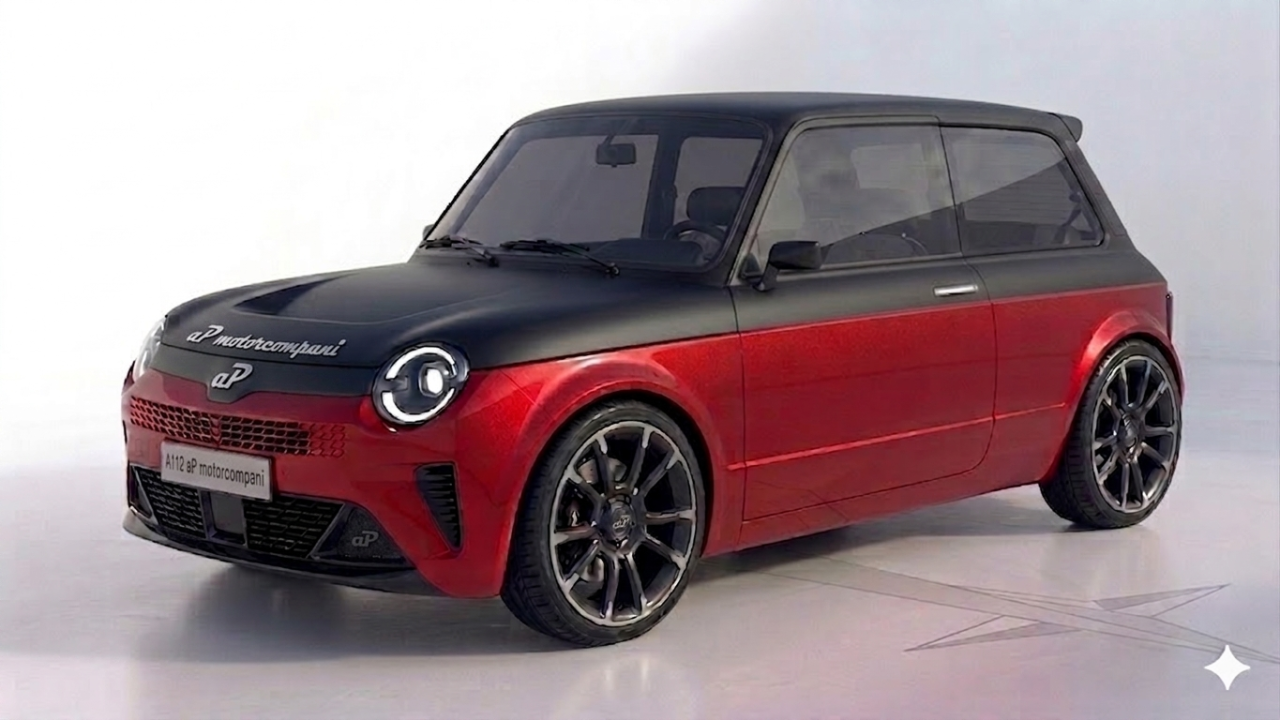 Gemini aveva proposto anche questa versione della Elegant Ero partito dall'originale, nelle prime bozze aveva tenuto anche i profili dei gocciolatoi, si vede nella bozza postata.
.thumb.png.6ed6dfdb46ee822316b4de2d658d867f.png) Flame-Mode Tutte le Alfa Romeo possono e devono andare in pista!!!11!!!!!!111!!
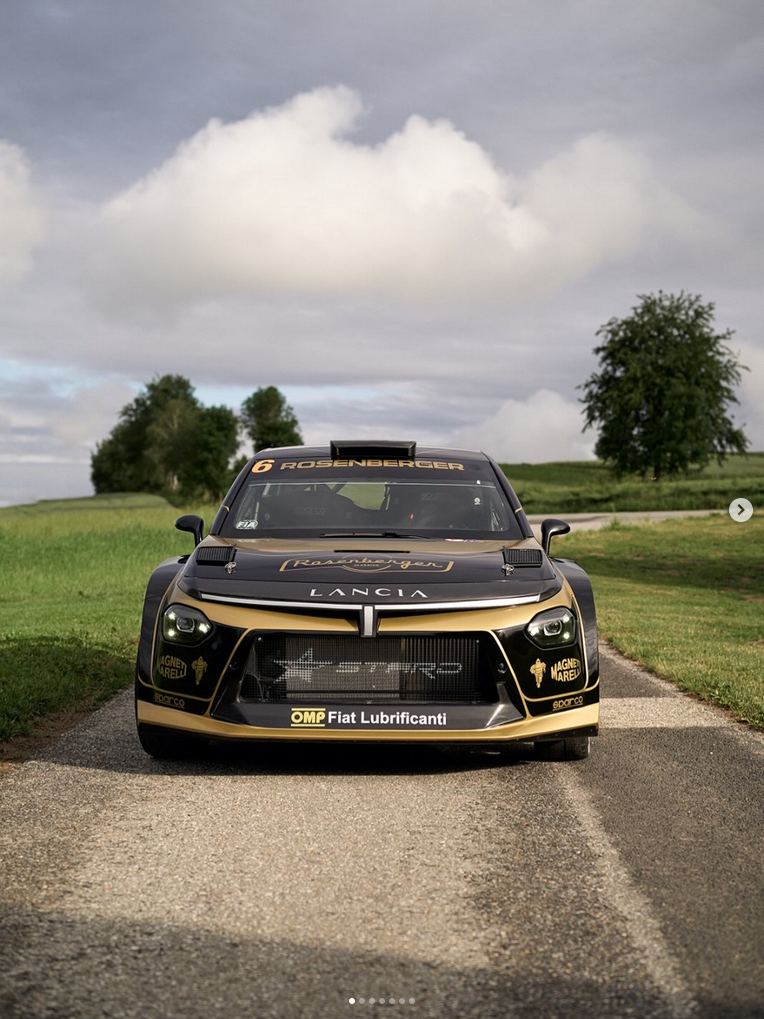
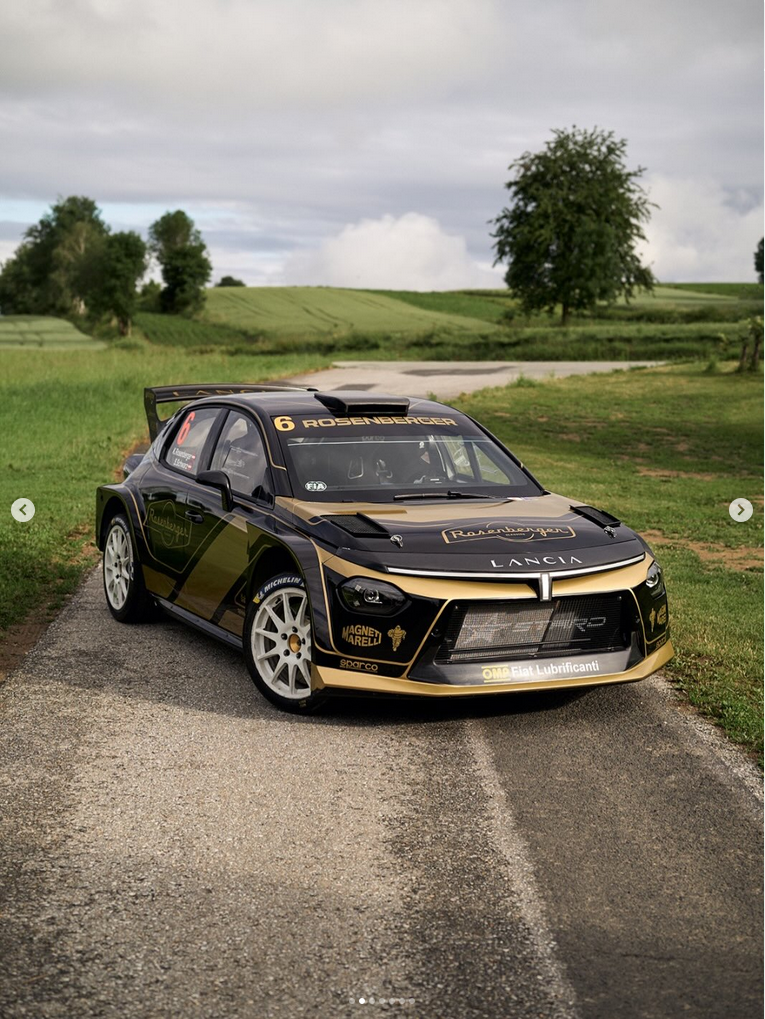
Flame-Mode Tutte le Alfa Romeo possono e devono andare in pista!!!11!!!!!!111!!





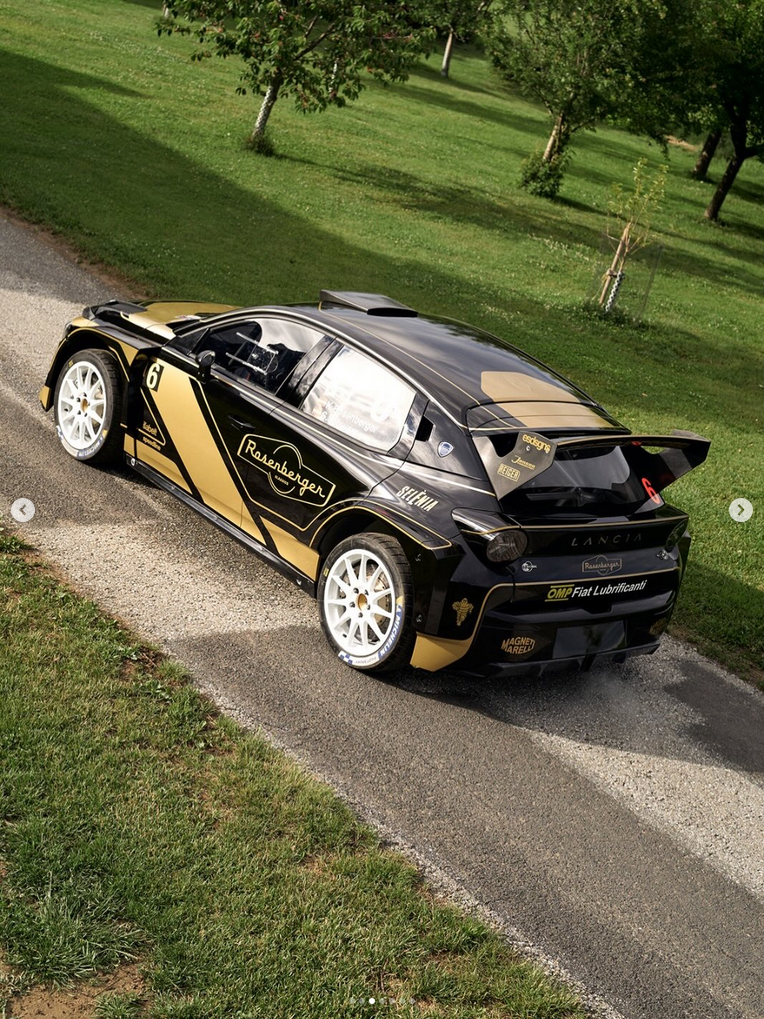
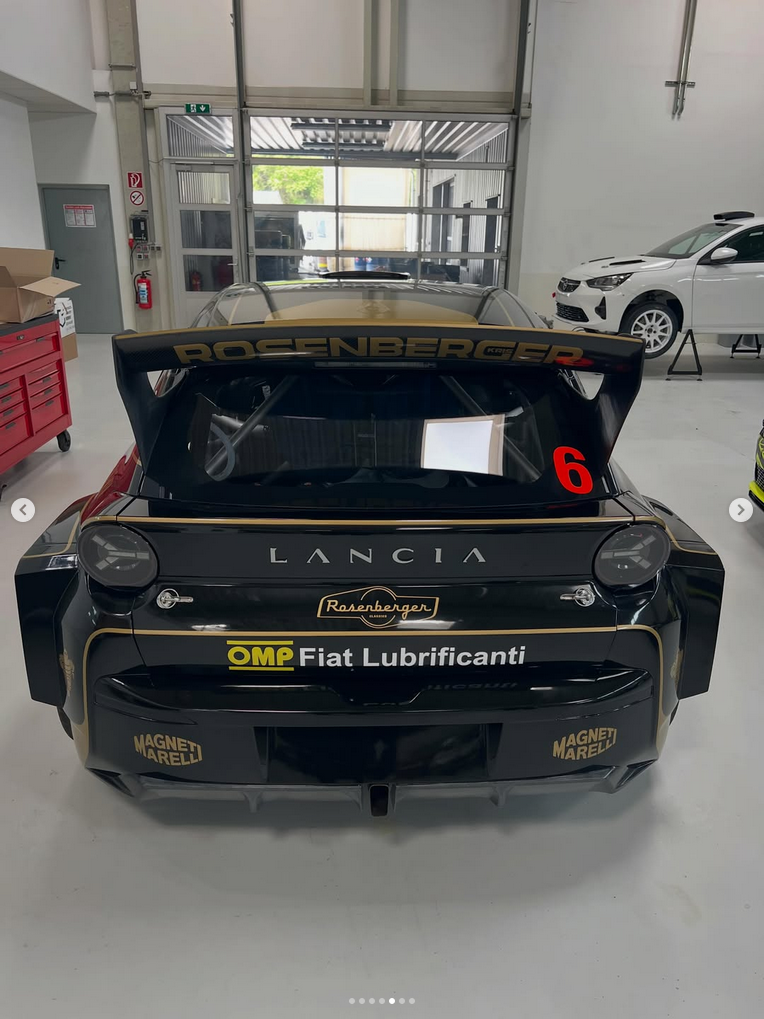
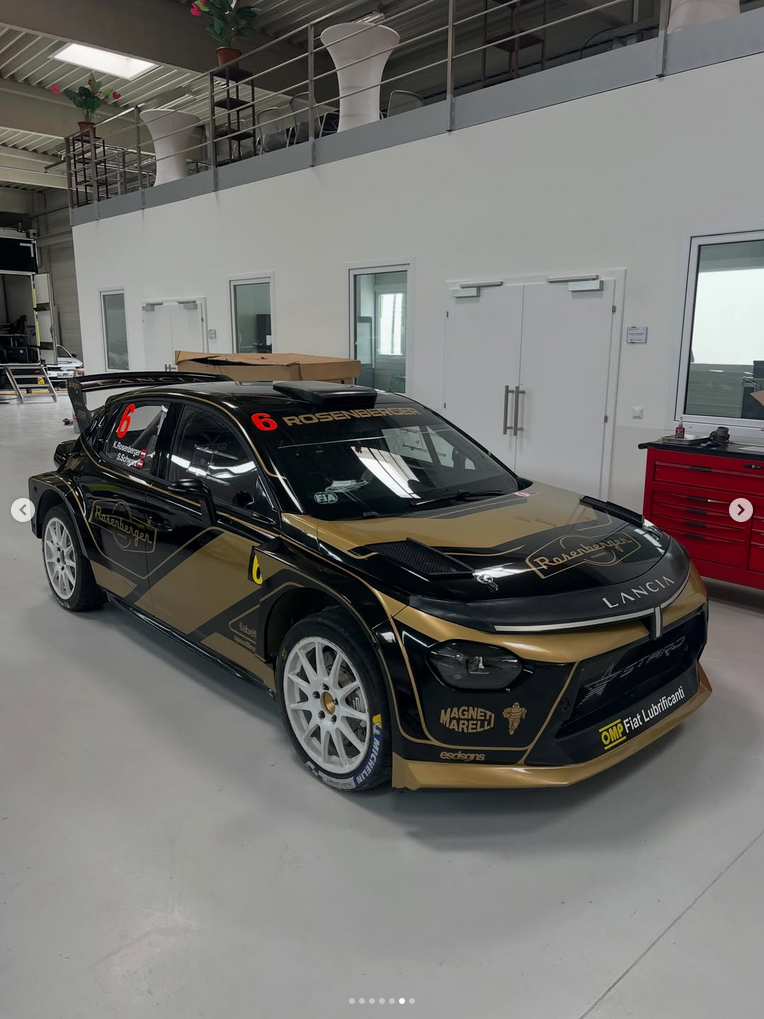

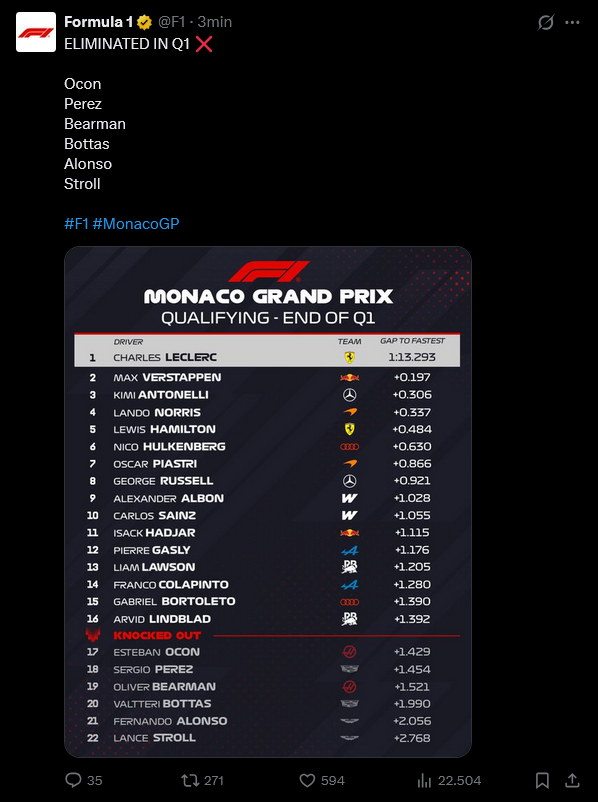
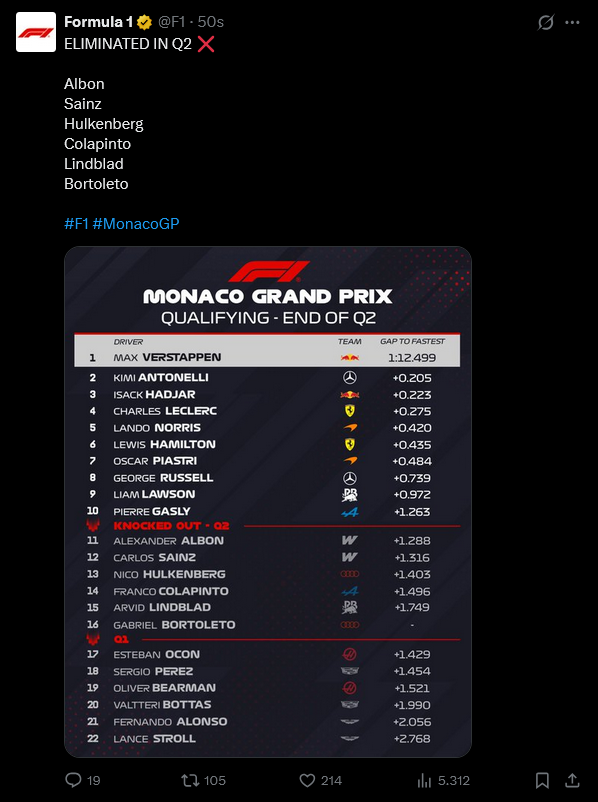
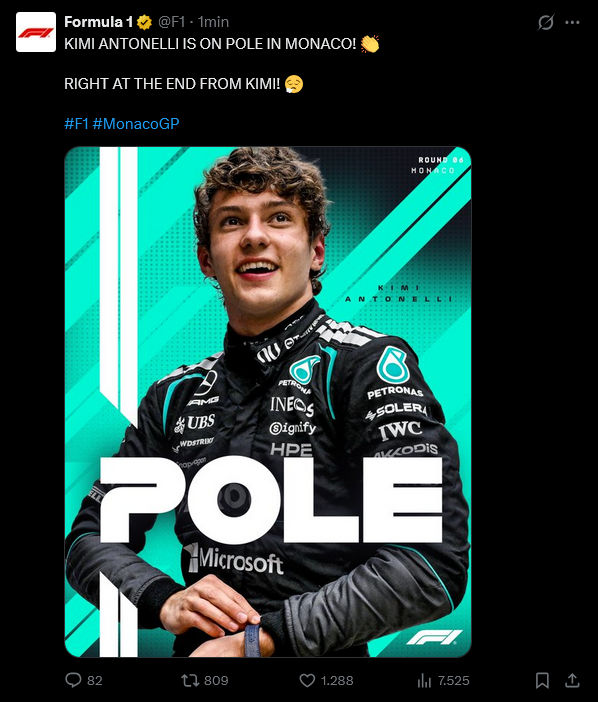
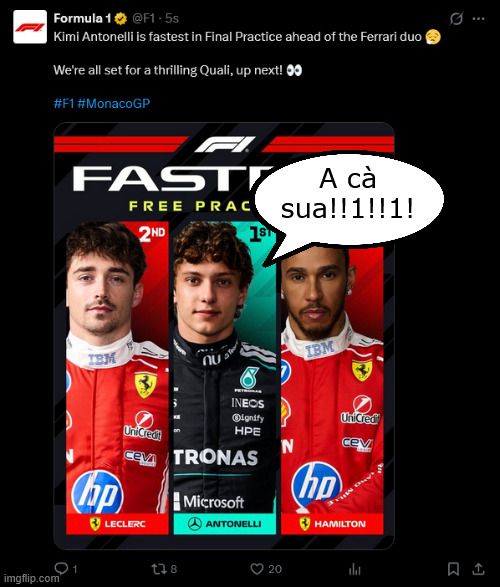
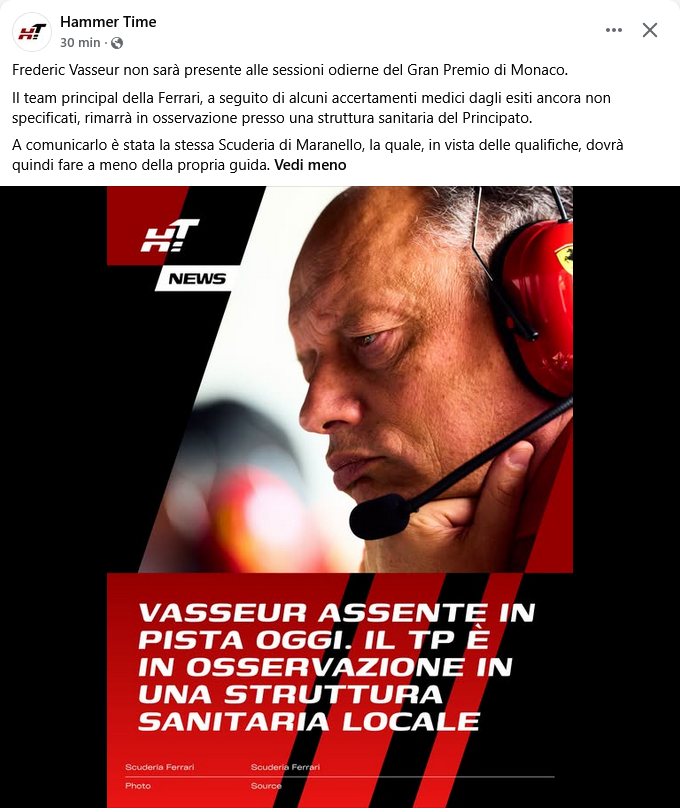
.png.9dbecb98a8c675180c95377f6f012aa4.png)
![Alfa Romeo Hug [Trolling Mode]](https://www.autopareri.com/uploads/reactions/Alfaromeocare.png.50be1dd8d7c15ba4fec8098a15bfa18a.png)

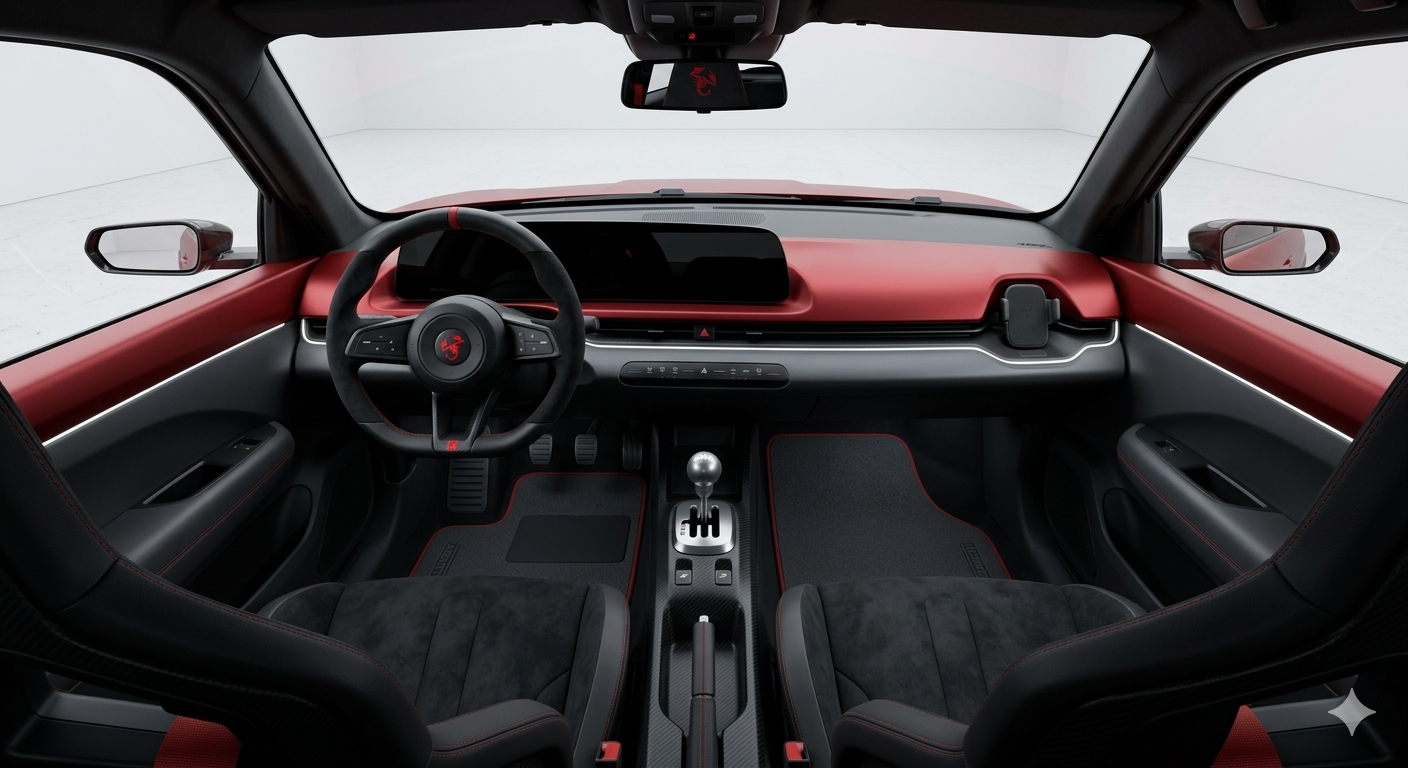
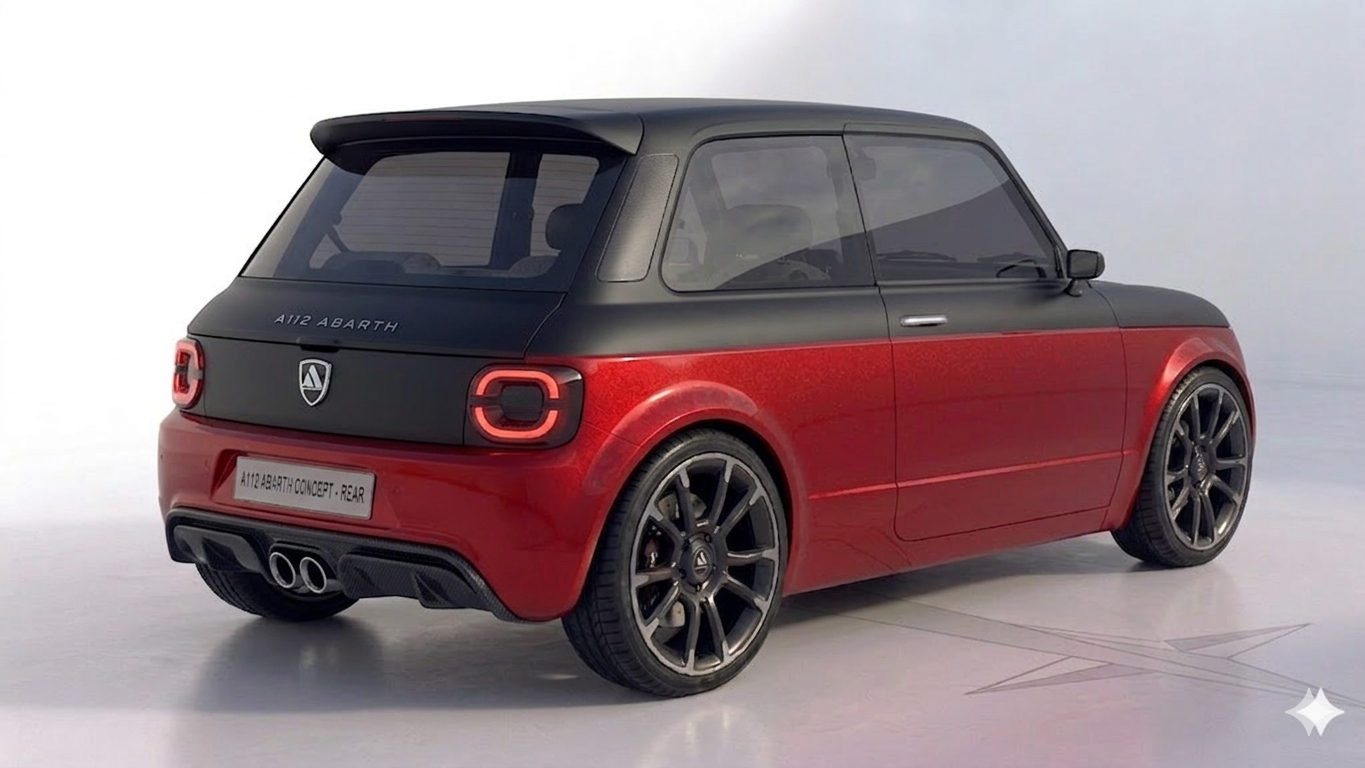
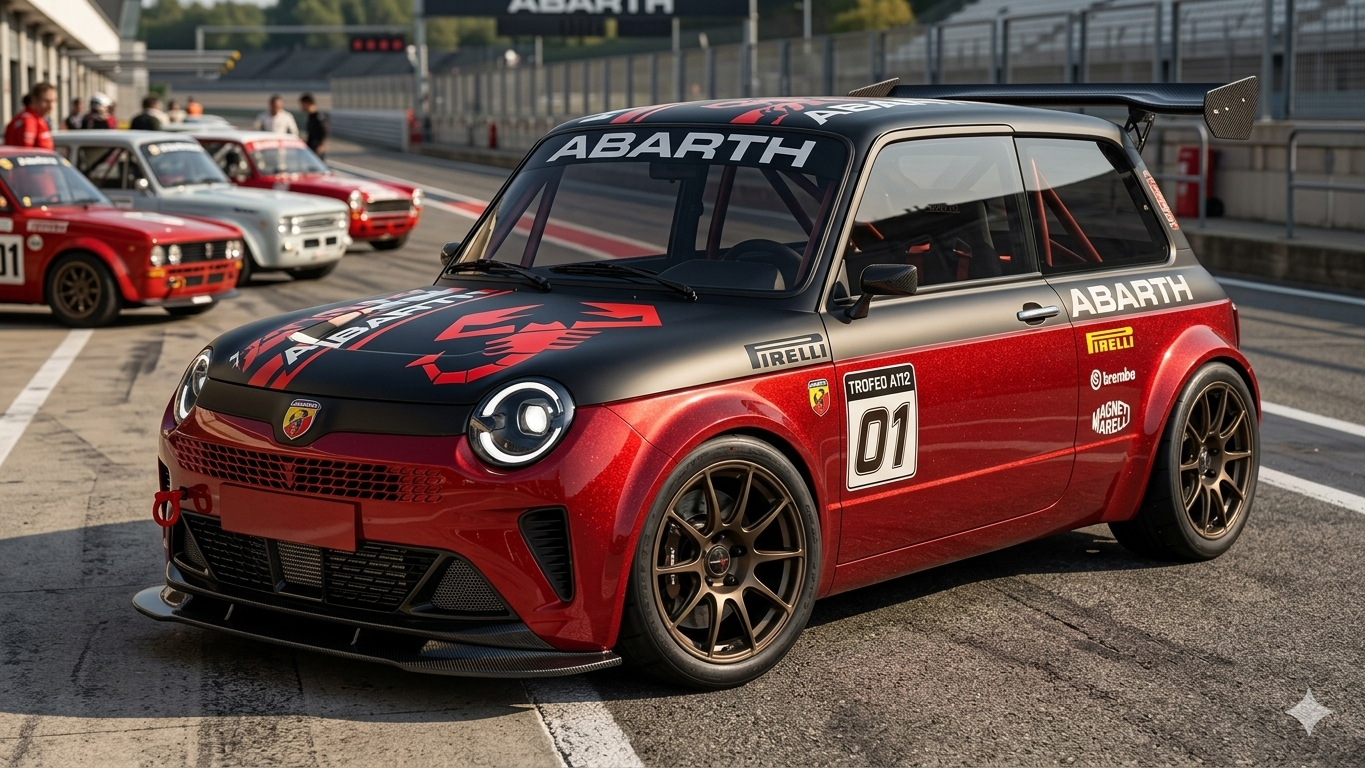
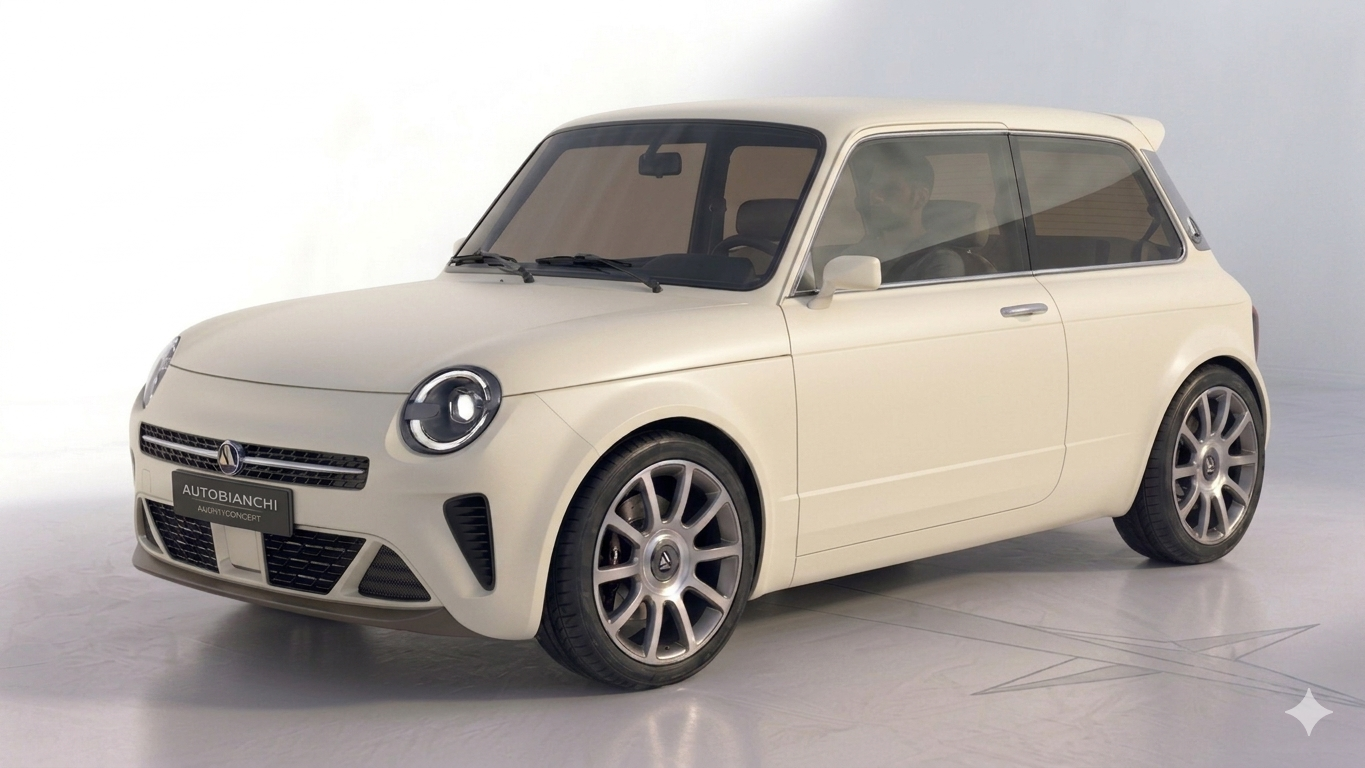


Account
Navigation
Cerca
Configure browser push notifications
Chrome (Android)
- Tap the lock icon next to the address bar.
- Tap Permissions → Notifications.
- Adjust your preference.
Chrome (Desktop)
- Click the padlock icon in the address bar.
- Select Site settings.
- Find Notifications and adjust your preference.
Safari (iOS 16.4+)
- Ensure the site is installed via Add to Home Screen.
- Open Settings App → Notifications.
- Find your app name and adjust your preference.
Safari (macOS)
- Go to Safari → Preferences.
- Click the Websites tab.
- Select Notifications in the sidebar.
- Find this website and adjust your preference.
Edge (Android)
- Tap the lock icon next to the address bar.
- Tap Permissions.
- Find Notifications and adjust your preference.
Edge (Desktop)
- Click the padlock icon in the address bar.
- Click Permissions for this site.
- Find Notifications and adjust your preference.
Firefox (Android)
- Go to Settings → Site permissions.
- Tap Notifications.
- Find this site in the list and adjust your preference.
Firefox (Desktop)
- Open Firefox Settings.
- Search for Notifications.
- Find this site in the list and adjust your preference.