
Jonathan19
Utente Registrato
-
Iscritto il
-
Ultima visita
-
Attualmente
Visualizza la discussione: Ferrari 296 Challenge Stradale 2026 (Spy)
-
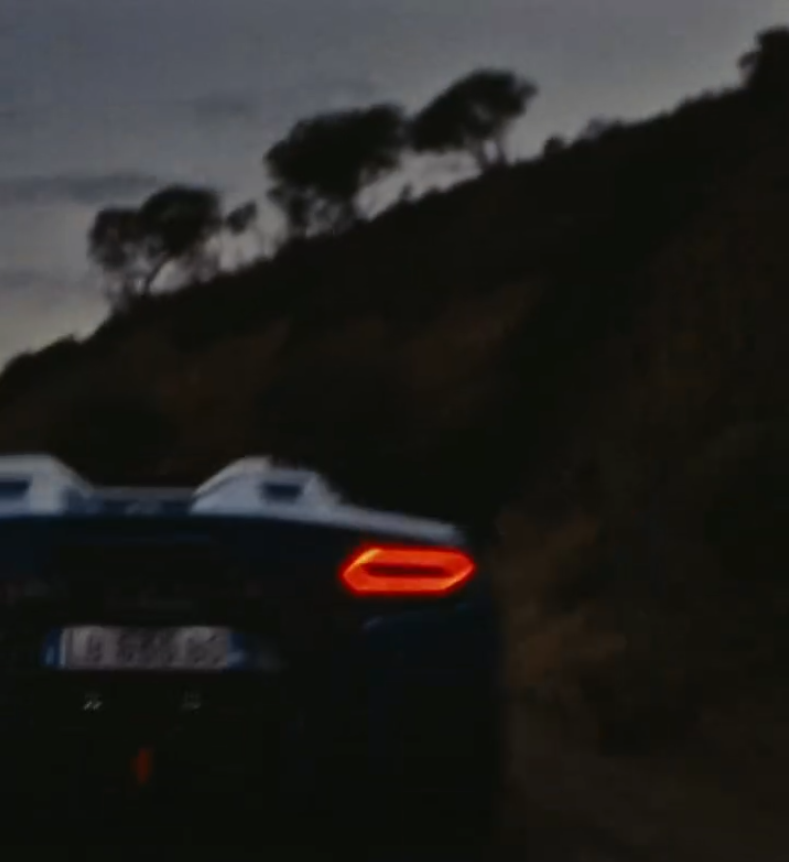
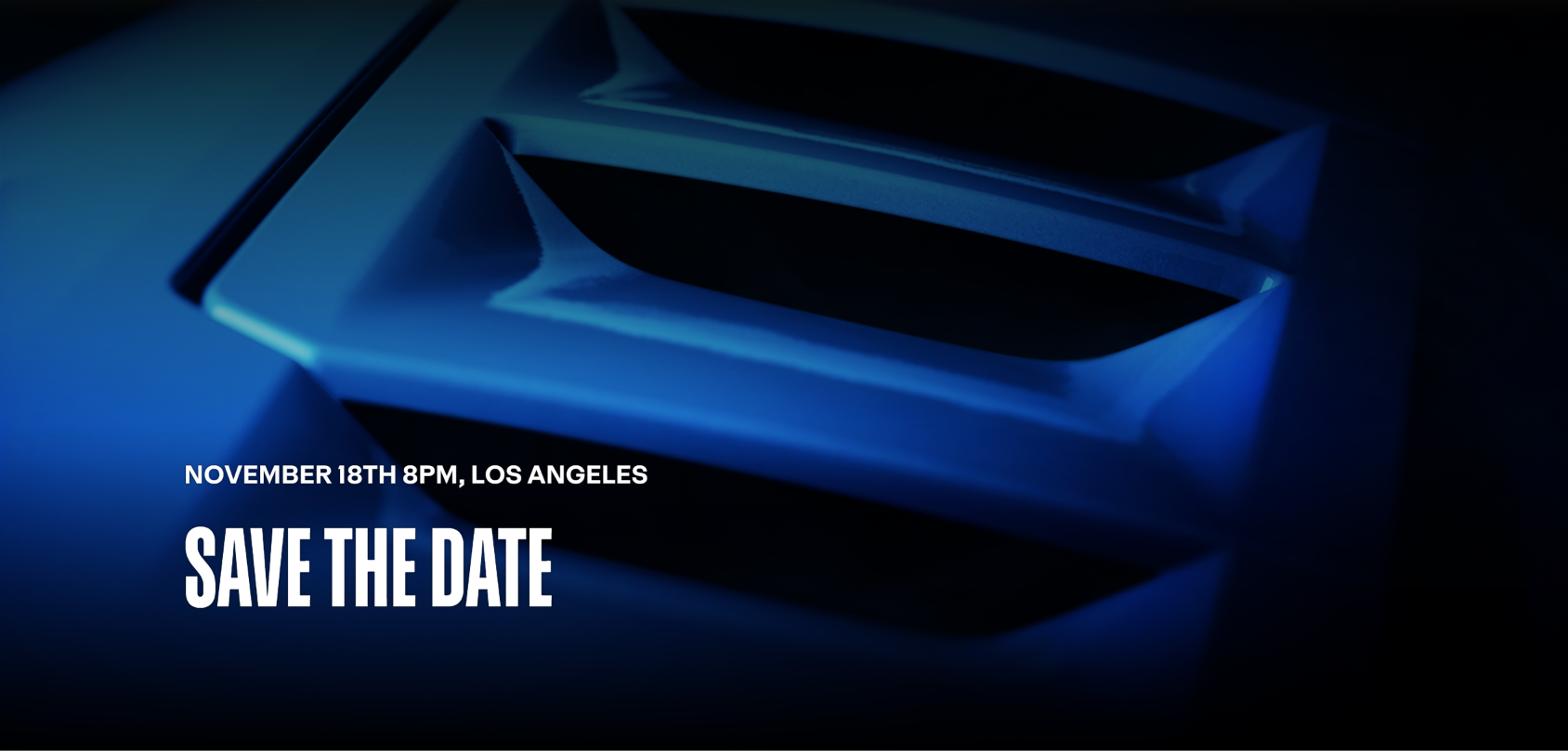
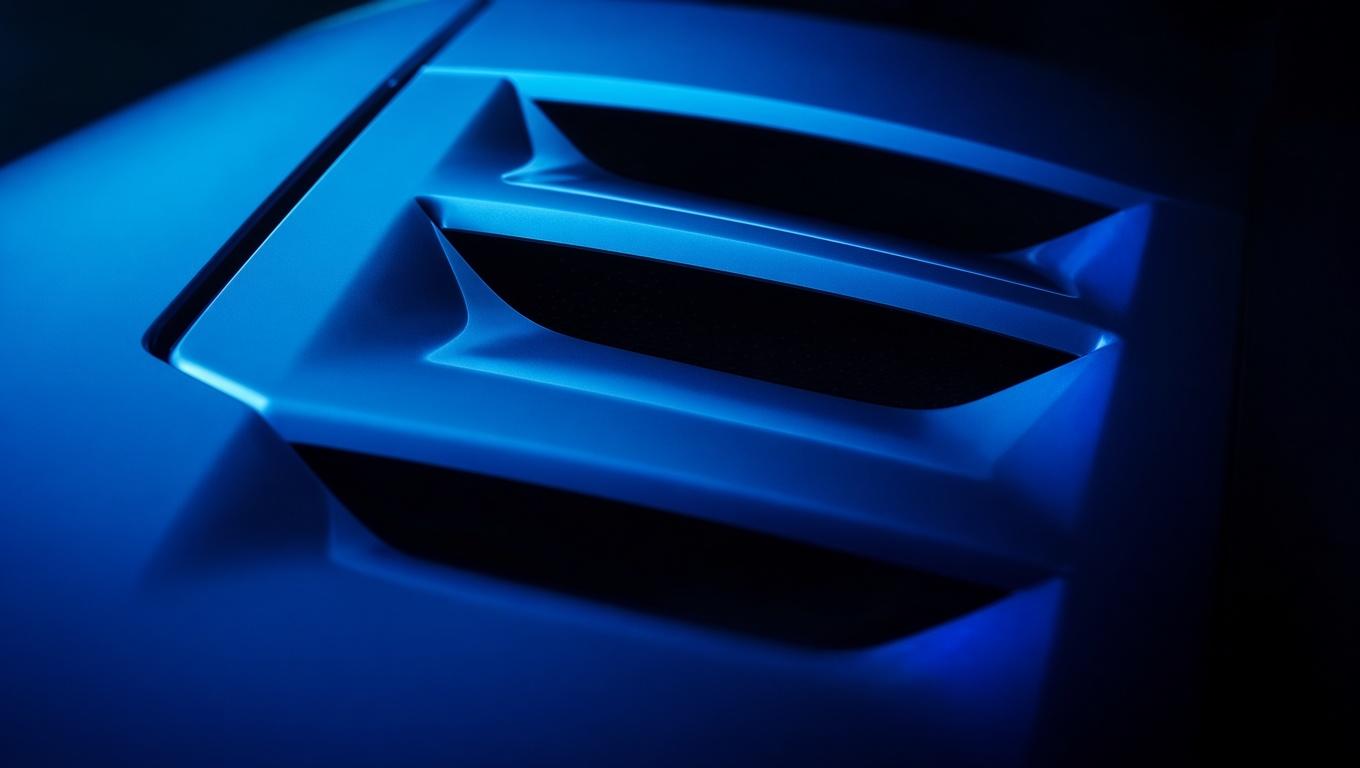
First feedback from the private presentation (To be taken with a pinch of salt) - The car is call 296 Challenge Stradale - In its most extreme configuration, the car weighs 1,300 kg ‘Dry’ - The V6 produces 670hp with ‘more extreme settings’ - The car have a optional "Race" exhaust - The car will have a 4/5 years production run with no limit.On the article below they said "A new design manifesto concept will preview the future Levante and Quattroporte models" that mean one concept for two models? https://www.autoexpress.co.uk/maserati/370674/new-maserati-concept-preview-next-levante-and-quattroporte
- 982 risposte
-
- 2.0 mhev
- 2.0 phev
- folgore
- future maserati
-
Taggato come:
- 2.0 mhev
- 2.0 phev
- folgore
- future maserati
- ghibli mca
- grecale
- levante m184
- levante mca
- m156
- m157
- m161
- m183
- m184
- m189
- m240
- m6u
- m9s
- maserati
- maserati 100% electric
- maserati bev
- maserati d-uv
- maserati elettrica
- maserati ev
- maserati f-uv
- maserati full electric
- maserati grecale
- maserati mc20
- maserati newgt
- maserati spy
- maserati supercar
- mmxx
- mmxxi
- new v6
- nuove maserati
- nuovi modelli
- quattroporte m183
- quattroporte mca








Account
Navigation
Cerca
Configure browser push notifications
Chrome (Android)
- Tap the lock icon next to the address bar.
- Tap Permissions → Notifications.
- Adjust your preference.
Chrome (Desktop)
- Click the padlock icon in the address bar.
- Select Site settings.
- Find Notifications and adjust your preference.
Safari (iOS 16.4+)
- Ensure the site is installed via Add to Home Screen.
- Open Settings App → Notifications.
- Find your app name and adjust your preference.
Safari (macOS)
- Go to Safari → Preferences.
- Click the Websites tab.
- Select Notifications in the sidebar.
- Find this website and adjust your preference.
Edge (Android)
- Tap the lock icon next to the address bar.
- Tap Permissions.
- Find Notifications and adjust your preference.
Edge (Desktop)
- Click the padlock icon in the address bar.
- Click Permissions for this site.
- Find Notifications and adjust your preference.
Firefox (Android)
- Go to Settings → Site permissions.
- Tap Notifications.
- Find this site in the list and adjust your preference.
Firefox (Desktop)
- Open Firefox Settings.
- Search for Notifications.
- Find this site in the list and adjust your preference.