





STEVEC
Utente Registrato
-
Iscritto il
-
Ultima visita
Tutti i contenuti di STEVEC
-
-
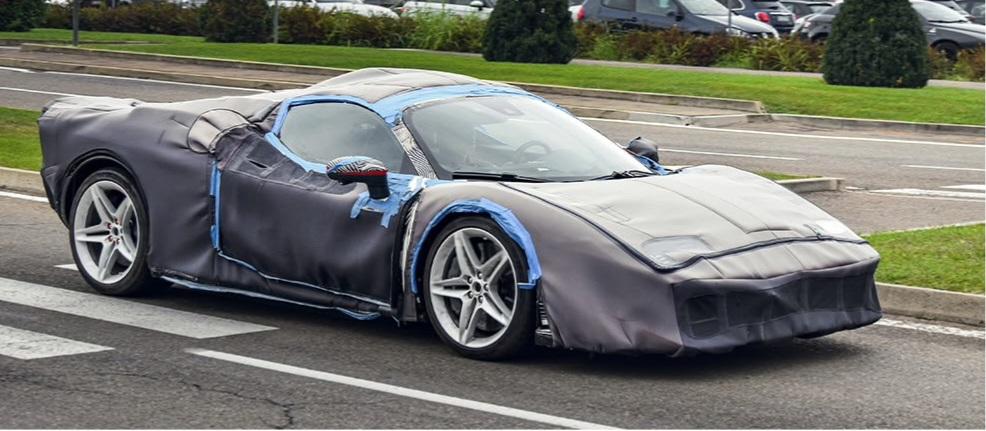
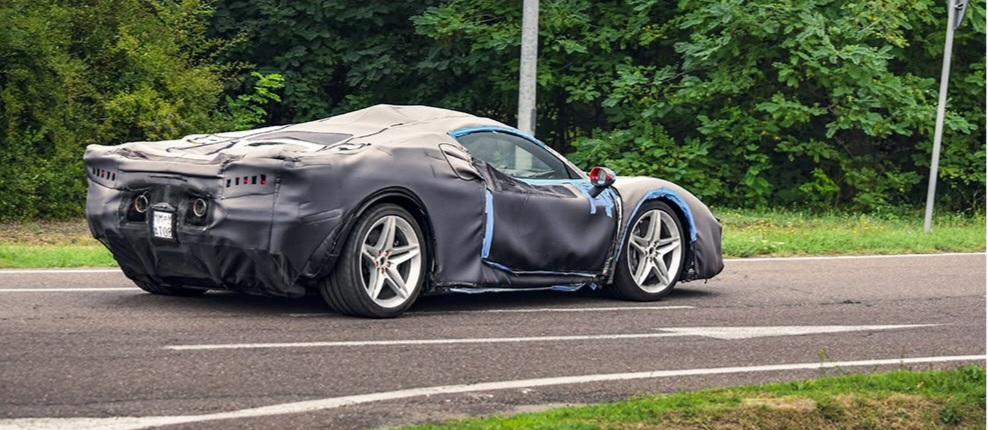
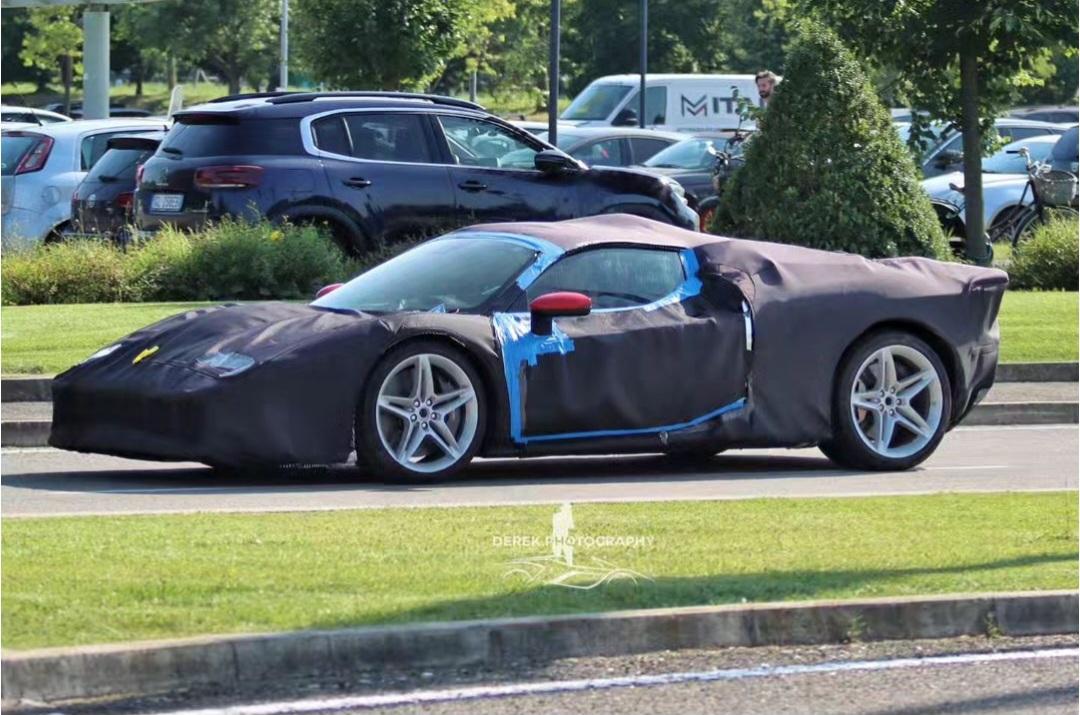
Some rumors by andrea.spotter.jpg • The V6 (probably combined with the 2 MGU-Hs) produces 1016cv • The added 3 electric motors have a combined output of 322cv, so in total we have more than 1300cv • 0-100 in less than 2s, 0-200 in less than 5s • Base price (taxes excluded) more than 3M €
-
-
-
-
-
-
https://windsorstar.com/news/local-news/uaw-files-union-grievance-fears-stellantis-moving-dodge-assembly-to-windsor https://carbuzz.com/dodge-chrysler-new-crossovers-2026/ So to recap: - In Detroit, the new Durango is cancelled and the new GC is postponed to 2028 - In Windsor, a Chrysler SUV will be produced from early 2026 and the Dodge Stealth (smaller than Durango) from April 2027 (both are two-row SUVs and based on STLA Large, remember that the new Charger is also made in that plant). - There is no sign of a new Pacifica, but a second Chrysler SUV is coming in early 2027 based on STLA Medium, probably made in Brampton together with the new Compass
-
Not only Lancia Gamma, but also the DS 8 and 7, should be offered in hybrid versions aswell (the DS8 not from the beginning though)
- 972 risposte
-
-

-

- 2
-
-
- aurelia
- l74
- lancia
- lancia aurelia
-
Taggato come:
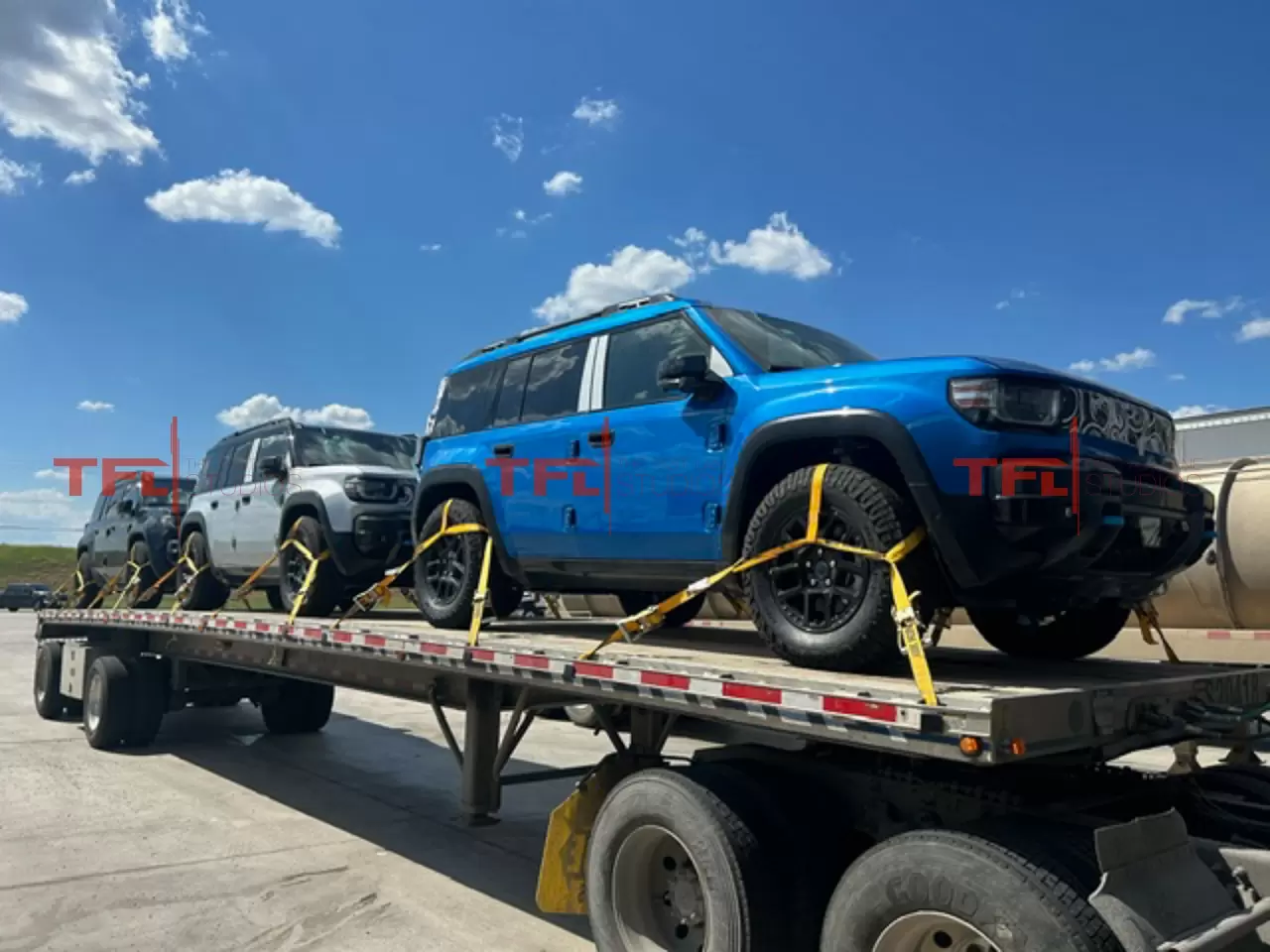
From FChat. Best render so far https://moparinsiders.com/caught-2025-jeep-grand-cherokee-l-limited-4x4/


 For the US market, there will be ICE versions Exactly, expect a length of at least 4,8m for the ReconPerhaps we are only a few days away from the unveil
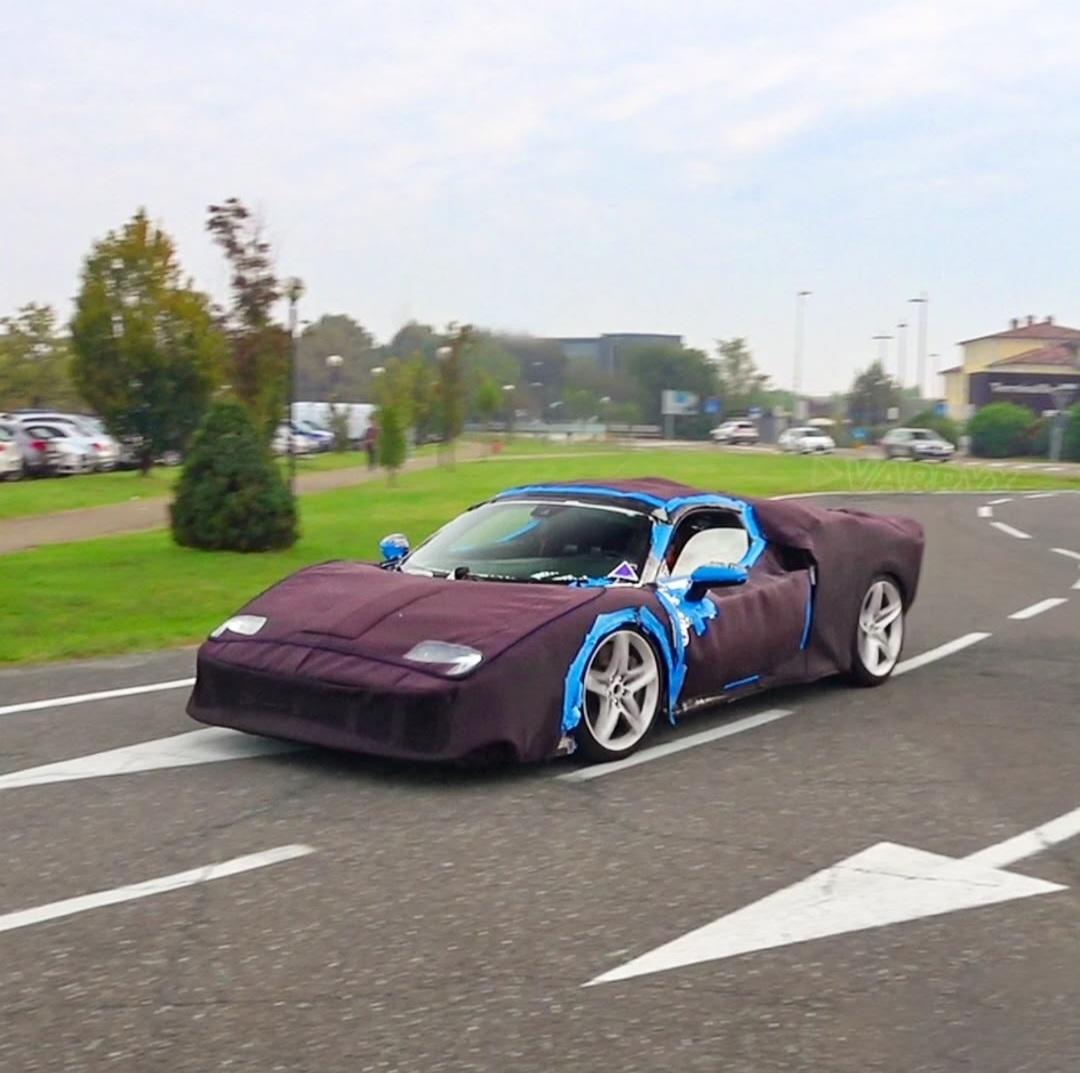
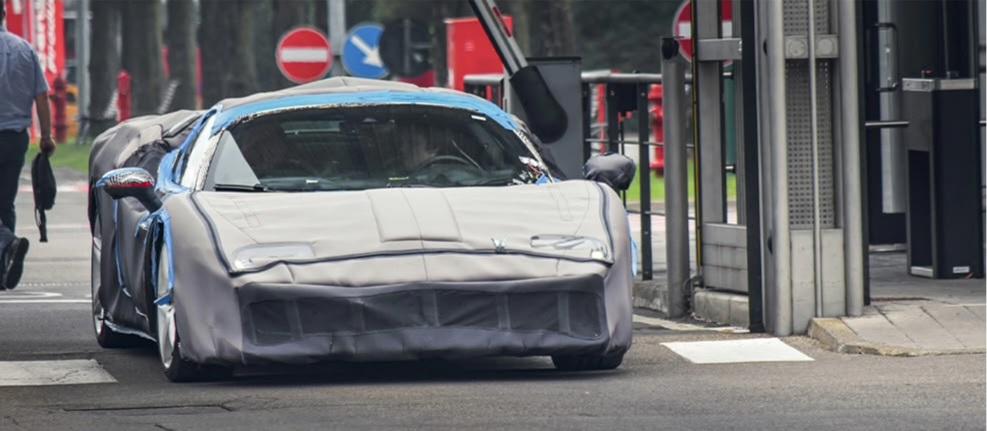
 Speedtail is a ridiculously fast GT, the new Hypercar will be track-focused. Senna is not hybrid, the new Hypercar will be. Solus is not road-legal, the new Hypercar will be. The new Hypercar will basically be the real P1 successor. About the Mission X, it is an EV so it'll be very different from all the aforementioned cars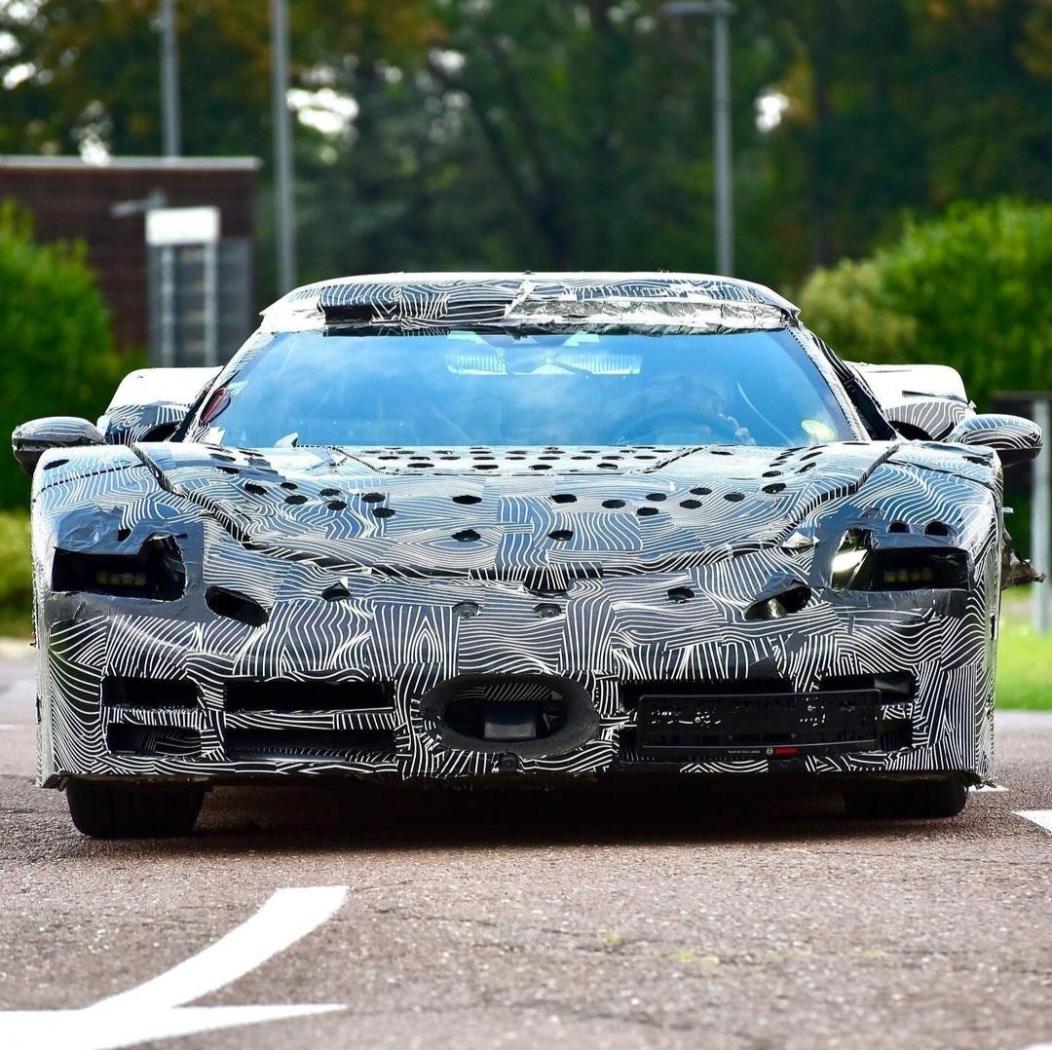
- 92 risposte
-
-

-

-
- 3
-
-
- f171
- f171 vs
- ferrari
- ferrari 296
-
Taggato come:






Account
Navigation
Cerca
Configure browser push notifications
Chrome (Android)
- Tap the lock icon next to the address bar.
- Tap Permissions → Notifications.
- Adjust your preference.
Chrome (Desktop)
- Click the padlock icon in the address bar.
- Select Site settings.
- Find Notifications and adjust your preference.
Safari (iOS 16.4+)
- Ensure the site is installed via Add to Home Screen.
- Open Settings App → Notifications.
- Find your app name and adjust your preference.
Safari (macOS)
- Go to Safari → Preferences.
- Click the Websites tab.
- Select Notifications in the sidebar.
- Find this website and adjust your preference.
Edge (Android)
- Tap the lock icon next to the address bar.
- Tap Permissions.
- Find Notifications and adjust your preference.
Edge (Desktop)
- Click the padlock icon in the address bar.
- Click Permissions for this site.
- Find Notifications and adjust your preference.
Firefox (Android)
- Go to Settings → Site permissions.
- Tap Notifications.
- Find this site in the list and adjust your preference.
Firefox (Desktop)
- Open Firefox Settings.
- Search for Notifications.
- Find this site in the list and adjust your preference.