AleMcGir
Moderatore |Staff|
-
Iscritto il
-
Ultima visita
Tutti i contenuti di AleMcGir
-
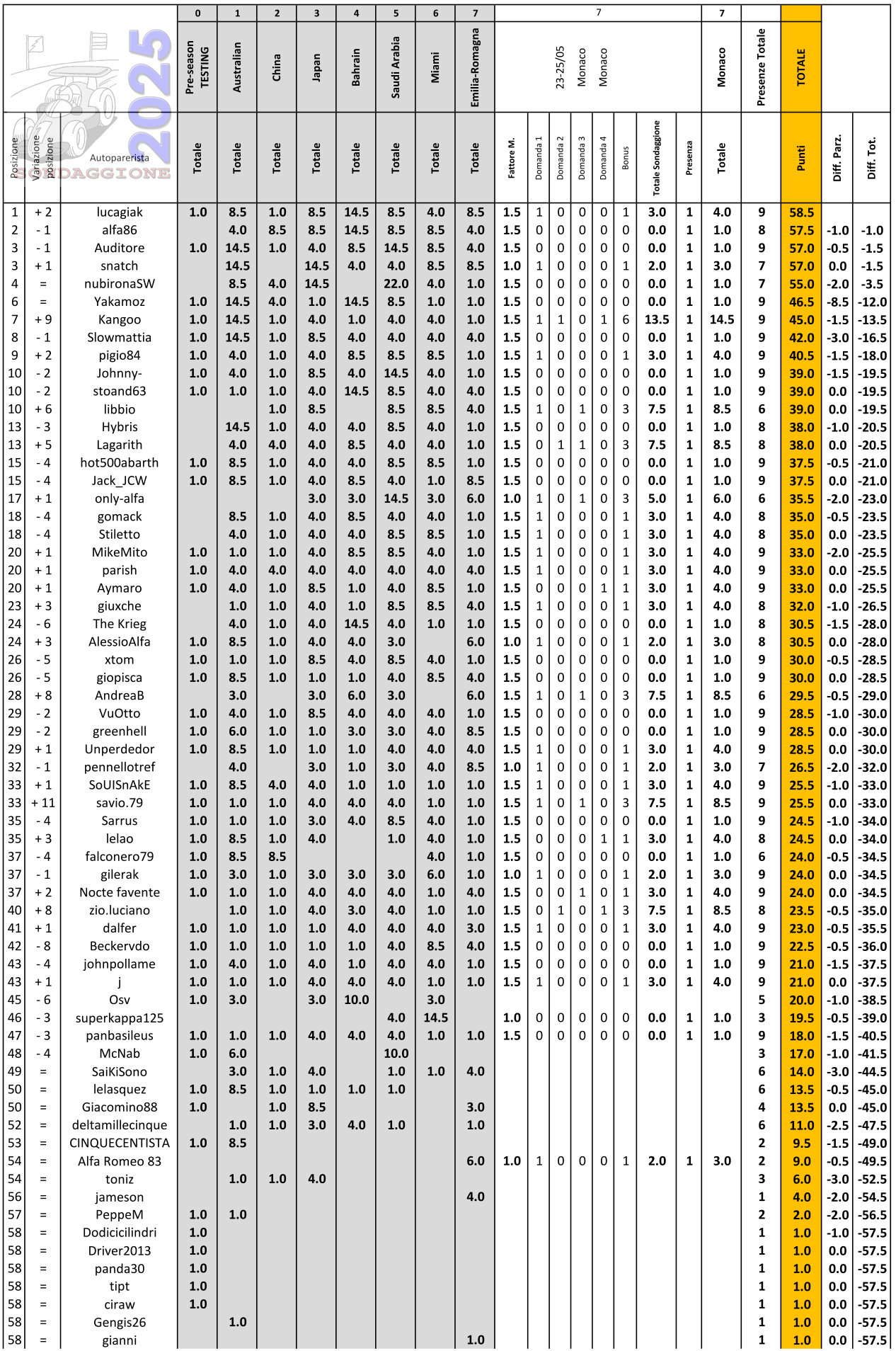
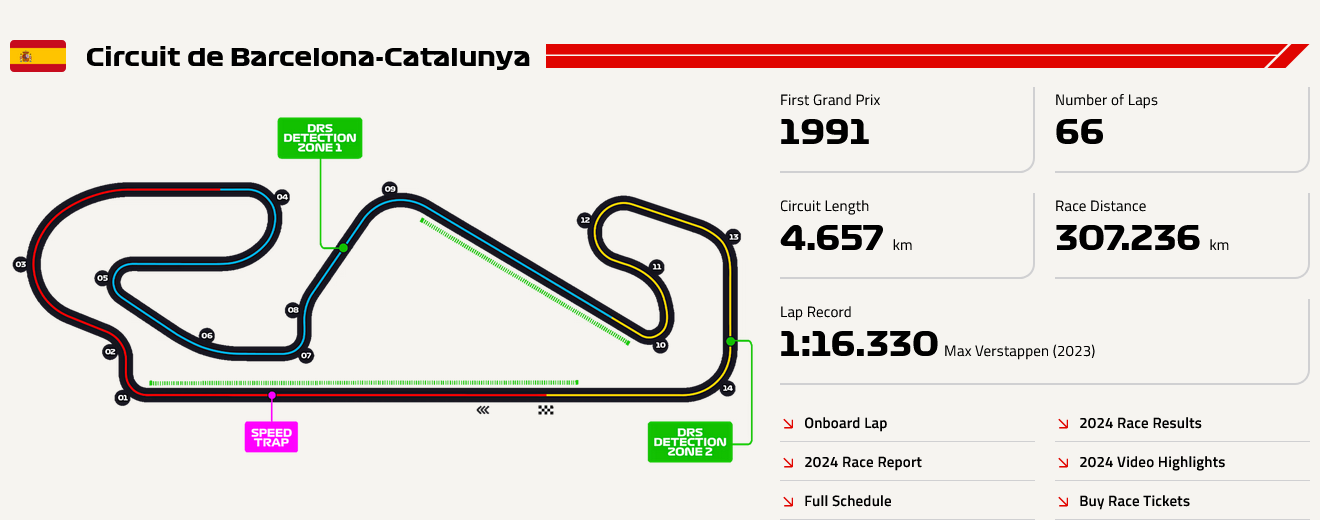
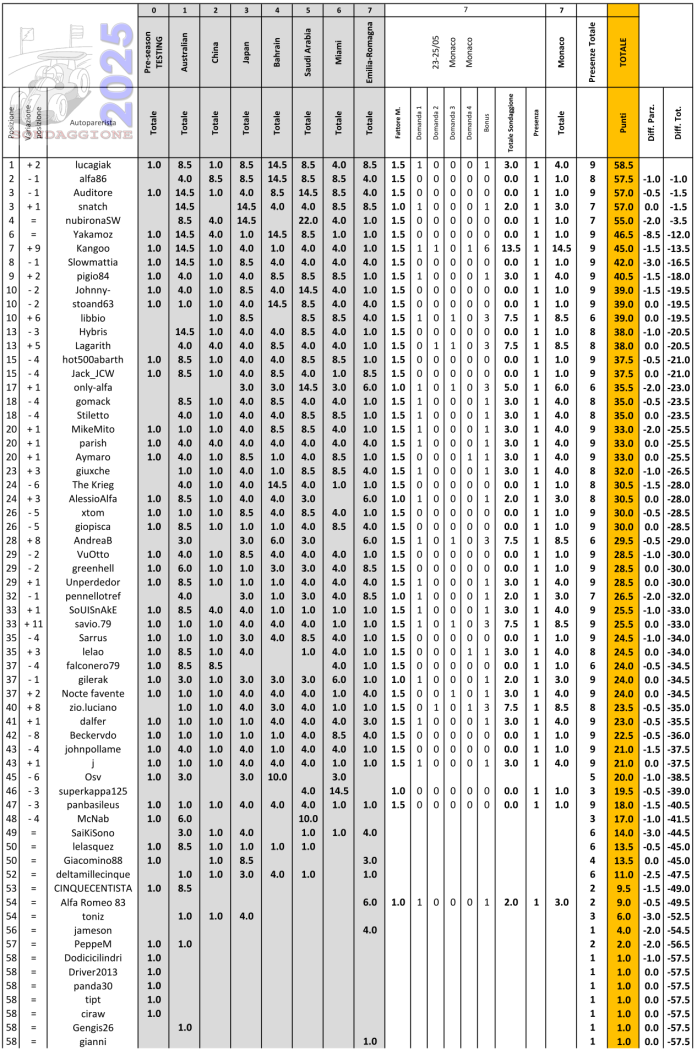
1. Quante auto del Team Ferrari in Q3 (sabato)... 2. Arriva "UNO" nella "QUALIFYING" (sabato)... 3. Arriva "DUE" nella "QUALIFYING" (Sabato)... 4. Arriva "UNO" nella "RACE" (Domenica)... Classifica di tappa @Kangoo con un bel 3/4 si porta a casa la vittoria del sondaggione a Monaco. Classifica generale @lucagiak nuovo leader di classifica, in 5 in 3.5 punti. Nei primi 10 arriva @Kangoo l'unico ad andare in doppia cifra nel sondaggione più glamour della stagione. Prossimo sondaggione Barcellona ⬇️
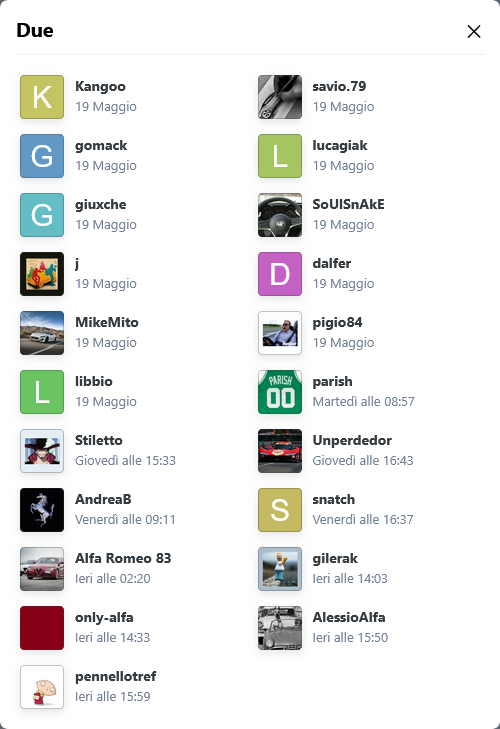
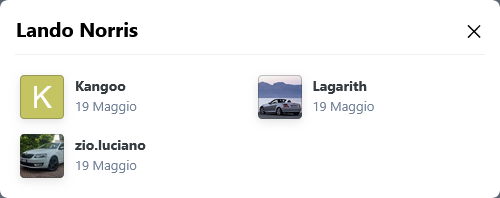
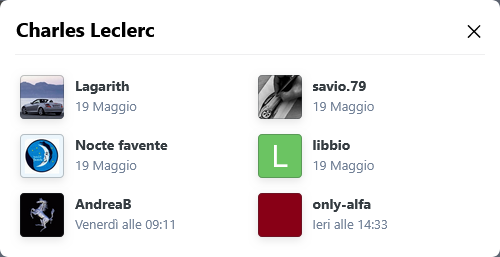
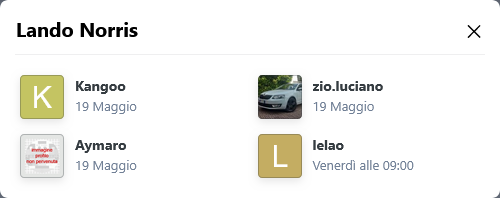
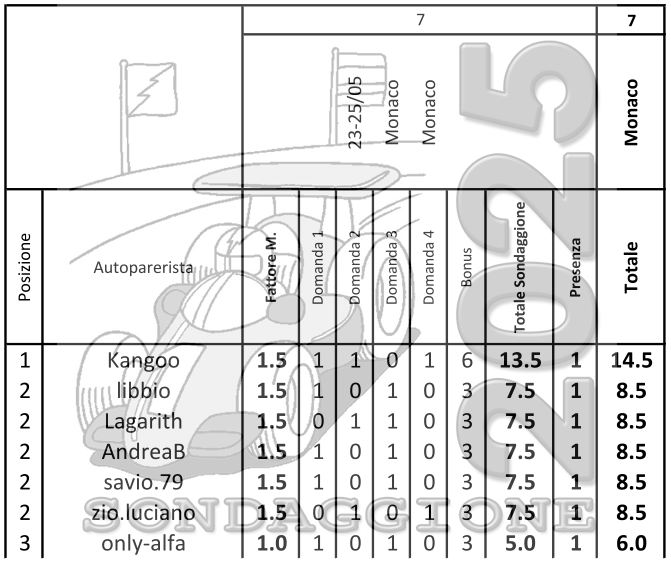
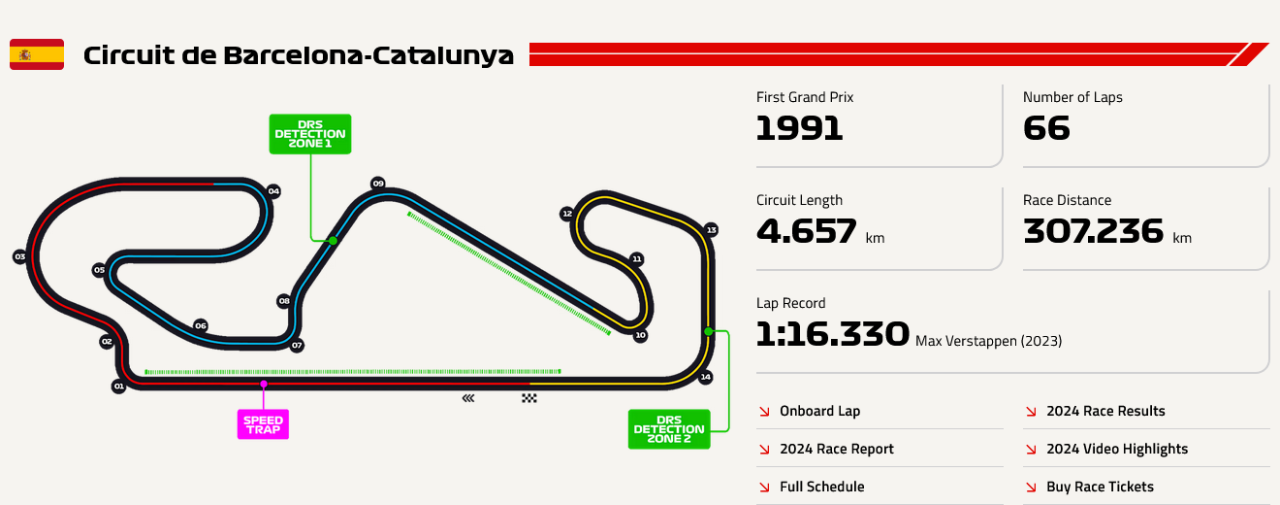
 Sondaggione 2025 - Presenza 1 punto (non rientra nel fattore moltiplicativo); - 4 domande; - Bonus una risposta giusta -> 1 punto bonus; due risposte giuste -> 3 punti bonus; tre risposte giuste -> 6 punti bonus; quattro risposte giuste -> 10 punti bonus; - Fattore moltiplicativo 1.5 per chi "vota" entro le ore 13:29:59 del 30/05/2025, dopo fattore moltiplicativo 1.0; - Chiusura sondaggio alle ore 16:00 del 31/05/2025; Buon sondaggione a tutti!!!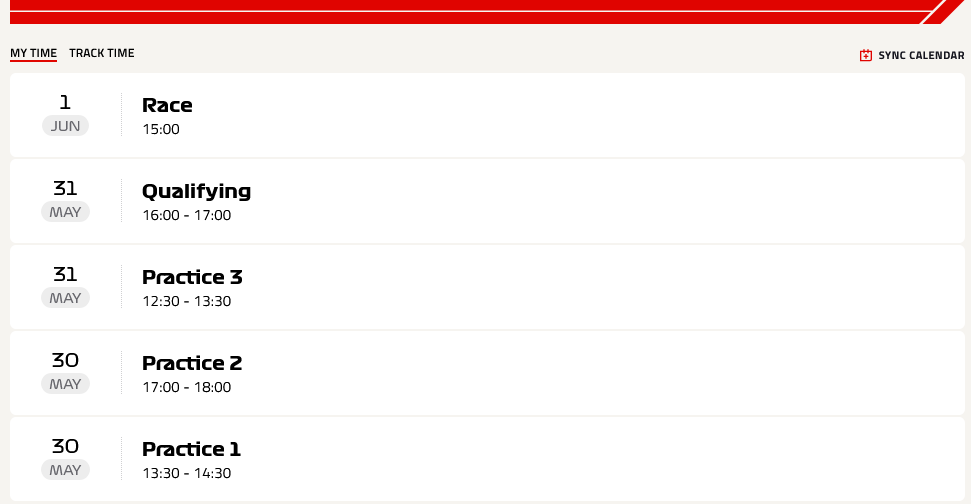
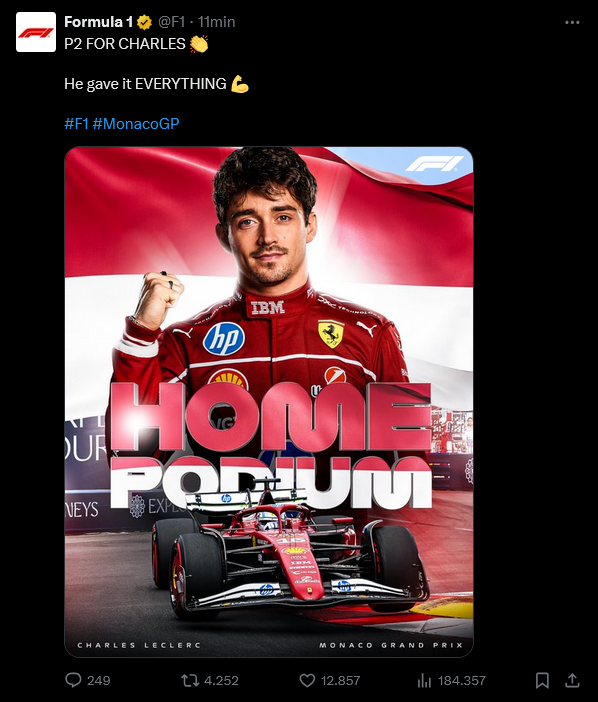
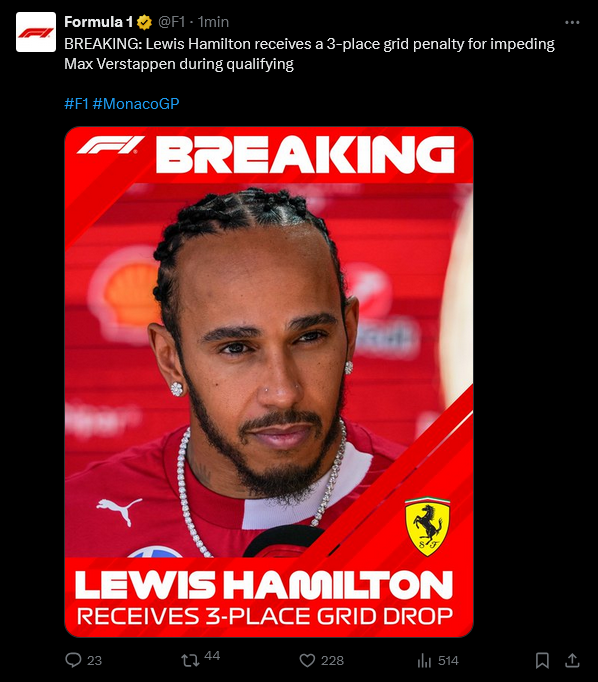
 Nulla vieta di fare come @savio.79, lui vota con il cuore, mai visto votare diverso da #16, già in passato in caso di domanda primo e secondo ha sempre votato Charles Marc Hervé Perceval Leclerc. Tecnicamente perdi un voto, ma lo spirito decubertiano, che alberga nel suo cuore, lo porta a votare #16 fisso!!! ---
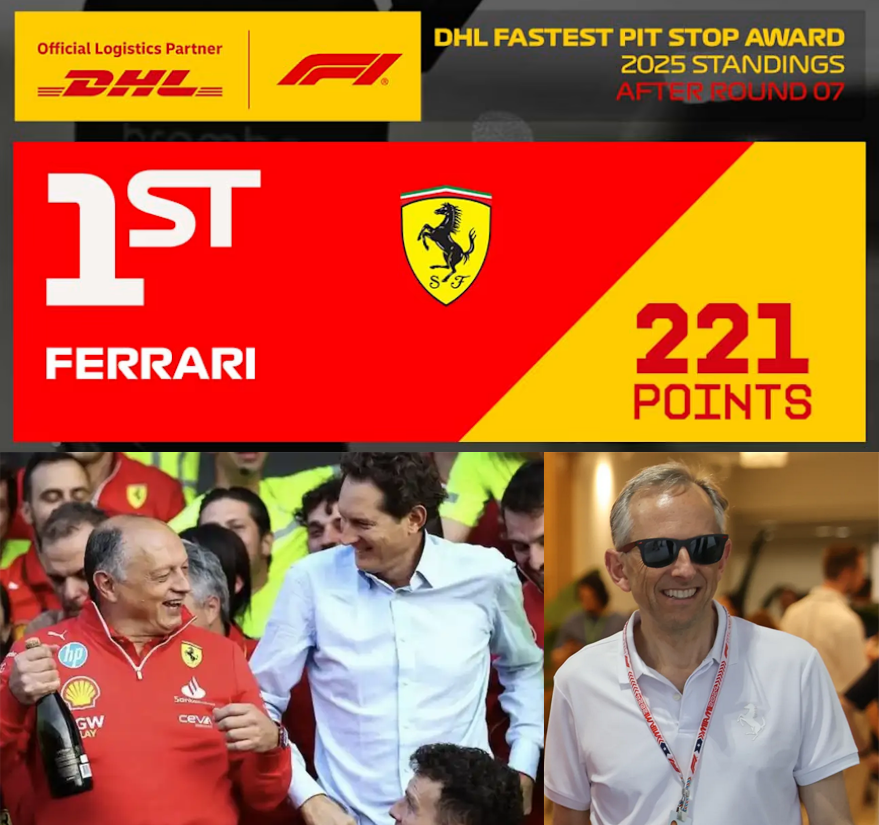
 Per la domanda, grande assente, del sondaggione ---
 1. Quante auto del Team Ferrari in Q3 (sabato)... 2. Arriva "UNO" nella "QUALIFYING" (sabato)... 3. Arriva "UNO" nella "RACE" (domenica)... 4. Arriva "DUE" nella "RACE" (domenica)... Classifica di tappa Nove sondaggisti hanno fatto 2/4, la differenza di punteggio è legata al fattore moltiplicativo. Classifica generale Ribaltone in classifica generale, @nubironaSW con uno zero, scende in quarta posizione, @alfa86 passa in testa, seguito a mezzo punto da @Auditore e subito dietro @lucagiak, in quarta posizione arriva anche @snatch, in poche parole 5 sondaggisti in 2.5 punti! Lotta apertissima. Prossimo appuntamento dal 23 al 25 maggio ⬇️

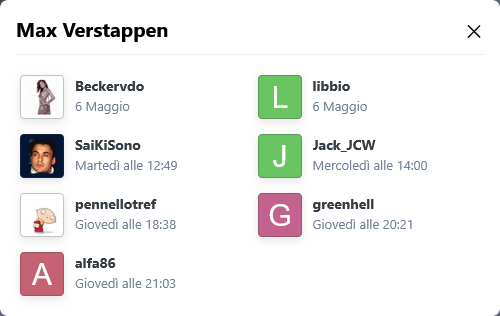
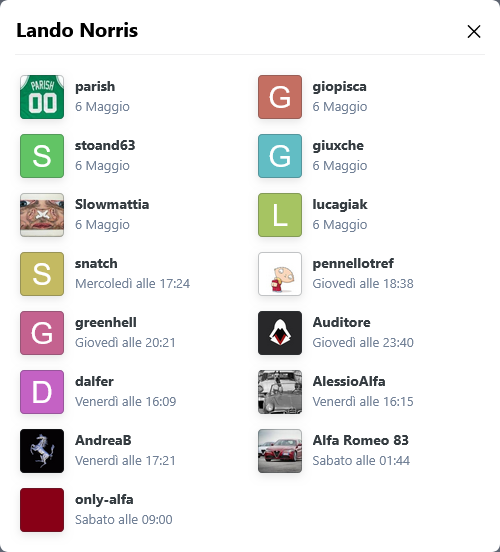

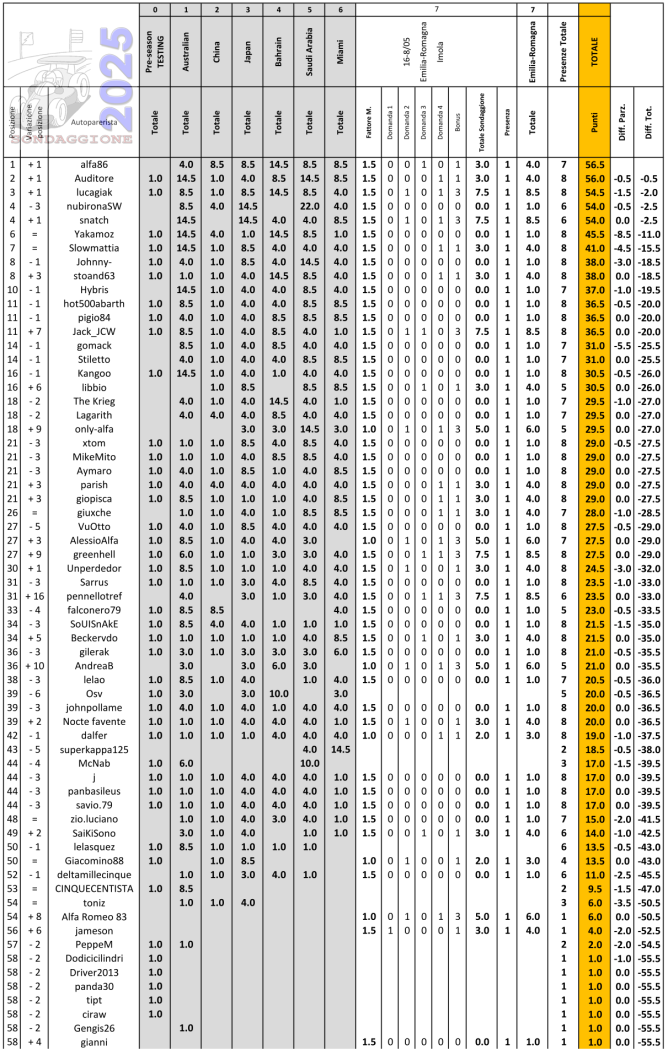 Sondaggione 2025 - Presenza 1 punto (non rientra nel fattore moltiplicativo); - 4 domande; - Bonus una risposta giusta -> 1 punto bonus; due risposte giuste -> 3 punti bonus; tre risposte giuste -> 6 punti bonus; quattro risposte giuste -> 10 punti bonus; - Fattore moltiplicativo 1.5 per chi "vota" entro le ore 13:29:59 del 23/05/2025, dopo fattore moltiplicativo 1.0; - Chiusura sondaggio alle ore 16:00 del 24/05/2025; Buon sondaggione a tutti!!!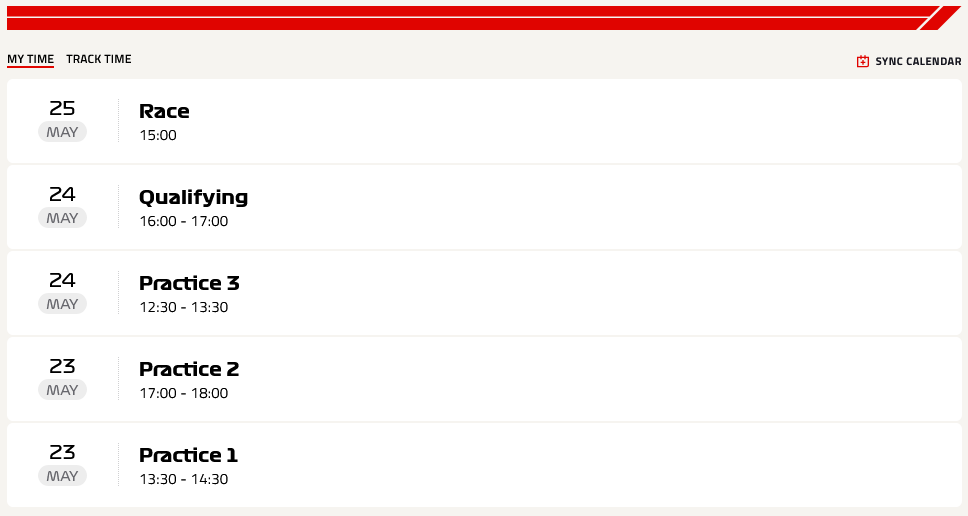
 https://www.formulapassion.it/f1/f1-news/voci-di-paddock-colloqui-tra-perez-e-alpine-per-il-2026
Account
Navigation
Cerca
Configure browser push notifications
Chrome (Android)
- Tap the lock icon next to the address bar.
- Tap Permissions → Notifications.
- Adjust your preference.
Chrome (Desktop)
- Click the padlock icon in the address bar.
- Select Site settings.
- Find Notifications and adjust your preference.
Safari (iOS 16.4+)
- Ensure the site is installed via Add to Home Screen.
- Open Settings App → Notifications.
- Find your app name and adjust your preference.
Safari (macOS)
- Go to Safari → Preferences.
- Click the Websites tab.
- Select Notifications in the sidebar.
- Find this website and adjust your preference.
Edge (Android)
- Tap the lock icon next to the address bar.
- Tap Permissions.
- Find Notifications and adjust your preference.
Edge (Desktop)
- Click the padlock icon in the address bar.
- Click Permissions for this site.
- Find Notifications and adjust your preference.
Firefox (Android)
- Go to Settings → Site permissions.
- Tap Notifications.
- Find this site in the list and adjust your preference.
Firefox (Desktop)
- Open Firefox Settings.
- Search for Notifications.
- Find this site in the list and adjust your preference.