





super pax
Utente Registrato
-
Iscritto il
-
Ultima visita
Tutti i contenuti di super pax
-
-
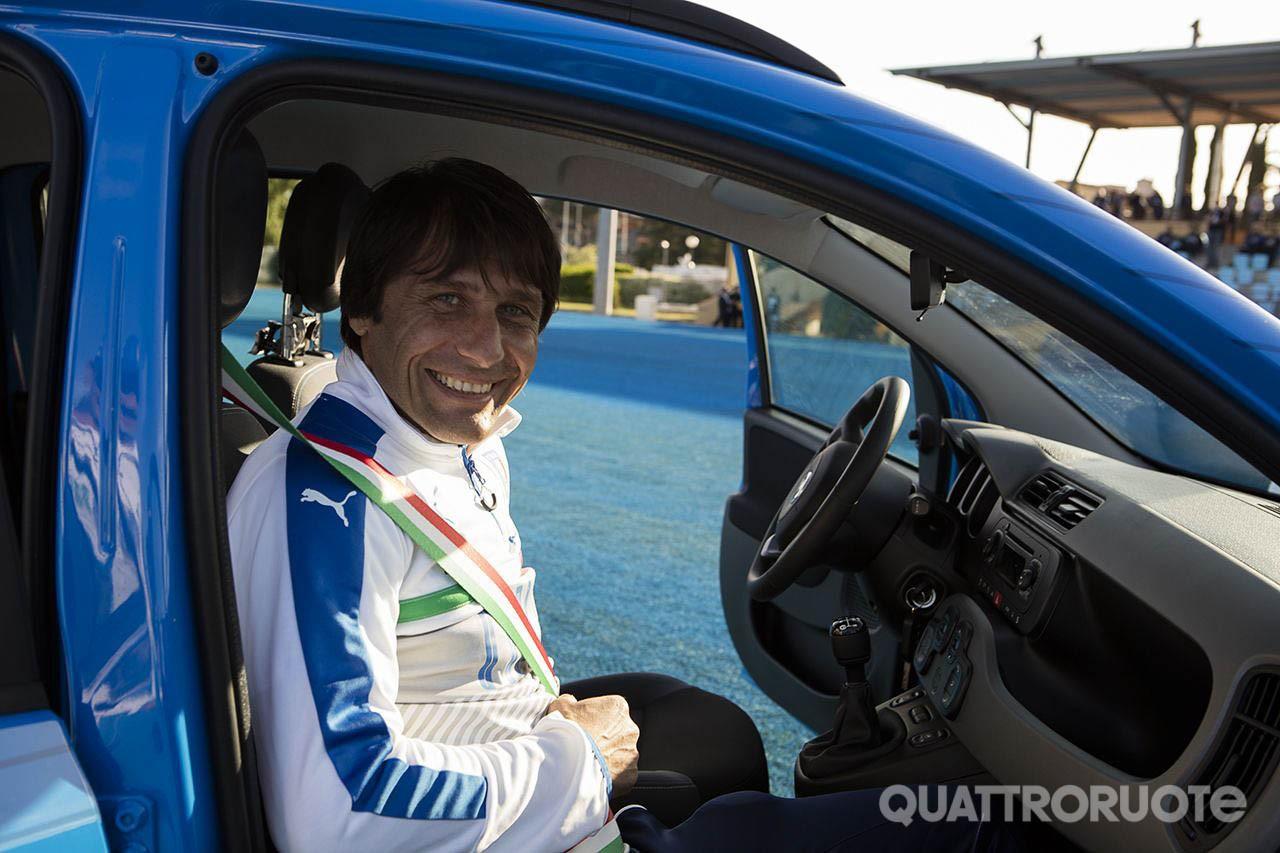
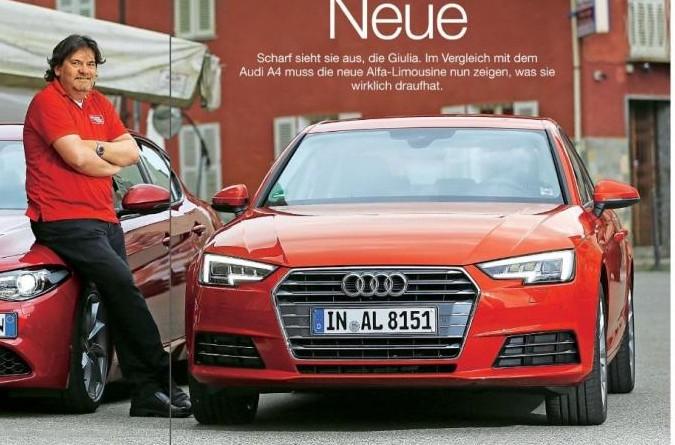
Ottimo lavoro bravissimo.Trovo questa Tipo monovolume ,molto interessante.La Ford Eco BarbonLinea molto classica,all' antipodi delle linee anticonvenzionali di 500l .Mi piace molto il lavoro che hai svolto .Il Bari ha un ottimo tecnico Andrea Camplone ma i play off non sono il suo forte .Durante la sua permanenza a Perugia ben due volte li ha persi al primo turno in lega pro contro il Pisa ( poi vinta l' anno successivo ),e l'anno scorso contro il Pescara. Però vuol dir poco e solo statistica,i play off sono imprevedibili . Vedremo come andrà a finire la gara di questa sera.Se elimenano le frecce arancioni nei fari ,guadagna 1000 punti, le odio.

.jpg.4e7ced0fcc9ff7fb5cfee16a1adfce2b.jpg)



.jpg.7ee599bf646b8938df1d71c0e9d08b12.jpg)

Account
Navigation
Cerca
Configure browser push notifications
Chrome (Android)
- Tap the lock icon next to the address bar.
- Tap Permissions → Notifications.
- Adjust your preference.
Chrome (Desktop)
- Click the padlock icon in the address bar.
- Select Site settings.
- Find Notifications and adjust your preference.
Safari (iOS 16.4+)
- Ensure the site is installed via Add to Home Screen.
- Open Settings App → Notifications.
- Find your app name and adjust your preference.
Safari (macOS)
- Go to Safari → Preferences.
- Click the Websites tab.
- Select Notifications in the sidebar.
- Find this website and adjust your preference.
Edge (Android)
- Tap the lock icon next to the address bar.
- Tap Permissions.
- Find Notifications and adjust your preference.
Edge (Desktop)
- Click the padlock icon in the address bar.
- Click Permissions for this site.
- Find Notifications and adjust your preference.
Firefox (Android)
- Go to Settings → Site permissions.
- Tap Notifications.
- Find this site in the list and adjust your preference.
Firefox (Desktop)
- Open Firefox Settings.
- Search for Notifications.
- Find this site in the list and adjust your preference.