FaGiO
Utente Registrato
-
Iscritto il
-
Ultima visita
Tutti i contenuti di FaGiO
-
-
Fatti un preventivo a pari allestimento con una delle 3 tedesche e lo vedi... Chiudiamo OT.
- 2393 risposte
-
-

-

-

- 3
-
-
- cmp
- e-cmp
- lancia
- lancia ypsilon
-
Taggato come:
-
Effettivamente la strategia di offrire alberi di trasmissione in carbonio a prezzo da discount ha funzionato così bene che è un peccato non replicarla...
- 2393 risposte
-
-
-
-
![Alfa Romeo Hug [Trolling Mode]](https://www.autopareri.com/uploads/reactions/Alfaromeocare.png.50be1dd8d7c15ba4fec8098a15bfa18a.png)
-

-

- 16
-
-
- cmp
- e-cmp
- lancia
- lancia ypsilon
-
Taggato come:
-
Ma non era già evidente da quando hanno annunciato Lancia nel “polo” Premium di Stellantis? Non capisco…
- 2393 risposte
-
-
-

- 4
-
-
- cmp
- e-cmp
- lancia
- lancia ypsilon
-
Taggato come:
-
-
i kloniiiiii11!1!1!!1!1!1!1!1!1!!1!!!1!!
- 2393 risposte
-
-
- 2
-
-
- cmp
- e-cmp
- lancia
- lancia ypsilon
-
Taggato come:
-
Comunque la curiosità è immensa: adesso che mi###ia ci faranno vedere il 14/2? 🤣🤣🤣 Non sono gli stessi…
- 2393 risposte
-
- cmp
- e-cmp
- lancia
- lancia ypsilon
-
Taggato come:
-
Queste speciali vetture con il crane, le fanno solitamente su auto grandi, assettate e veloci… le ho viste anche su Cayenne, per esempio… ecco.
- 2393 risposte
-
-
- 1
-
-
- cmp
- e-cmp
- lancia
- lancia ypsilon
-
Taggato come:
-
Se continuano di questo passo… in massimo 12 ore e arriva… 🤣
- 2393 risposte
-
-
- 4
-
-
- cmp
- e-cmp
- lancia
- lancia ypsilon
-
Taggato come:
-
-
-
NO. YP sta per Ypsilon Peugeot. È un messaggio che conferma che i francesi hanno comprato FCA!!1!!!1!1!1!1!! 😏
- 2393 risposte
-
-
-
-
-
-
- 23
-
-
- cmp
- e-cmp
- lancia
- lancia ypsilon
-
Taggato come:
-
-
-
-
-
-
-
-
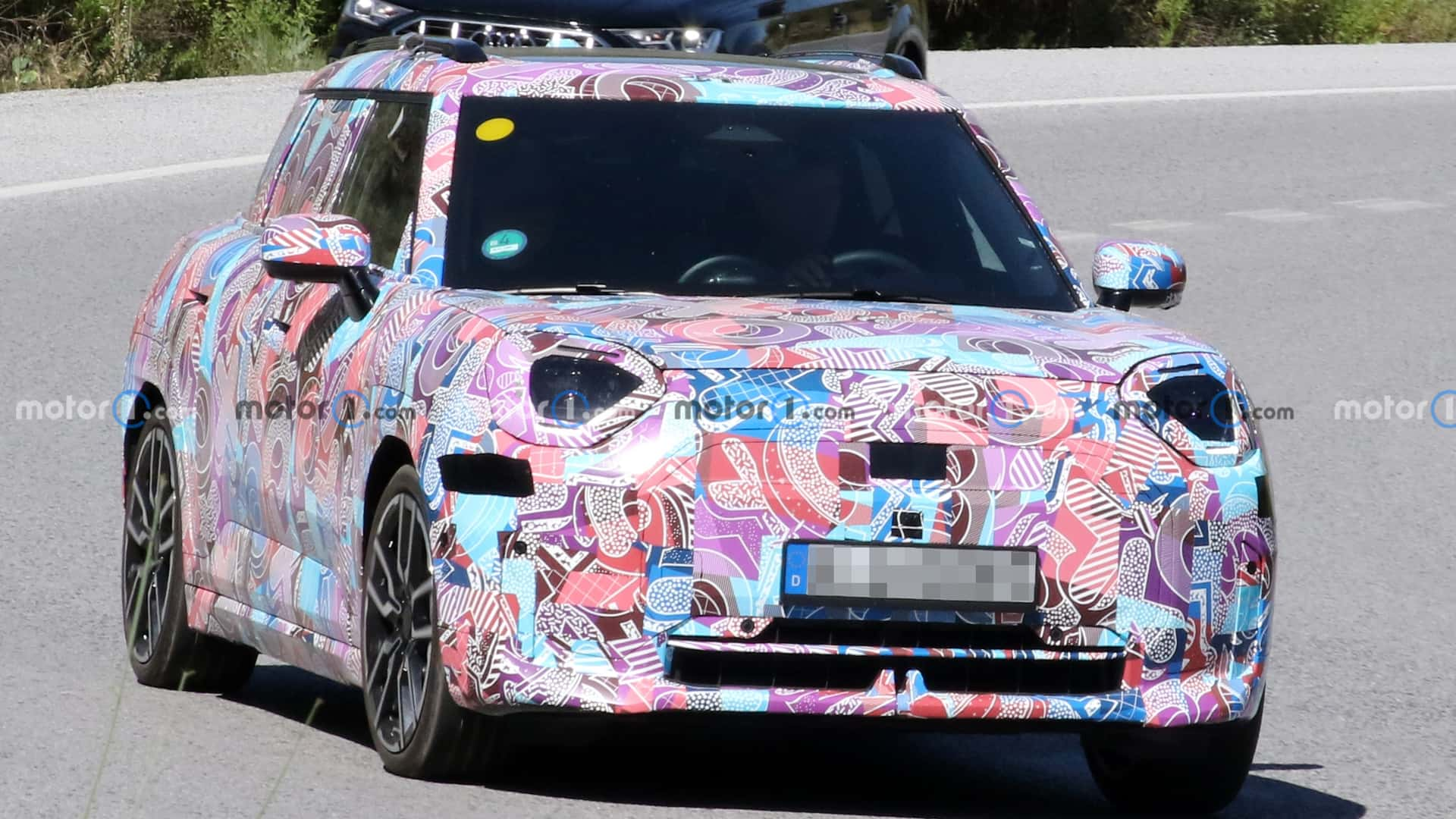
Secondo me è solo un "pallino" adesivo - come si vedono anche negli interni delle spy sulla neve - che magari indica qualcosa a livello di pezzi/materiali...
- 2393 risposte
-
-
- 1
-
-
- cmp
- e-cmp
- lancia
- lancia ypsilon
-
Taggato come:
-
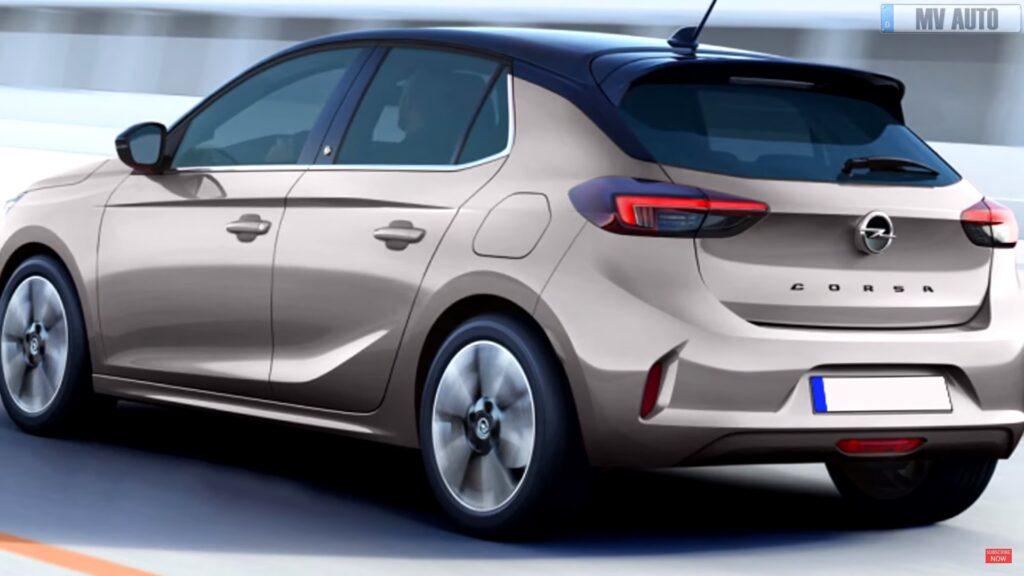
Ma dove??? Io non capisco se siete ciechi o in malafede… detto che la derivazione è evidente, credo che non ci sia mezzo lamierato esterno della fiancata uguale.
- 2393 risposte
-
-
- 3
-
-
- cmp
- e-cmp
- lancia
- lancia ypsilon
-
Taggato come:
-
-
Sì però, ragazzi... Io amo la Delta Integrale alla follia. Ma Lancia è stata anche - e soprattutto - altro. Basta fossilizzarsi su un allestimenti speciale di un singolo modello per identificare un Brand. Io non riproporrei MAI il nameplate Delta proprio per questo. Tanto sarà sempre "Eh ma il Deltone...". E sticazzi?
- 2393 risposte
-
-
-
- 6
-
-
- cmp
- e-cmp
- lancia
- lancia ypsilon
-
Taggato come:
-
-
Sono 7, anziché 10. E di queste 7, tre le ha disegnate Giugiaro... Mica male!