





andrea.bello
Utente Registrato
-
Iscritto il
-
Ultima visita
-
Per fortuna che in Arabia non c' è mai il sole ... immagina che riflessi quando viaggi controsole, o che caldo a mezzogiornoRicordo bene, nel 1999 al lancio,in Audi fecero "gli sboroni" ; dissero di avr usato leghe superleggere e di avere consumi incredibili. ppi alla prova dei fatti , pesava e consumava come un Punto...costando il 50% in più. saranno vere le nuove info?teniamo conto che le immagini non sono perfettamente comparabili...
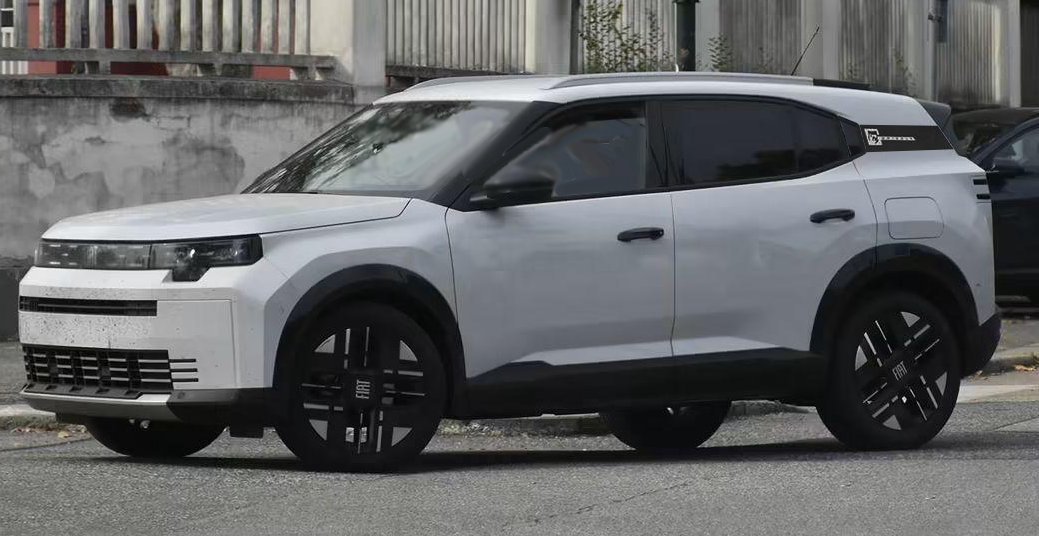
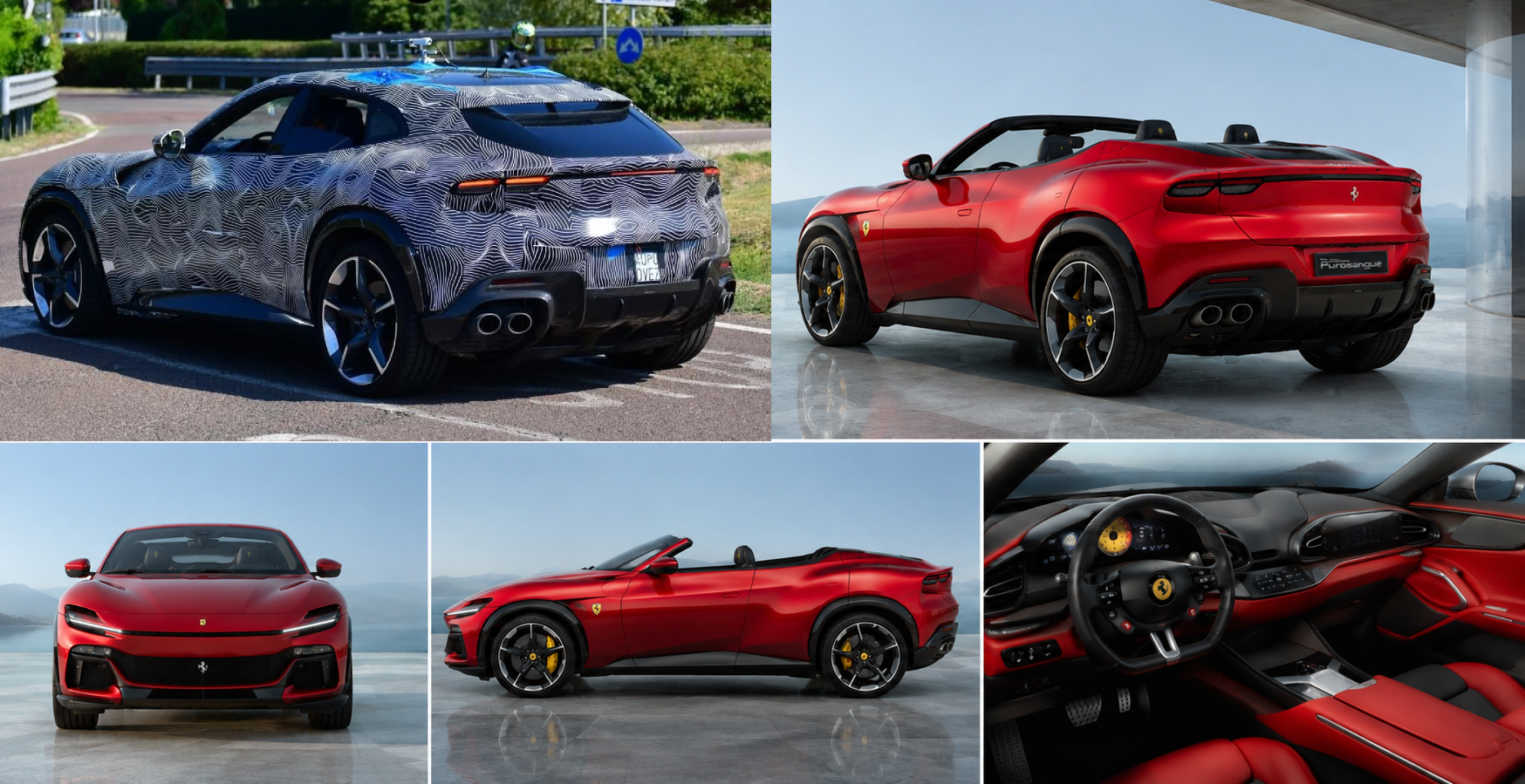
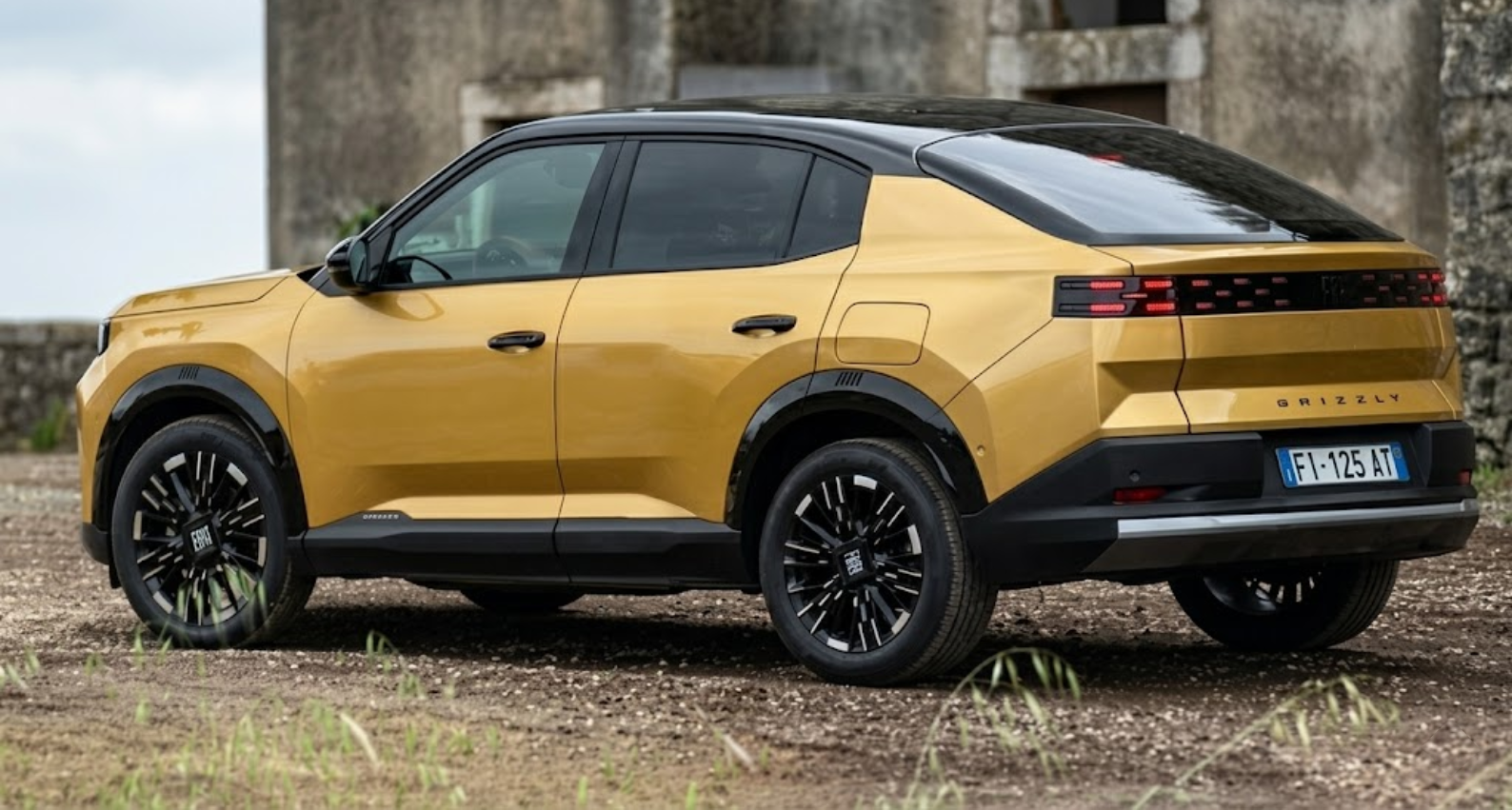
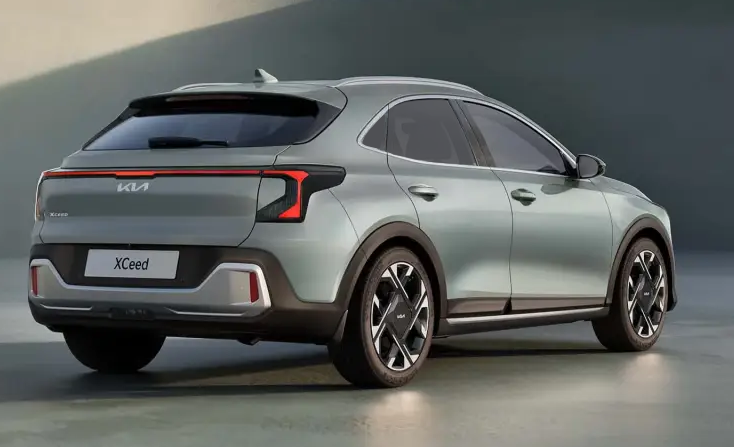
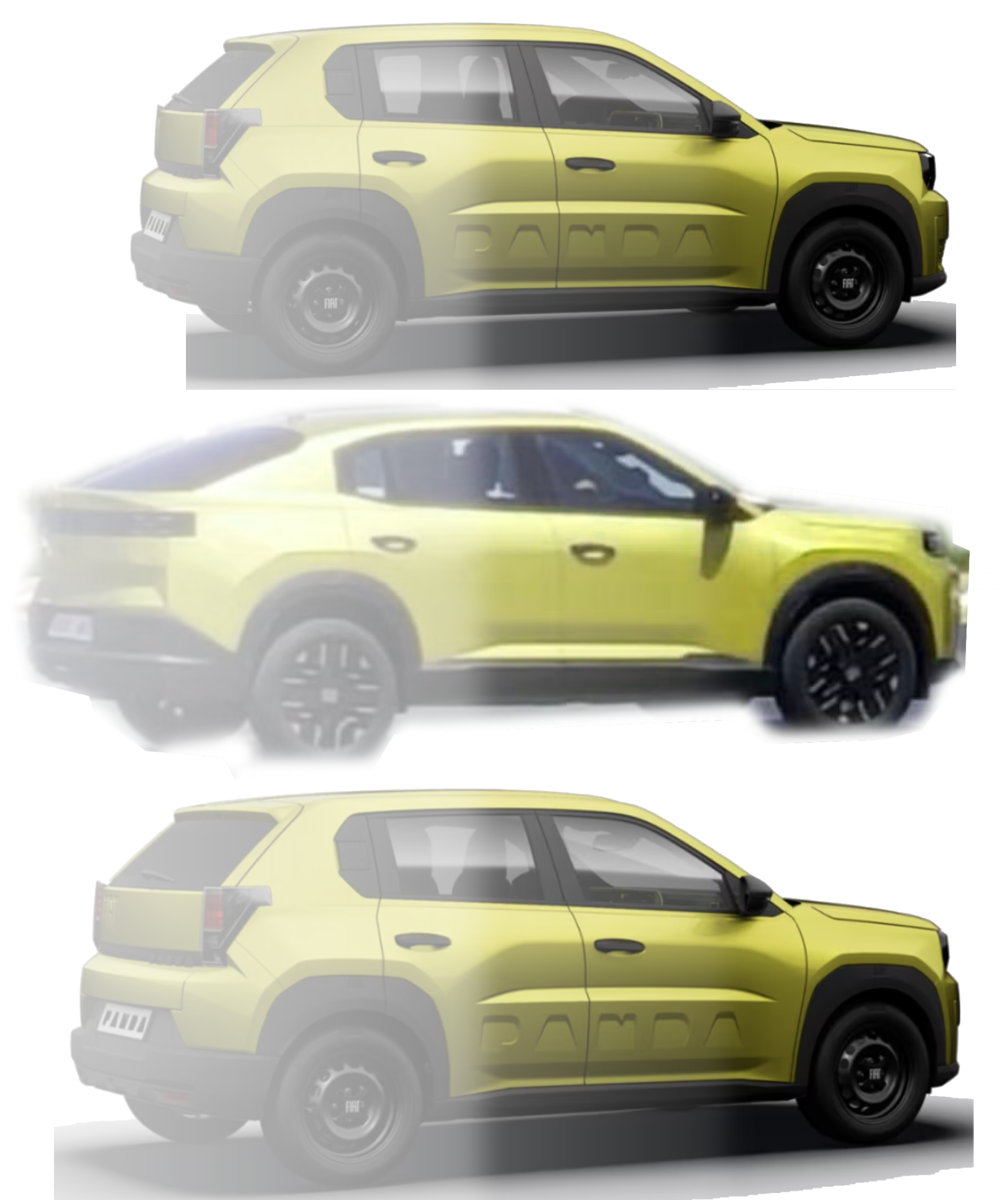
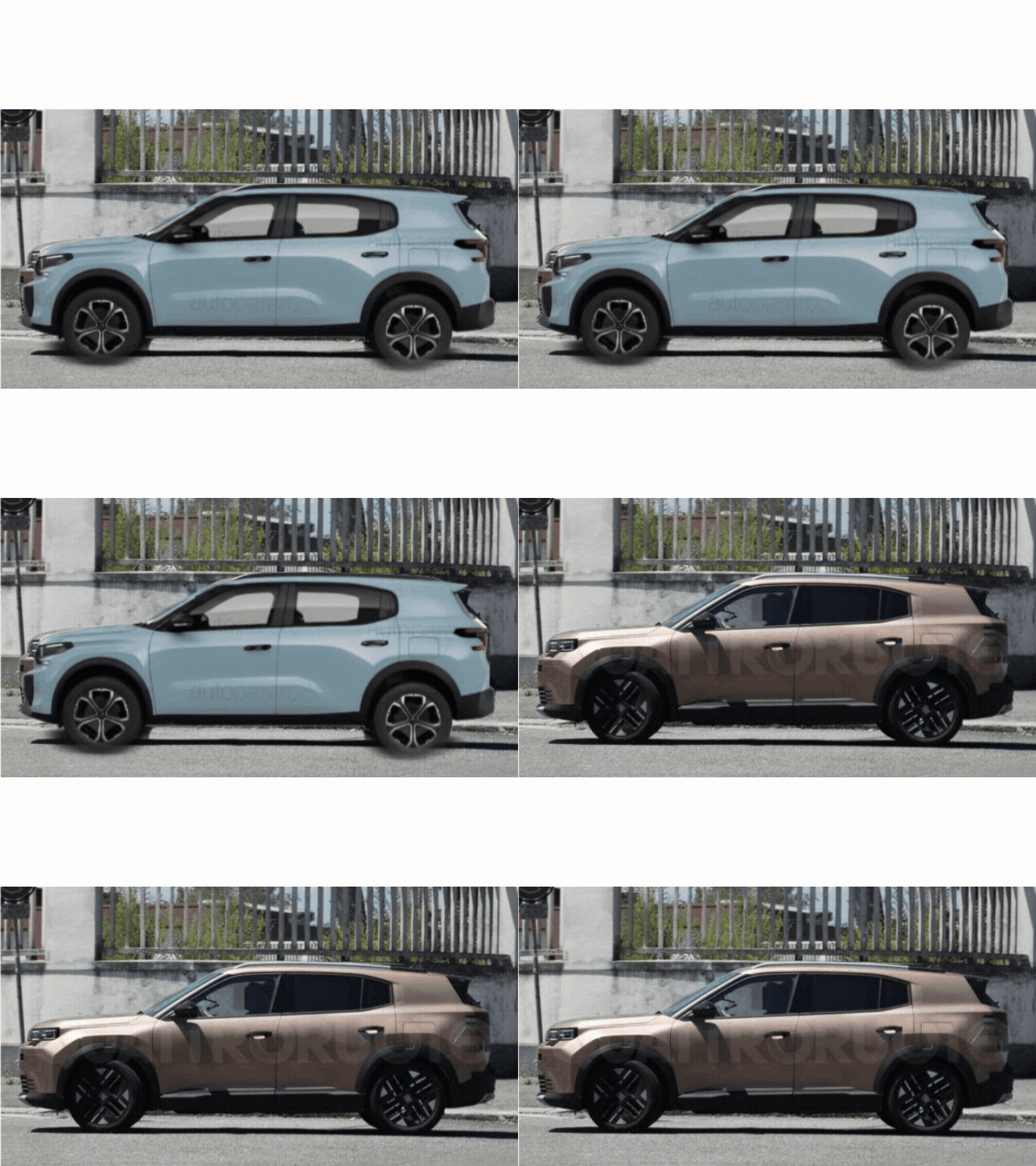 collage di foto rubate e migliorate con A.I.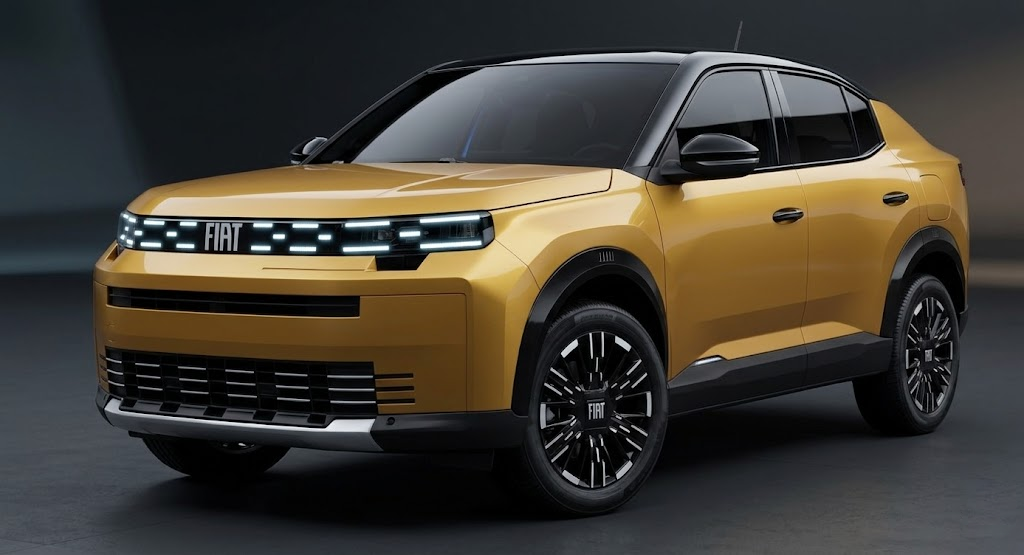
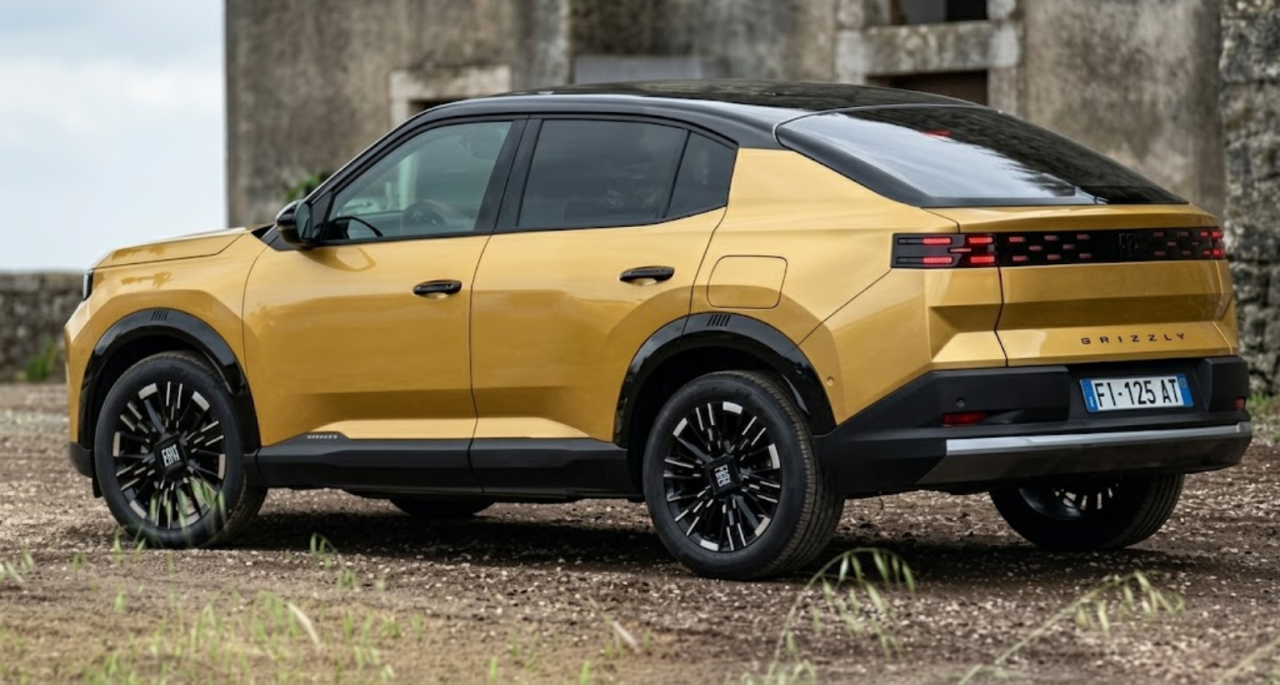 la parentela con l'avantreno grande Panda è evidente
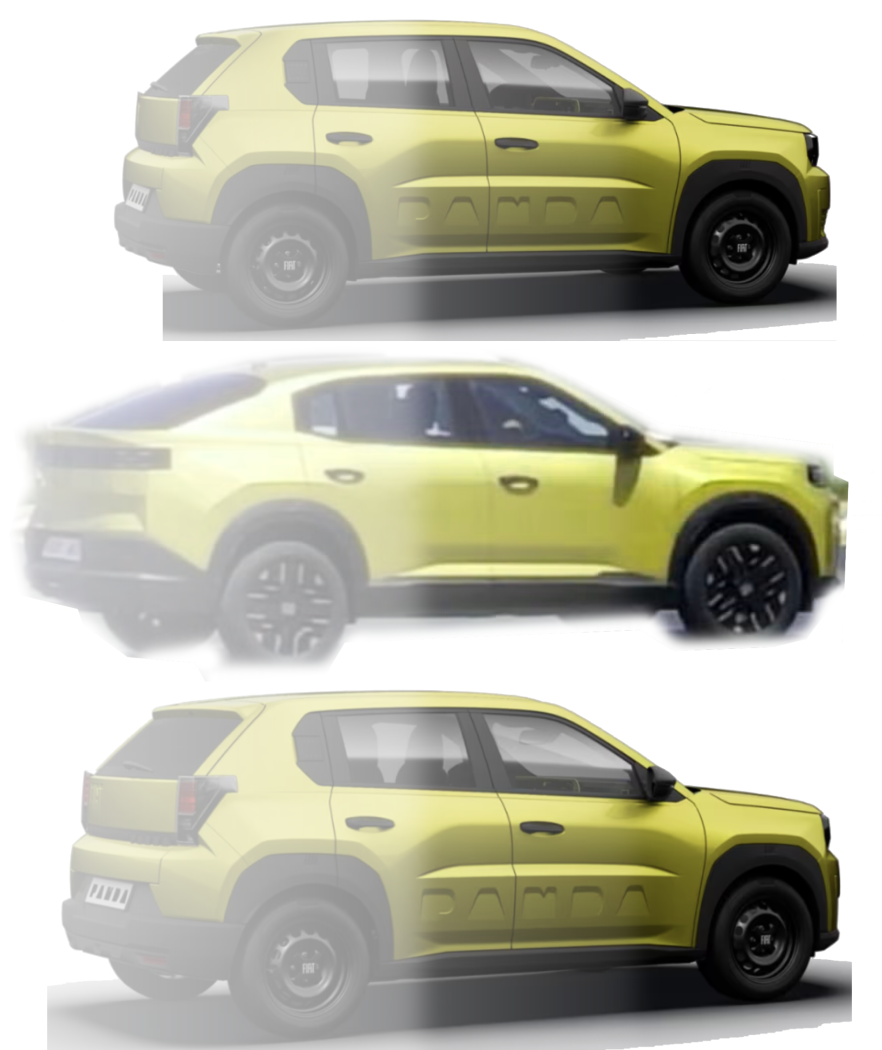 così non sarebbe male...





Account
Navigation
Cerca
Configure browser push notifications
Chrome (Android)
- Tap the lock icon next to the address bar.
- Tap Permissions → Notifications.
- Adjust your preference.
Chrome (Desktop)
- Click the padlock icon in the address bar.
- Select Site settings.
- Find Notifications and adjust your preference.
Safari (iOS 16.4+)
- Ensure the site is installed via Add to Home Screen.
- Open Settings App → Notifications.
- Find your app name and adjust your preference.
Safari (macOS)
- Go to Safari → Preferences.
- Click the Websites tab.
- Select Notifications in the sidebar.
- Find this website and adjust your preference.
Edge (Android)
- Tap the lock icon next to the address bar.
- Tap Permissions.
- Find Notifications and adjust your preference.
Edge (Desktop)
- Click the padlock icon in the address bar.
- Click Permissions for this site.
- Find Notifications and adjust your preference.
Firefox (Android)
- Go to Settings → Site permissions.
- Tap Notifications.
- Find this site in the list and adjust your preference.
Firefox (Desktop)
- Open Firefox Settings.
- Search for Notifications.
- Find this site in the list and adjust your preference.