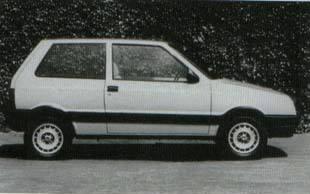
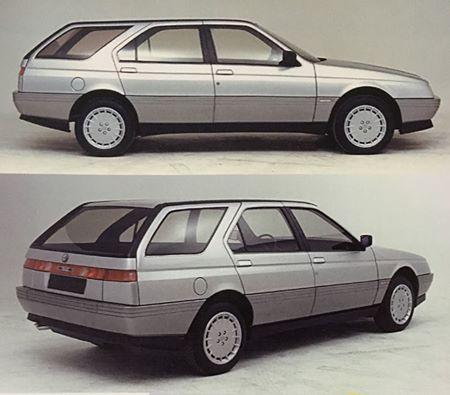
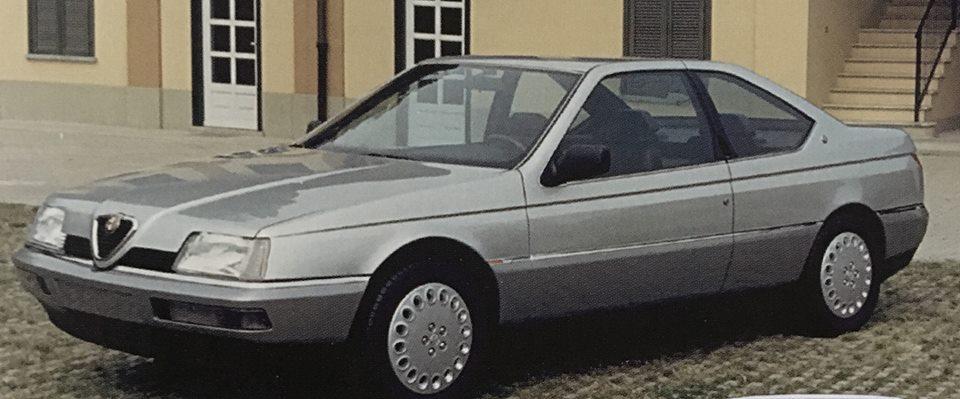
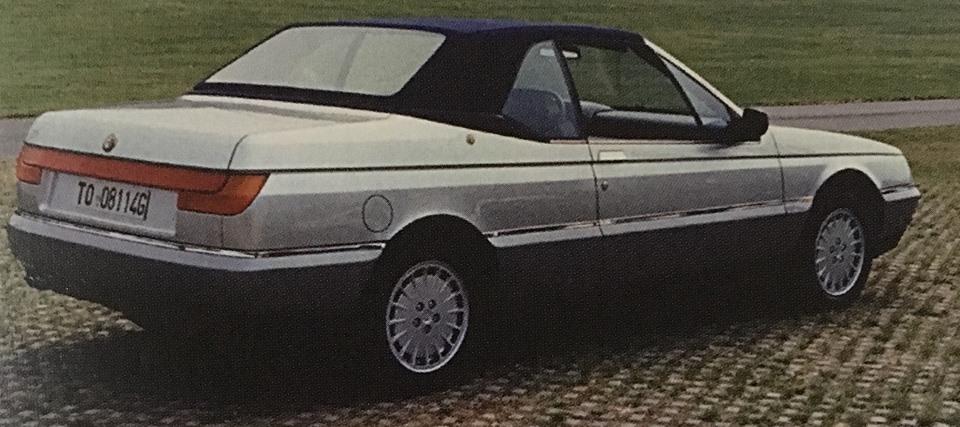
Tutti i contenuti di cc1920
-
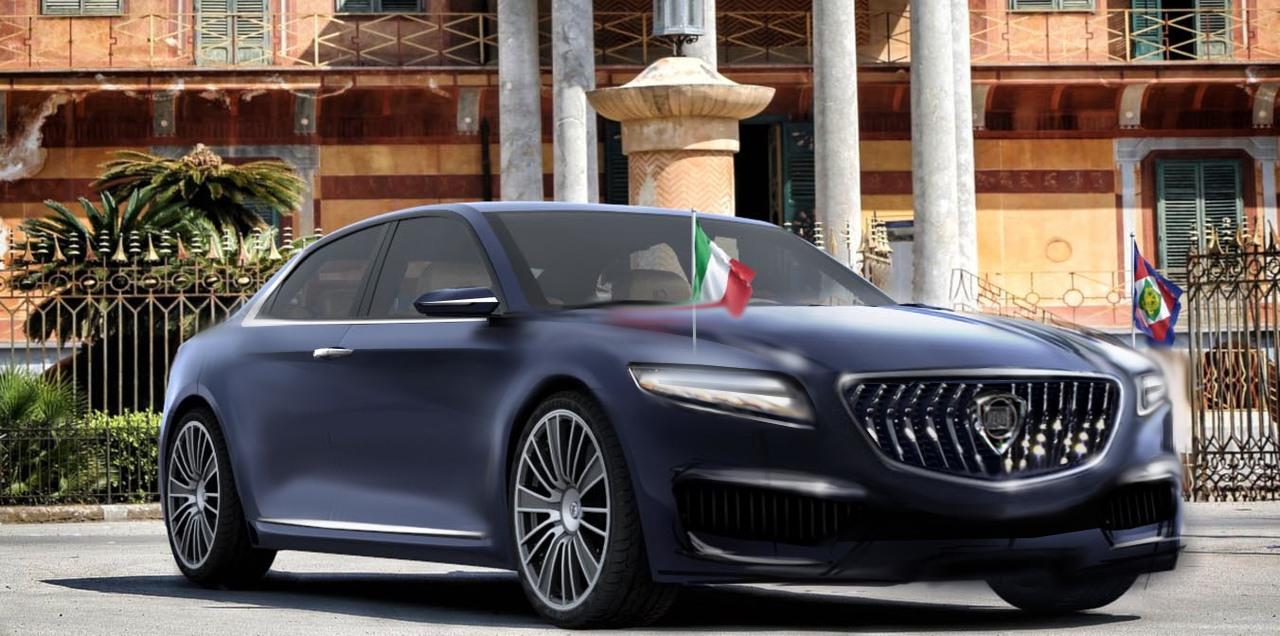
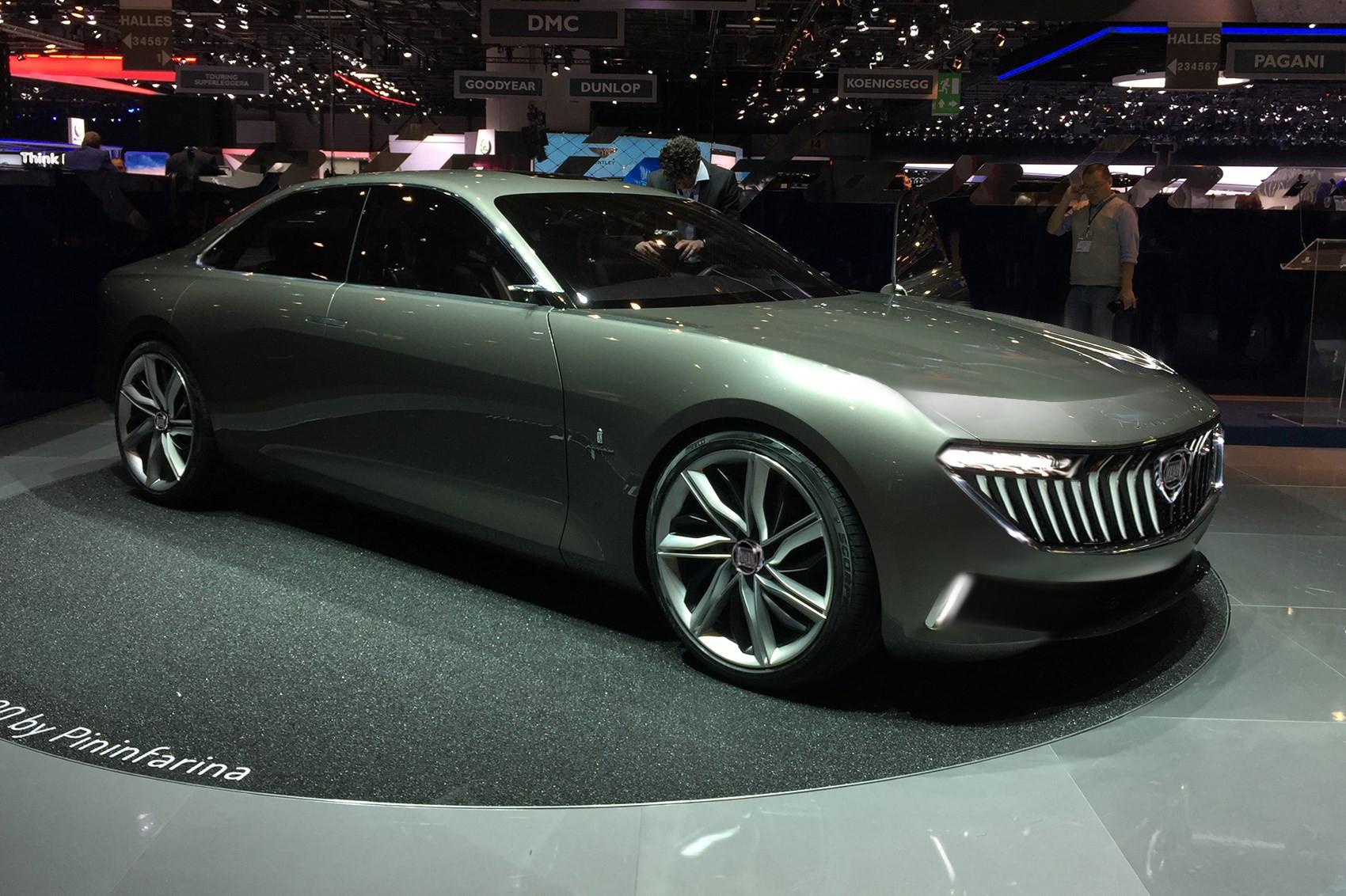
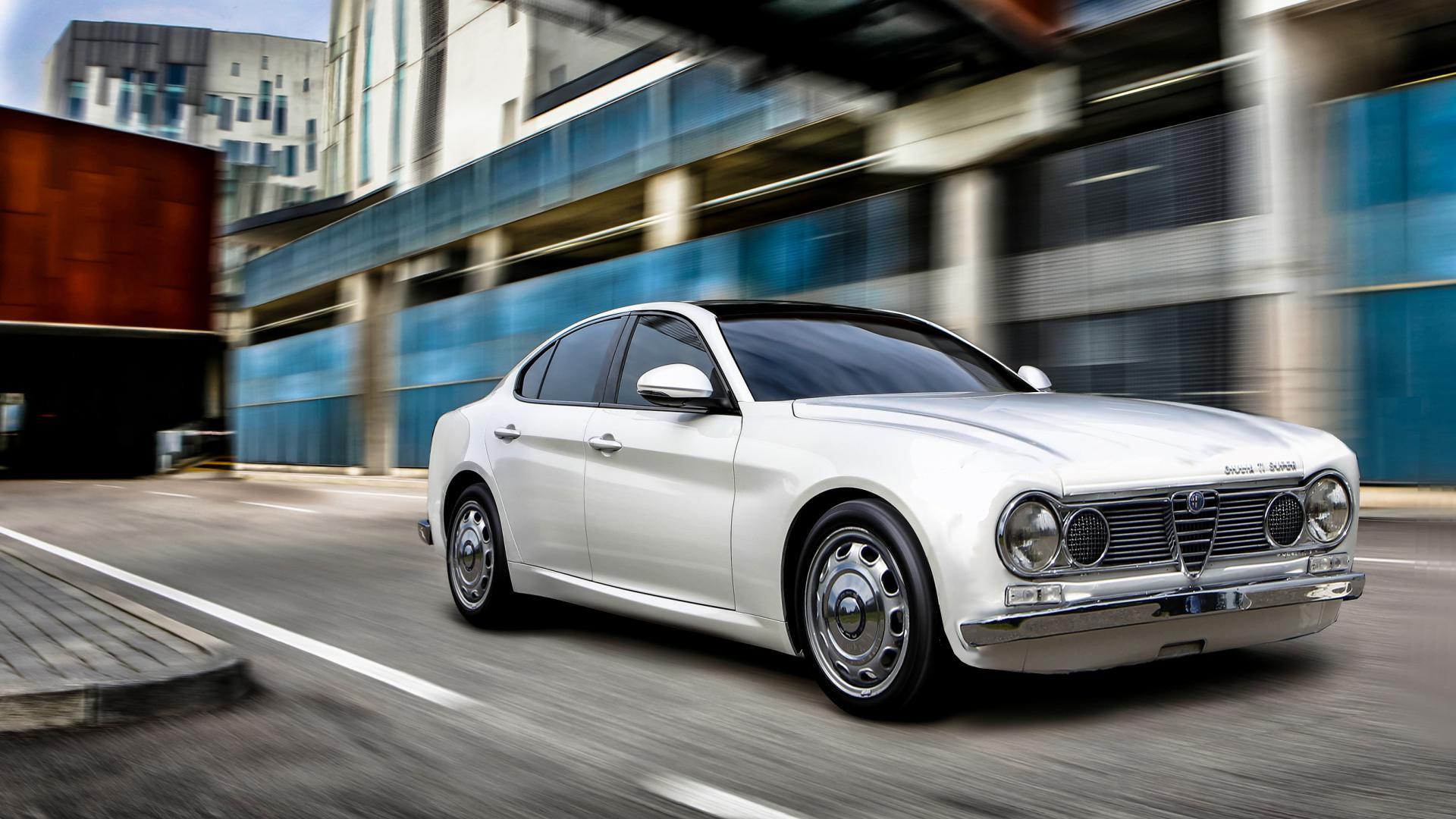
Mashups!!!!
Come ho finito il posteriore a me ha ricordato la ford capri
-
Mashups!!!!
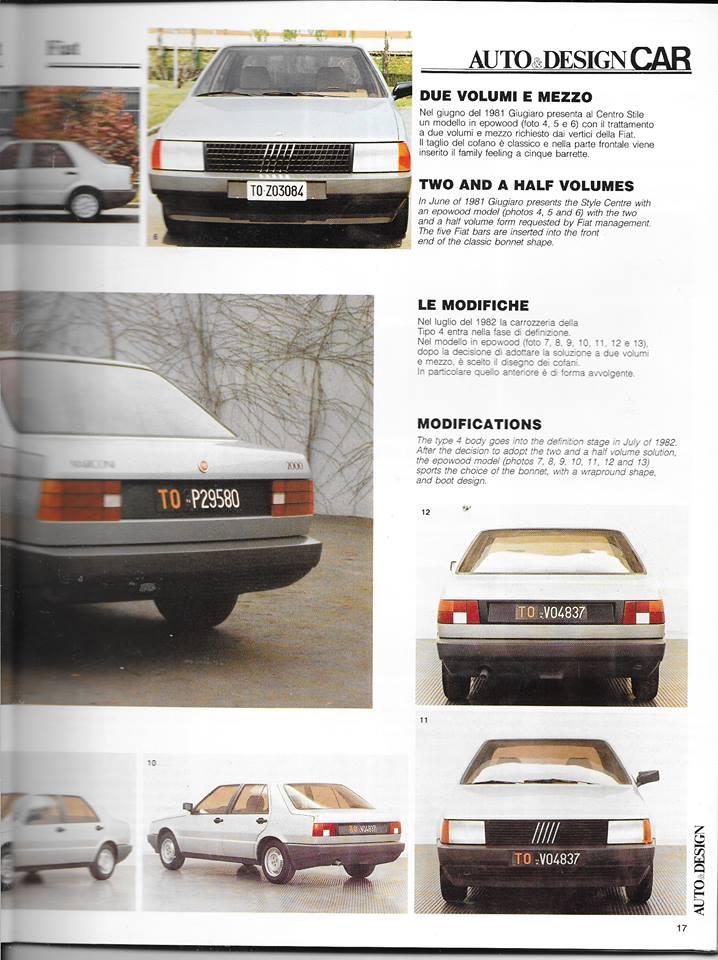
- [Mai nate] Fiat
-
Chiusura Lancia nel mercato europeo (tranne Italia)
per una delta integrale basterebbe il pianale del renegade
-
Chiusura Lancia nel mercato europeo (tranne Italia)
da quel telaio al massimo ci fai una riedizione della stratos o beta montecarlo, non una berlina 5 porte 5 posti con motore anteriore trasversale
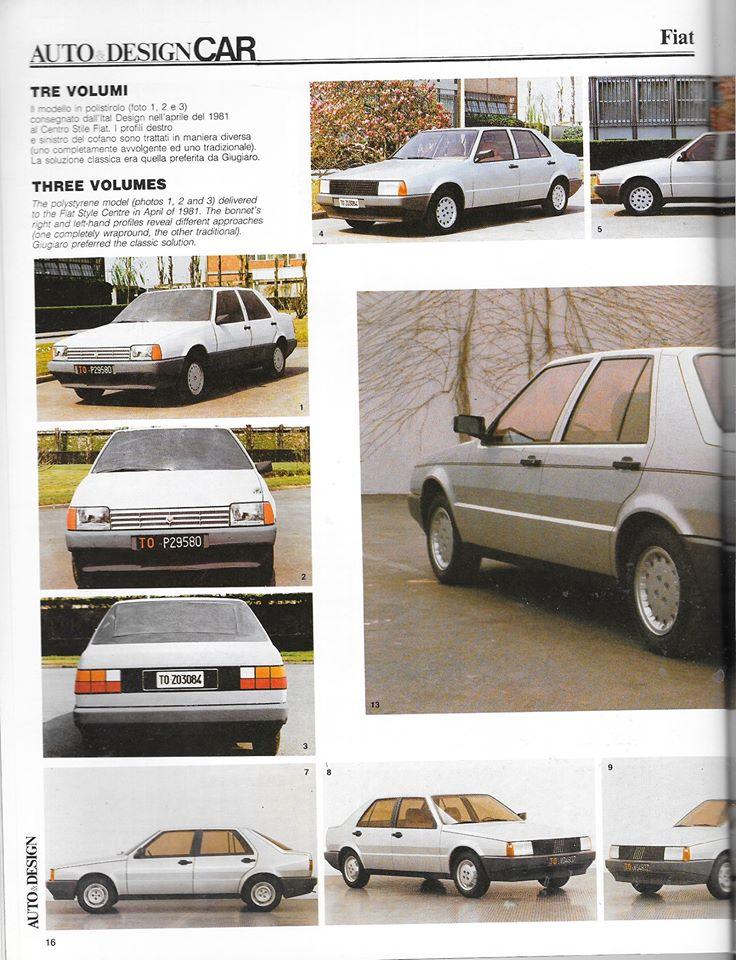
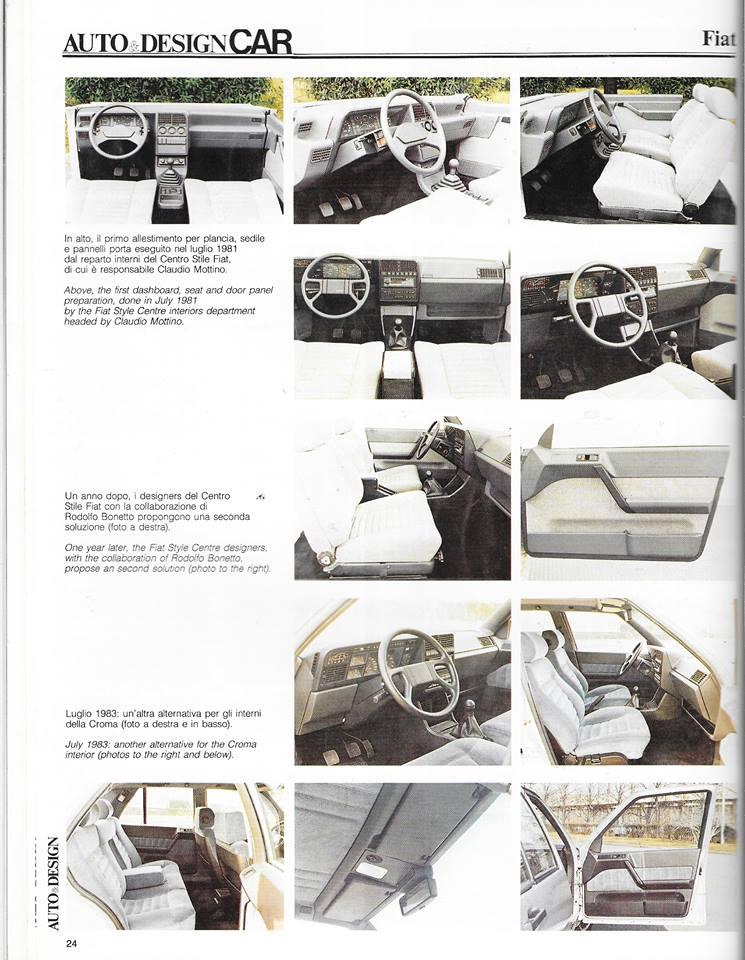
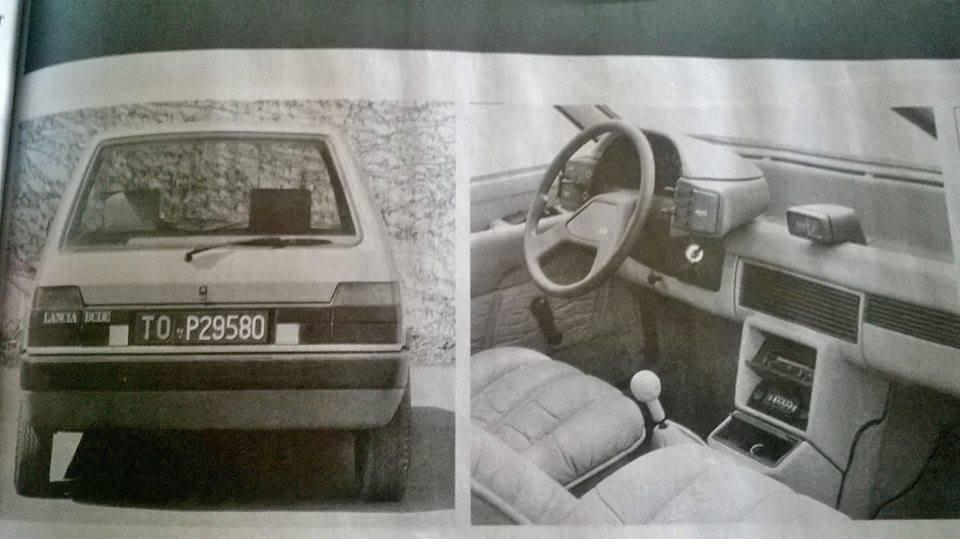
- Fiat Uno - Design Story
-
Mashups!!!!
- IDECORE & Maltese Design MASERATI KALAF offcial teaser
- [BRA] Fiat Argo 2017 (Spy)
- [RICHIESTA] Ritocchi alfa 156
-
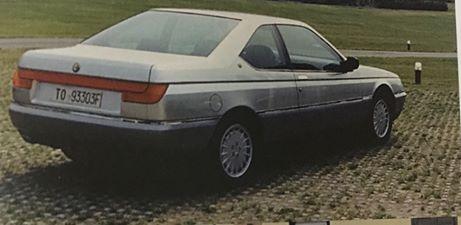
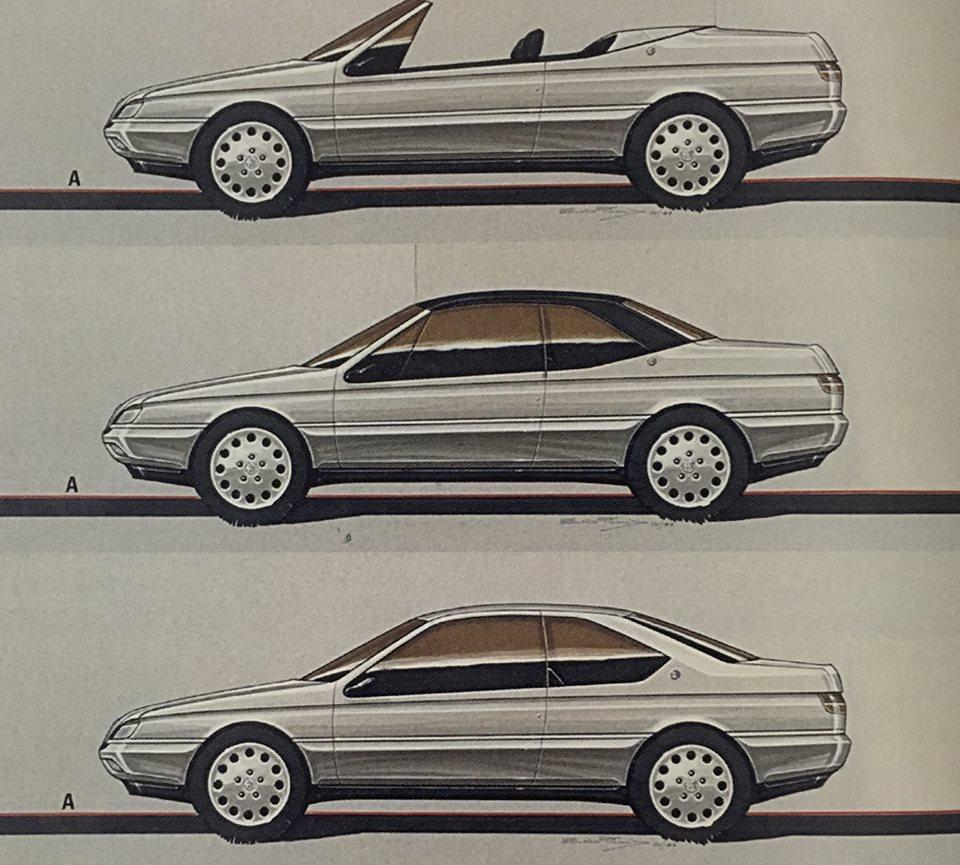
Alfa Romeo GTV - Giulia Coupé (Notizie)
- [Mai Nate] Alfa Romeo
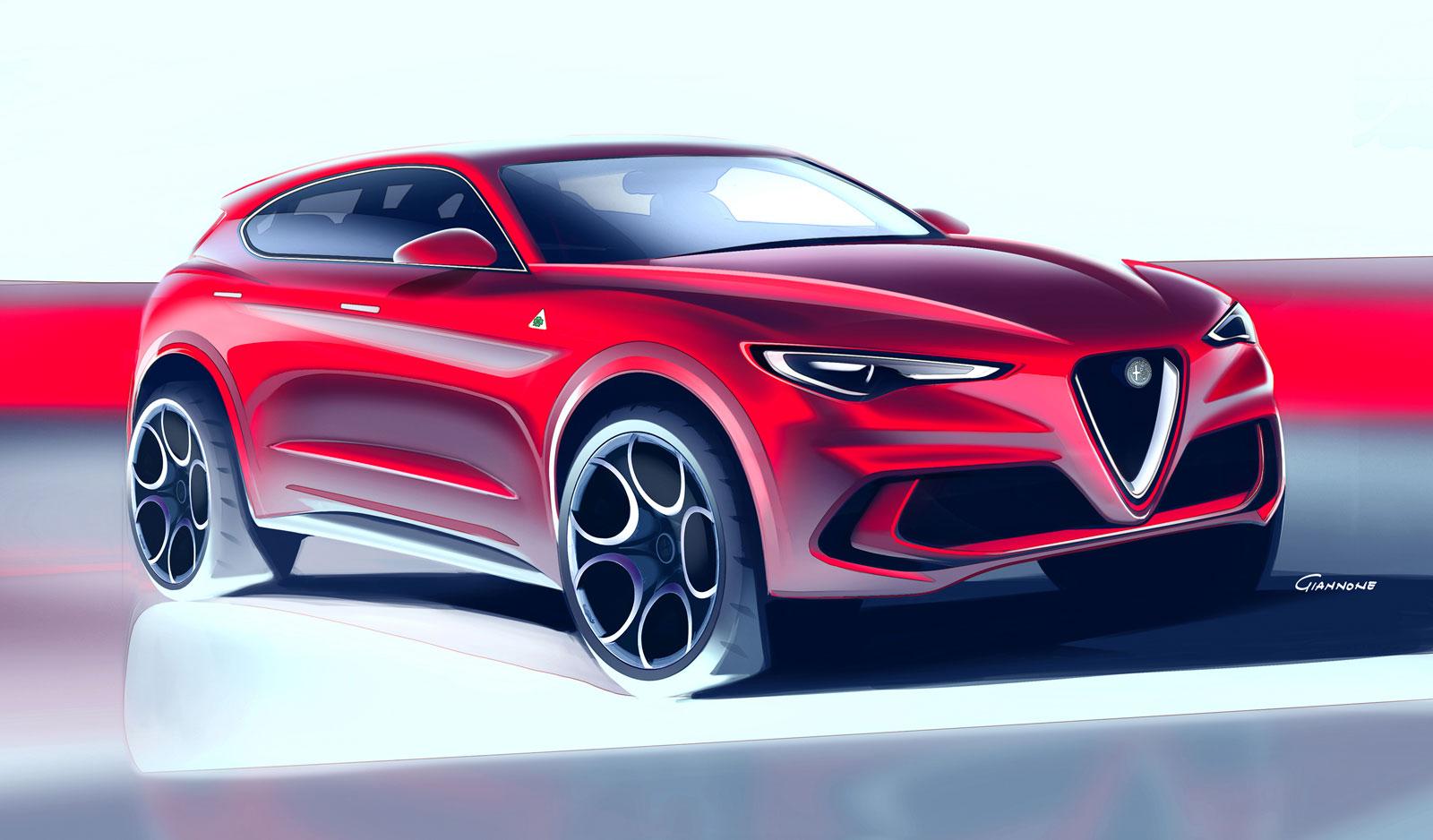
- Alfa Romeo Stelvio 2017
-
Automobili (d'epoca e no) abbandonate, demolite, dimenticate...
non riesco a trovarle dove sono?

-
Sportiva per 19enne
- Alfa Romeo Giulia 2016
- Autobianchi e Innocenti - Reboot
io sfrutterei questo micro patrimonio artistico automobilistico per creare delle piccole cult alla moda, dimensione tipo key car jappe, magari allearsi con un marchio giapponese per il pianale,motori sia elettrico che 2 cilindri turbo, versioni per neopatentati e se si modifica la legge per 16enni così leviamo dalle strade quelle trappole che usano ora ...lo so è Fanta automobilismo ?- Mashups!!!!
- Mashups!!!!
- AR Stelvio - variazioni
- Skoda Octavia Restyling (tentativo di miglioramento)
- MINI- DE TOMASO
- MINI- DE TOMASO
Account
Navigation
Cerca
Configure browser push notifications
Chrome (Android)
- Tap the lock icon next to the address bar.
- Tap Permissions → Notifications.
- Adjust your preference.
Chrome (Desktop)
- Click the padlock icon in the address bar.
- Select Site settings.
- Find Notifications and adjust your preference.
Safari (iOS 16.4+)
- Ensure the site is installed via Add to Home Screen.
- Open Settings App → Notifications.
- Find your app name and adjust your preference.
Safari (macOS)
- Go to Safari → Preferences.
- Click the Websites tab.
- Select Notifications in the sidebar.
- Find this website and adjust your preference.
Edge (Android)
- Tap the lock icon next to the address bar.
- Tap Permissions.
- Find Notifications and adjust your preference.
Edge (Desktop)
- Click the padlock icon in the address bar.
- Click Permissions for this site.
- Find Notifications and adjust your preference.
Firefox (Android)
- Go to Settings → Site permissions.
- Tap Notifications.
- Find this site in the list and adjust your preference.
Firefox (Desktop)
- Open Firefox Settings.
- Search for Notifications.
- Find this site in the list and adjust your preference.