sonicwp7
Utente Registrato
-
Iscritto il
-
Ultima visita
Tutti i contenuti di sonicwp7
-
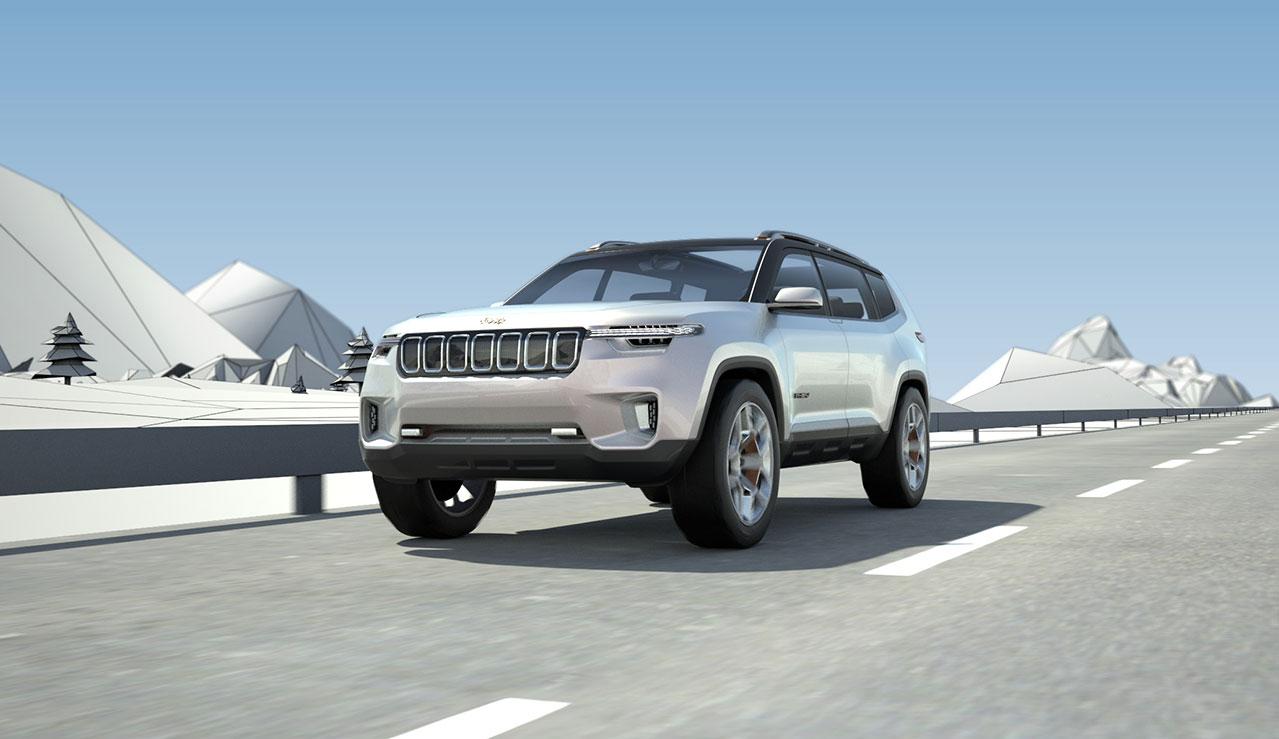
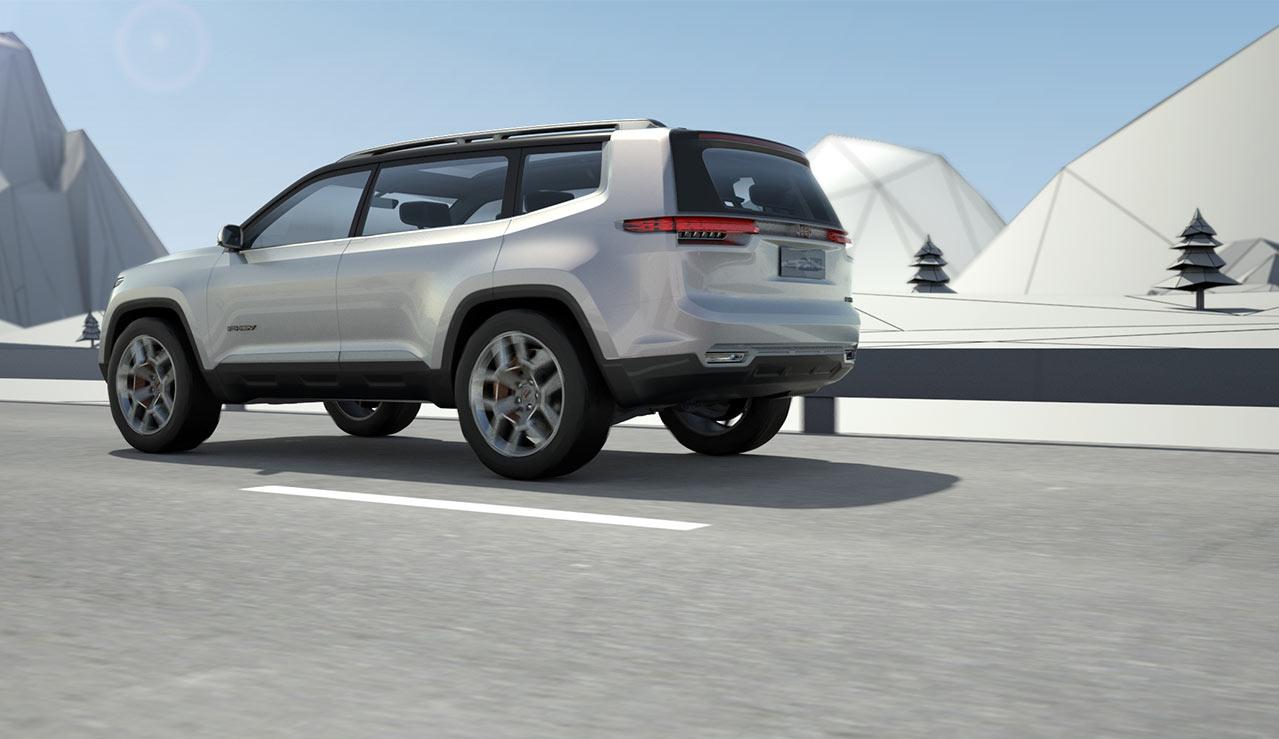
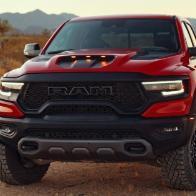
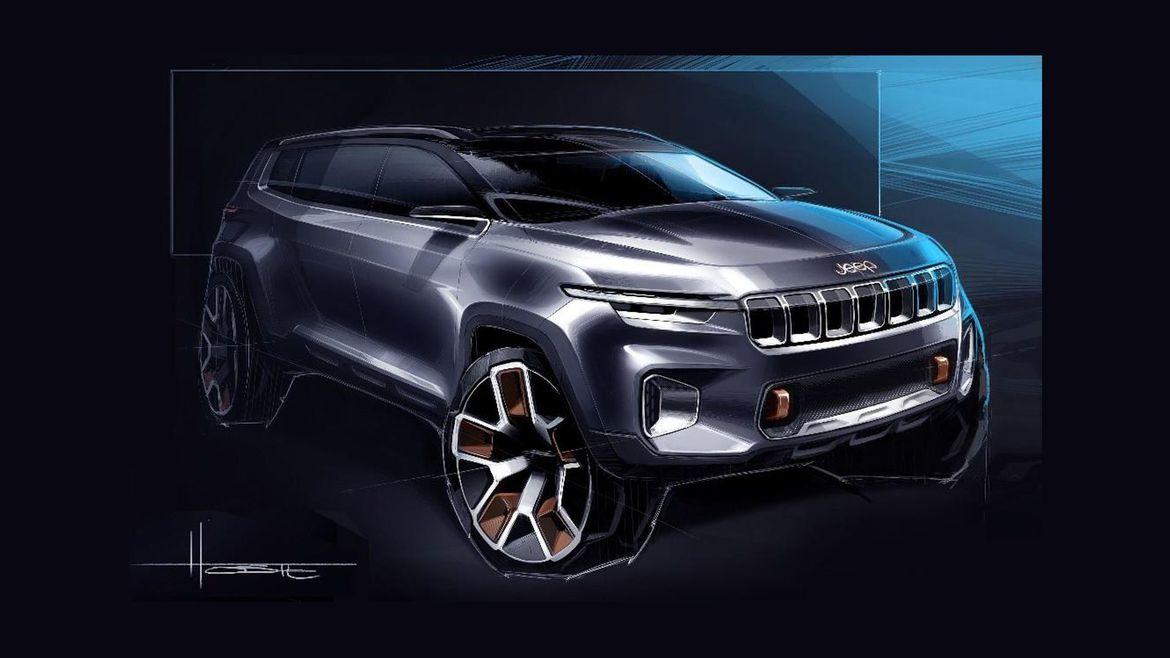
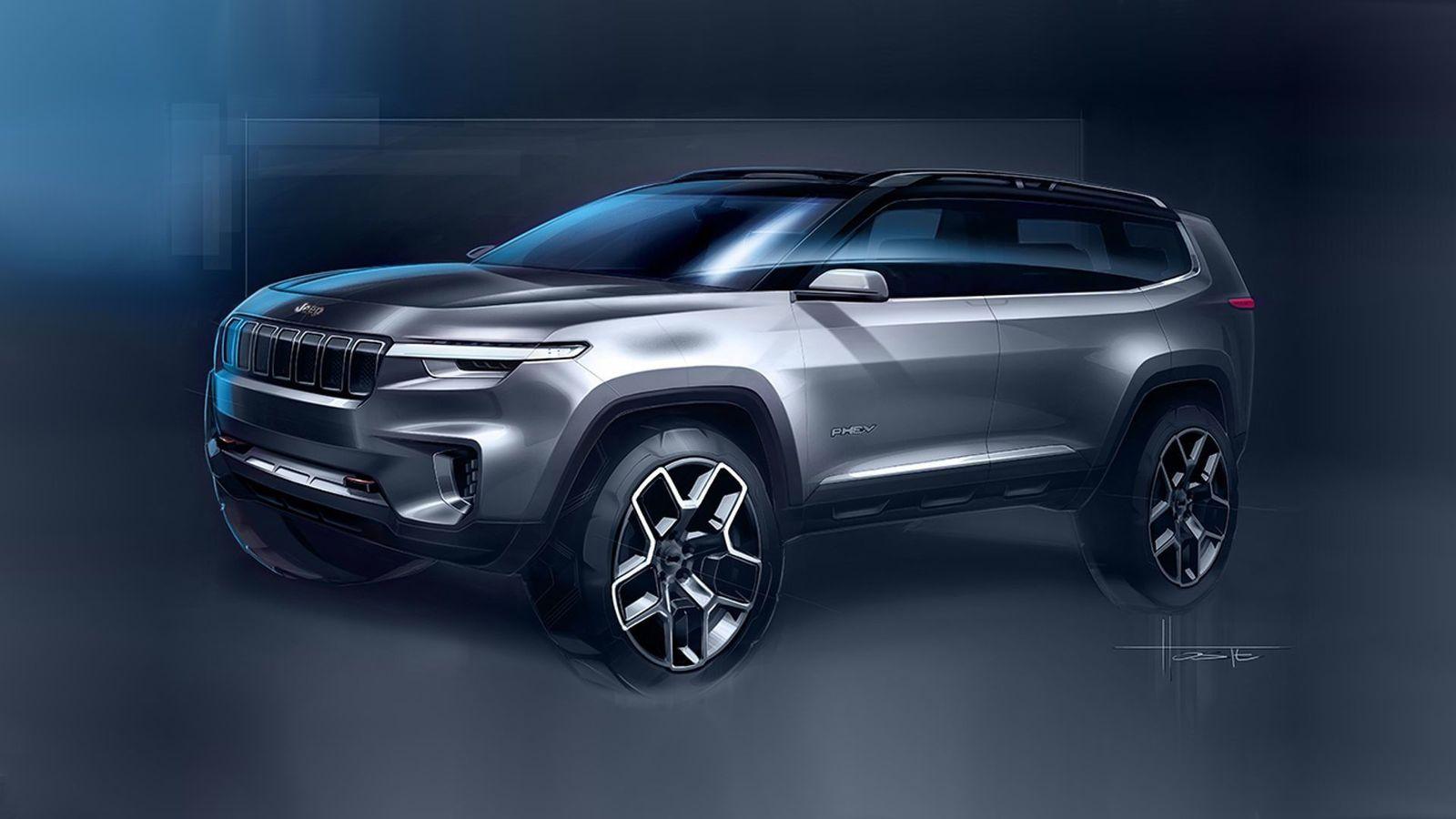
Credo che in realtà questo possa essere davvero il bozzetto del fl del cherockee, visti gli sketck del compass e sono completamente diversi... E poi la firma luminosa che si intravede nelle ultime fotoriporto qua: https://www.motor1.com/news/144916/lancia-shuts-down-euro-sites/ il marchio Lancia risulta scomparso da tutti i siti del Gruppo FCA in Europa, ancora attivo (per adesso) solo in Italia siamo prossimi alla chiusura definitiva?Secondo me è la più riuscita tra 3008 e DS, aspettando di vedere la versione Opel, belli davvero gli interni
Account
Navigation
Cerca
Configure browser push notifications
Chrome (Android)
- Tap the lock icon next to the address bar.
- Tap Permissions → Notifications.
- Adjust your preference.
Chrome (Desktop)
- Click the padlock icon in the address bar.
- Select Site settings.
- Find Notifications and adjust your preference.
Safari (iOS 16.4+)
- Ensure the site is installed via Add to Home Screen.
- Open Settings App → Notifications.
- Find your app name and adjust your preference.
Safari (macOS)
- Go to Safari → Preferences.
- Click the Websites tab.
- Select Notifications in the sidebar.
- Find this website and adjust your preference.
Edge (Android)
- Tap the lock icon next to the address bar.
- Tap Permissions.
- Find Notifications and adjust your preference.
Edge (Desktop)
- Click the padlock icon in the address bar.
- Click Permissions for this site.
- Find Notifications and adjust your preference.
Firefox (Android)
- Go to Settings → Site permissions.
- Tap Notifications.
- Find this site in the list and adjust your preference.
Firefox (Desktop)
- Open Firefox Settings.
- Search for Notifications.
- Find this site in the list and adjust your preference.

.jpg.0223b201715912ed530981654635ef41.jpg)
.jpg.75384d45038f90eb6983a03b2c6f8f7b.jpg)
.jpg.51e3c84ffac72376021a674a63fba32c.jpg)