-
Porsche Cayenne Electric 2026
- Porsche Cayenne Electric 2026
contro 918 spyder- Porsche Cayenne Electric 2026
Infatti, hai ben descritto. Io la trovo muscolosa e a livello tecnico si conferma di livello- Porsche Cayenne BEV 2026 (Leak)
- Ferrari "Elettrica" 2026 - Prj. F244 (Spy)
- Polestar 5 2025
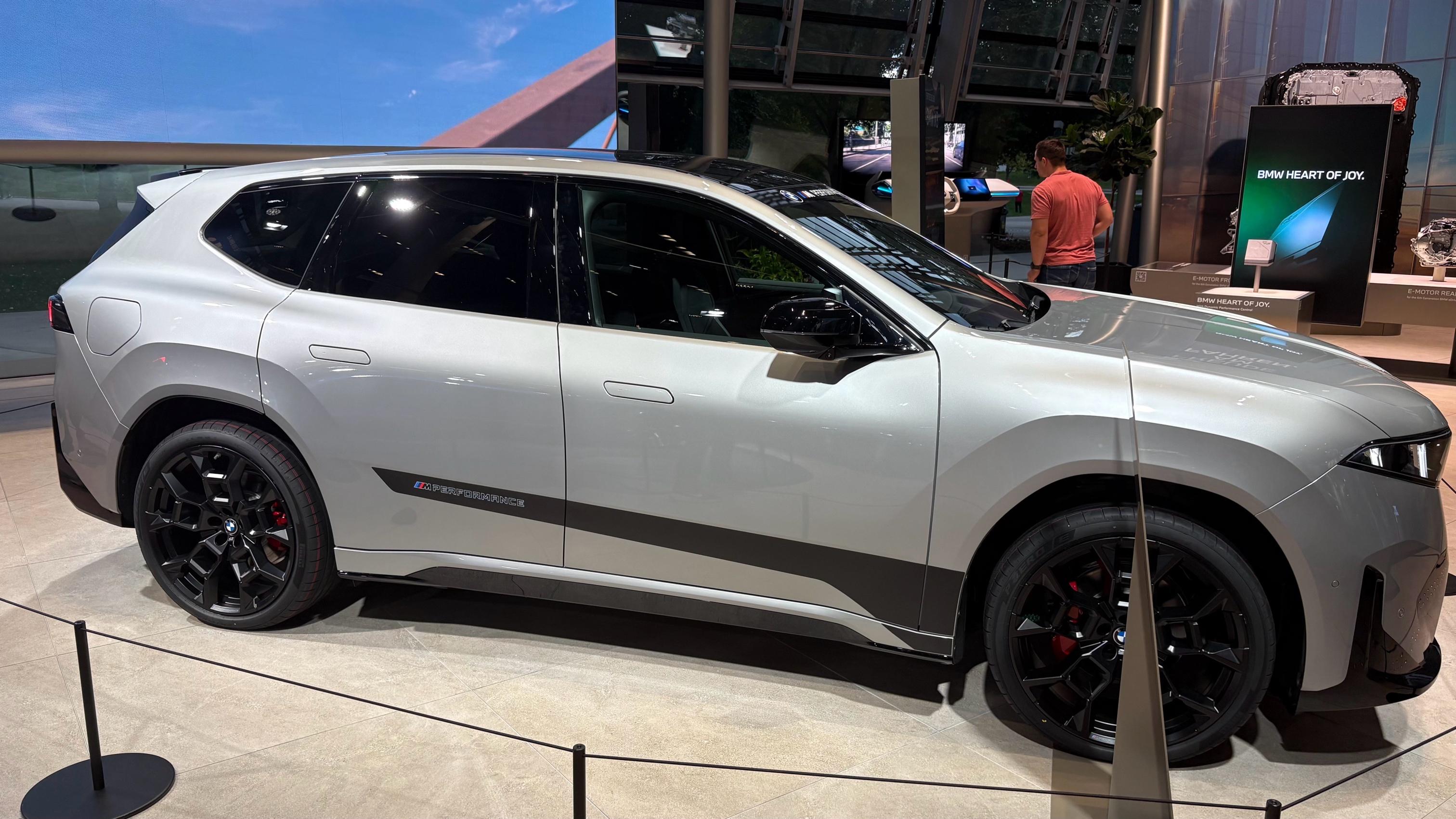
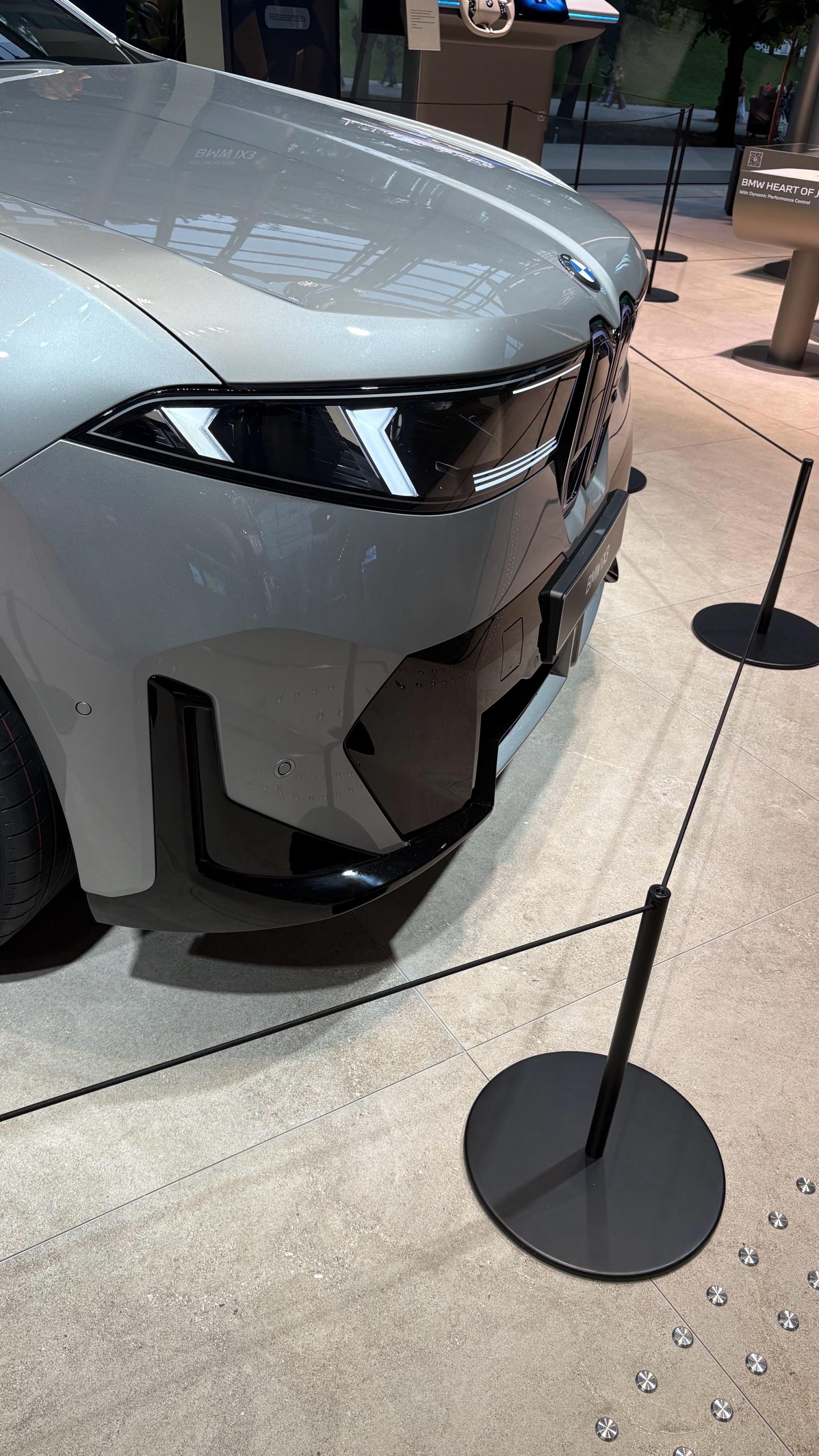
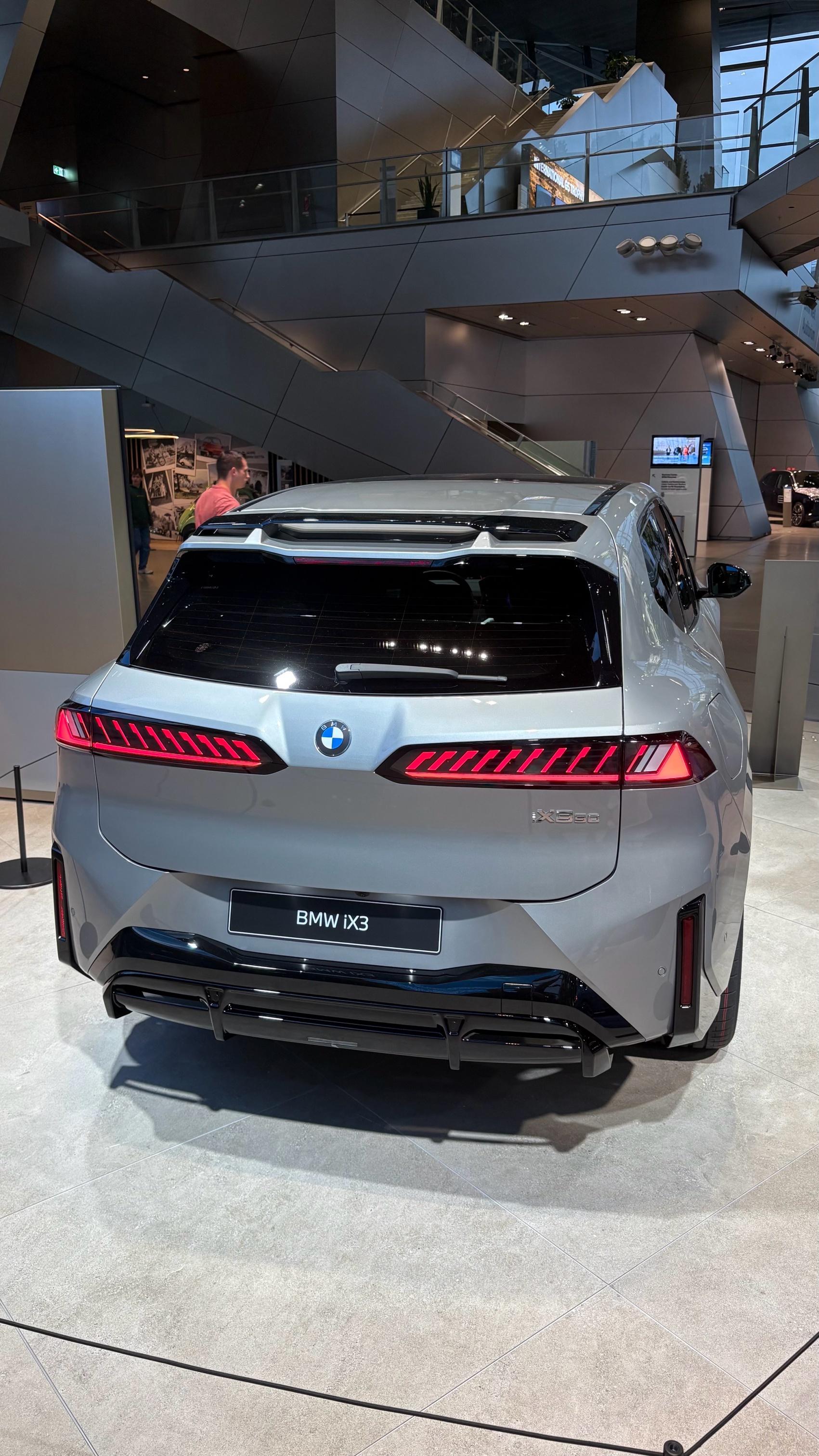
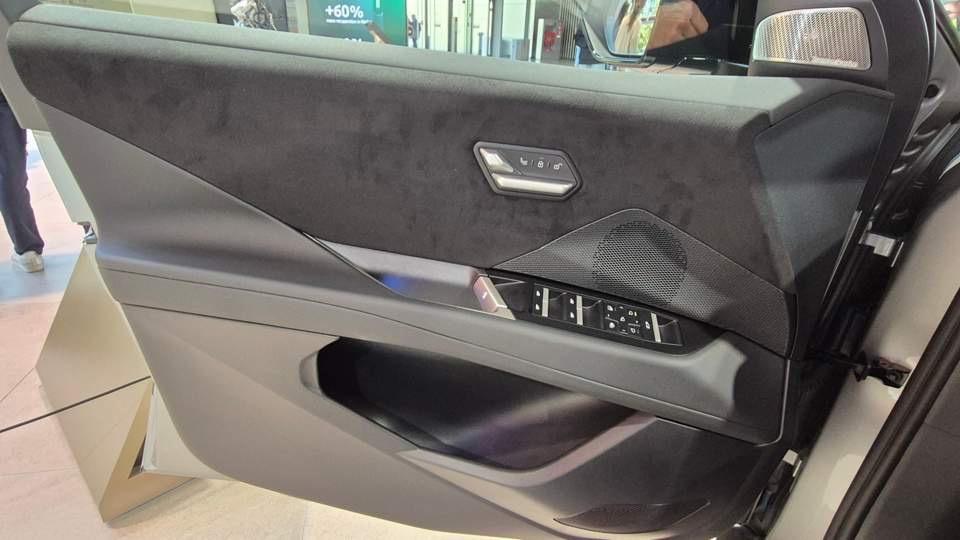
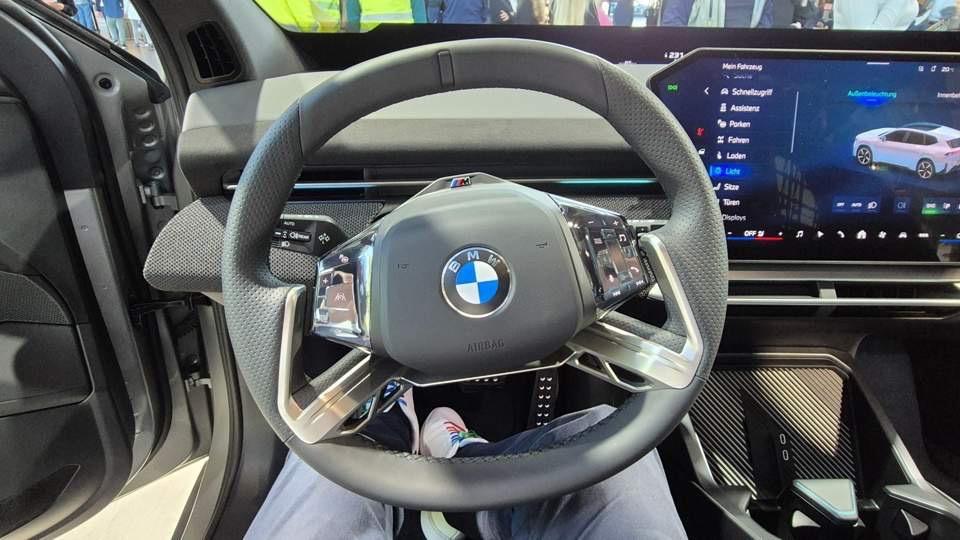
- BMW iX3 2026
- Mercedes-AMG GT XX Concept 2025
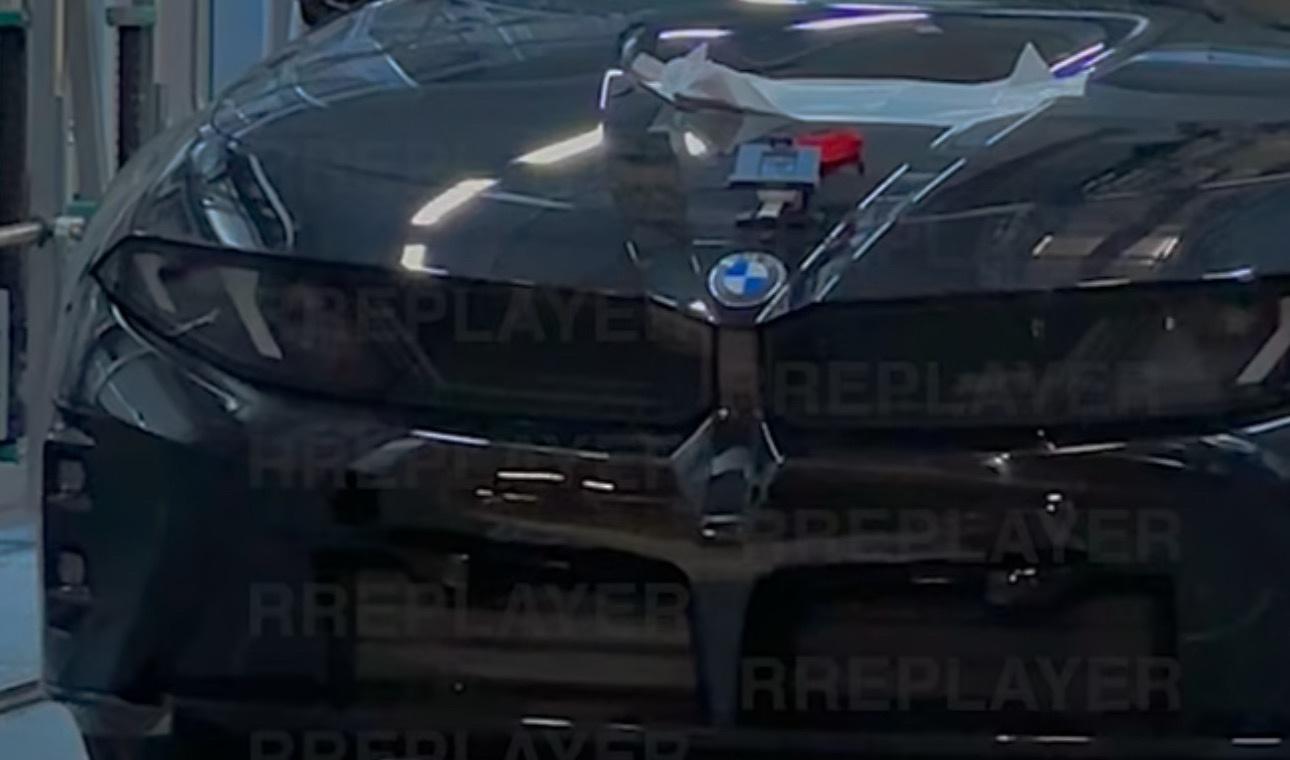
- Porsche Cayenne BEV 2026 (Leak)
ok grazie. solo 3 anni fa riportavano: Una nuova architettura di veicoli sviluppata da Porsche - chiamata SSP61 - sarà lanciata nel 2026 per i marchi premium. Sarà alla base della nuova Panamera elettrica e delle inedite ammiraglie elettriche Audi sviluppate con il nome in codice Artemis Landjet e Landyacht. Porsche utilizzerà anche la piattaforma SSP61 per un SUV full-electric a elevata autonomia posizionato sopra Cayenne e Macan. SSP61 sarà una versione più sportiva della SSP (Scalable Systems Platform) annunciata dal VW Group l’anno scorso.- I prossimi modelli Maserati
- Porsche Cayenne BEV 2026 (Leak)
- I prossimi modelli Maserati
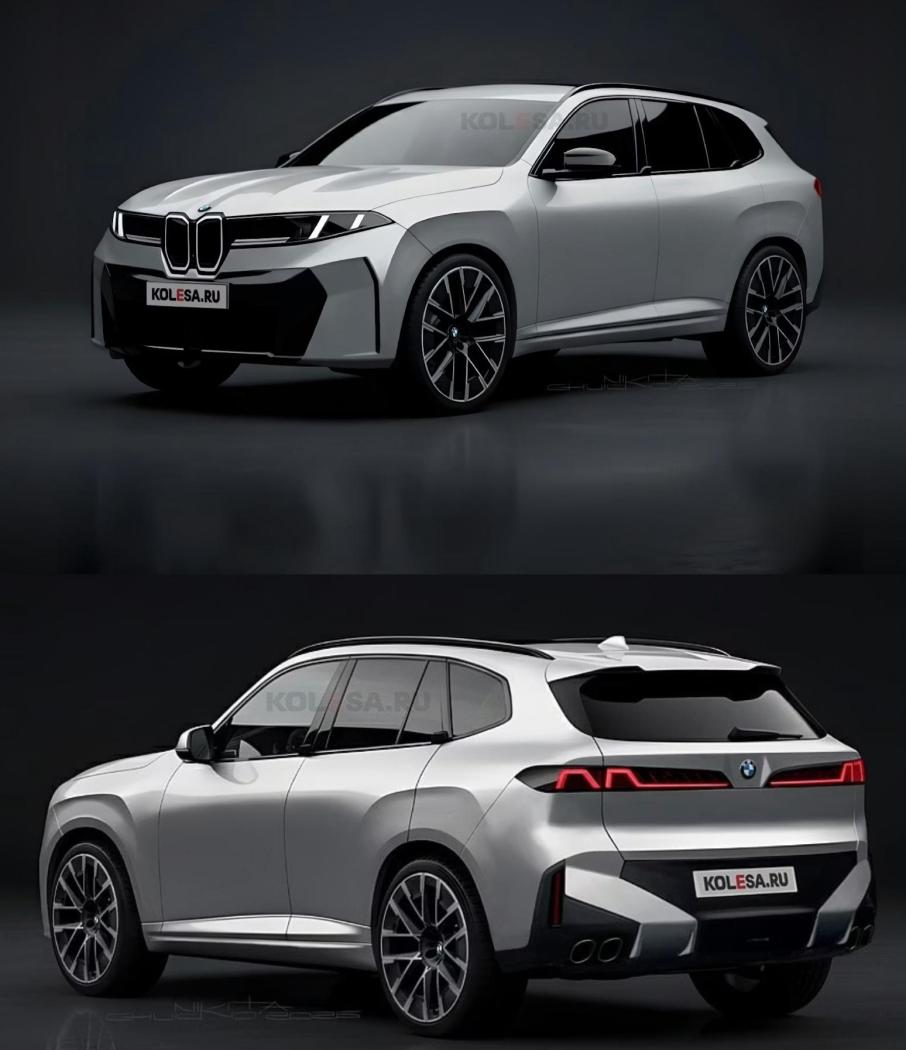
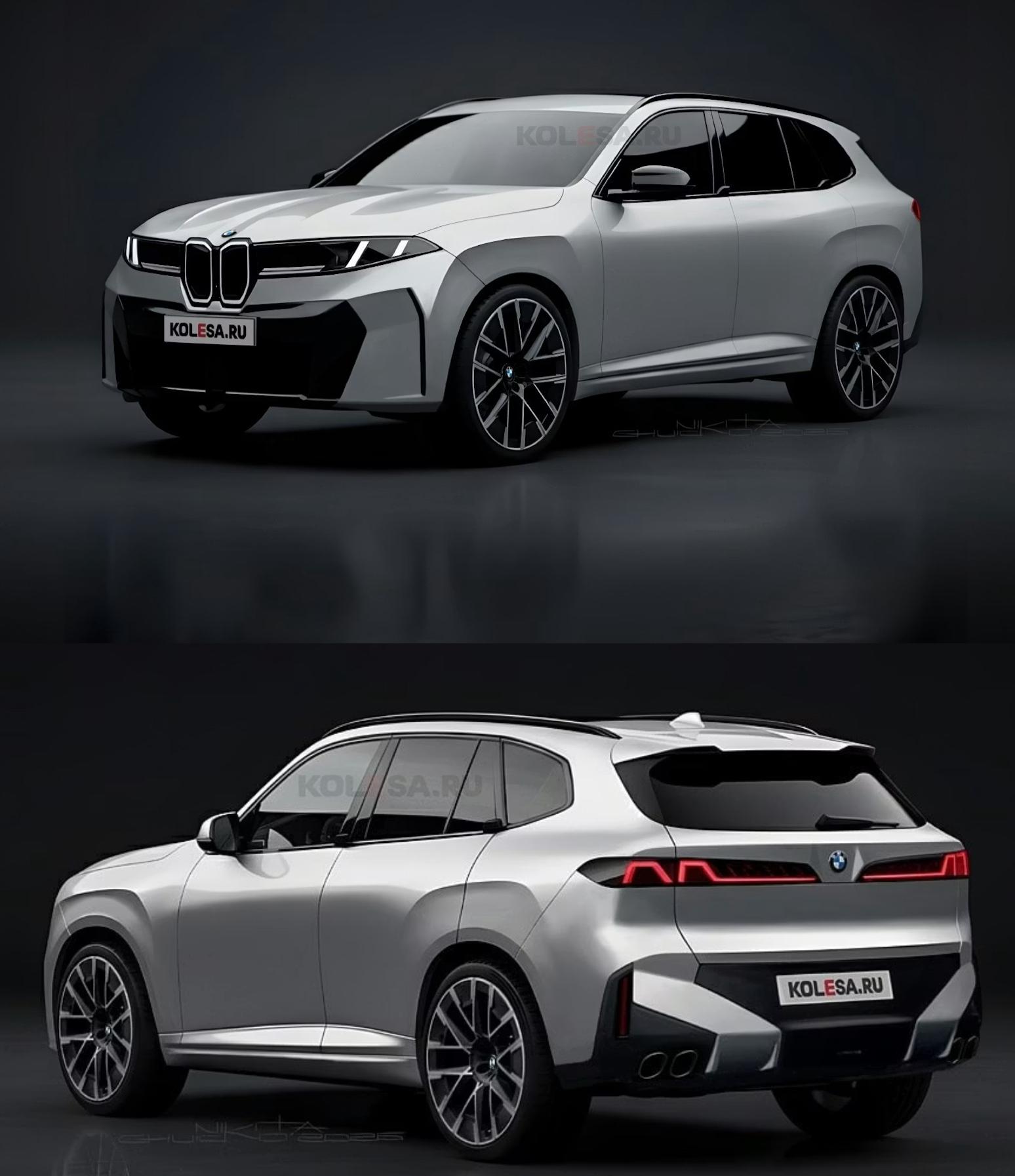
- BMW iX3 2026
stanno cercando di non prendere decisioni univoche, restano aperti a più scenari adozione Bev. nuova prossima X5 è su base CLAR ma con motori ice,bev (con motori neue klasse) plugin e idrogeno.- Scelte strategiche gruppo Stellantis NV
- Porsche Cayenne BEV 2026 (Leak)
- Porsche Cayenne Electric 2026
andreadb
Utente Registrato
-
Iscritto il
-
Ultima visita
Account
Cerca
Configure browser push notifications
Chrome (Android)
- Tap the lock icon next to the address bar.
- Tap Permissions → Notifications.
- Adjust your preference.
Chrome (Desktop)
- Click the padlock icon in the address bar.
- Select Site settings.
- Find Notifications and adjust your preference.
Safari (iOS 16.4+)
- Ensure the site is installed via Add to Home Screen.
- Open Settings App → Notifications.
- Find your app name and adjust your preference.
Safari (macOS)
- Go to Safari → Preferences.
- Click the Websites tab.
- Select Notifications in the sidebar.
- Find this website and adjust your preference.
Edge (Android)
- Tap the lock icon next to the address bar.
- Tap Permissions.
- Find Notifications and adjust your preference.
Edge (Desktop)
- Click the padlock icon in the address bar.
- Click Permissions for this site.
- Find Notifications and adjust your preference.
Firefox (Android)
- Go to Settings → Site permissions.
- Tap Notifications.
- Find this site in the list and adjust your preference.
Firefox (Desktop)
- Open Firefox Settings.
- Search for Notifications.
- Find this site in the list and adjust your preference.