




.jpg.728fada98c2a01917b6b924f8fac7e05.jpg)
.jpg.313dd1b14e3af0eedb5149aa087352fb.jpg)
multiplex
Utente Registrato
-
Iscritto il
-
Ultima visita
Tutti i contenuti di multiplex
-
-
-
-
-
-
Credo che in questo topic come in altri riguardanti Stellantis/FCA, le indiscrezioni, i si dice, quello che avverrebbe, sia solo frutto di opinioni e pensieri personali. Del tutto inutili, necessari solo a generare chiacchere e bla bla. Si, forse meglio chiudere e attendere tempi migliori e piu certi
.thumb.jpg.726bf5d0d4b007b828d2604dadfbc750.jpg)










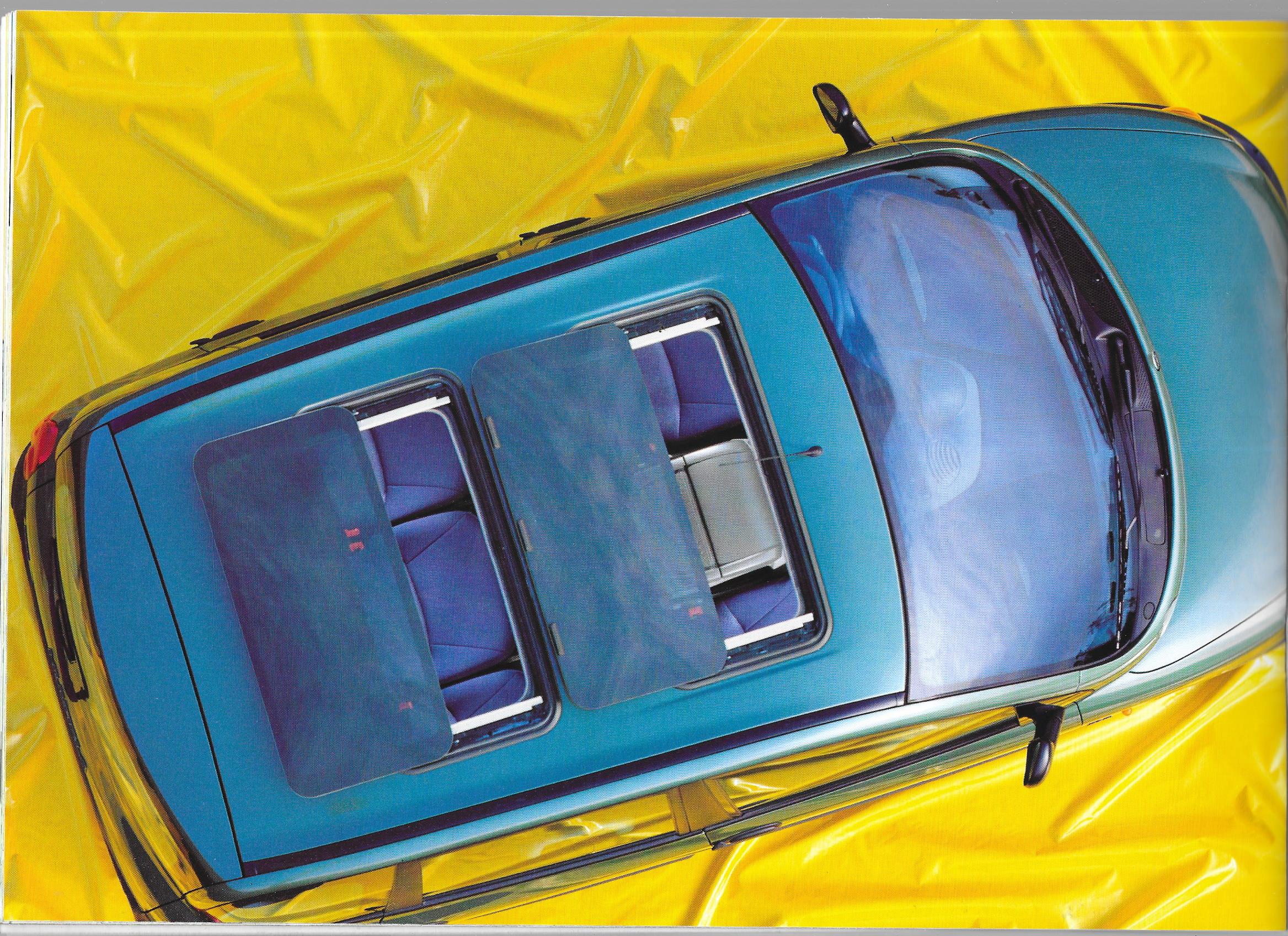


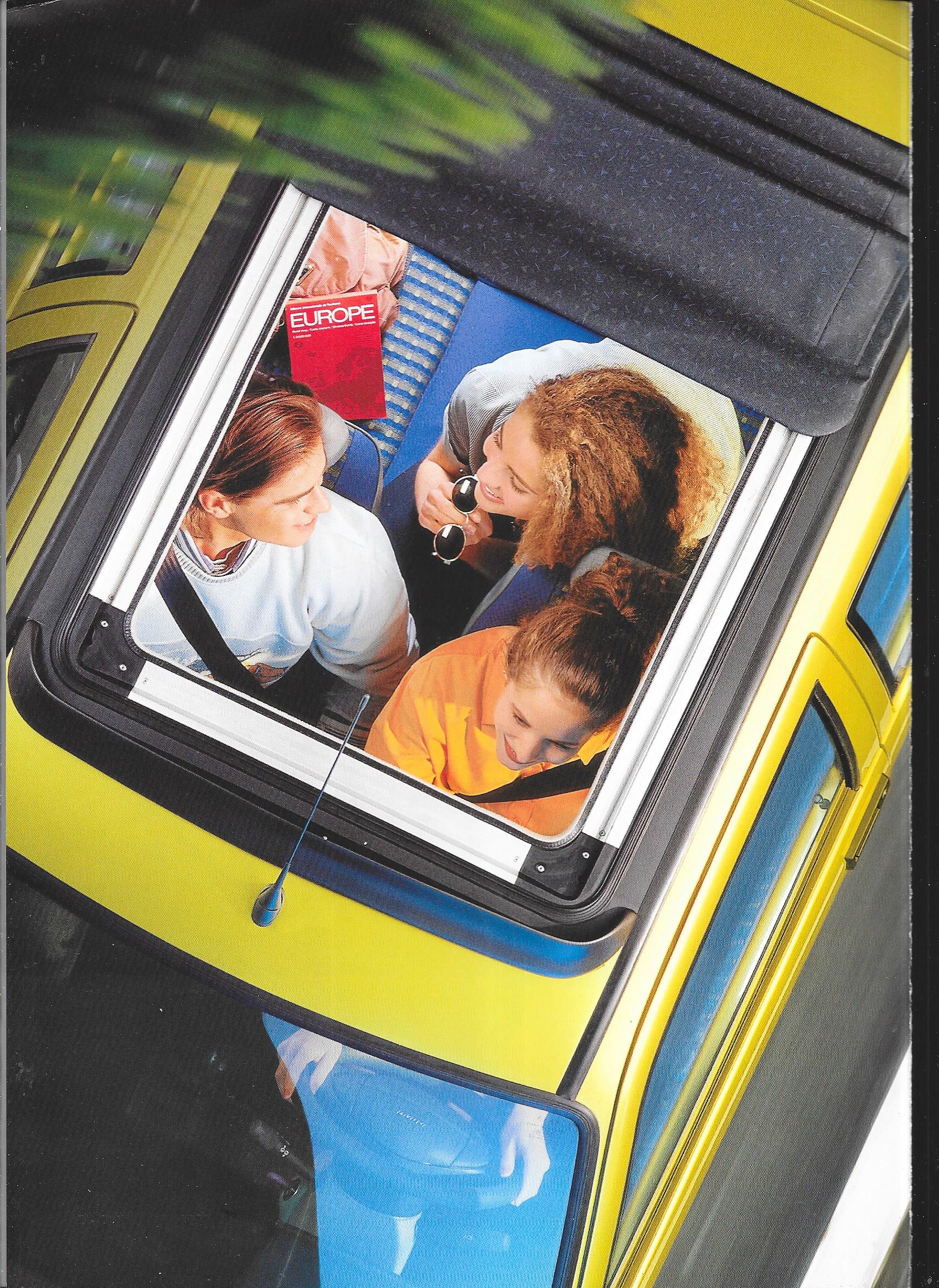
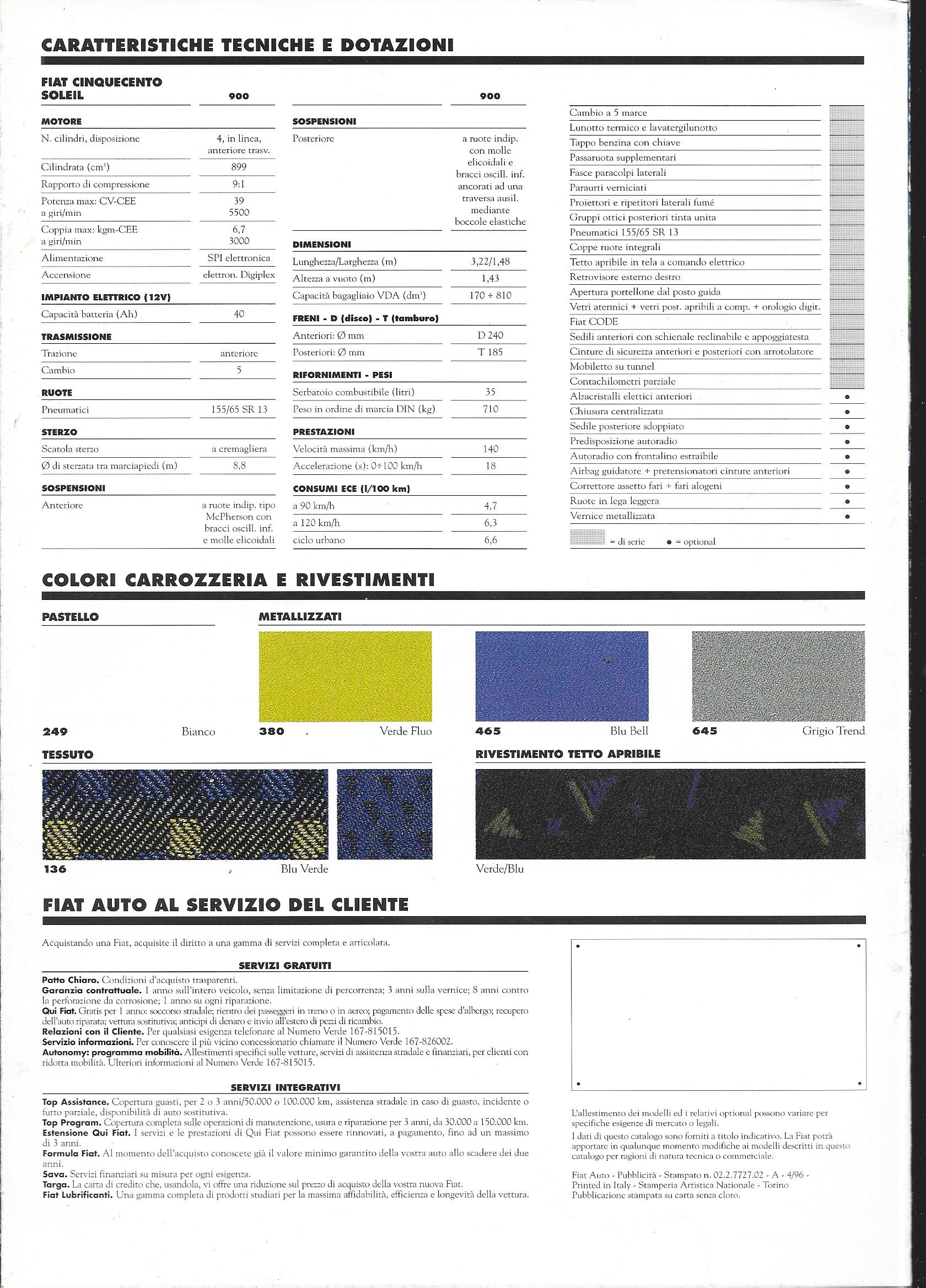

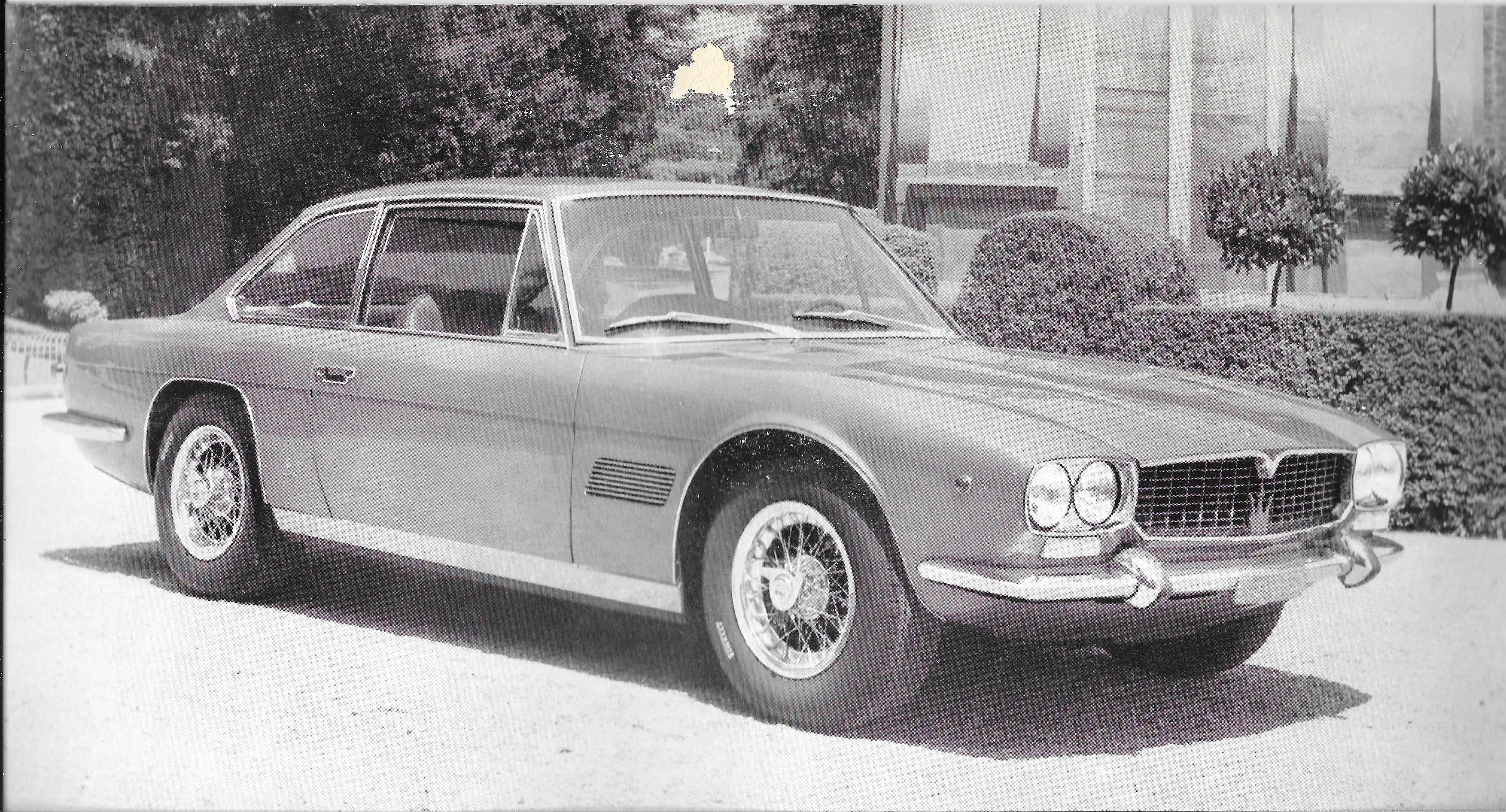
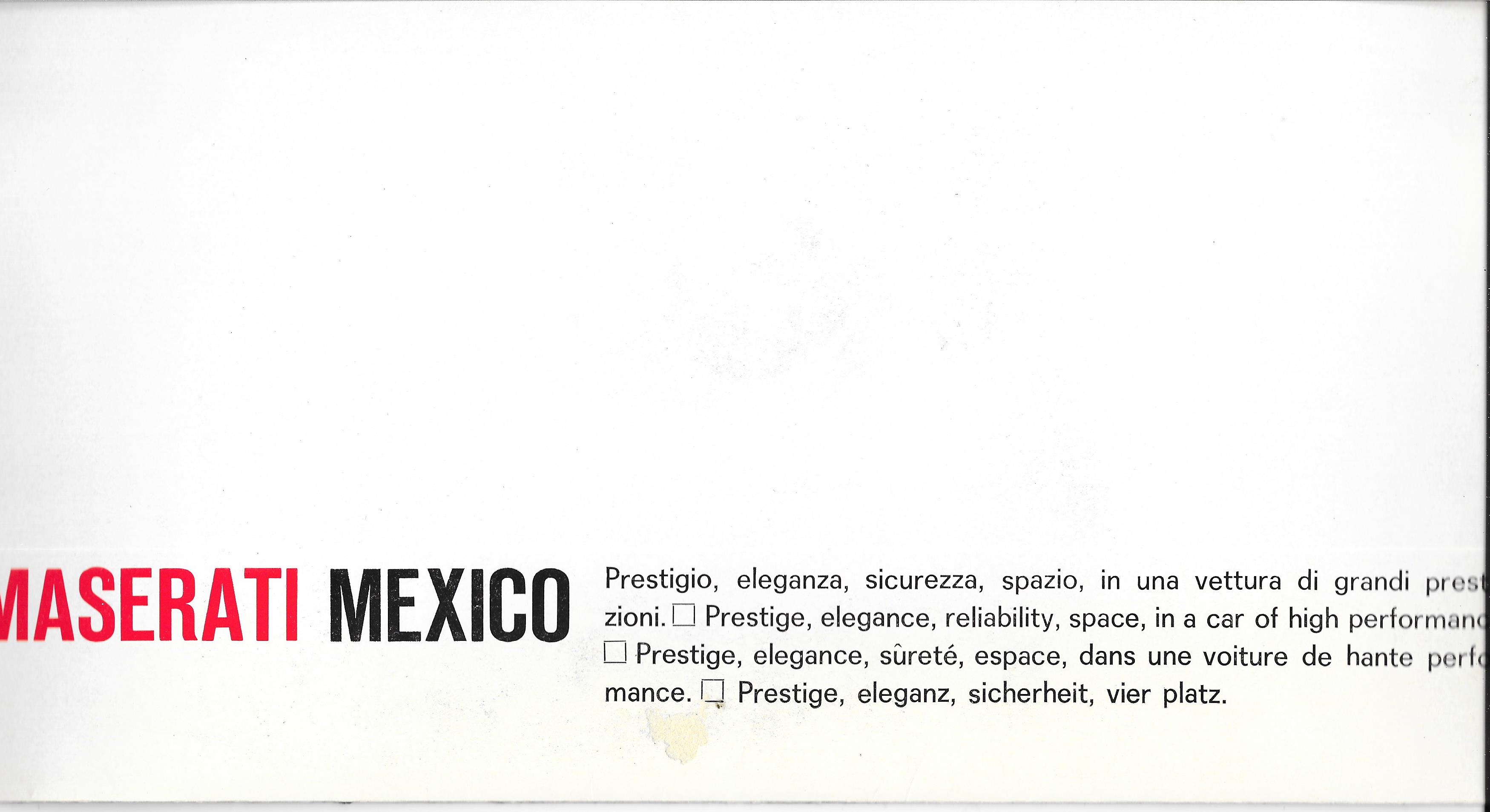
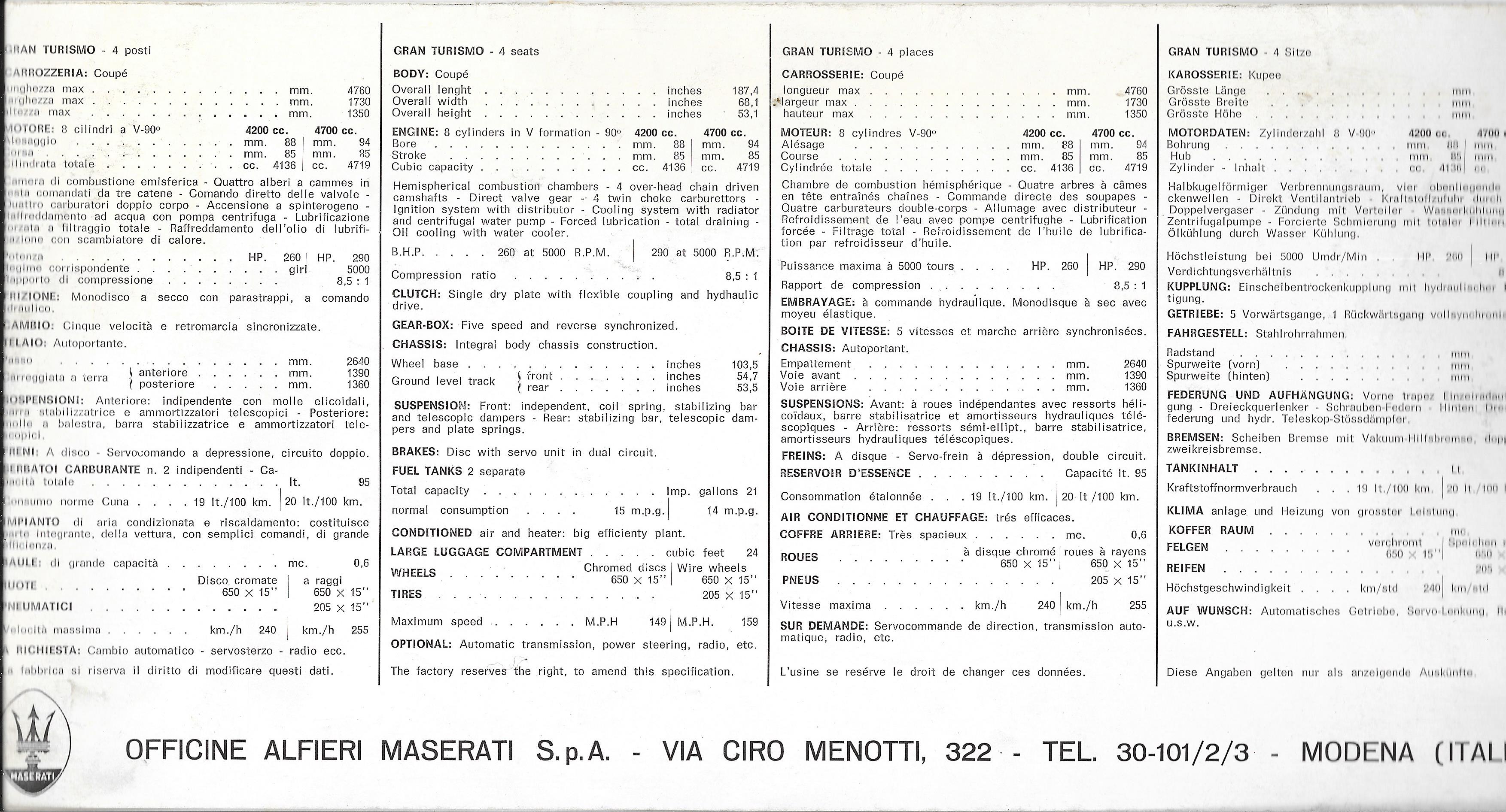
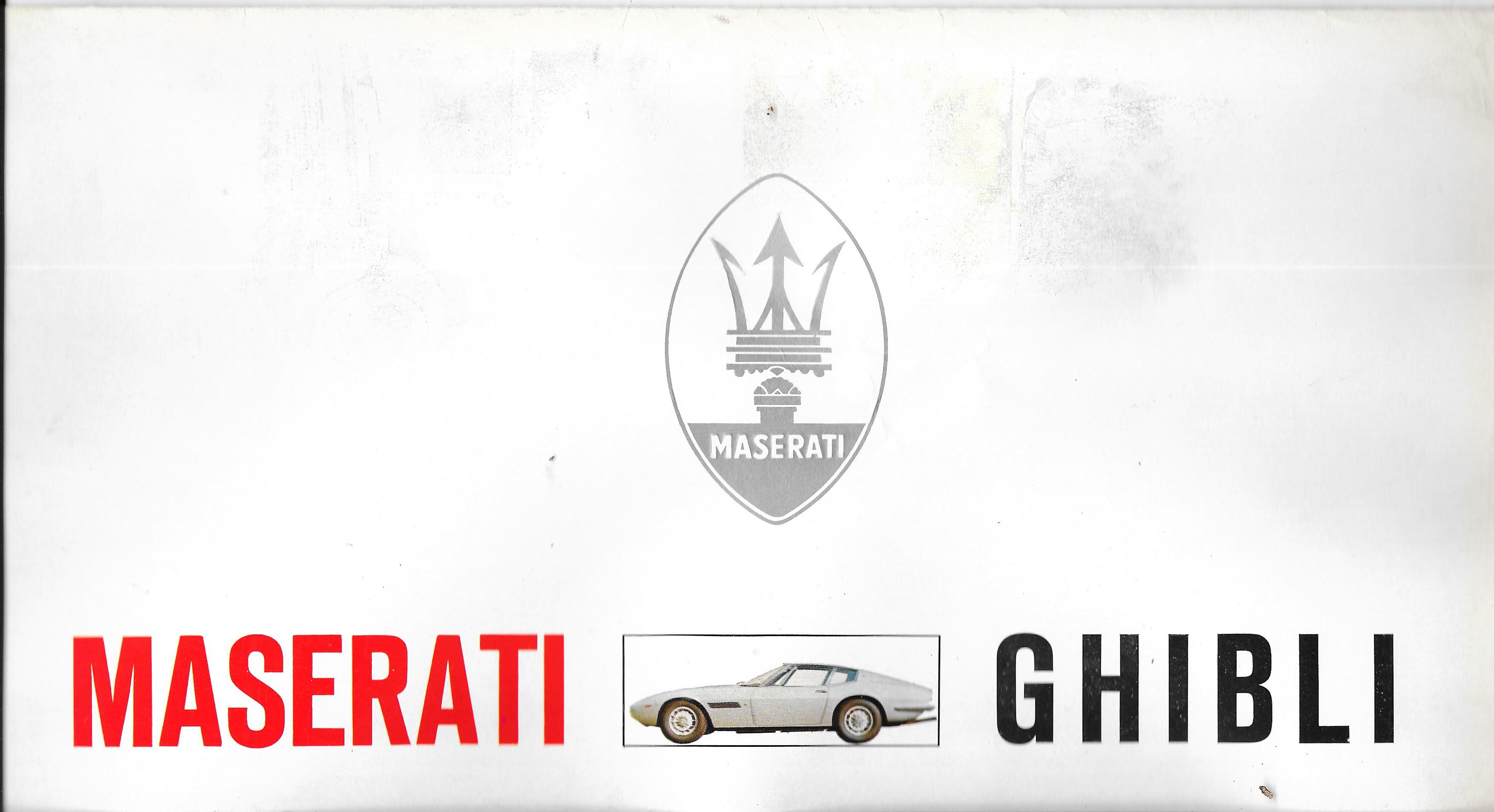

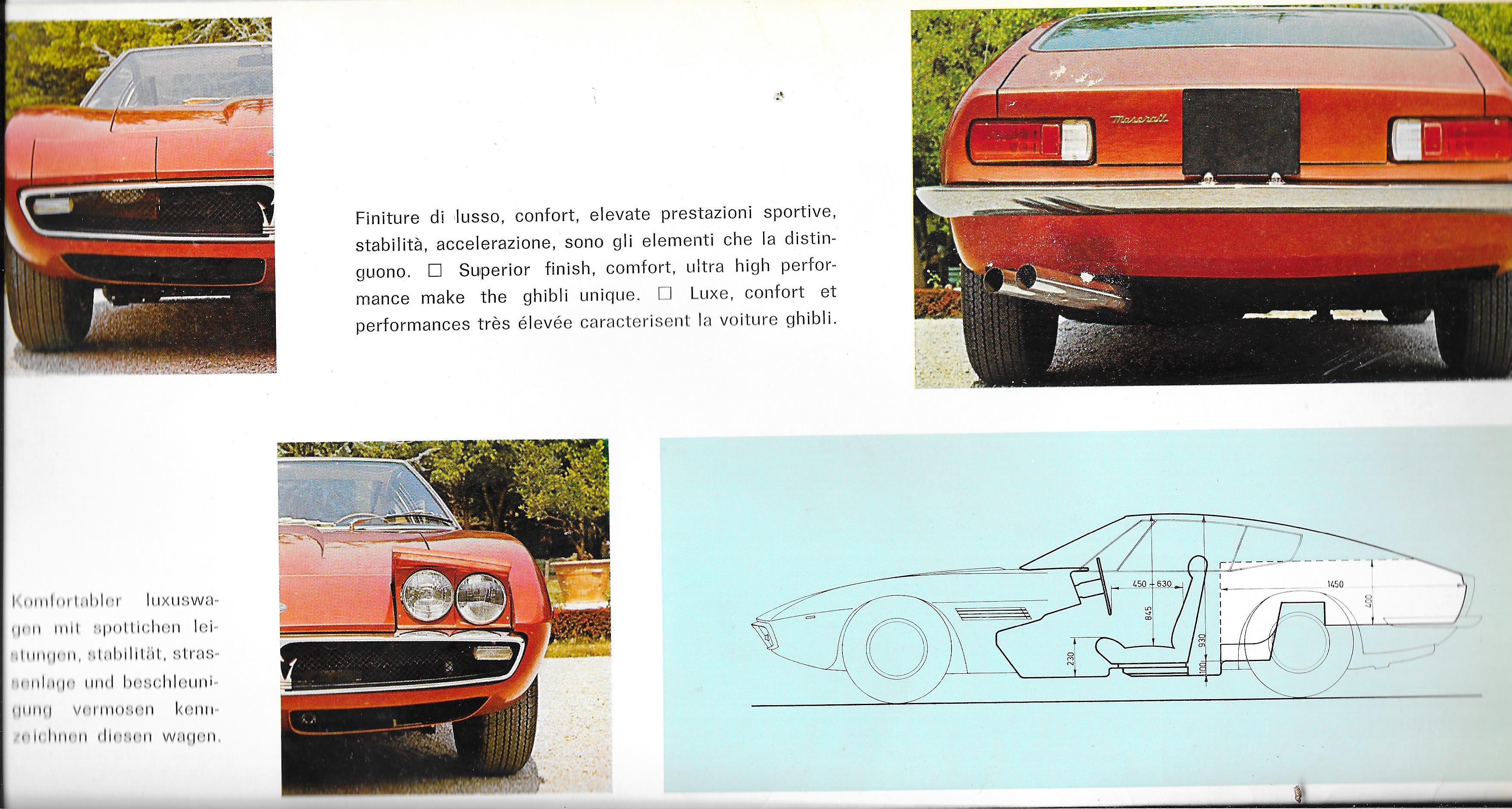





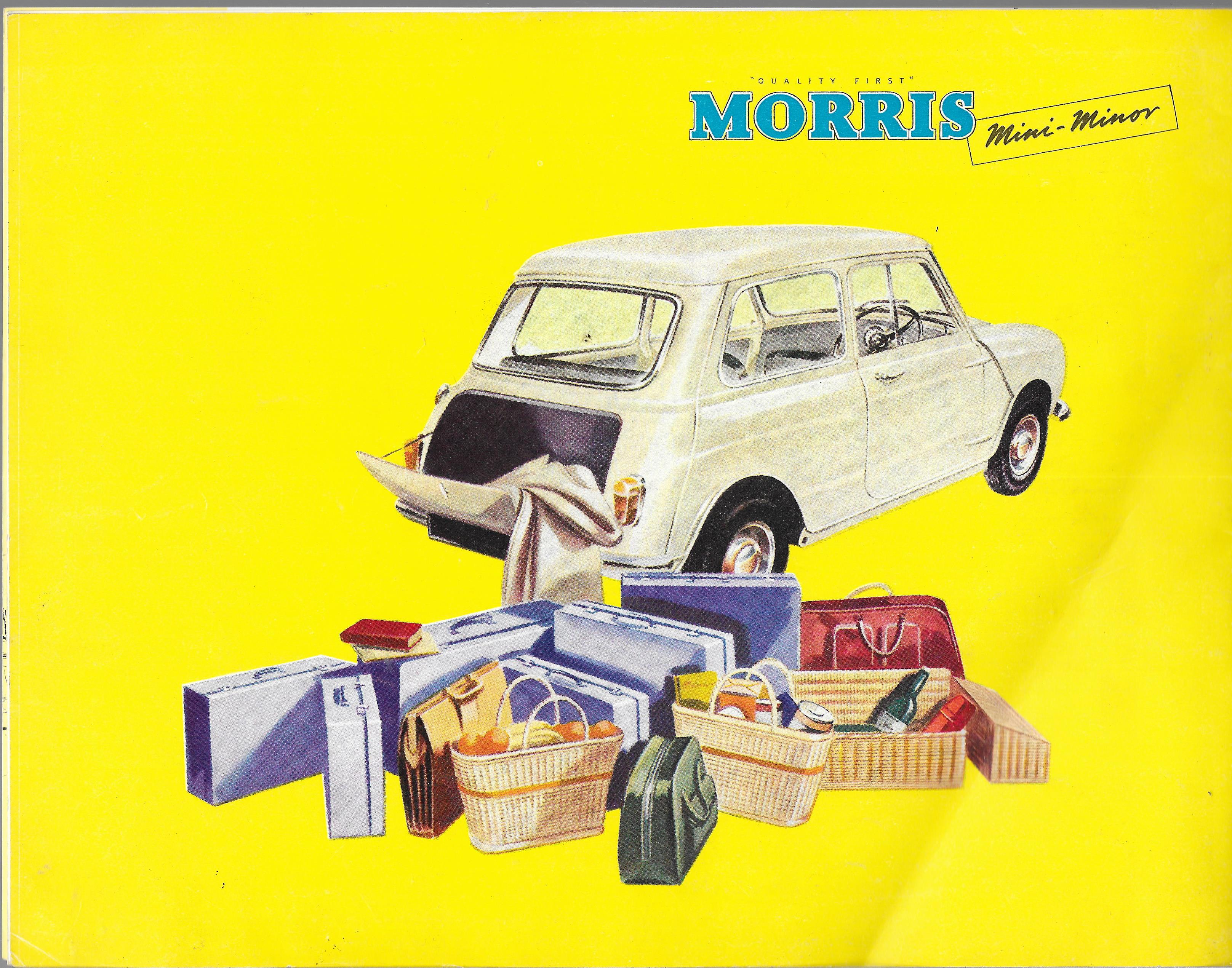









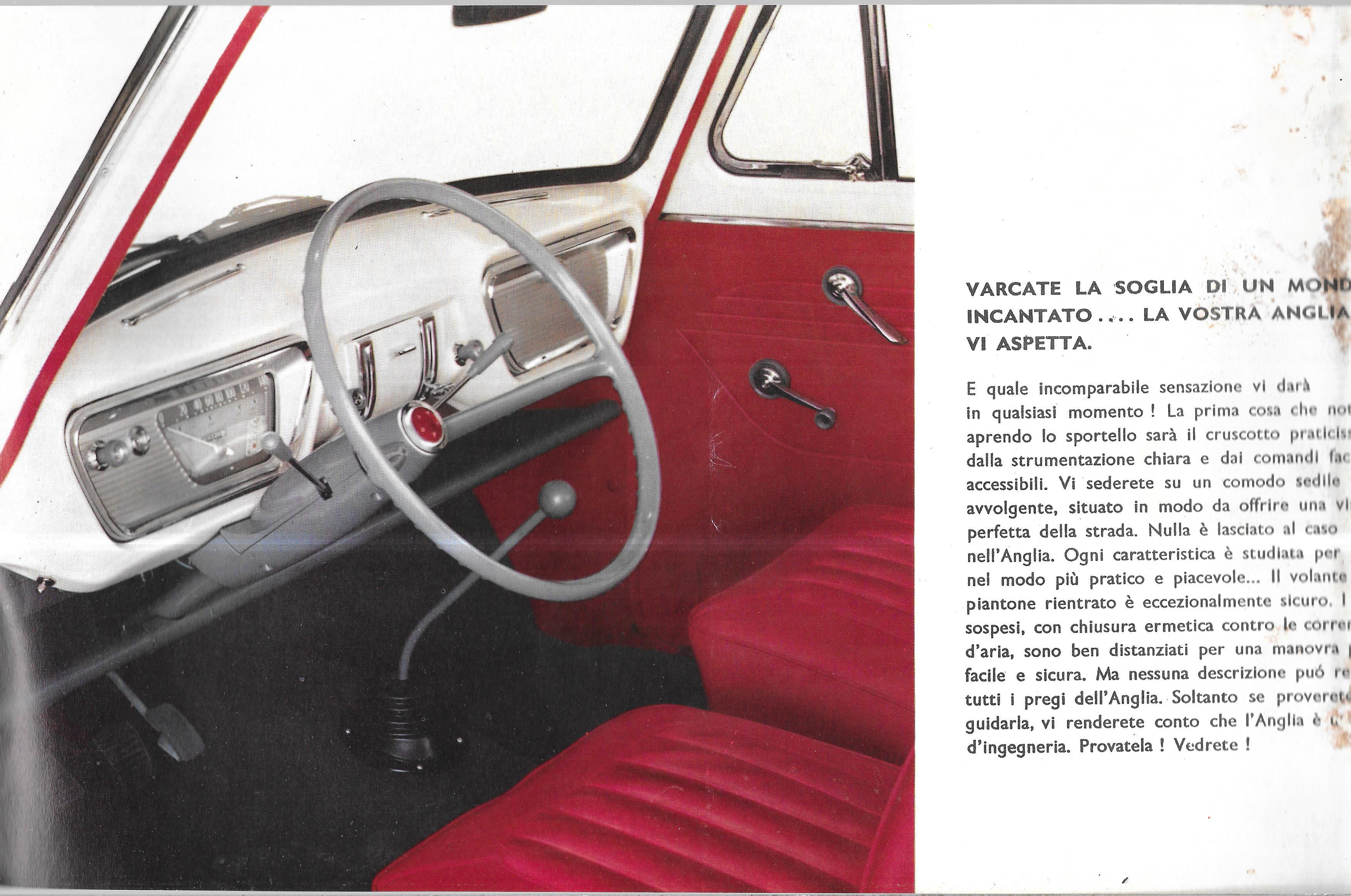
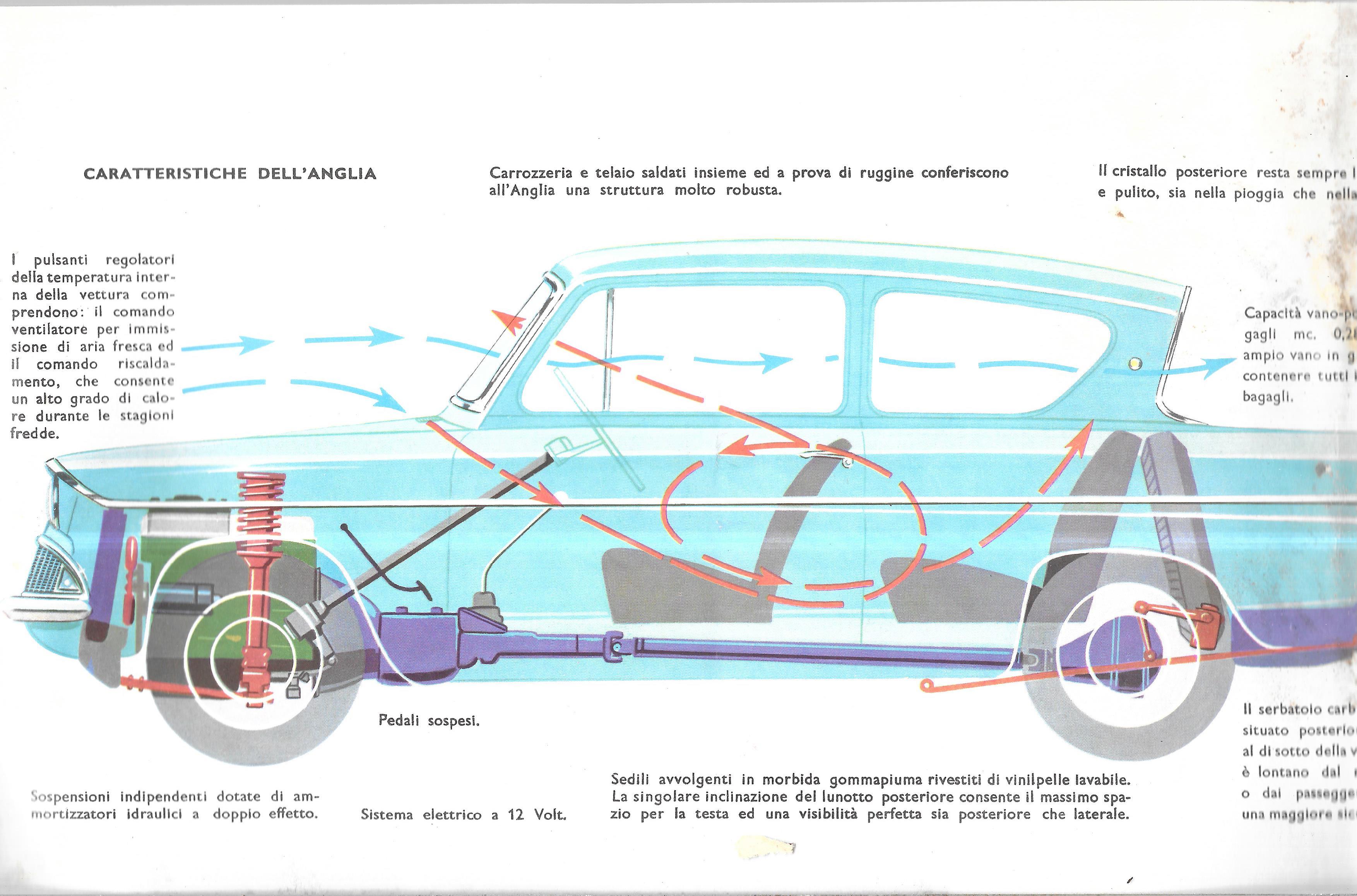
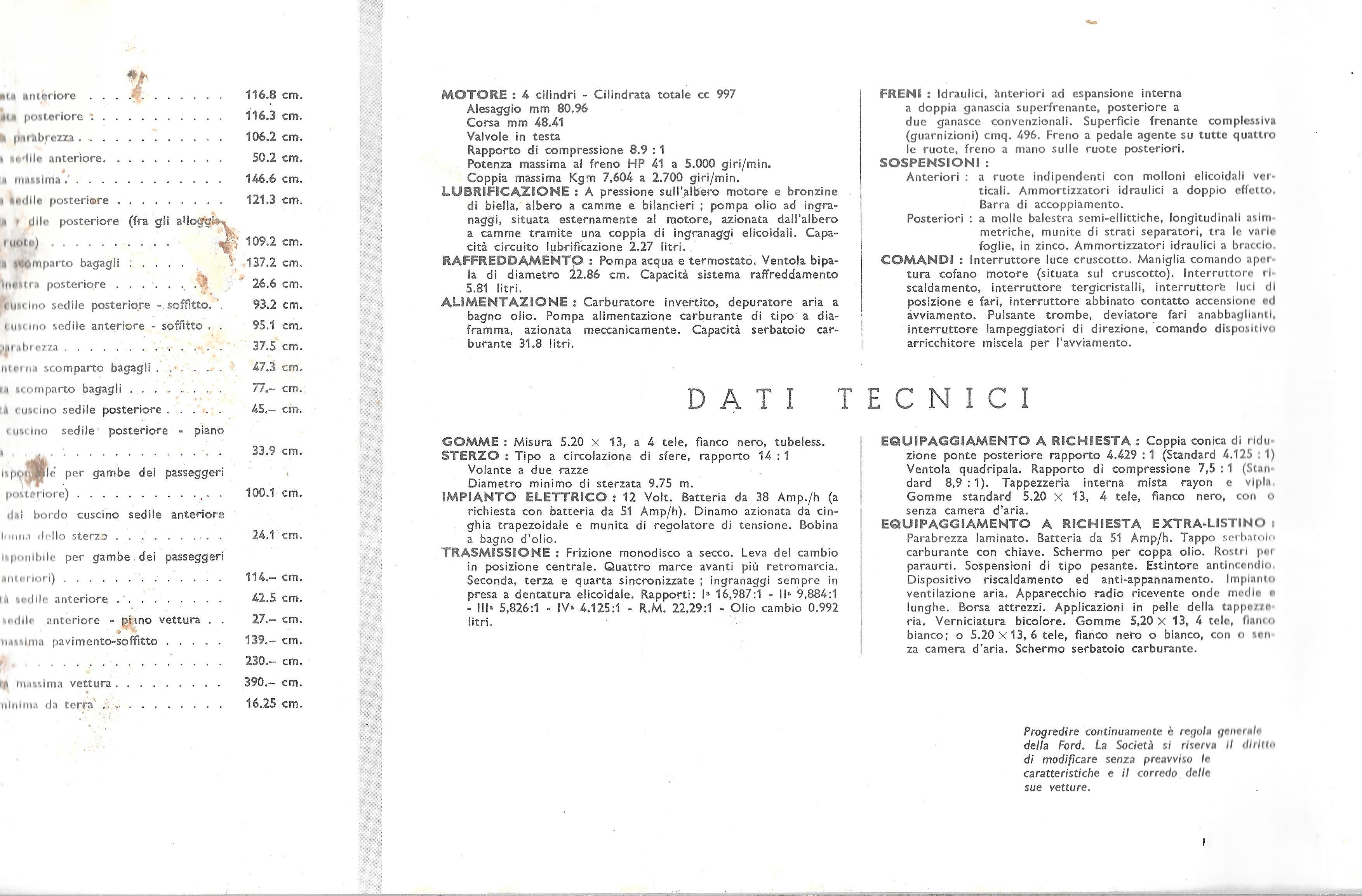


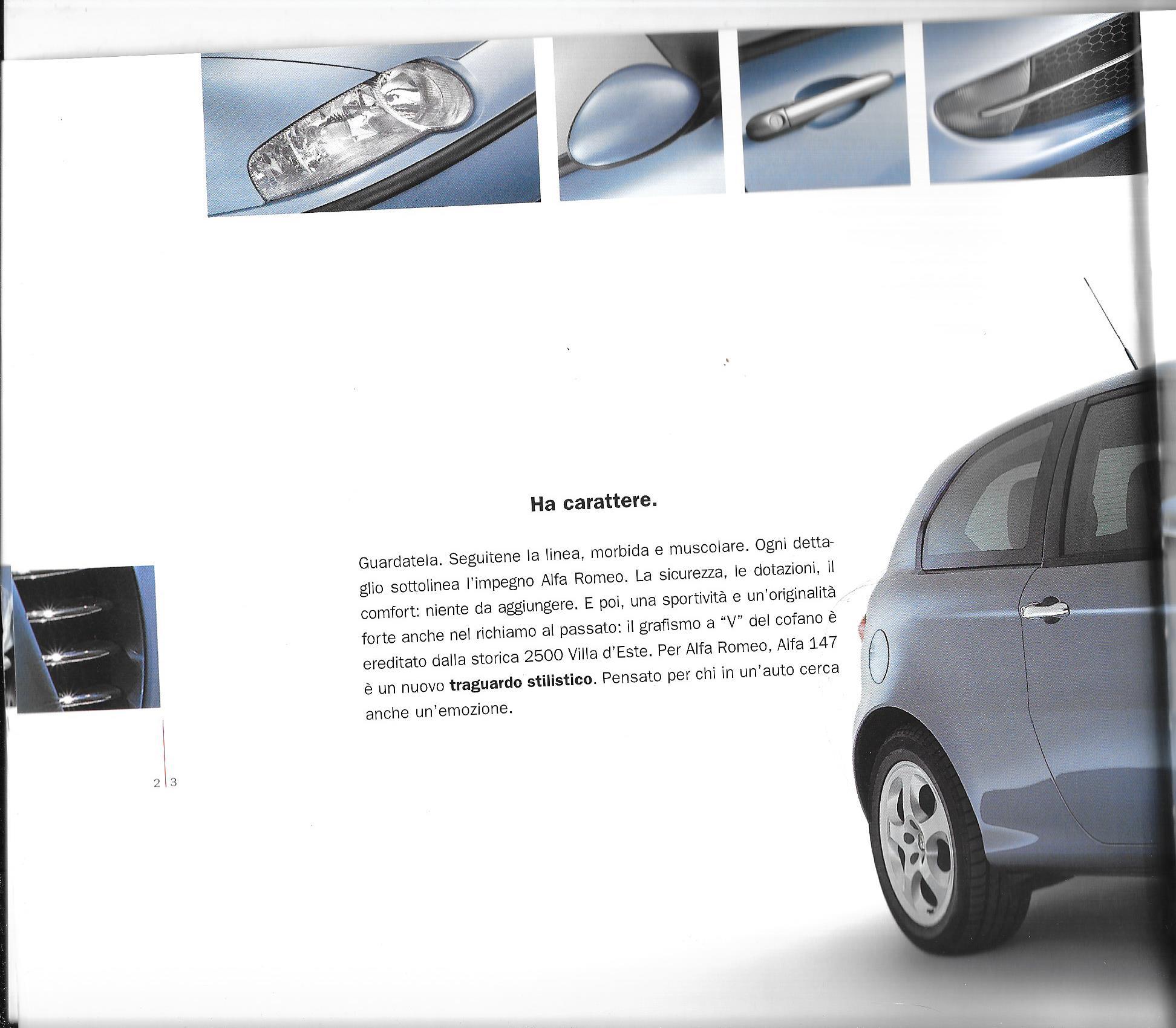
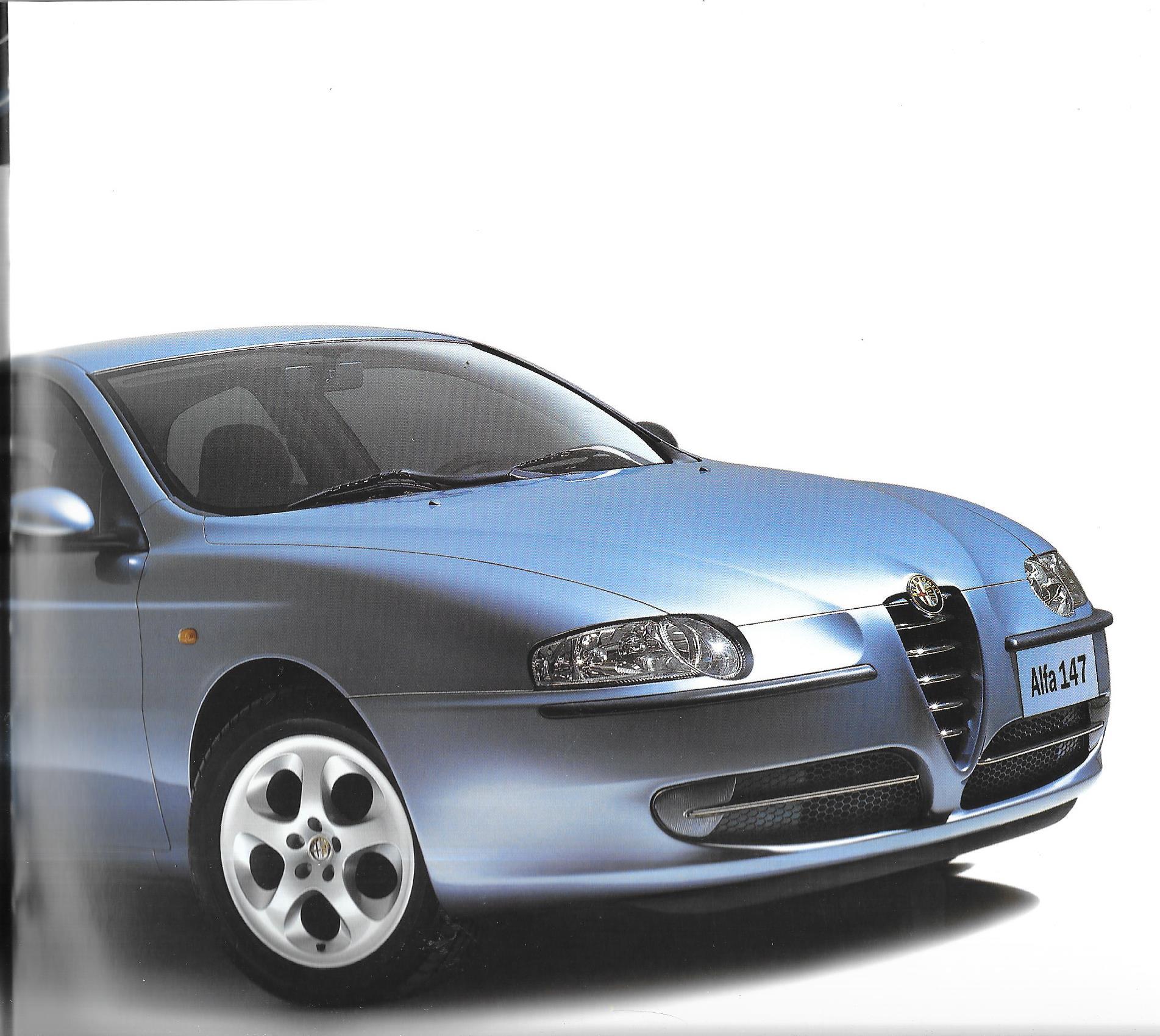


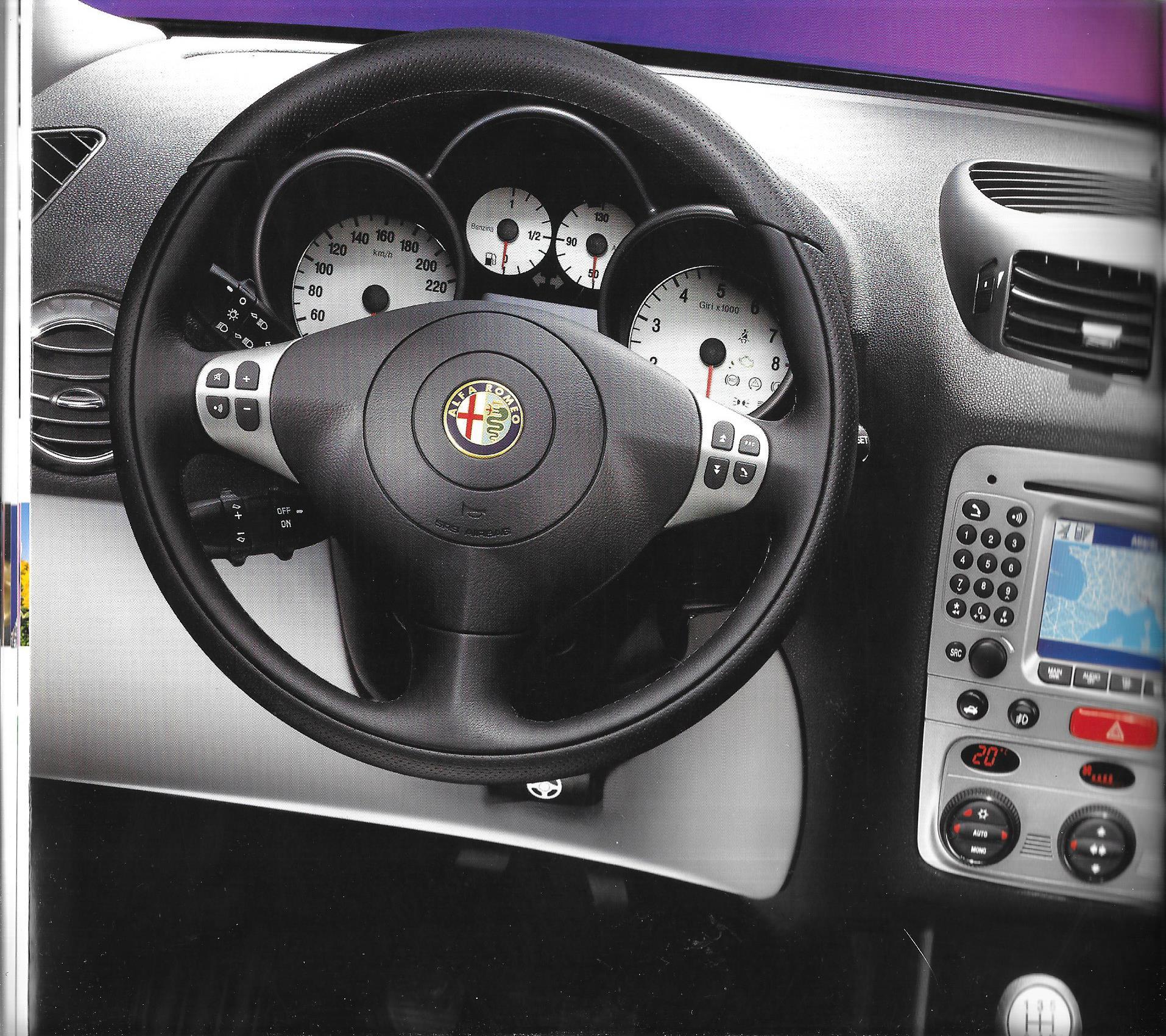
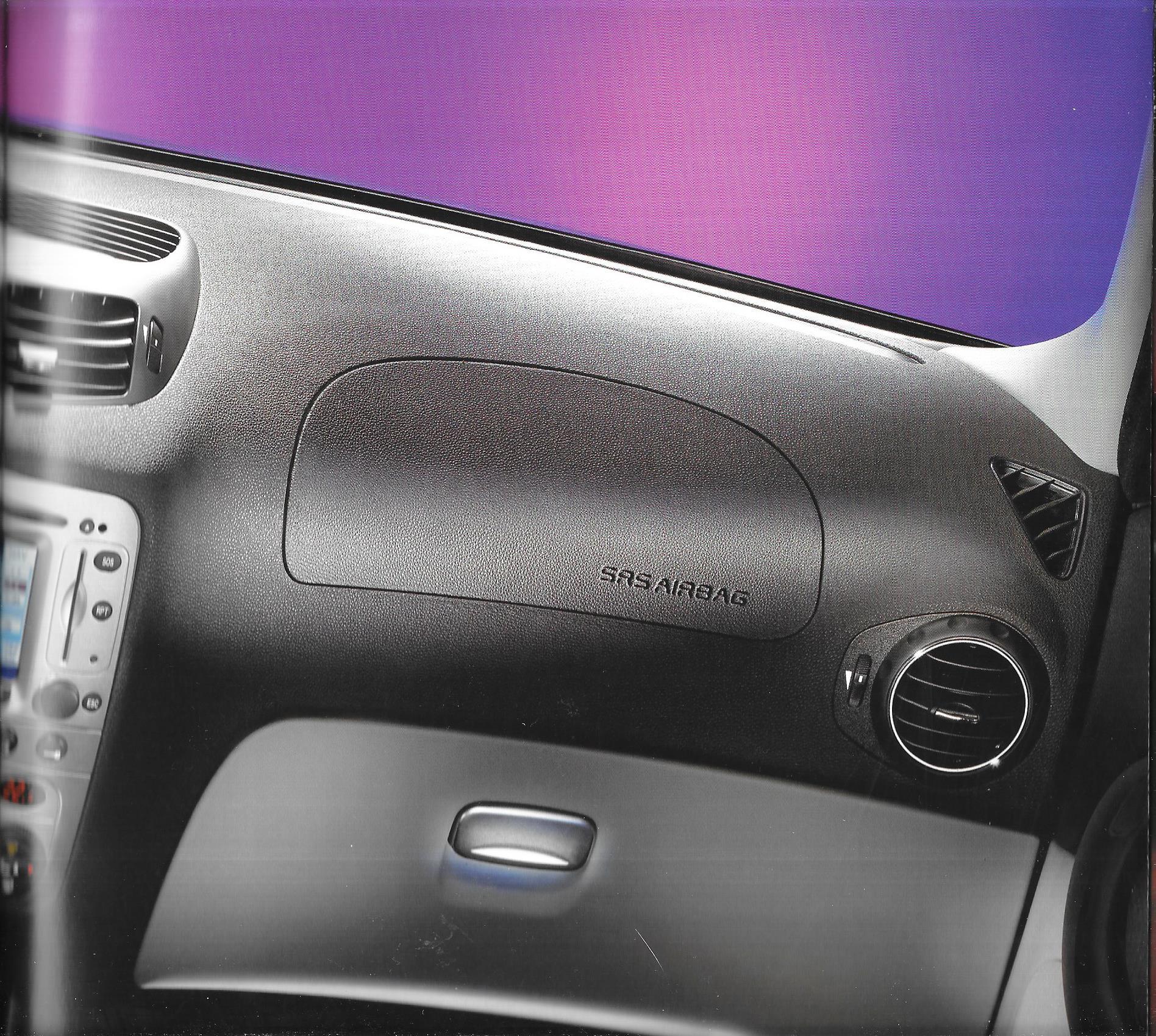






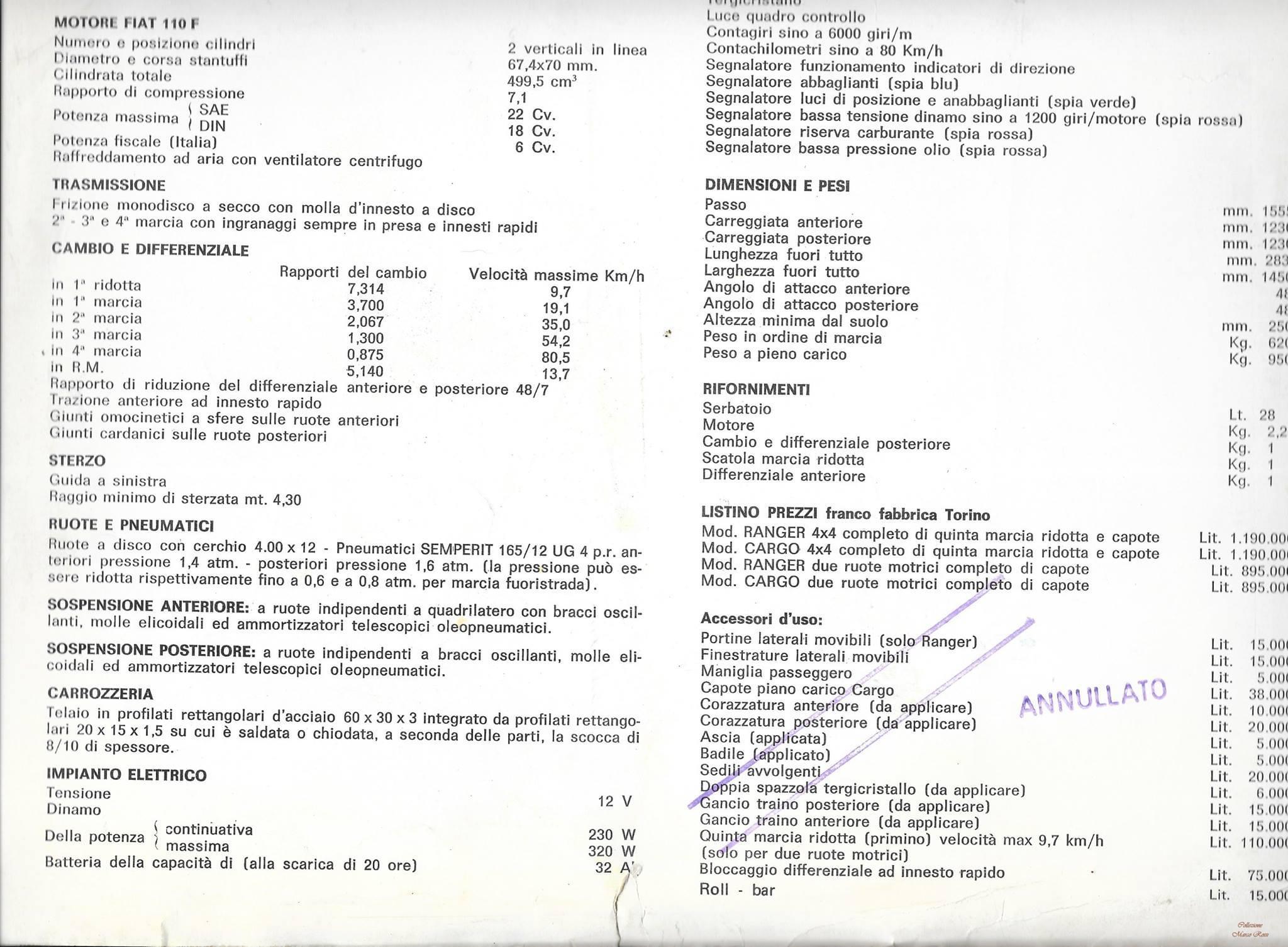

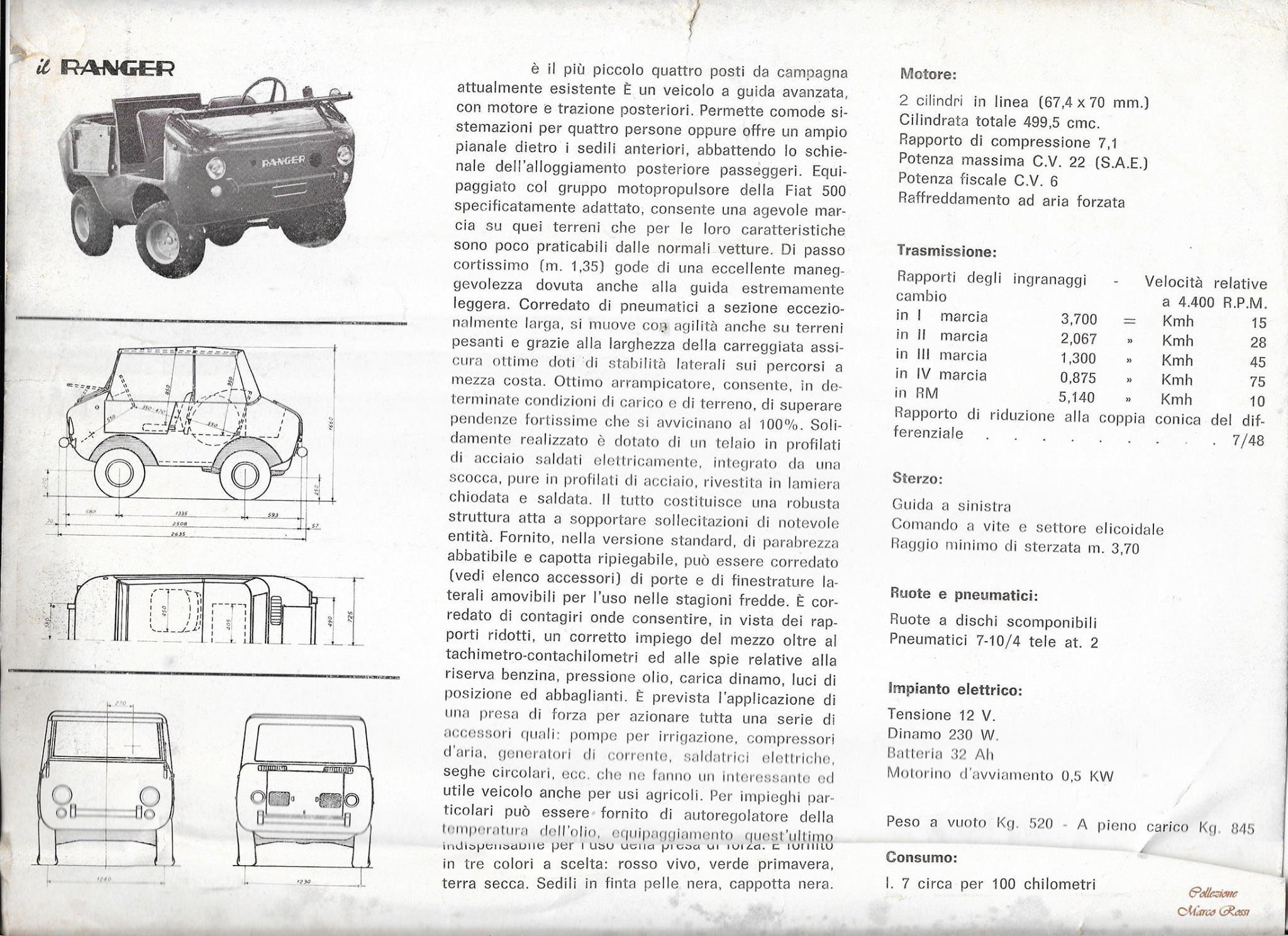









.jpg.c802806fc1f17b14acb7e30561c1d423.jpg)


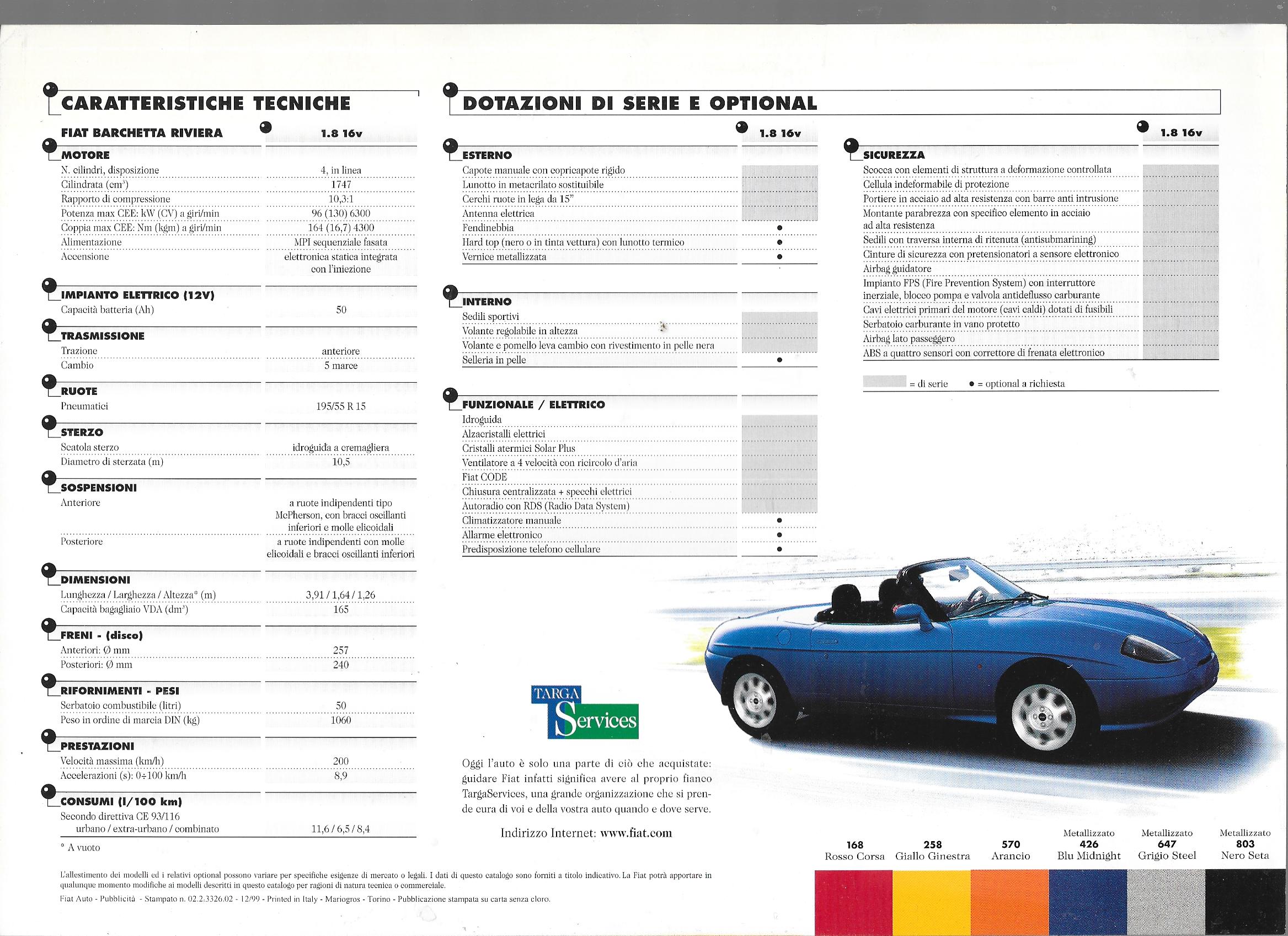
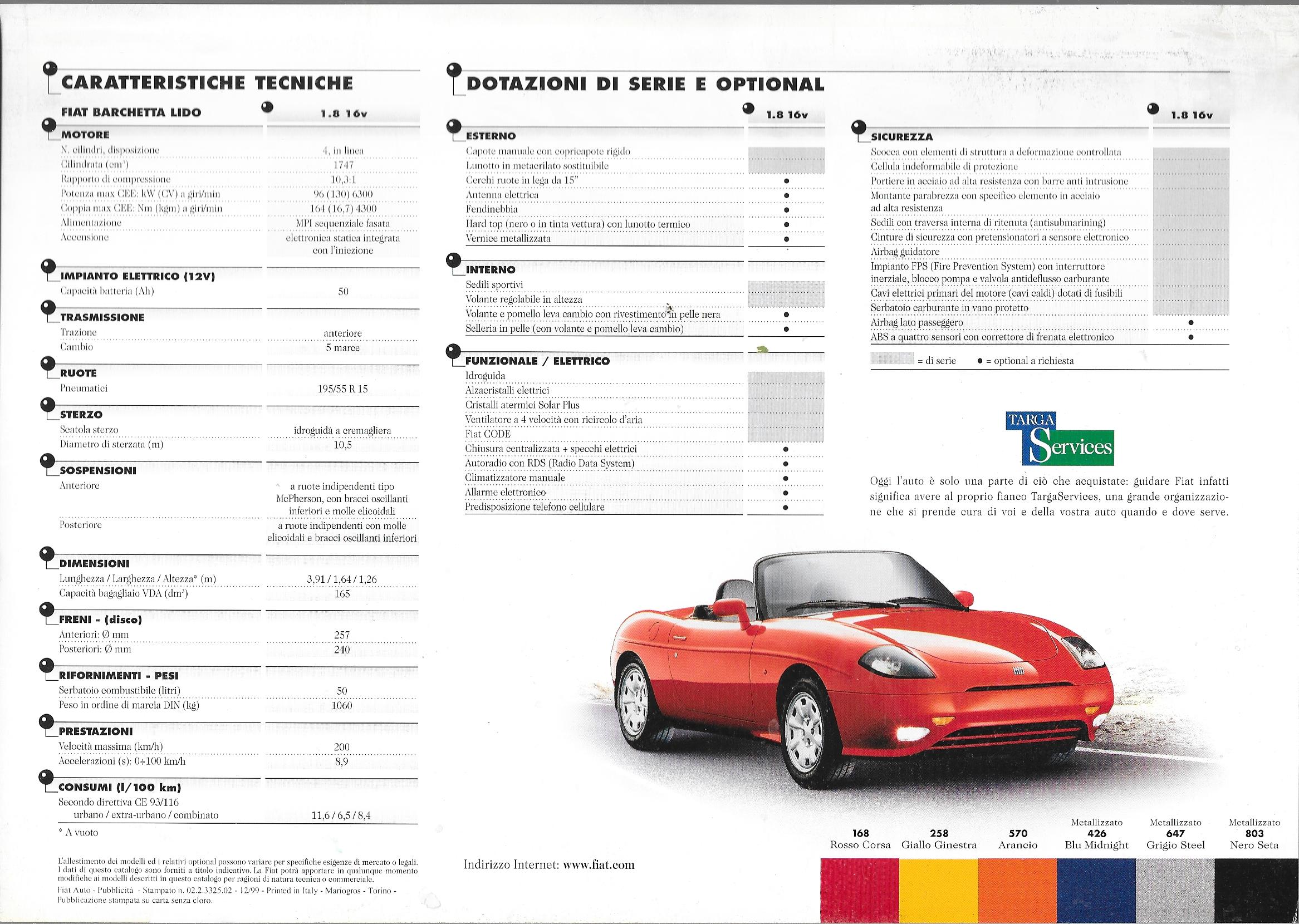









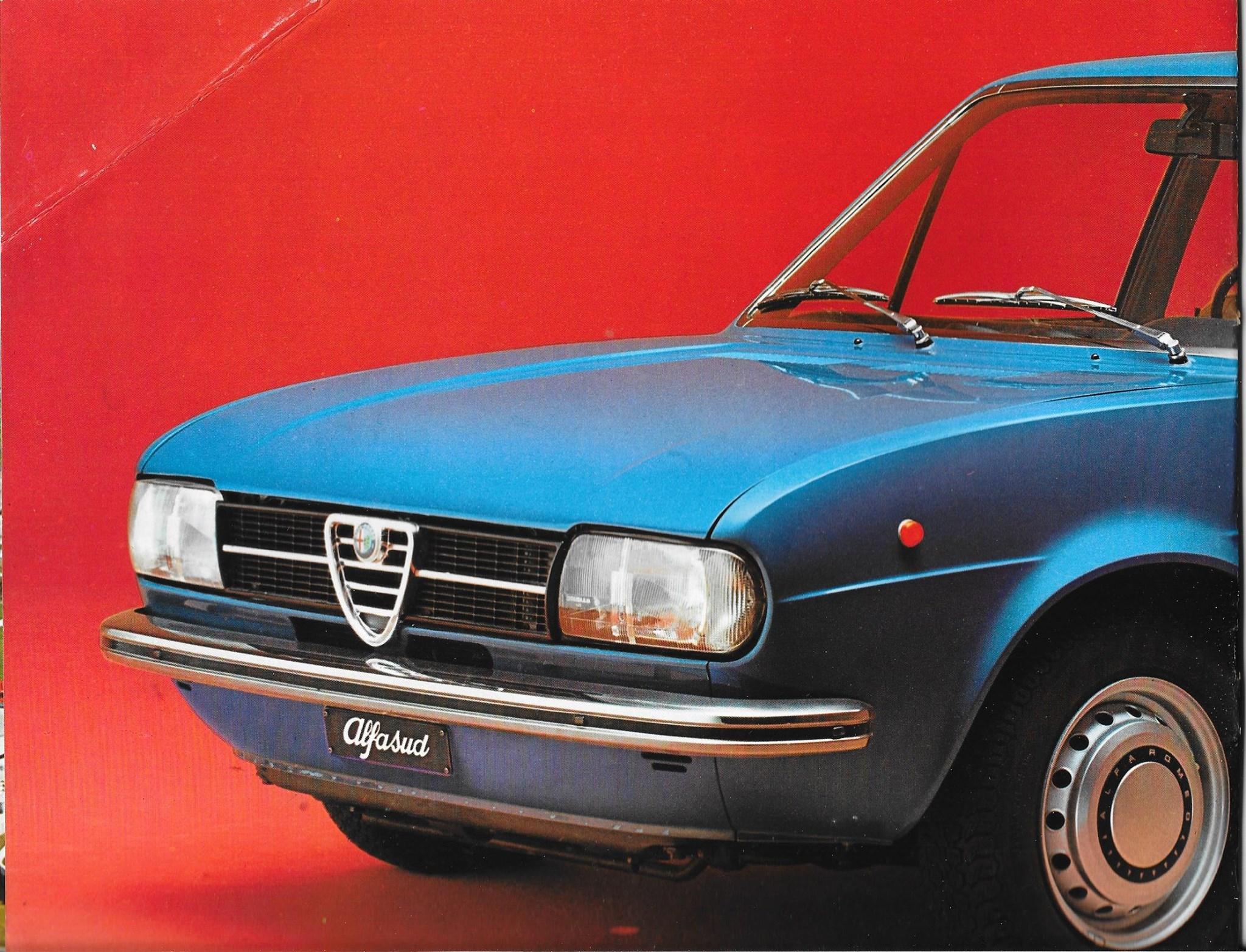
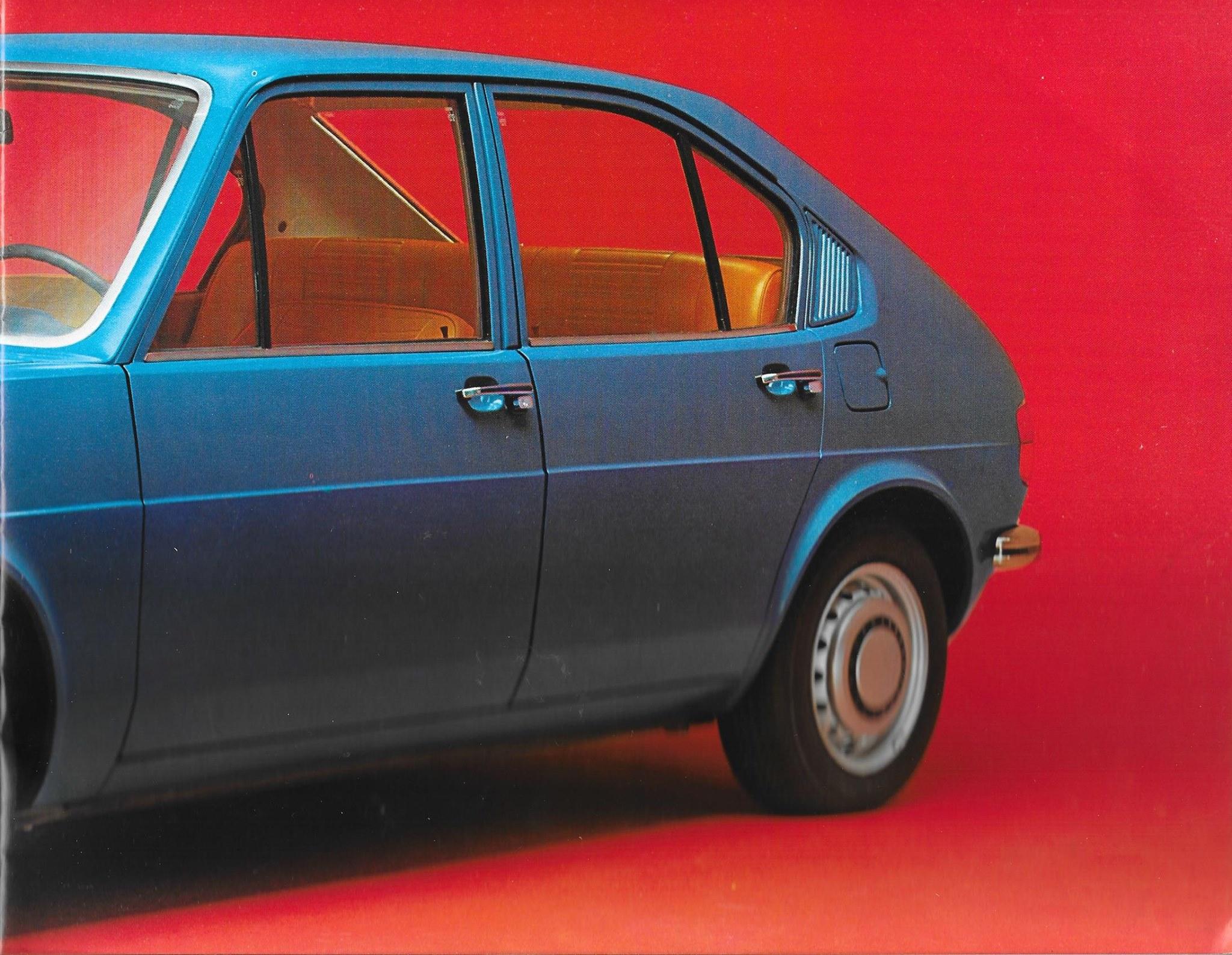
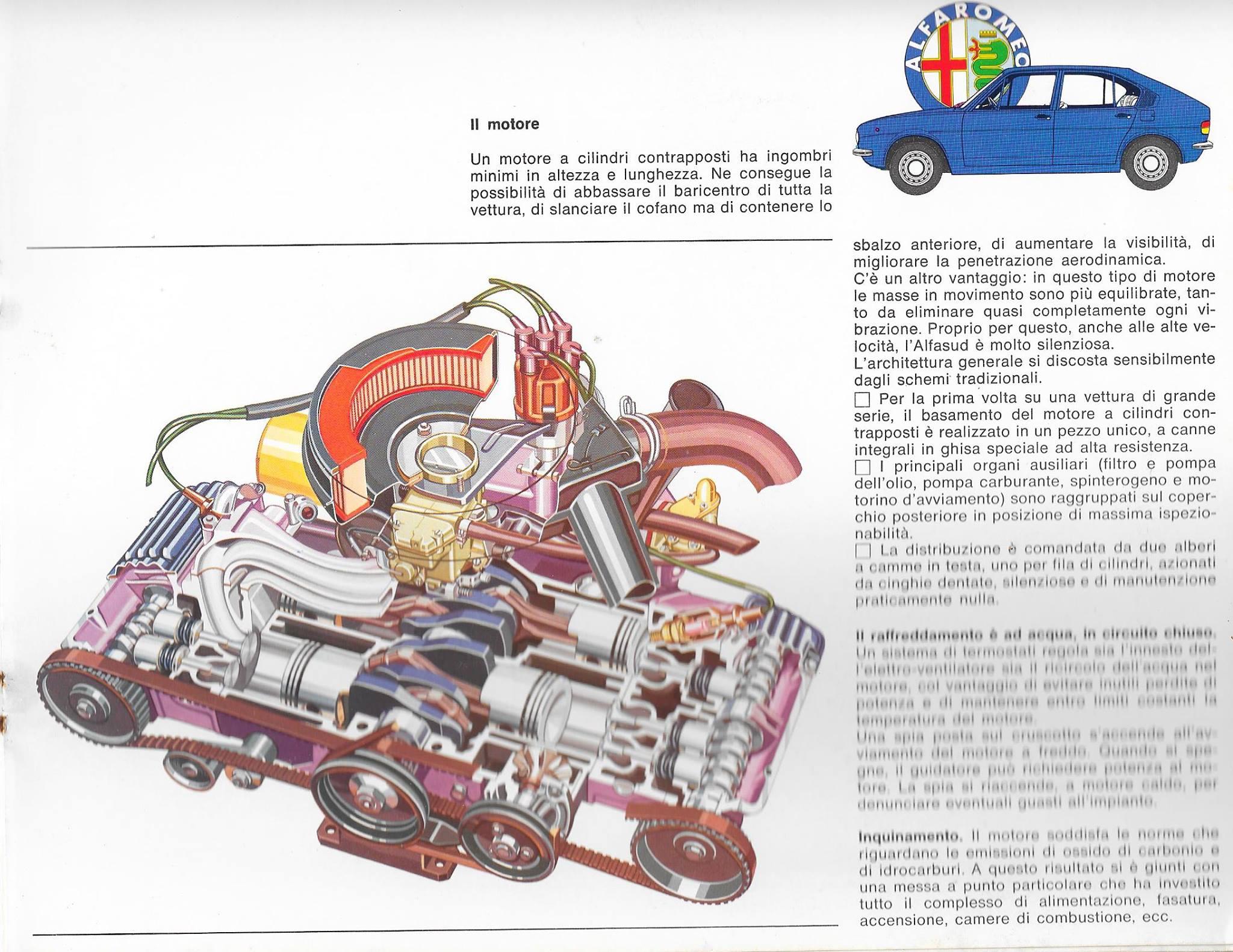
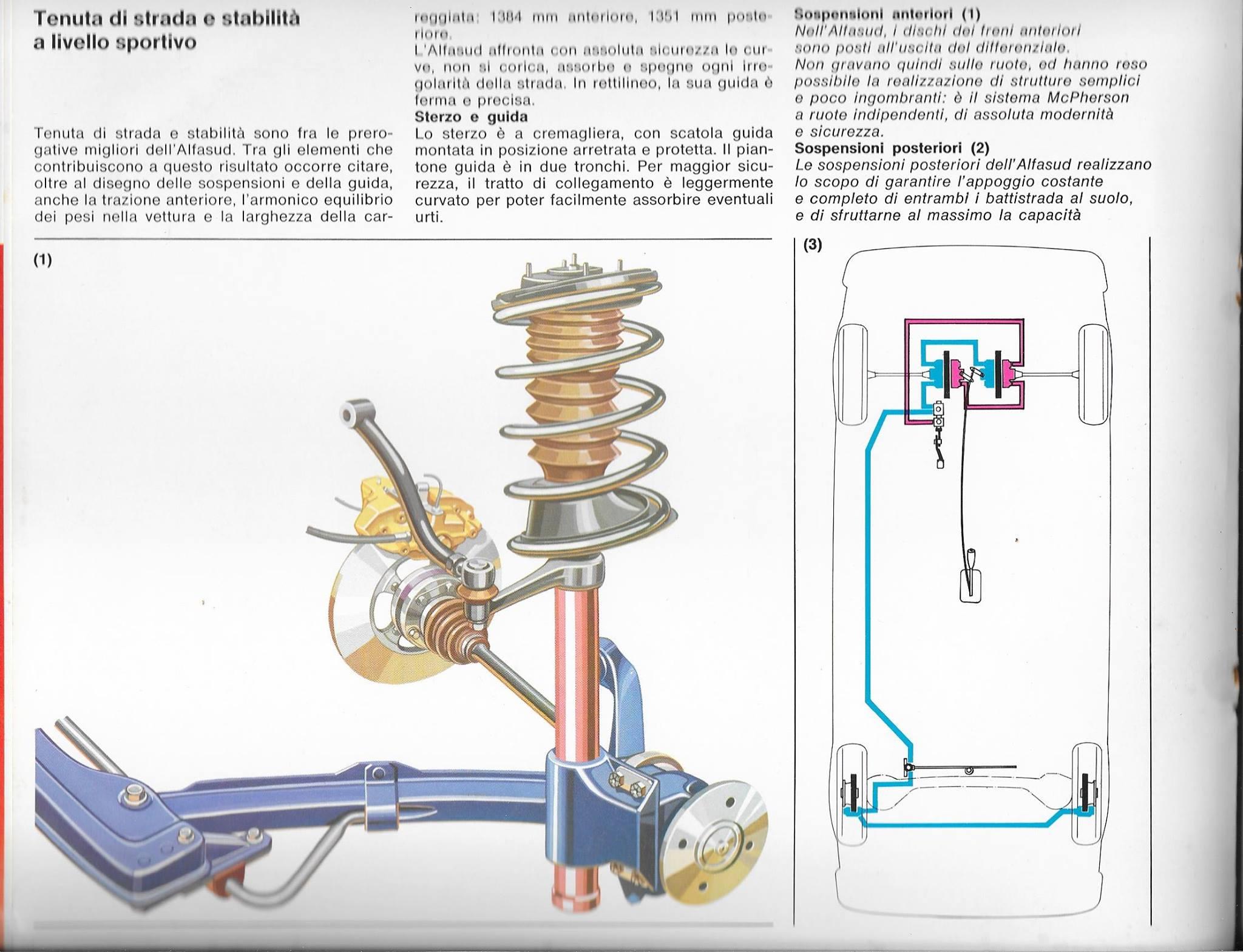















![Alfa Romeo Hug [Trolling Mode]](https://www.autopareri.com/uploads/reactions/Alfaromeocare.png.50be1dd8d7c15ba4fec8098a15bfa18a.png)
Account
Navigation
Cerca
Configure browser push notifications
Chrome (Android)
- Tap the lock icon next to the address bar.
- Tap Permissions → Notifications.
- Adjust your preference.
Chrome (Desktop)
- Click the padlock icon in the address bar.
- Select Site settings.
- Find Notifications and adjust your preference.
Safari (iOS 16.4+)
- Ensure the site is installed via Add to Home Screen.
- Open Settings App → Notifications.
- Find your app name and adjust your preference.
Safari (macOS)
- Go to Safari → Preferences.
- Click the Websites tab.
- Select Notifications in the sidebar.
- Find this website and adjust your preference.
Edge (Android)
- Tap the lock icon next to the address bar.
- Tap Permissions.
- Find Notifications and adjust your preference.
Edge (Desktop)
- Click the padlock icon in the address bar.
- Click Permissions for this site.
- Find Notifications and adjust your preference.
Firefox (Android)
- Go to Settings → Site permissions.
- Tap Notifications.
- Find this site in the list and adjust your preference.
Firefox (Desktop)
- Open Firefox Settings.
- Search for Notifications.
- Find this site in the list and adjust your preference.