Vai al contenuto
View in the app

A better way to browse. Learn more.

Autopareri

A full-screen app on your home screen with push notifications, badges and more.

To install this app on iOS and iPadOS
  1. Tap the Share icon in Safari
  2. Scroll the menu and tap Add to Home Screen.
  3. Tap Add in the top-right corner.
To install this app on Android
  1. Tap the 3-dot menu (⋮) in the top-right corner of the browser.
  2. Tap Add to Home screen or Install app.
  3. Confirm by tapping Install.

Classifica Utenti

  1. parish

    Utente Registrato
    15
    Punti
    1186
    Numero contenuti pubblicati
  2. AleMcGir

    Moderatore |Staff|
    14
    Punti
    19772
    Numero contenuti pubblicati
  3. KimKardashian

    Utente Registrato
    14
    Punti
    14107
    Numero contenuti pubblicati
  4. VuOtto

    Redattore
    11
    Punti
    12753
    Numero contenuti pubblicati

Contenuti più Popolari

Stai visualizzando i contenuti con il più alto punteggio, pubblicati in data 10/21/22 e localizzati Tutte le aree/sezioni

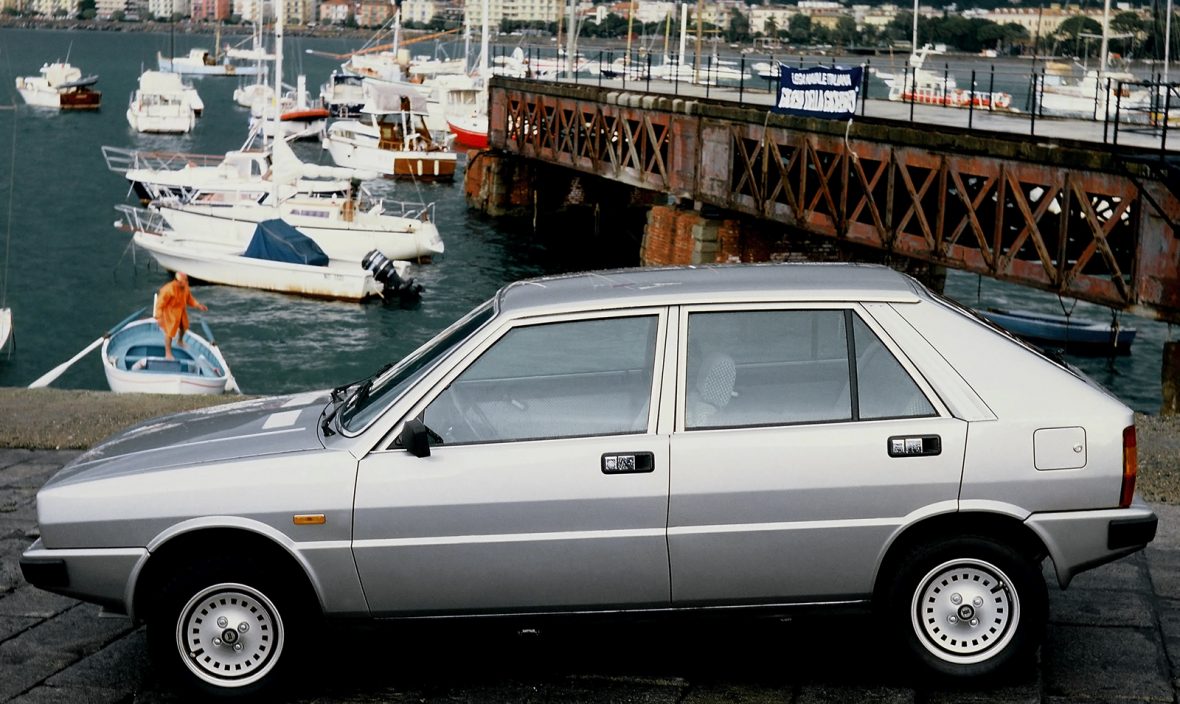
  1. Io vorrei che ripartissero da qui: Linee tese e squadrate che sembrano tornare di moda....
La Leaderboard è riferita all'orario Roma/GMT+01:00
Background Picker
Customize Layout

Account

Navigation

Cerca

Configure browser push notifications

Chrome (Android)
  1. Tap the lock icon next to the address bar.
  2. Tap Permissions → Notifications.
  3. Adjust your preference.
Chrome (Desktop)
  1. Click the padlock icon in the address bar.
  2. Select Site settings.
  3. Find Notifications and adjust your preference.