





cc1920
Utente Registrato
-
Iscritto il
-
Ultima visita
Tutti i contenuti di cc1920
-
-
-
-
-
-
-
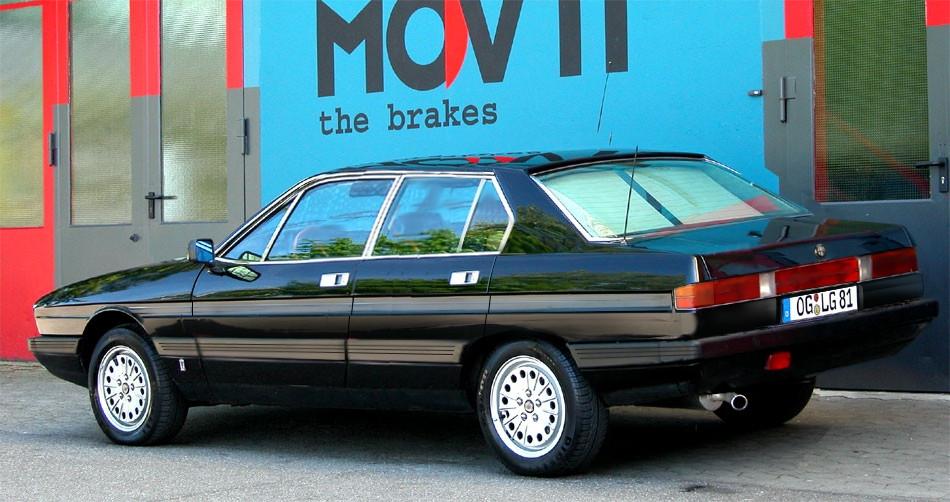
con l'arrivo della lancia beta hpe nel 1974, Alfa Romeo pensa anche di introdurre nella sua gamma un grande taglio derivato sia dalla sua berlina alfetta che basato sul coupé gt / GTV FIRMATO GIUGIARO.Il costruttore di Arese affida questo studio a Bertone che conserva la parte anteriore e la cellula centrale del coupé gt / gtv ma prolunga l'interasse per guadagnare in abitabilità e lavorare tutta la parte posteriore. Il prototipo è pronto in pochi mesi ma il risultato è lungi dall'essere dinamico e bisogna ammettere che Marcello Gandini firma lì un disegno scialbo e anche un po ' pesante (notare comunque su ogni lato, le differenze stilistiche intorno al passaggio della ruota posteriore fino al Paraurti).All'arrivo, di fronte ai costi elevati di industrializzazione e temendo soprattutto una cannibalizzare interna con la sua gt / gtv, Alfa Romeo preferisce porre fine a questo progetto

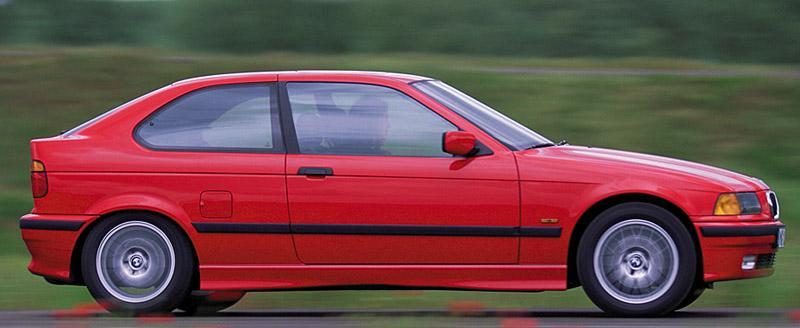
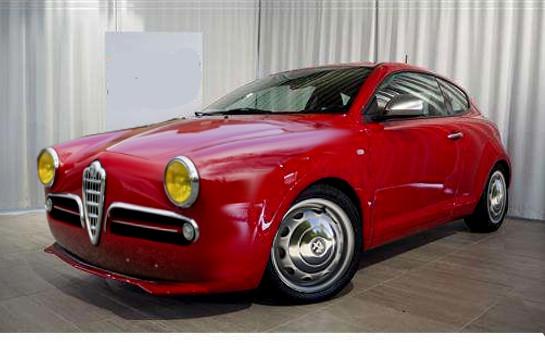
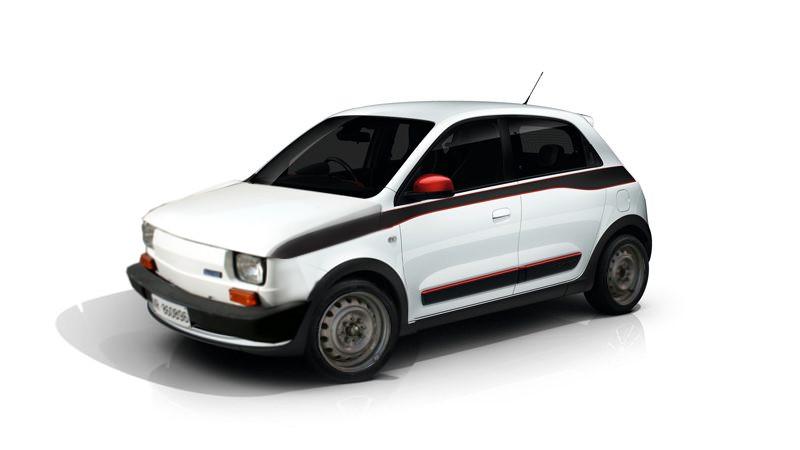
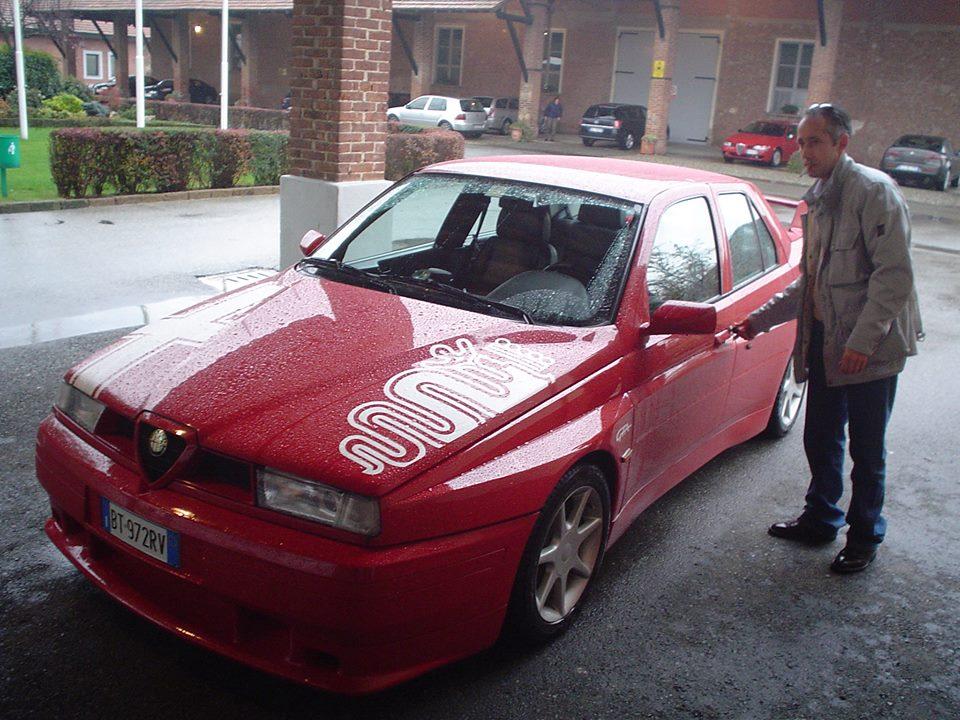
 mi ricorda .....
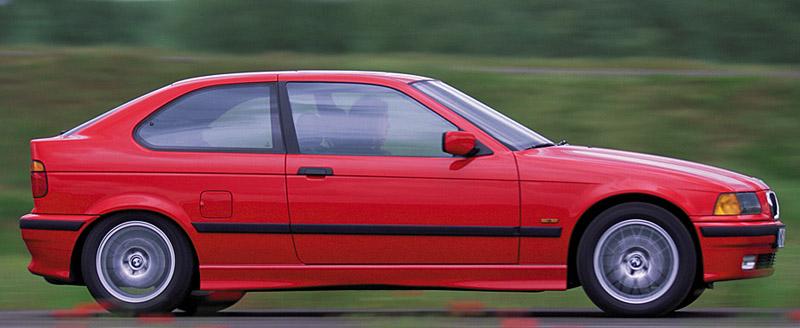
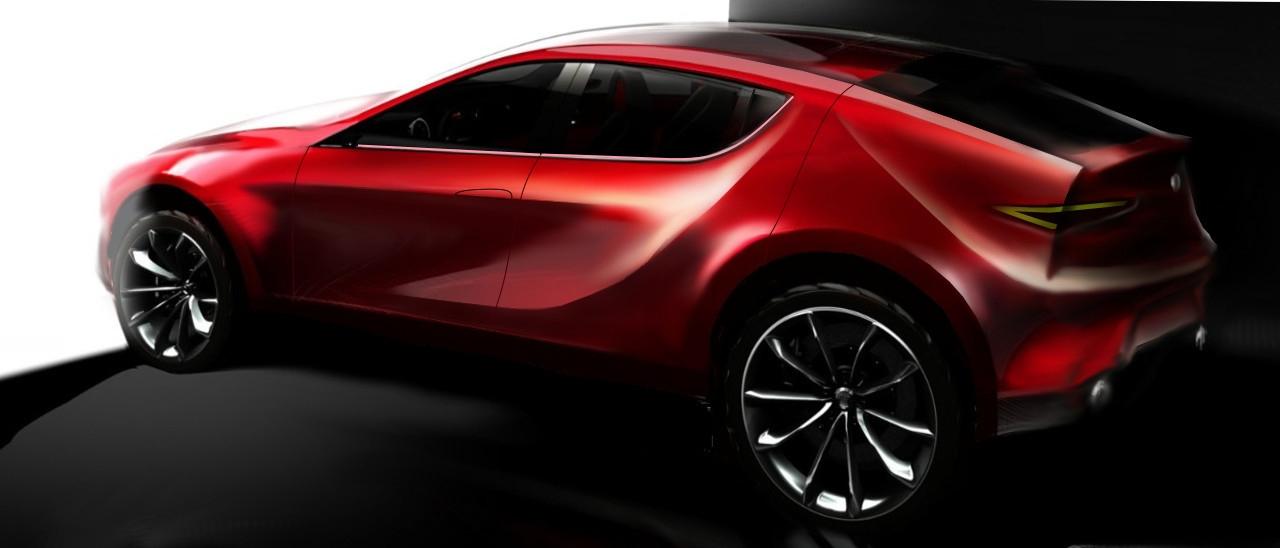
 ipotesi per il posteriore
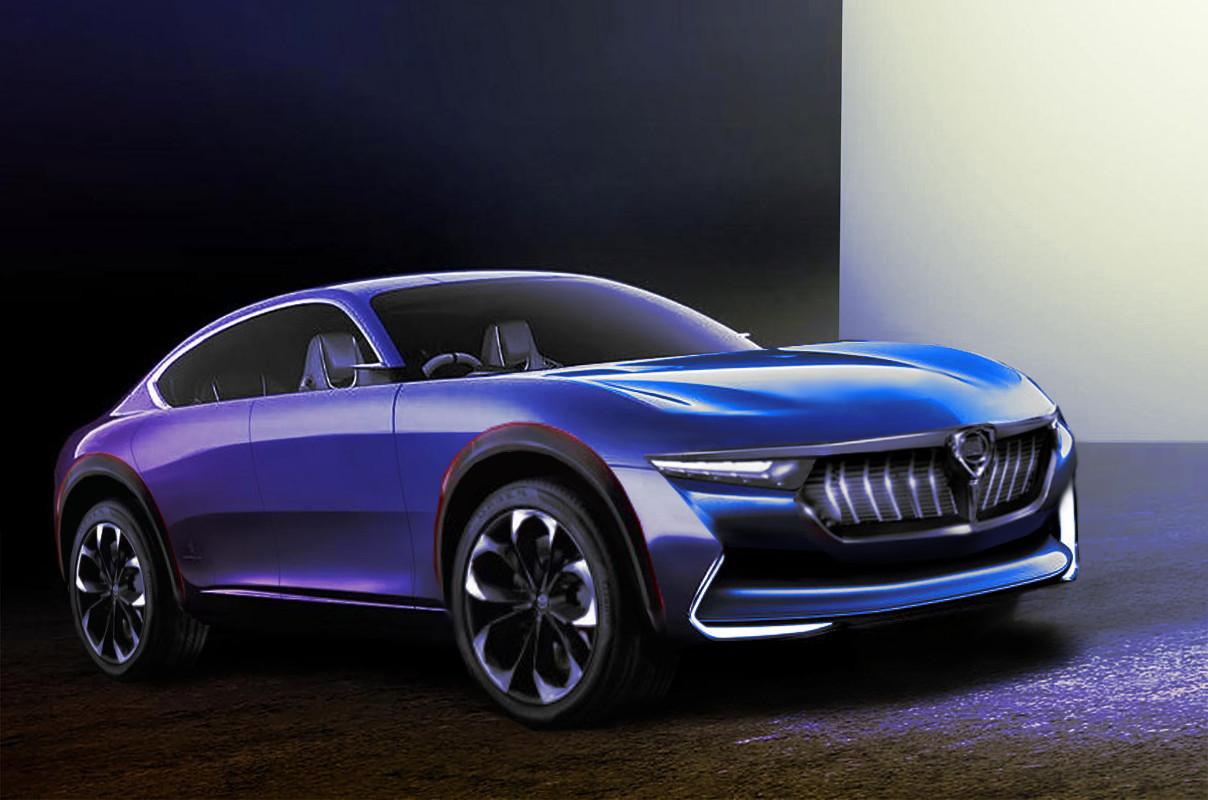
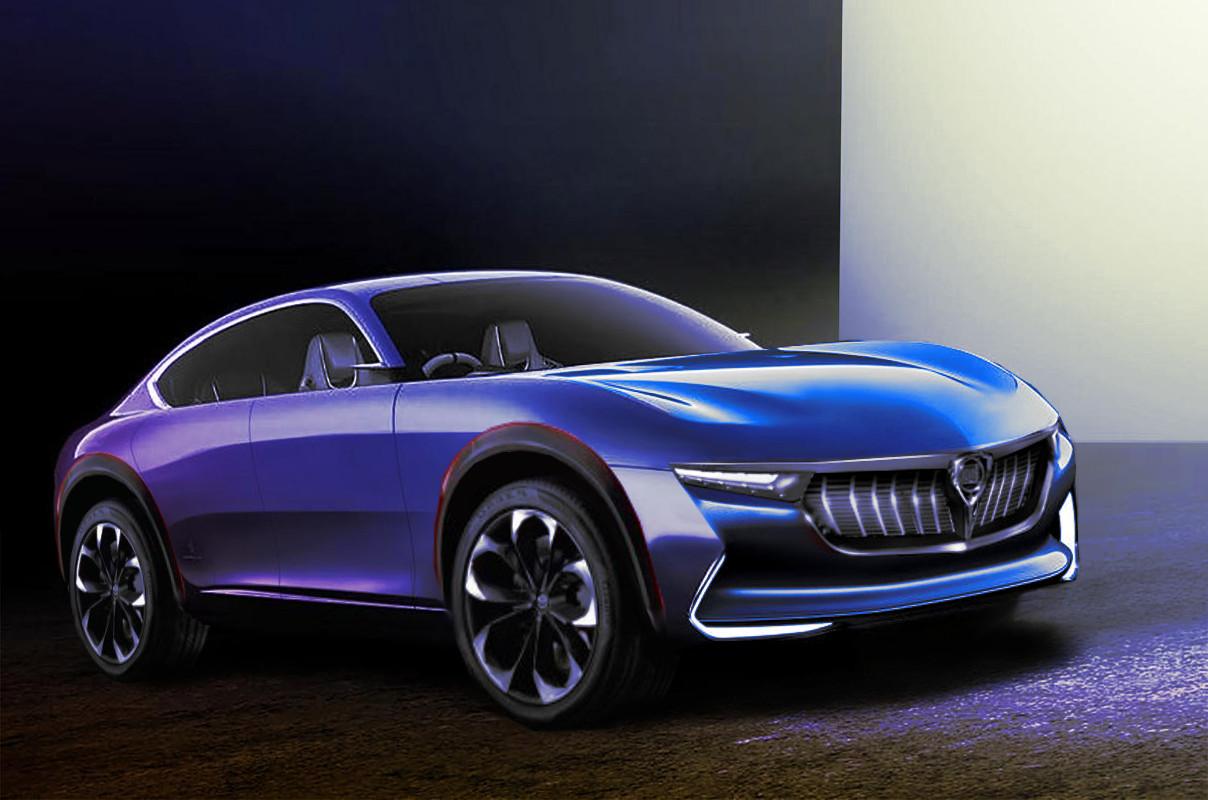
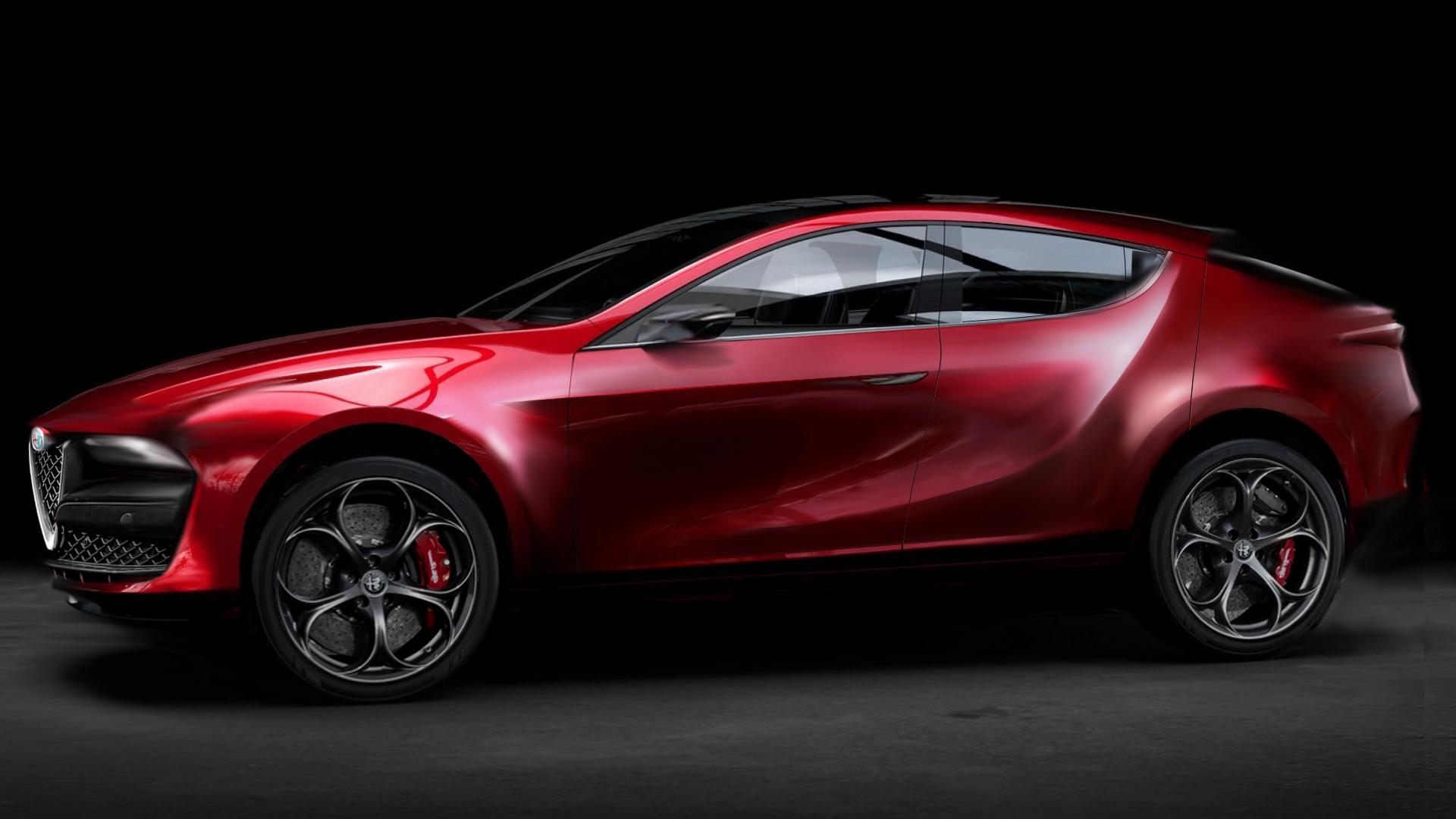
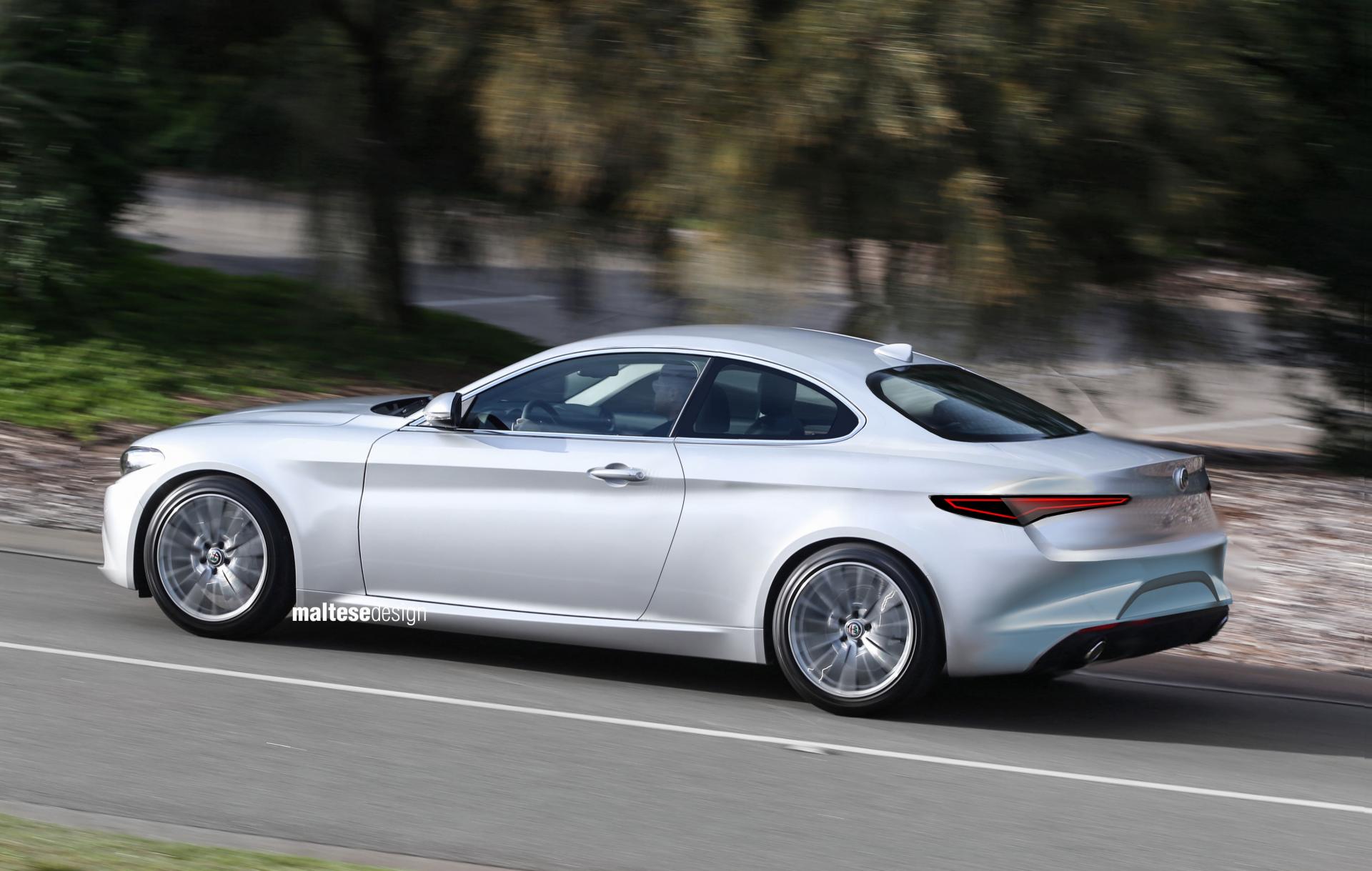
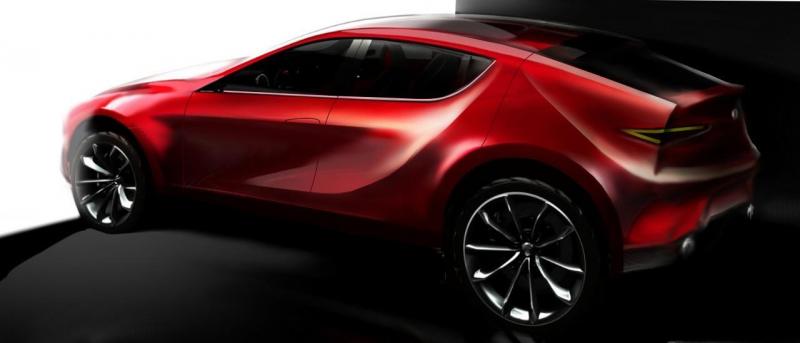 si evolve....ora forse sa più di gtv che di montreal, però, non mi convince ancora frontale e coda
 l idea era quella, evitando i tagli sul montante che mi sembravano inutili già su montrealforse in questo segmento serve qualcosa di più estremo e meno classico visto il successo di robe tipo l honda chr
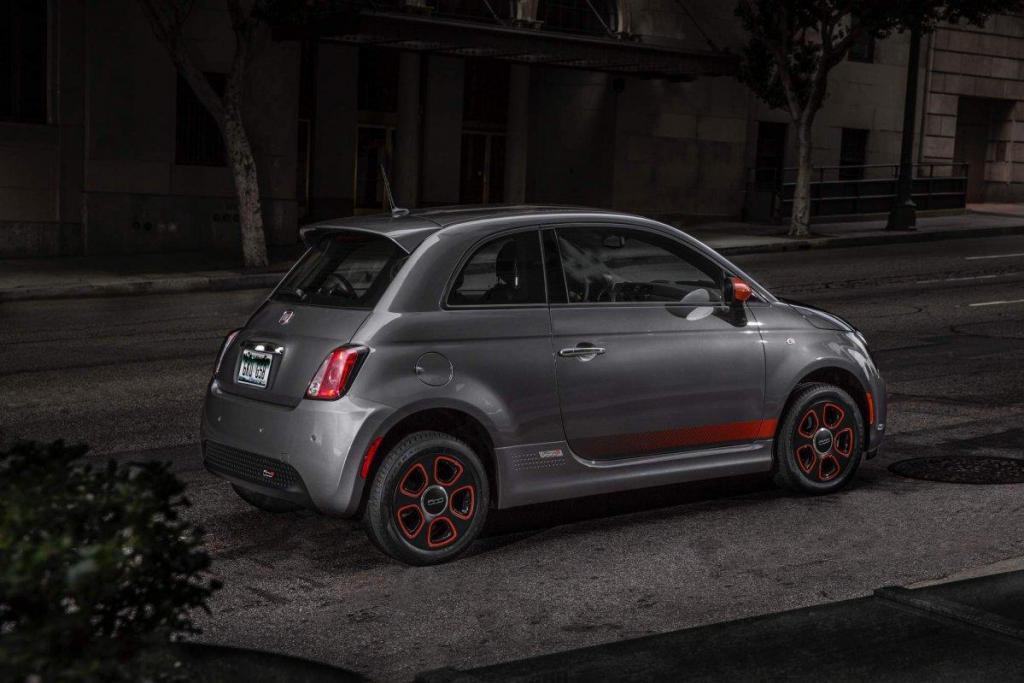
 livrea anonima, si sono dimenticati anche il quadrifoglio




.thumb.png.7cb24df484401e376c168a3d5e1e6c95.png.14f71f3aa2e6f36c31629a6dd3161468.png)











Account
Navigation
Cerca
Configure browser push notifications
Chrome (Android)
- Tap the lock icon next to the address bar.
- Tap Permissions → Notifications.
- Adjust your preference.
Chrome (Desktop)
- Click the padlock icon in the address bar.
- Select Site settings.
- Find Notifications and adjust your preference.
Safari (iOS 16.4+)
- Ensure the site is installed via Add to Home Screen.
- Open Settings App → Notifications.
- Find your app name and adjust your preference.
Safari (macOS)
- Go to Safari → Preferences.
- Click the Websites tab.
- Select Notifications in the sidebar.
- Find this website and adjust your preference.
Edge (Android)
- Tap the lock icon next to the address bar.
- Tap Permissions.
- Find Notifications and adjust your preference.
Edge (Desktop)
- Click the padlock icon in the address bar.
- Click Permissions for this site.
- Find Notifications and adjust your preference.
Firefox (Android)
- Go to Settings → Site permissions.
- Tap Notifications.
- Find this site in the list and adjust your preference.
Firefox (Desktop)
- Open Firefox Settings.
- Search for Notifications.
- Find this site in the list and adjust your preference.