





MotorPassion
Reporter (Staff)
-
Iscritto il
-
Ultima visita
Tutti i contenuti di MotorPassion
-
-
-
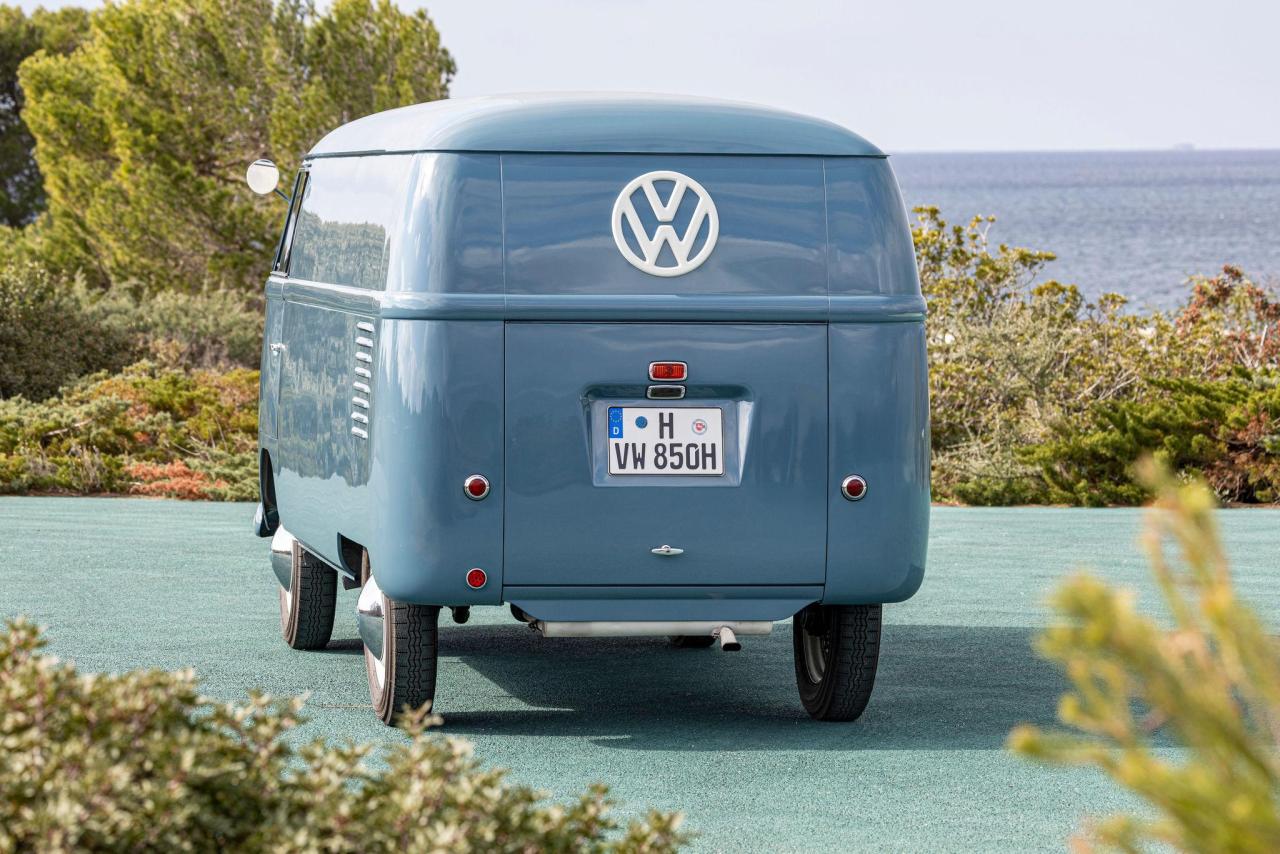
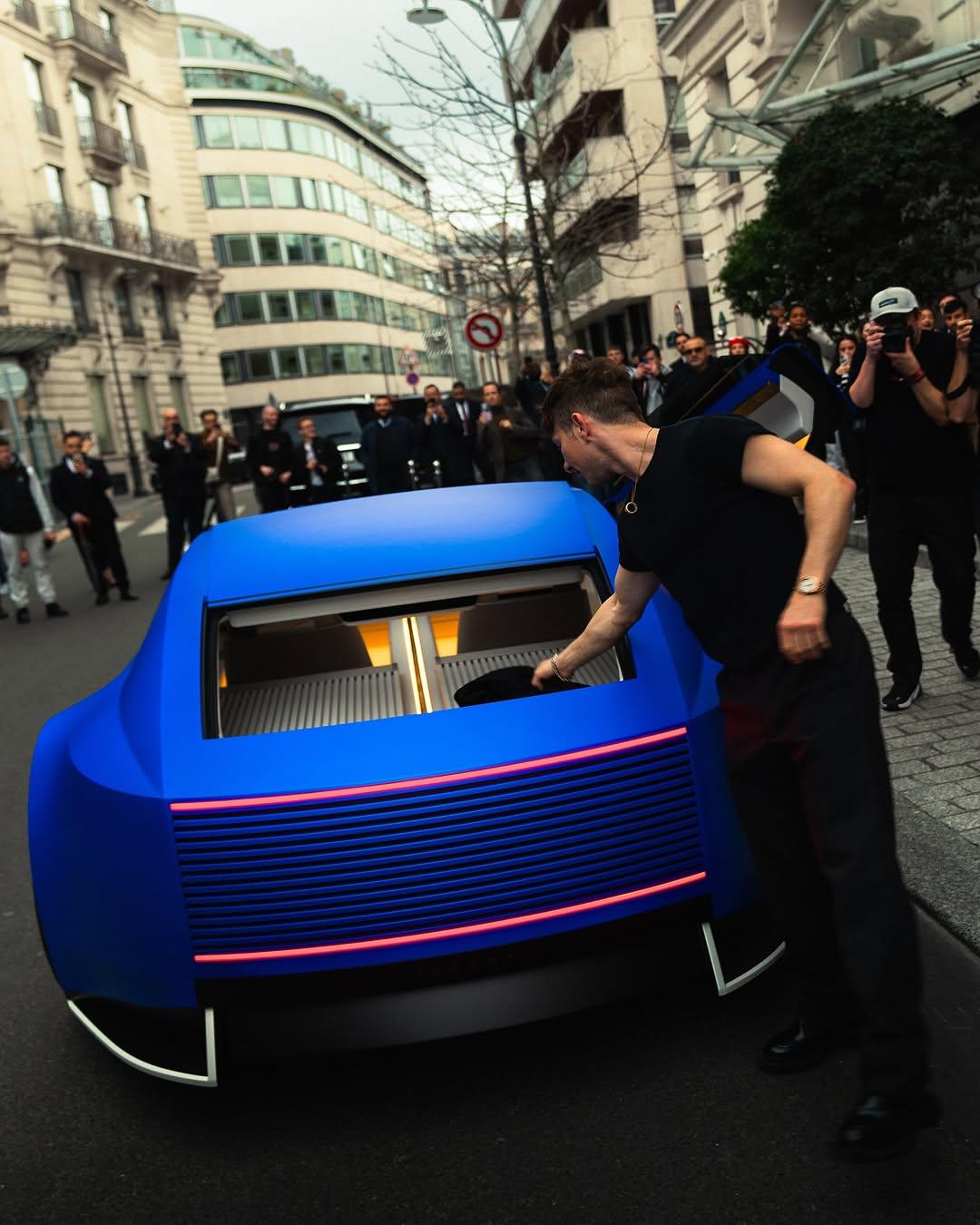
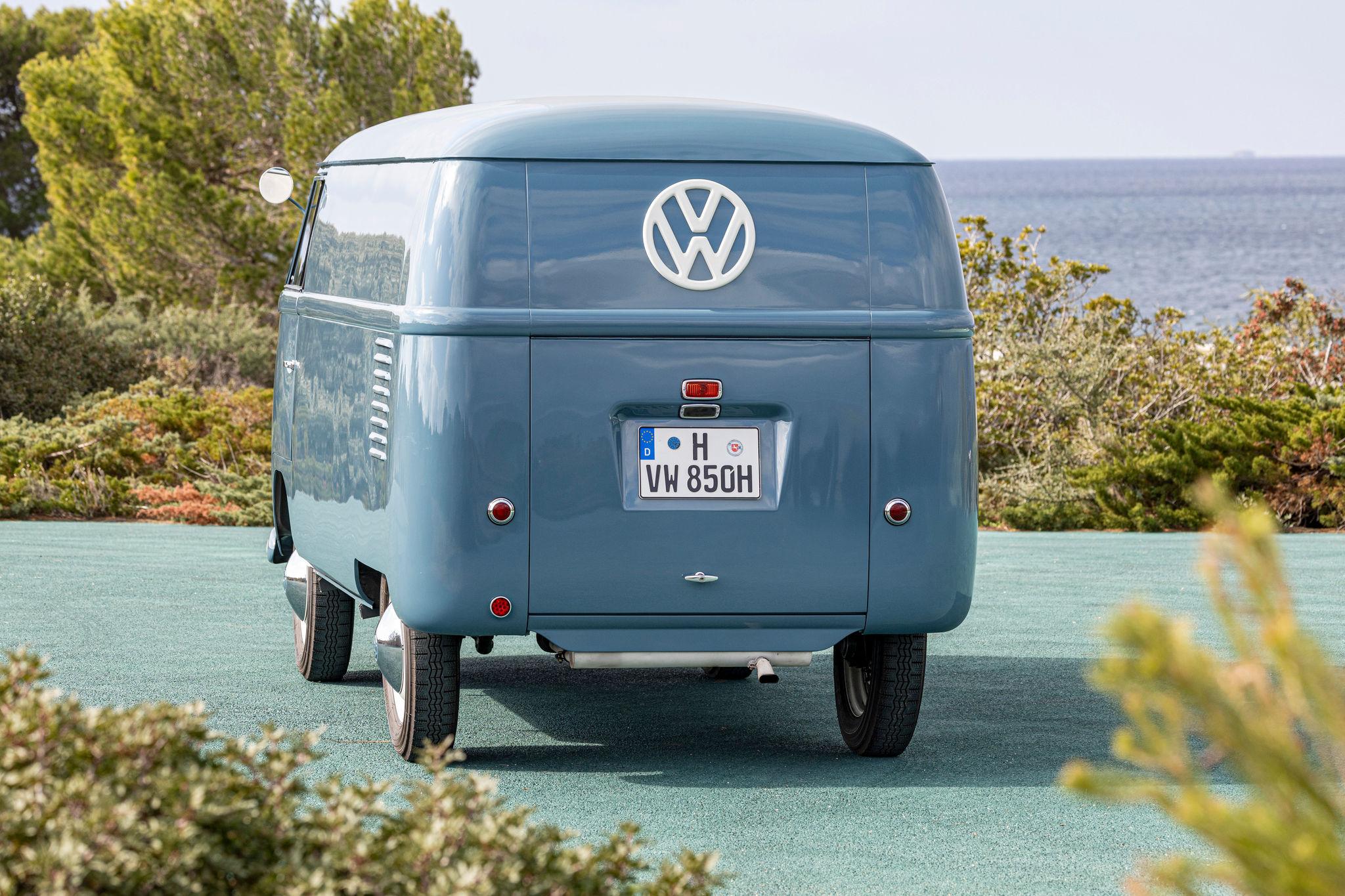
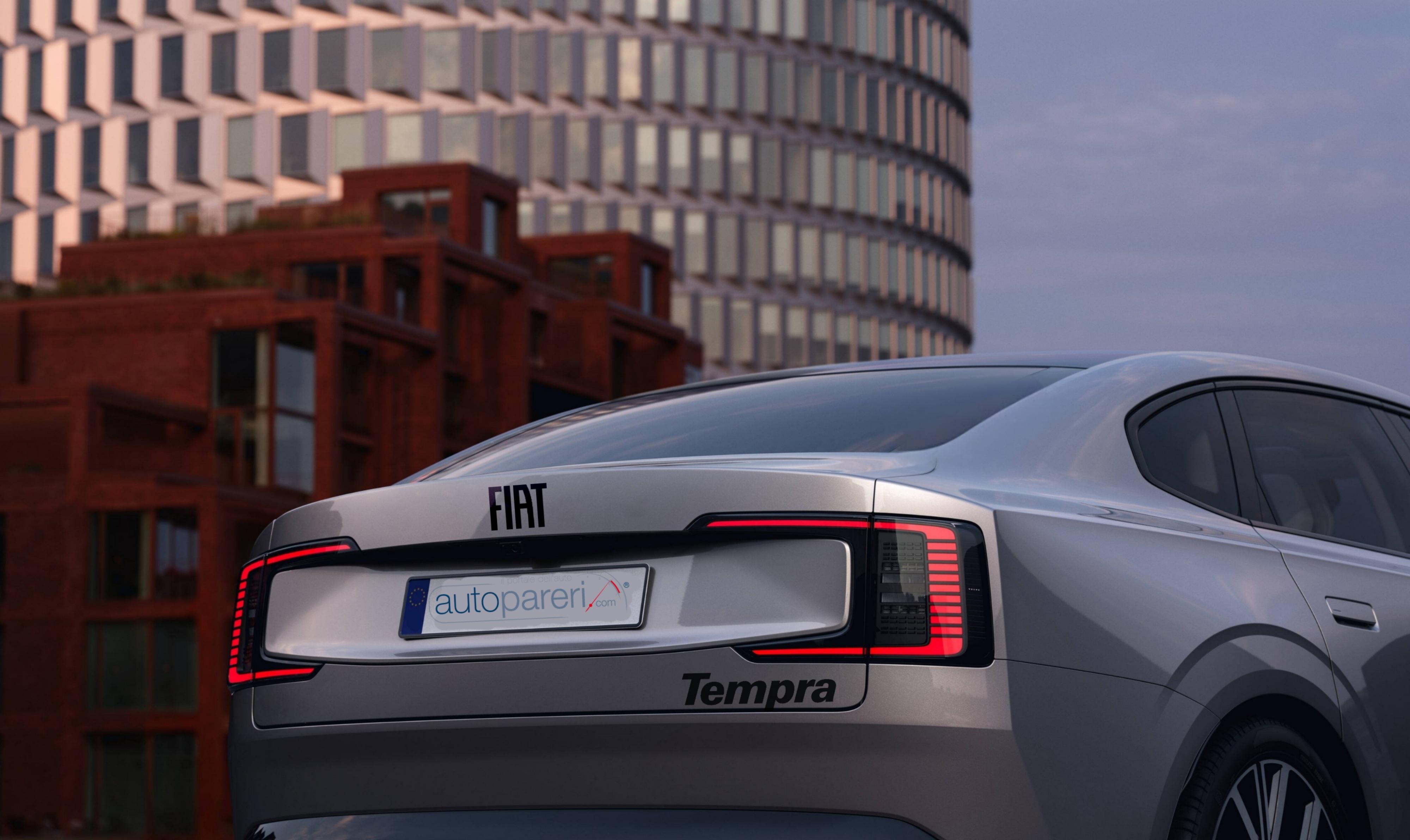
.thumb.png.64d8c9cebdff1e972c4e271e63405e16.png) Più che Birba, nella vista posteriore mi sembra Rihanna. 😇
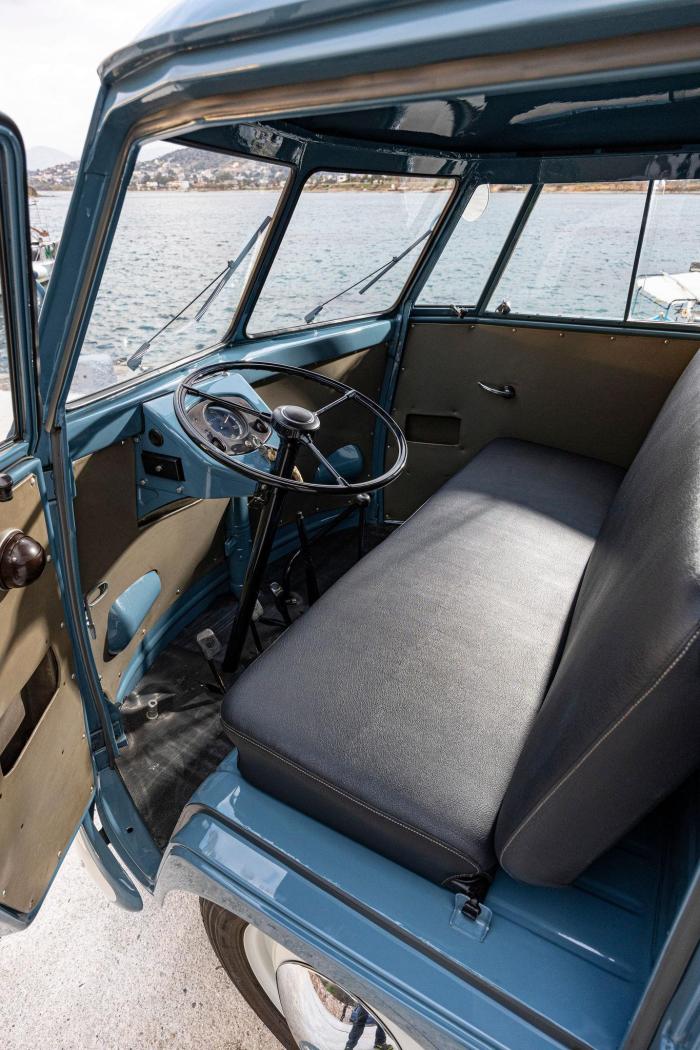
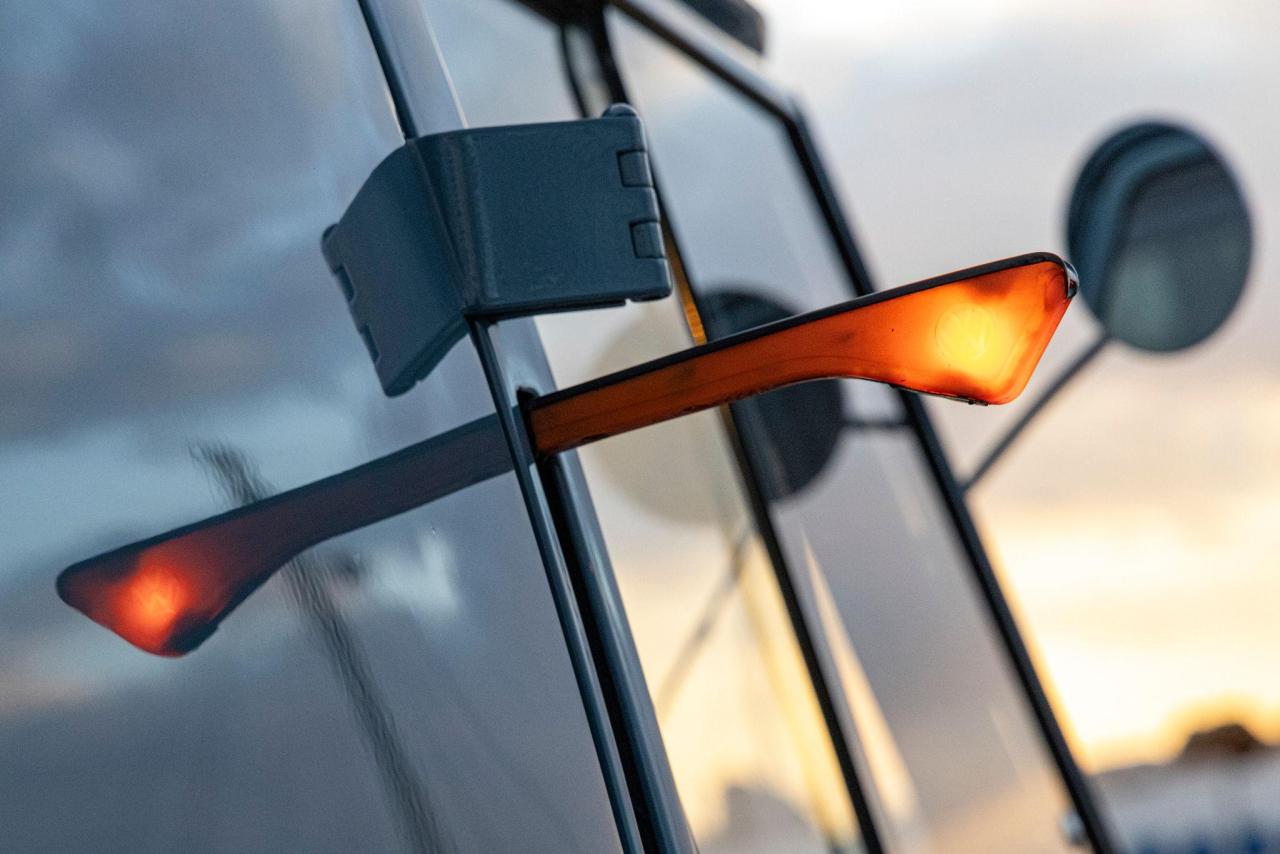
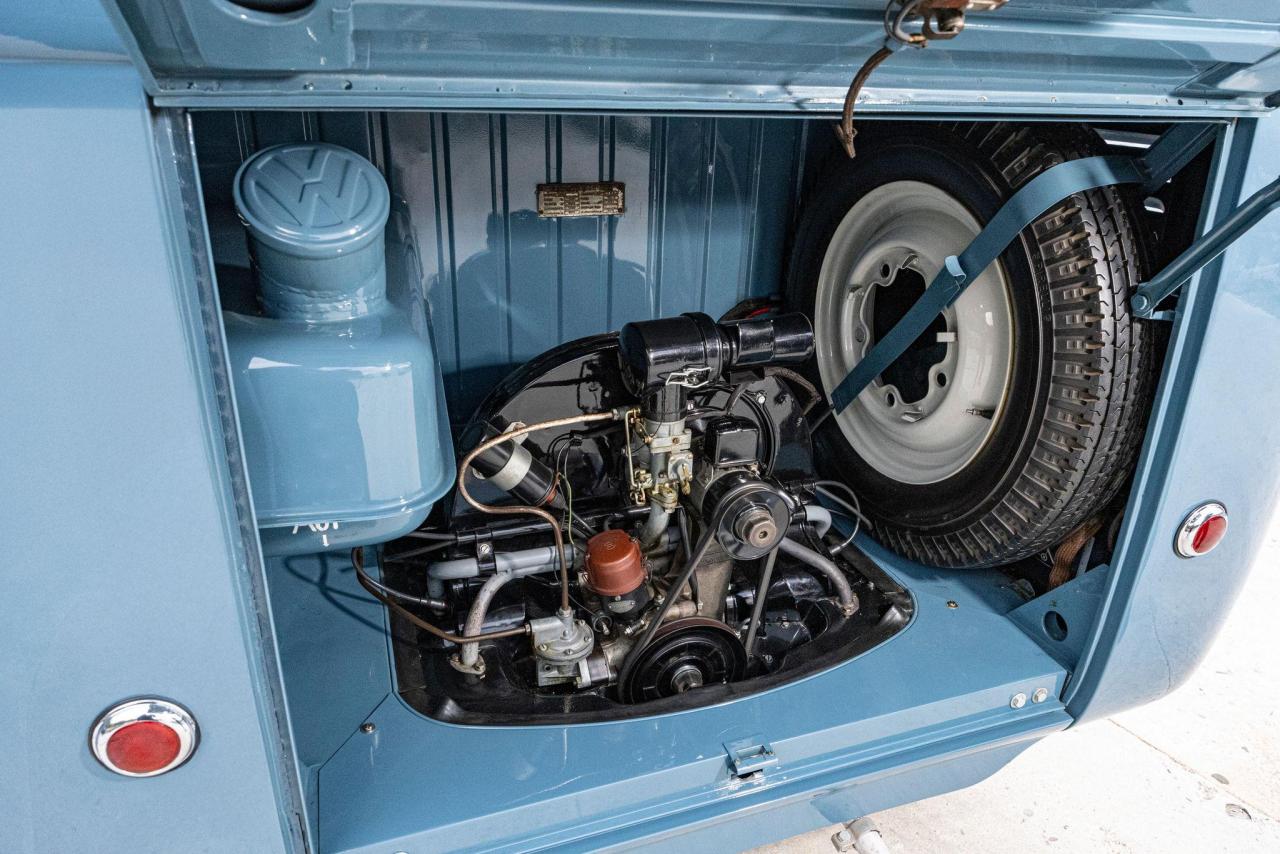
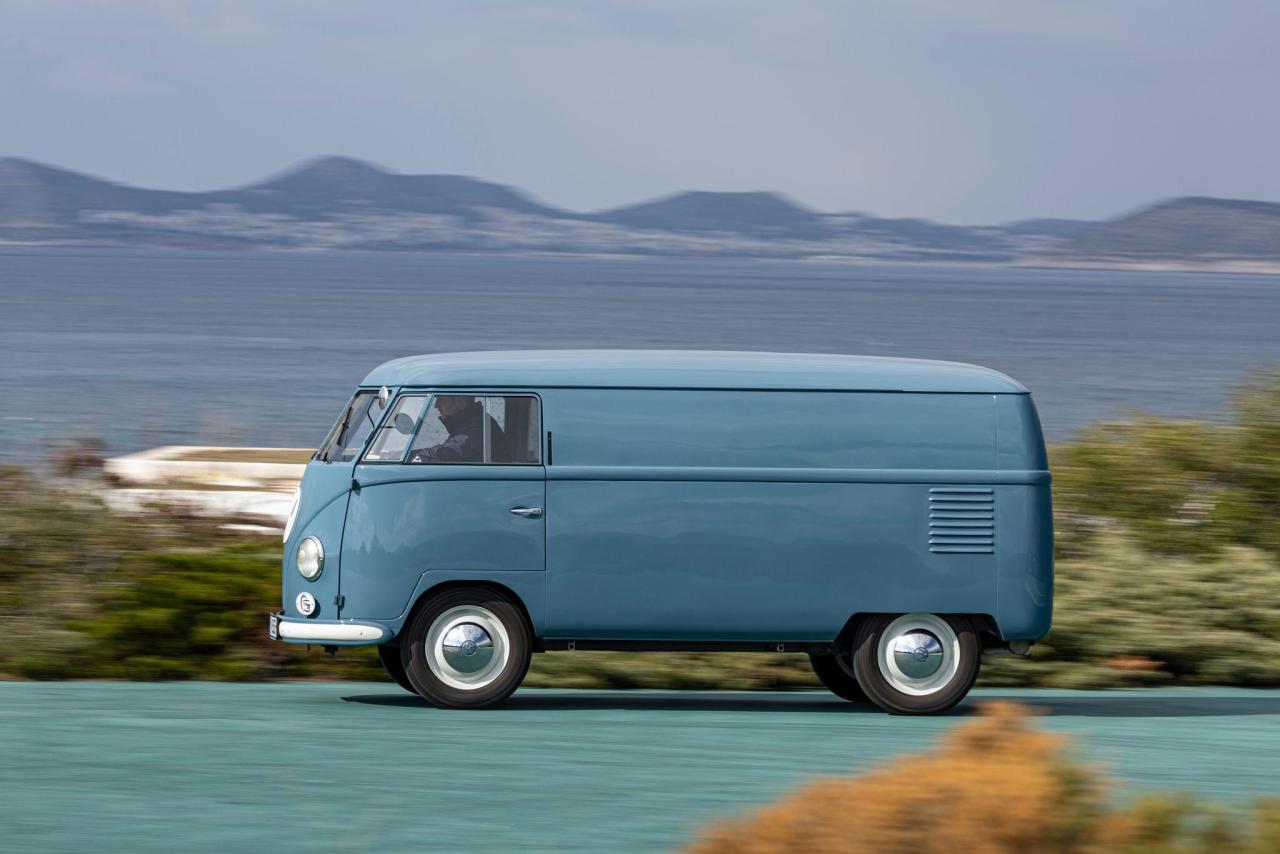
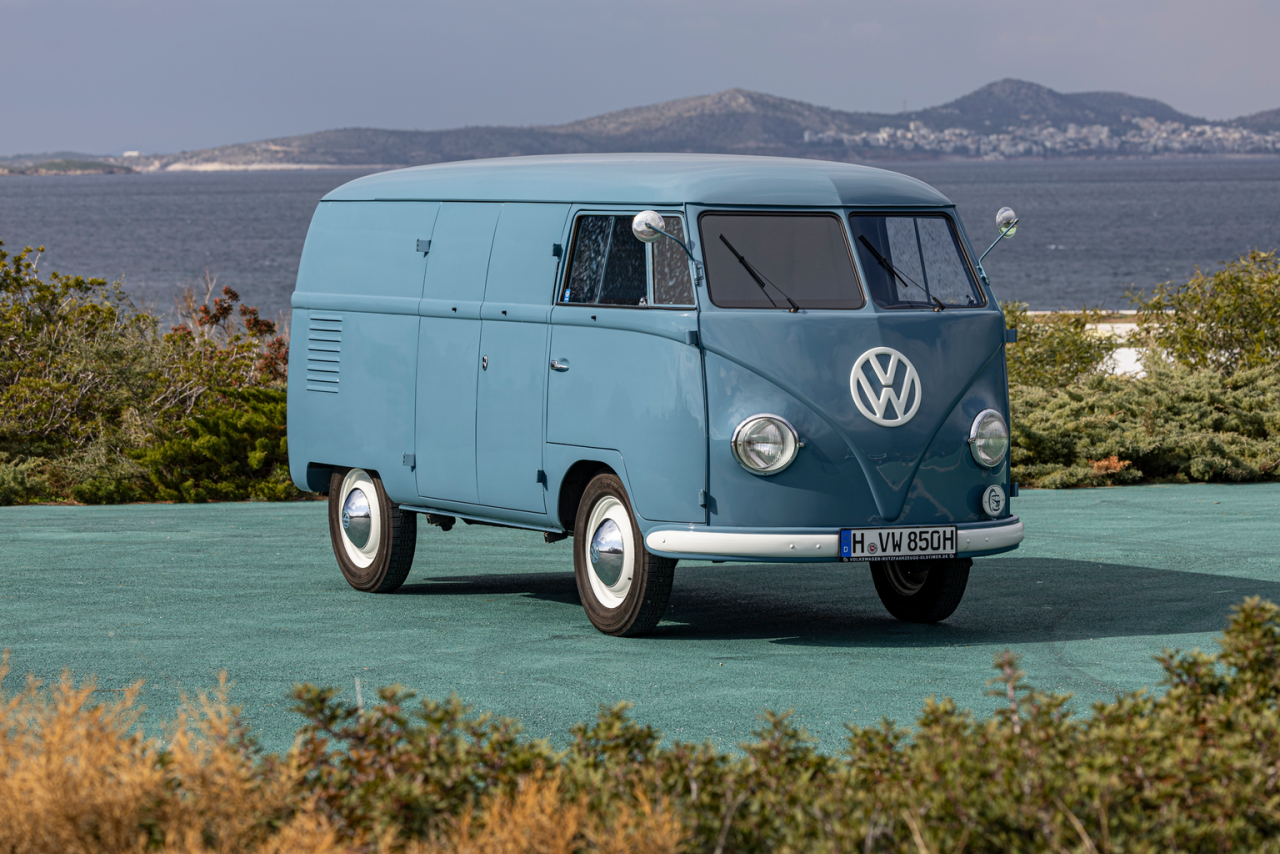
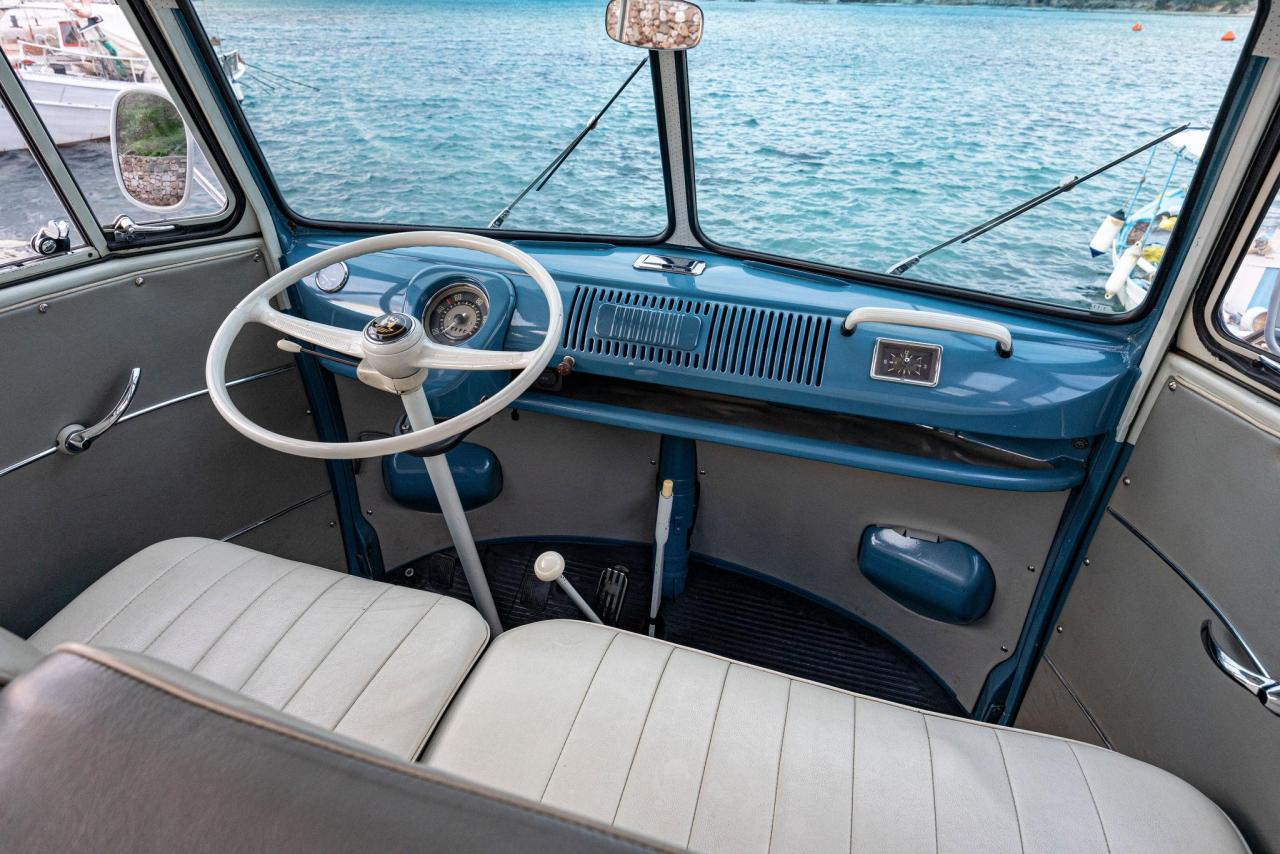
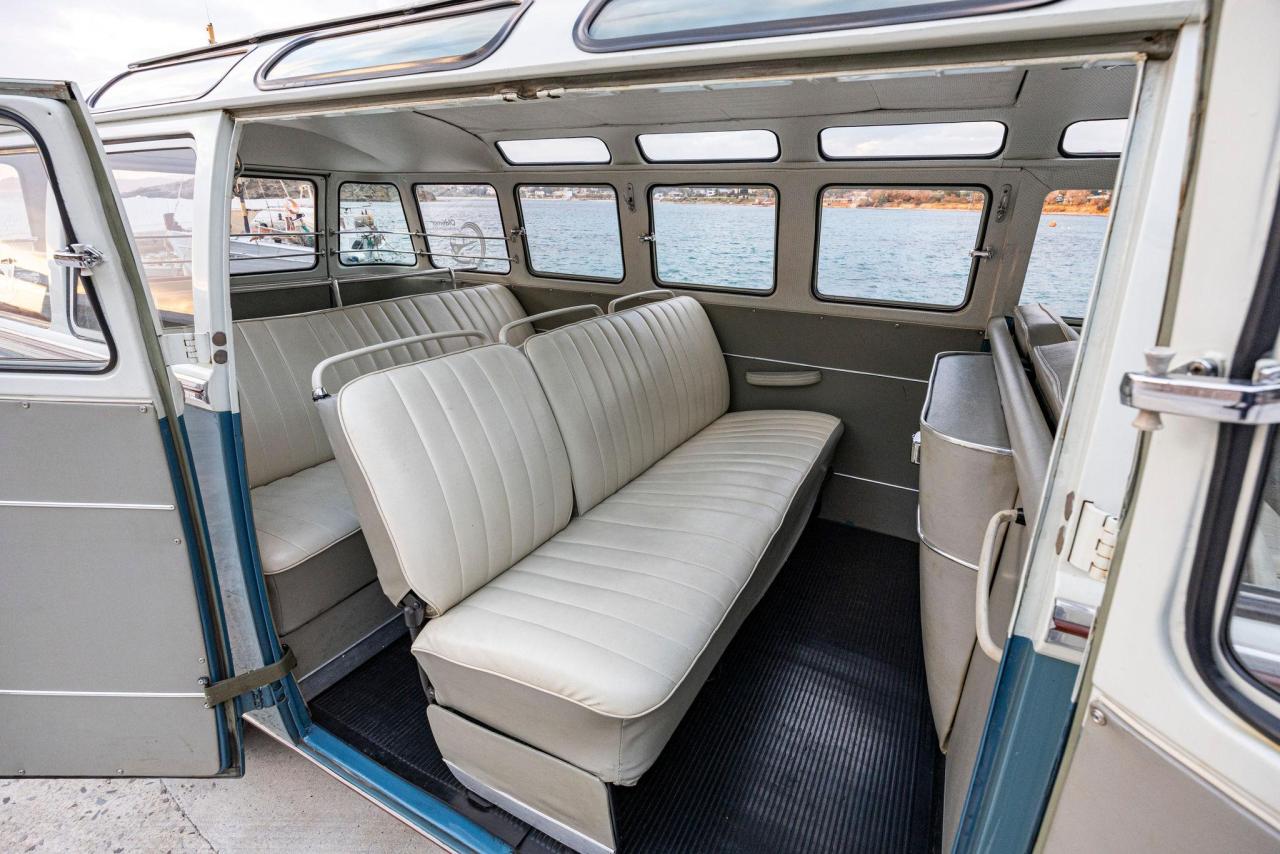
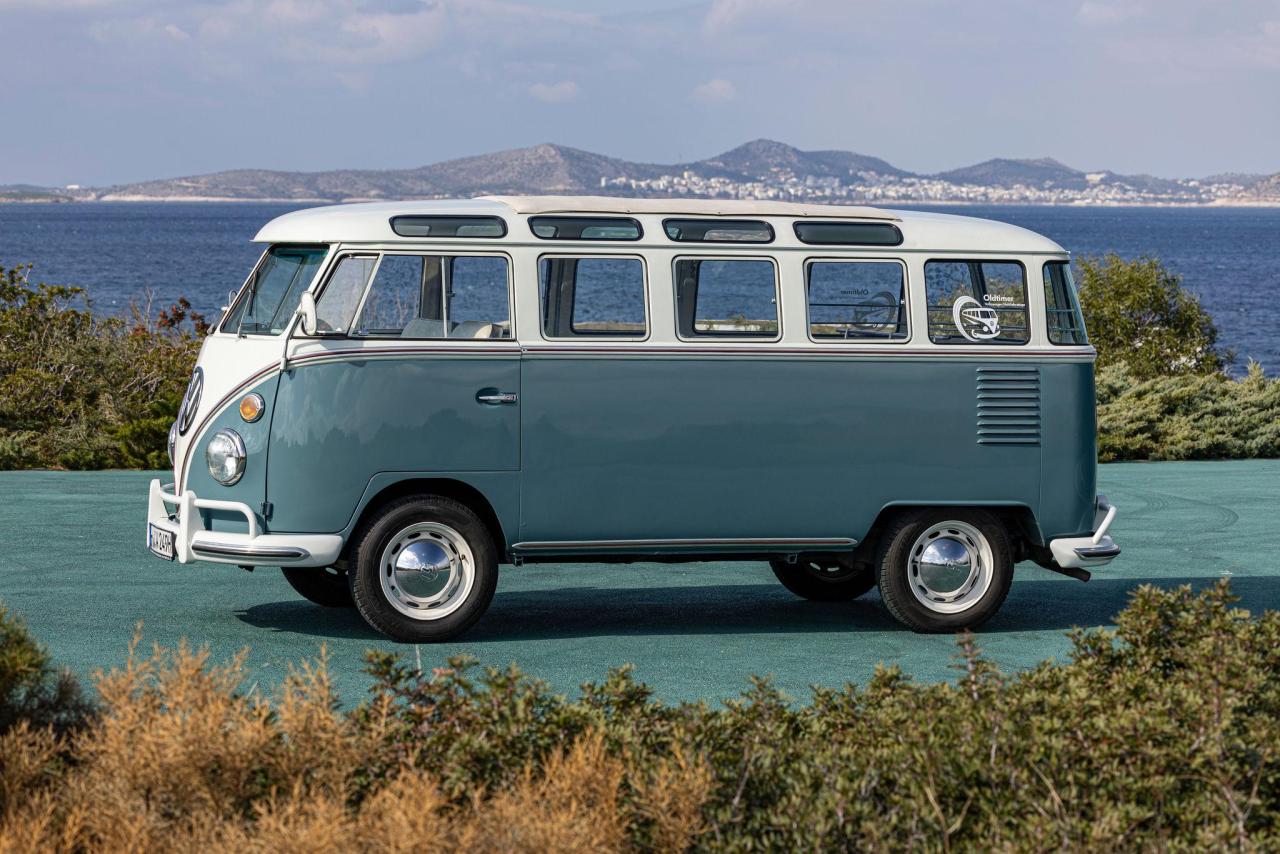
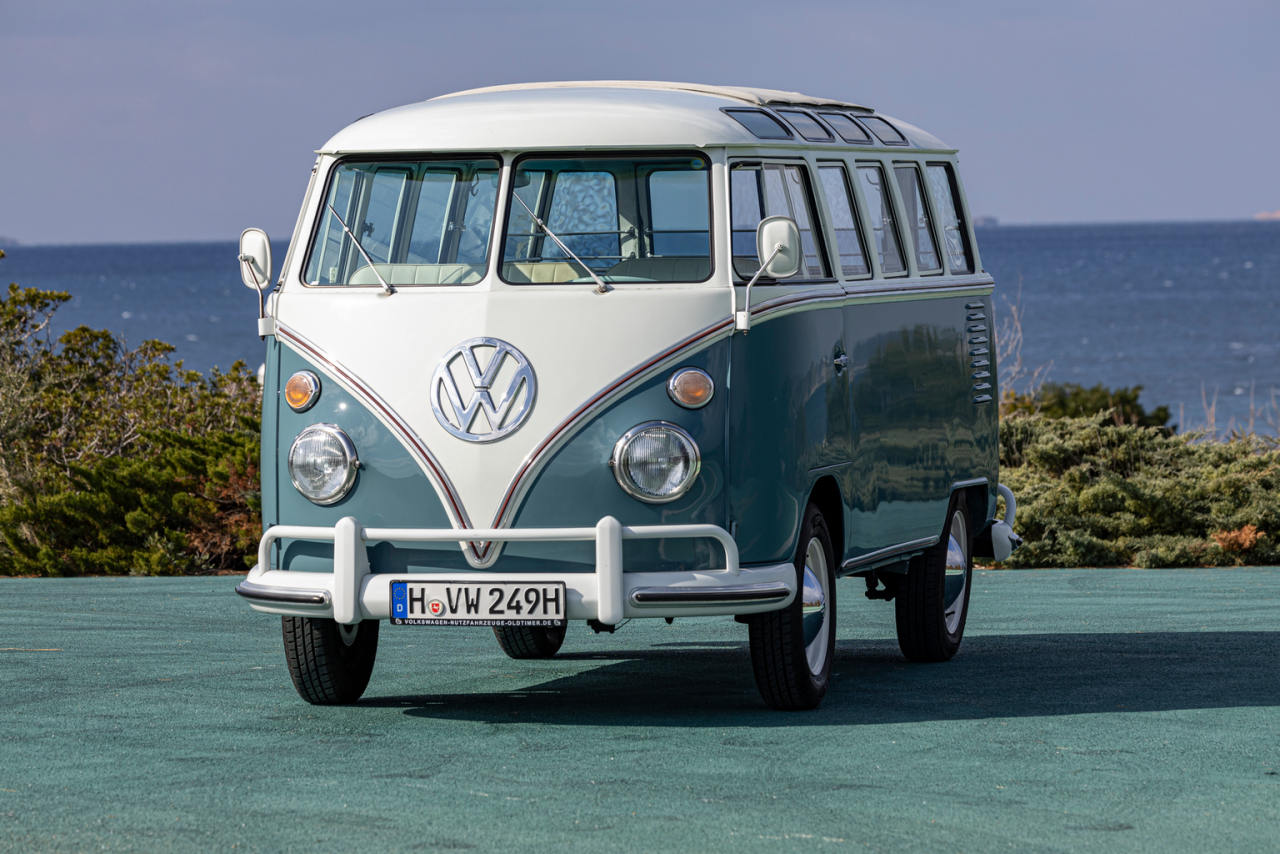
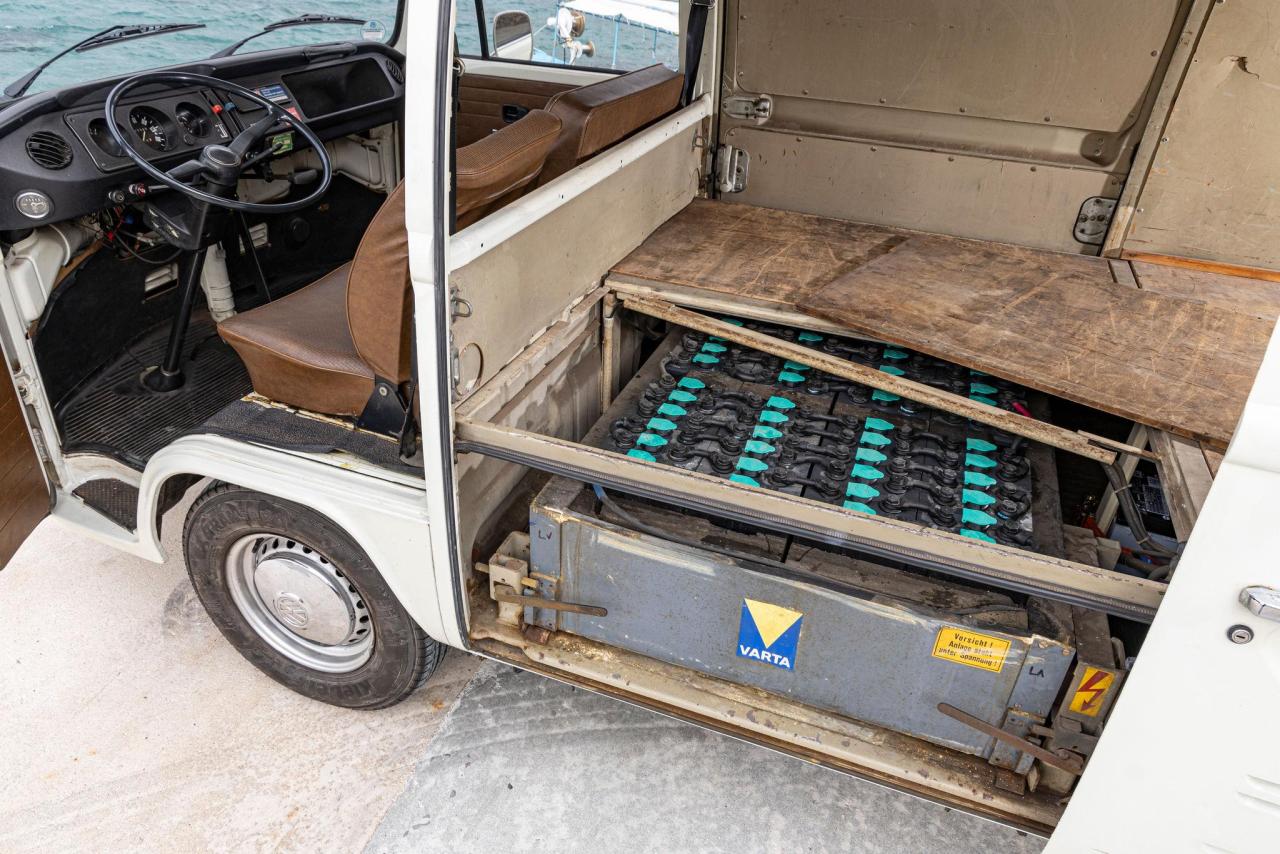
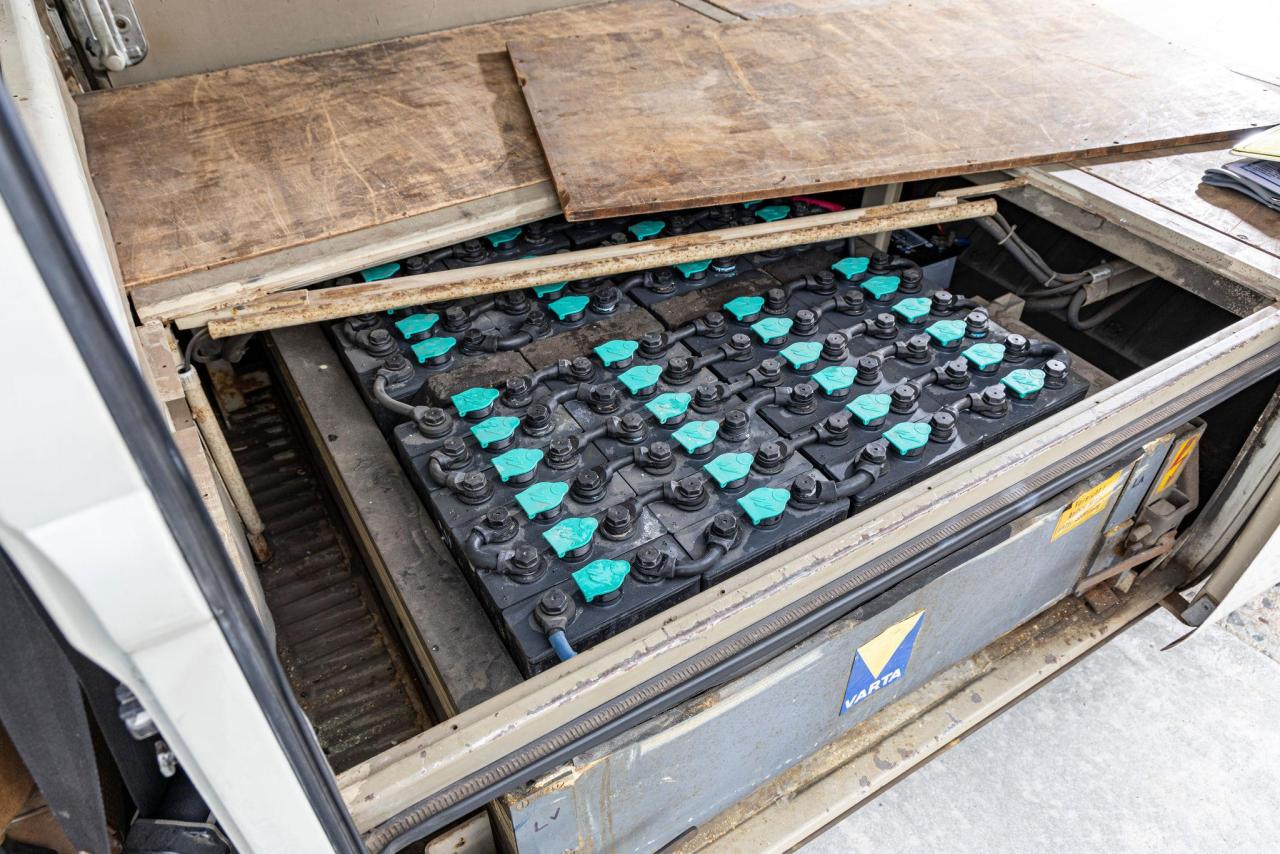
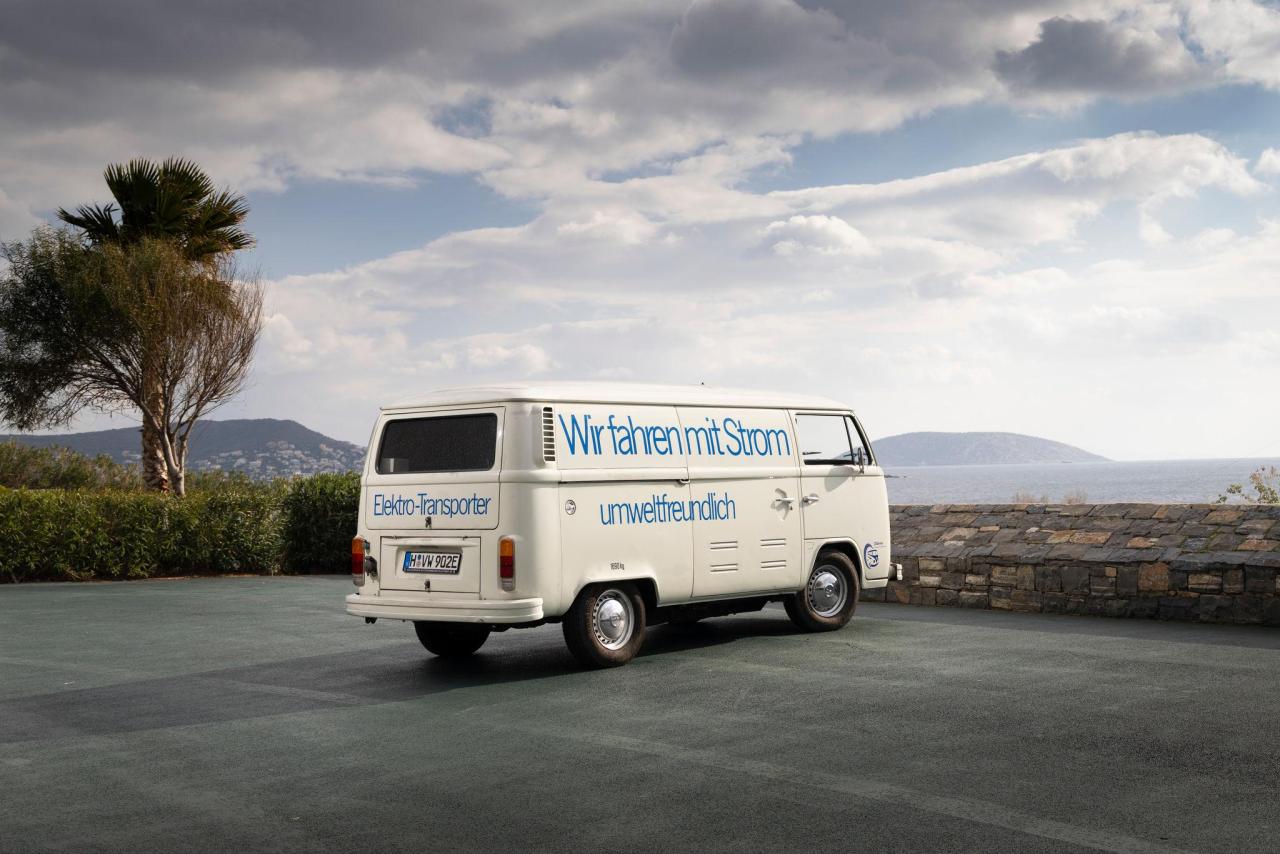
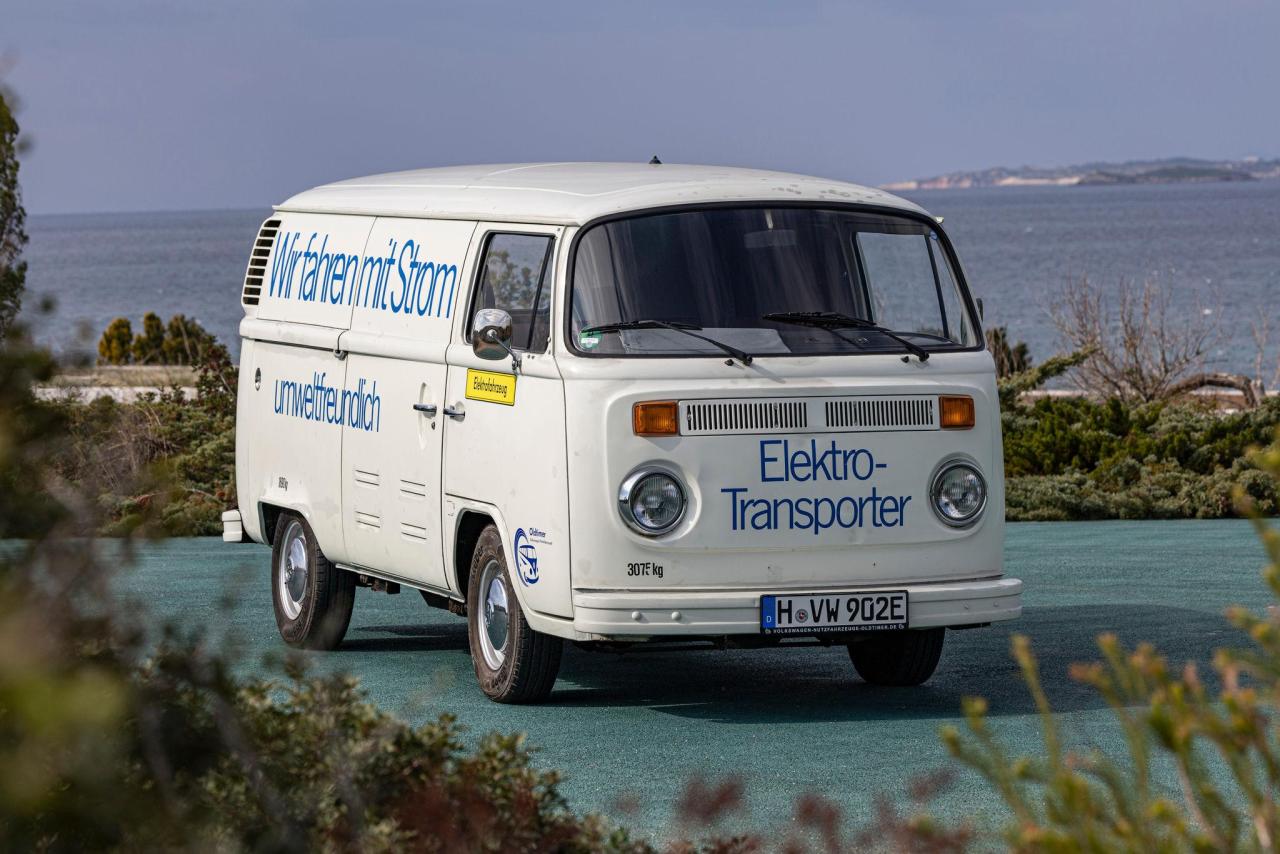
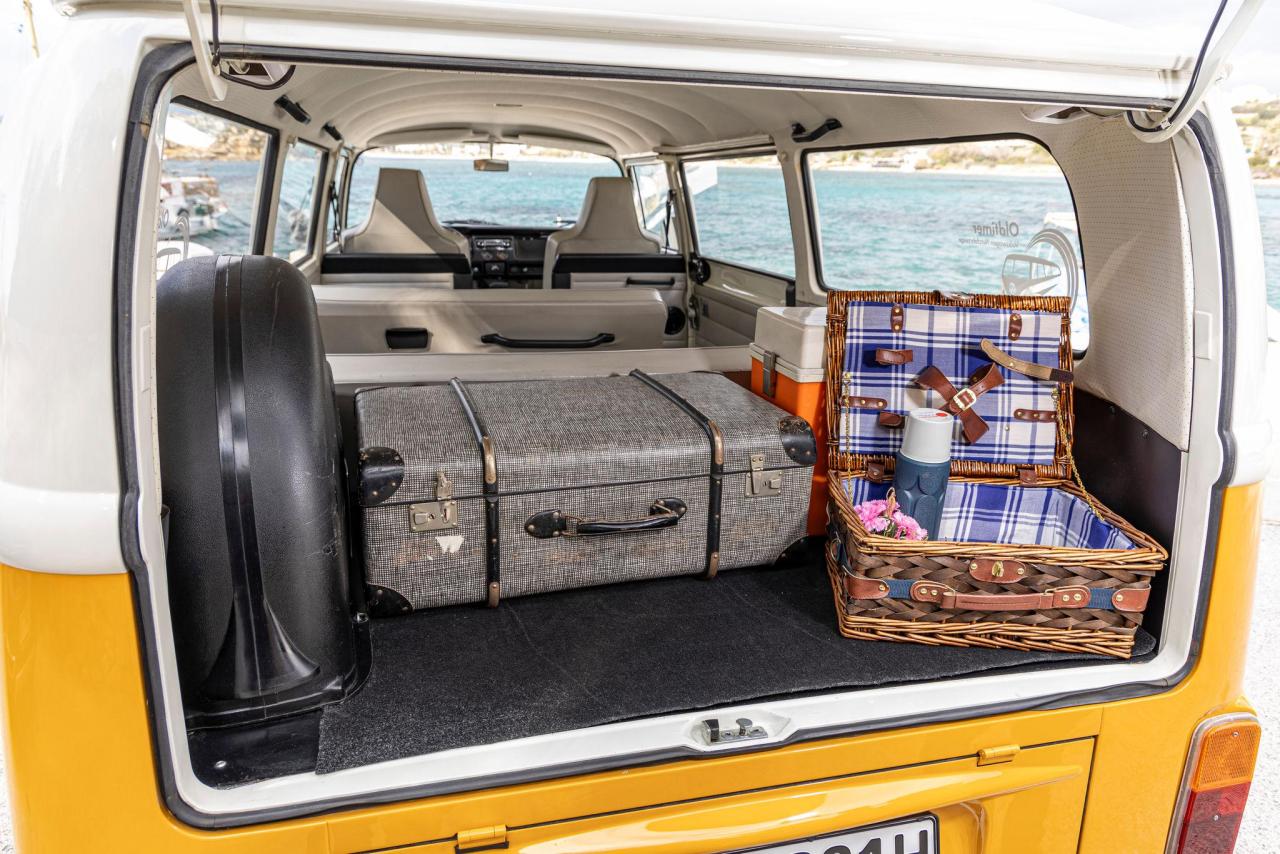
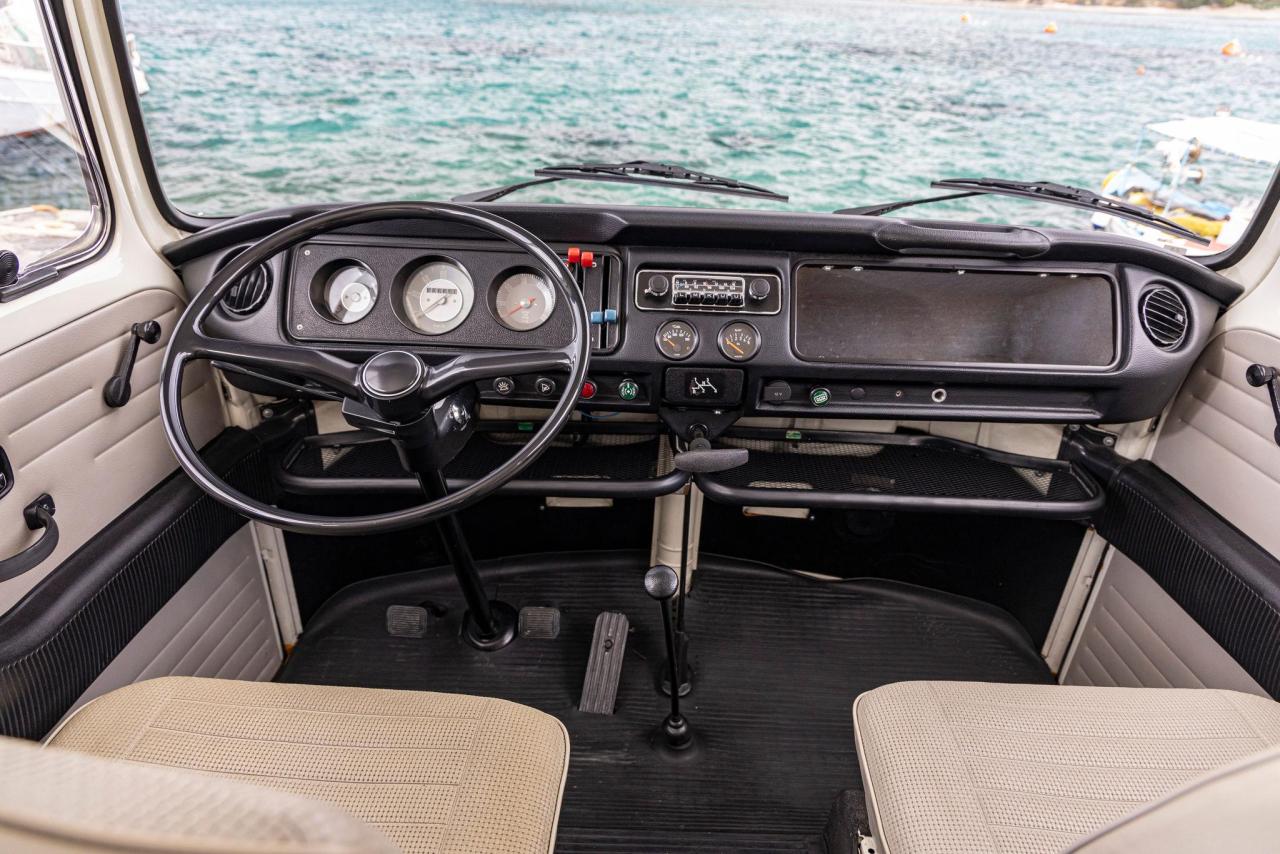
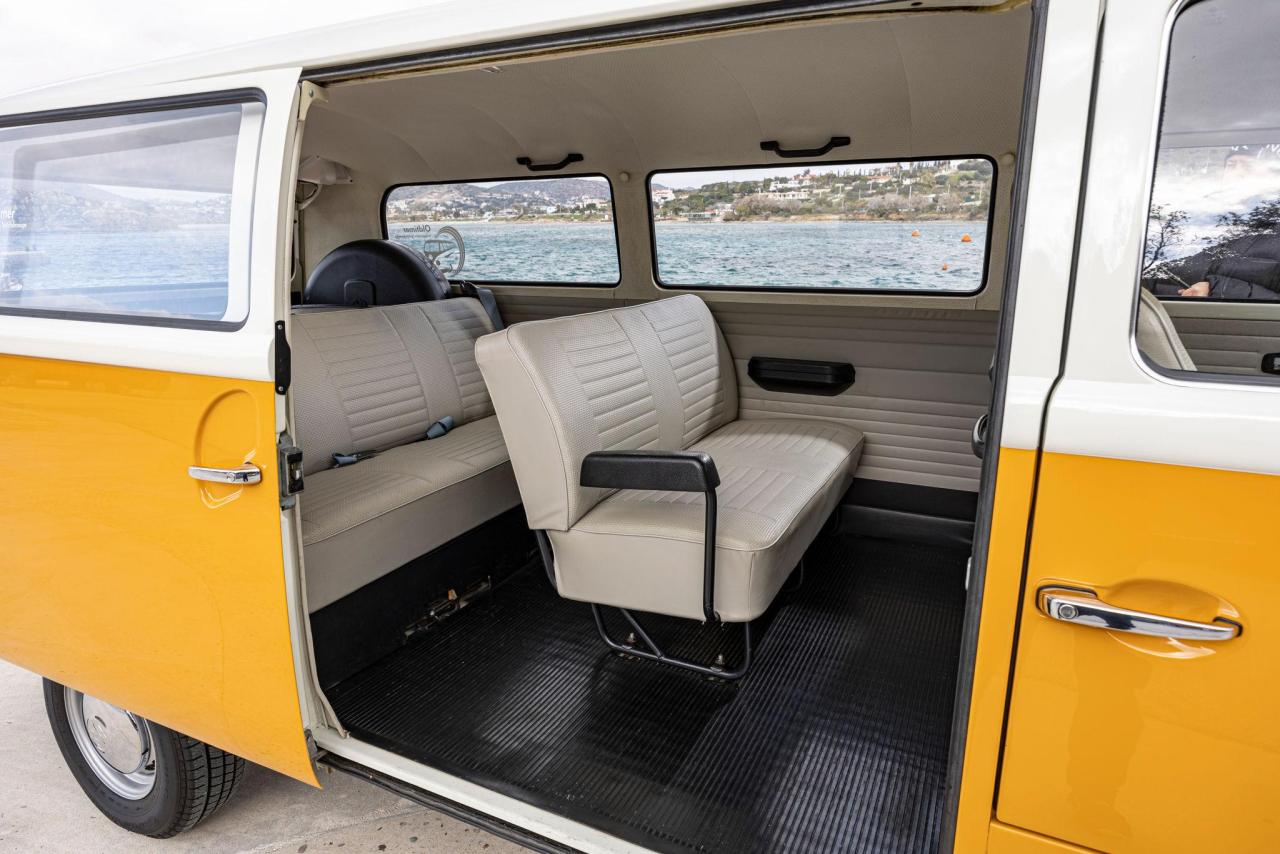
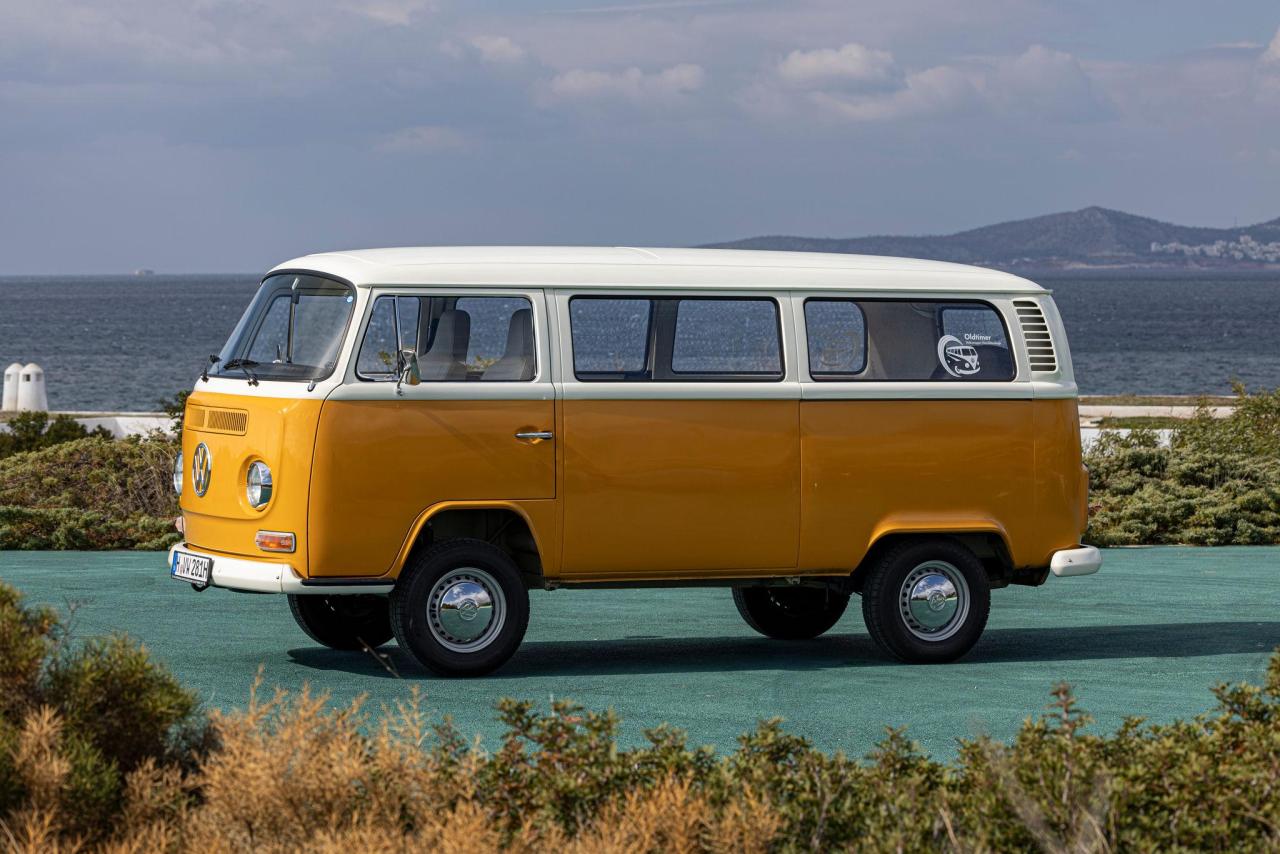
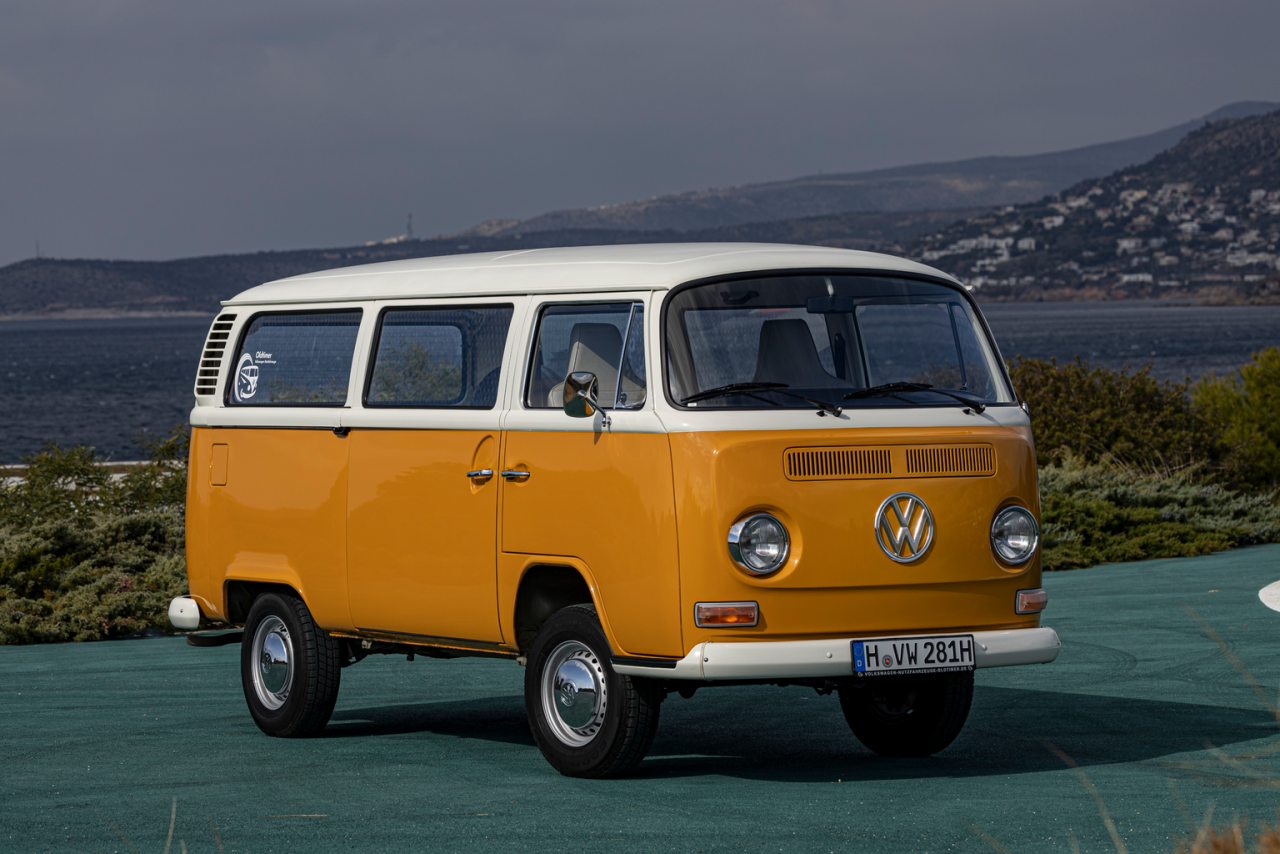
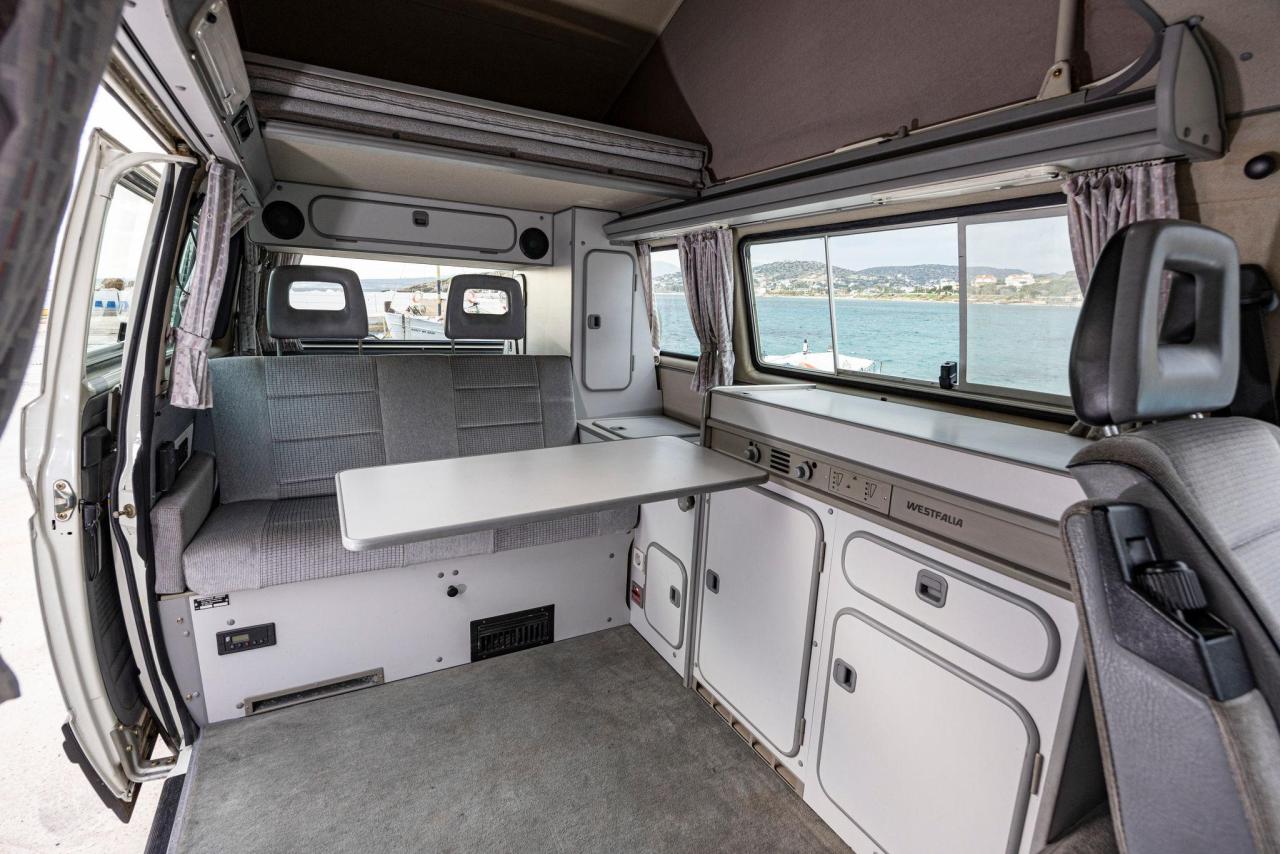
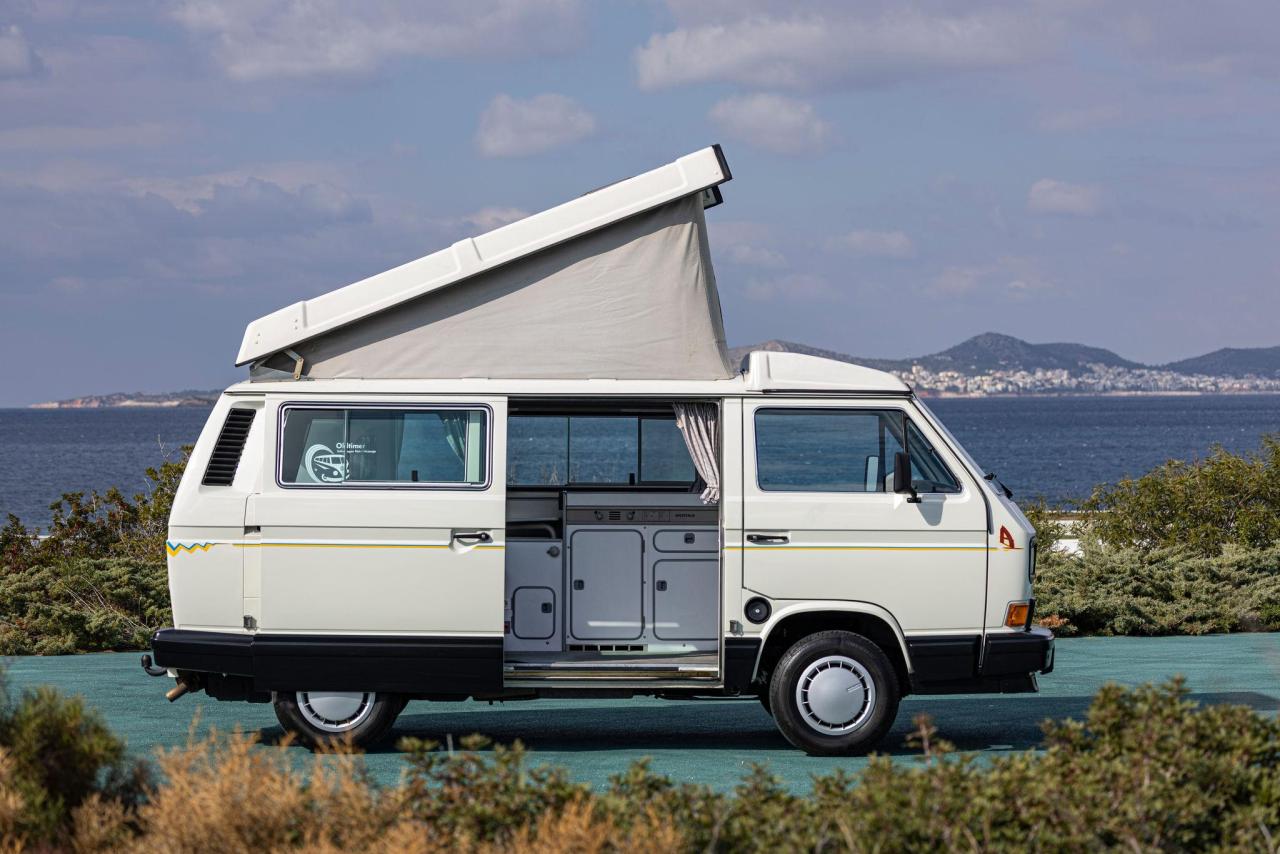
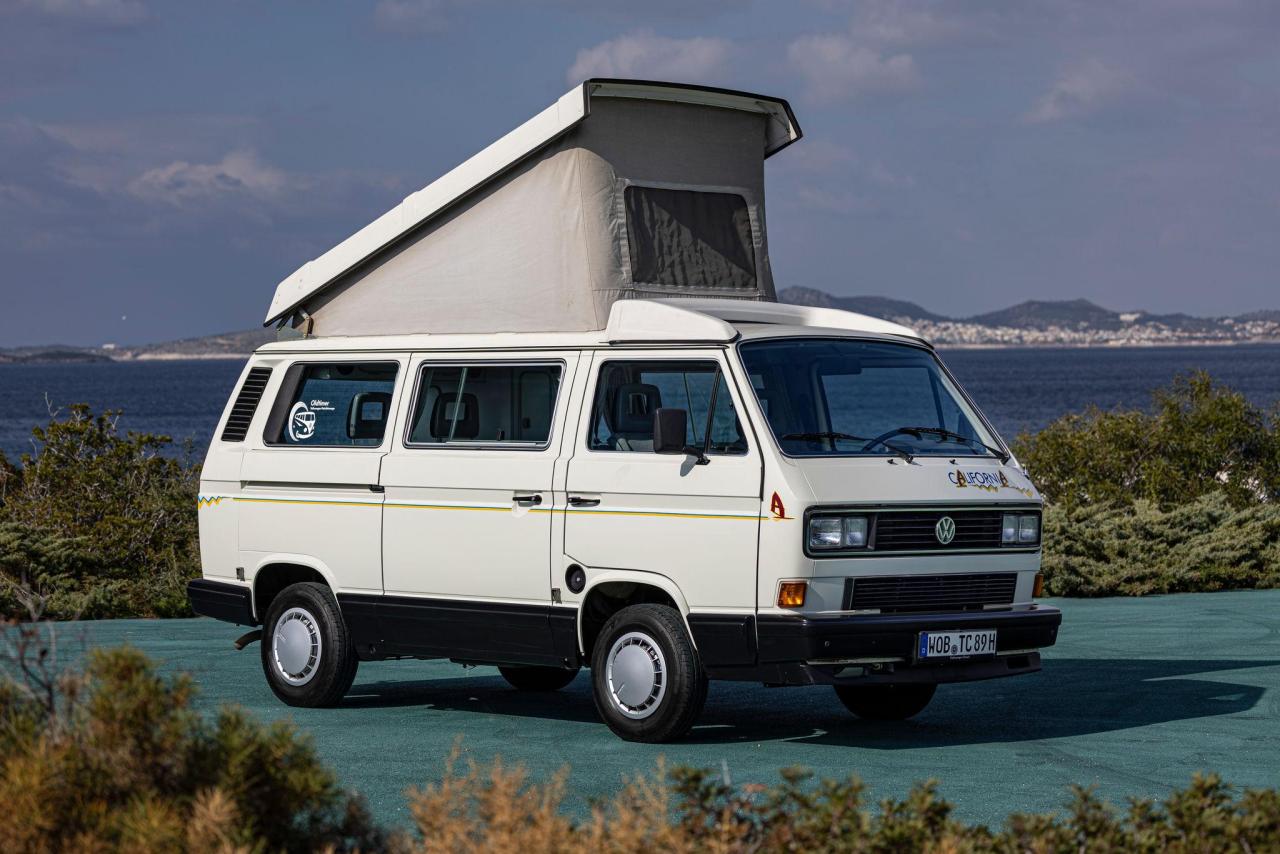
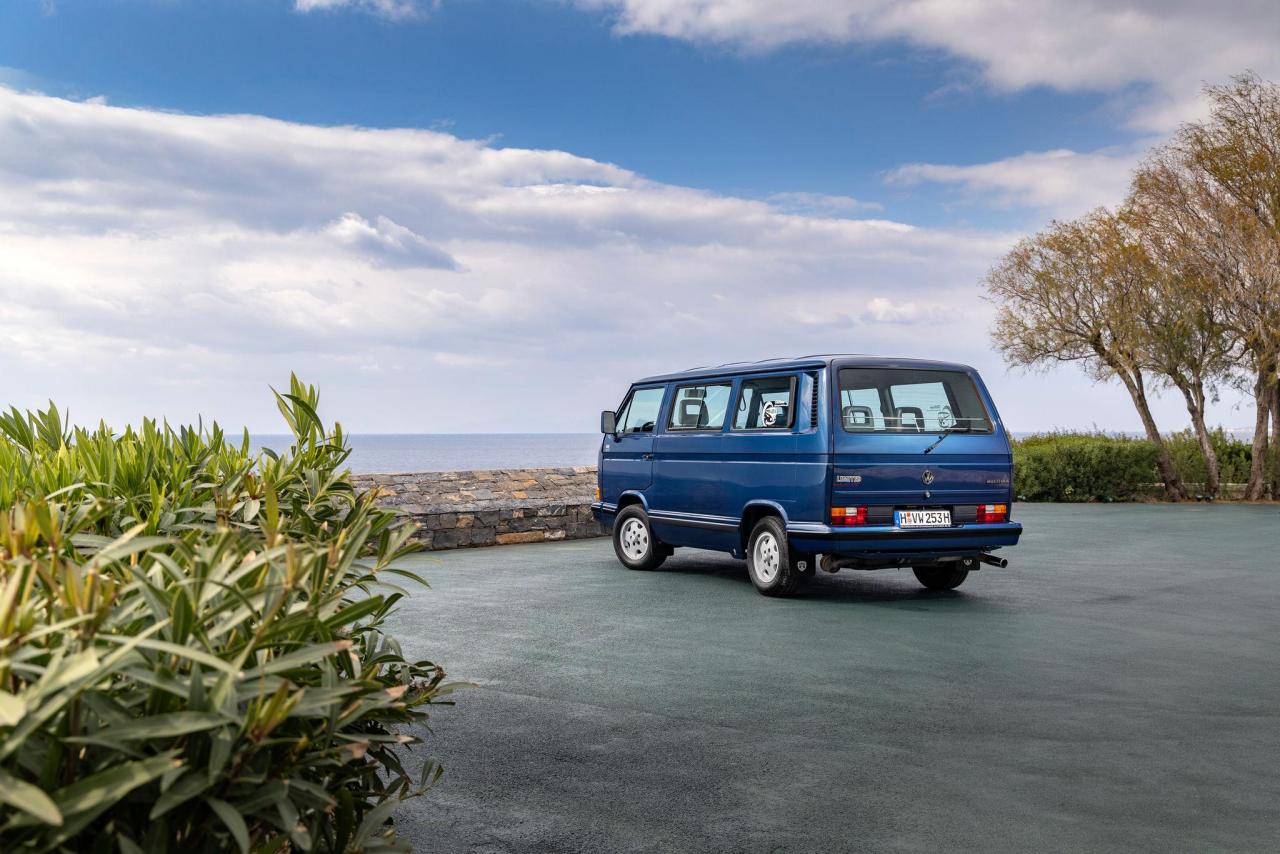
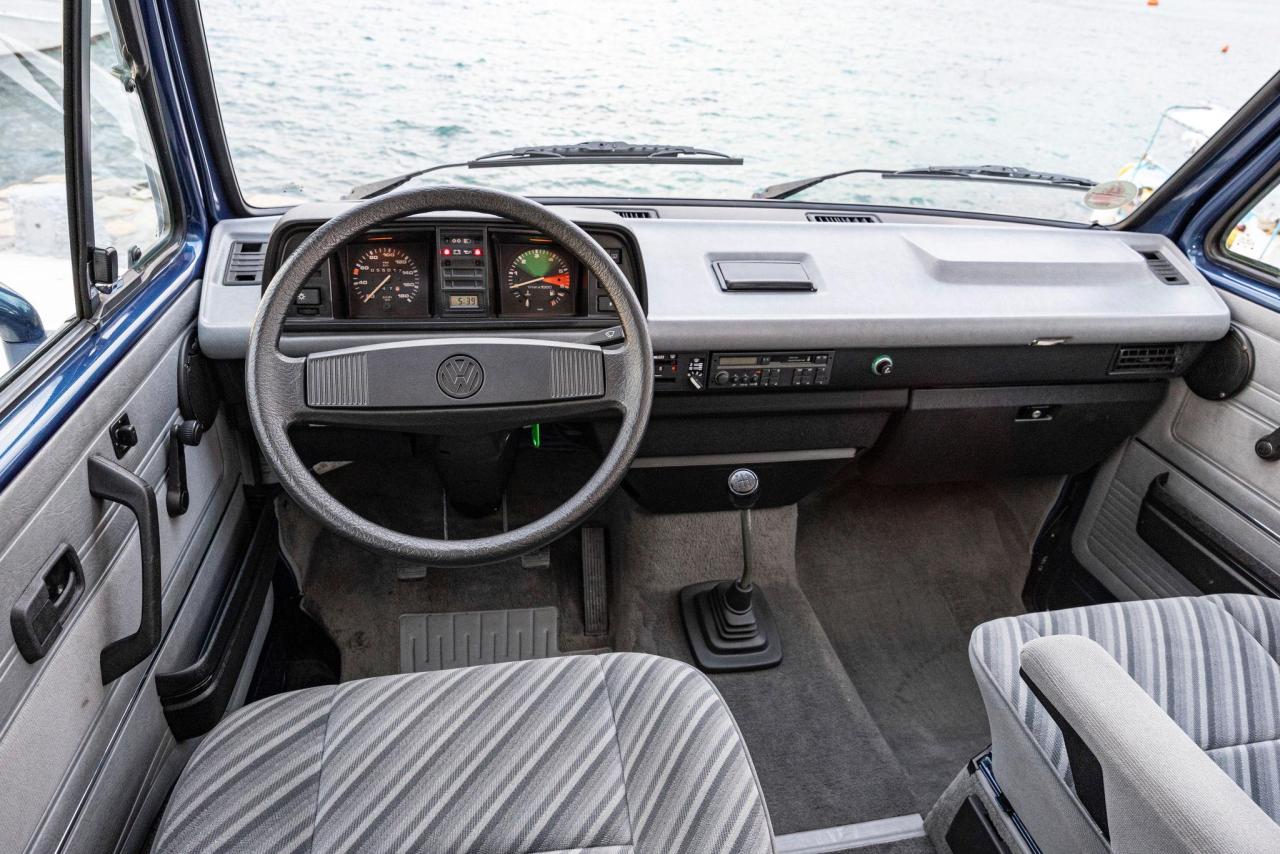
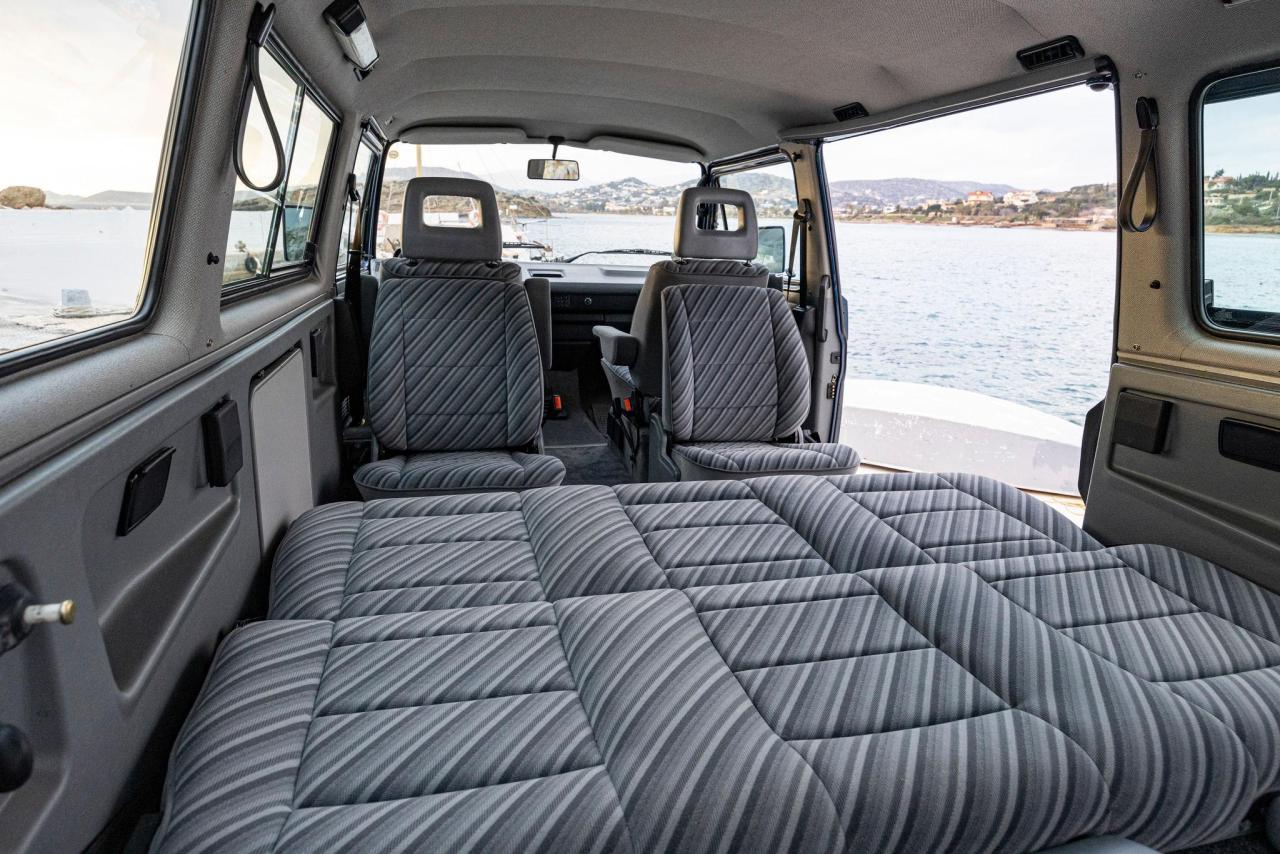
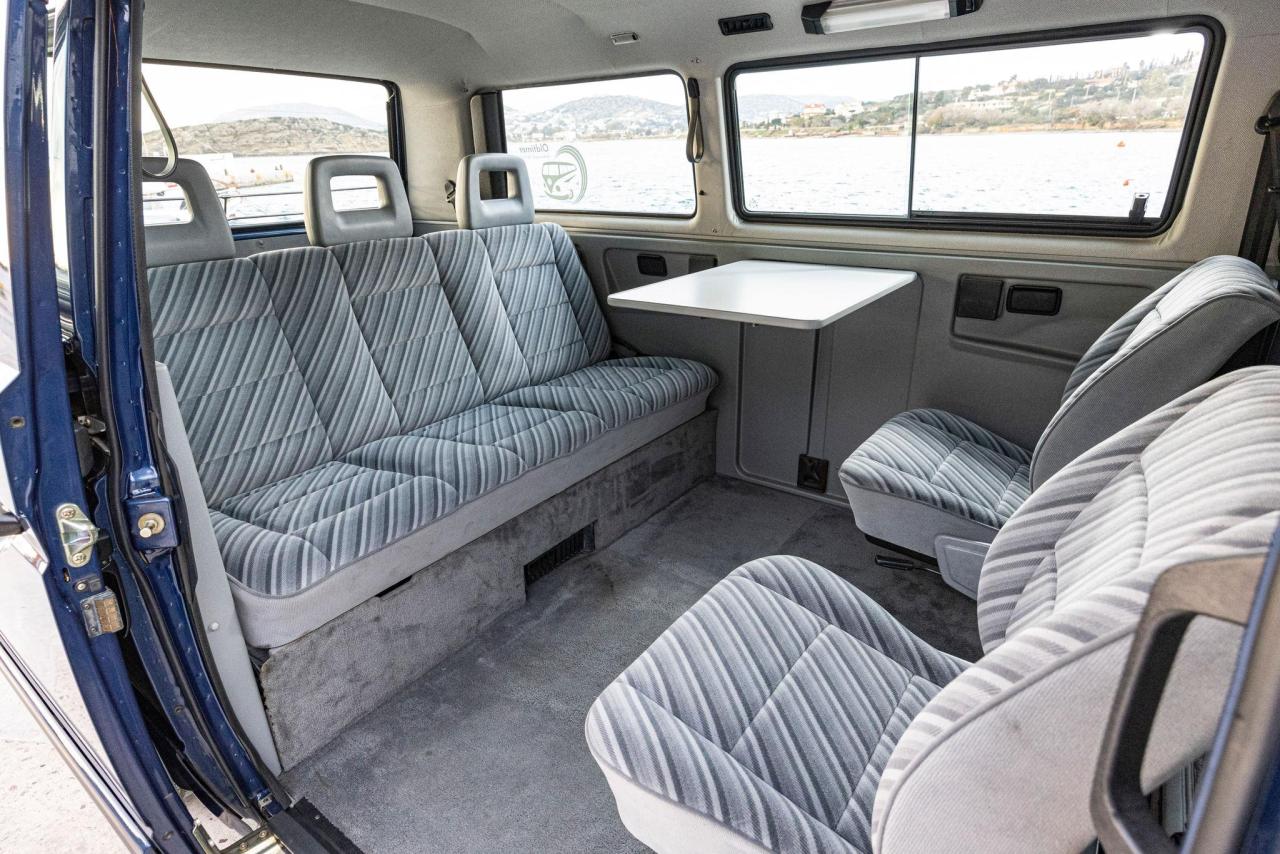
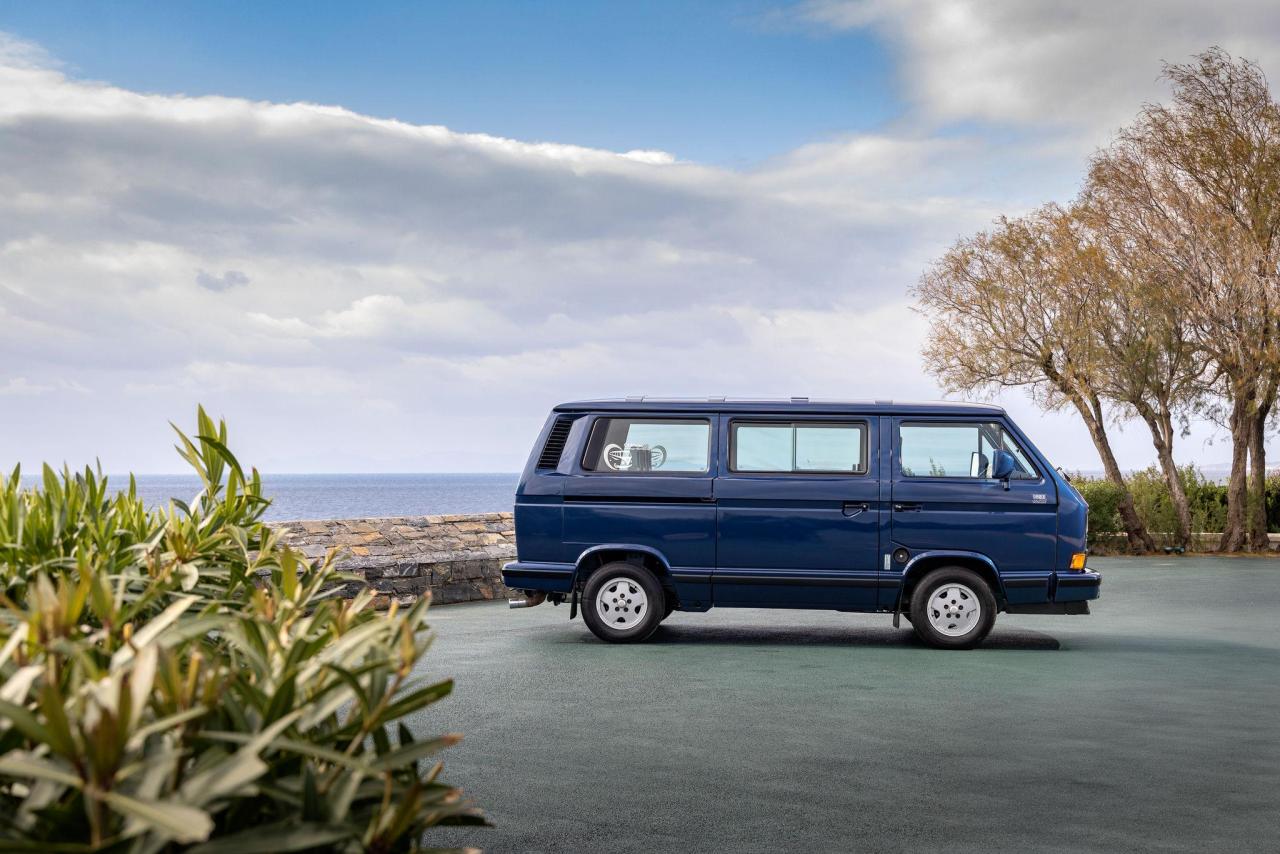
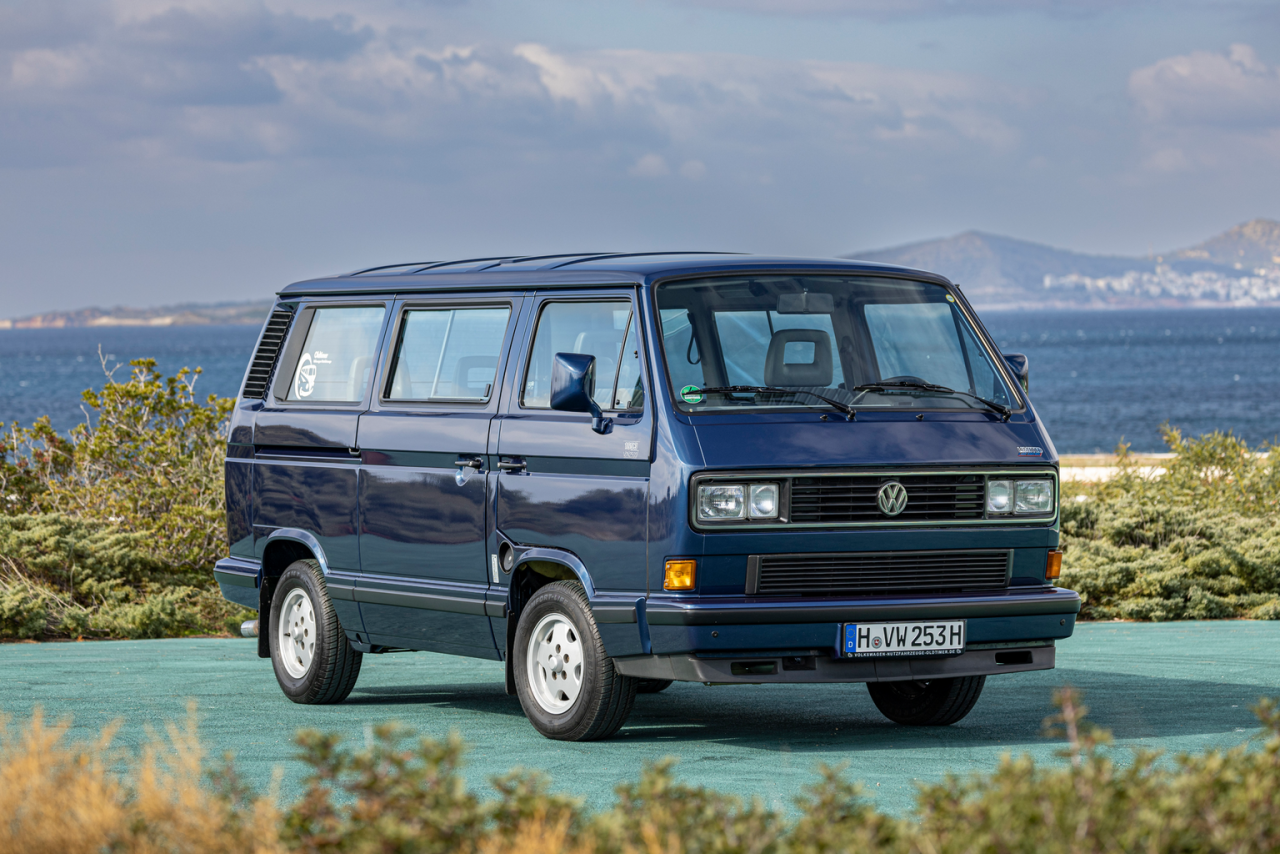
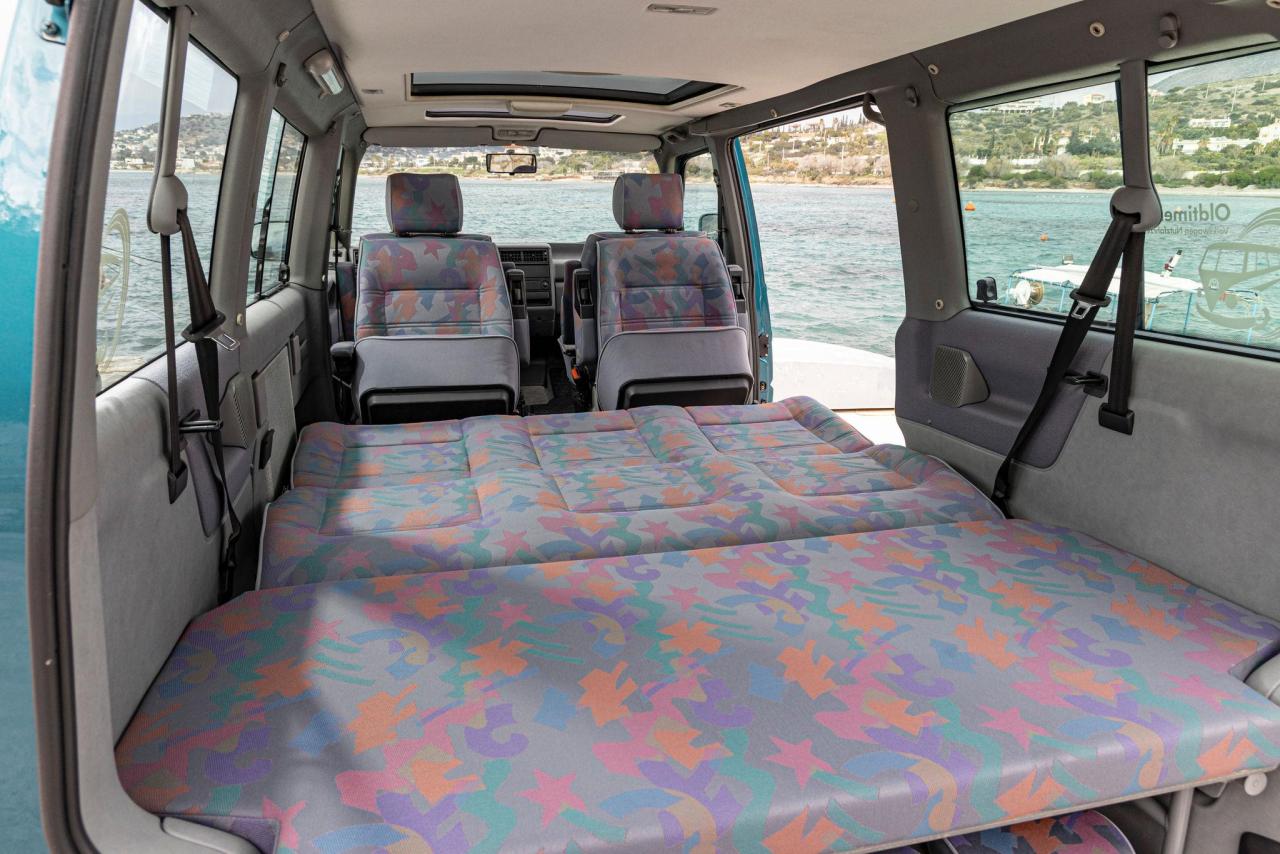
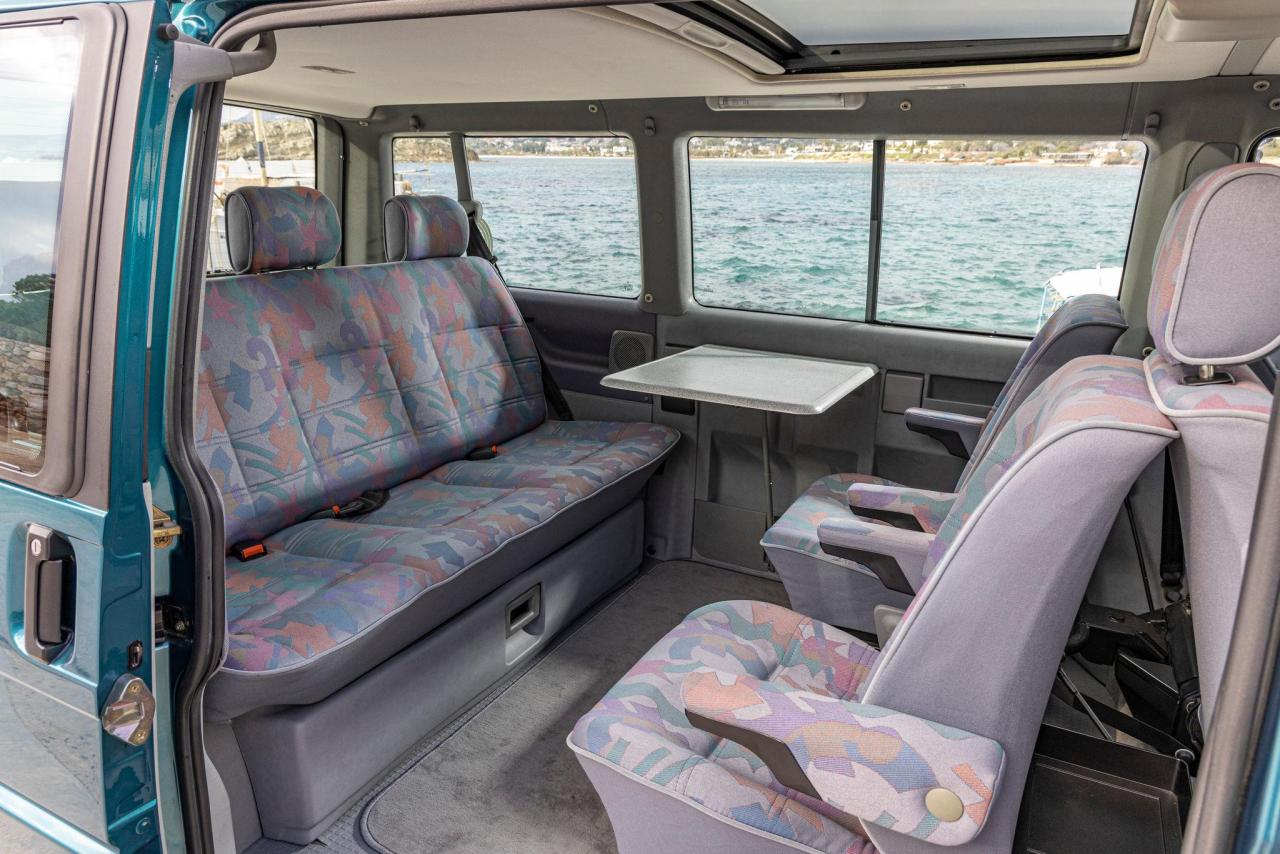
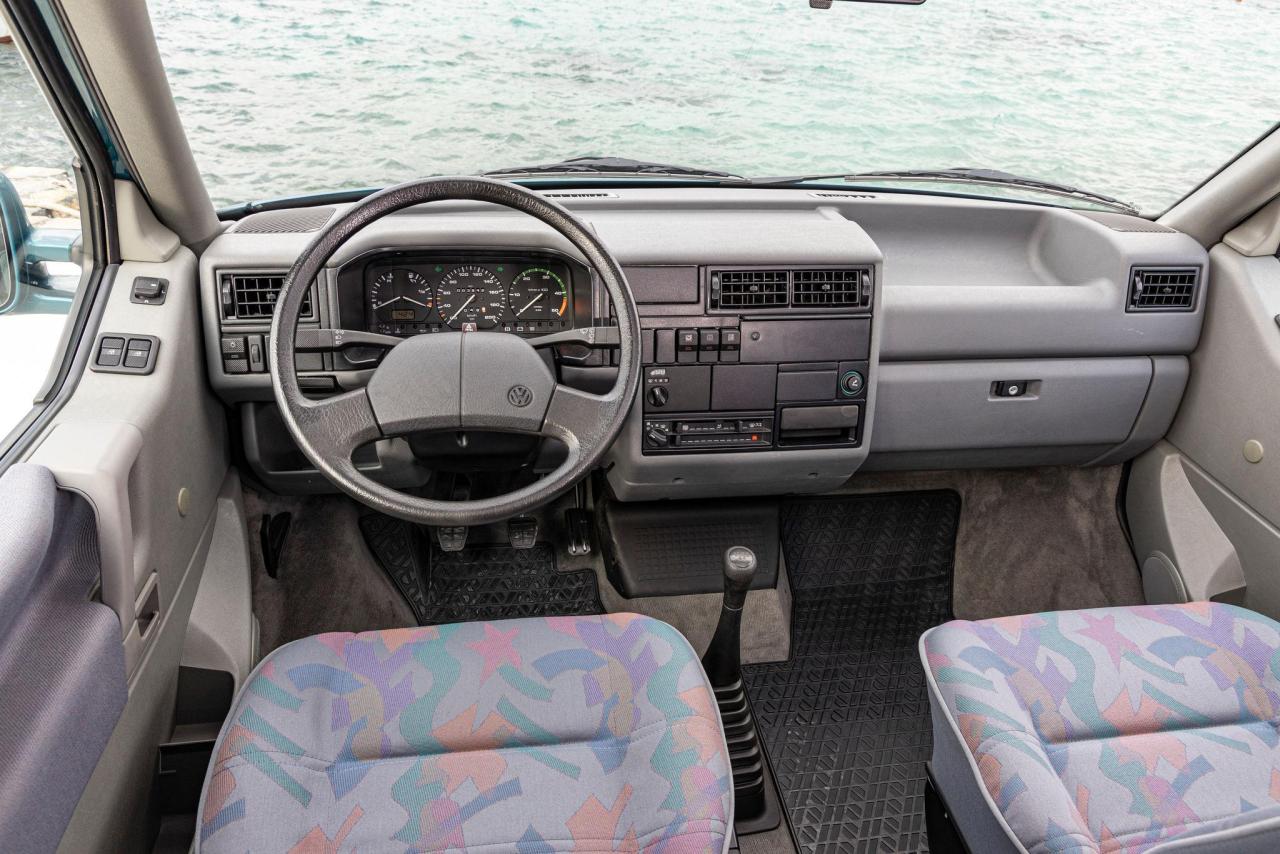
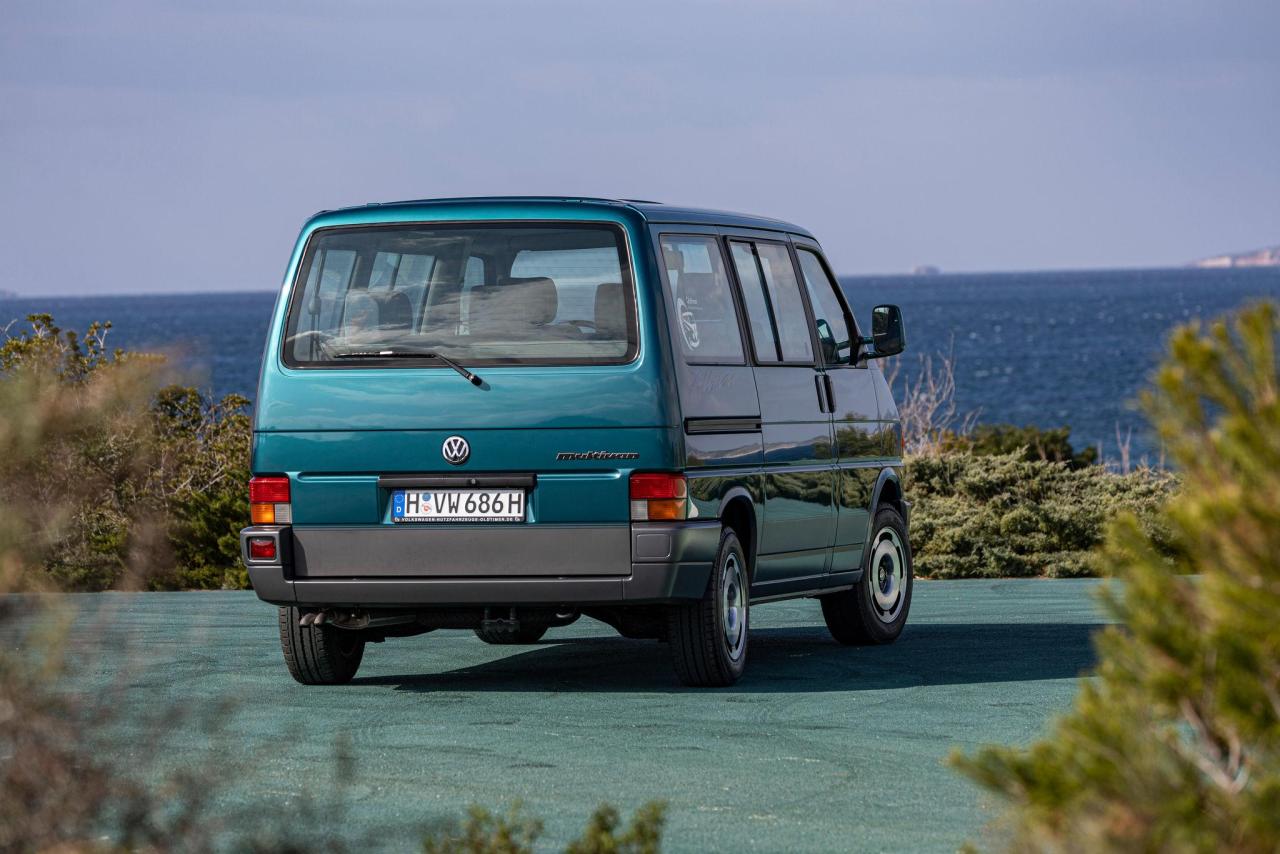
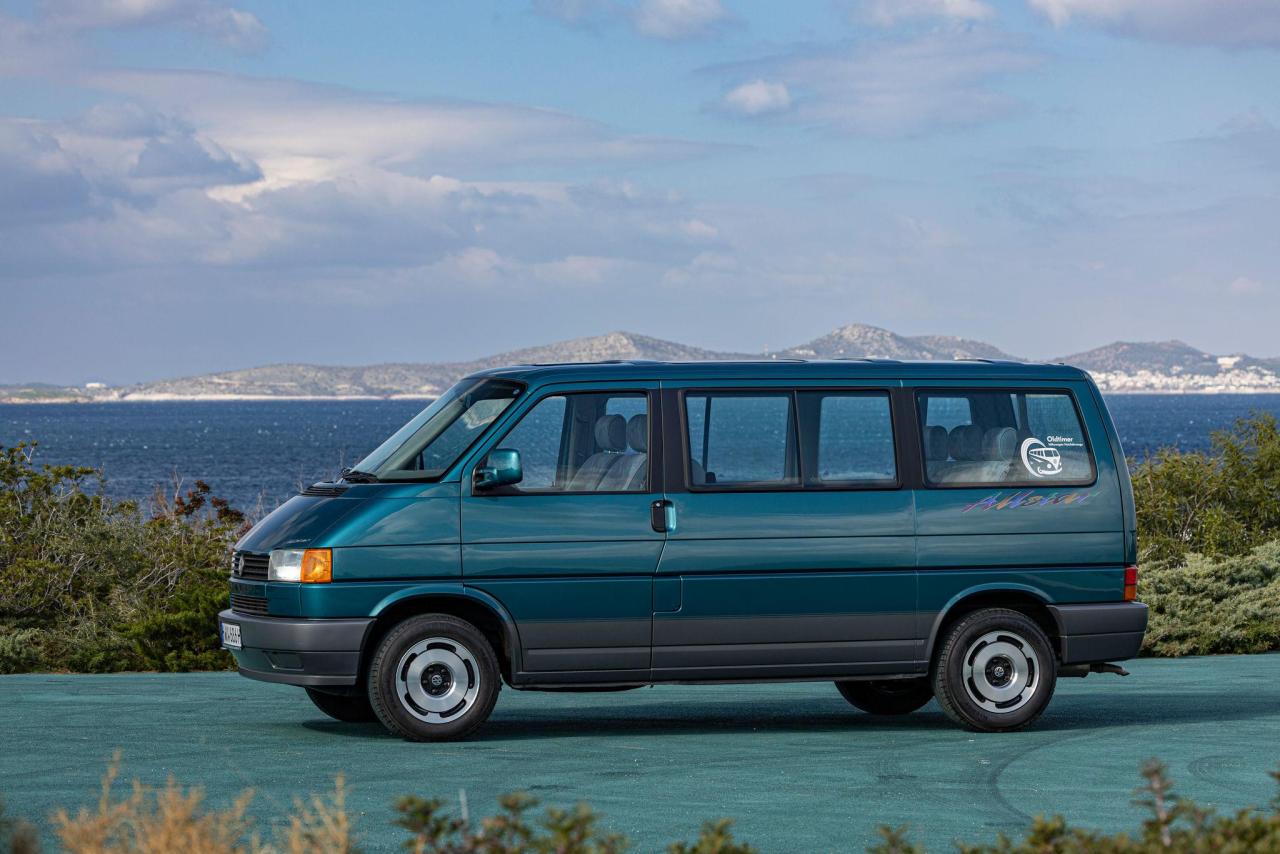
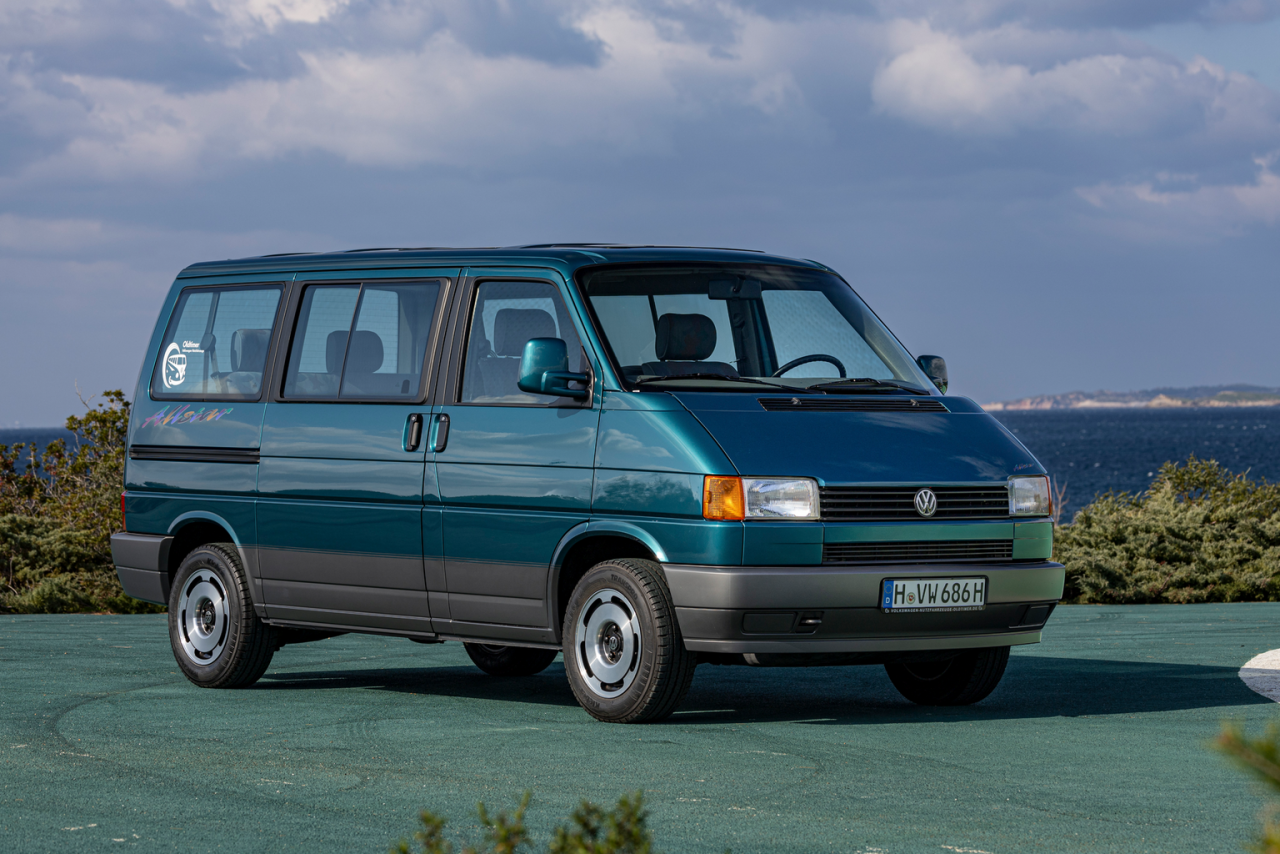
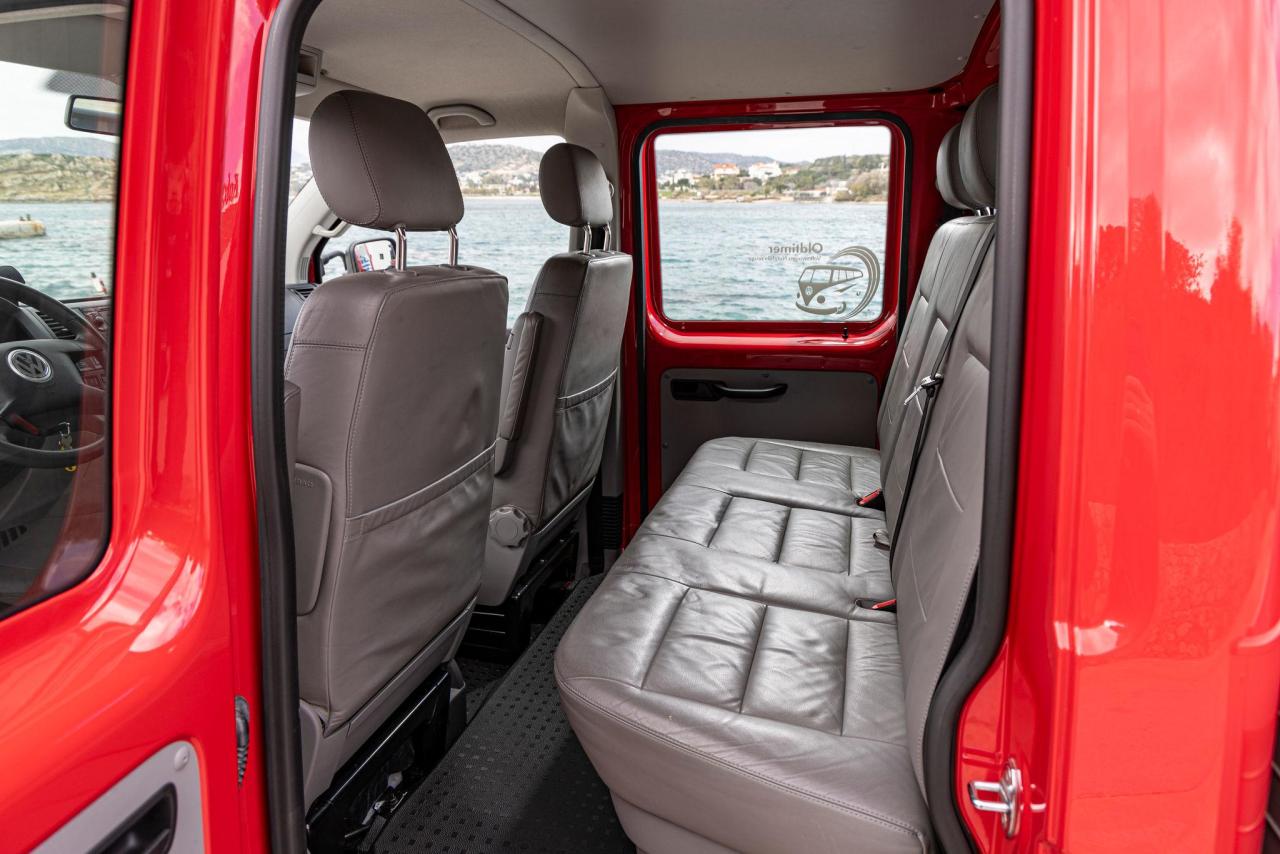
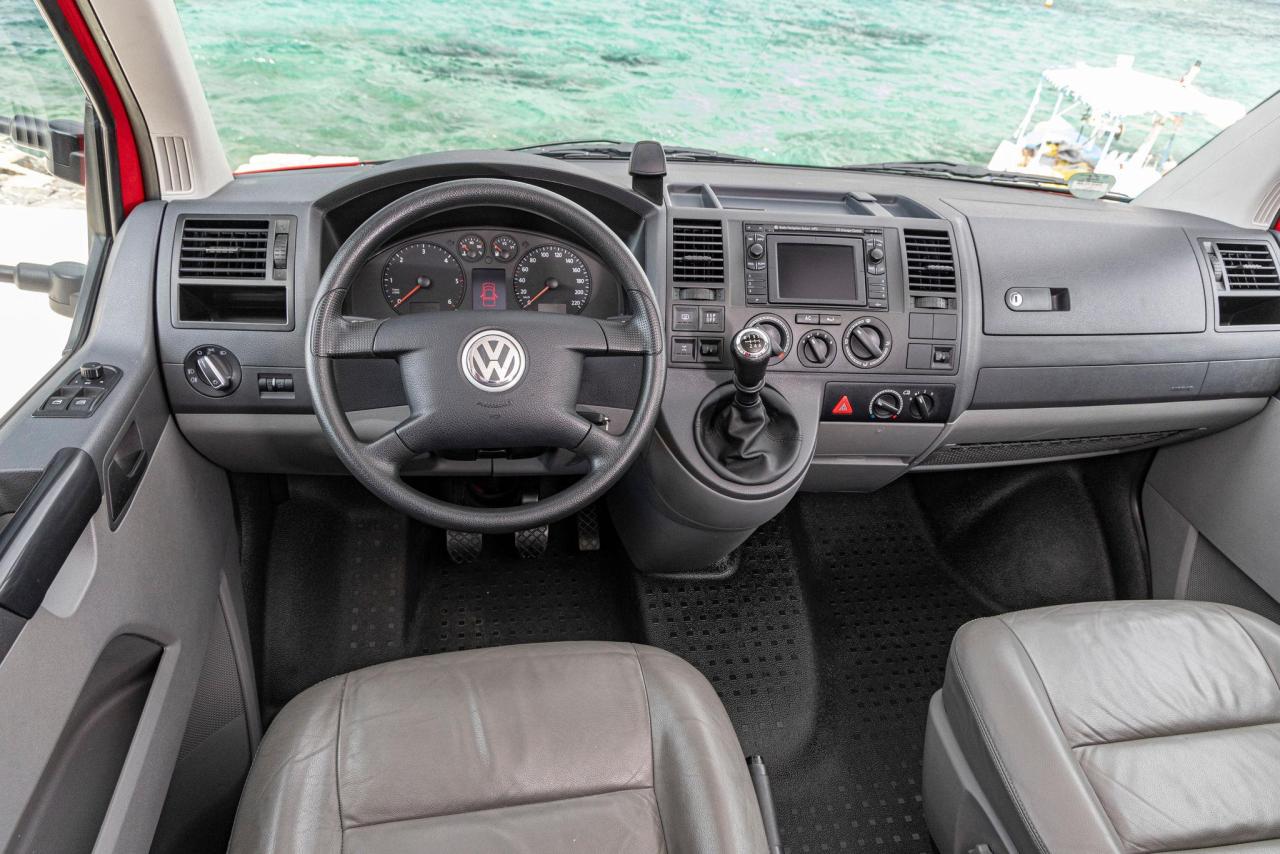
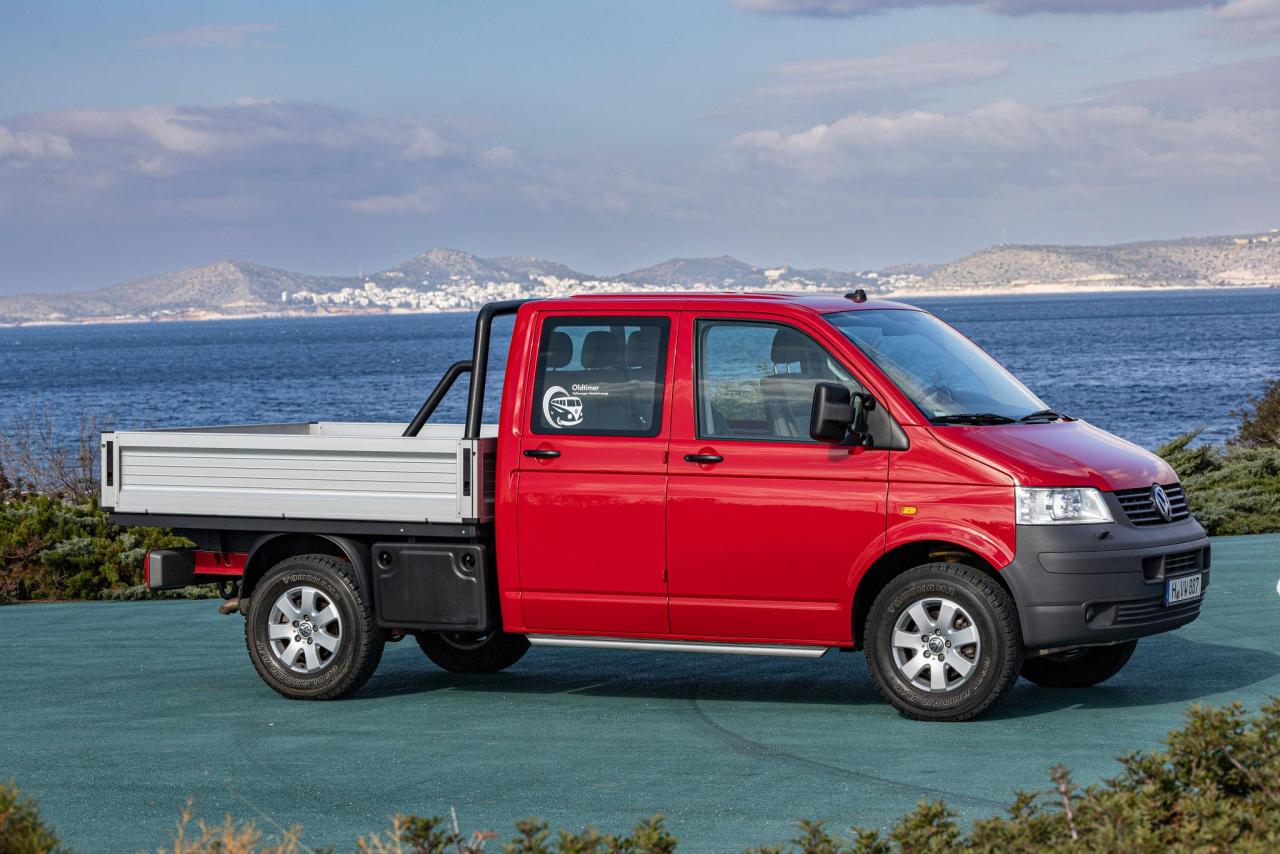
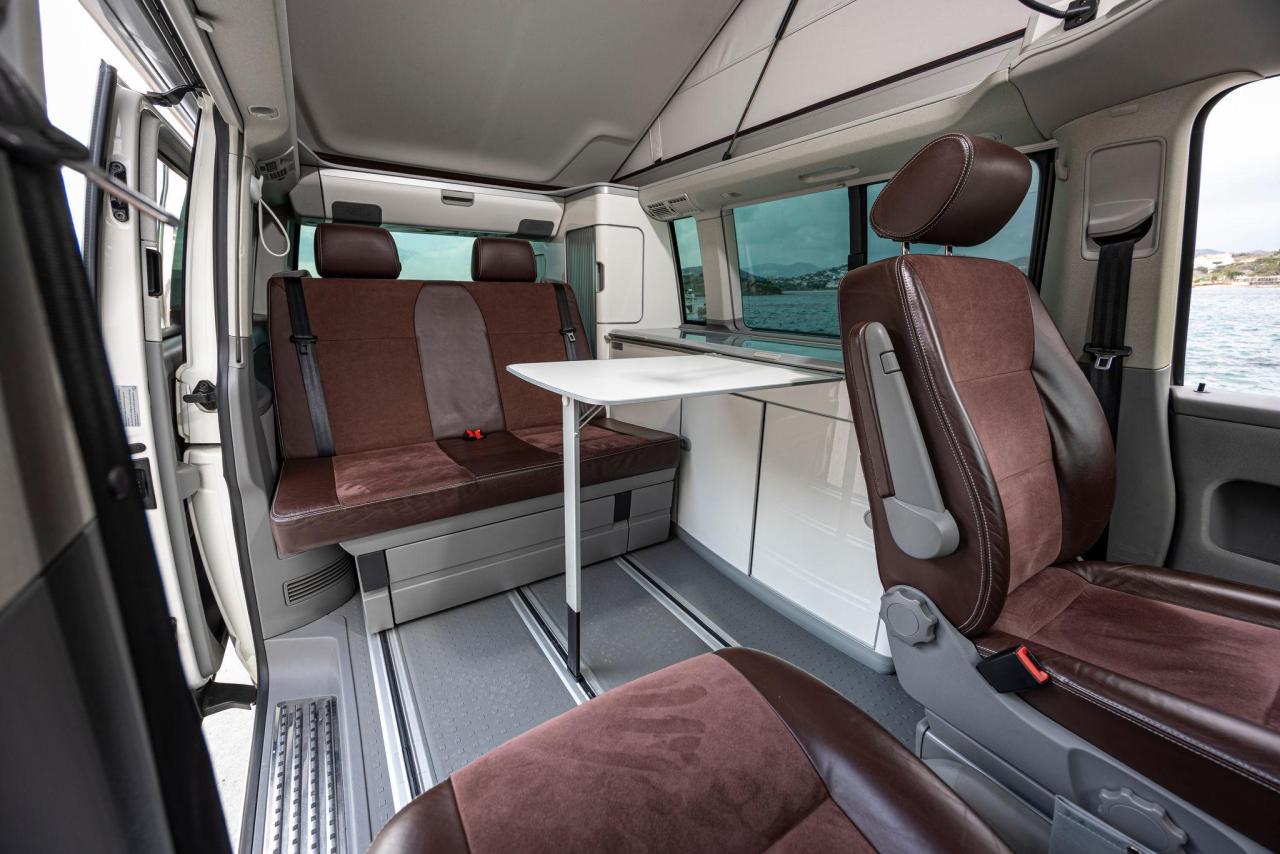
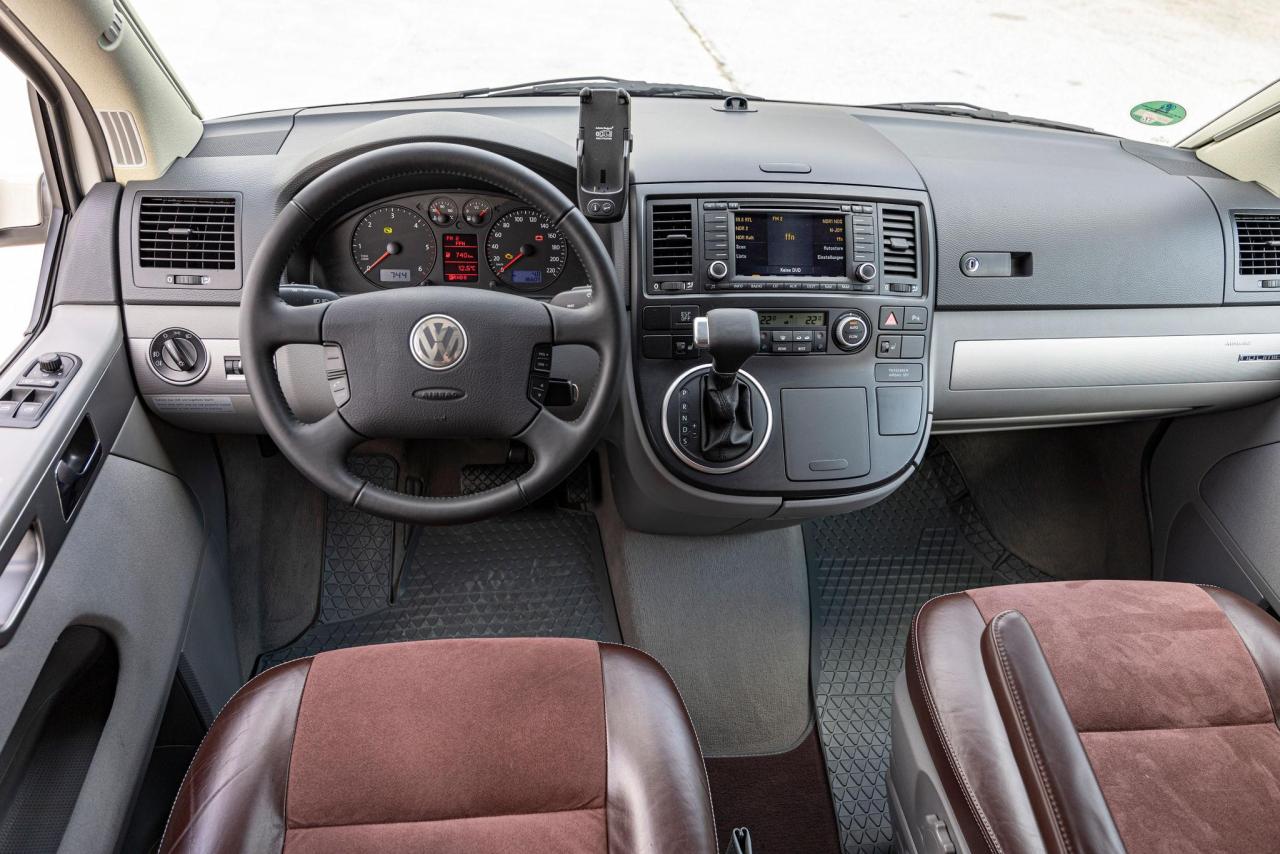
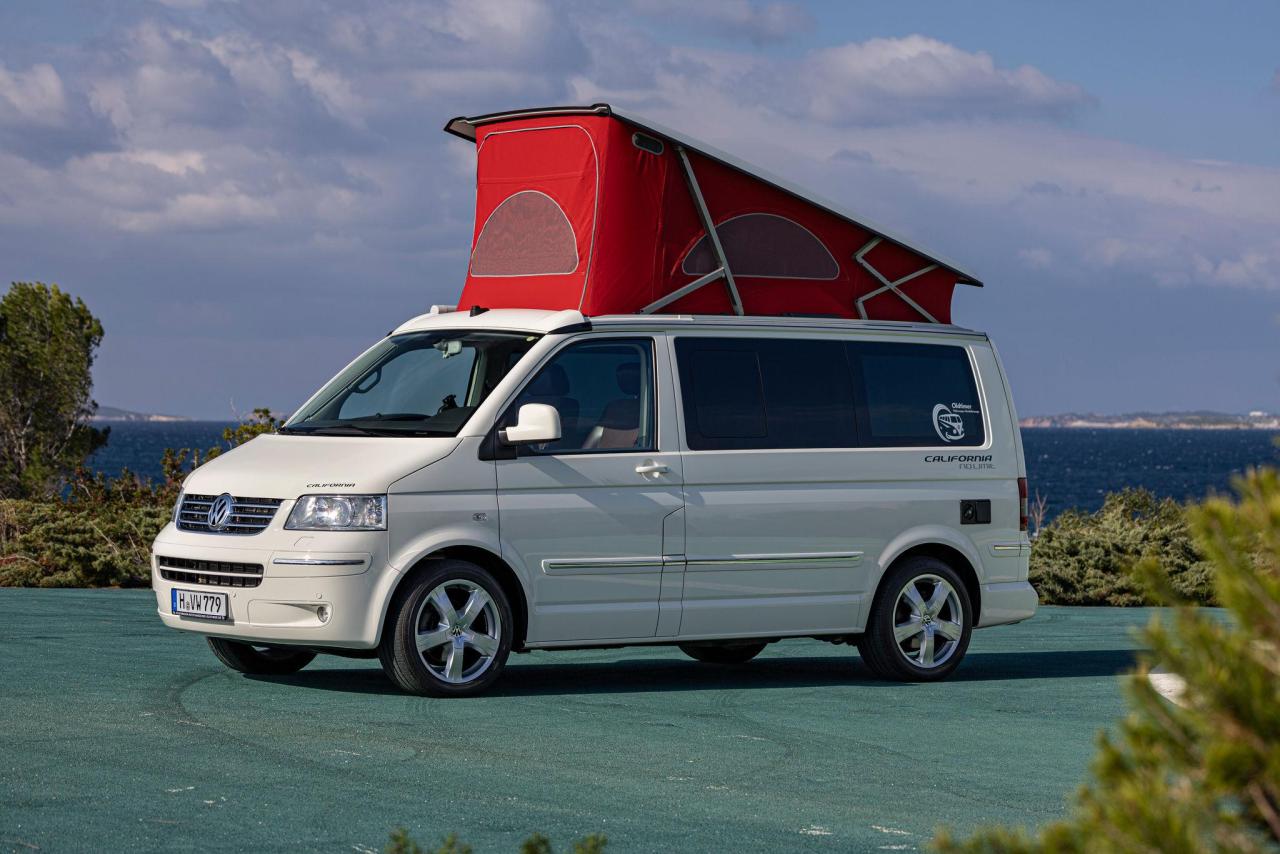
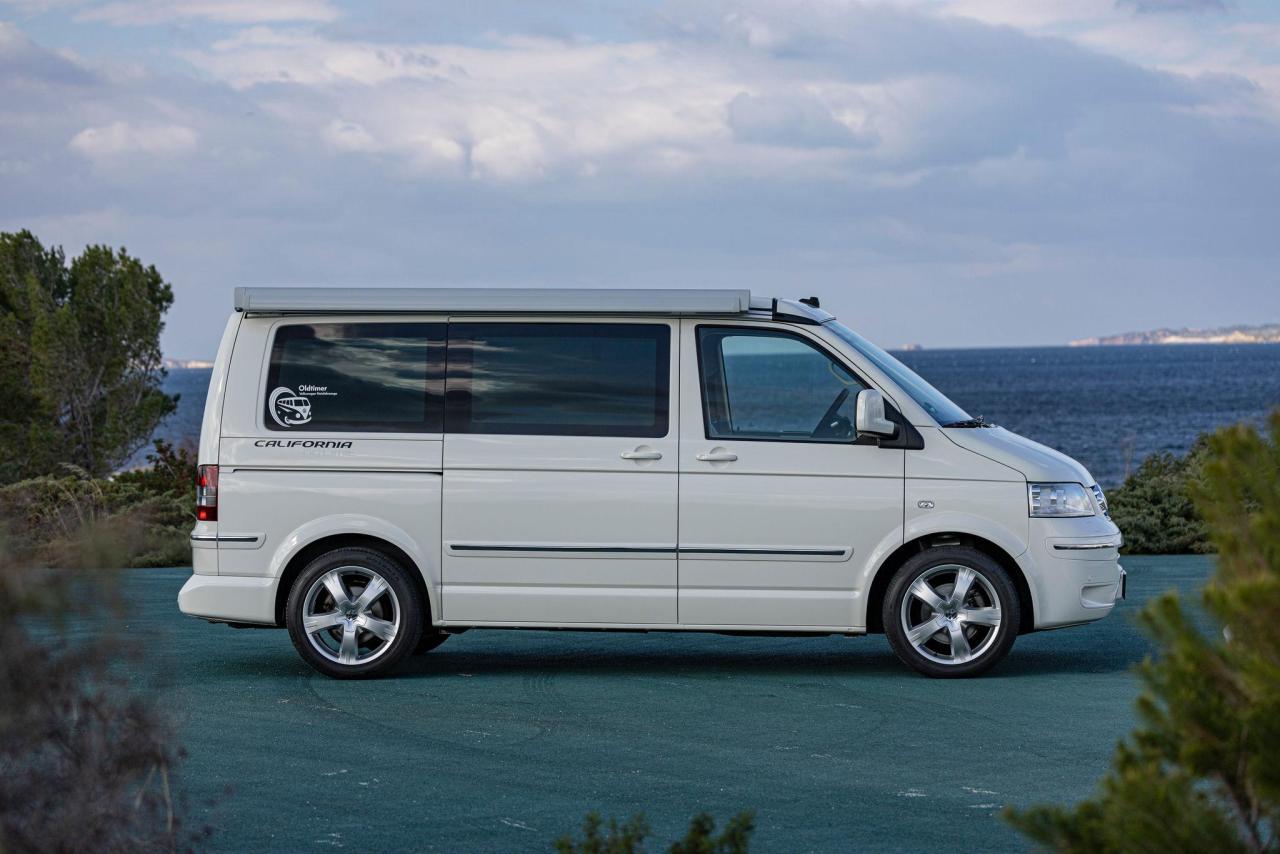
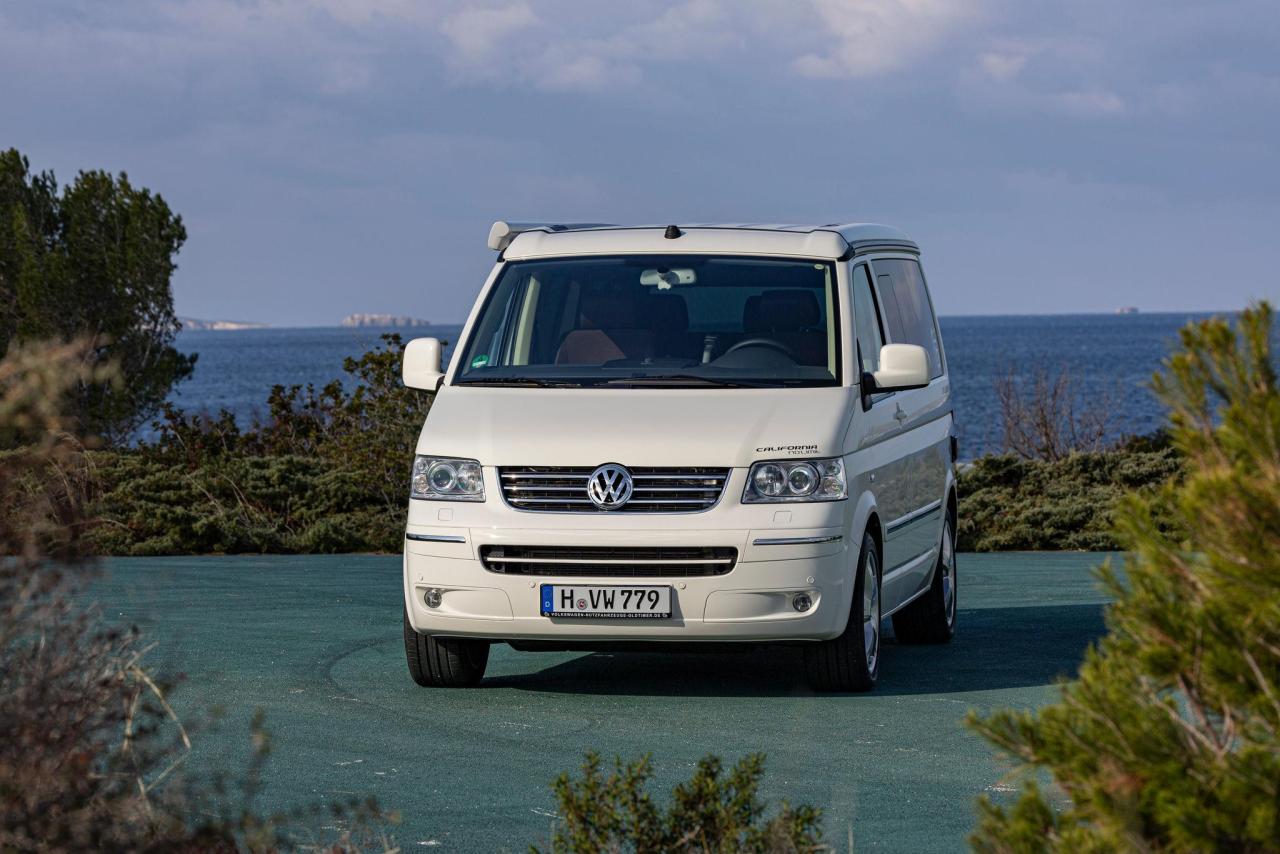
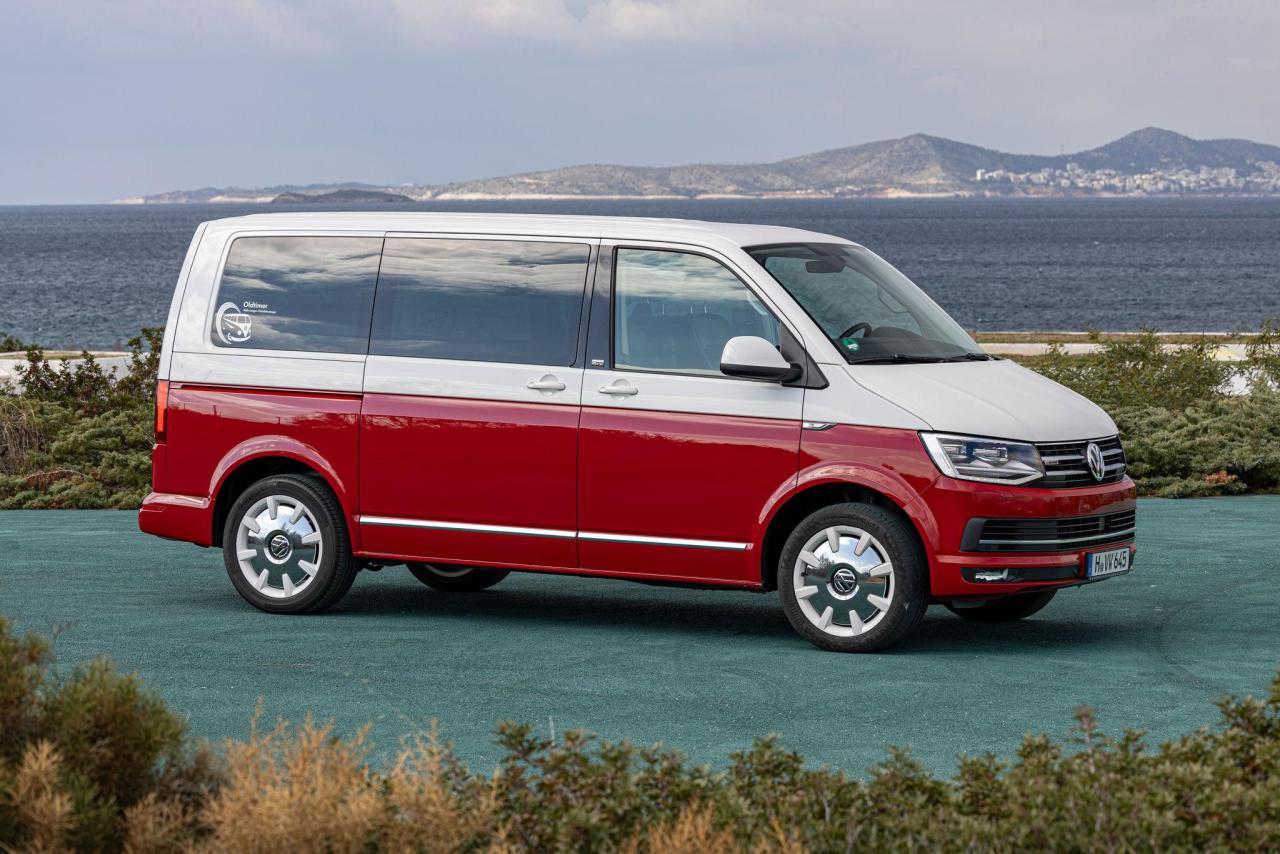
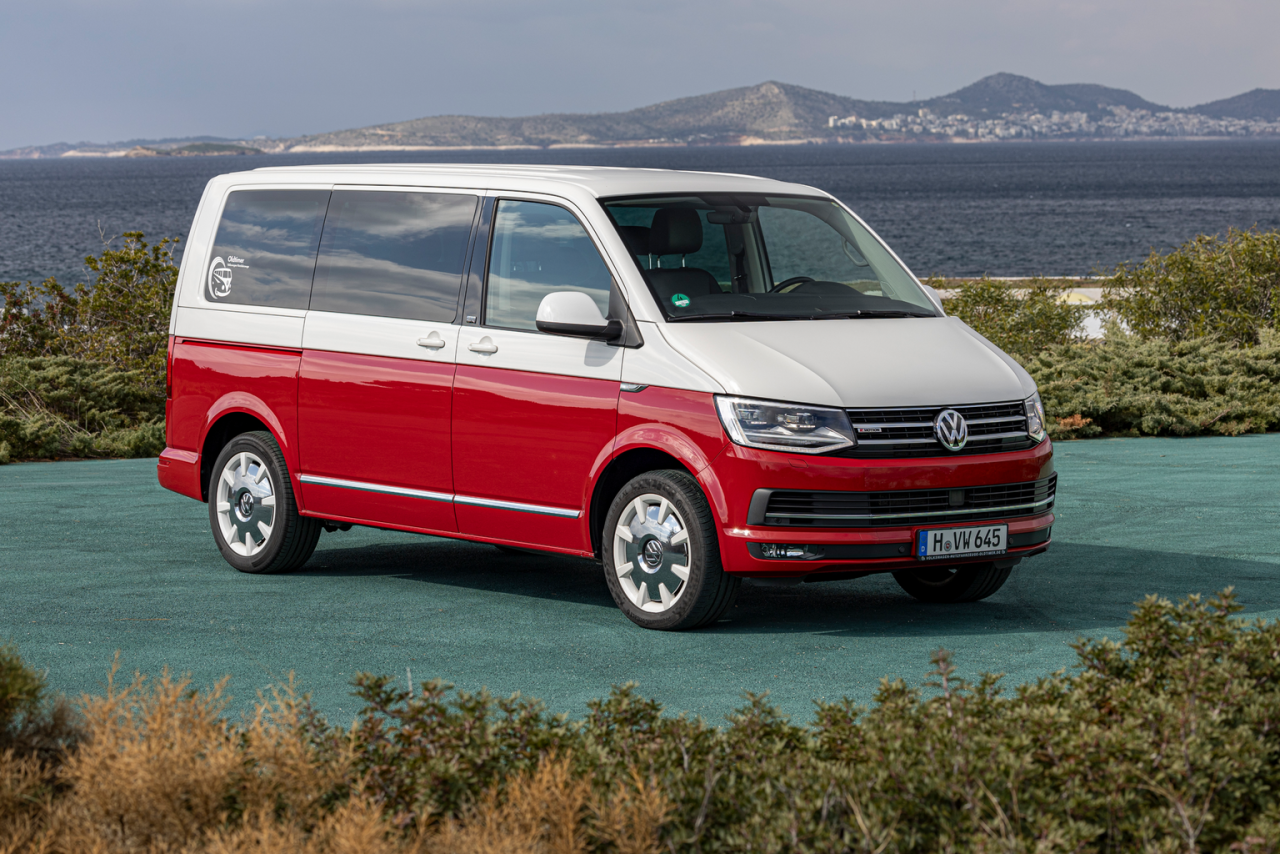
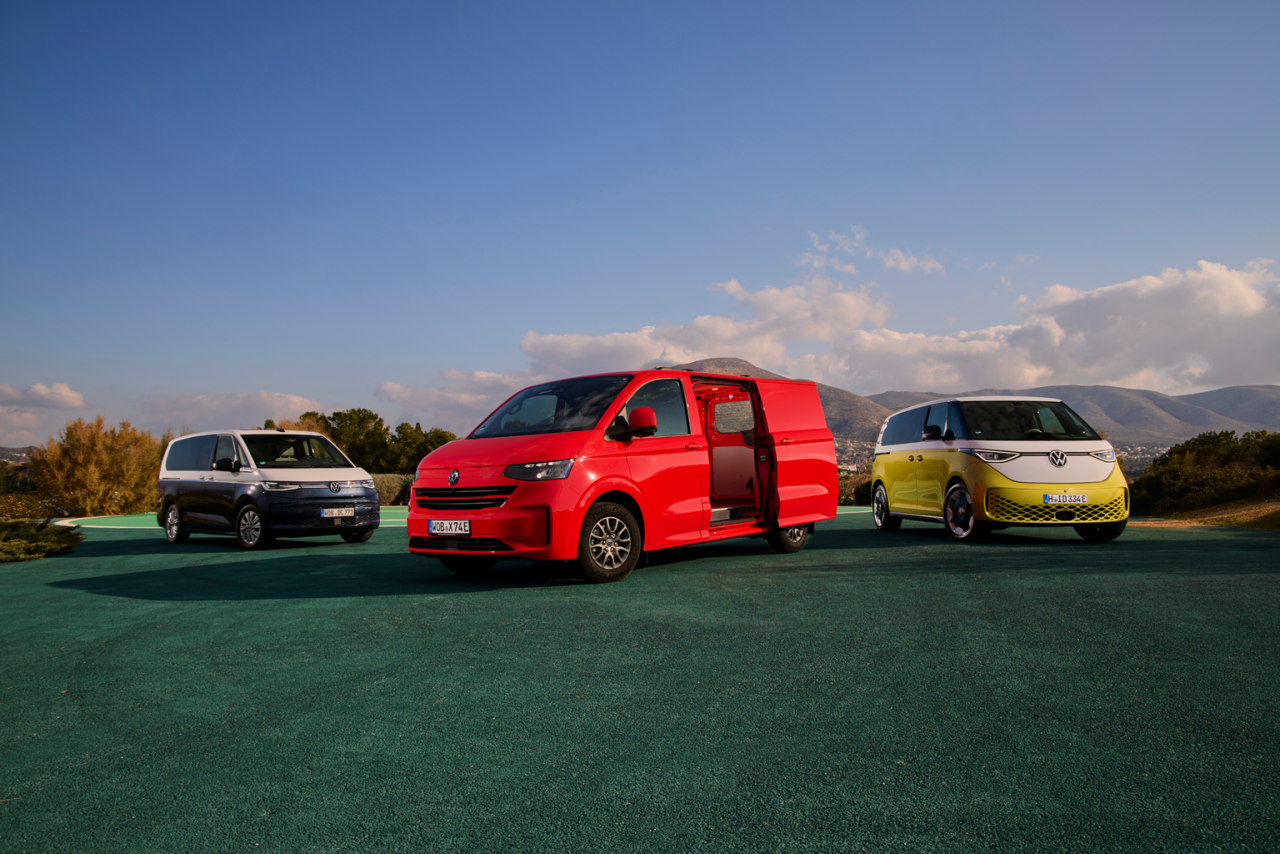
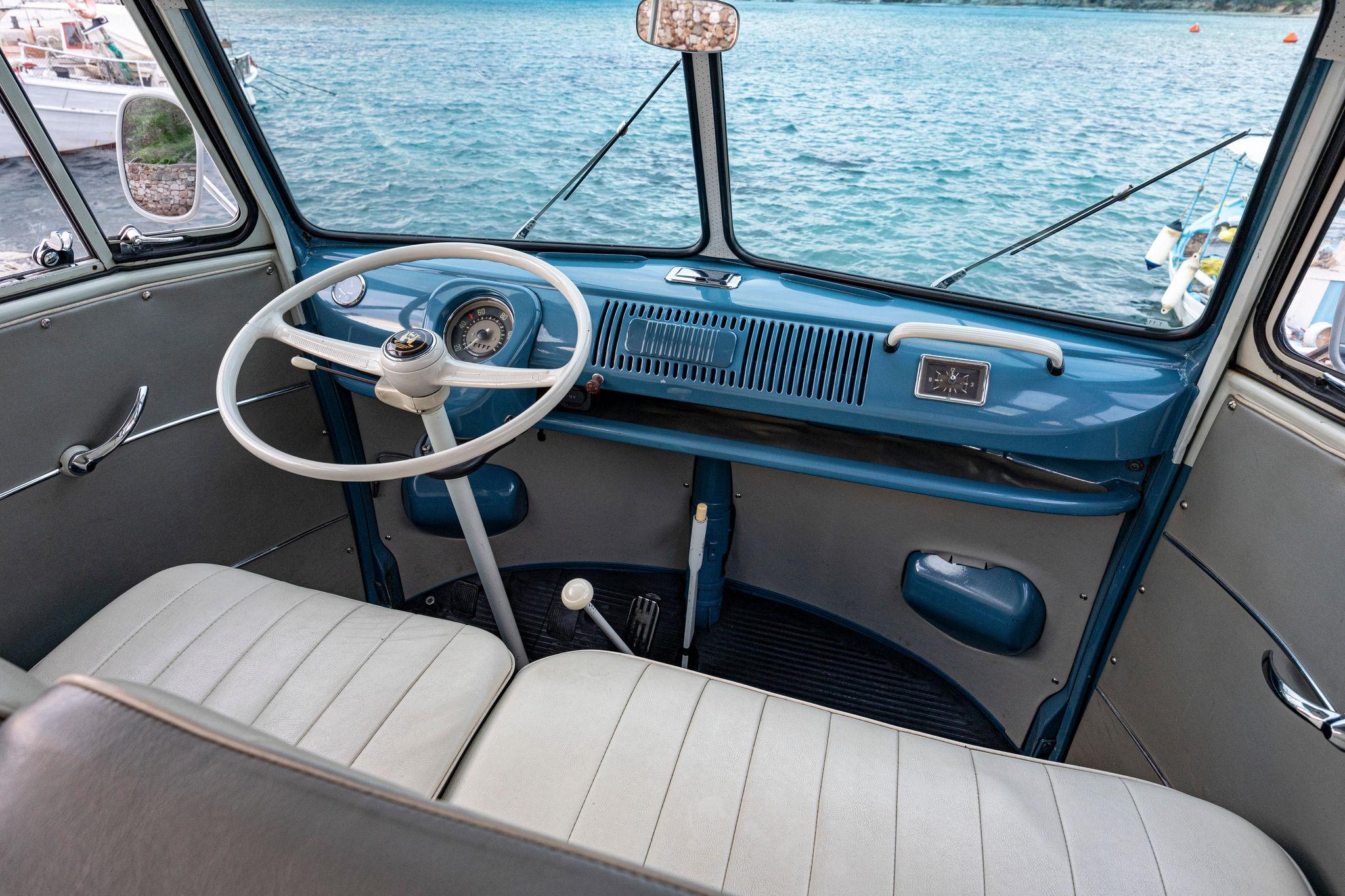
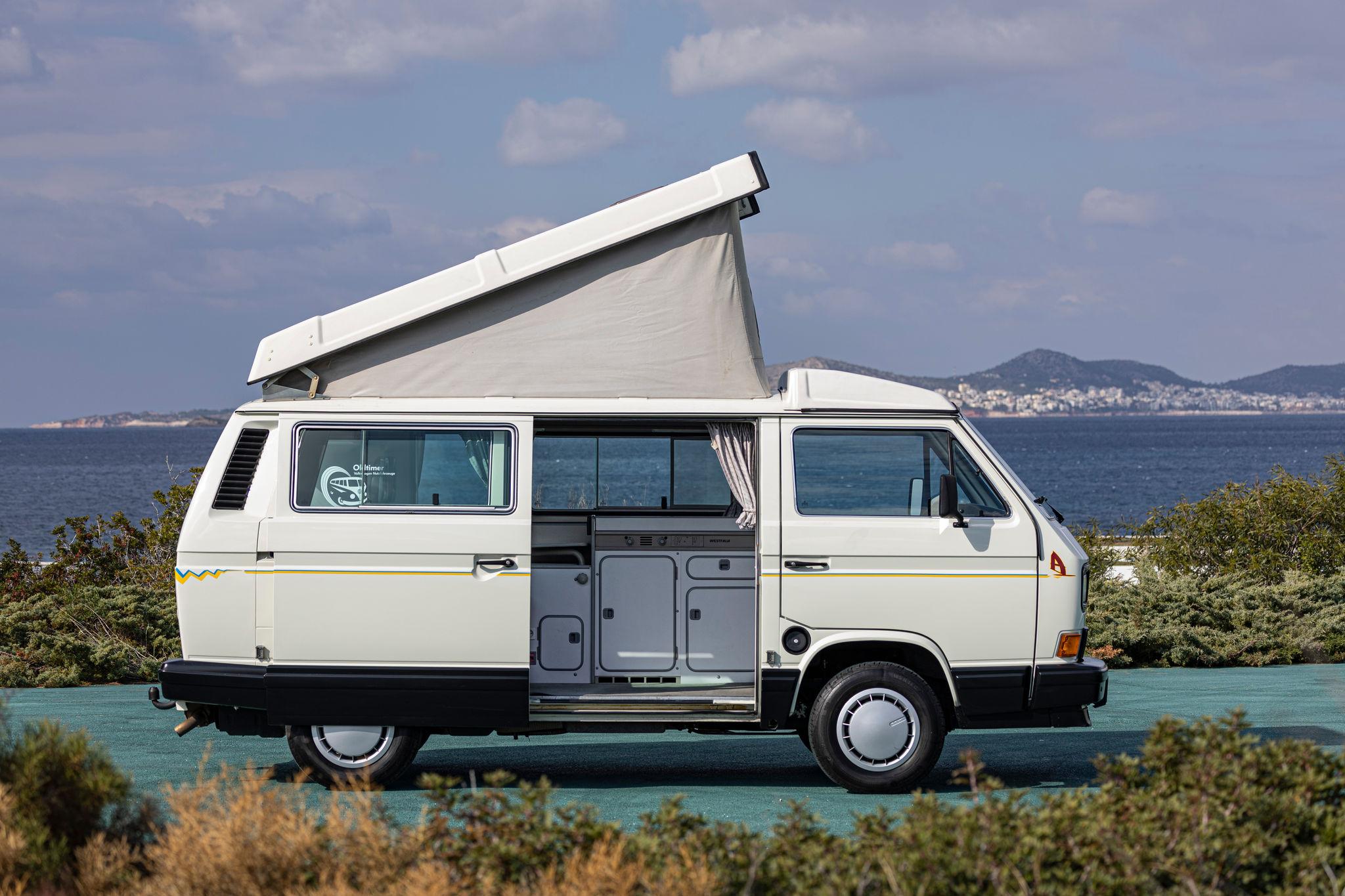
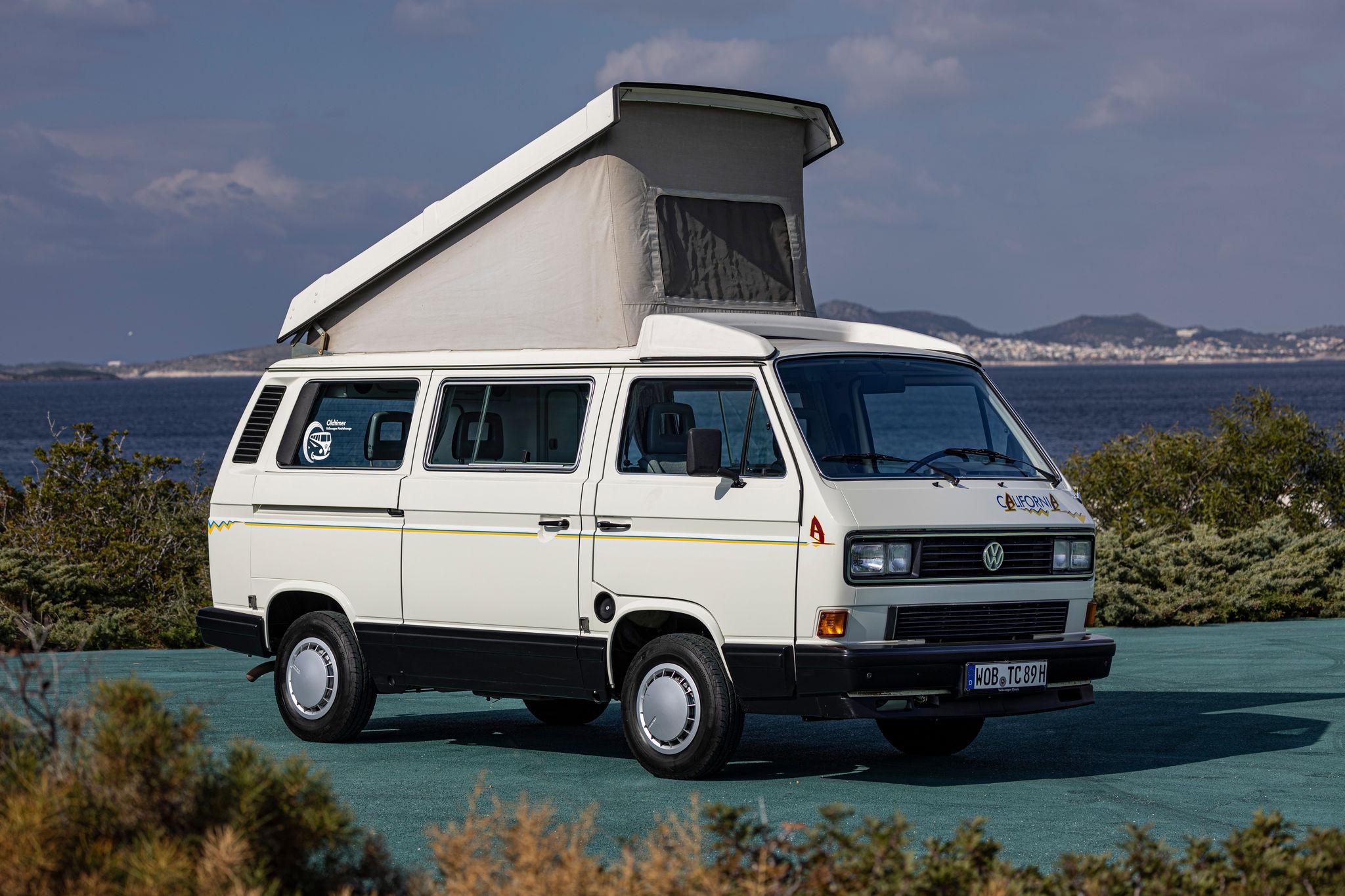
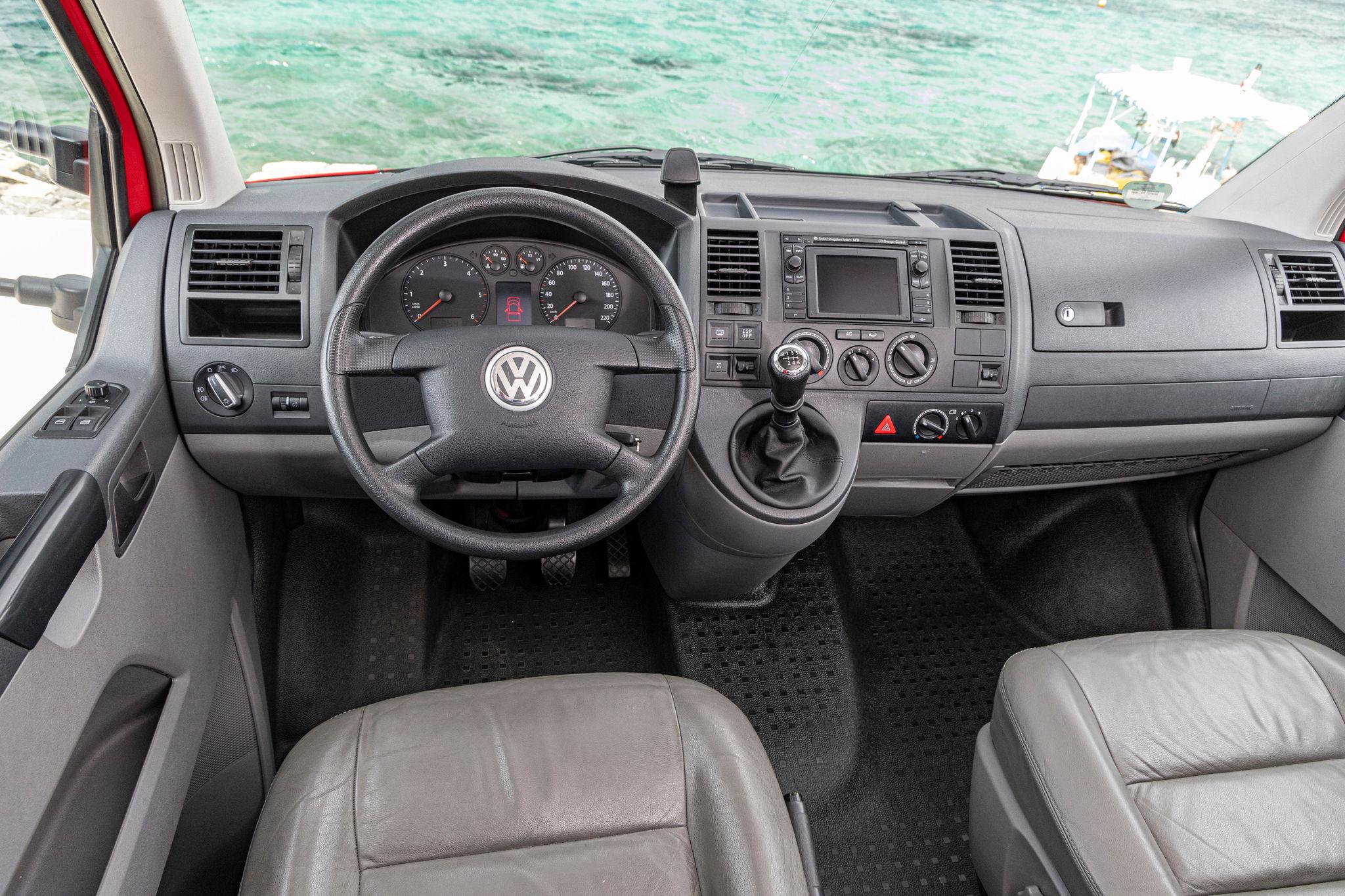
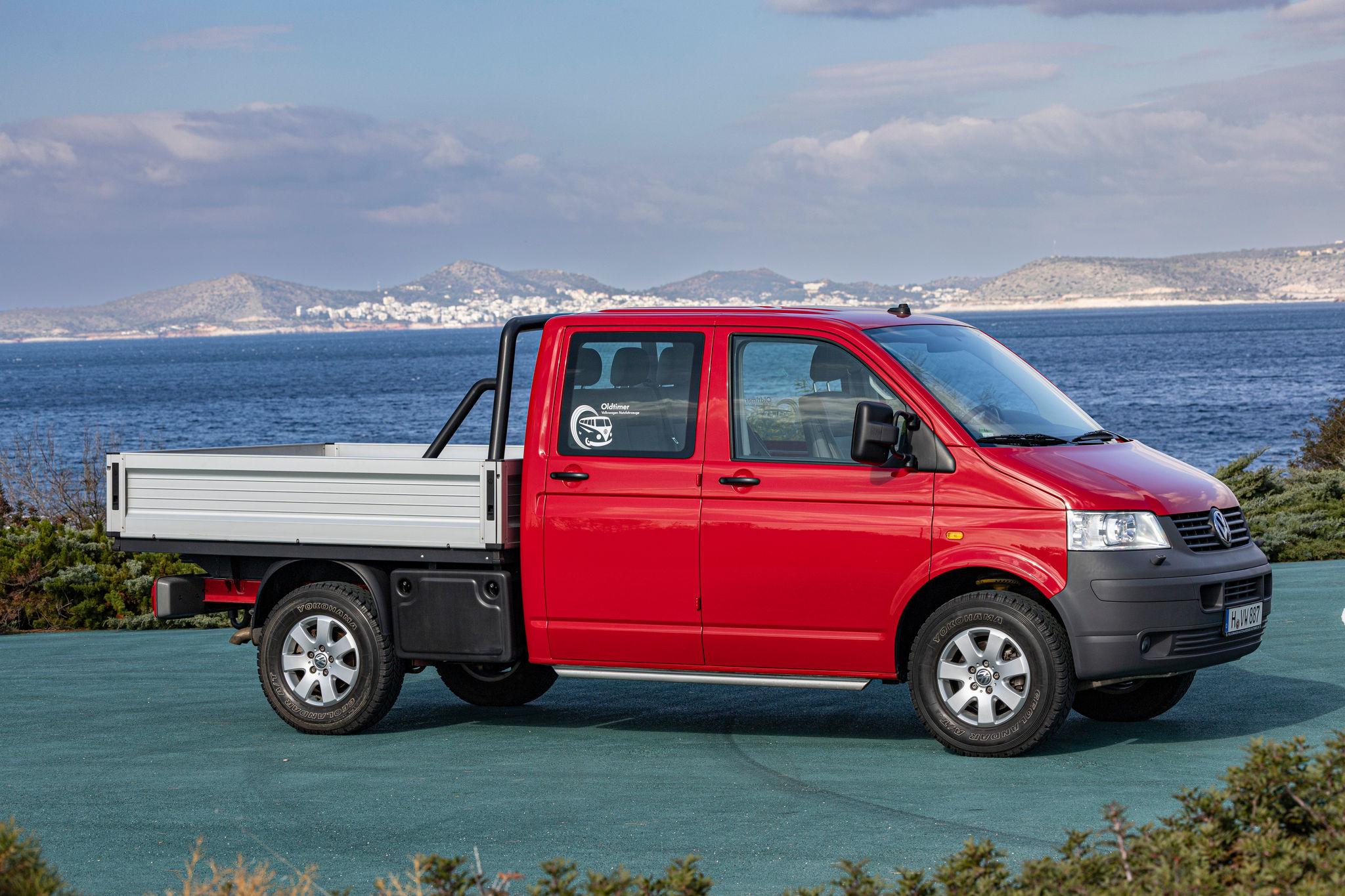
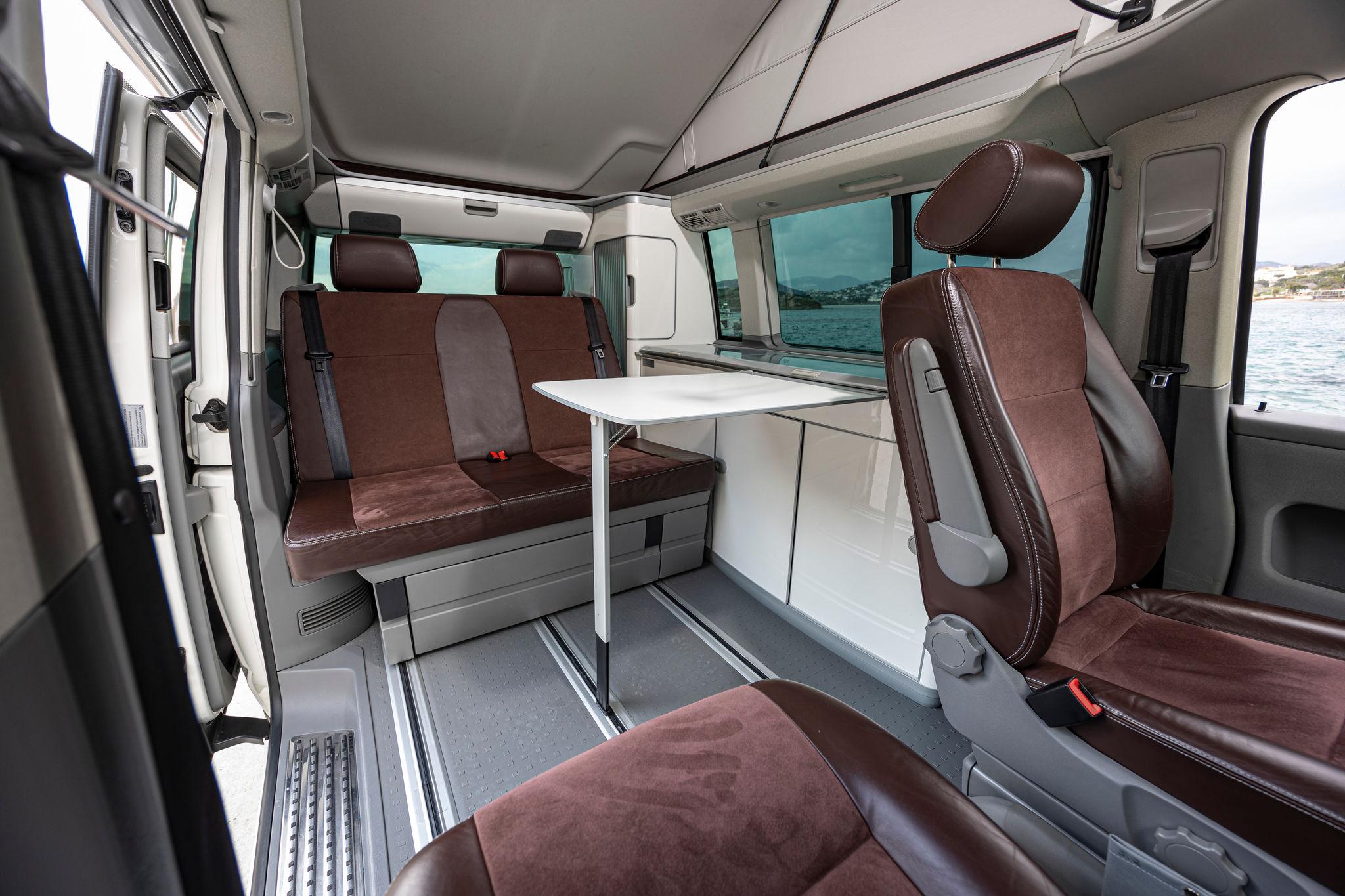
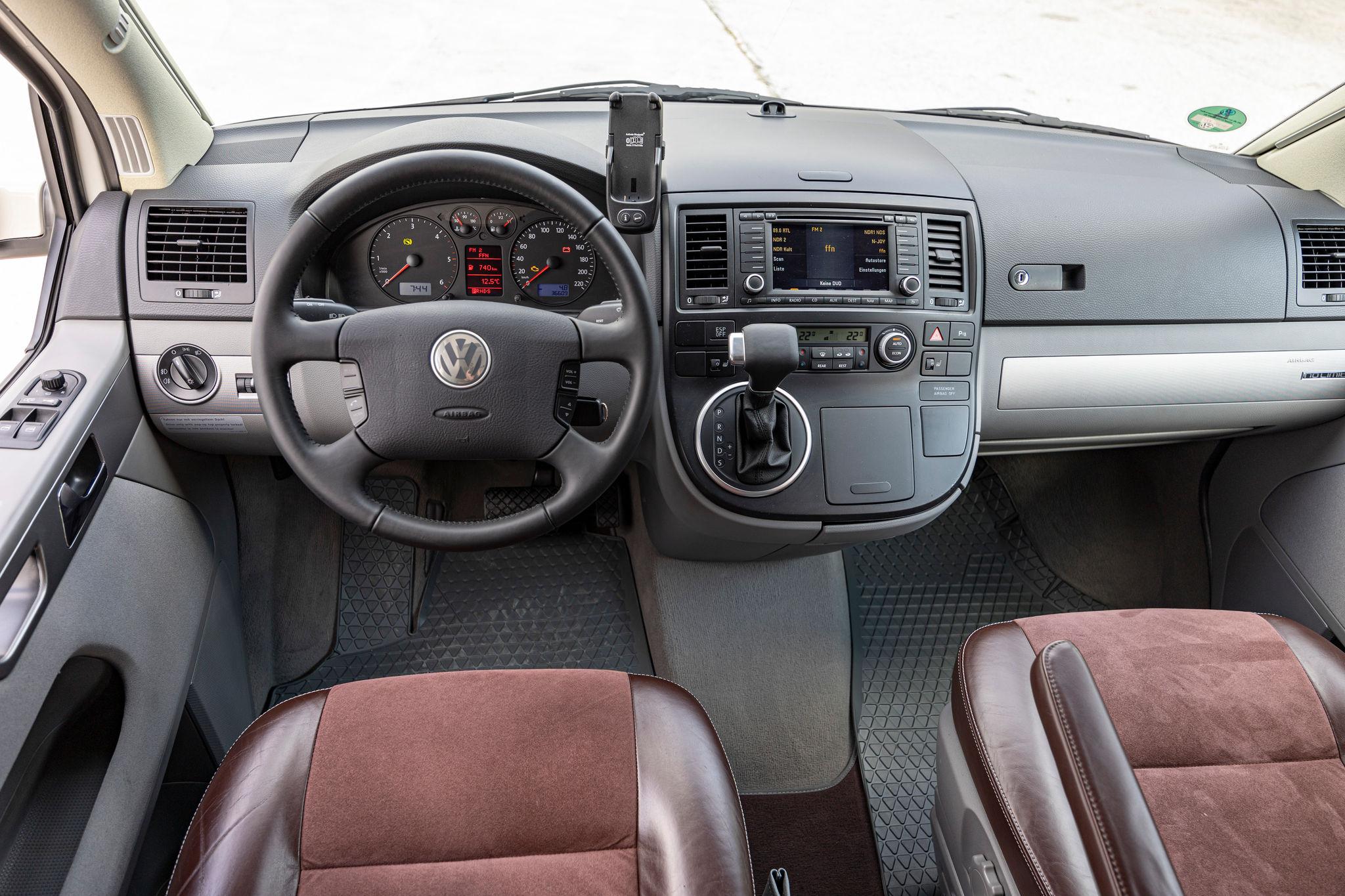
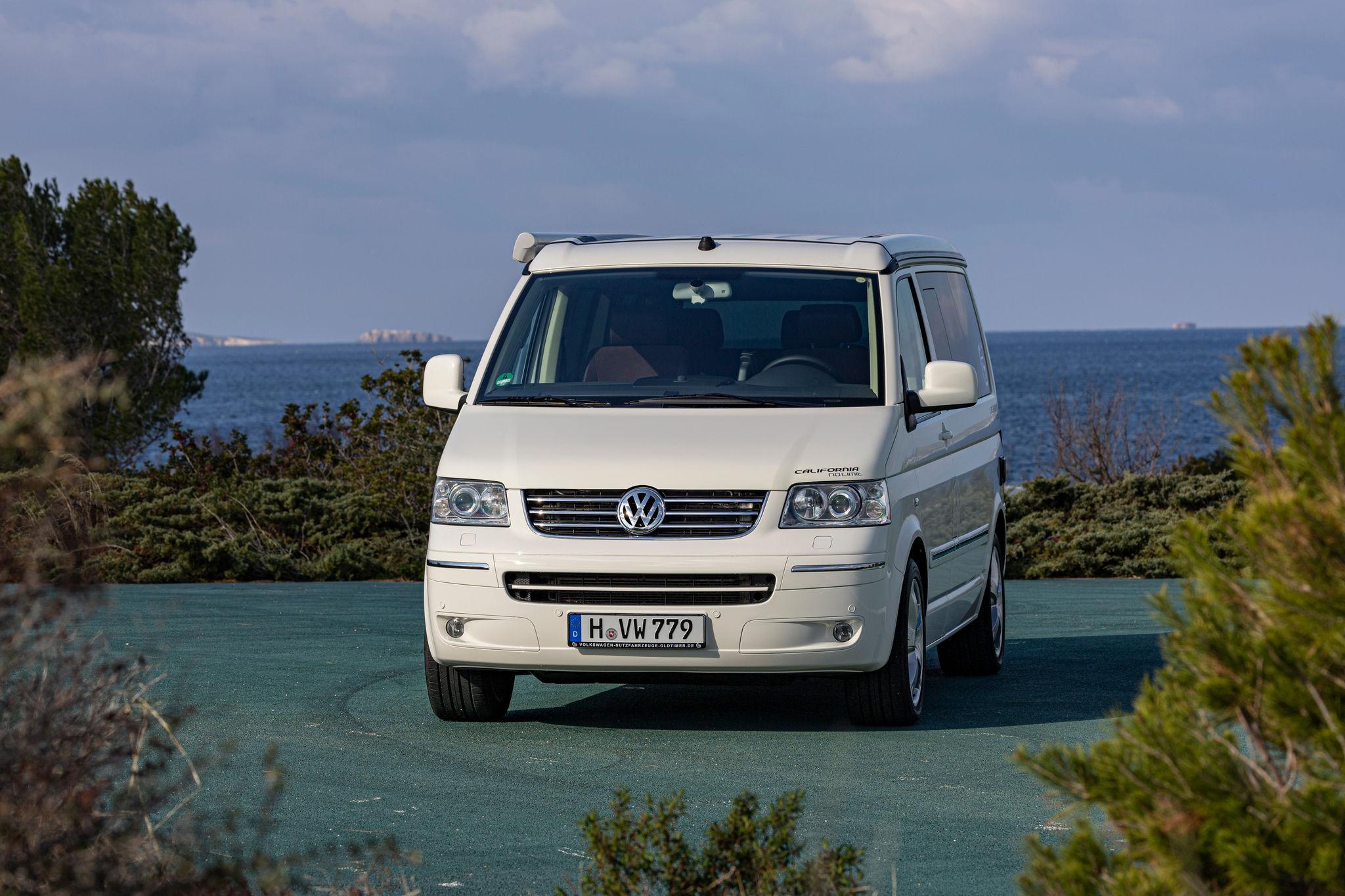
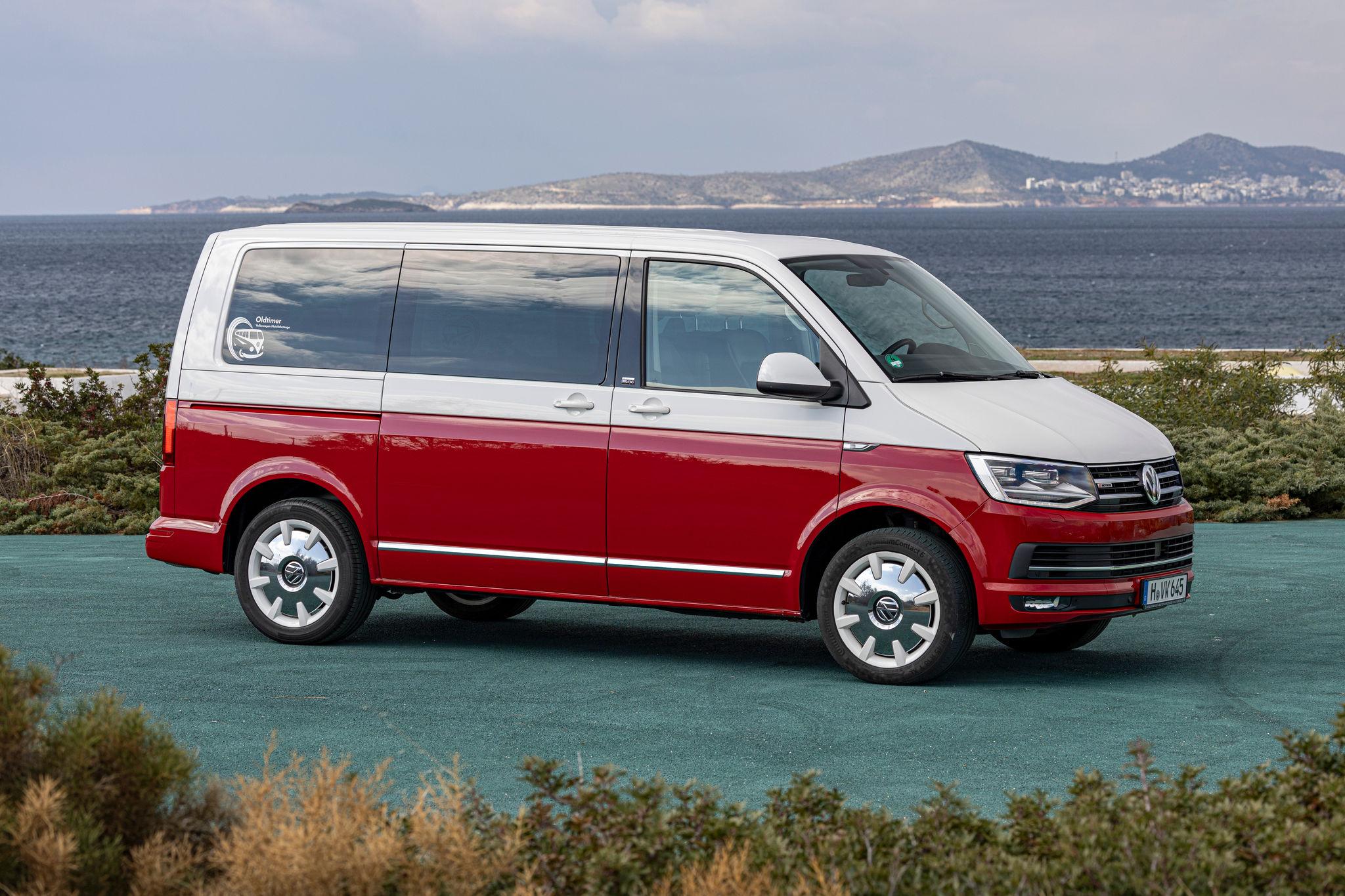
Più che Birba, nella vista posteriore mi sembra Rihanna. 😇 Oggi 8 Marzo compie 75 anni il Volkswagen Transporter, una leggenda su quattro ruote; da simbolo di libertà e avventura a compagno di lavoro instancabile, ha attraversato generazioni e strade, lasciando il segno ovunque andasse. 1950 T1 1962 T1 Microbus 1972 T2 1992 T3 1994 T4 2003 T5 2015 T6 OGGI T7, ID.BUZZ, TRANSPORTER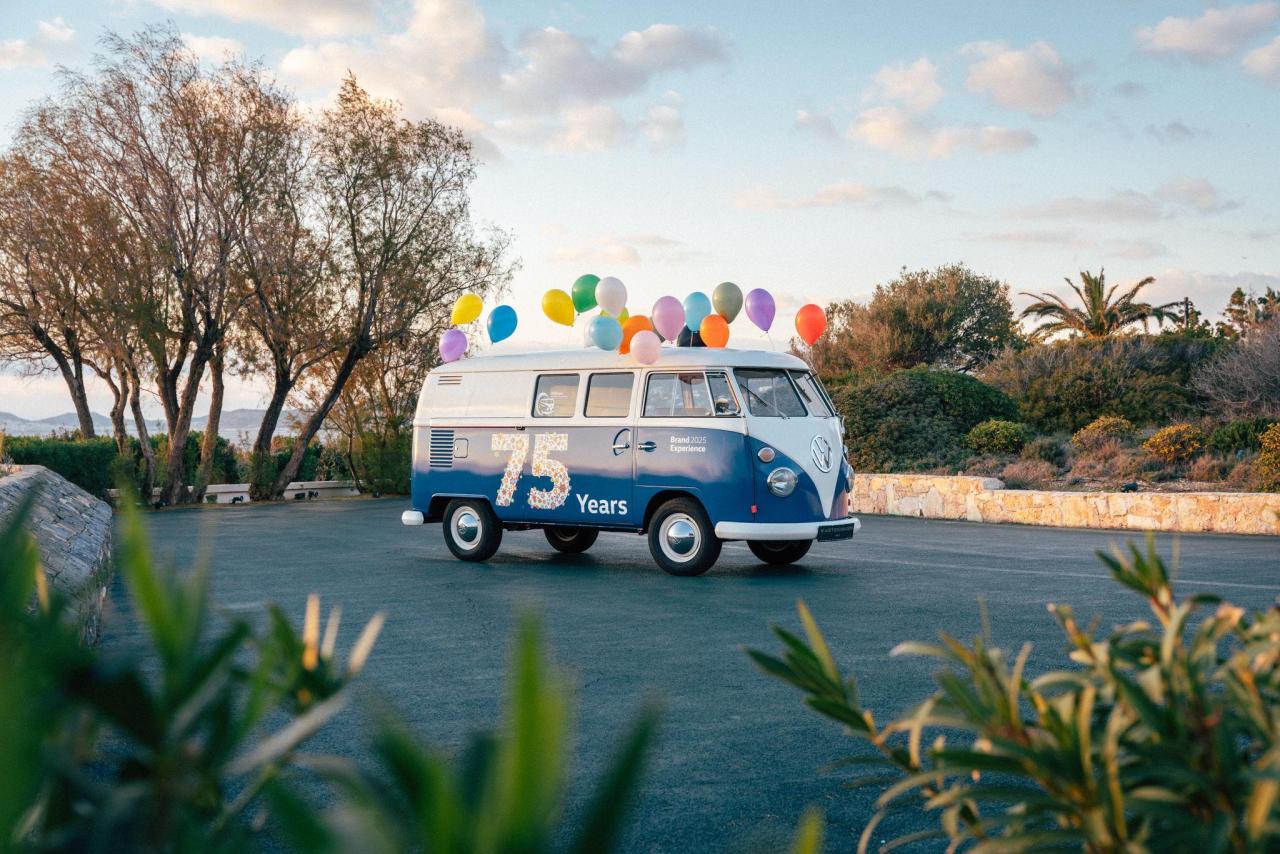
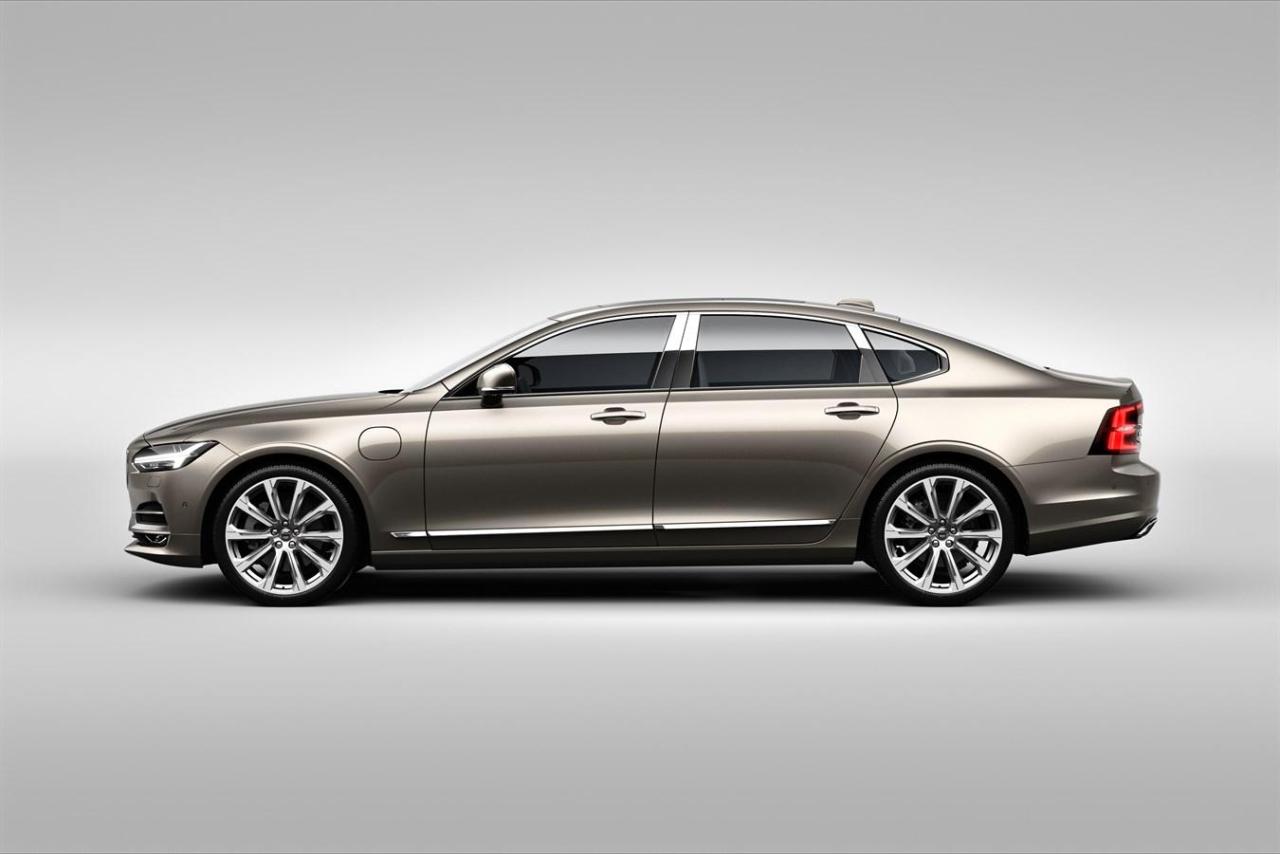
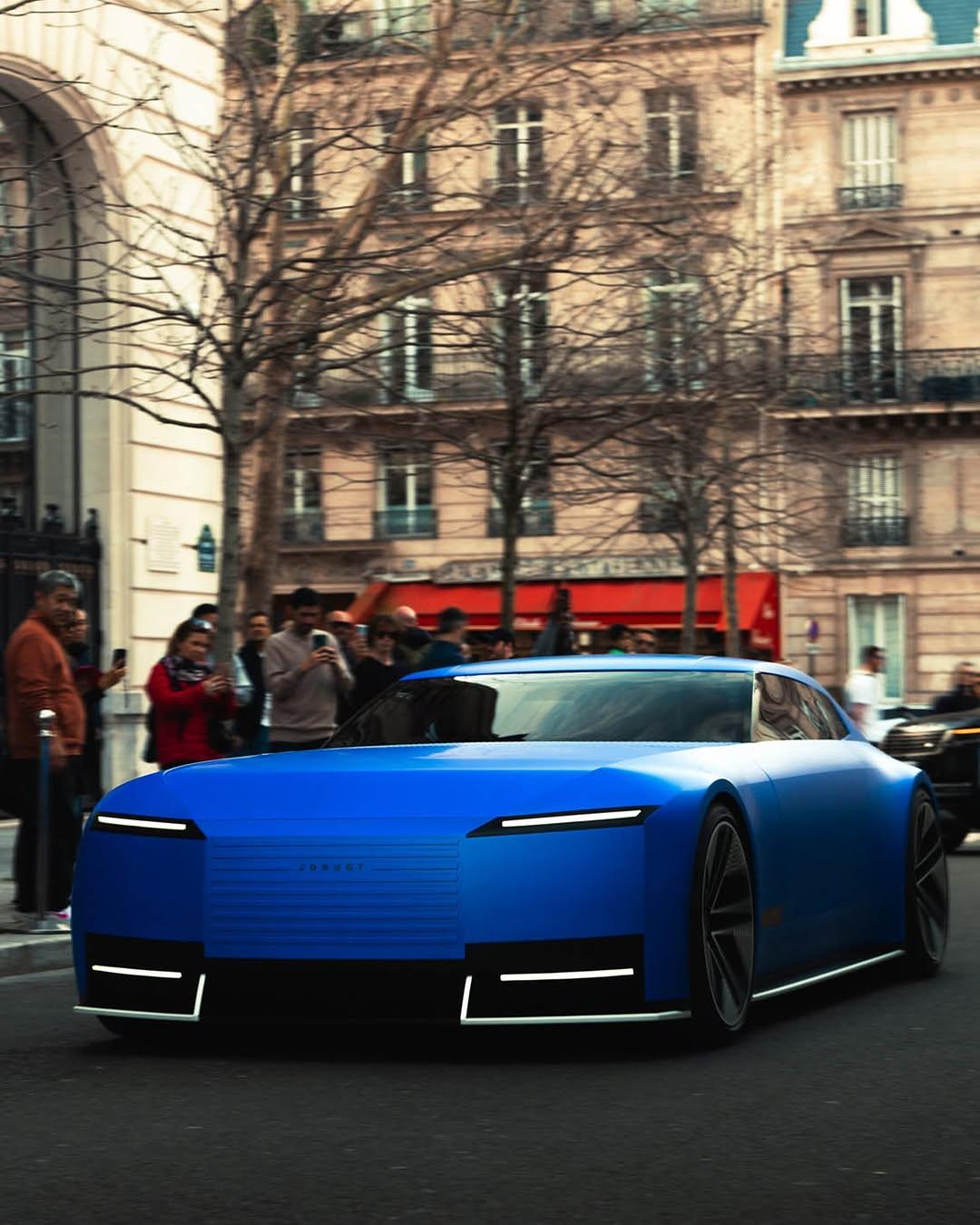
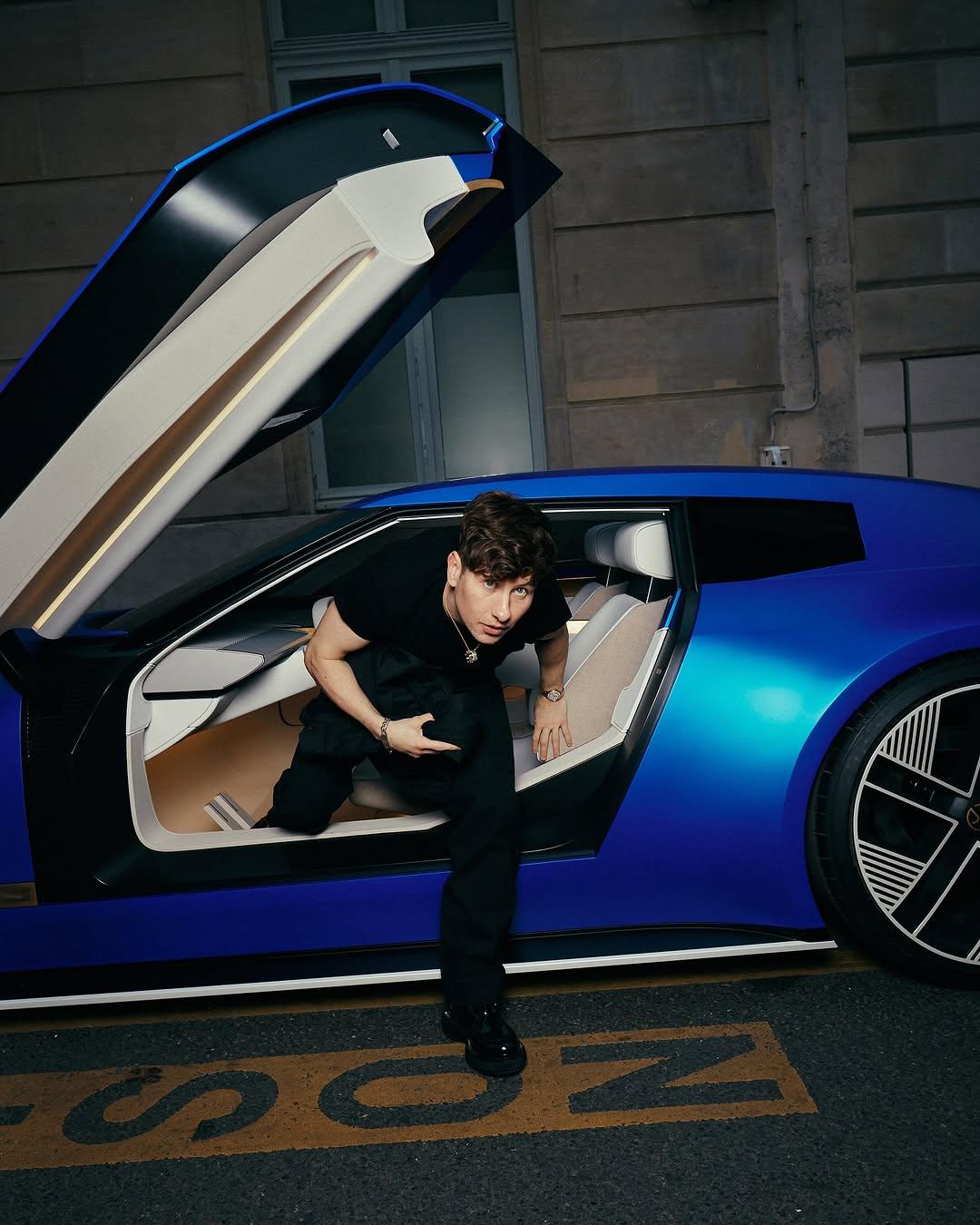
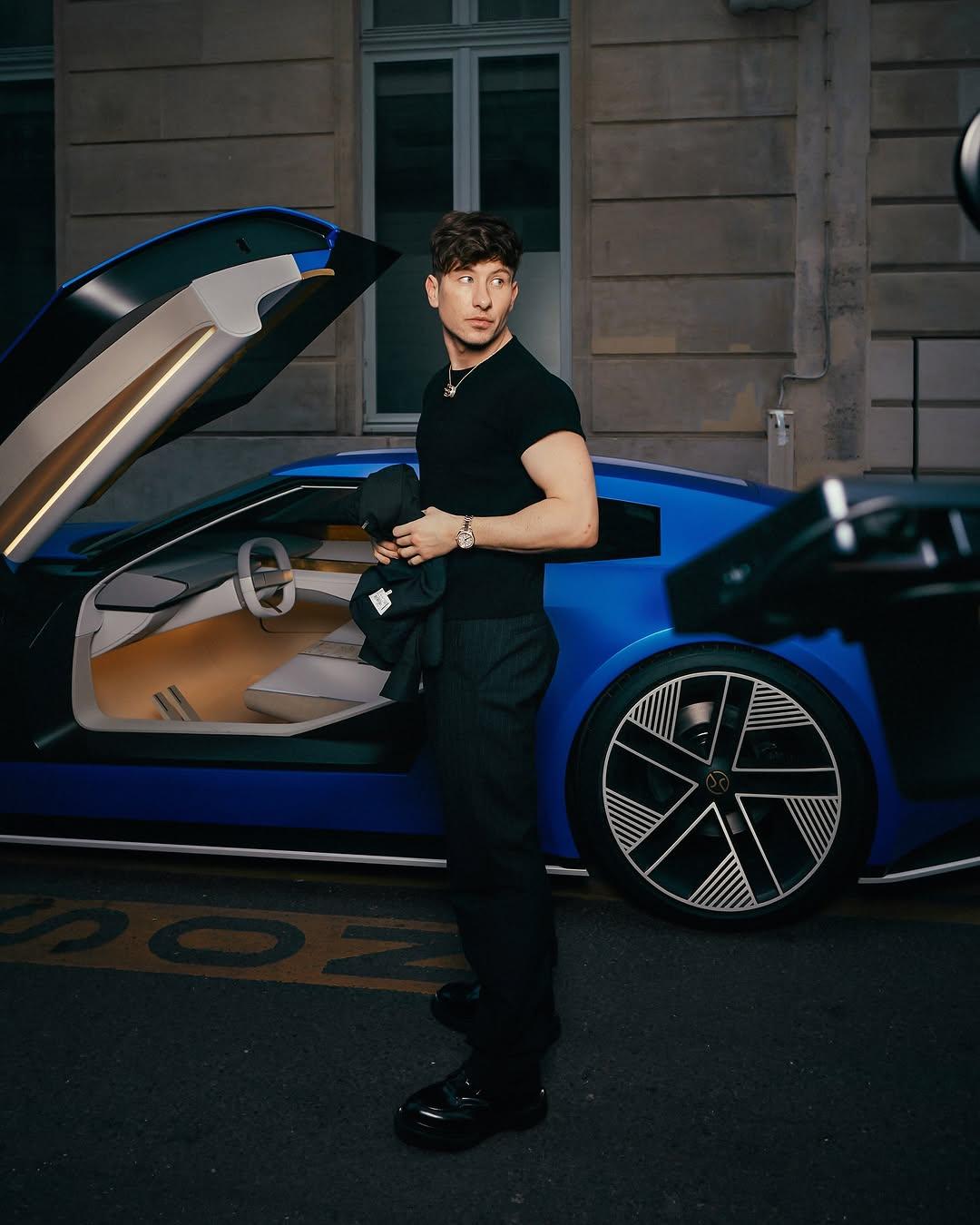
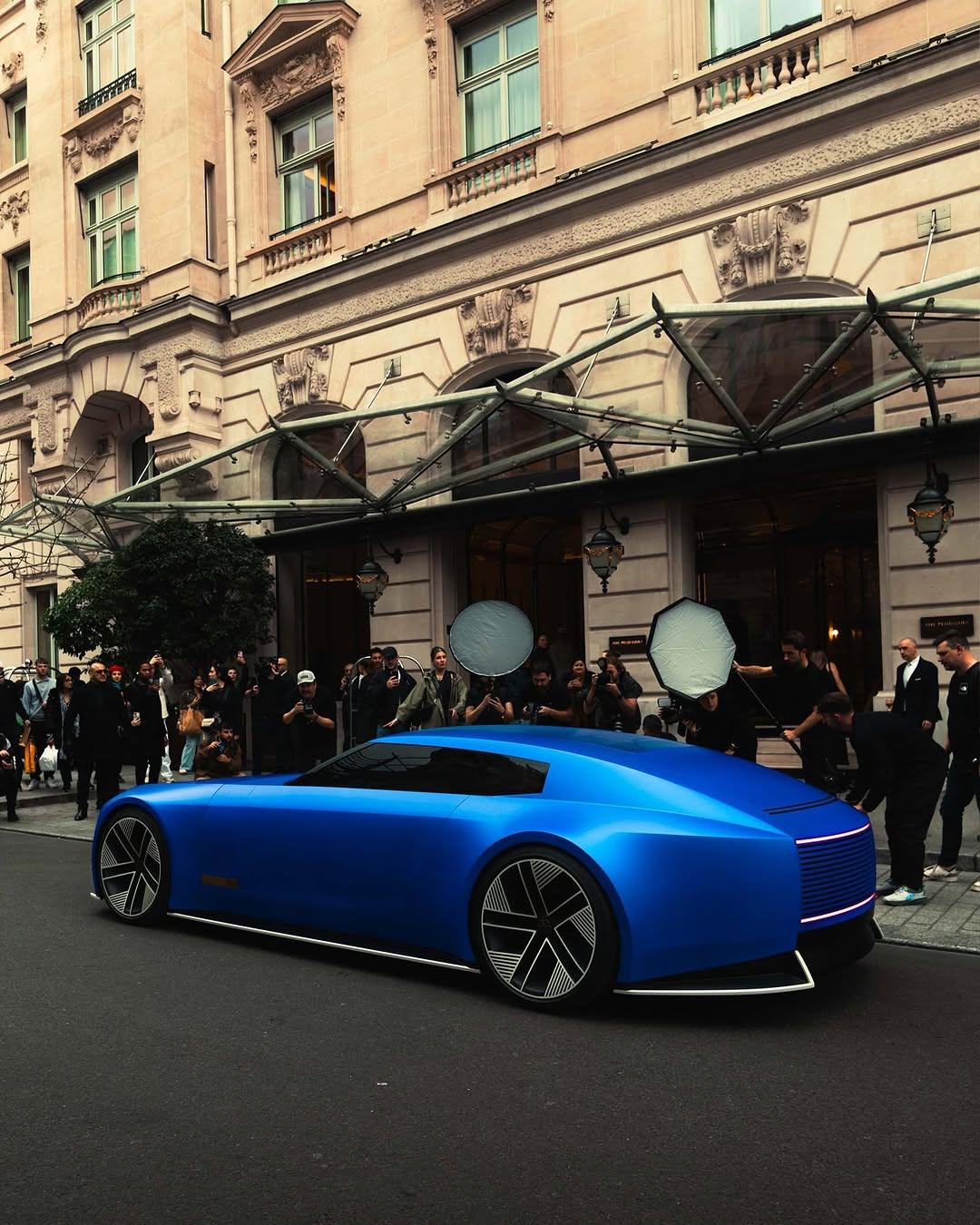
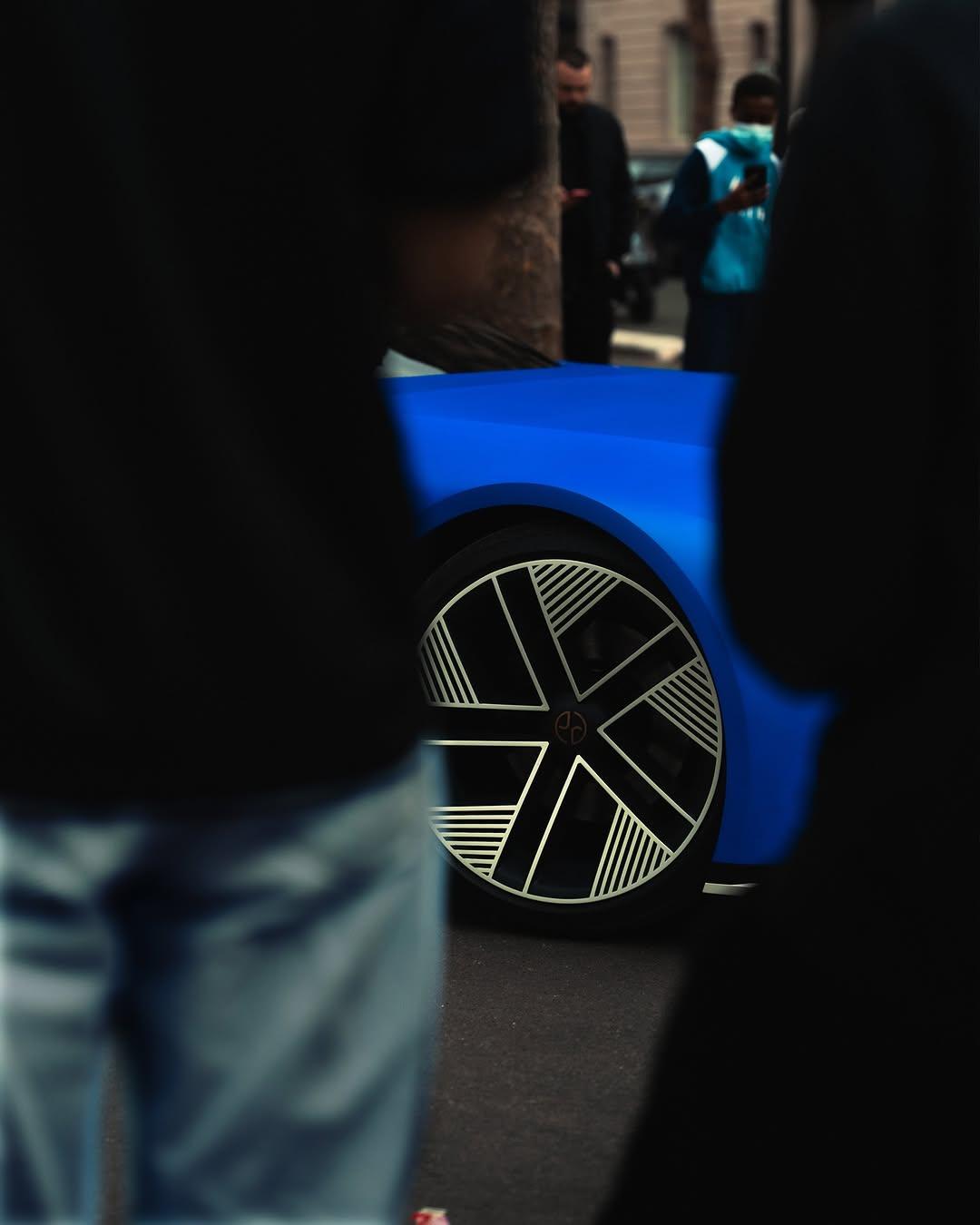
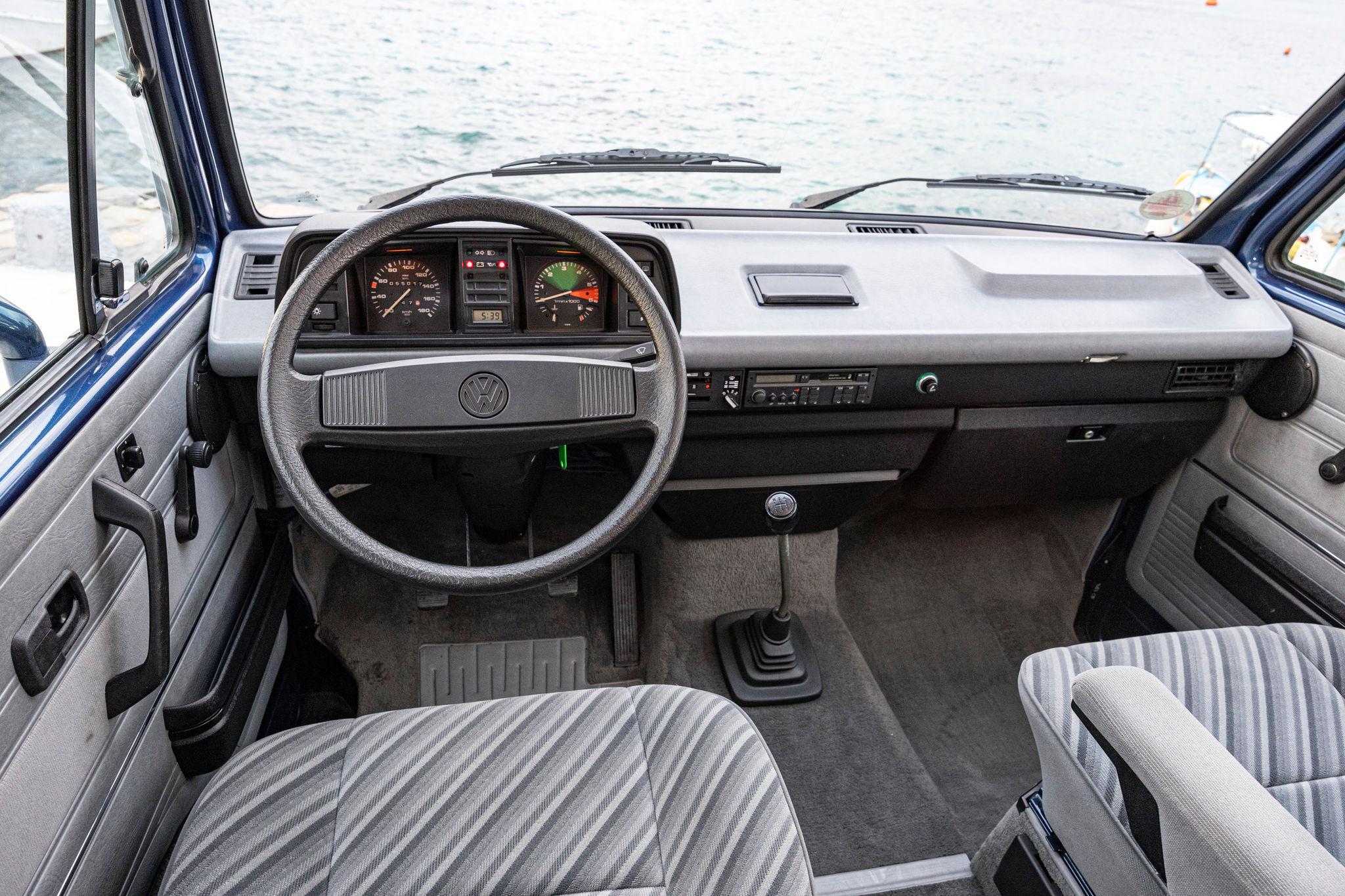
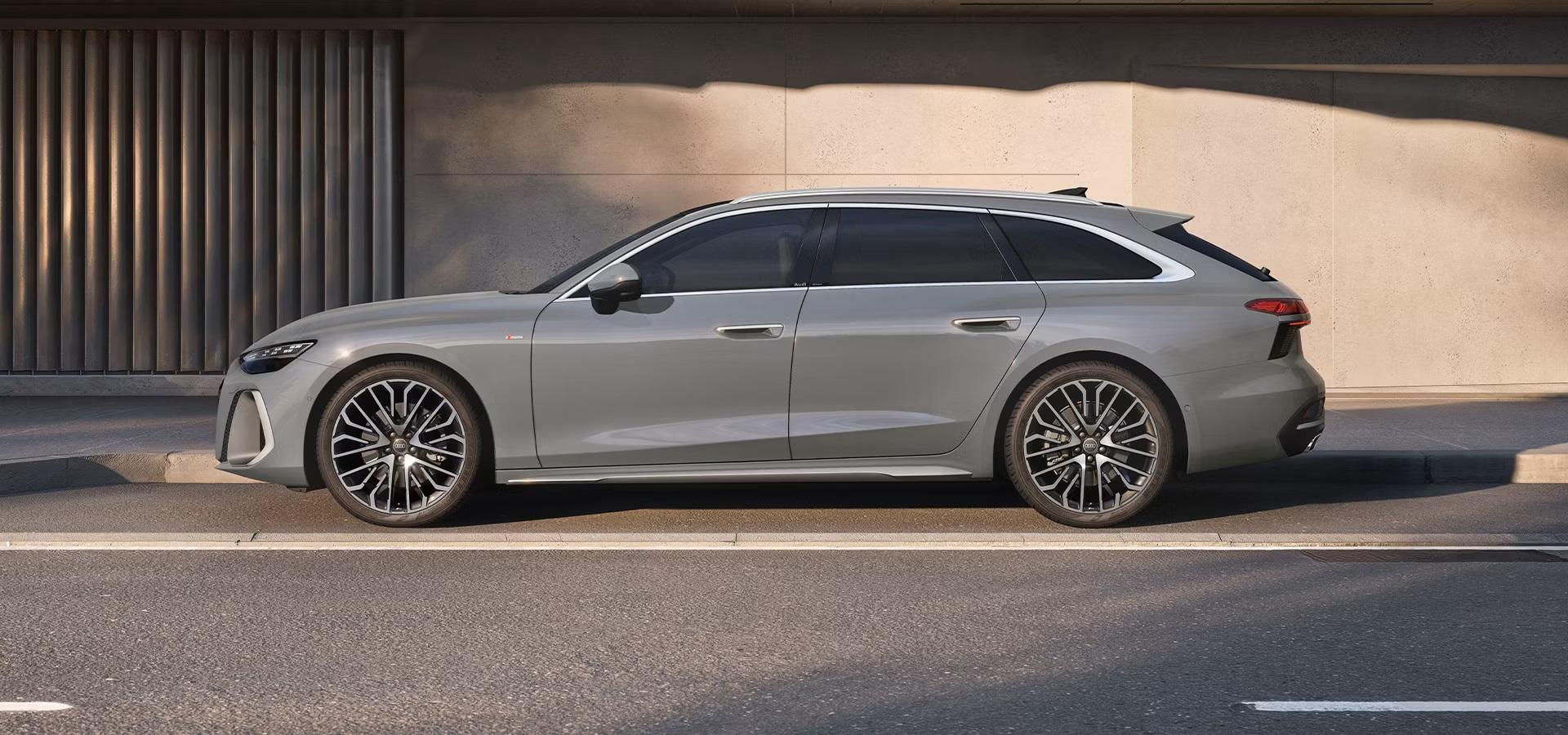
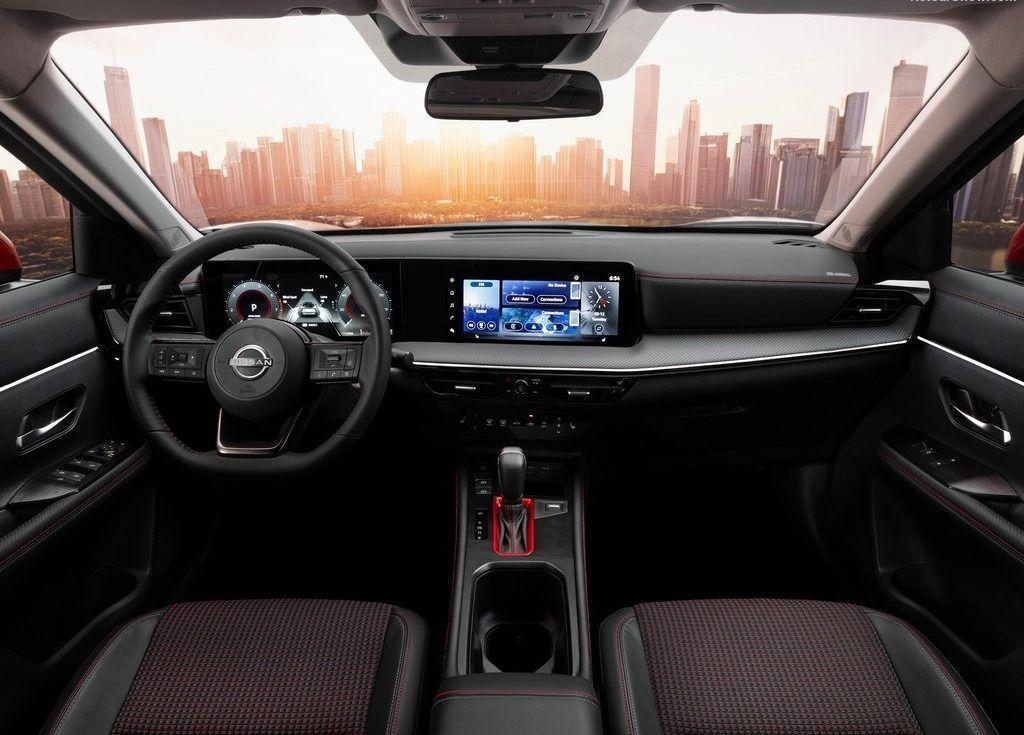
 Che puttanata il vano portaoggetti che si apre cliccando un pulsante sul display centrale, vedo inoltre che hanno mantenuto sul pannello porta lato conducente la scomoda plancetta del comando finestrini con solo due pulsanti ed il pulsante per cambiare l'associazione per comandare o quelli anteriori o quelli posteriori. Nel complesso la parte che reputo più interessante di questa macchina è quella software.Non è propriamente brutta, direi che non mi trasmette nulla, appezzo la pulizia delle linee ma in alcune viste risulta vecchia (per esempio la vista di 3/4 posteriore) e pesante. Non capisco ancora a pieno il senso delle luci anche in zona lunotto, forse a richiamare le luci verticali delle Volvo di qualche generazione fa. S90 risulta molto più elegante e proporzionata.
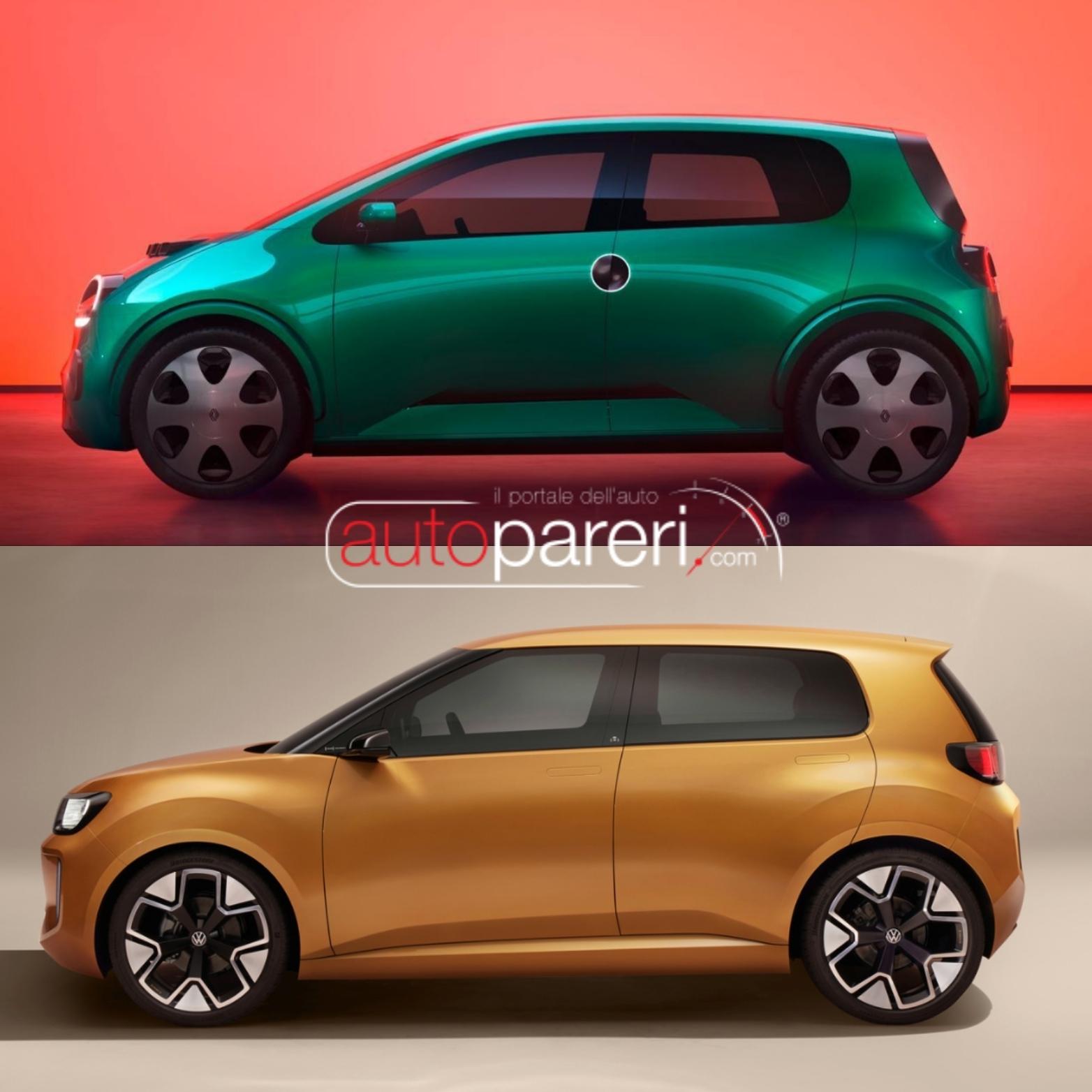
 Snapinst.app_video_AQNHlsN38feyIDWRiod7JEEcetot7zbcv4bcsBFCbAF_XrVqI4zgZ1gd-FJ-2j65cv0davgeWQFUDGeqeWxcxqUqZraJKK9Q1O5EIXQ.mp4 Secondo me viene fuori un prodotto esteticamente molto buono. Per il powertrain solo EV visto quando entrerà a listino, potrebbe arrivare in un fase buona per il mercato delle piccole EV.







.png.4a55872487113755b150fd4448a301ff.png)








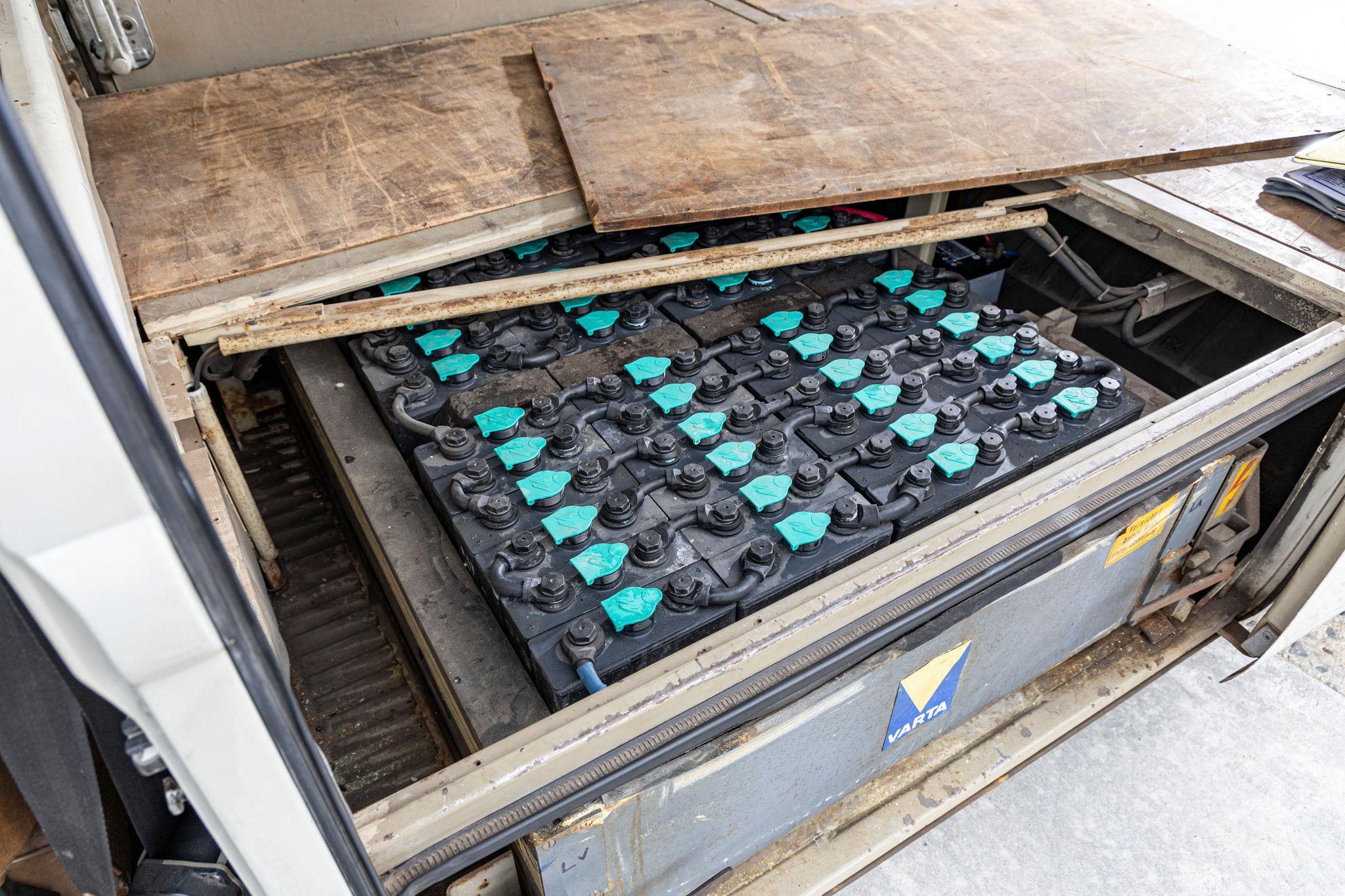
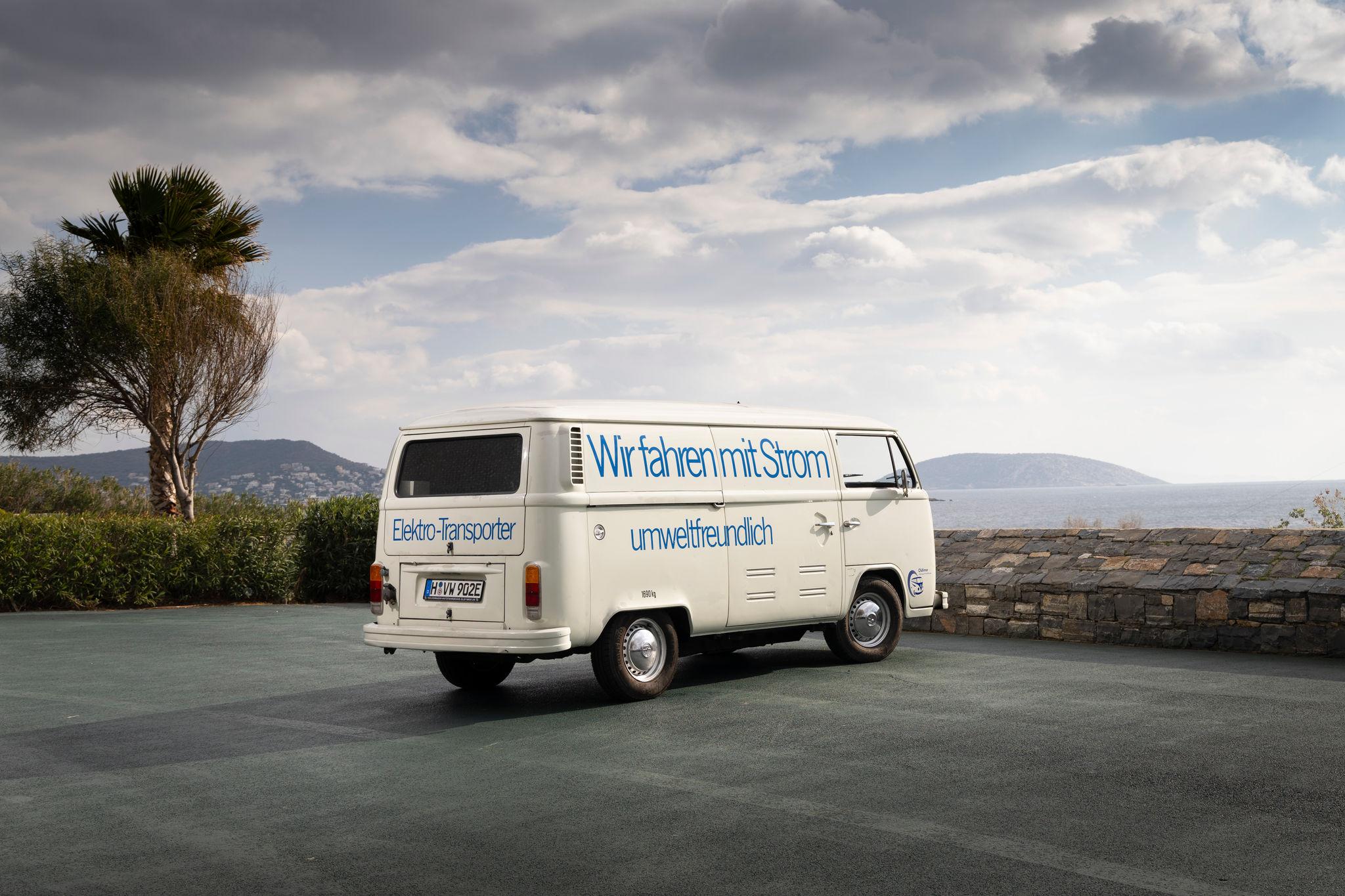
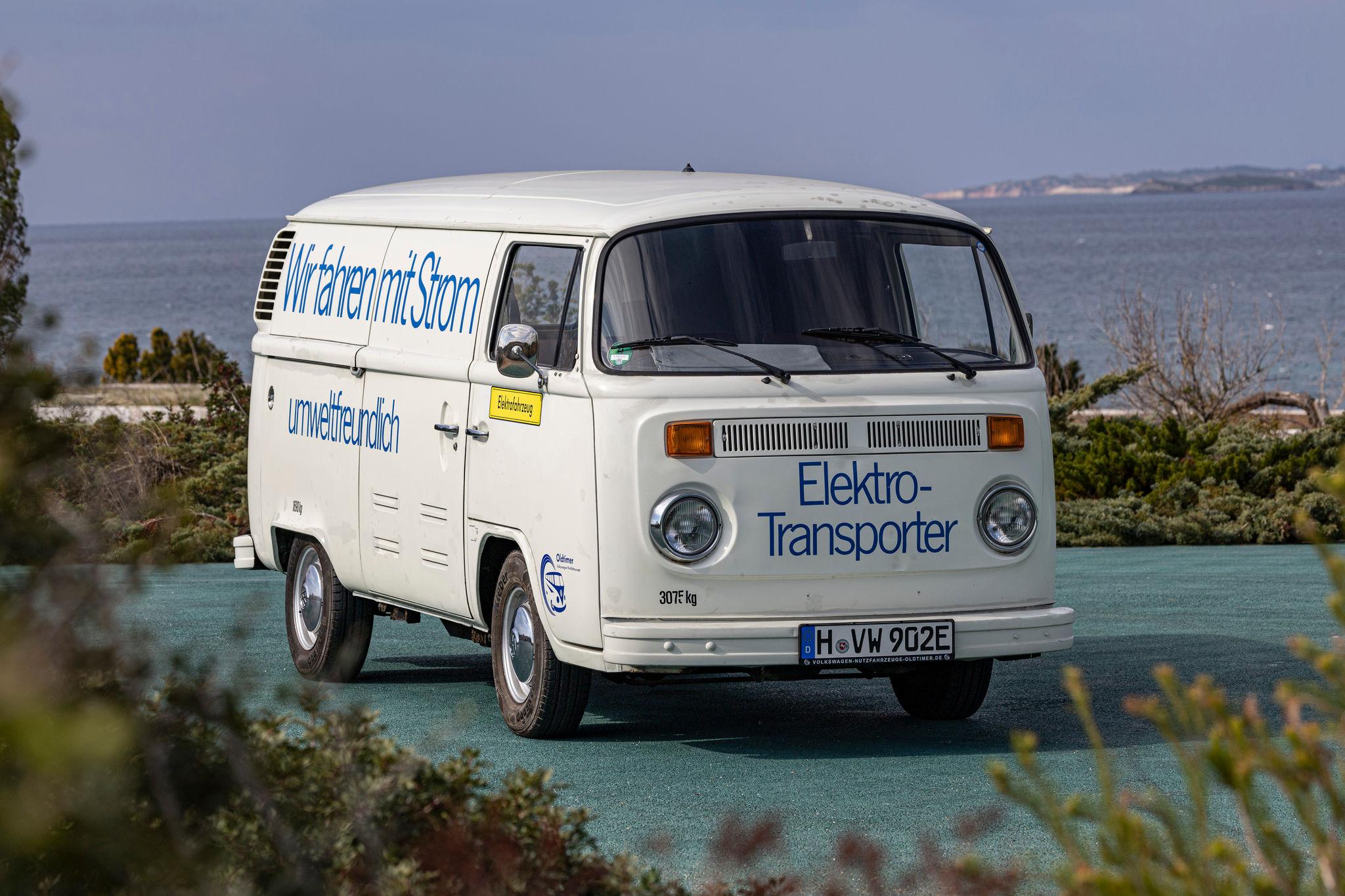


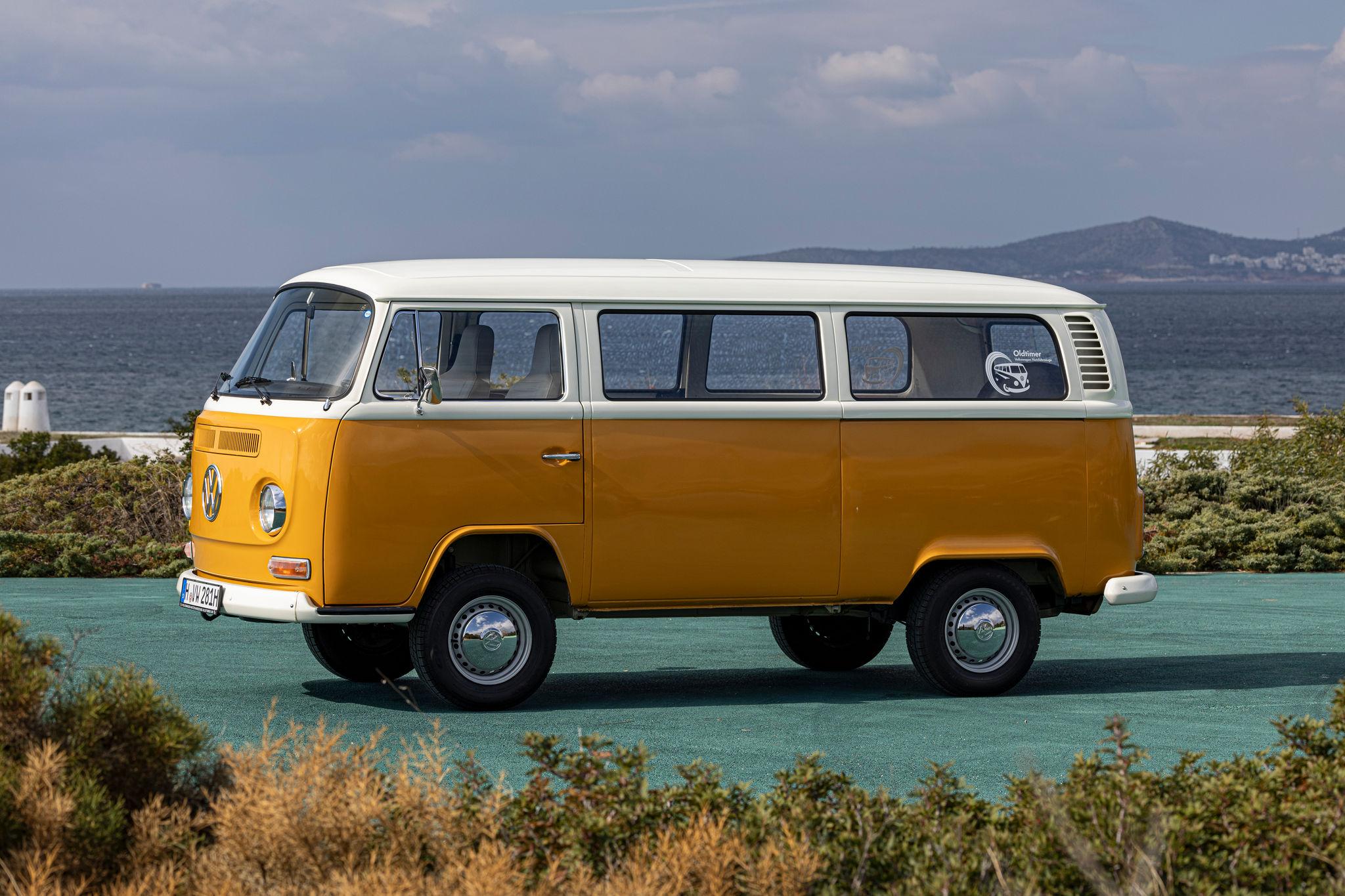






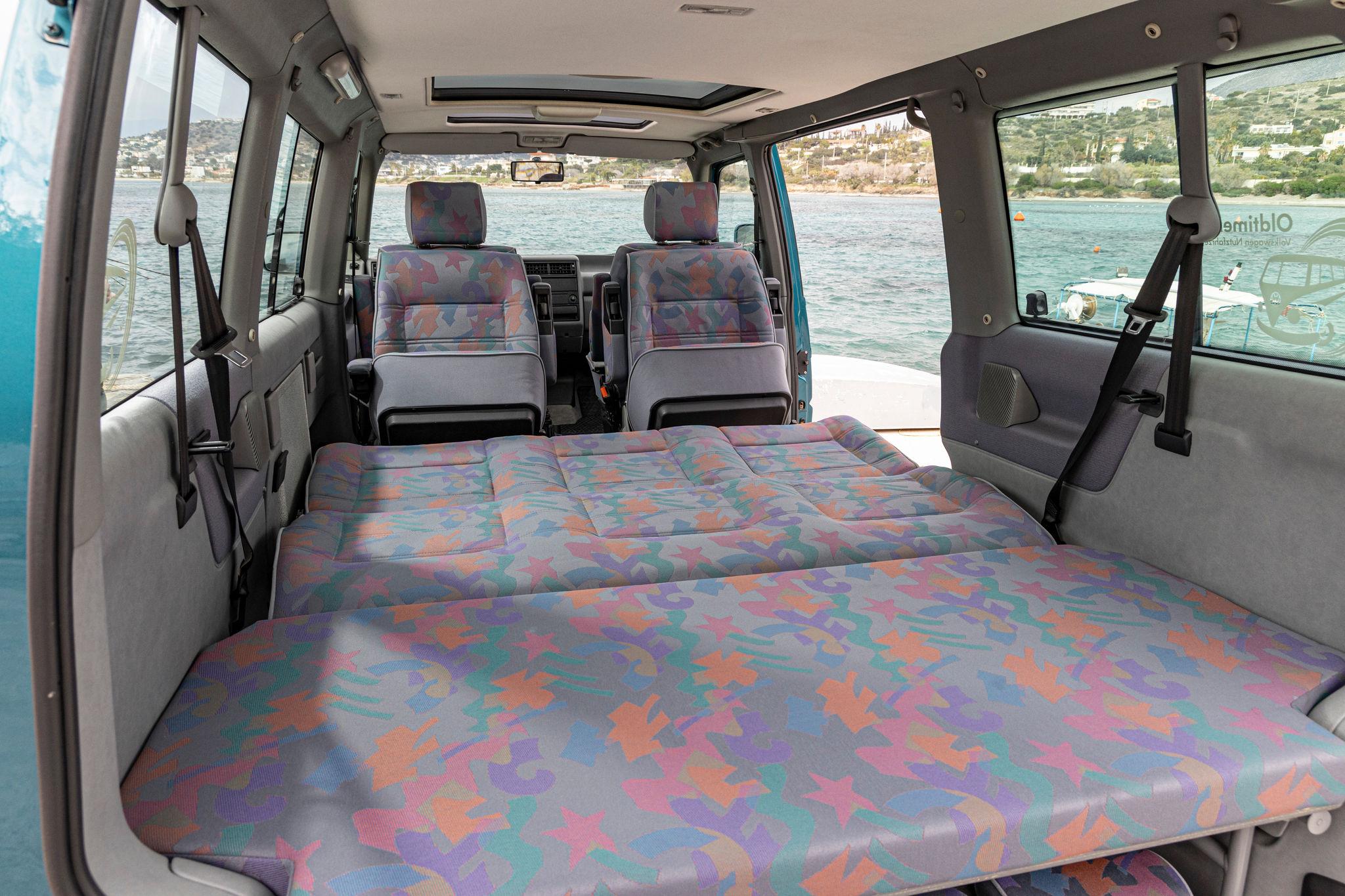
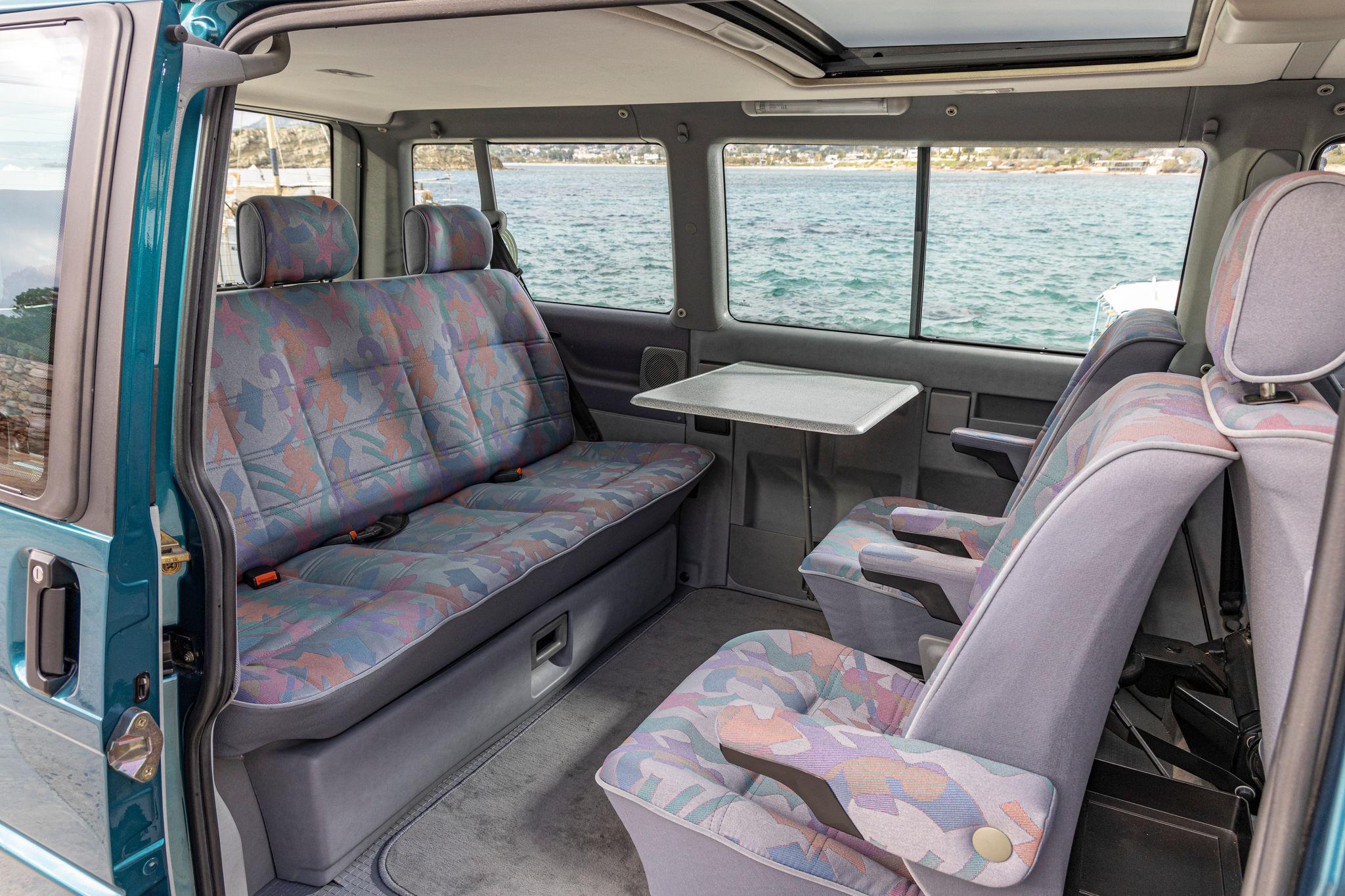

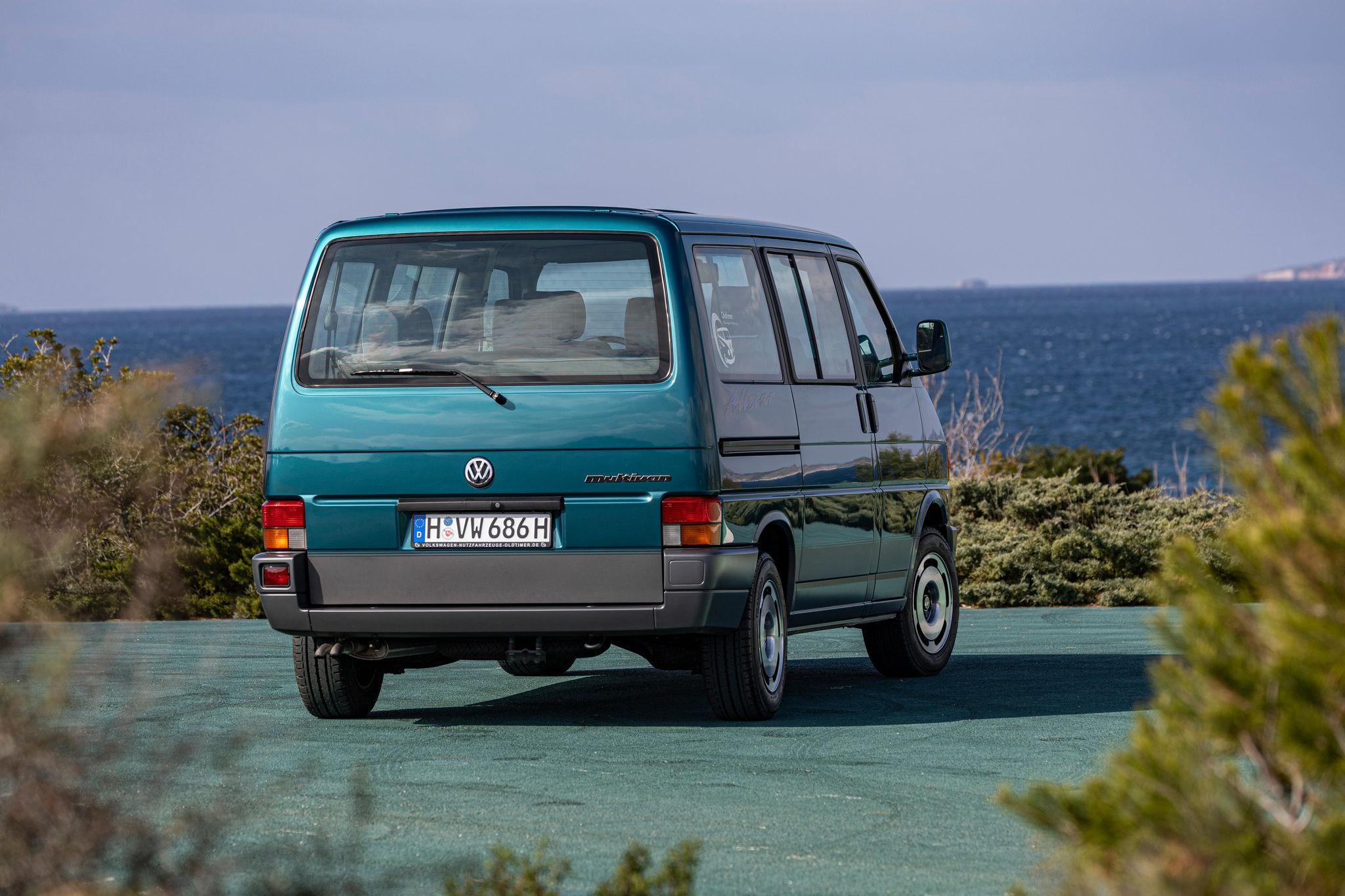


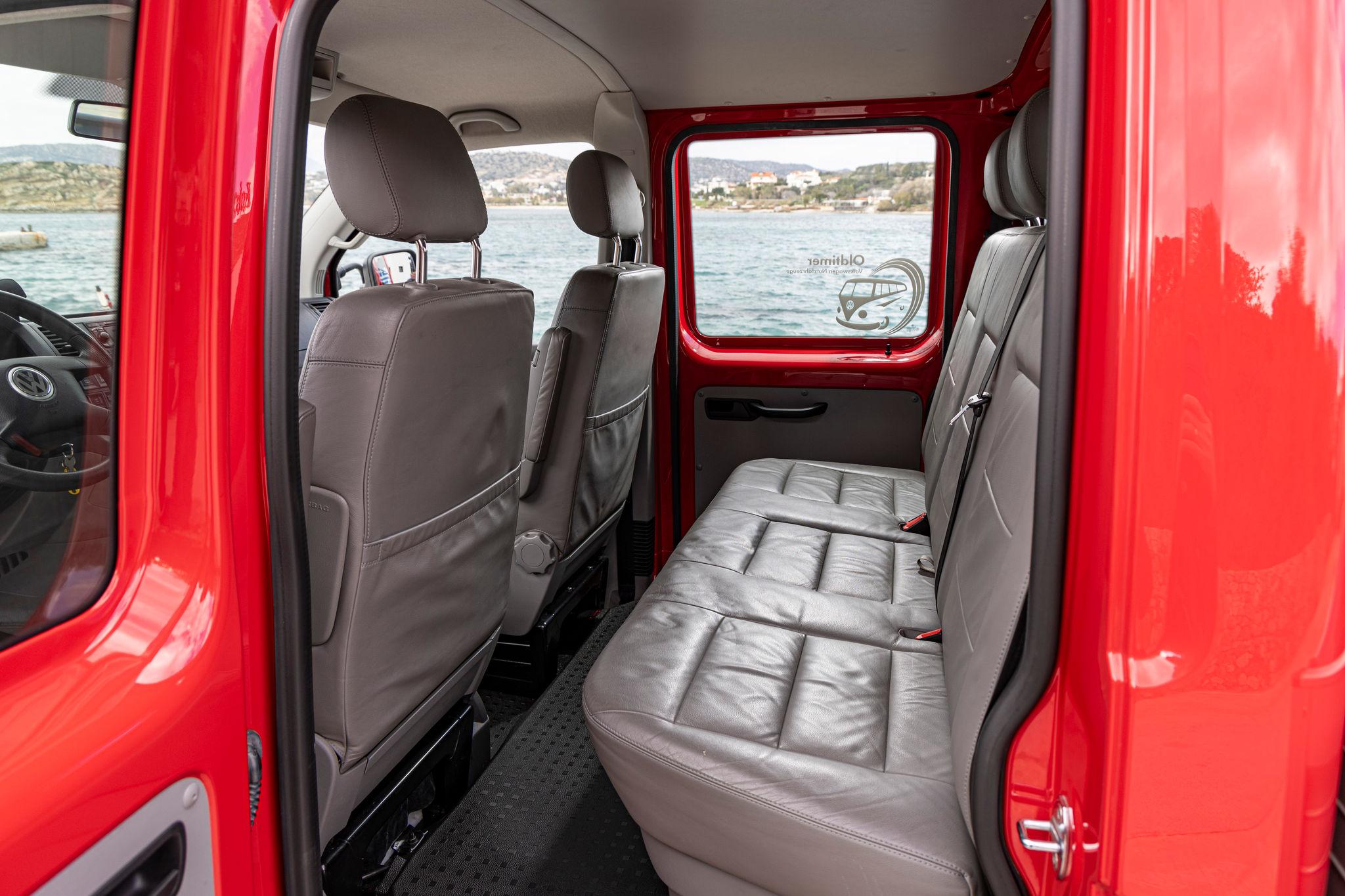










.jpg.b57f1cd3fb44c8884a03f580e9cc8212.jpg)

.jpg.bbec9c30f2393151277e634251c772e2.jpg)
.jpg.a0a1e92cb57af7a93db0339d79bf5280.jpg)
.jpg.1361d95c14aa695c195b00765658e375.jpg)
.jpg.02e68e8987fcc4b0fb16b75175a59124.jpg)



Account
Navigation
Cerca
Configure browser push notifications
Chrome (Android)
- Tap the lock icon next to the address bar.
- Tap Permissions → Notifications.
- Adjust your preference.
Chrome (Desktop)
- Click the padlock icon in the address bar.
- Select Site settings.
- Find Notifications and adjust your preference.
Safari (iOS 16.4+)
- Ensure the site is installed via Add to Home Screen.
- Open Settings App → Notifications.
- Find your app name and adjust your preference.
Safari (macOS)
- Go to Safari → Preferences.
- Click the Websites tab.
- Select Notifications in the sidebar.
- Find this website and adjust your preference.
Edge (Android)
- Tap the lock icon next to the address bar.
- Tap Permissions.
- Find Notifications and adjust your preference.
Edge (Desktop)
- Click the padlock icon in the address bar.
- Click Permissions for this site.
- Find Notifications and adjust your preference.
Firefox (Android)
- Go to Settings → Site permissions.
- Tap Notifications.
- Find this site in the list and adjust your preference.
Firefox (Desktop)
- Open Firefox Settings.
- Search for Notifications.
- Find this site in the list and adjust your preference.