




AleMcGir
Moderatore |Staff|
-
Iscritto il
-
Ultima visita
Tutti i contenuti di AleMcGir
-
-
https://www.media.stellantis.com/it-it/heritage/press/quarant-anni-dopo-la-mitica-delta-s4-lancia-riaccende-la-sfida-con-la-ypsilon-rally4-hf

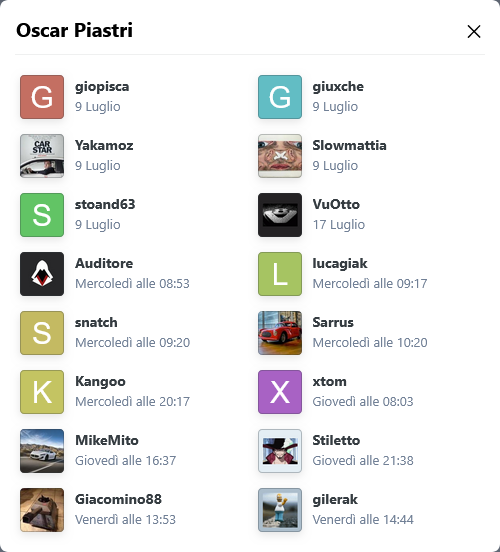
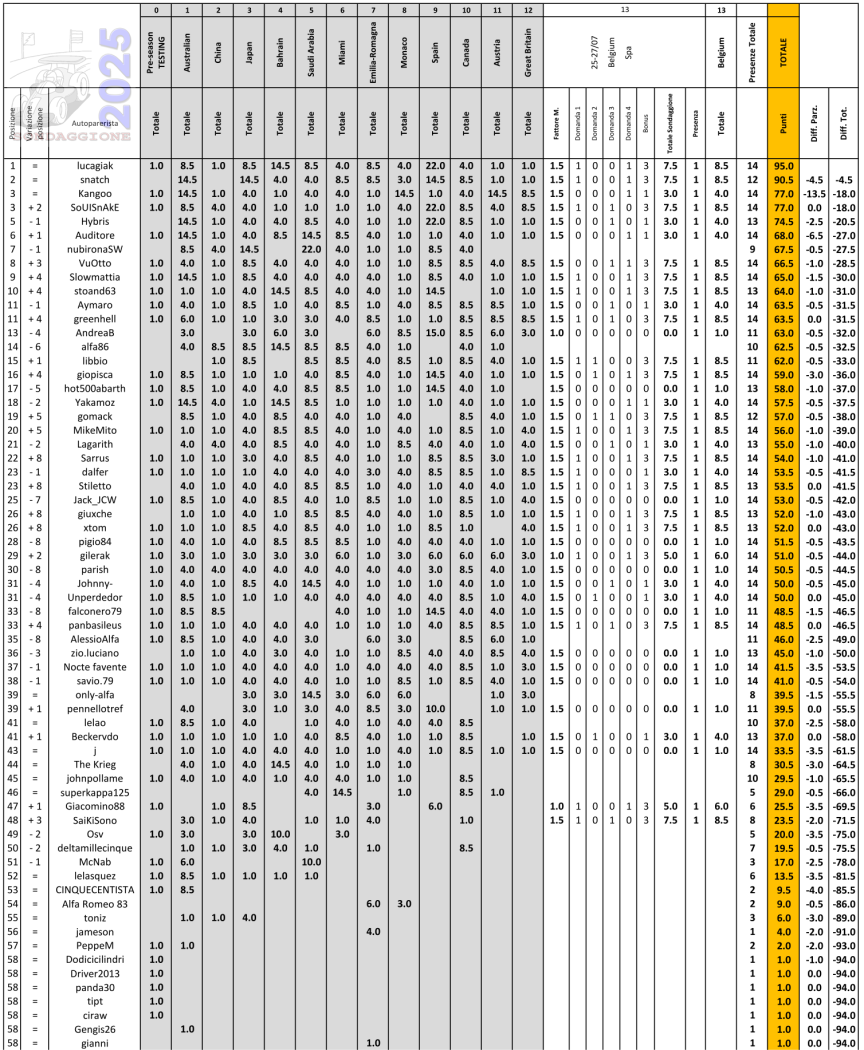
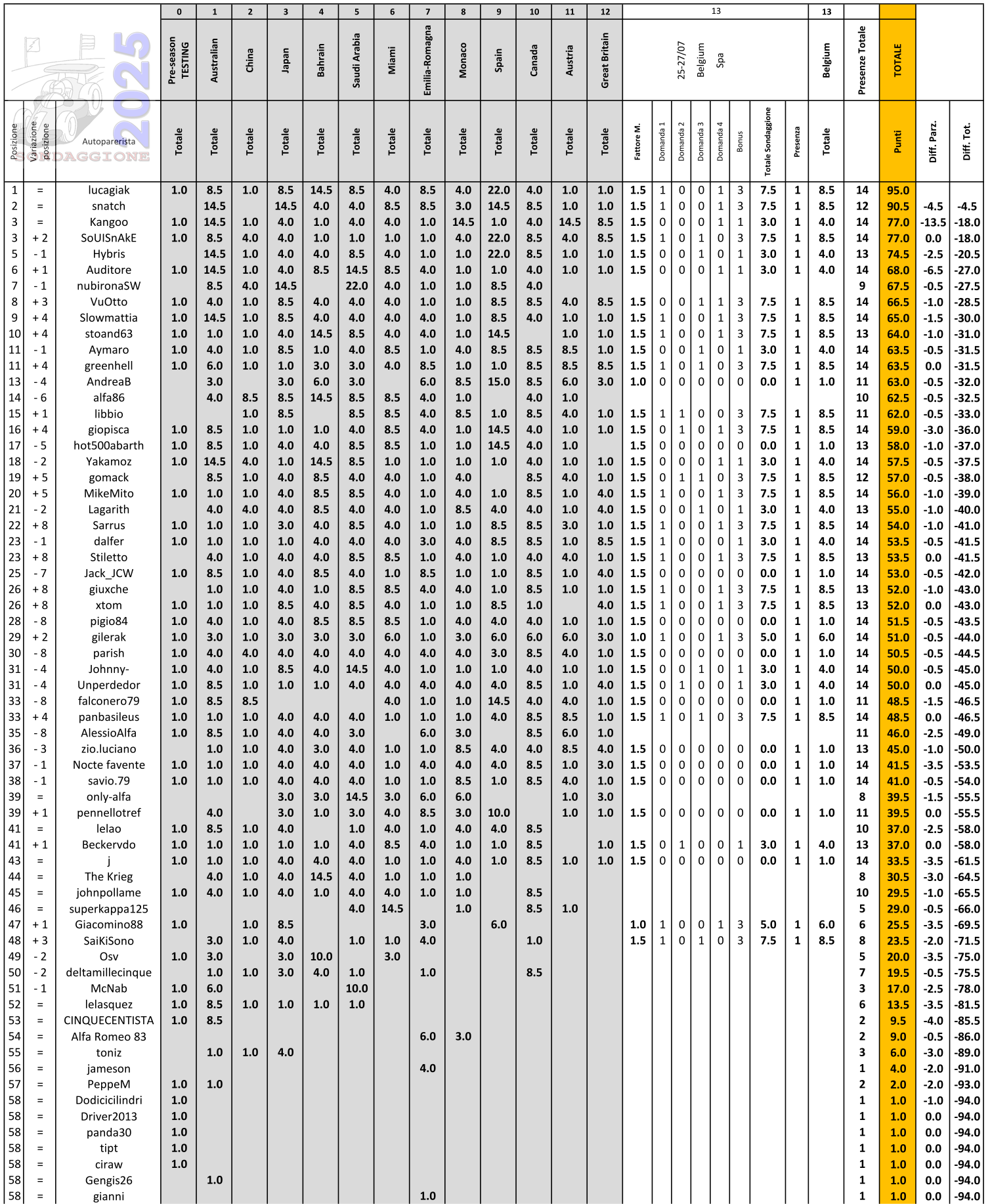
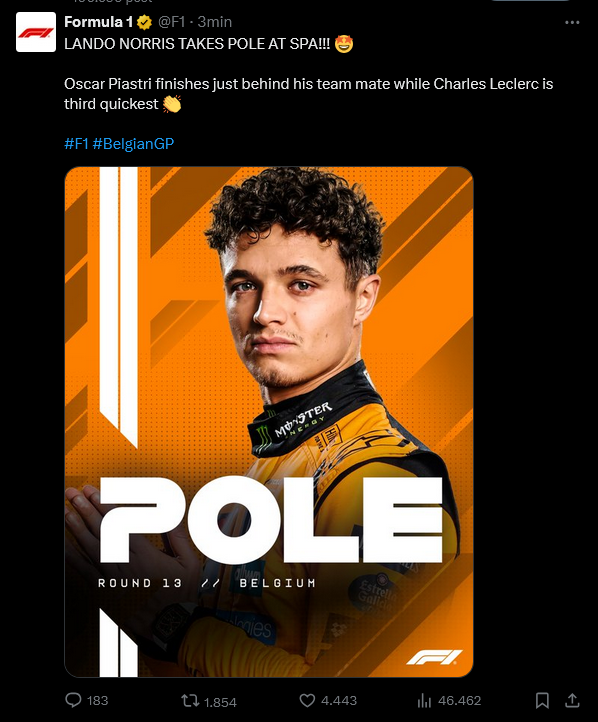
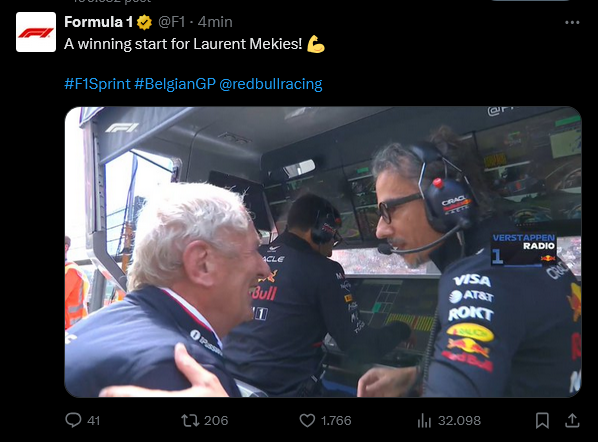
 Arriva "UNO" nella "SPRINT QUALIFYING" (Venerdì)... Arriva "UNO" nella "SPRINT" (Sabato)... Arriva "UNO" nella "QUALIFYING" (Sabato)... Arriva "UNO" nella "RACE" (Domenica)... Classifica di tappa 2/4 per il 50% dei votanti. Classifica generale Le prime due posizioni non cambiano, @SoUlSnAkE affianca al terzo posto @Kangoo . Da @Auditore sesto a @giopisca sedicesimo sono in 11 in 10 punti. Prossimo appuntamento ⬇️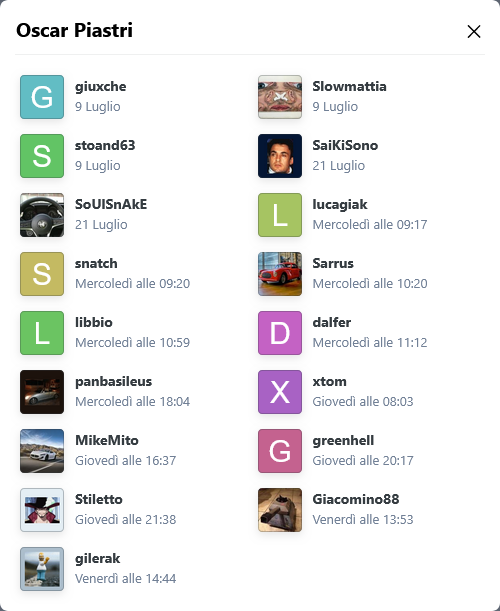
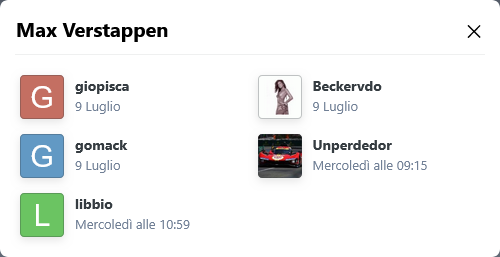
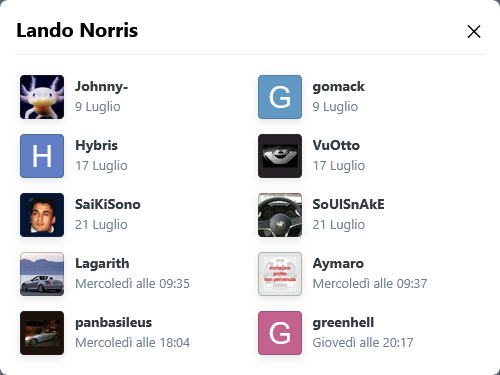

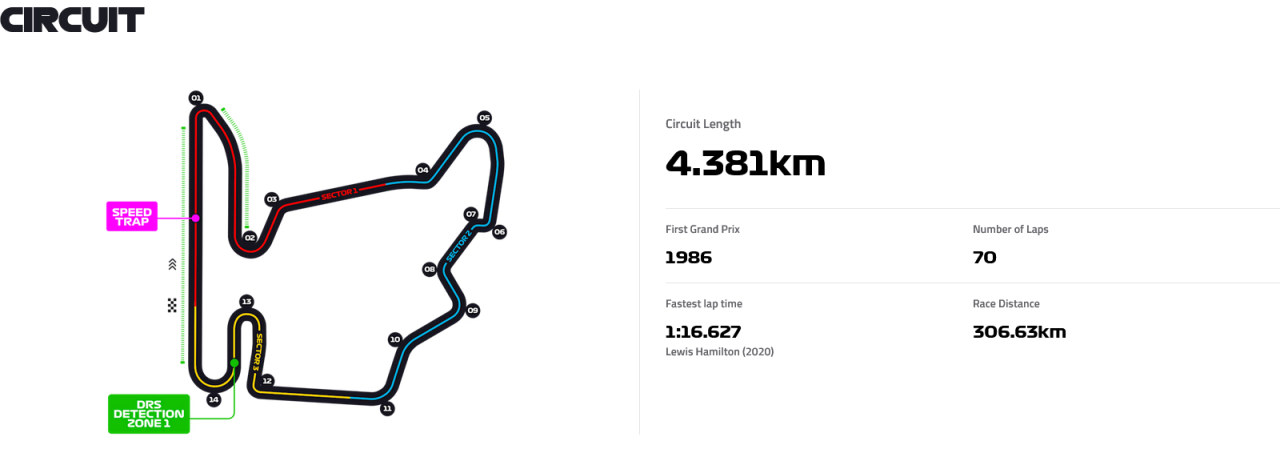
 Sondaggione 2025 - Presenza 1 punto (non rientra nel fattore moltiplicativo); - 4 domande arriva UNO (Qualifying, Qualifying, Race, Race); - Bonus una risposta giusta -> 1 punto bonus; due risposte giuste -> 3 punti bonus; tre risposte giuste -> 6 punti bonus; quattro risposte giuste -> 10 punti bonus; - Fattore moltiplicativo 1.5 per chi "vota" entro le ore 13:29:59 del 01/08/2025, dopo fattore moltiplicativo 1.0; - Chiusura sondaggio alle ore 16:00 del 02/08/2025;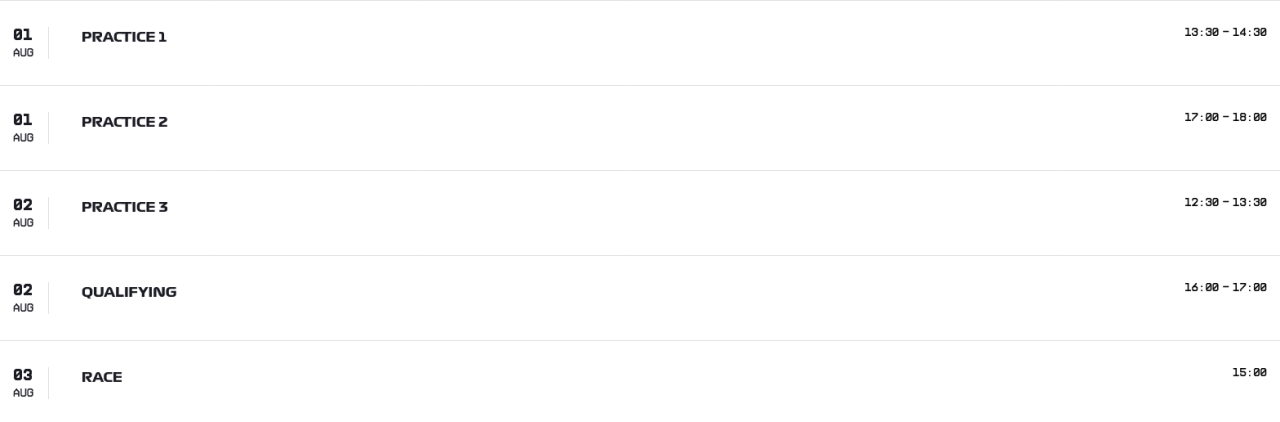
 Gilles Vidal ha commentato: «Sono entusiasta di tornare alle origini entrando nuovamente in Stellantis. In un mondo in cui tecnologia e design devono procedere di pari passo per trasformare l’esperienza del cliente, sono pronto ad affrontare le sfide e cogliere le opportunità che ci attendono. Non vedo l’ora di collaborare con Jean-Philippe, Ralph e i loro team.»
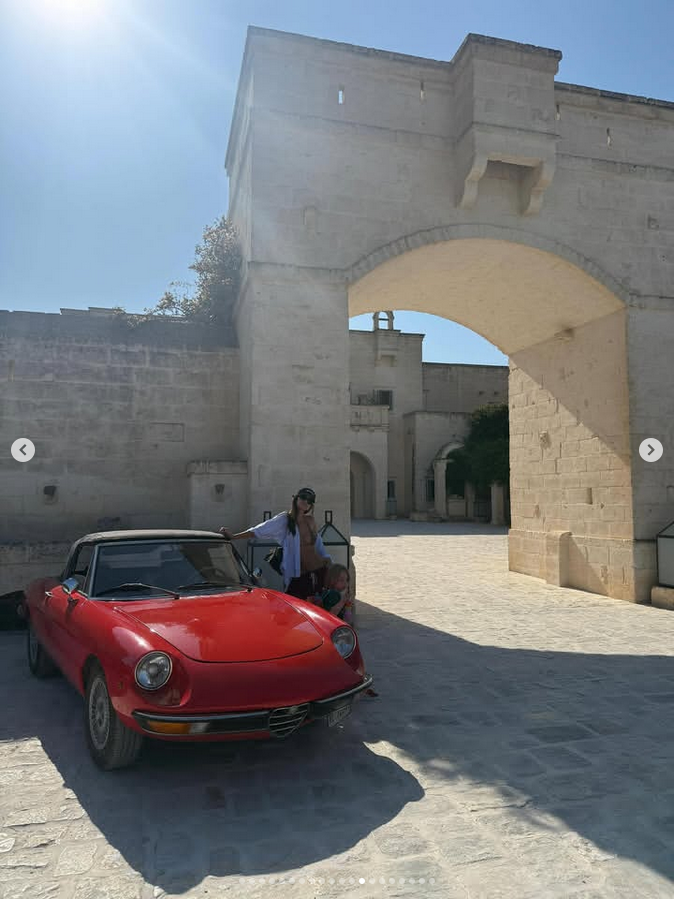
 In questo momento di incertezza, ripensamenti per il glorioso marchio nato a Milano il 24 giugno 1910, con ennemila CEO da tastiera pronti con la soluzione a tutti i problemi, poi c'è LUI, il nostro EROE che getta la maschera è dichiara "I Am ALFISTA Man" SnapInsta.to_AQPjUBjj8j_qIITbKOk9XHq8DrVtG7W6grLHrIH6iayVvMia2wb6sxGGtXej8UKh3NBSDLIGagcpWrTmimwAQQpZiO0plKCCLq2-N2E.mp4 https://www.instagram.com/p/DMf7RF7ySW3/?img_index=1!!! UP !!! !!! UP UP !!!
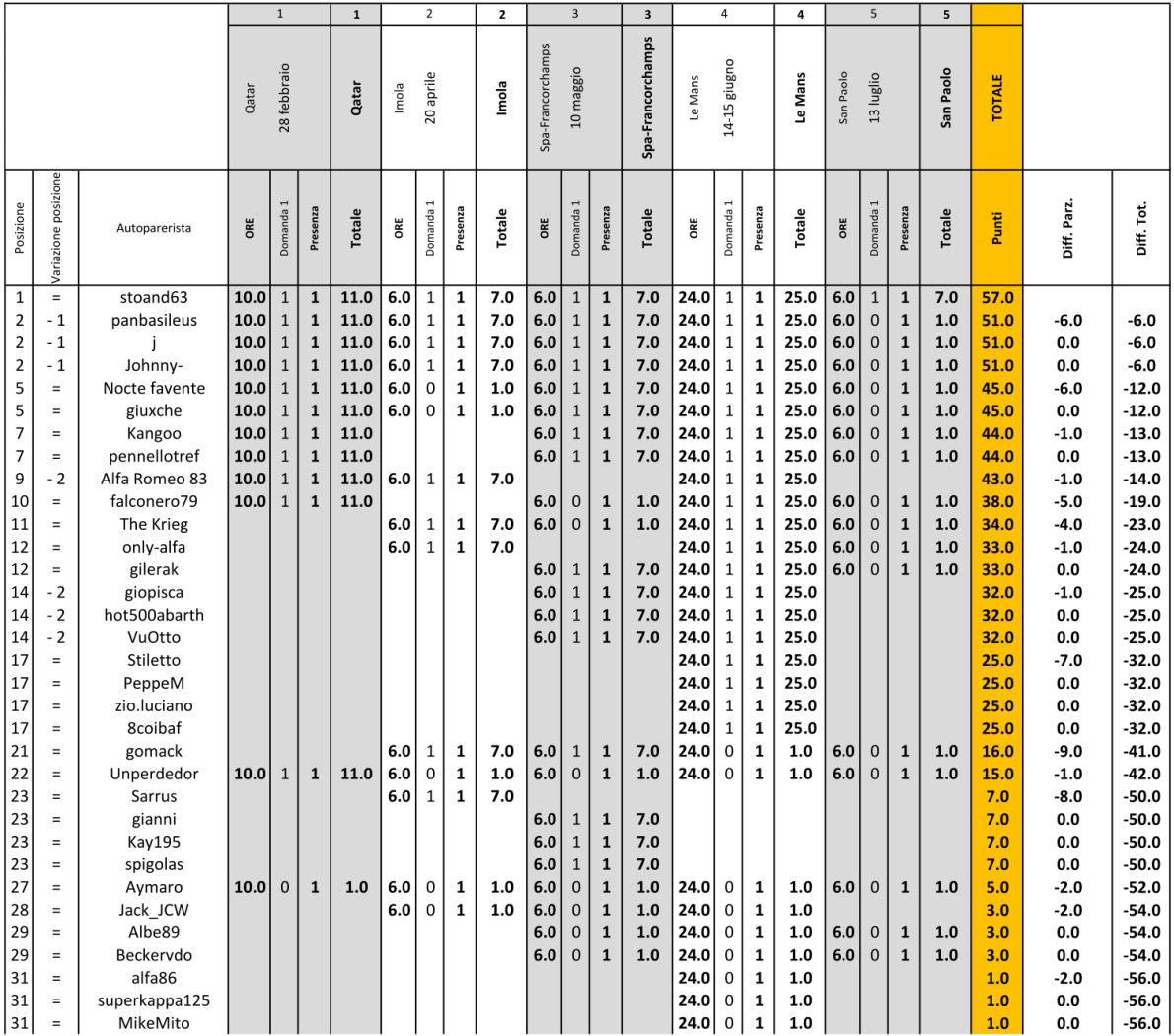
 @stoand63 in vetta allla classifica del WECsondaggione, a due gare dal termine.
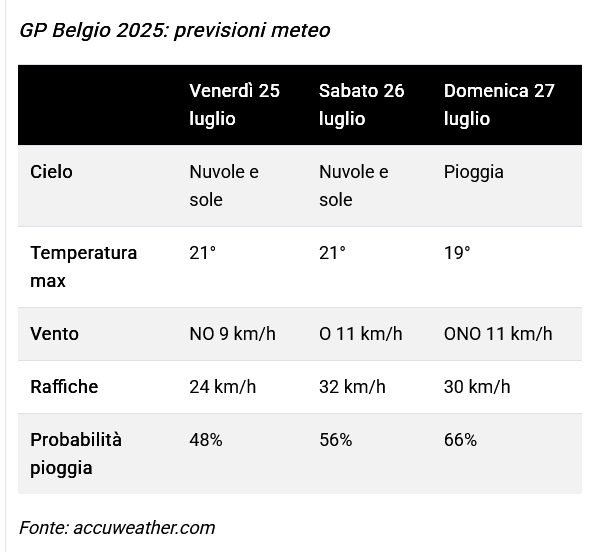
 Sondaggione 2025 - Presenza 1 punto (non rientra nel fattore moltiplicativo); - 4 domande arriva UNO (Sprint Qualifying, Sprint, Qualifying, Race); - Bonus una risposta giusta -> 1 punto bonus; due risposte giuste -> 3 punti bonus; tre risposte giuste -> 6 punti bonus; quattro risposte giuste -> 10 punti bonus; - Fattore moltiplicativo 1.5 per chi "vota" entro le ore 12:29:59 del 25/07/2025, dopo fattore moltiplicativo 1.0; - Chiusura sondaggio alle ore 16:30 del 25/07/2025;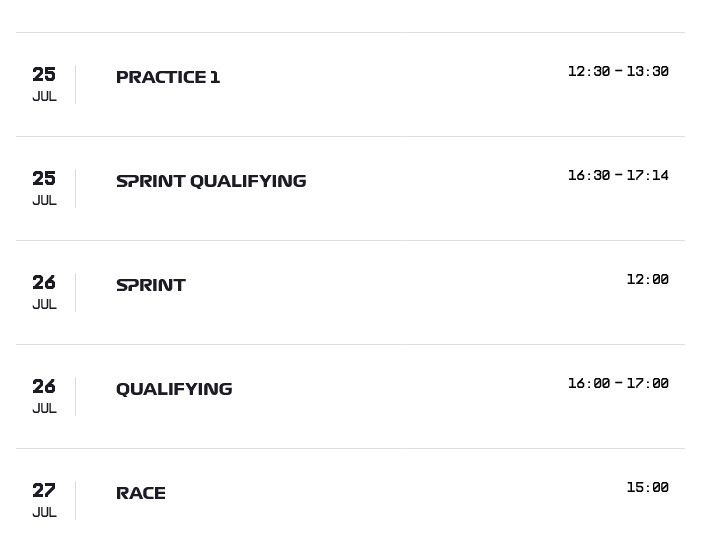




![Alfa Romeo Hug [Trolling Mode]](https://www.autopareri.com/uploads/reactions/Alfaromeocare.png.50be1dd8d7c15ba4fec8098a15bfa18a.png)












Account
Navigation
Cerca
Configure browser push notifications
Chrome (Android)
- Tap the lock icon next to the address bar.
- Tap Permissions → Notifications.
- Adjust your preference.
Chrome (Desktop)
- Click the padlock icon in the address bar.
- Select Site settings.
- Find Notifications and adjust your preference.
Safari (iOS 16.4+)
- Ensure the site is installed via Add to Home Screen.
- Open Settings App → Notifications.
- Find your app name and adjust your preference.
Safari (macOS)
- Go to Safari → Preferences.
- Click the Websites tab.
- Select Notifications in the sidebar.
- Find this website and adjust your preference.
Edge (Android)
- Tap the lock icon next to the address bar.
- Tap Permissions.
- Find Notifications and adjust your preference.
Edge (Desktop)
- Click the padlock icon in the address bar.
- Click Permissions for this site.
- Find Notifications and adjust your preference.
Firefox (Android)
- Go to Settings → Site permissions.
- Tap Notifications.
- Find this site in the list and adjust your preference.
Firefox (Desktop)
- Open Firefox Settings.
- Search for Notifications.
- Find this site in the list and adjust your preference.