Tutti i contenuti di Indav
- Volkswagen Touareg III (Spy)
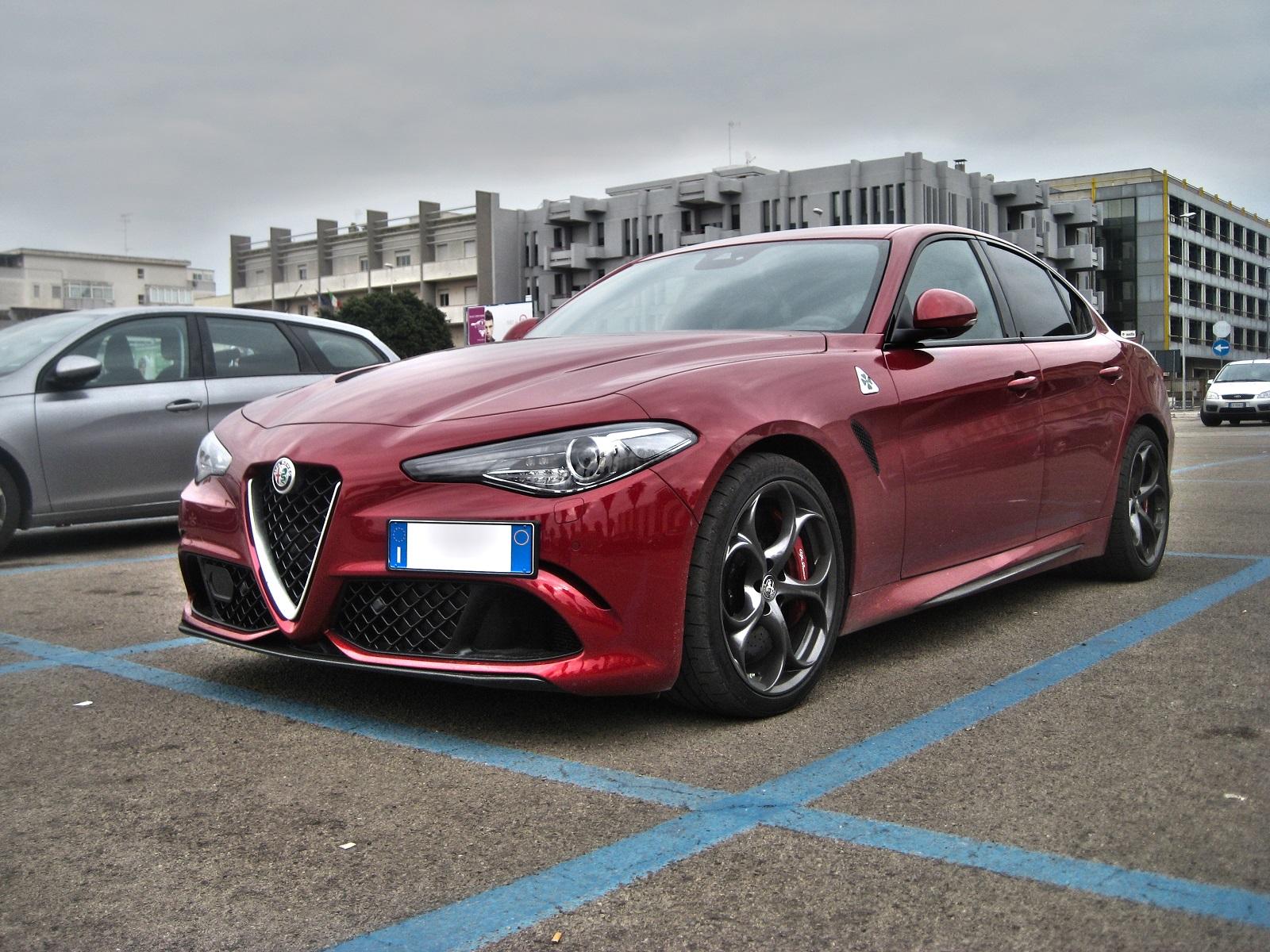
- Alfa Romeo Stelvio 2017
-
Alfa Romeo Stelvio 2017
Che fine hanno fatto i sedili in rosso, beige e cuoio? Io vedo solo nero sul configuratore...
-
Alfa Romeo Stelvio 2017
Blu Montecarlo
- DR 5 Cross ? (Spy)
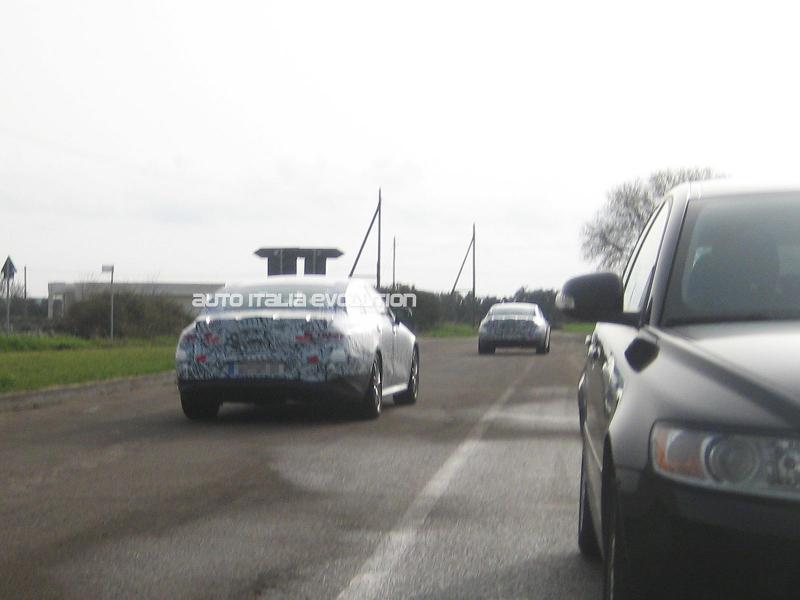
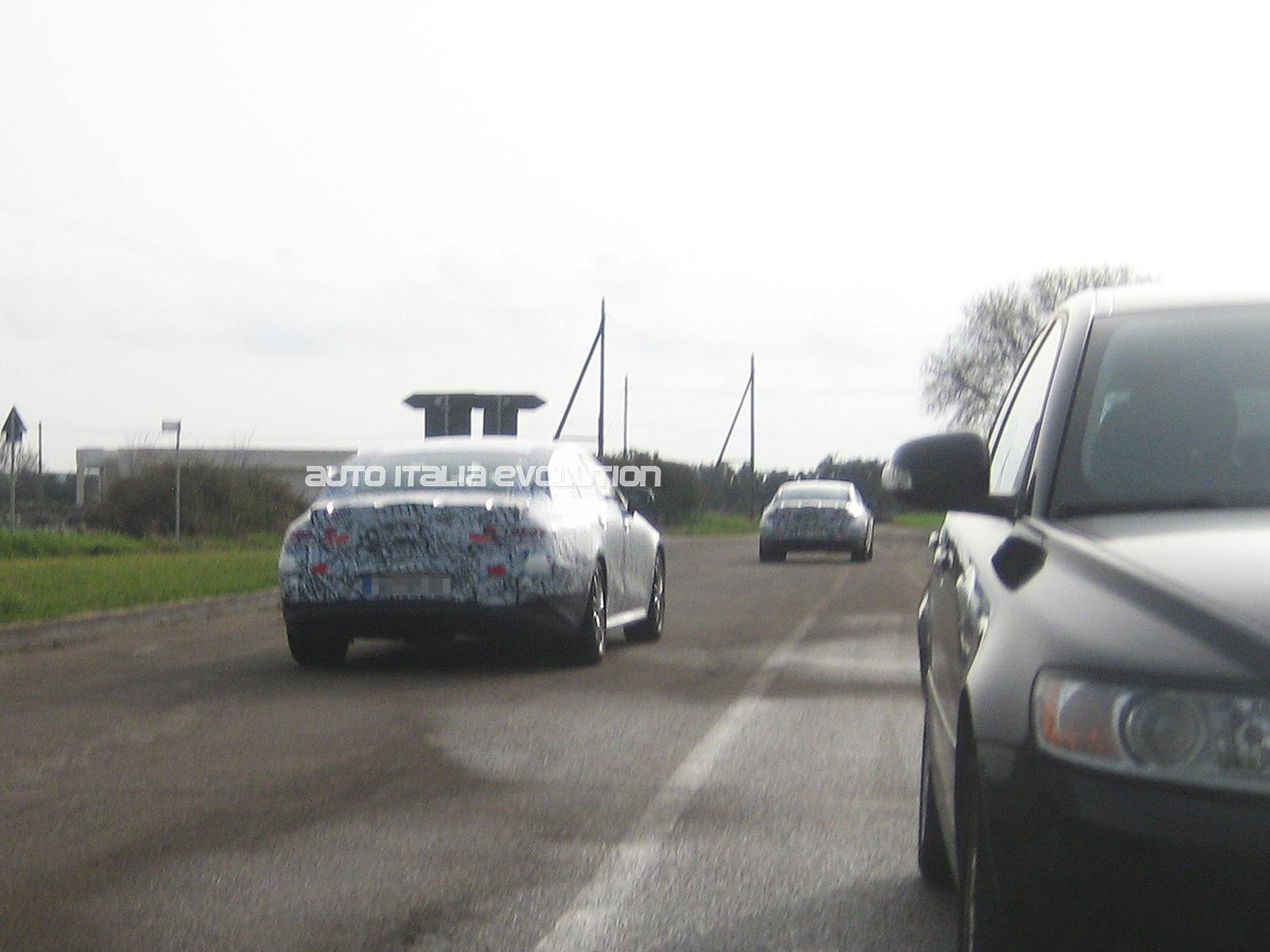
- Mercedes-Benz Classe A 2018 - Prj. W177 (Spy)
- Ferrari 812 Superfast 2017
- Ford Focus IV 2018 (Spy)
-
Alfa Romeo Stelvio 2017
La mia concessionaria (Autosat Lecce) mi ha assicurato che il porte aperte di Stelvio è previsto per l'ultimo fine settimana di febbraio, tuttavia sul link sono presenti solo i motor village. Come funziona?
- Lamborghini Urus (Spy)
-
Fiat Punto 2018
- Fiat Punto 2018
- Fiat Punto 2018
- Fiat Punto 2018
- Ferrari F12M (Spy)
- Avvistamenti auto moderne rare
- Volkswagen Touareg III (Spy)
- Porsche 911 Targa GTS - Prj. 992 (Spy)
- Alfa Romeo E-suv
- Alfa Romeo Stelvio 2017
Un insider mi ha assicurato che Stelvio esce di serie con gli Xeno, dunque presumo di no- [BRA] Fiat B-Sedan - Prj. X6S (Spy)
- Alfa Romeo Stelvio 2017
- Alfa Romeo Giulietta su pianale Giorgio
- I prossimi modelli Alfa Romeo (Notizie) - Riassunto nel 1° messaggio
Account
Navigation
Cerca
Configure browser push notifications
Chrome (Android)
- Tap the lock icon next to the address bar.
- Tap Permissions → Notifications.
- Adjust your preference.
Chrome (Desktop)
- Click the padlock icon in the address bar.
- Select Site settings.
- Find Notifications and adjust your preference.
Safari (iOS 16.4+)
- Ensure the site is installed via Add to Home Screen.
- Open Settings App → Notifications.
- Find your app name and adjust your preference.
Safari (macOS)
- Go to Safari → Preferences.
- Click the Websites tab.
- Select Notifications in the sidebar.
- Find this website and adjust your preference.
Edge (Android)
- Tap the lock icon next to the address bar.
- Tap Permissions.
- Find Notifications and adjust your preference.
Edge (Desktop)
- Click the padlock icon in the address bar.
- Click Permissions for this site.
- Find Notifications and adjust your preference.
Firefox (Android)
- Go to Settings → Site permissions.
- Tap Notifications.
- Find this site in the list and adjust your preference.
Firefox (Desktop)
- Open Firefox Settings.
- Search for Notifications.
- Find this site in the list and adjust your preference.