






Indav
Utente Registrato
-
Iscritto il
-
Ultima visita
Tutti i contenuti di Indav
-
-
-
-
-
Messaggio aggiornato al 30/01/2018 Prime foto dei muletti camuffati: Ringraziamo l'utente @YouDude per le immagini http://www.autoitaliaevolution.it/scoop-primo-muletto-della-500x-restyling-foto-spia/ ----------------------------------------------------------------------------------------------------------------------------------------------------------------------------- ---
-
-
-
Salve forum, qualche mese fa ebbi un'idea che non mi ha mai abbandonato. Che ne direste se, ora che con Ps me la cavo abbastanza bene, provassi a ricreare modelli di auto attuali immaginando come sarebbero stati in un'altra epoca? Provare dunque a immaginare un'auto del 2017 nel 1967, o '77, giusto per vedere l'effetto che fa? Spero di essermi fatto capire Attendo pareri e idee riguardo quali auto ricreare e in che decennio collocarle
-
-
Ispirata alla Dino 246
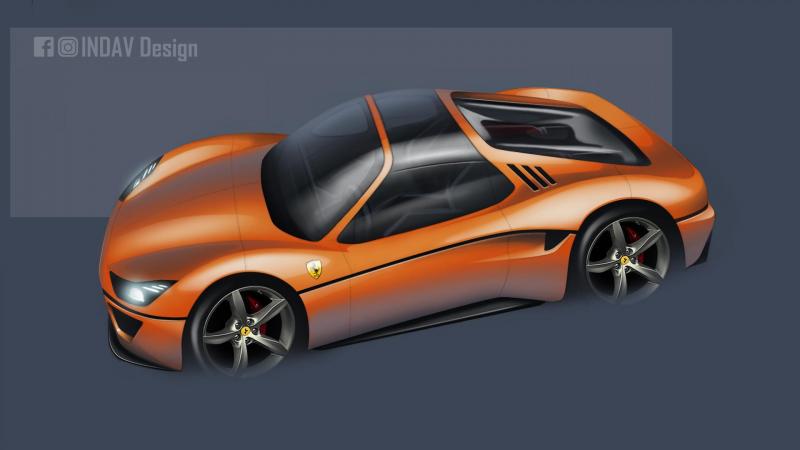 Eccole
 Grazie mille, purtroppo quel render sul web non se l'è filato nessuno, nonostante l'abbia anche mandato ad un po' di siti....Ma cosa cazzo succede in questo thread....Ma sbaglio o la base è proprio la db11?





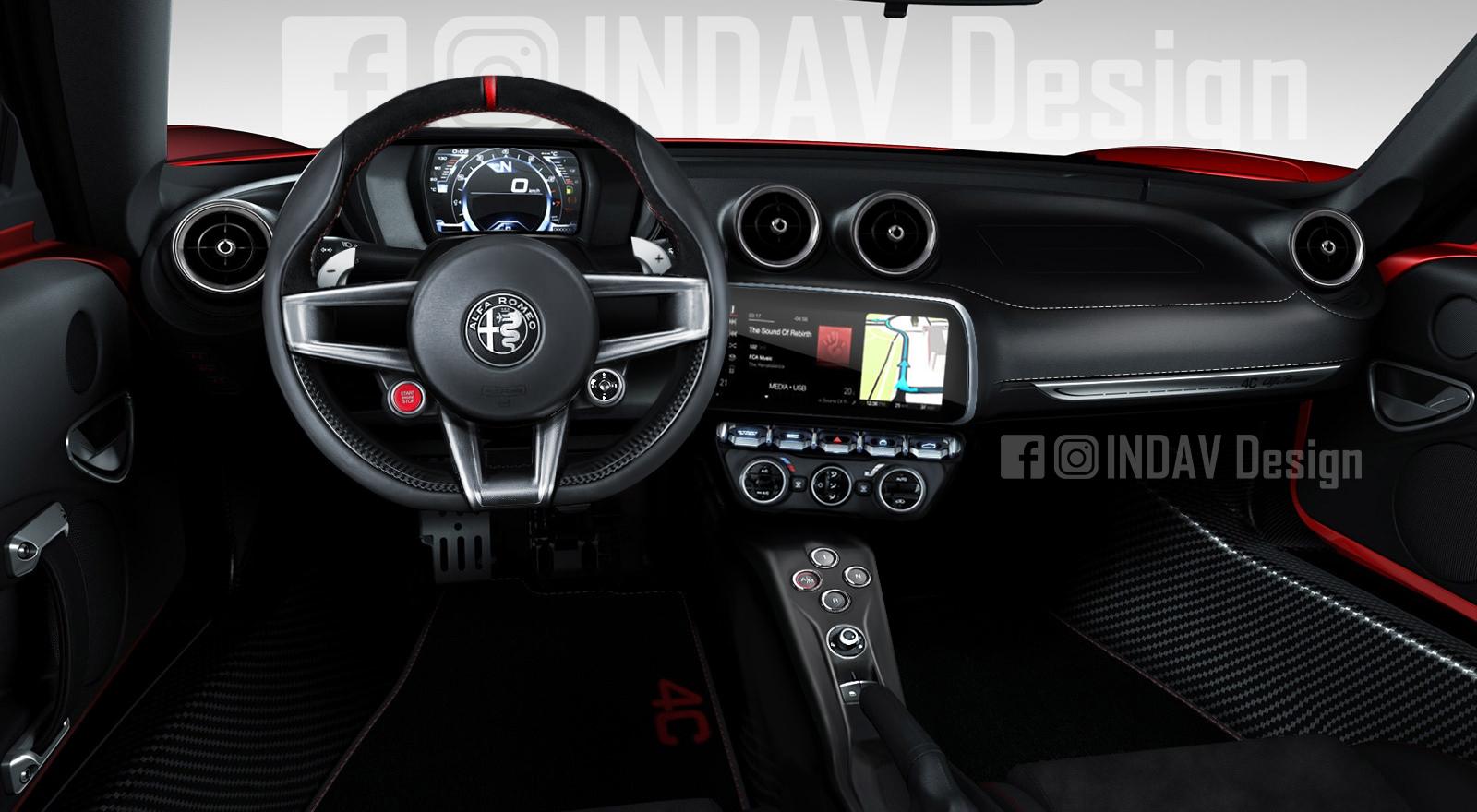


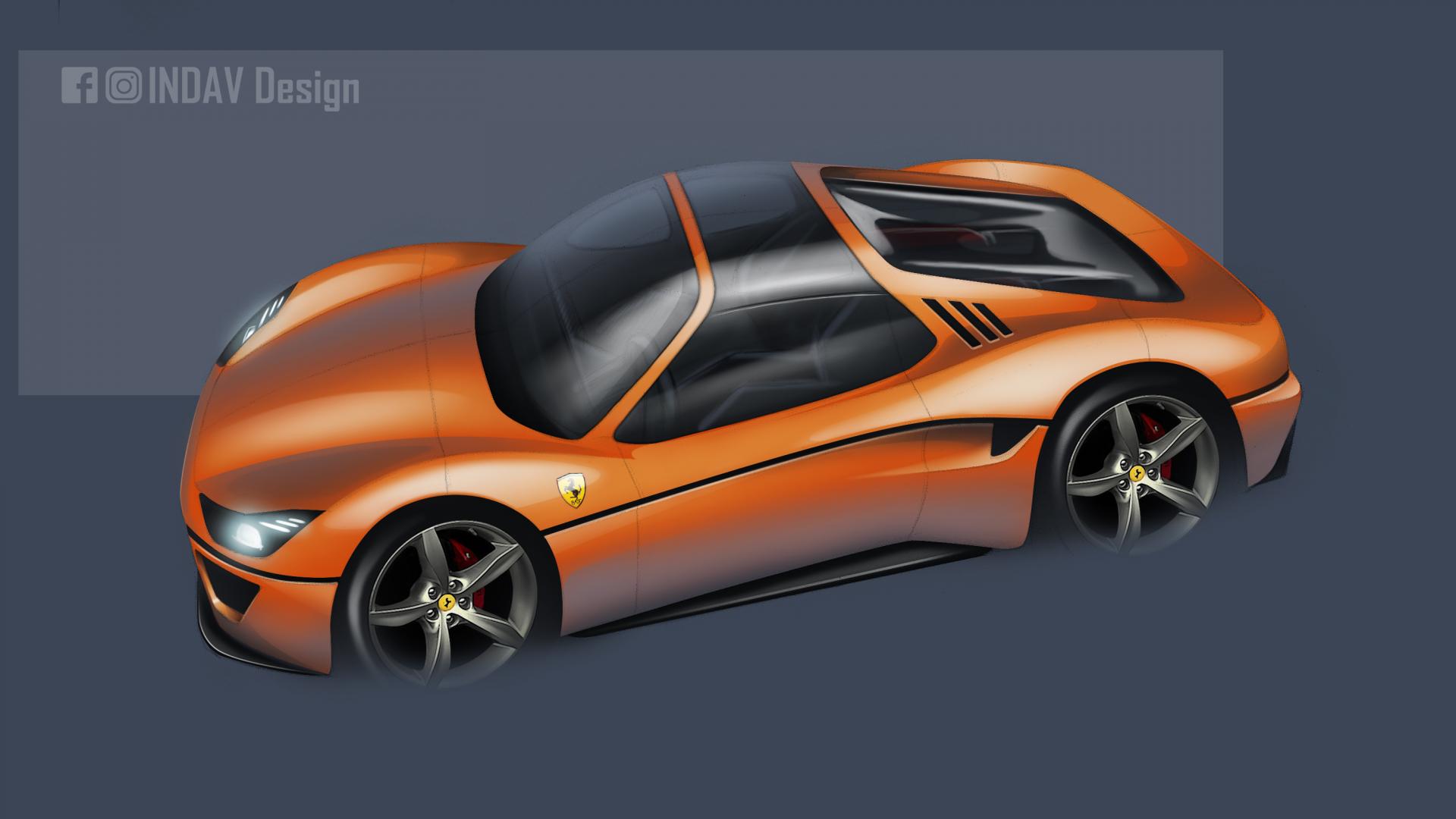



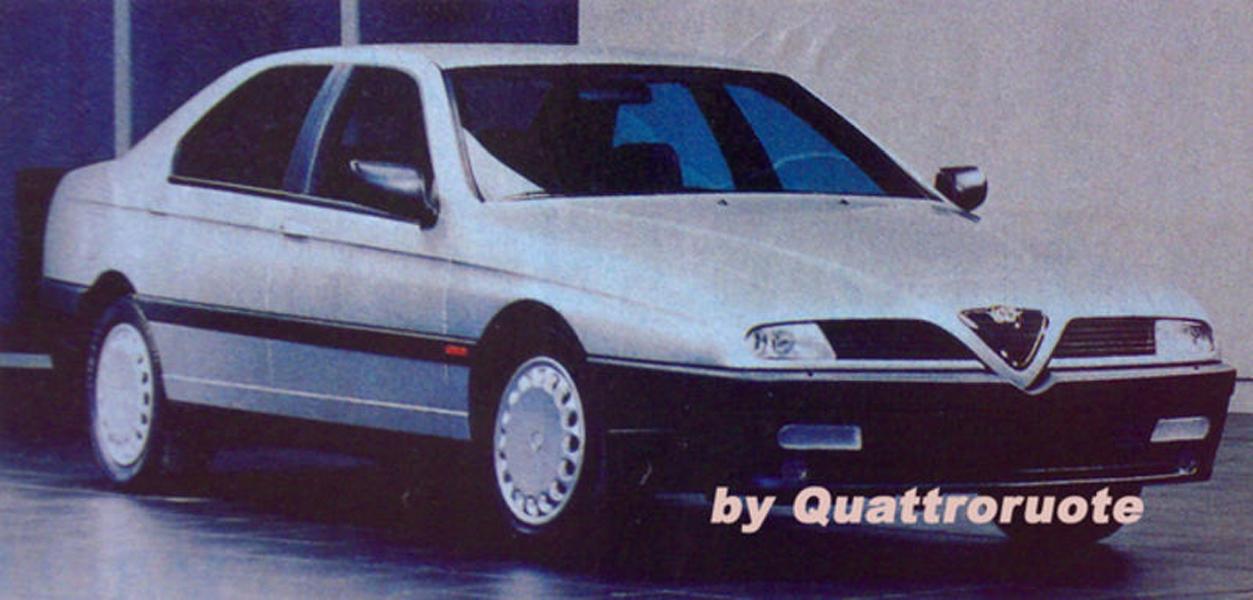
Account
Navigation
Cerca
Configure browser push notifications
Chrome (Android)
- Tap the lock icon next to the address bar.
- Tap Permissions → Notifications.
- Adjust your preference.
Chrome (Desktop)
- Click the padlock icon in the address bar.
- Select Site settings.
- Find Notifications and adjust your preference.
Safari (iOS 16.4+)
- Ensure the site is installed via Add to Home Screen.
- Open Settings App → Notifications.
- Find your app name and adjust your preference.
Safari (macOS)
- Go to Safari → Preferences.
- Click the Websites tab.
- Select Notifications in the sidebar.
- Find this website and adjust your preference.
Edge (Android)
- Tap the lock icon next to the address bar.
- Tap Permissions.
- Find Notifications and adjust your preference.
Edge (Desktop)
- Click the padlock icon in the address bar.
- Click Permissions for this site.
- Find Notifications and adjust your preference.
Firefox (Android)
- Go to Settings → Site permissions.
- Tap Notifications.
- Find this site in the list and adjust your preference.
Firefox (Desktop)
- Open Firefox Settings.
- Search for Notifications.
- Find this site in the list and adjust your preference.