max_pershin
Utente Registrato
-
Iscritto il
-
Ultima visita
-
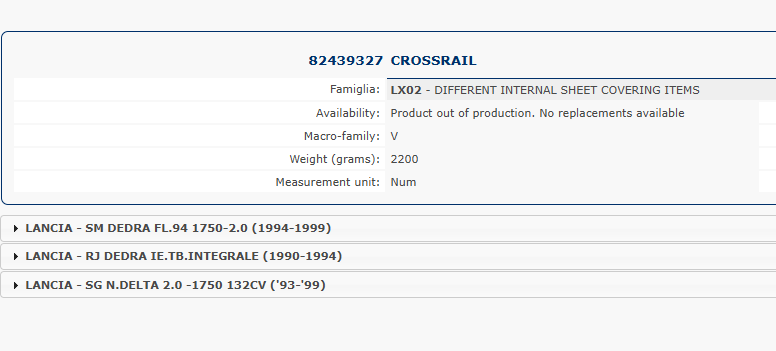
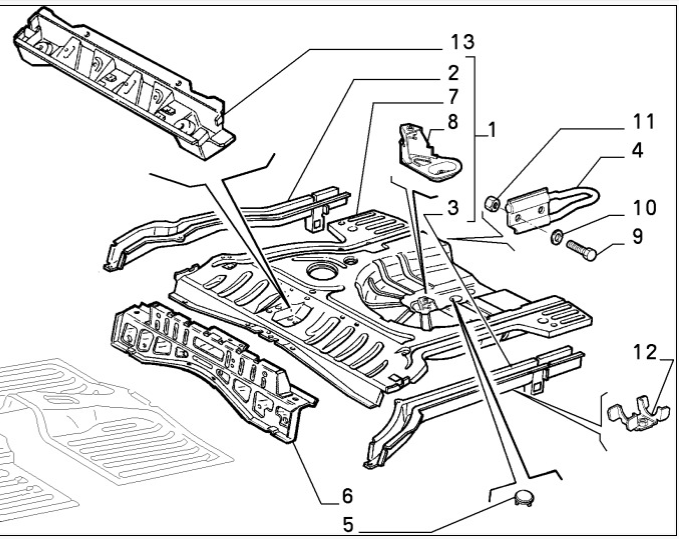
Exactly. 2.0 HF LS was designed as 4x4, but for some reason in the last moment 4x4 was cancelled in favor of front wheel drive Even the rear cross member from Delta HF is shared only between 4x4 cars Item #6
-
Just look at the position of the spare wheel in Delta HF 2.0 Turbo and you guys will understand everything
-
It's really funny to see how people start to critic something that was good just a one decade ago. After 10 year you guys will love this design, along with design of Thesis. In my case it happened with Alfa 90 or Alfa 6. or Giulietta/Alfetta. 30 years ago I considered their design obsolete, ugly and mediocre. Now when I look at them, I consider them as a masterpieces. P.S. Nowadays I have the same rejection of Alfa 156/Sportwagon design. Just ugly cars with obsolete design
-
By the guys from the Lada design department, Honda specialists visited Lada back in 90s, when the design of the Niva 2 was in the development stage. To the russians surprise in 1.5 years they saw 1 generation HRV pretty similar to their design. See the Lada's sketch at the top and the HRV at the bottom The complete story is by the link, use google translate to translate from Russian to Italian https://www.kolesa.ru/article/plagiat-shou-pravda-li-chto-honda-hr-v-skopirovana-s-nivy
-
Just checking the owners manual, what should be done for the track use For use on the track, to obtain the best performance, only refuel with unleaded petrol with octane number not less than 98, containing max. 5% Ethanol (E5), in compliance with the European specification EN228. The aerodynamical configuration was set up in the medium position (front splitter retracted, rear spoiler in the street position) He uses street seat belts, for the track use should be installed 6 points belts He did not preheat brakes (brake nine times from 130 km/h to 30 km/h with deceleration equal to 0.7 g (the longitudinal acceleration value is shown on the instrument panel display by setting RACE mode and selecting the “Performance” page) with 20 second intervals between brake applications; keep the car at a speed comprised between 60 km/h and 100 km/h and do not brake for 240 seconds to allow the brakes to cool down; then brake three times from 200 km/h to 30 km/h with deceleration equal to 1.1 g (ABS operation) with 30 second intervals between brake applications; keep the car at a speed comprised between 60 km/h and 100 km/h and do not brake for 300 seconds to allow the brakes to cool down) He did not warm up tires (with the tyres cold, inflate the 265/30 ZR20 front tyres to the nominal pressure of 2.3 bar and the 285/30 ZR20 rear tyres to the nominal pressure of 2.1 bar, drive 6 km on the track at cruising speed of 100 km/h - 150 km/h, zig-zagging slowly; drive 6 km on the track at high speed of 150 km/h (the slow zigzags are optional in this case and are not necessary in hot summer weather); check the temperature of the tyres: it must be between 50°C and 80°C. If the temperature is higher, the tyre warm-up procedure has not been performed correctly (overheating) and the car will not perform at its best. And then before going on the track he should do following: set the tyre pressures at the nominal values 2.3 bar for 265/30 ZR20 front tyres and 2.1 bar for 285/30 ZR20 rear tyres; do 2 laps of the track at top speed (normally the first or second lap is the best lap) and then 1 lap of the track at a lower speed.
-
The Maggiora proposal was based on the Fiat Ducato 4x4 chassis. So the car was HUGE! 3.99x1.98x1.78 Could you render the Maggiora concept near a FIAT Uno or Alfa 33 to show the difference in the sizing?
-
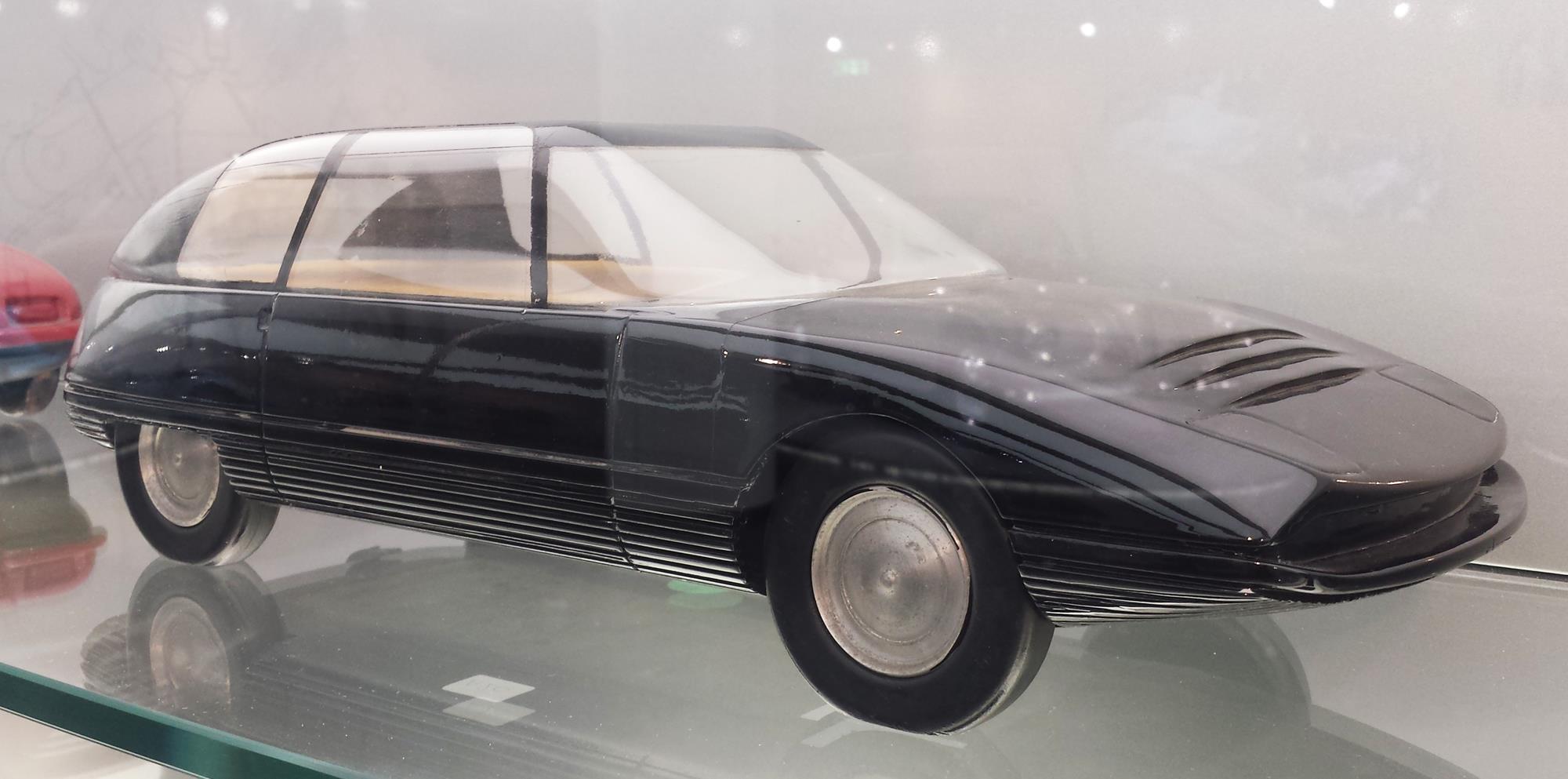
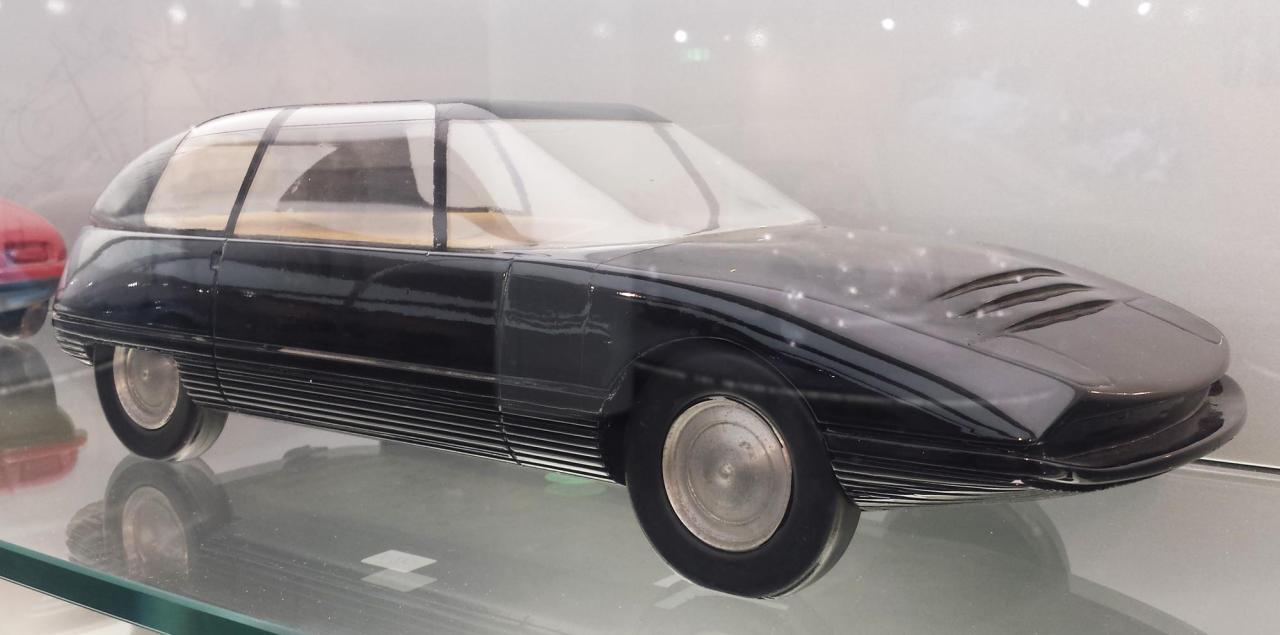
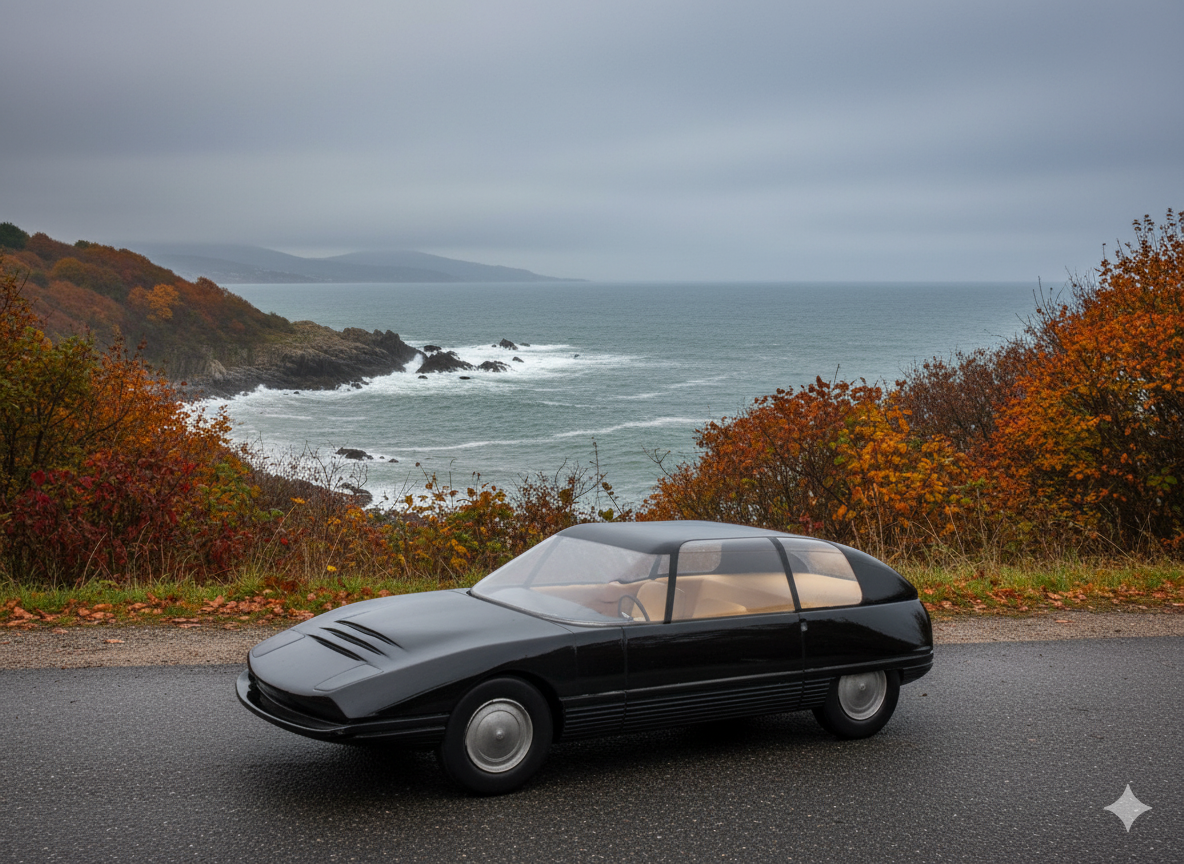
1963 Alfa Romeo Progetto di Carrozzeria (Centro Stile) by Marco Zanusso
-
Regarding 939 would be nice to see better quality render based on these drawings And can you guys create a render oft 939 Sportwagon?
-
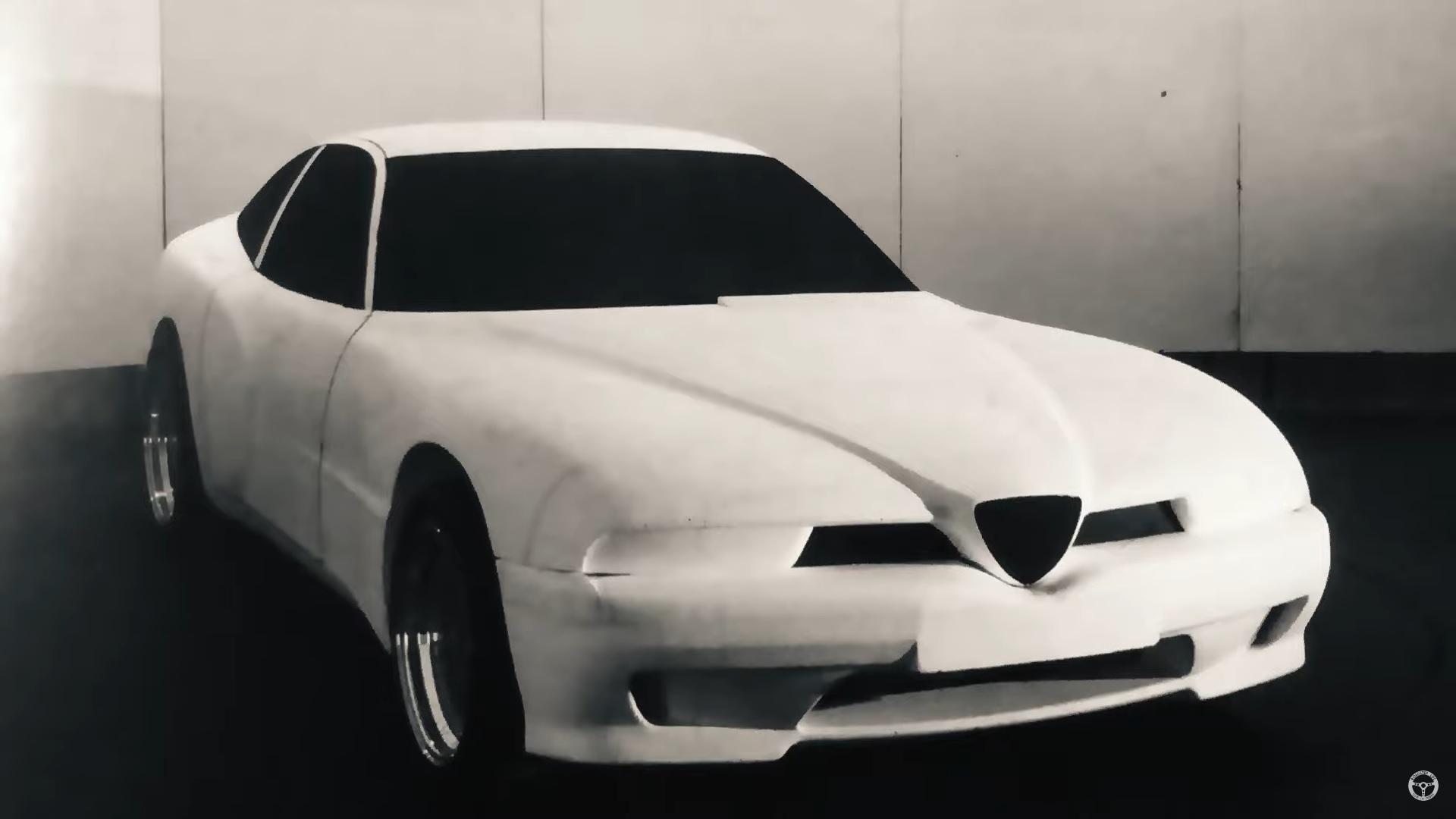
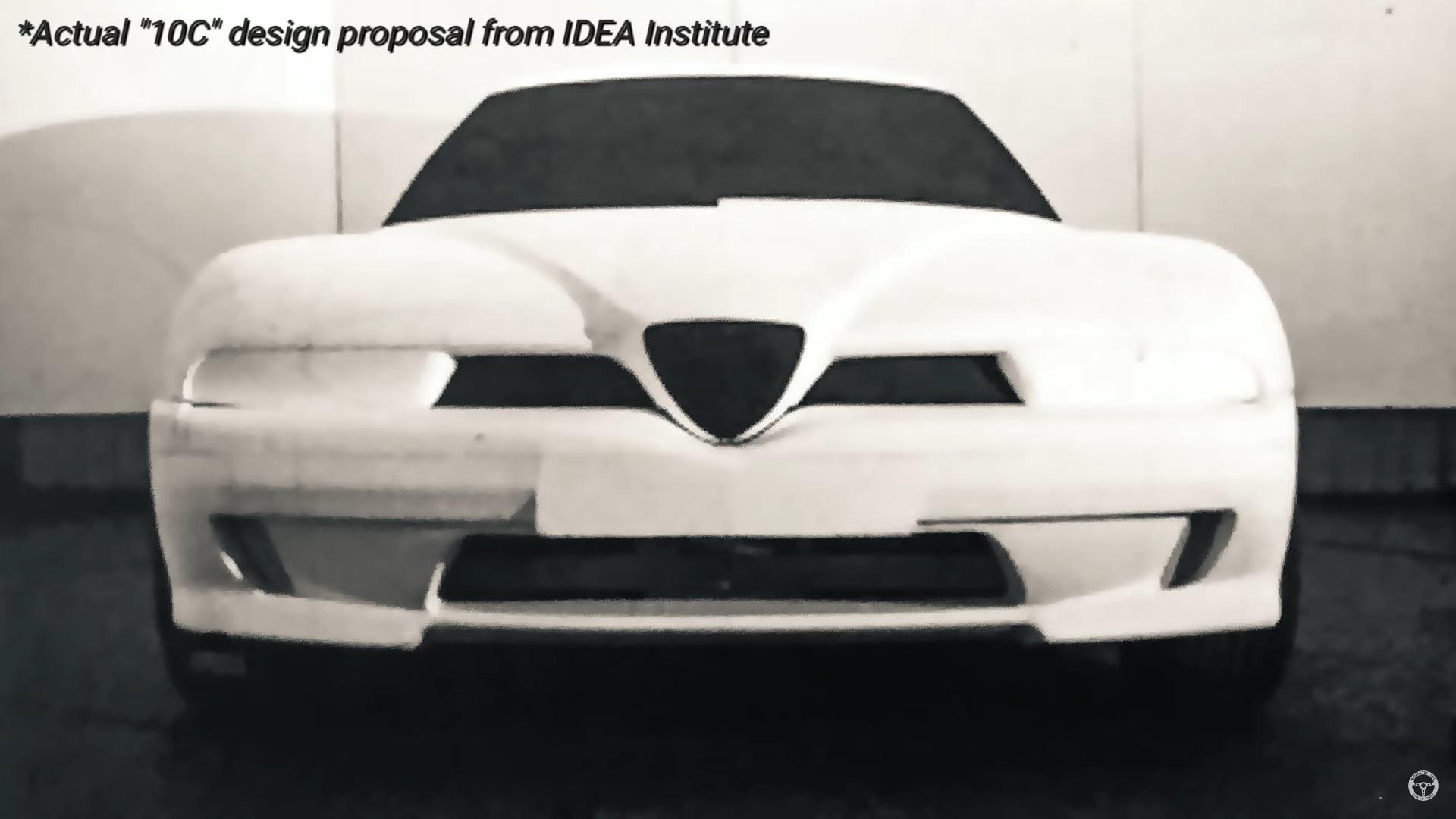
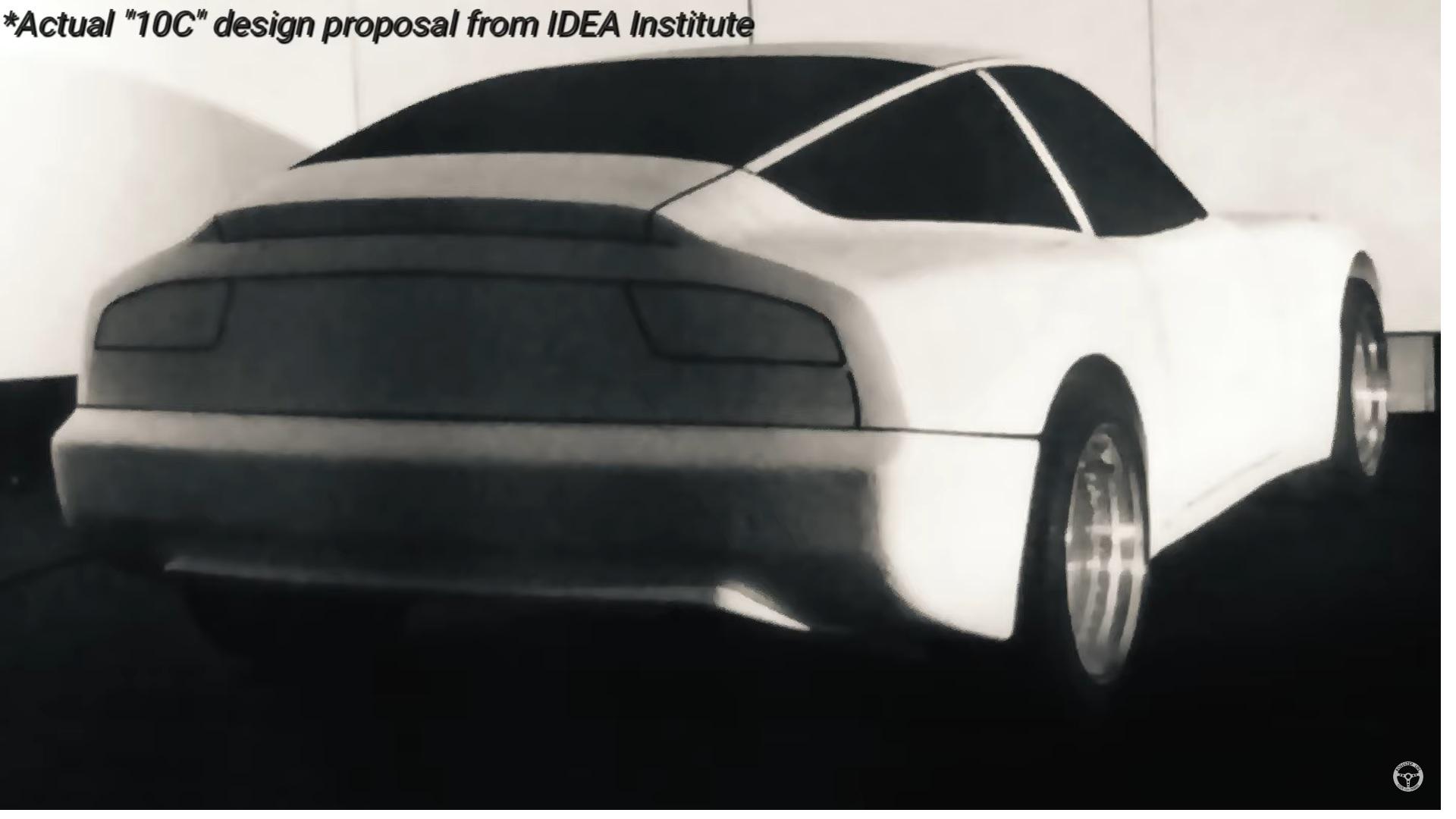
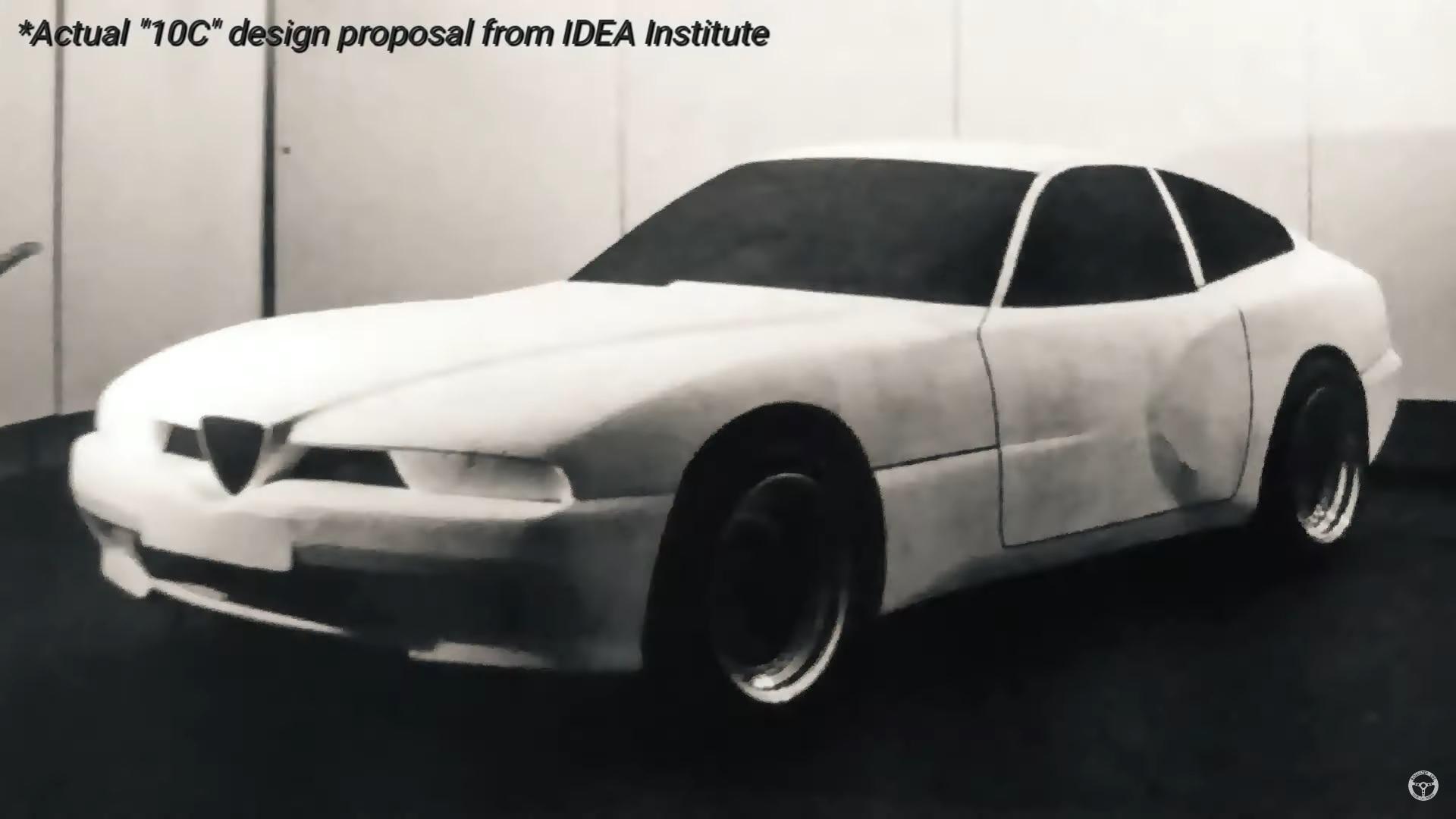
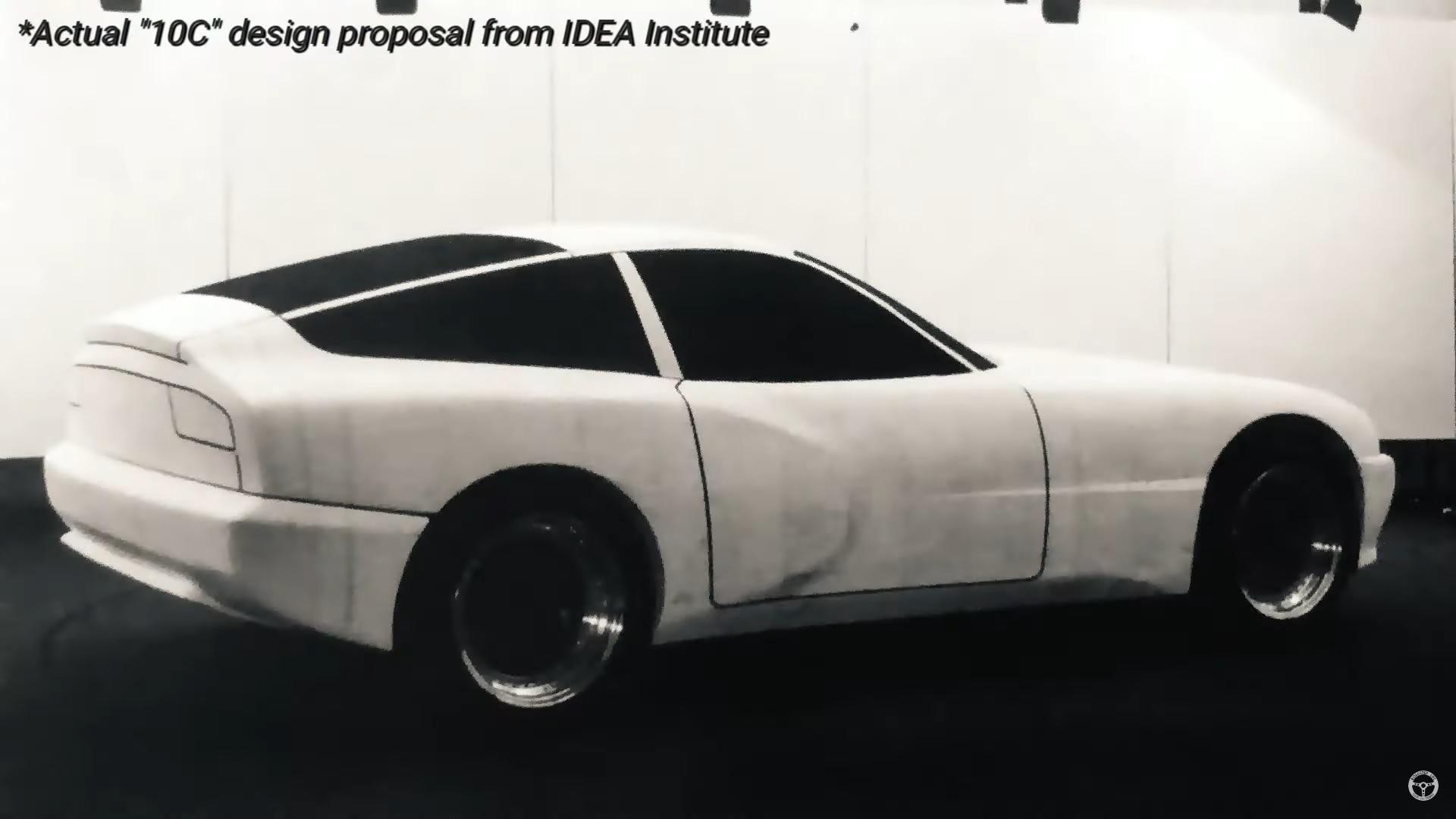
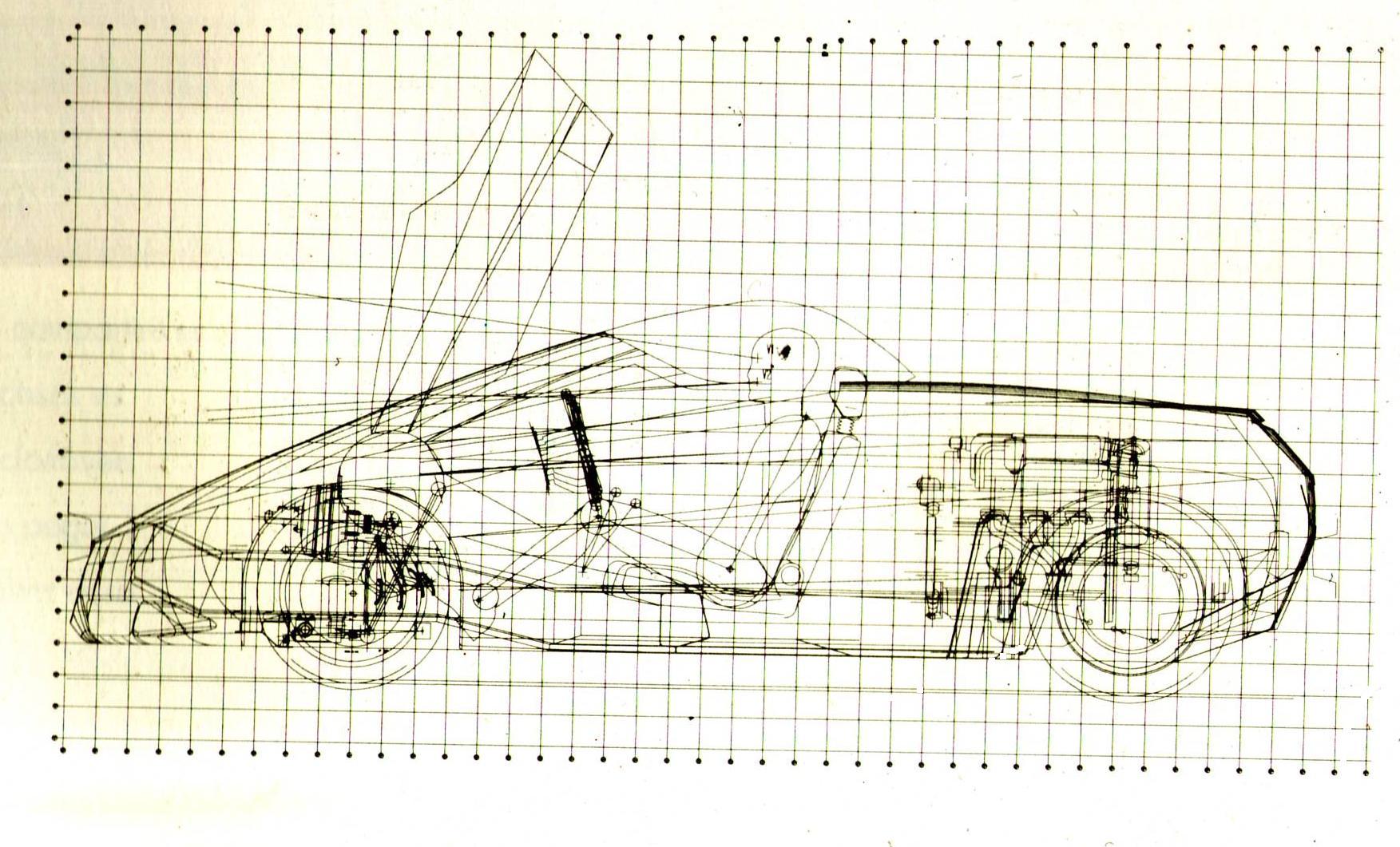
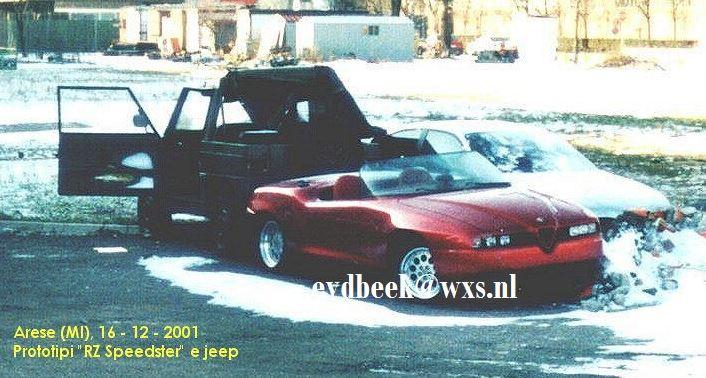
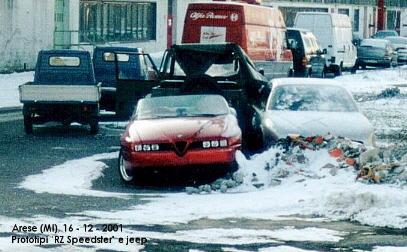
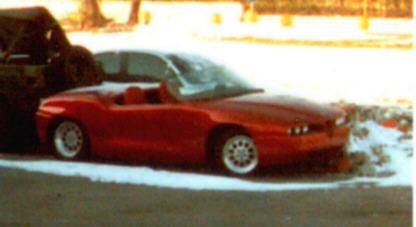
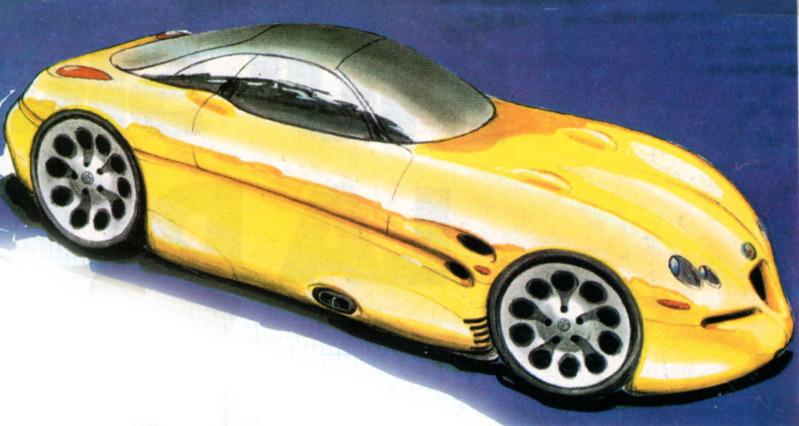
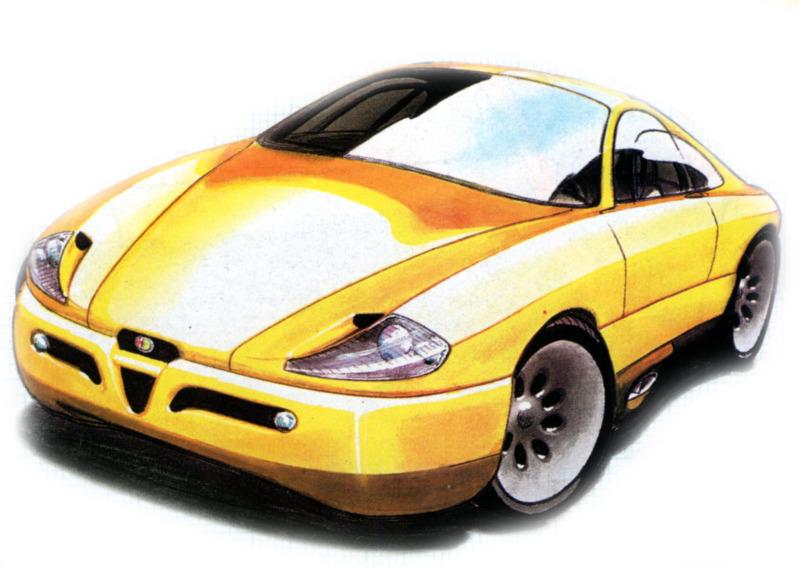
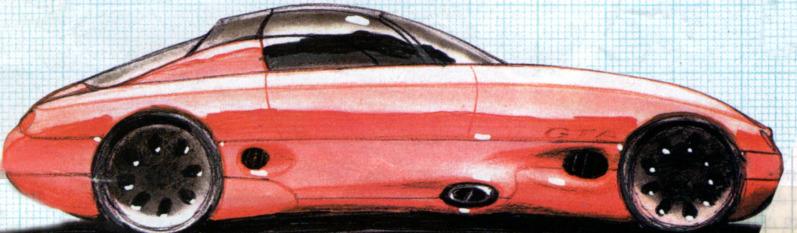
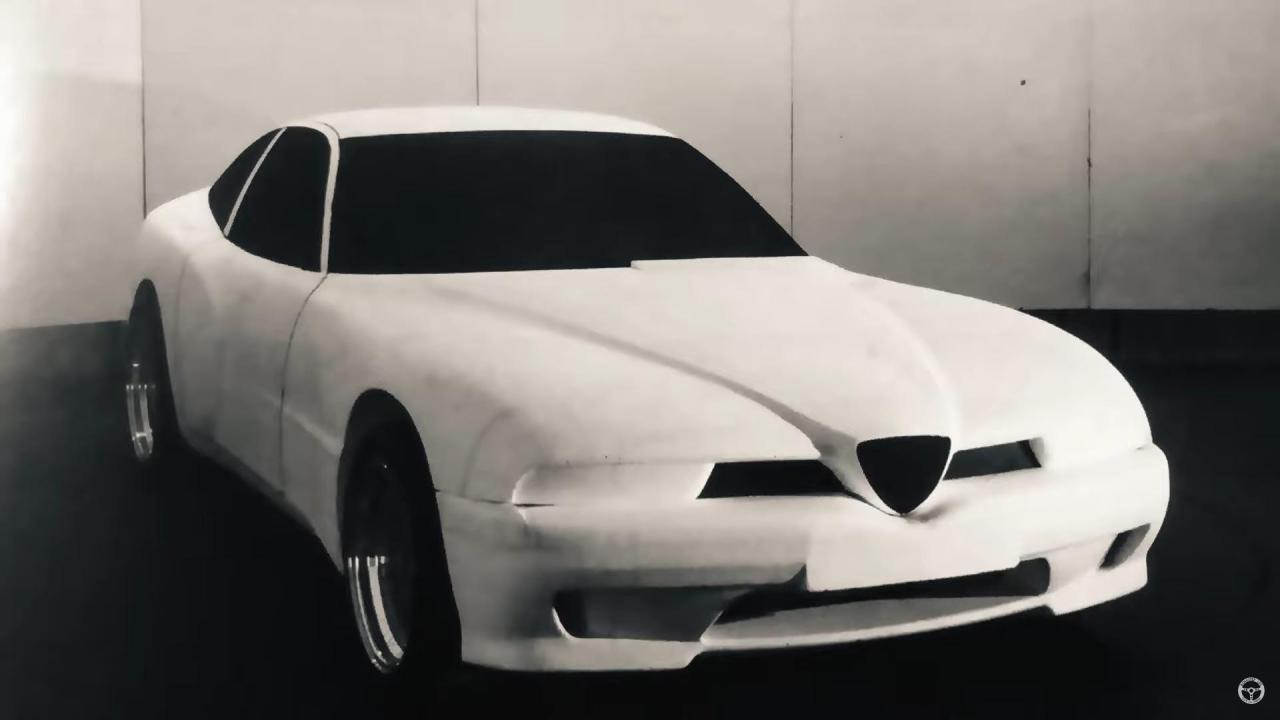
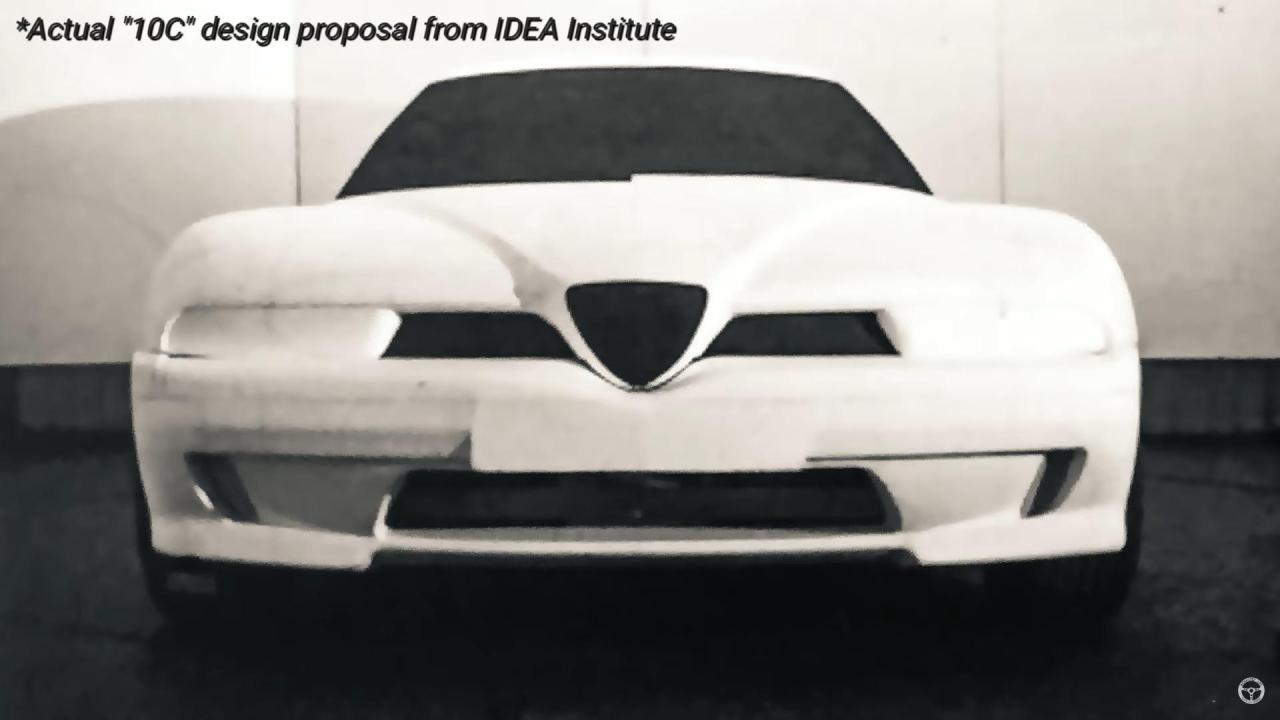
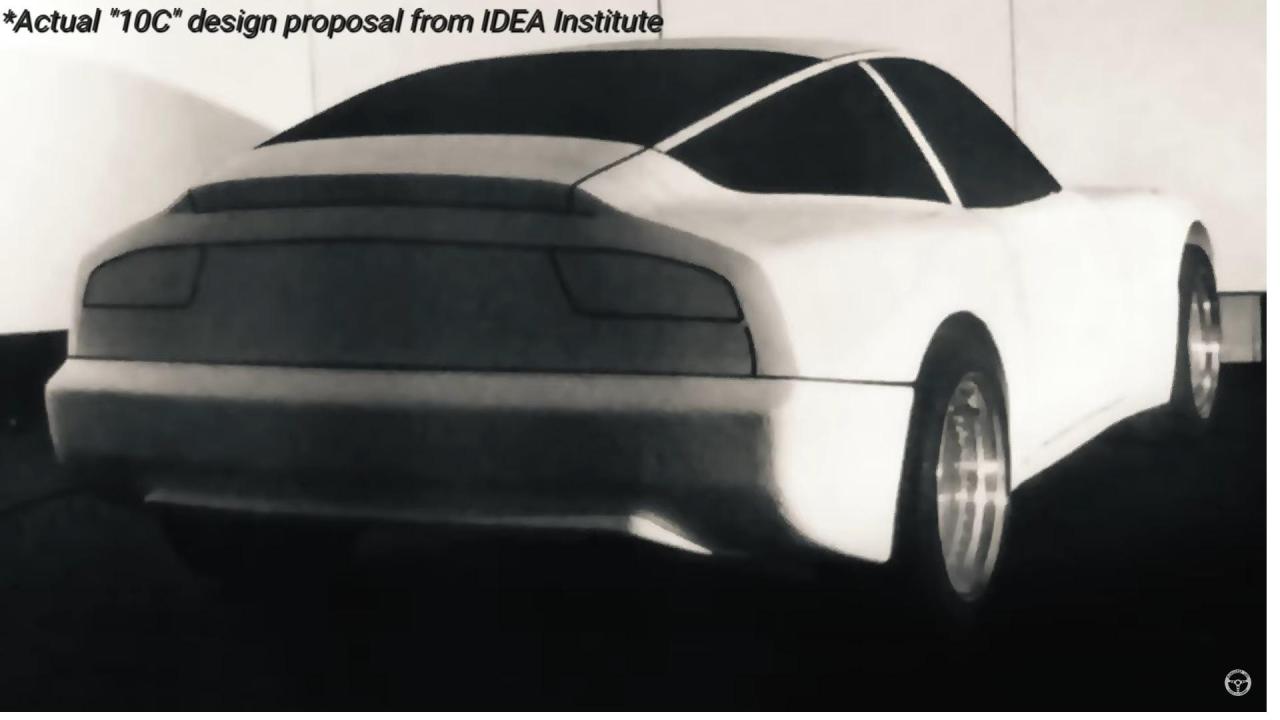
Guys, can I ask you to render SZ Spider? Could you also do Coupe 10C? From Centro Stile From IDEA? And this central engine Spider V6 please!
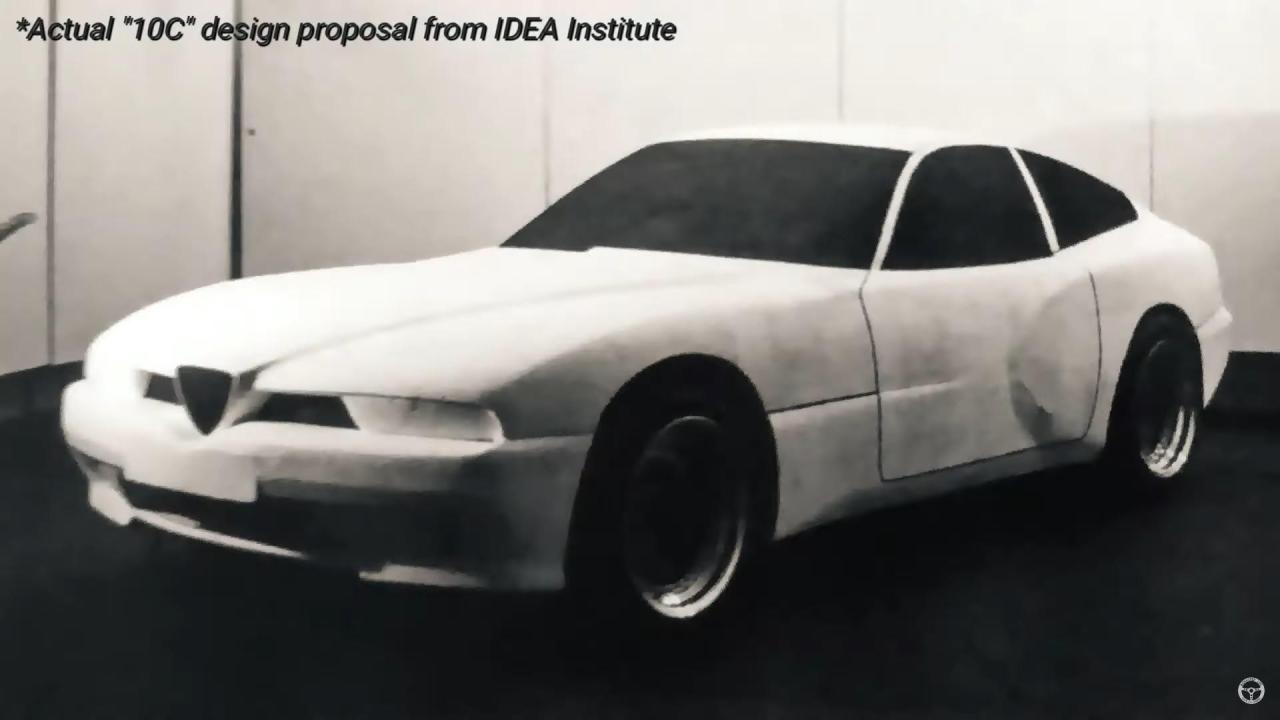
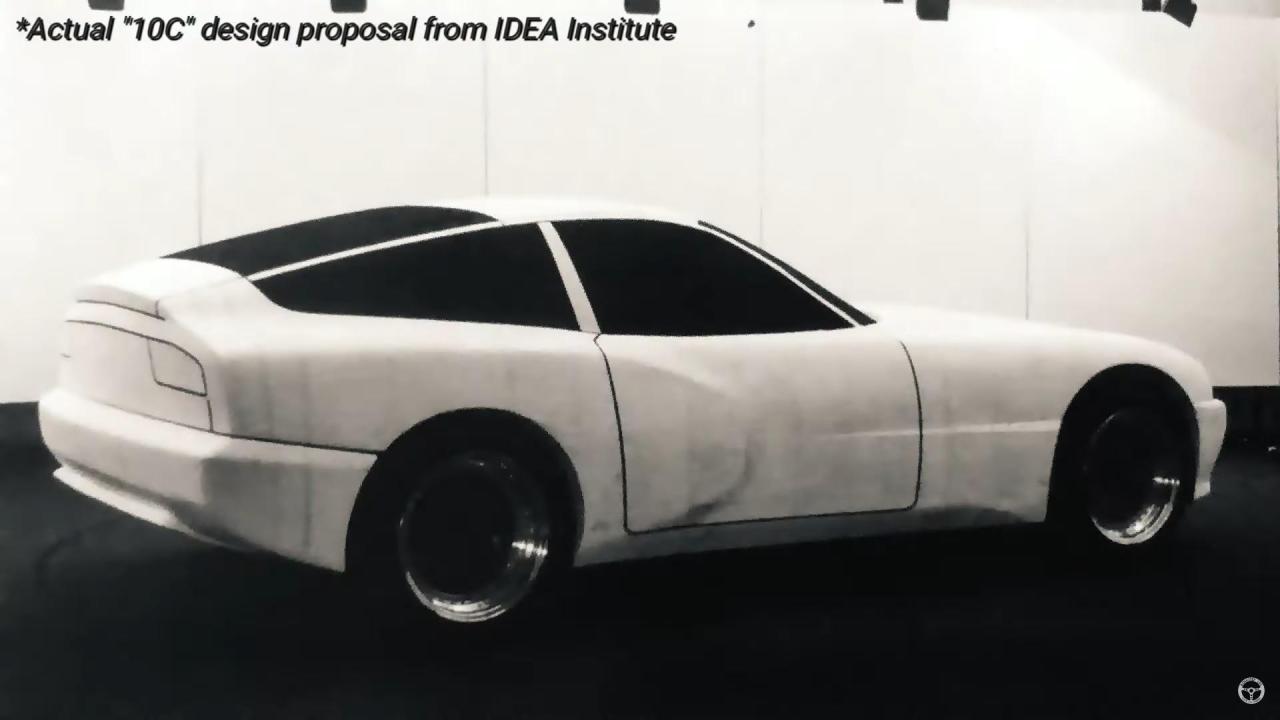
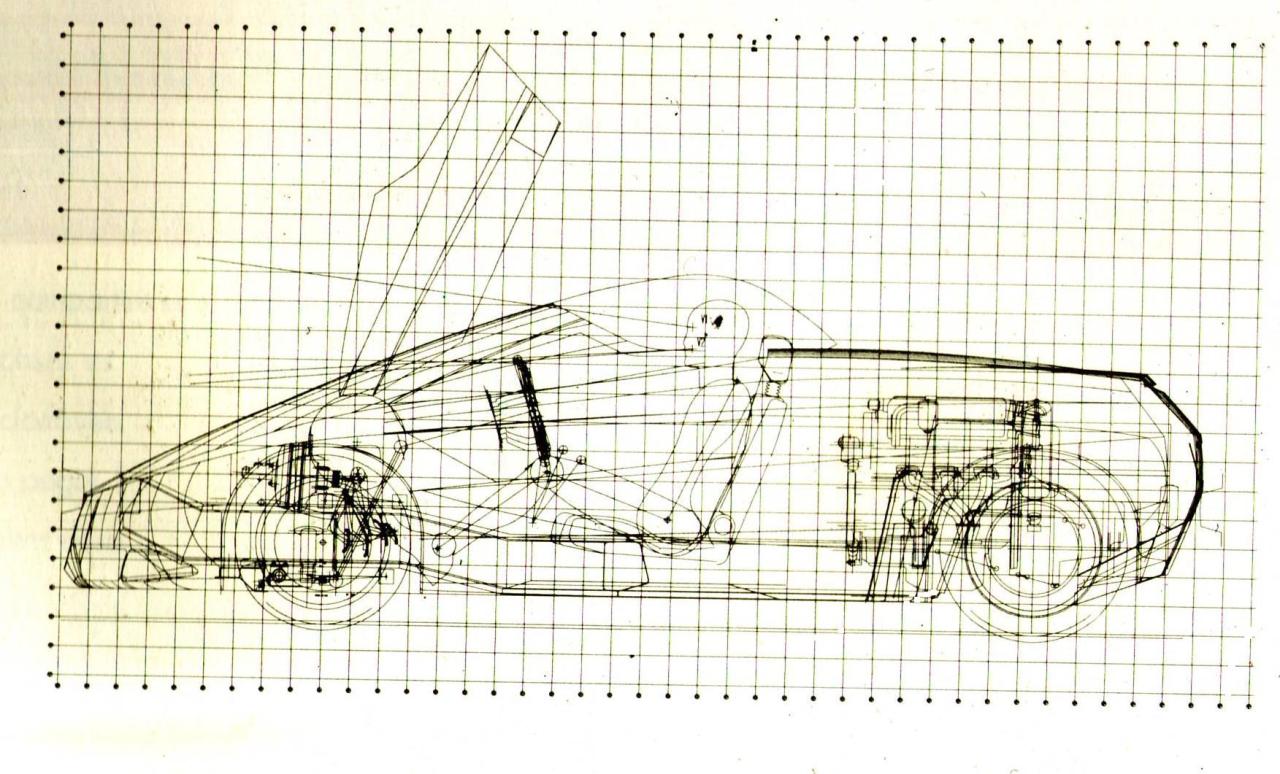
-
-
ZAZ was the worst car of the Soviet Union, it was a shame to own it. Below are the list Soviet motorcycles/cars arranged by the rank of prestige in the eyes of the Soviet society: Riga - 50cc moped with pedals Karpaty - 50cc moped Minsk - 125cc Voshod - 175cc Izh Planeta (sold with or without sidecar) - 1 cylinder 350сс Izh Jupiter (sold with or without sidecar) - 2 cyl 350cc Izh Planeta Sport (made with some japanese parts) - 1 cylinder 350сс Ural/Dnepr sold with sidecar only - 2 cyl 4 strokes 650/750cc Dnepr sold with sidecar only (rear + side car drive) ----------------------------------------------------------- Ural/Dnepr without sidecars - available only for motorcycle escort services of the highest government leaders -------------------------------------------------------- SMZ S3D - small car with 2 strokes 1 cylinder 350cc engine from Izh Planeta, available only for people with disabilities -------------------------------------------------------- Available for private owners Zaz 965 Zaz 966/968 Luaz 969 Moskvich 408 IZH 412/2125 Moskvich 412/2140 Vaz 2101/02 VAZ 21011/2105 VAZ 2103/2106 VAZ 2121 Niva VAZ 2108 VAZ 2107 VAZ 2109 VAZ 21099 Zim 12 Volga Gaz 24/24-02/24-10 -------------------------------- Available only for government/army Gaz 69 (sold used only to private owners) UAZ 469 (sold used only to private owners) Gaz 3102 Gaz 13/14 Chaika ZIL 114/117/4102 Foreign cars in Soviet Union were available for "elite", as sailors, mafia, movie stars or people with VERY special connections. Such cars could be purchased only used. However some of my friends parents or friends of friends had Alfa Romeo GT Junior, FIAT Dino, Alfa Romeo 6C 2500.
-
-
-
-
@PaoloGTC This is looks like a general layout of the Projetto 156 (AR4 prepared for wind tunnel tests). There are some new things, at least for me. 1. Independent rear suspension (no more De Dion) 2. Fuel tank and spare wheel in identical to Alfetta position 3. Engine placed in the normal position (not shifted to the center) Would be interesting to look underneath of the GTV6 2.5 (119C0001) which was built on the Alfa 6 platform in 1985! I wonder if it has a rear suspension similar to 156.