





FaGiO
Utente Registrato
-
Iscritto il
-
Ultima visita
Tutti i contenuti di FaGiO
-
Comunque sarebbe una Campagnola stupenda... ❤️
-
Credo che si riferisca al fatto che è stata smantellata una squadra e la sua "tradizione"... ovvio che le singole persone non ci siano più. Ma nemmeno i loro eredi.
-
-
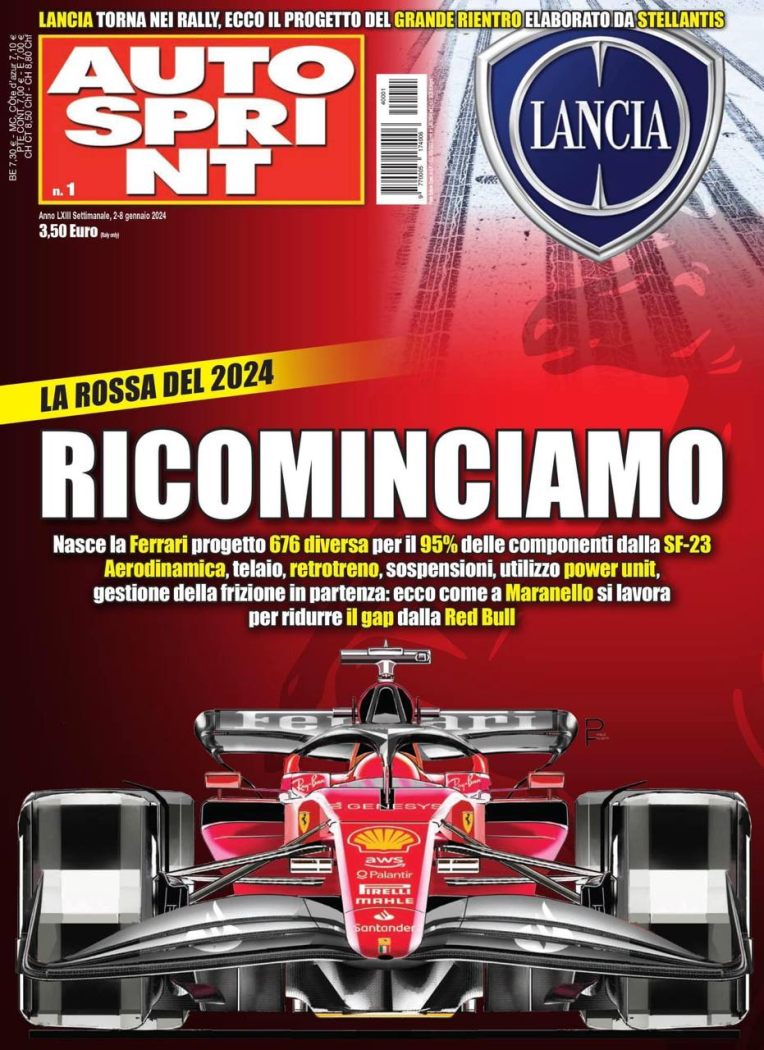
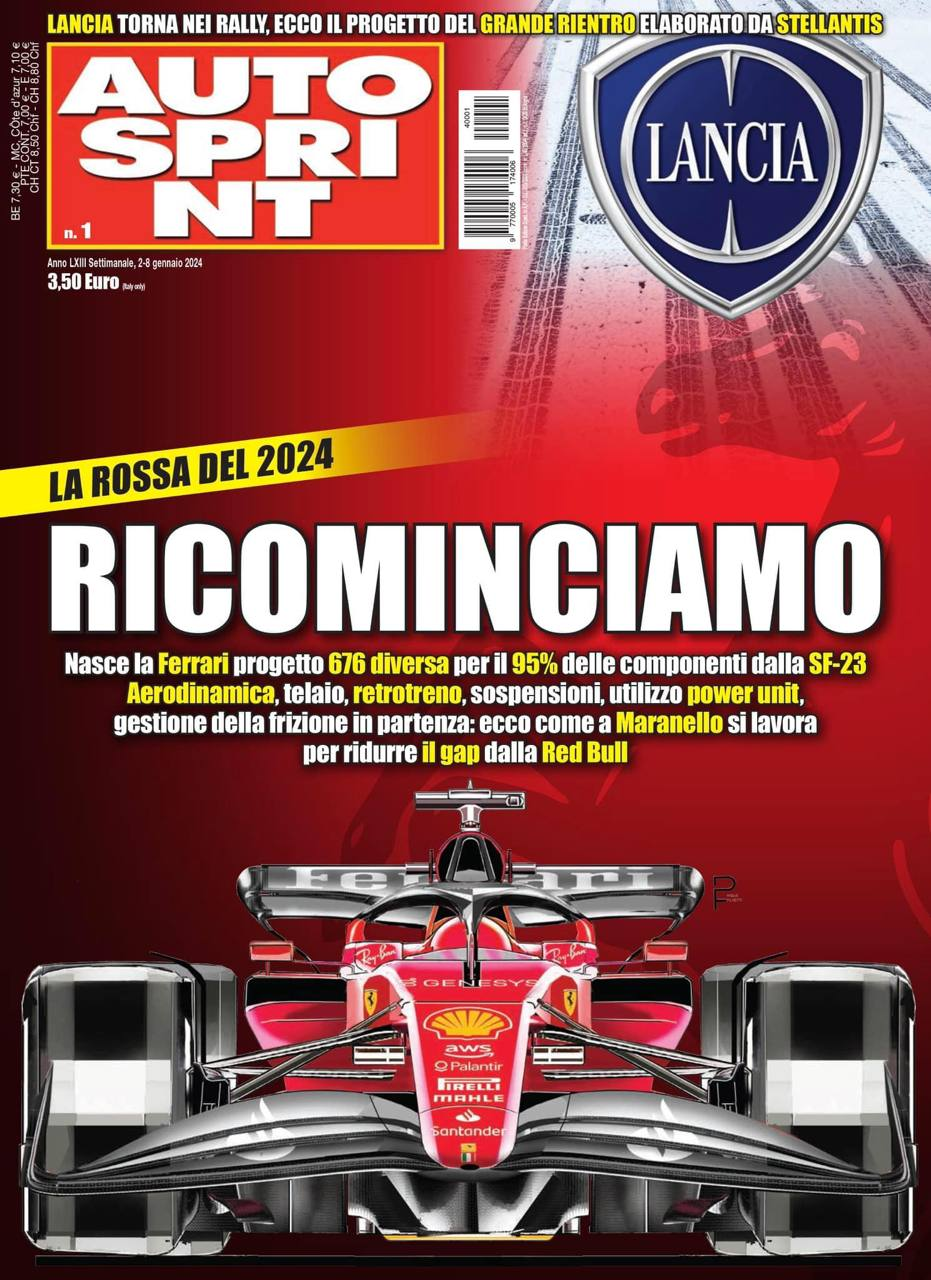
Non so. Conosco sia il Direttore, sia chi ha scritto gli articoli. Purtroppo, però, AS qui in Toscana non è ancora in edicola. Domani compro, leggo e mi faccio un'idea più concreta...
-
 Ma totalmente d'accordo... ma se va bene pagare 40K una MINI "made in China"... non vedo scandali in un prezzo simile per Ypsilon. Tutto qui.
- 2393 risposte
-
-

- 1
-
-
- cmp
- e-cmp
- lancia
- lancia ypsilon
-
Taggato come:
Sì... ma è un progetto nato in Cina, su tecnologia cinese. E non dico che questo sia un male, eh... Però, pregiudizi per pregiudizi...- 2393 risposte
-
-
- 3
-
-
- cmp
- e-cmp
- lancia
- lancia ypsilon
-
Taggato come:
Nel 1986 avevano 2 brand e Fiat era il primo gruppo europeo. Poi hanno mandato tutto a troie. Adesso hai un gruppo con 14 brand. Ne fai rinascere uno perché vuoi posizionarlo in un certo modo. Dubito che manderanno tutto a troie.- 2393 risposte
-
-
- 1
-
-
- cmp
- e-cmp
- lancia
- lancia ypsilon
-
Taggato come:
Non tutti sono coerenti come me… la amerei anche se mi picchiasse ogni sera al rientro dal lavoro! 🤣😎- 2393 risposte
-
-

-

-
-

- 7
-
-
- cmp
- e-cmp
- lancia
- lancia ypsilon
-
Taggato come:
Molto più semplicemente, nella foto “spia” è scritta nera su fascia nera… non ne capirò mai il senso, ma pare che vada di moda (vedi Mokka, Astra e Corsa…).- 2393 risposte
-
-
- 1
-
-
- cmp
- e-cmp
- lancia
- lancia ypsilon
-
Taggato come:
Ci vedo troppo Staria... però non mi dispiace.- 7 risposte
-
- l380
- levc
- levc l380
- levc xspace
-
Taggato come:
Ricordiamo però l'incidente di Bettega nel 1982, sempre sulla 037. Anche se non c'erano state fiamme in quel caso...Io apprezzo anche che, quasi come un segno di riconoscenza, si riparta proprio da Ypsilon che, per anni, ha tenuto in piedi la baracca. Senza di lei, forse Lancia sarebbe morta (anziché restare in terapia intensiva nell'ultimo decennio) e, forse, adesso non saremmo qui ad esaltarci per una "pegiò rimarchiata" (cit.) finita in un fiume.- 2393 risposte
-
-

-
- 3
-
-
- cmp
- e-cmp
- lancia
- lancia ypsilon
-
Taggato come:
- 2393 risposte
-
-
- 3
-
-
- cmp
- e-cmp
- lancia
- lancia ypsilon
-
Taggato come:
Yes... davanti e dietro solo lettering. Come sulla Pu+Ra HPE...- 2393 risposte
-
-
- 1
-
-
- cmp
- e-cmp
- lancia
- lancia ypsilon
-
Taggato come:





Account
Navigation
Cerca
Configure browser push notifications
Chrome (Android)
- Tap the lock icon next to the address bar.
- Tap Permissions → Notifications.
- Adjust your preference.
Chrome (Desktop)
- Click the padlock icon in the address bar.
- Select Site settings.
- Find Notifications and adjust your preference.
Safari (iOS 16.4+)
- Ensure the site is installed via Add to Home Screen.
- Open Settings App → Notifications.
- Find your app name and adjust your preference.
Safari (macOS)
- Go to Safari → Preferences.
- Click the Websites tab.
- Select Notifications in the sidebar.
- Find this website and adjust your preference.
Edge (Android)
- Tap the lock icon next to the address bar.
- Tap Permissions.
- Find Notifications and adjust your preference.
Edge (Desktop)
- Click the padlock icon in the address bar.
- Click Permissions for this site.
- Find Notifications and adjust your preference.
Firefox (Android)
- Go to Settings → Site permissions.
- Tap Notifications.
- Find this site in the list and adjust your preference.
Firefox (Desktop)
- Open Firefox Settings.
- Search for Notifications.
- Find this site in the list and adjust your preference.