
AlfaZeta6
Utente Registrato
-
Iscritto il
-
Ultima visita
Tutti i contenuti di AlfaZeta6
-
-
-
-
-
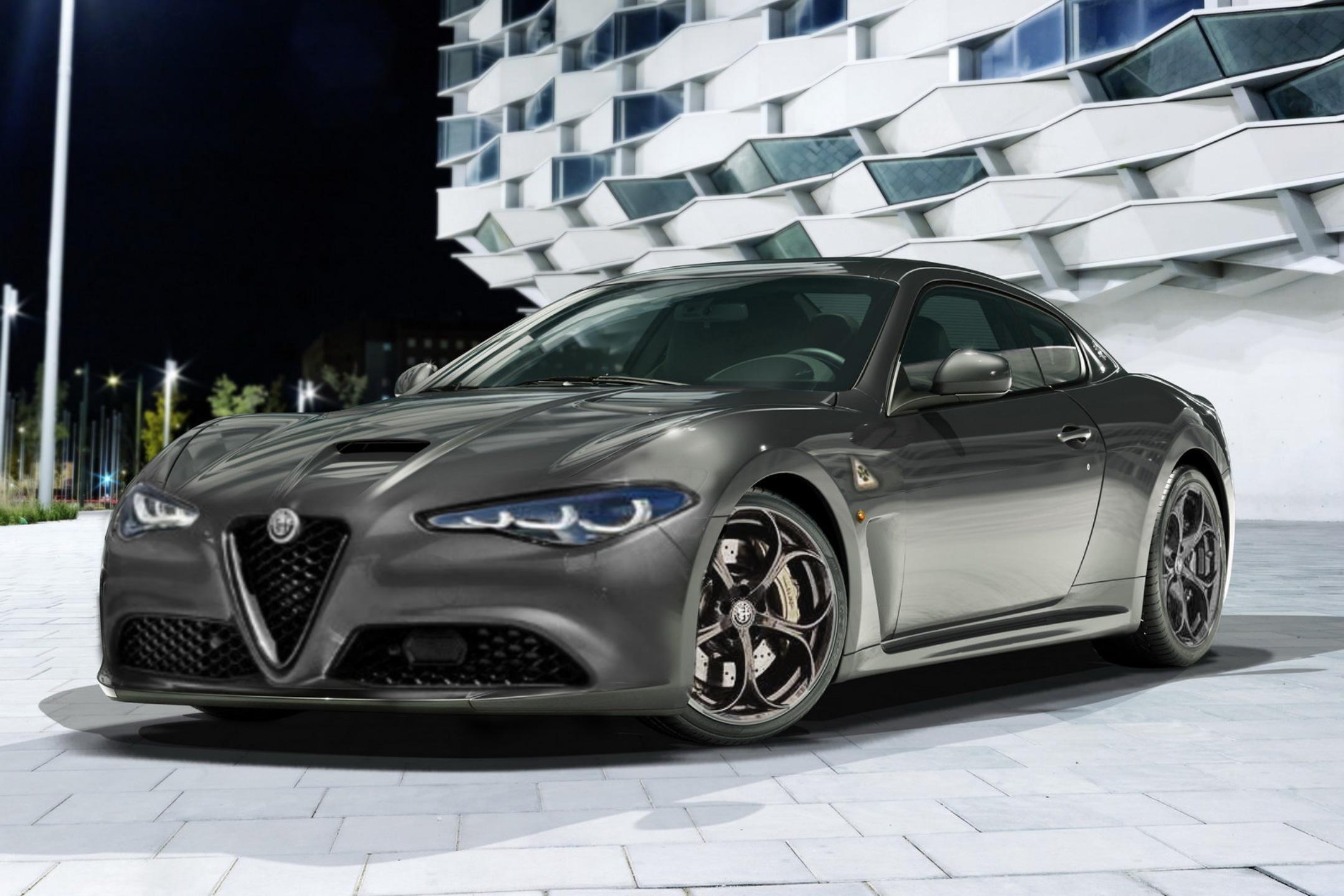
Dietro è la nuova Lotus?Alfa Romeo Granturismo
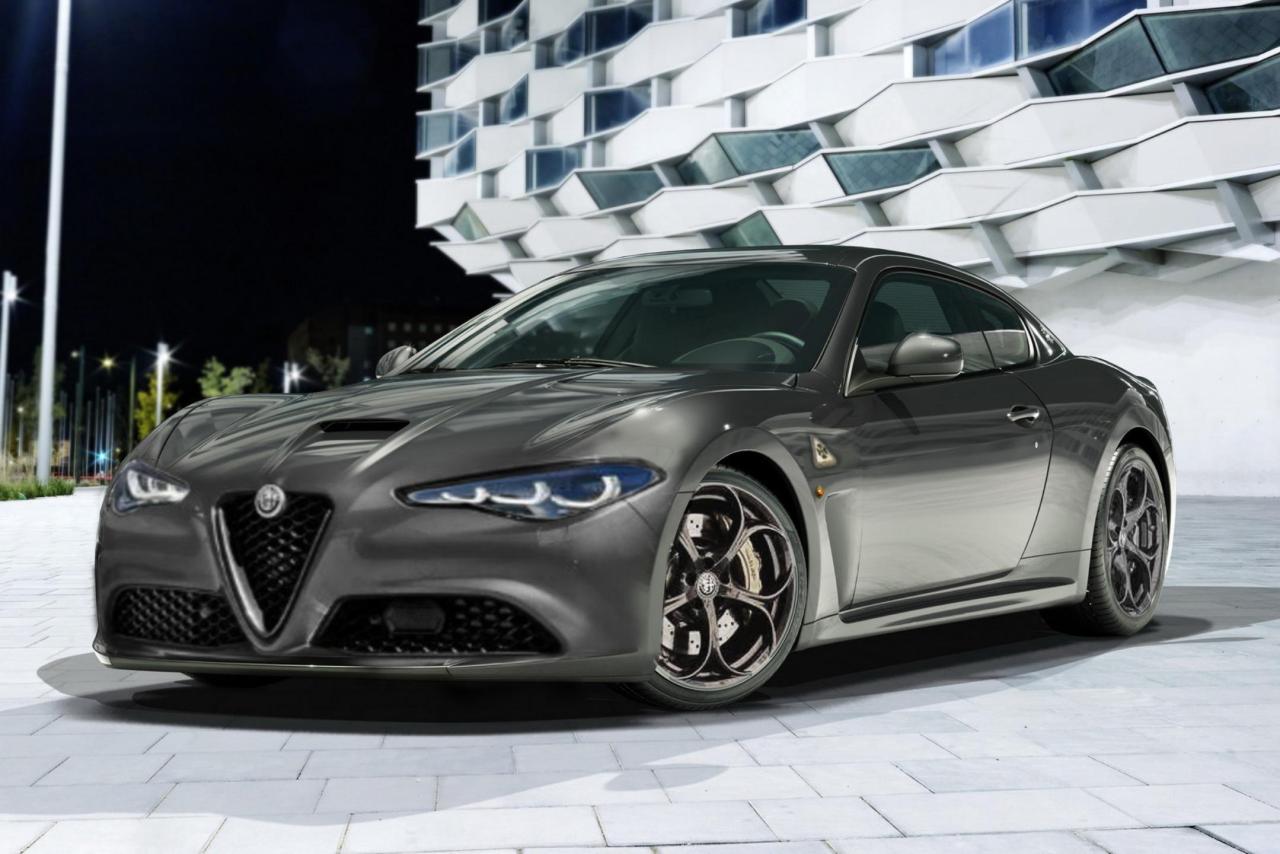 Vista una Nera, ha davvero una bella imponenzaMistero su come lo schermo sia utilizzabile dal passeggero
- 292 risposte
-
- 3008 spy
- p64
- peugeot
- peugeot spy
-
Taggato come:
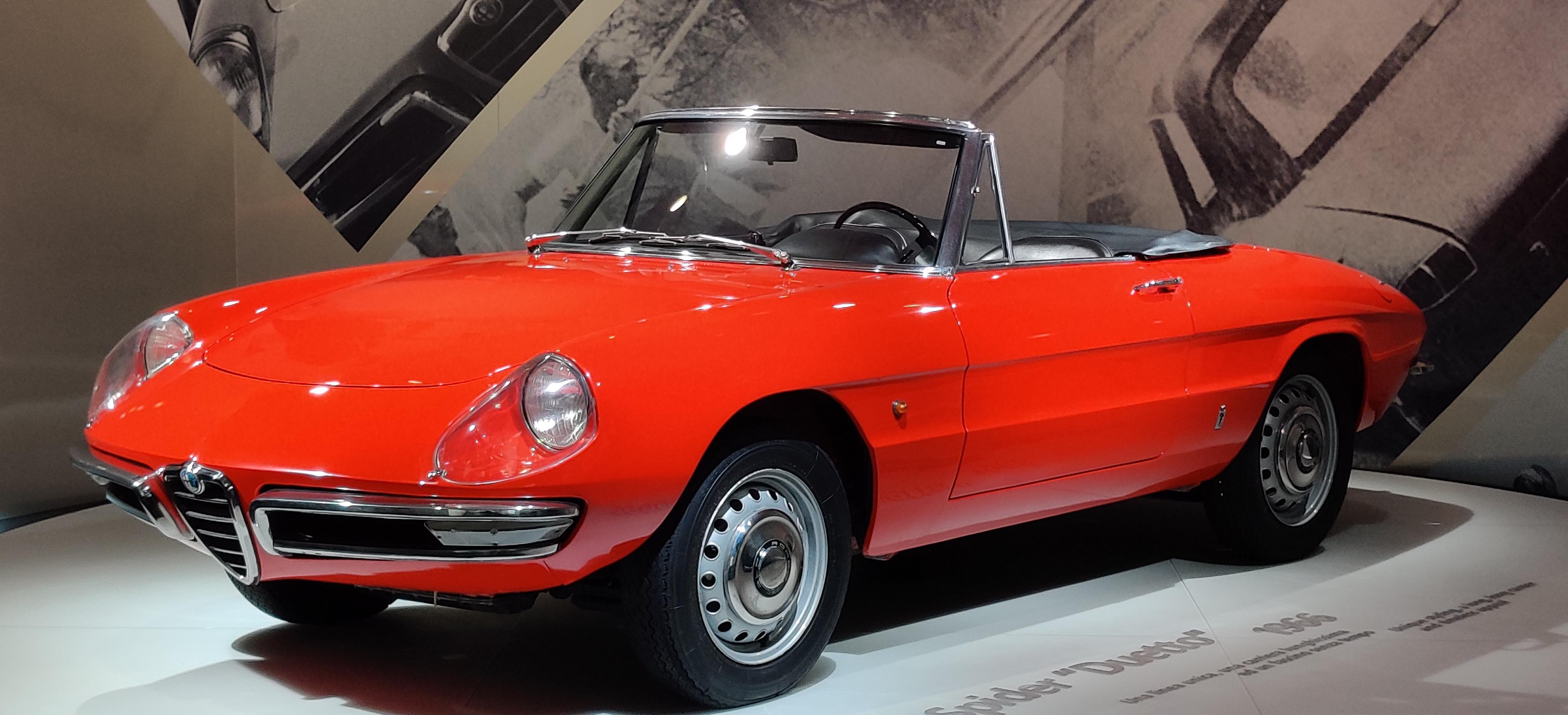
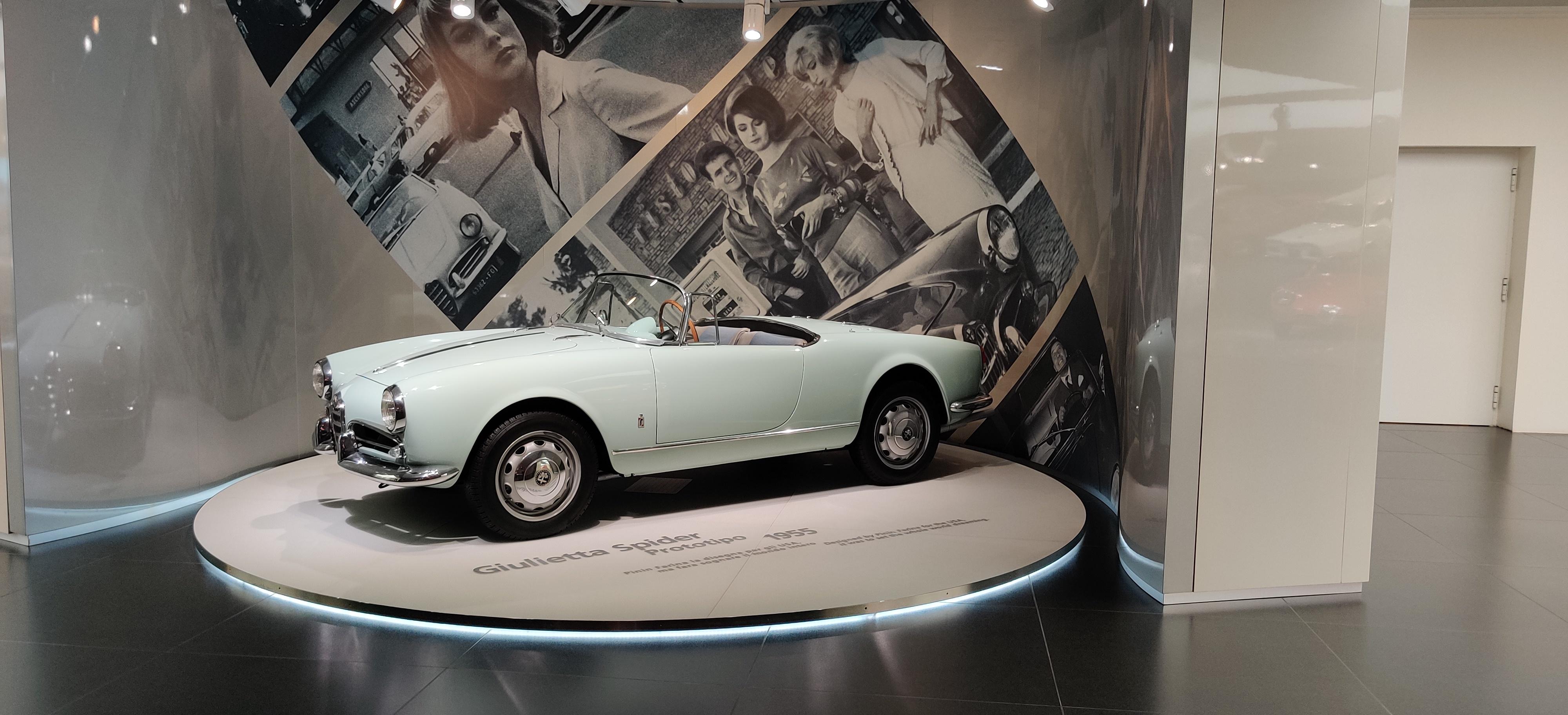
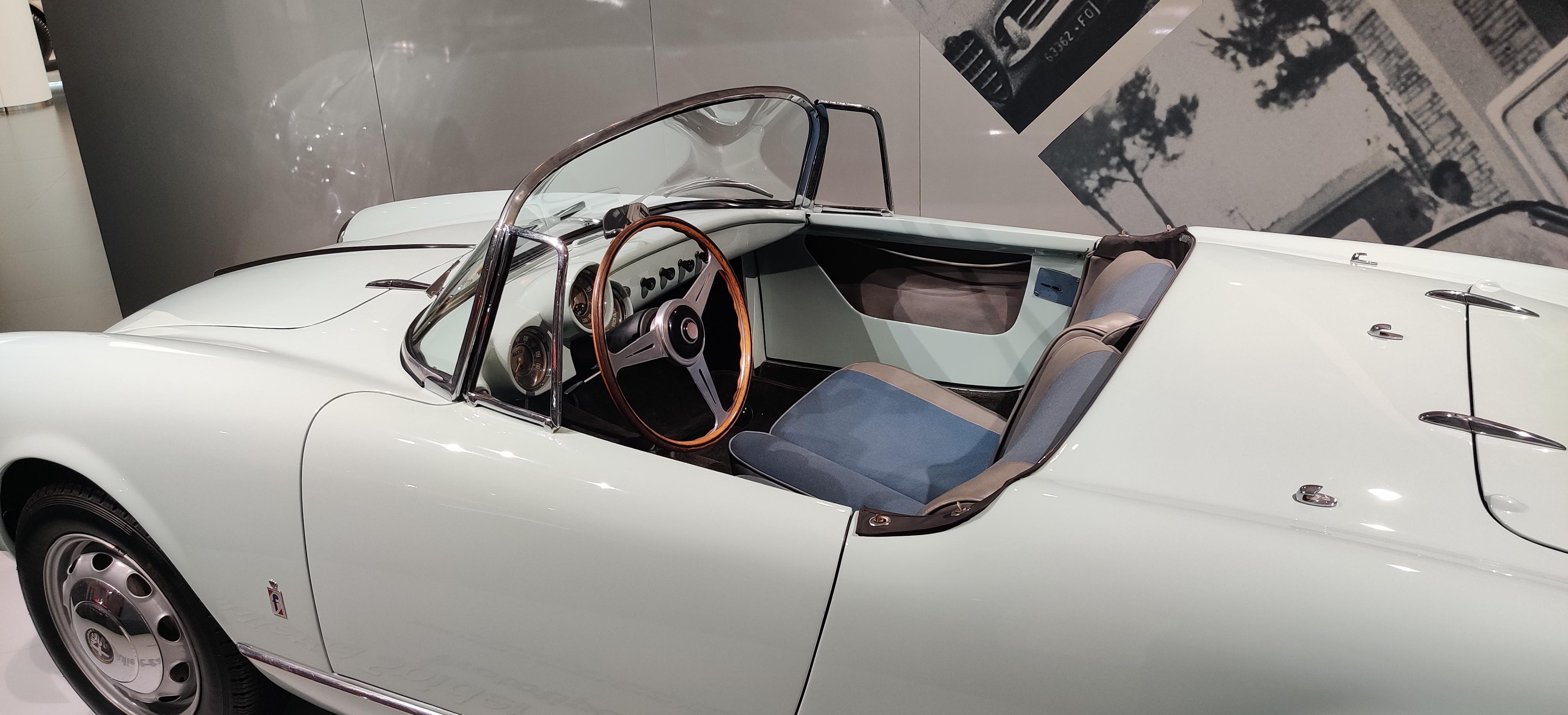
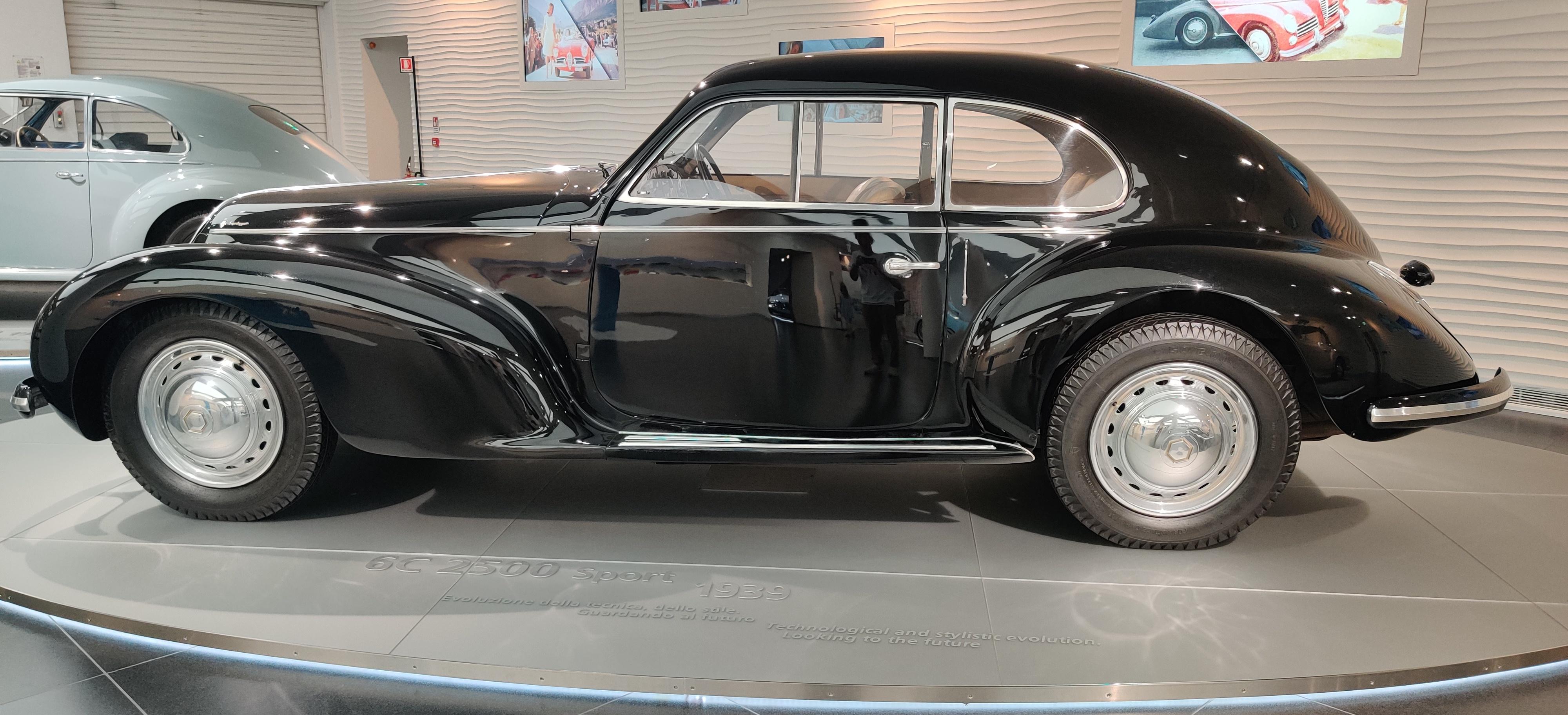
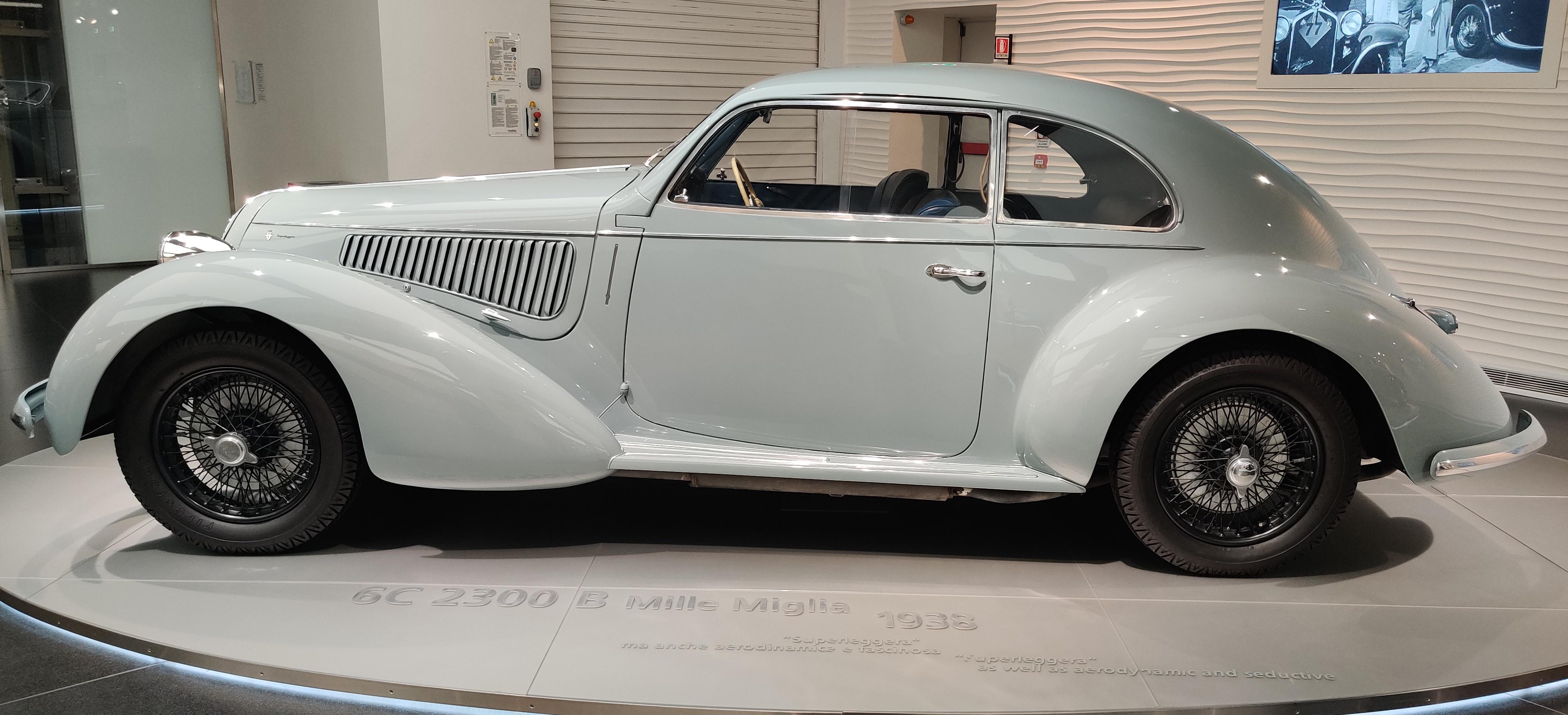
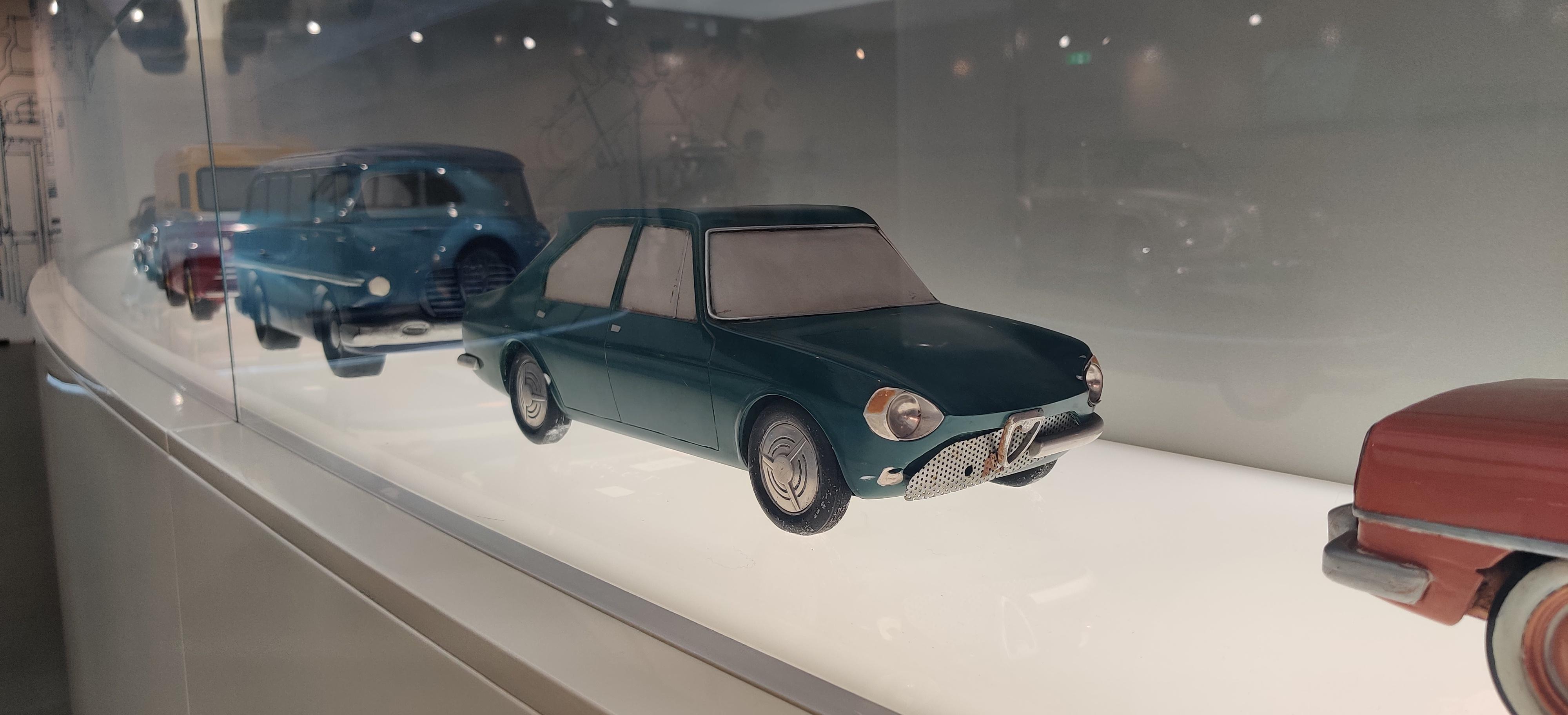
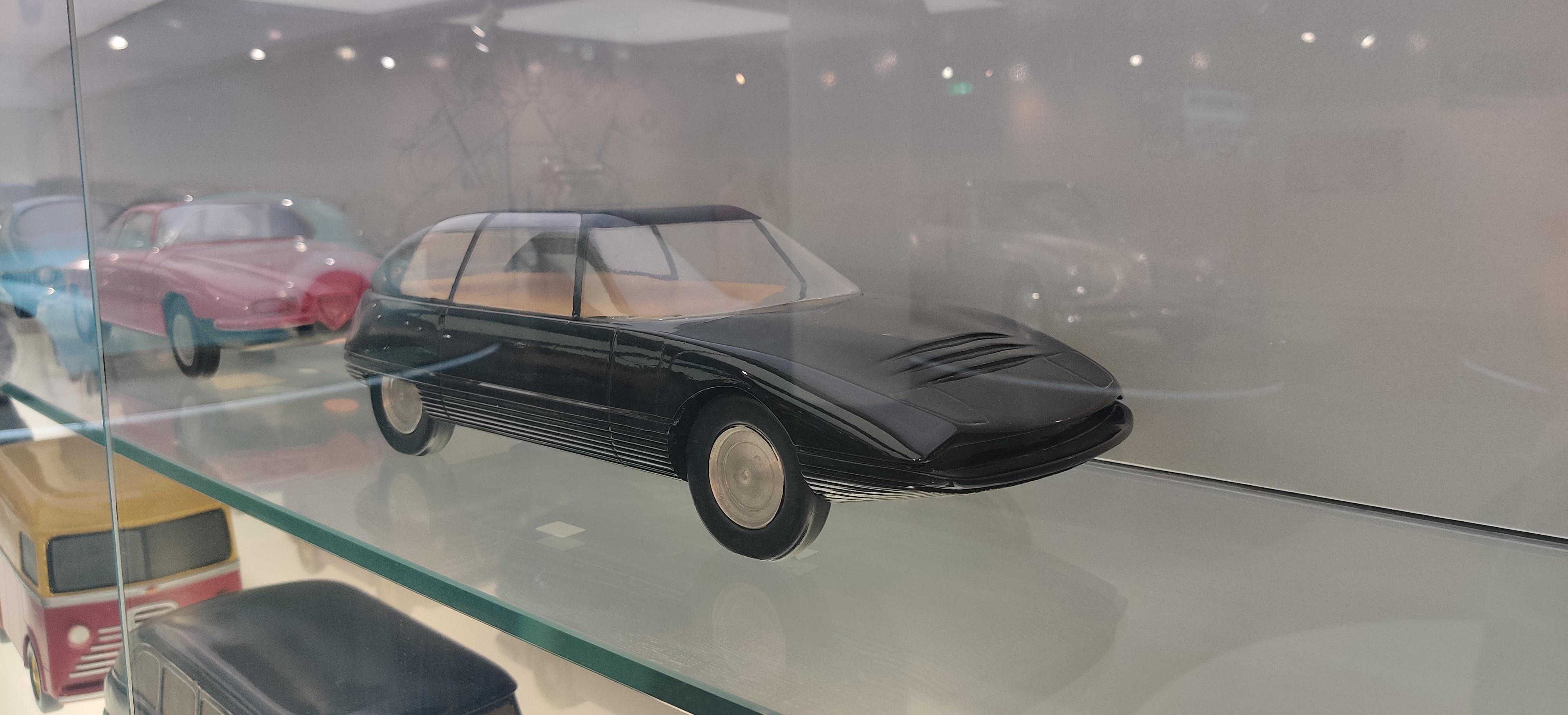
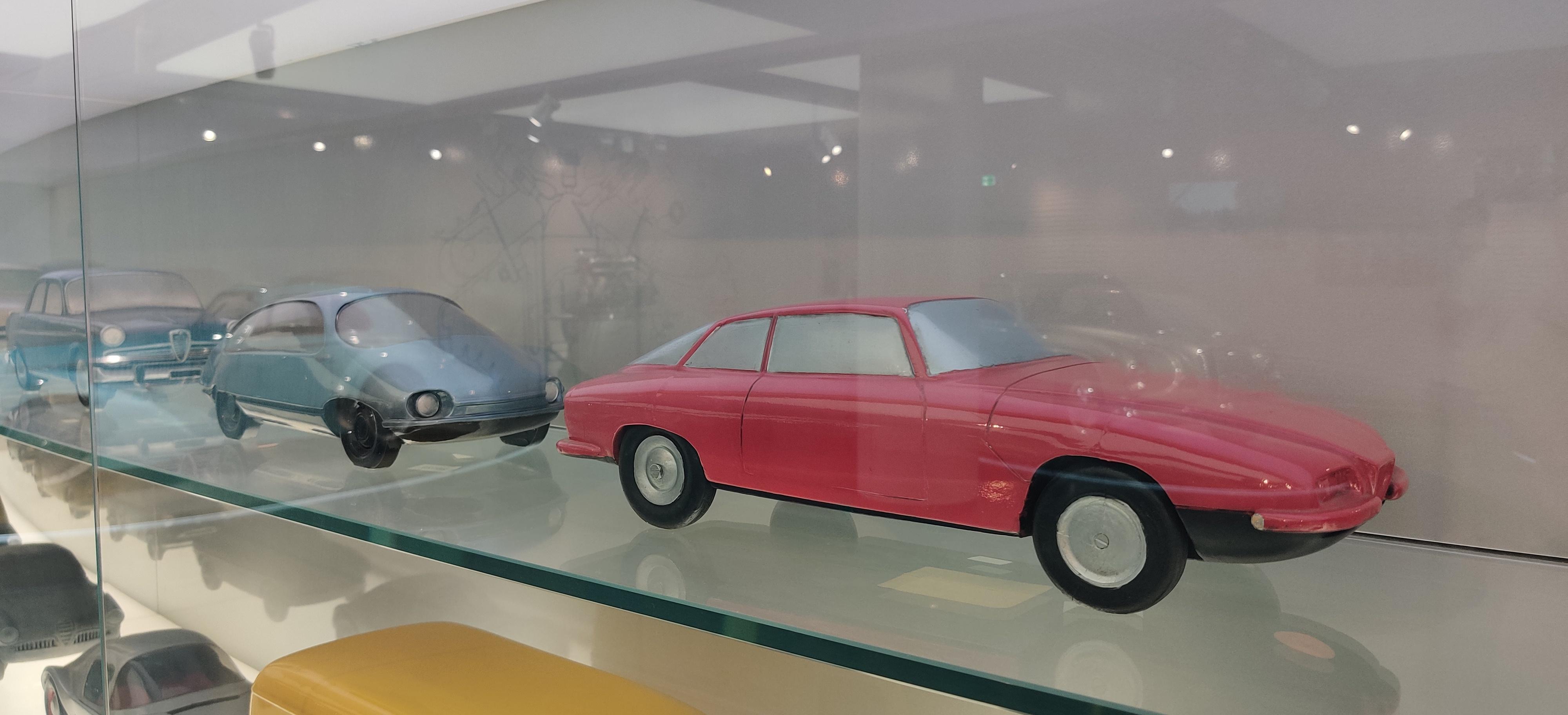
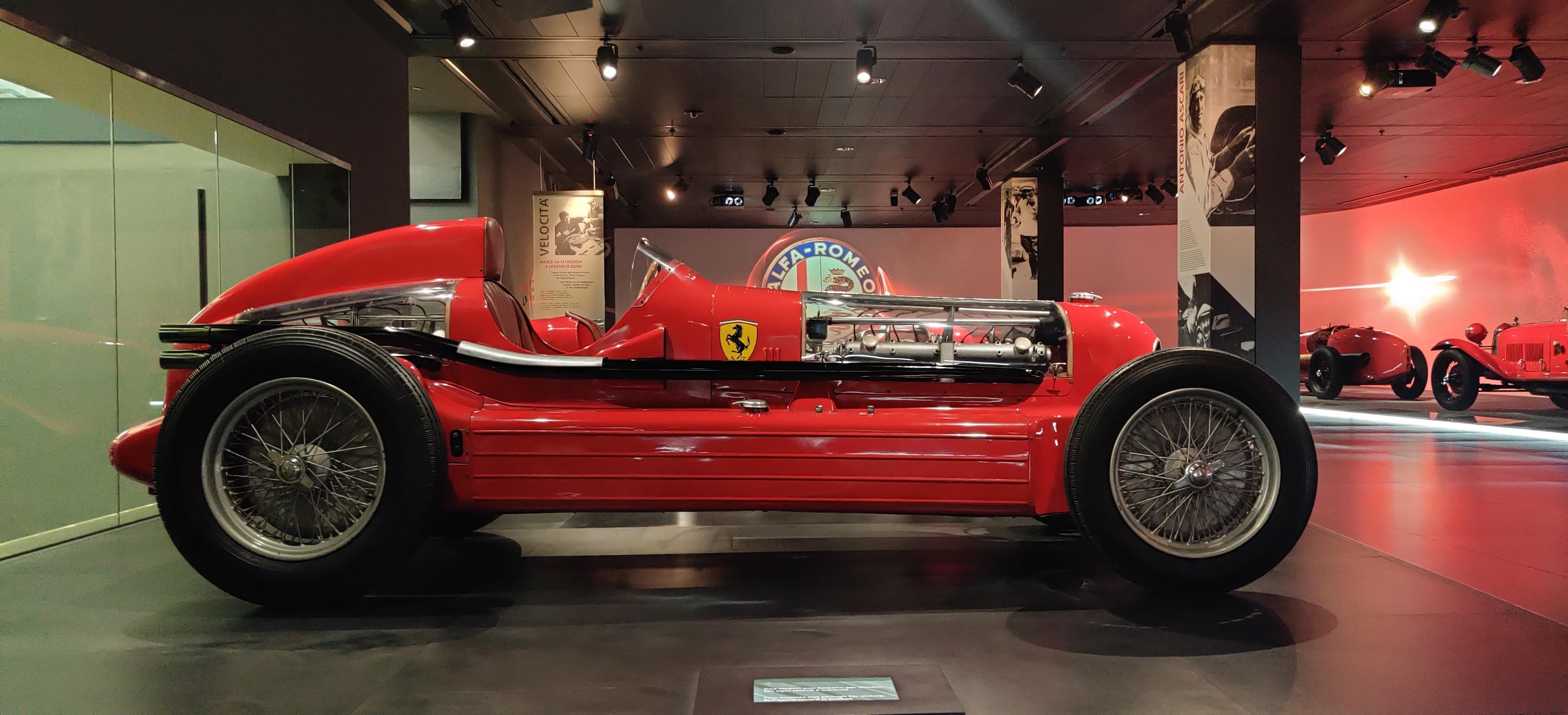
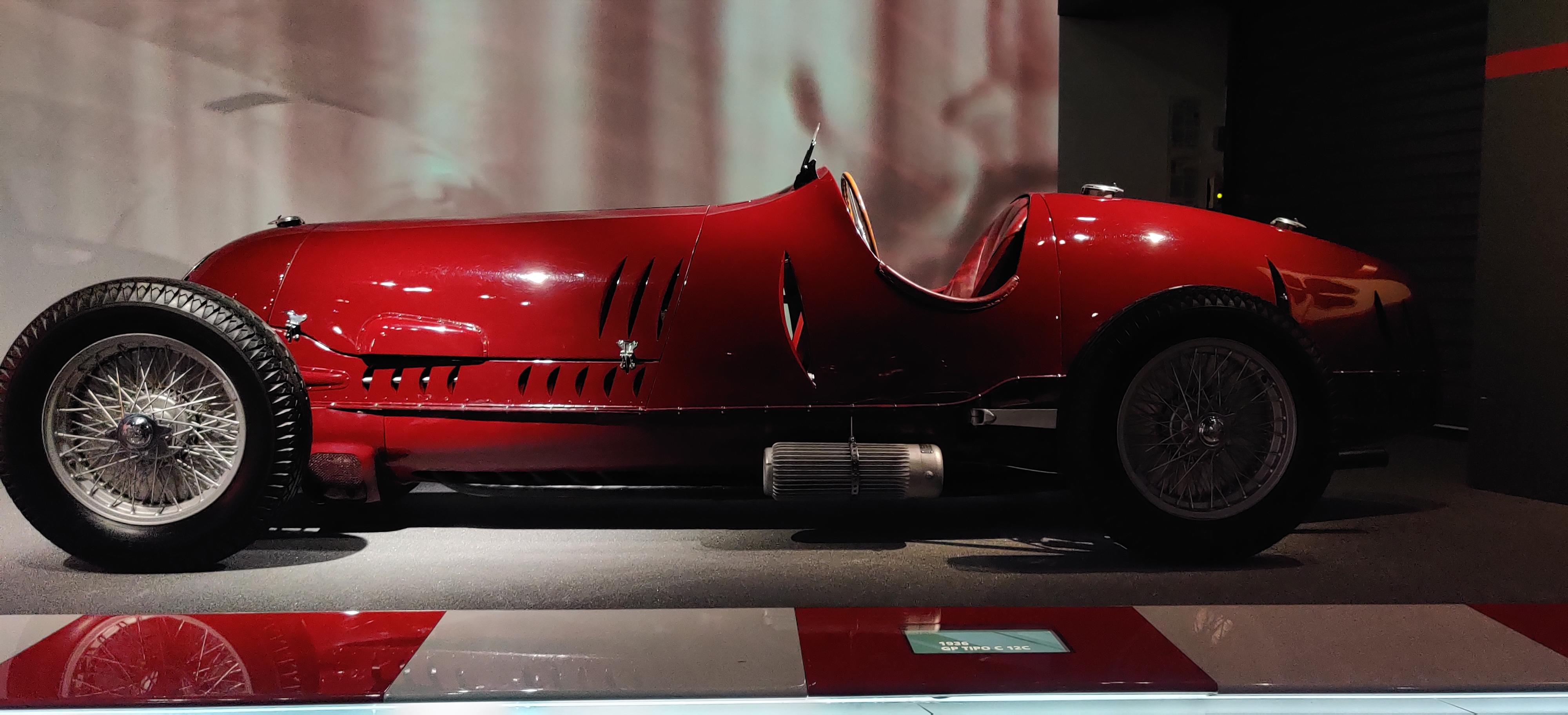
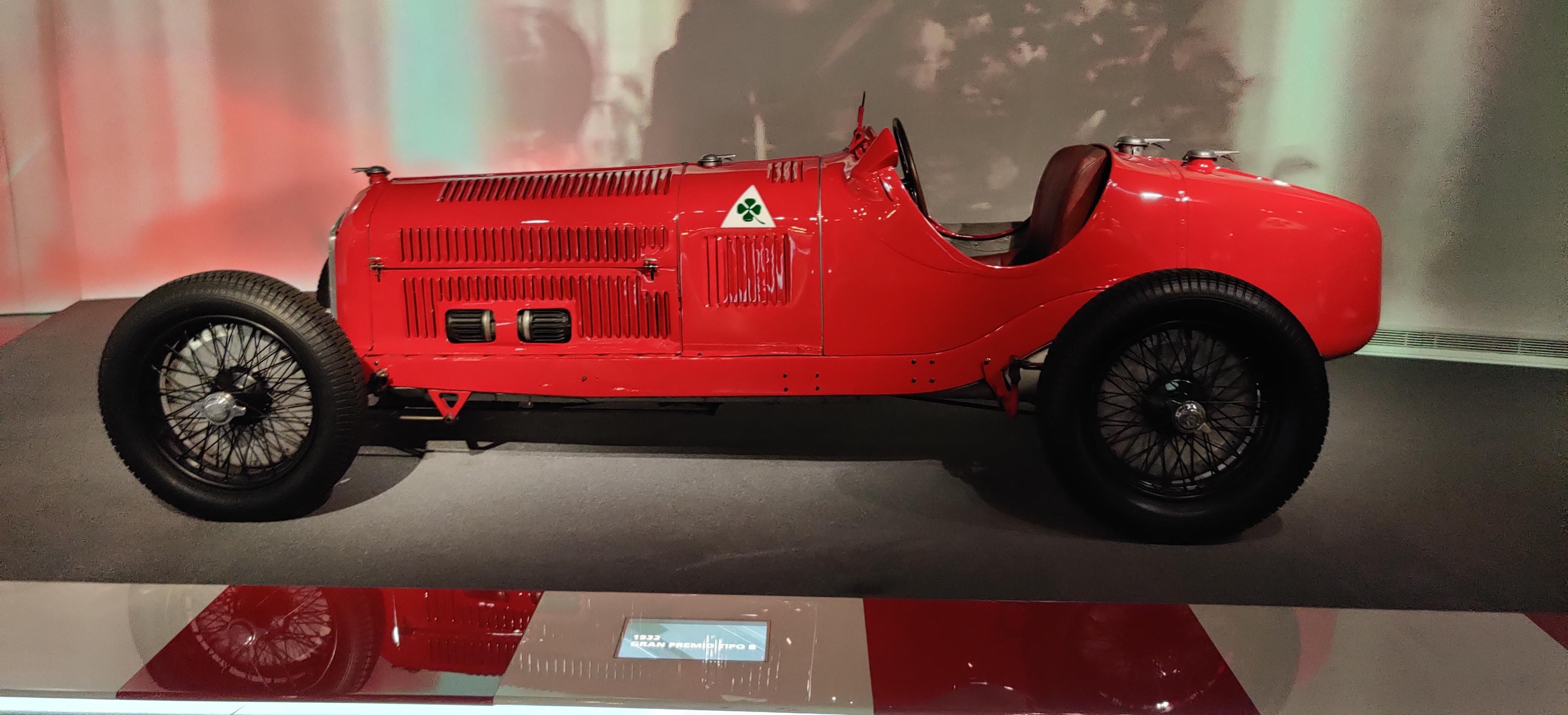
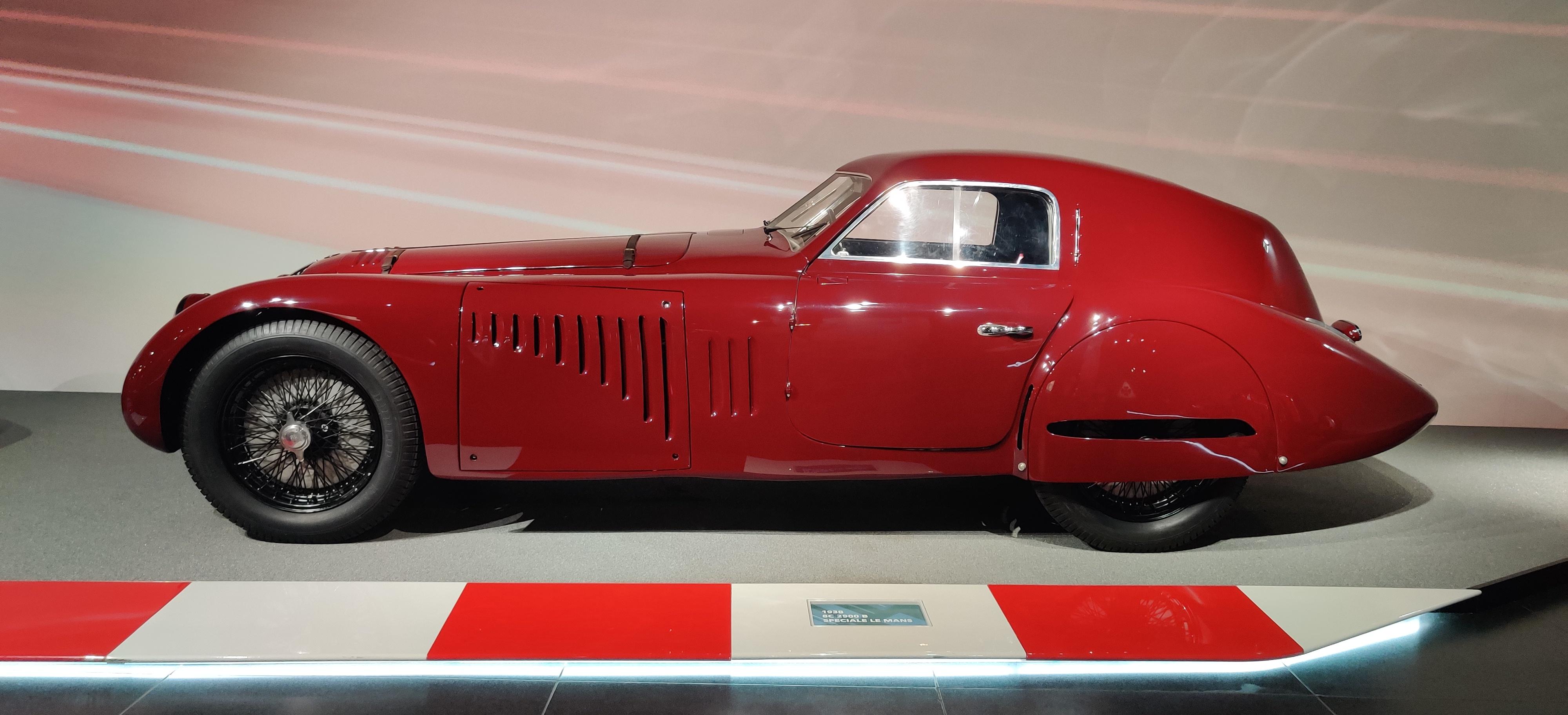
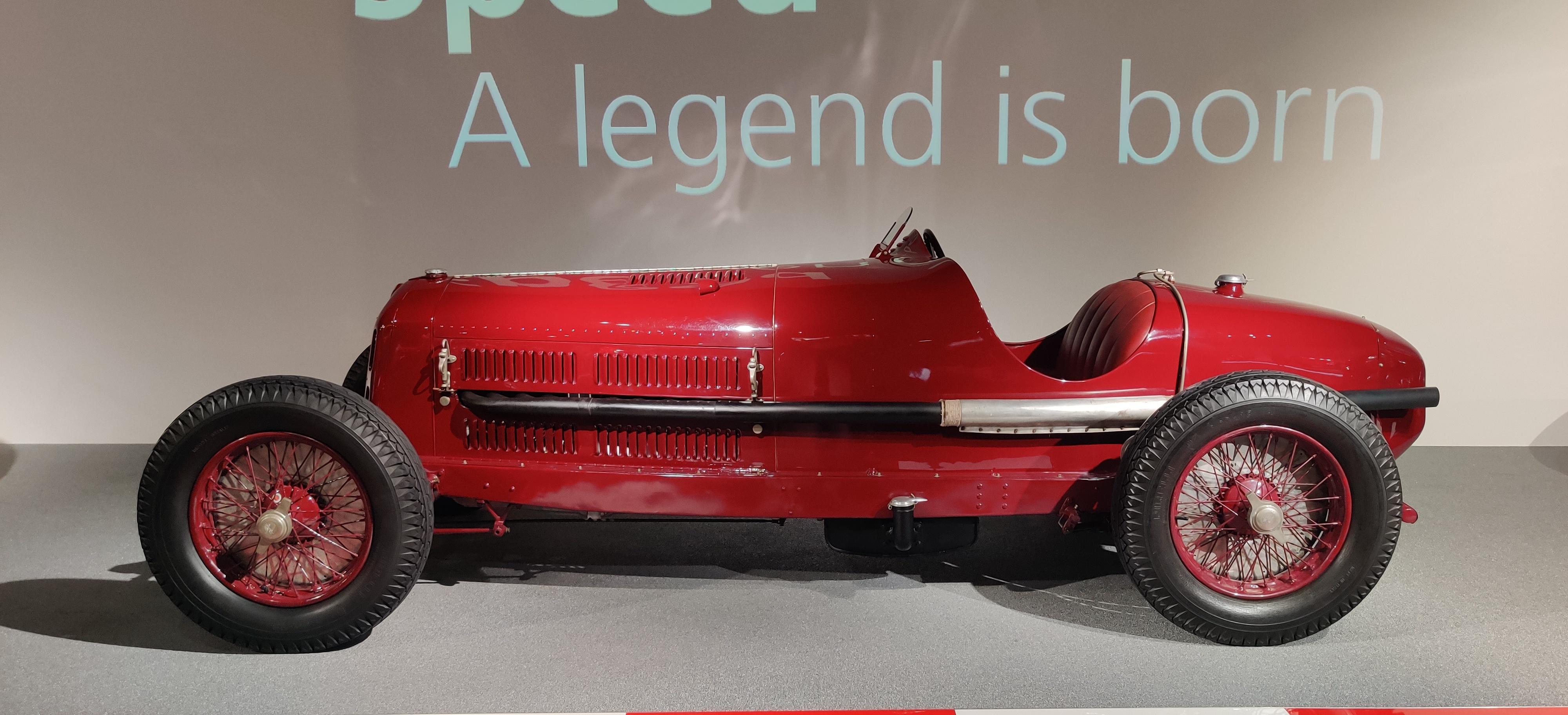
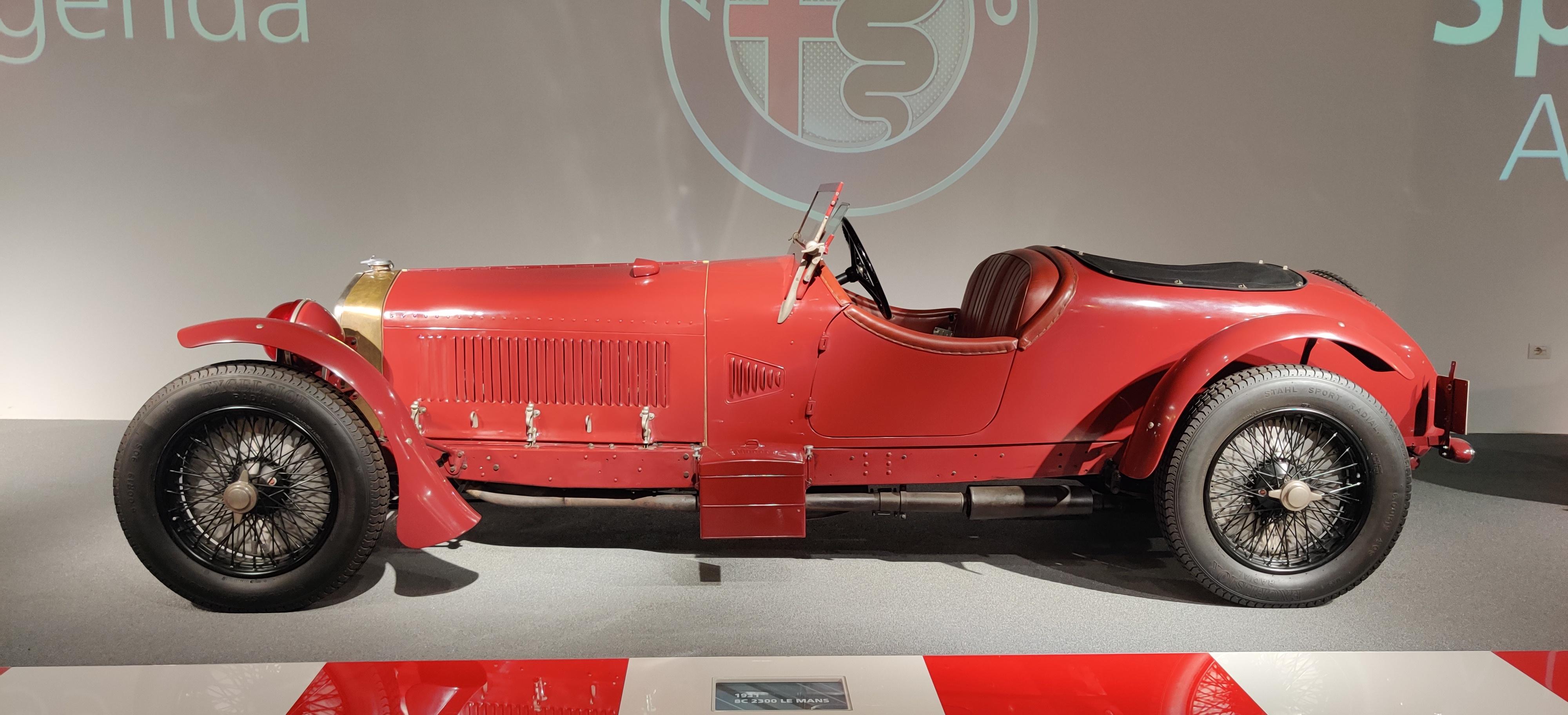
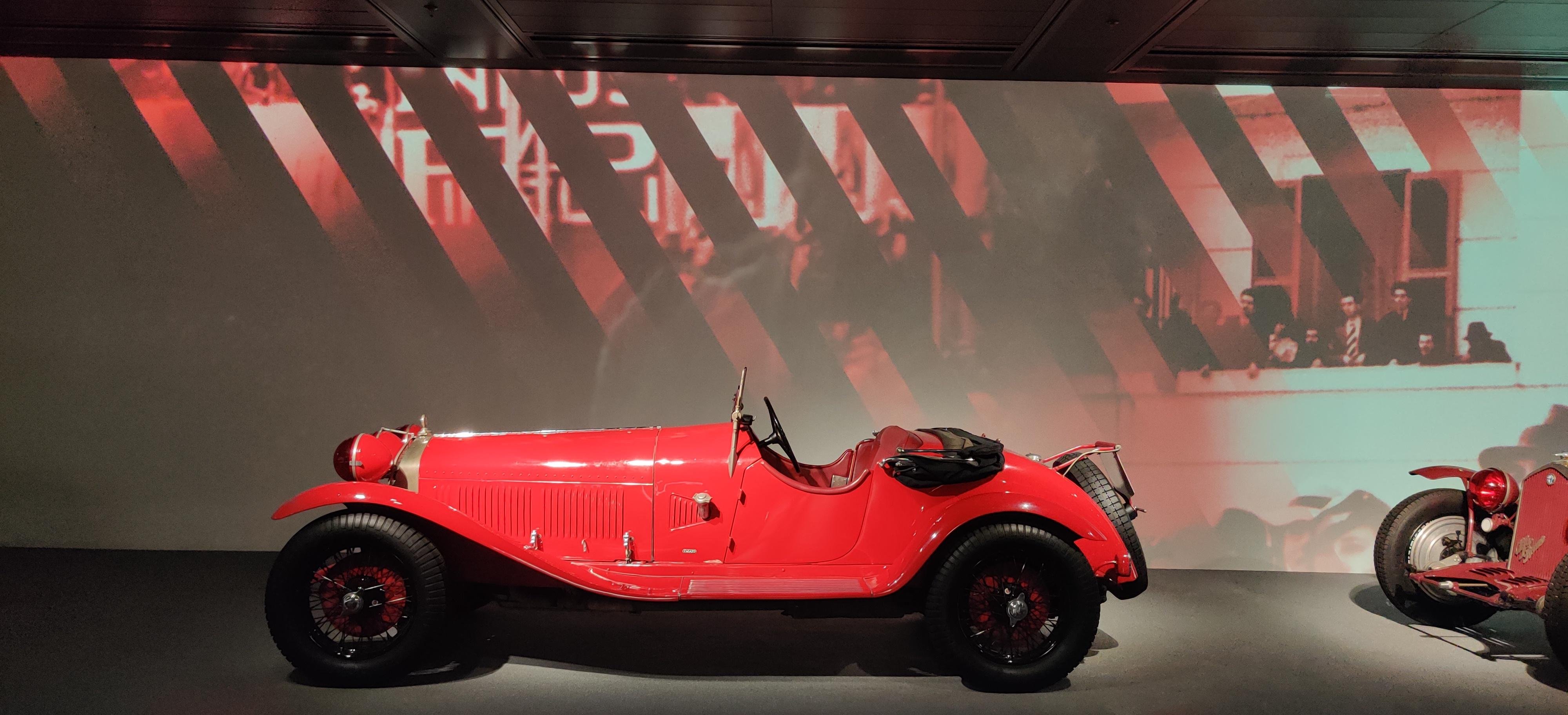
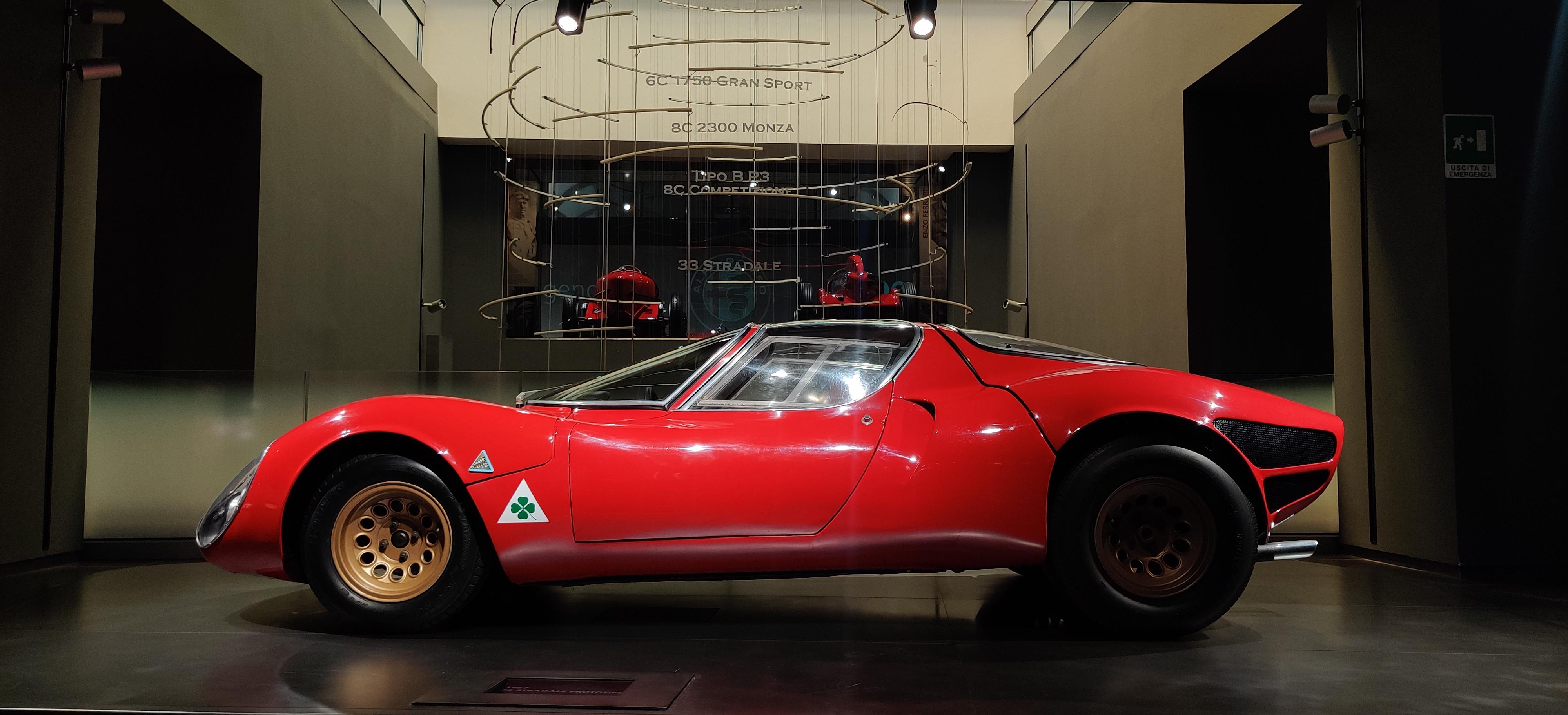
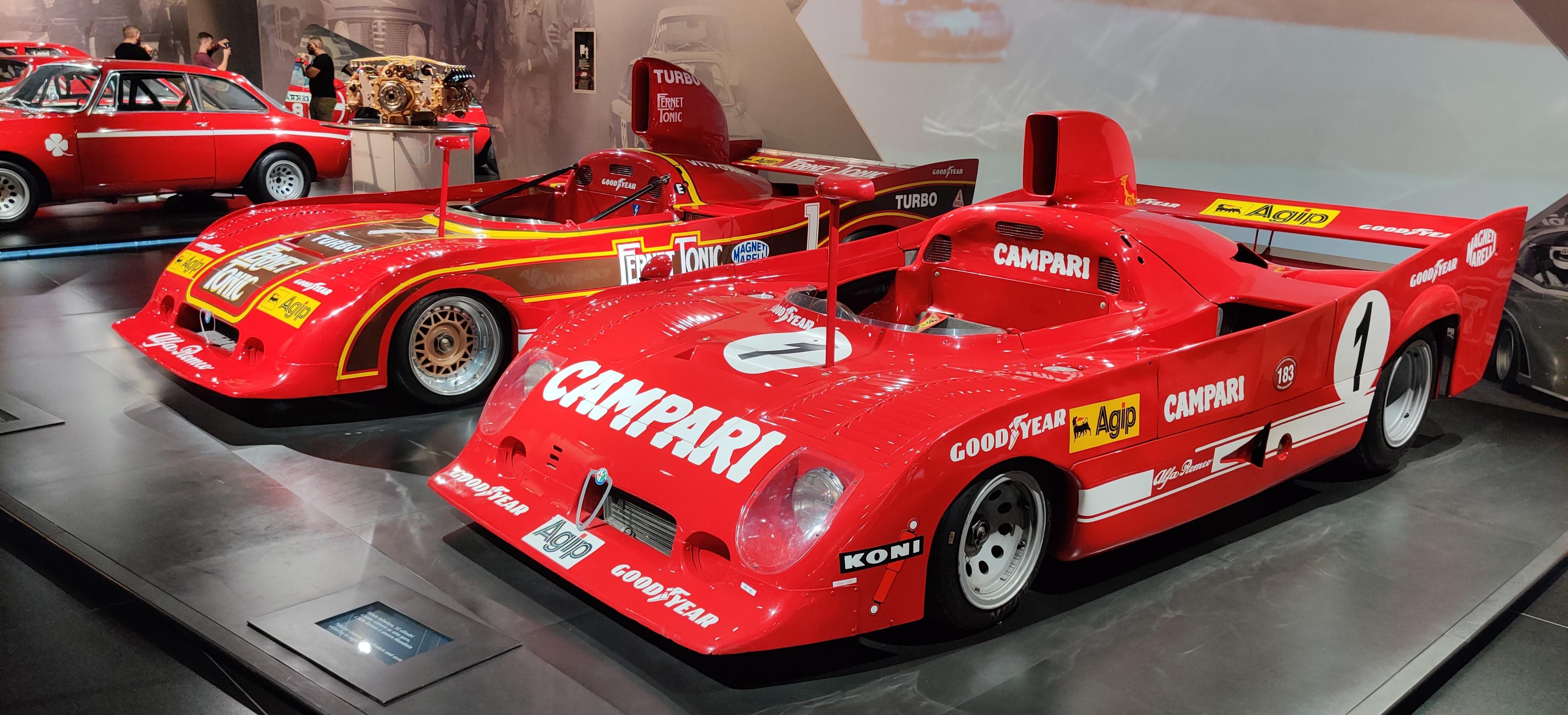
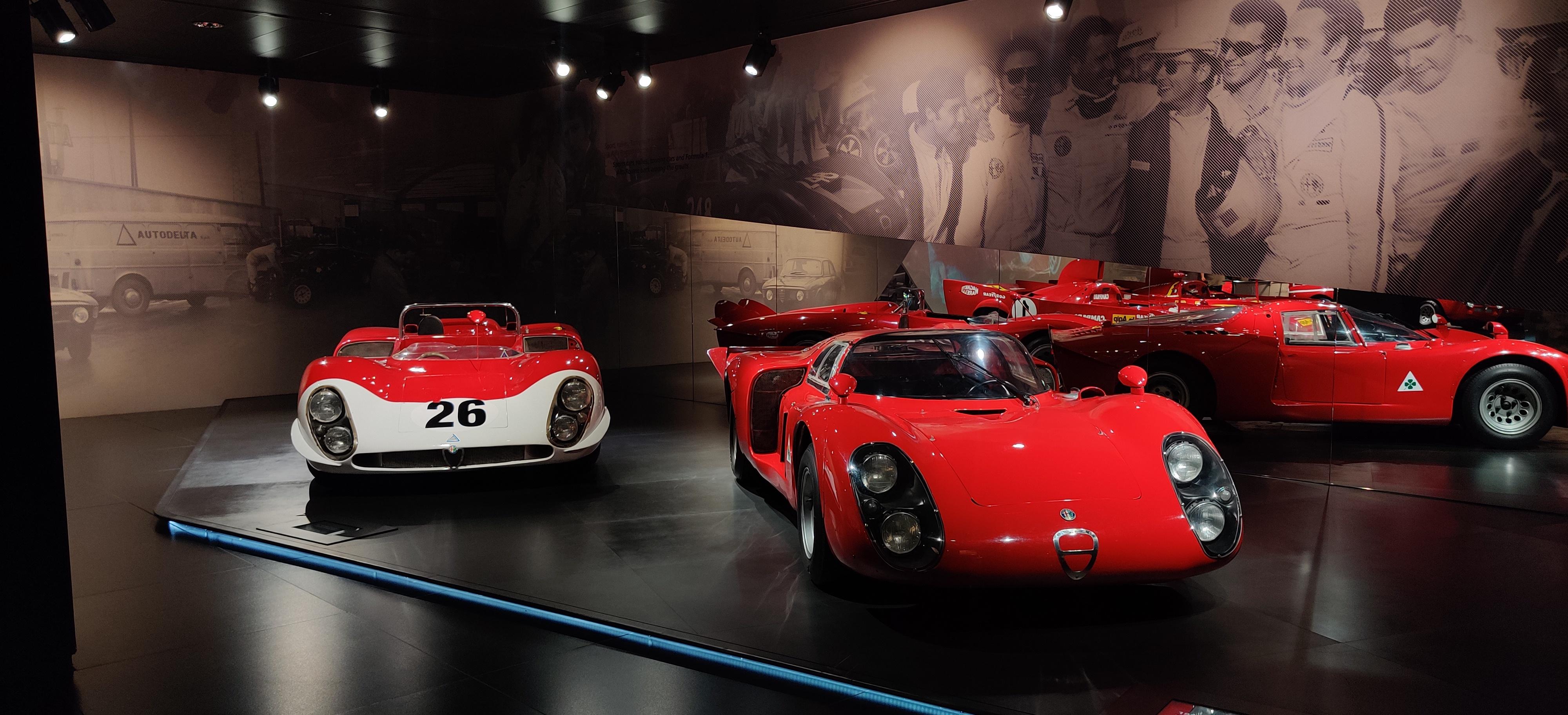
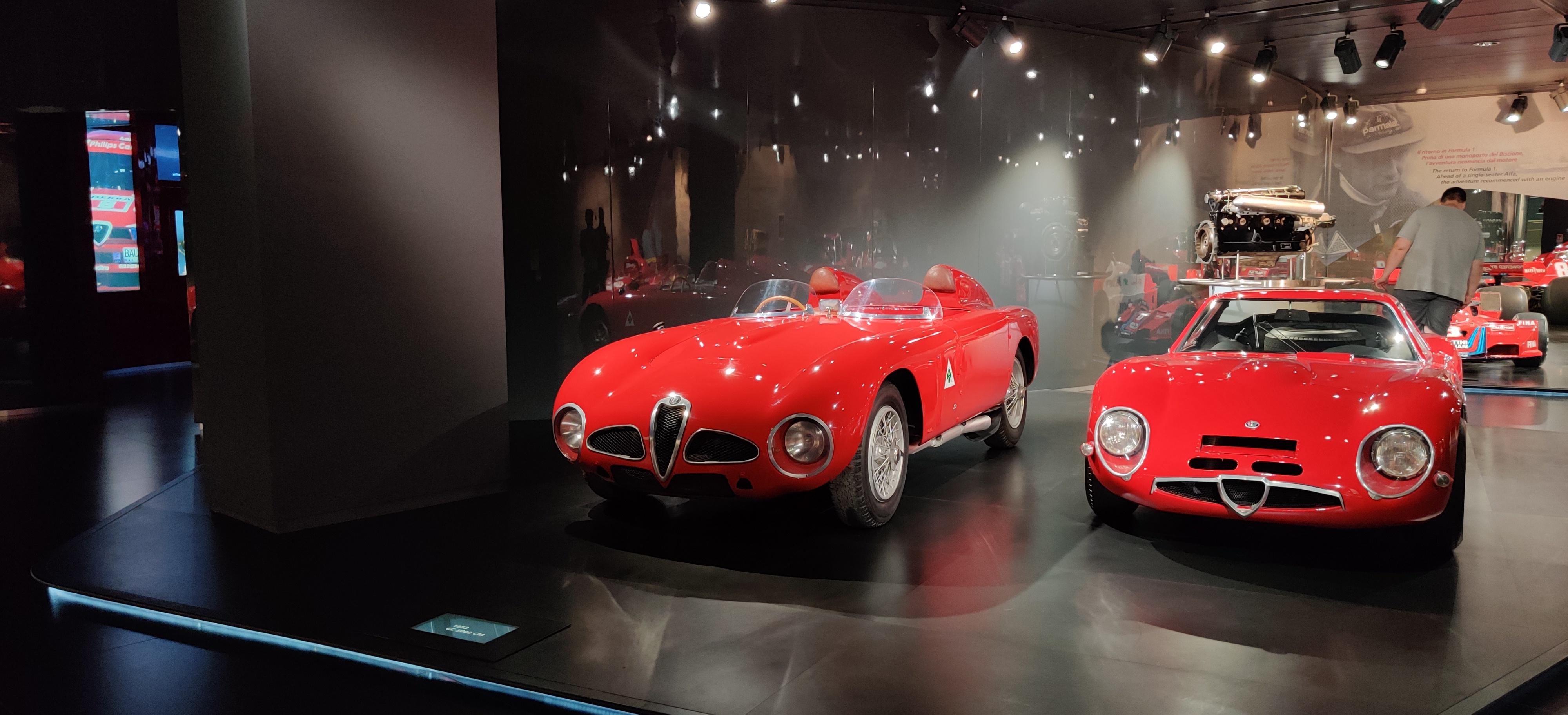
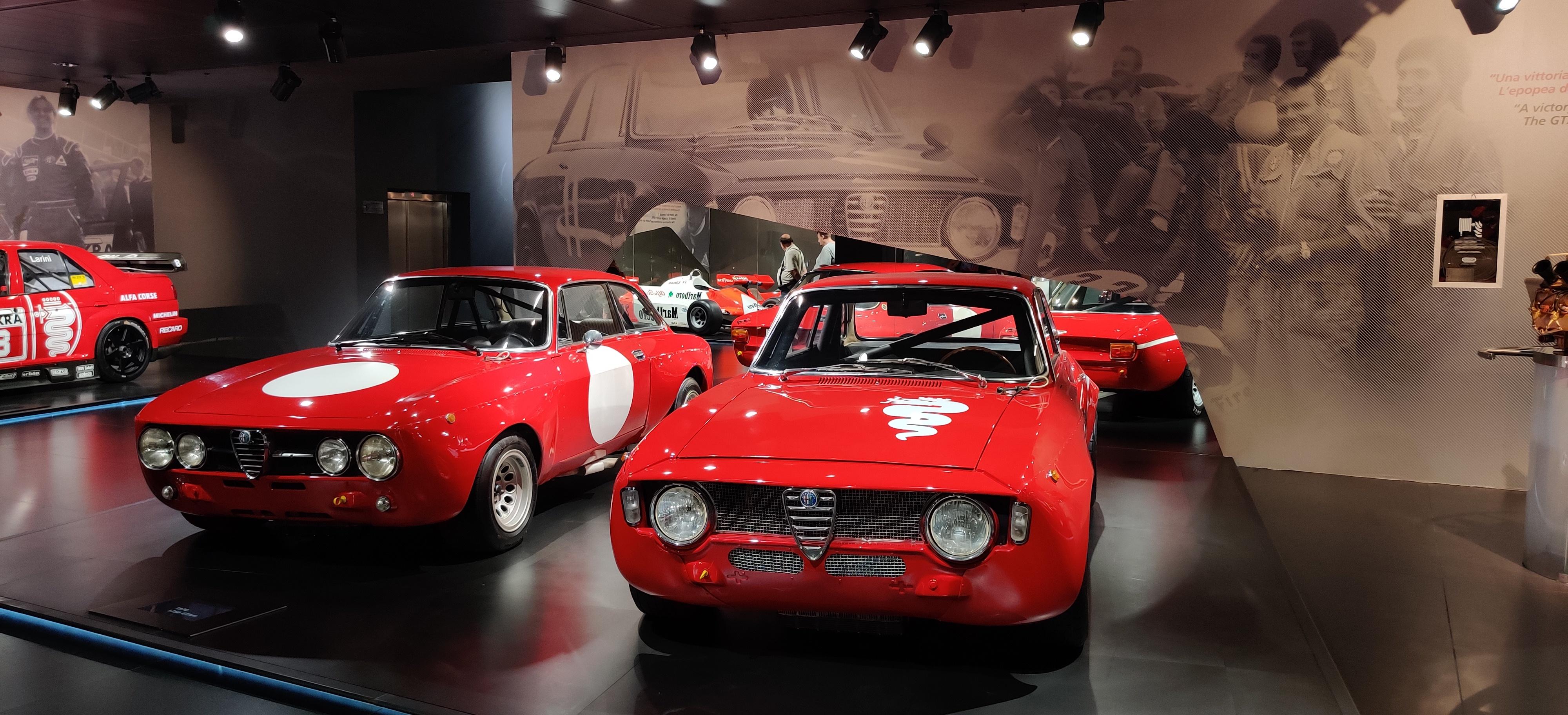
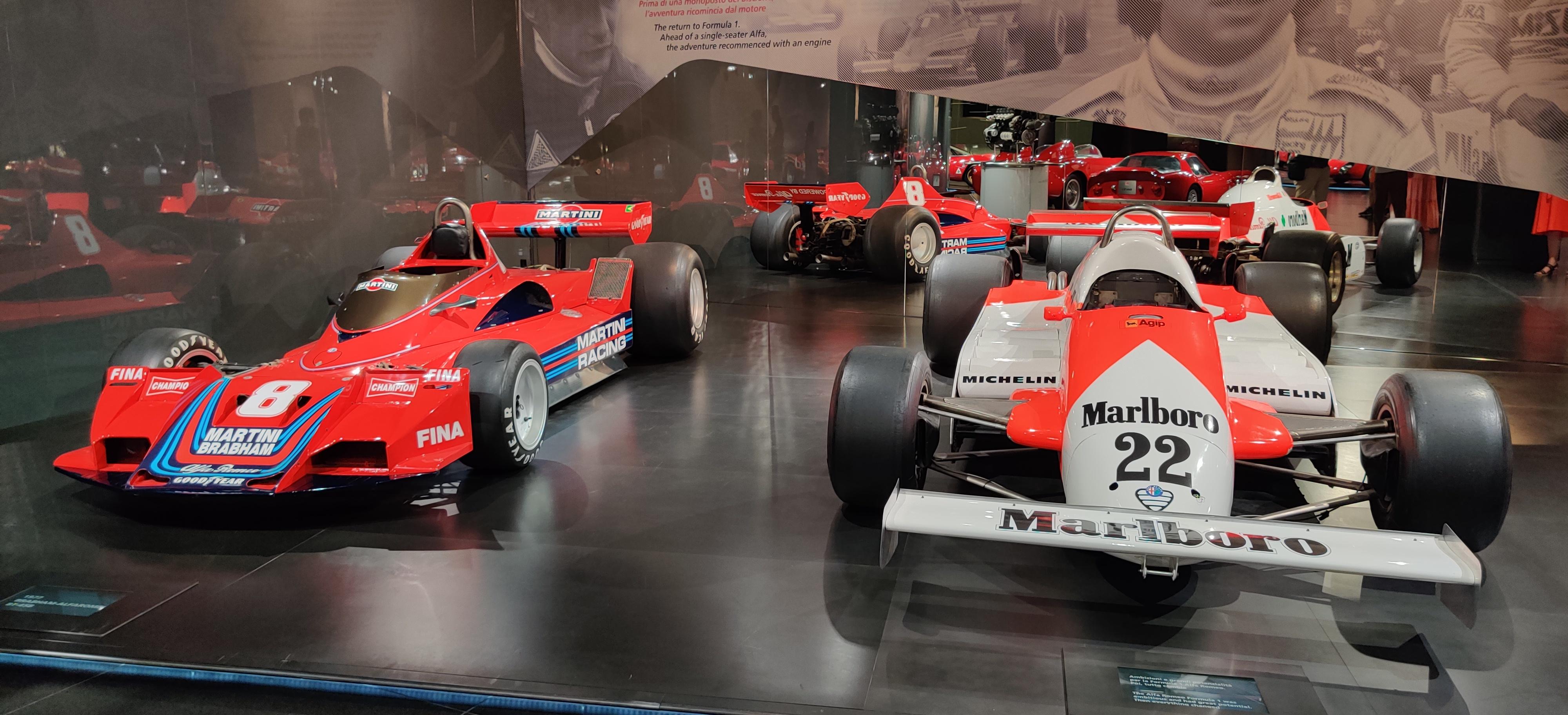
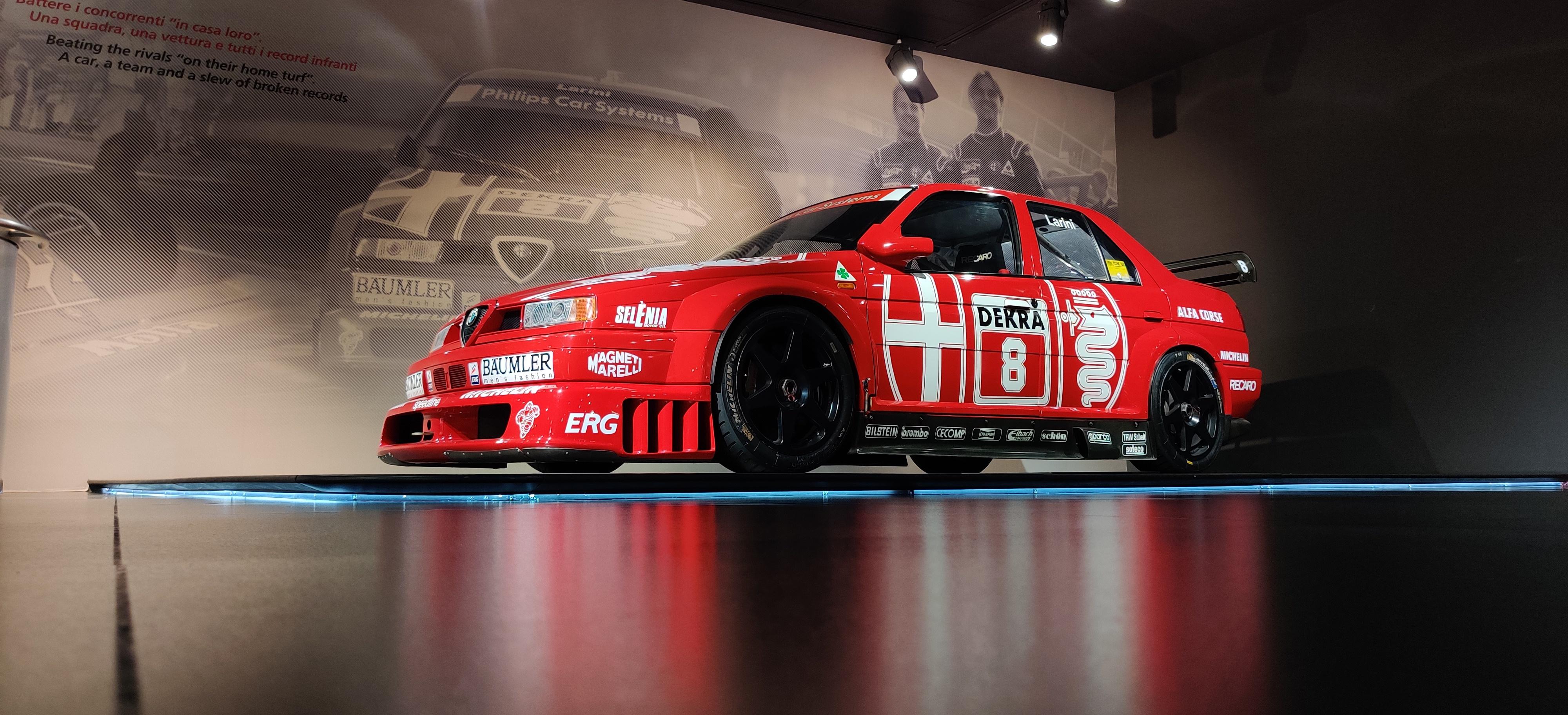
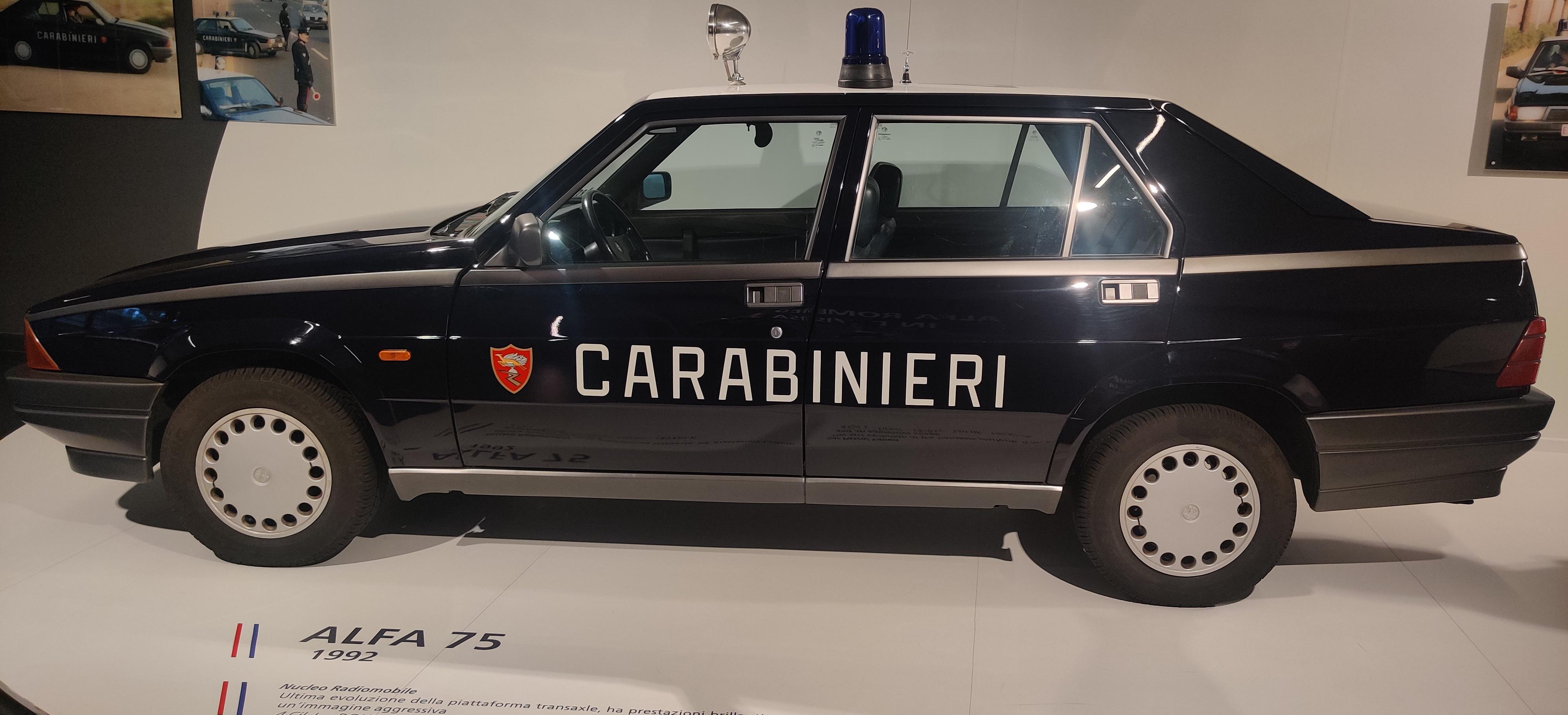
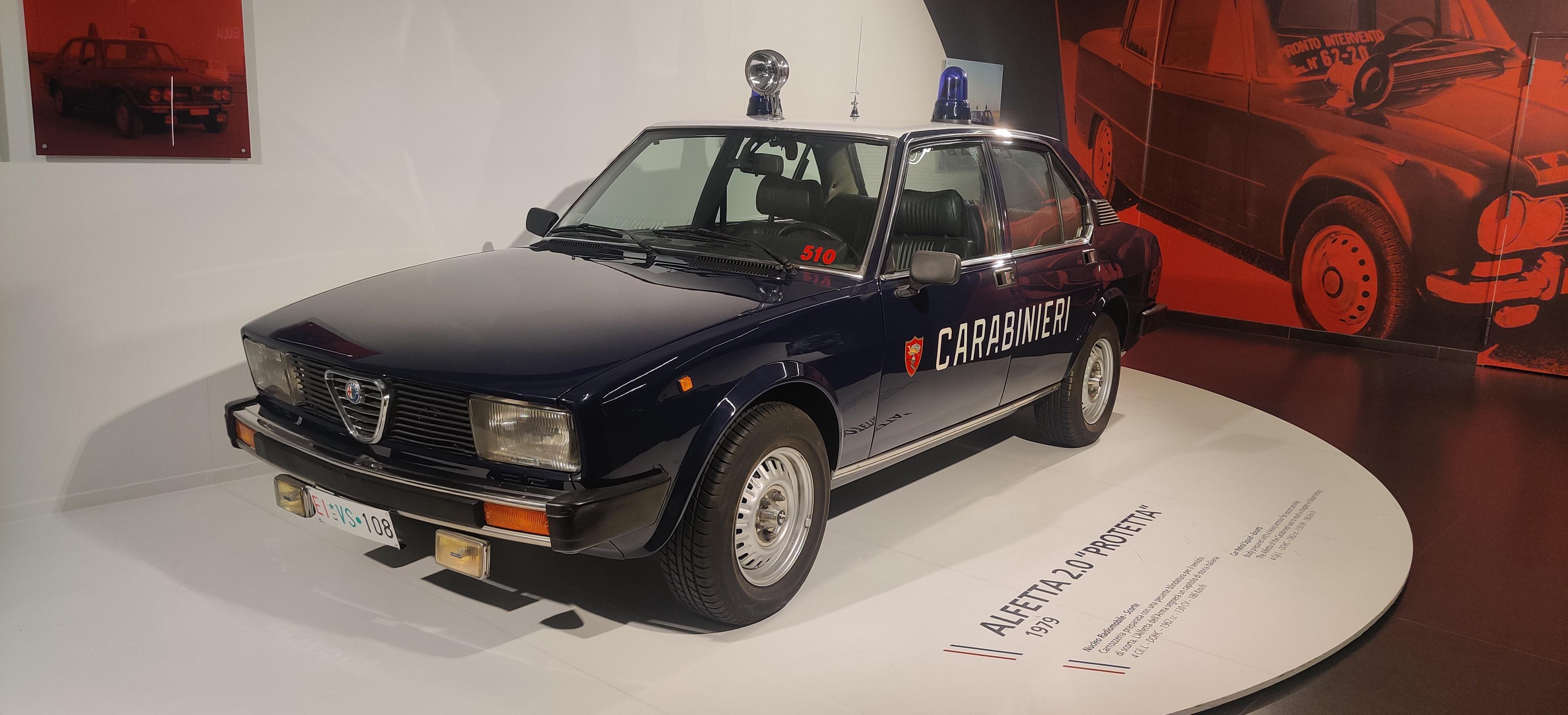
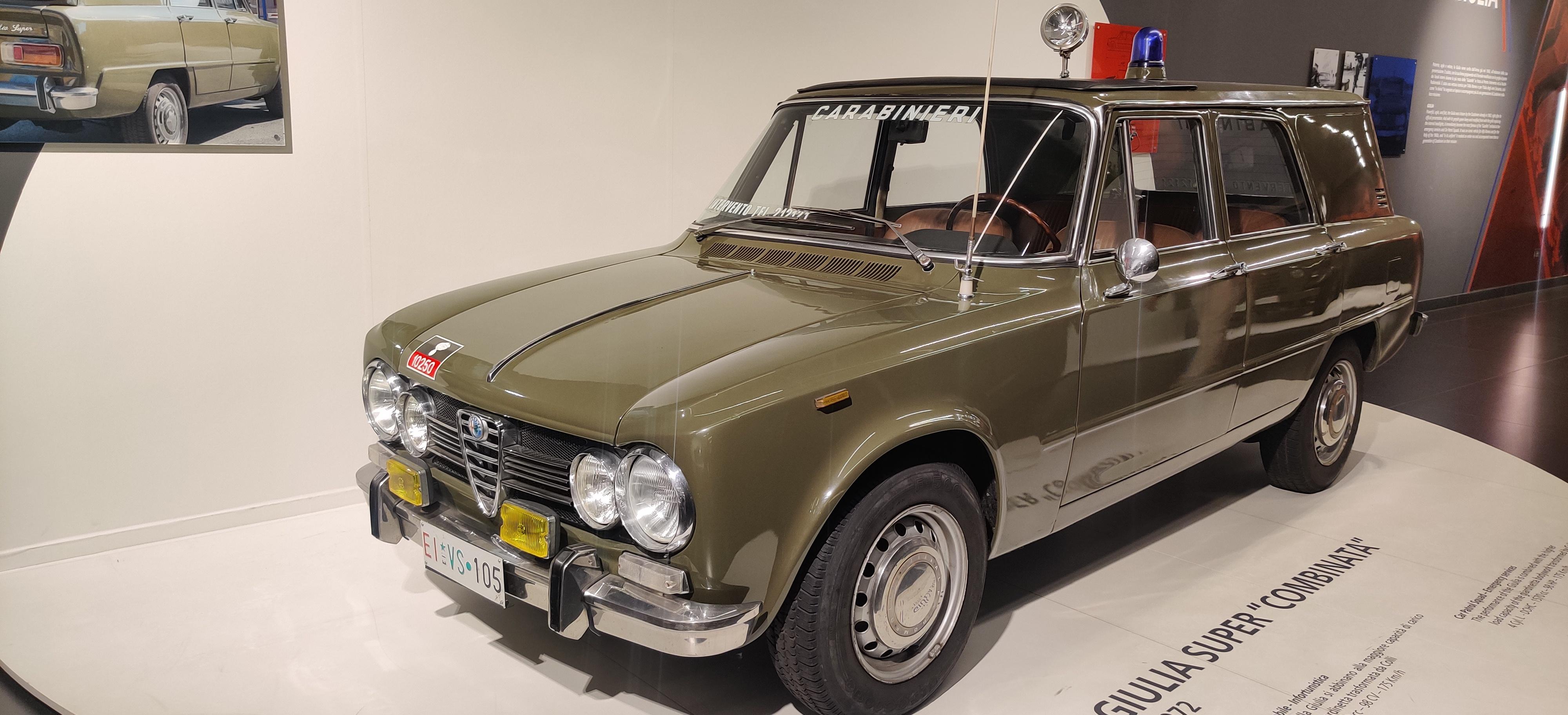
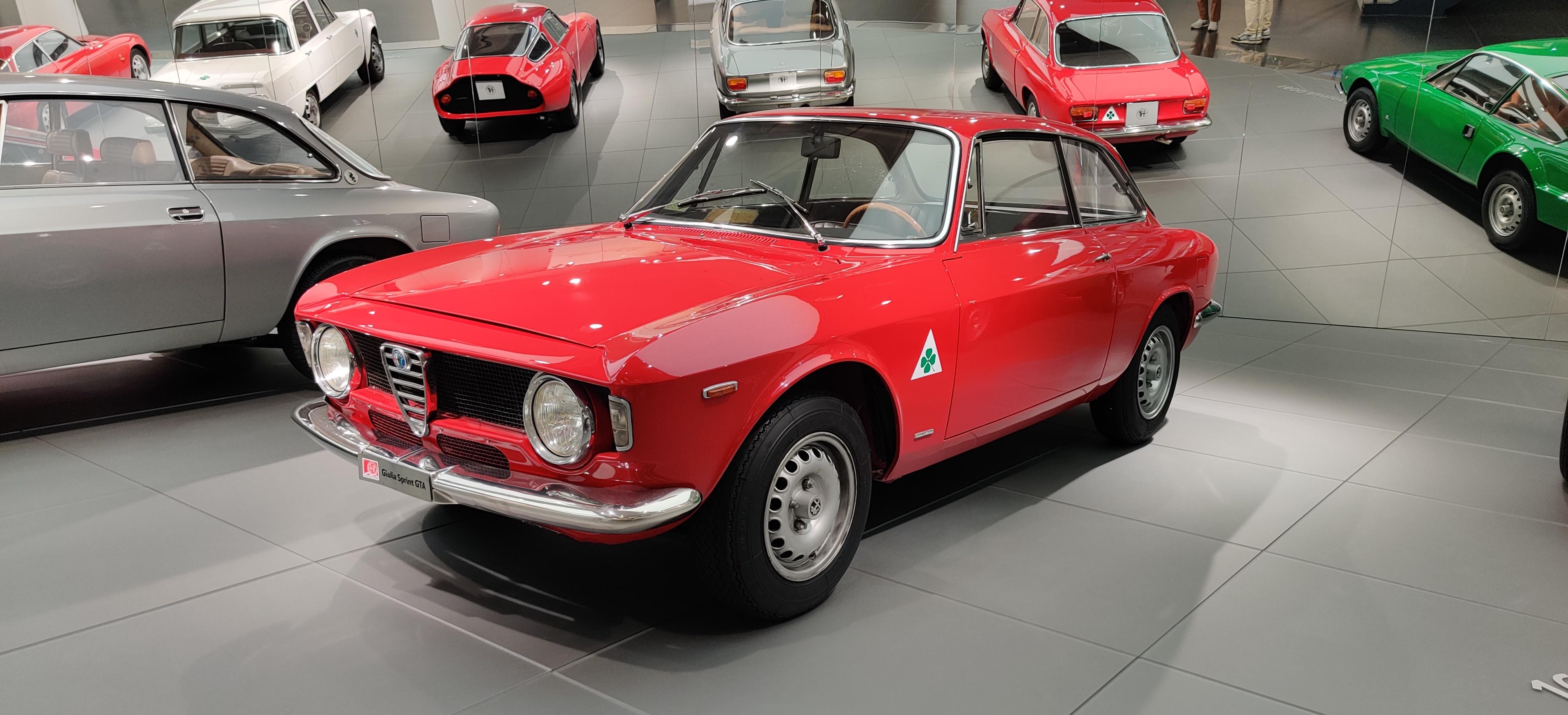
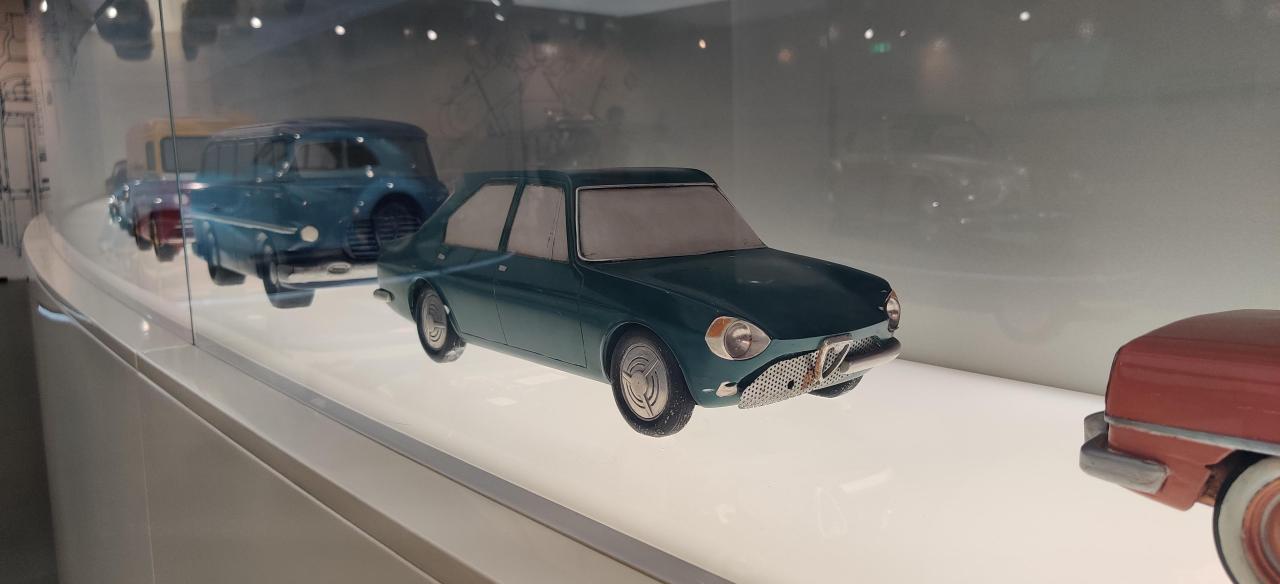
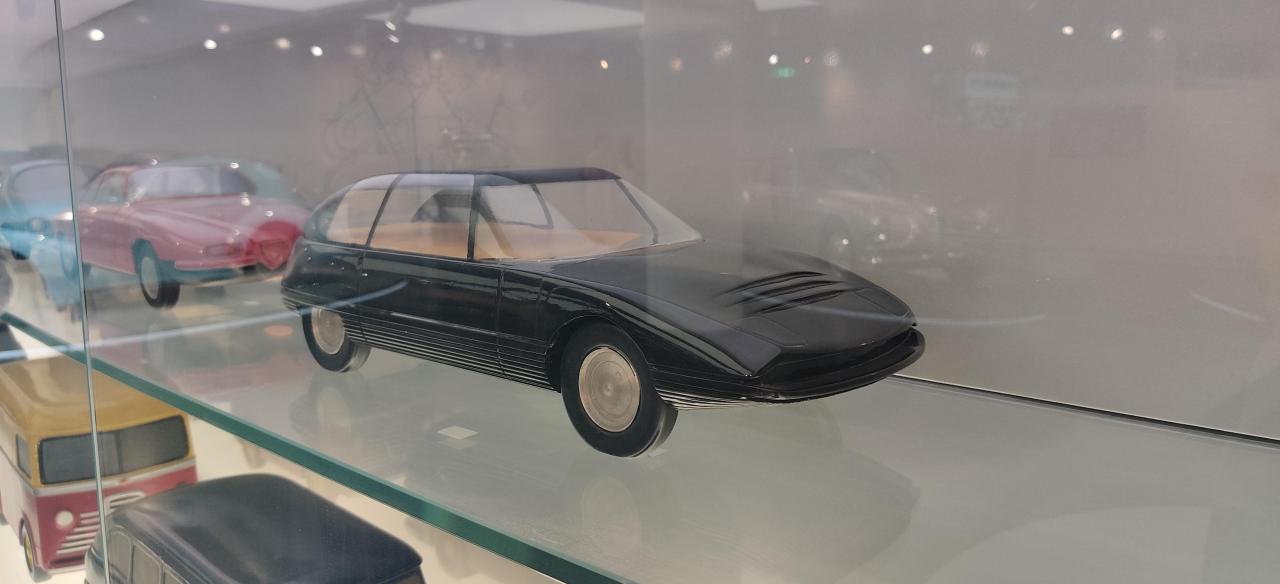
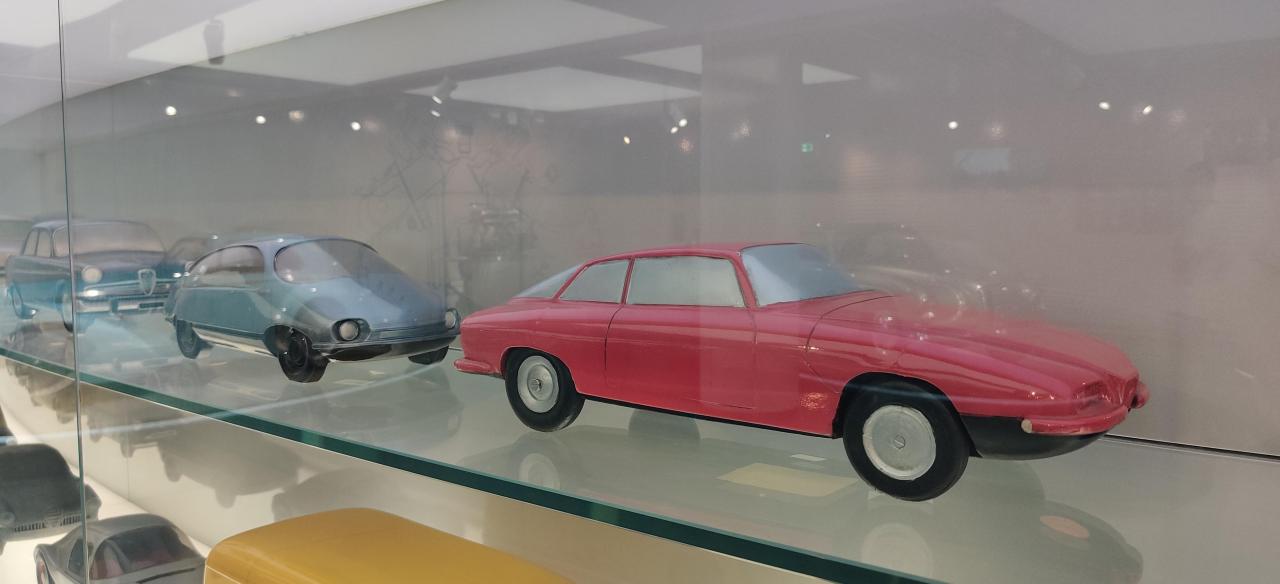
DB12 è già un pesante facelift di DB11Mi sembrava giusto condividere!Una piccola sala ci mostra le Alfa protagoniste sui set. Due spider e un video con spezzoni di film. Carina come idea e belle (anche se non le mie preferite) le due vetture esposte, sicuramente iconiche. Le vetture esposte dopo sono mastodontiche e peculiari. Non il mio genere ma veramente d'impatto. presente anche una parete con macchine in scala. Il salone della velocità è sicuramente quello più evocativo. Le auto sono esposte come su un tracciato e dietro un video adrenalinico crea una bellissima atmosfera. Campeggiano in seguito le biografie dei piloti Alfa. La sala seguente è presenta vetture da corsa e la regina di casa , la 33 stradale. Bellissima davvero. Oltre a questa mi hanno impressionato le due vetture da Endurance e la Giulia Gta. Un plauso alla 155 DTM, cattivissima. L'ultima parte riguarda il sodalizio con le forze dell'ordine. Eleganti ma non tutte mi sono piaciute. Chiude la visita un negozio di souvenir ben fornito. Sarebbe stato bello vedere il concessionario alla fine, per dare un seguito alla storia. Il sabato mostrano i sotterranei, spero di poterli visitare. Mostra consigliata!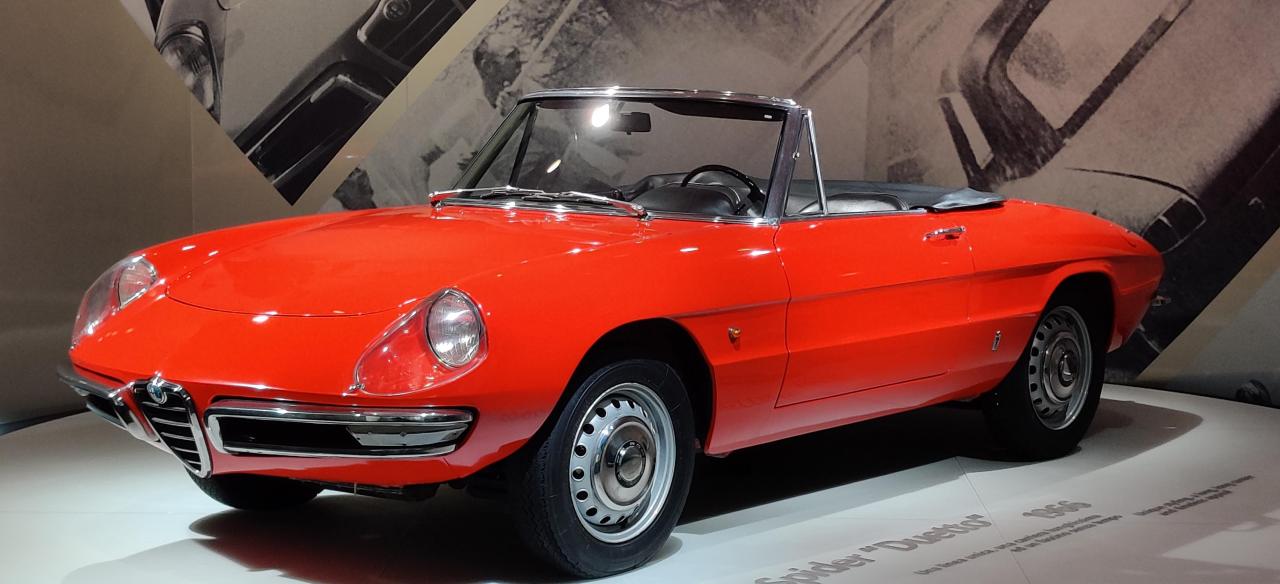
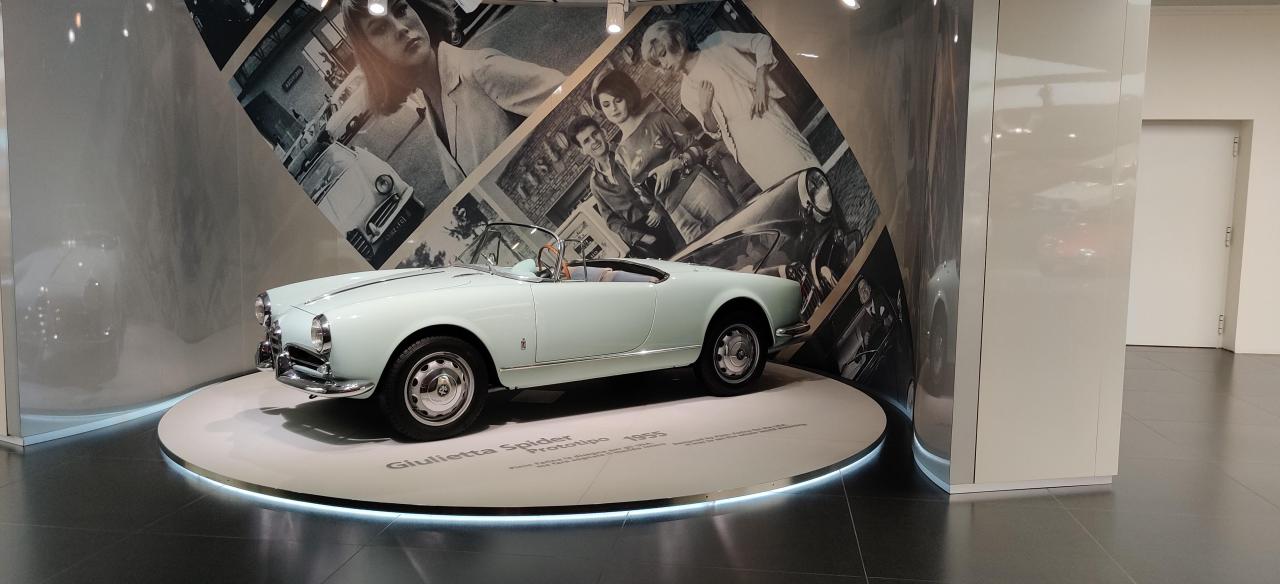
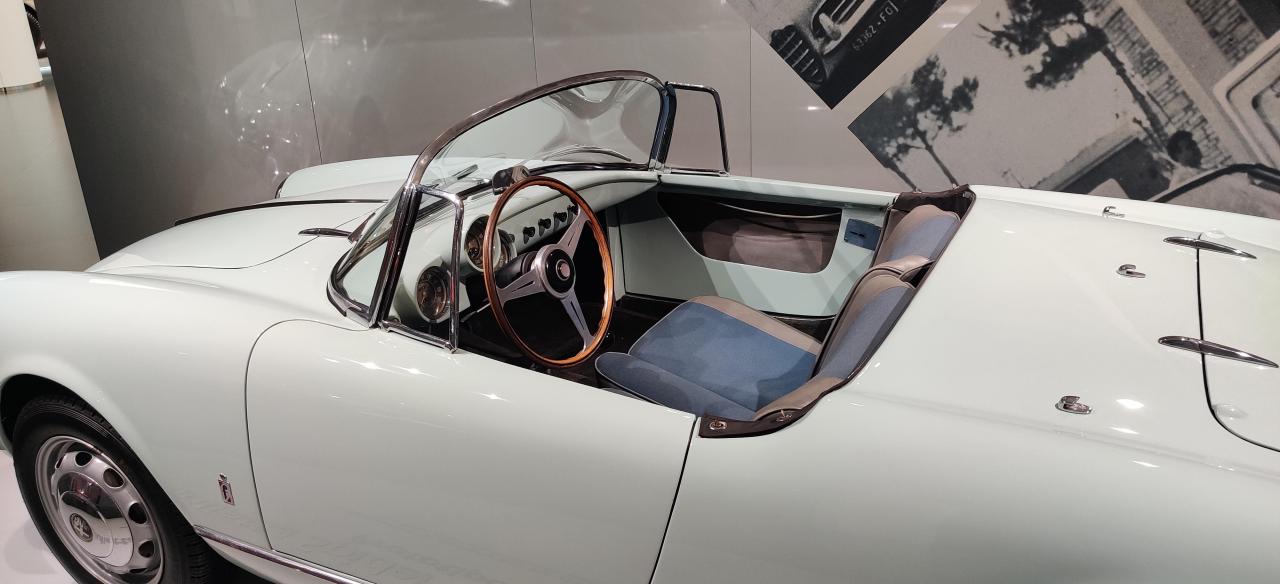
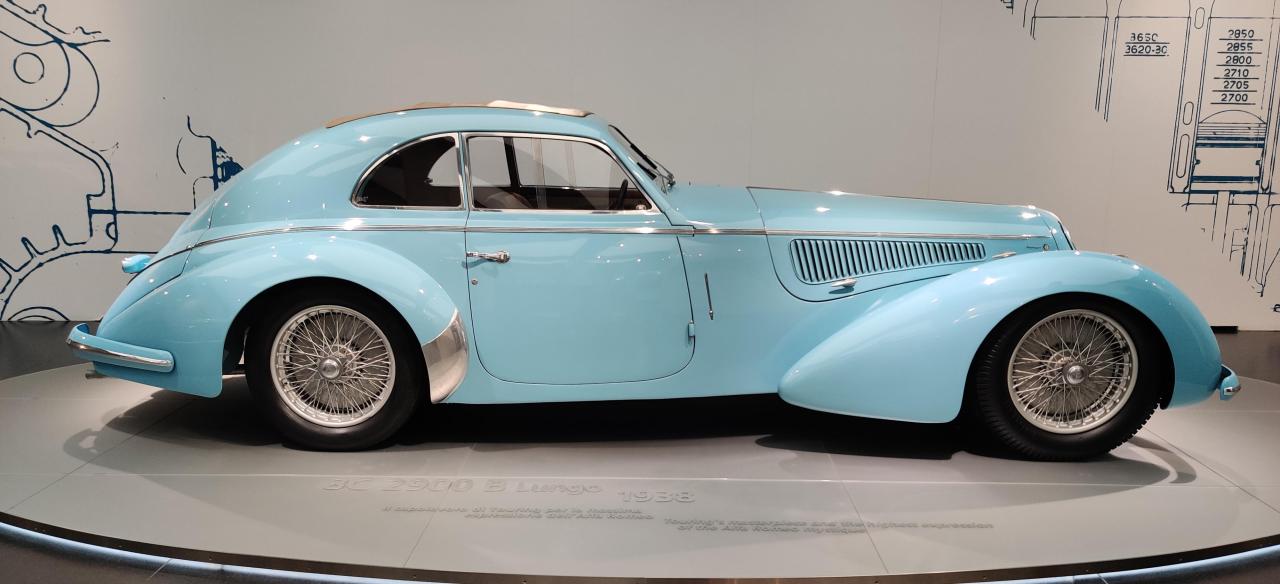
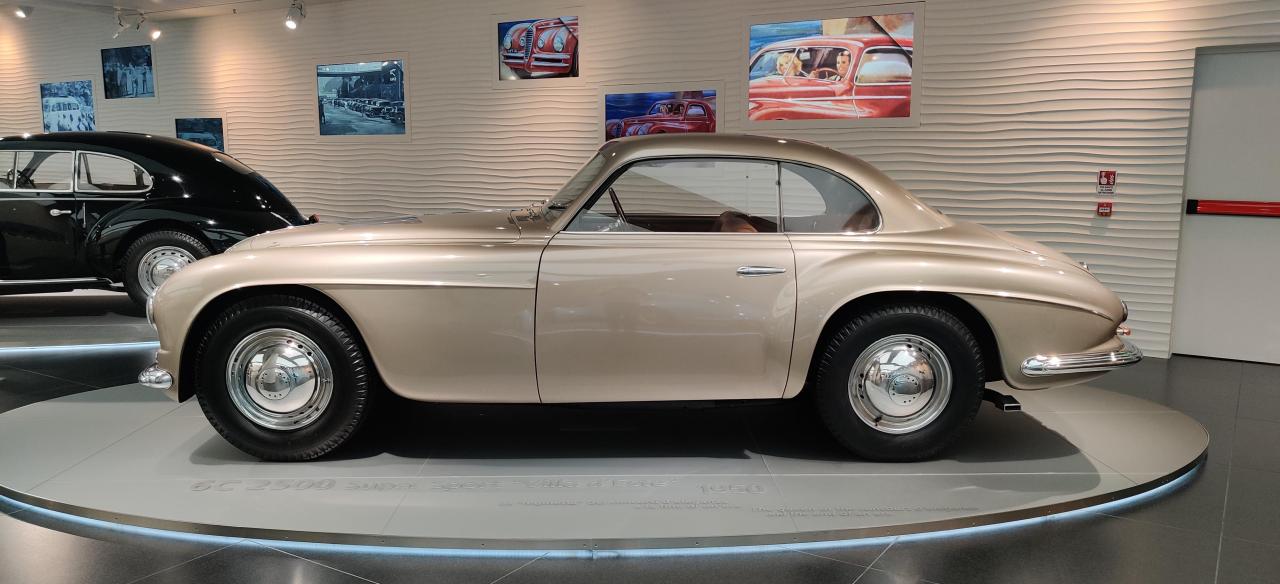
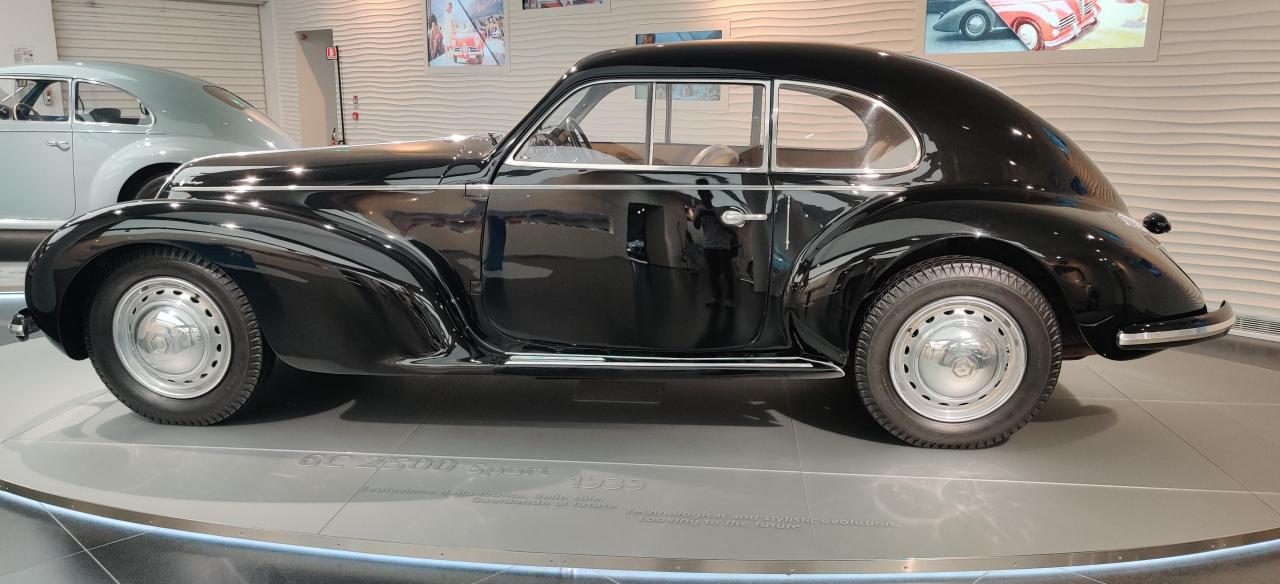
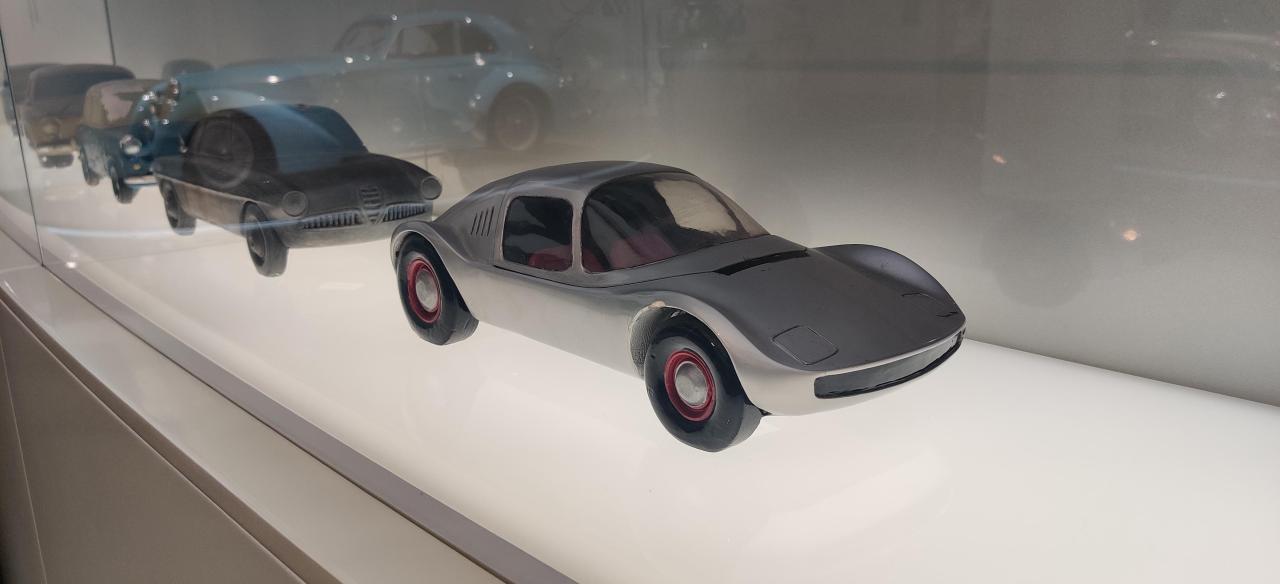
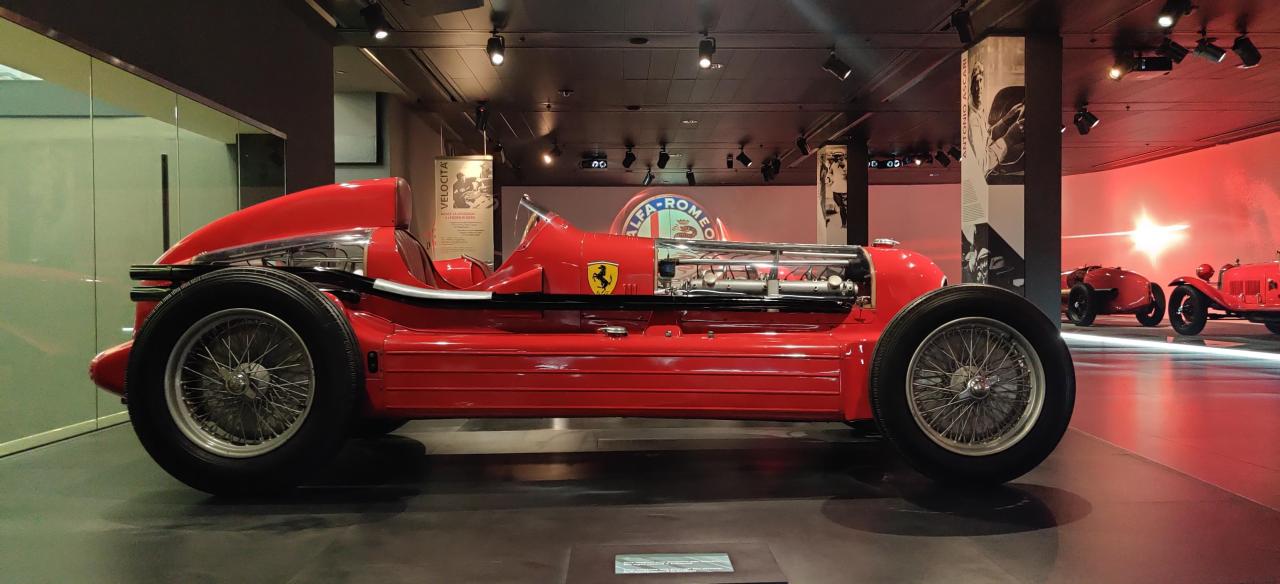
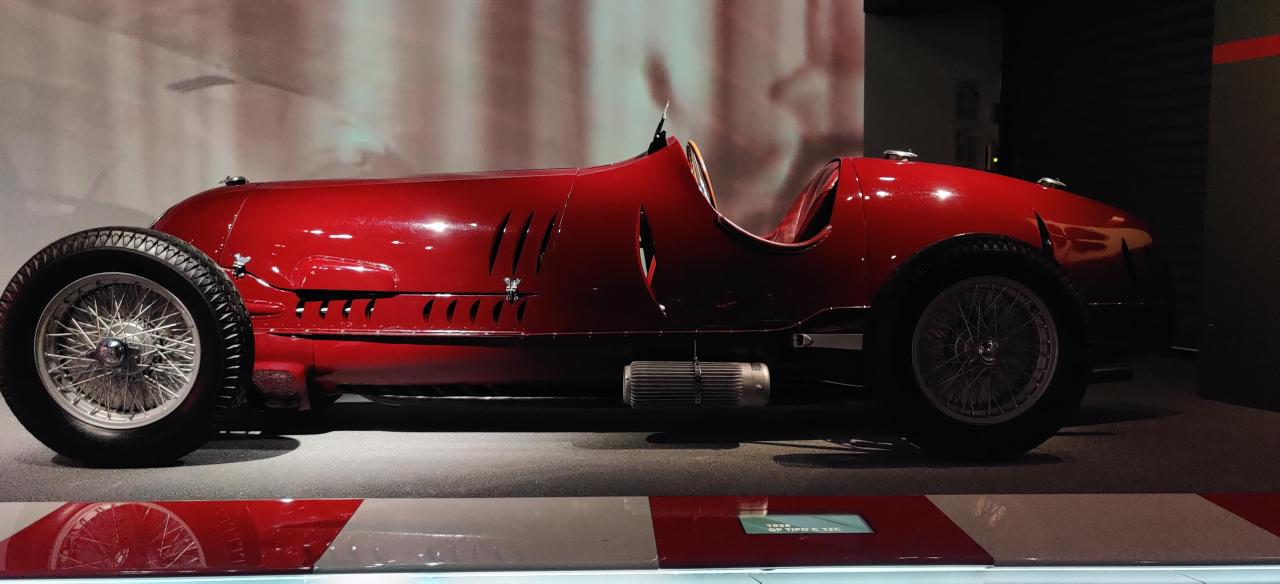
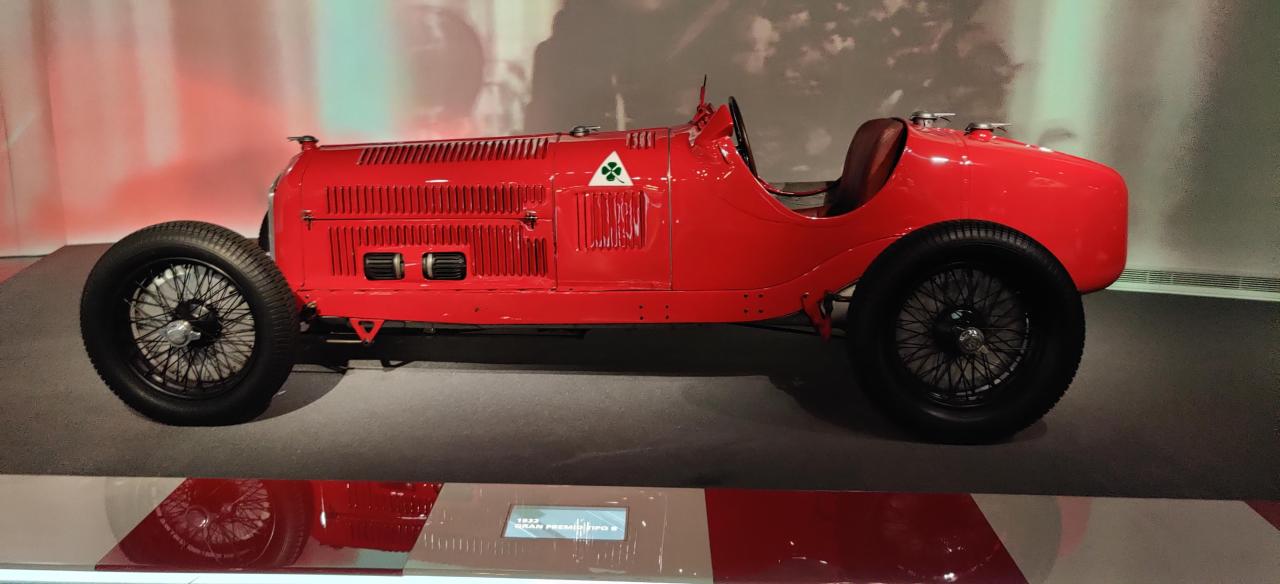
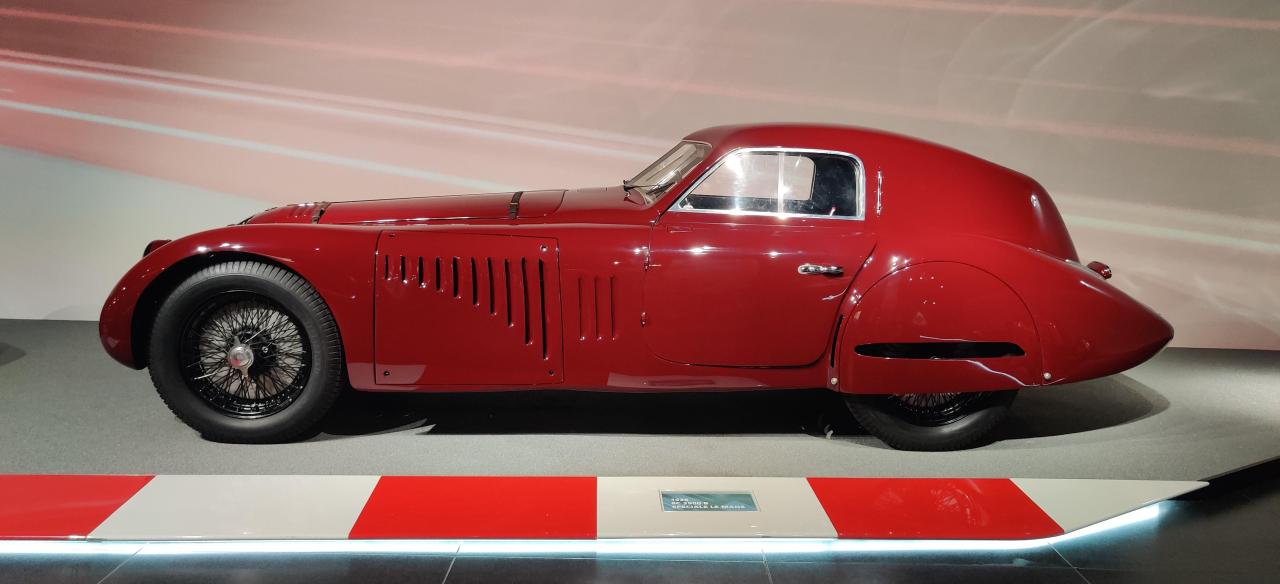
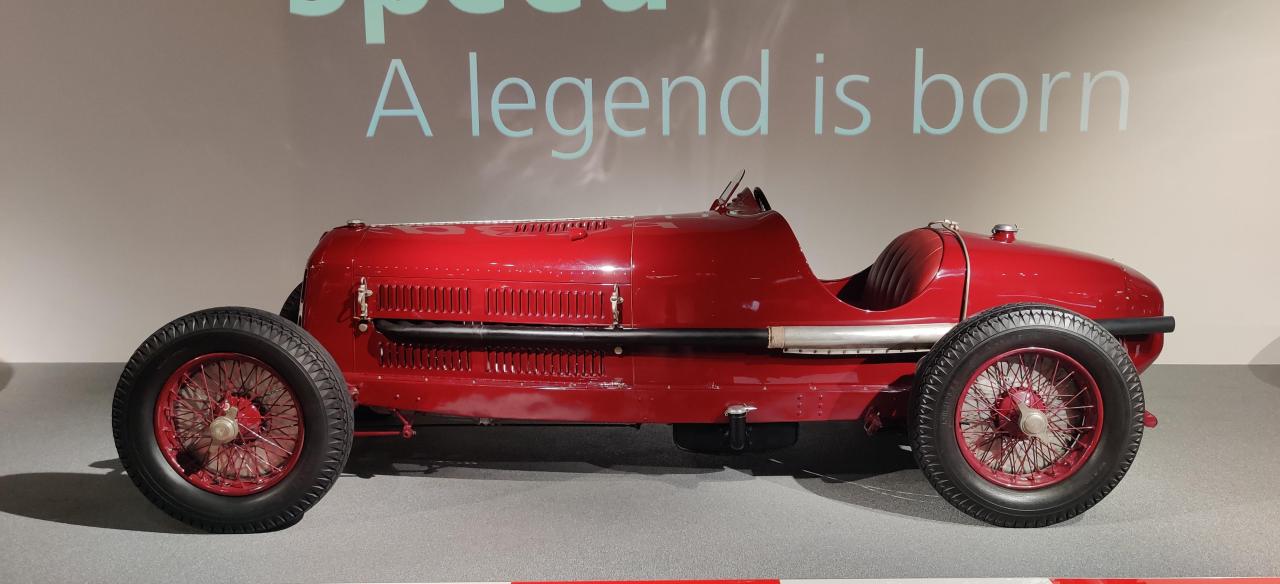
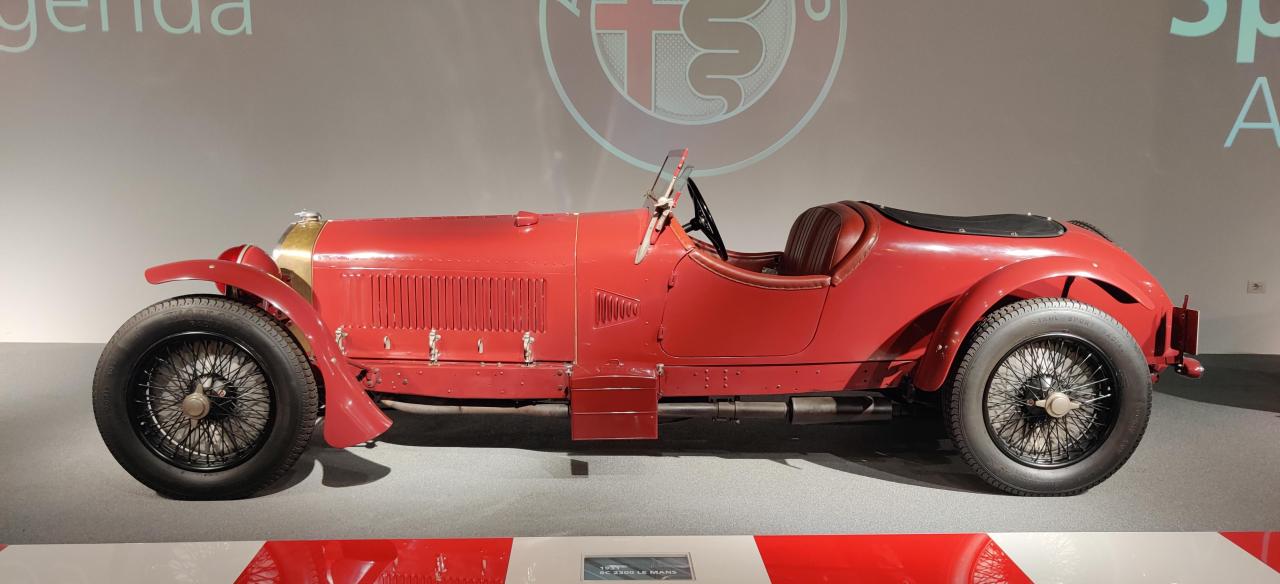
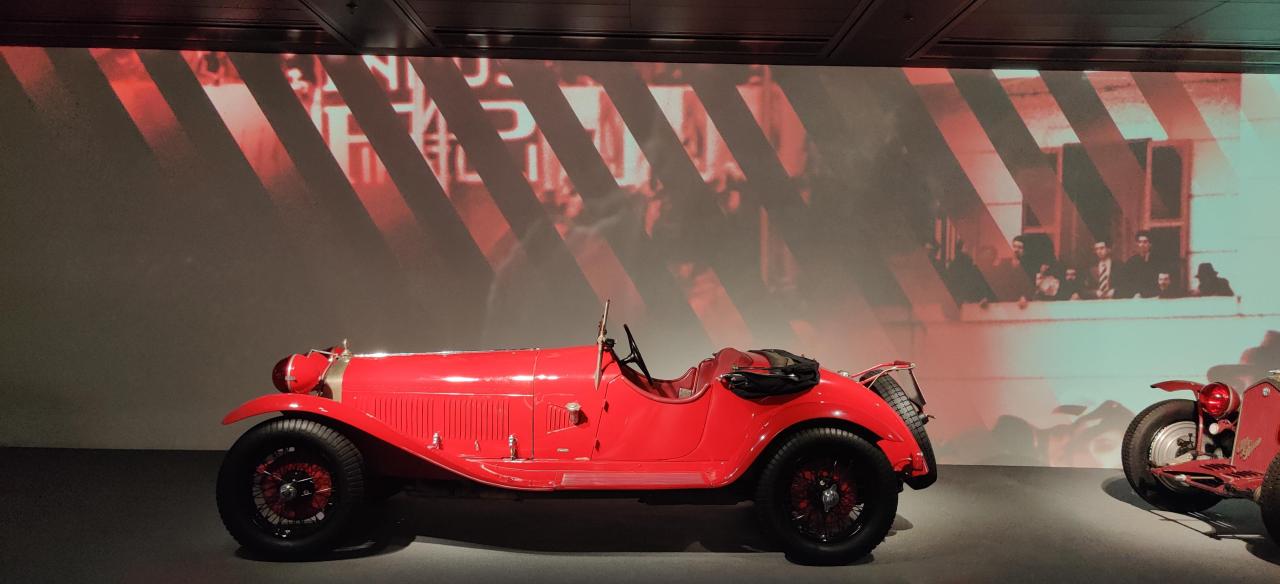
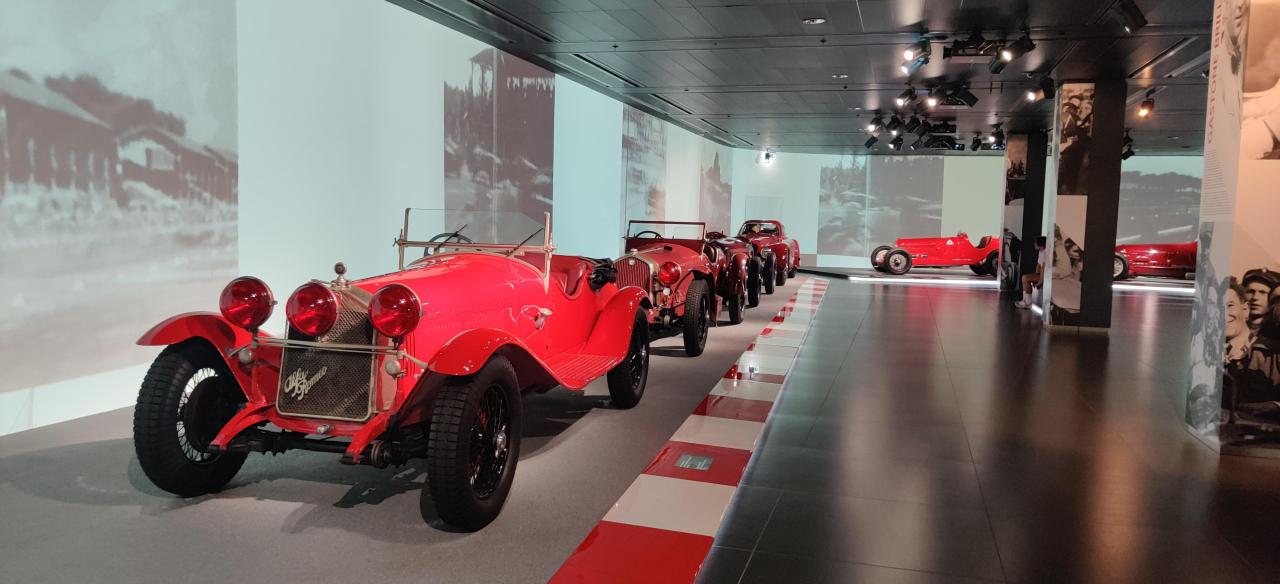
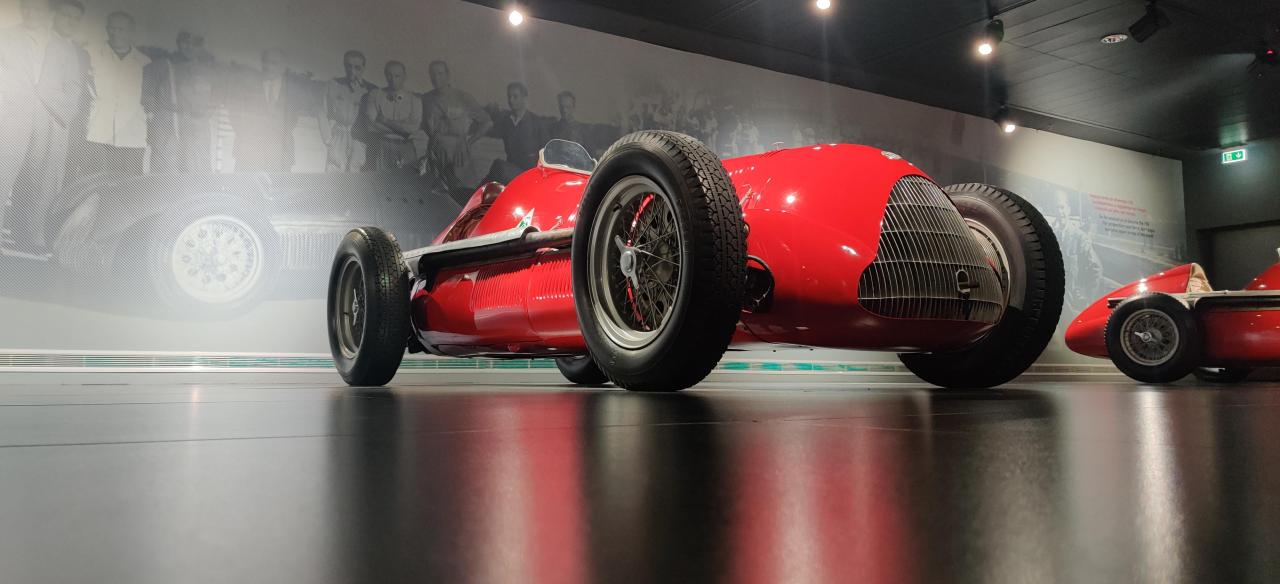
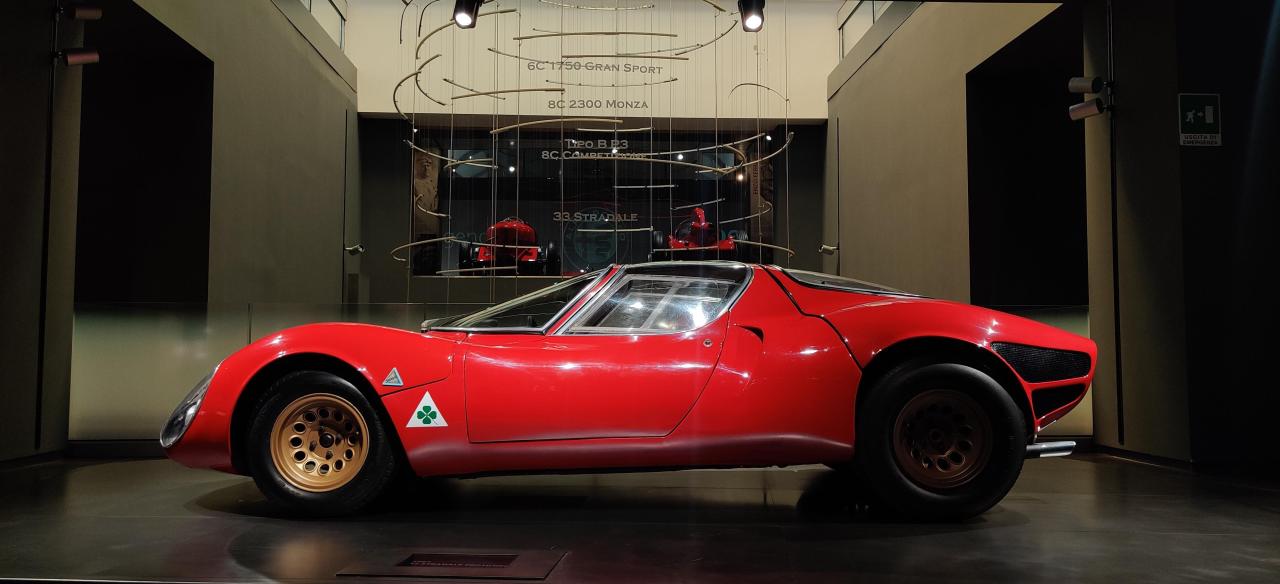
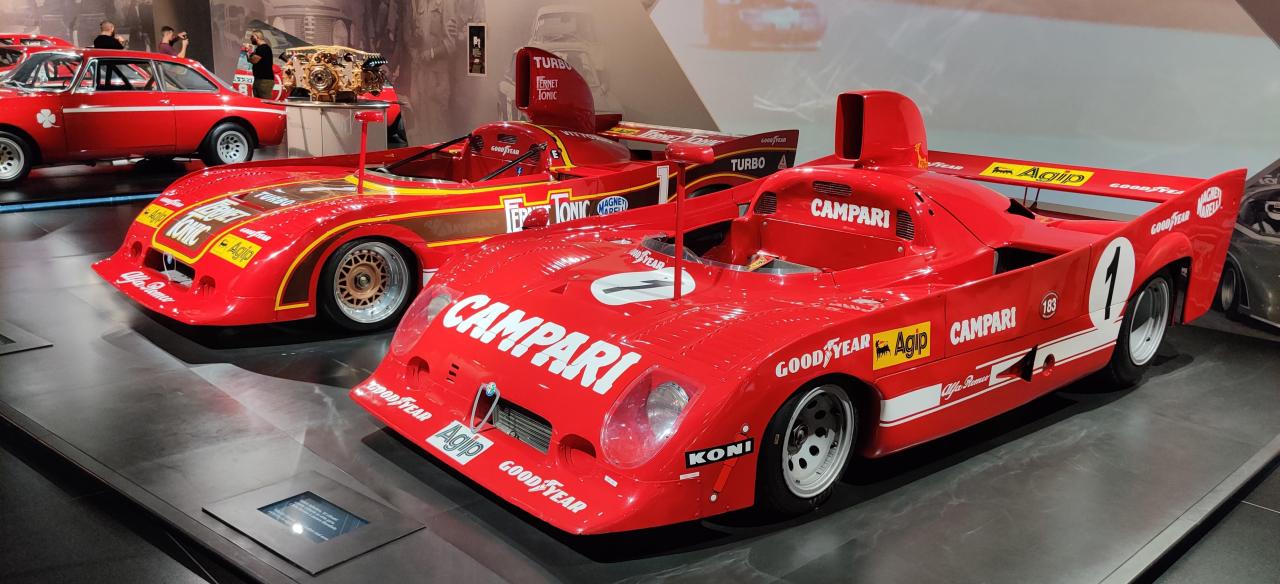
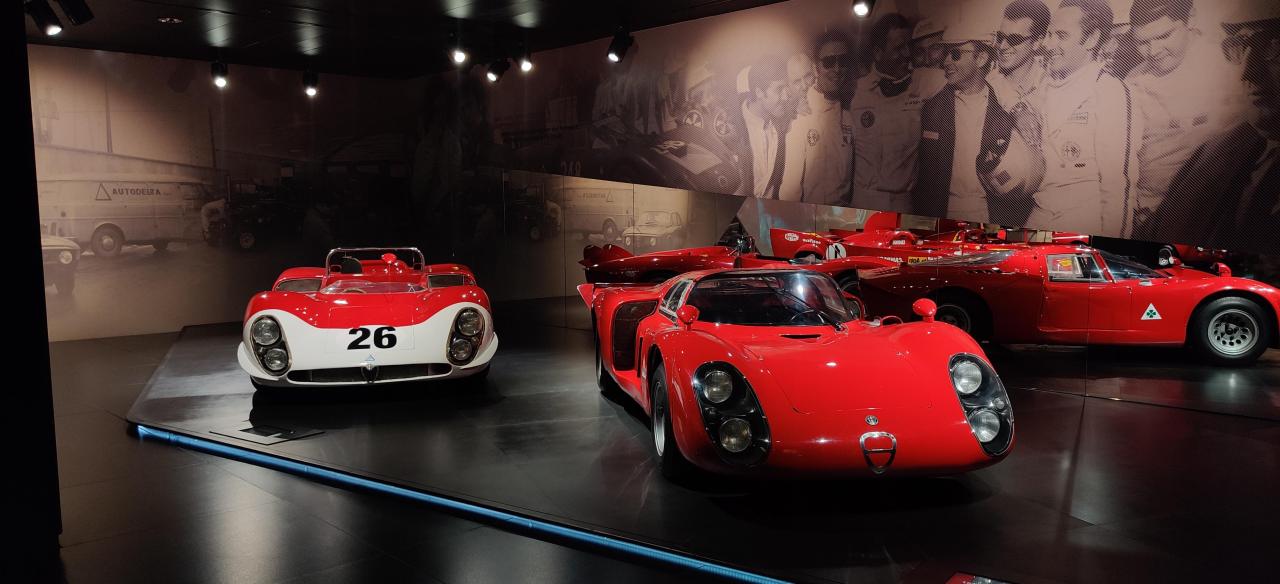
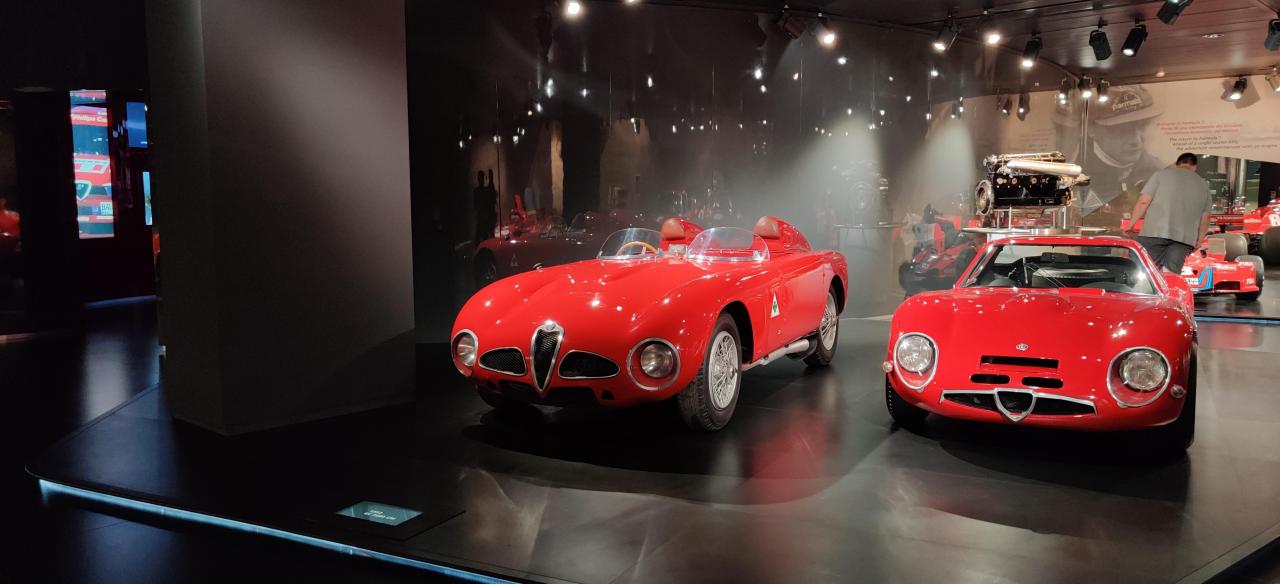
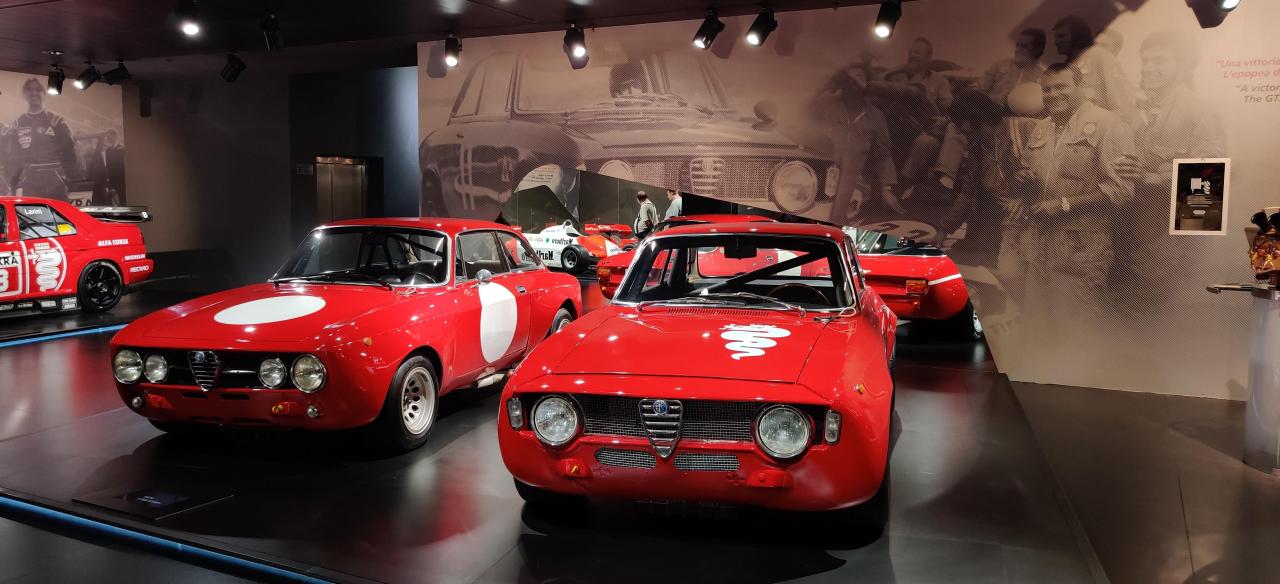
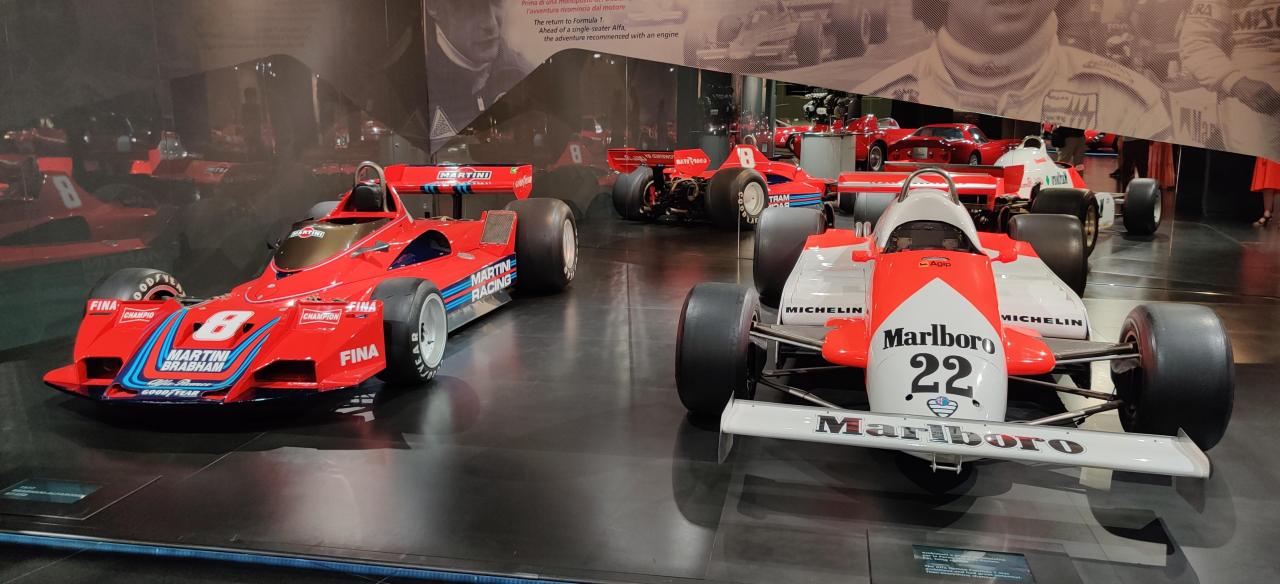
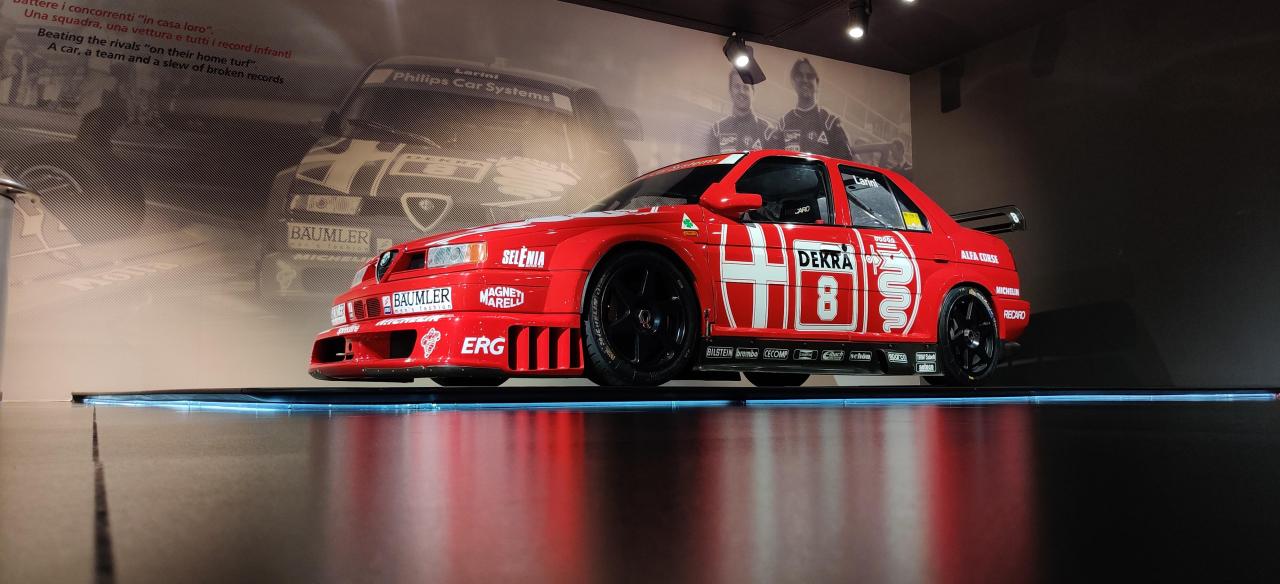
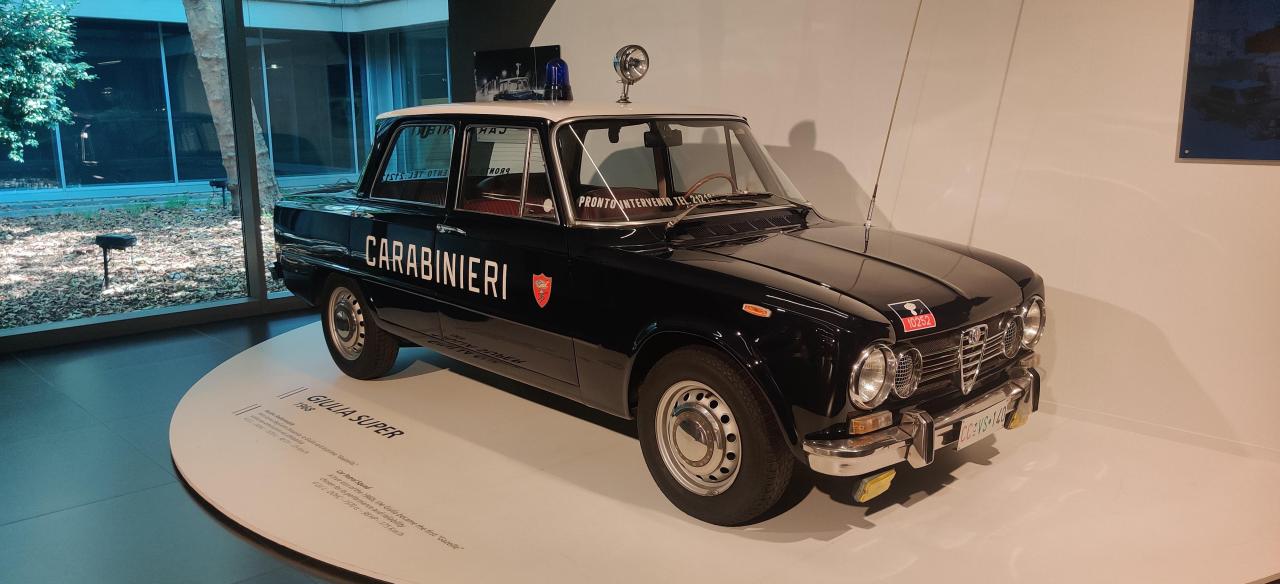
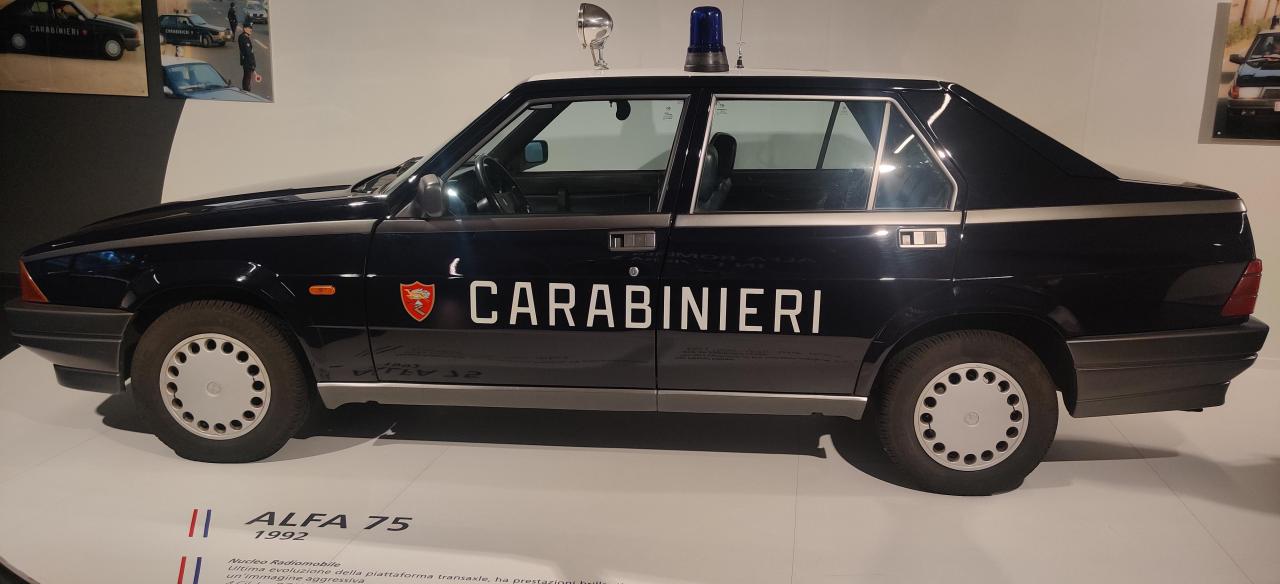
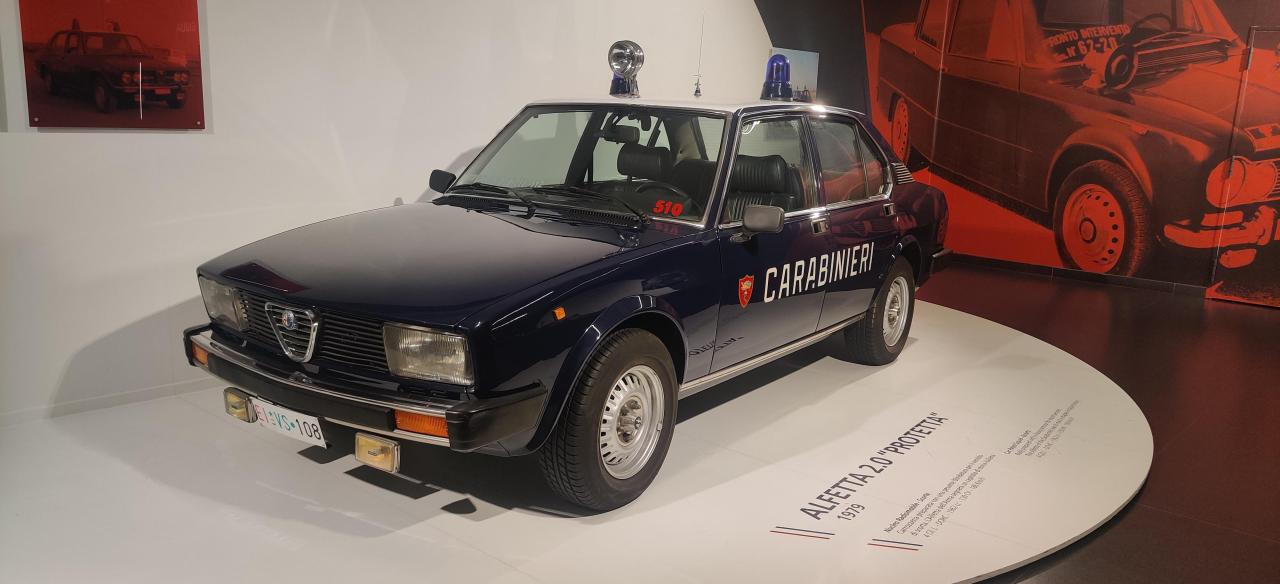
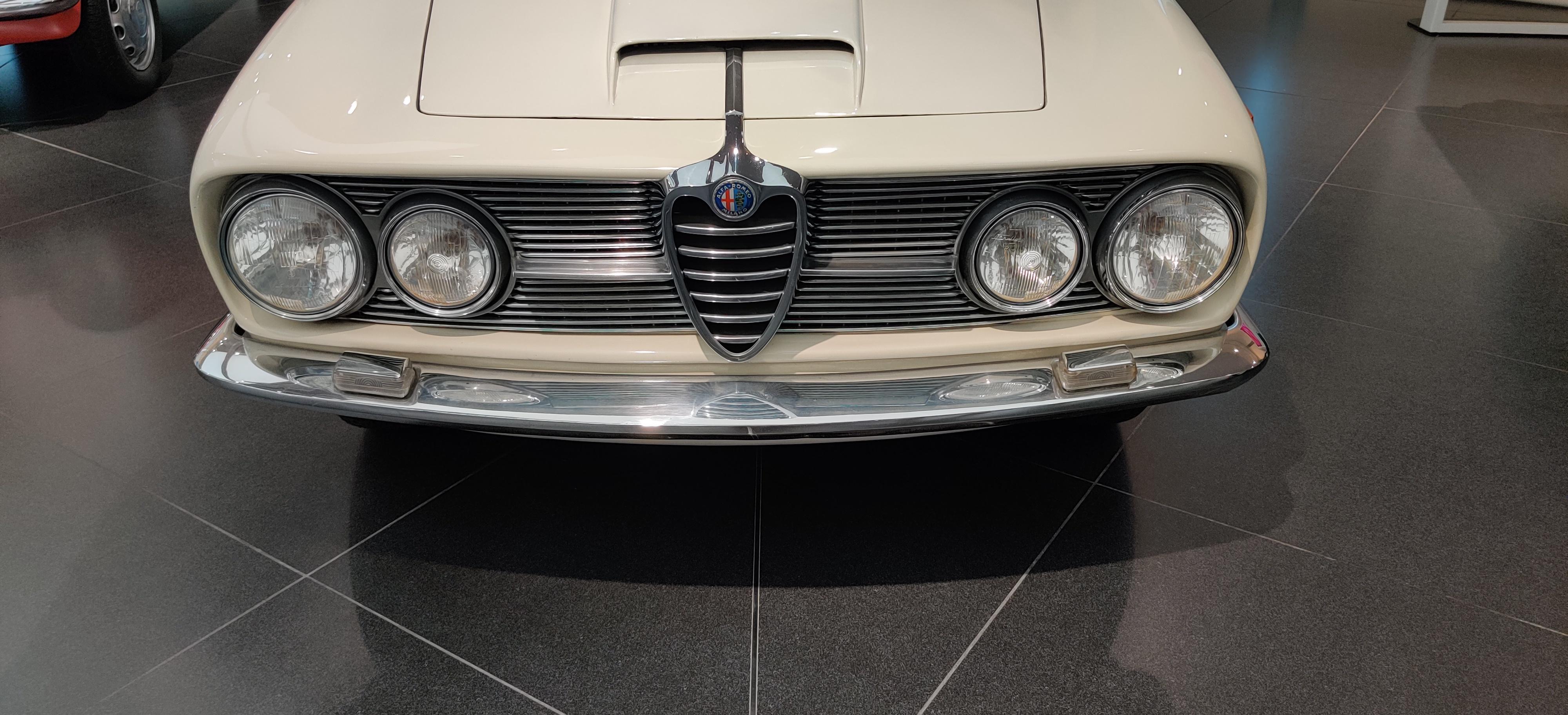
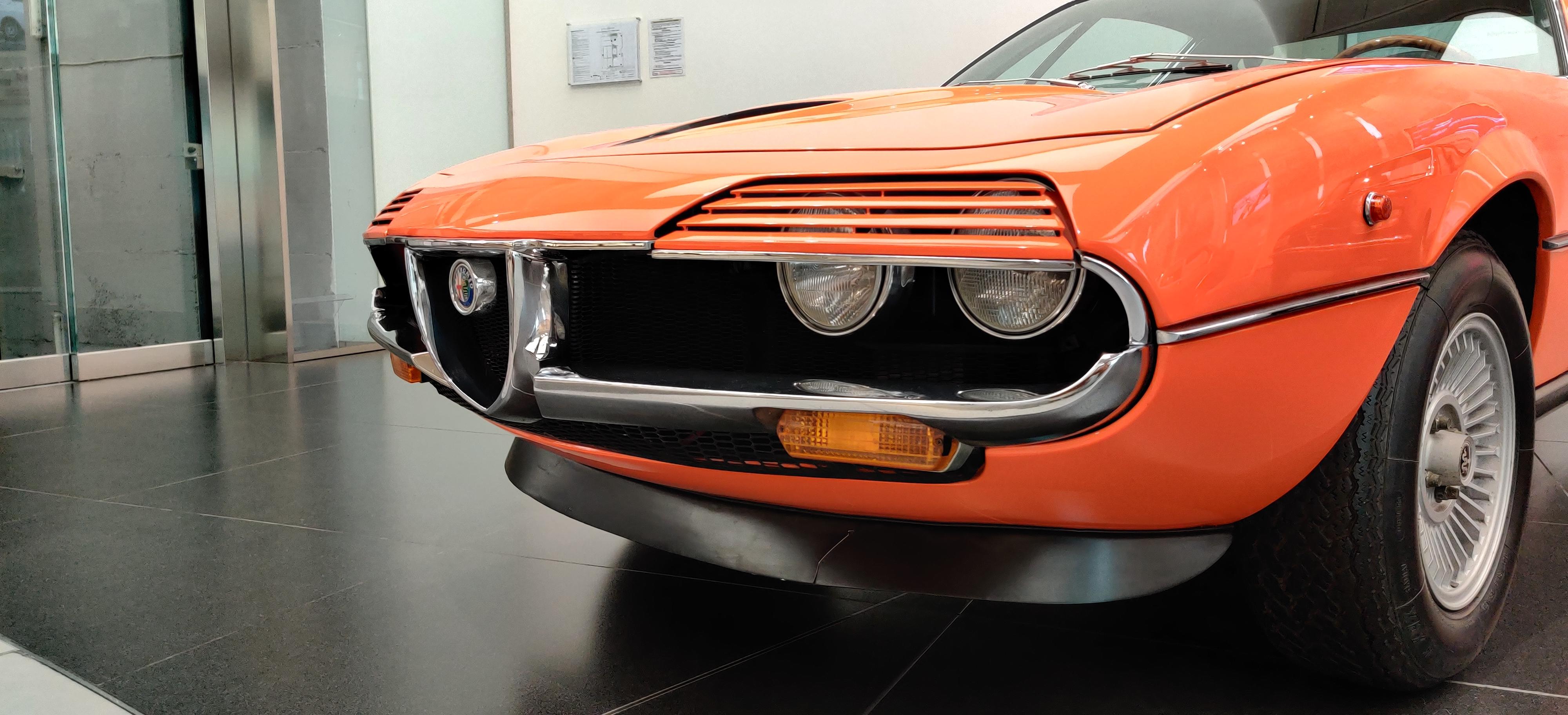
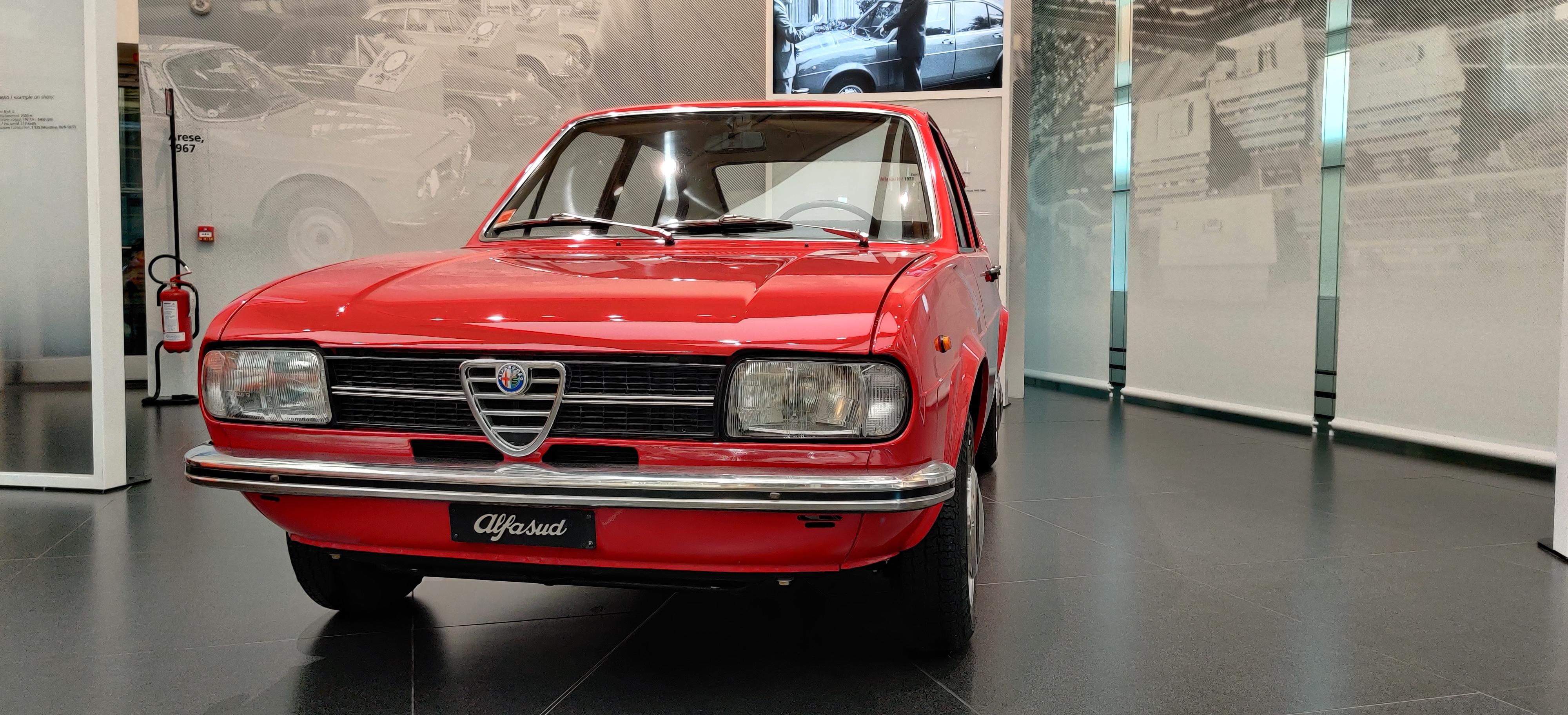
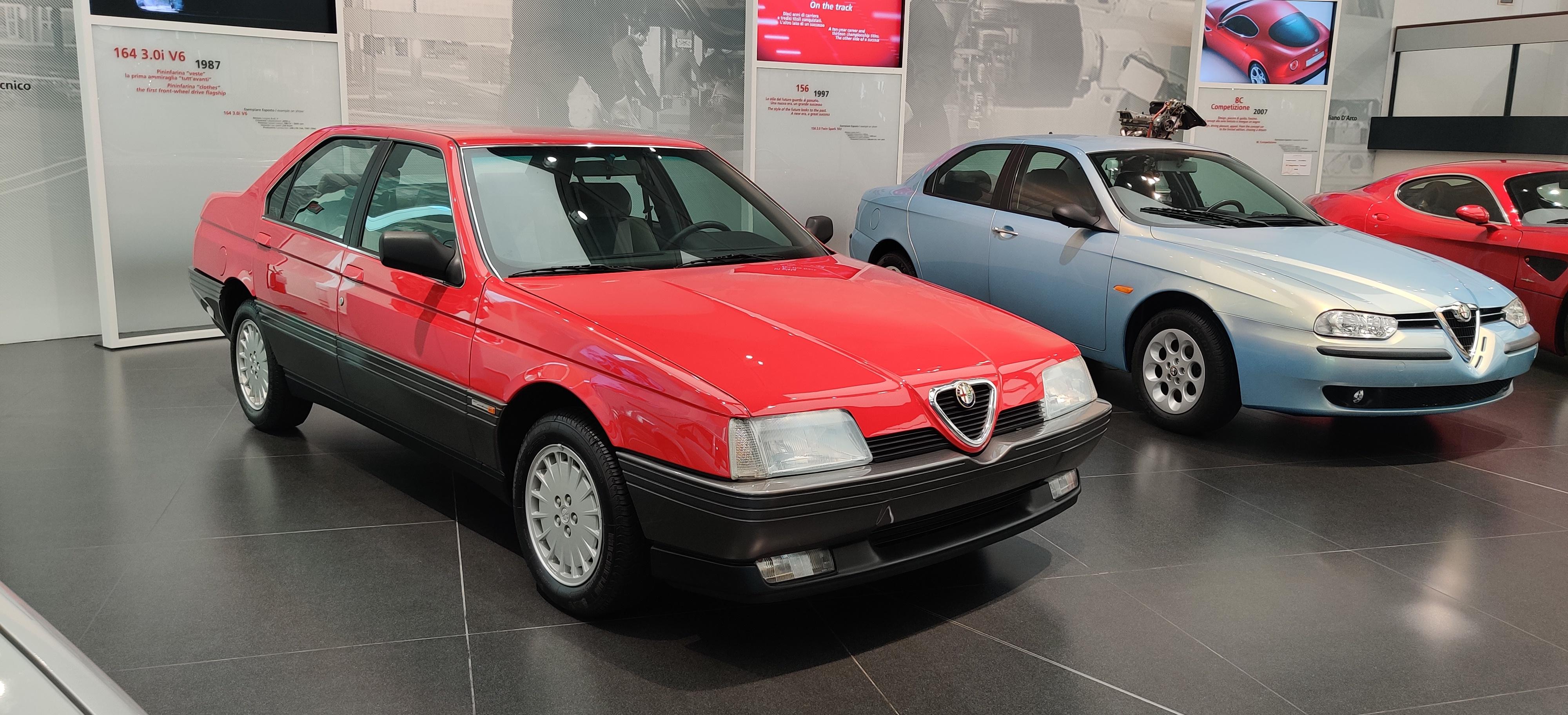
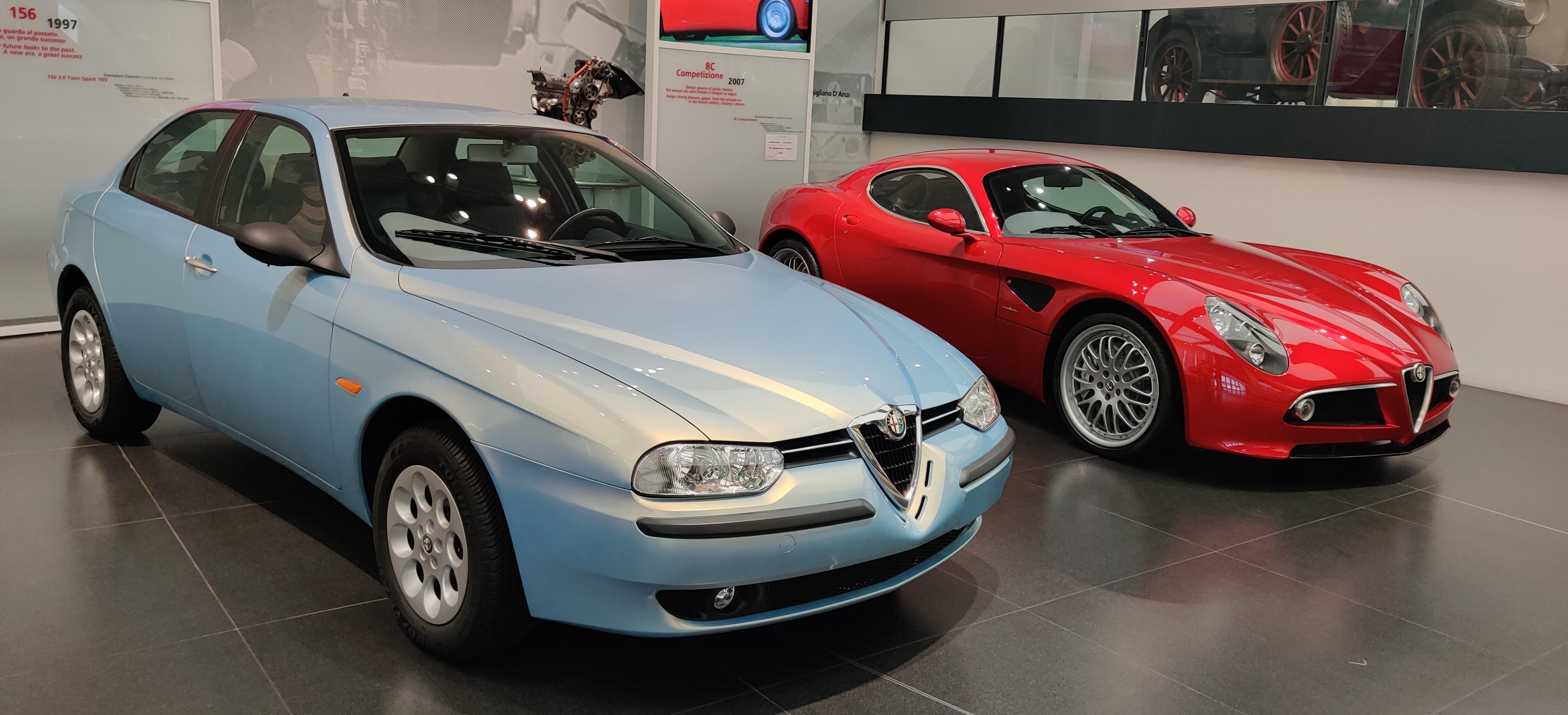
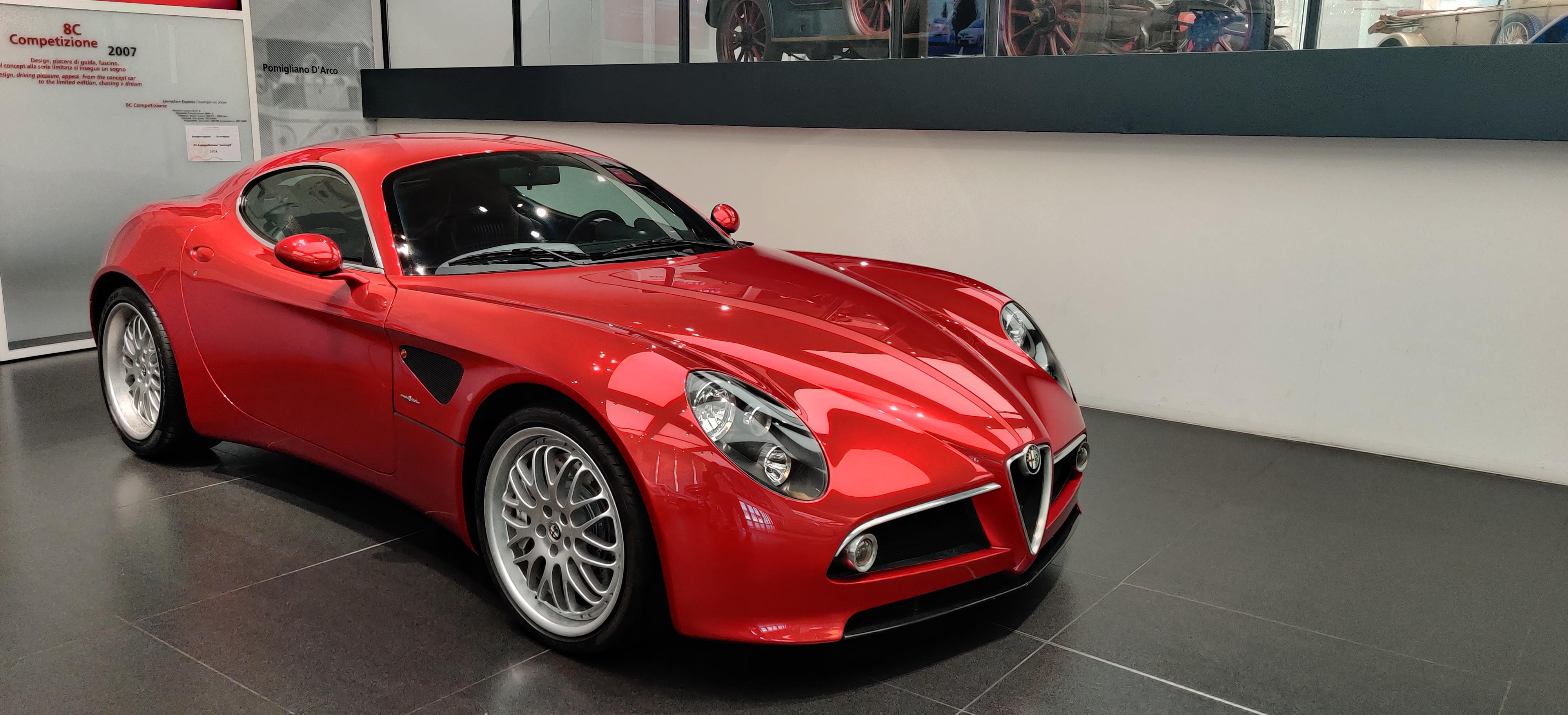
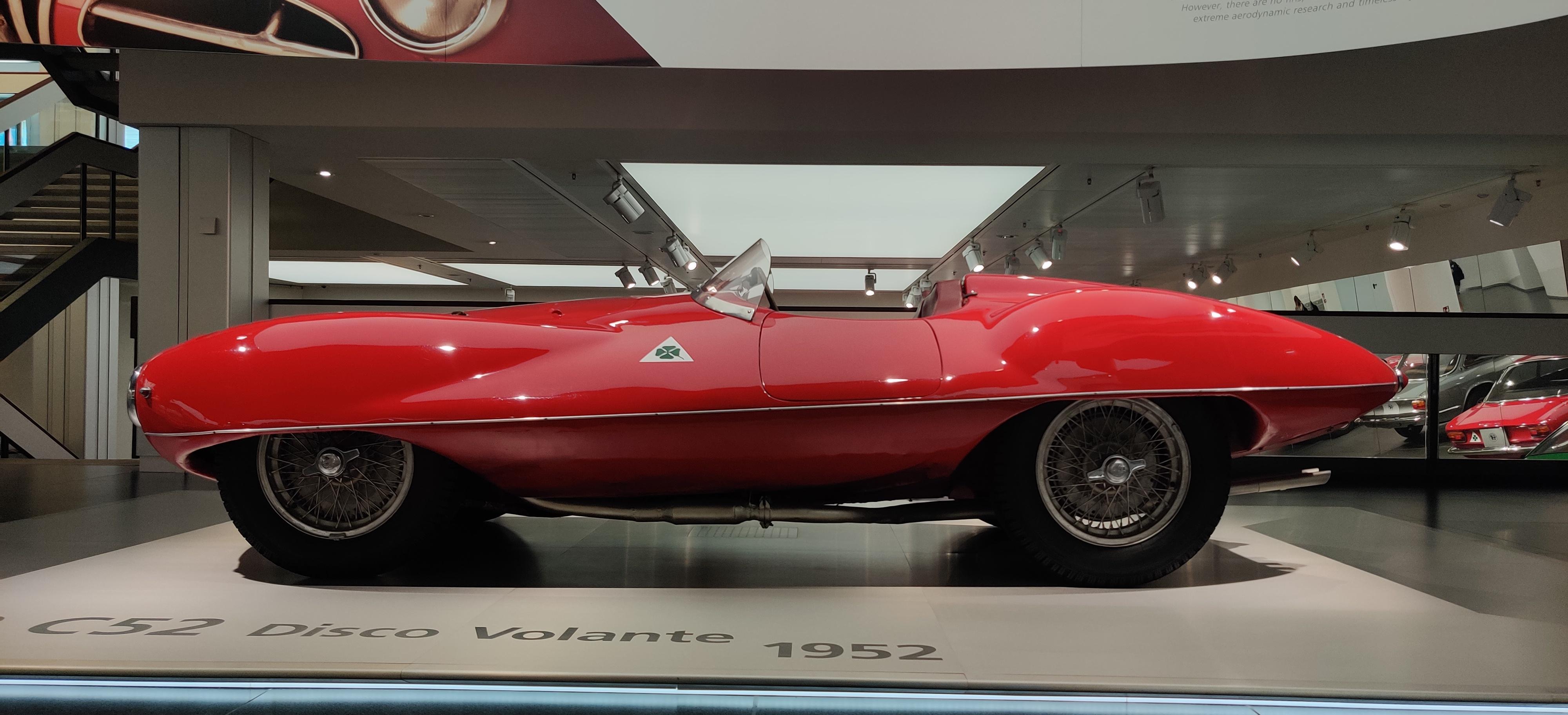
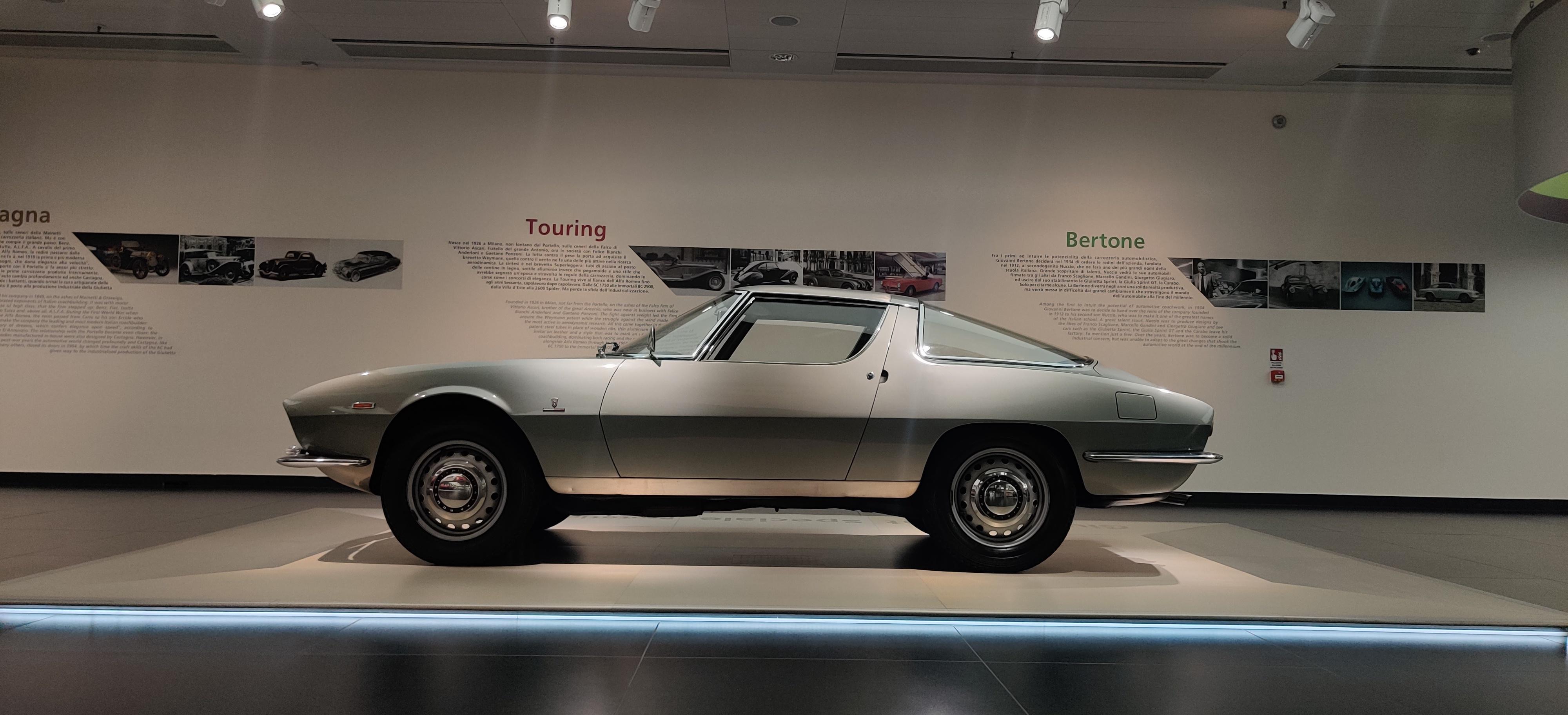
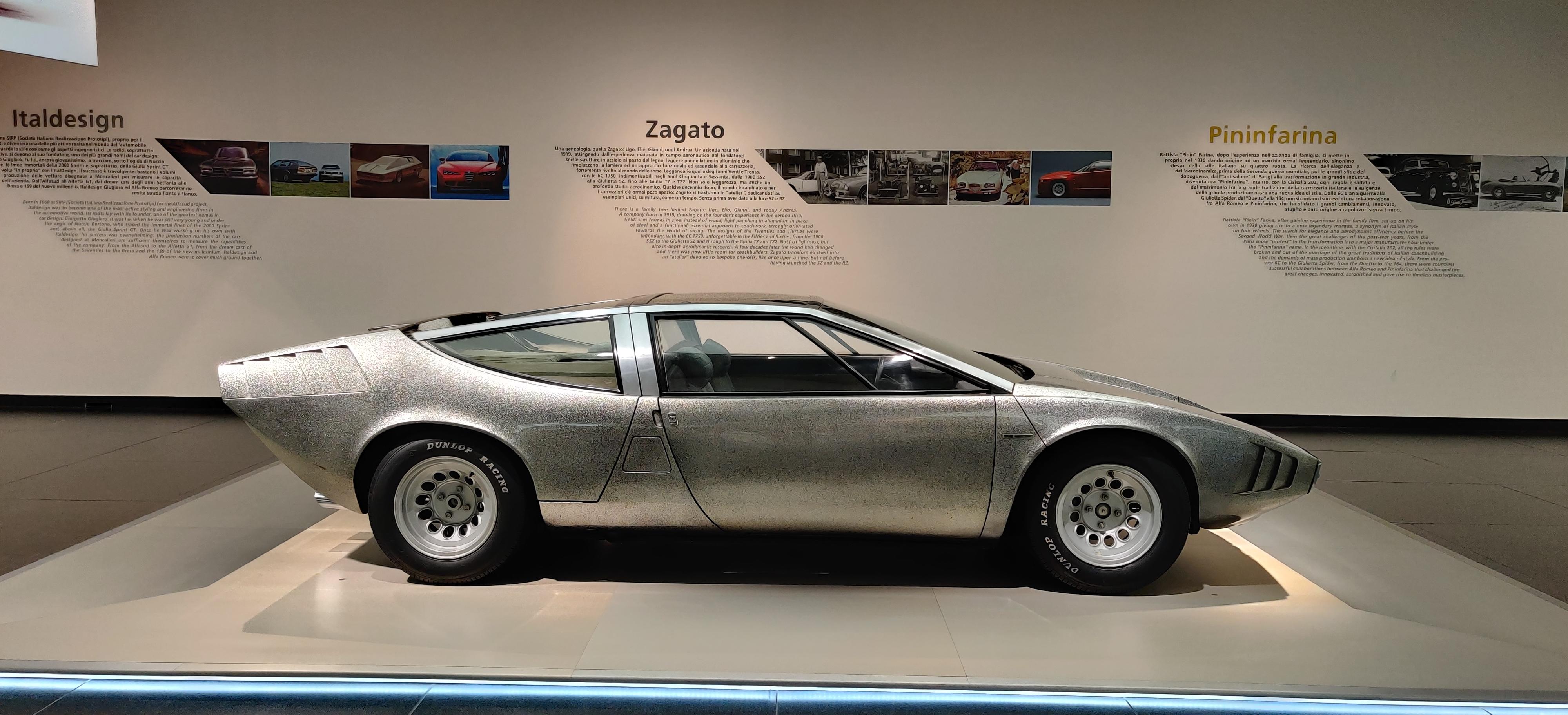
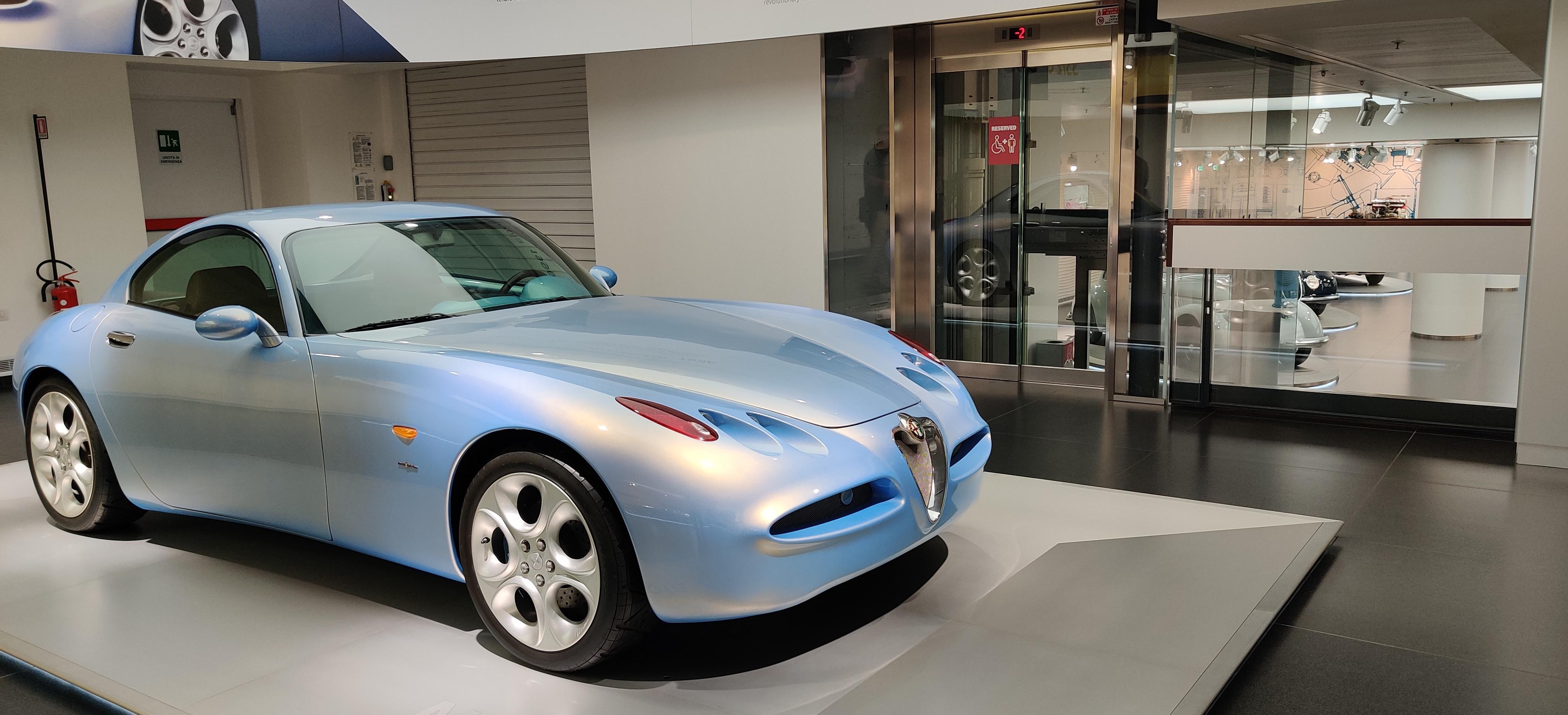
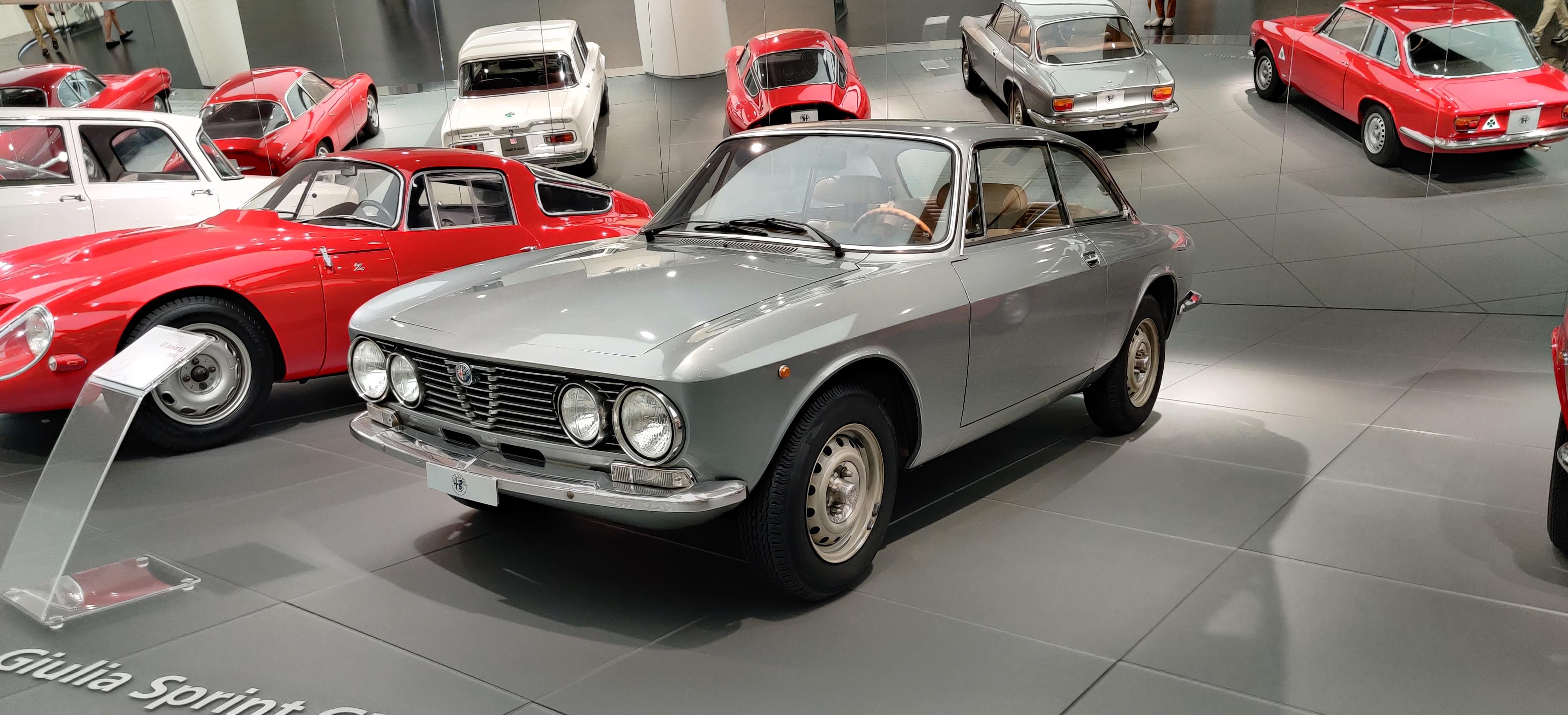
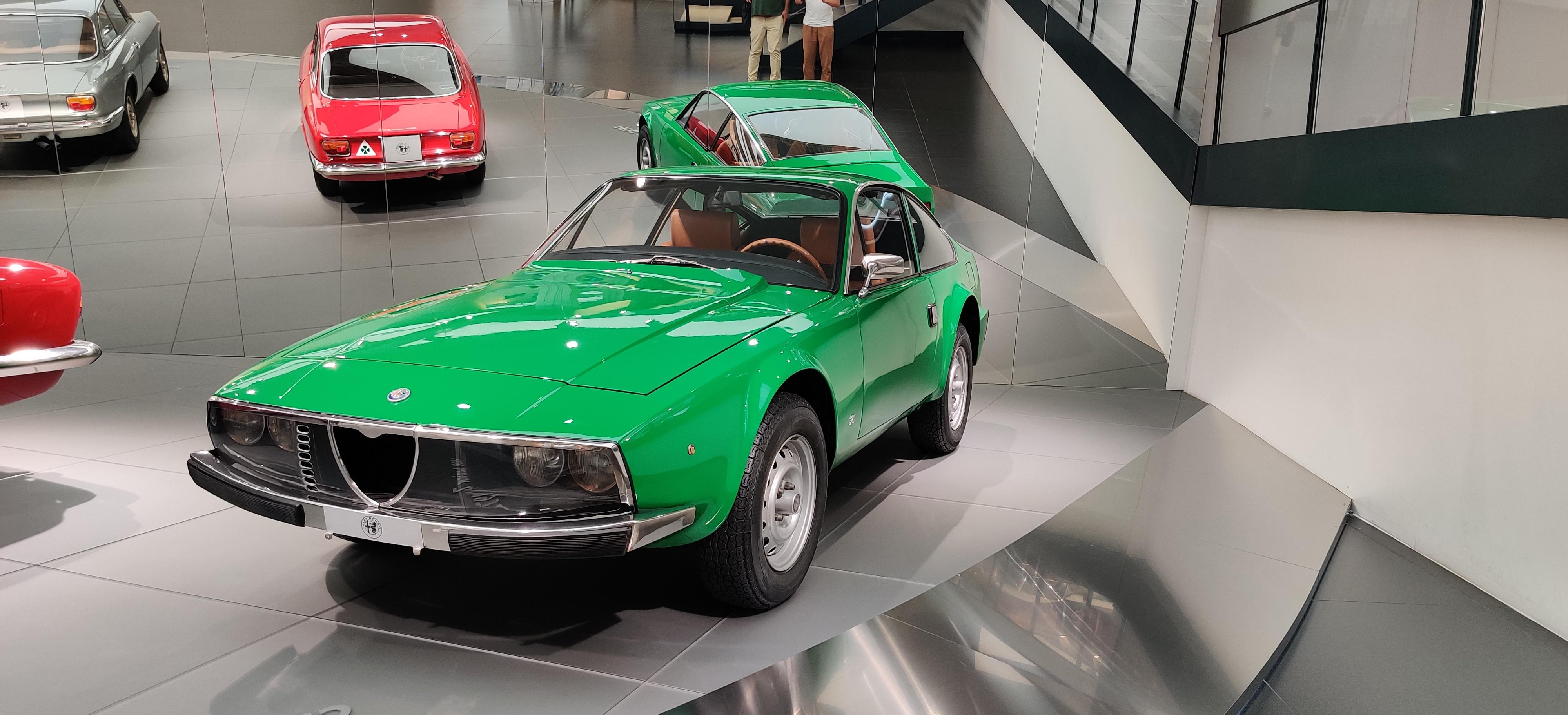
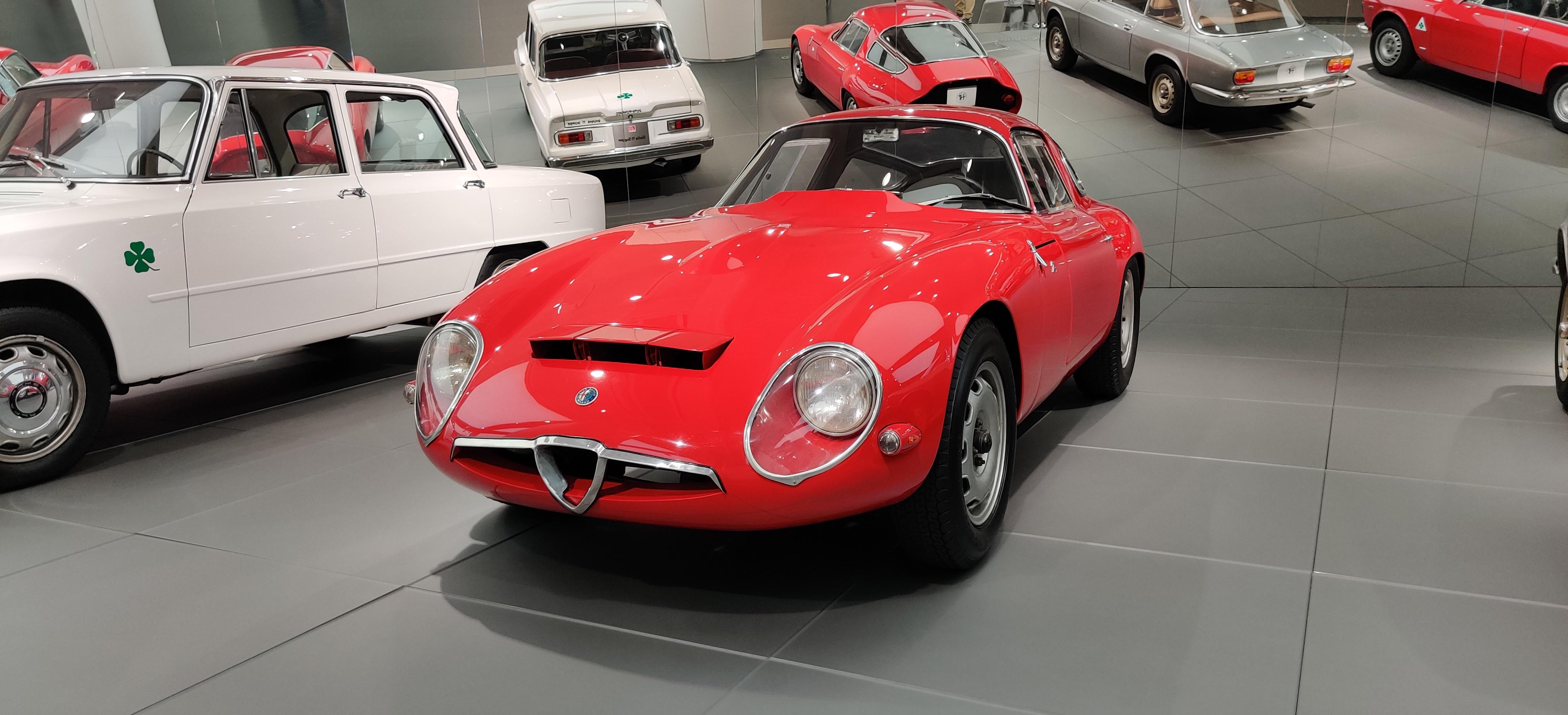
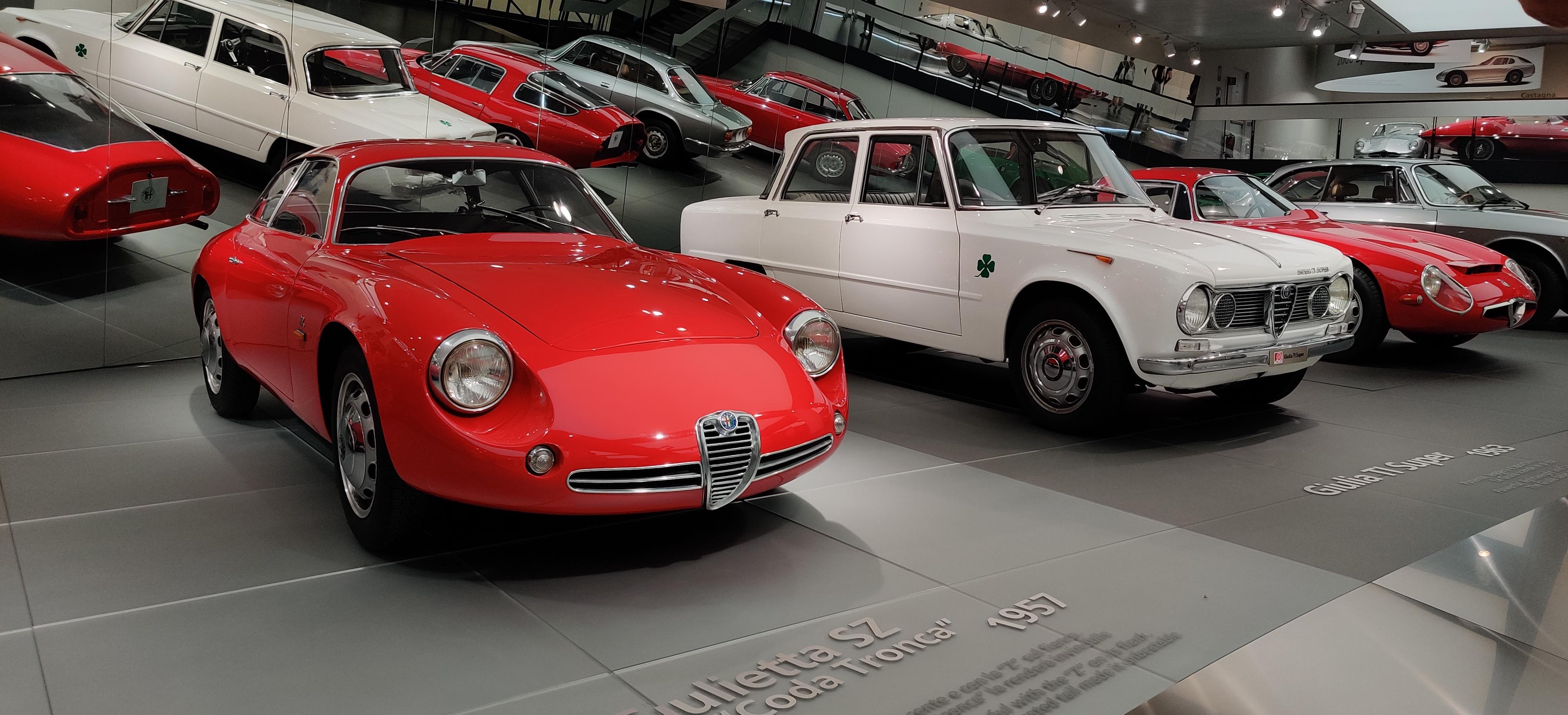
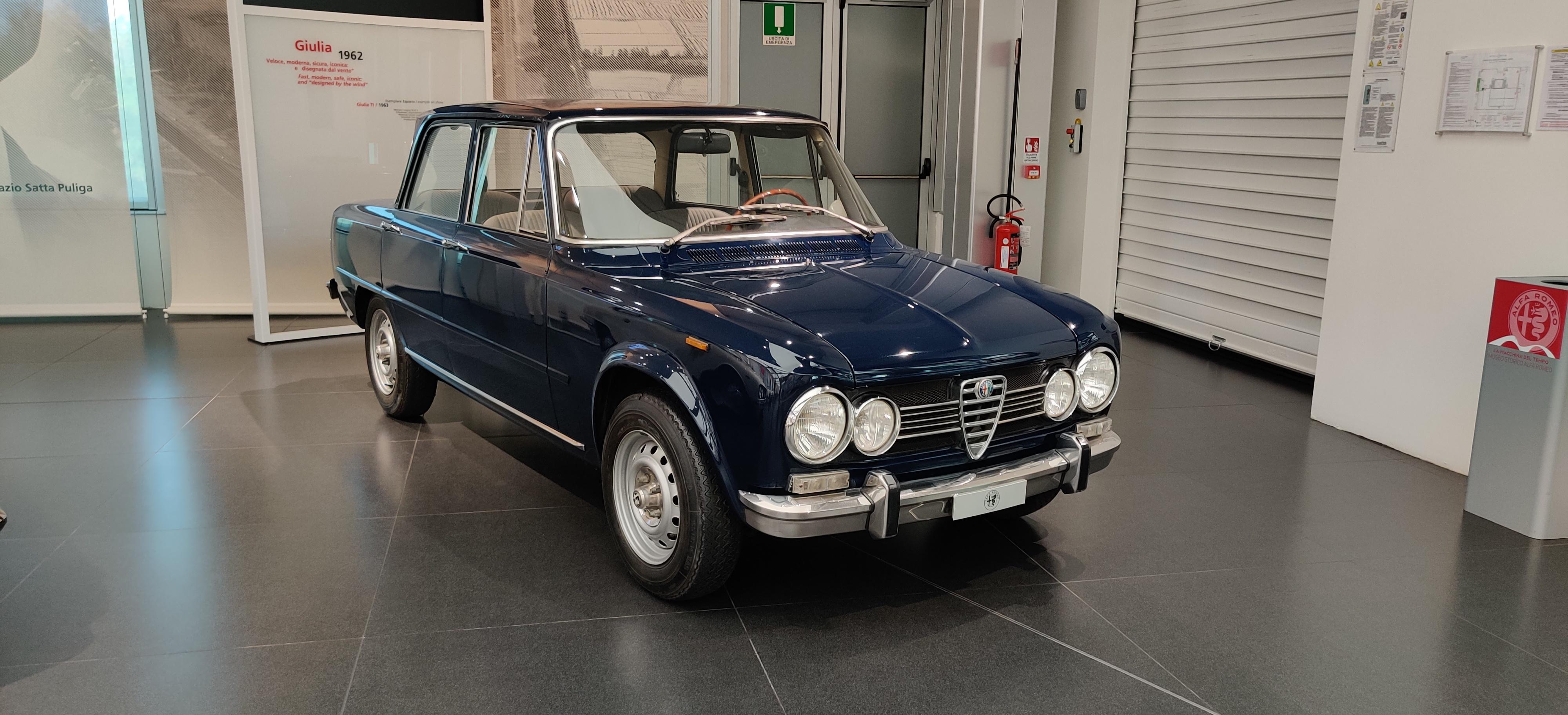
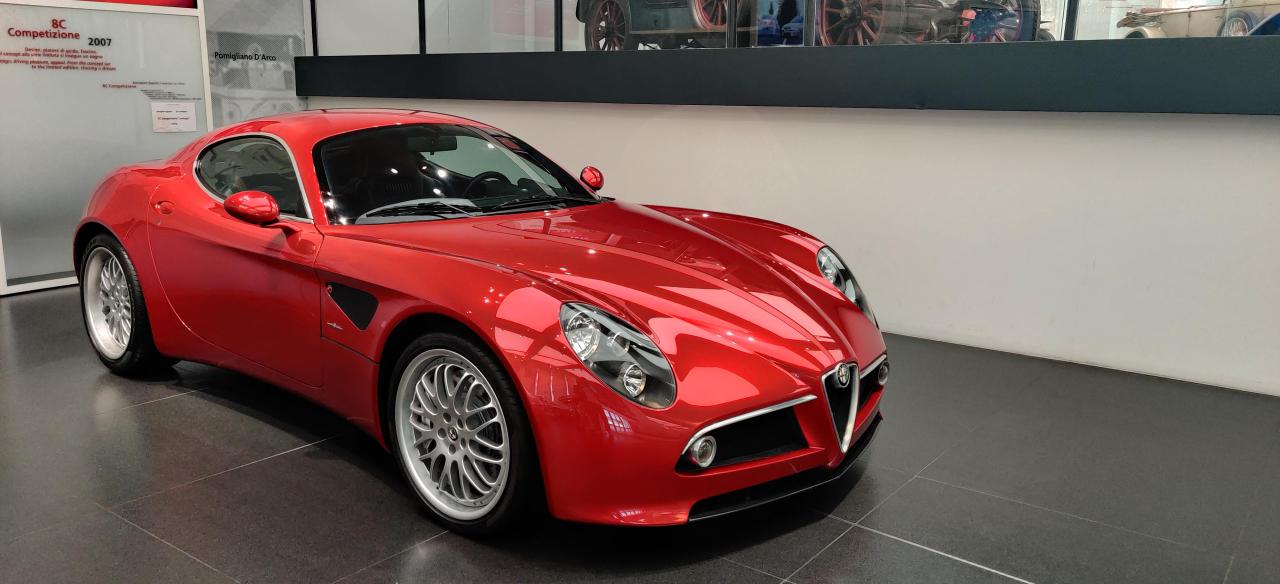
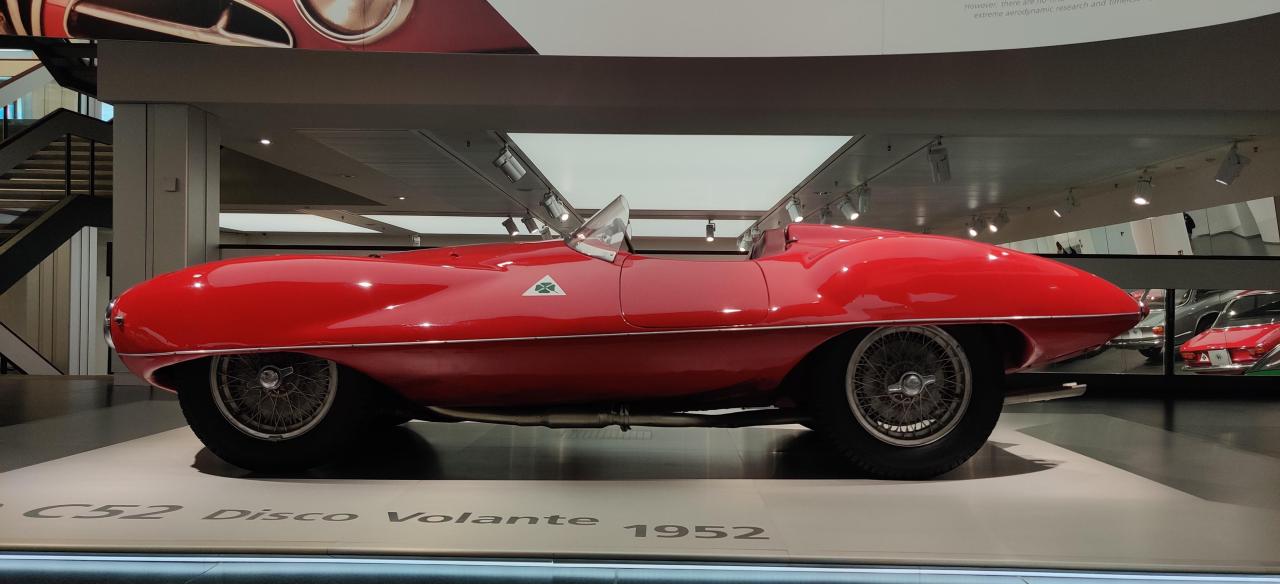
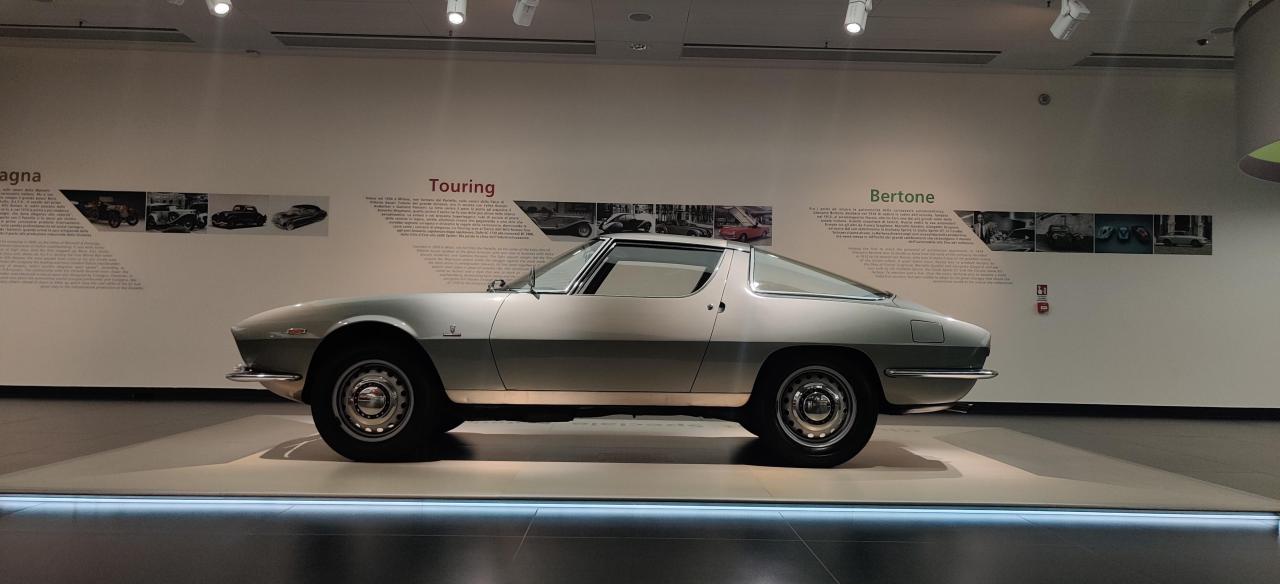
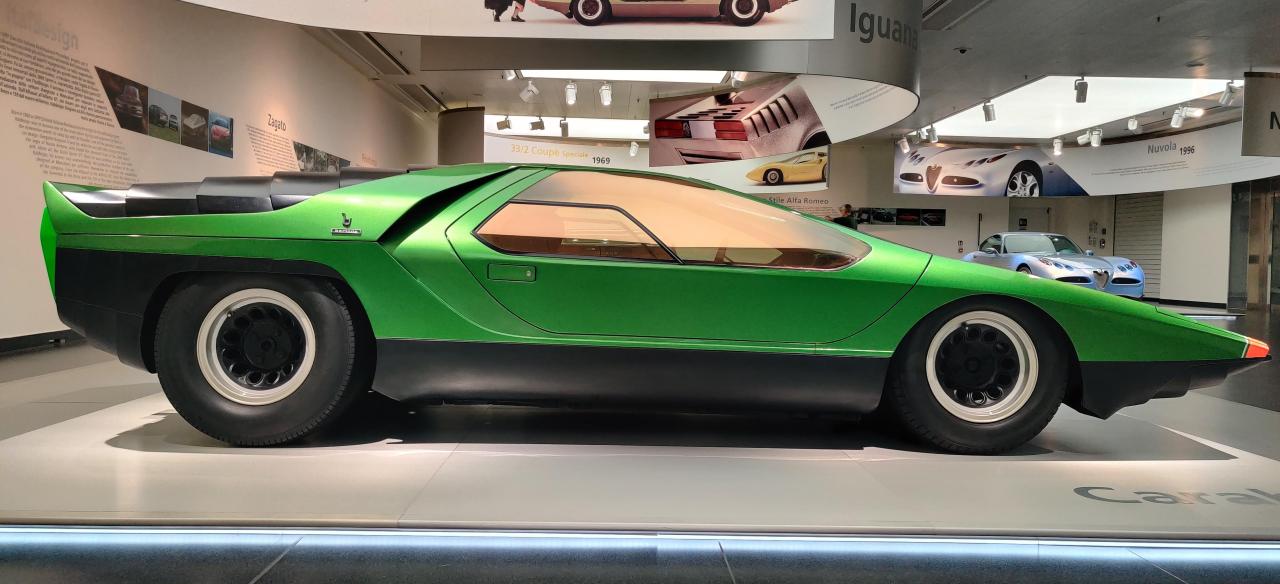
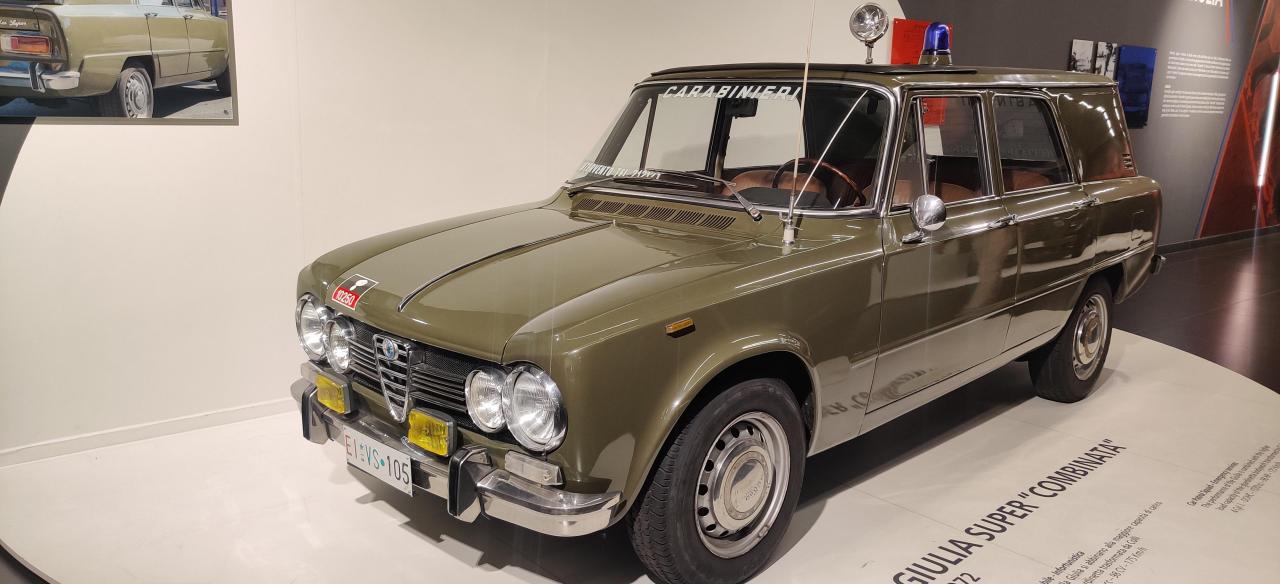 Ogni auto è accompagnata da dati quali: potenza, motore velocità ed esemplari prodotti. La mostra continua con un altro piano in cui figurano auto più recenti (dalla Montreal alla 8c Concept). Quest'ultima meravigliosa. Mi hanno colpito anche 164 e 156. Il piano inferiore è legato alla bellezza, le auto esposte sono una più bella dell'altra. A muro sono presenti breve storie legate ai più importanti designer e carrozzieri. Pininfarina, Bertone, Italdesign, Zagato, Touring e centro stile Alfa. Sono rimasto estasiato dalla Carabo, veramente incredibile. La Nuovola non mi ha convinto in toto, ma l'ho trovata molto particolare ed esotica. L'iguana ha un bellissimo colore. La discovolante è davvero unica. Prosegue la mostra con una serie di Berline e coupé, bello lo specchio posteriore per vederle anche dietro. Di queste la mia preferita la TZ e la Giulia TI.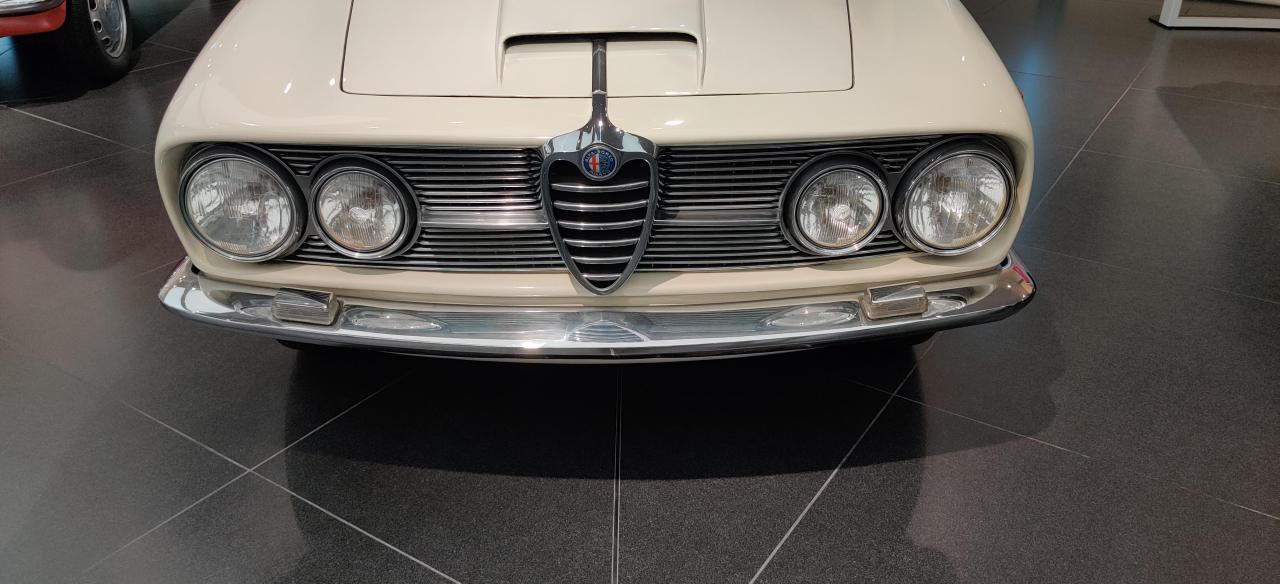
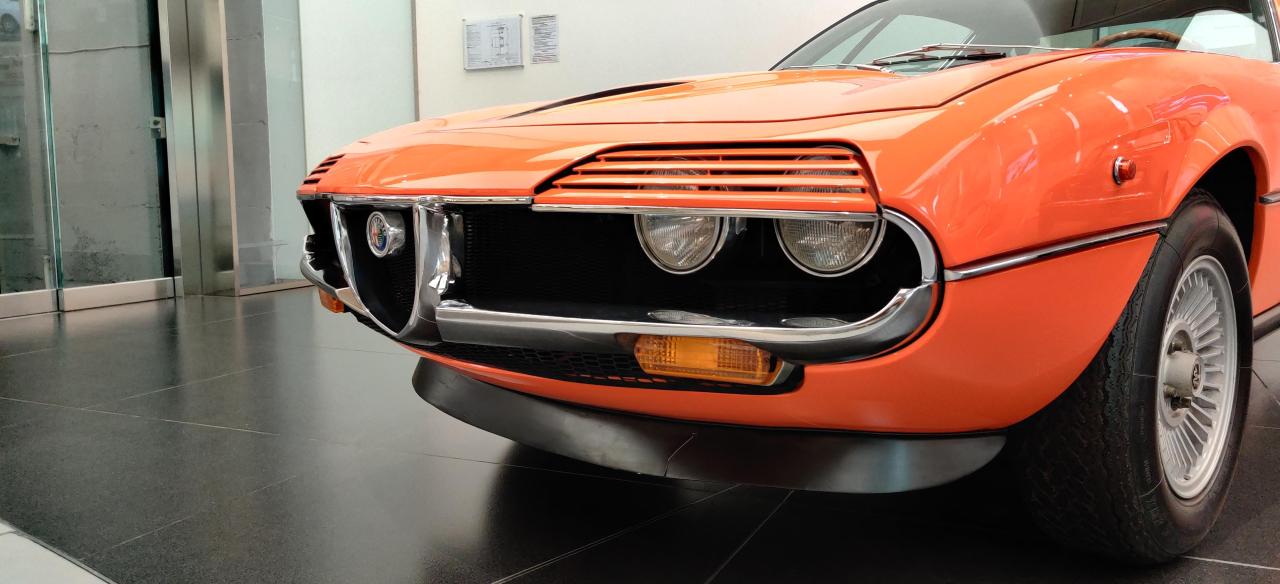
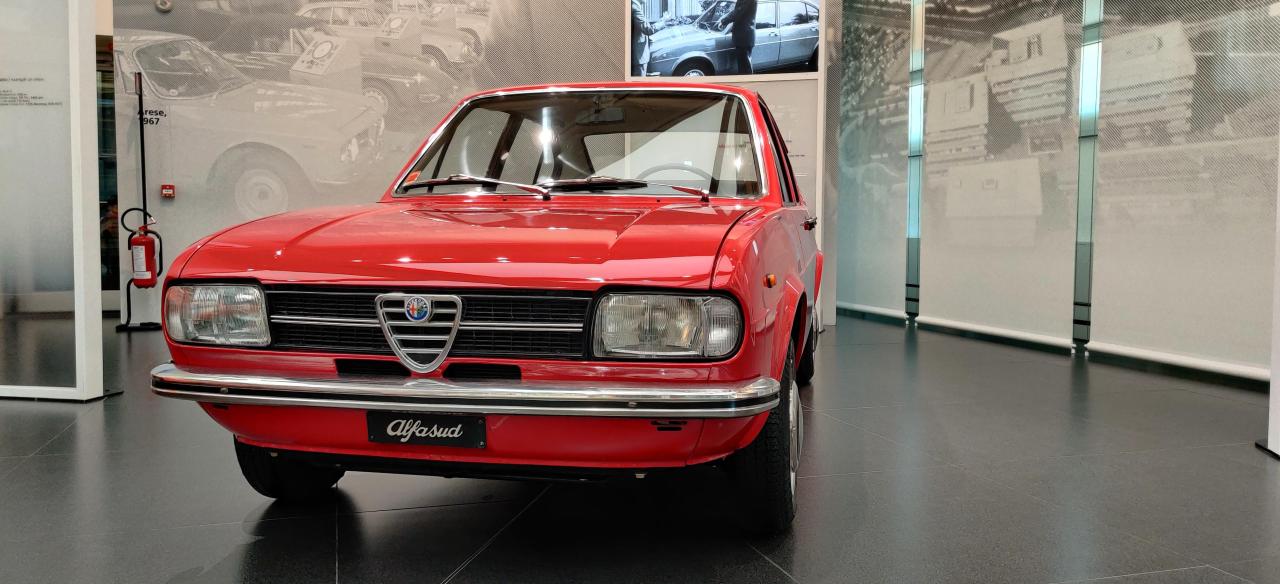
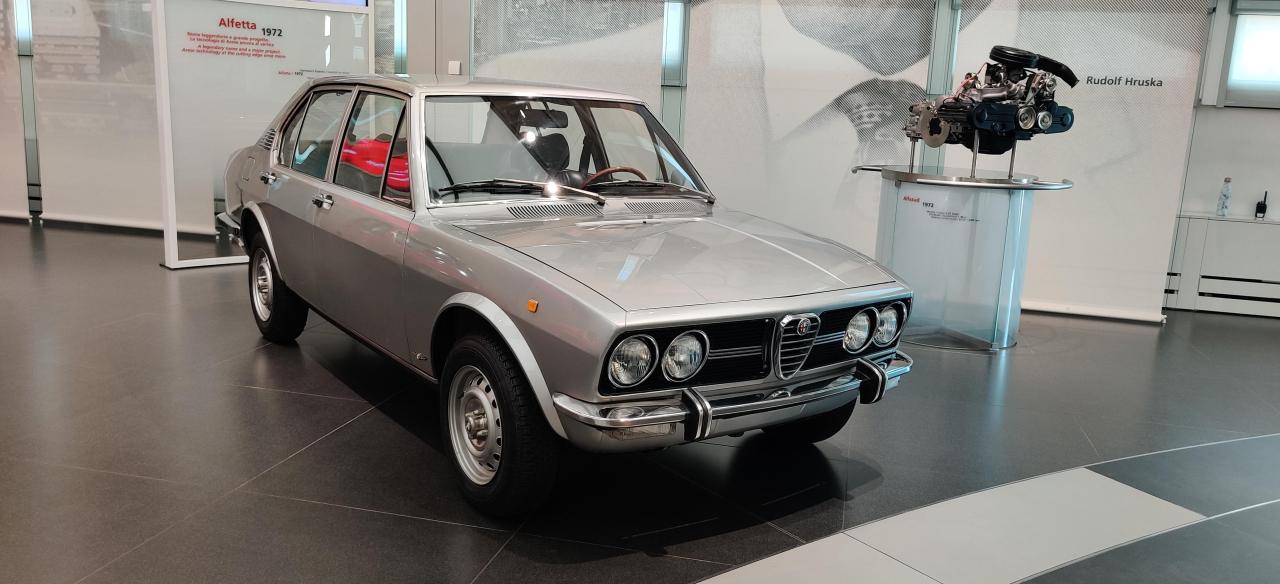
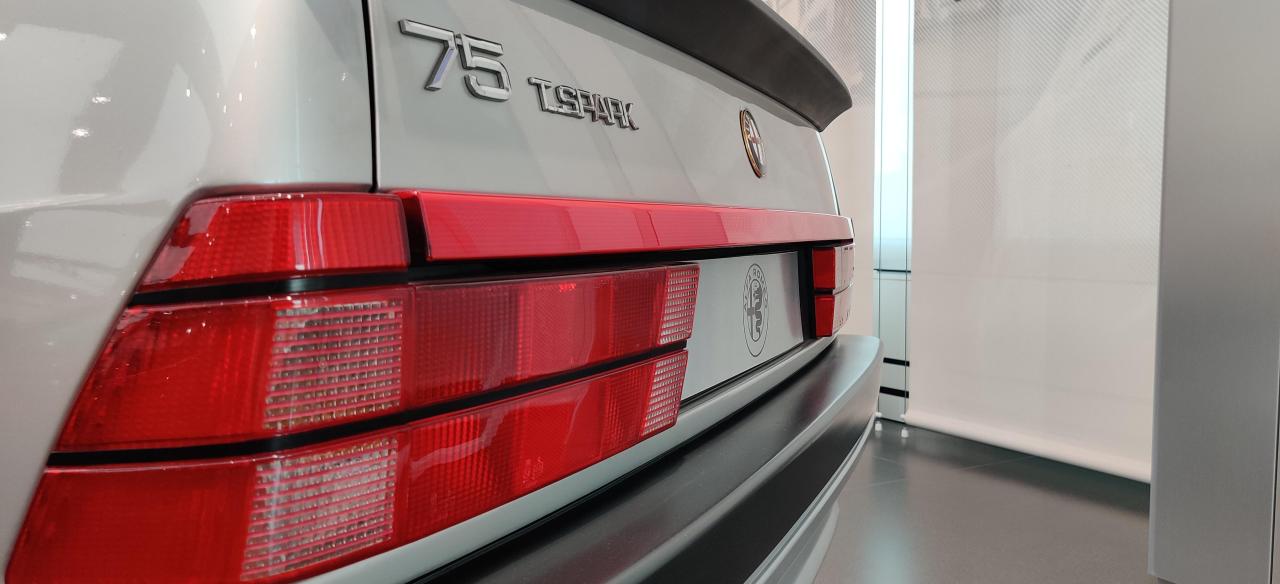
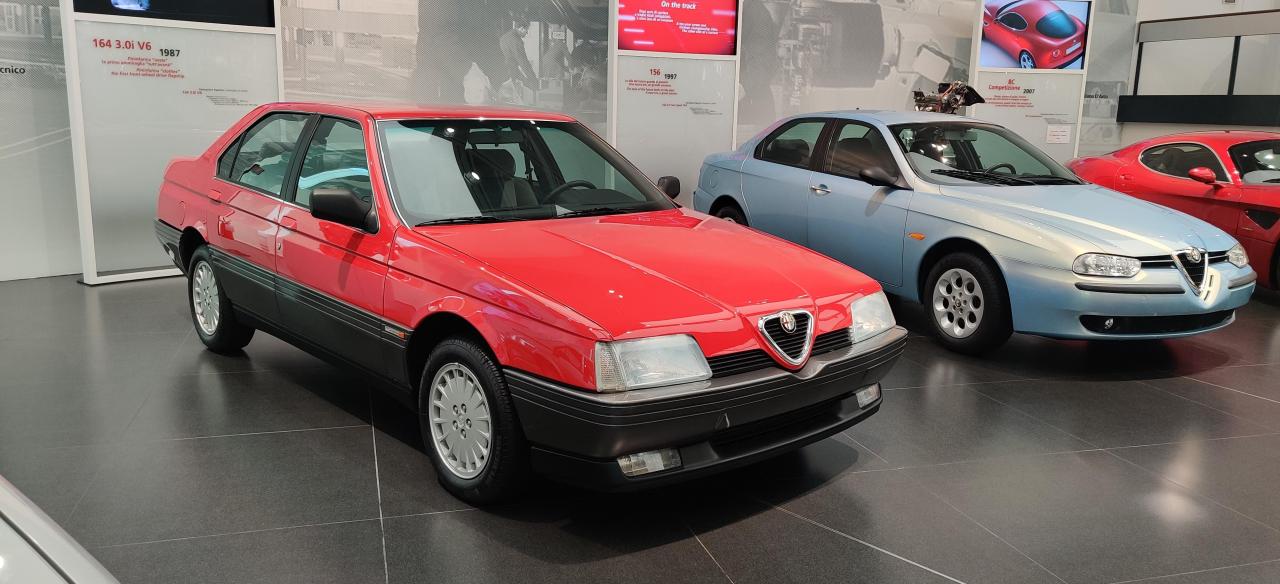
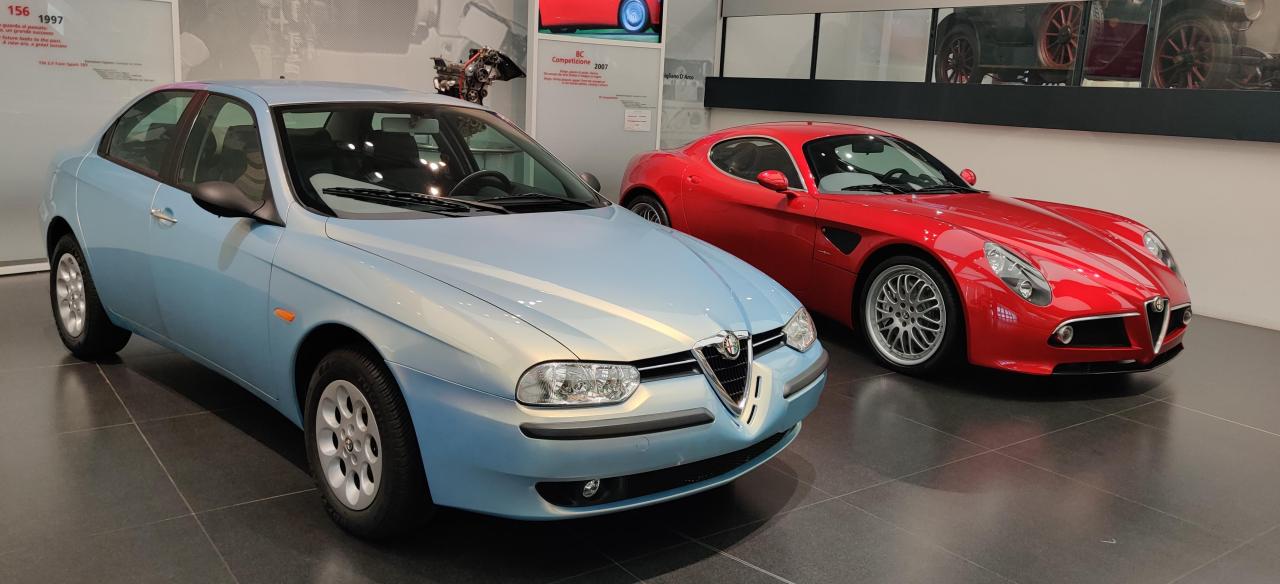
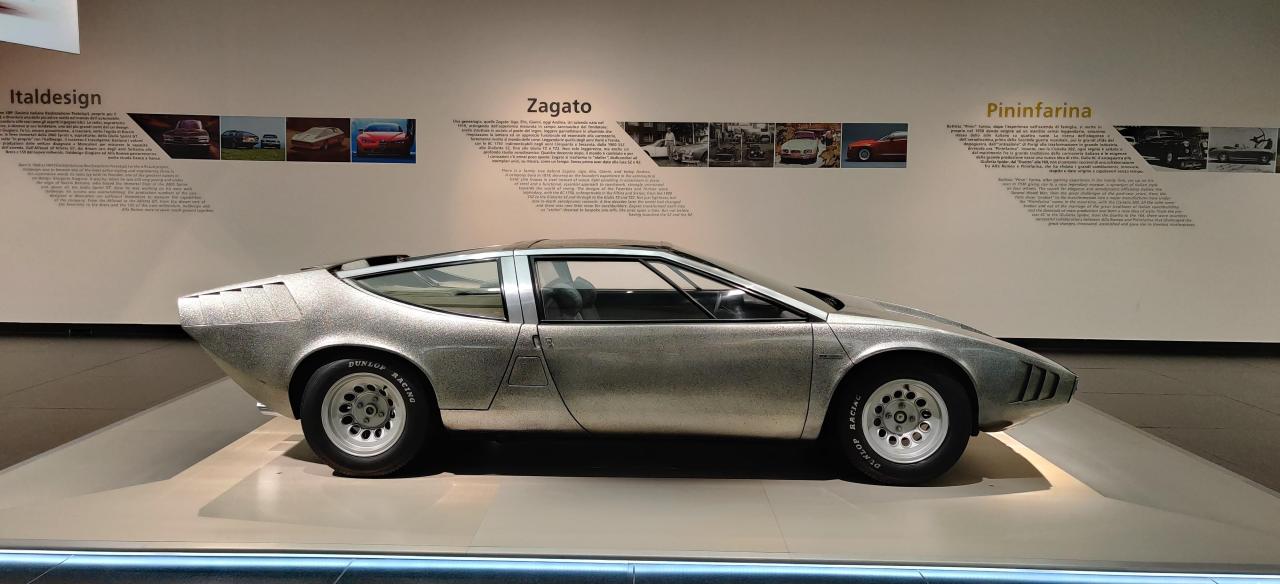
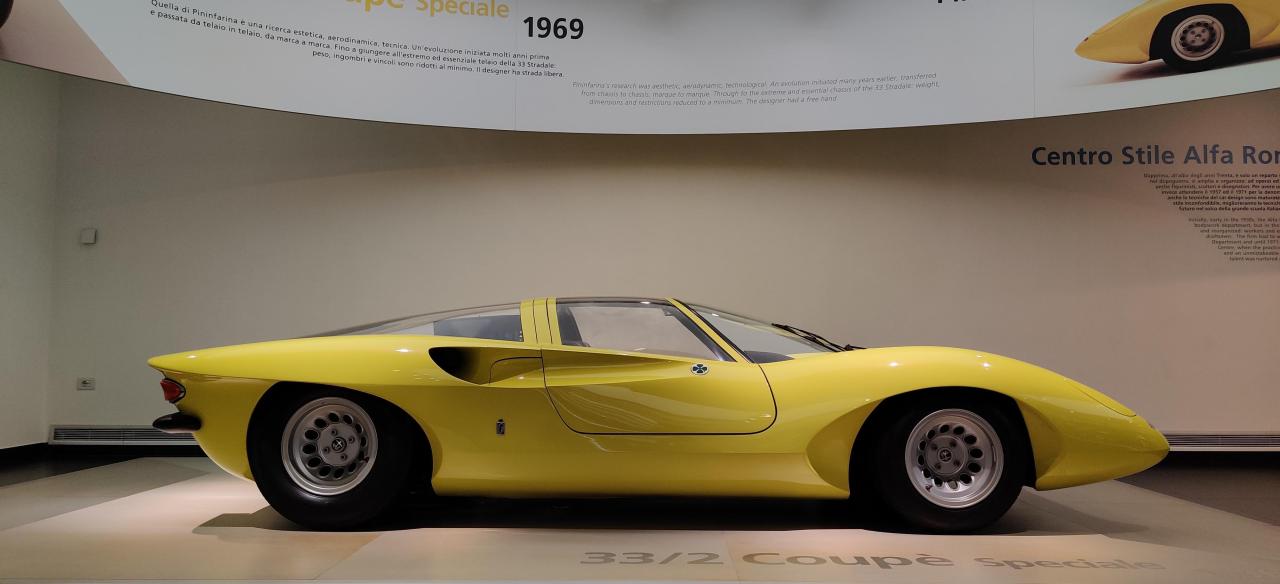
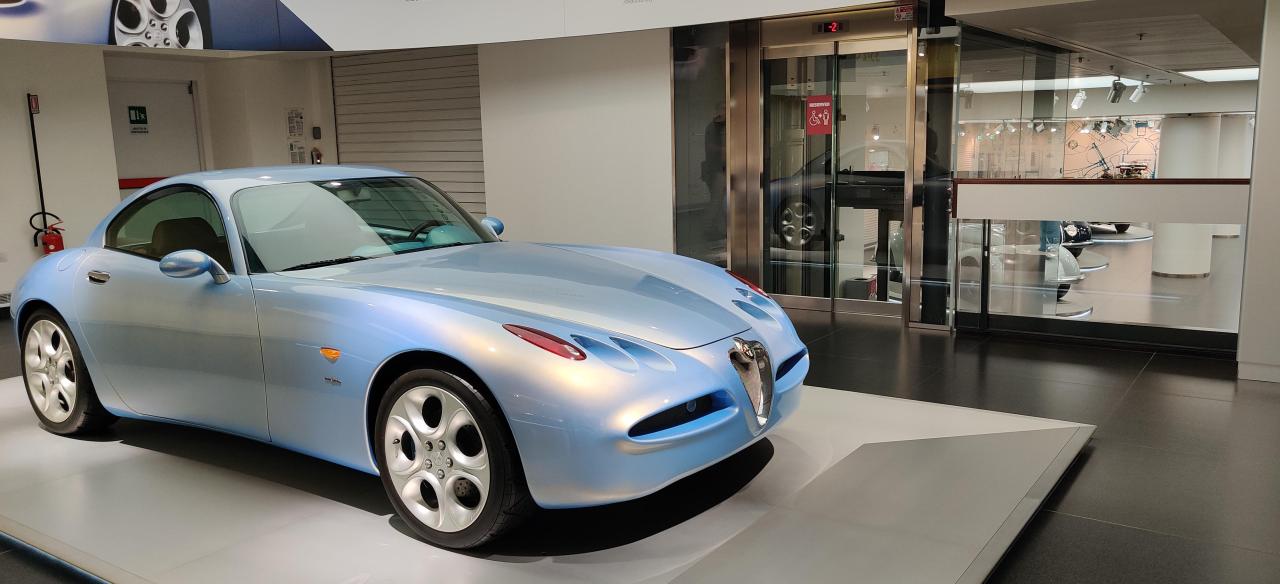
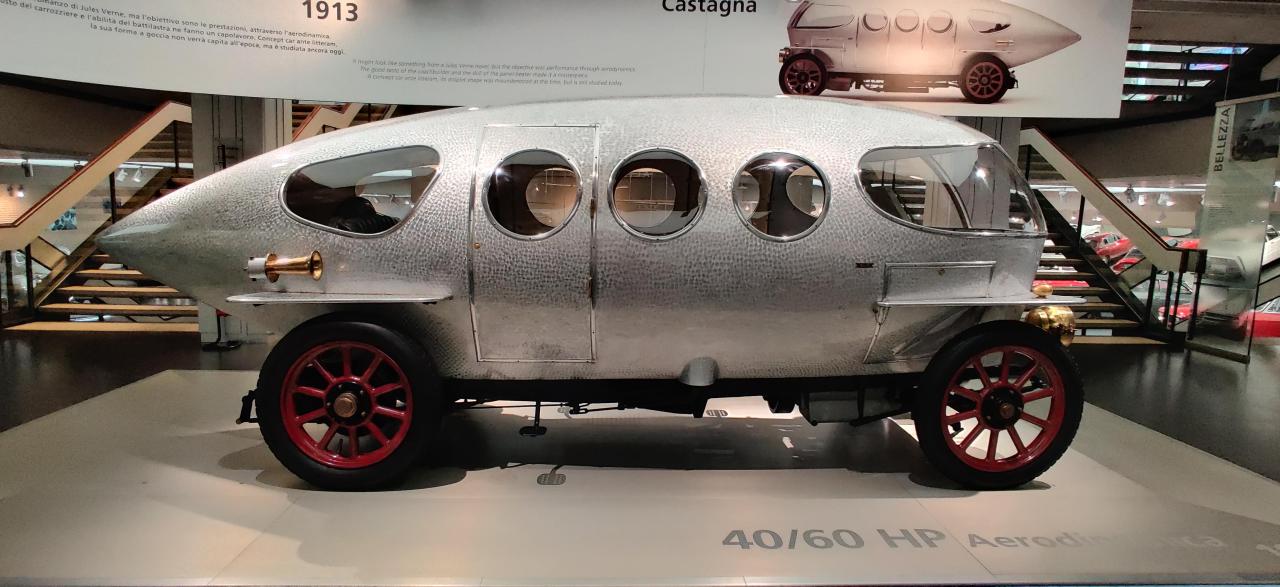
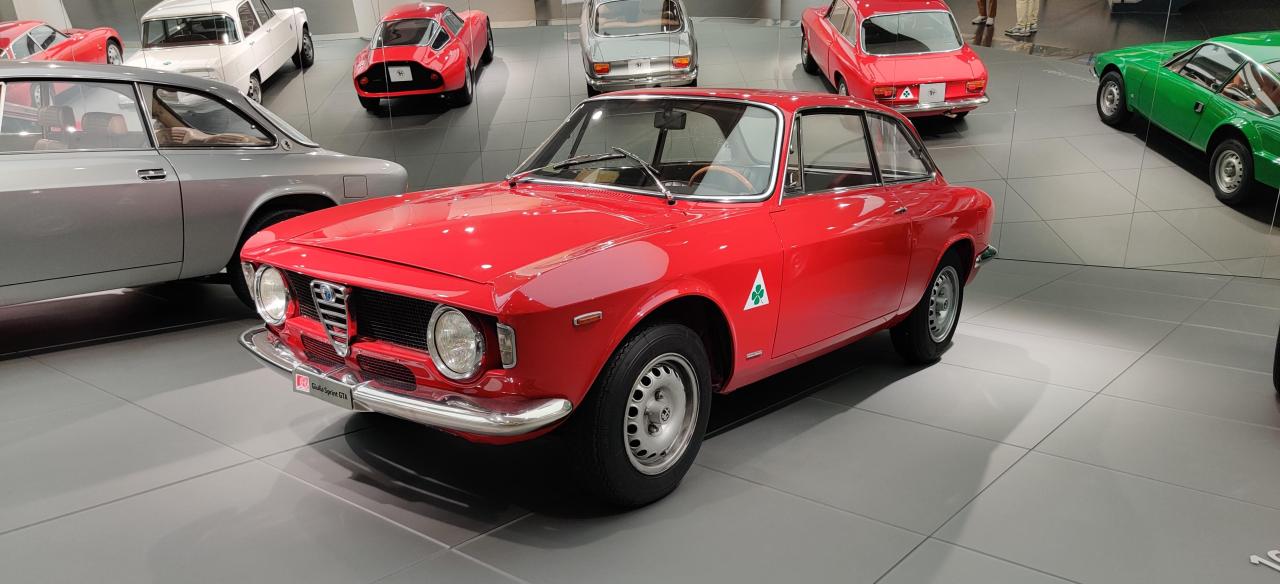
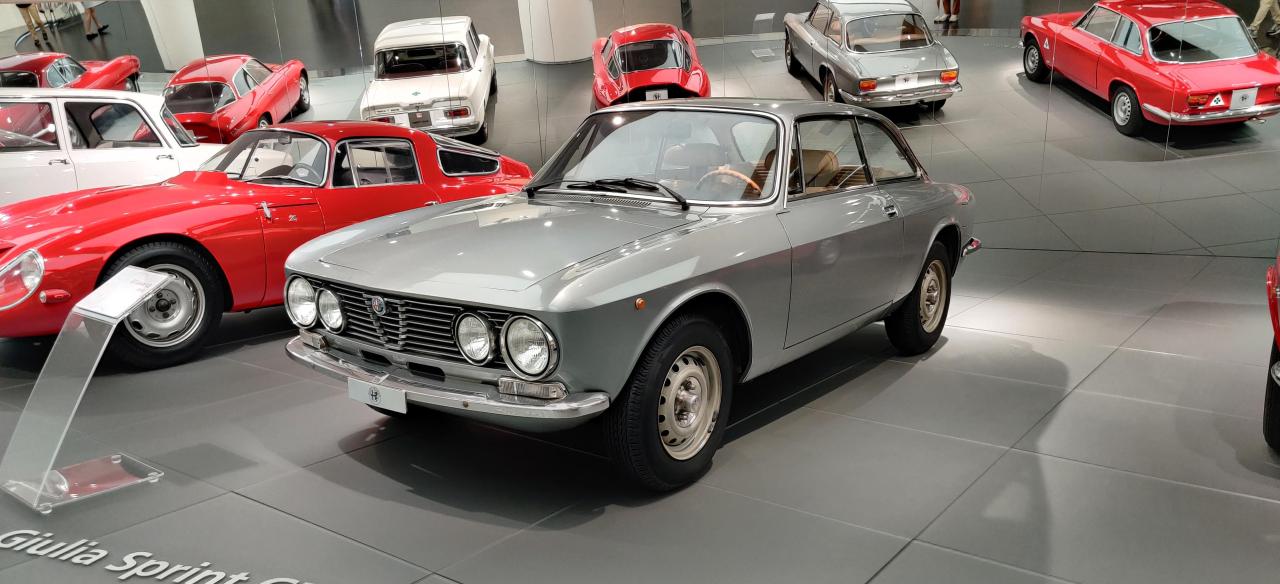
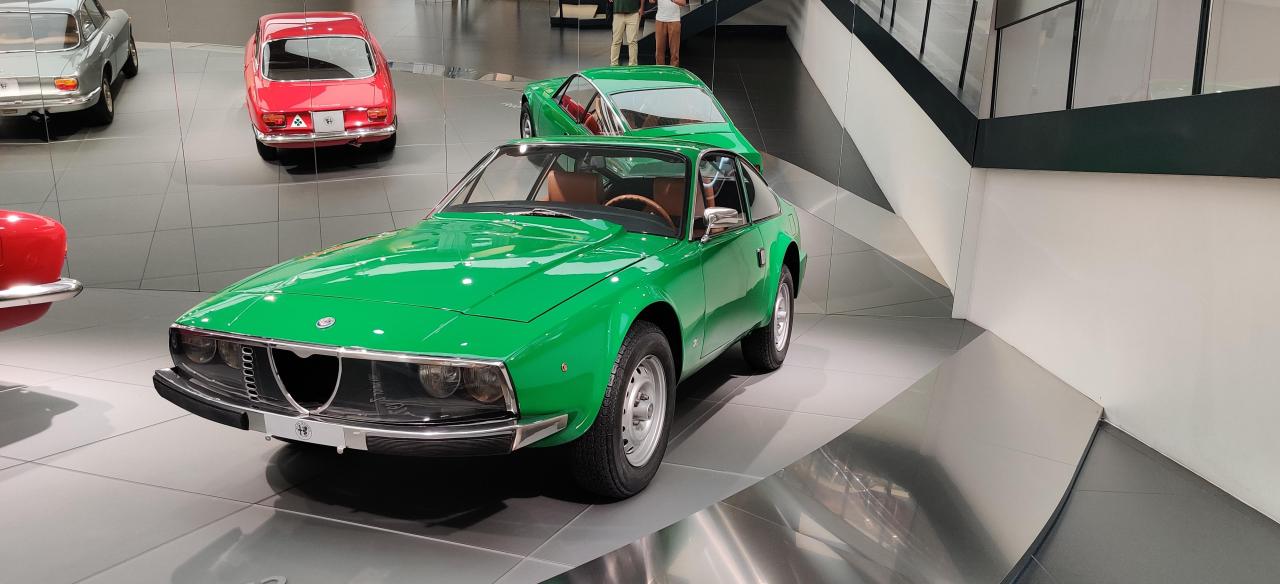
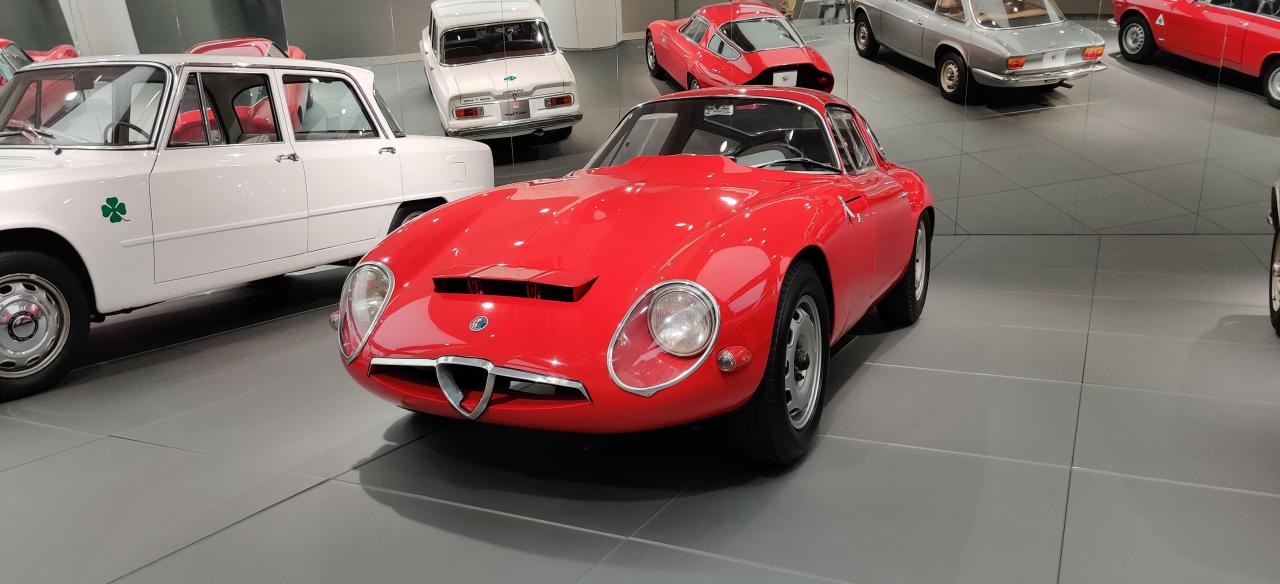
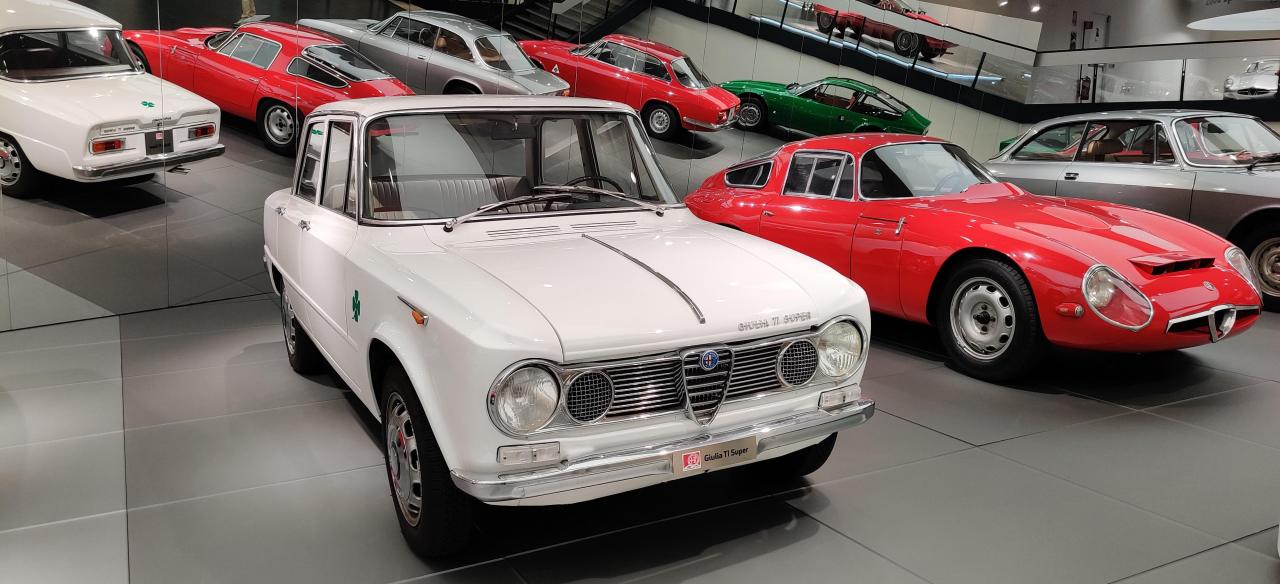
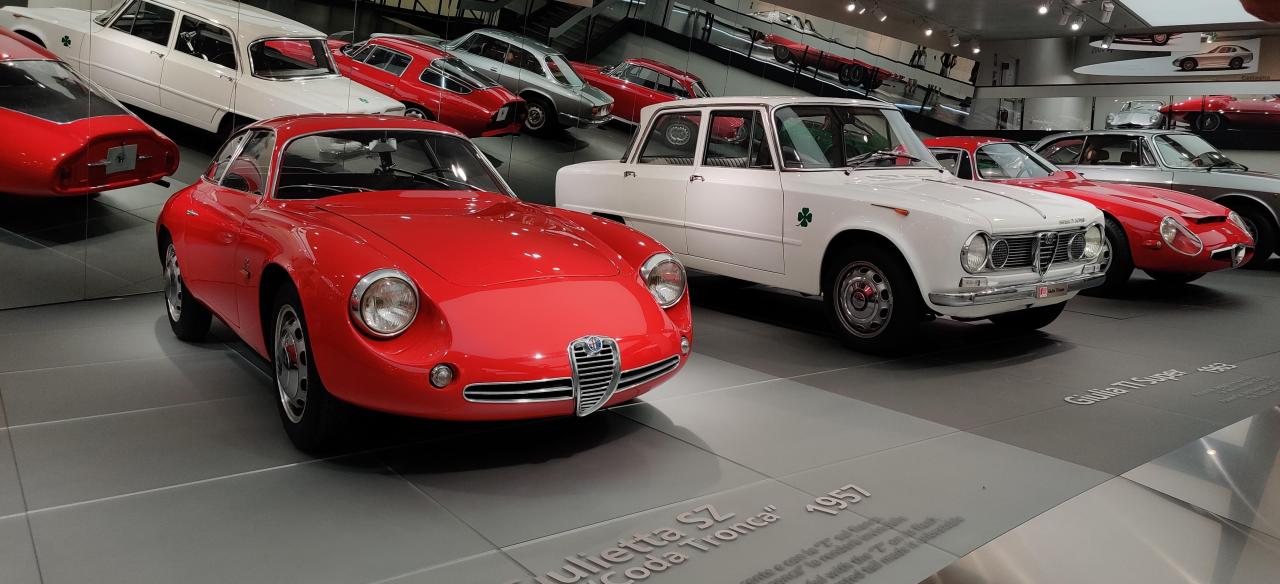
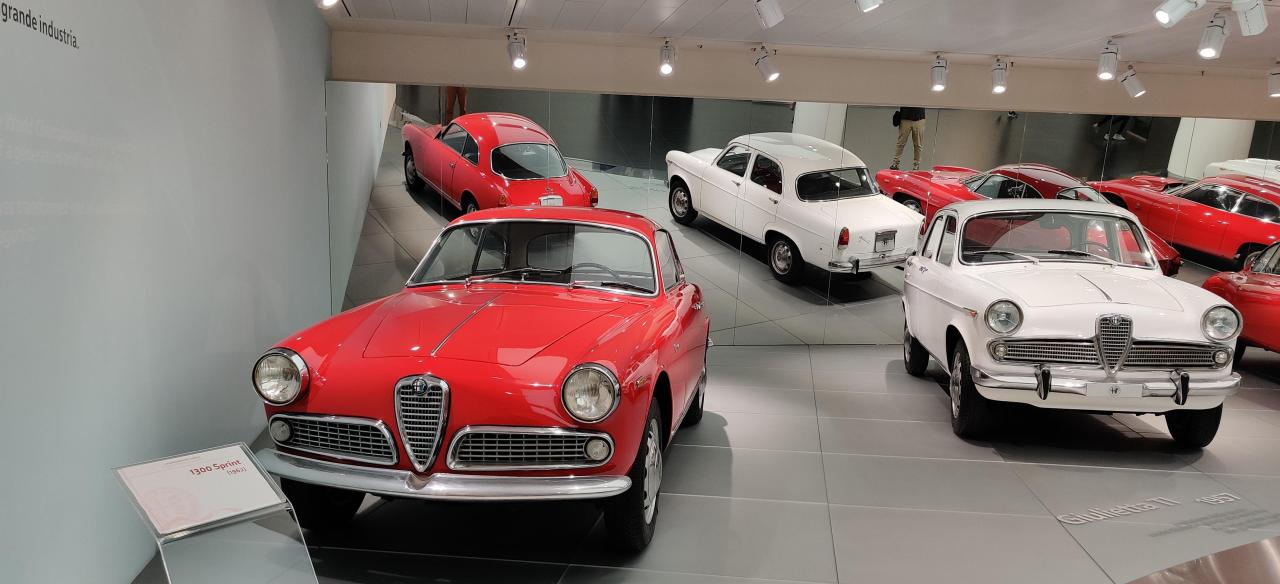
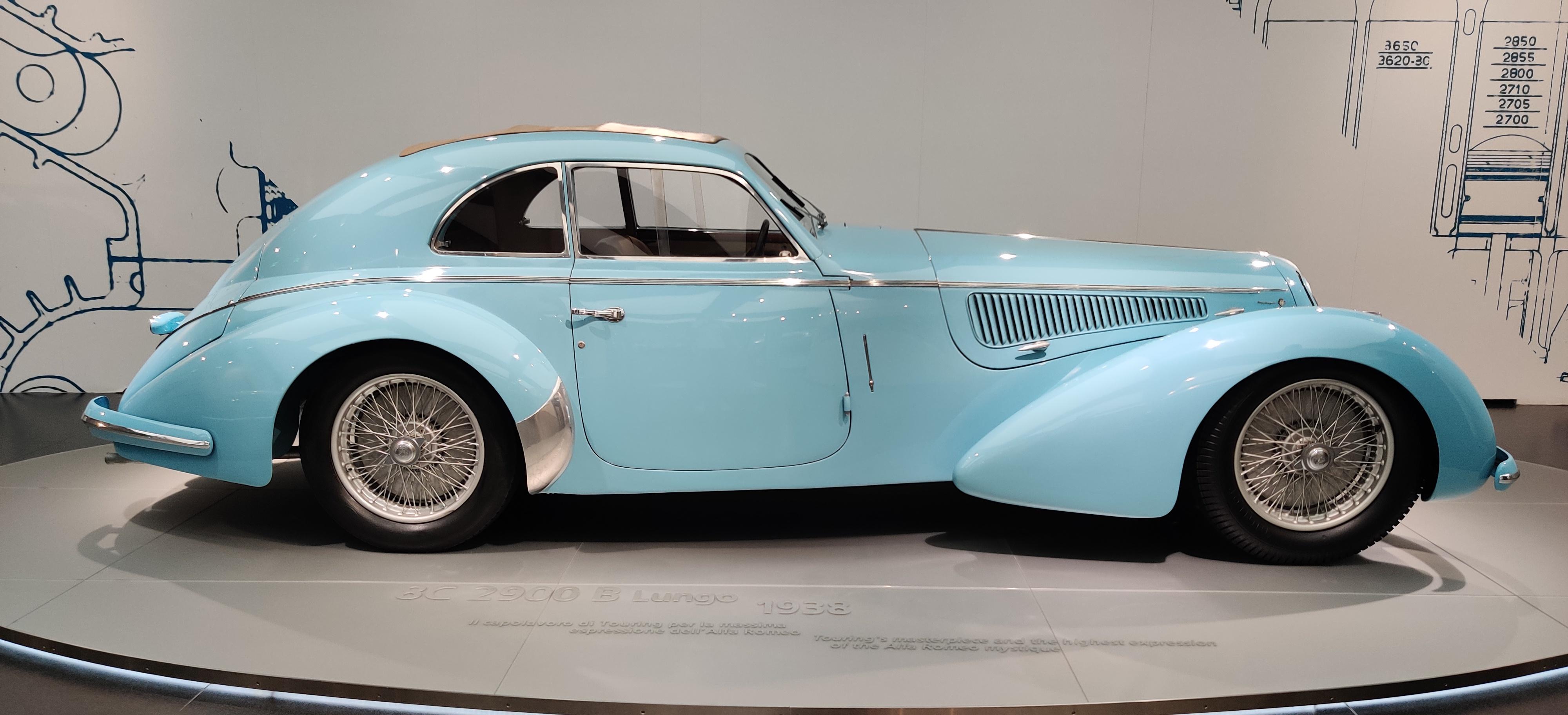
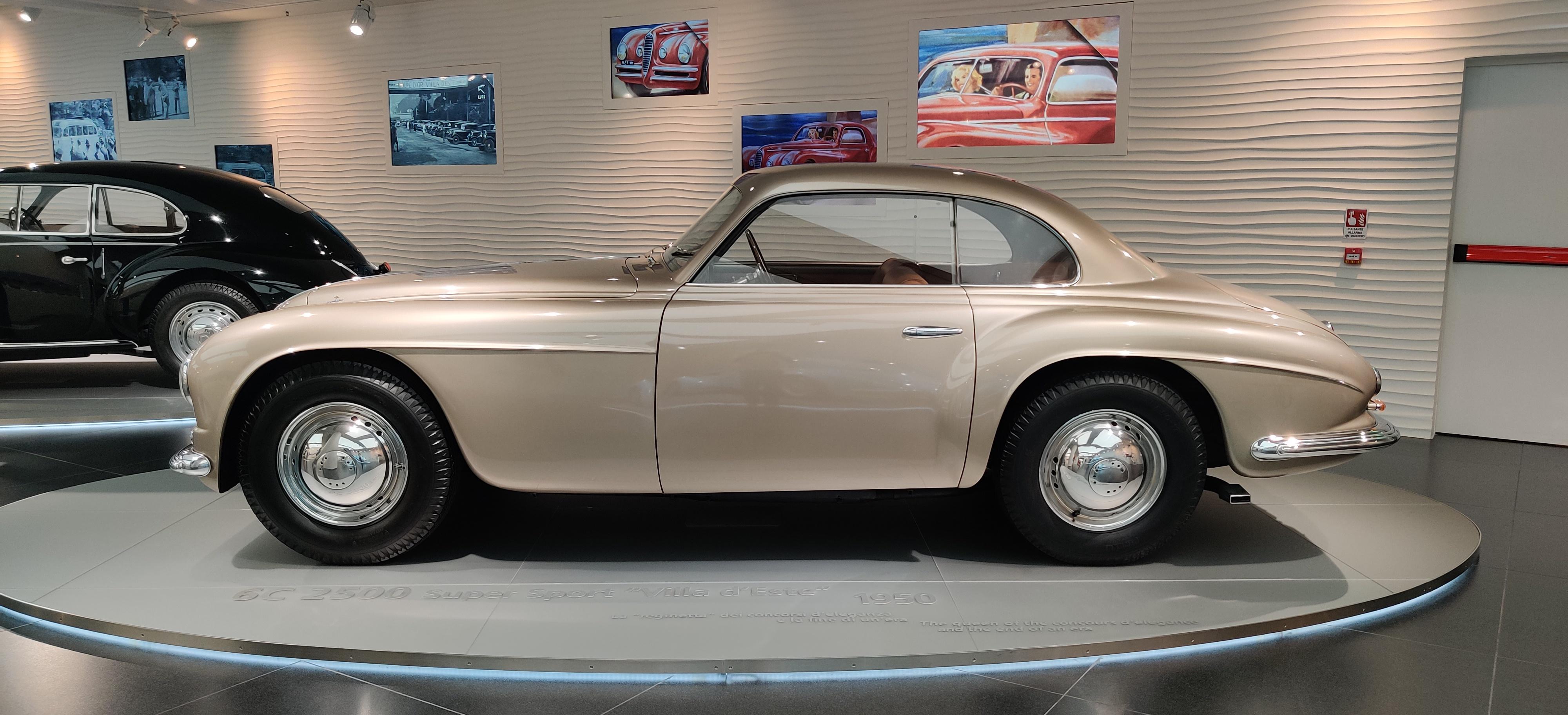
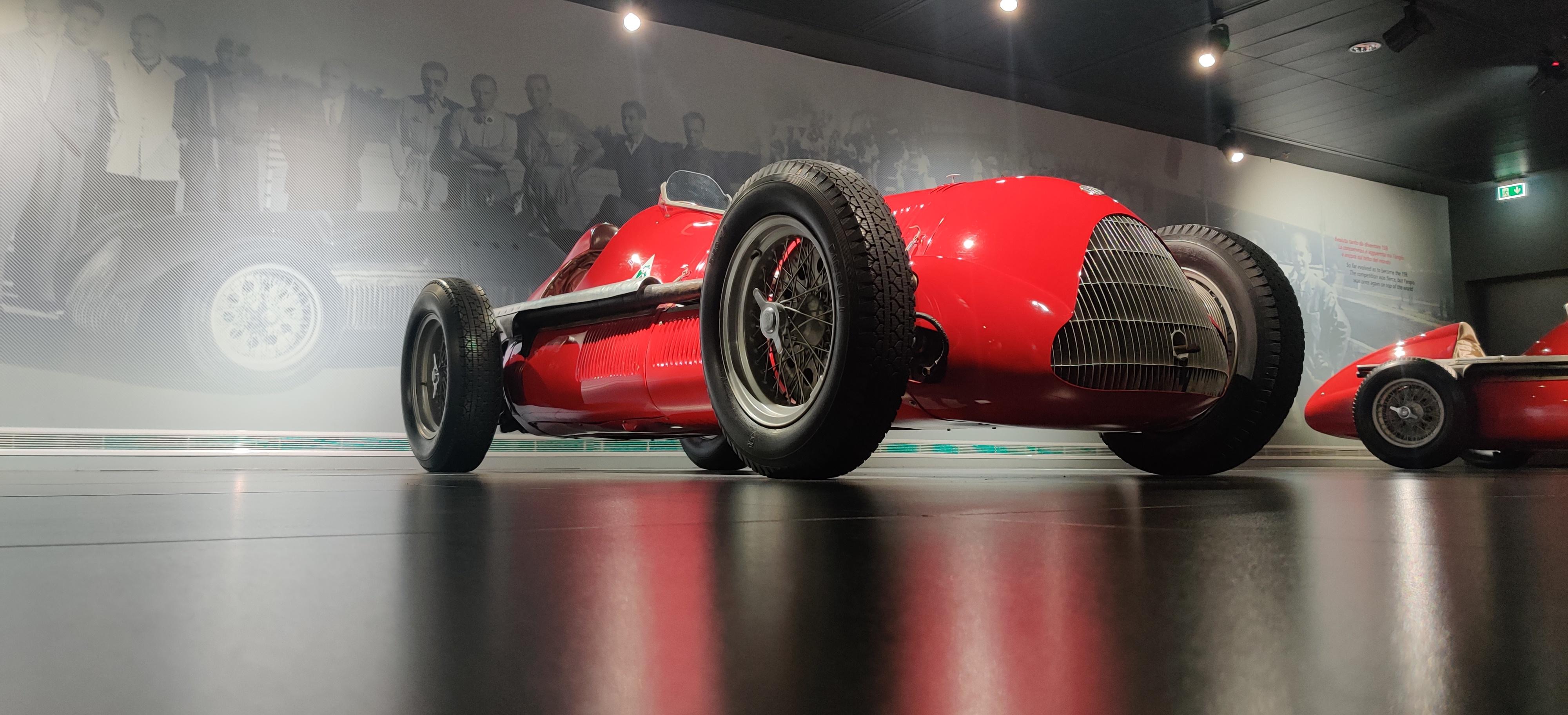
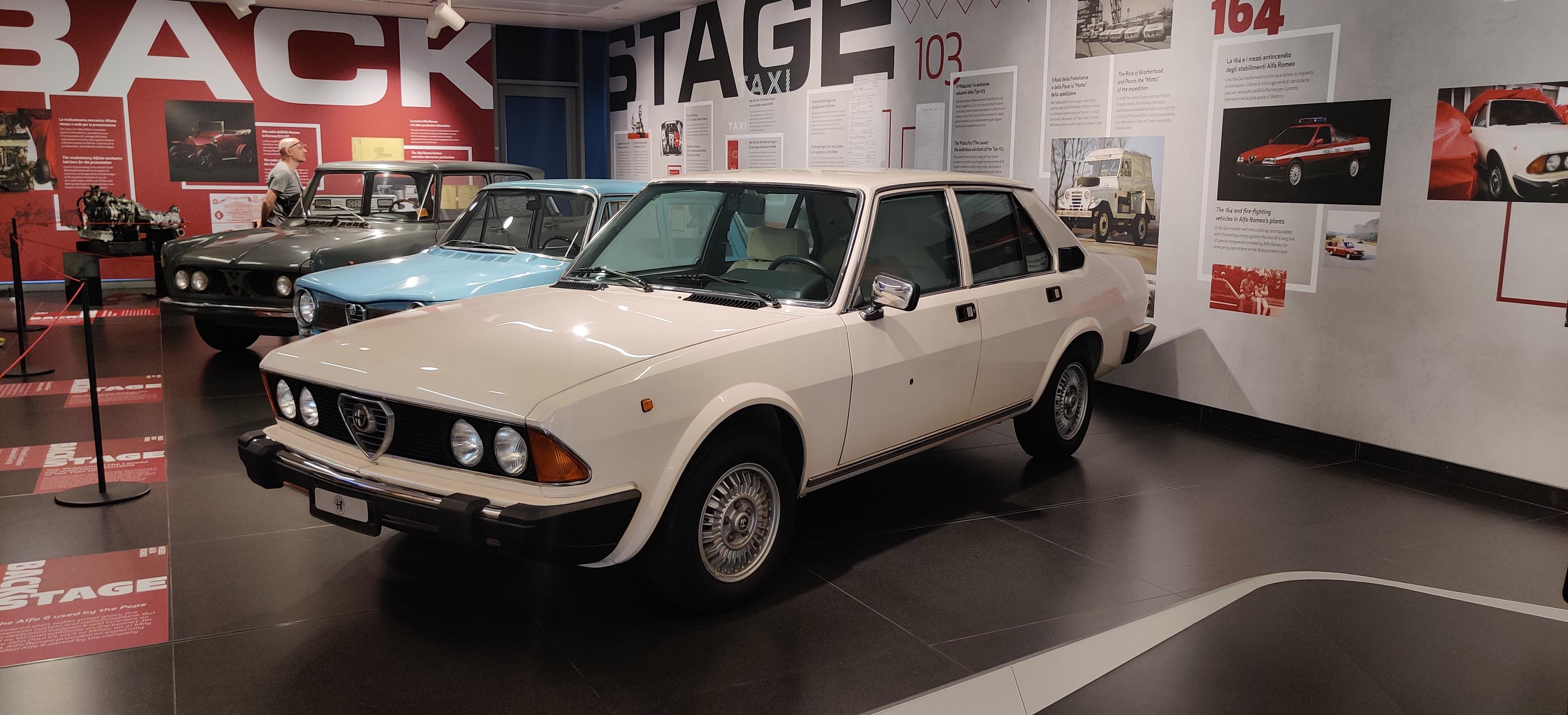
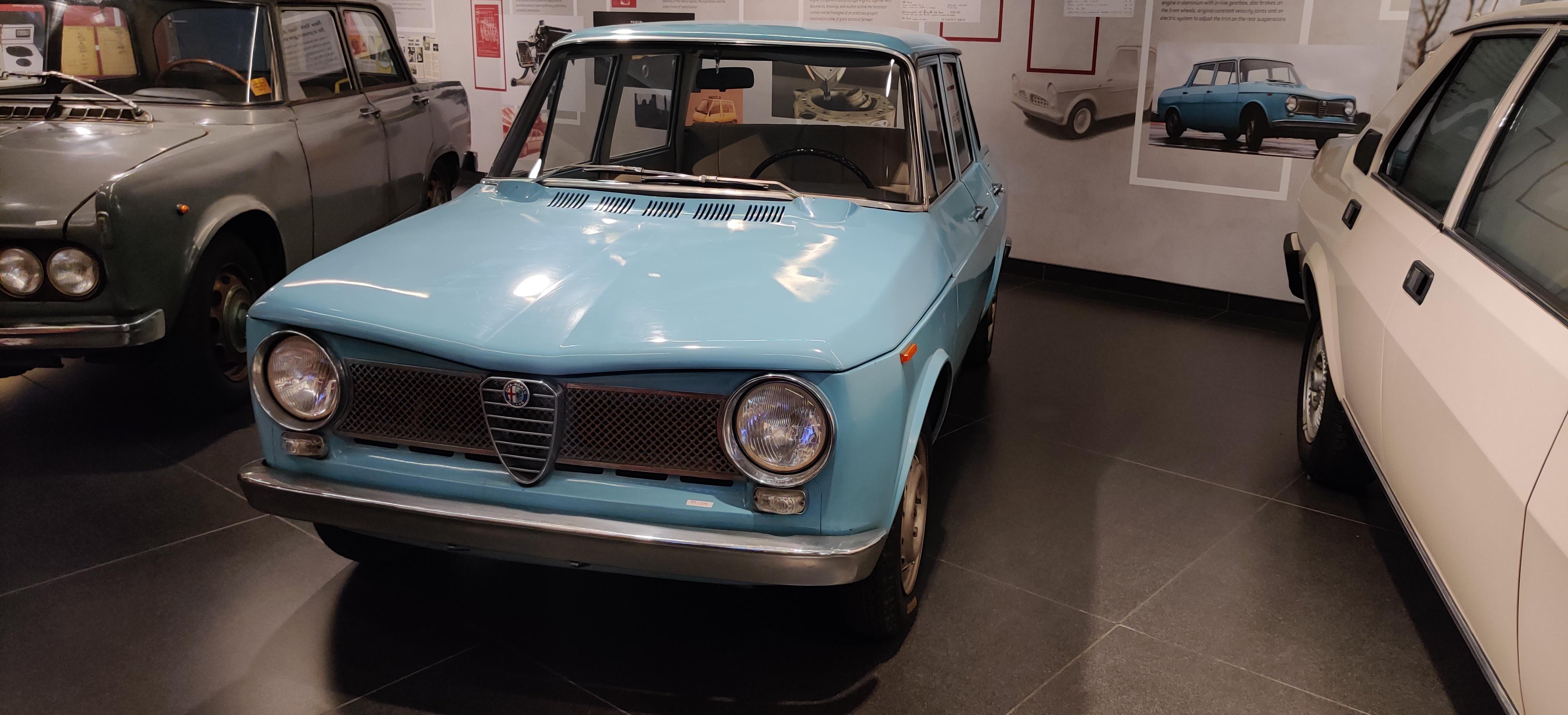
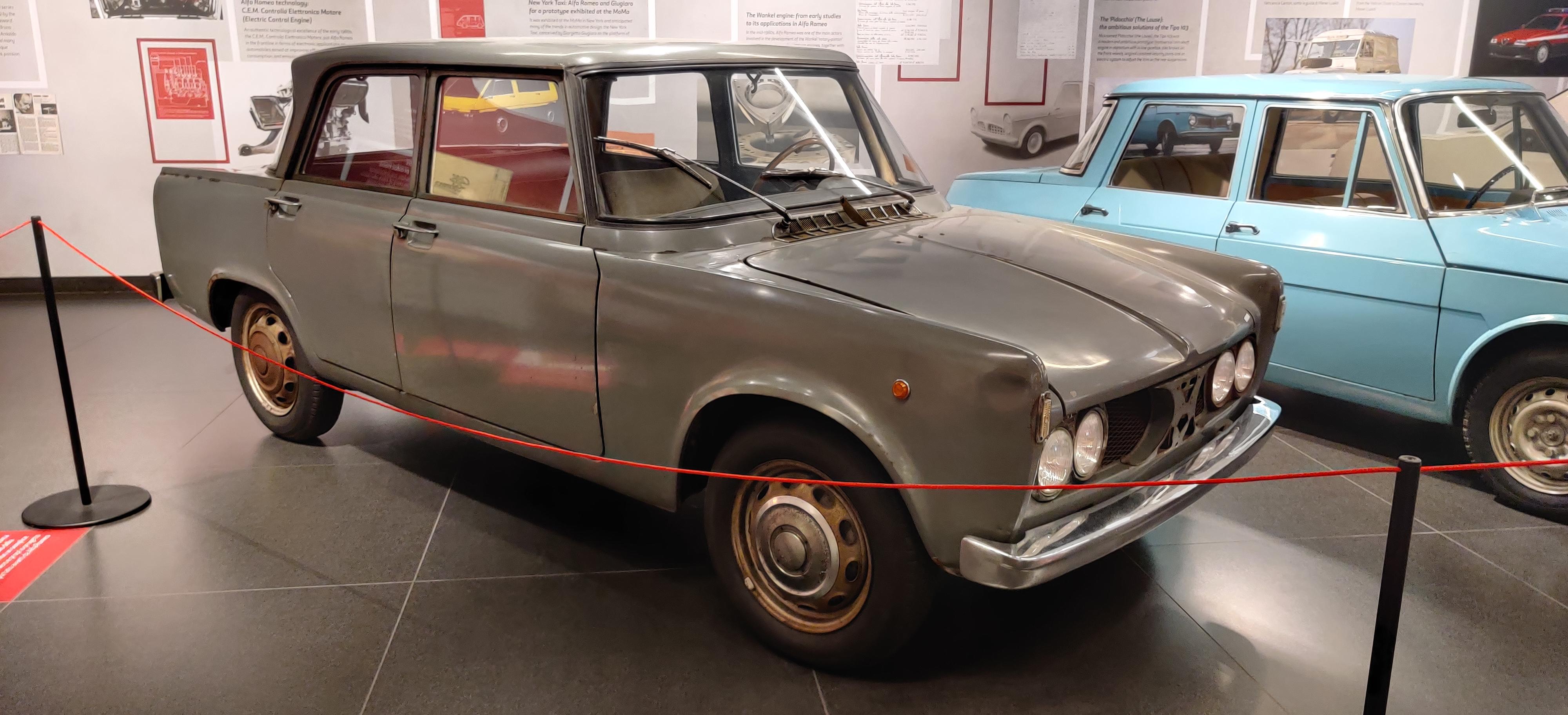
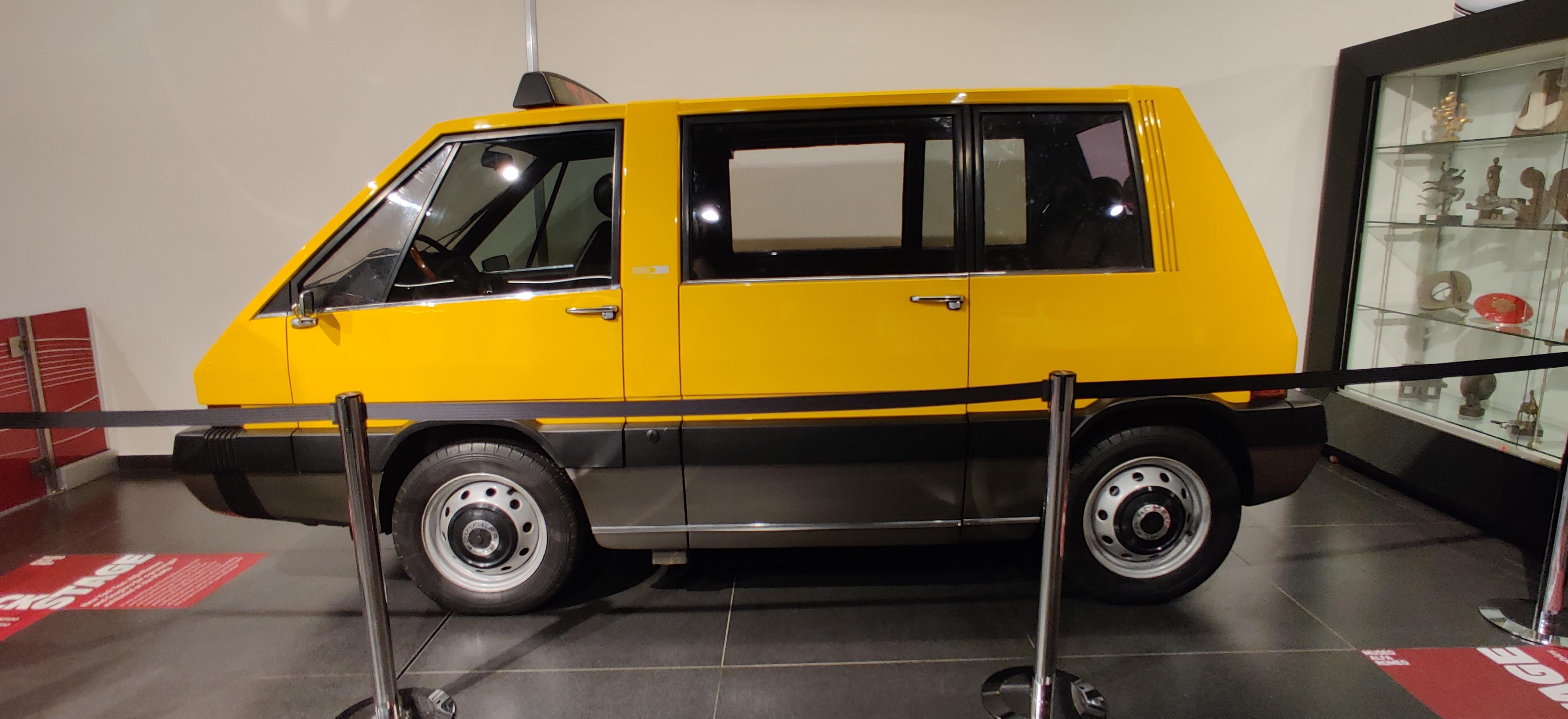
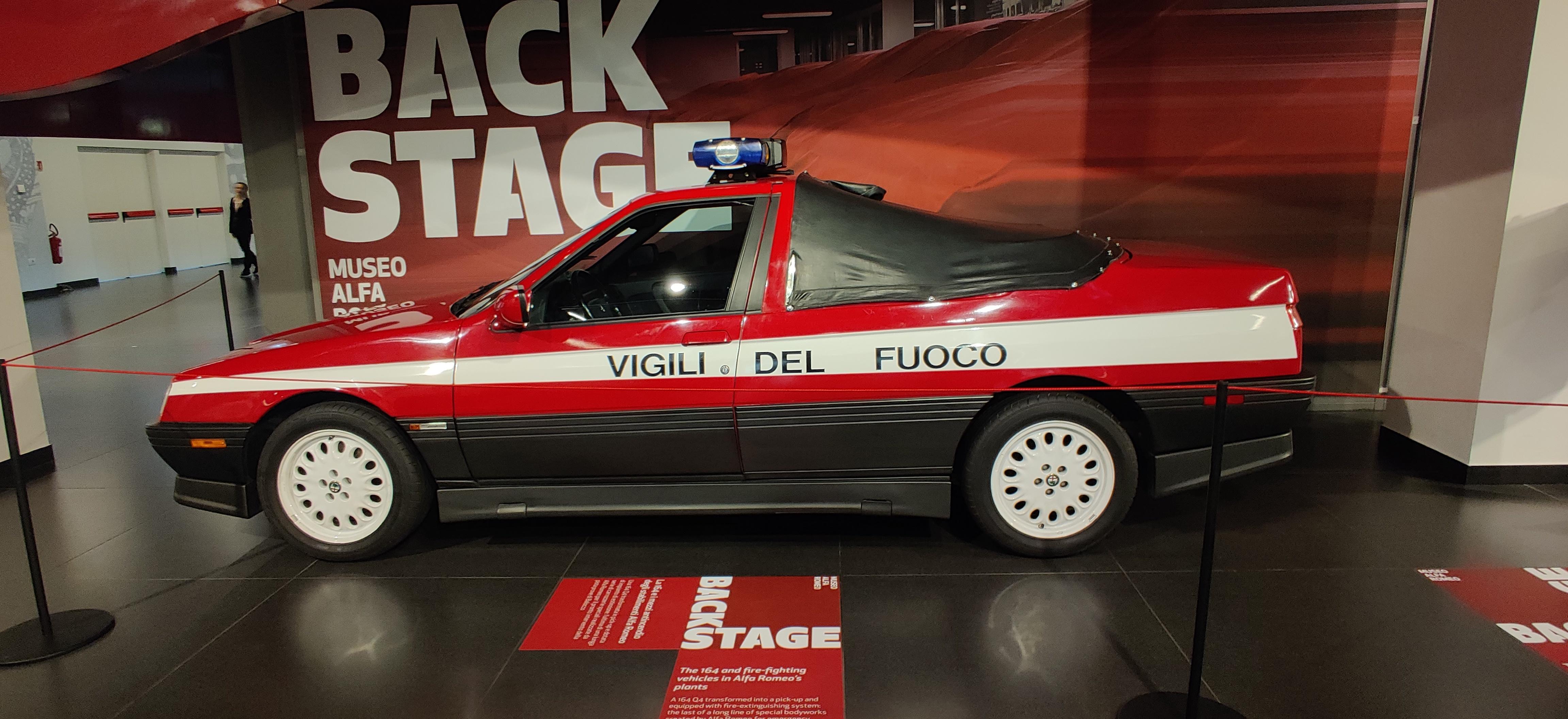
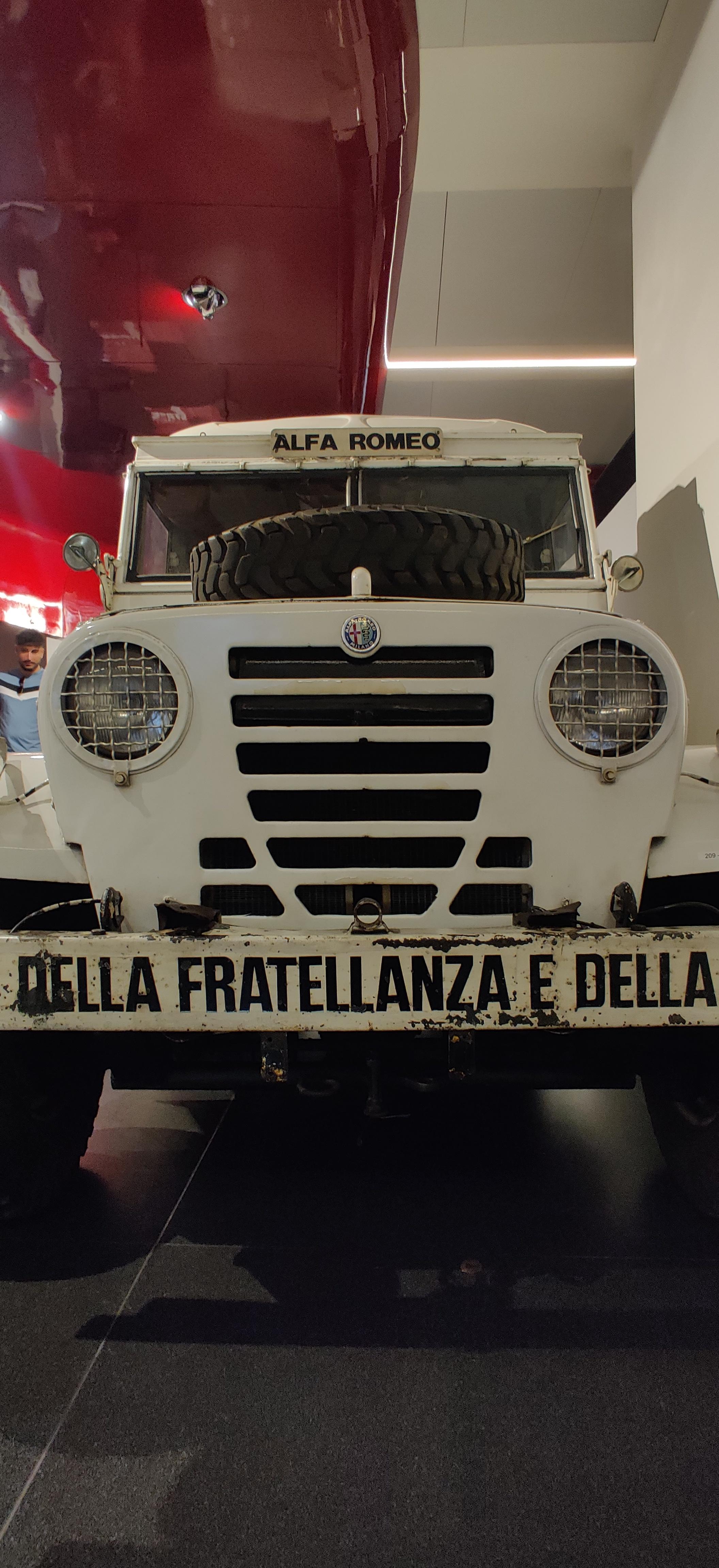
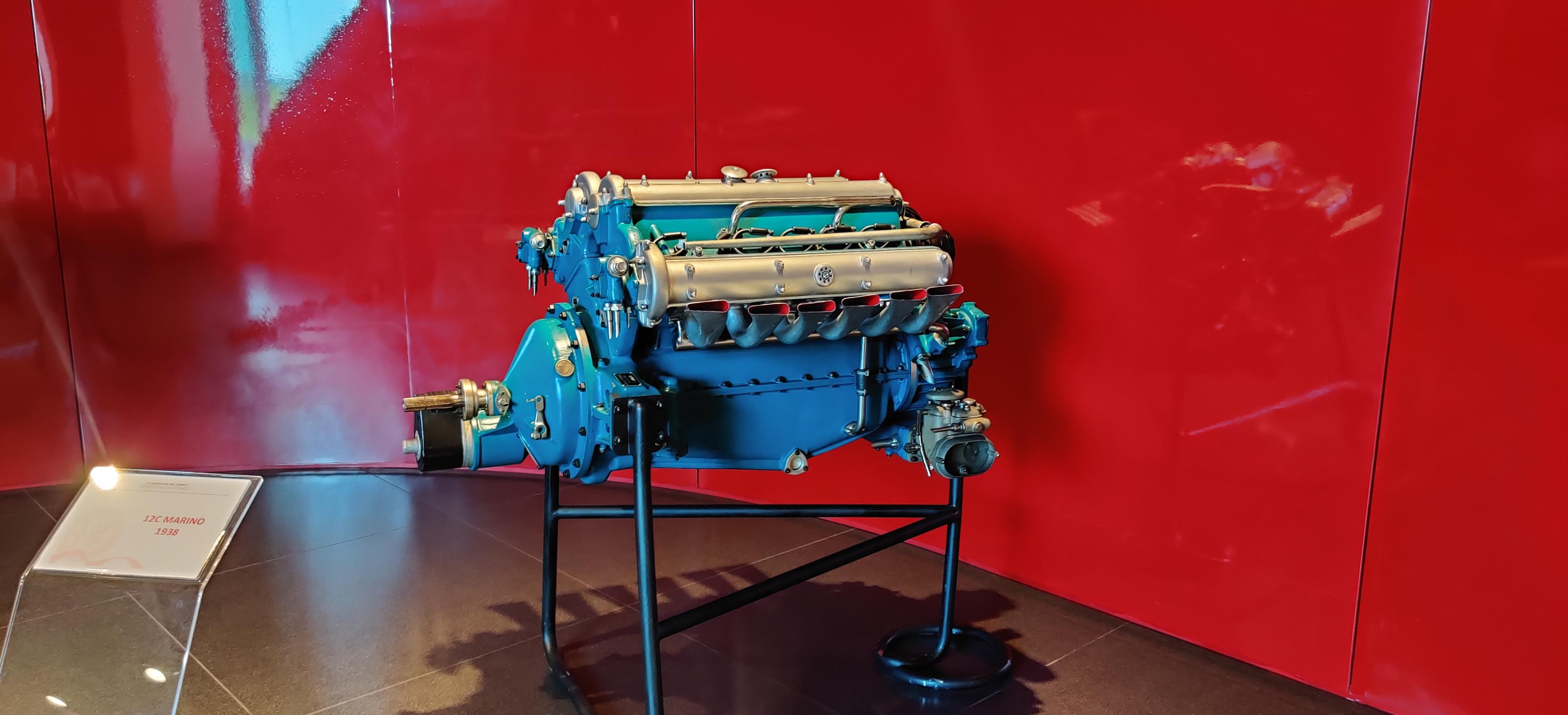
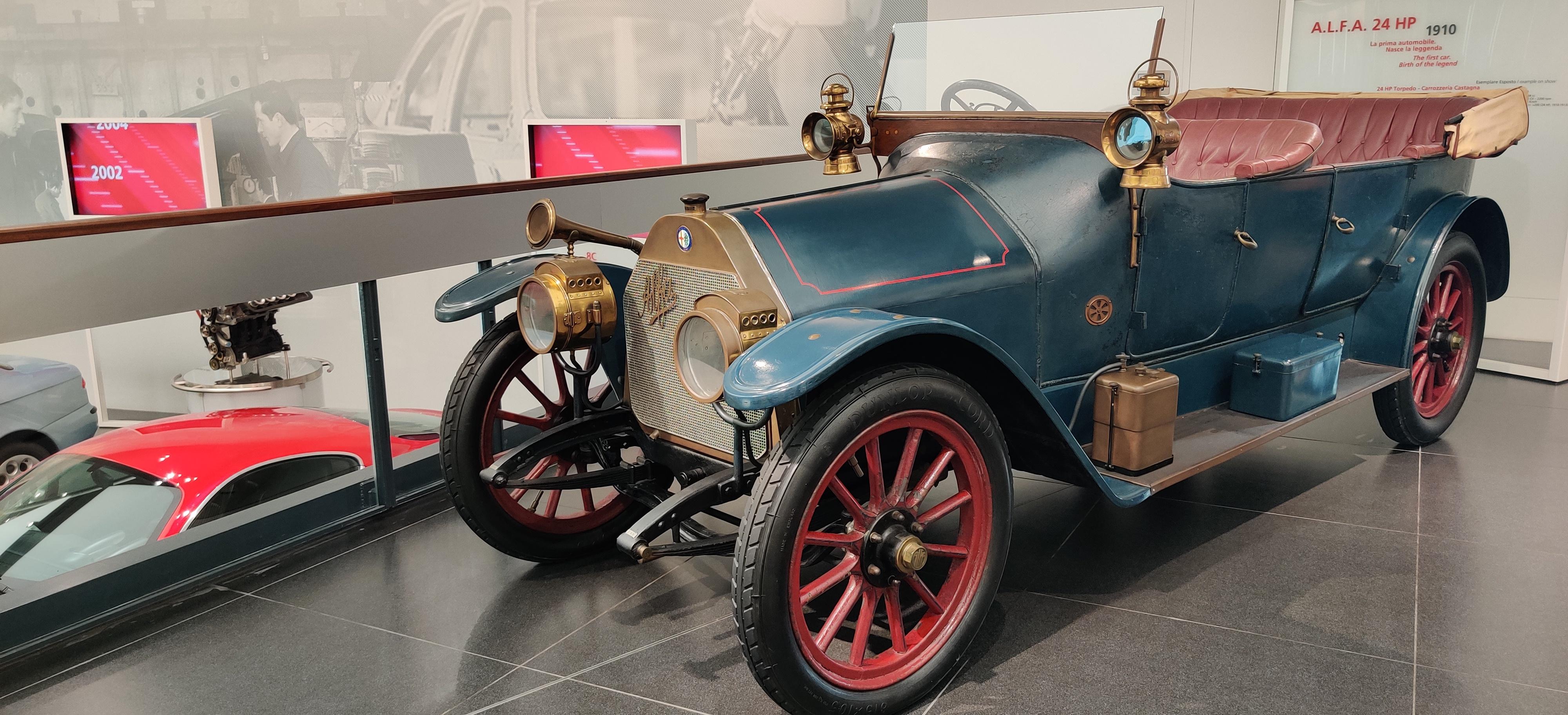
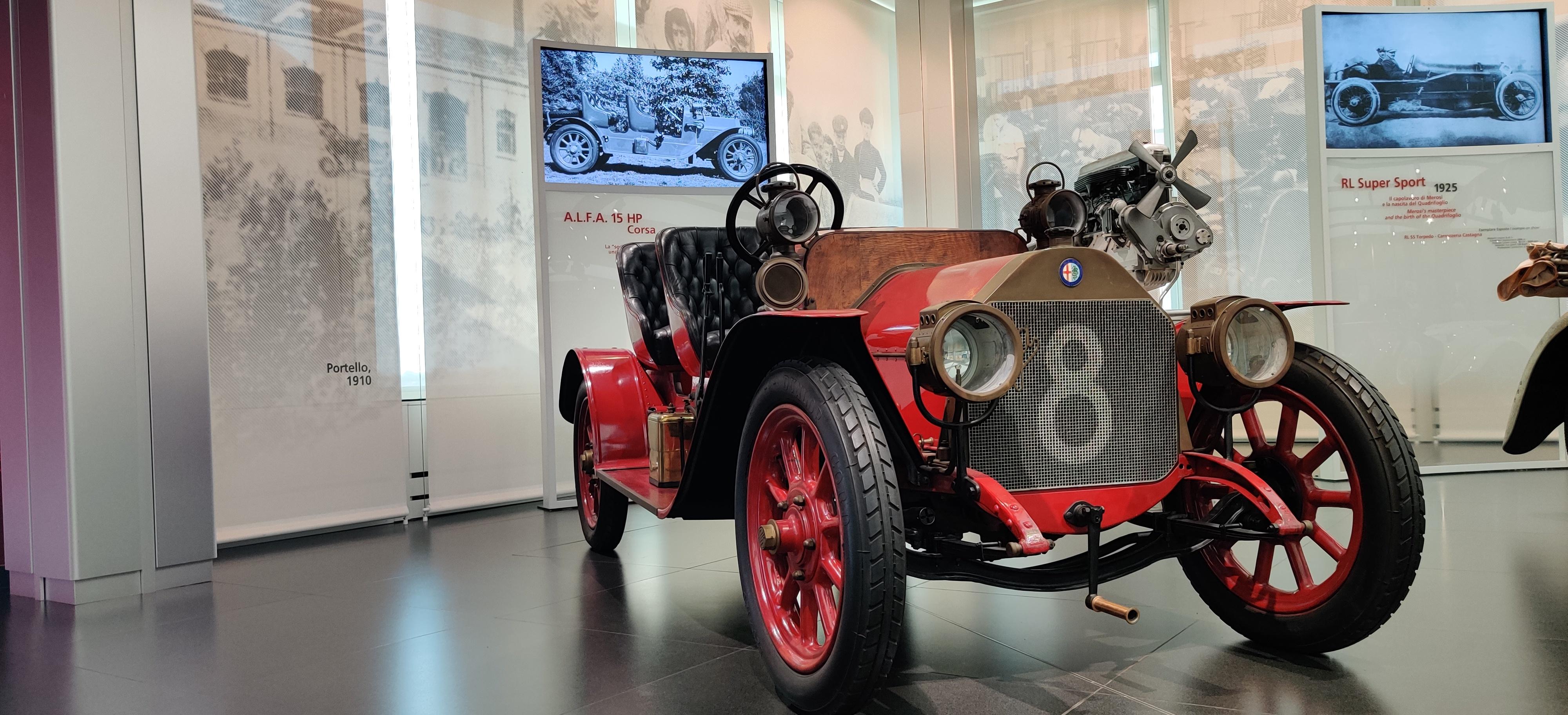
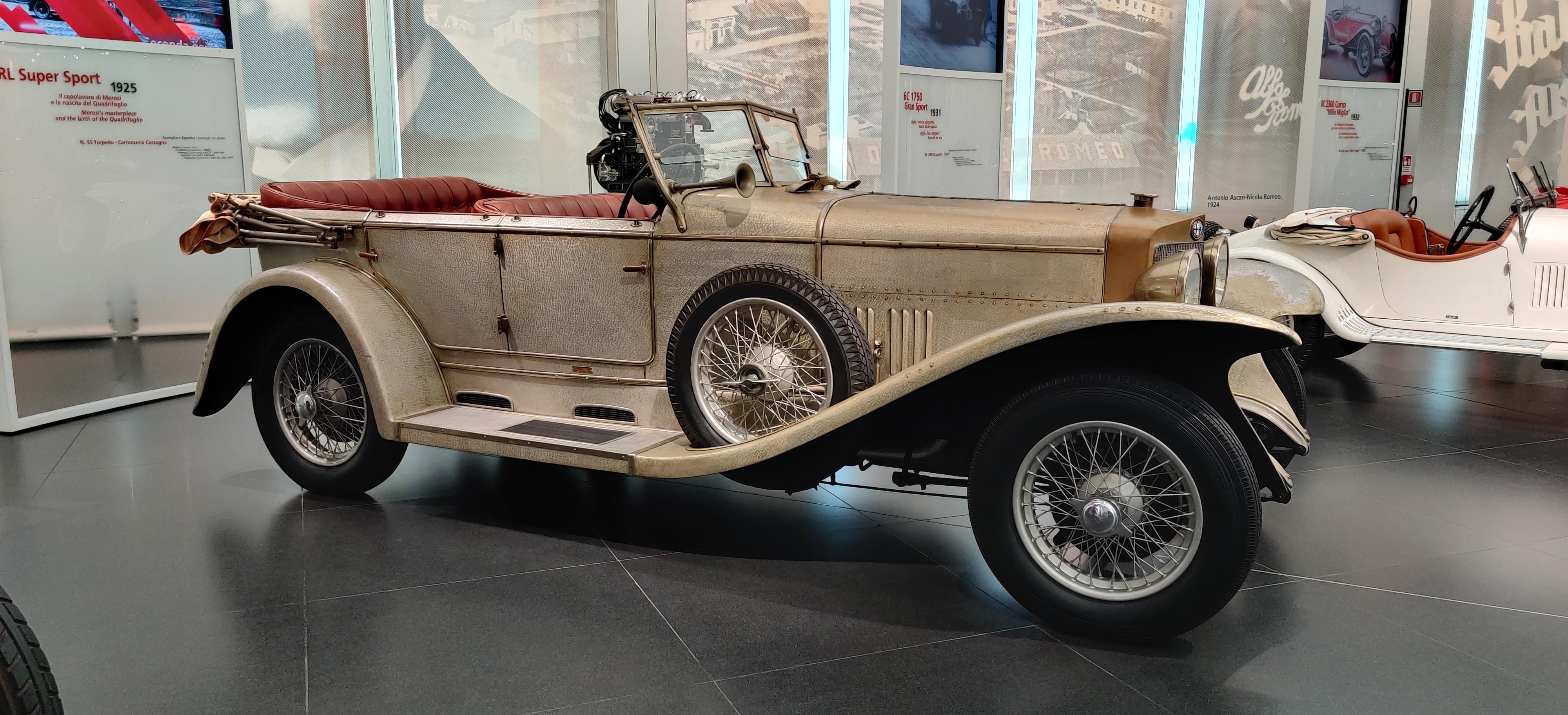
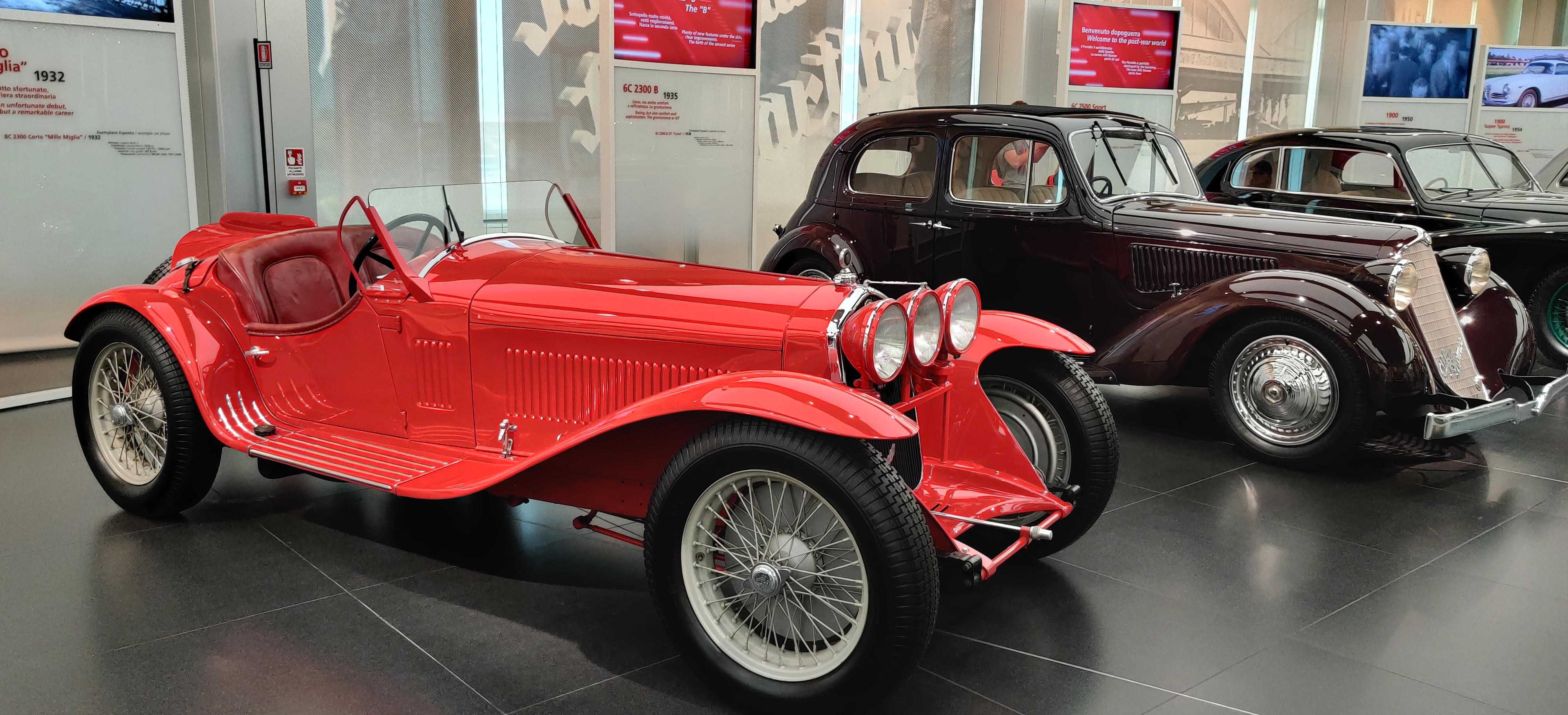
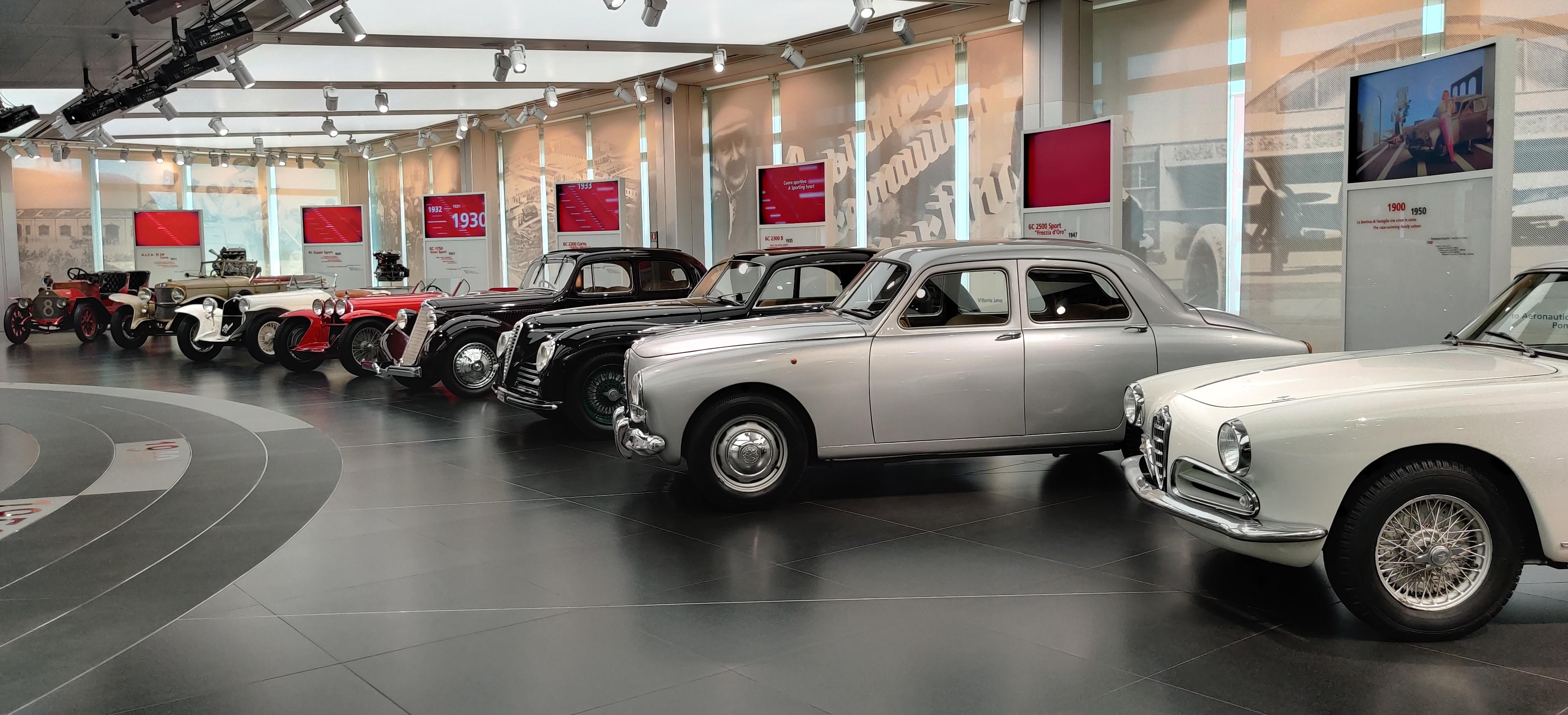
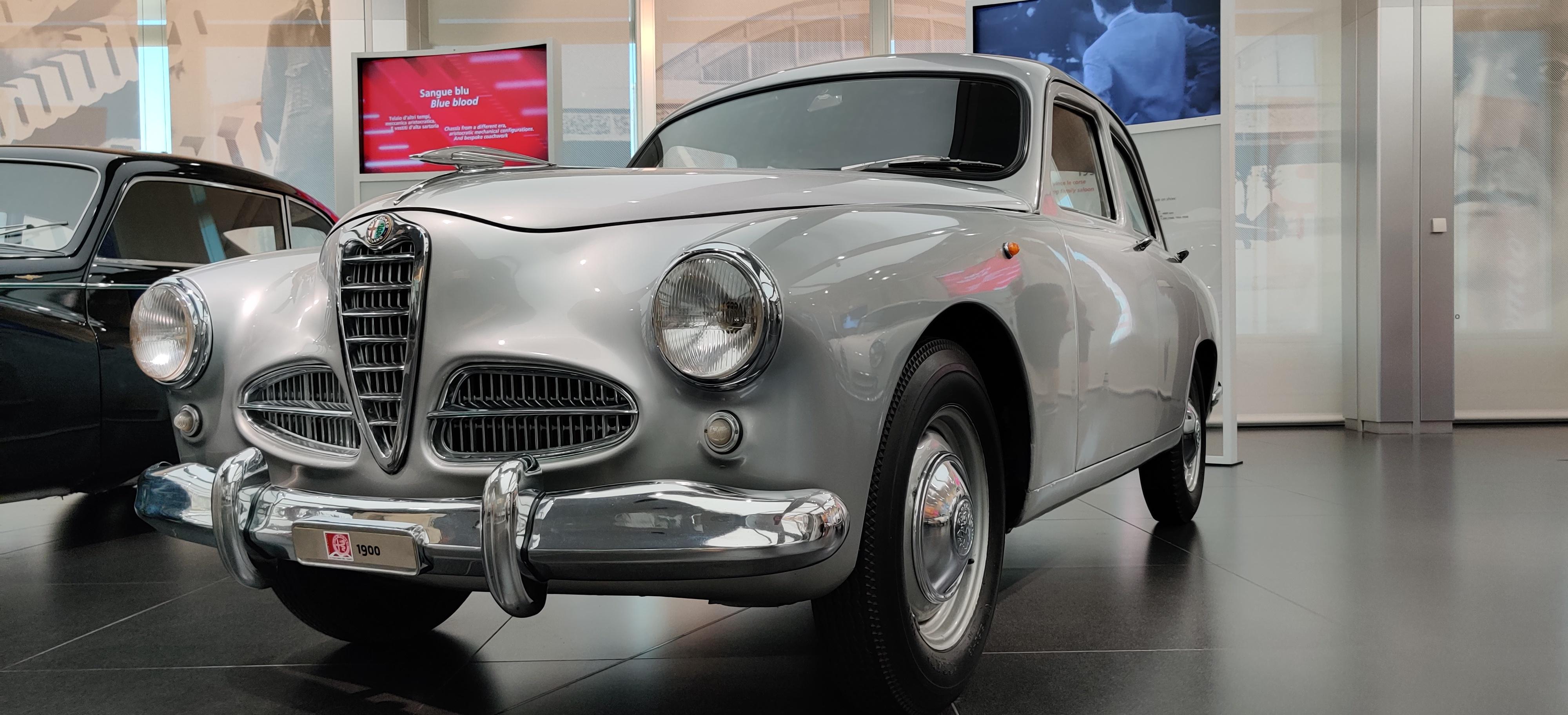
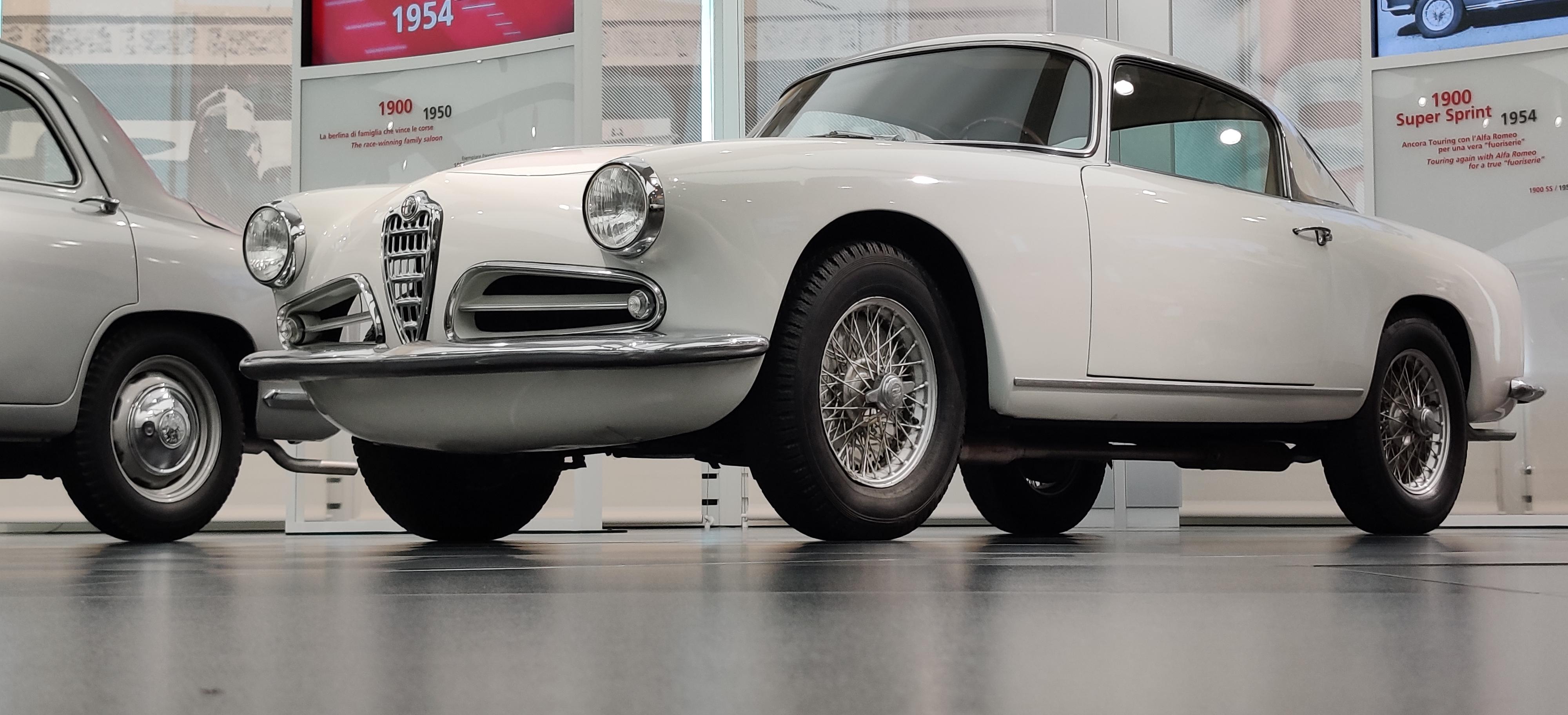
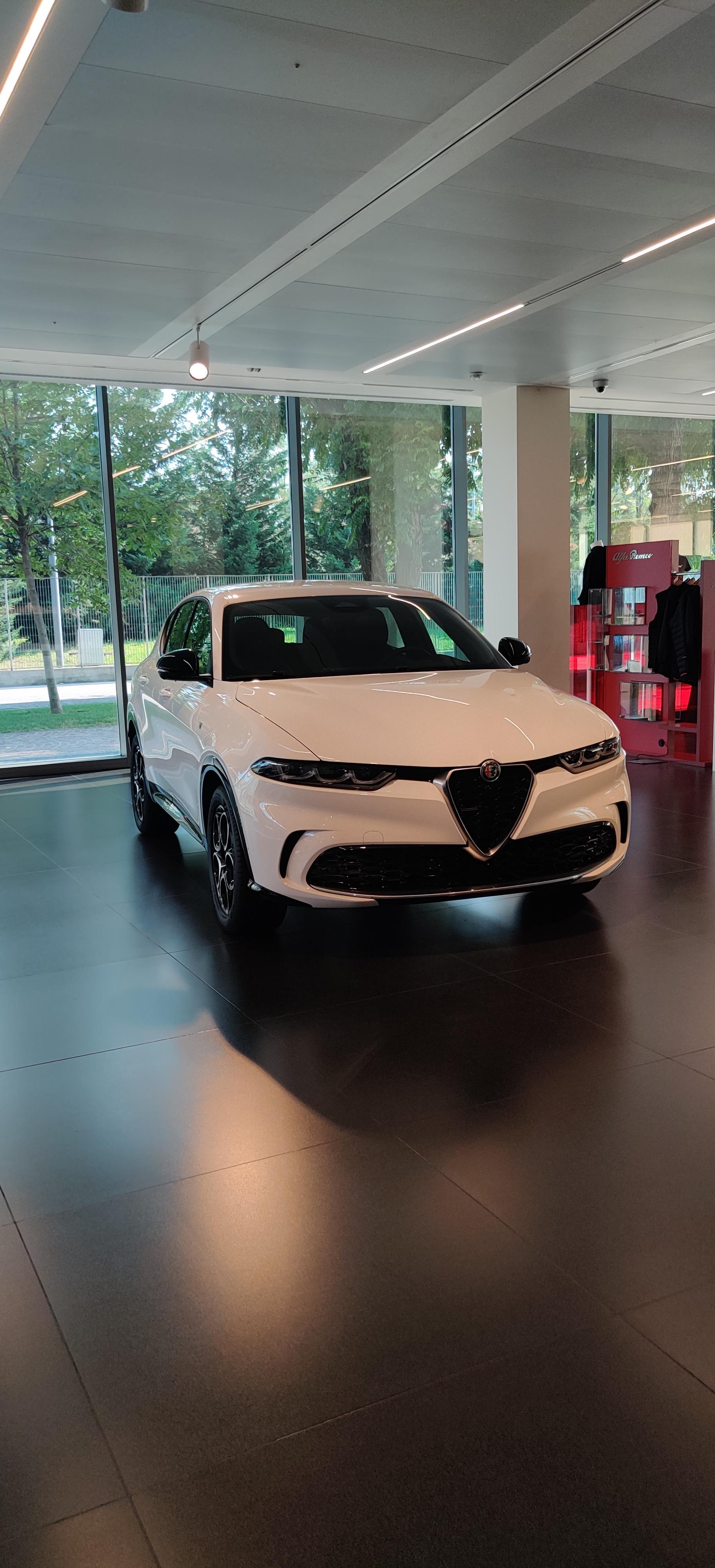
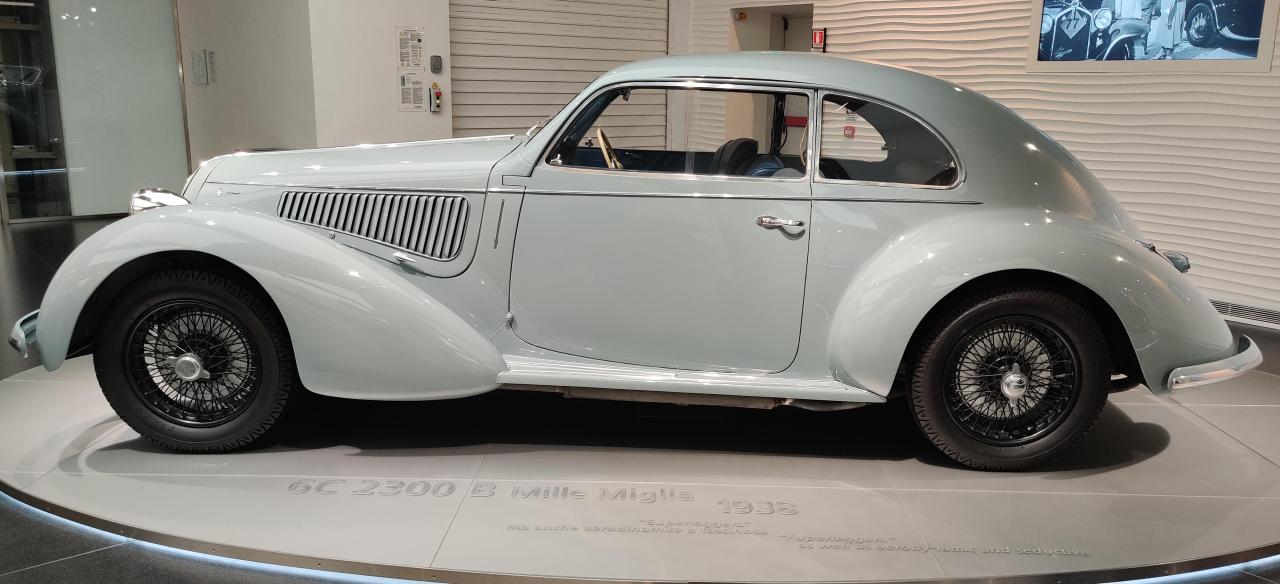
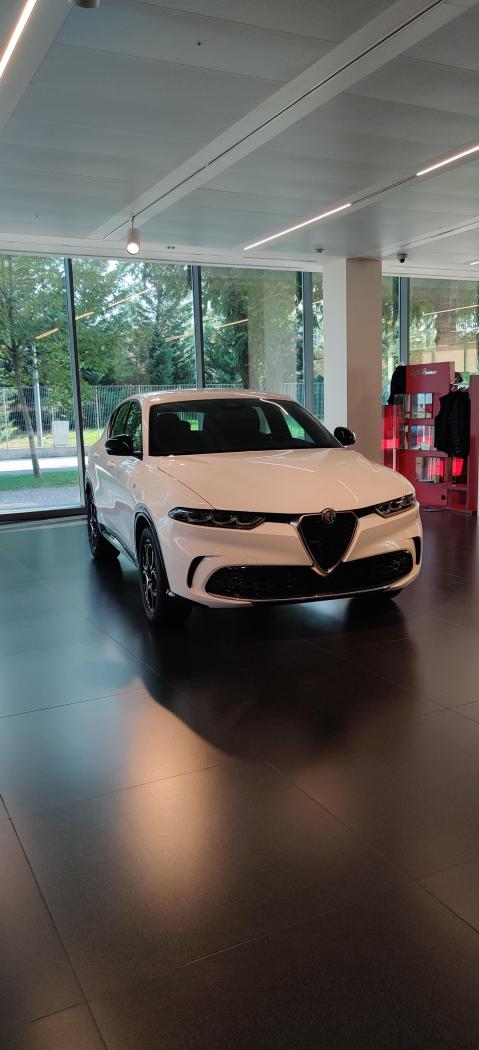
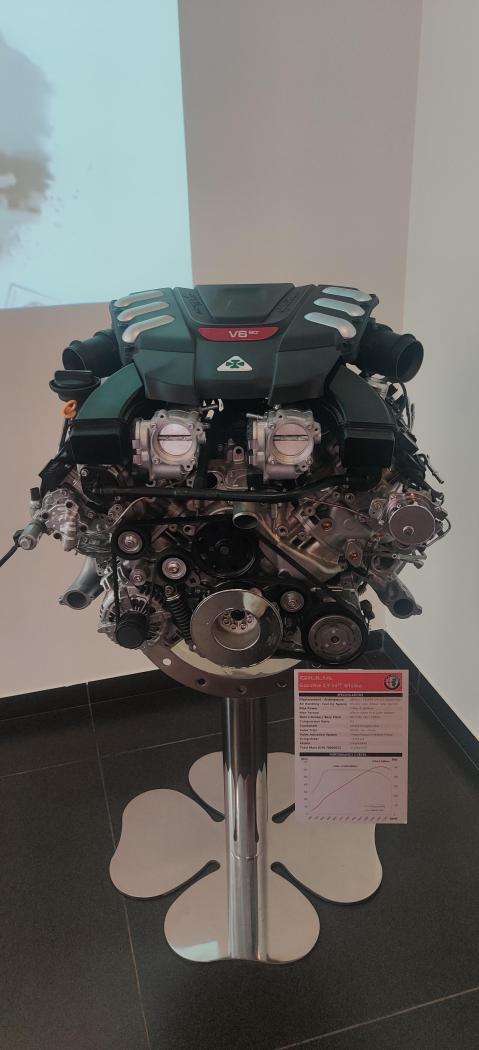
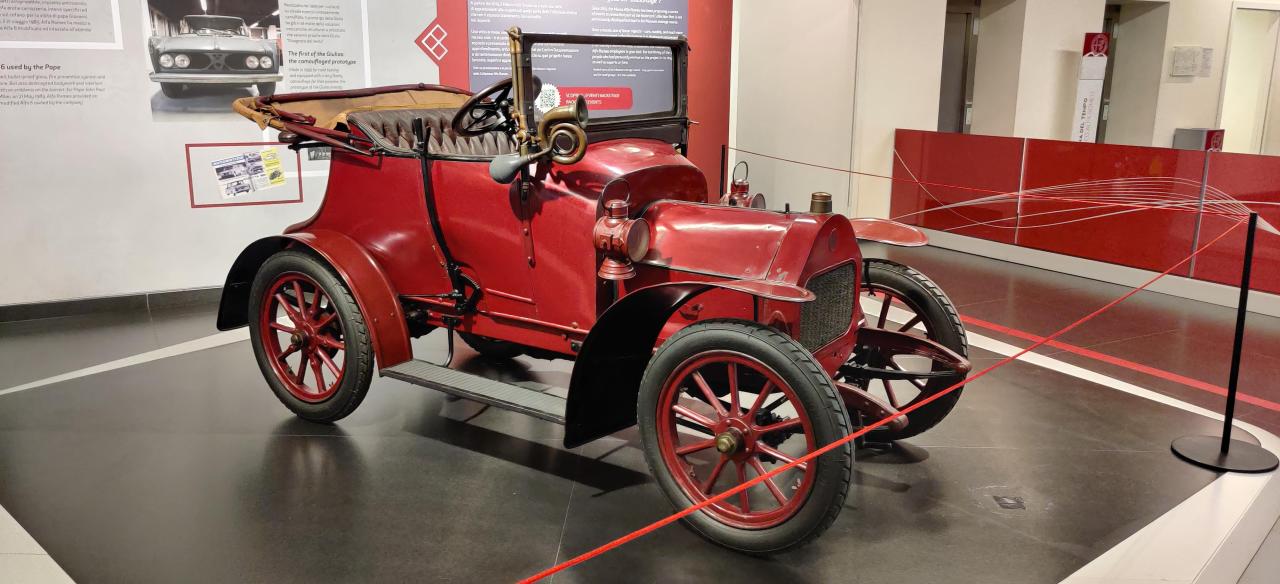
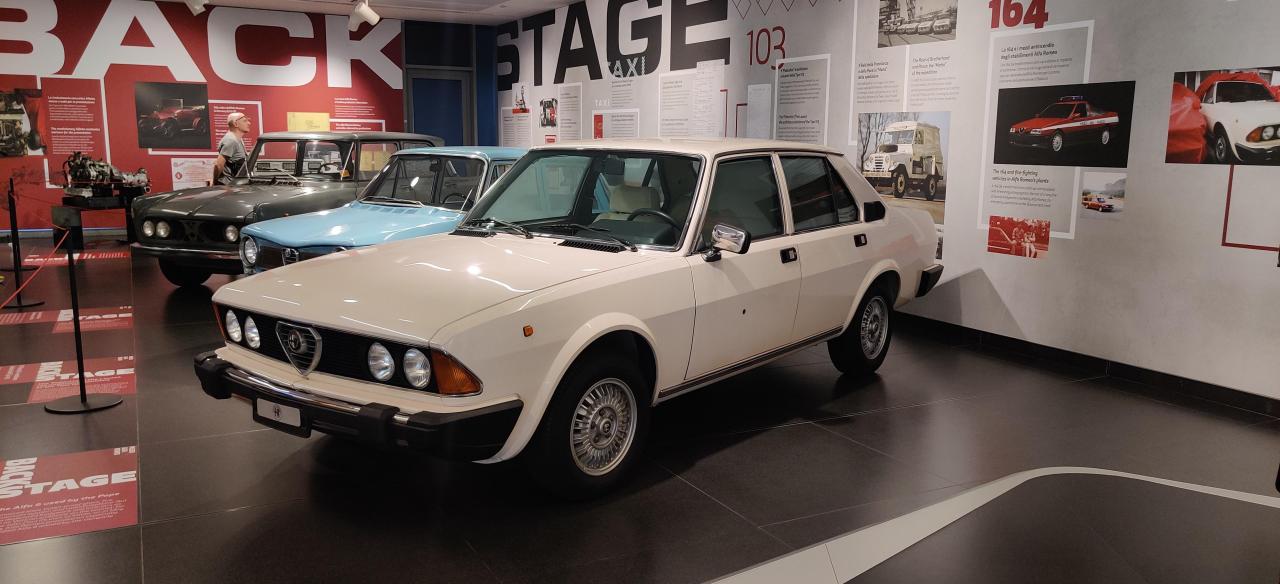
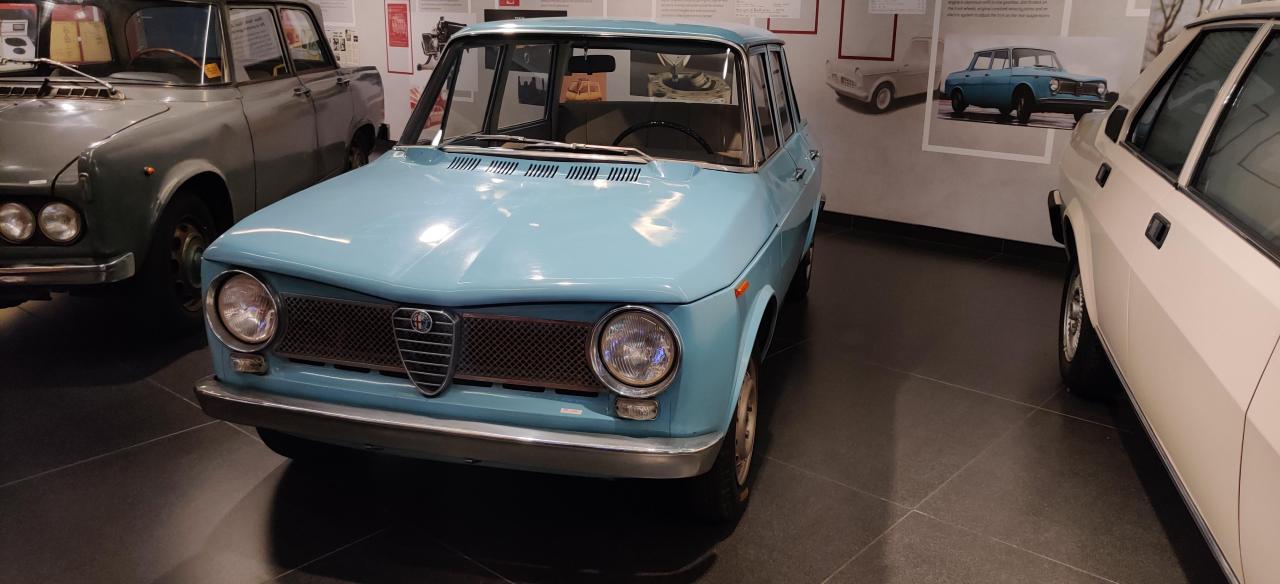
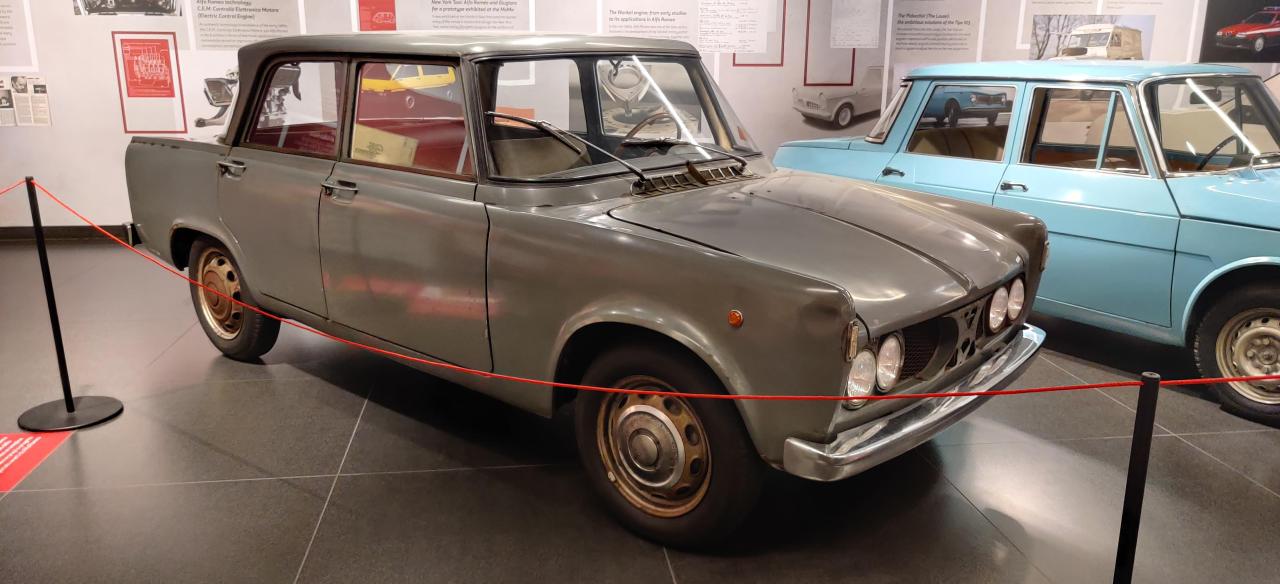
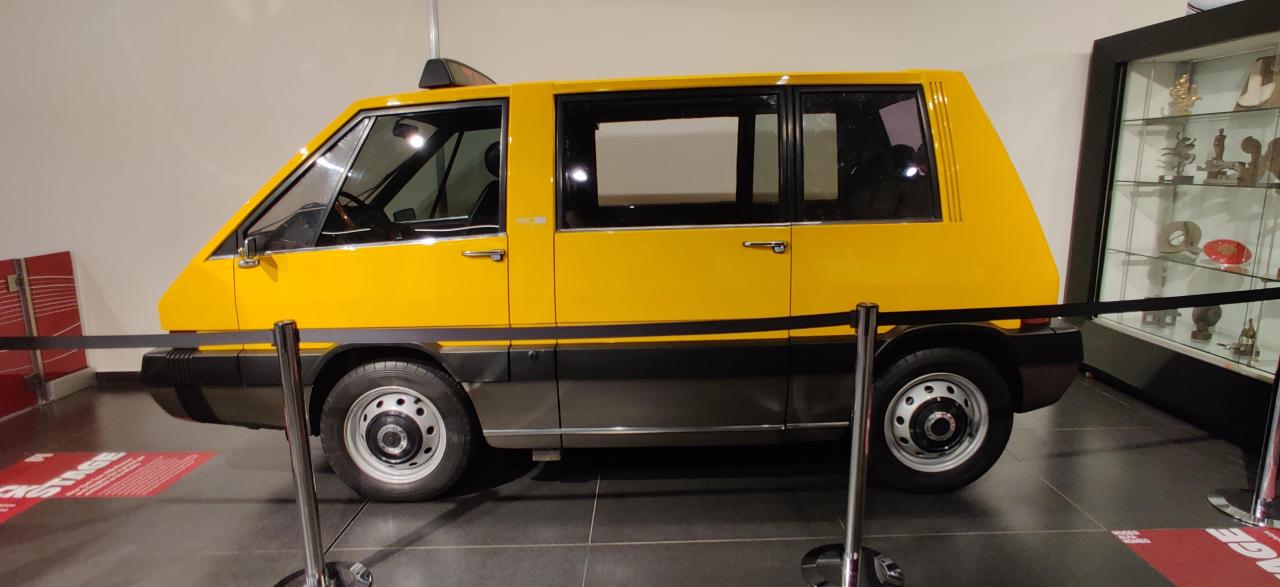
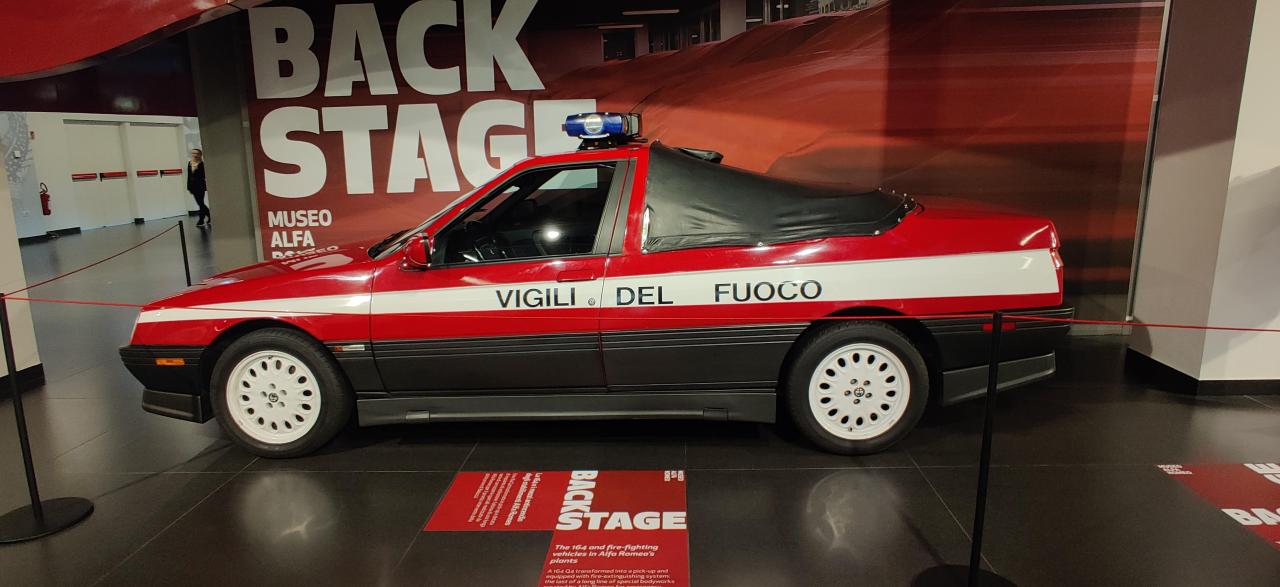
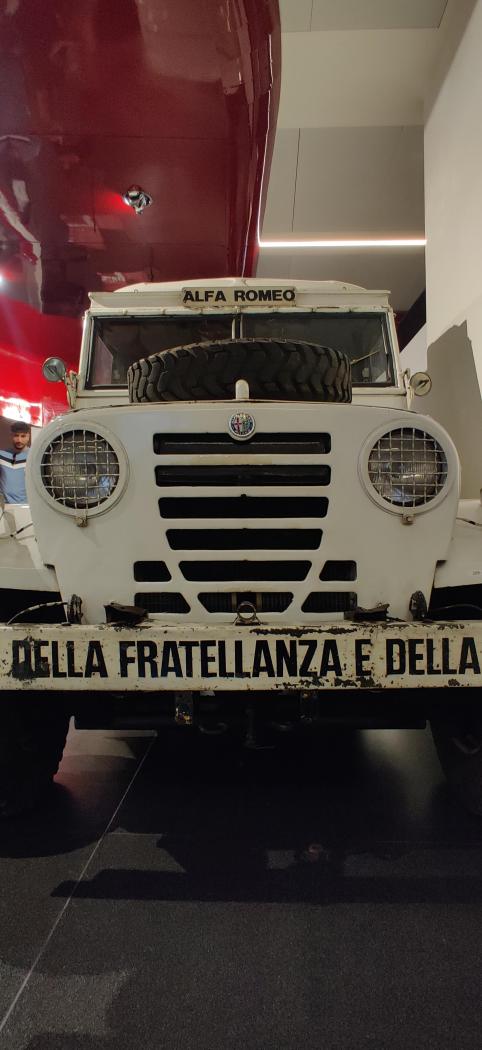
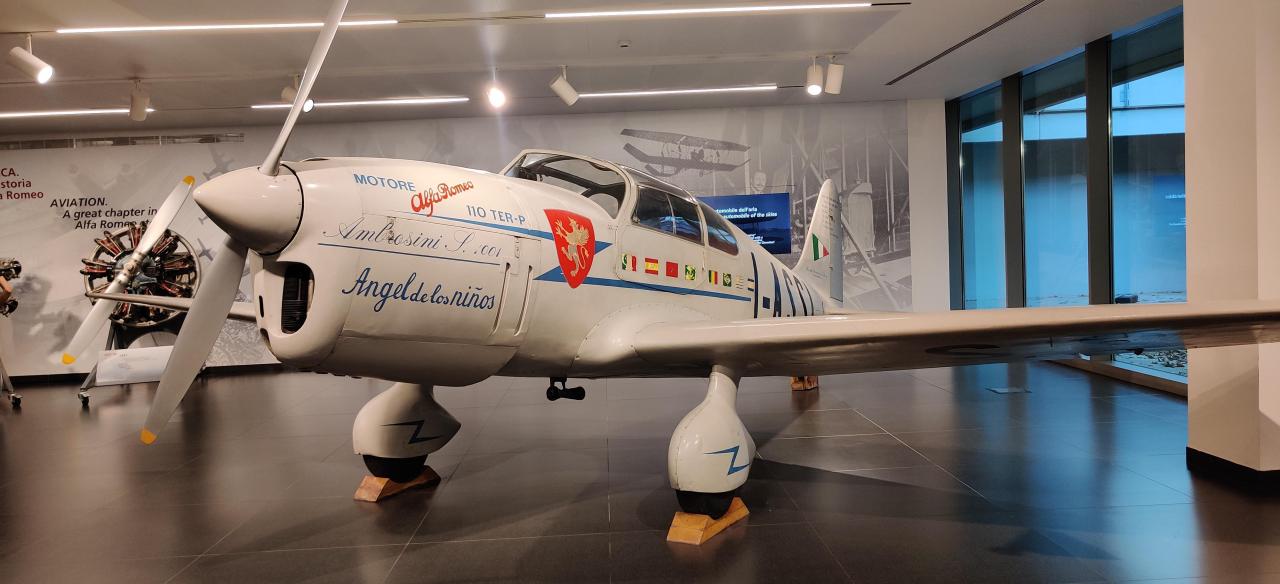
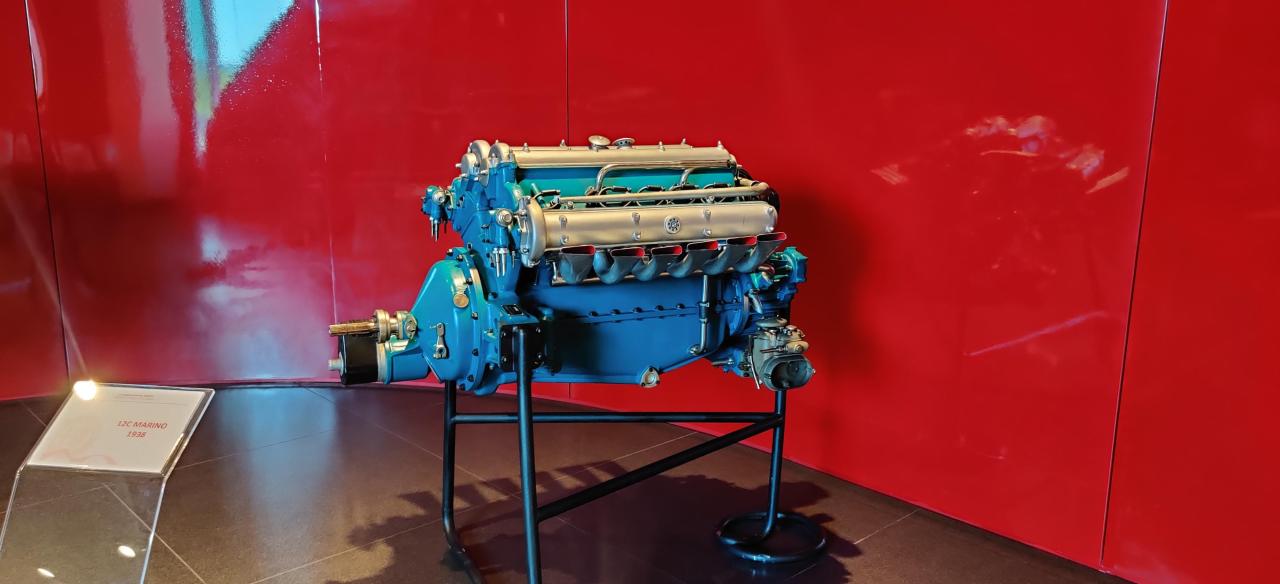
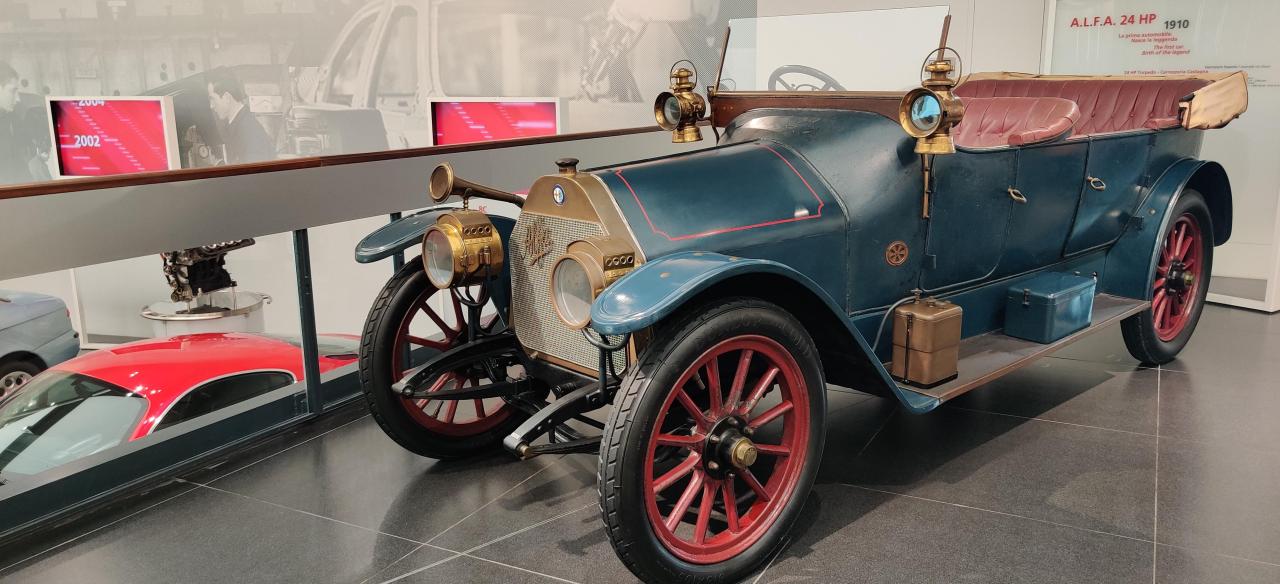
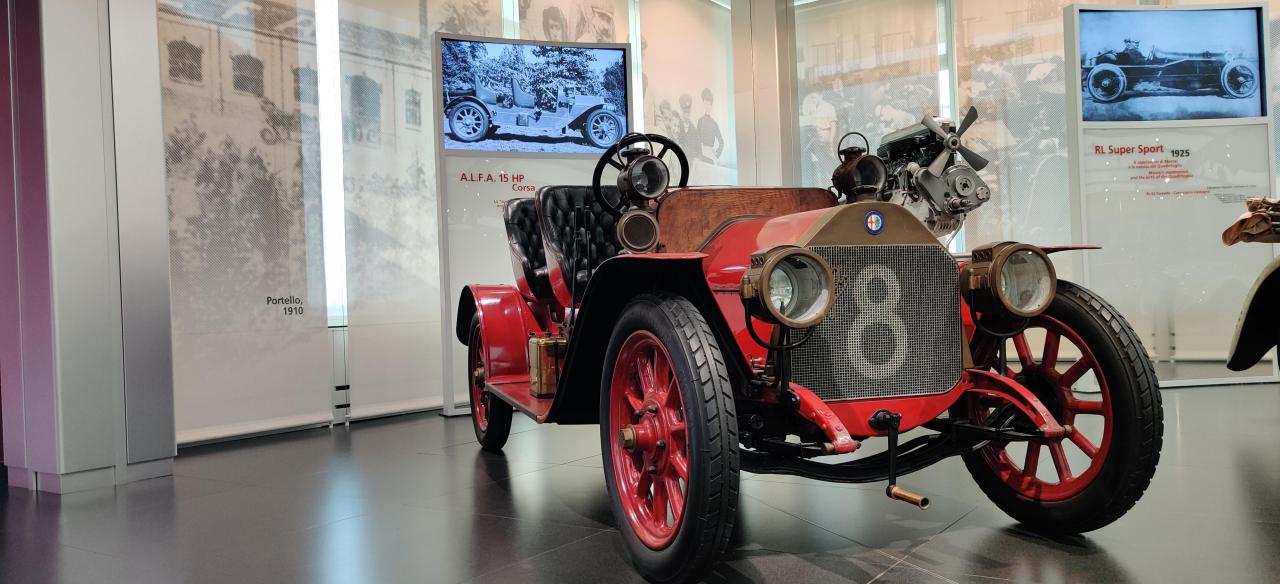
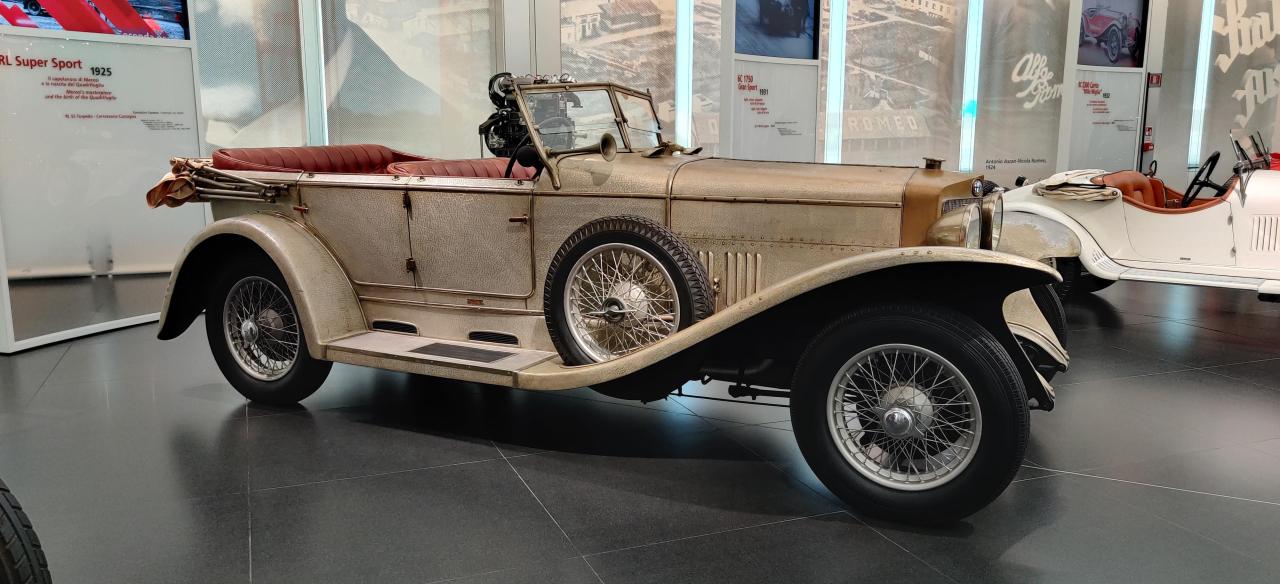
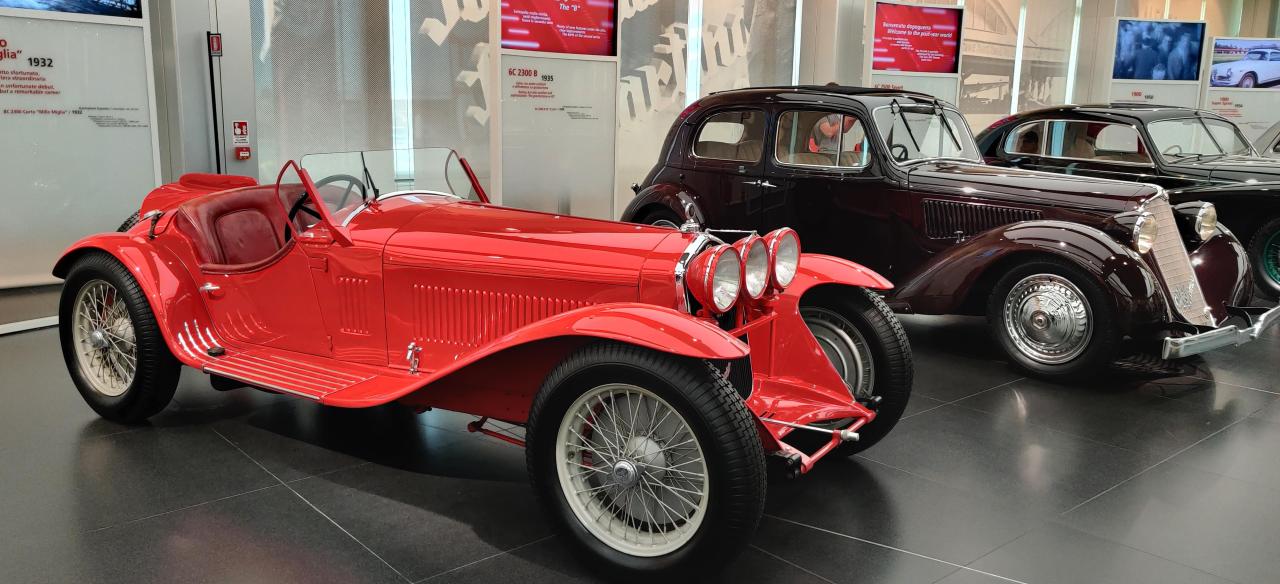
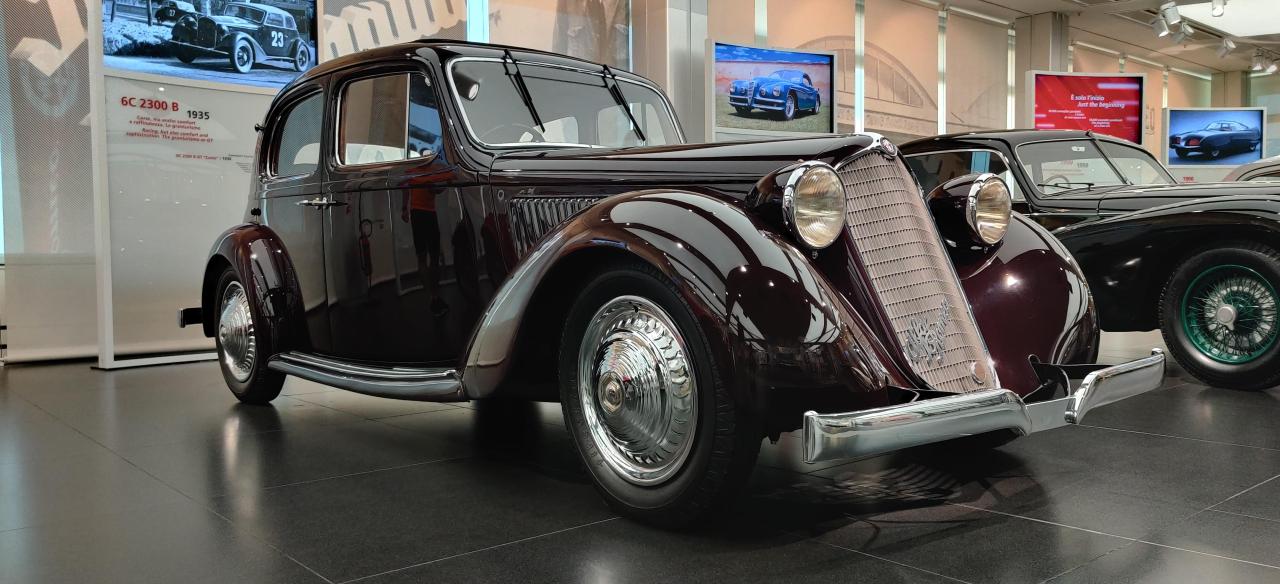
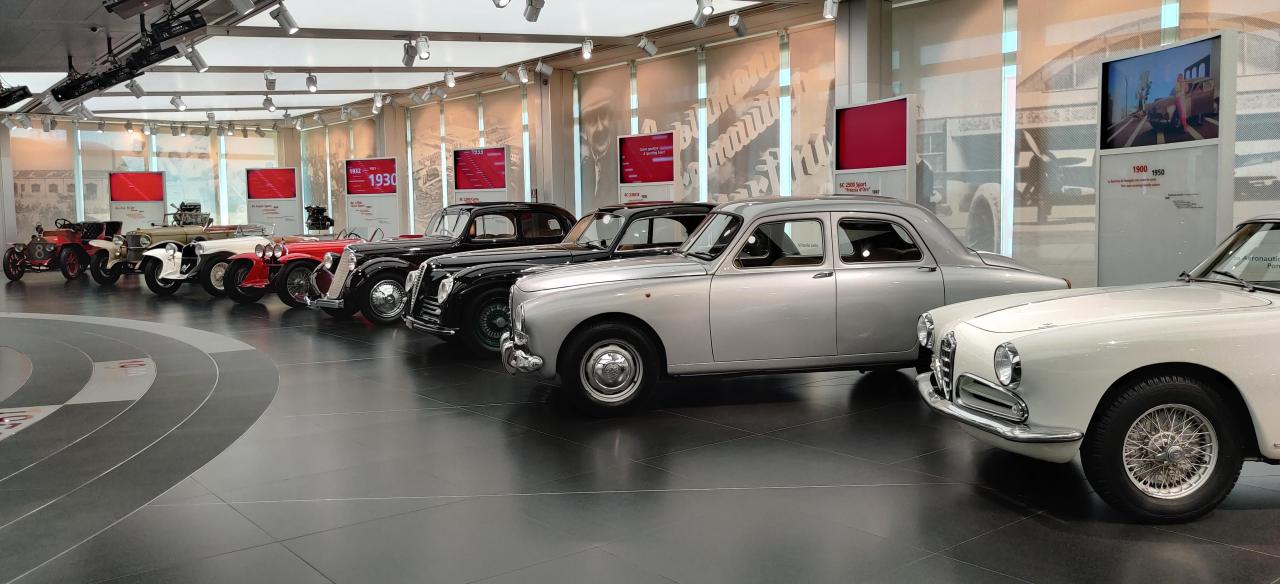
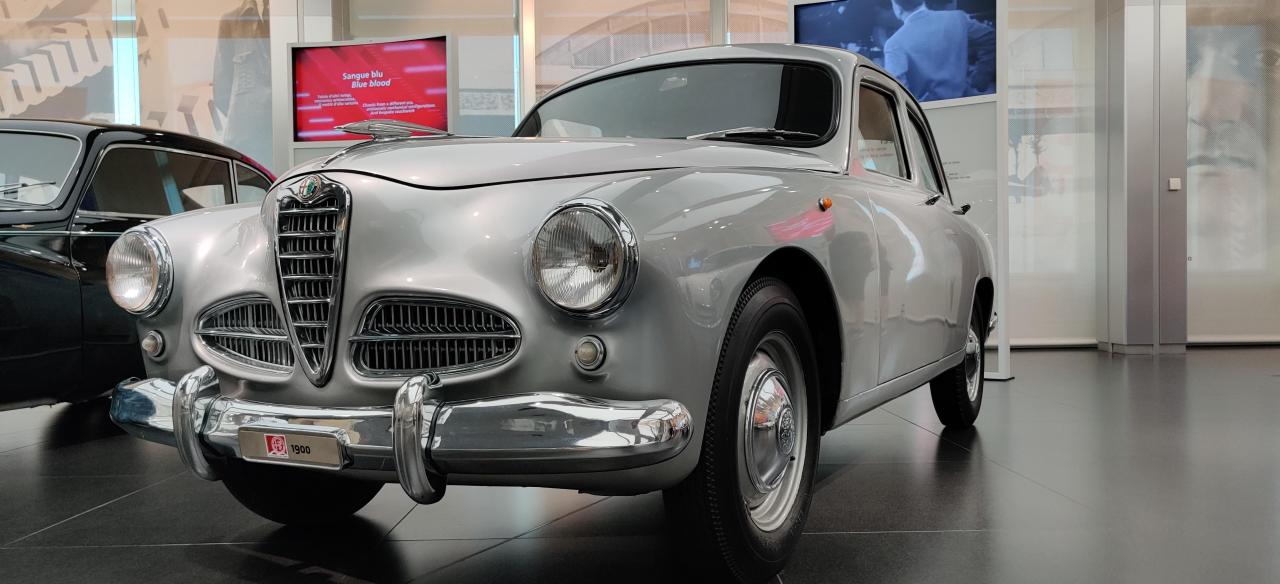
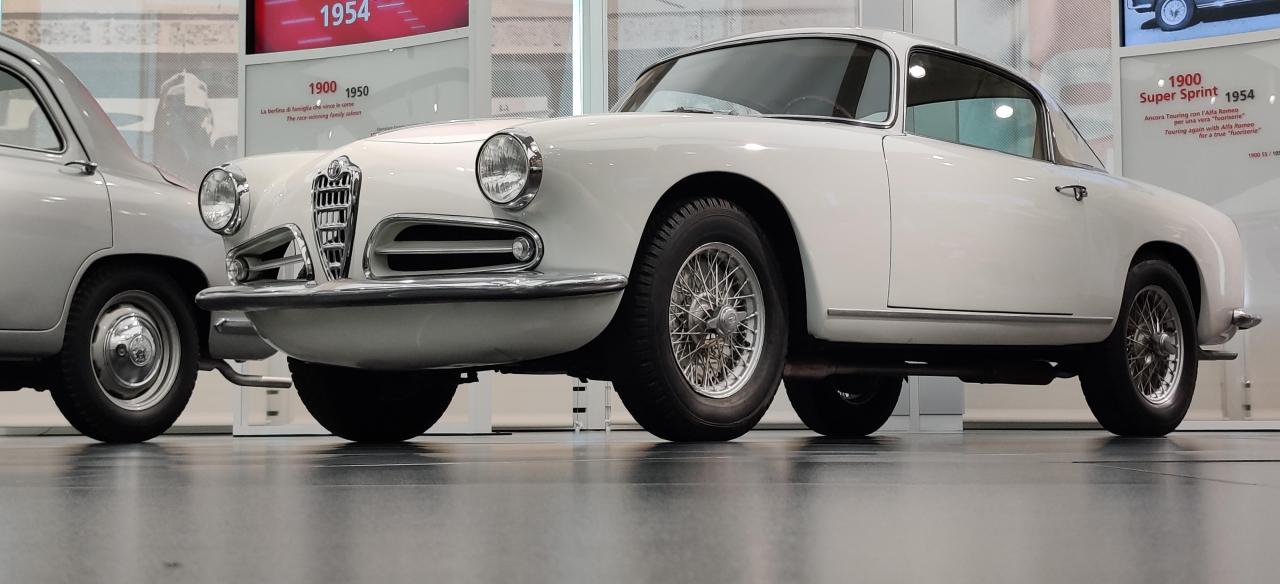
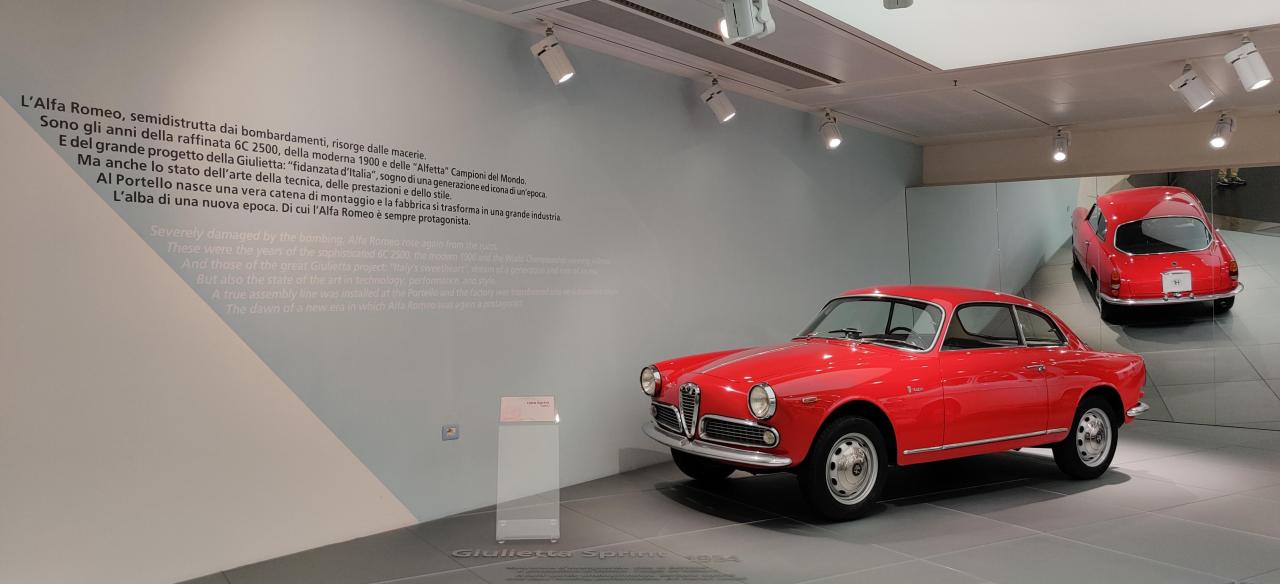 Buongiorno! Per la prima volta sono stato al museo Alfa e devo dire che è stata una bellissima esperienza. Dopo aver visto i due musei del Cavallino mi permetto di dire che questo è superiore. I punti forti sono sicuramente la varietà ed il numero delle vetture esposte, l'organizzazione nella disposizione delle stesse e la grande passione e storia che il museo trasuda. Unito a questo ultimo punto una pecca del museo, ovvero la mancanza di futuro. Oltre alle due vetture esposte all'ingresso (Giulia Qv e Tonale) non è presente alcun accenno al presente e/o futuro. La storia Alfa è immensa ma mi sarebbe piaciuto vedere le auto attuali alla fine e un qualcosa (non so cosa) che mi facesse intendere che è un marchio vivo. All'ingresso sono esposte Una Giulia Qv (F1) molto bella, e una Tonale Ti (Avrei preferito una Plug-in, per mostrare il top di gamma). La prima parte esposta è una spaccato della sezione Backstage. Particolari e carini il taxi, il prototipo Giulia e la Pidocchio. Oltre a queste un Alfa 6 papale, un altra vettura e la cucina Alfa. Molto bella la 164 dei vigili del fuoco. Successivamente una breve mostra di motori per veivoli (e uno nautico) compreso un aereo. Il salone principale mostra al primo piano veicoli storici fino alla Giulia. I primi sono i primi modelli Alfa, a corredo nello sfondo le foto di uomini importanti per il marchio.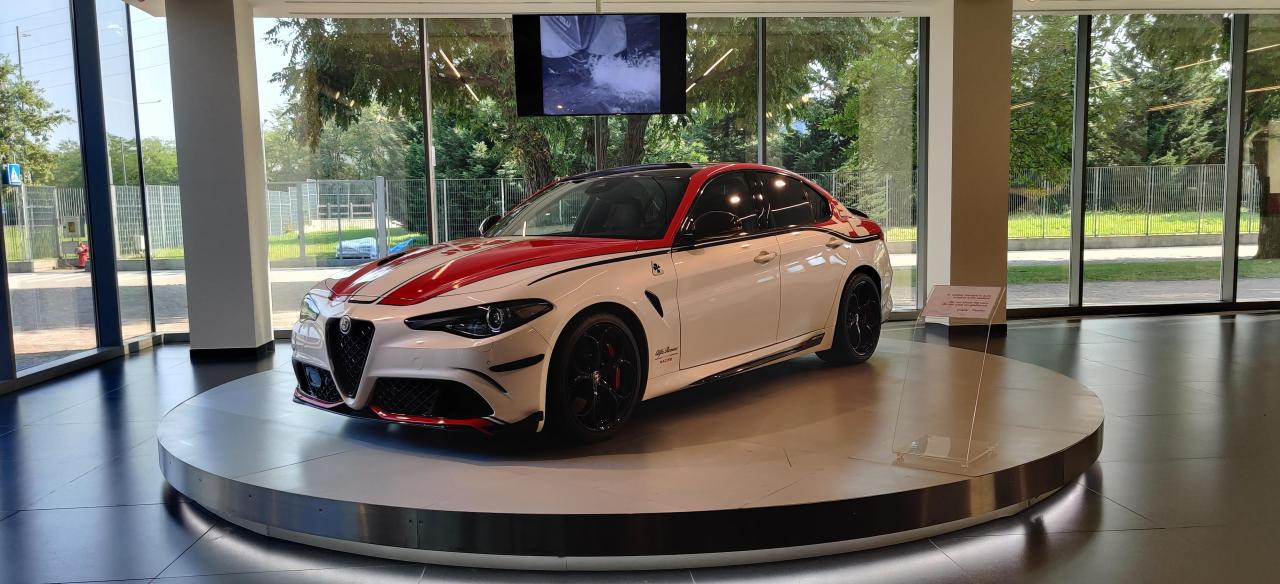



![Alfa Romeo Hug [Trolling Mode]](https://www.autopareri.com/uploads/reactions/Alfaromeocare.png.50be1dd8d7c15ba4fec8098a15bfa18a.png)