





ale75
Utente Registrato
-
Iscritto il
-
Ultima visita
Tutti i contenuti di ale75
-
-
-
-
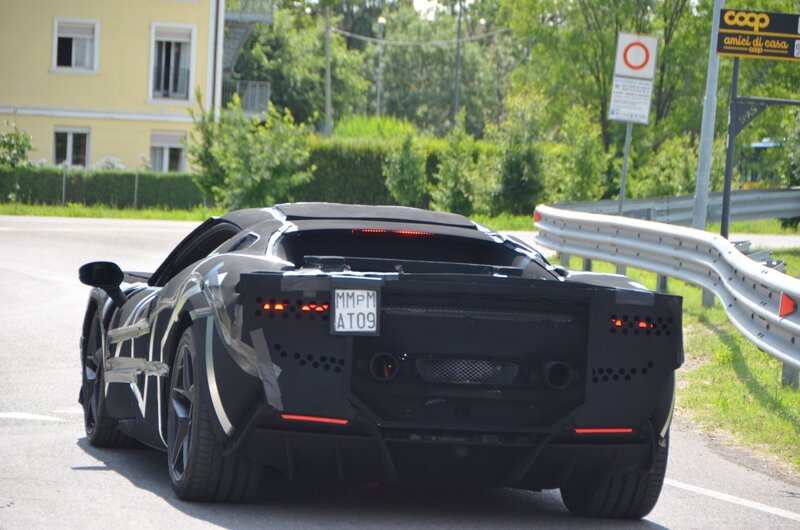
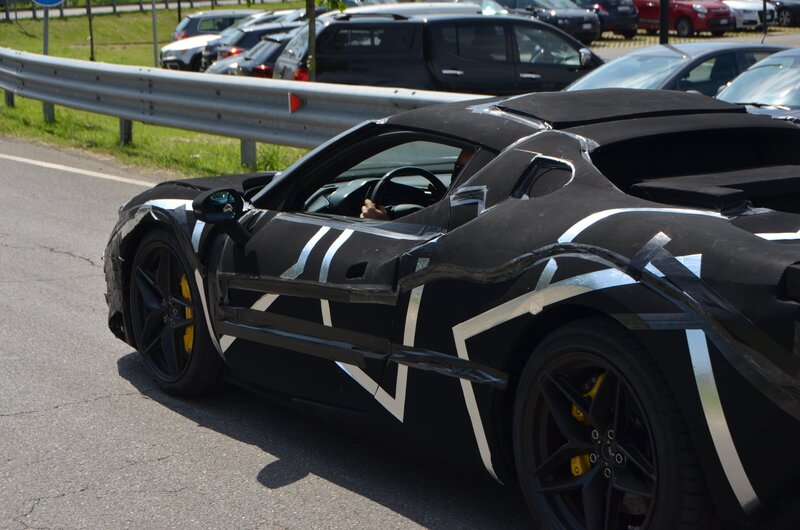
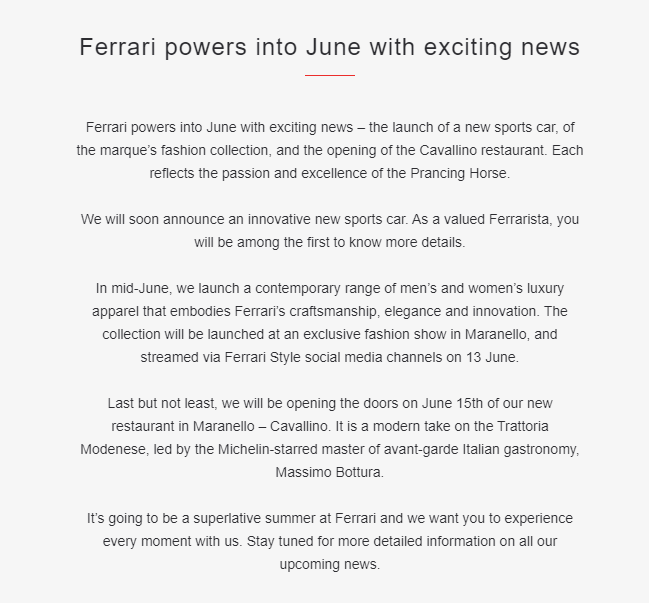
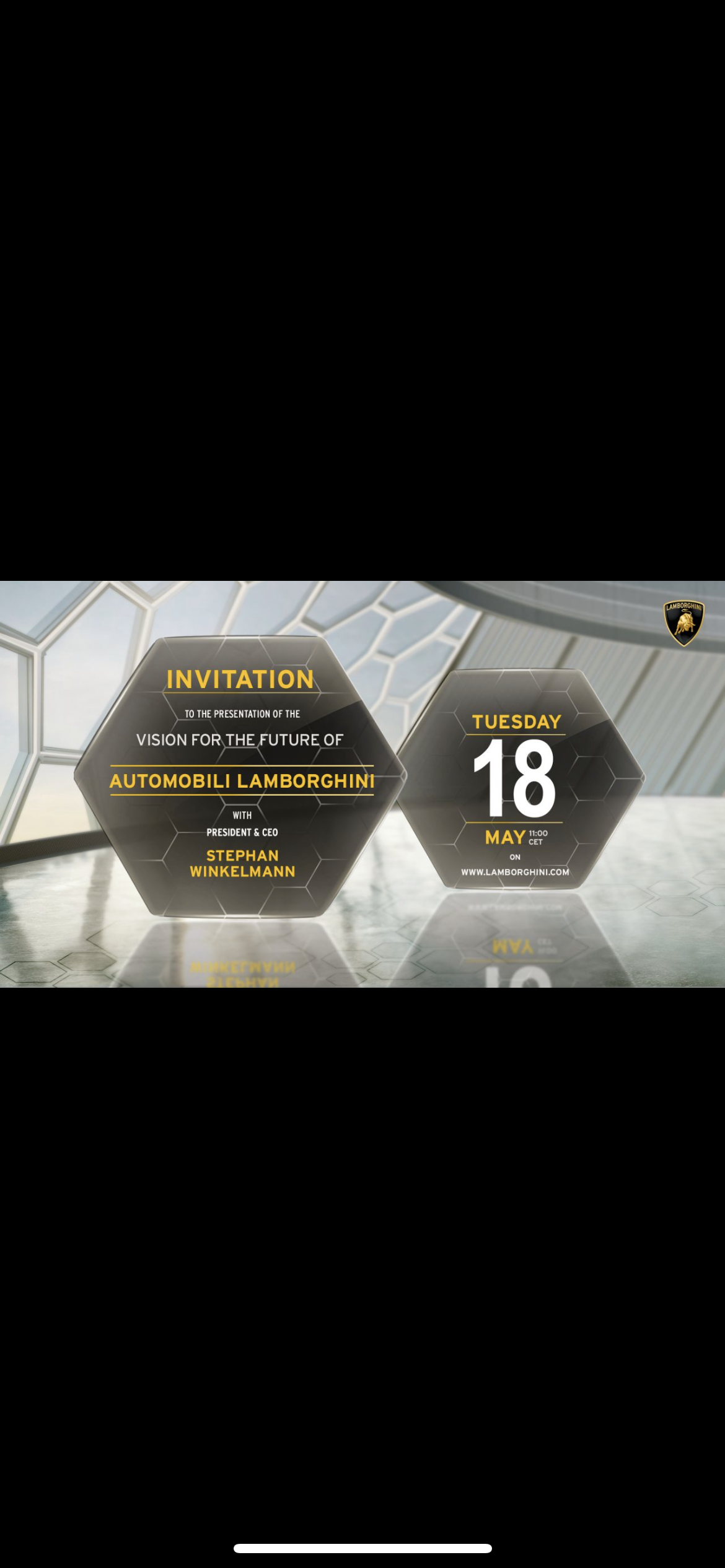
Sì certo considera una cosa però una taycan oggi non potrebbe mai essere una Lamborghini o una Ferrari per impostazione (leggi peso) Il 2025-2026 inizia ad essere indicato da molti come possibile spartiacque nell introduzione di elettriche sportive per dire era una data indicata da horatio pagani(che ha info da Mercedes 😉) I costruttori di sportive sono molto più interessati a vedere che cosa farà Maserati con mc20 folgore che ad mc20 NettunoNi o meglio saranno quelli della versione restyling che verrà presentata a breve mia moglie (cliente macan dalla prima serie) la settimana scorsa in Germania ha fatto un clinic test della nuova bev che arriverà il prossimo anno non ne abbiamo ancora parlato ,ma mi ha detto che sara piu moderna anche dentro



Account
Navigation
Cerca
Configure browser push notifications
Chrome (Android)
- Tap the lock icon next to the address bar.
- Tap Permissions → Notifications.
- Adjust your preference.
Chrome (Desktop)
- Click the padlock icon in the address bar.
- Select Site settings.
- Find Notifications and adjust your preference.
Safari (iOS 16.4+)
- Ensure the site is installed via Add to Home Screen.
- Open Settings App → Notifications.
- Find your app name and adjust your preference.
Safari (macOS)
- Go to Safari → Preferences.
- Click the Websites tab.
- Select Notifications in the sidebar.
- Find this website and adjust your preference.
Edge (Android)
- Tap the lock icon next to the address bar.
- Tap Permissions.
- Find Notifications and adjust your preference.
Edge (Desktop)
- Click the padlock icon in the address bar.
- Click Permissions for this site.
- Find Notifications and adjust your preference.
Firefox (Android)
- Go to Settings → Site permissions.
- Tap Notifications.
- Find this site in the list and adjust your preference.
Firefox (Desktop)
- Open Firefox Settings.
- Search for Notifications.
- Find this site in the list and adjust your preference.