





ale75
Utente Registrato
-
Iscritto il
-
Ultima visita
Tutti i contenuti di ale75
-
-
-
-
-
-
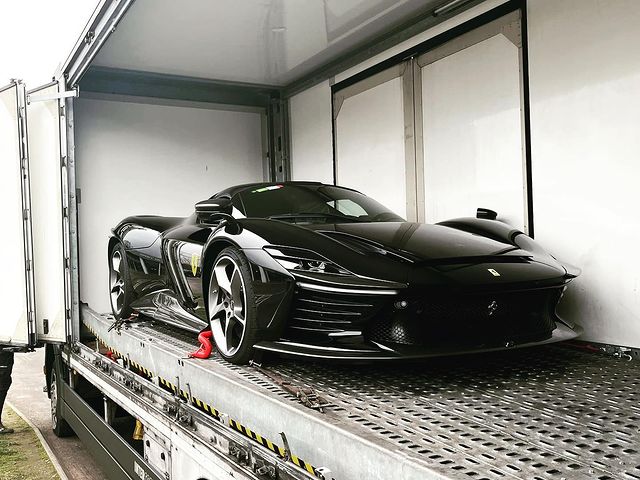
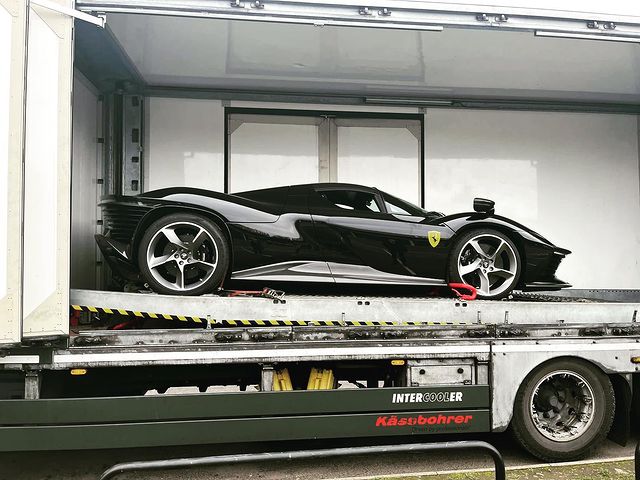
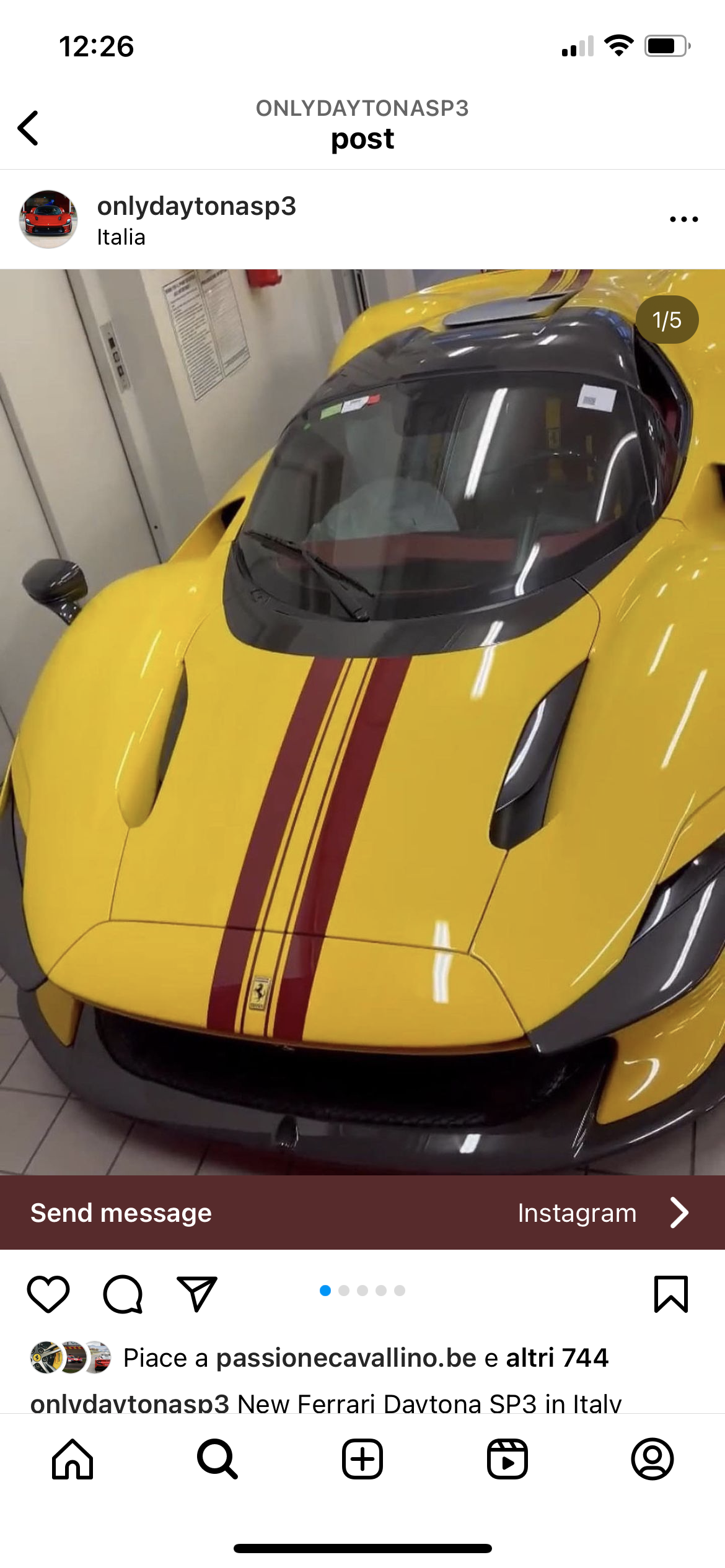
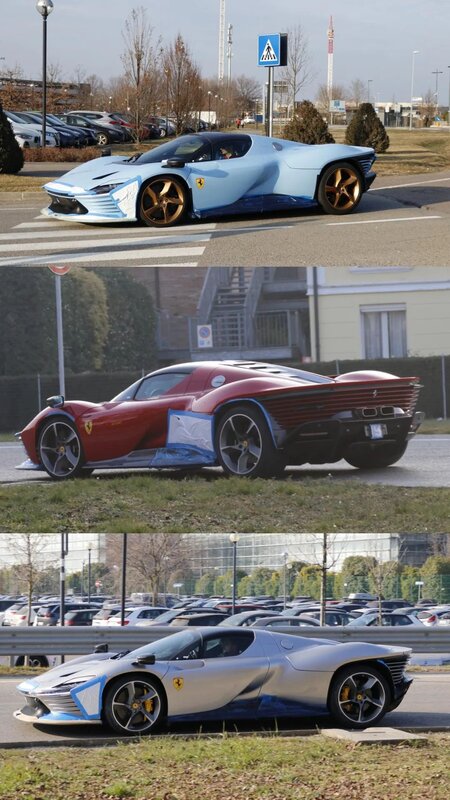
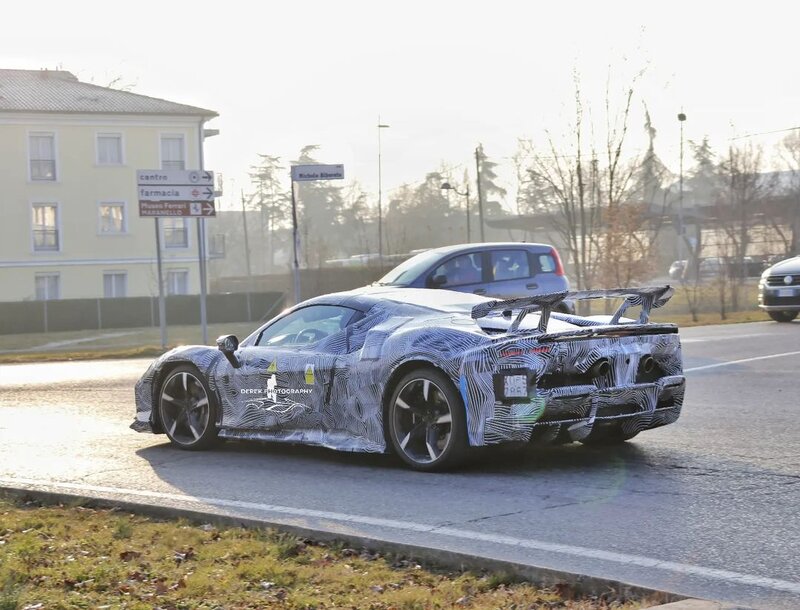
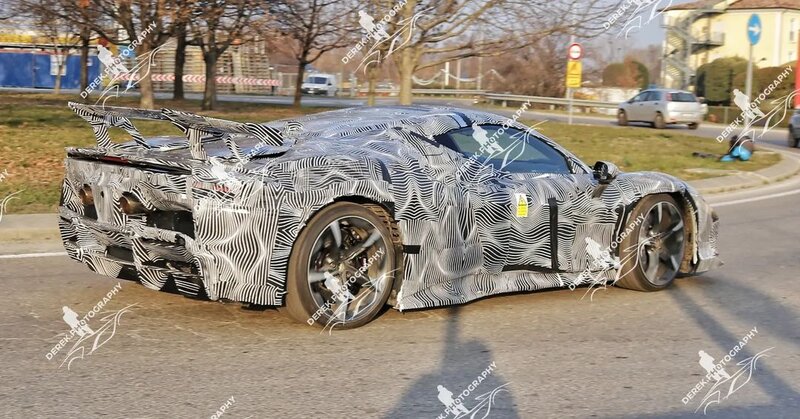
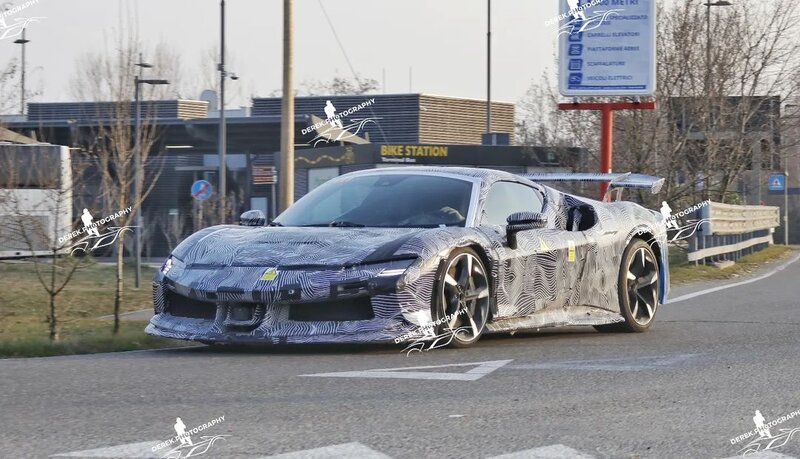
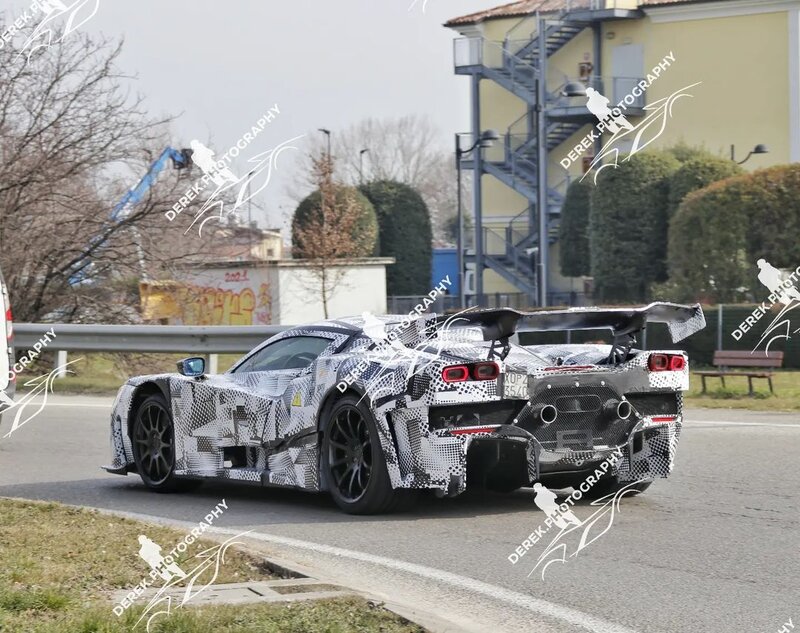
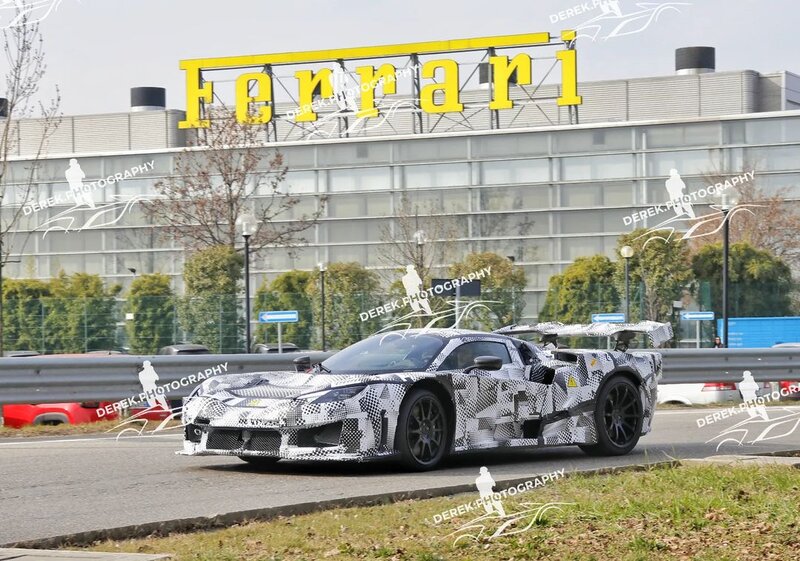
Nel mio messaggio di 1 anni fa che ho quotato qualche messaggio fa avevo scritto il posteriore sarà cattivo ad Ogni modo ci sarà solo con ala i mulotipi sono fatti per testare cose diverse non aspettatevi ad esempio una hypercar che scimiotti la Senna con i fari poseriori della Sf 90 normale 😉Il commento più bello che ho detto è occhio ad alzare troppo la Temperatura che la rana se ne accorge
- 1737 risposte
-
-

- 1
-
-
- audi
- cupra
- ducati
- lamborghini
-
Taggato come:
Ma lui ha detto che sarà veloce in rettilineo mica che lo sarà anche in curva 😬






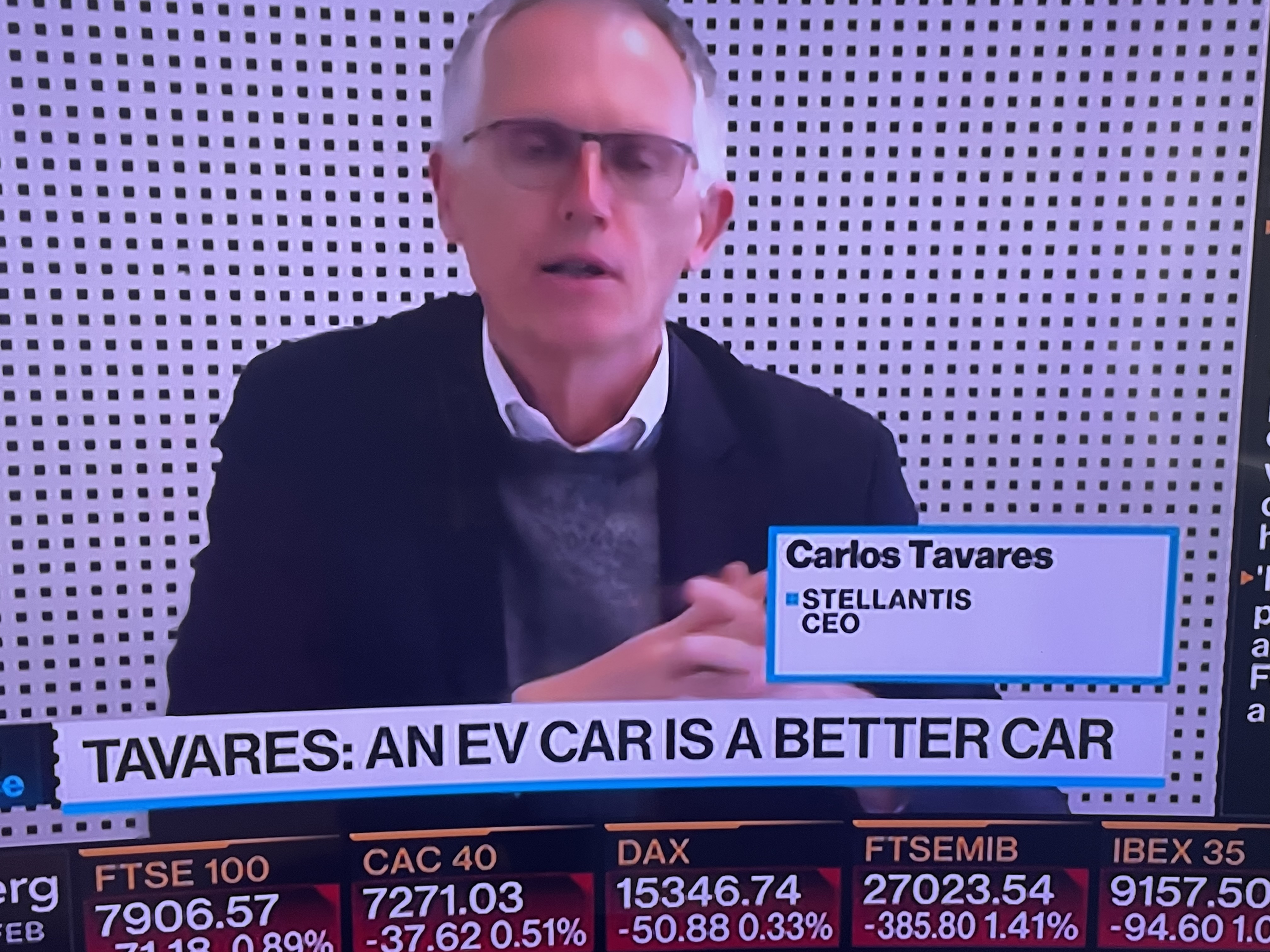
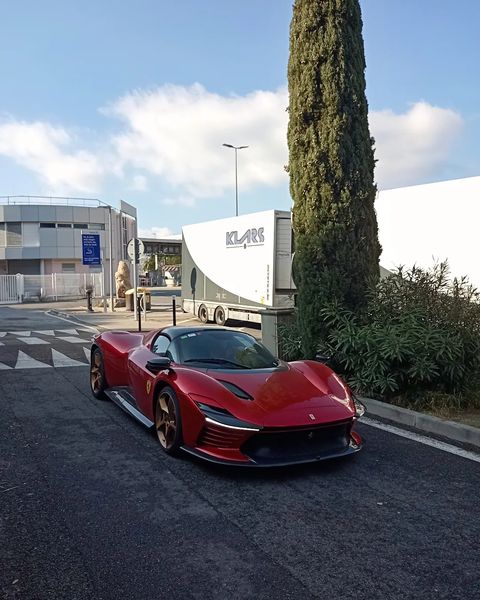
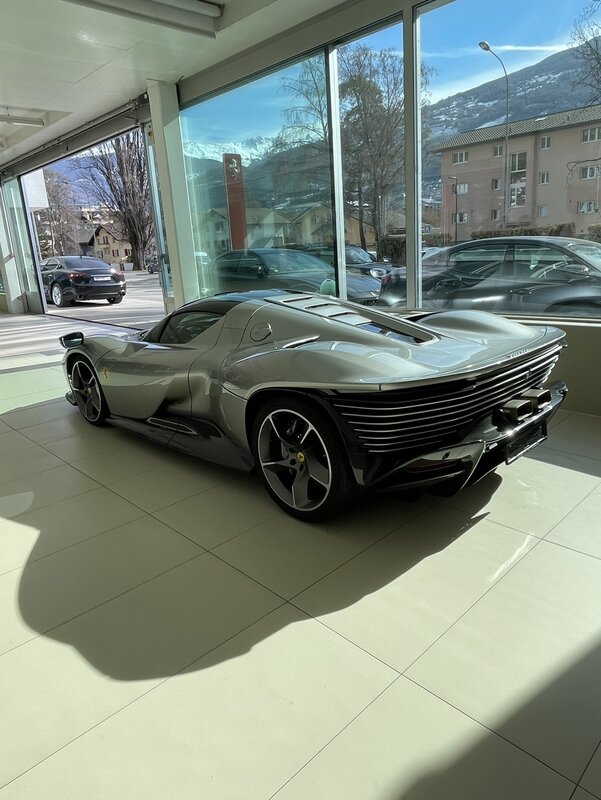
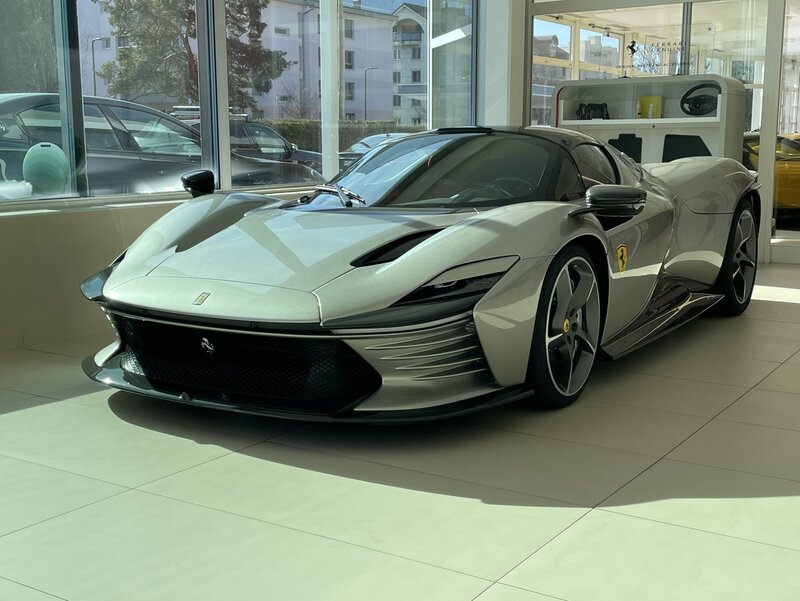



Account
Navigation
Cerca
Configure browser push notifications
Chrome (Android)
- Tap the lock icon next to the address bar.
- Tap Permissions → Notifications.
- Adjust your preference.
Chrome (Desktop)
- Click the padlock icon in the address bar.
- Select Site settings.
- Find Notifications and adjust your preference.
Safari (iOS 16.4+)
- Ensure the site is installed via Add to Home Screen.
- Open Settings App → Notifications.
- Find your app name and adjust your preference.
Safari (macOS)
- Go to Safari → Preferences.
- Click the Websites tab.
- Select Notifications in the sidebar.
- Find this website and adjust your preference.
Edge (Android)
- Tap the lock icon next to the address bar.
- Tap Permissions.
- Find Notifications and adjust your preference.
Edge (Desktop)
- Click the padlock icon in the address bar.
- Click Permissions for this site.
- Find Notifications and adjust your preference.
Firefox (Android)
- Go to Settings → Site permissions.
- Tap Notifications.
- Find this site in the list and adjust your preference.
Firefox (Desktop)
- Open Firefox Settings.
- Search for Notifications.
- Find this site in the list and adjust your preference.