




AleMcGir
Moderatore |Staff|
-
Iscritto il
-
Ultima visita
Tutti i contenuti di AleMcGir
-
-
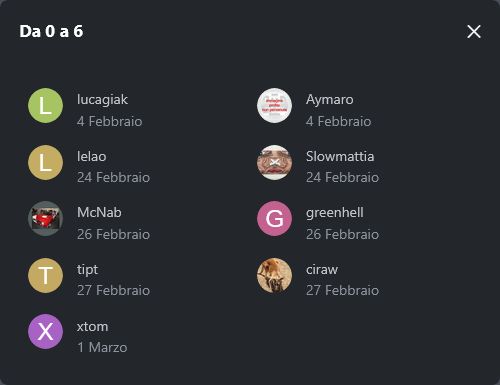
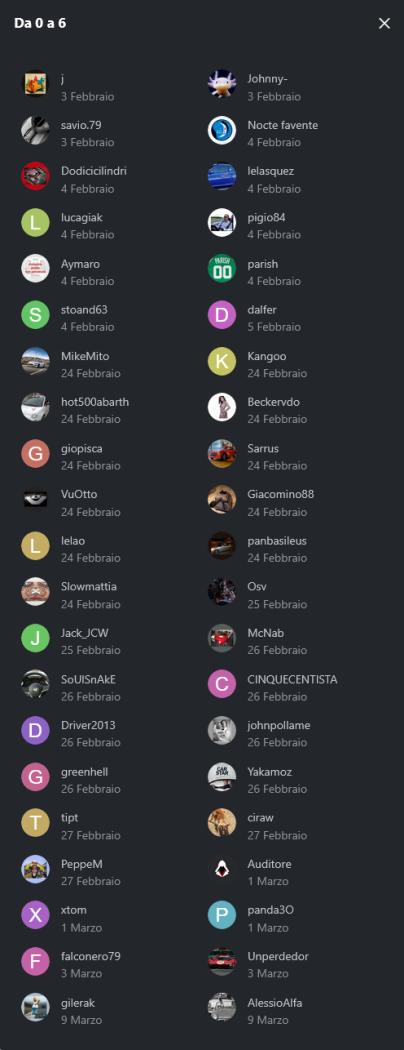
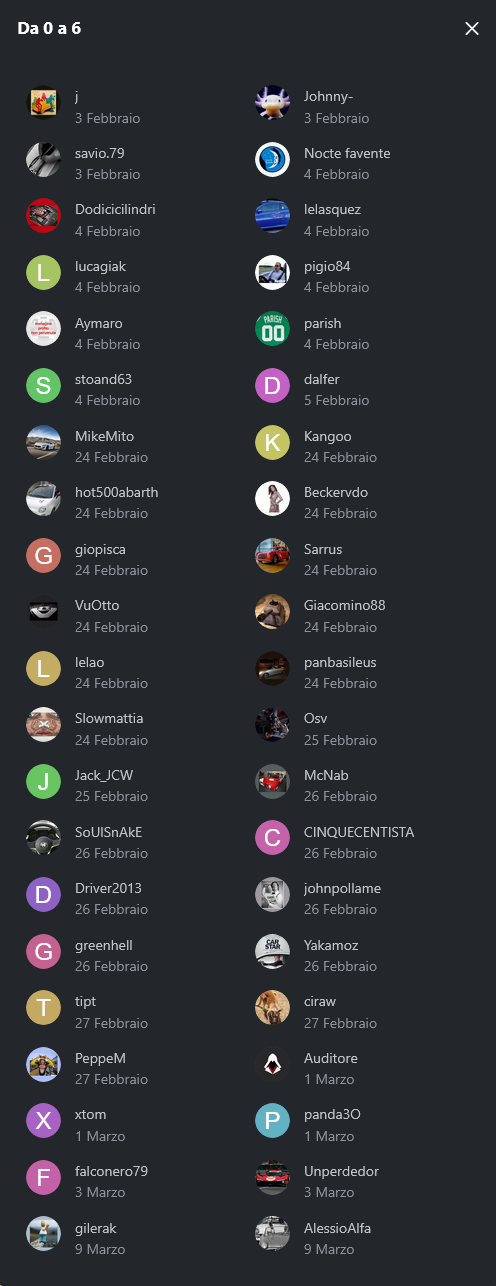
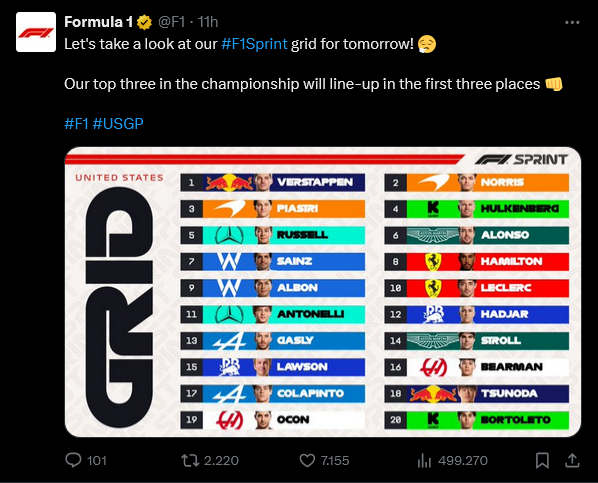
2. Quante gare vincerà il Team Ferrari? 5. Quante gare vincerà "Altri"? Le domande 2 e 5 si chiudono con questi risultati, restano ancora aperte le domande 1, 3 e 4.
-
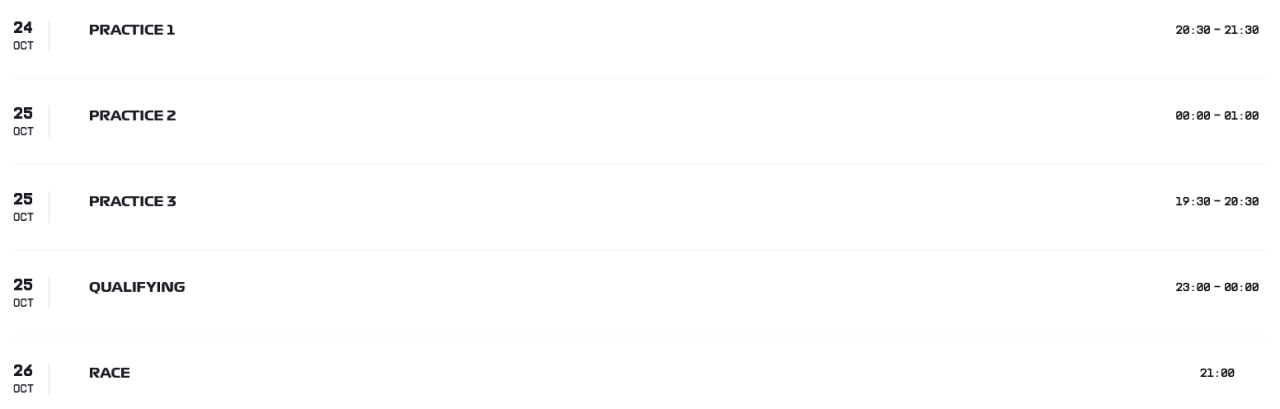
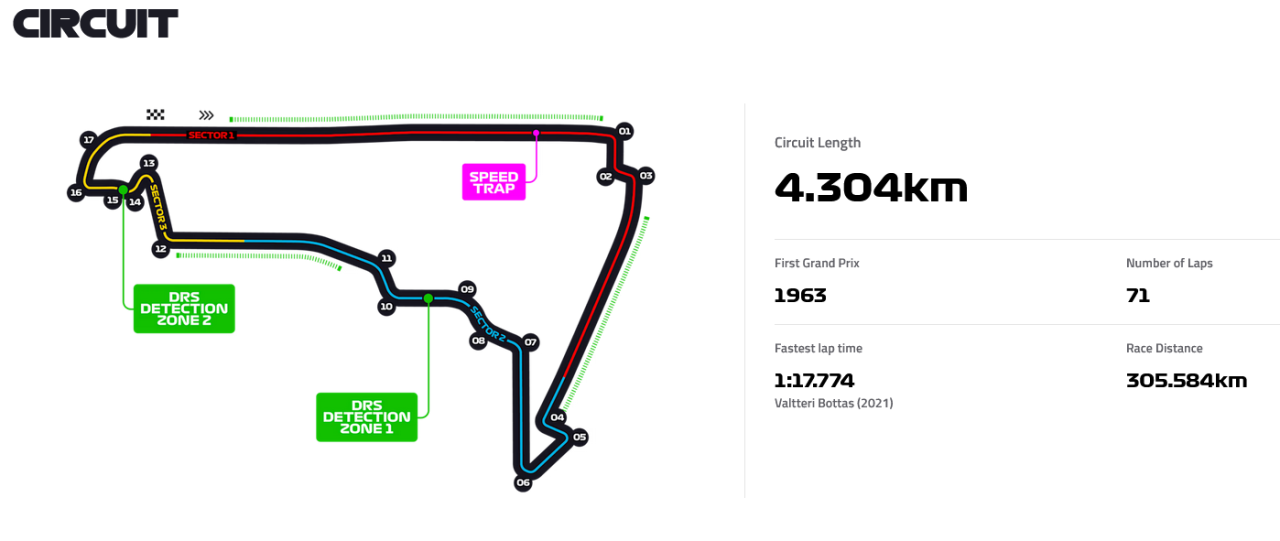
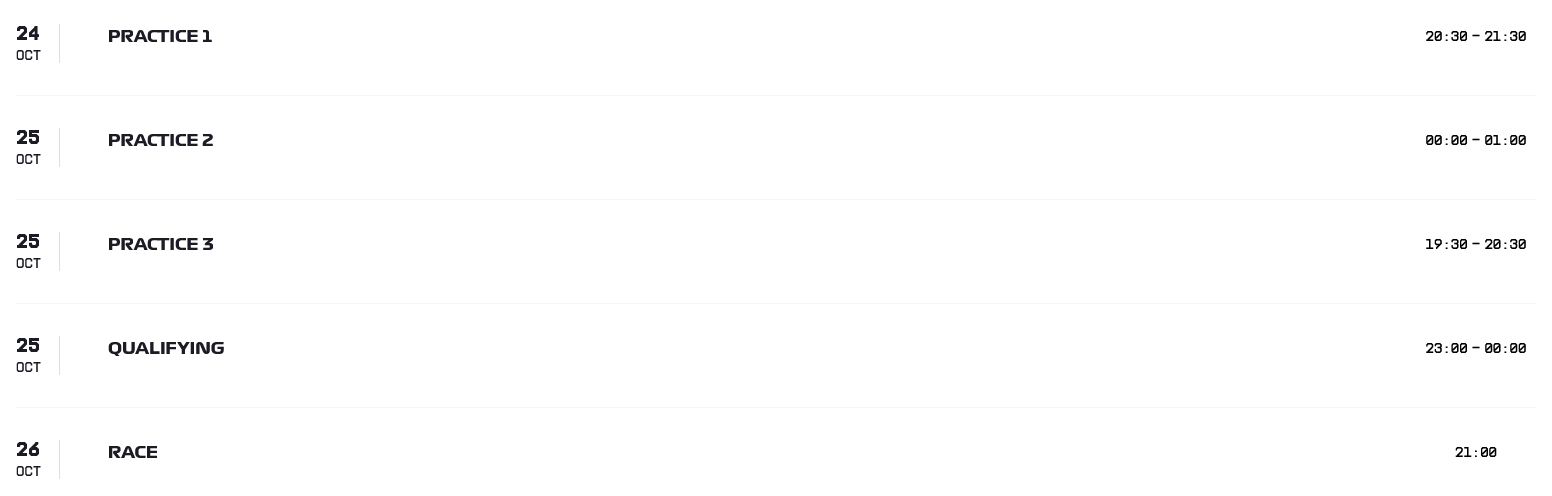
Sondaggione 2025 - Presenza 1 punto (non rientra nel fattore moltiplicativo); - 4 domande (Qualifying, Qualifying, Race, Race); - Bonus una risposta giusta -> 1 punto bonus; due risposte giuste -> 3 punti bonus; tre risposte giuste -> 6 punti bonus; quattro risposte giuste -> 10 punti bonus; - Fattore moltiplicativo 1.5 per chi "vota" entro le ore 20:29:59 del 24/10/2025, dopo fattore moltiplicativo 1.0; - Chiusura sondaggio alle ore 23:00 del 25/10/2025;
-
Caro Ralphuccio, mi copi? 😂
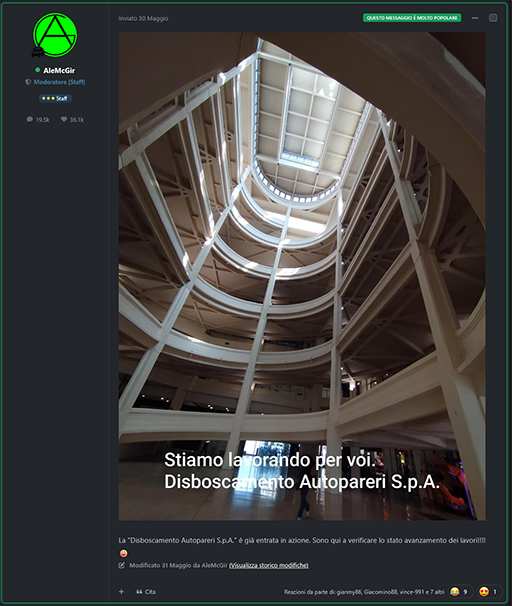
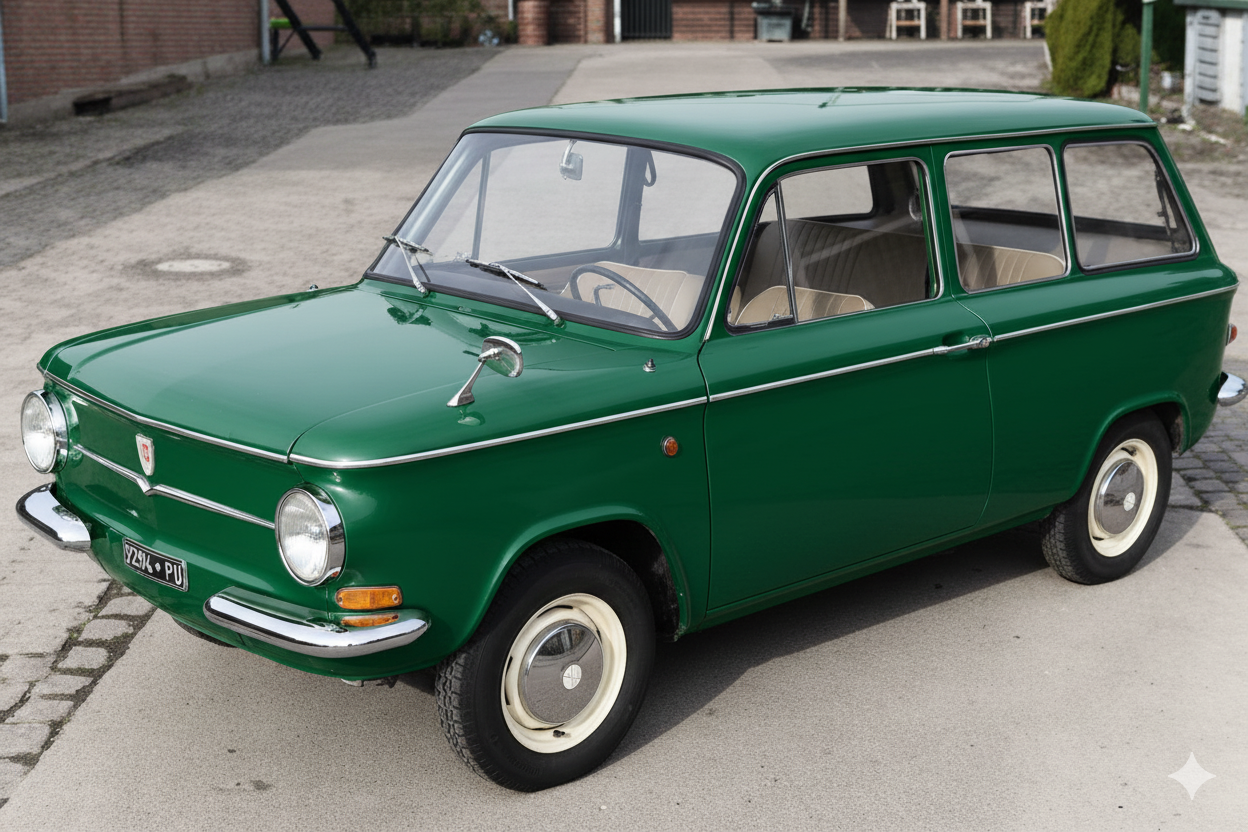
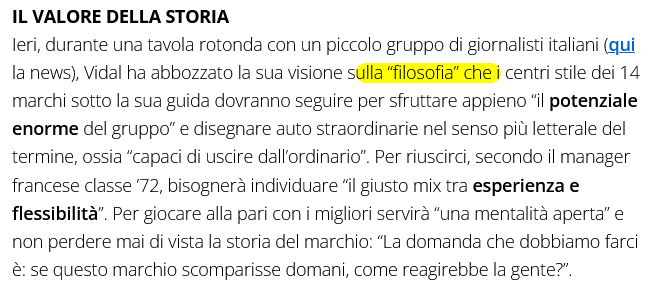
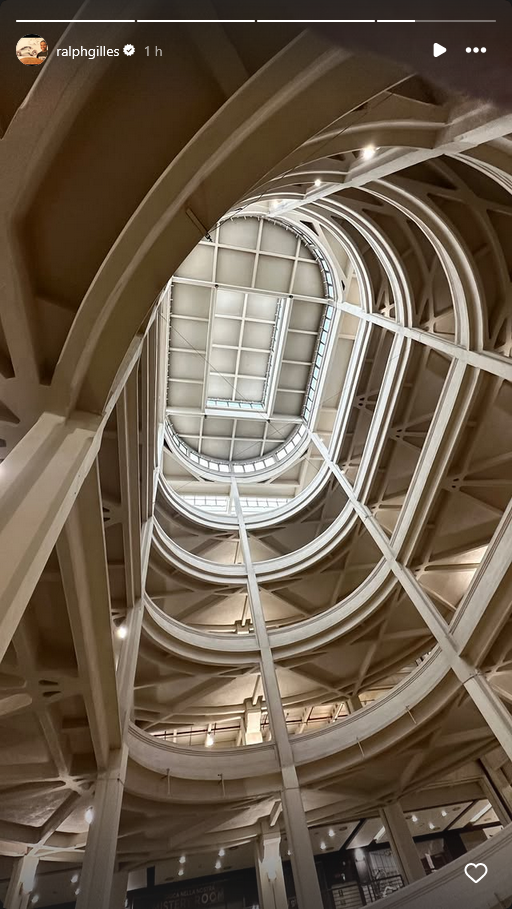 Up A) Up B)La ricerca della immagine adatta per produrre il "Philosopher Gilles Vidal", google mi ha proposto 🤔 😄
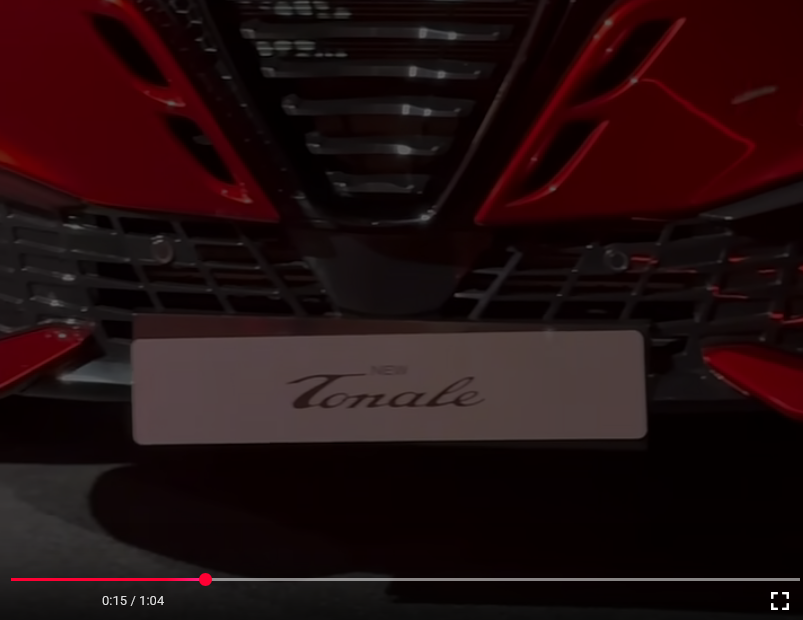
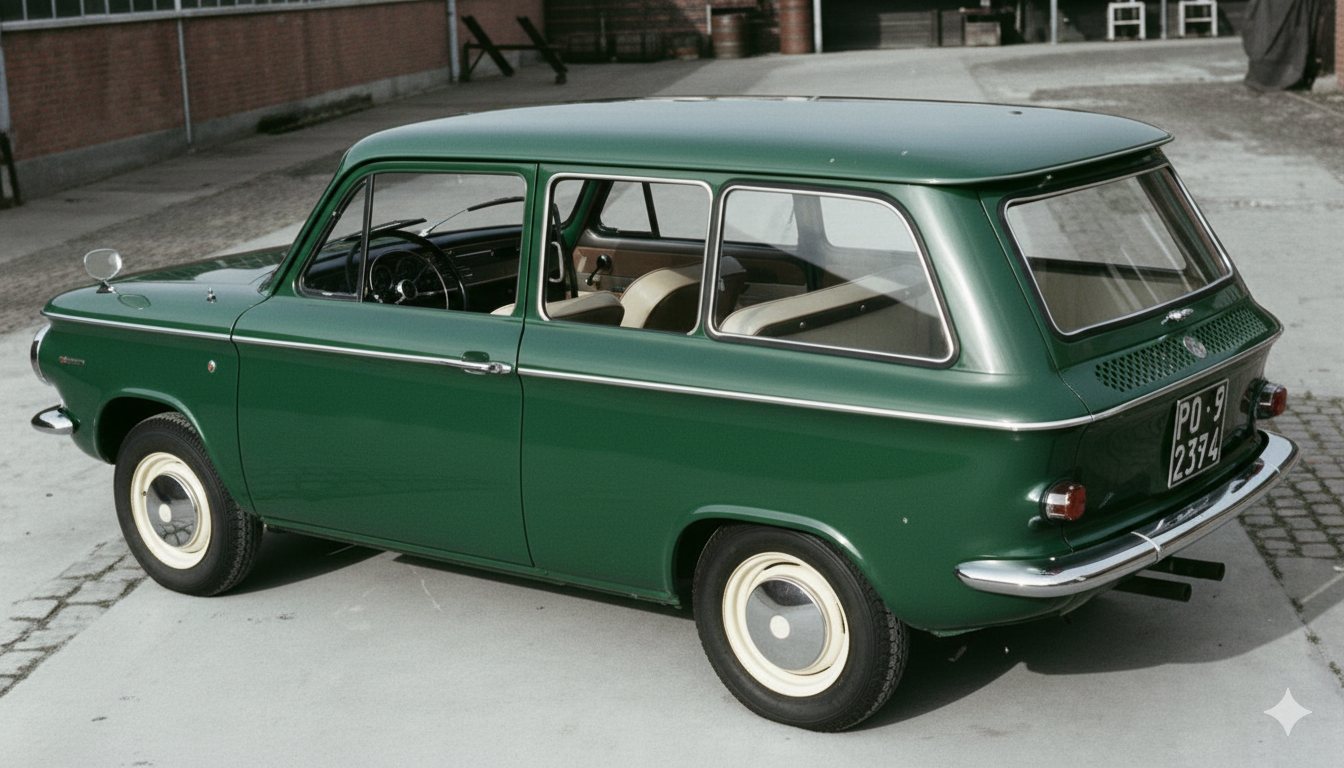
 SnapInsta.to_AQNVdKK1vzrQ1Hcz3qG2wj7OED2KROeNtY-w3nYTLhcY4wCKf2TXiEEFT1X5-Evg6jPenFwxhqgH3VkzN5TEfO0TndAiyd_GpE0f3tY.mp4Prinz sportwagon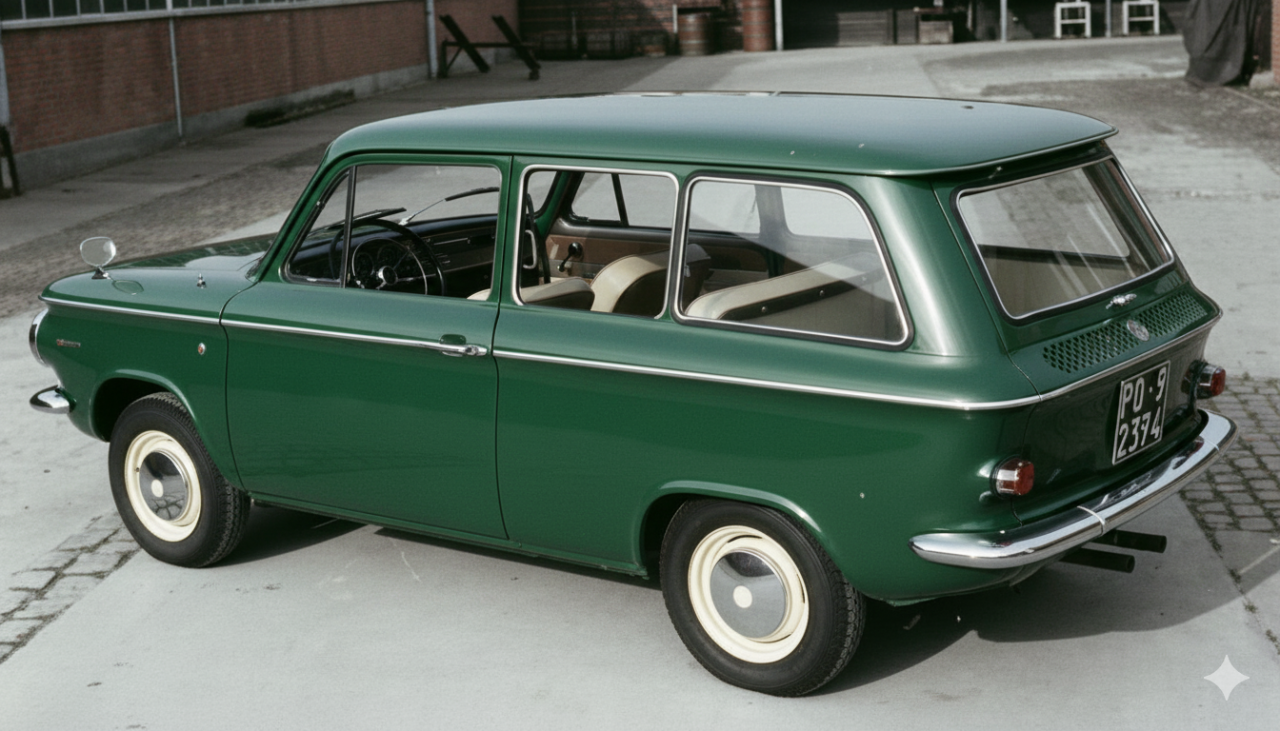
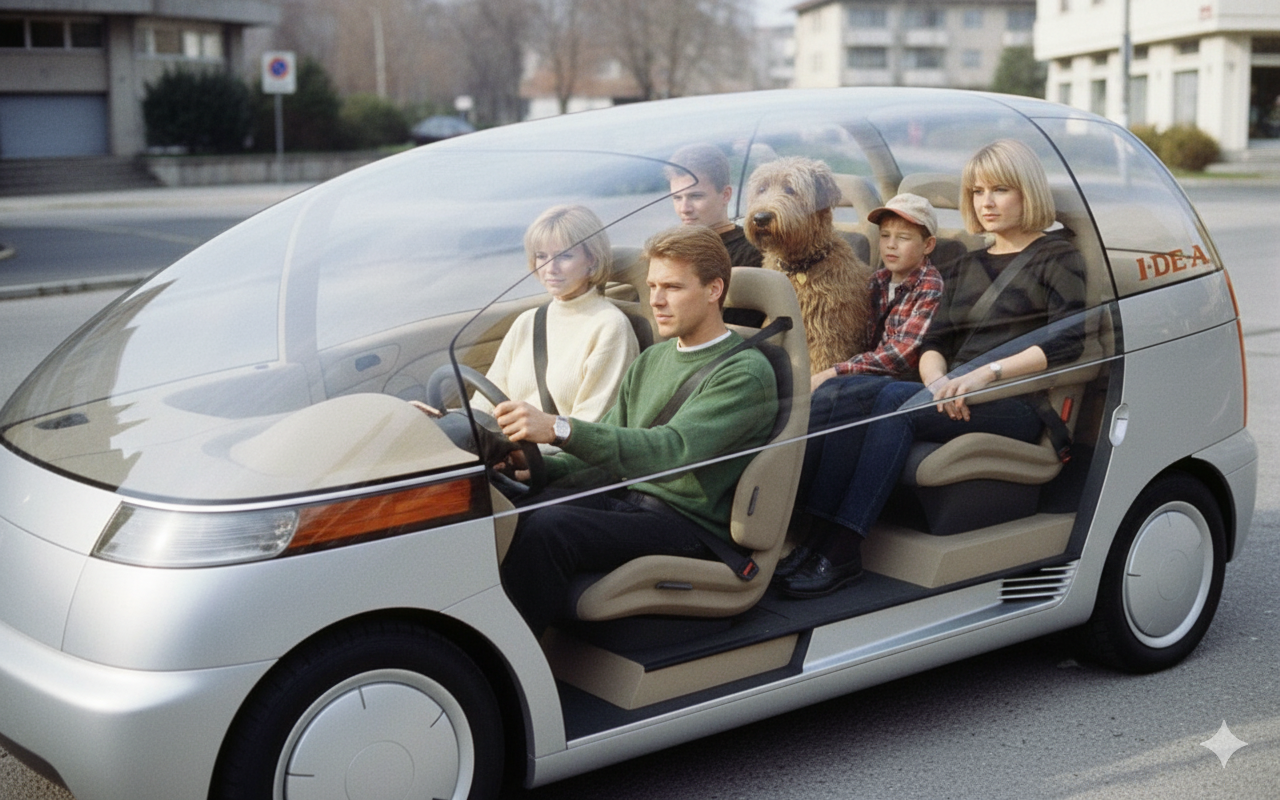
 [Mai nate] I.De.A Institute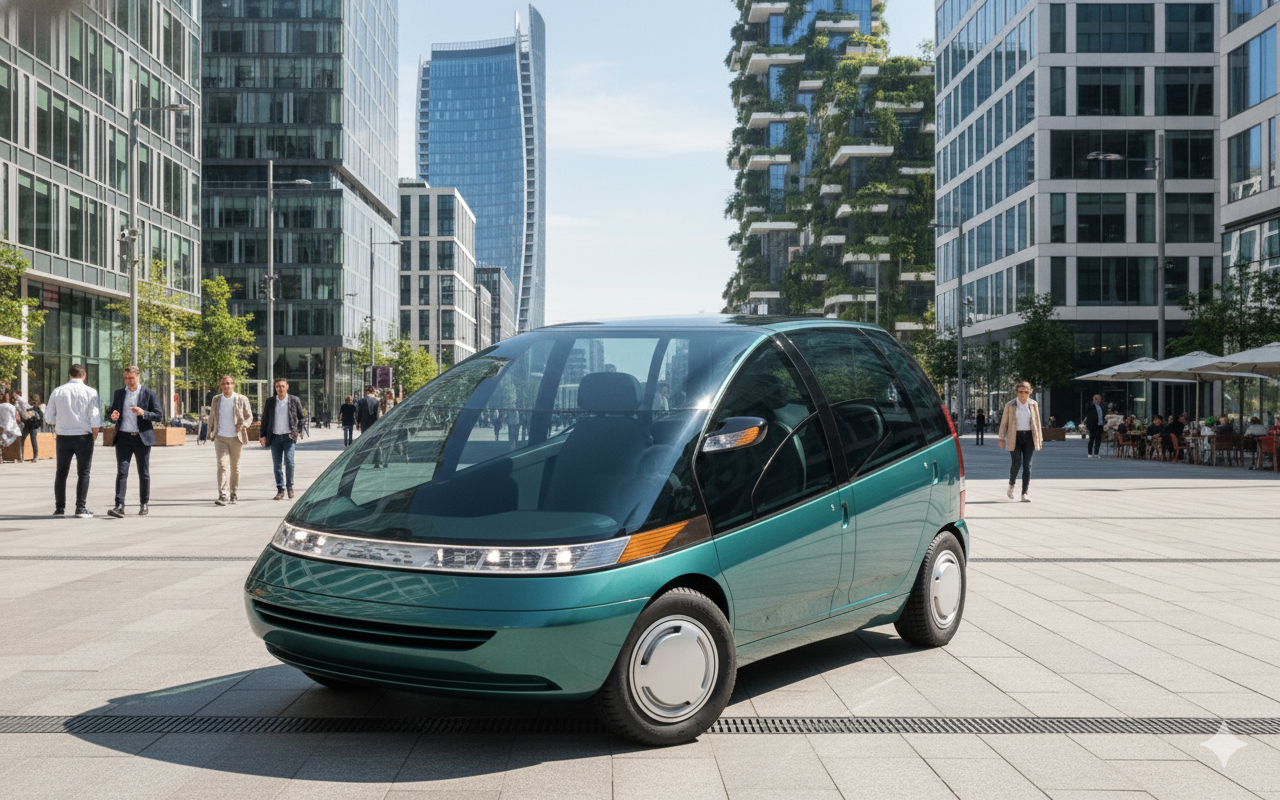
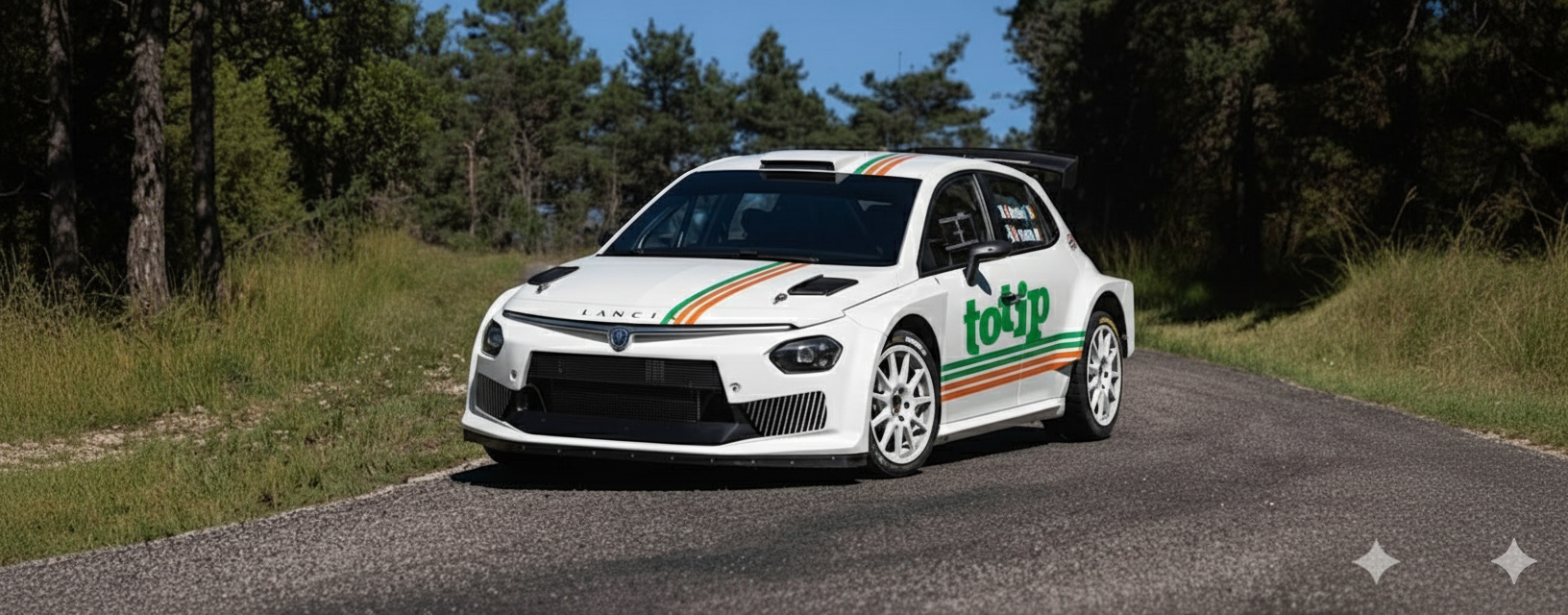
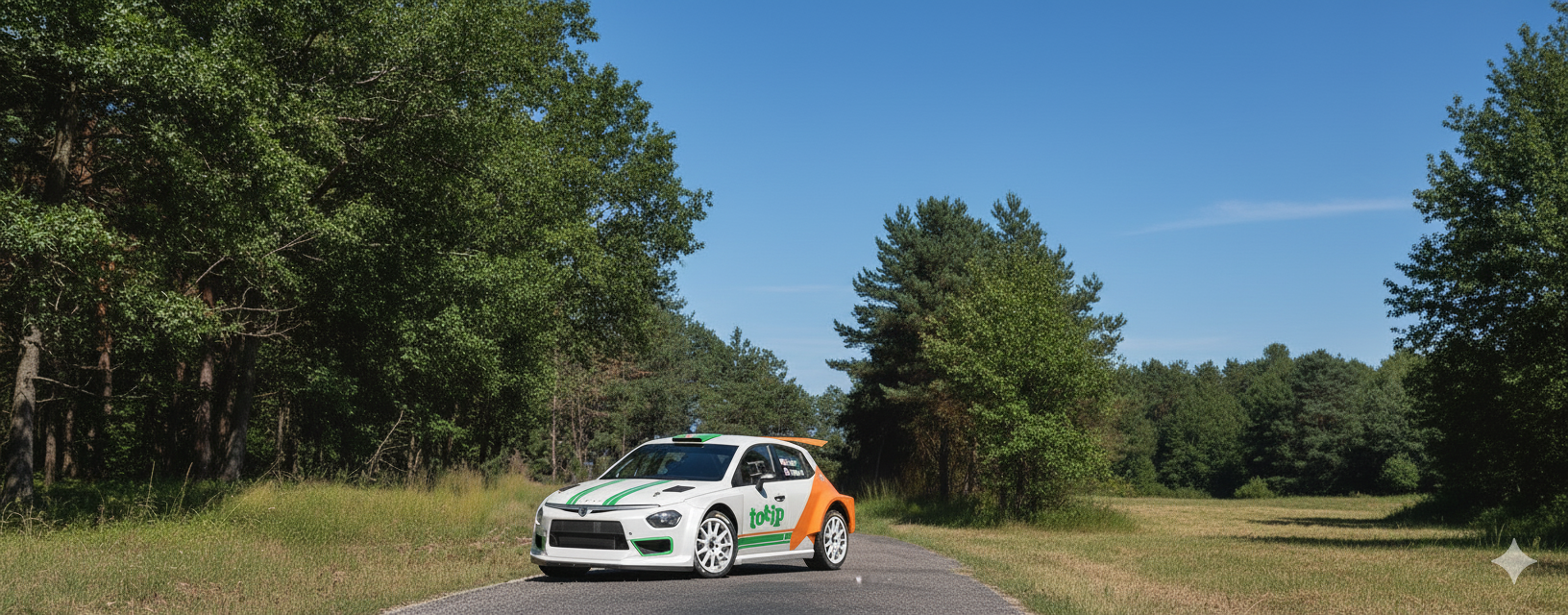
 Ypsilon Rally2 HF Integrale Jolly Club Vs Ypsilon Rally2 HF Integrale Grifone Alternativa Jolly Club

 No, nel MotorCompaniUniverse Audi ed Alfa hanno barattato con la aP motorcompani lo stile e le piattaforme, in cambio di un occhio di riguardo nella nel forum della aP motorcompani. 😈
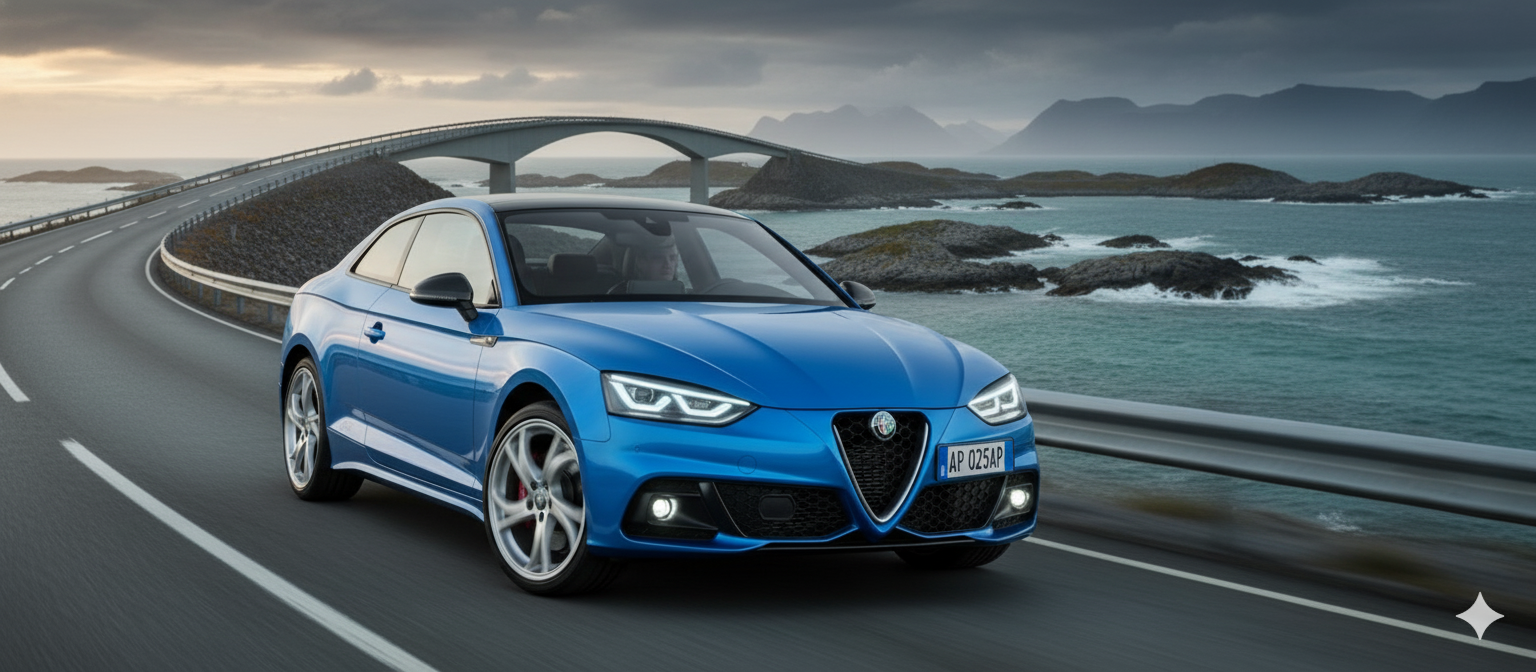
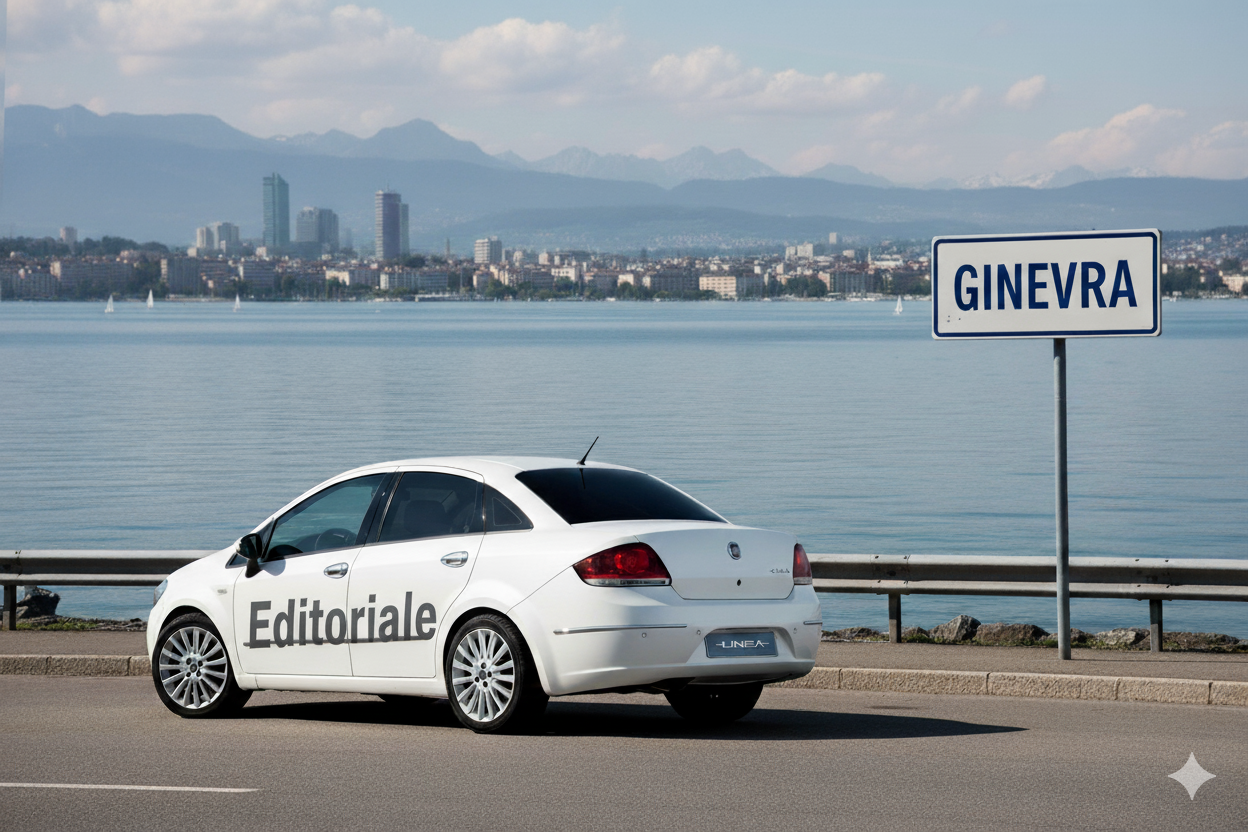 RaiNewsItaldesign incontra Ust Global, i timori dei sindacati su...Il confronto con i delegati italiani e quelli tedeschi dell'Ig Metall: l'ipotesi di un accordo con la multinazionale indo-americana, che sviluppa servizi informaticiAltra [Mai Nata] della aP motorcompani Foto d'archivio dal Centro Stile aP Ma grazie alla Artificial Ignurant, possiamo vedere cosa poteva offrire la aP motorcompani se il CDA approva il progetto SUV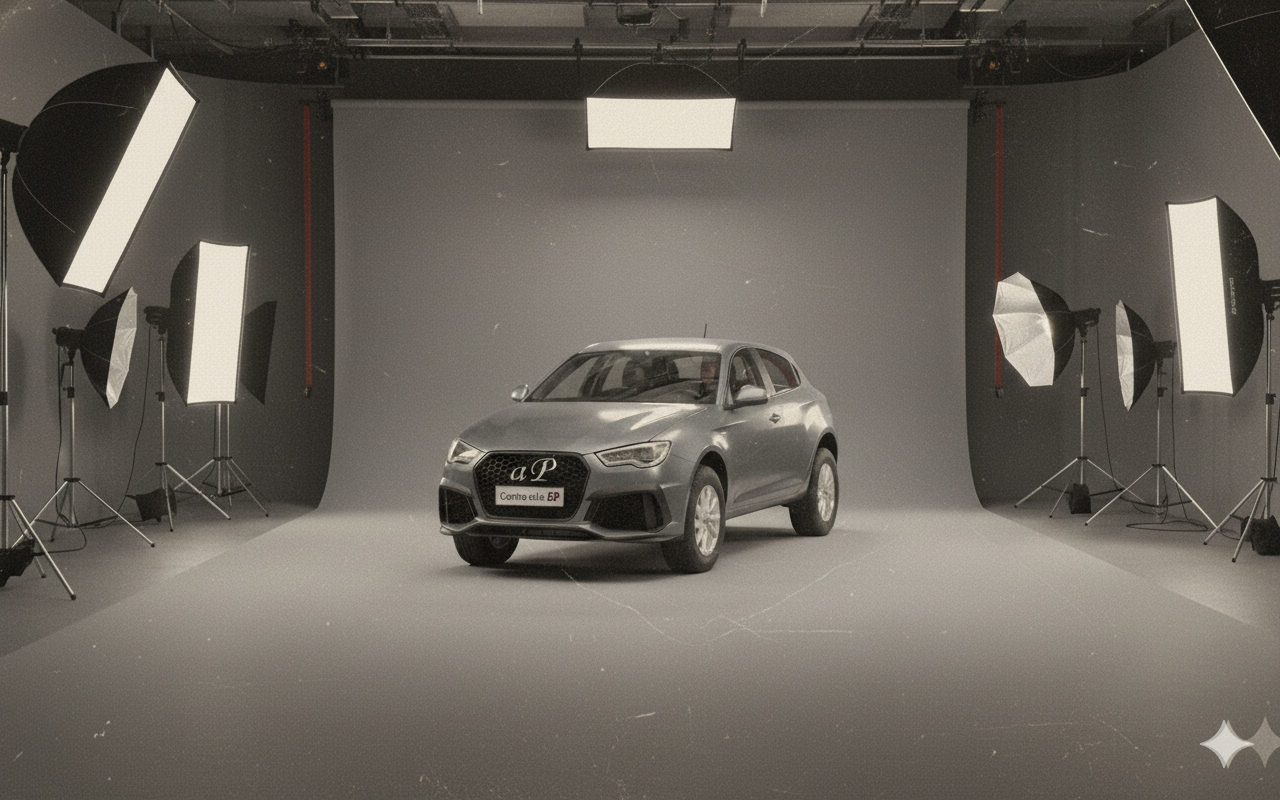
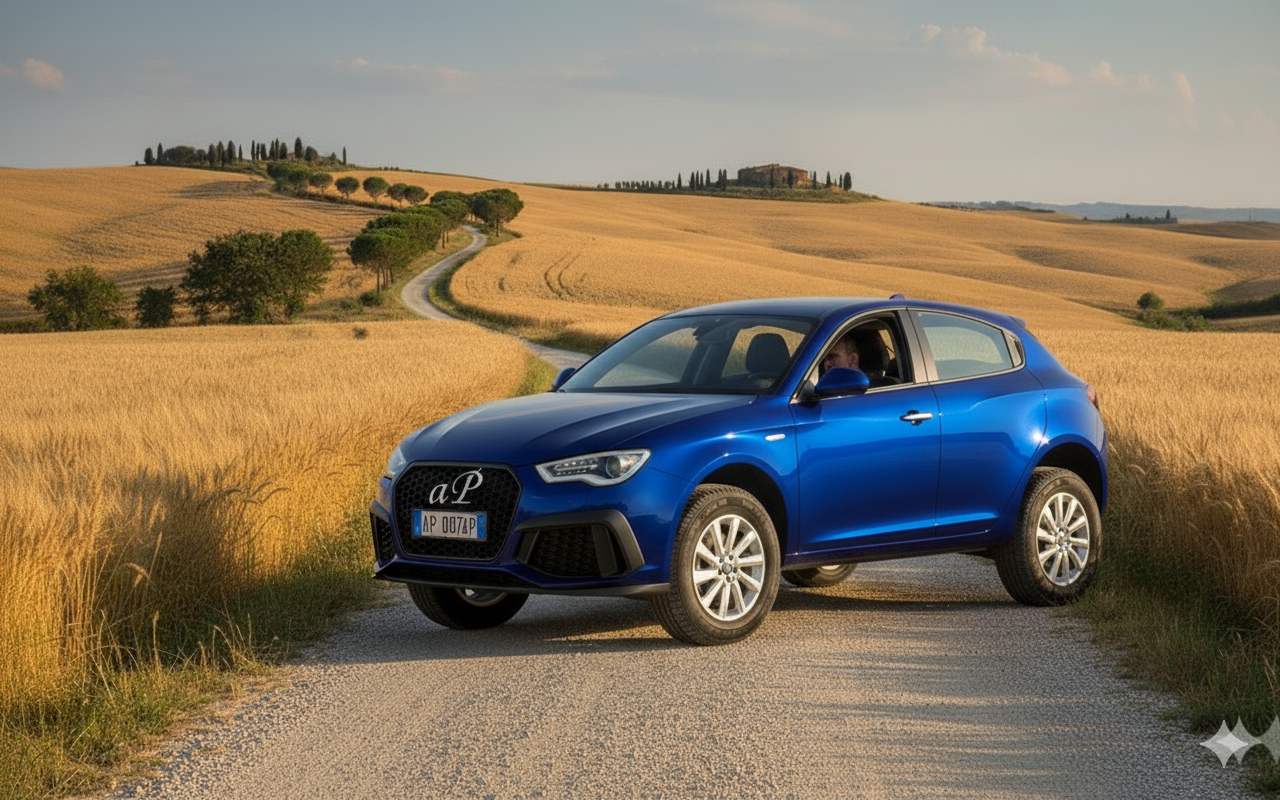
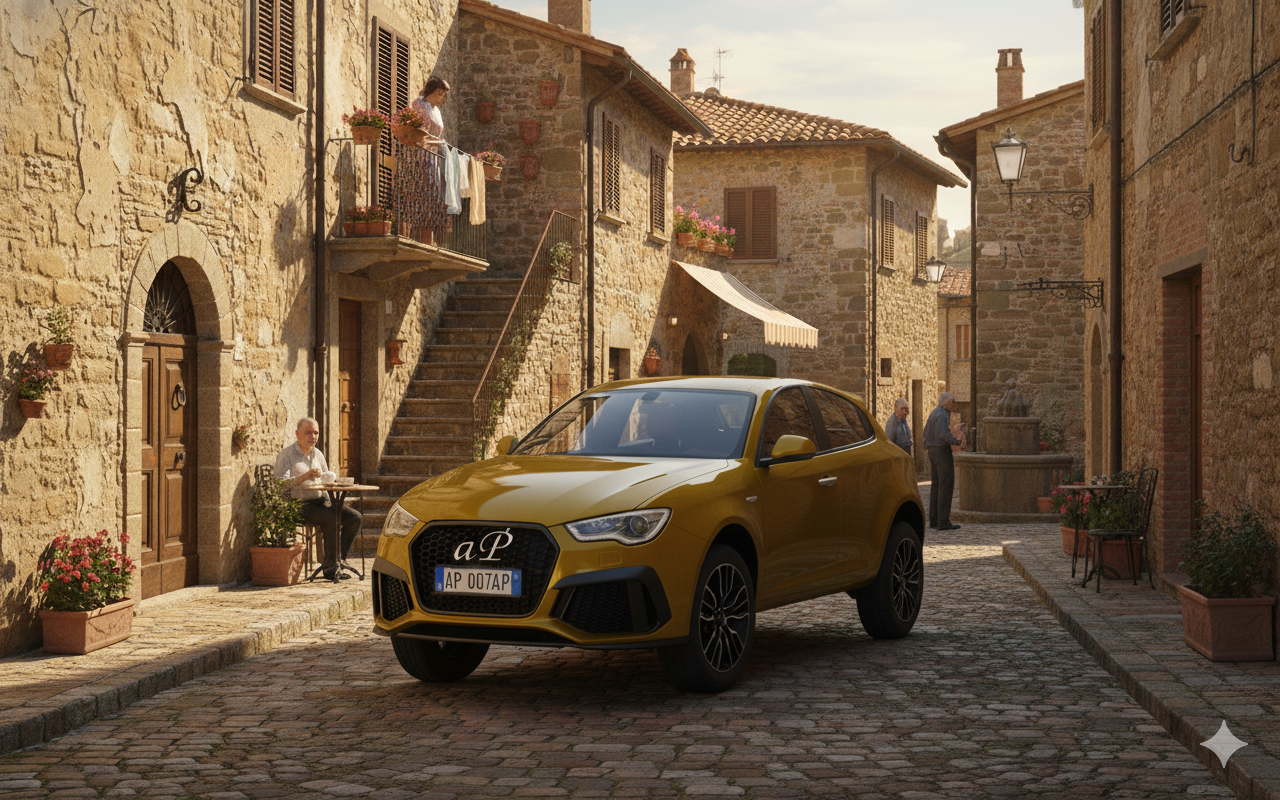
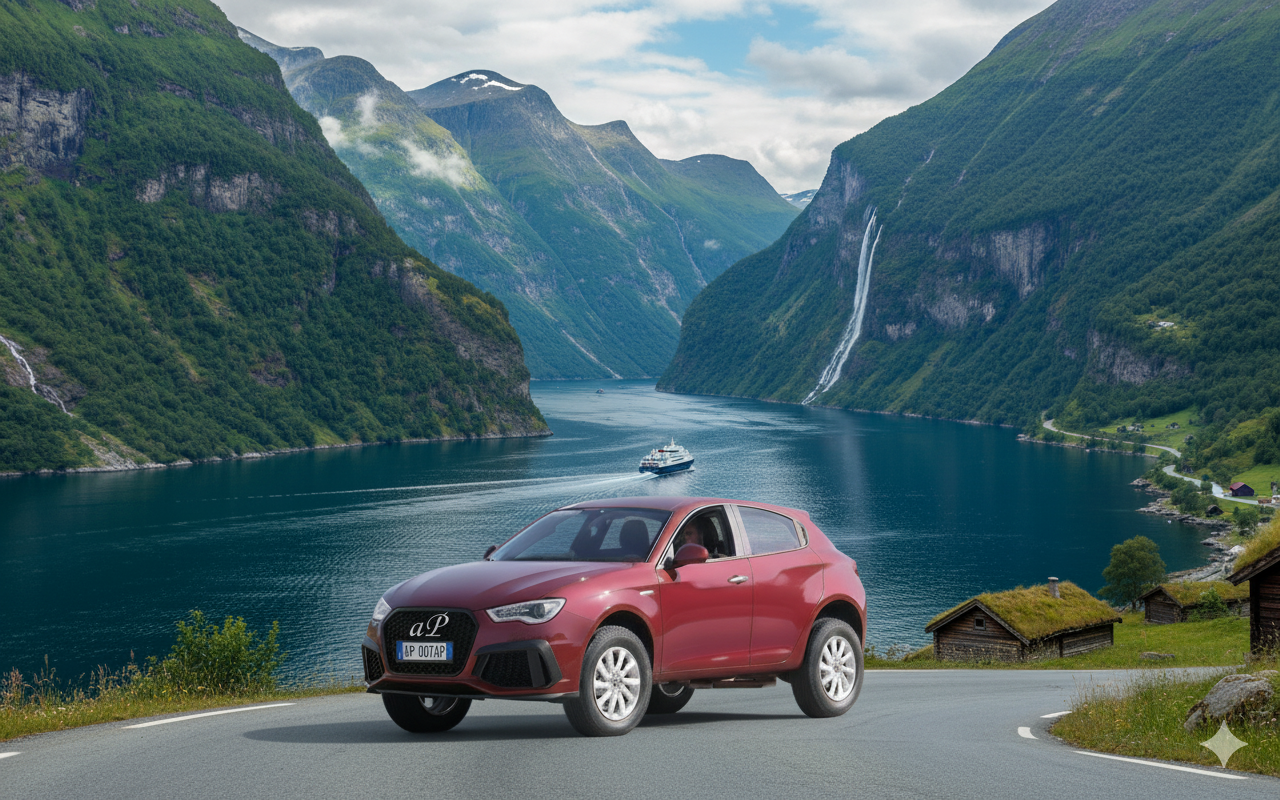

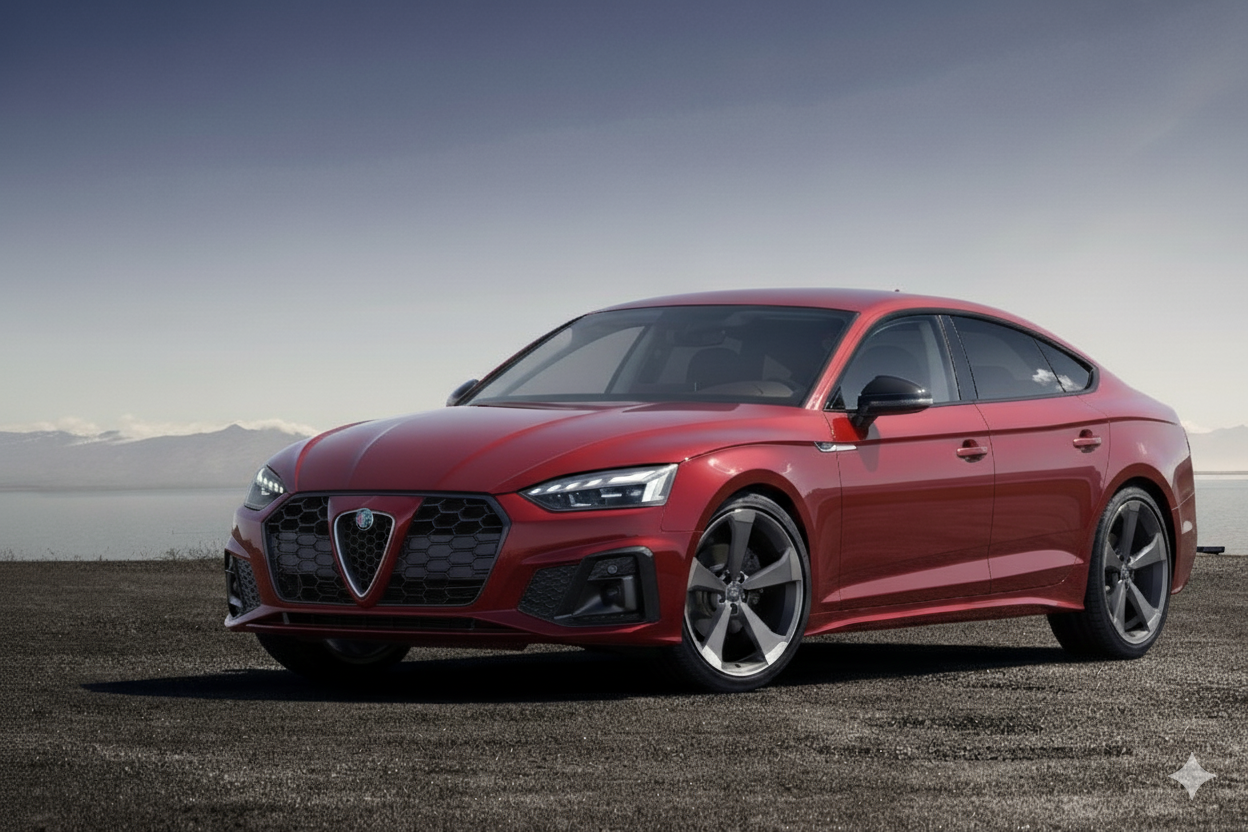
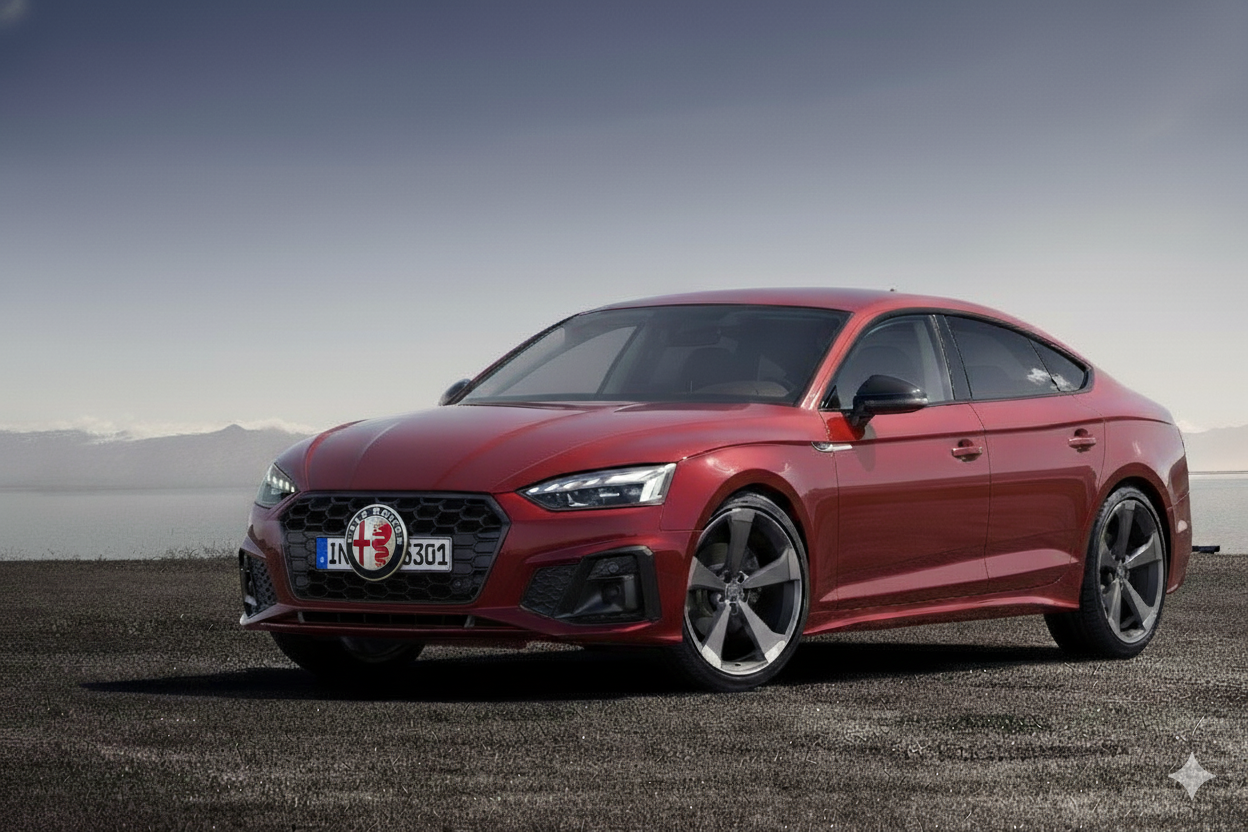
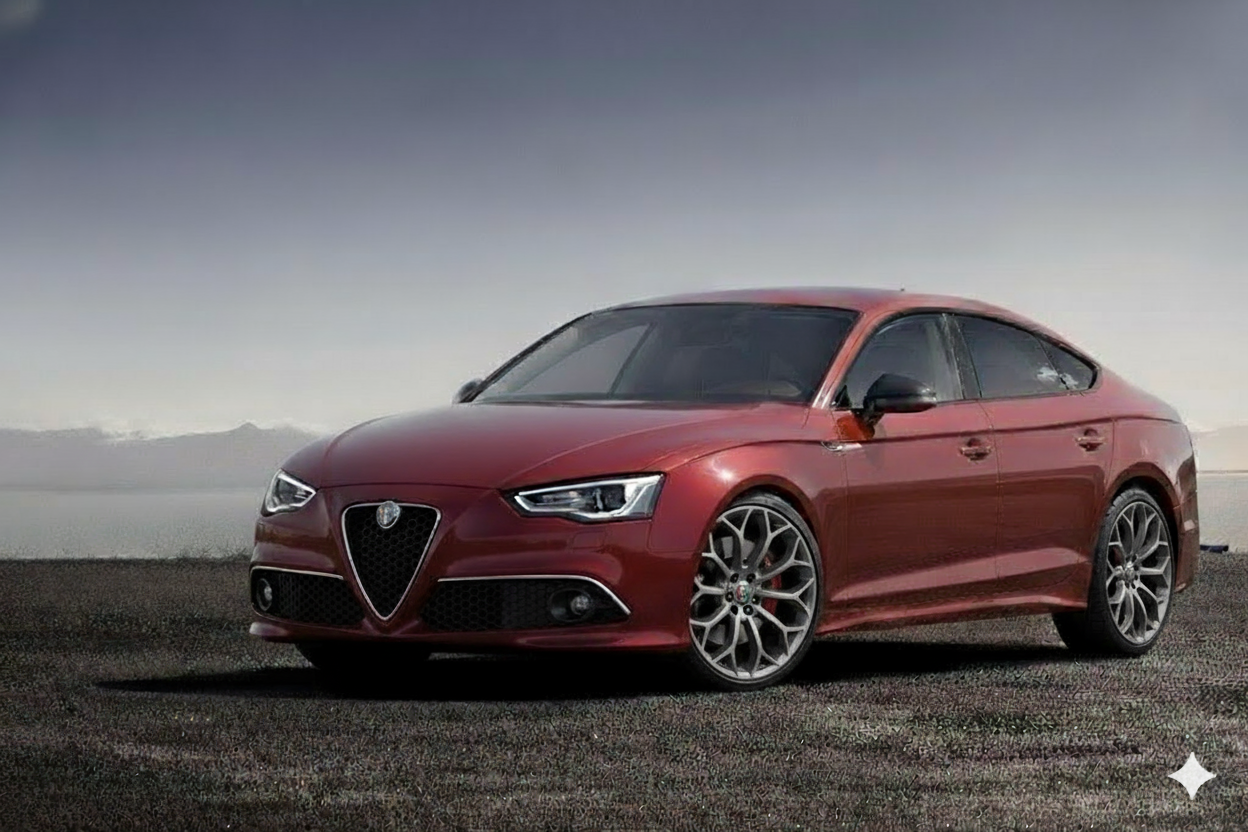
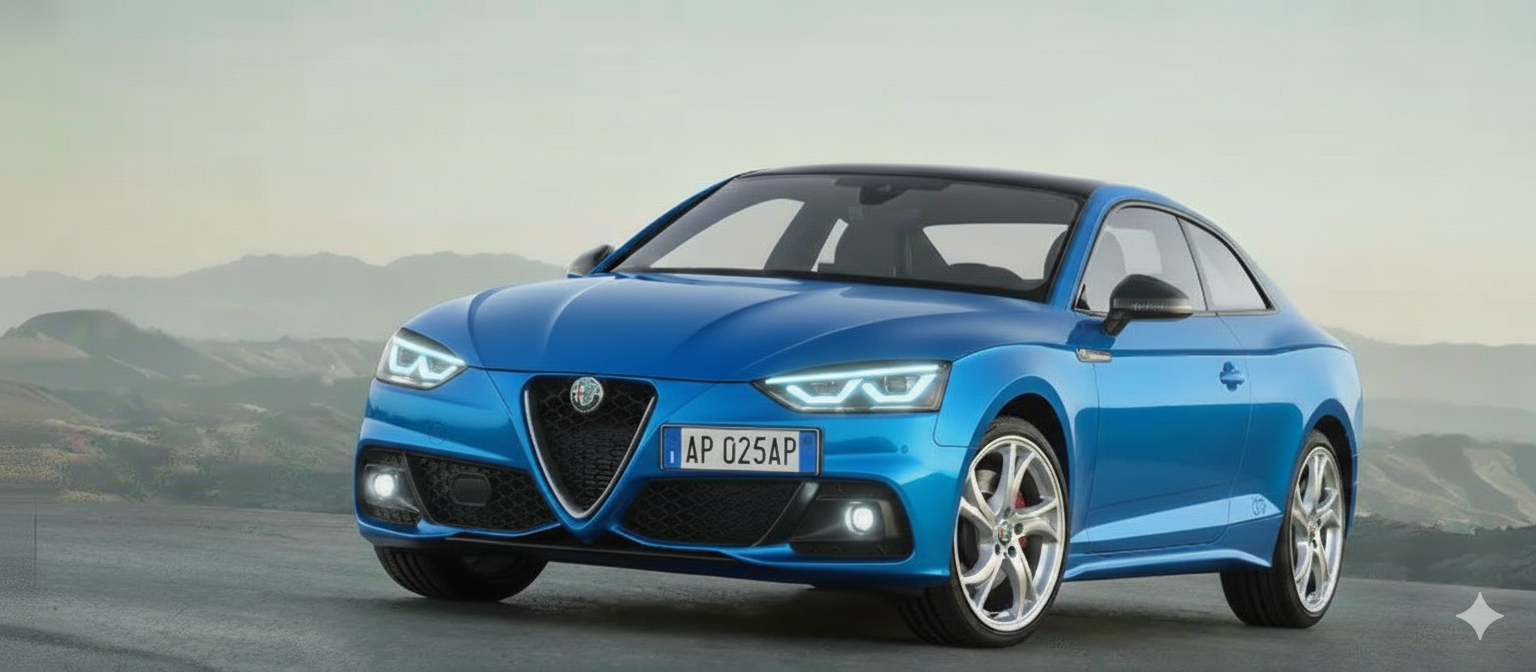

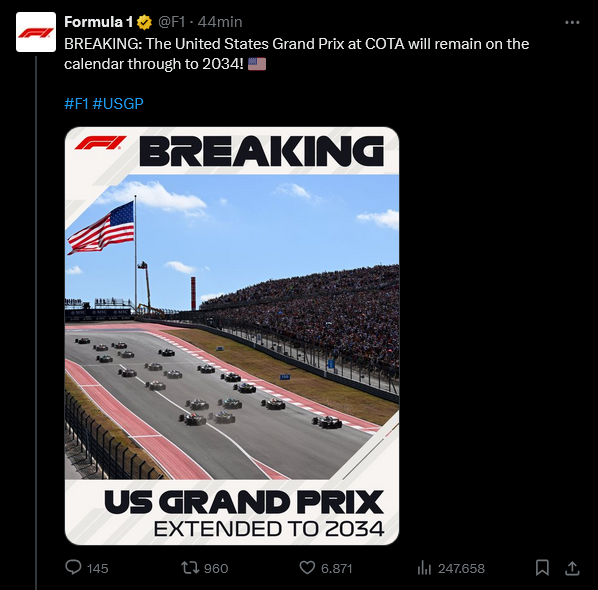

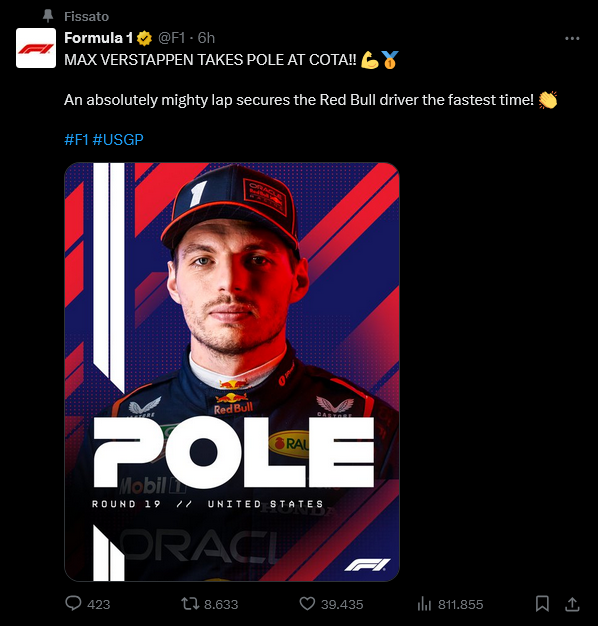
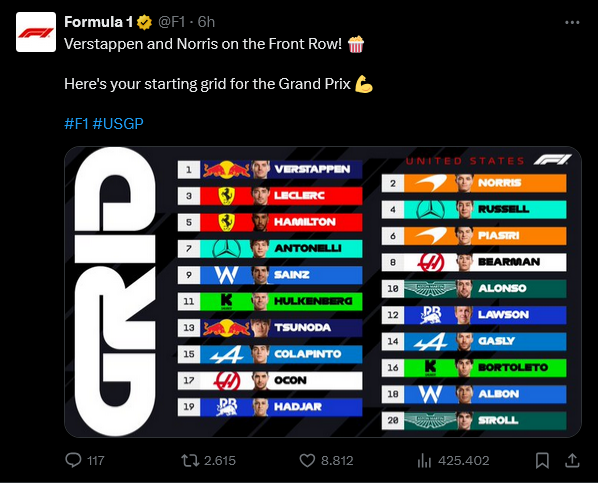
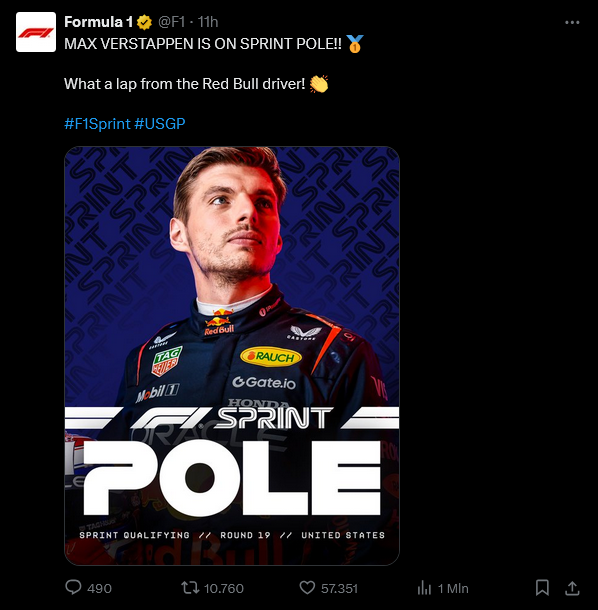



![Alfa Romeo Hug [Trolling Mode]](https://www.autopareri.com/uploads/reactions/Alfaromeocare.png.50be1dd8d7c15ba4fec8098a15bfa18a.png)






Account
Navigation
Cerca
Configure browser push notifications
Chrome (Android)
- Tap the lock icon next to the address bar.
- Tap Permissions → Notifications.
- Adjust your preference.
Chrome (Desktop)
- Click the padlock icon in the address bar.
- Select Site settings.
- Find Notifications and adjust your preference.
Safari (iOS 16.4+)
- Ensure the site is installed via Add to Home Screen.
- Open Settings App → Notifications.
- Find your app name and adjust your preference.
Safari (macOS)
- Go to Safari → Preferences.
- Click the Websites tab.
- Select Notifications in the sidebar.
- Find this website and adjust your preference.
Edge (Android)
- Tap the lock icon next to the address bar.
- Tap Permissions.
- Find Notifications and adjust your preference.
Edge (Desktop)
- Click the padlock icon in the address bar.
- Click Permissions for this site.
- Find Notifications and adjust your preference.
Firefox (Android)
- Go to Settings → Site permissions.
- Tap Notifications.
- Find this site in the list and adjust your preference.
Firefox (Desktop)
- Open Firefox Settings.
- Search for Notifications.
- Find this site in the list and adjust your preference.