





super pax
Utente Registrato
-
Iscritto il
-
Ultima visita
Tutti i contenuti di super pax
-
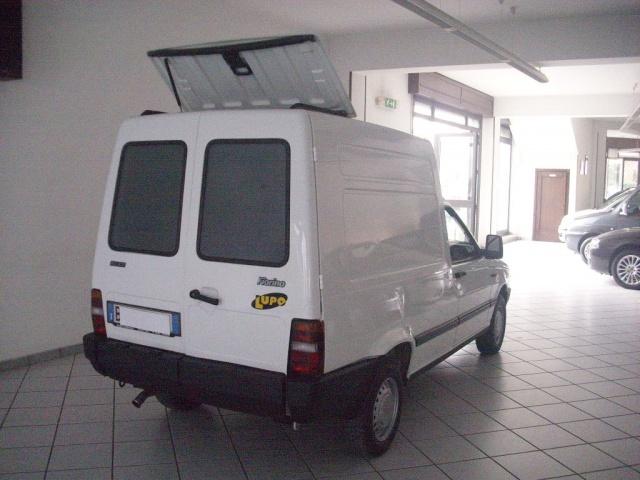
Yes Mi pare che ci fù ai tempi una disputa con la casa di borgo dei lupi per l'utilizzo del nome Lupo .
-
Era il nome di una versione.
-
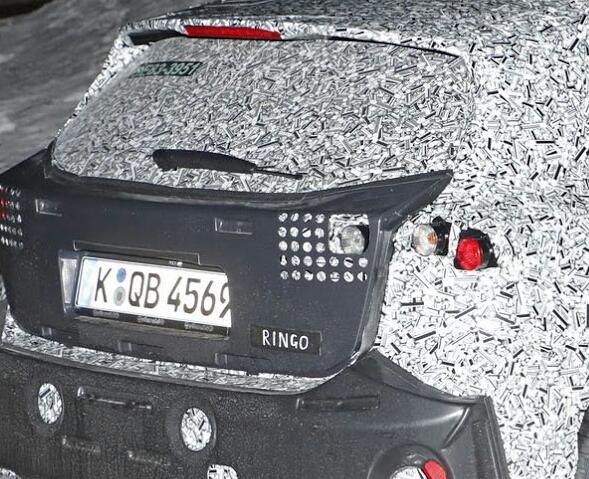
Gira per le nostre strade da tempo .... Noi ignari abbiamo sottovalutato il messaggio premonitore che voleva darci....

-
-
-
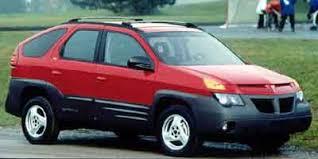
Mi permetto di storpiare una canzone del maestro Guccini La lancia è morta Ho visto La gente della mia età in depressione Ricordando l' imprese del Deltone Il concept fulvia che conduce alla pazzia Nella ricerca di qualcosa che non trovano Nel listino che hanno già, dentro alle notti che dai topic son occupate Lungo le strade che da Lancia erano dominate Dentro le nuvole di fumo del mondo fatte dalle Tdi Essere pronto ad ingoiare la nostra stanca verità La Lancia è morta Per scelte sciagurate, Lancia è morta Per le auto sbagliate, Lancia è morta Per le americane rimarchiate , Lancia è morta. Ecc.... (Magari poi risorge)Che sia lui il nuovo capo dell'Italdesign?
 Piccola carrellata di auto che personalmente trovo siano invecchiate bene



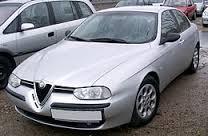 Fiat Uno fire 3 porte 1993
 Challengerenegade

- 466 risposte
-
-

- 1
-
-
- auto in arrivo
- foto nuove auto
- golf
- golf facelift 2017
-
Taggato come:
Multix 6










Account
Navigation
Cerca
Configure browser push notifications
Chrome (Android)
- Tap the lock icon next to the address bar.
- Tap Permissions → Notifications.
- Adjust your preference.
Chrome (Desktop)
- Click the padlock icon in the address bar.
- Select Site settings.
- Find Notifications and adjust your preference.
Safari (iOS 16.4+)
- Ensure the site is installed via Add to Home Screen.
- Open Settings App → Notifications.
- Find your app name and adjust your preference.
Safari (macOS)
- Go to Safari → Preferences.
- Click the Websites tab.
- Select Notifications in the sidebar.
- Find this website and adjust your preference.
Edge (Android)
- Tap the lock icon next to the address bar.
- Tap Permissions.
- Find Notifications and adjust your preference.
Edge (Desktop)
- Click the padlock icon in the address bar.
- Click Permissions for this site.
- Find Notifications and adjust your preference.
Firefox (Android)
- Go to Settings → Site permissions.
- Tap Notifications.
- Find this site in the list and adjust your preference.
Firefox (Desktop)
- Open Firefox Settings.
- Search for Notifications.
- Find this site in the list and adjust your preference.