




sonicwp7
Utente Registrato
-
Iscritto il
-
Ultima visita
Tutti i contenuti di sonicwp7
-
-
-
-
-
-
-
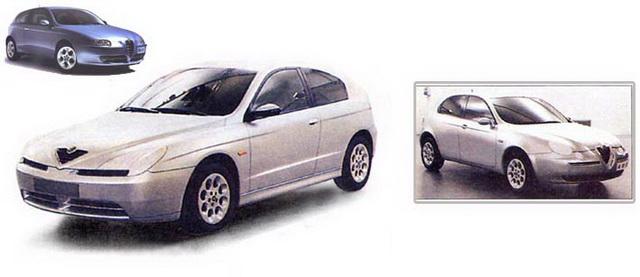
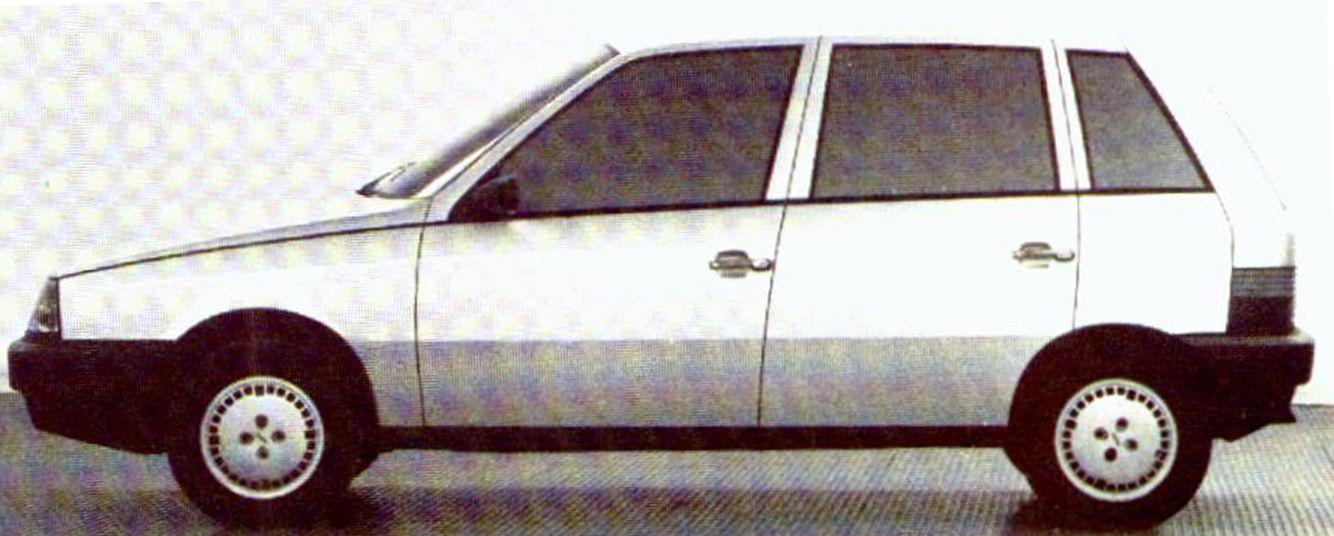
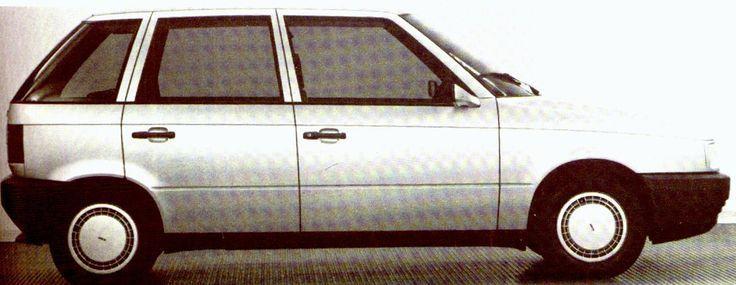
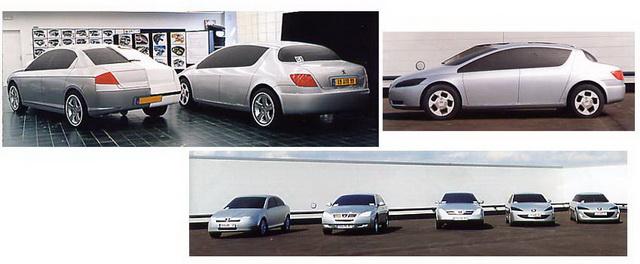
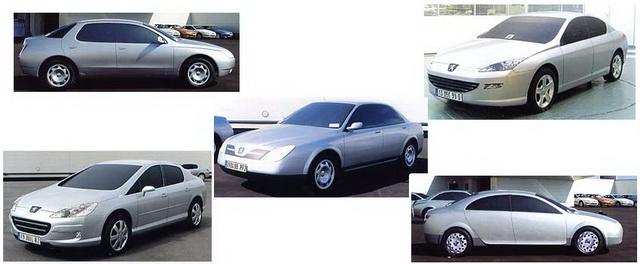
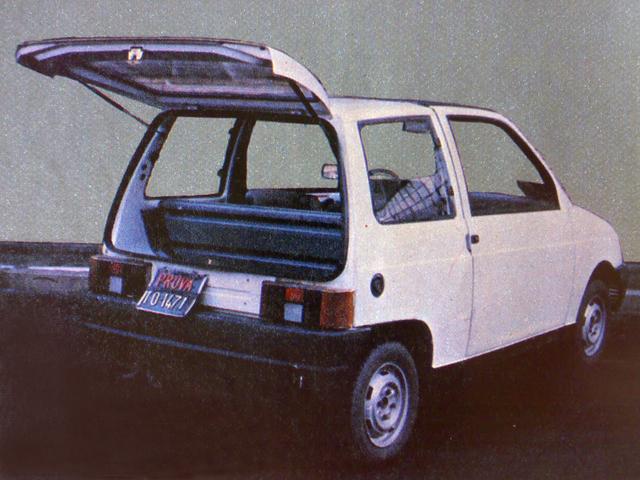
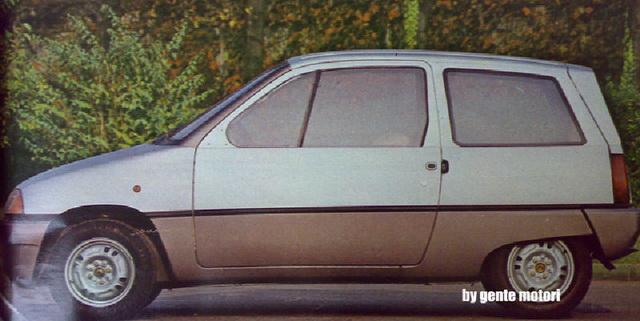
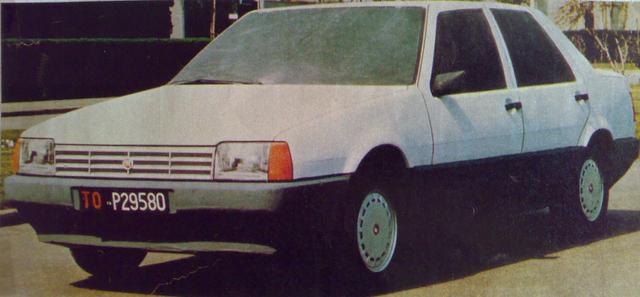
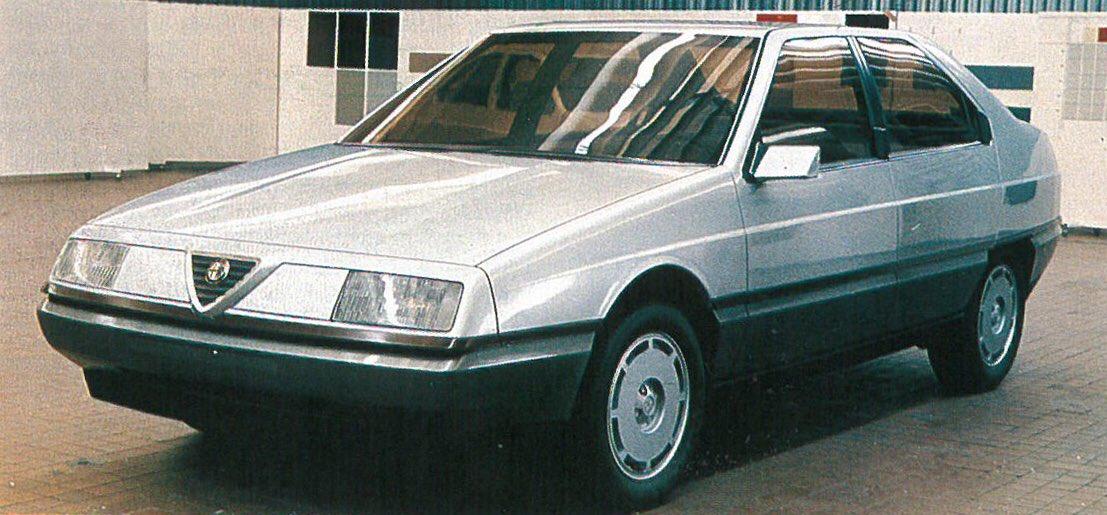
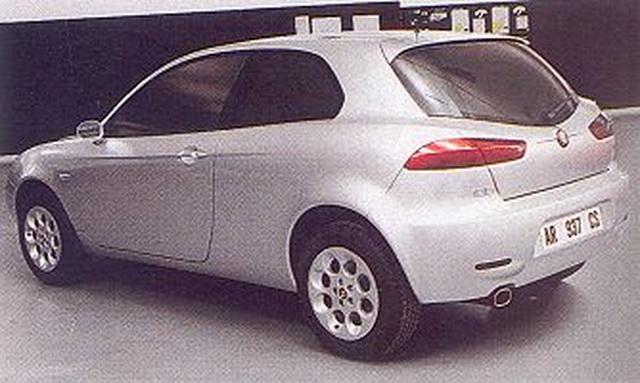
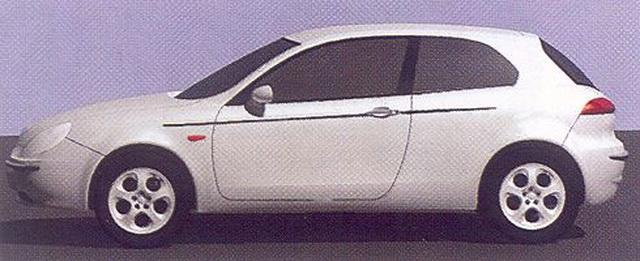
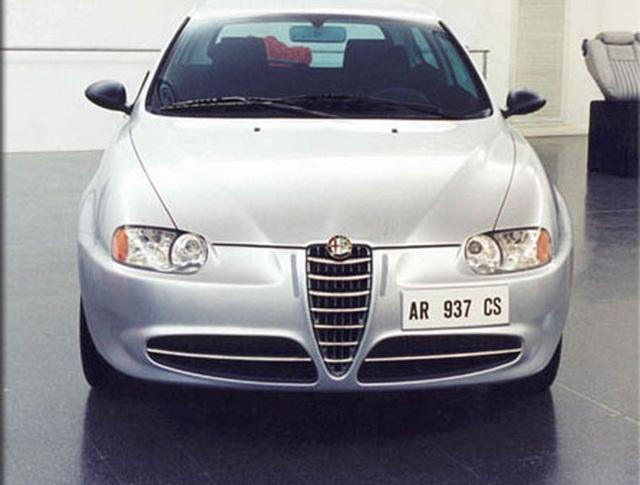
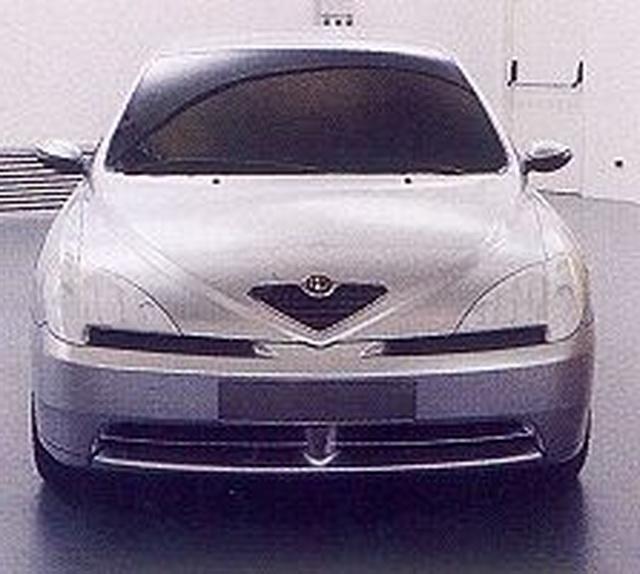
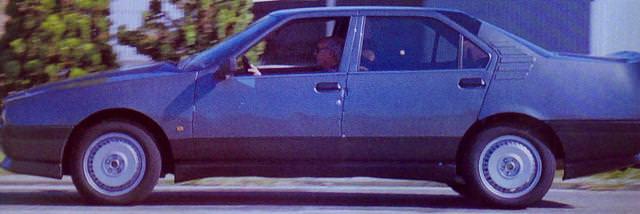
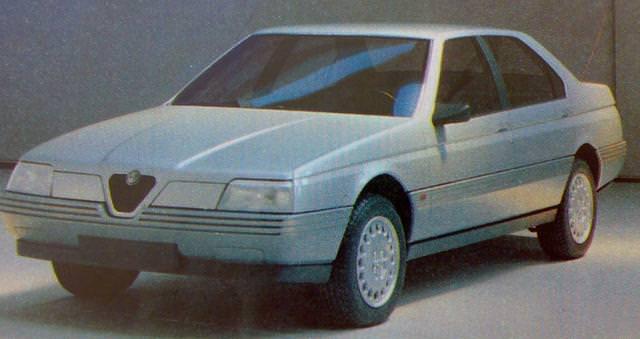
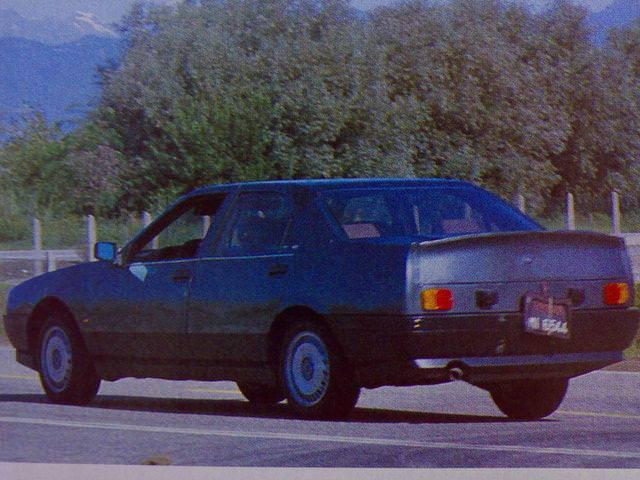
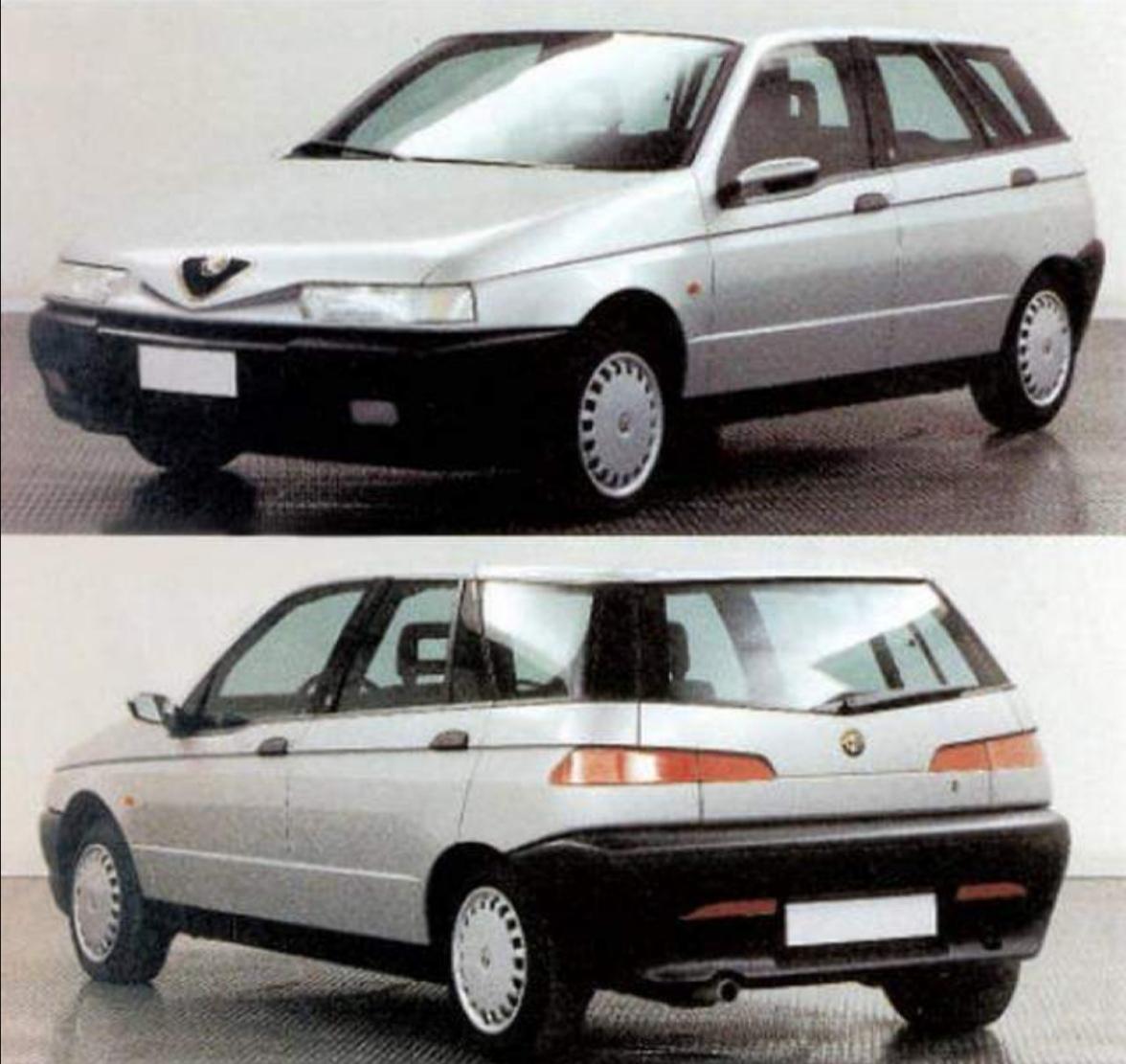
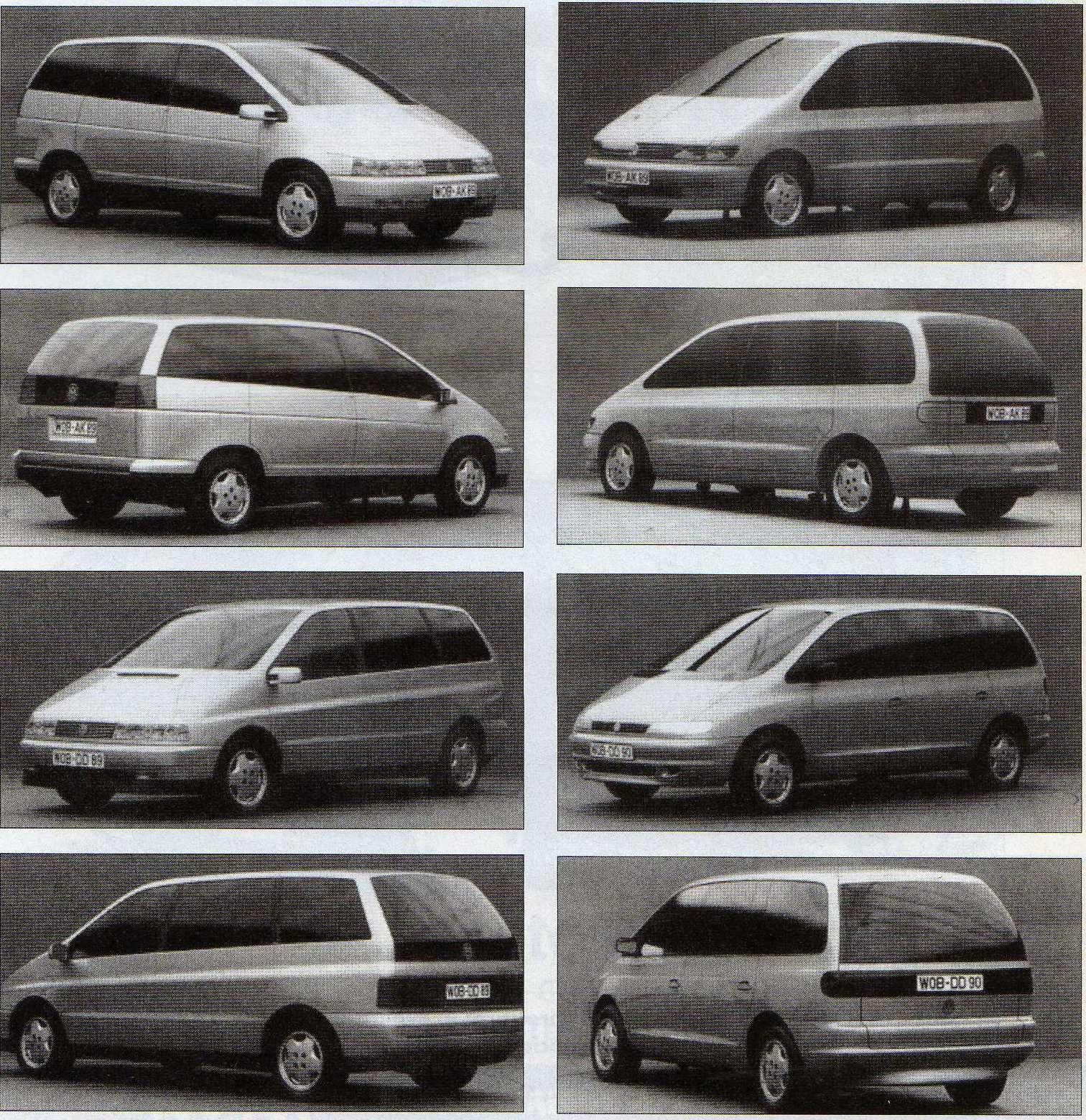
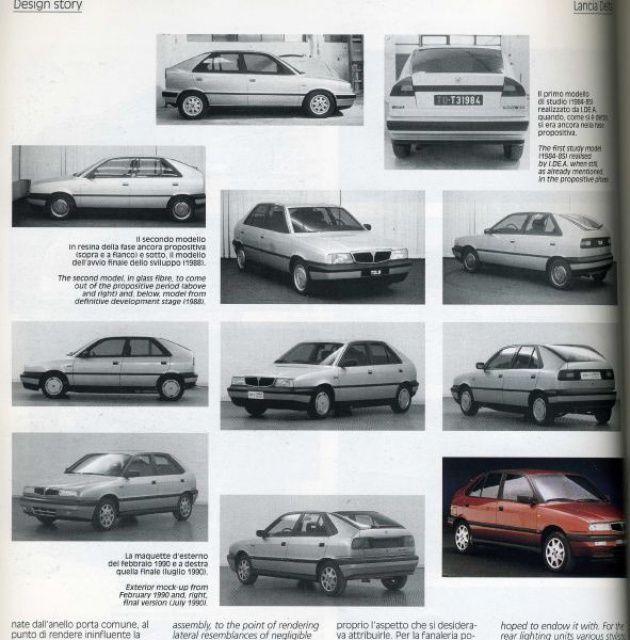
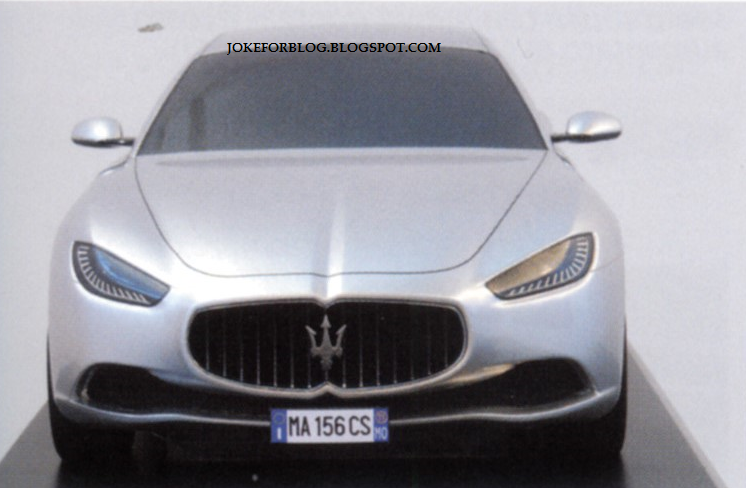
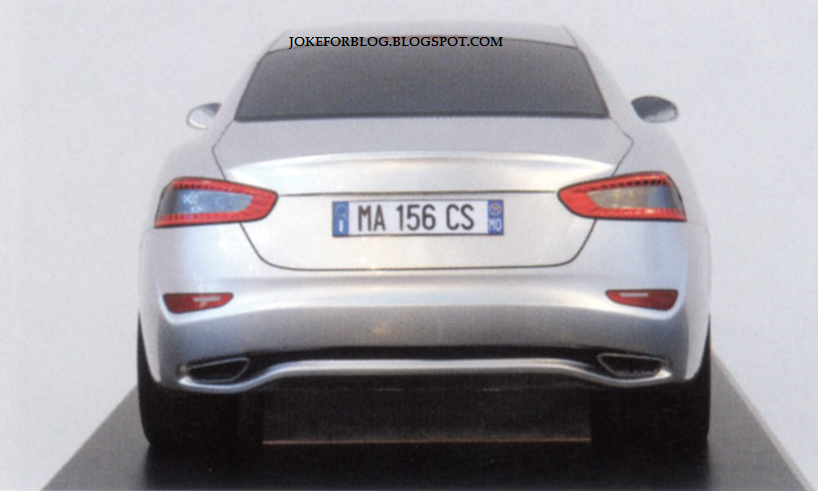
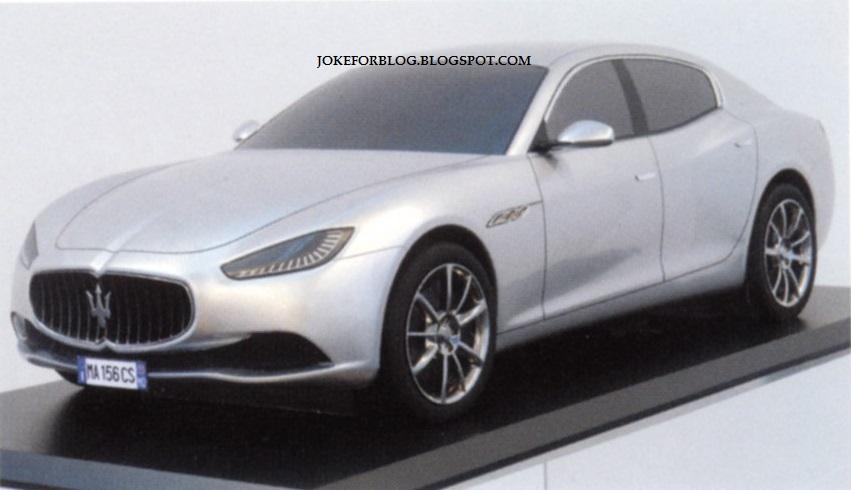
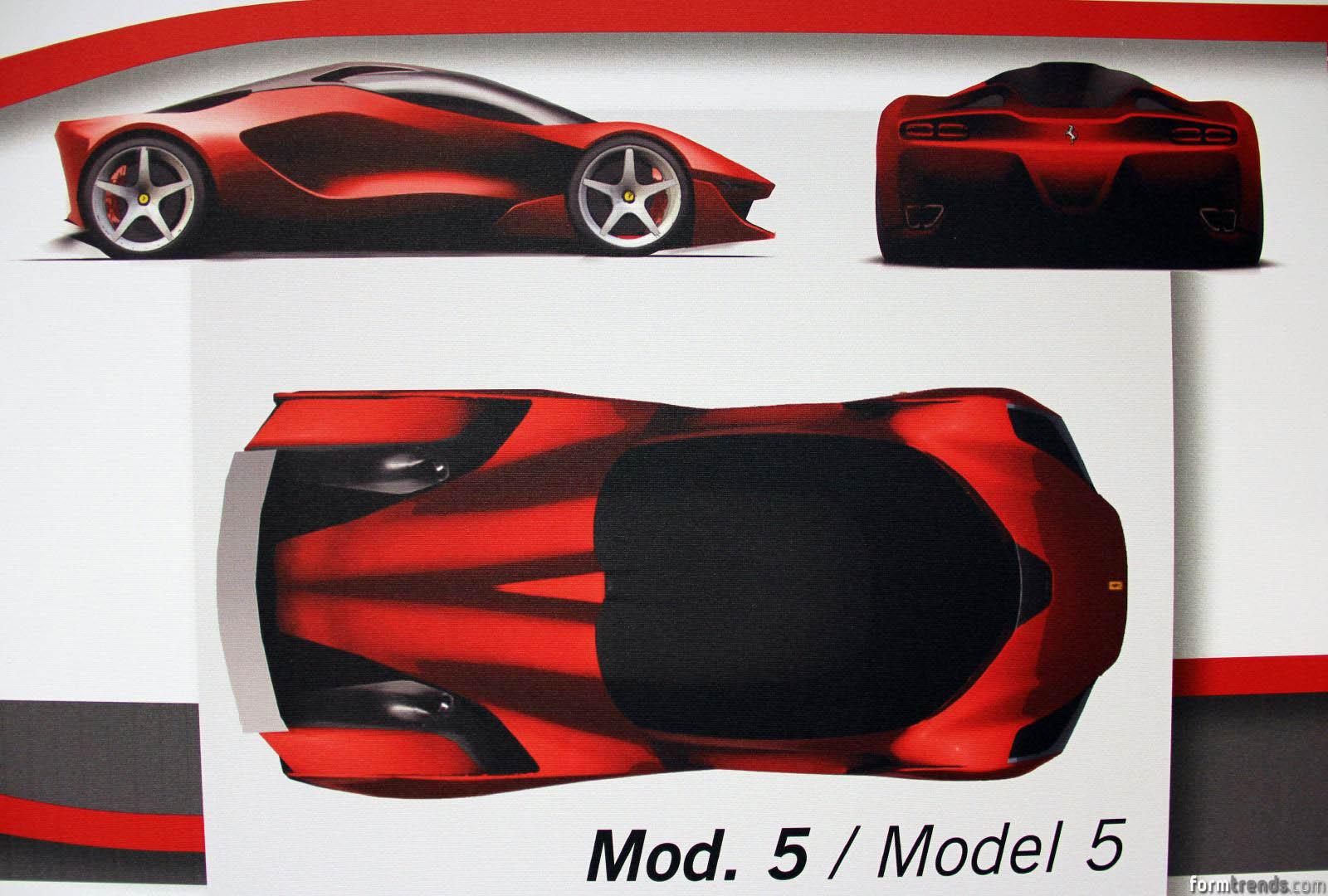
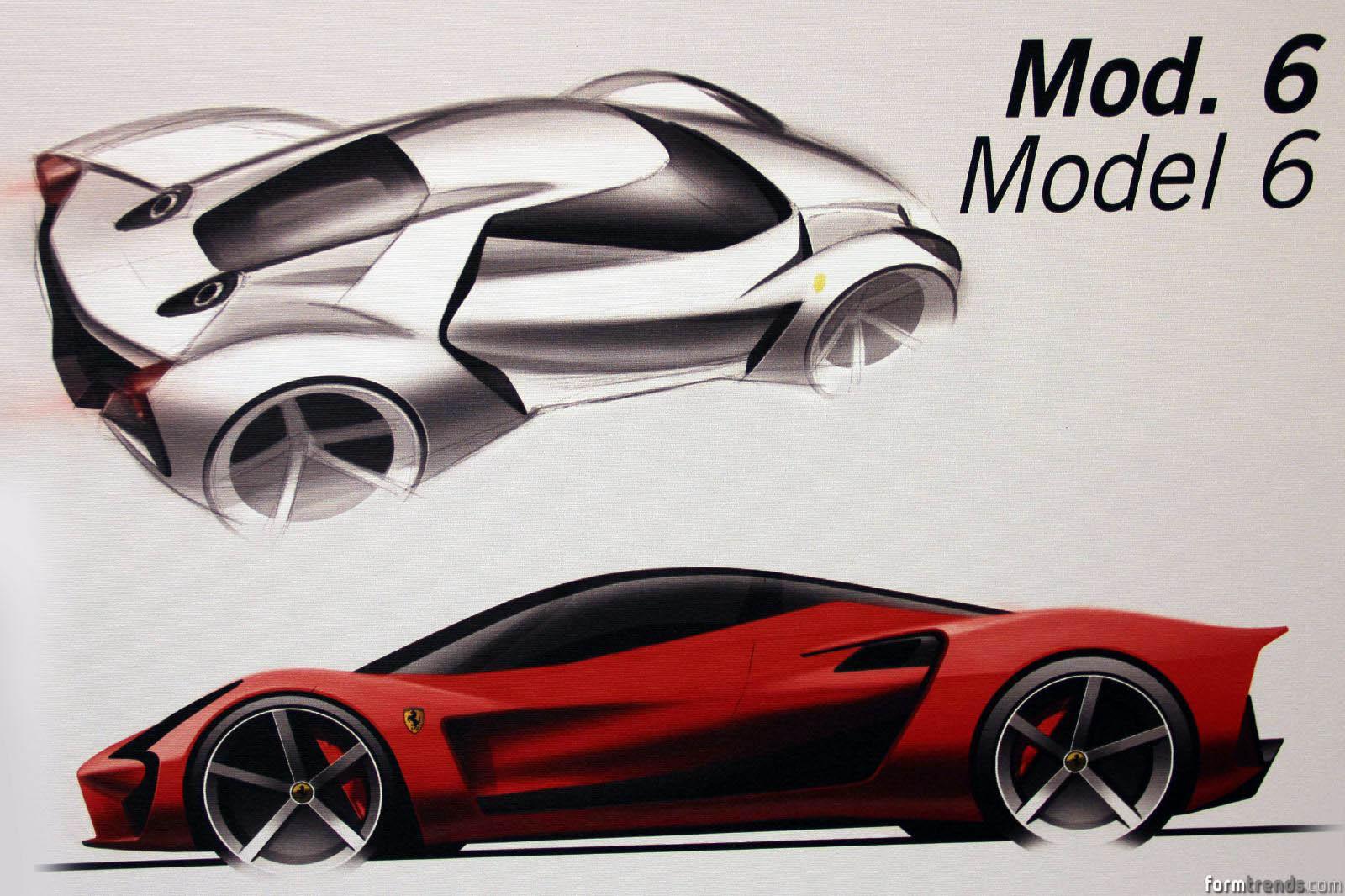
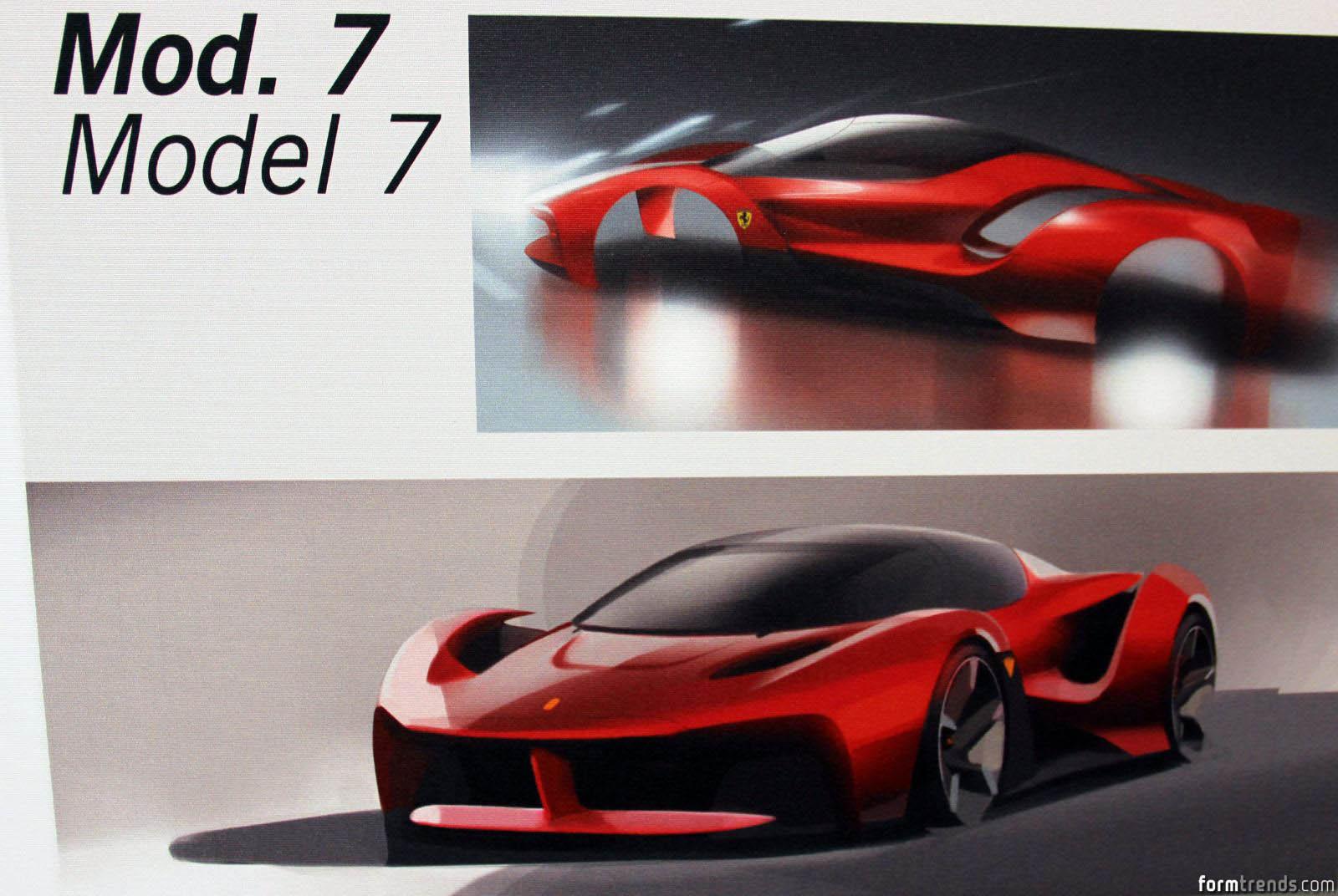
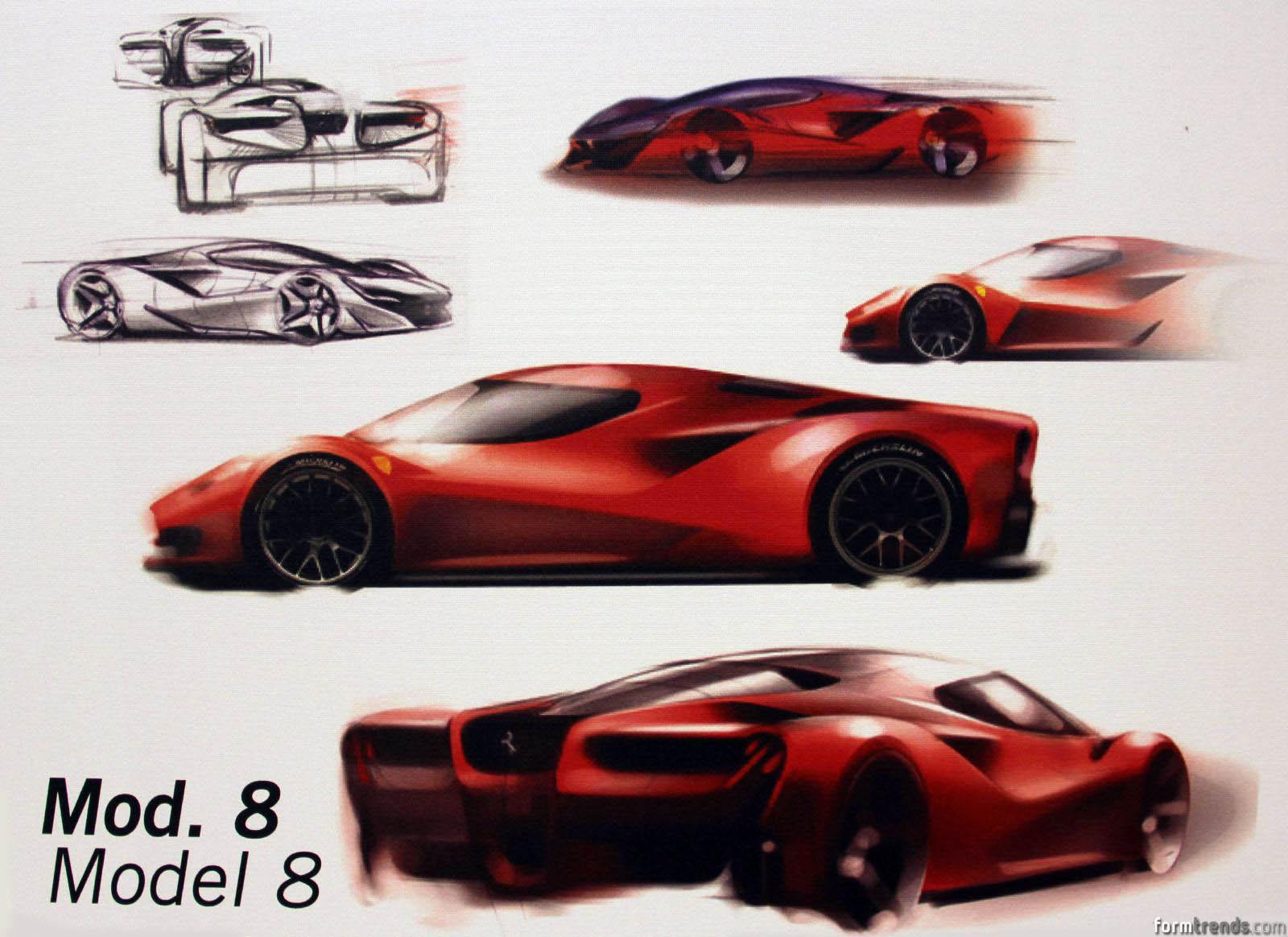
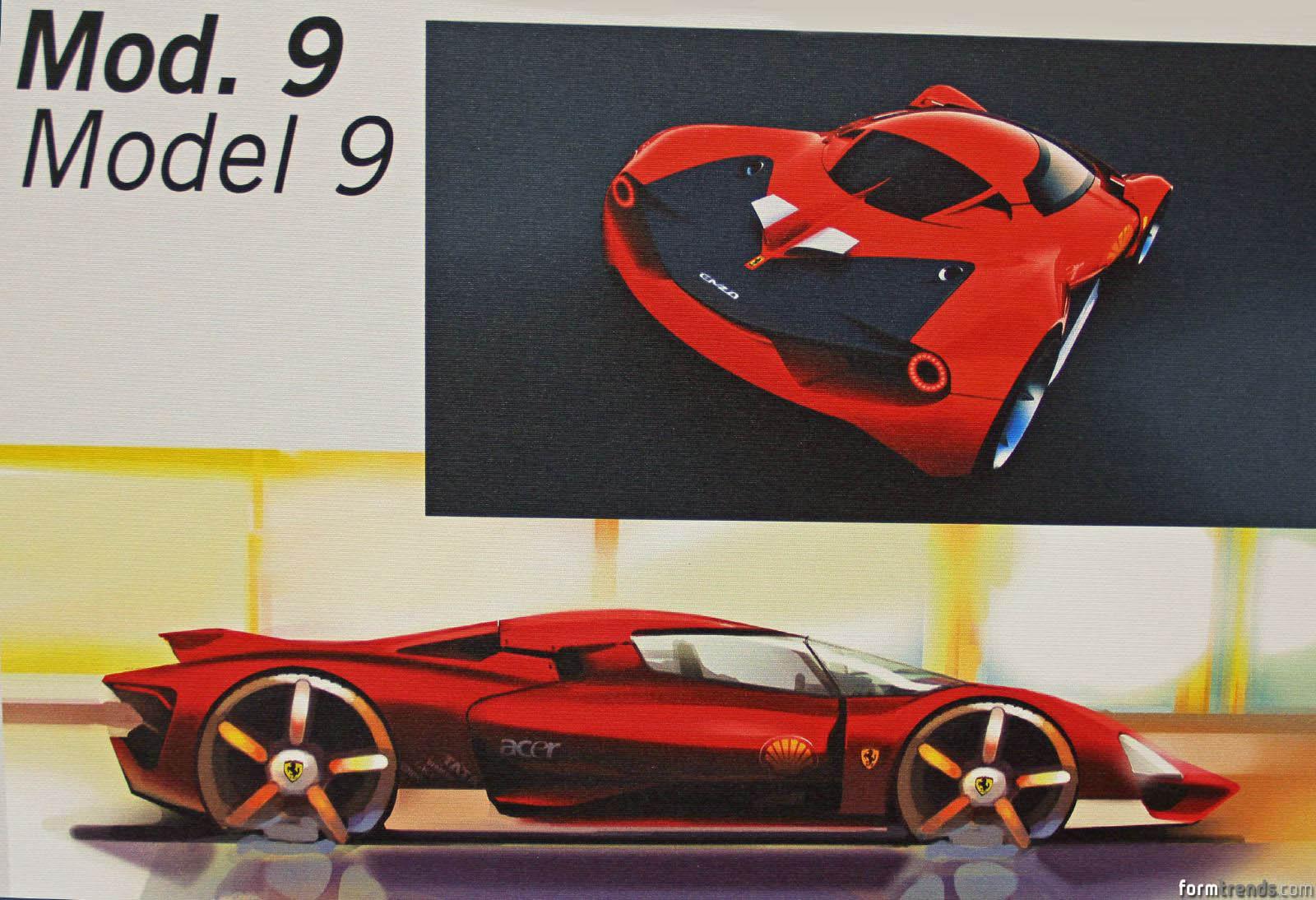
apro questa discussione per raggruppare tutte le foto trovate nel forum e in rete di proposte di stile, prototipi etc. Alfa Romeo Spider Zagato Porsche 911 quattroporte Porsche C88 Ford Probe Renault Twingo Rover RD60 (Rover 25/45) Austin AR6 (Metro) Citroen C6 (1998-2001) Citroen AX Citroen XM Palace VW Corrado Honda Insight Renault Espace I Lamborghini Diablo Range Rover Inizio con queste...






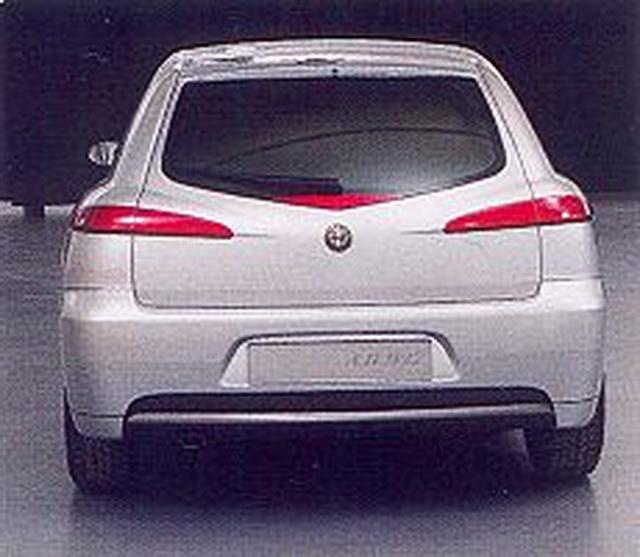
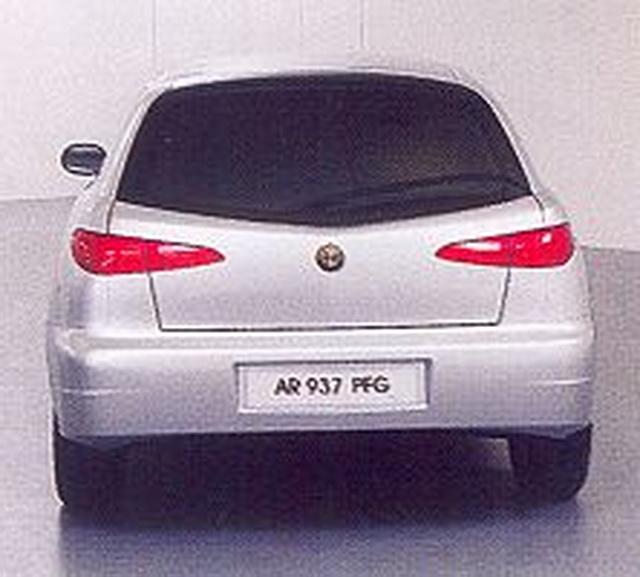
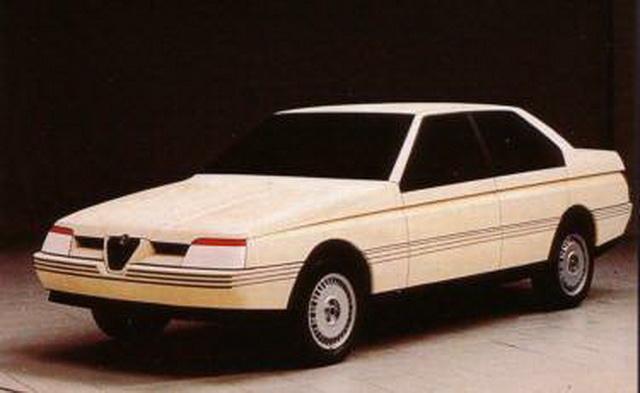
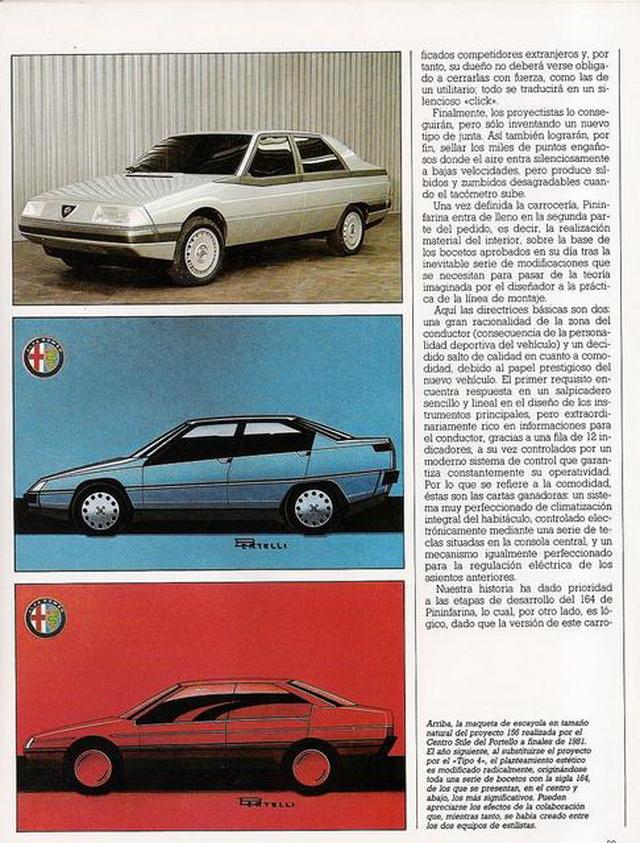
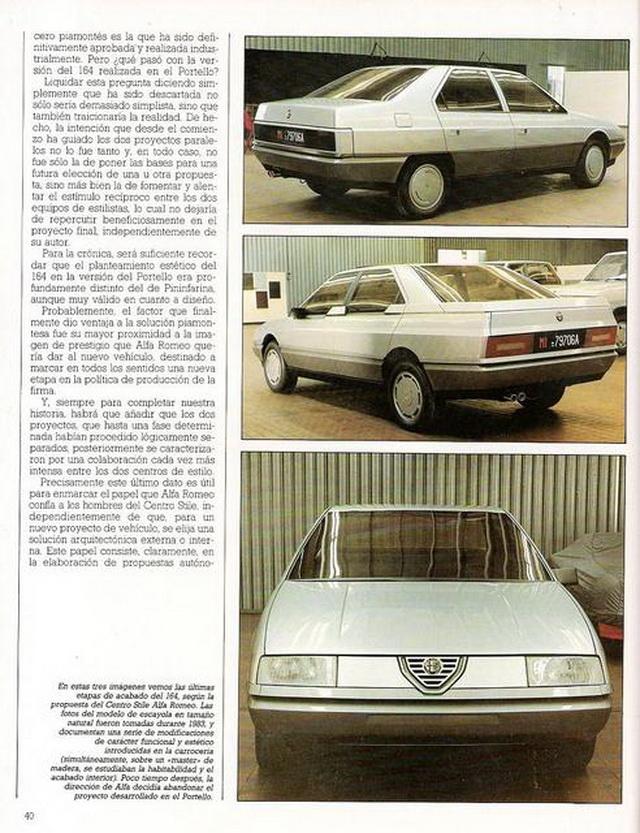
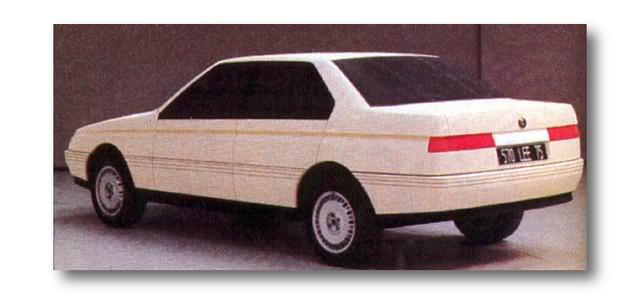
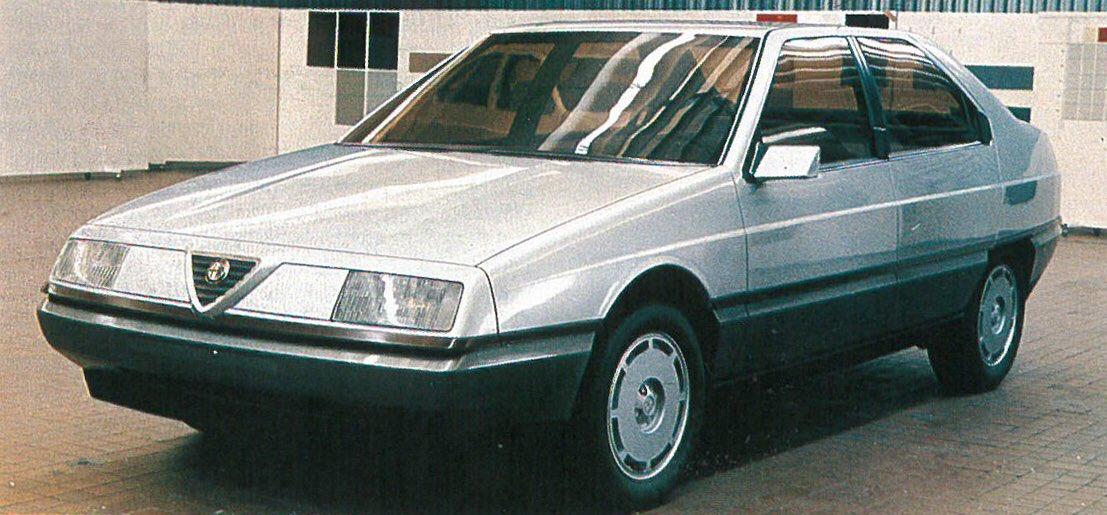
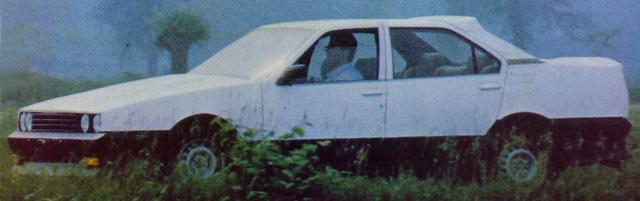



Account
Navigation
Cerca
Configure browser push notifications
Chrome (Android)
- Tap the lock icon next to the address bar.
- Tap Permissions → Notifications.
- Adjust your preference.
Chrome (Desktop)
- Click the padlock icon in the address bar.
- Select Site settings.
- Find Notifications and adjust your preference.
Safari (iOS 16.4+)
- Ensure the site is installed via Add to Home Screen.
- Open Settings App → Notifications.
- Find your app name and adjust your preference.
Safari (macOS)
- Go to Safari → Preferences.
- Click the Websites tab.
- Select Notifications in the sidebar.
- Find this website and adjust your preference.
Edge (Android)
- Tap the lock icon next to the address bar.
- Tap Permissions.
- Find Notifications and adjust your preference.
Edge (Desktop)
- Click the padlock icon in the address bar.
- Click Permissions for this site.
- Find Notifications and adjust your preference.
Firefox (Android)
- Go to Settings → Site permissions.
- Tap Notifications.
- Find this site in the list and adjust your preference.
Firefox (Desktop)
- Open Firefox Settings.
- Search for Notifications.
- Find this site in the list and adjust your preference.