





super pax
Utente Registrato
-
Iscritto il
-
Ultima visita
Tutti i contenuti di super pax
-
Promessa mantenuta Porsche Boxster concept Porsche Boxster Peugeot 20 cuoer 206 cc



 Infatti col gommone è meglio
 Per cambiarla alla punto 176 mi presto la chiave il meccanico.Posto qui visto la temporanea chiusura del topic riguardante i prossimi modelli Fiat. https://passioneautoitaliane.blogspot.it/2017/10/imminente-annuncio-fiat.html?m=1 http://www.ibtimes.co.in/fiat-punto- successor-likely-be-called-primo-feature-design-blend-tipo-argo-746100 Nei corridoiA mecânica das emoções
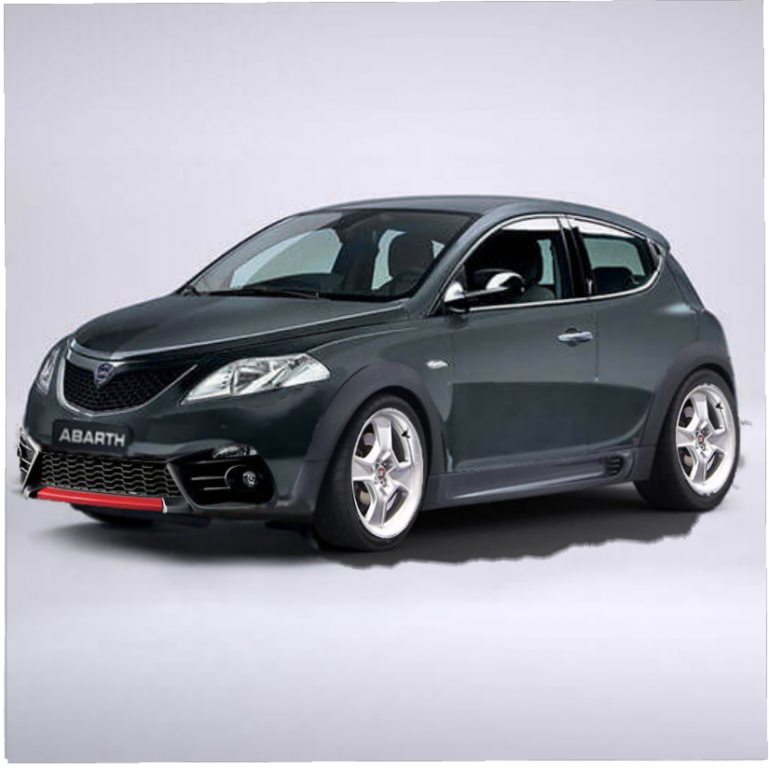
 È un mashup di Giulietta Stelvio e 500x....EDIT.In allestimento sportivo Balocco
 Famosa hit anni 90 ....
 super pax ha risposto a messaggio nella discussione in Fotoritocchi di Automobili e Proposte di Designsuper pax ha risposto a messaggio nella discussione in Fotoritocchi di Automobili e Proposte di Design
























Account
Navigation
Cerca
Configure browser push notifications
Chrome (Android)
- Tap the lock icon next to the address bar.
- Tap Permissions → Notifications.
- Adjust your preference.
Chrome (Desktop)
- Click the padlock icon in the address bar.
- Select Site settings.
- Find Notifications and adjust your preference.
Safari (iOS 16.4+)
- Ensure the site is installed via Add to Home Screen.
- Open Settings App → Notifications.
- Find your app name and adjust your preference.
Safari (macOS)
- Go to Safari → Preferences.
- Click the Websites tab.
- Select Notifications in the sidebar.
- Find this website and adjust your preference.
Edge (Android)
- Tap the lock icon next to the address bar.
- Tap Permissions.
- Find Notifications and adjust your preference.
Edge (Desktop)
- Click the padlock icon in the address bar.
- Click Permissions for this site.
- Find Notifications and adjust your preference.
Firefox (Android)
- Go to Settings → Site permissions.
- Tap Notifications.
- Find this site in the list and adjust your preference.
Firefox (Desktop)
- Open Firefox Settings.
- Search for Notifications.
- Find this site in the list and adjust your preference.