






Damynavy
Utente Registrato
-
Iscritto il
Tutti i contenuti di Damynavy
-
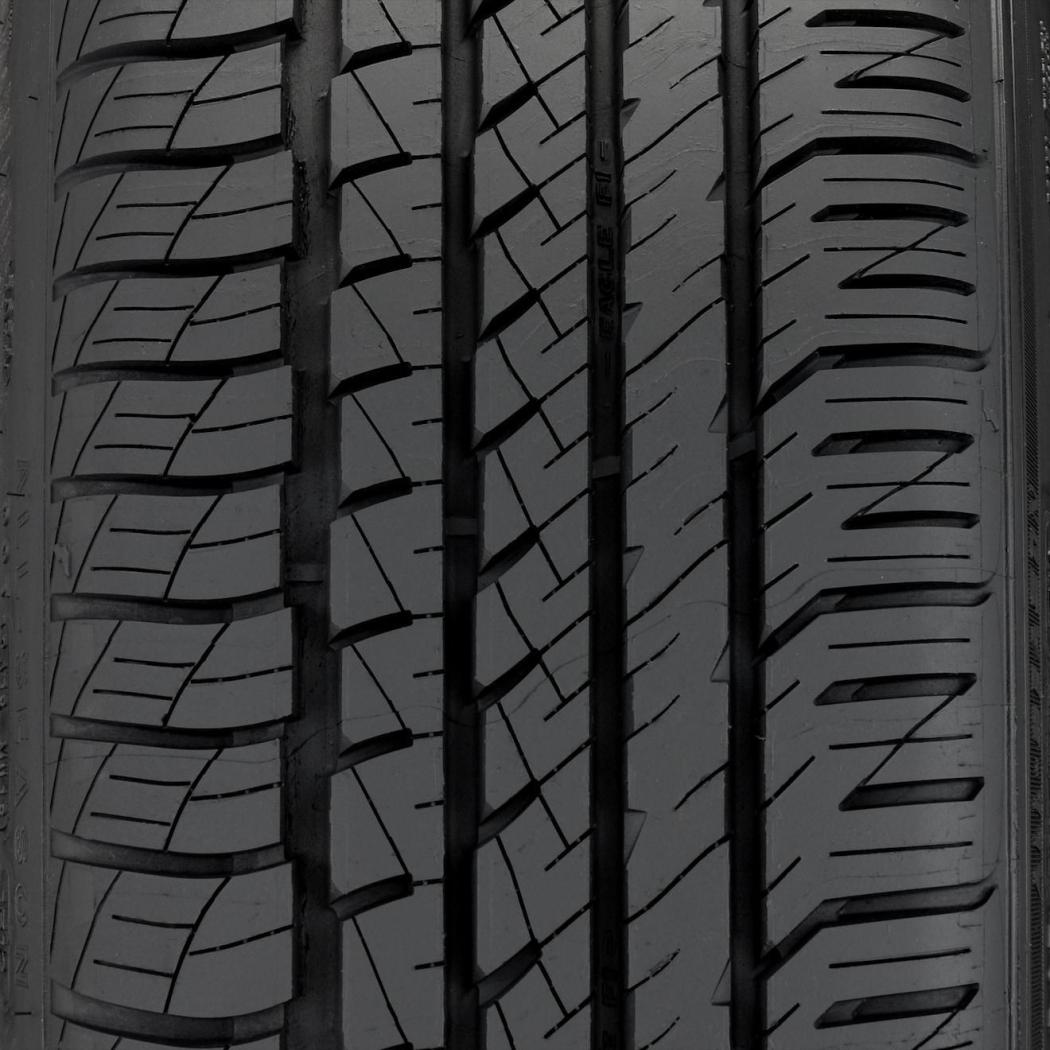
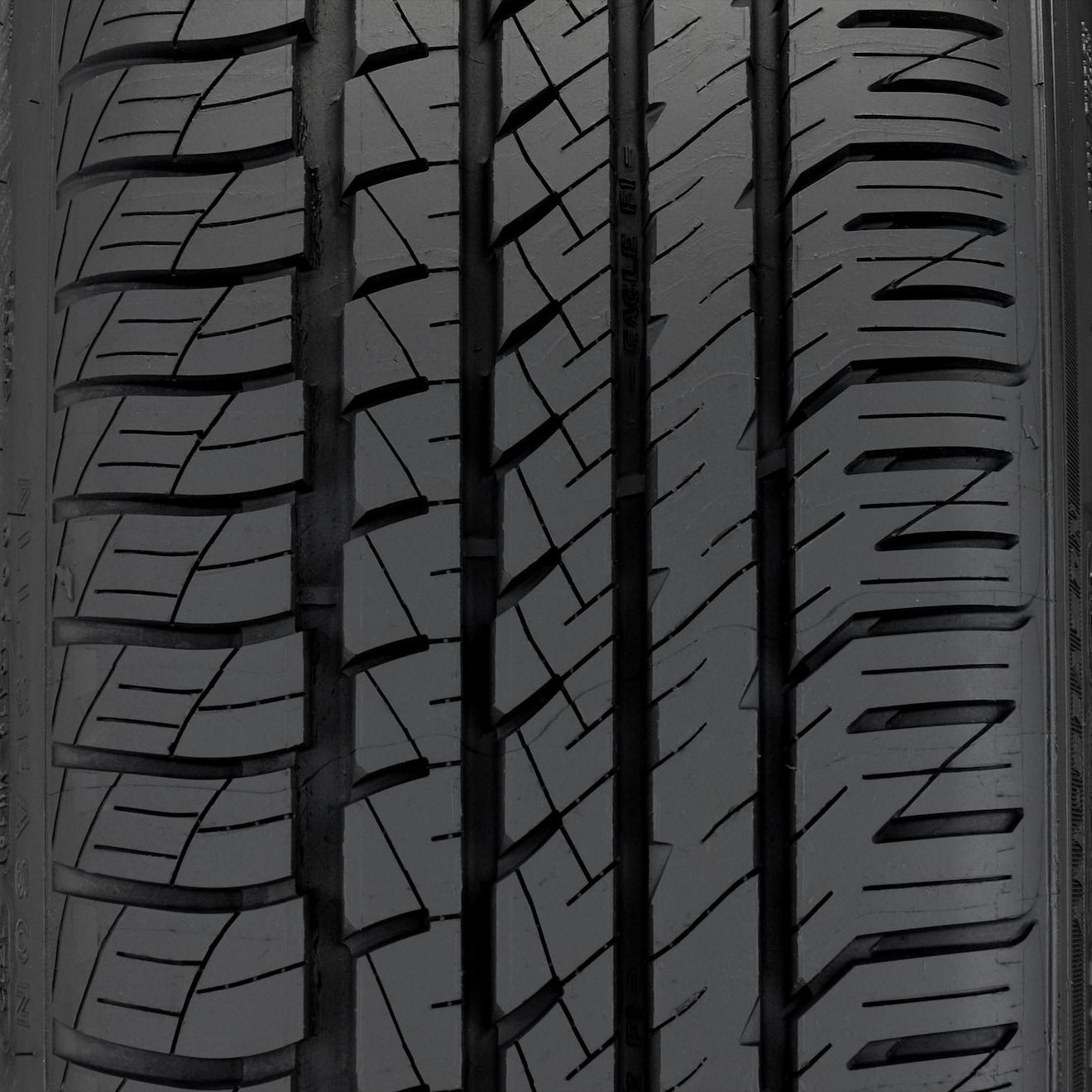
Io, monto le Goodyear Eagle F1 asymmetric da 19". Per l'uso che ne faccio, vanno bene... https://tirereviewsandmore.com/top-10-high-performance-all-season-tires/ Le "estive".
 È una delle ipotesi...https://www.fanpage.it/milano/aereo-caduto-a-milano-in-un-video-si-vede-lo-schianto-il-pilatus-cade-in-picchiata-e-poi-esplode/
 Quelli, che portavo dietro io, erano "leggermente" diversi. Certe facce...😂 Molto belli gli occhiali.Ottimo!È un nuovo "servizio a pagamento" di Ryanair? (Chiedo per un amico...😂) https://www.ilmattino.it/societa/persone/sesso_ryanair_aereo_video-6209572.htmlNegli Stati Uniti, c'è un "campionato di scalata"😂All'inizio del video, un raro atterraggio di "traverso". Pochi al mondo, sono in grado di eseguirlo...😂








Account
Navigation
Cerca
Configure browser push notifications
Chrome (Android)
- Tap the lock icon next to the address bar.
- Tap Permissions → Notifications.
- Adjust your preference.
Chrome (Desktop)
- Click the padlock icon in the address bar.
- Select Site settings.
- Find Notifications and adjust your preference.
Safari (iOS 16.4+)
- Ensure the site is installed via Add to Home Screen.
- Open Settings App → Notifications.
- Find your app name and adjust your preference.
Safari (macOS)
- Go to Safari → Preferences.
- Click the Websites tab.
- Select Notifications in the sidebar.
- Find this website and adjust your preference.
Edge (Android)
- Tap the lock icon next to the address bar.
- Tap Permissions.
- Find Notifications and adjust your preference.
Edge (Desktop)
- Click the padlock icon in the address bar.
- Click Permissions for this site.
- Find Notifications and adjust your preference.
Firefox (Android)
- Go to Settings → Site permissions.
- Tap Notifications.
- Find this site in the list and adjust your preference.
Firefox (Desktop)
- Open Firefox Settings.
- Search for Notifications.
- Find this site in the list and adjust your preference.