





(1)(1).png.9646bf5114d93a5280bda88264436f0b.png)
Osv
Reporter (Staff)
-
Iscritto il
-
Ultima visita
Tutti i contenuti di Osv
-
-
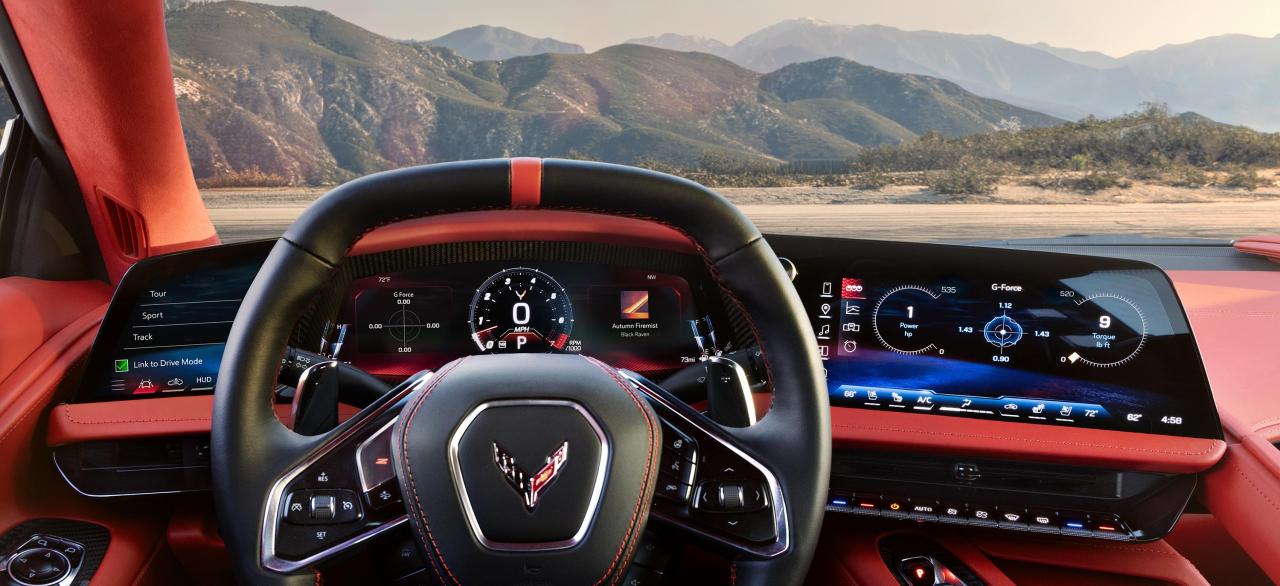
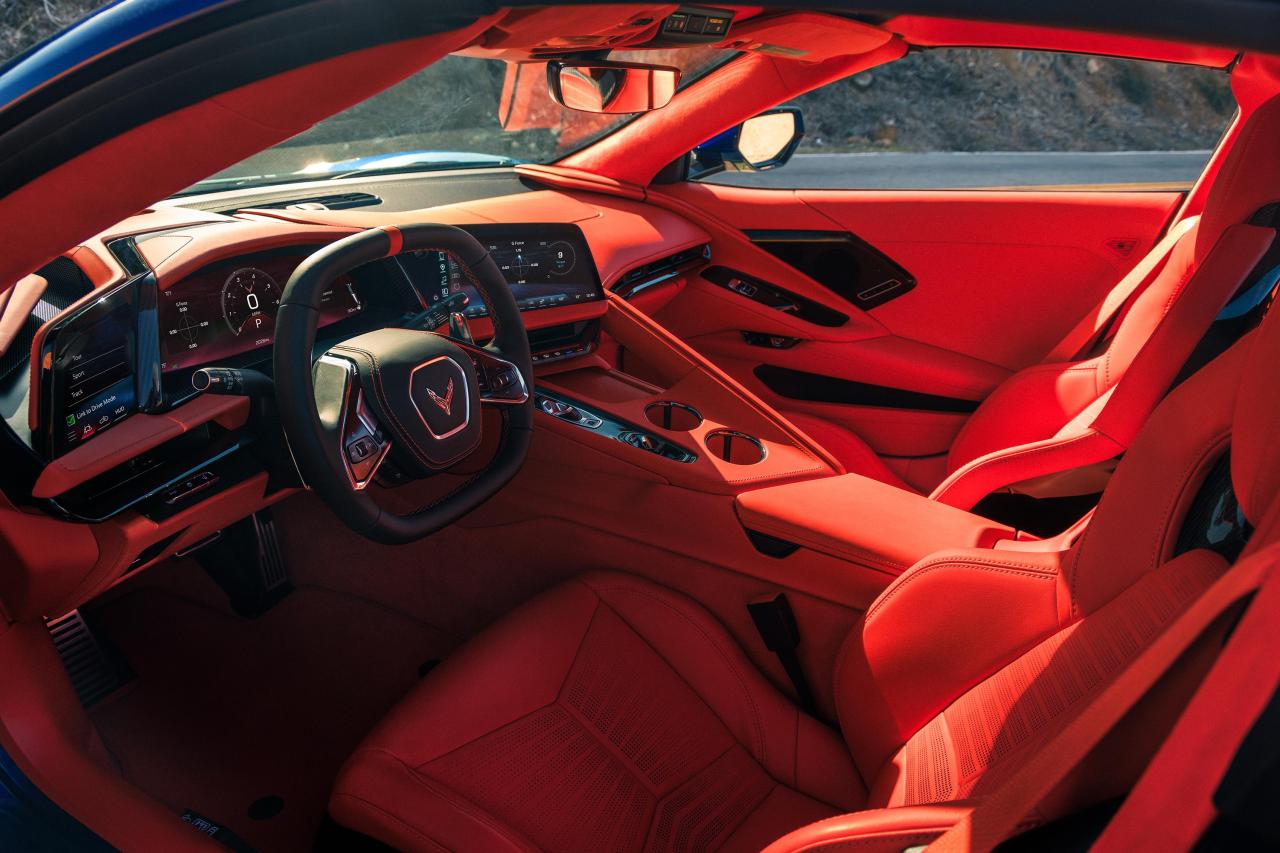
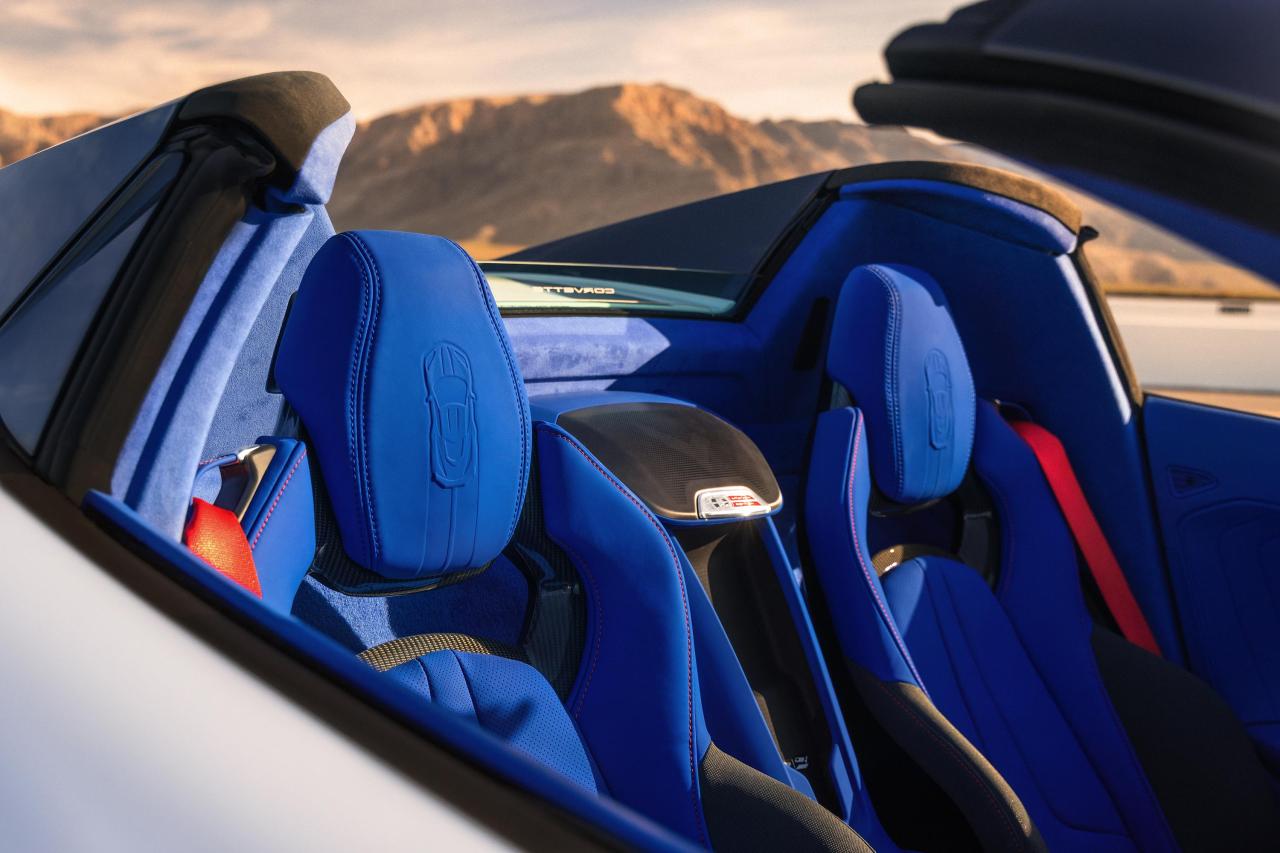
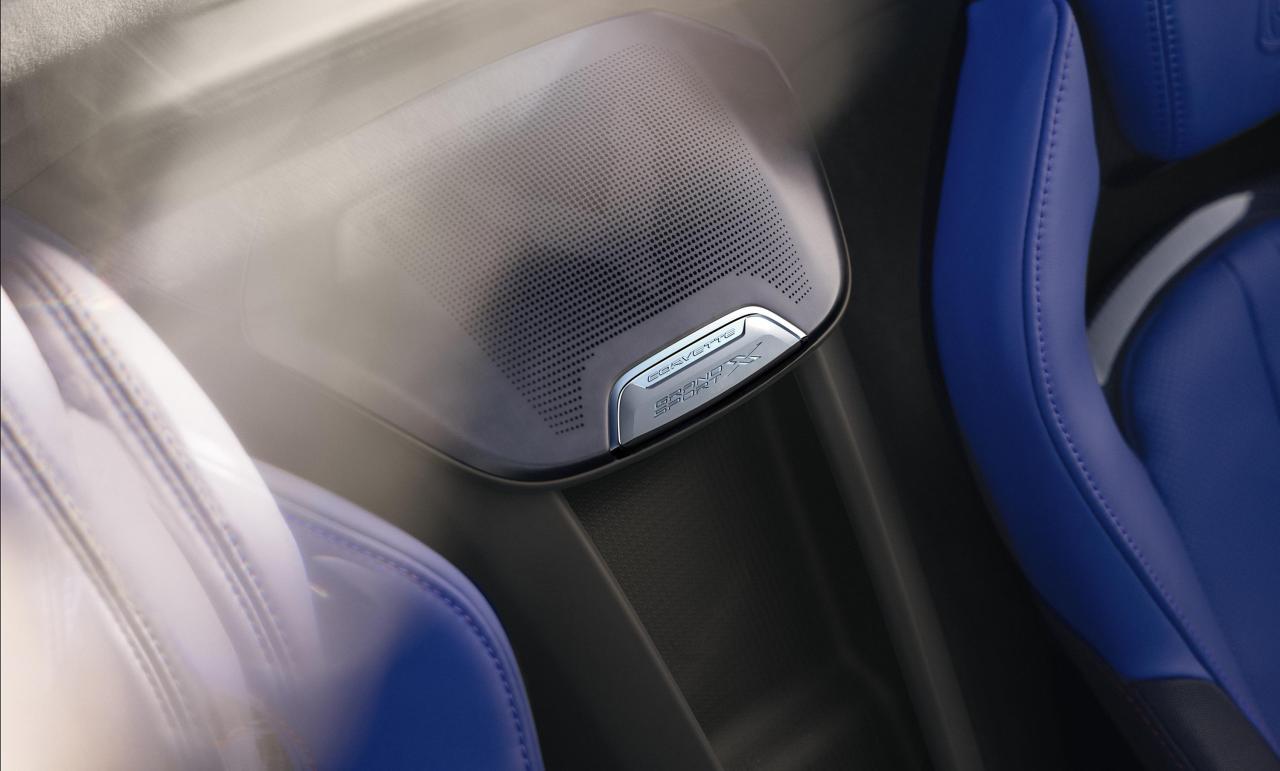
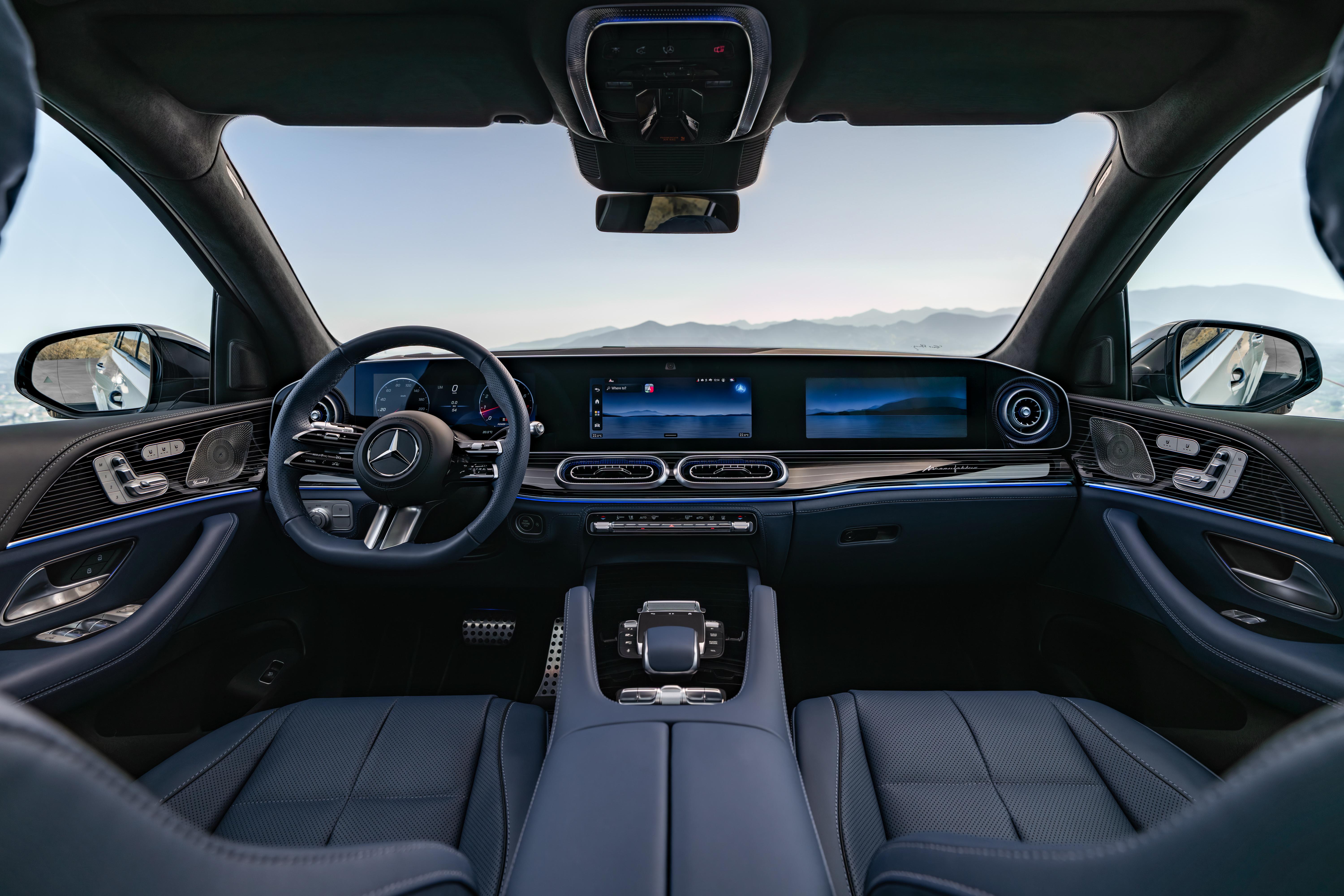
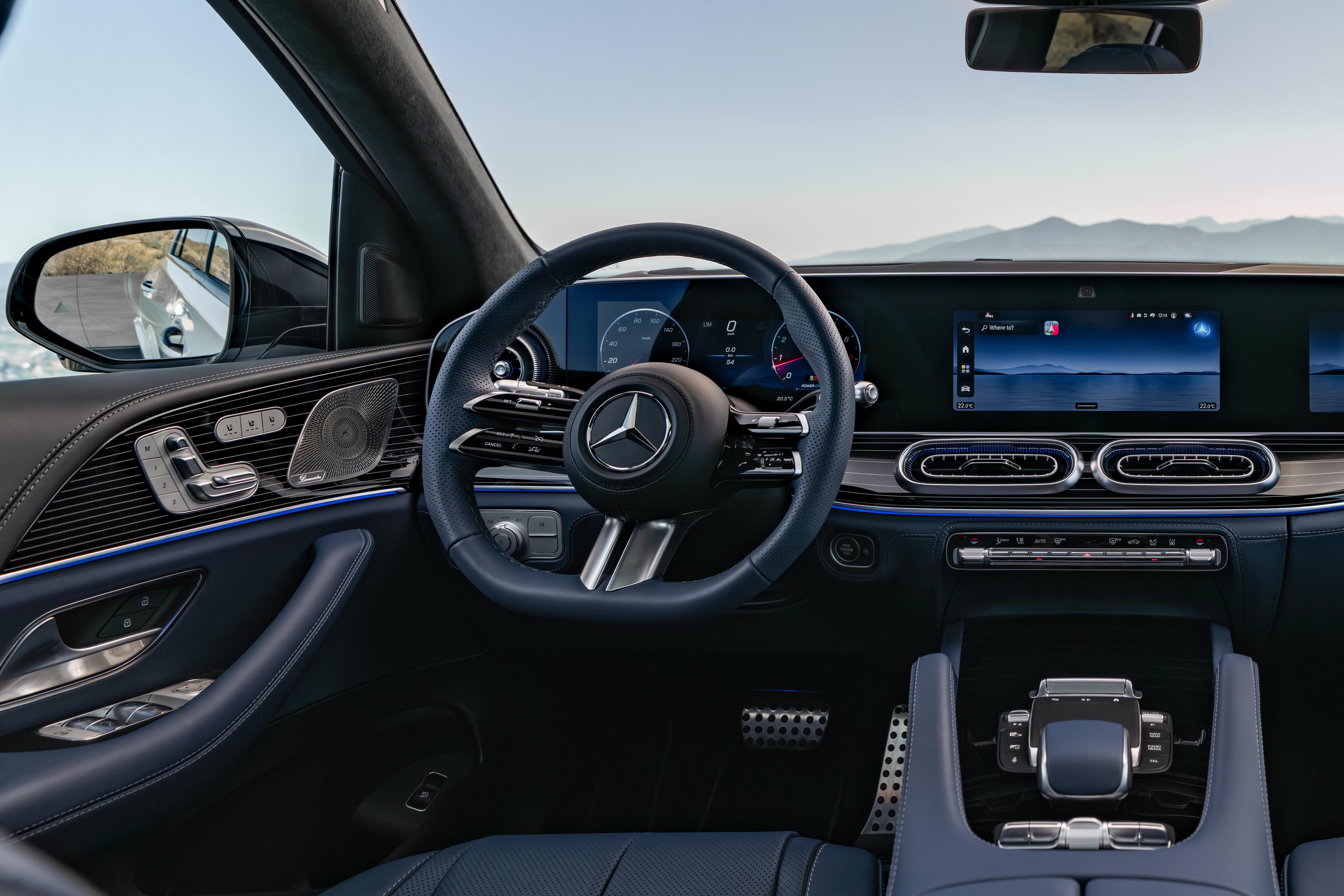
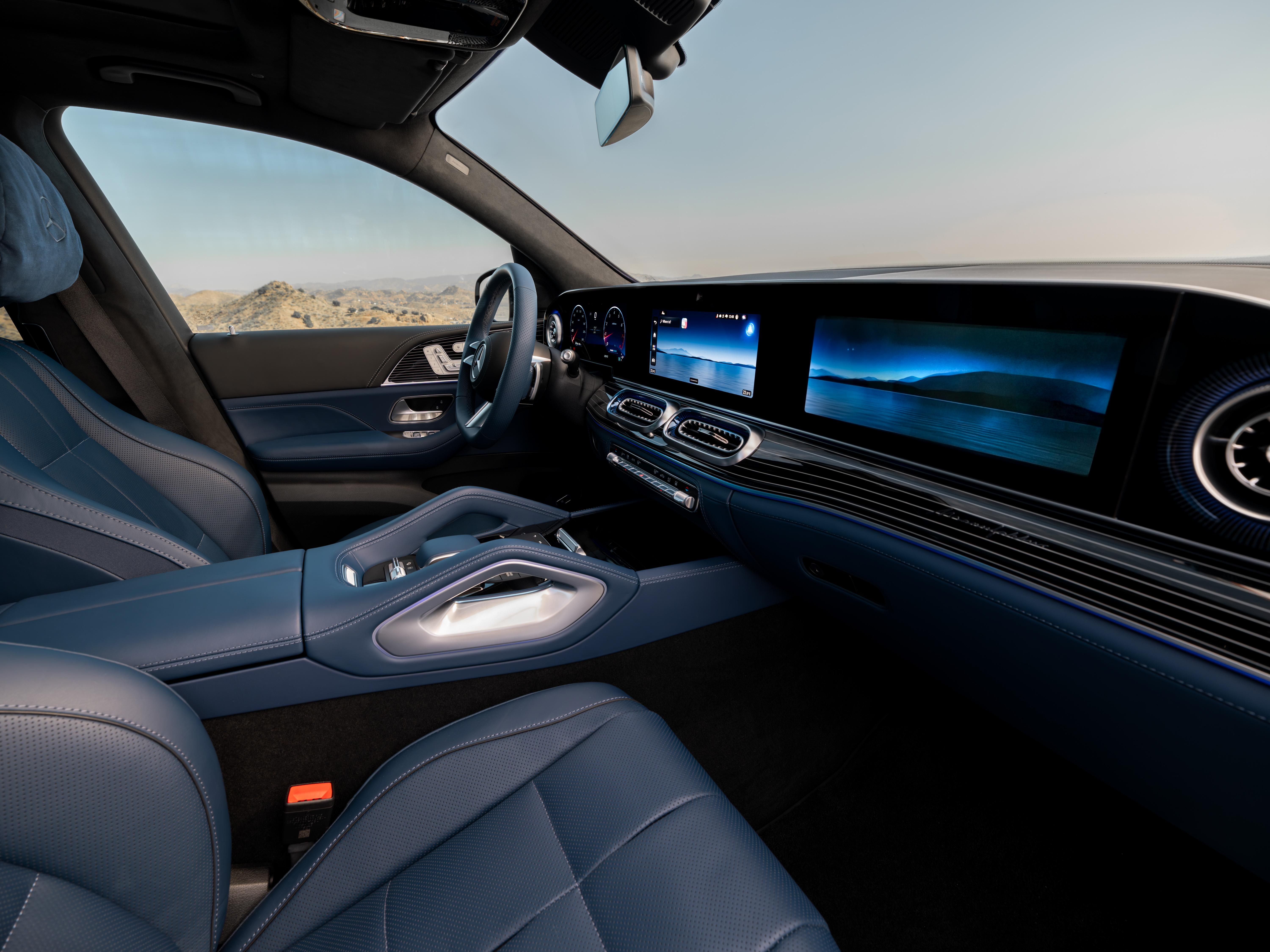
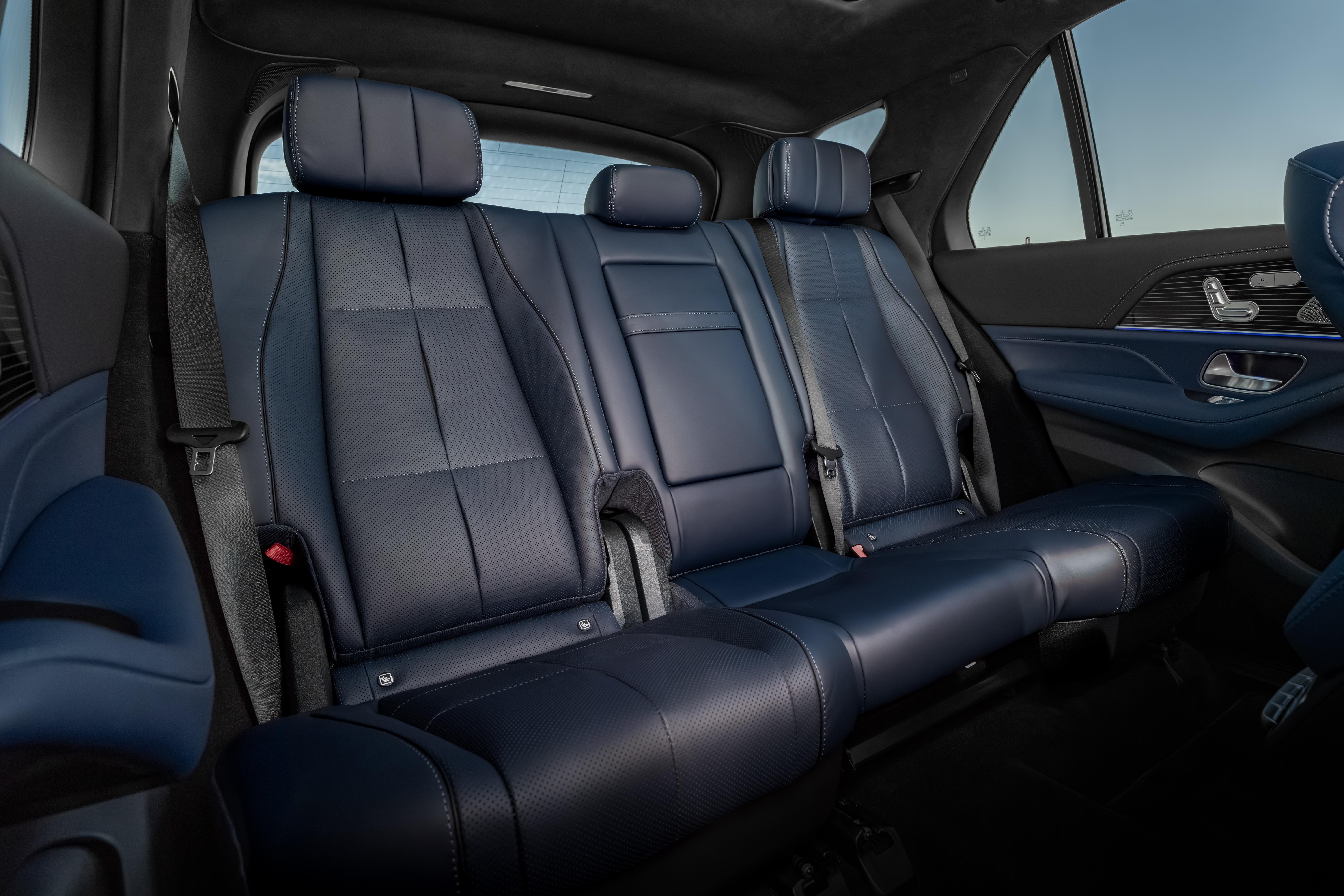
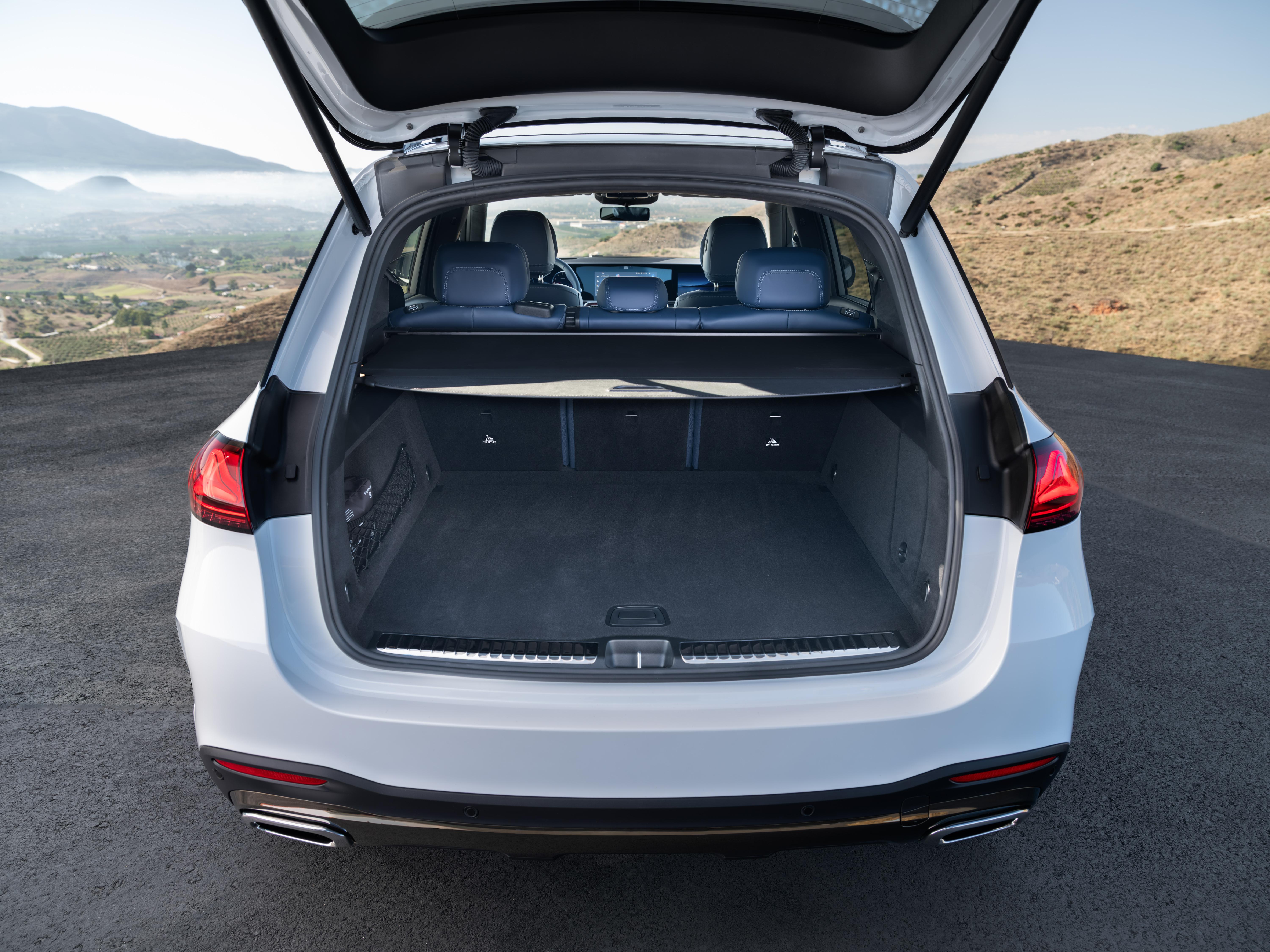
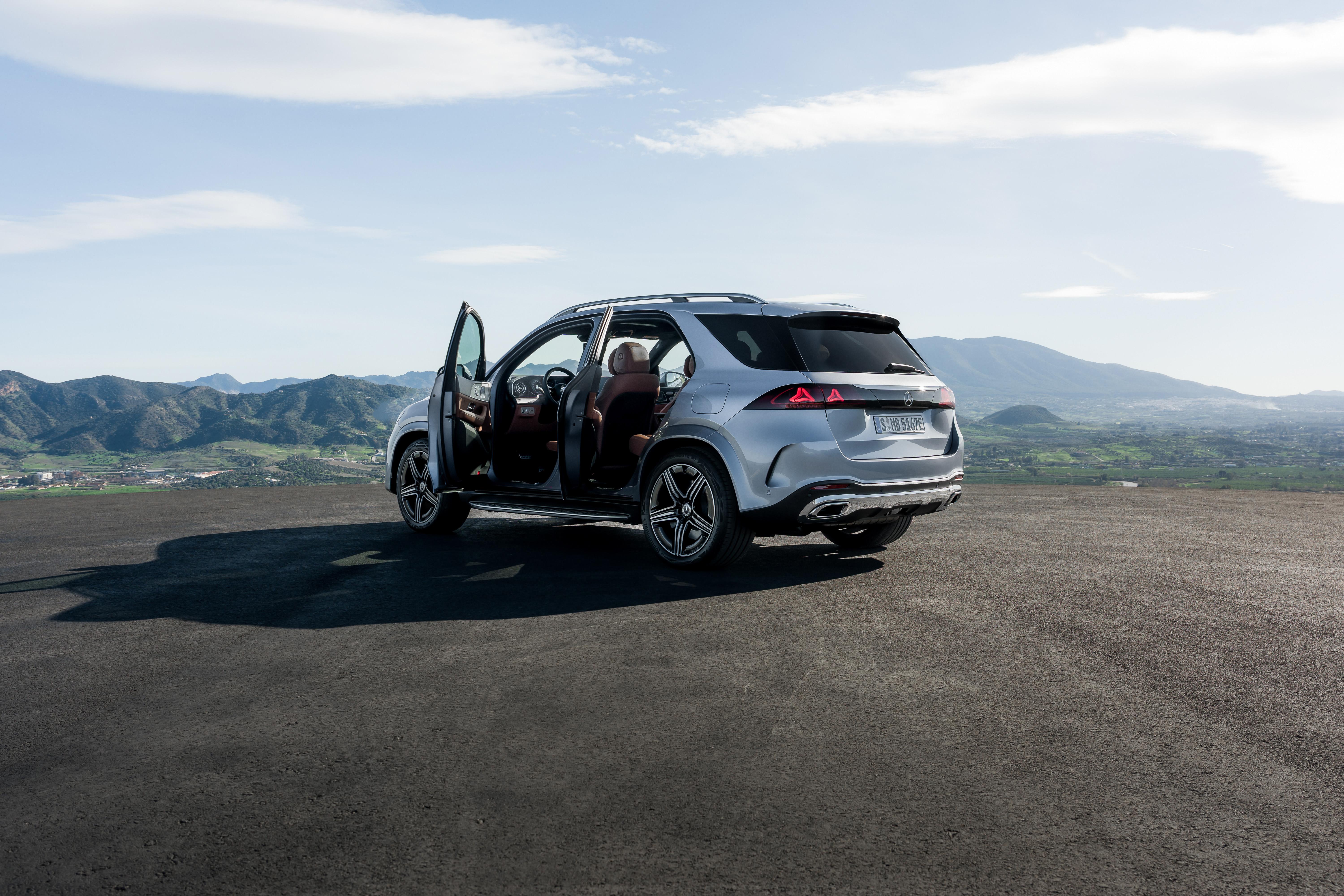
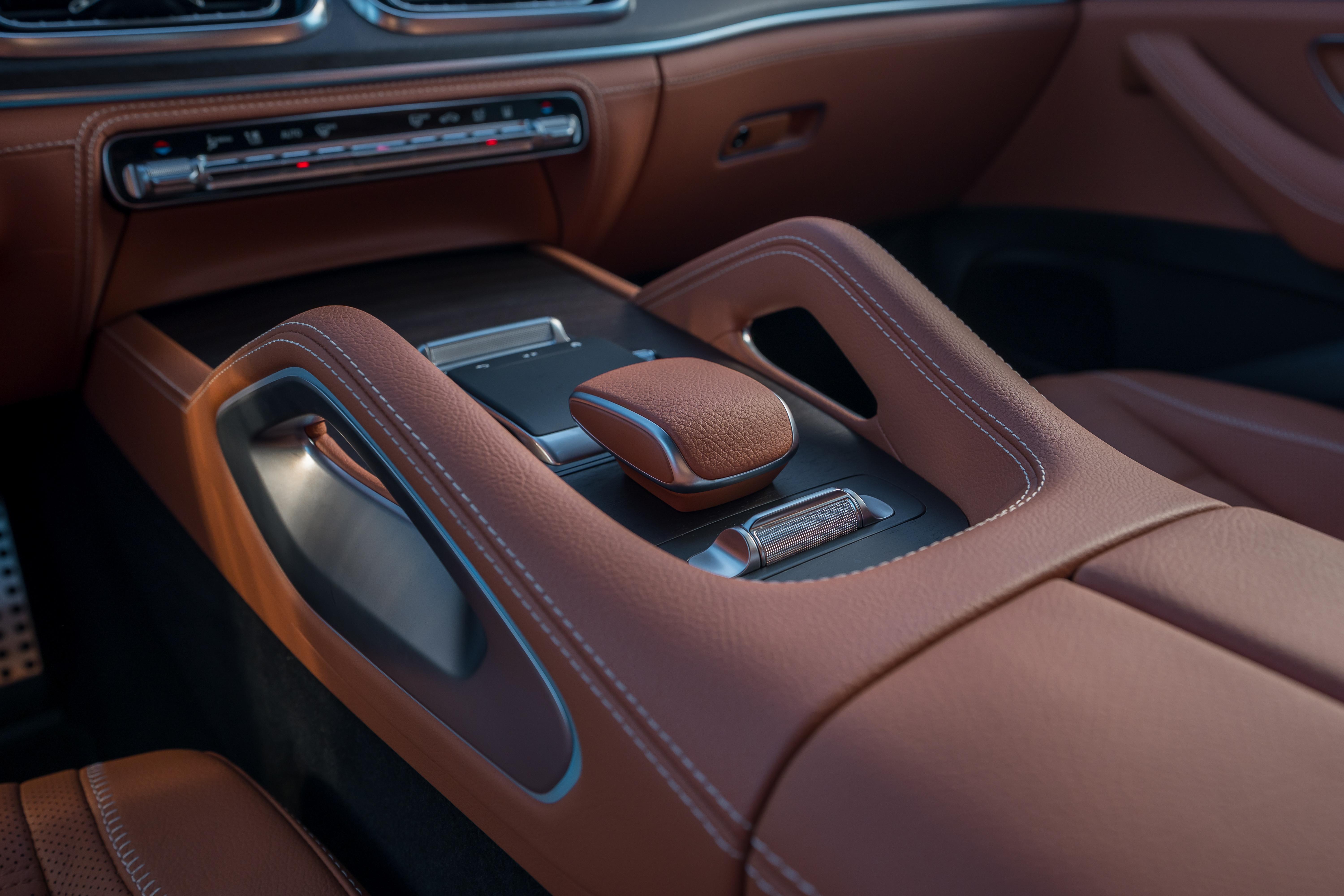
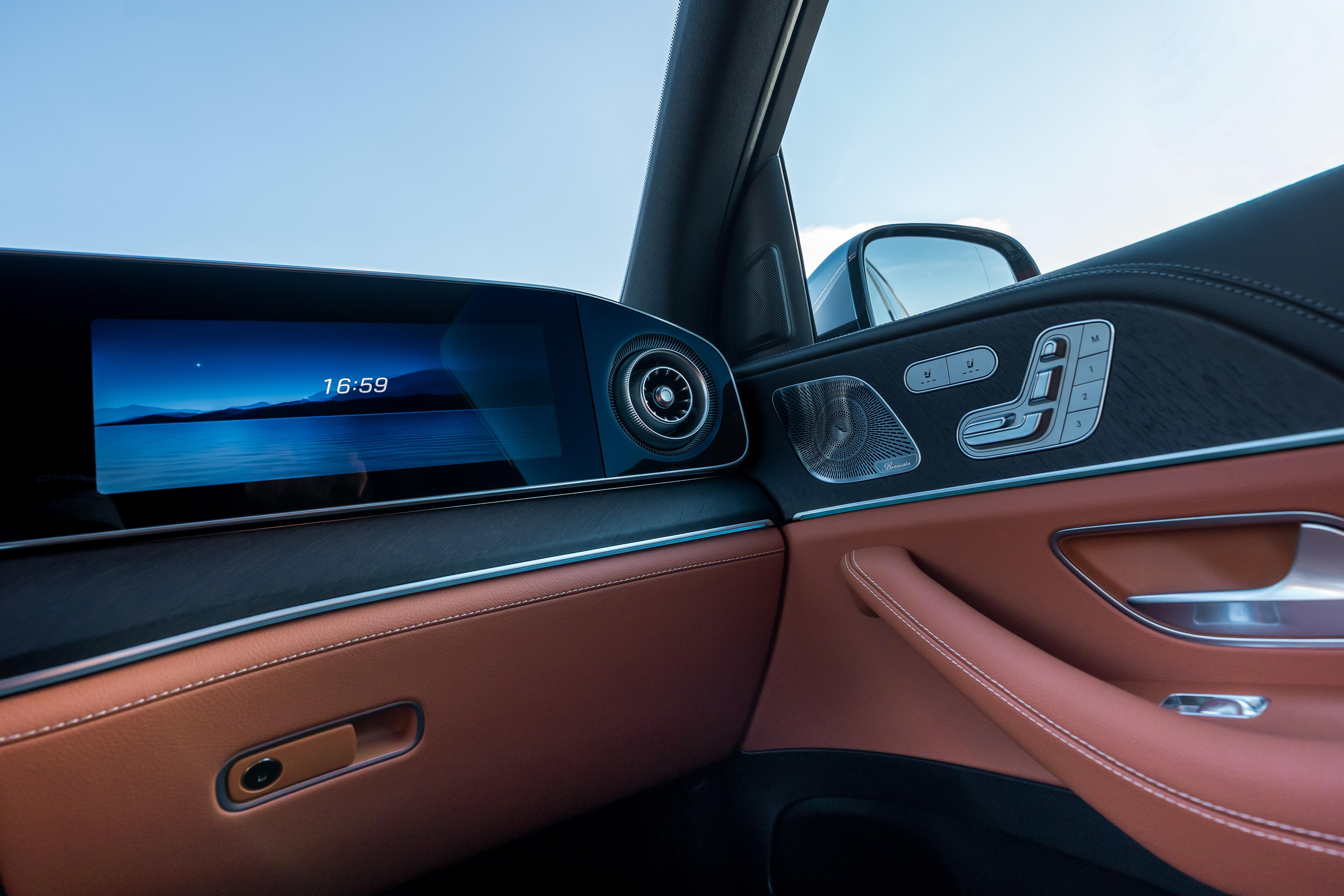
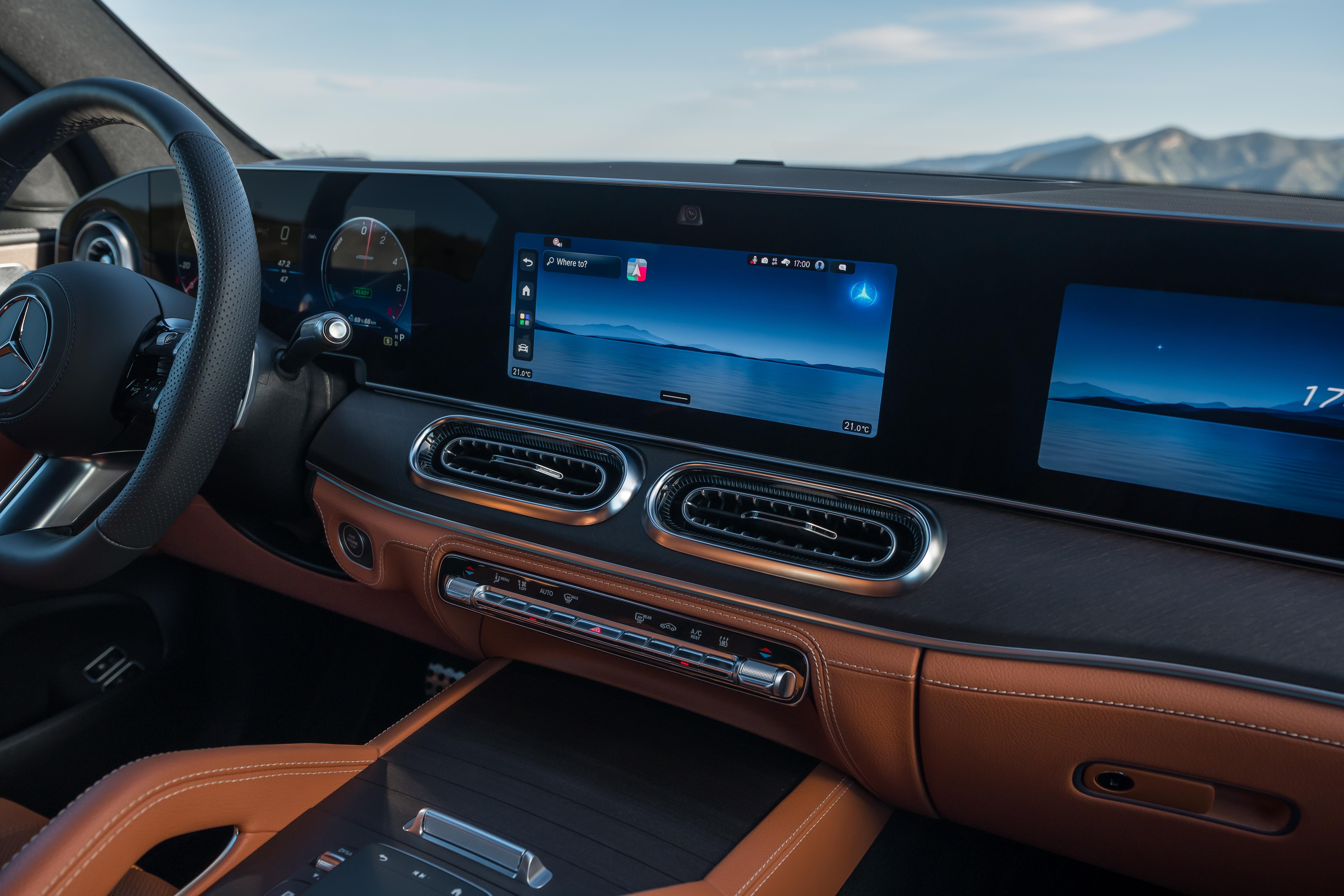
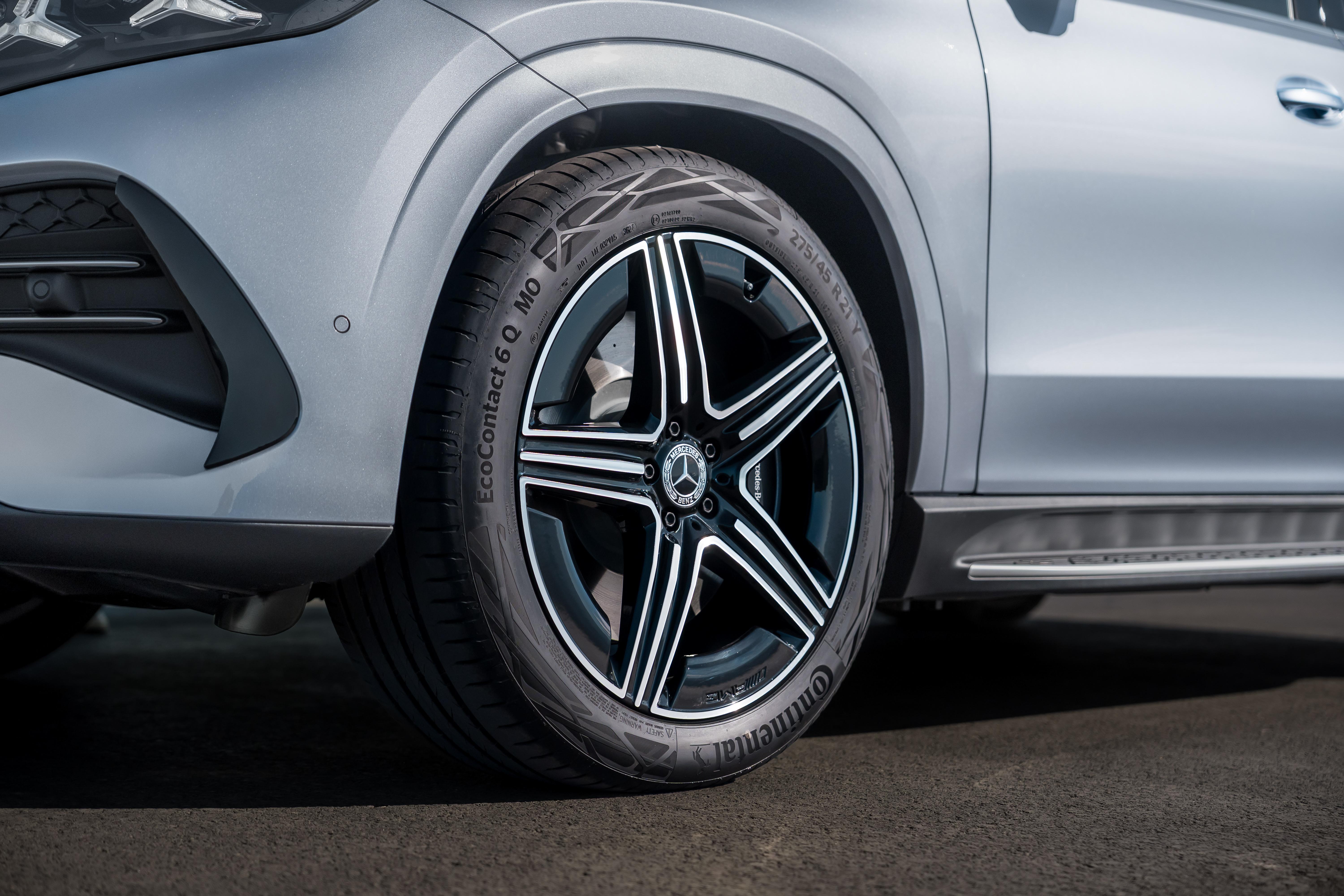
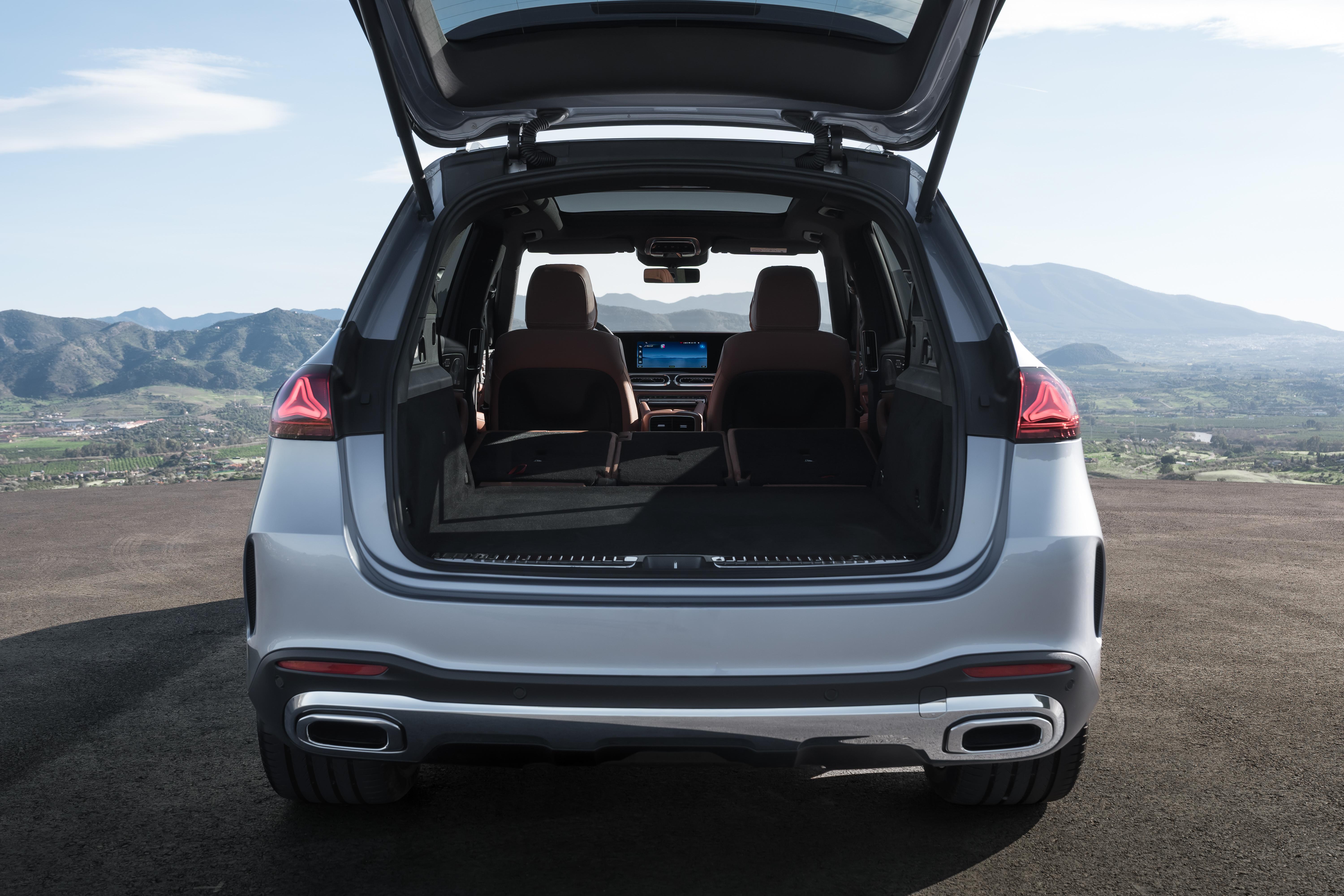
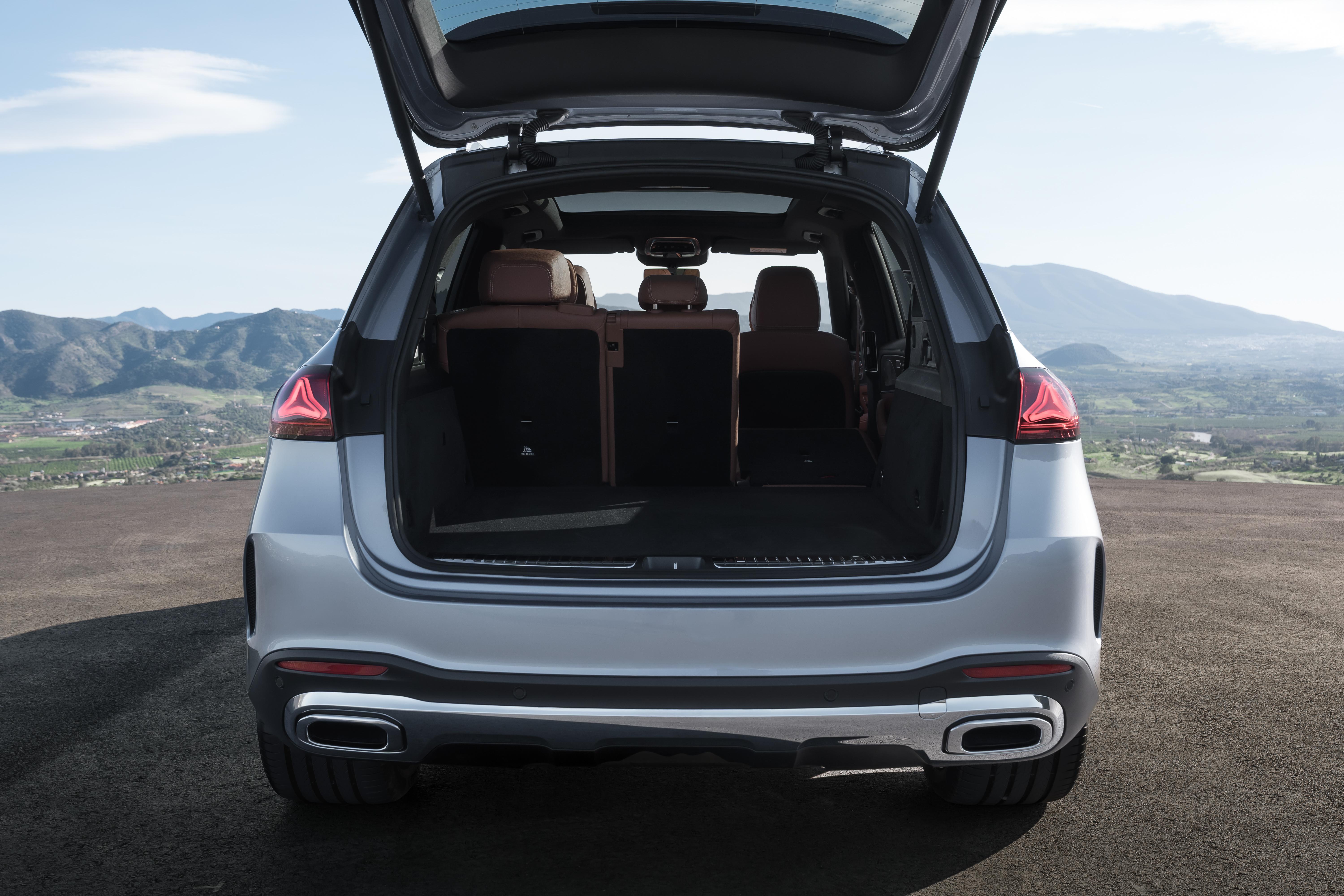
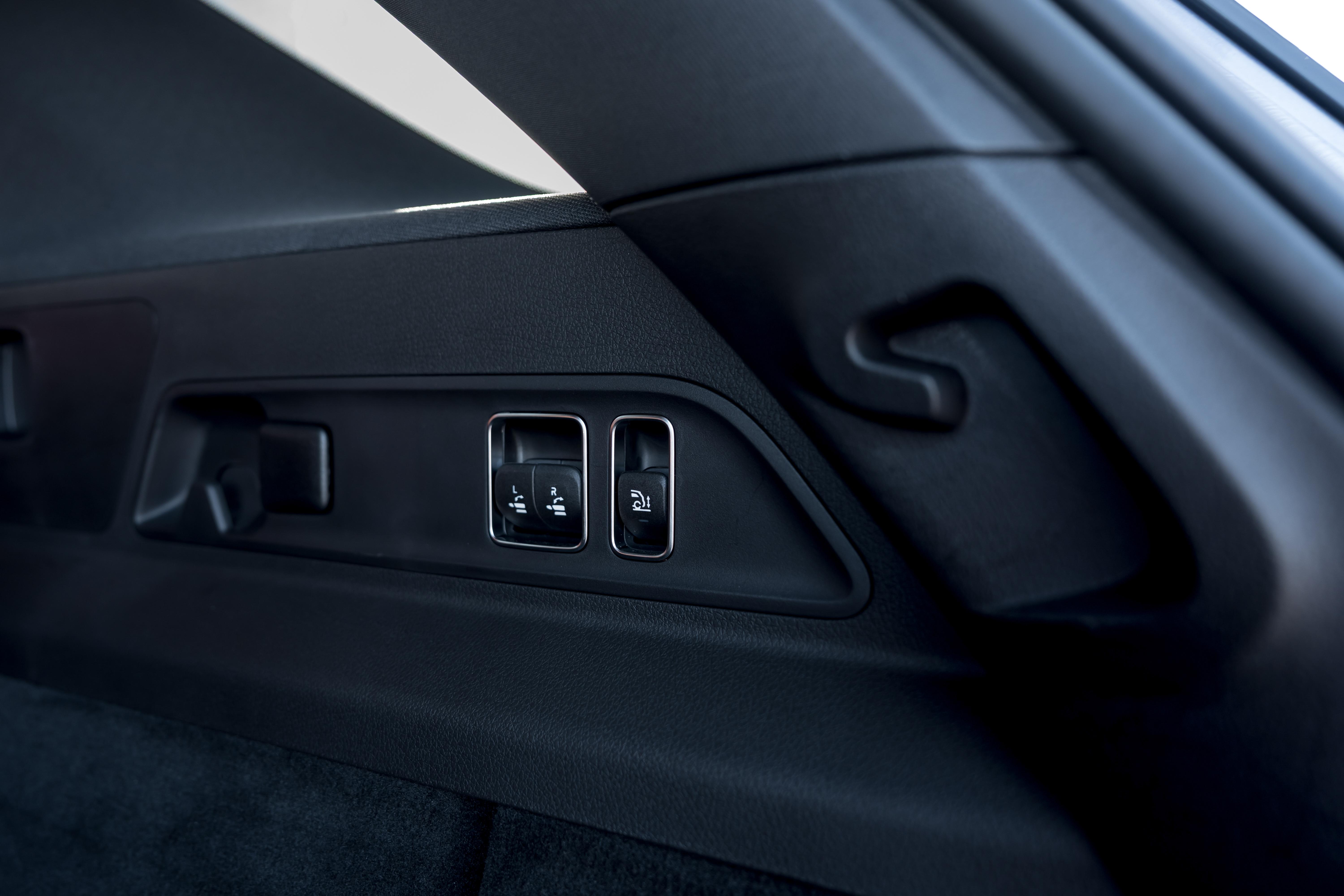
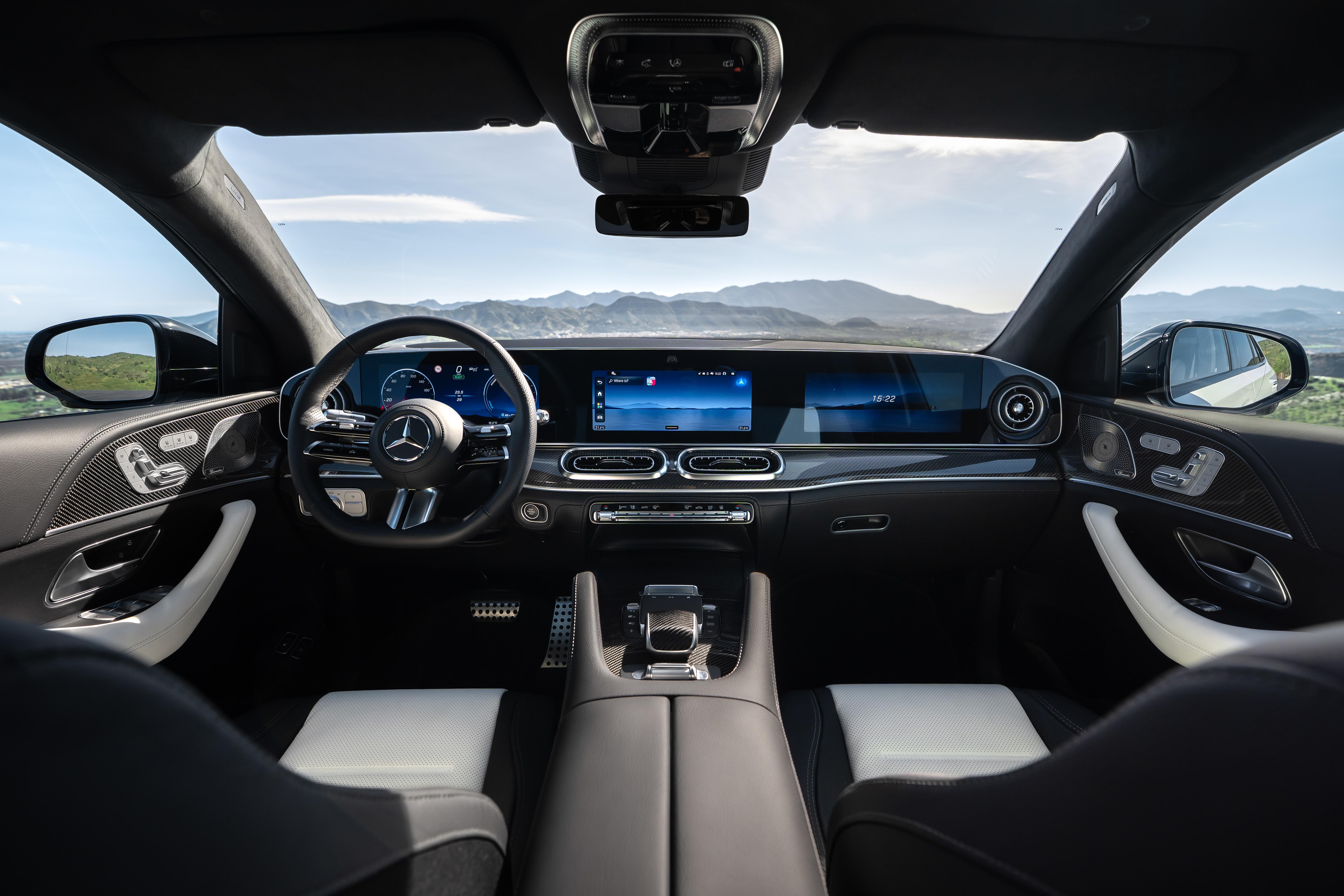
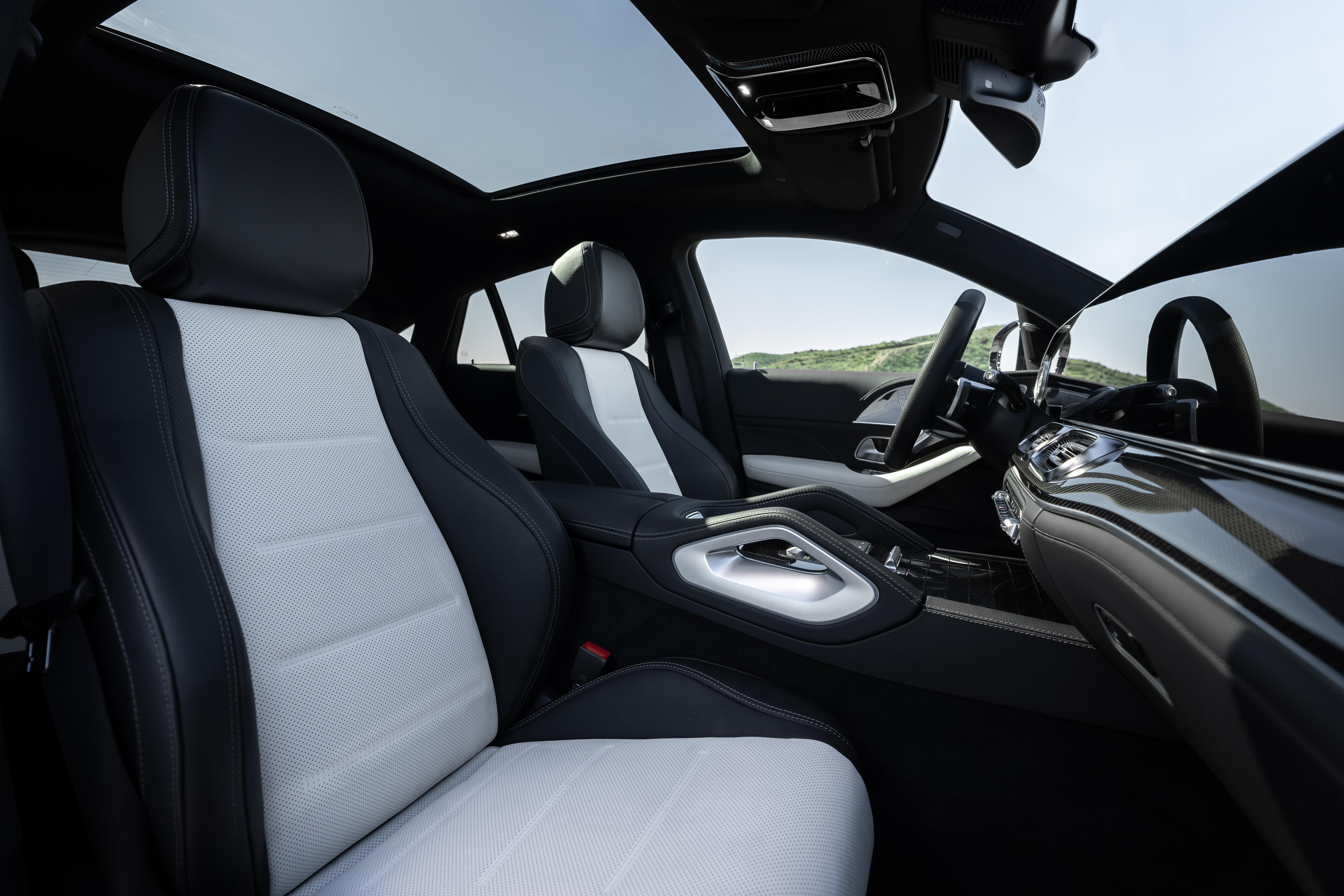
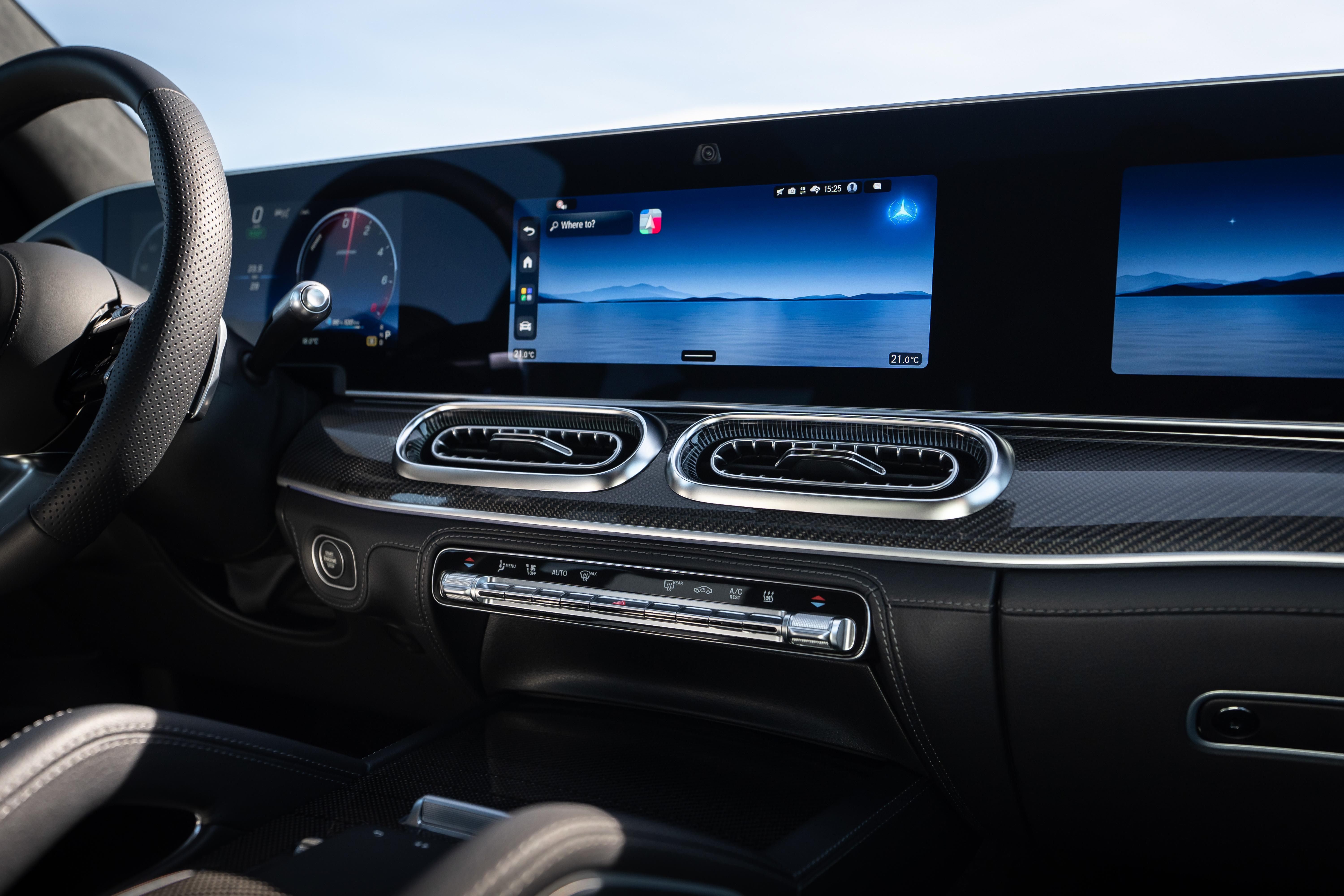
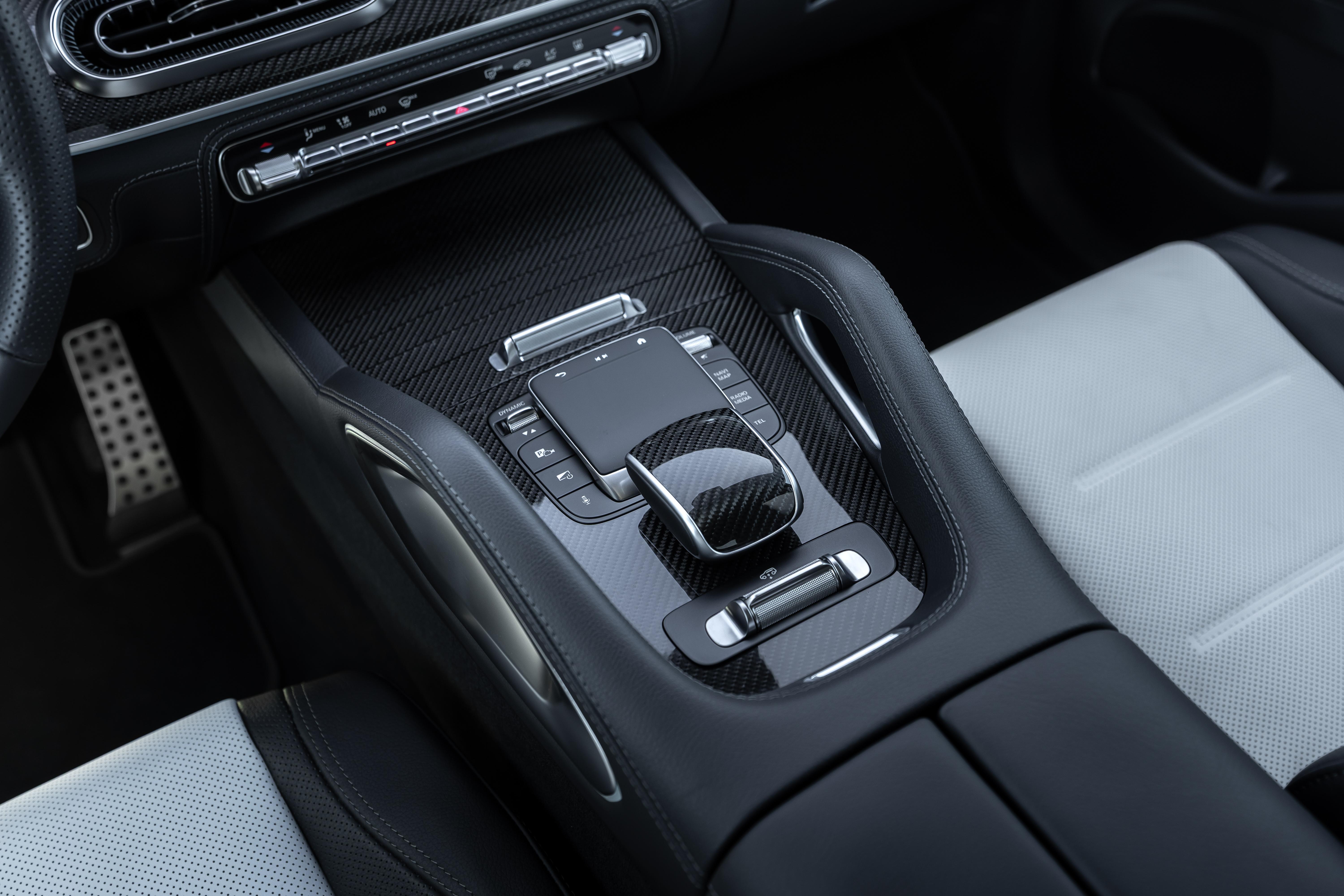
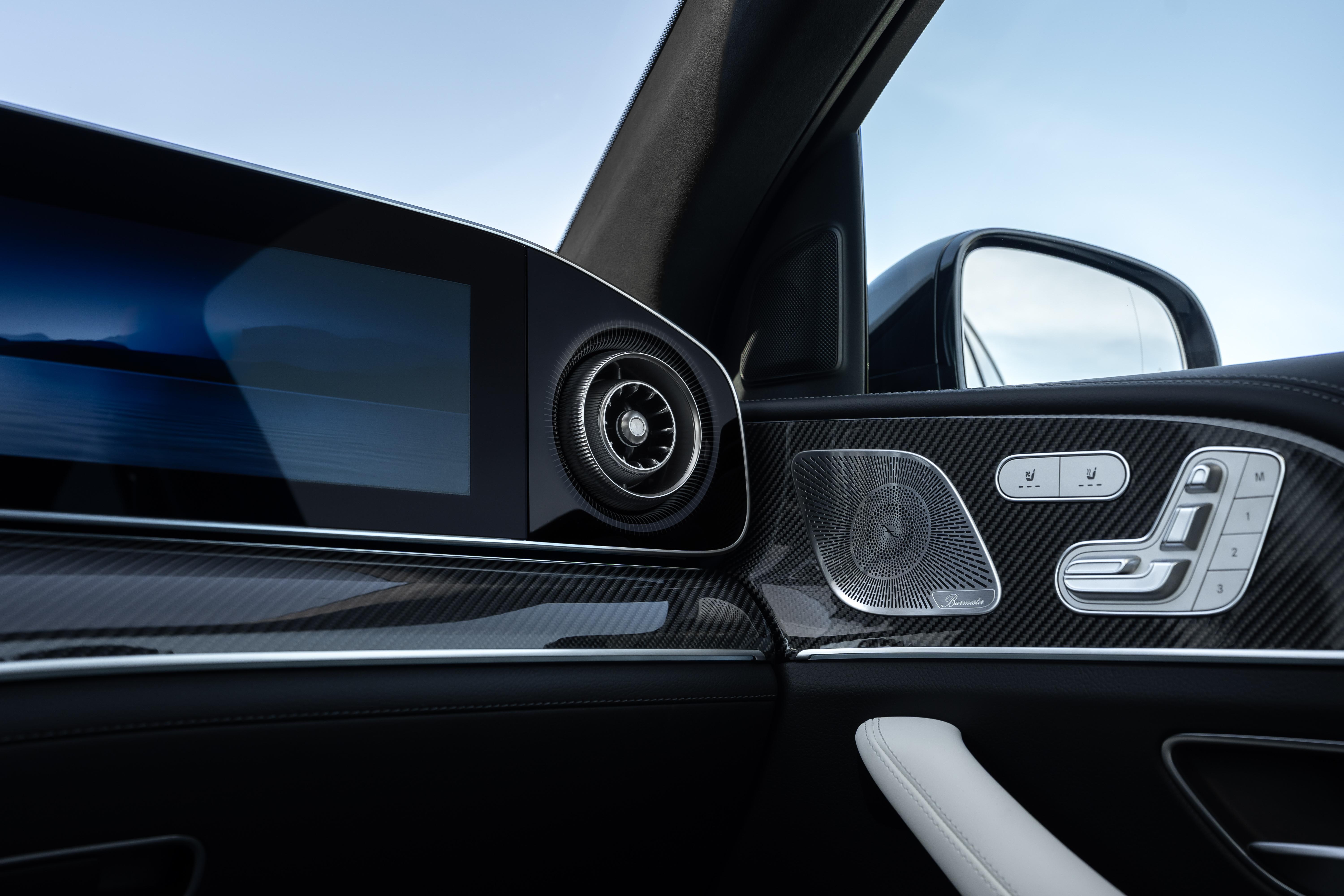
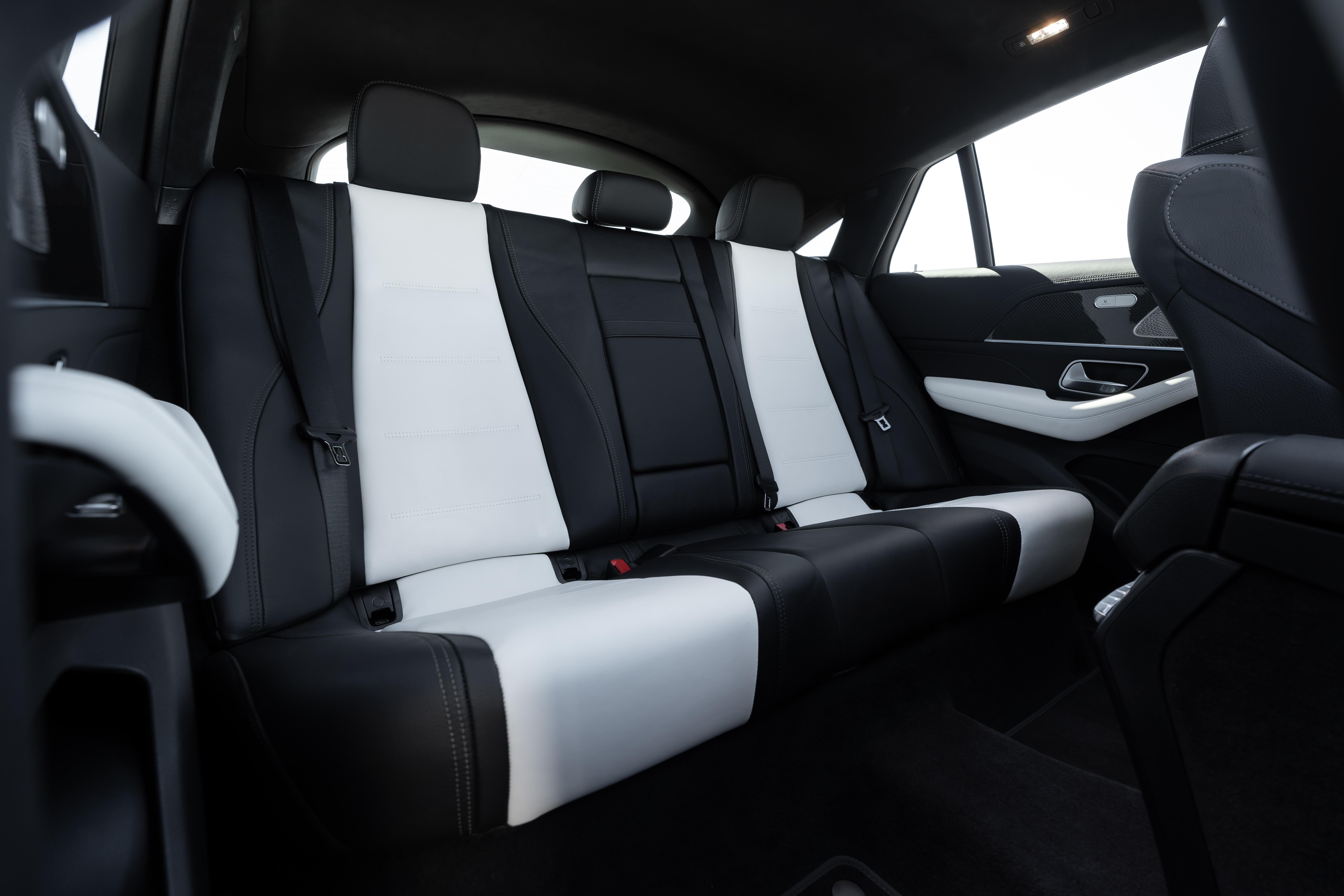
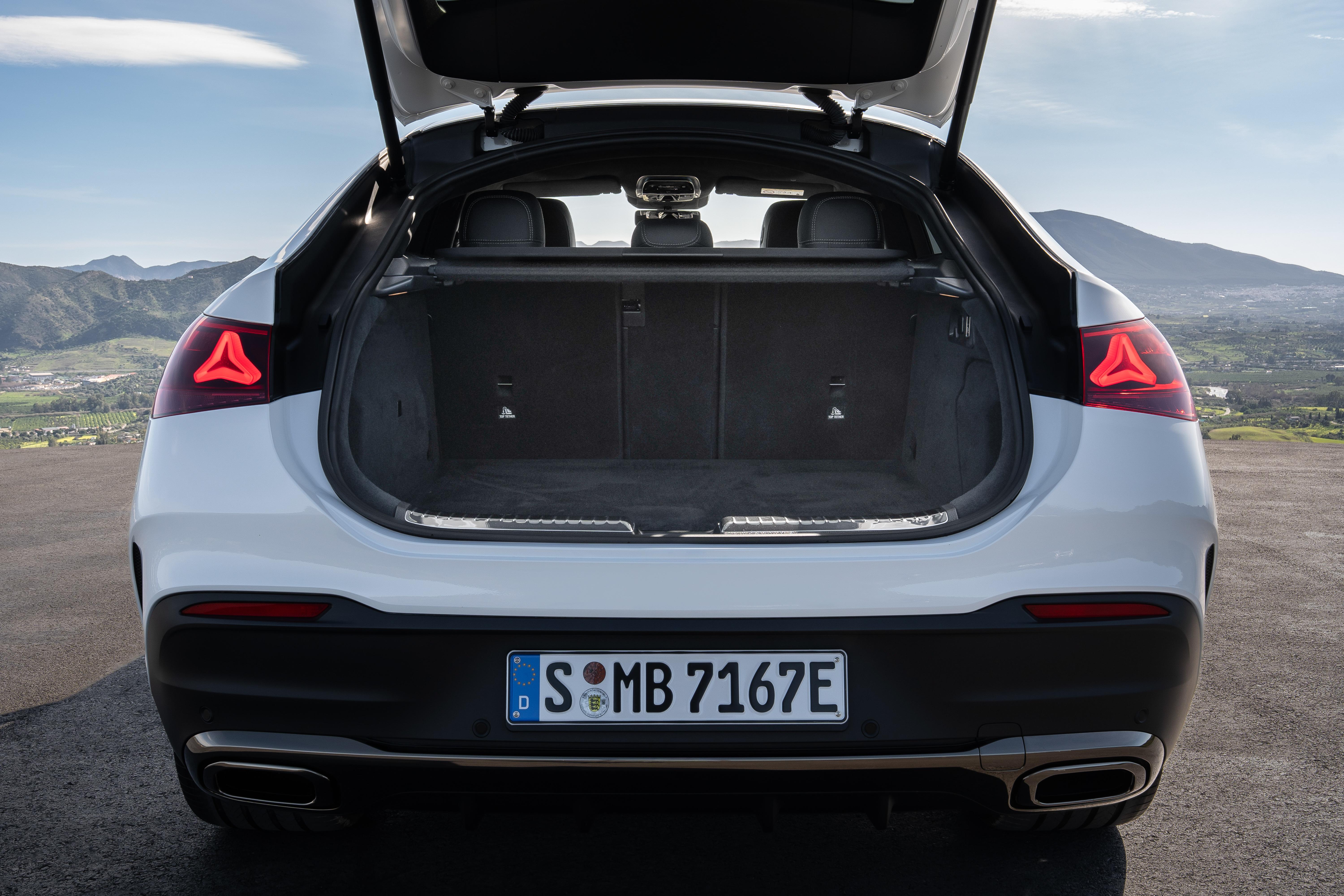
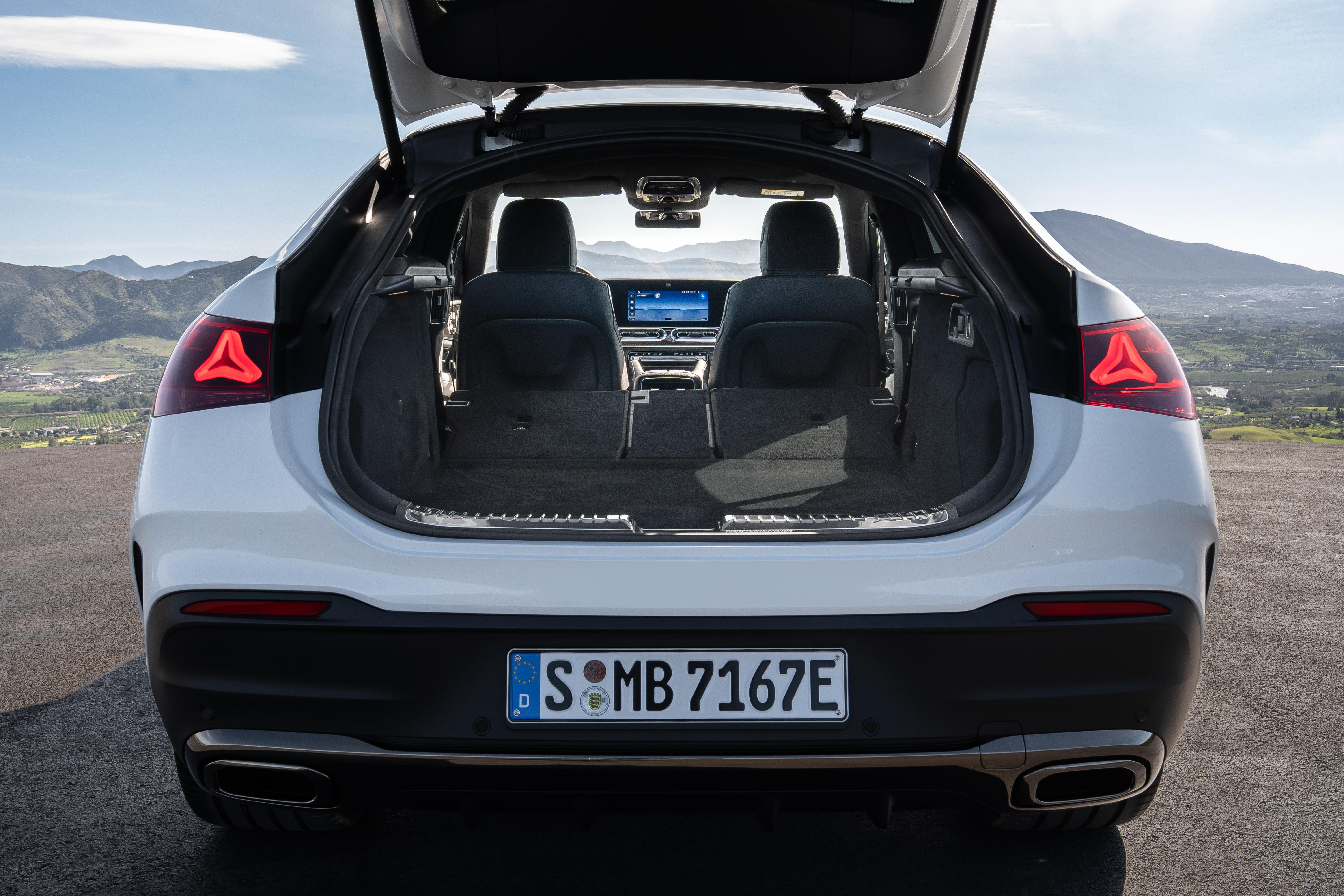
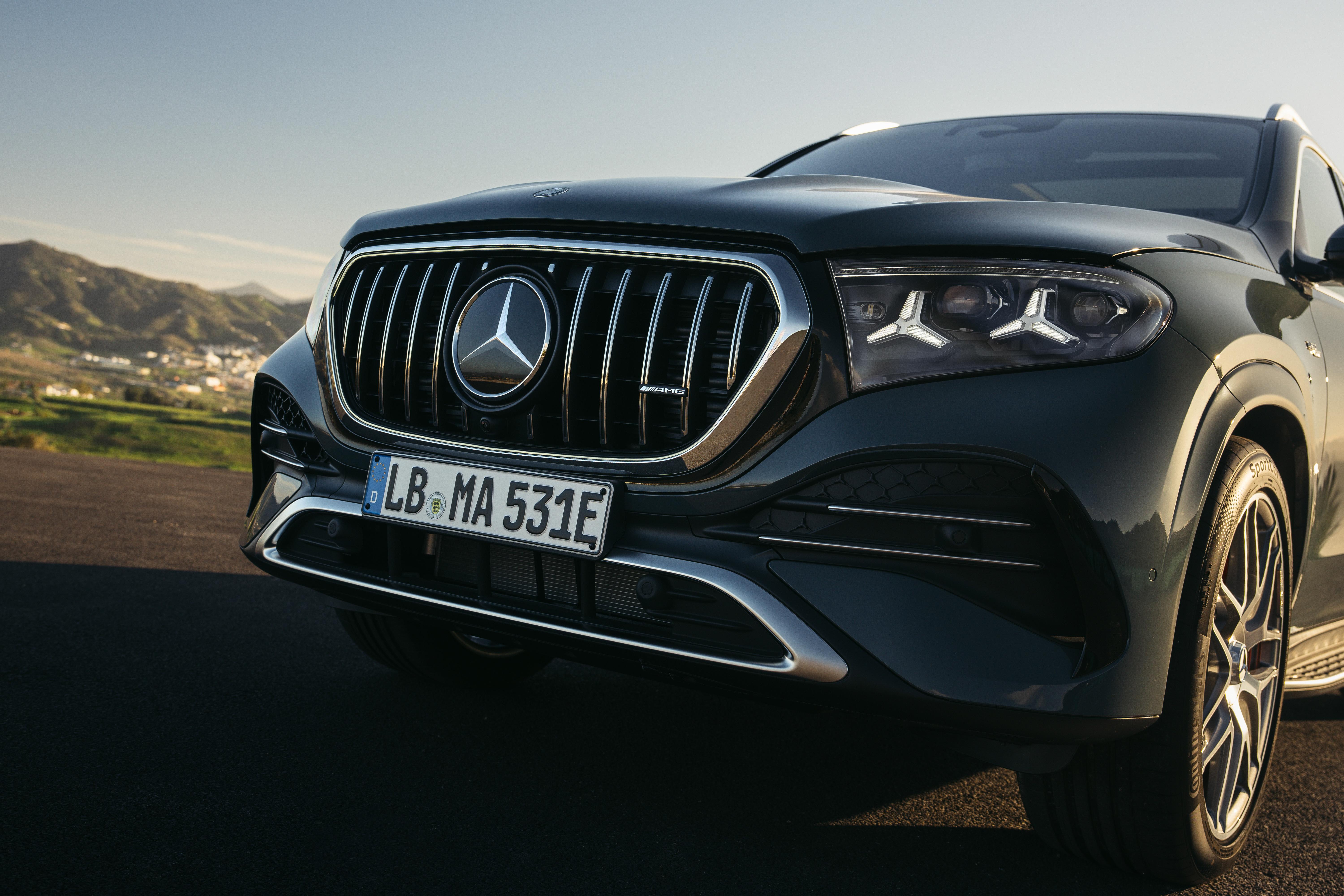
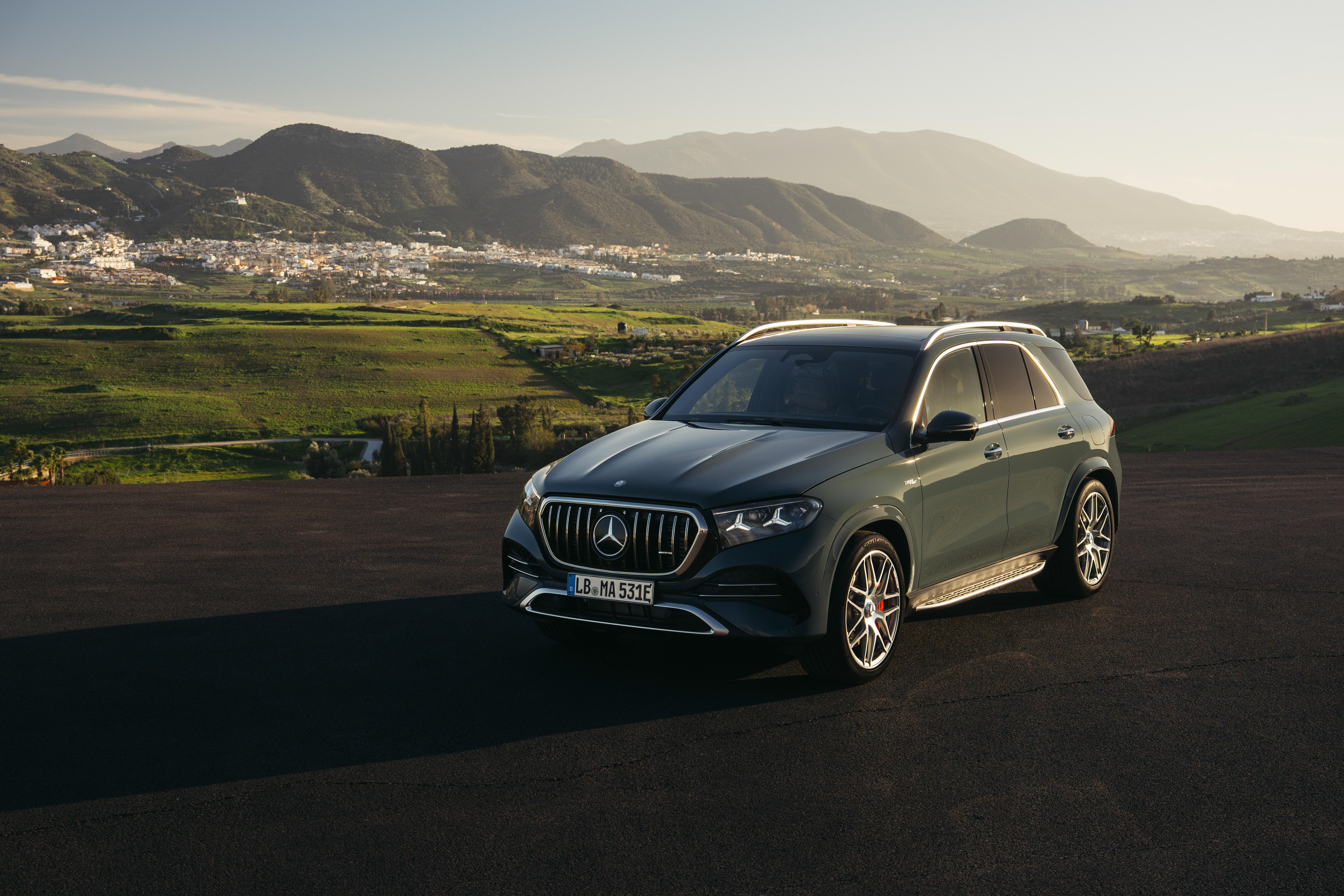
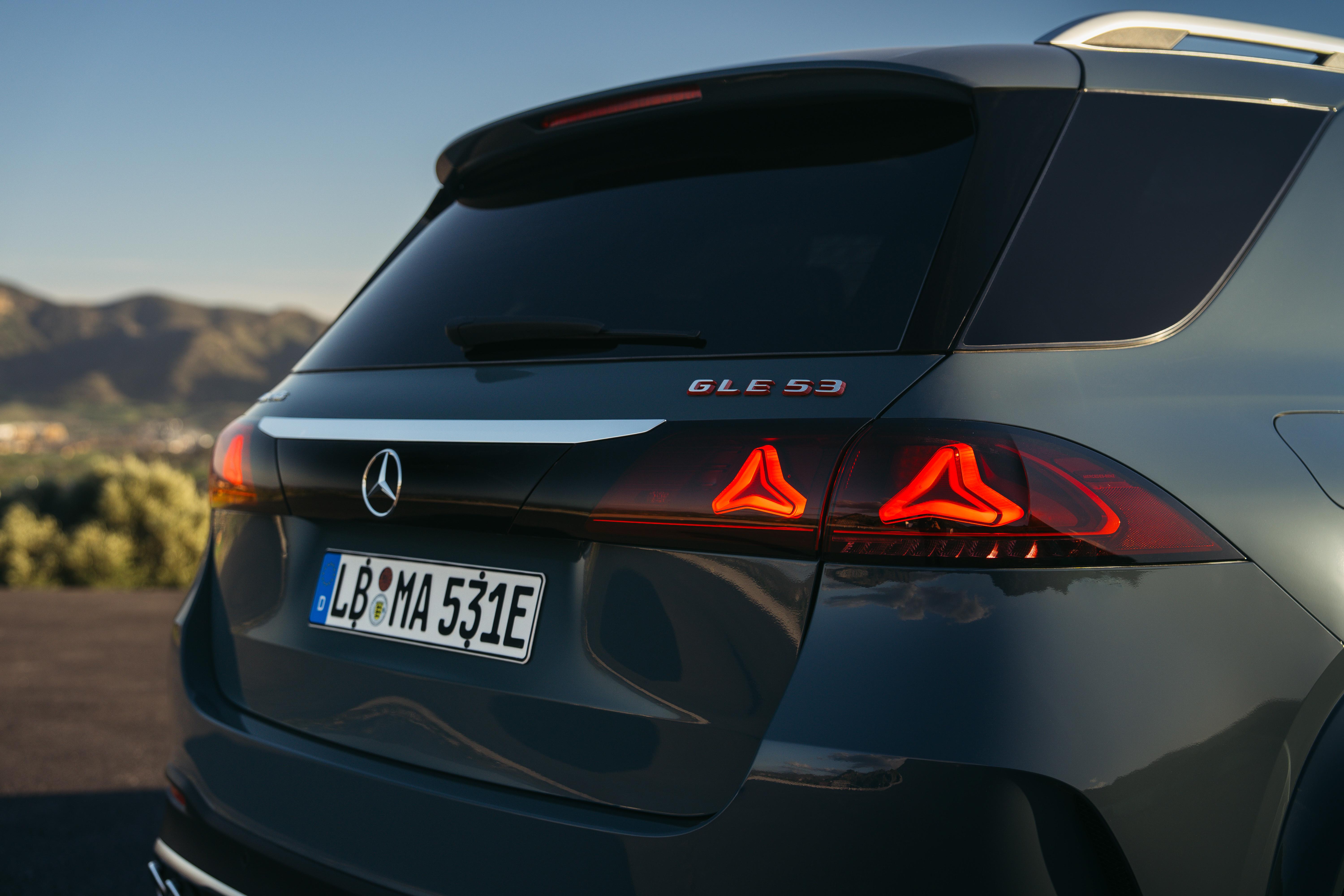
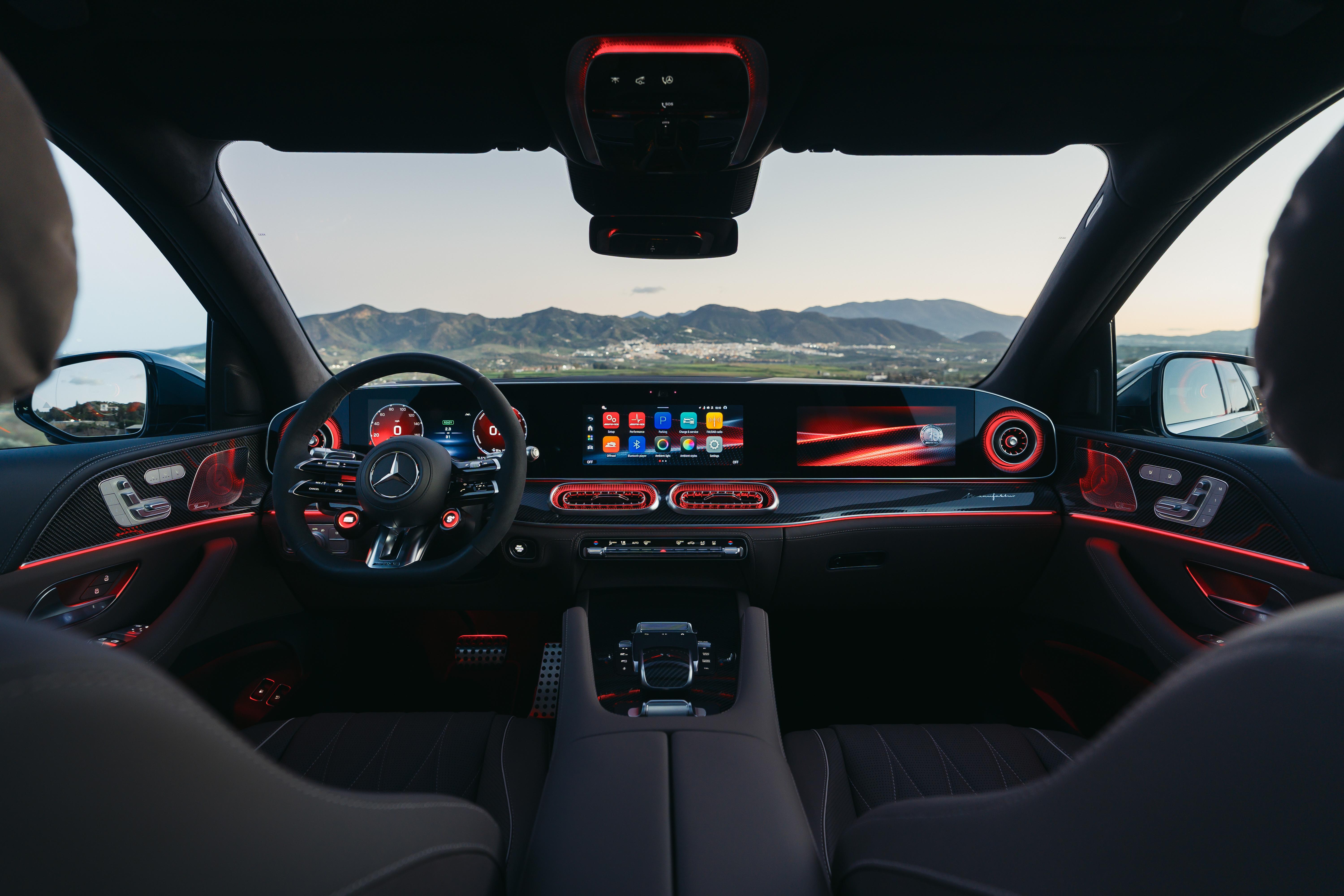
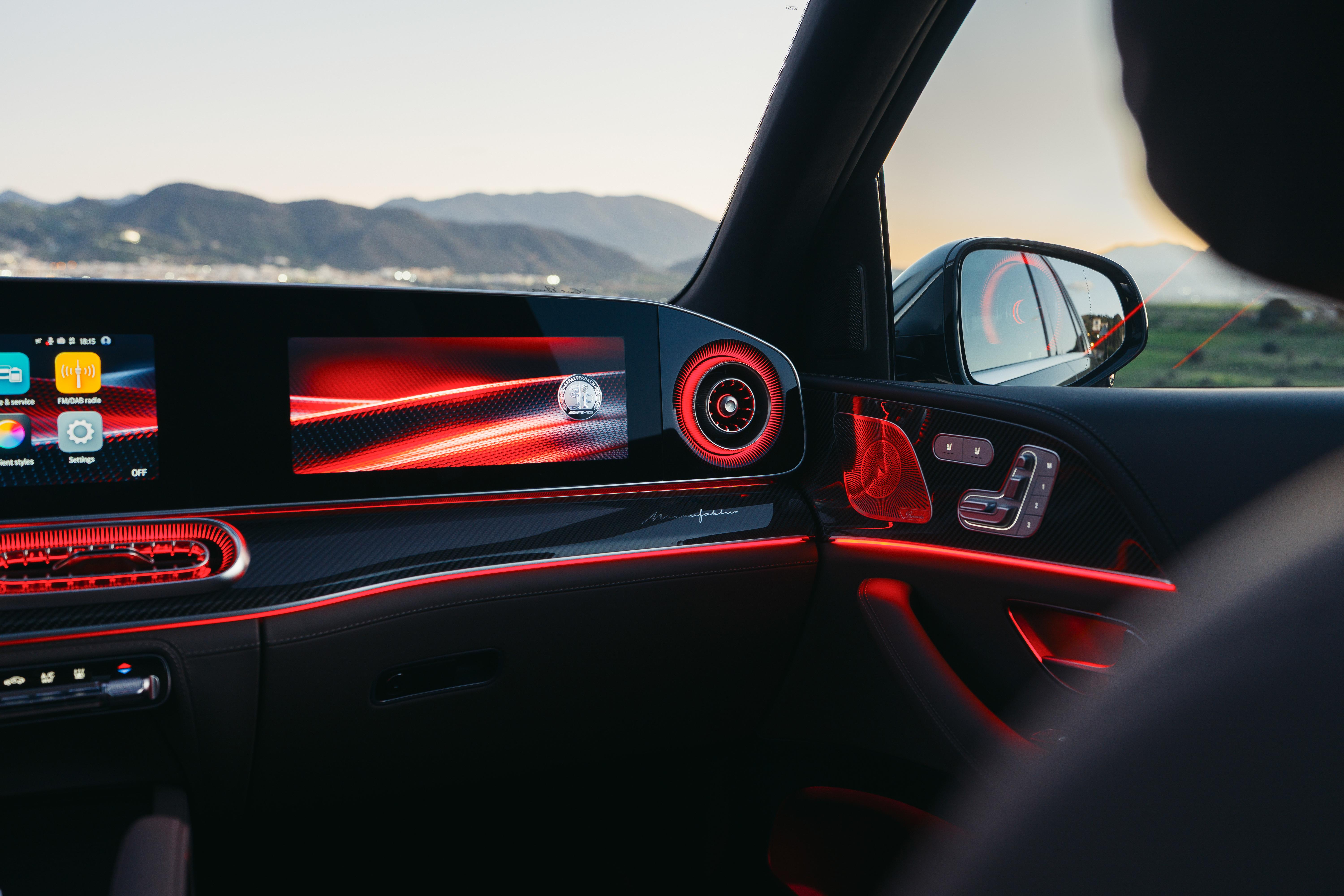
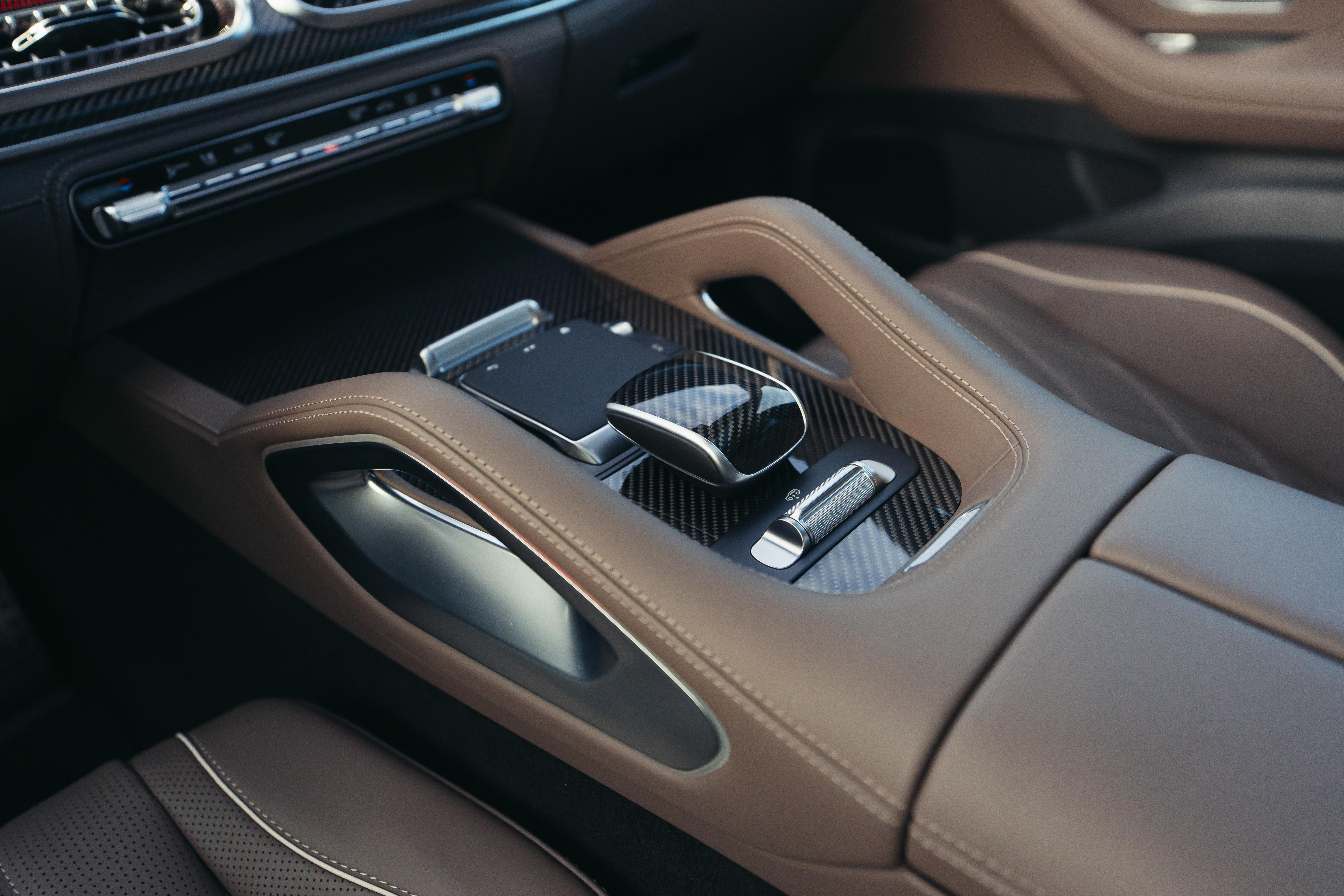
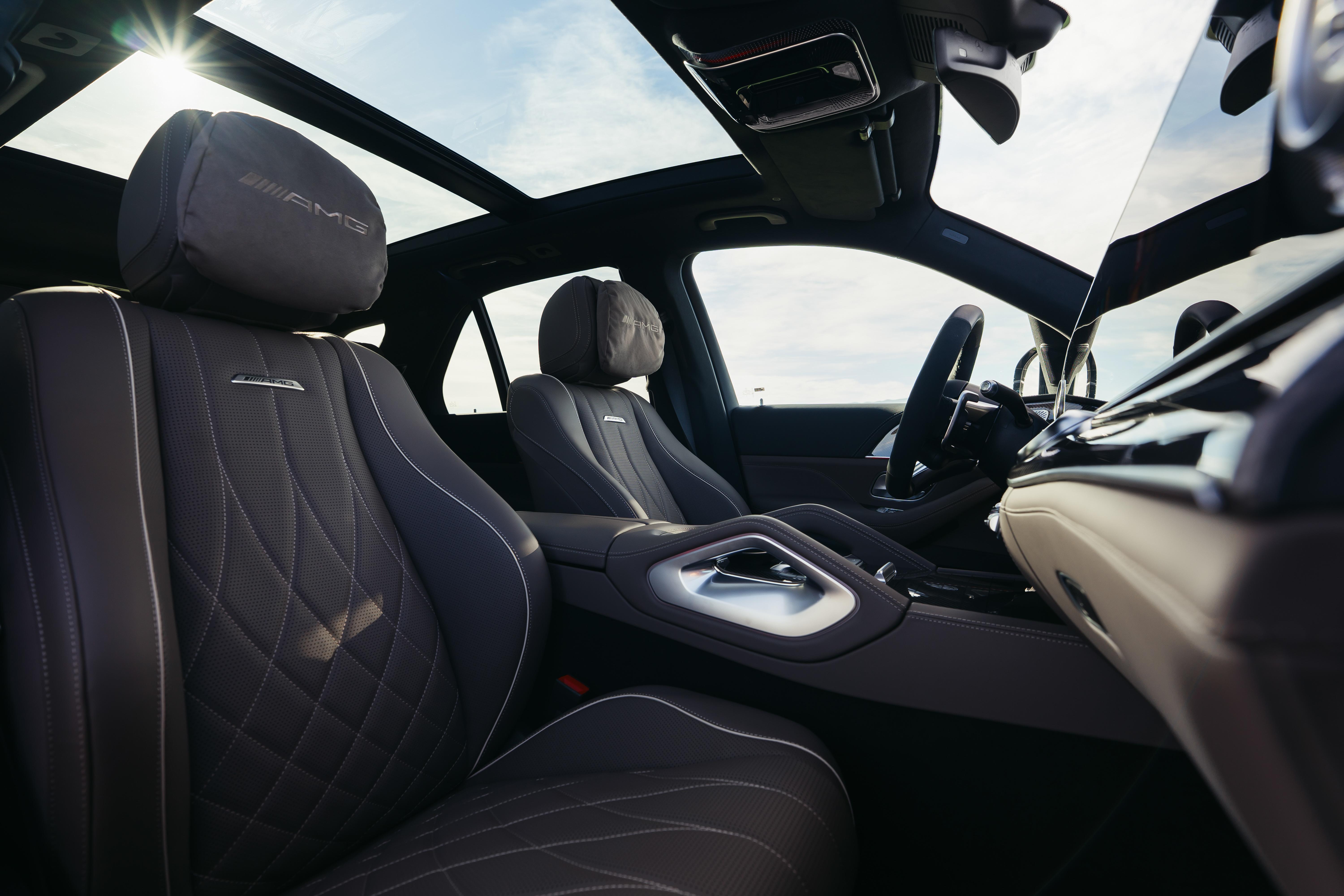
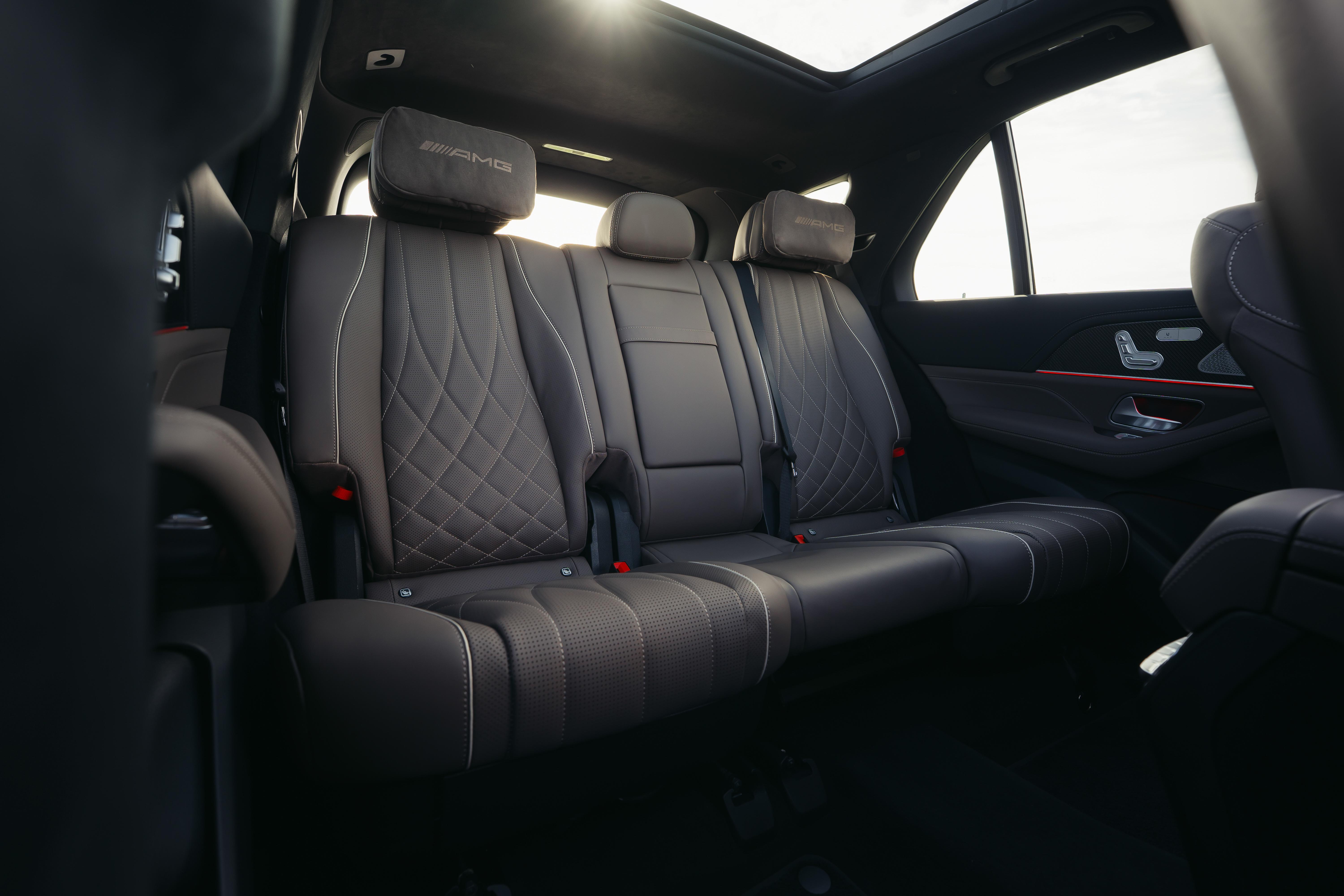
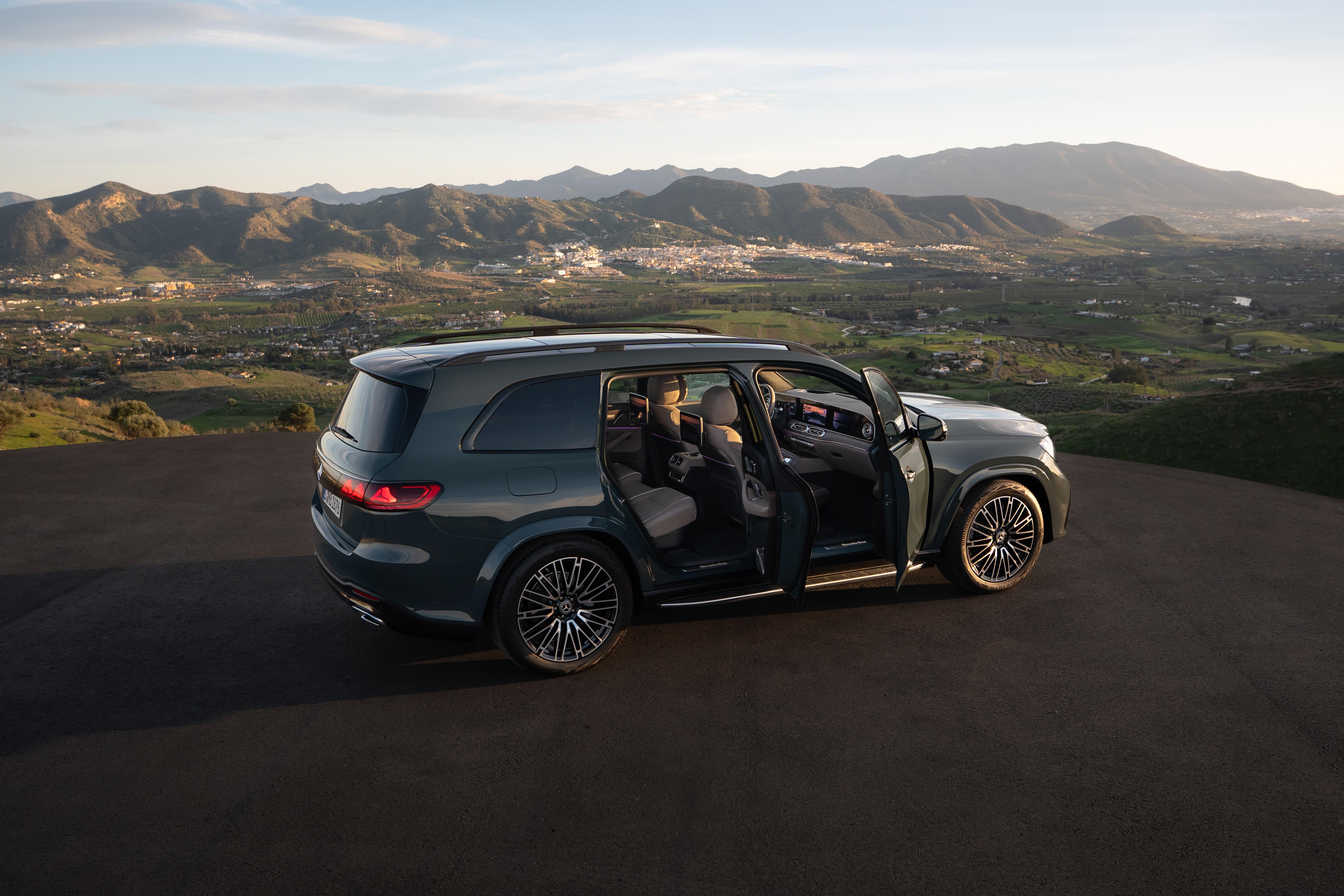
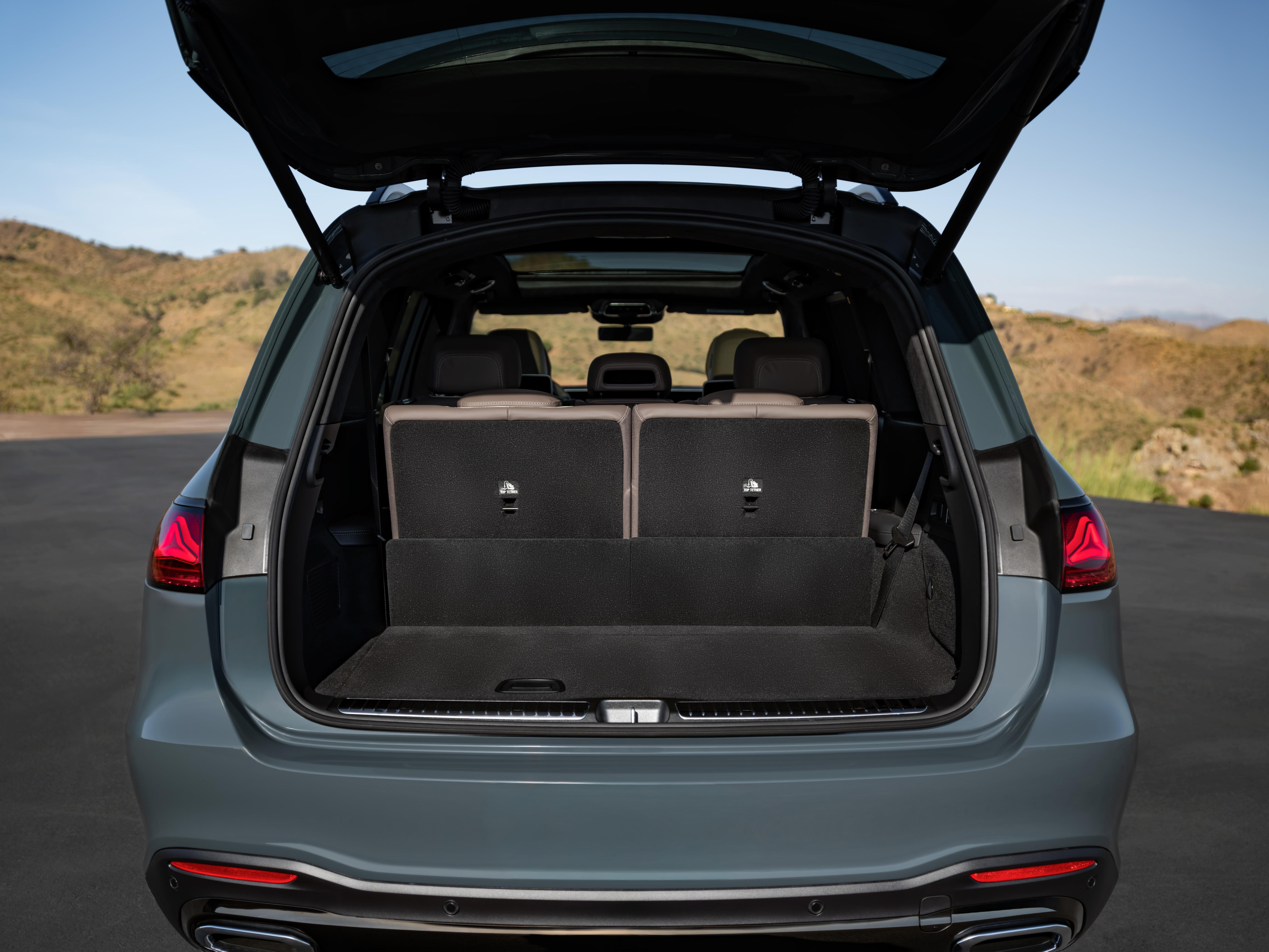
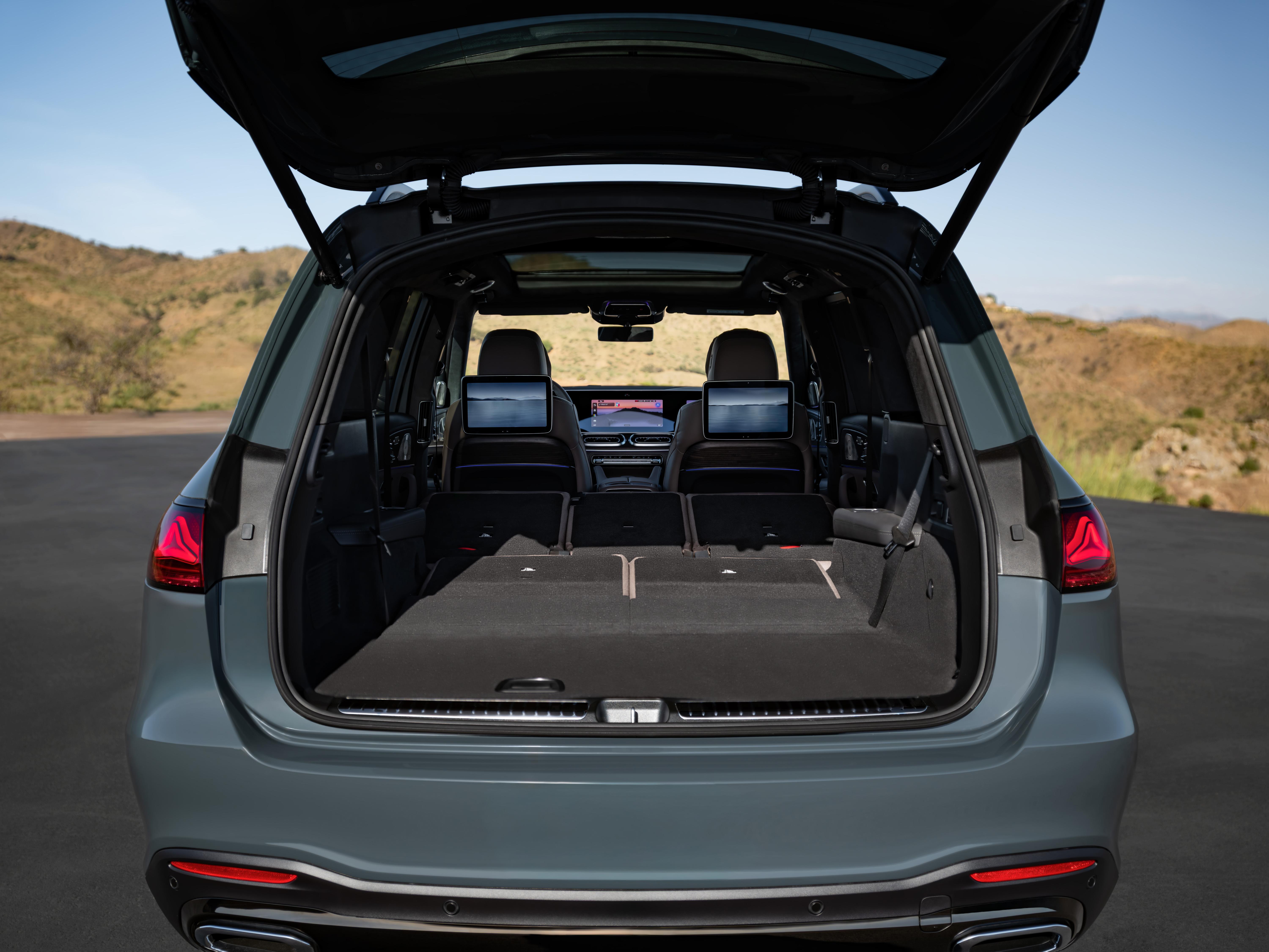
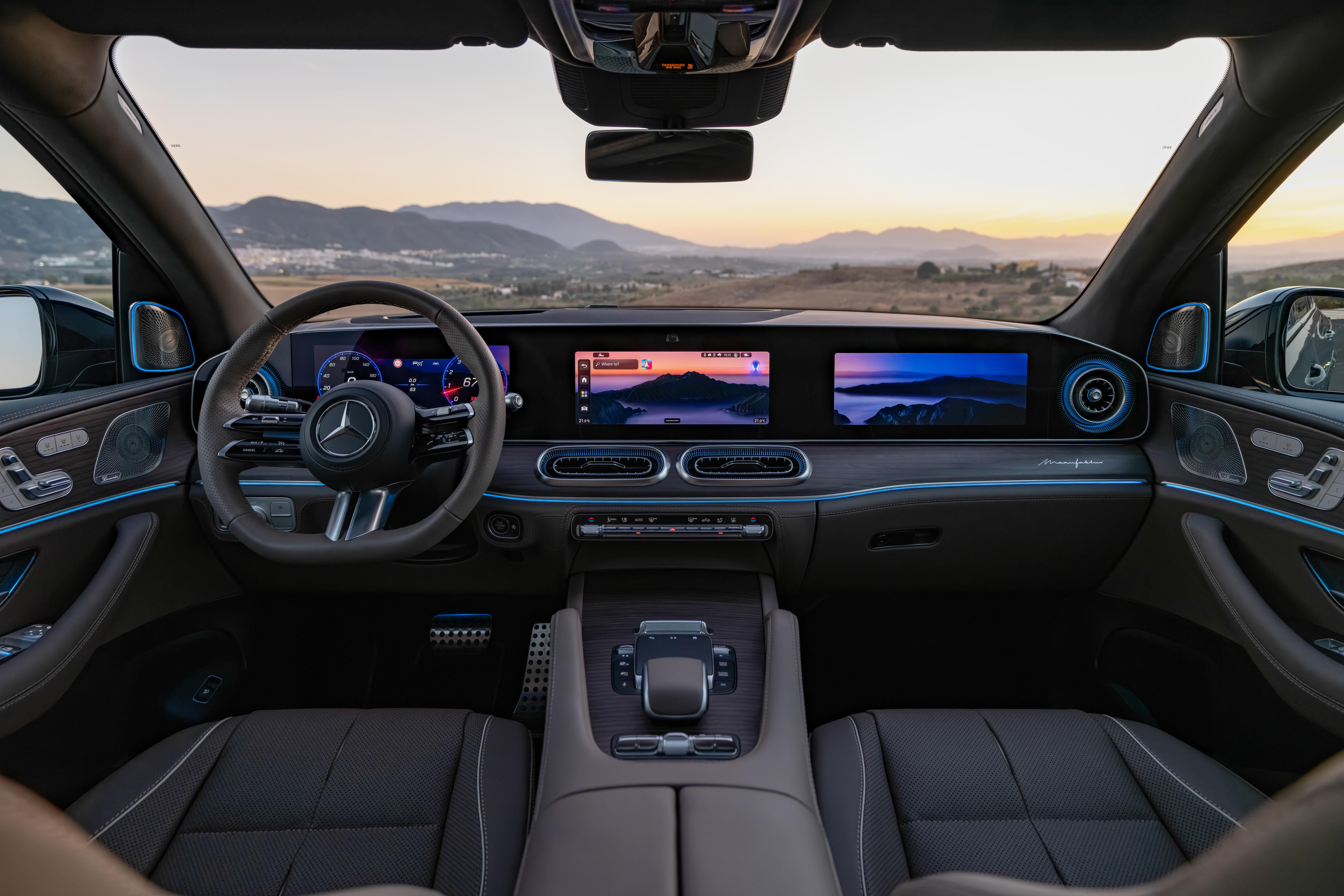
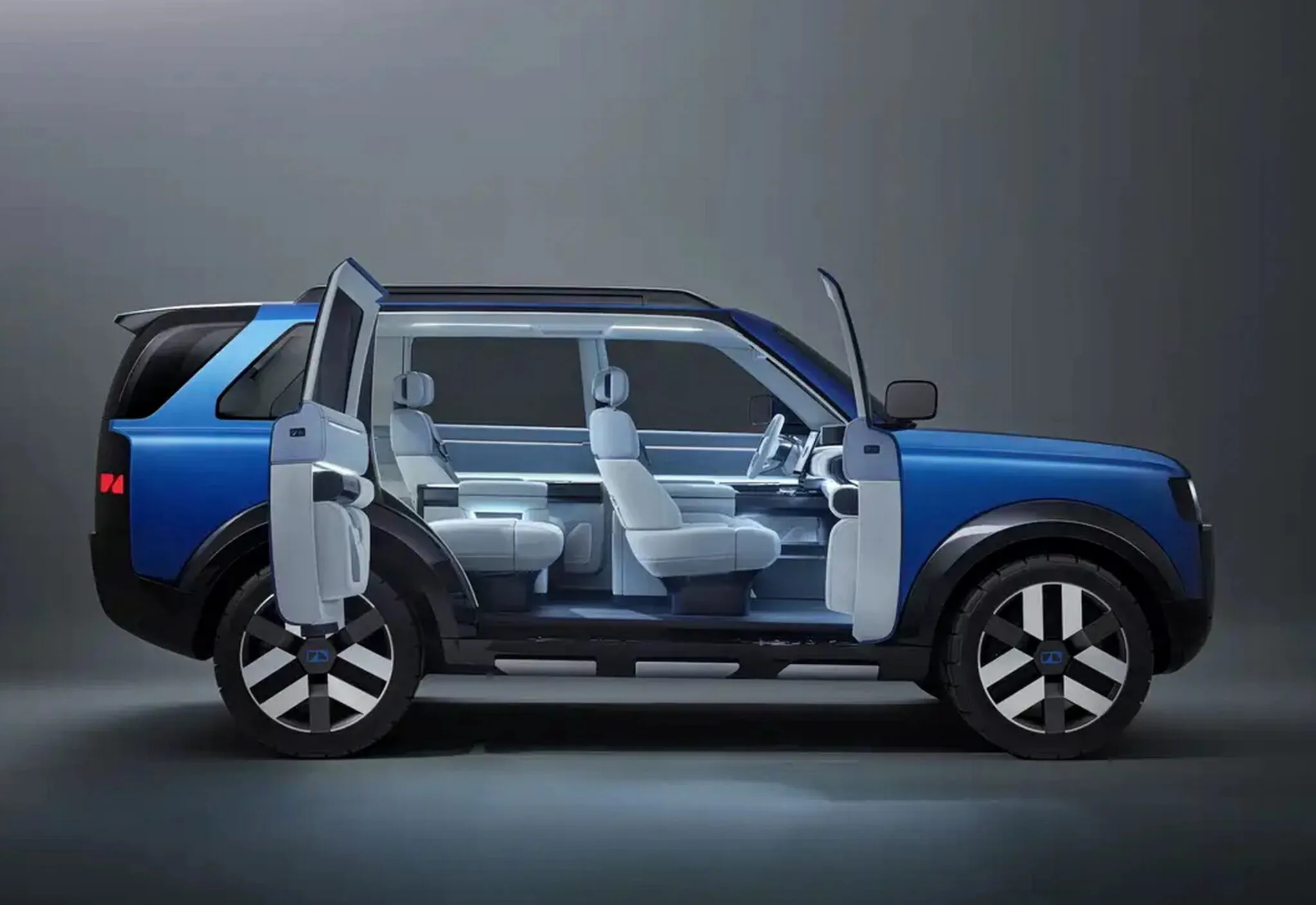
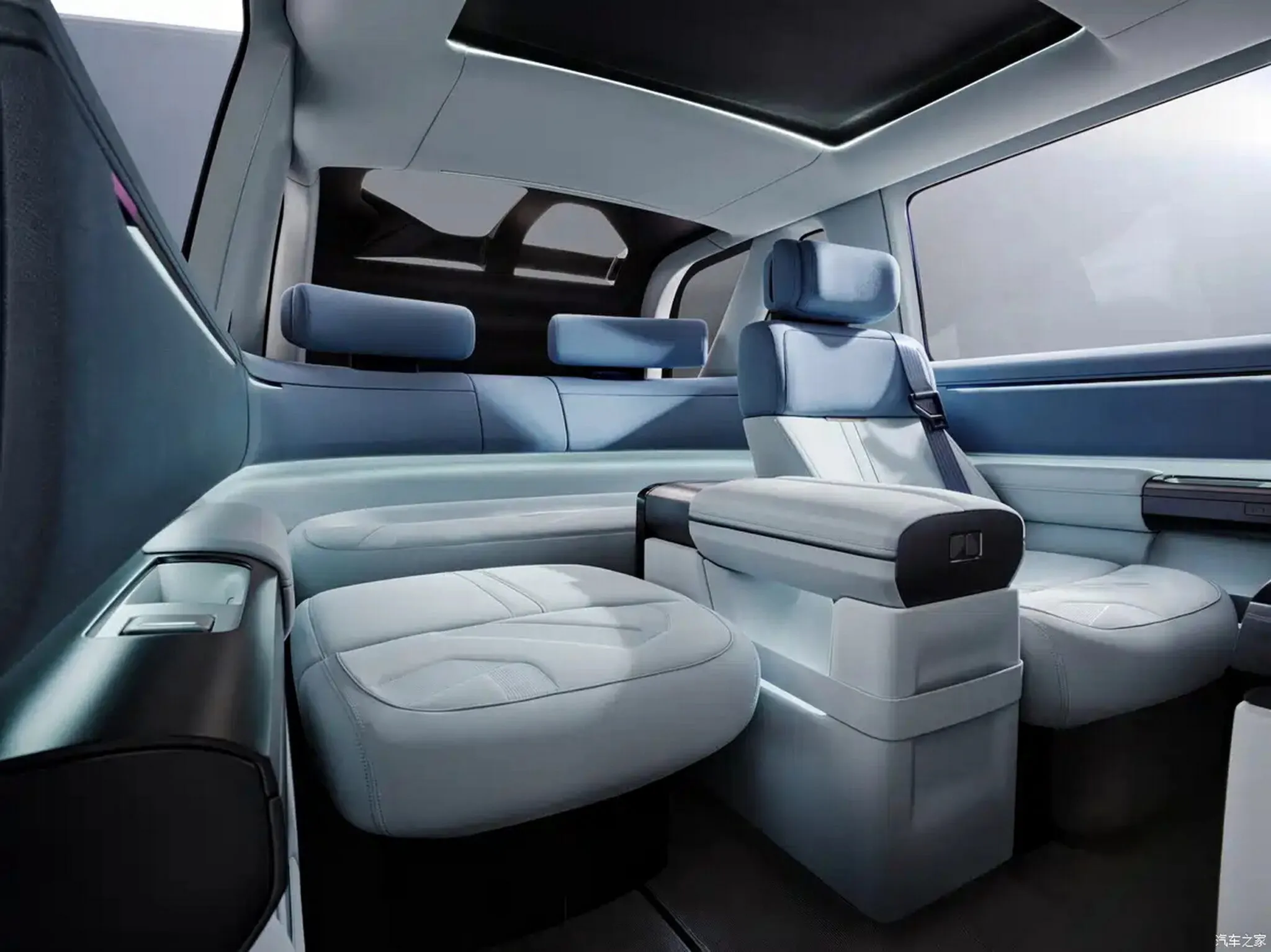
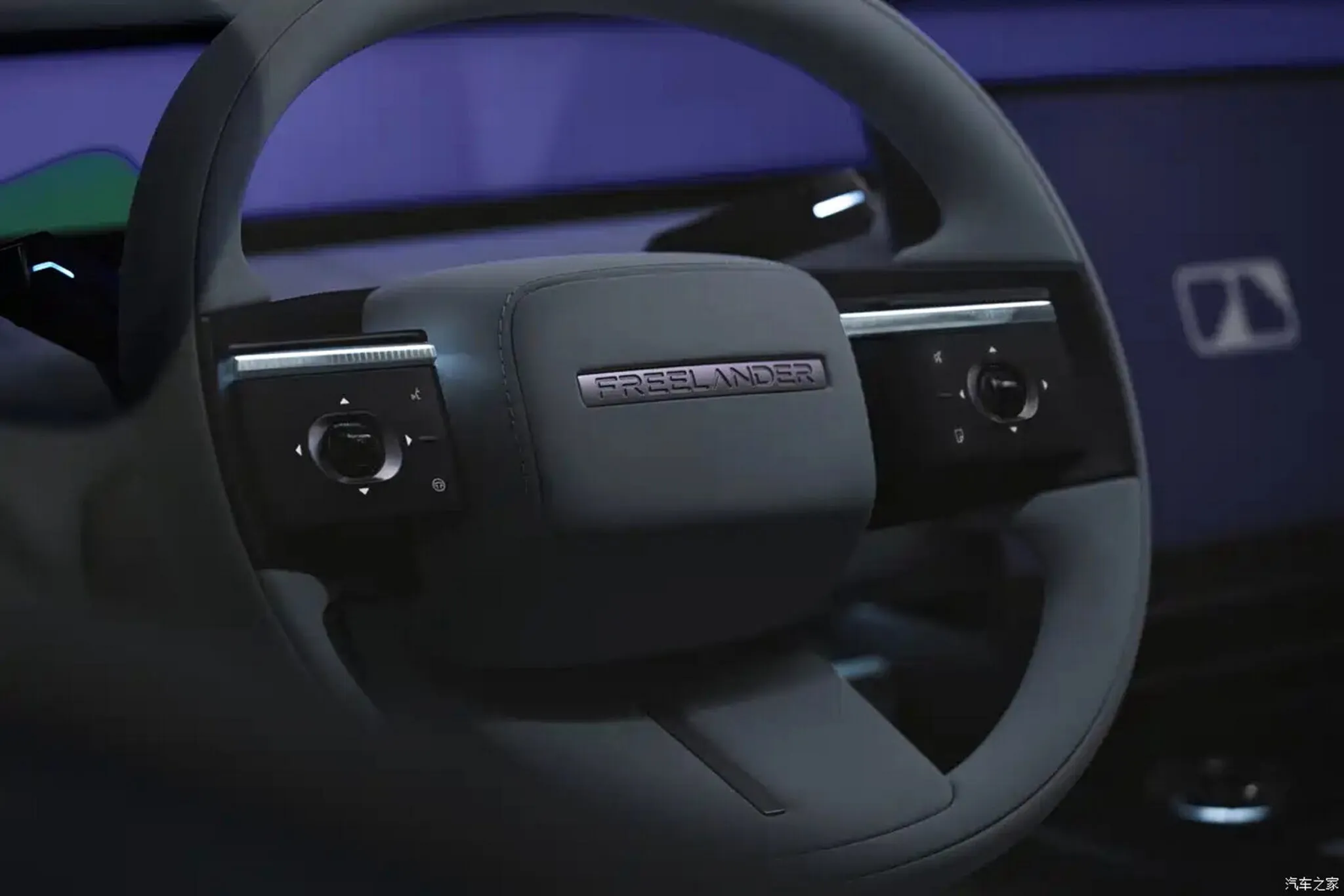
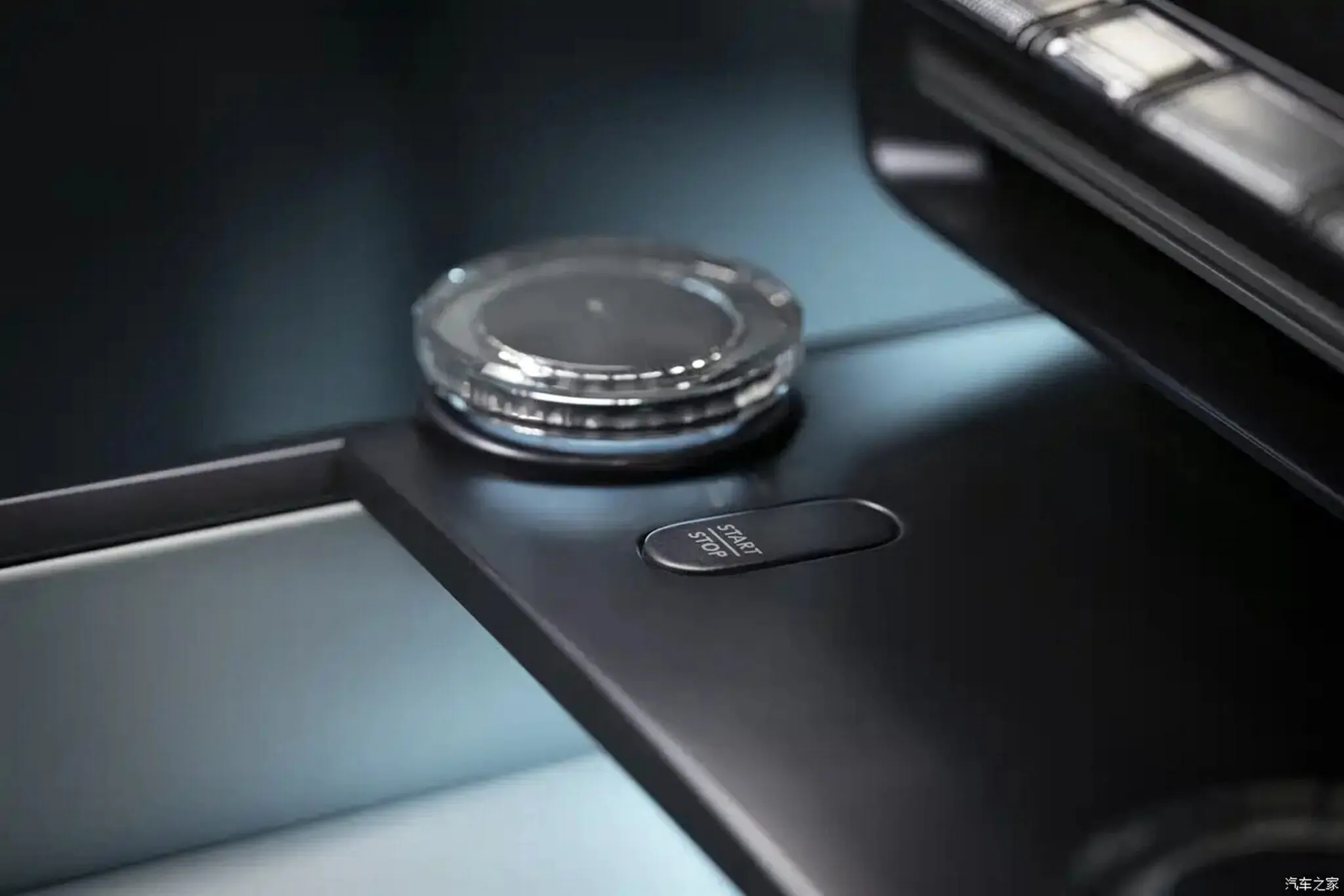
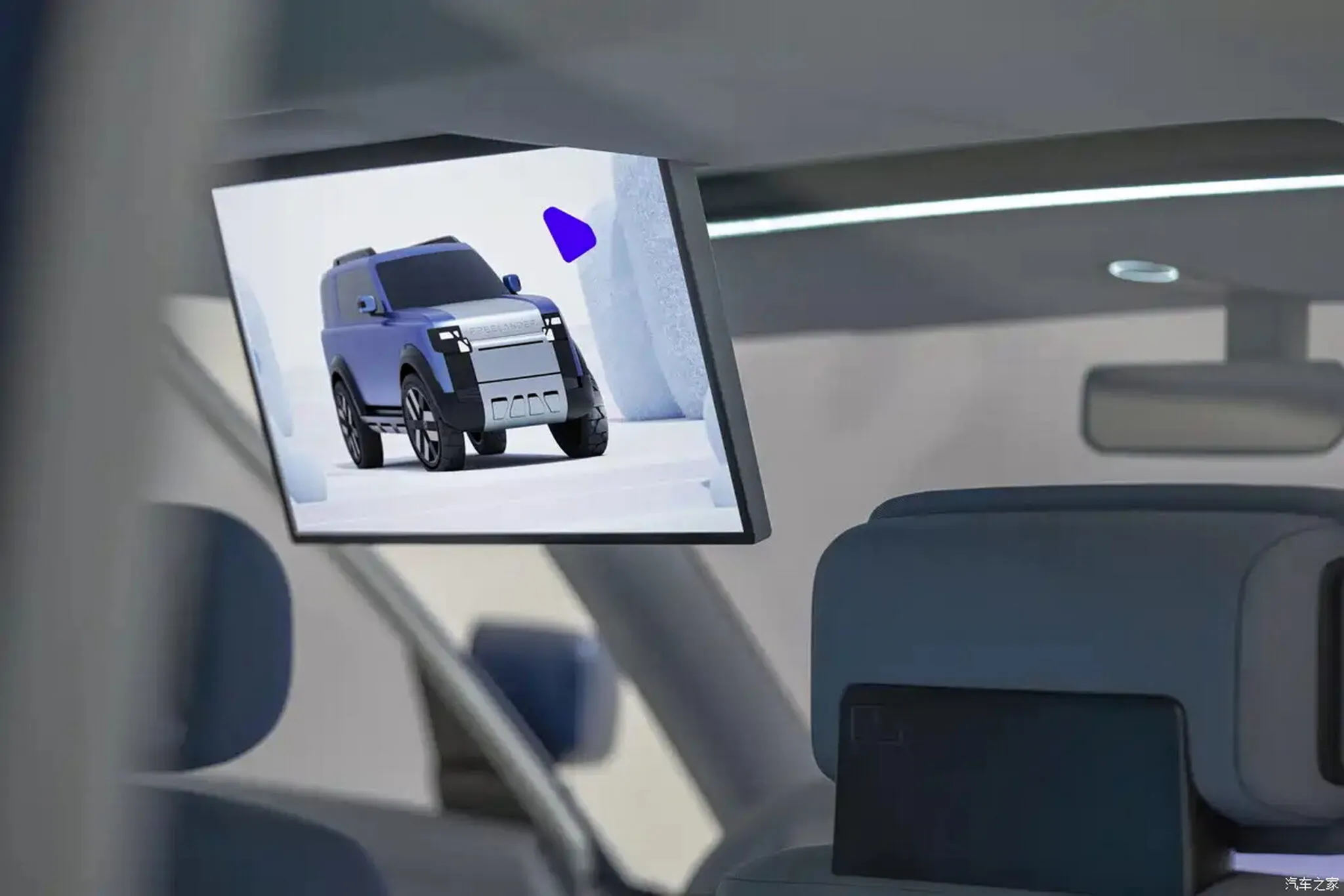
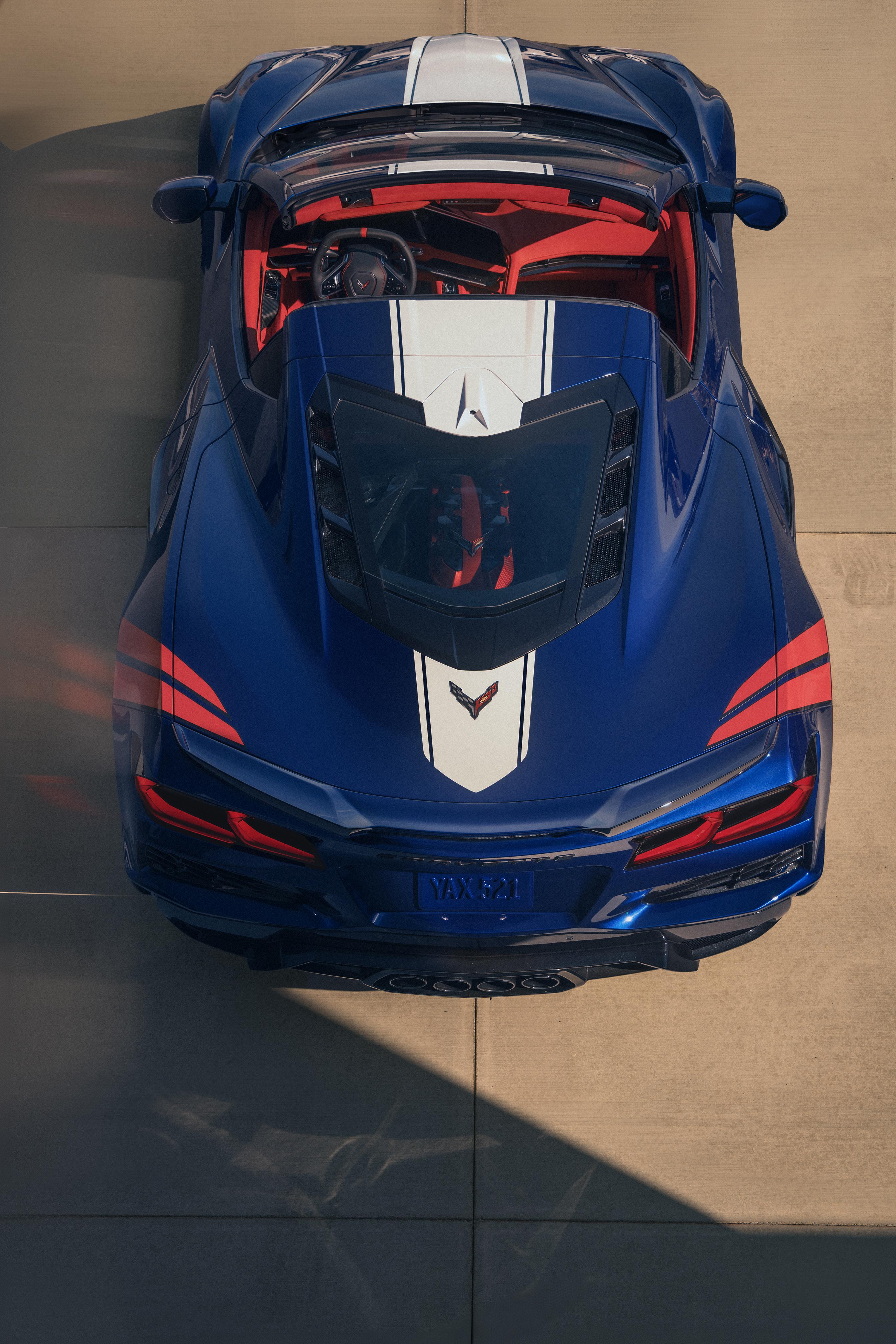
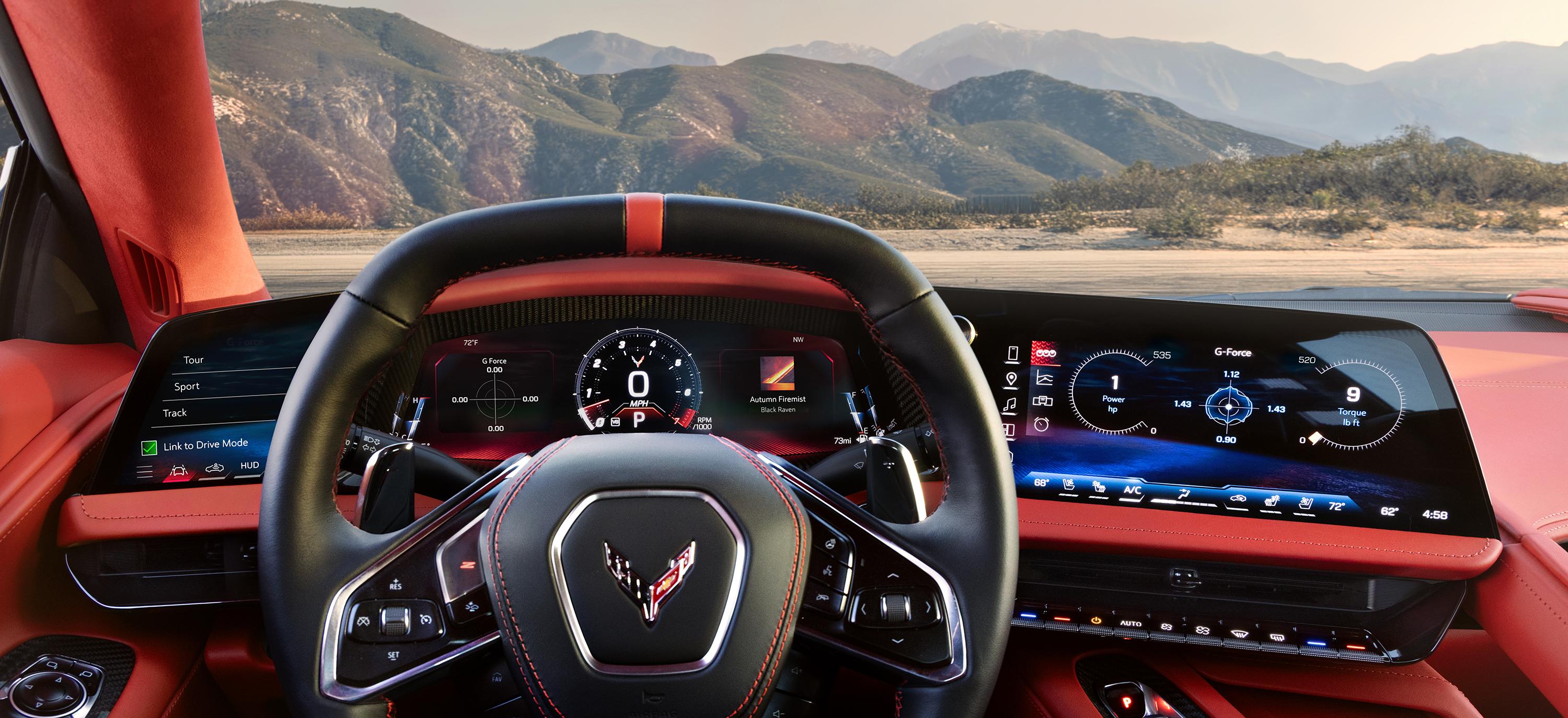
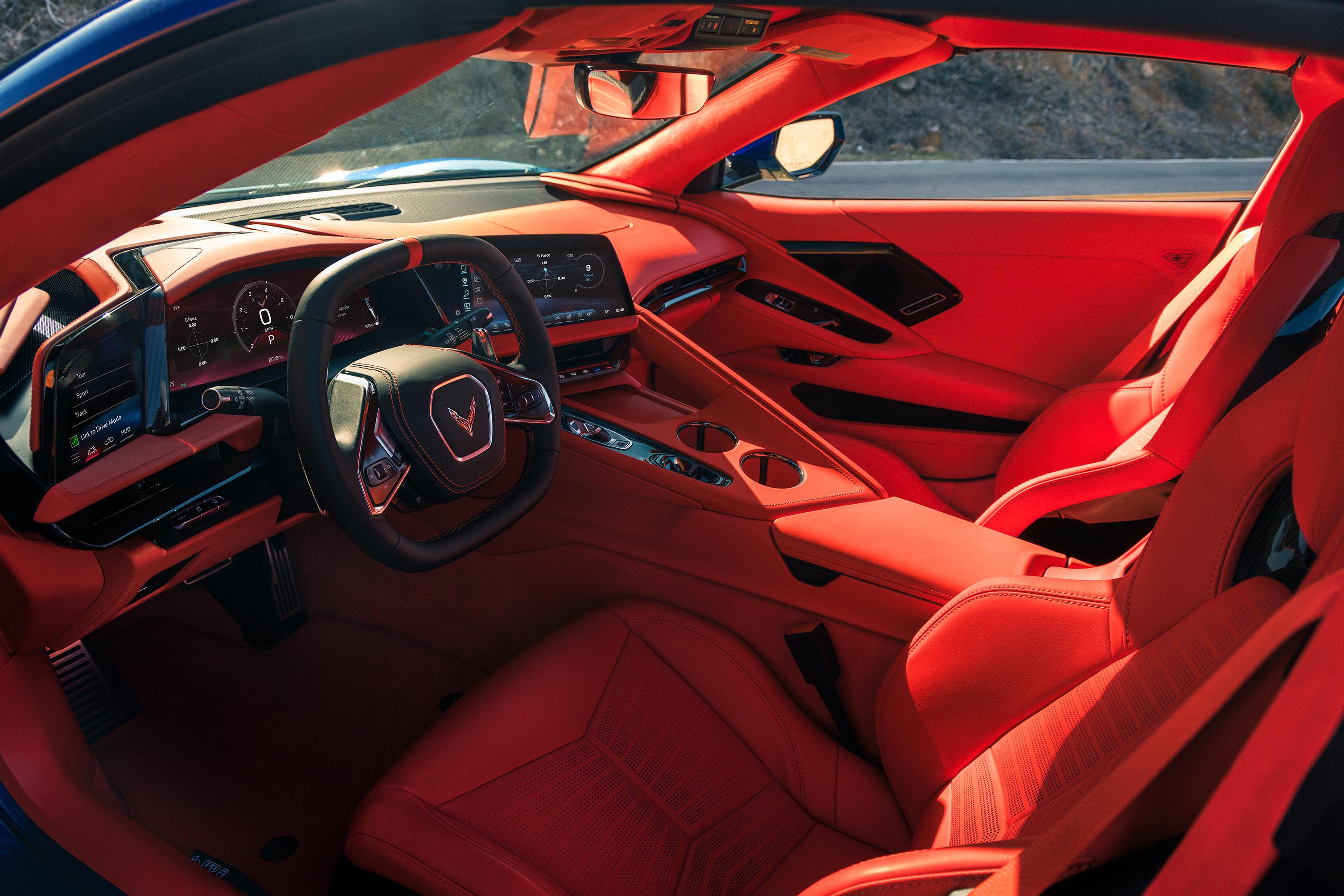
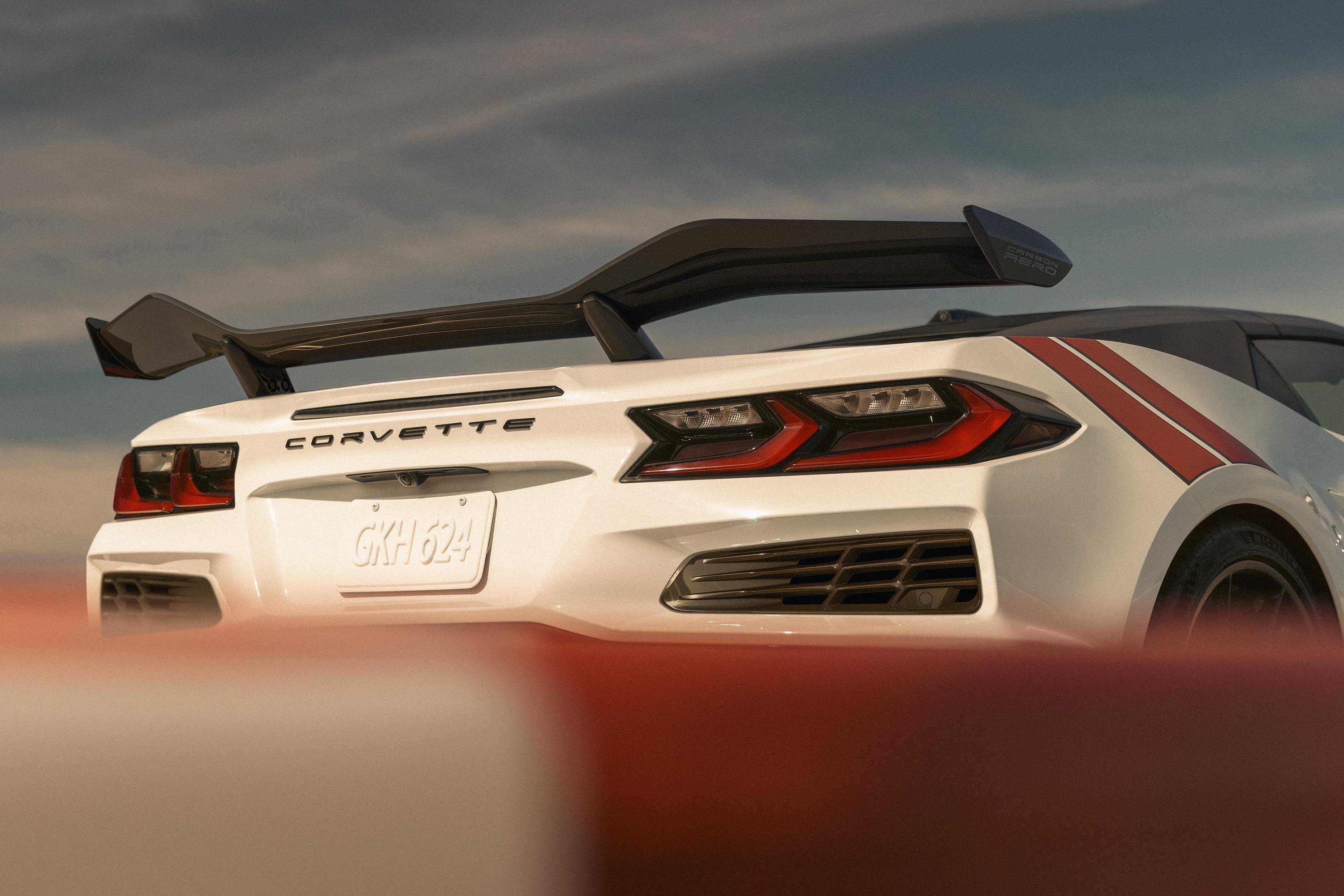
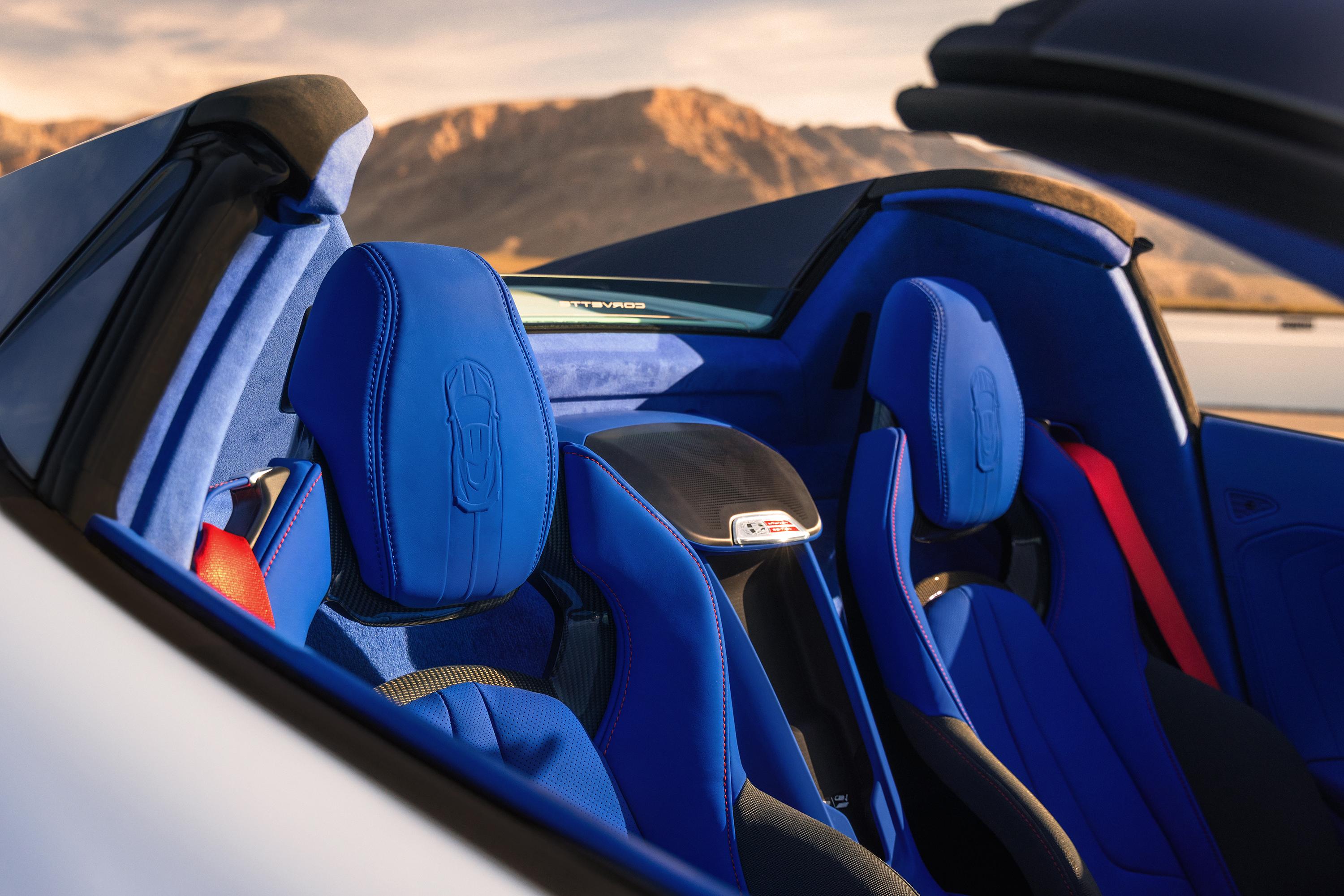
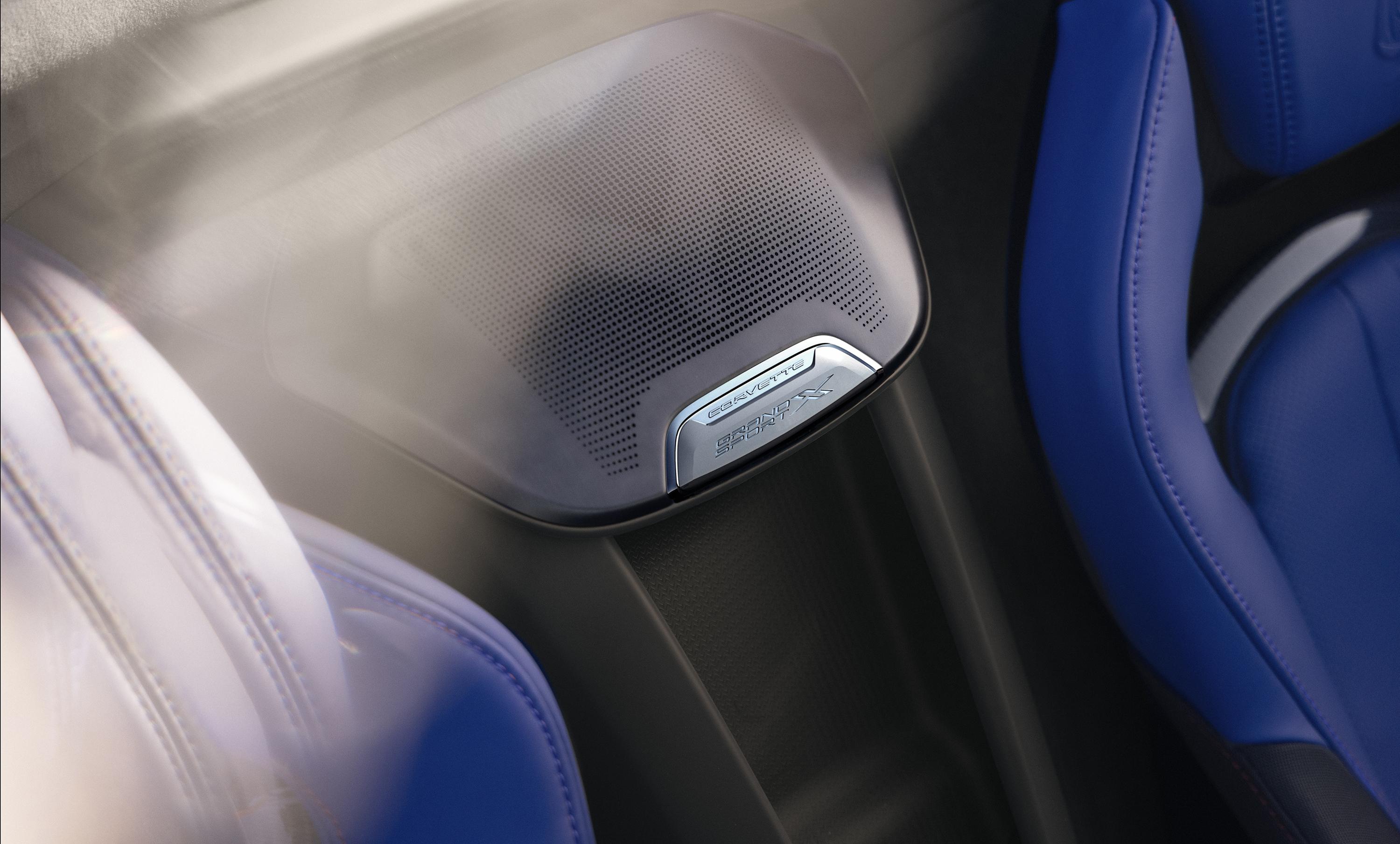
Immagini trovate su Cochespias, ecco gli interni:
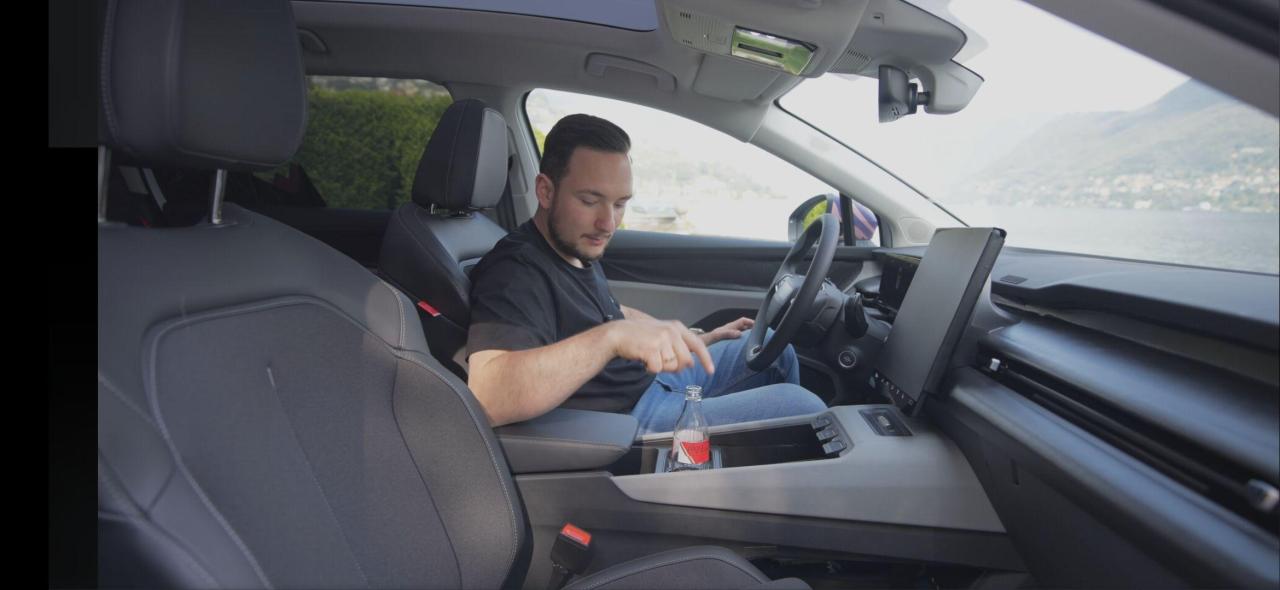
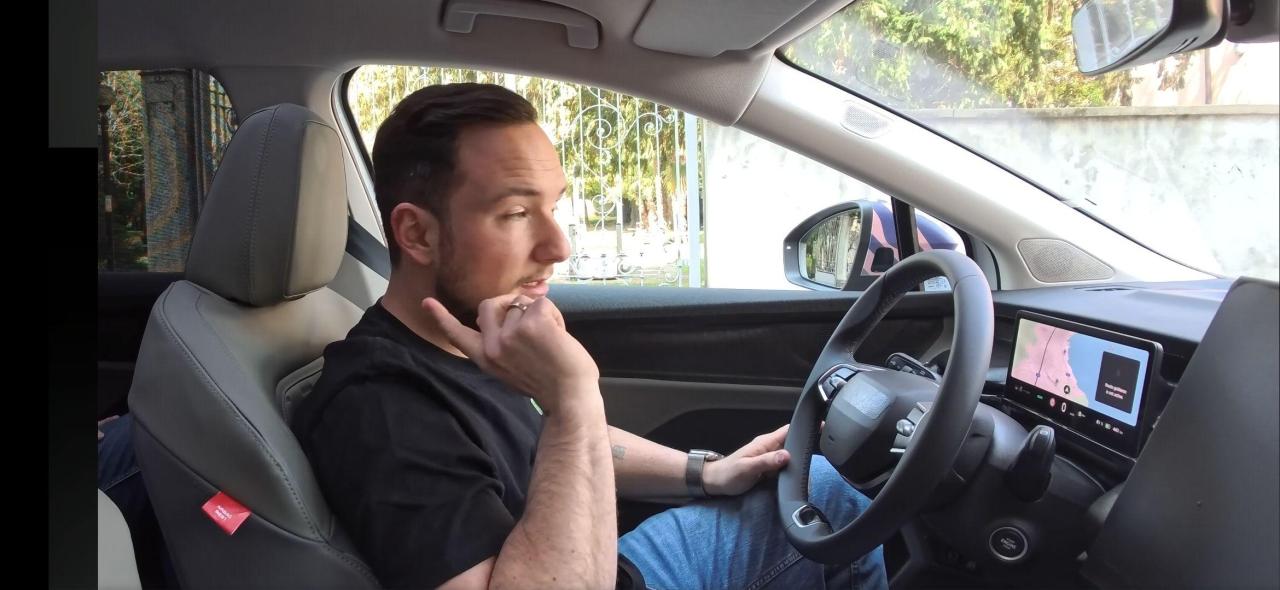
-
-
-
-
-
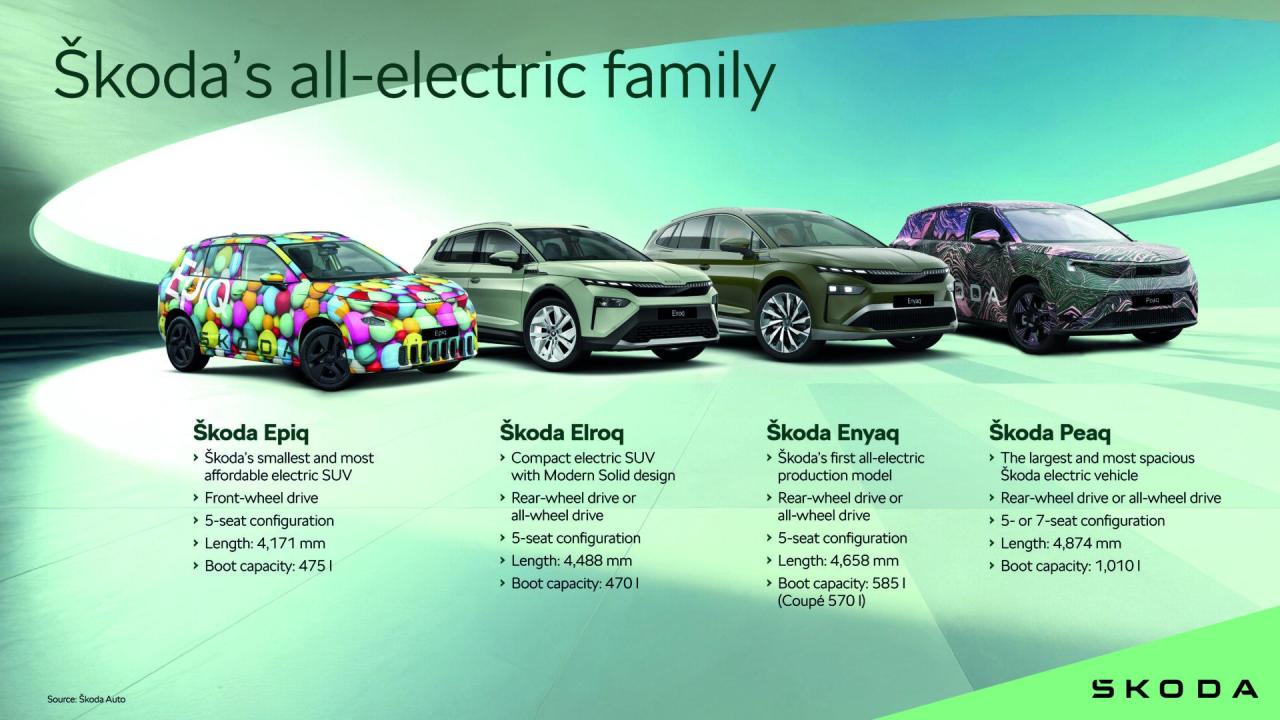
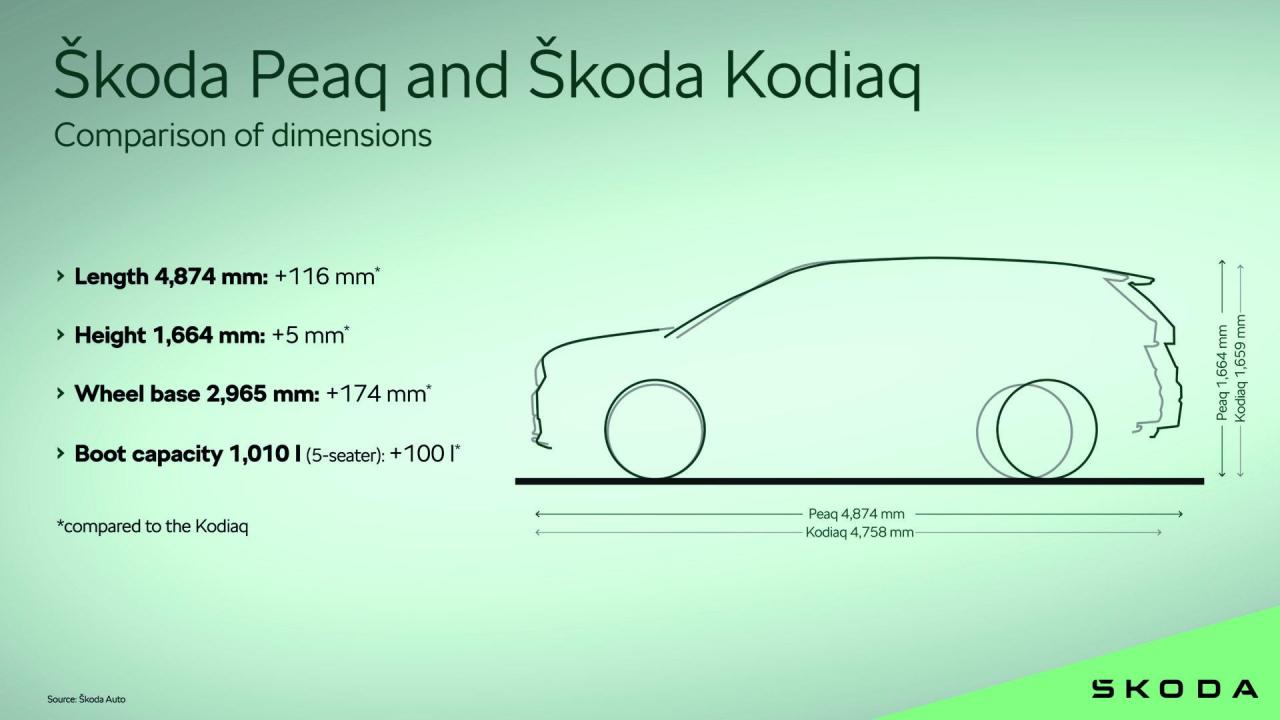
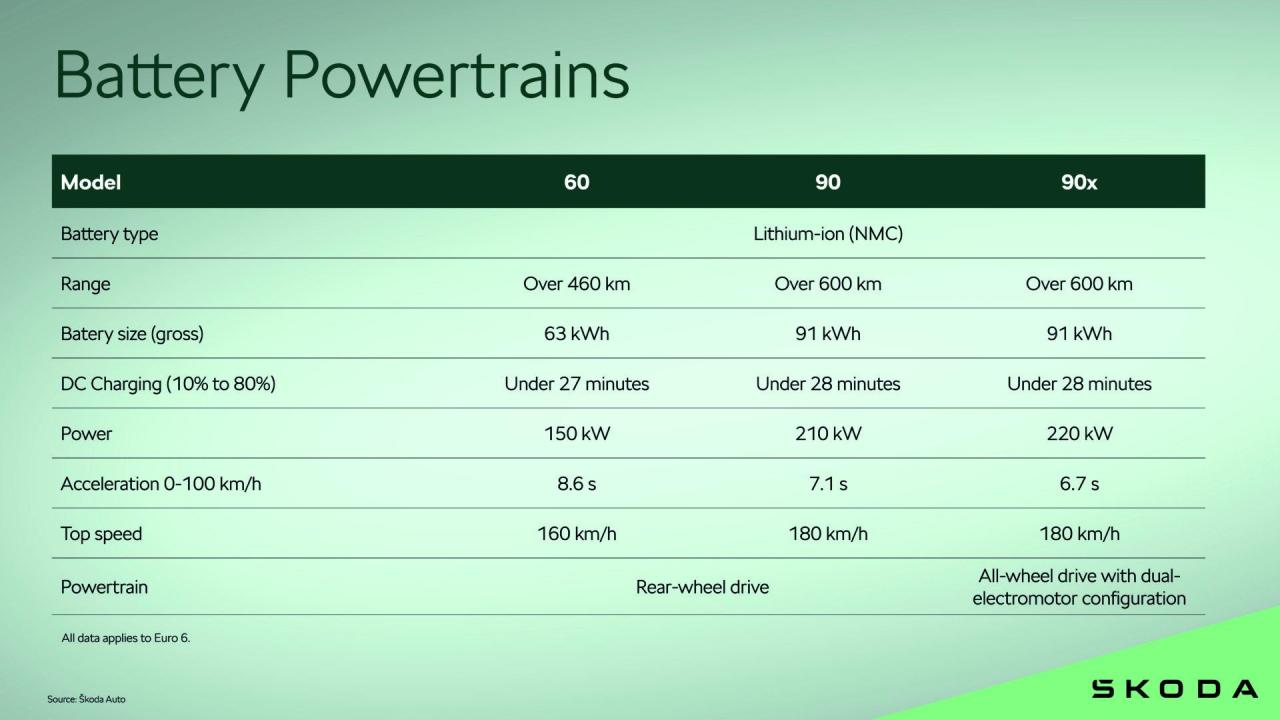
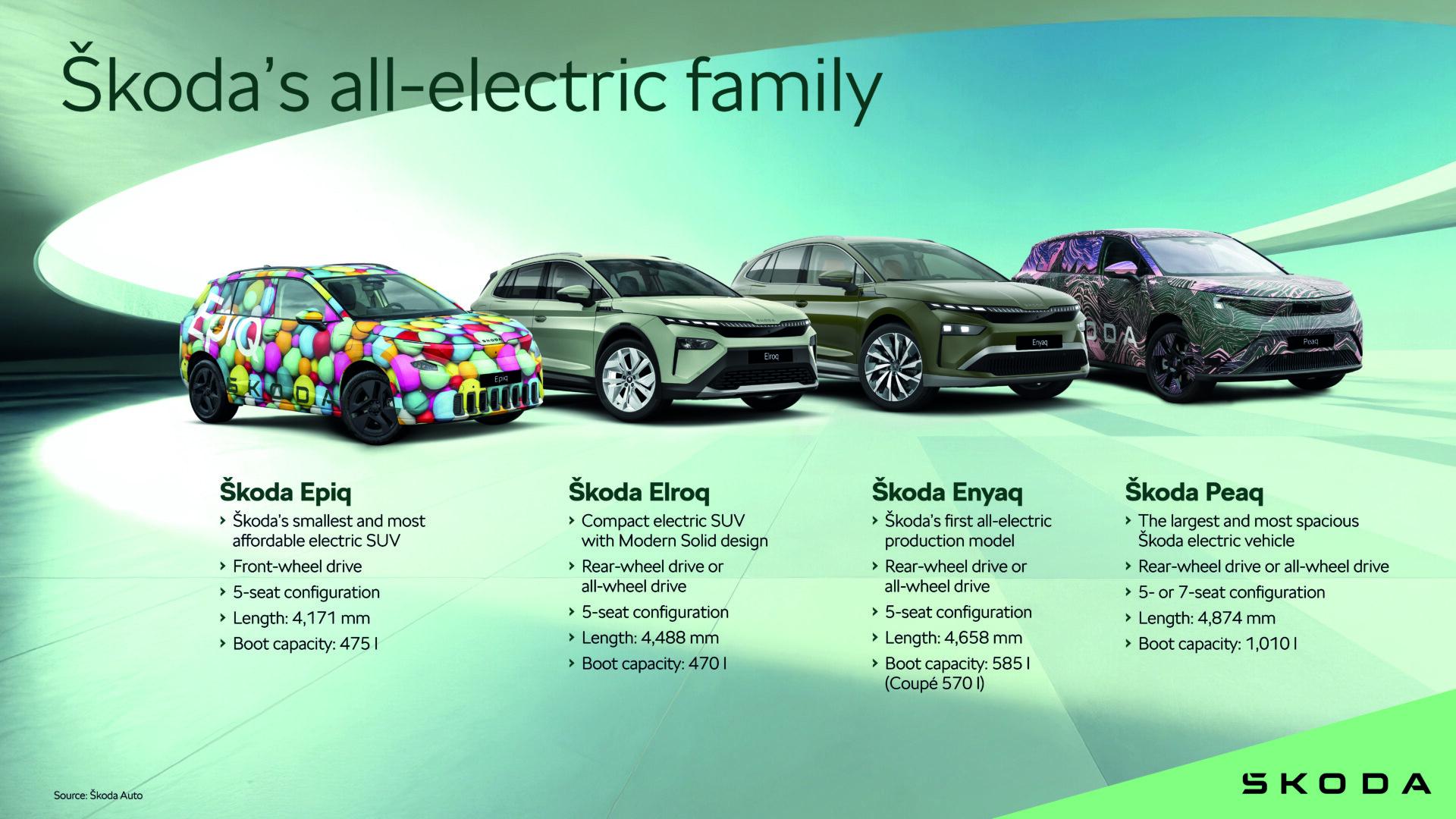
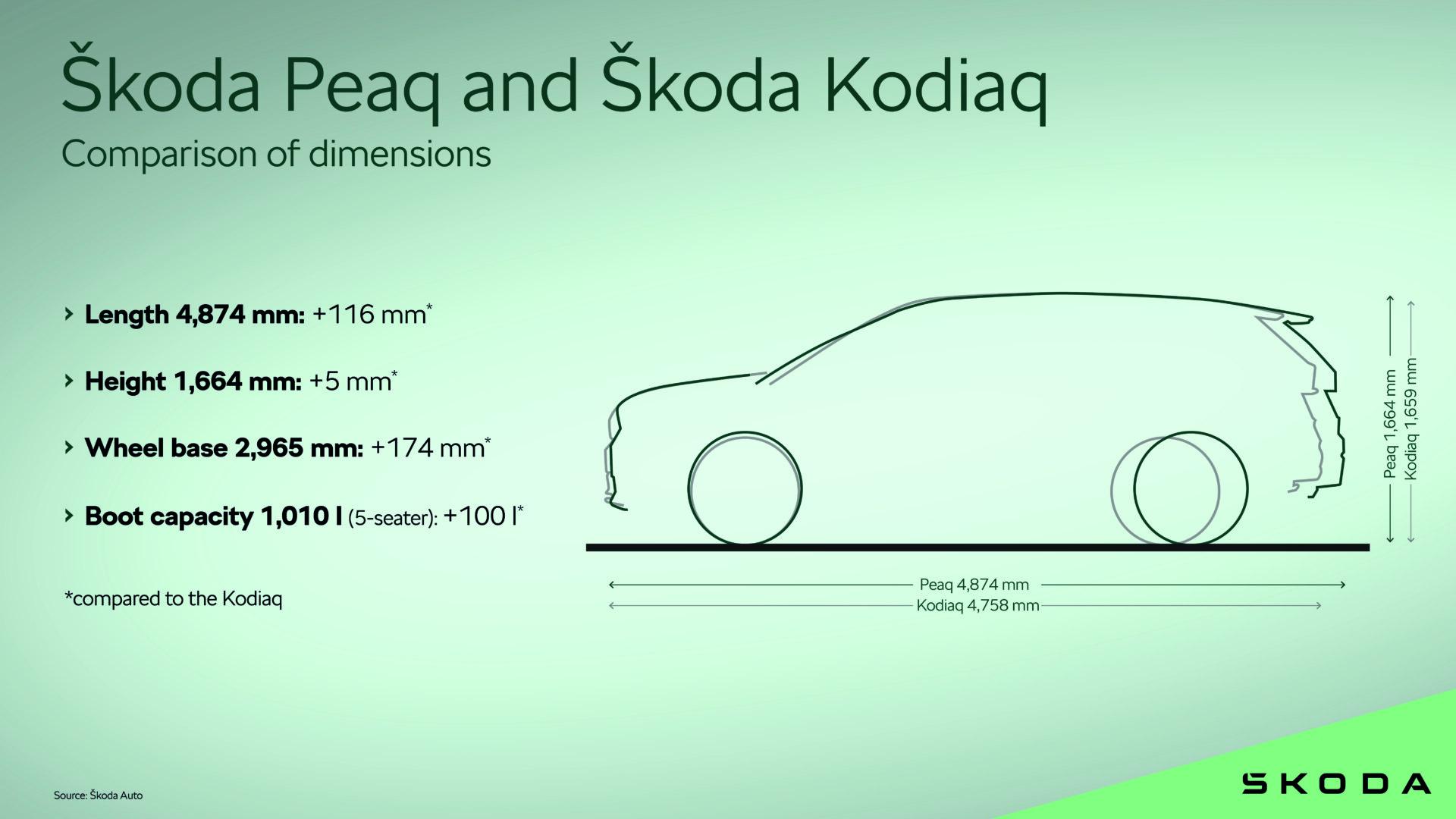
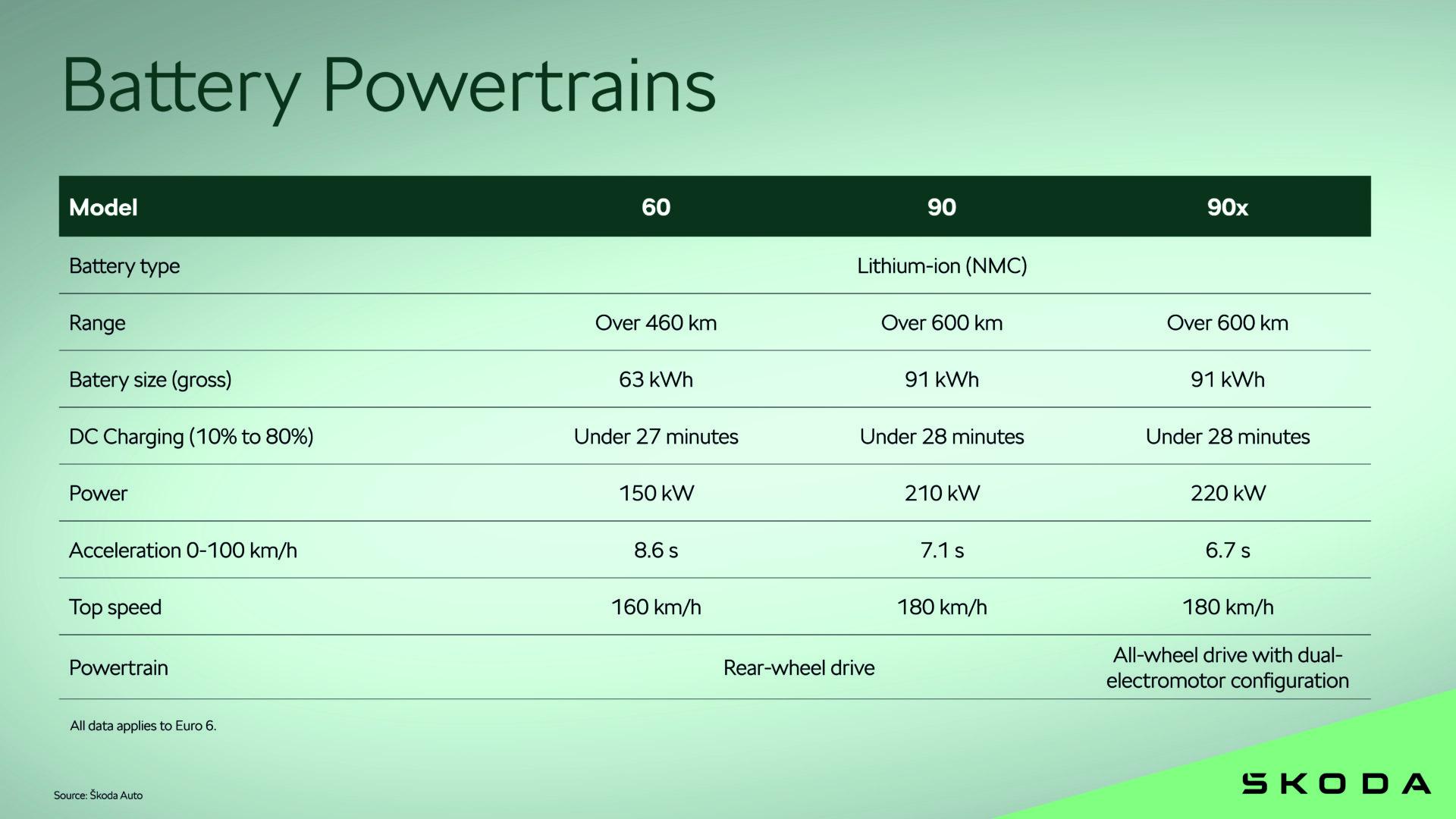
Infografiche Comunicato stampa Via Škoda.

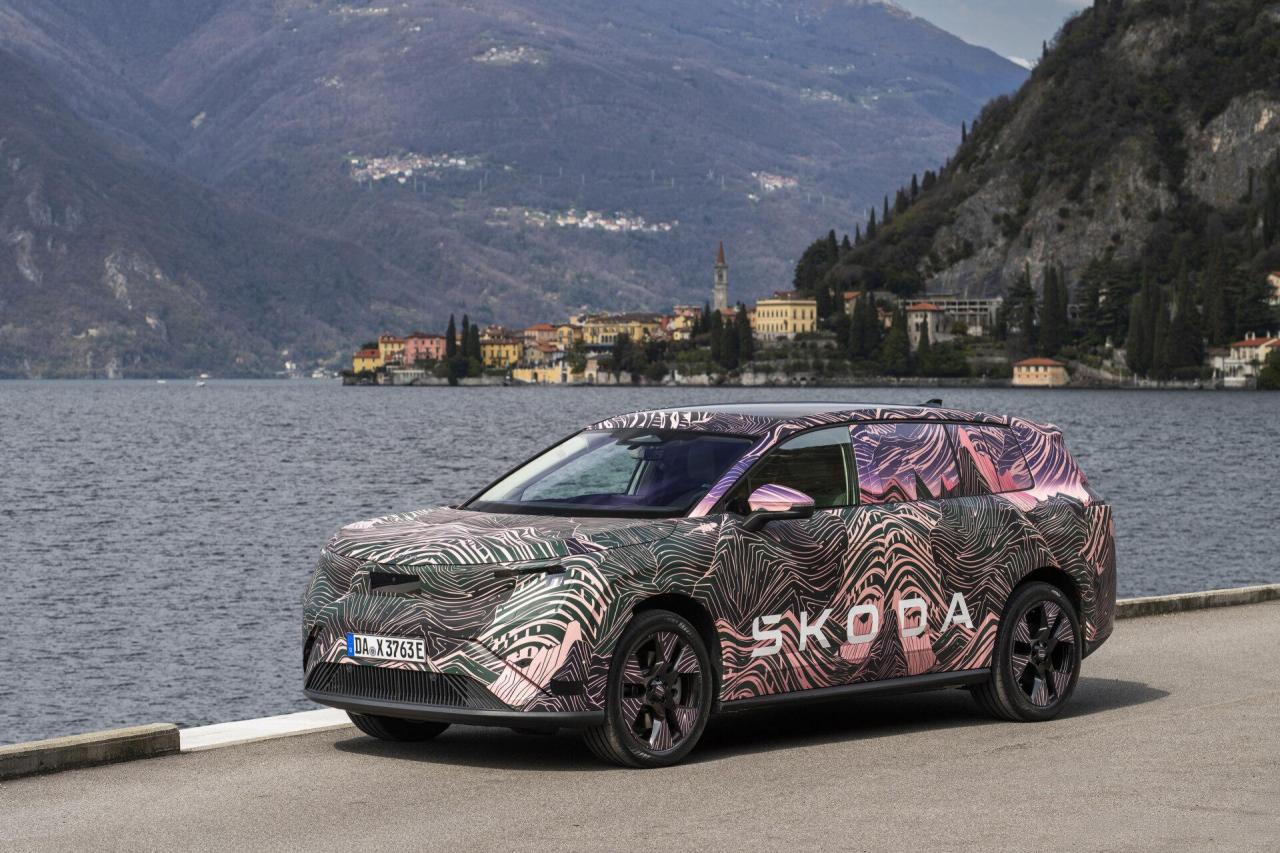
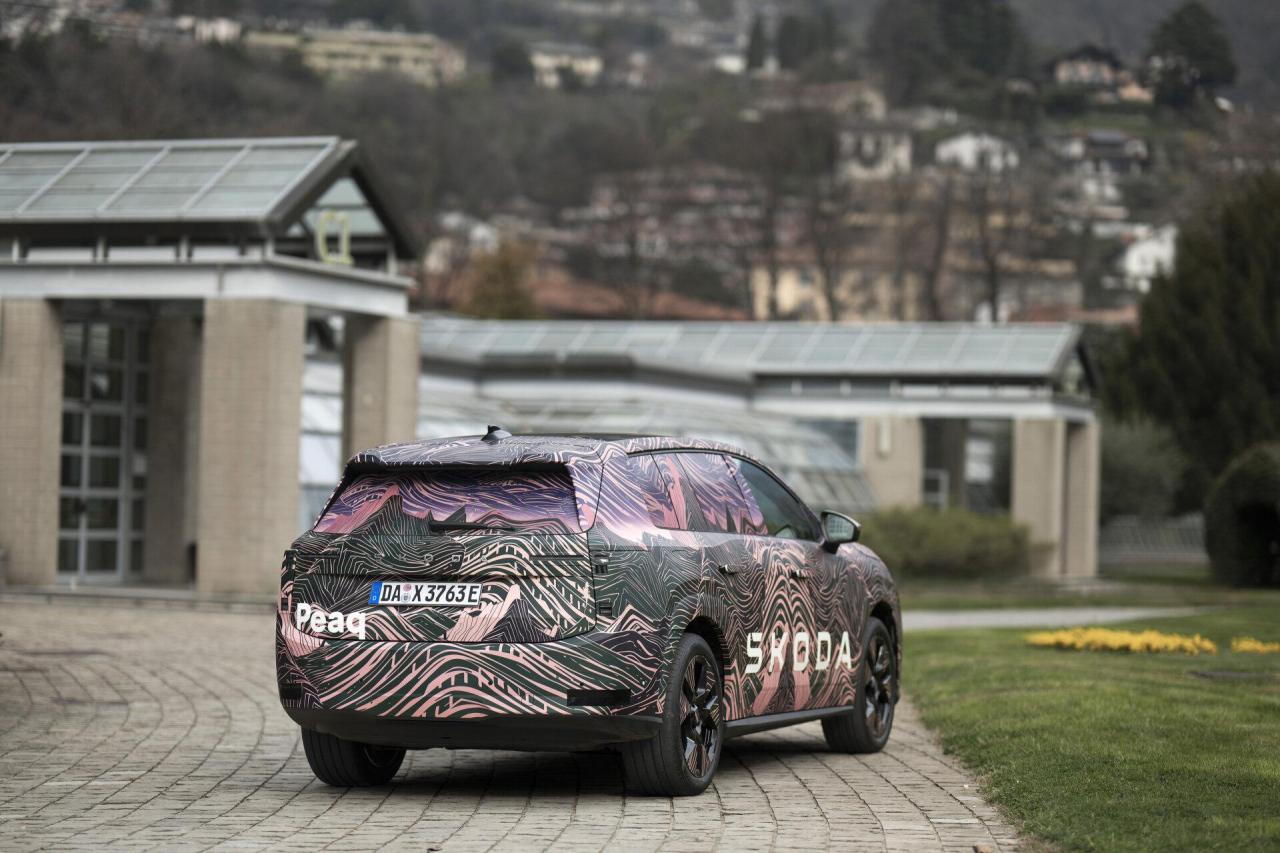
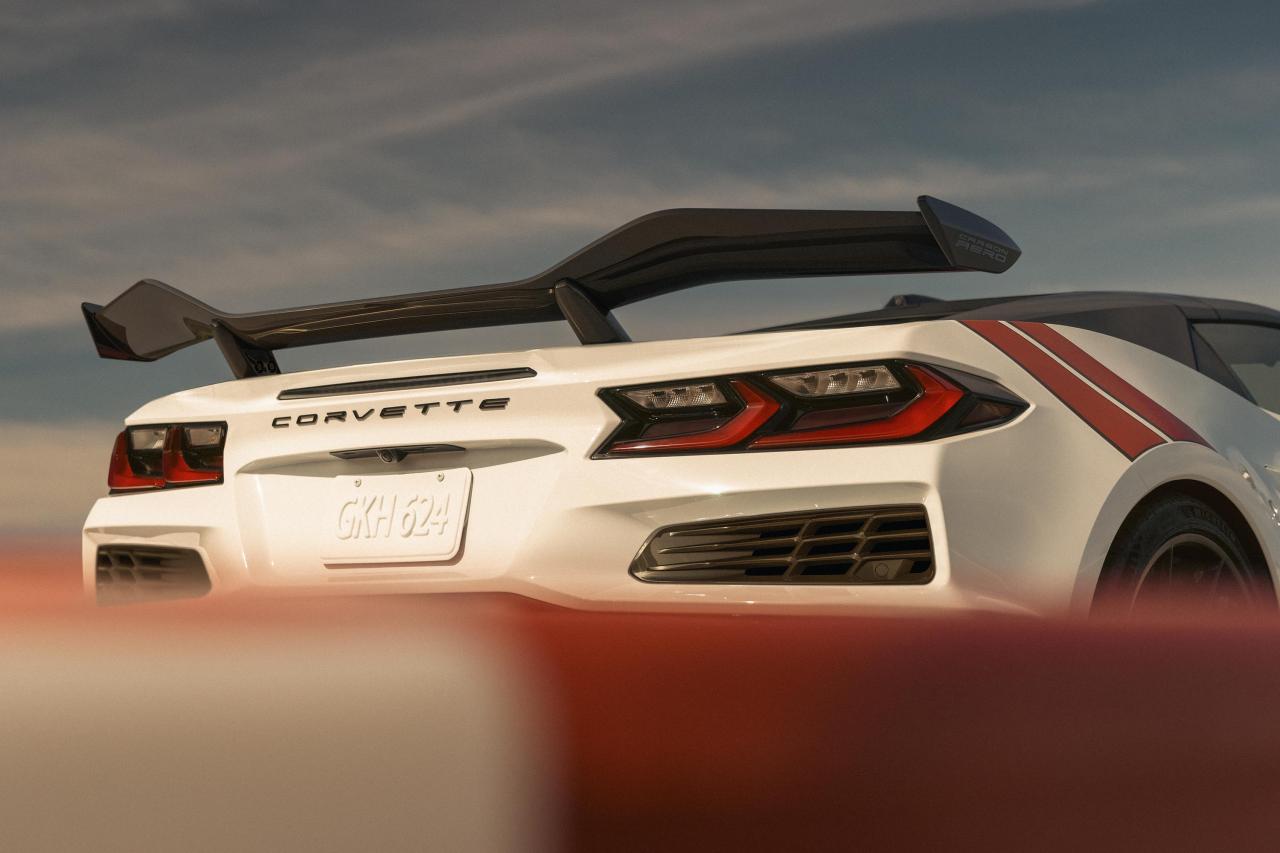
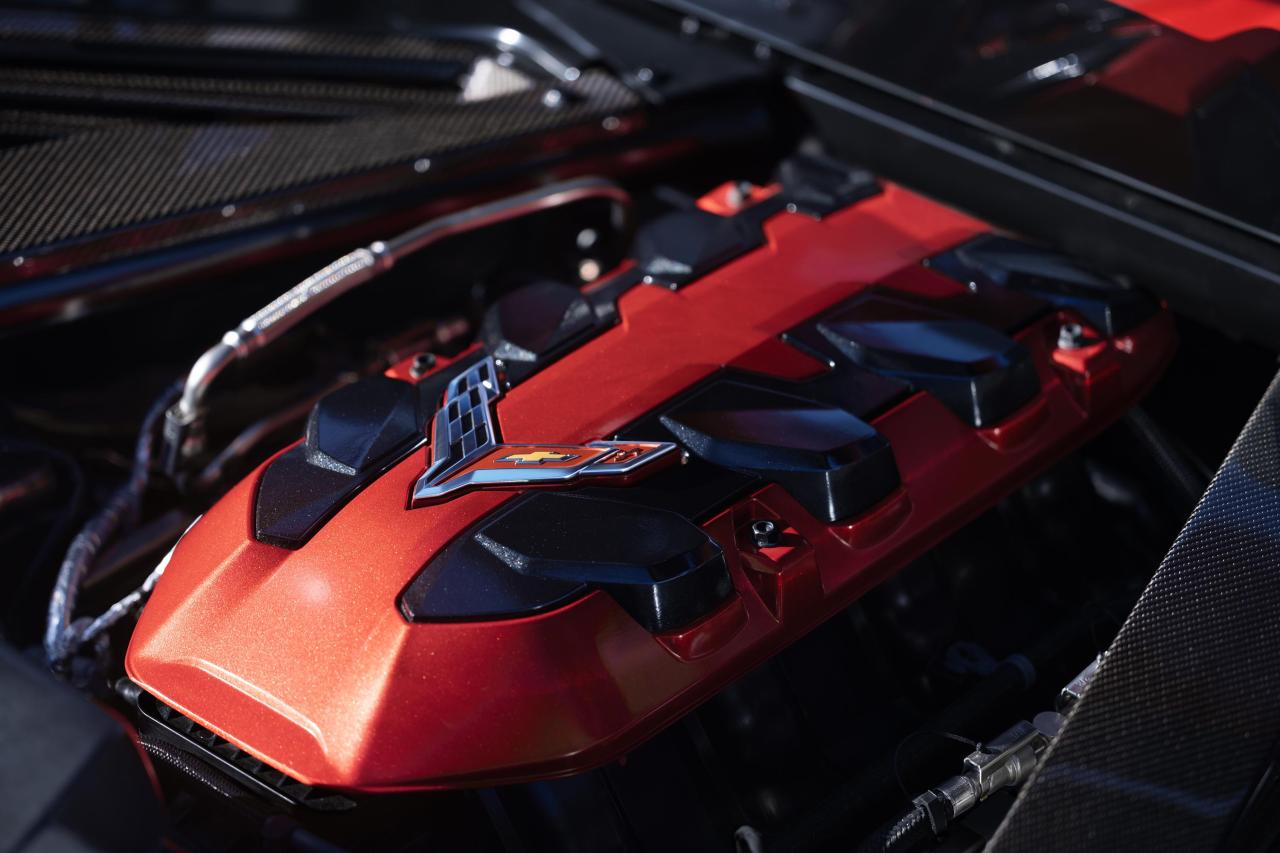
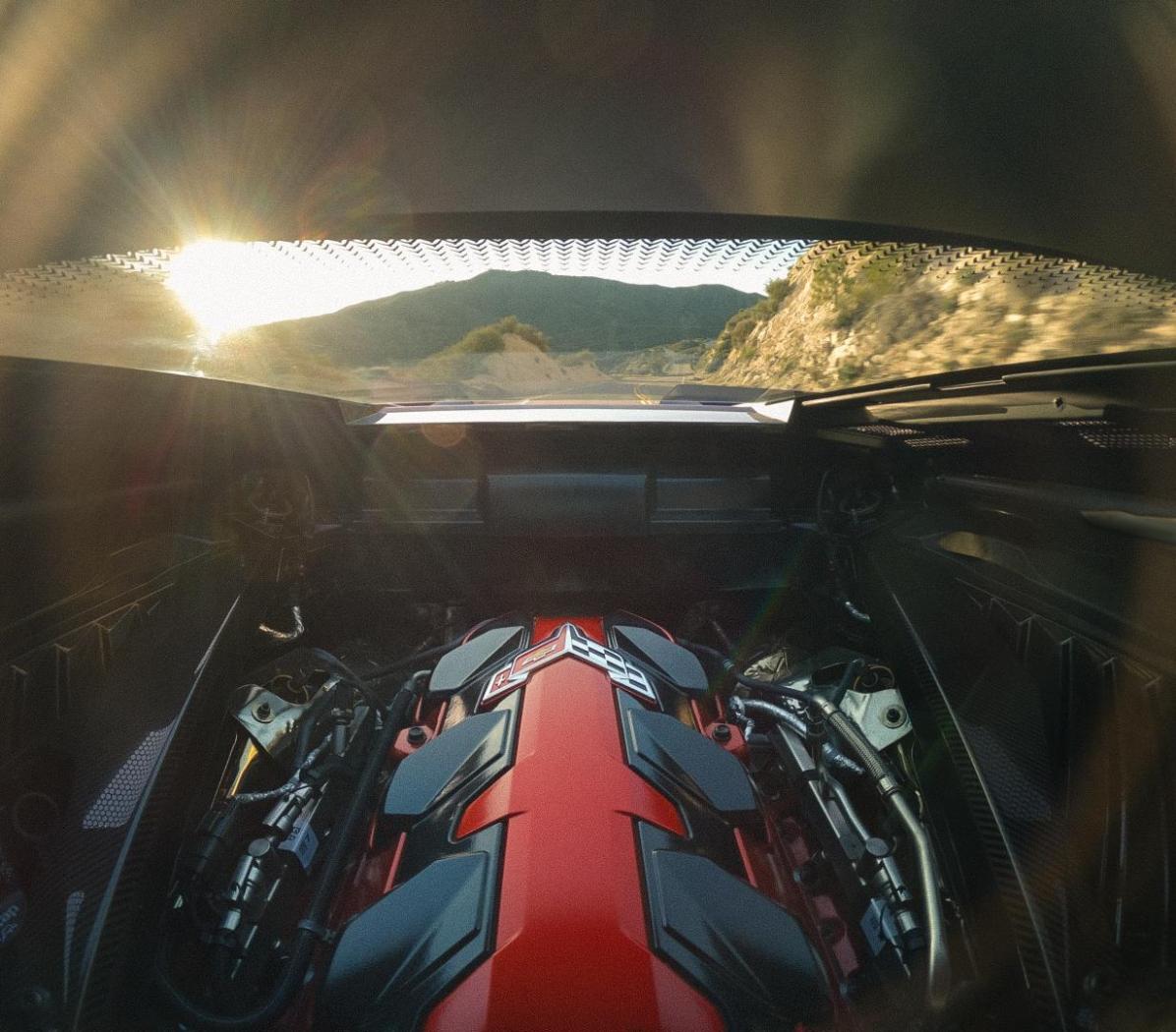
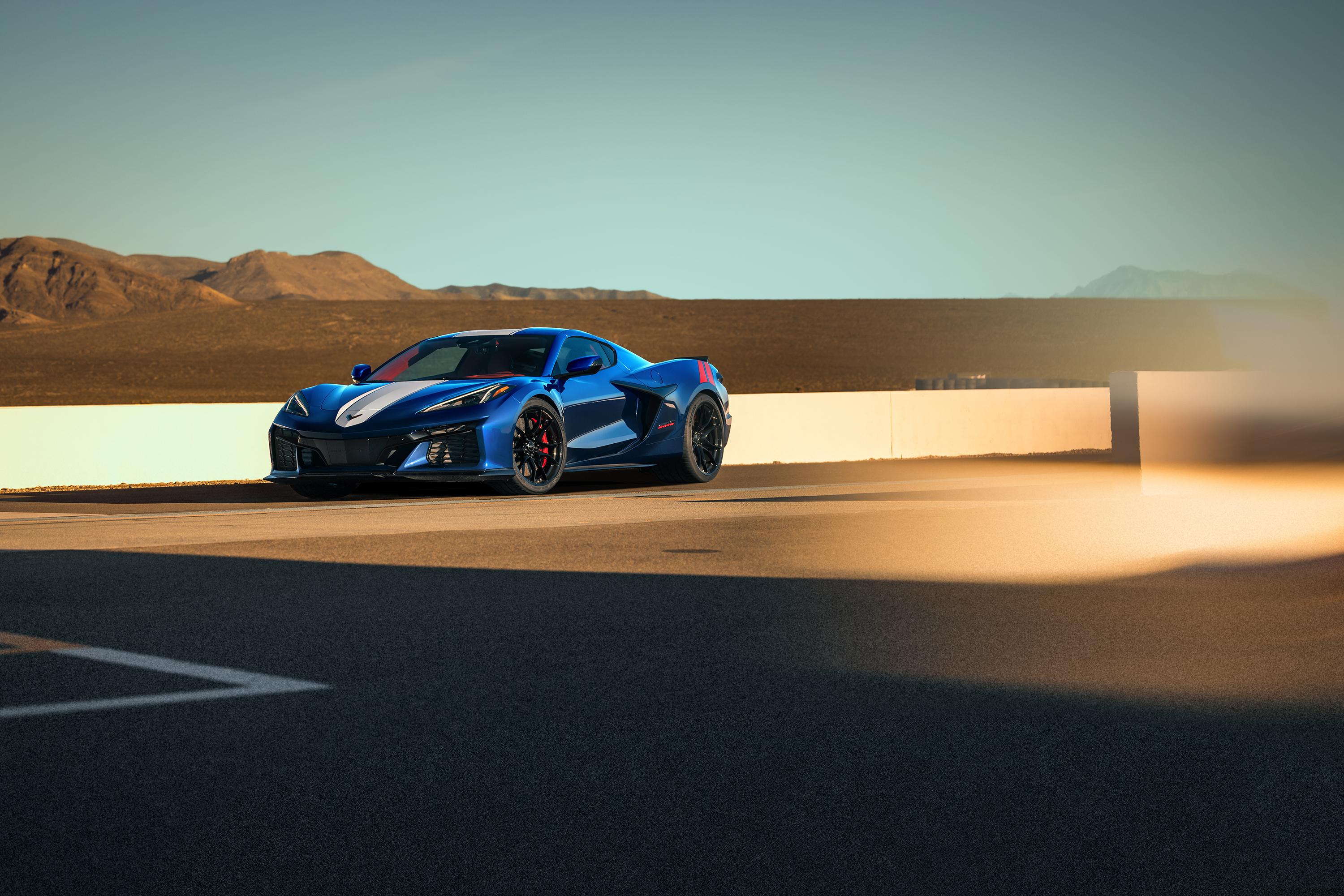
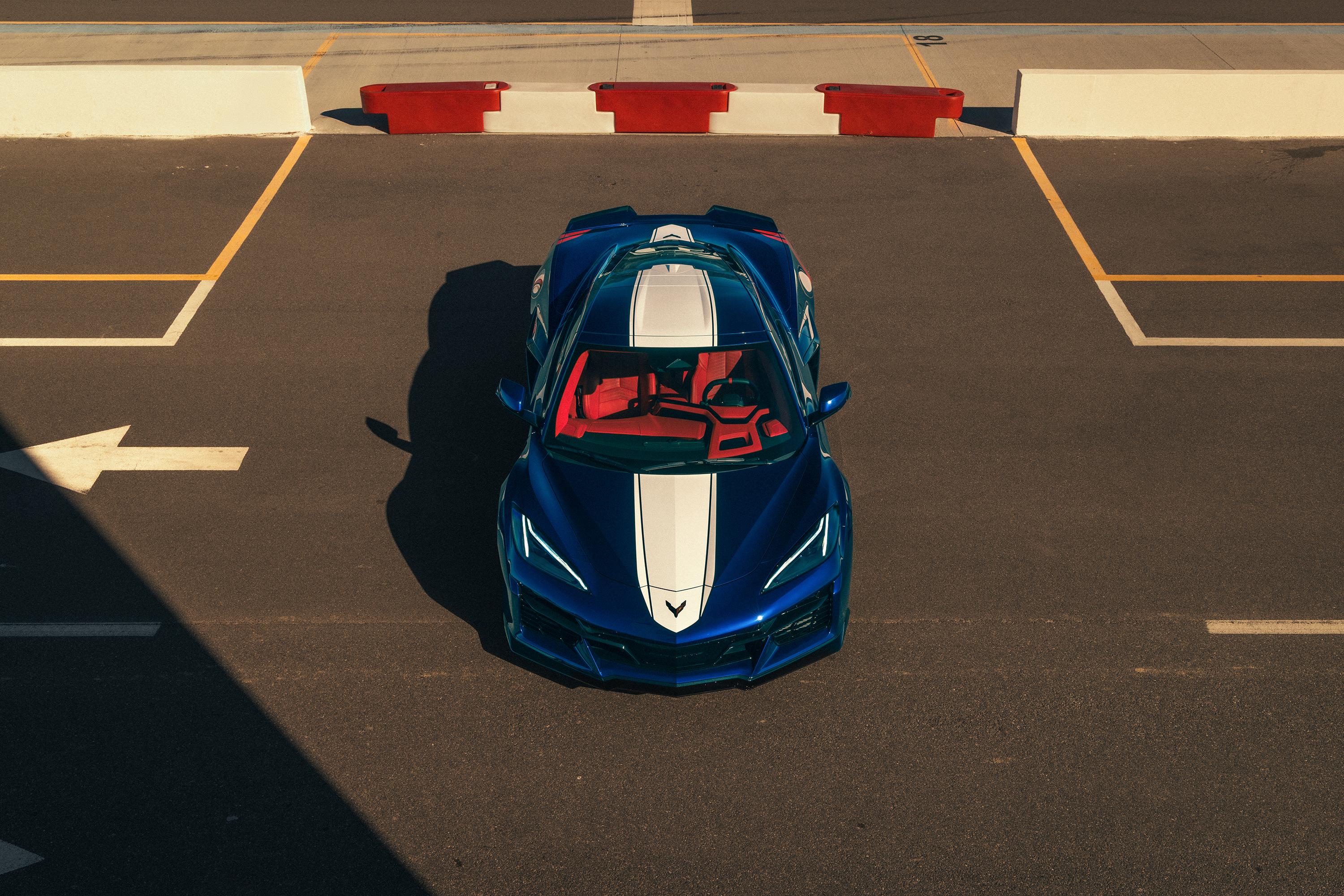
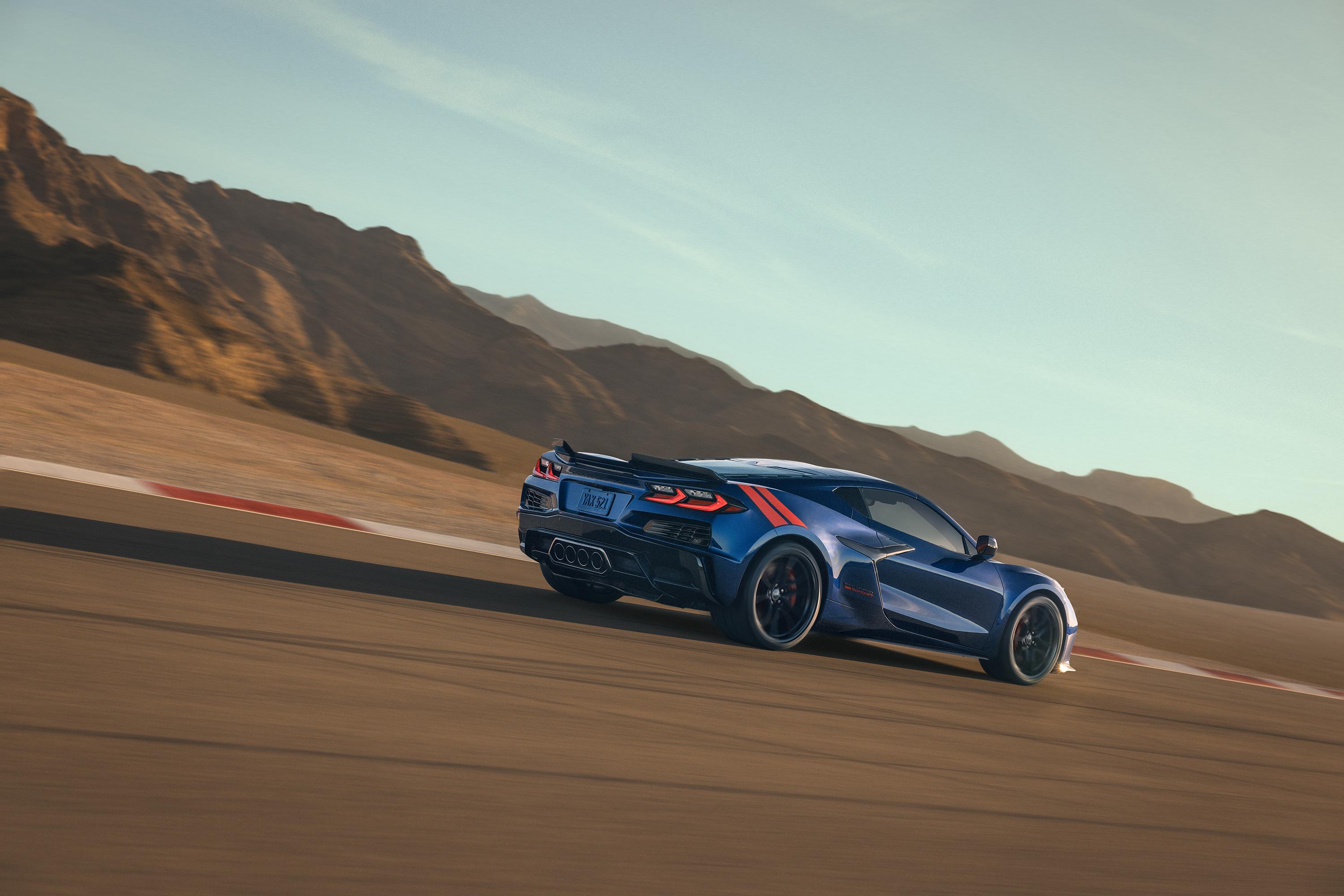
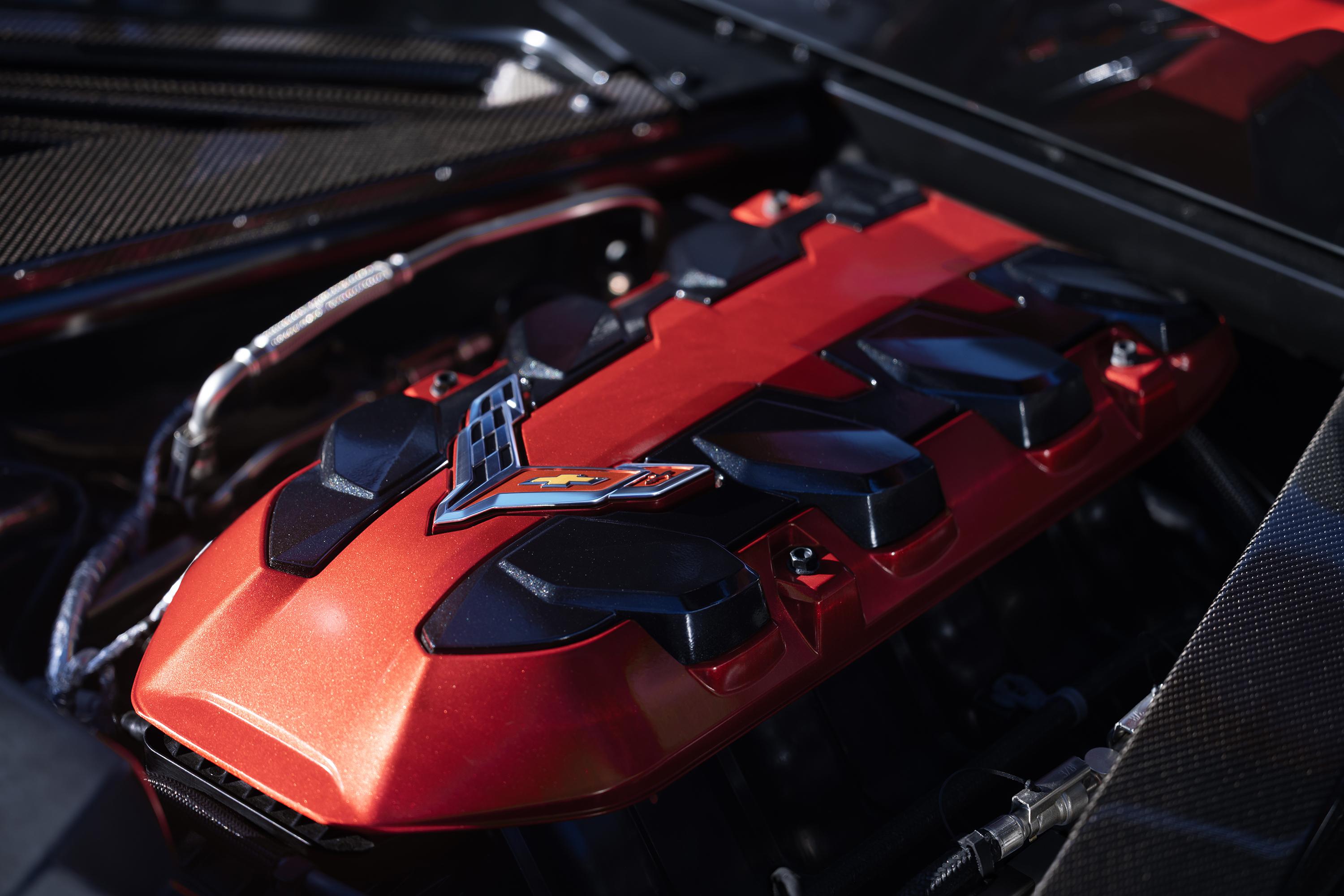
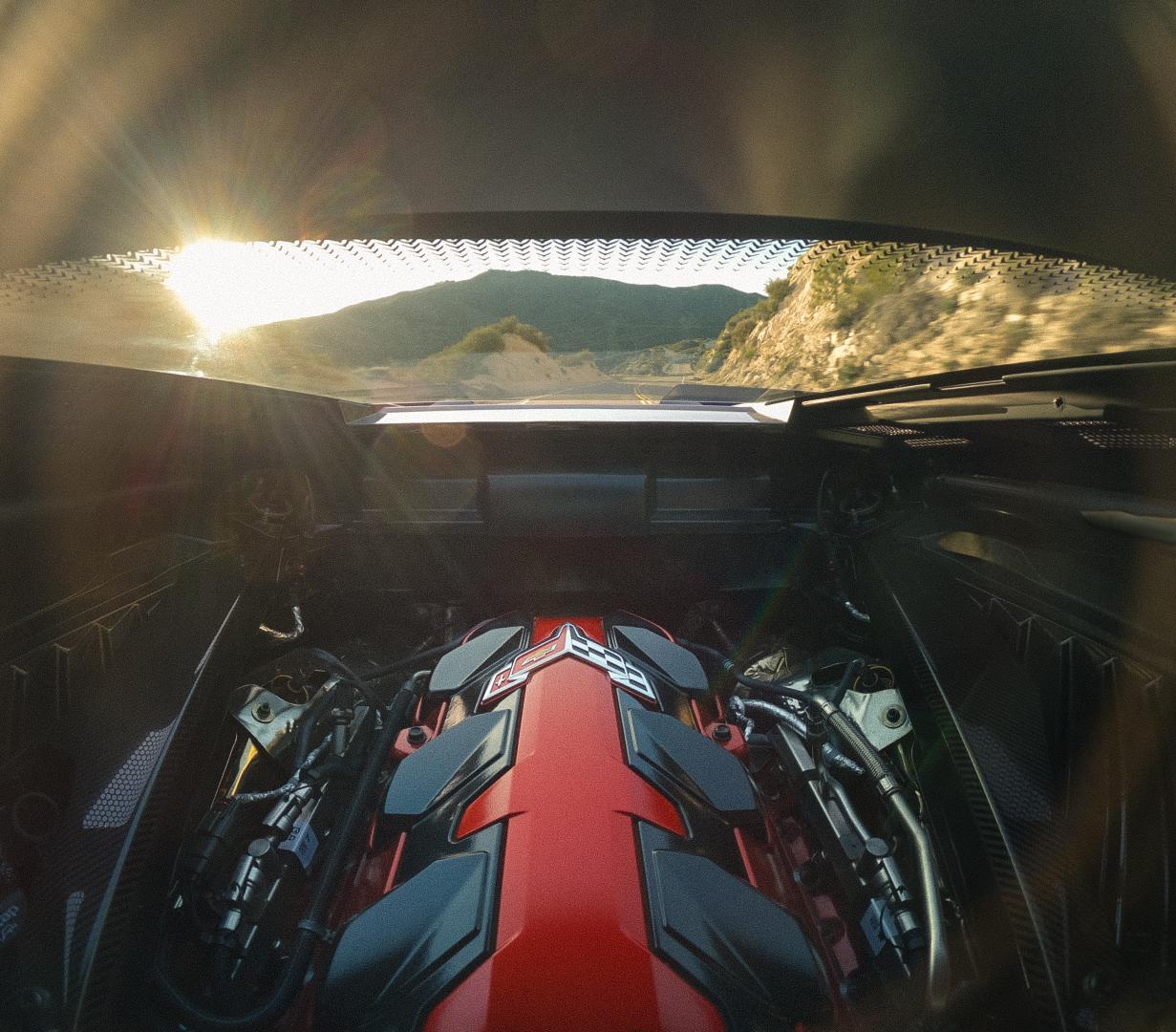
 Corvette Grand Sport Corvette Grand Sport Launch Edition Corvette Grand Sport X LS6 6.7L V8 Comunicato stampa Via Chevrolet. Topic Spy: Chevrolet Corvette C8 Grand Sport 2026 (Spy)

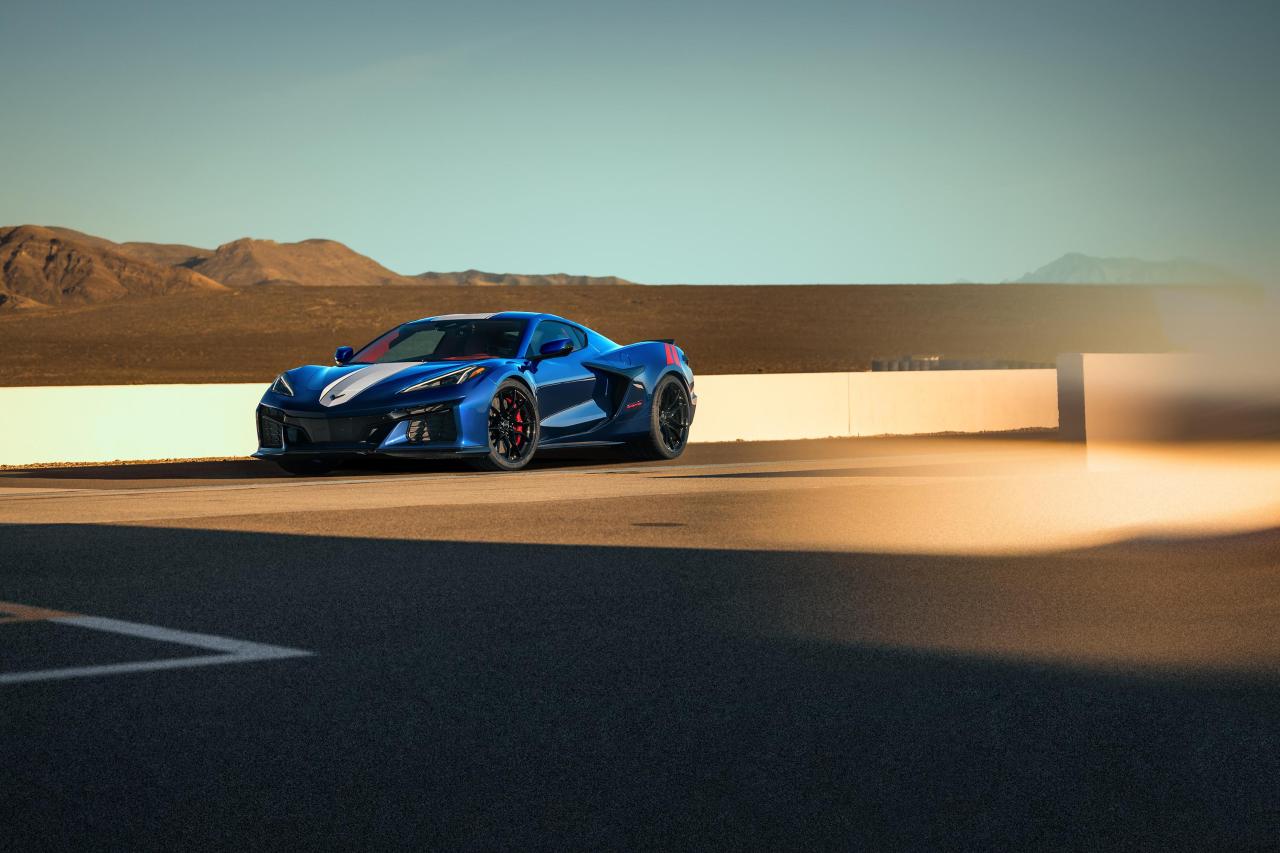
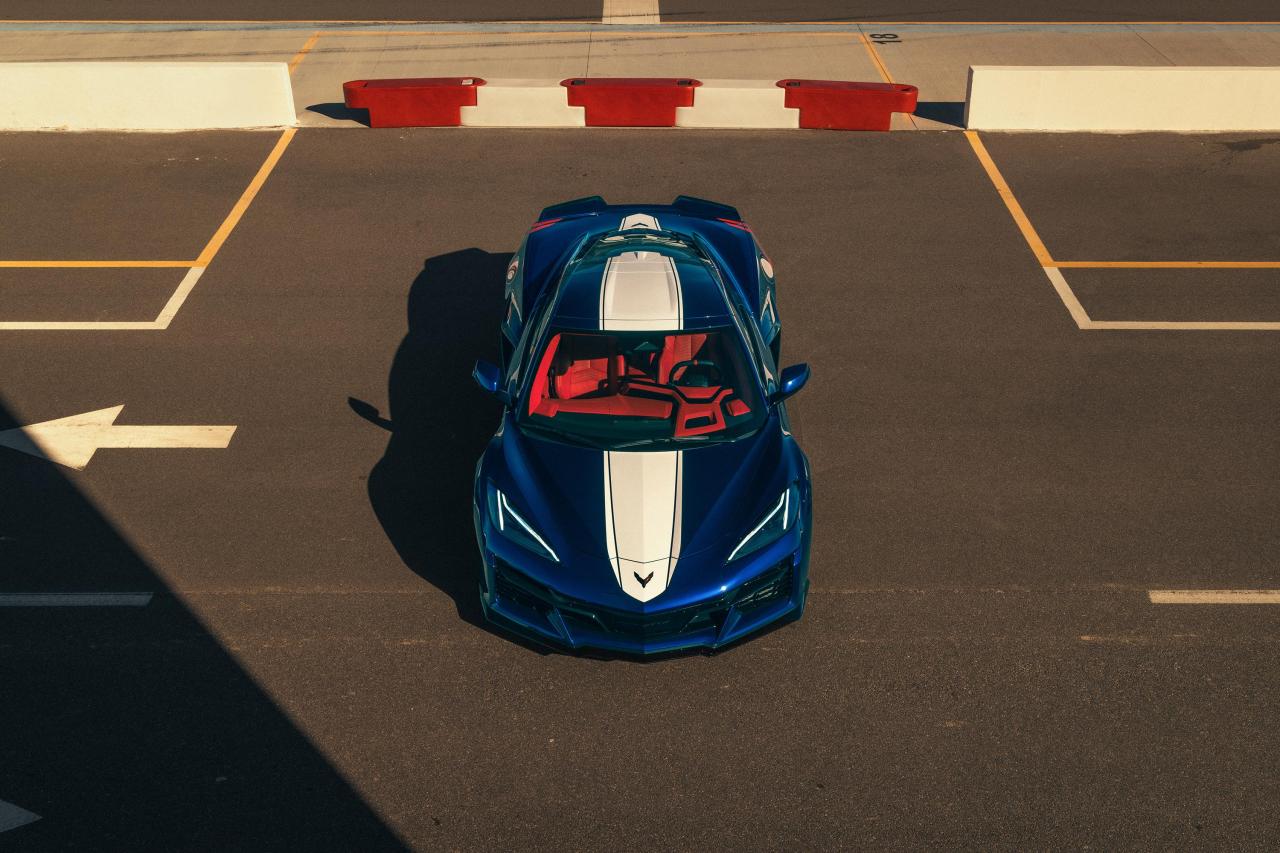
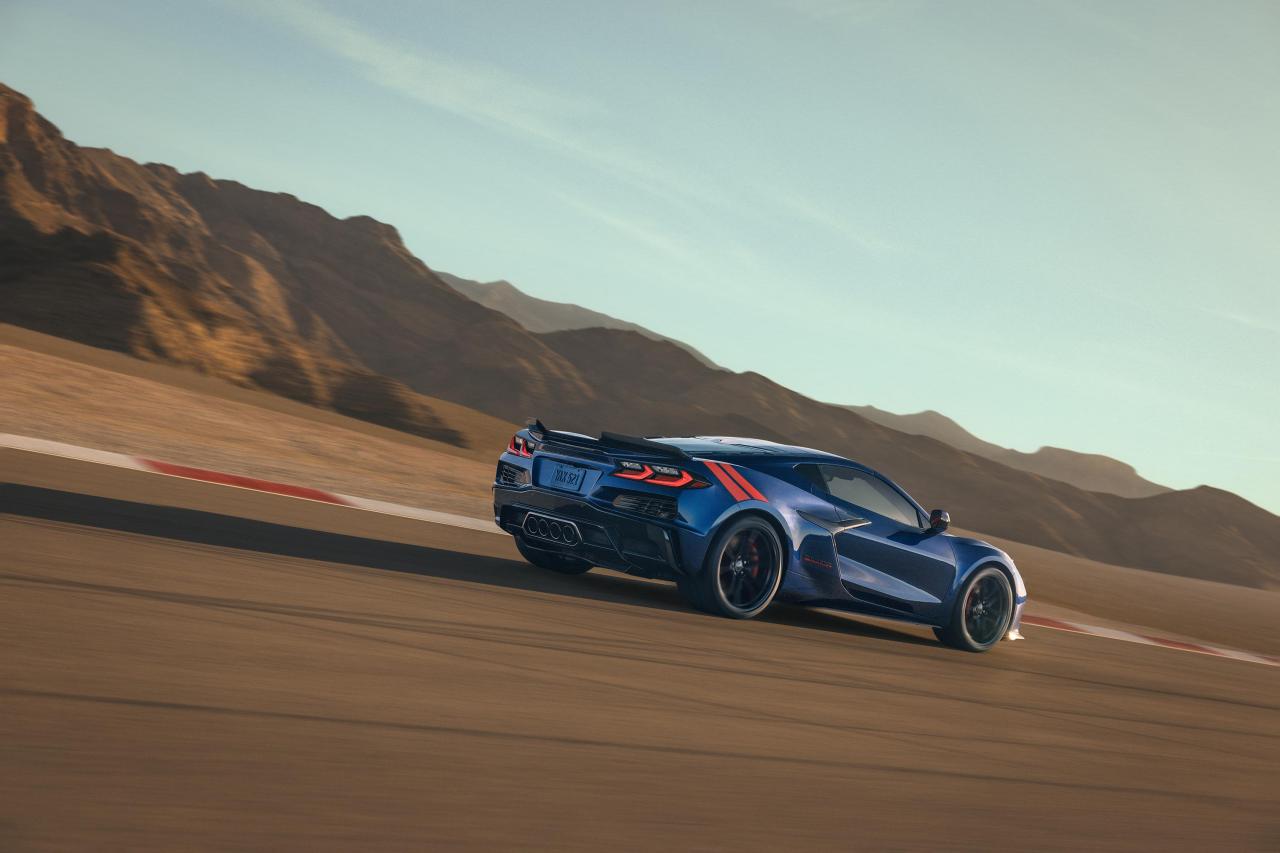
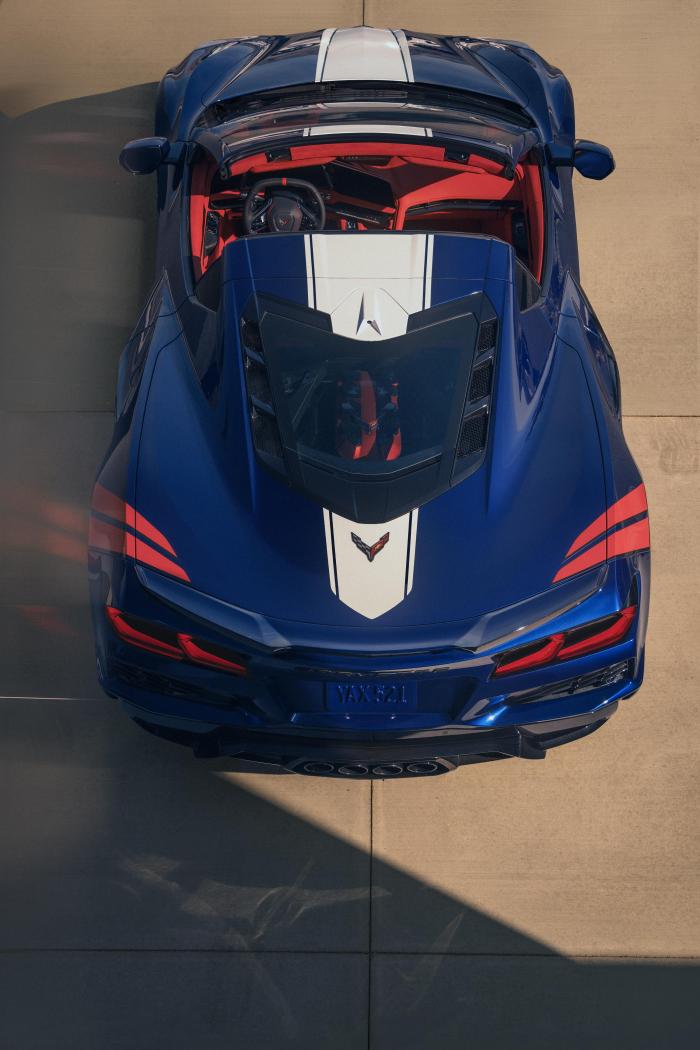


(1)(1).thumb.png.635c059adfaa3a2ca27f86ab608b04ba.png)
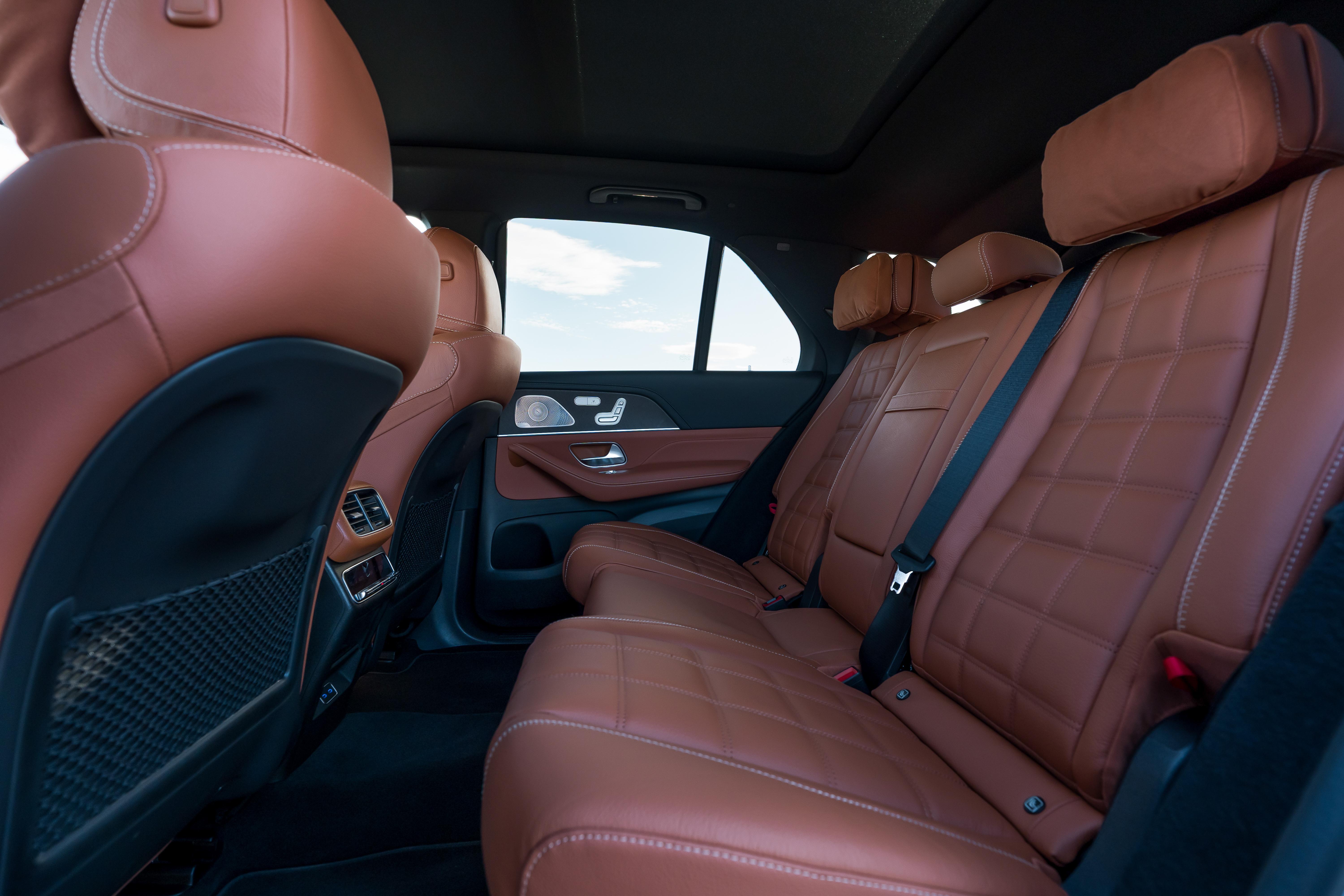
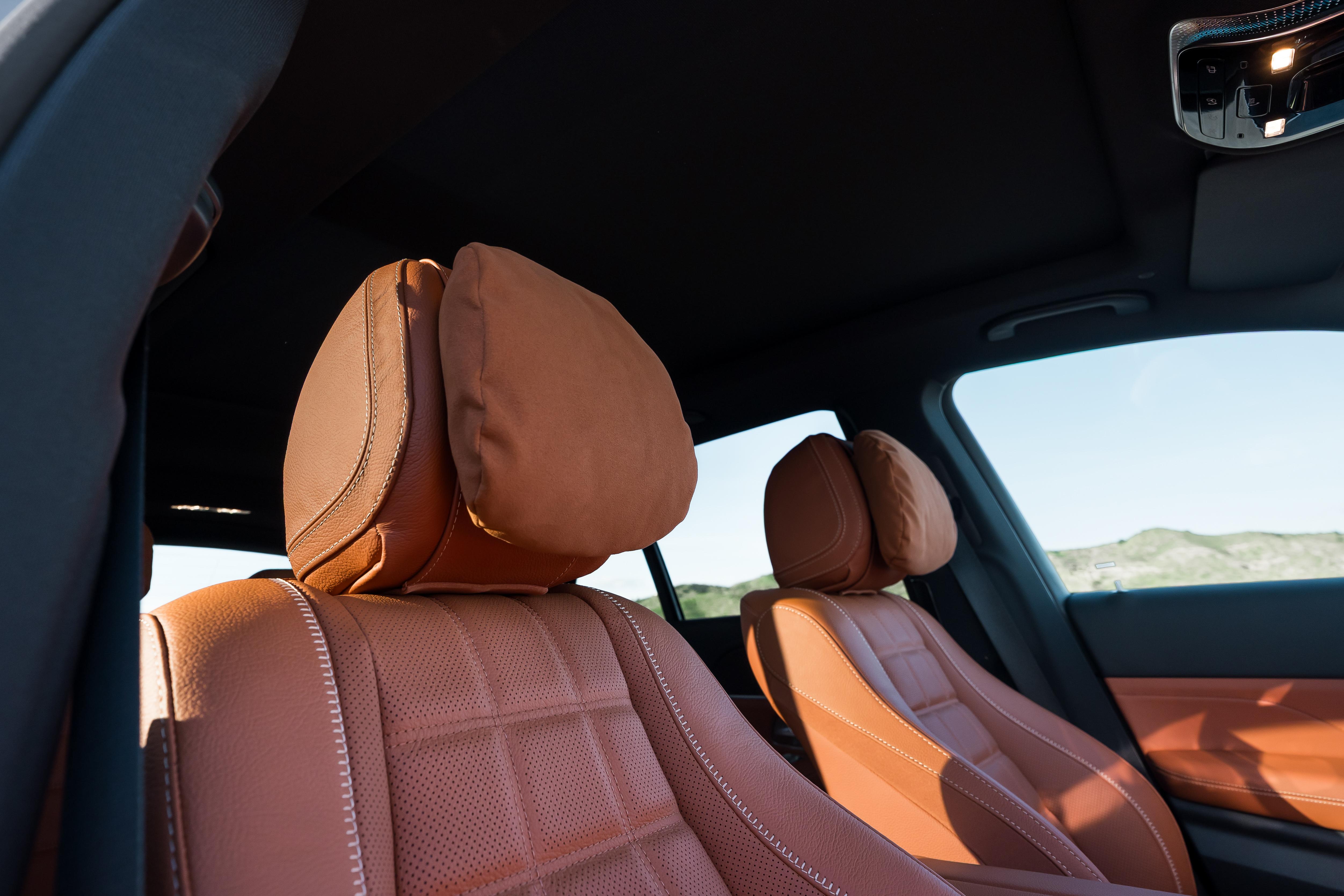
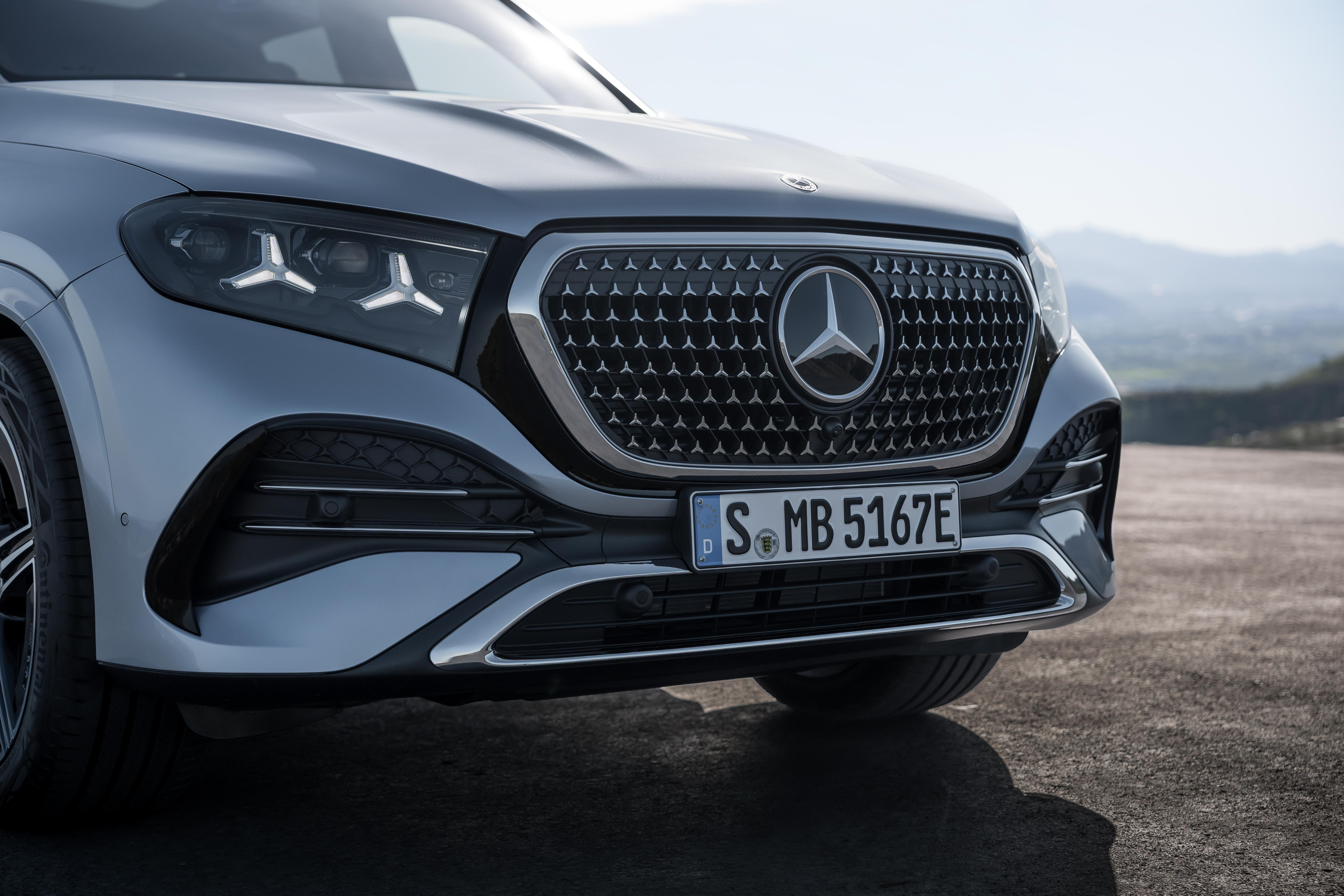
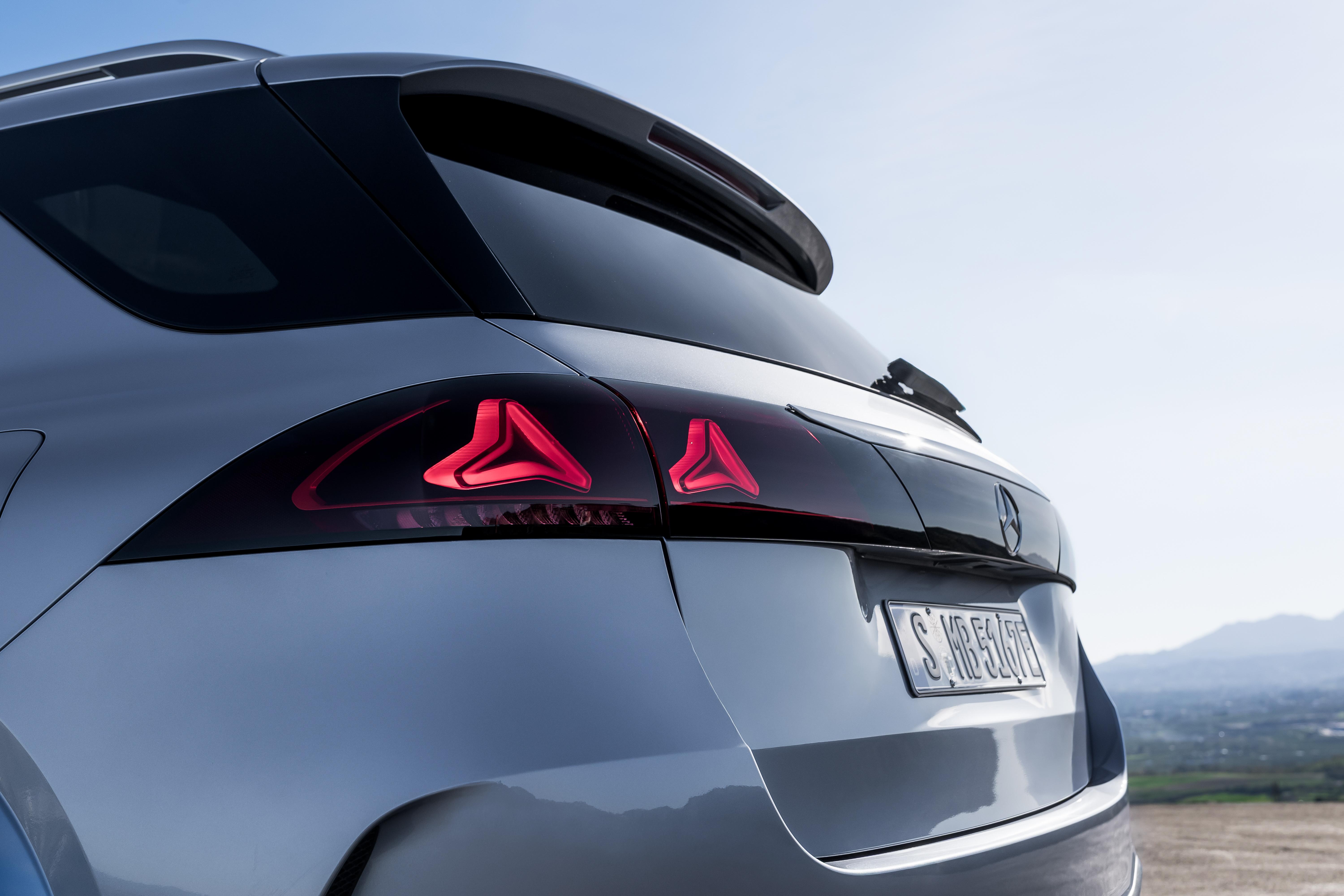
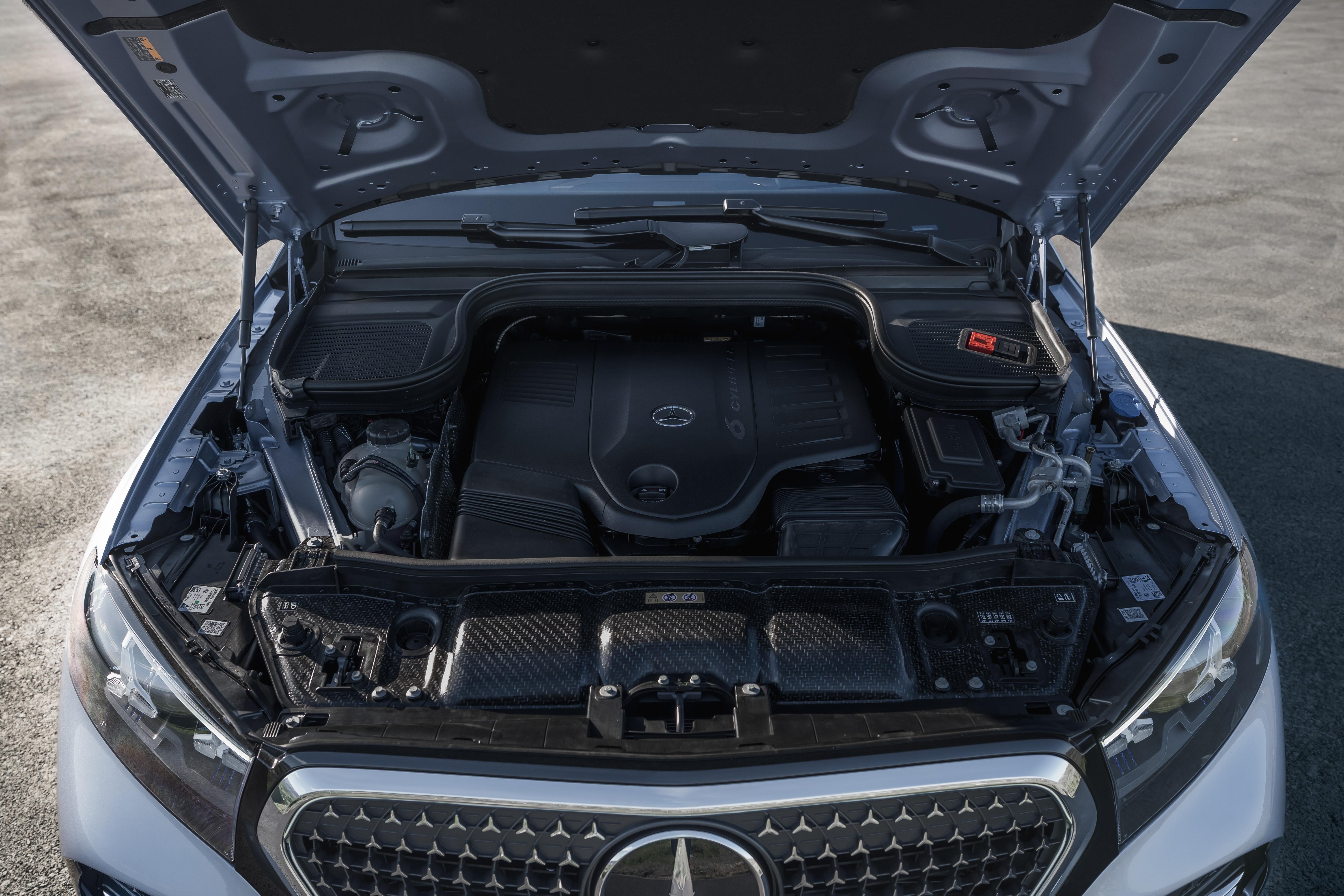
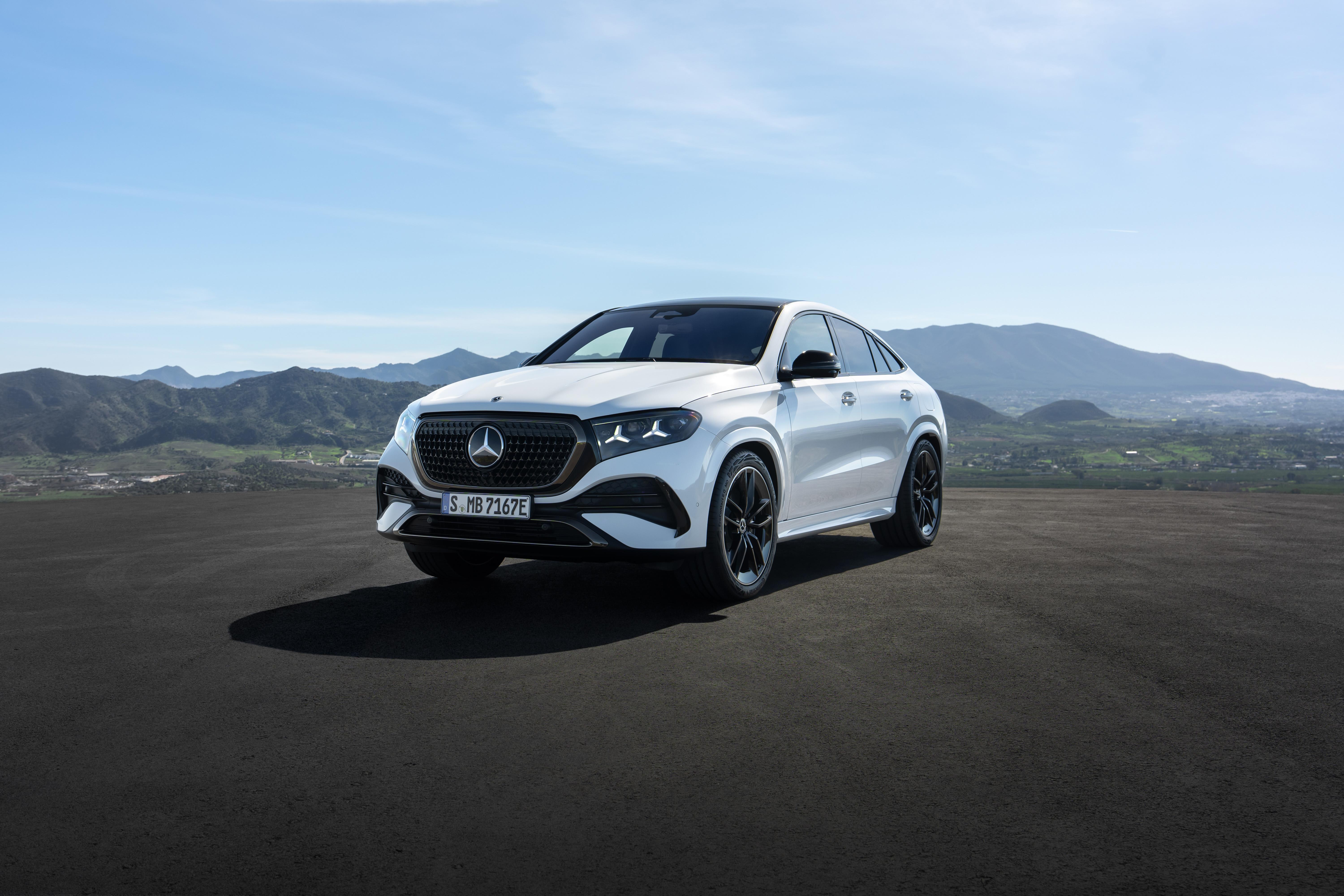
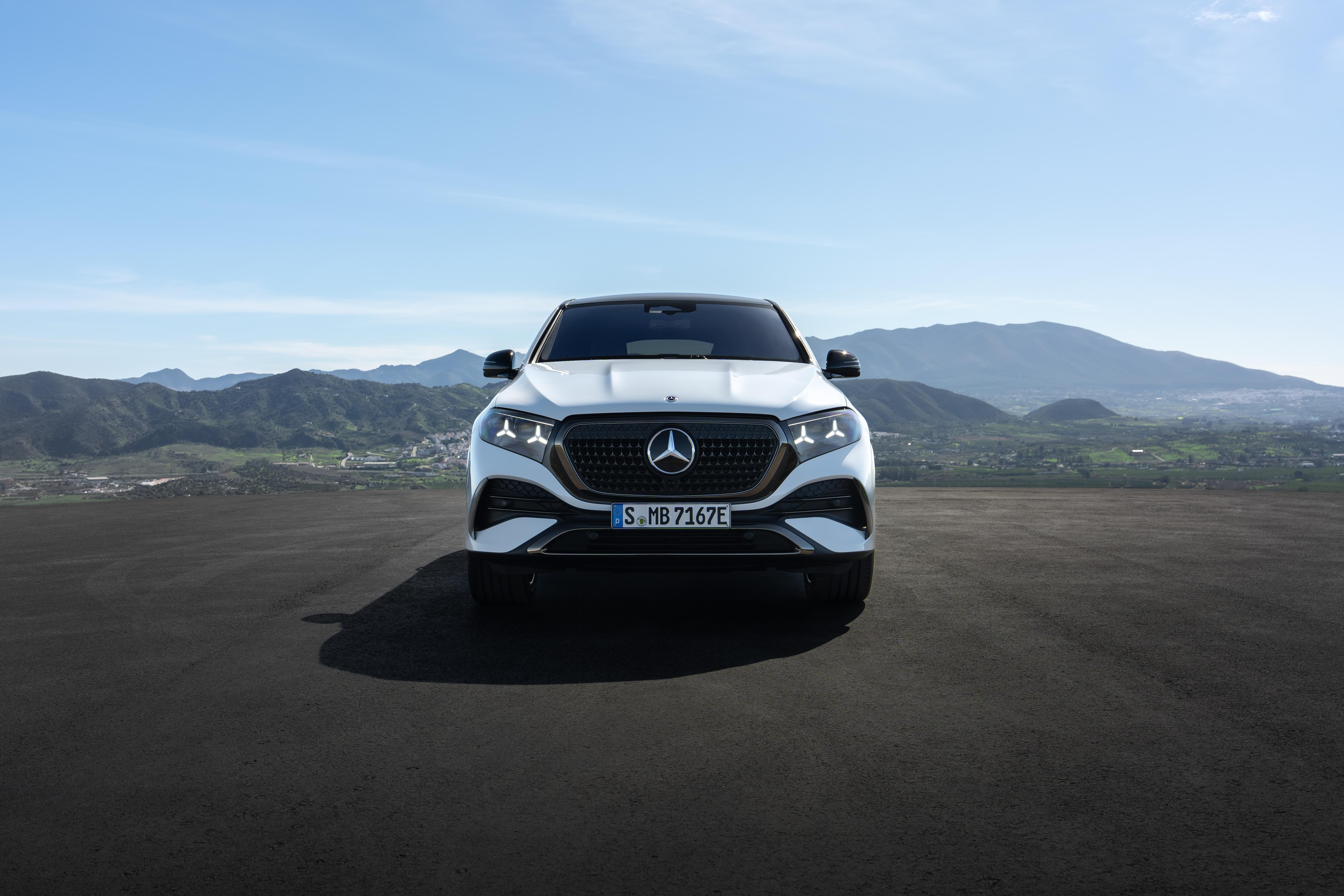
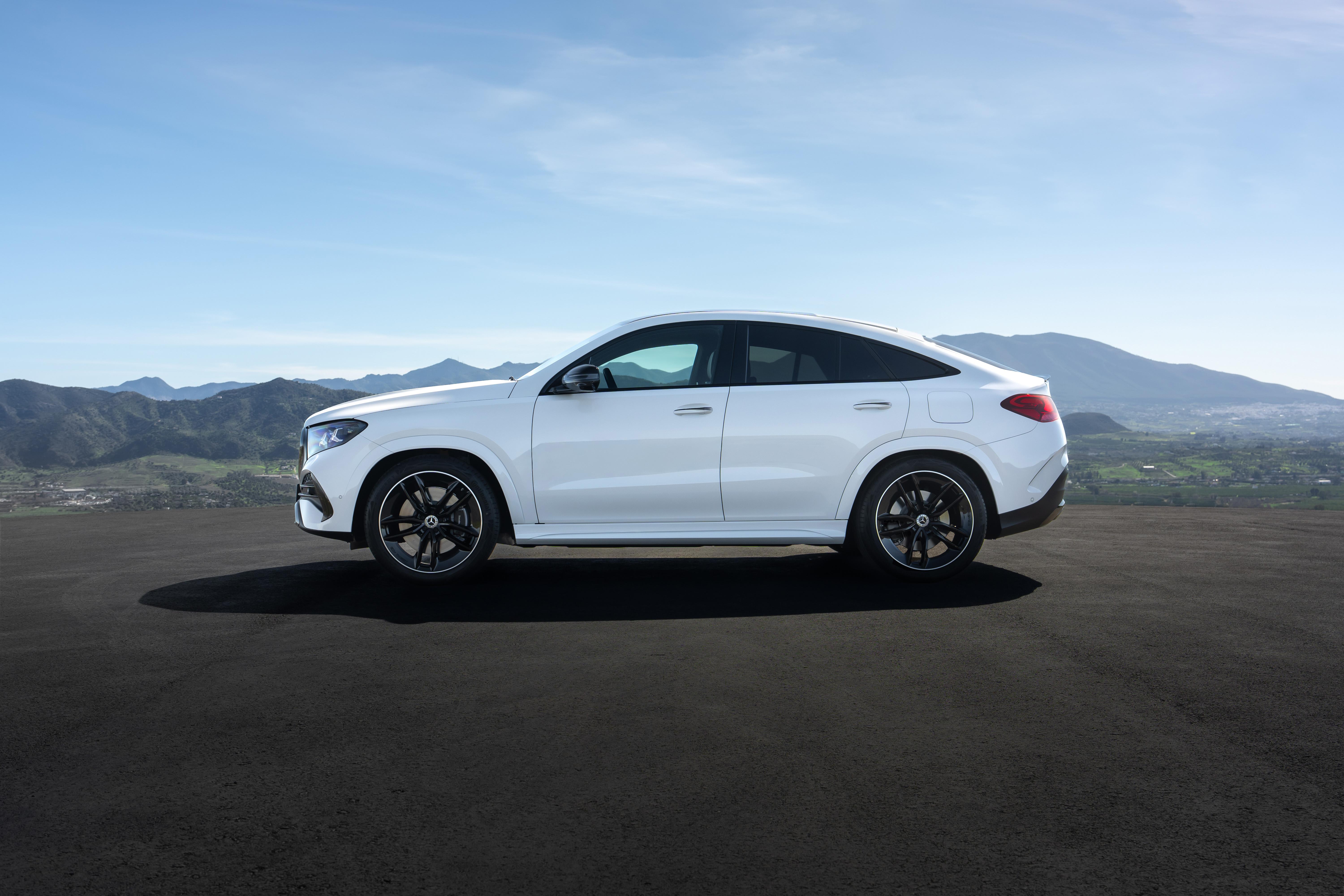
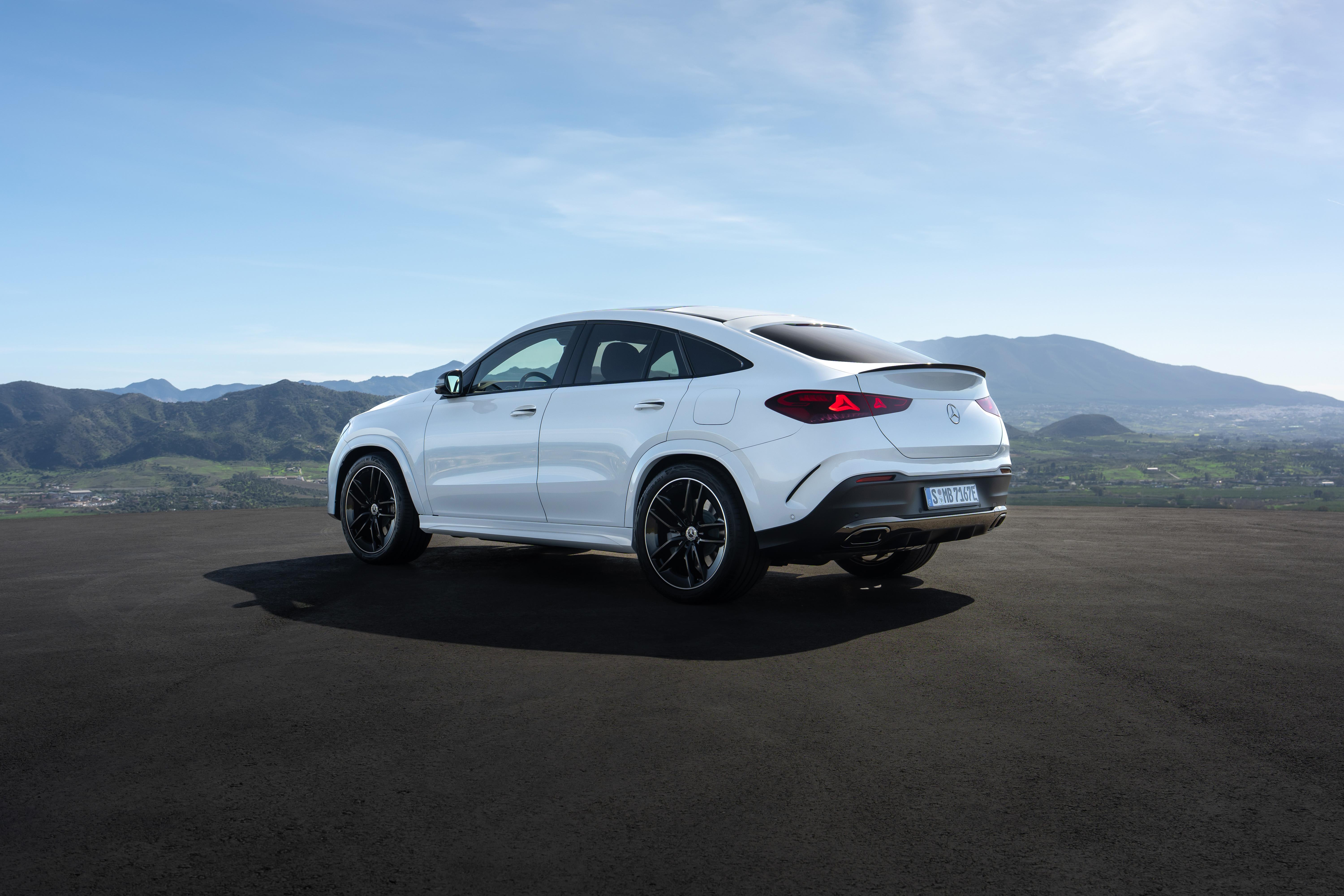
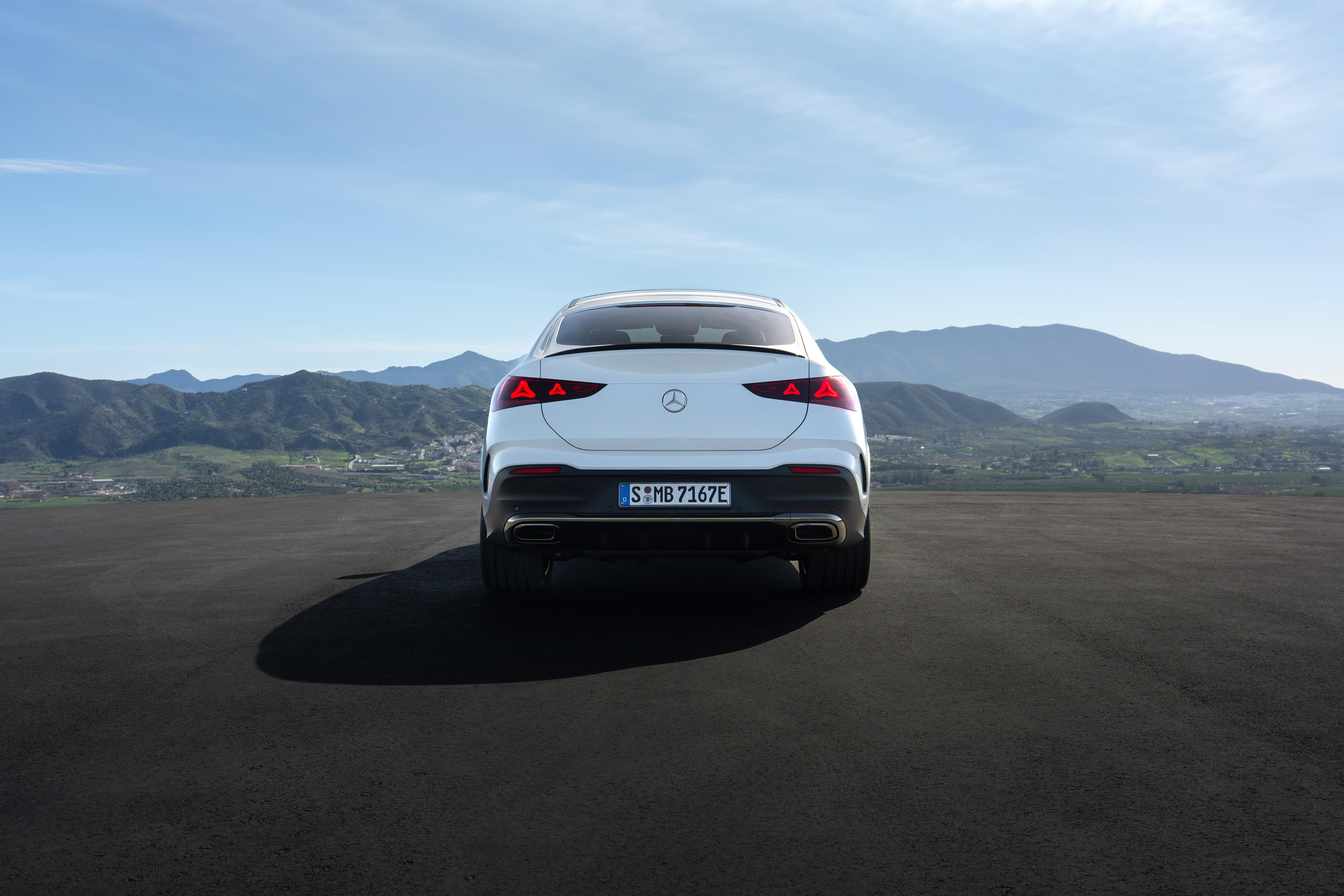
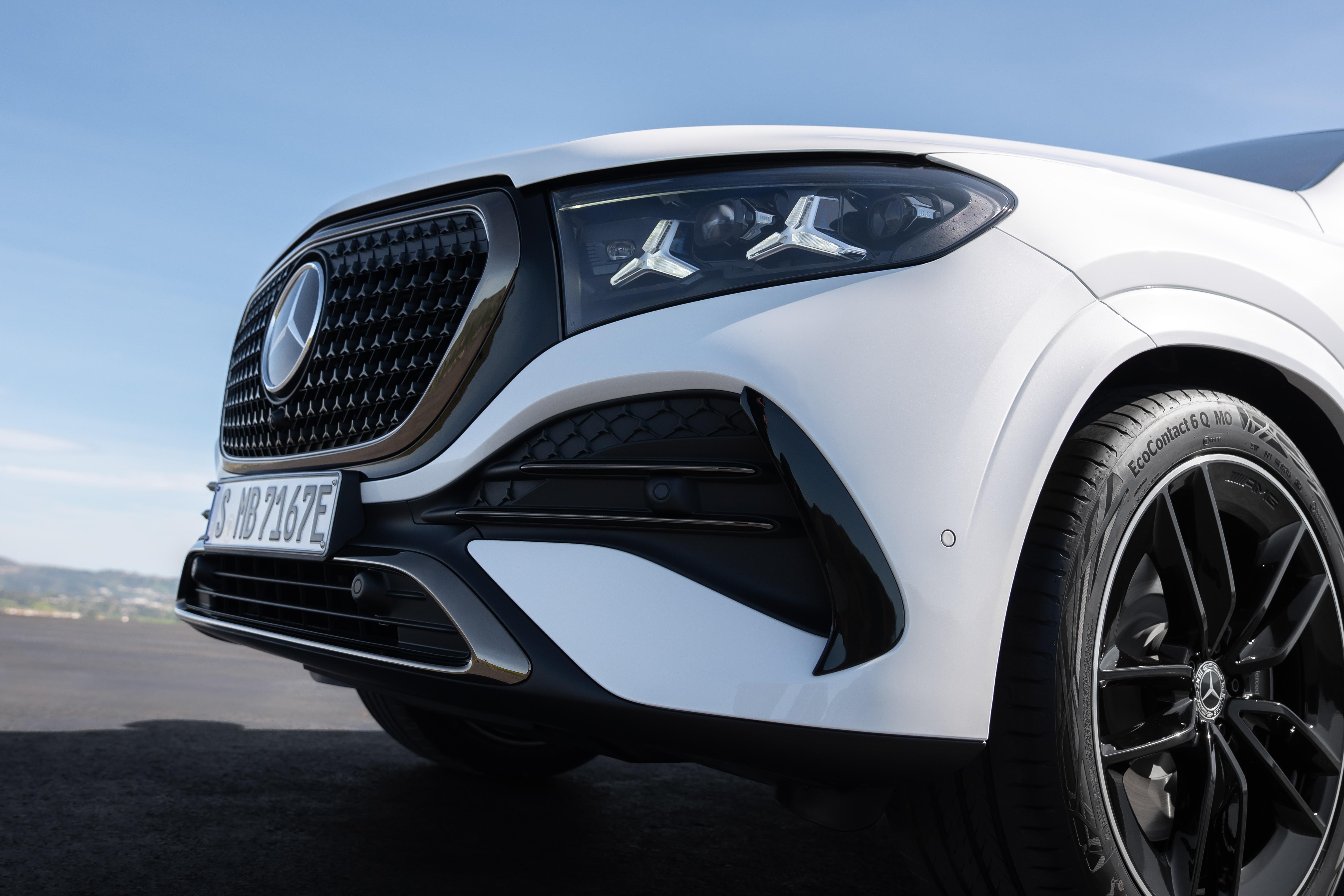
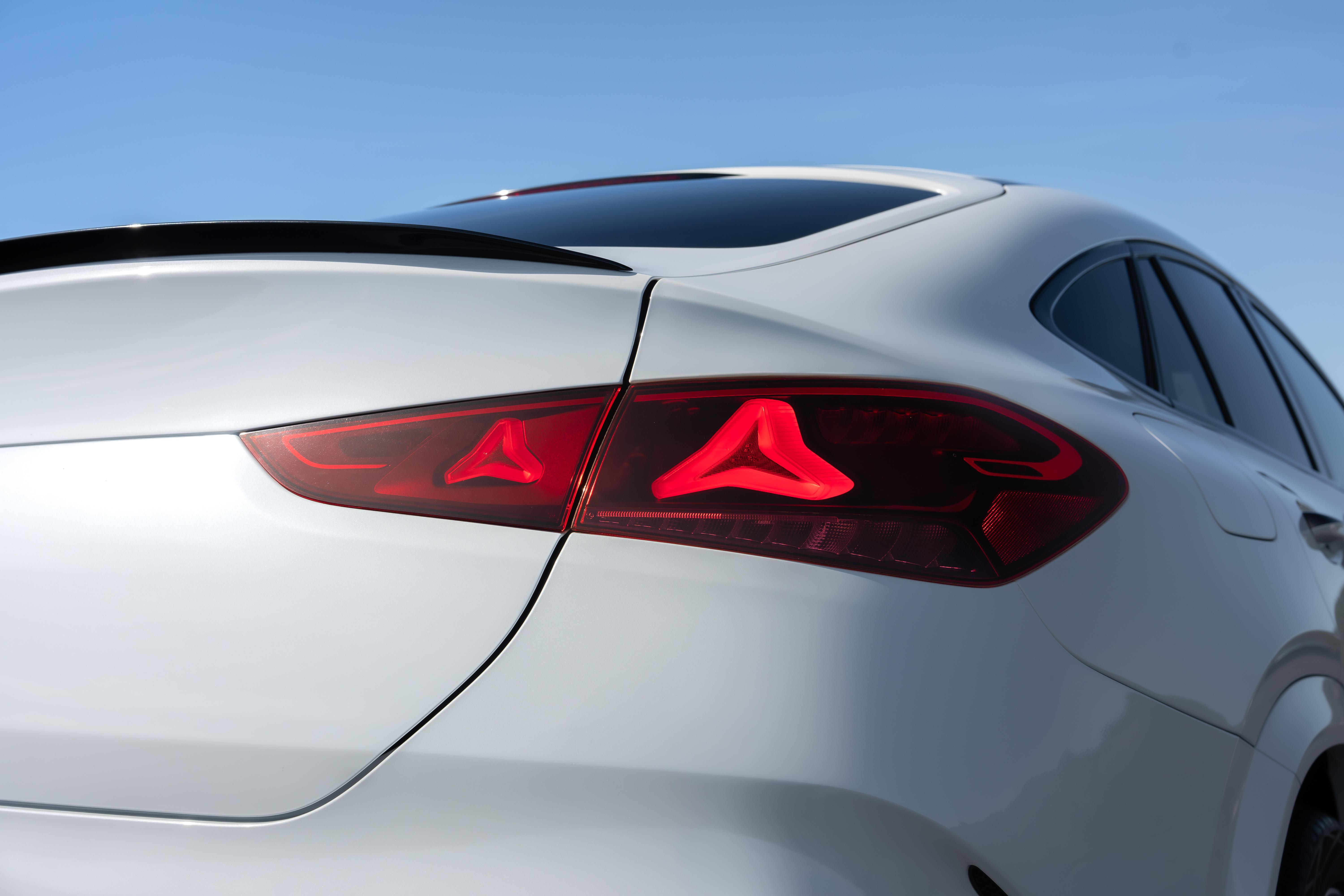
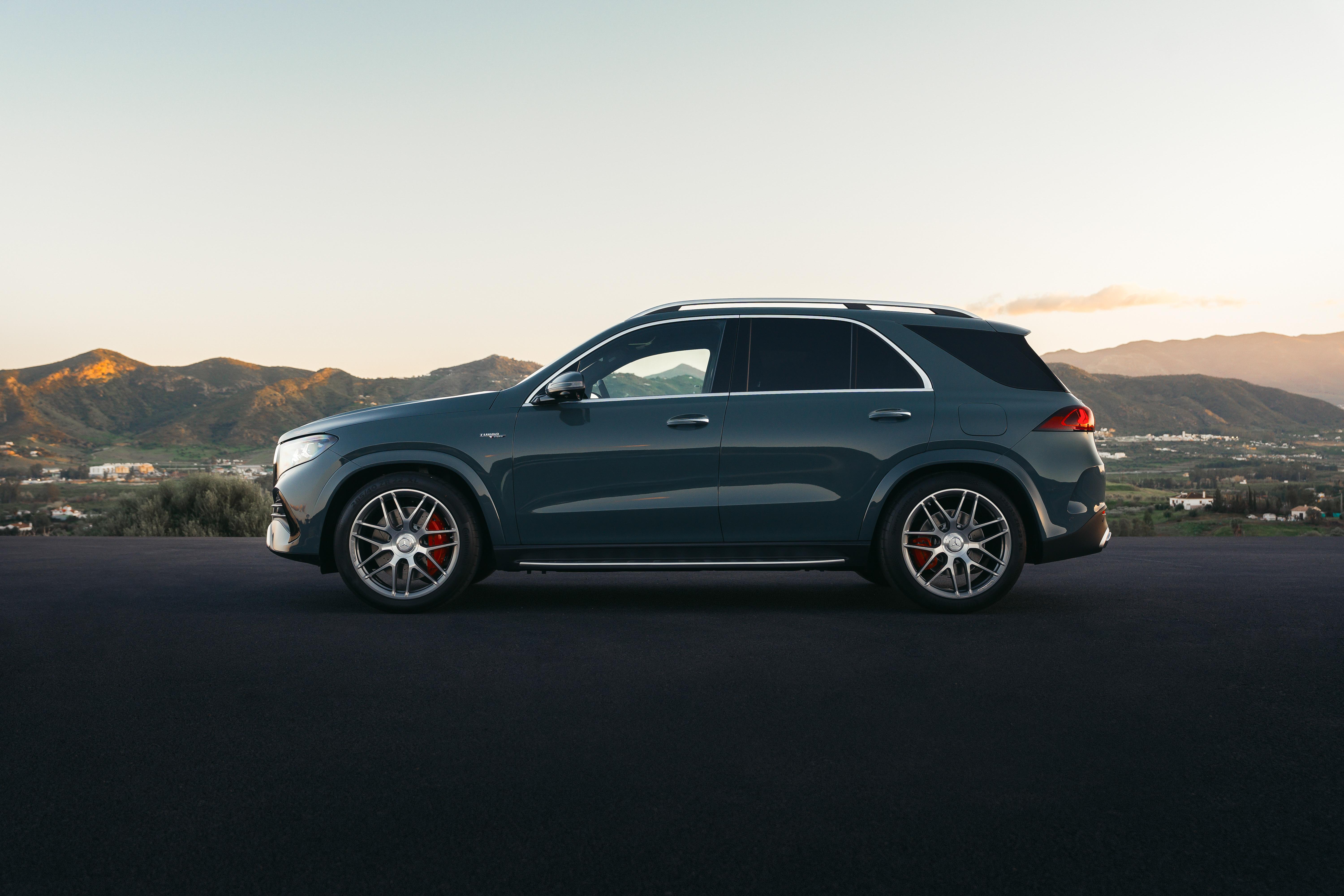
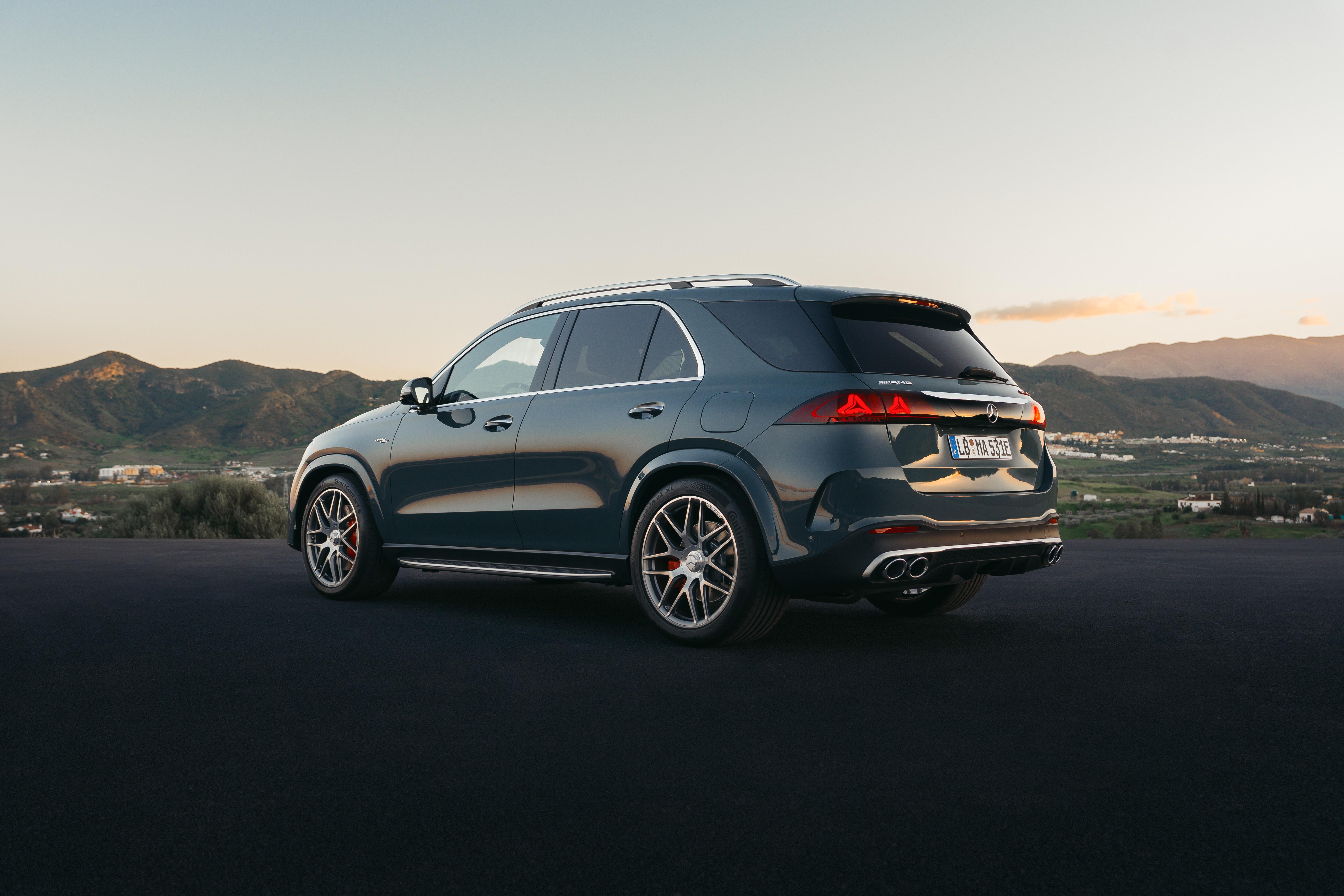
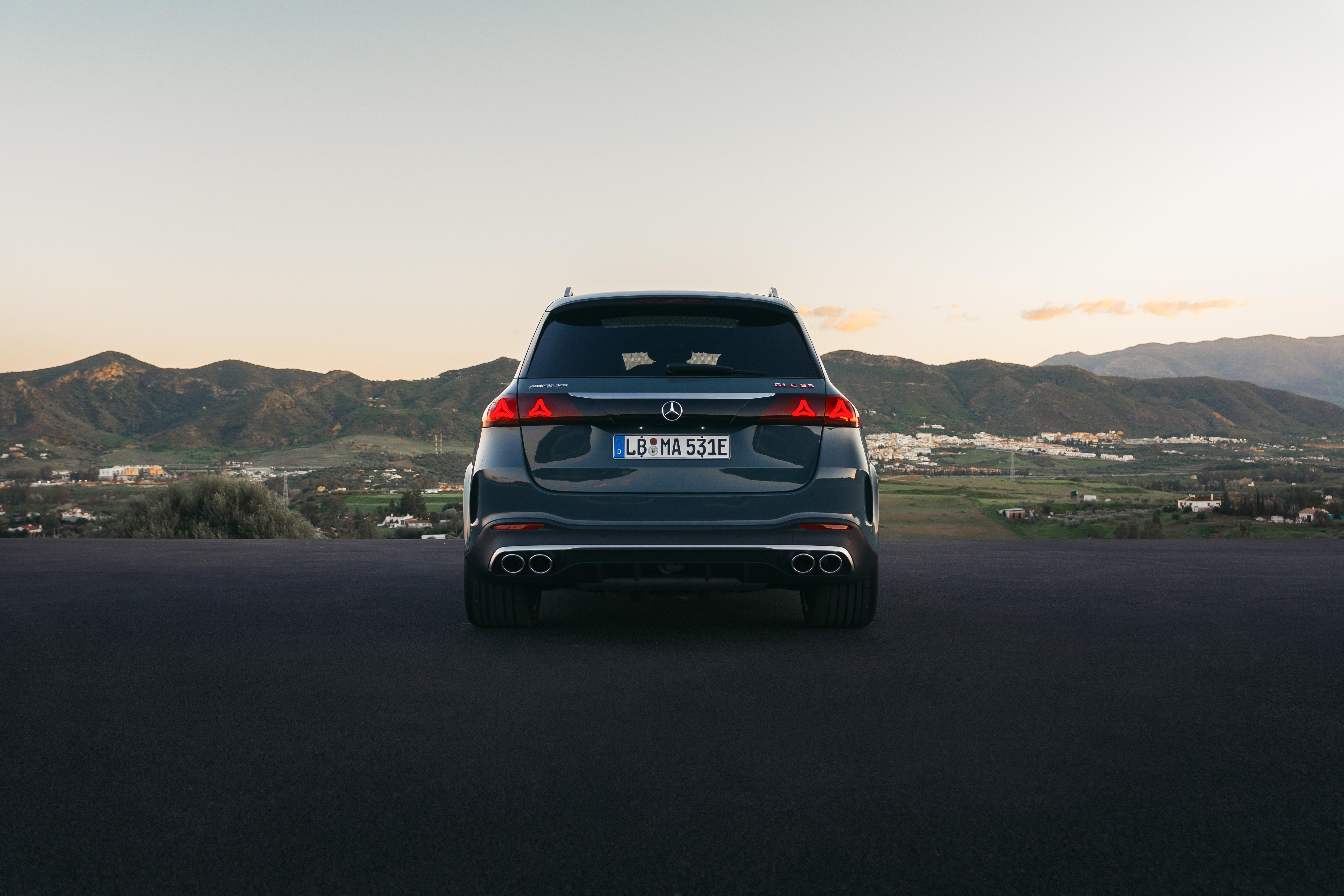
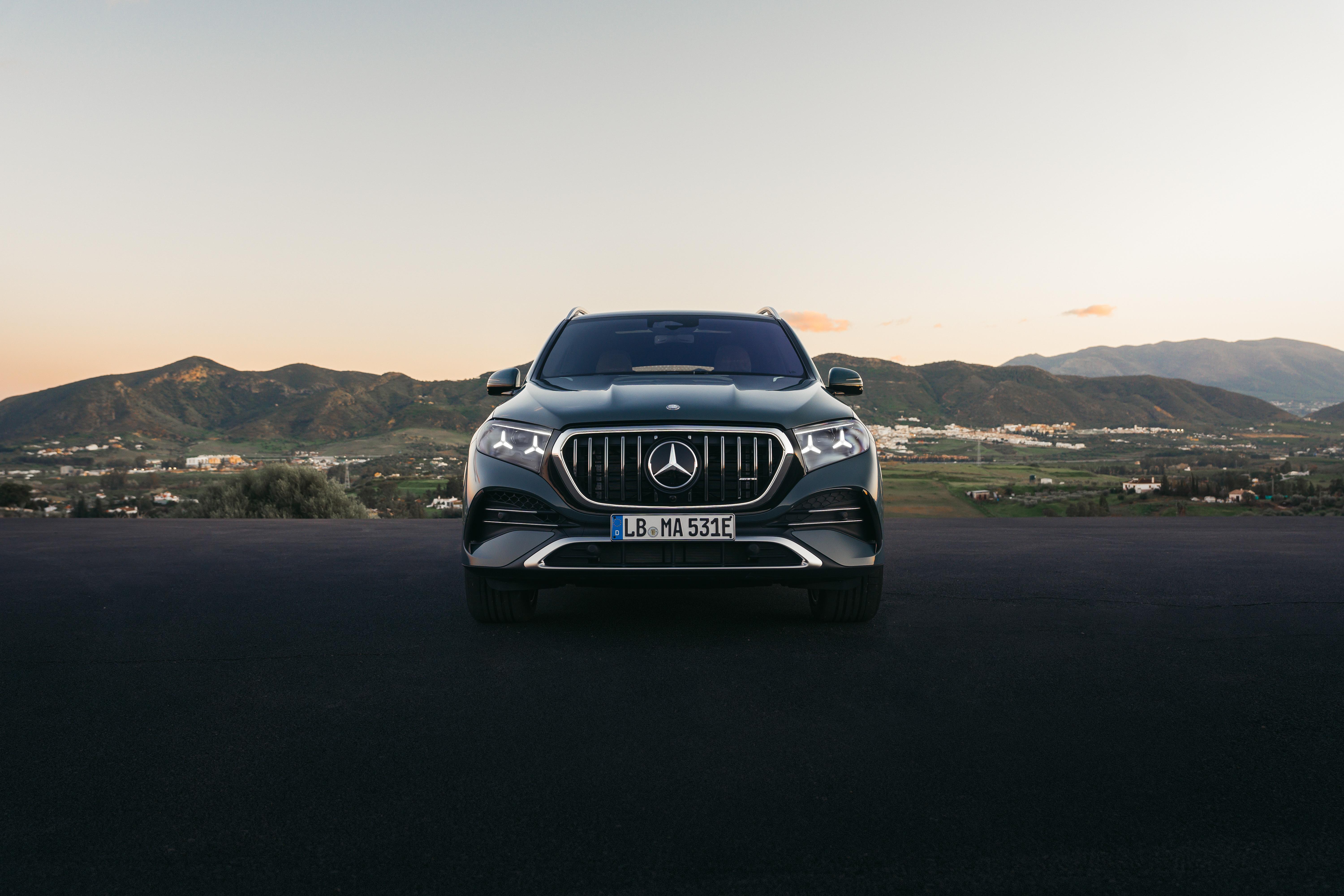
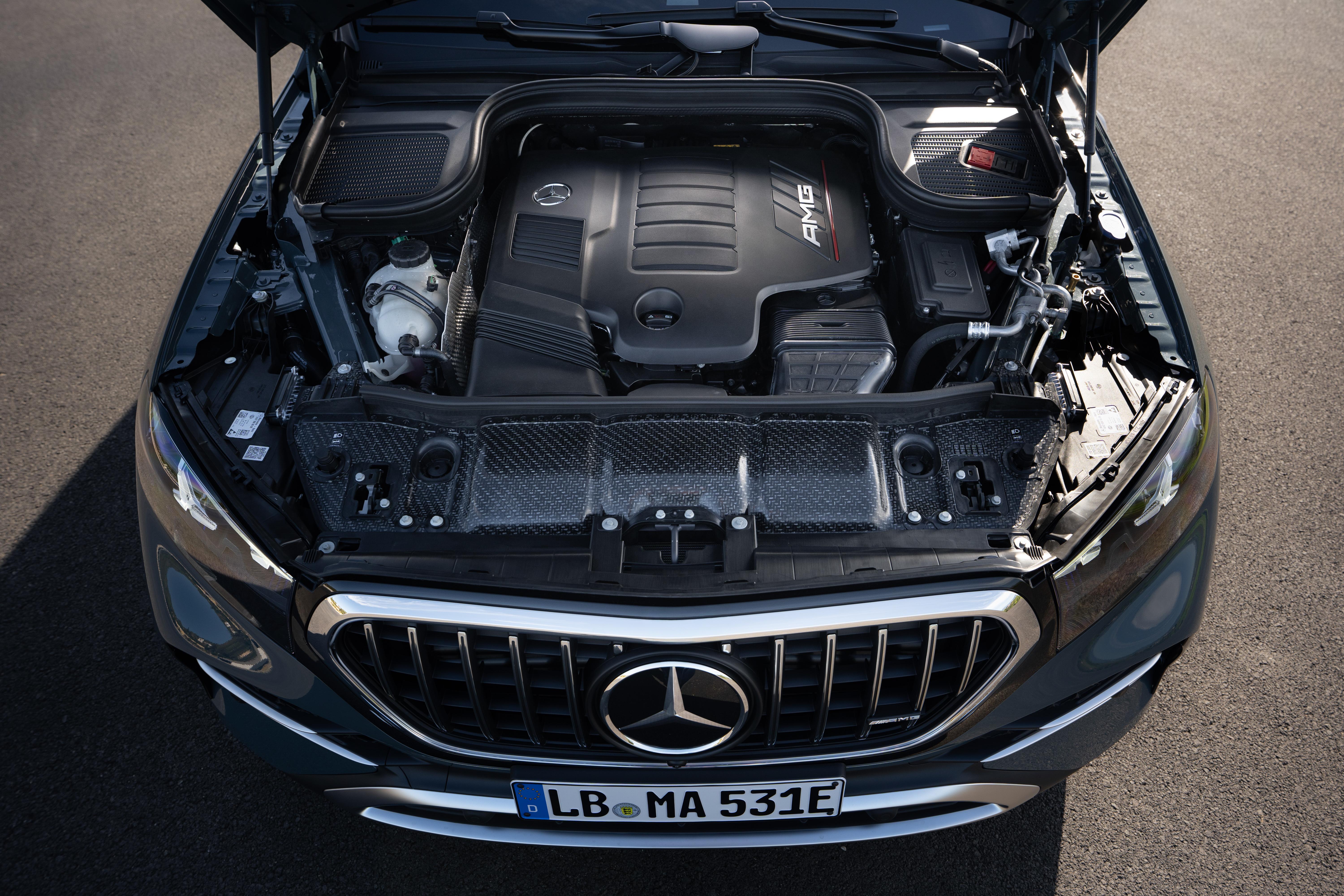
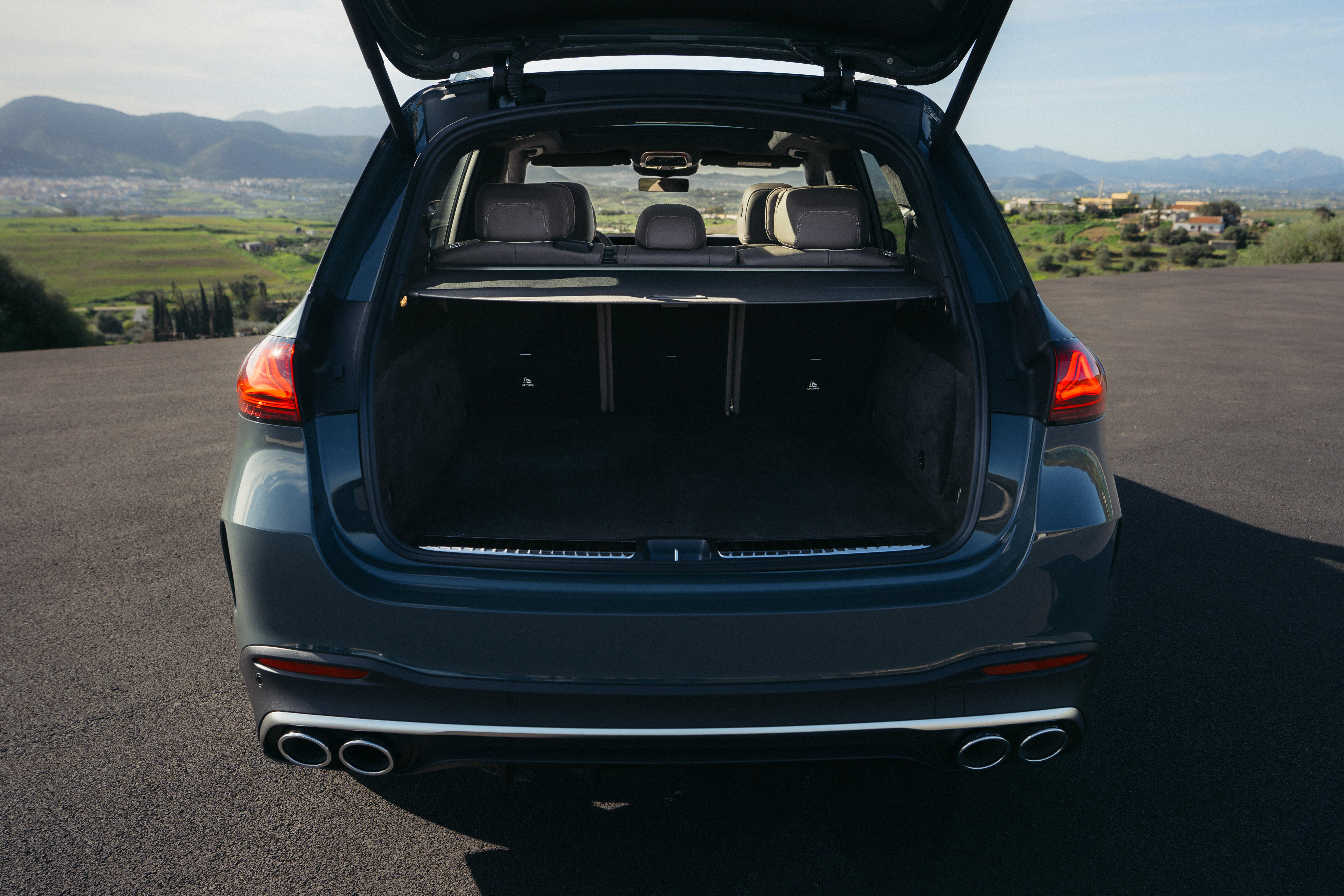
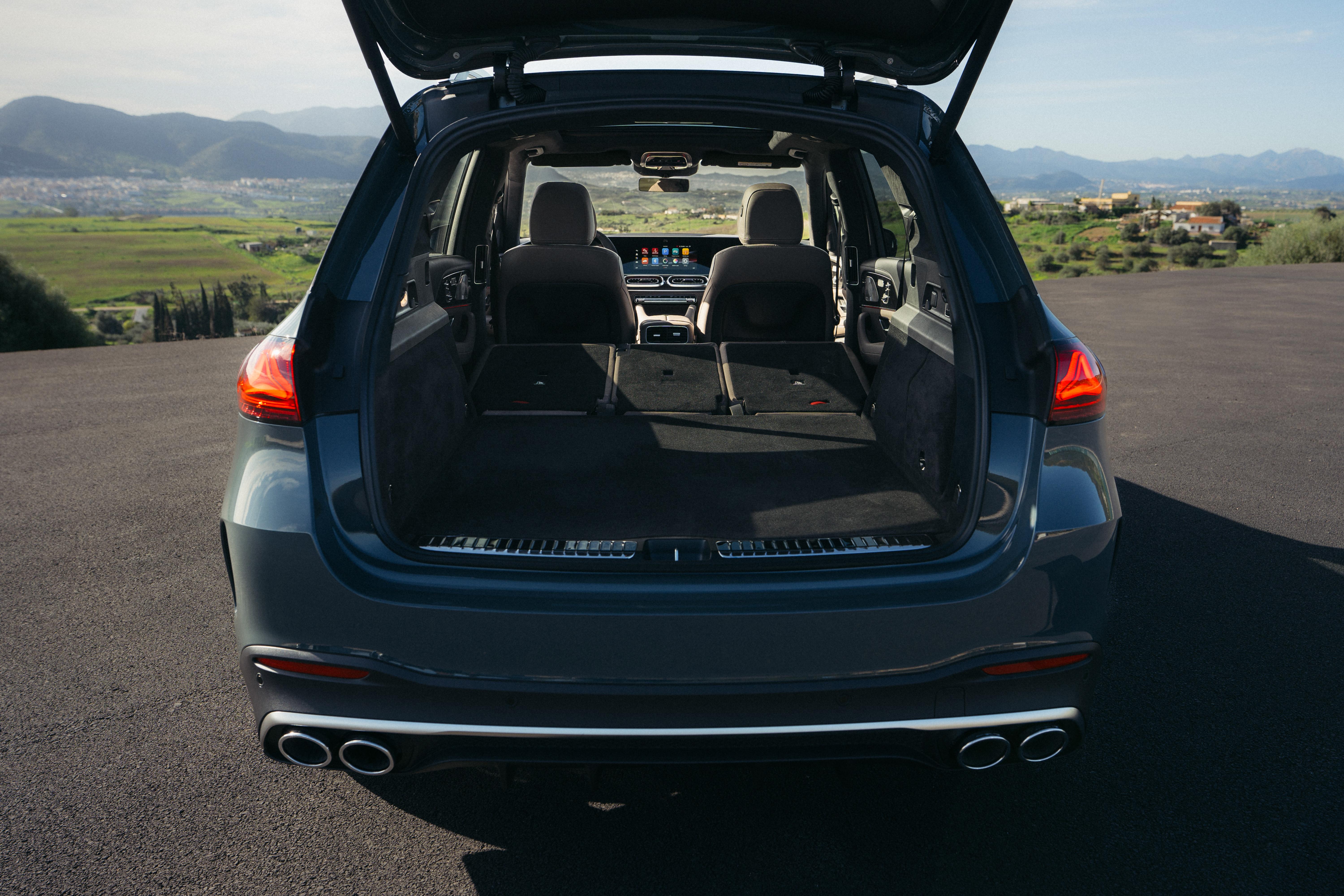
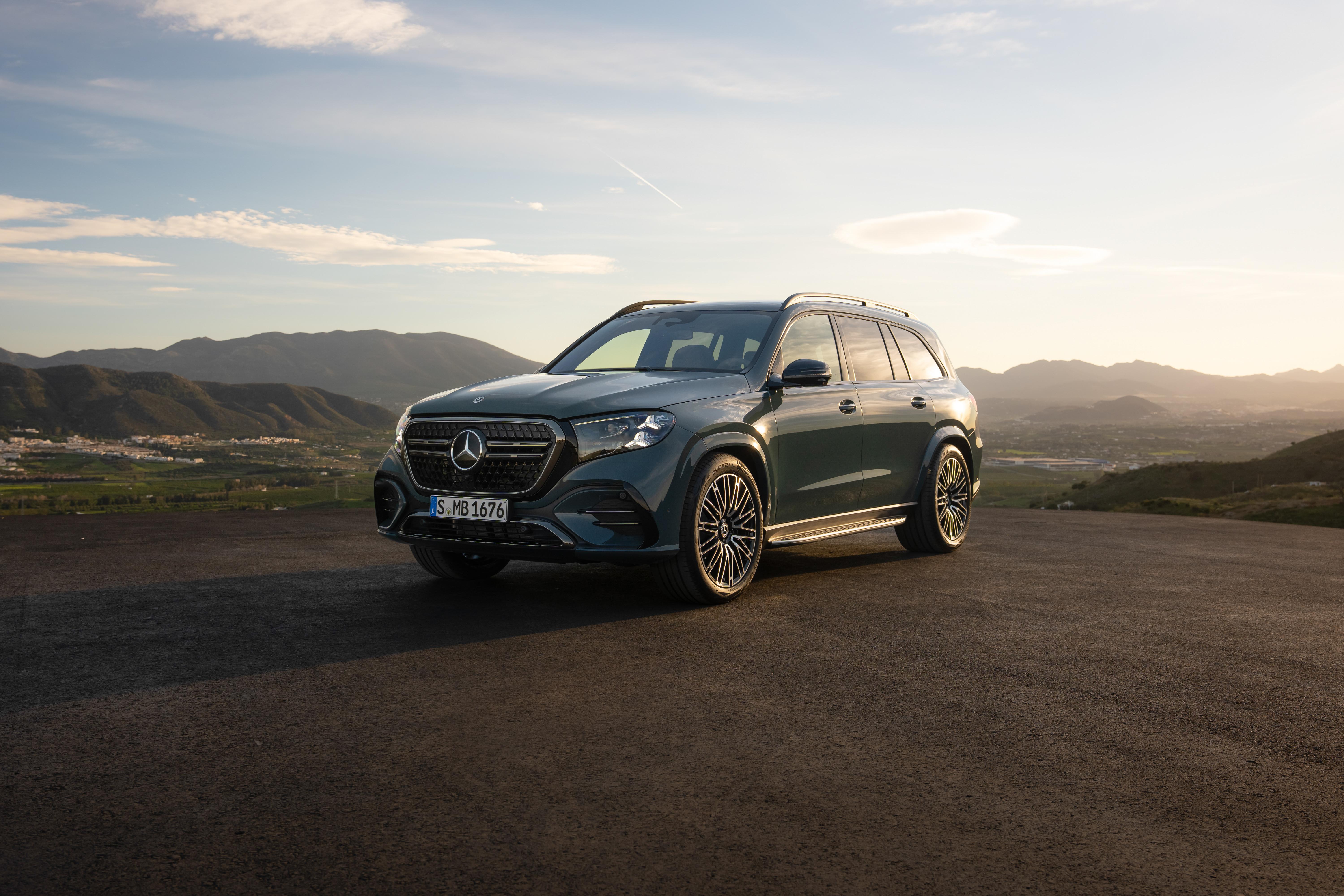
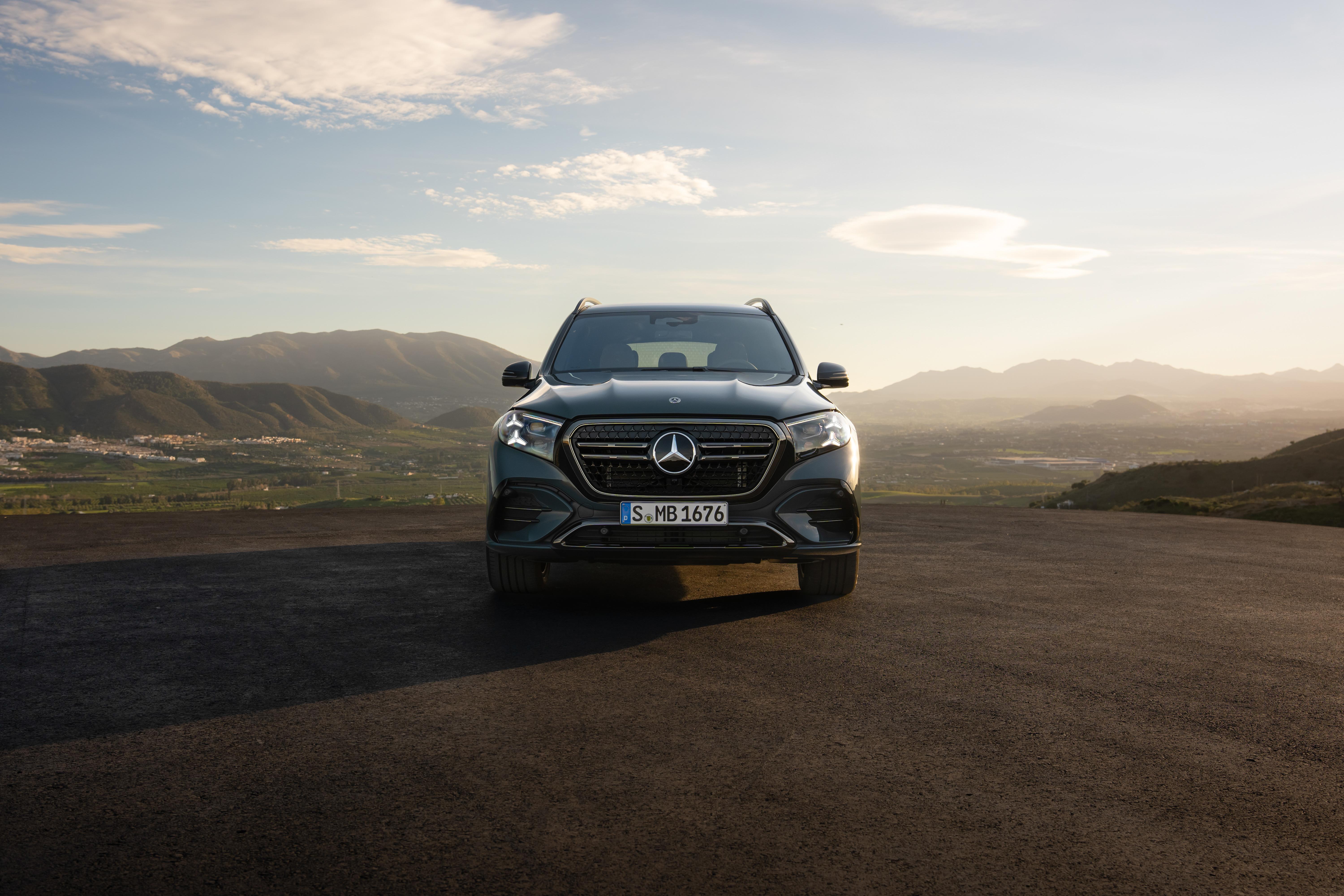
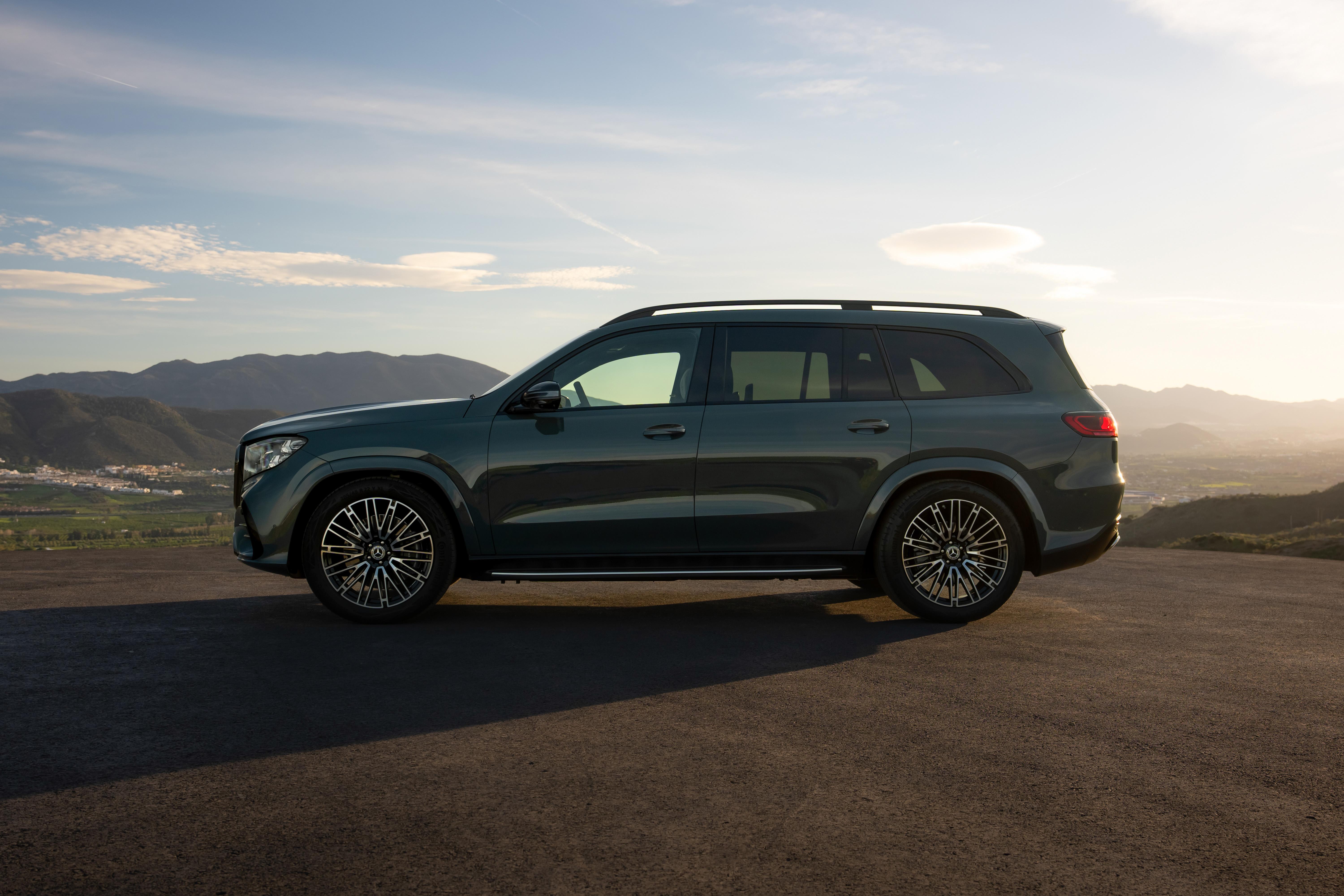
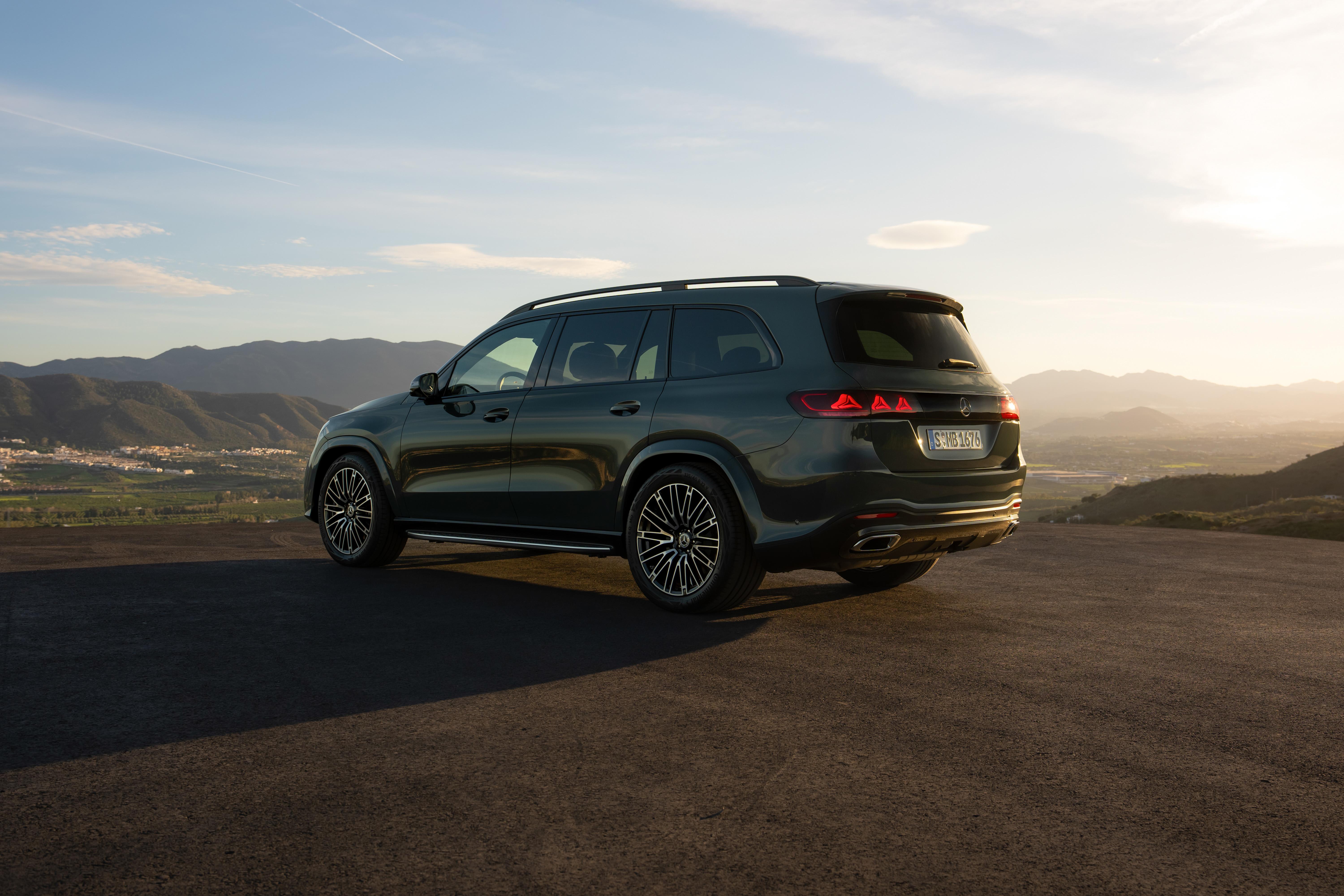
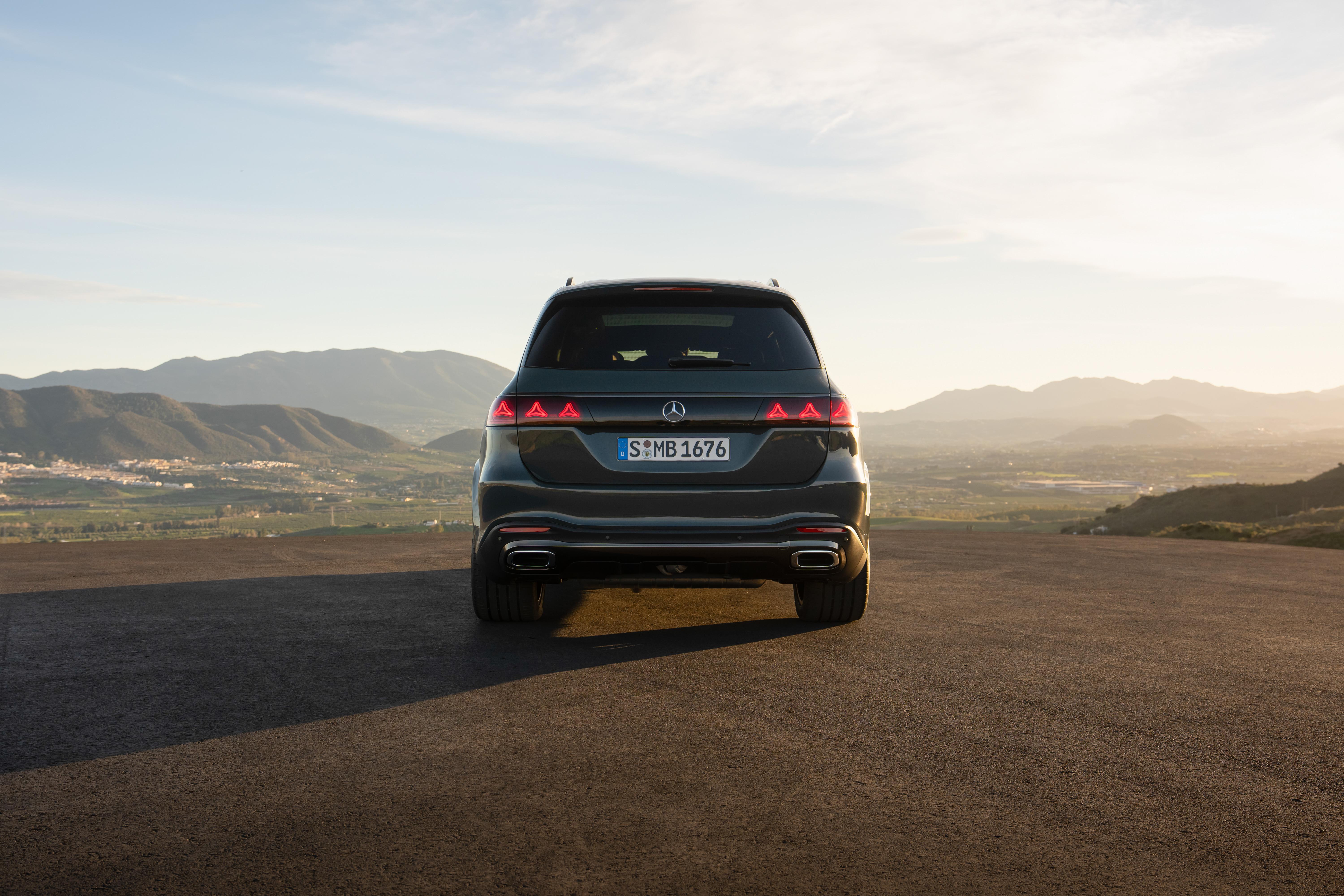
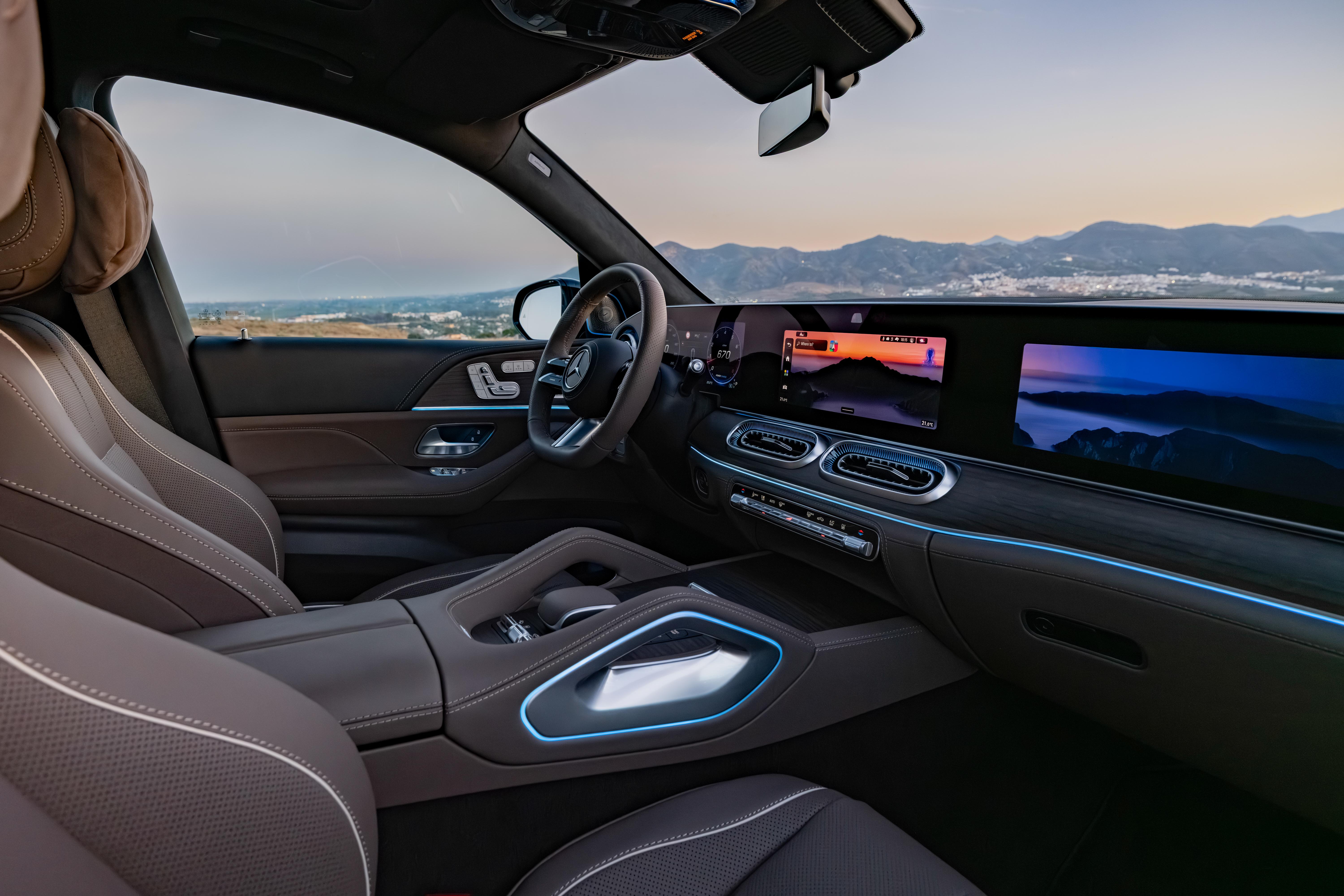
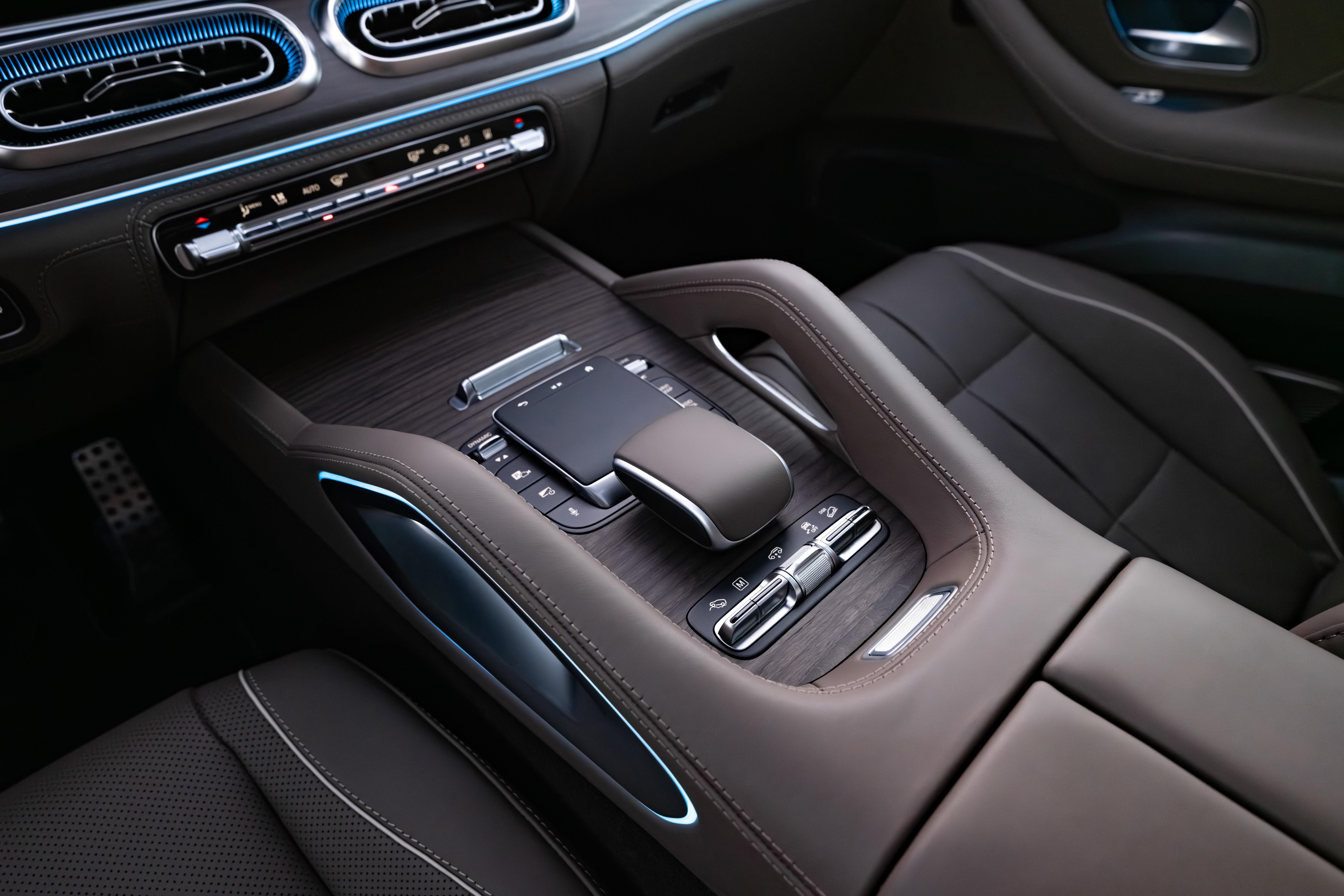
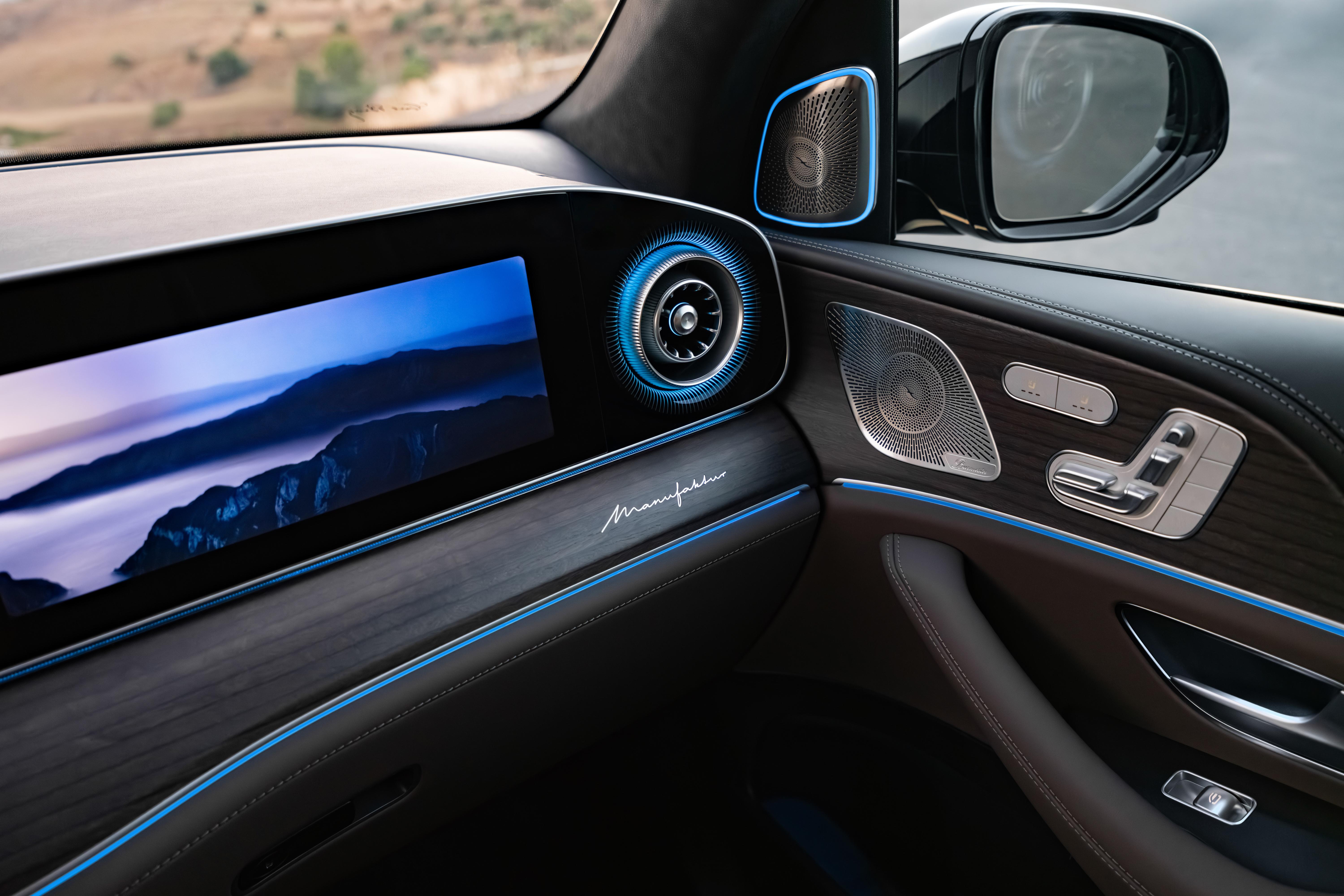
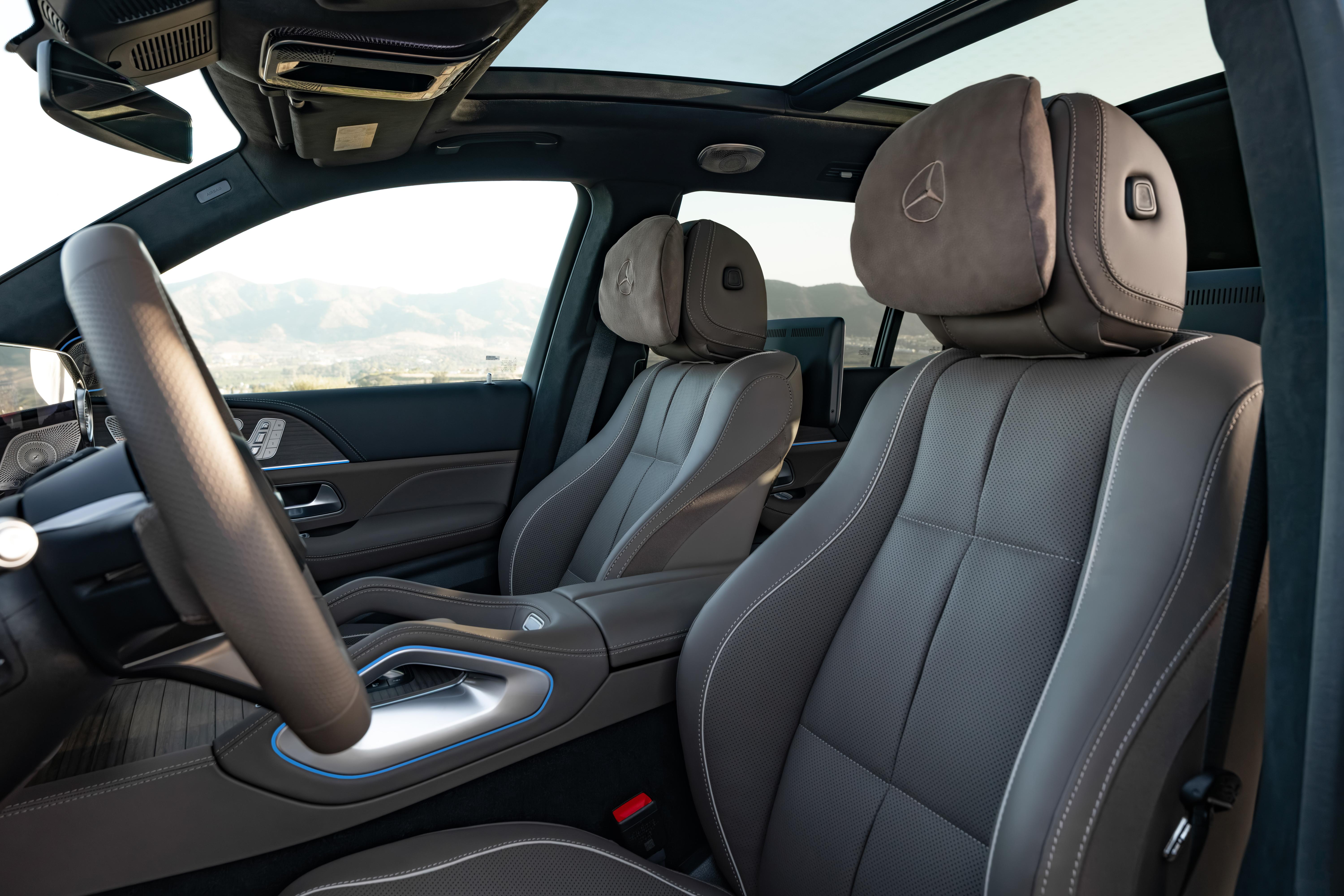
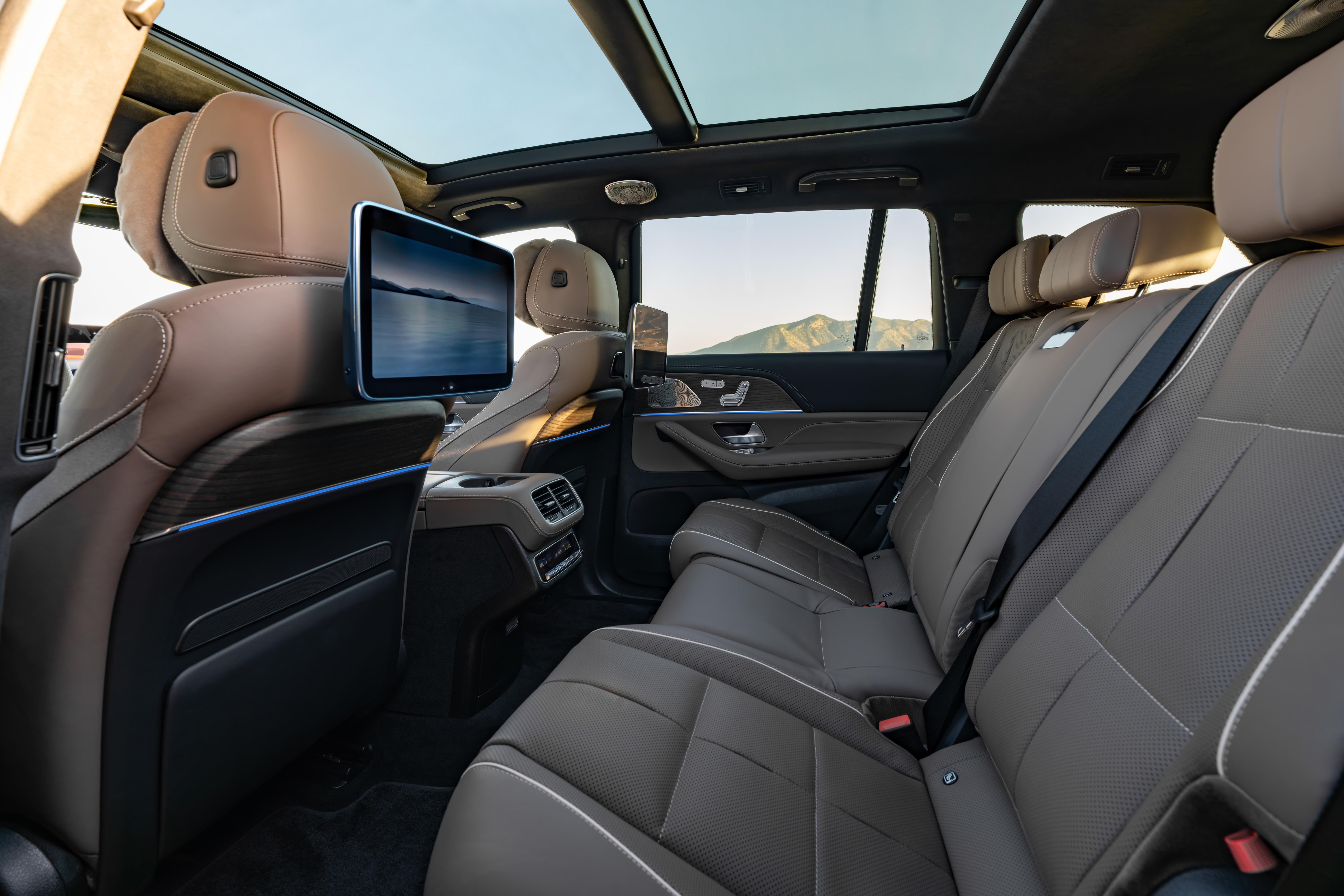
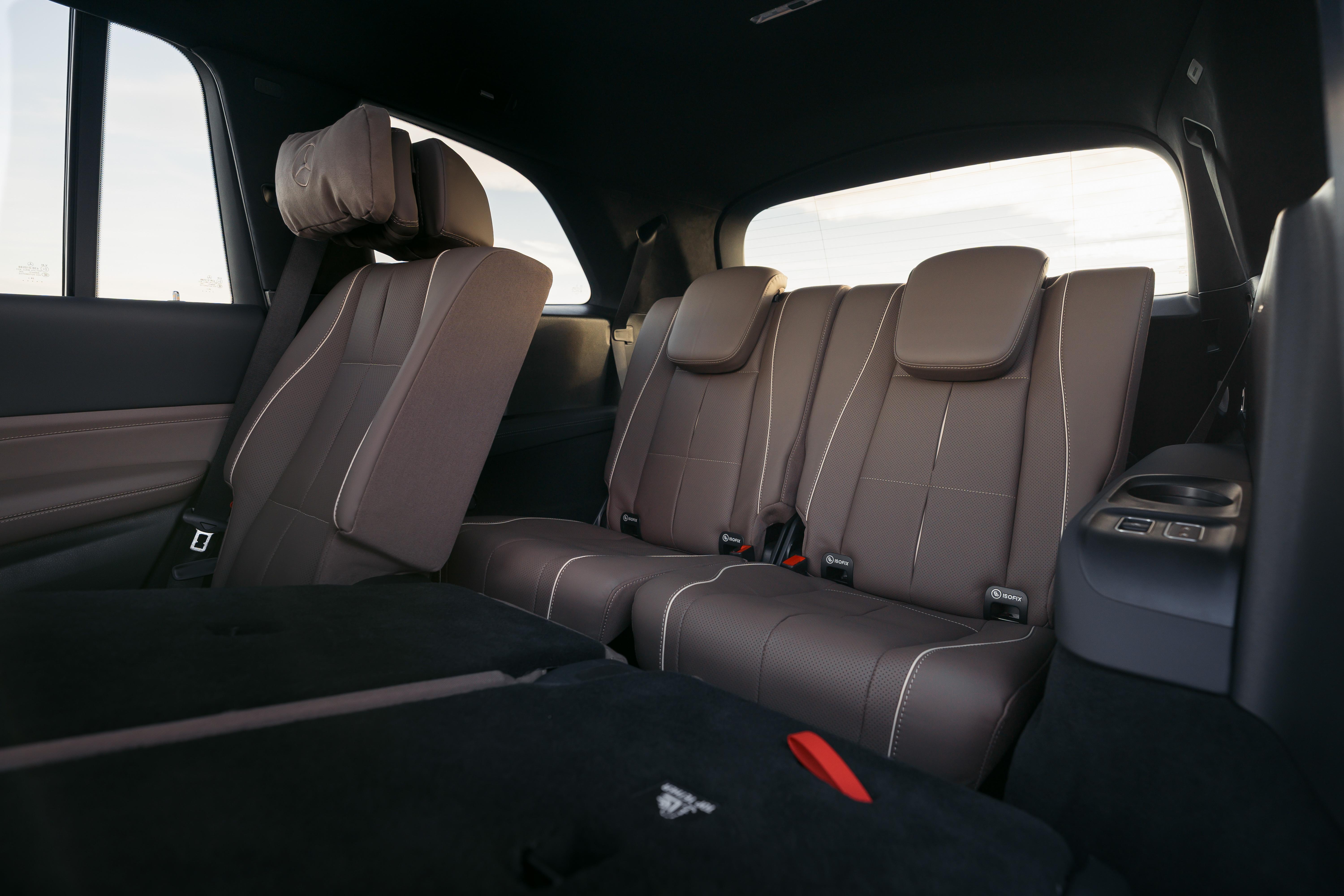
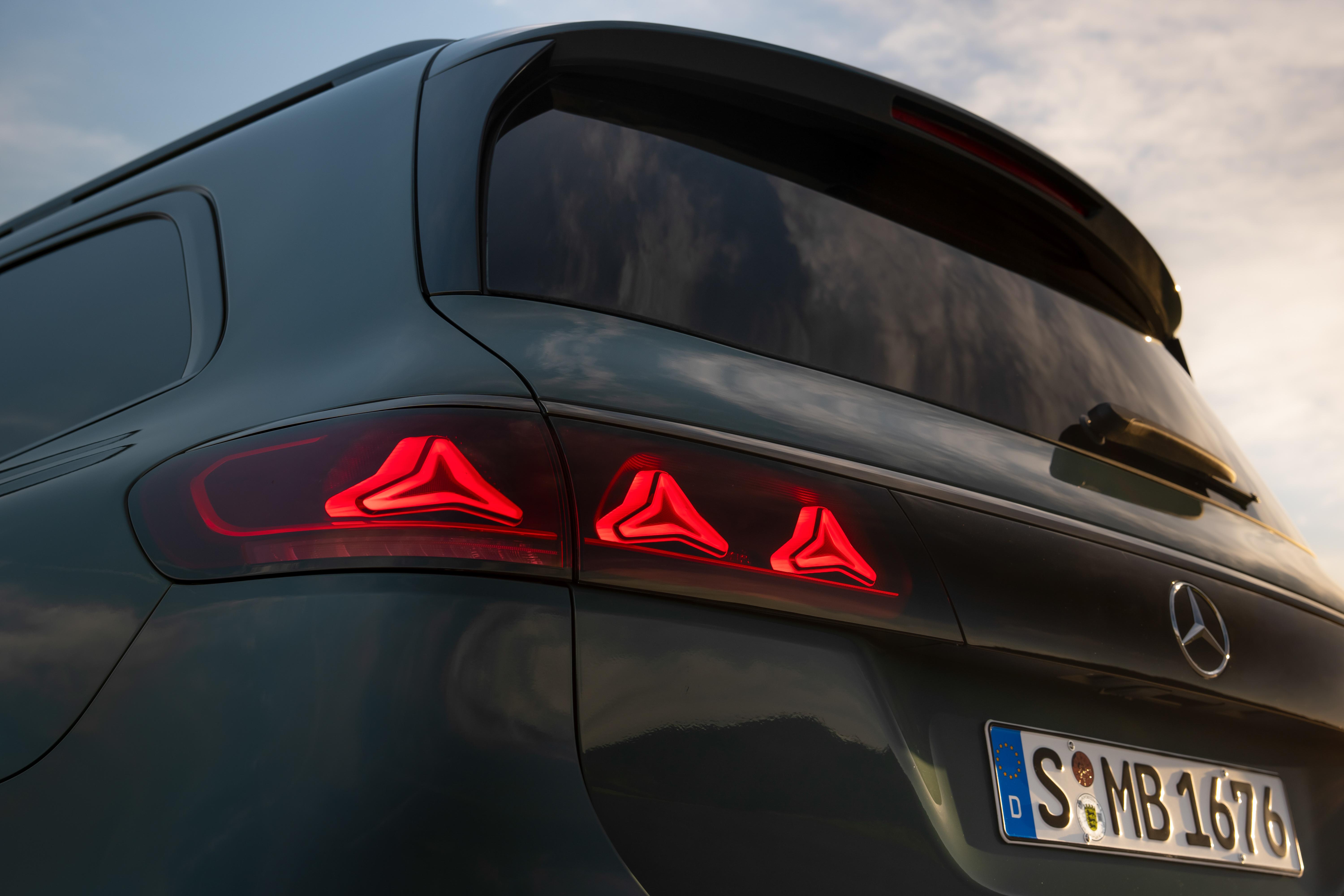
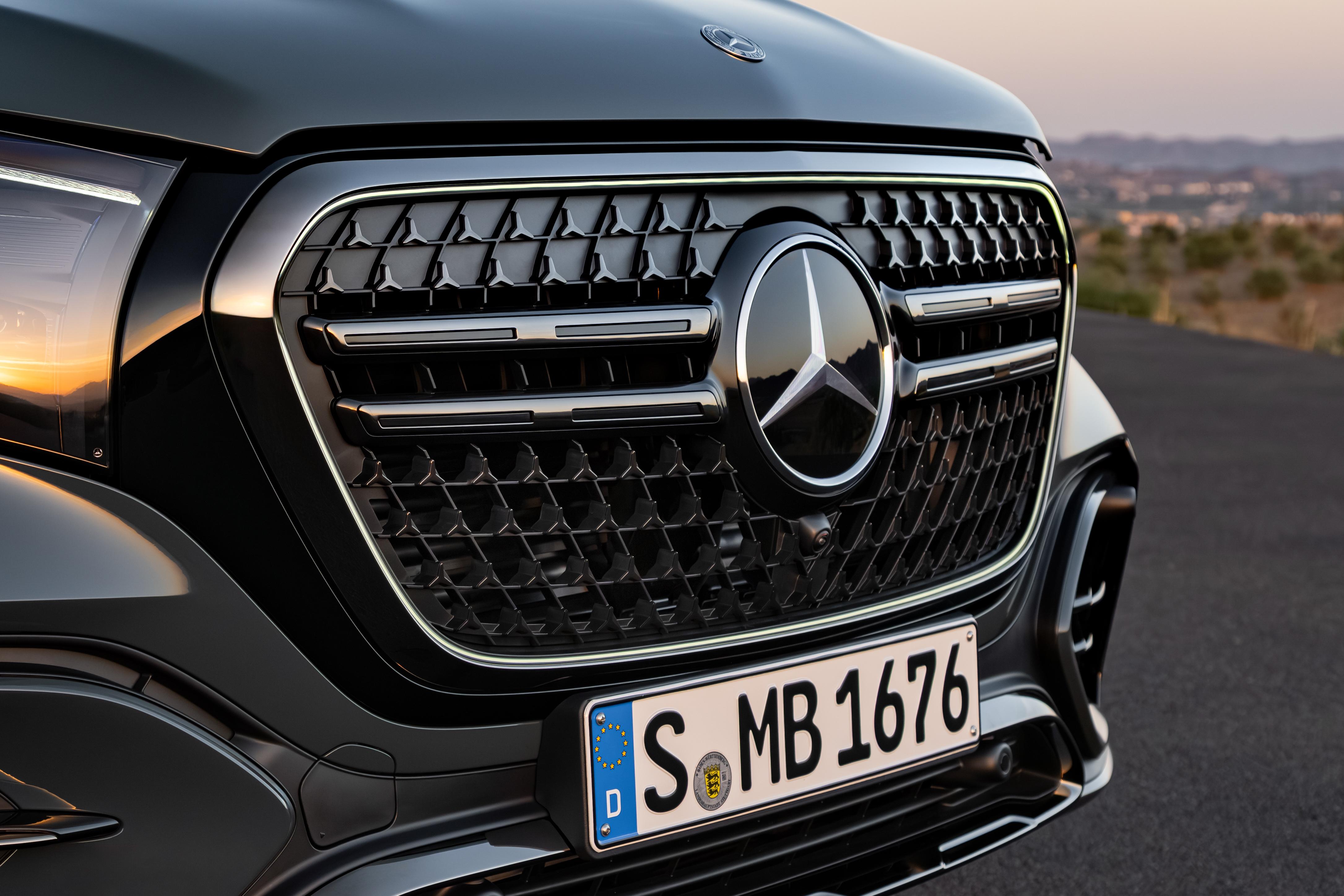
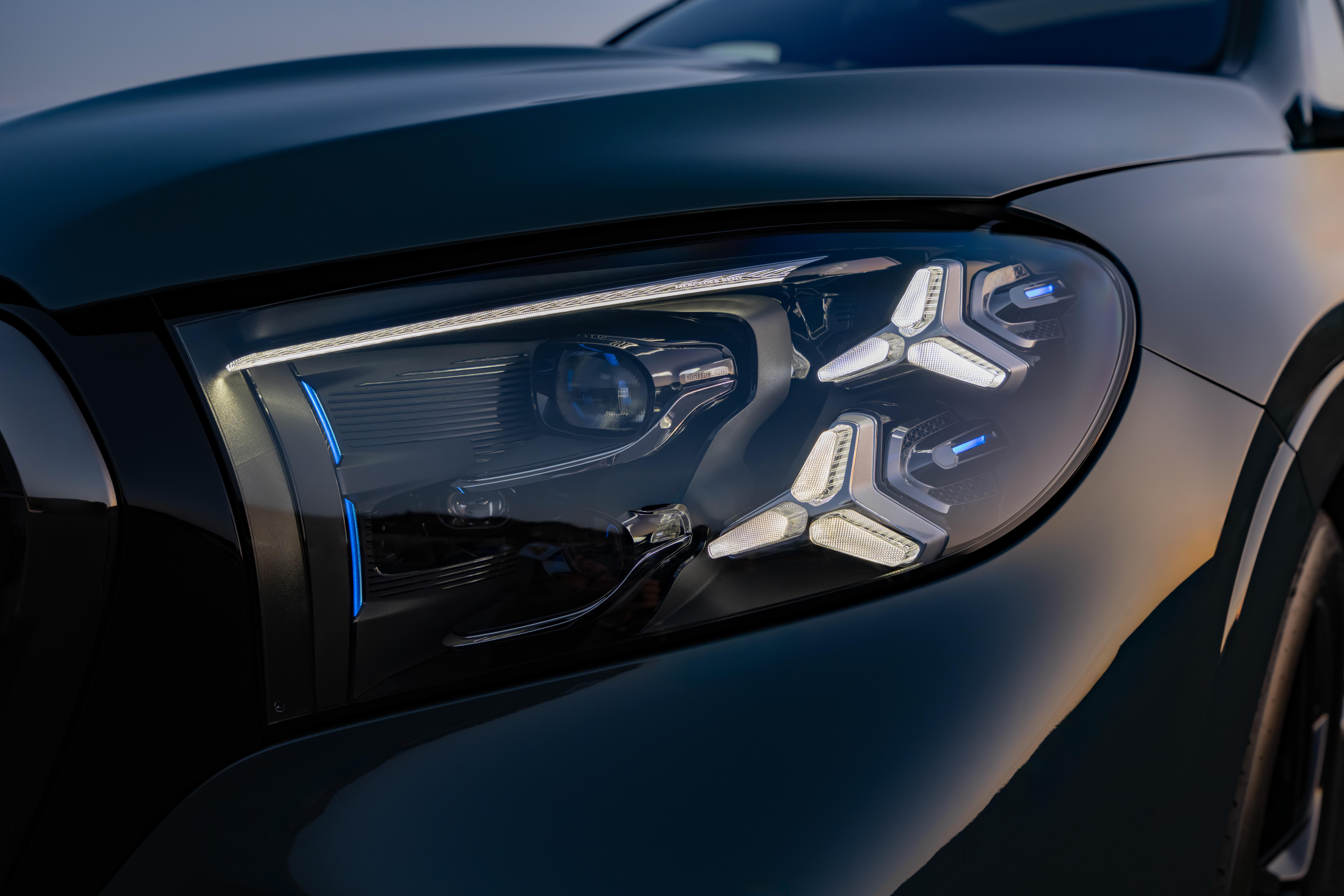
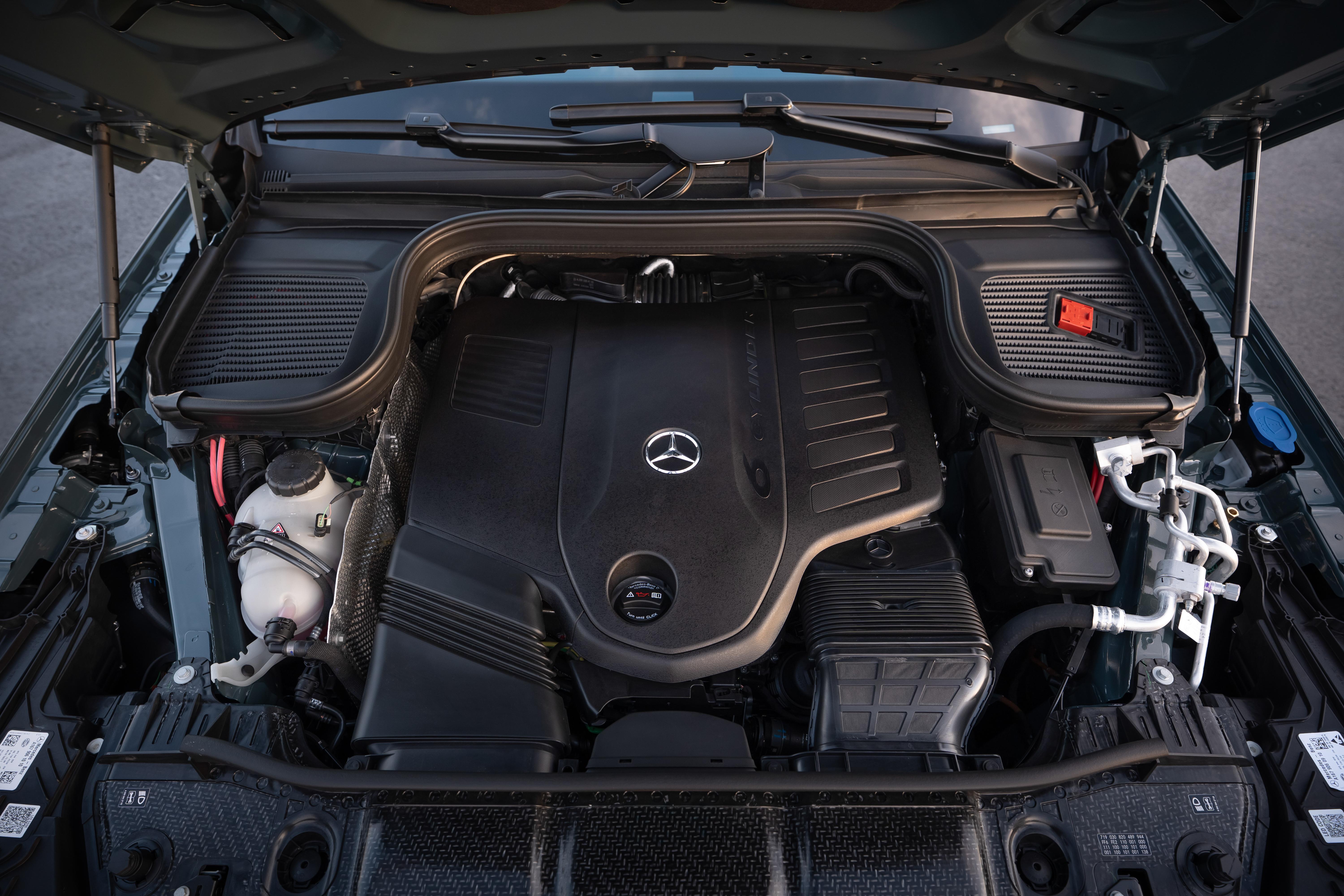
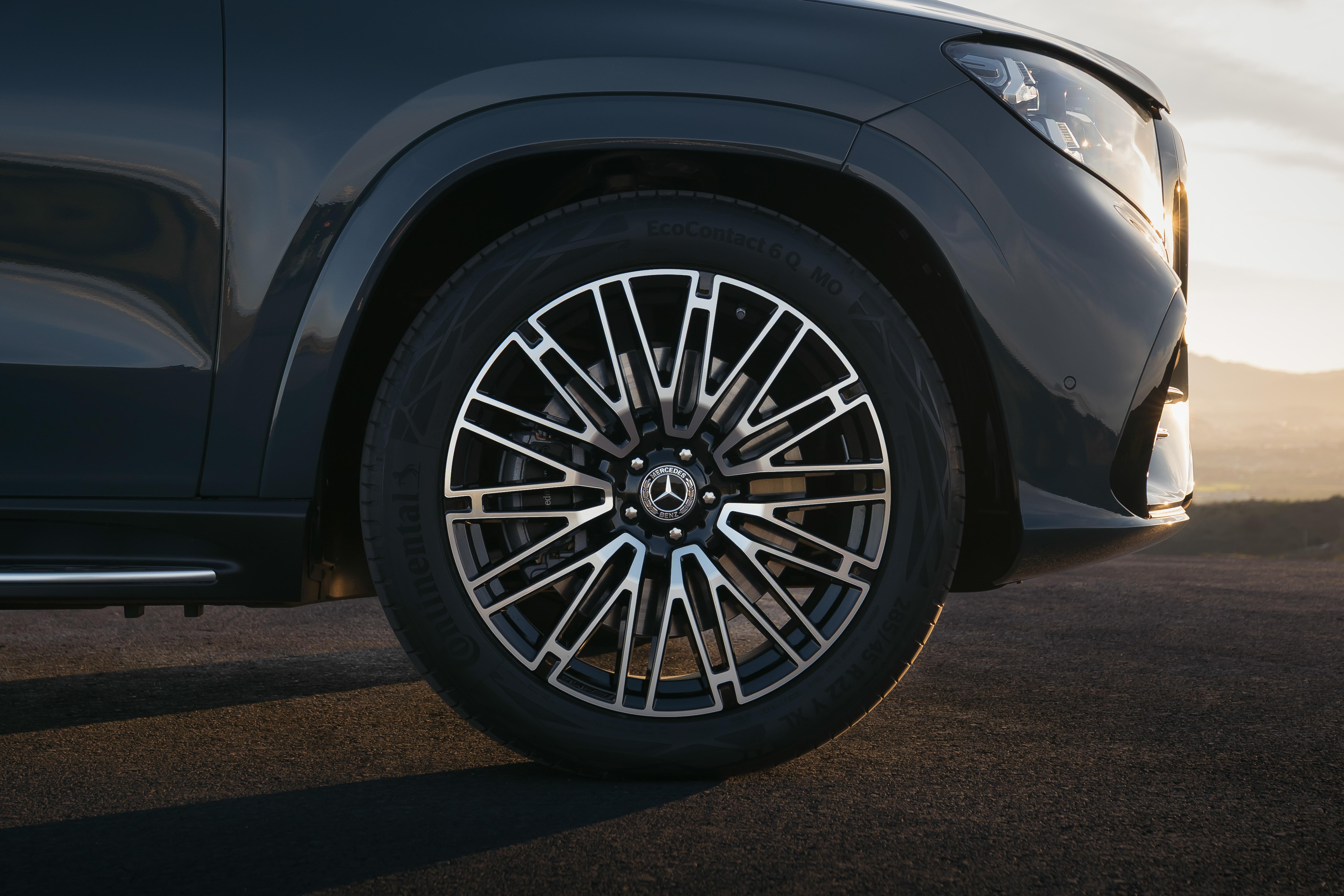
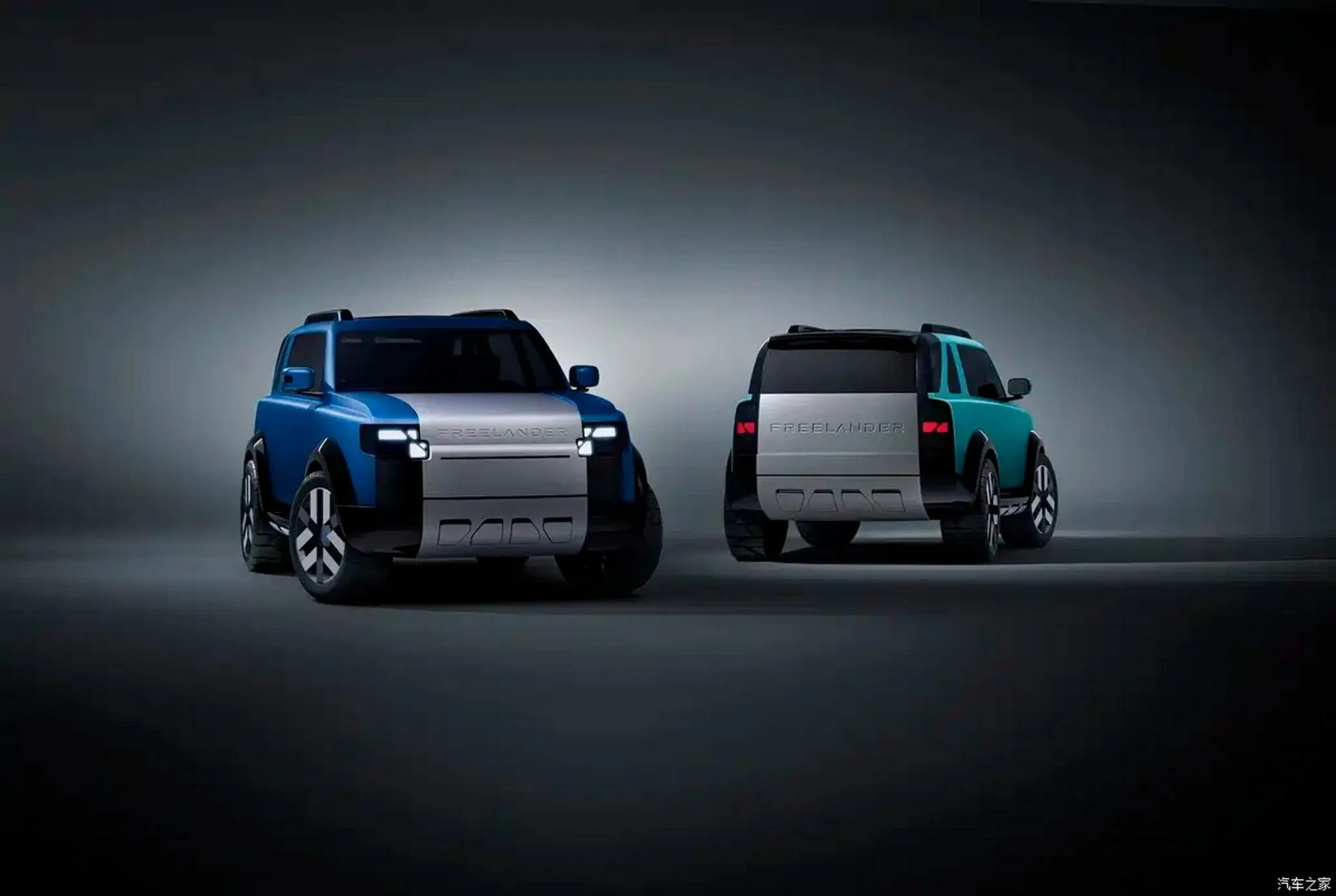
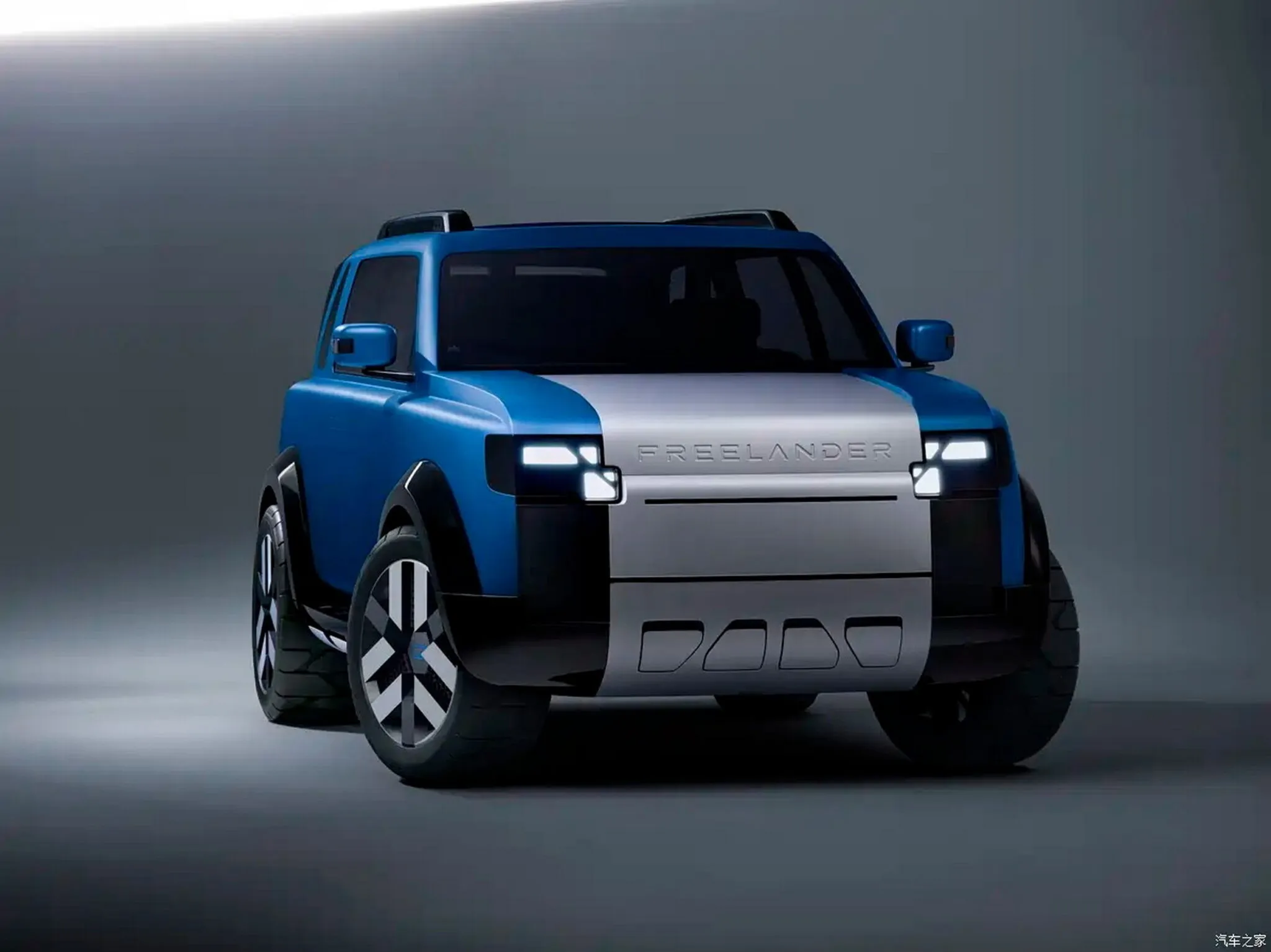
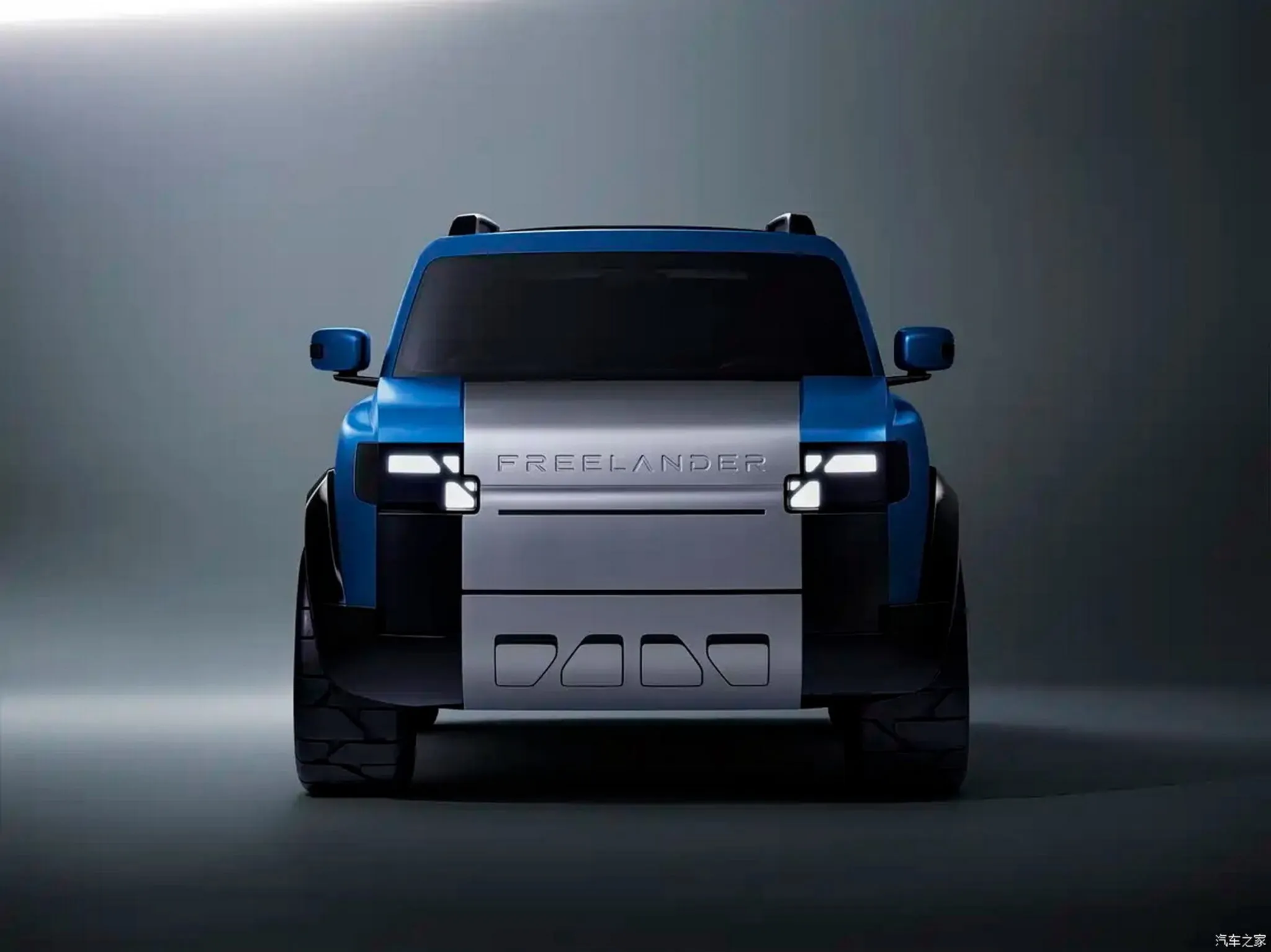
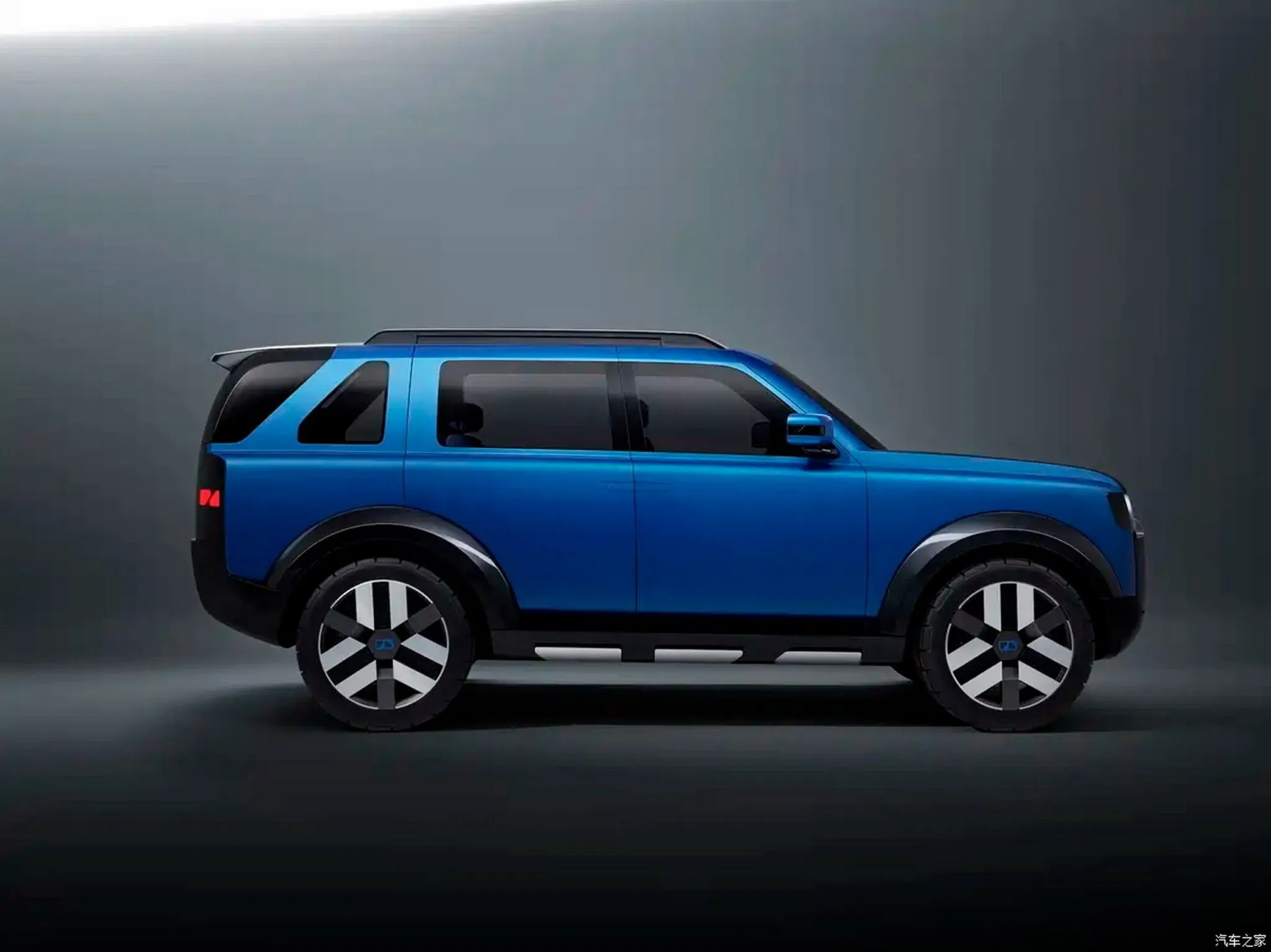
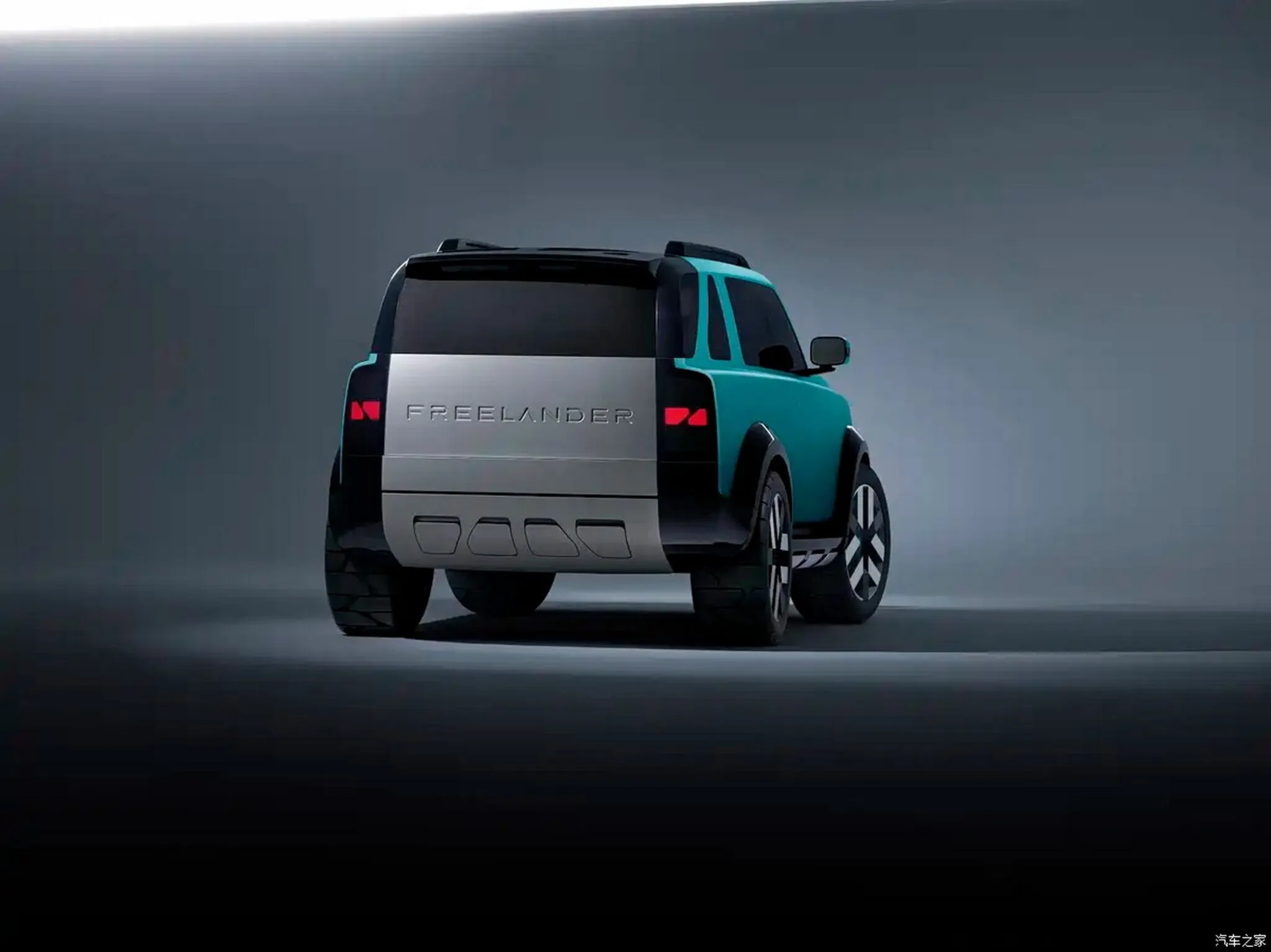
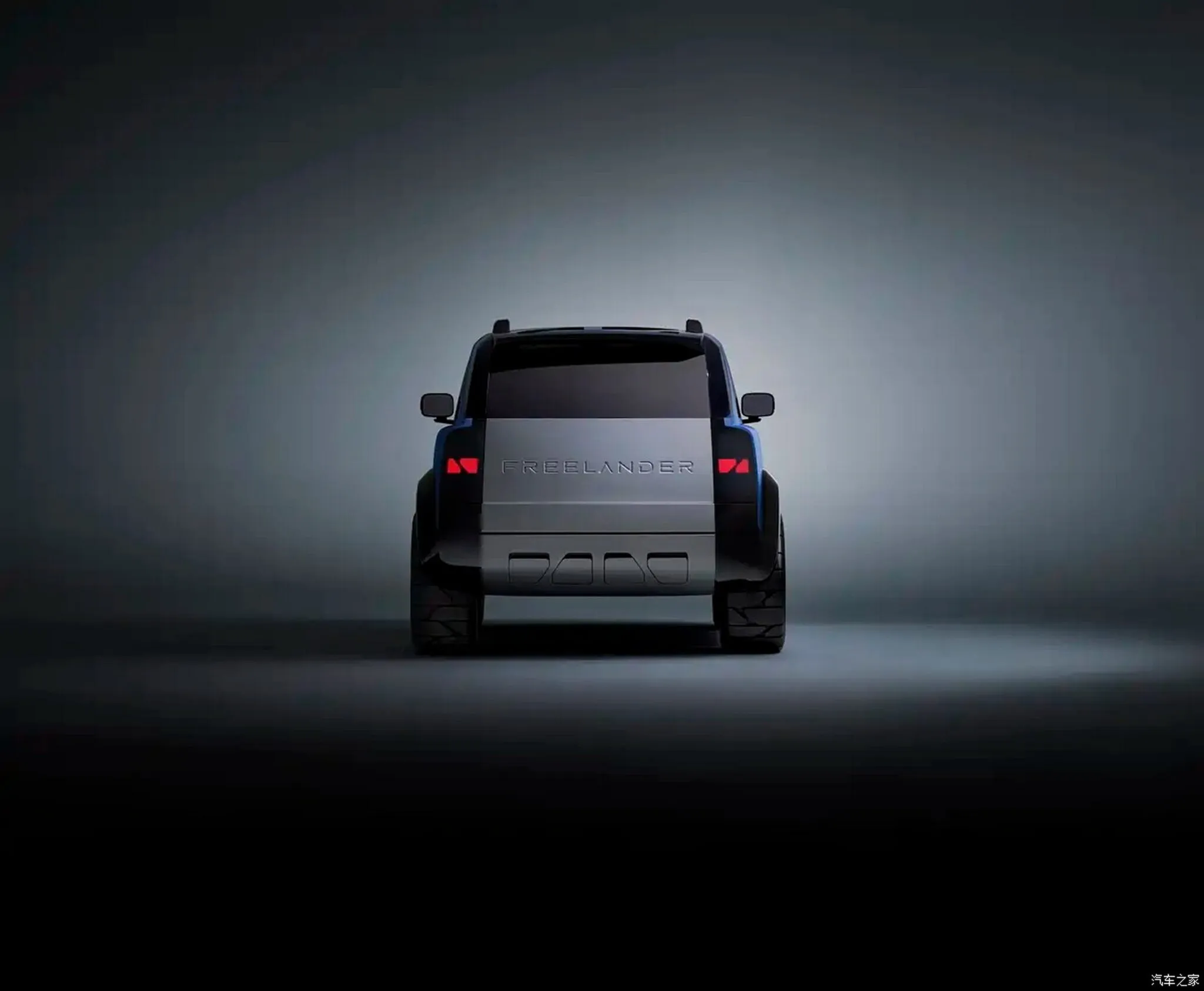
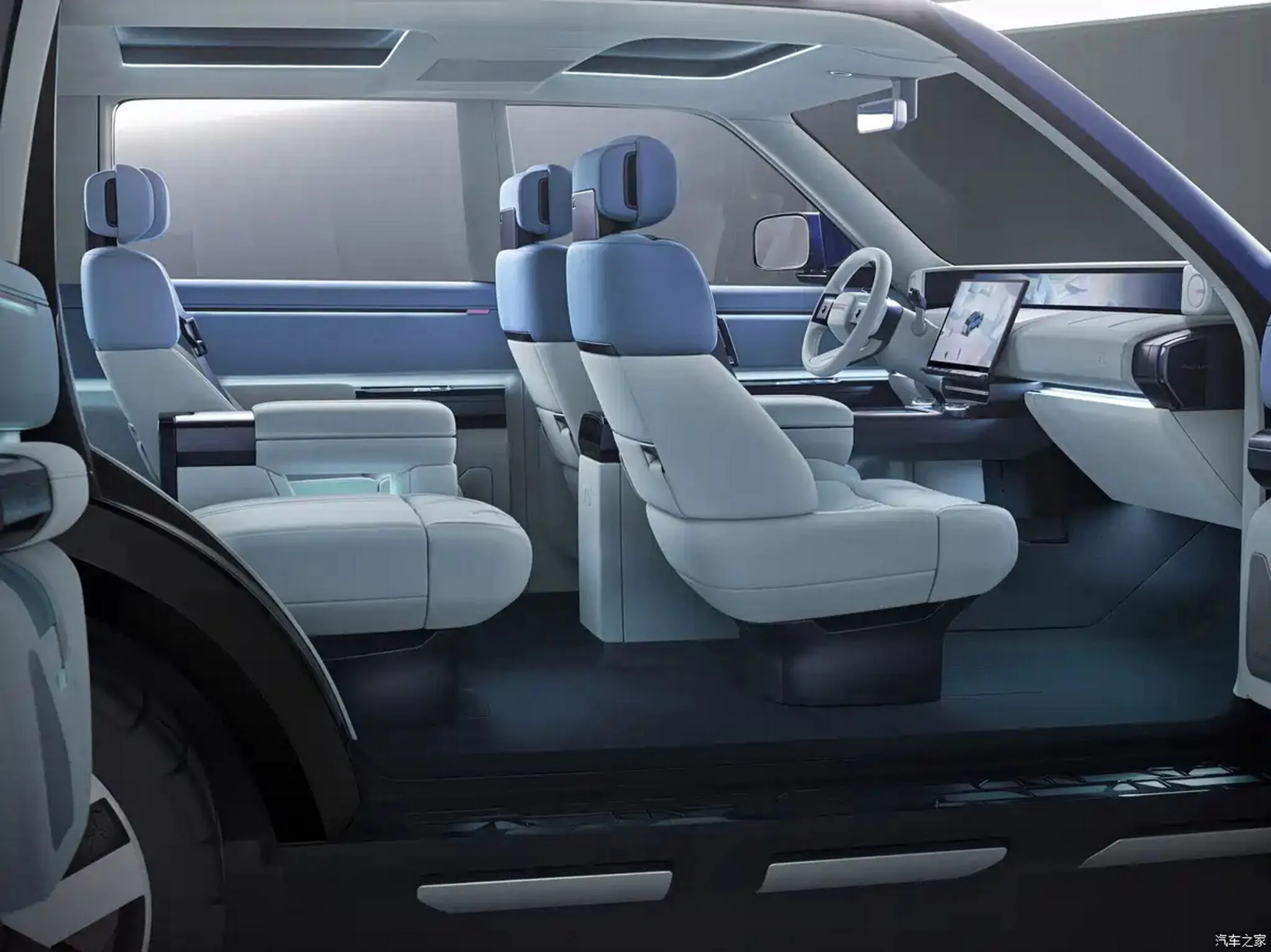
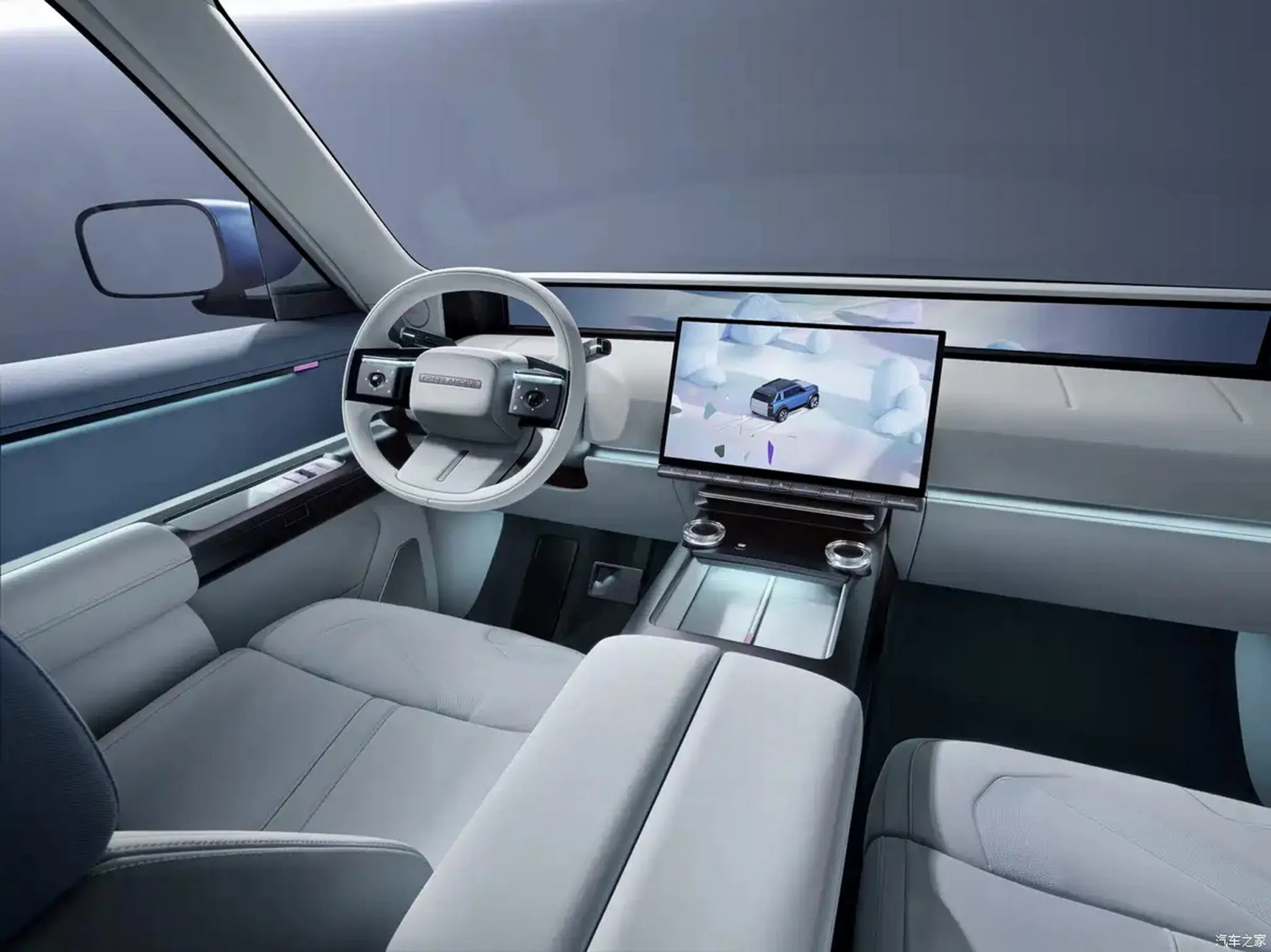




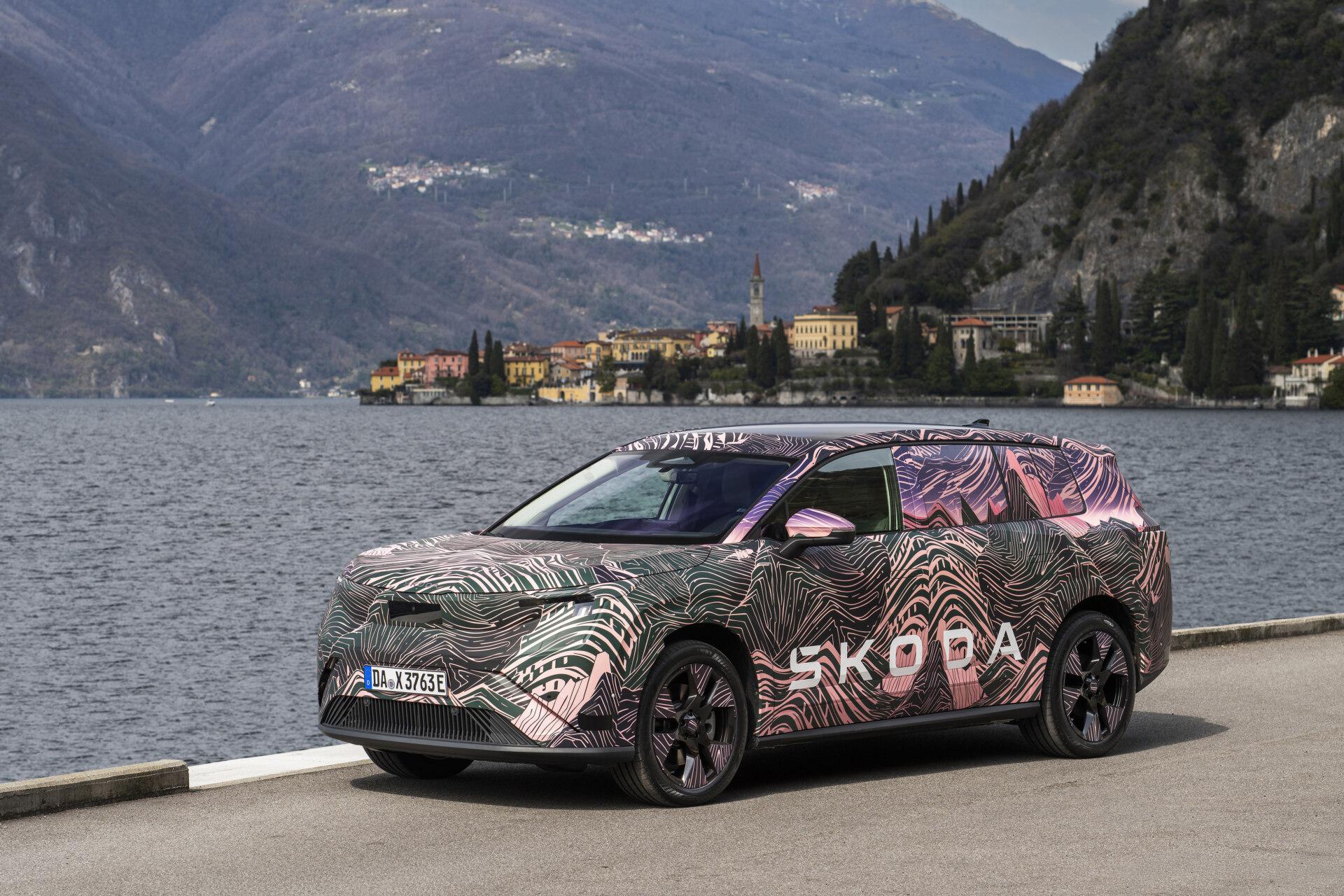
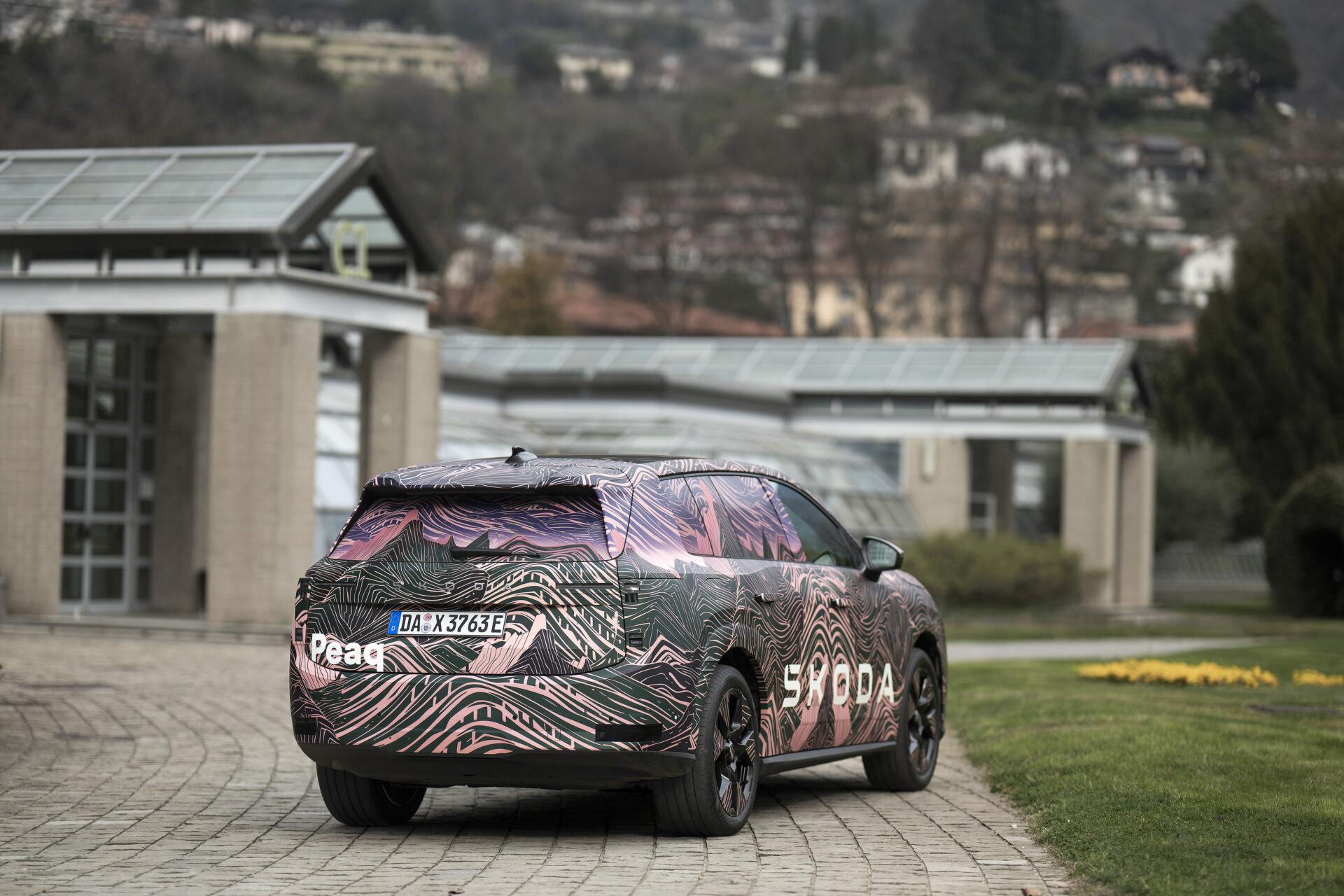
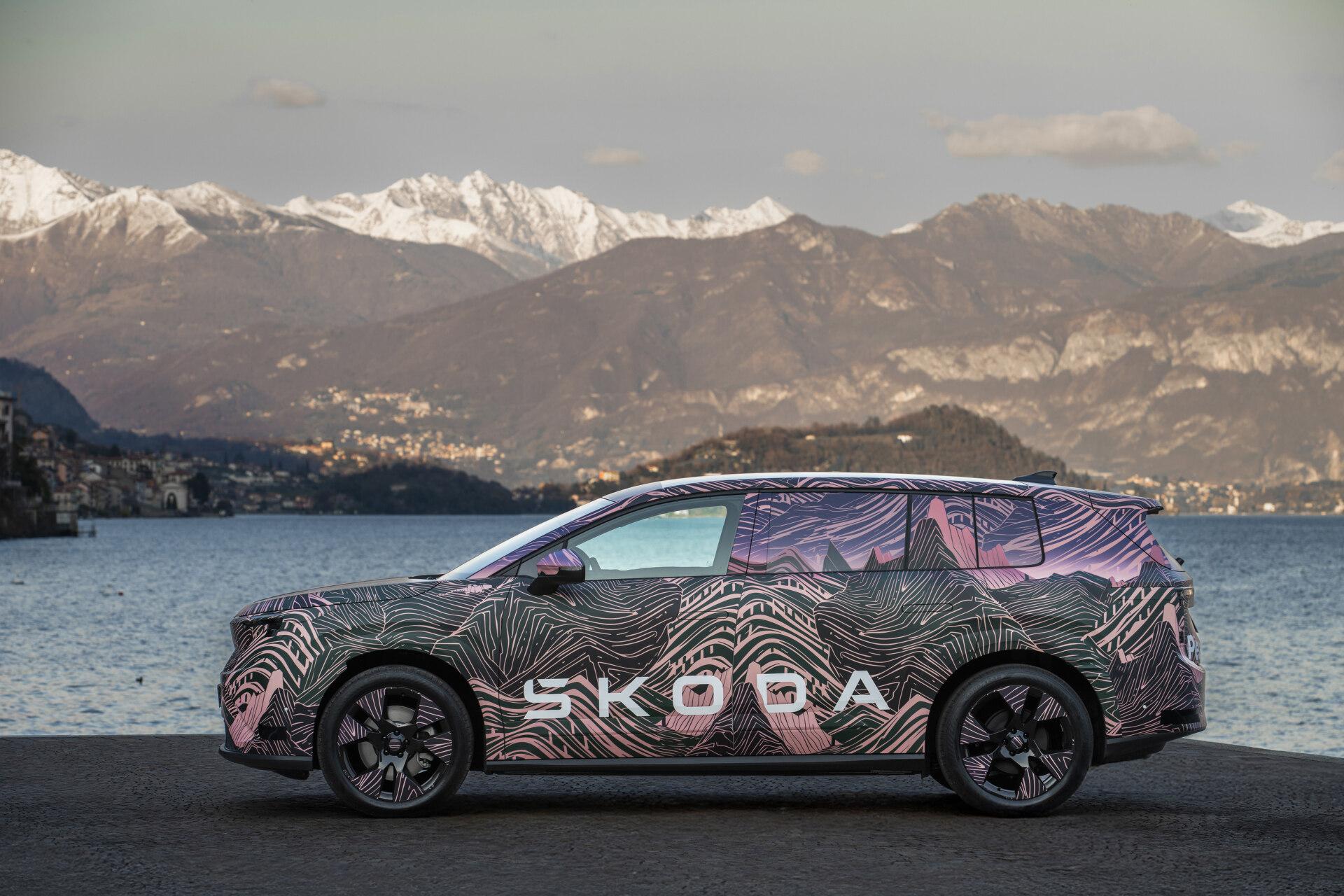
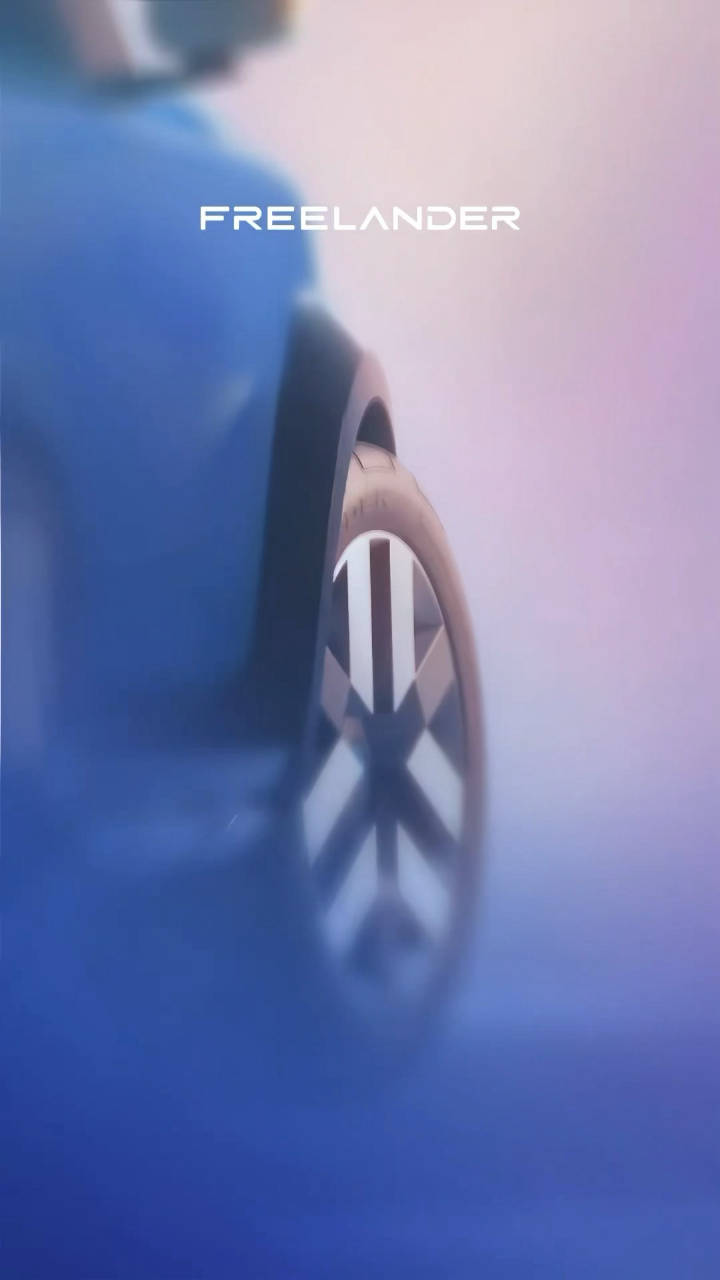
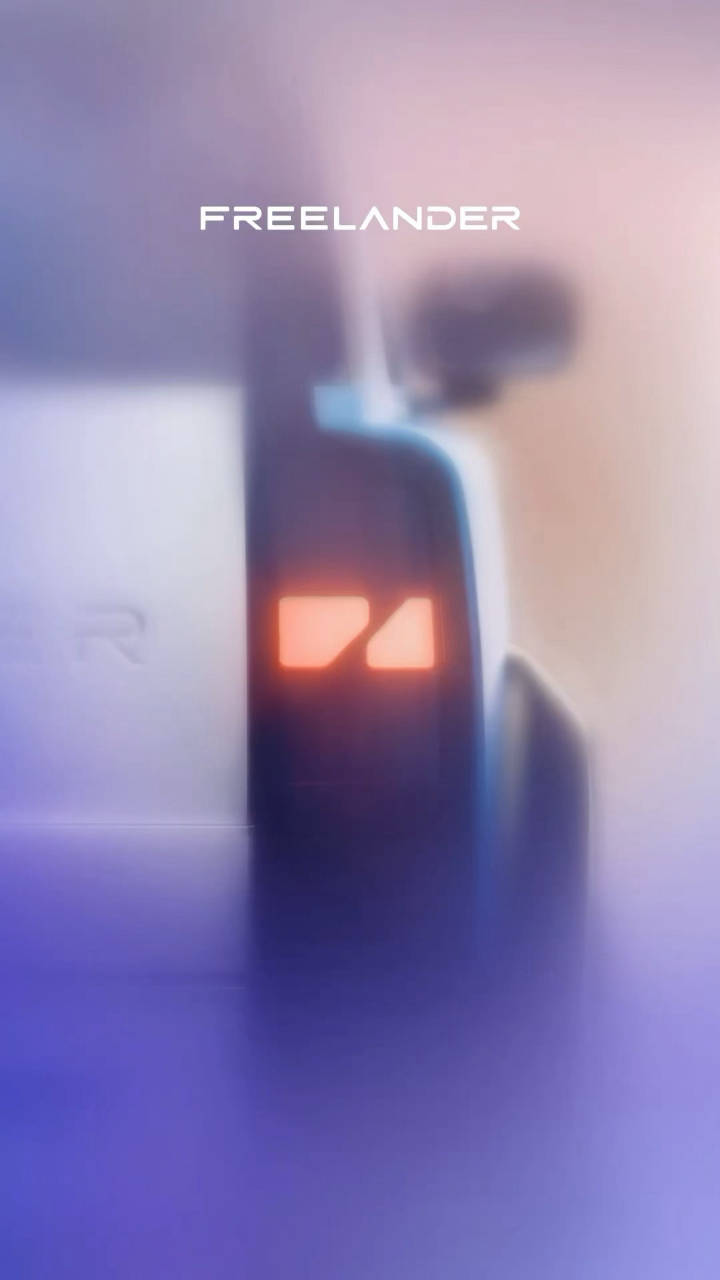

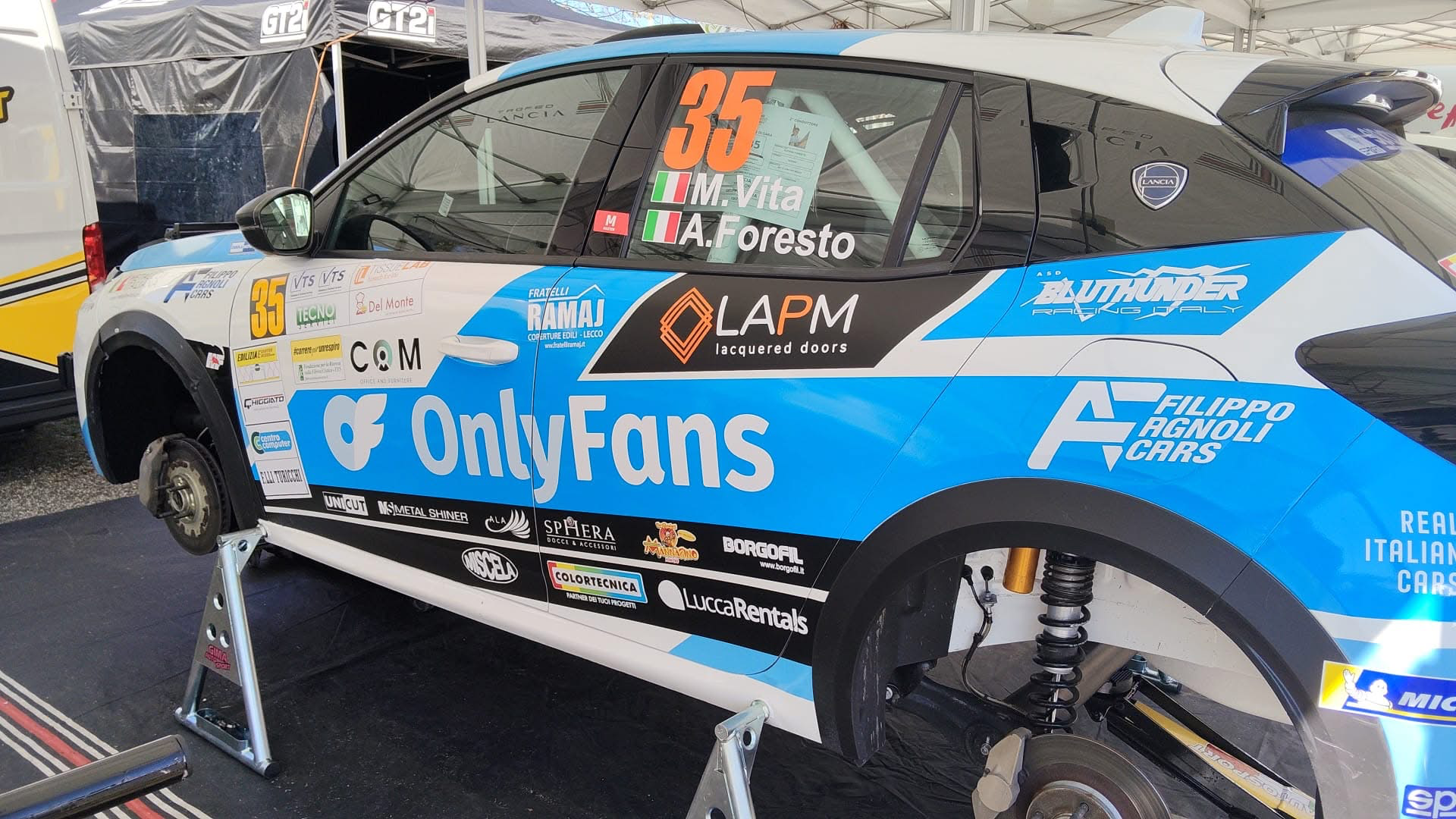






Account
Navigation
Cerca
Configure browser push notifications
Chrome (Android)
- Tap the lock icon next to the address bar.
- Tap Permissions → Notifications.
- Adjust your preference.
Chrome (Desktop)
- Click the padlock icon in the address bar.
- Select Site settings.
- Find Notifications and adjust your preference.
Safari (iOS 16.4+)
- Ensure the site is installed via Add to Home Screen.
- Open Settings App → Notifications.
- Find your app name and adjust your preference.
Safari (macOS)
- Go to Safari → Preferences.
- Click the Websites tab.
- Select Notifications in the sidebar.
- Find this website and adjust your preference.
Edge (Android)
- Tap the lock icon next to the address bar.
- Tap Permissions.
- Find Notifications and adjust your preference.
Edge (Desktop)
- Click the padlock icon in the address bar.
- Click Permissions for this site.
- Find Notifications and adjust your preference.
Firefox (Android)
- Go to Settings → Site permissions.
- Tap Notifications.
- Find this site in the list and adjust your preference.
Firefox (Desktop)
- Open Firefox Settings.
- Search for Notifications.
- Find this site in the list and adjust your preference.