FRNT
Utente Registrato
-
Iscritto il
-
Ultima visita
Tutti i contenuti di FRNT
-
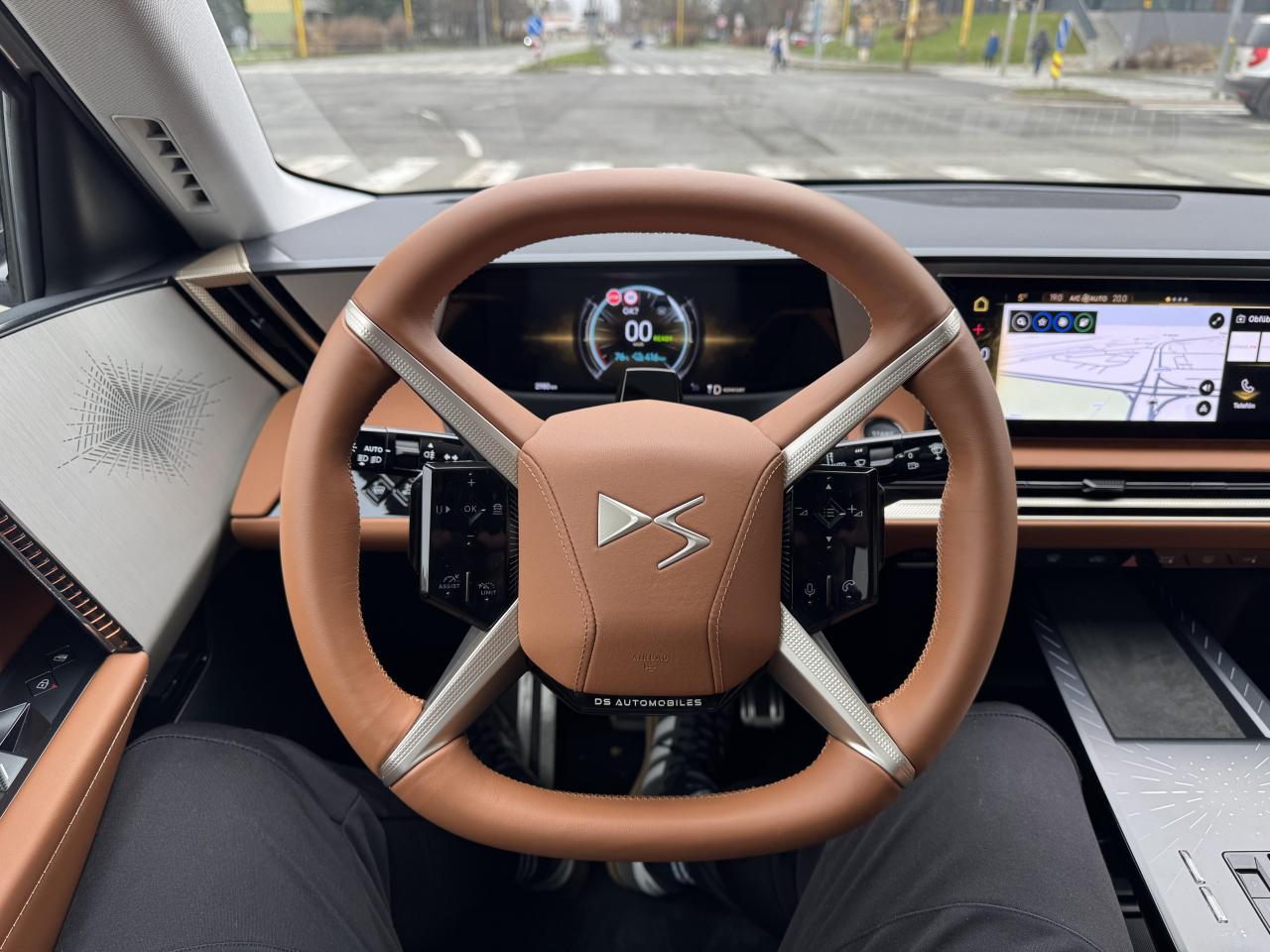
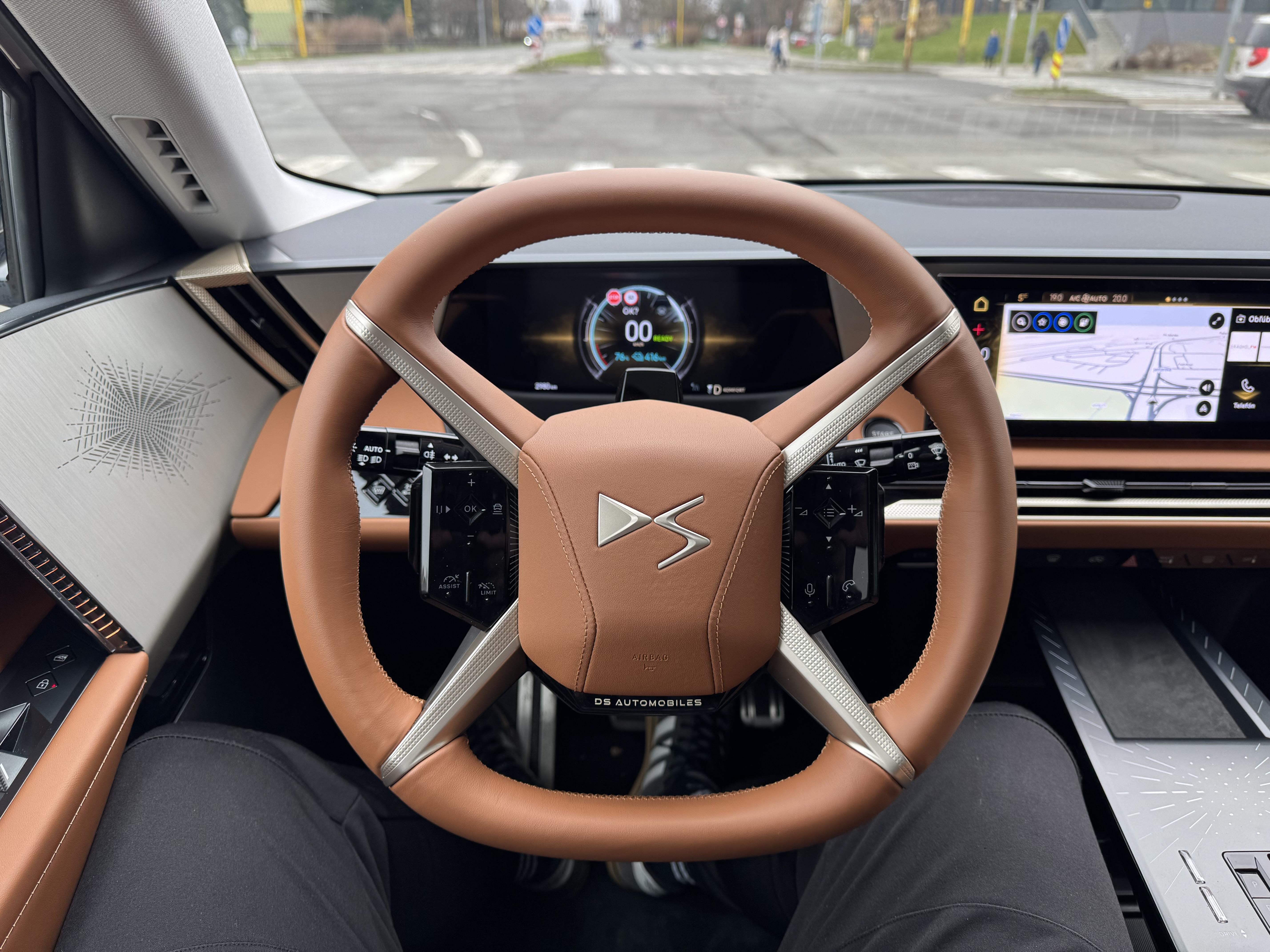
Excuse me, but from the DS8 cabin I would like to invite you to first look at the cars up close and then make your own opinion. If the Gamma gets the finish that is typical for Lancia, and in blue, I am very much looking forward to it. And, the new DS8 steering wheel is ergonomically excellent.
- 932 risposte
-
-

- 6
-
-
- aurelia
- l74
- lancia
- lancia aurelia
-
Taggato come:
-
-
I would like to see it live 🤌
-
-
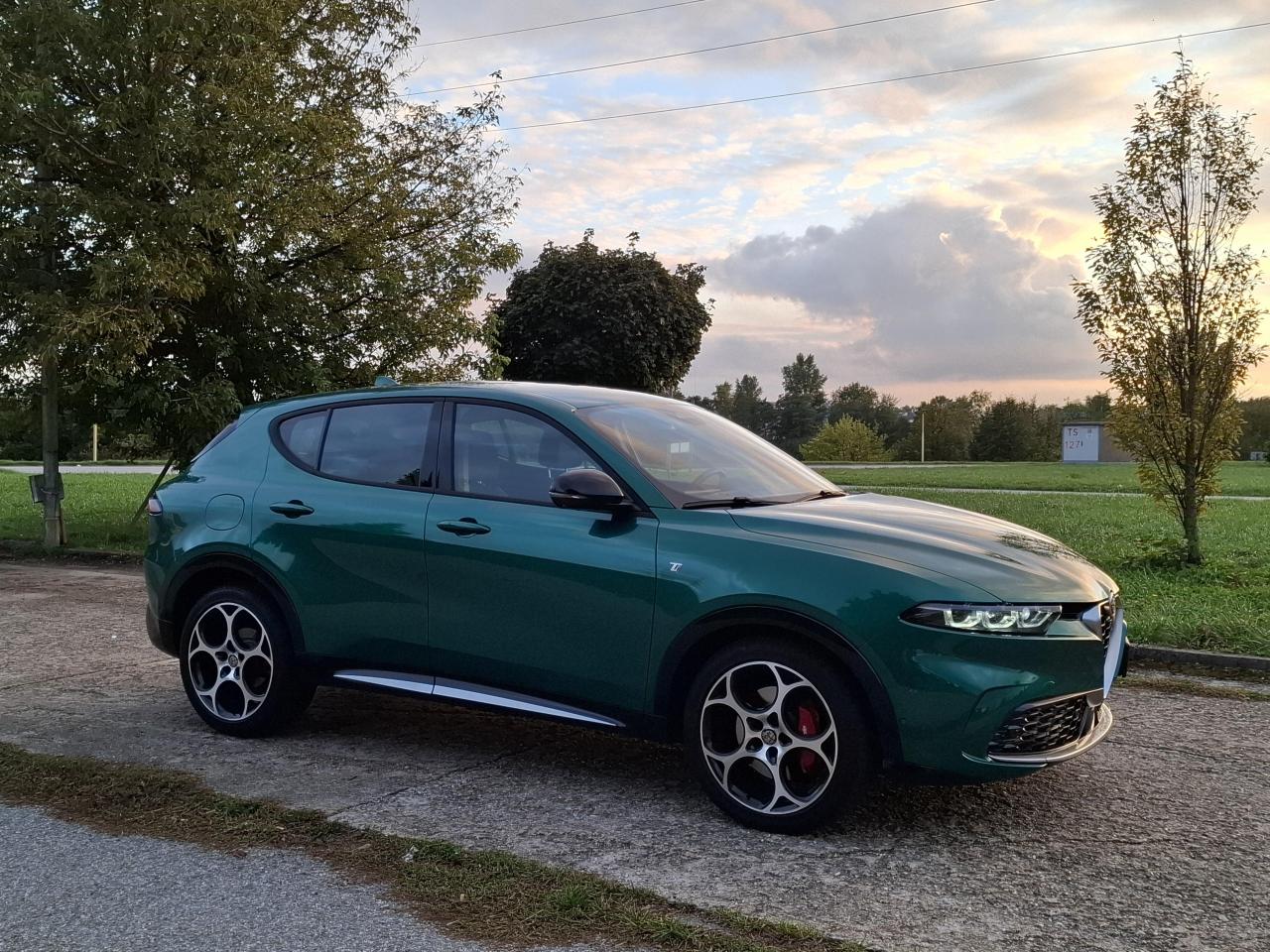
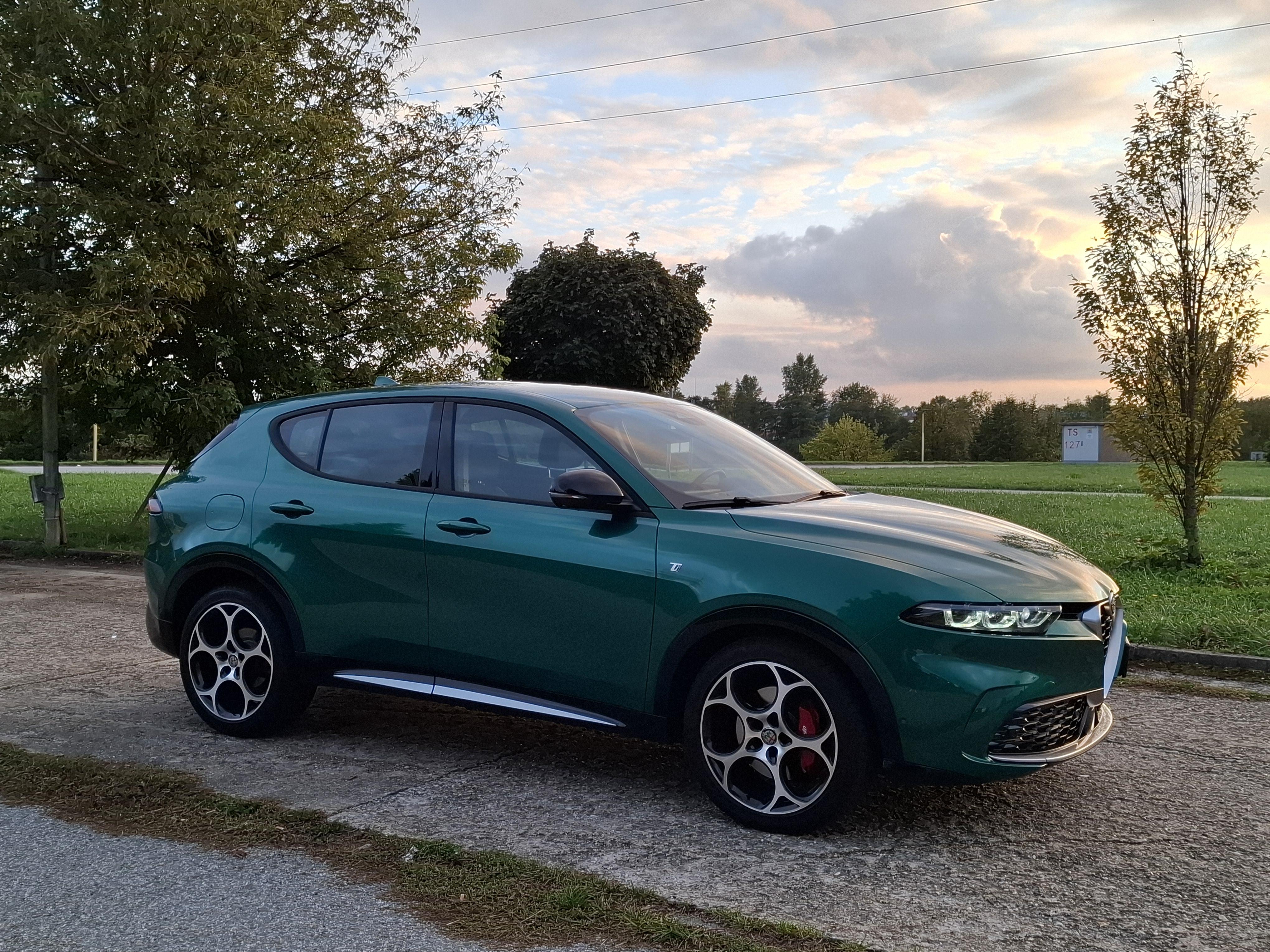
Off topic, but on the line of discussion. Unfortunately, there are huge problems with that car. I will never allow the Alfa Romeo brand to be abandoned, but this is reality. My father really wanted one, I managed to talk him into a diesel, even though he doesn't drive long distances. Even so, the car constantly suffers from problems, warning lights, flashing displays, or malfunctioning assistants. The worst thing is when an older person (my father) decides to overtake slower cars and the Tonale reacts by reducing power and flashing warning lights. Fortunately, we managed to return the hybrid version that I recommended to a friend to the importer. The car once stood for more than two months in a service in France and then for more than a month in Slovakia. I would rather not talk about the competence and capabilities of Slovak service stations here. I believe that the updated Tonale will be better.
-
-
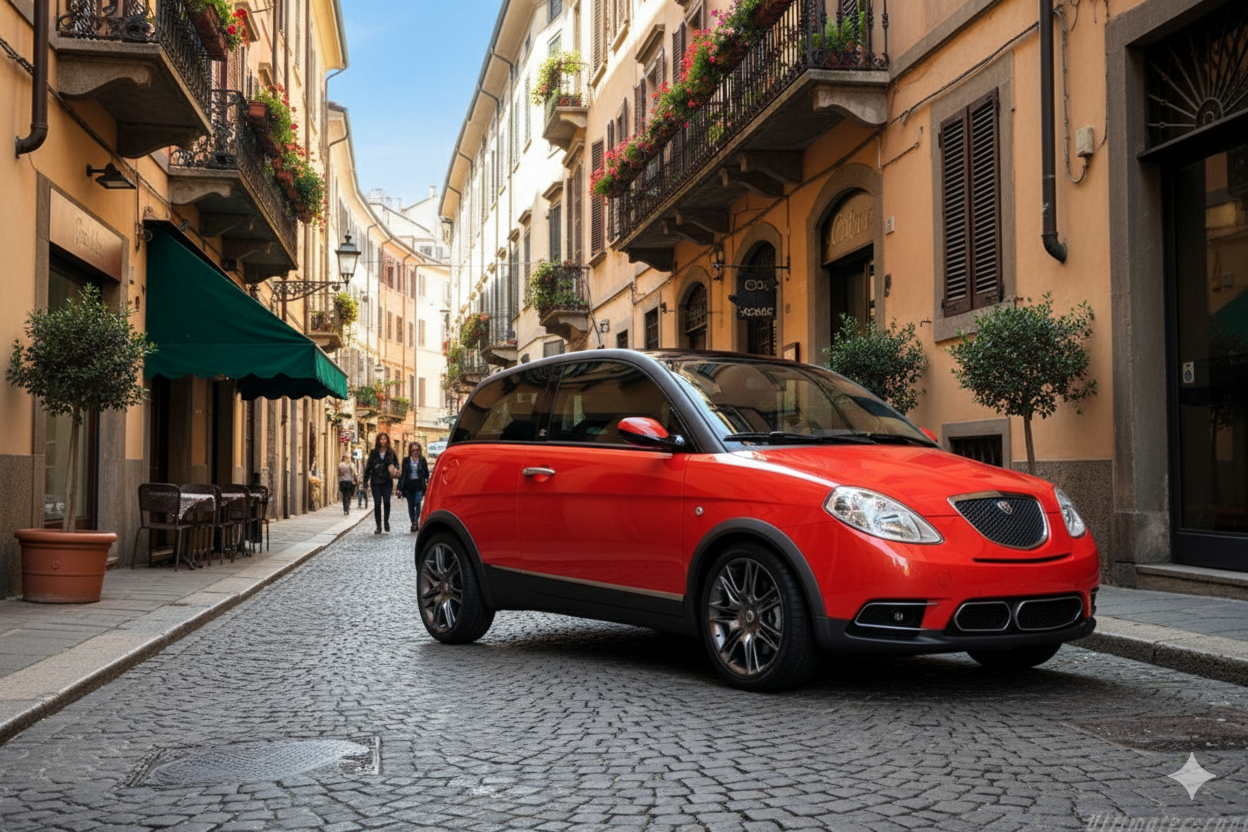
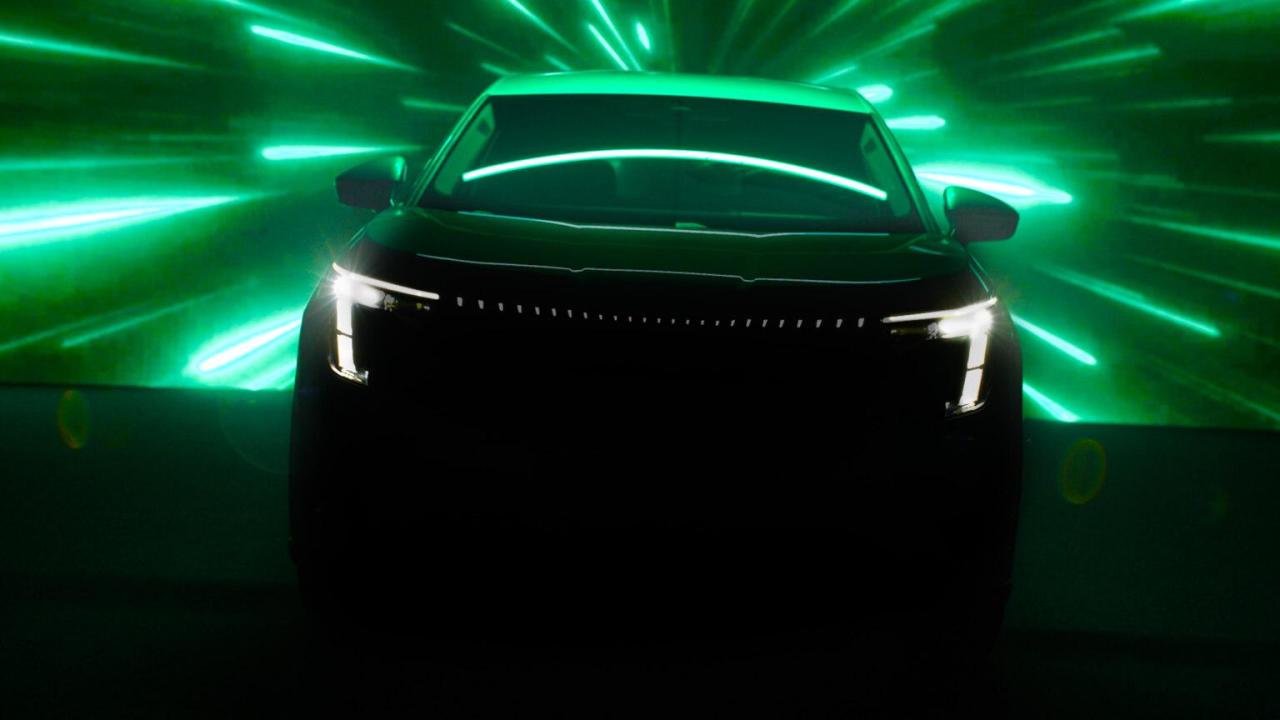
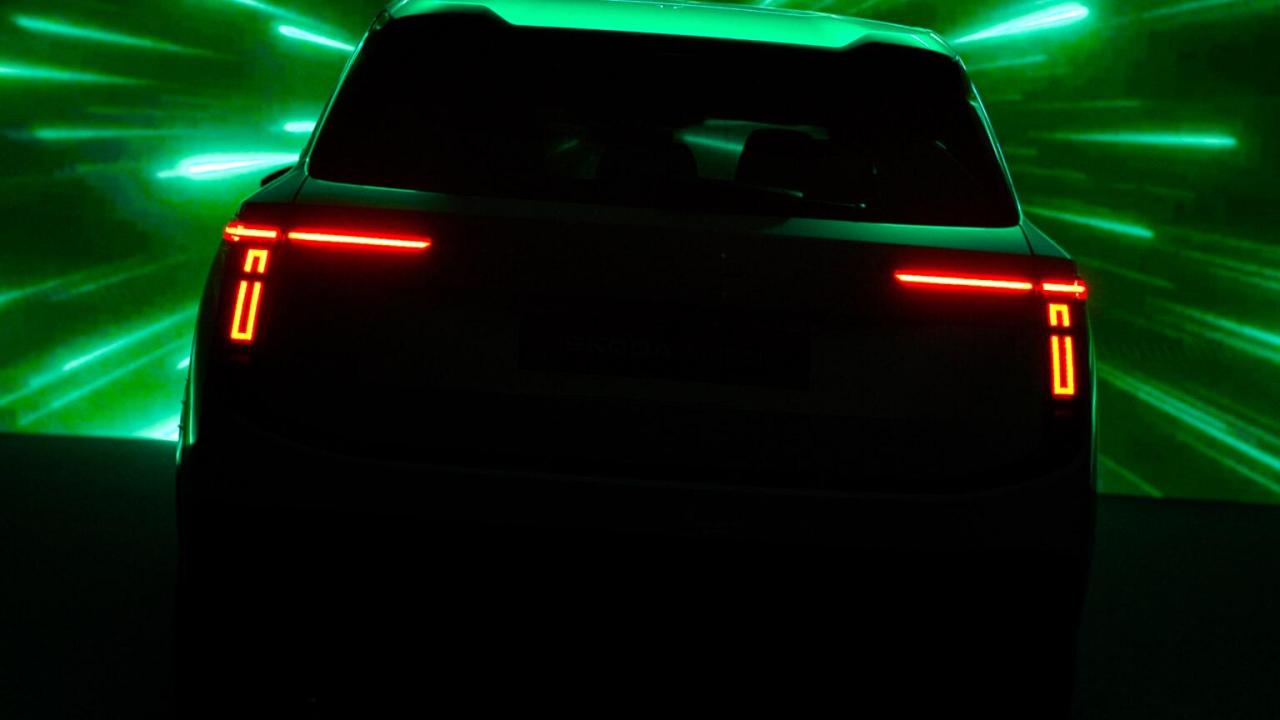
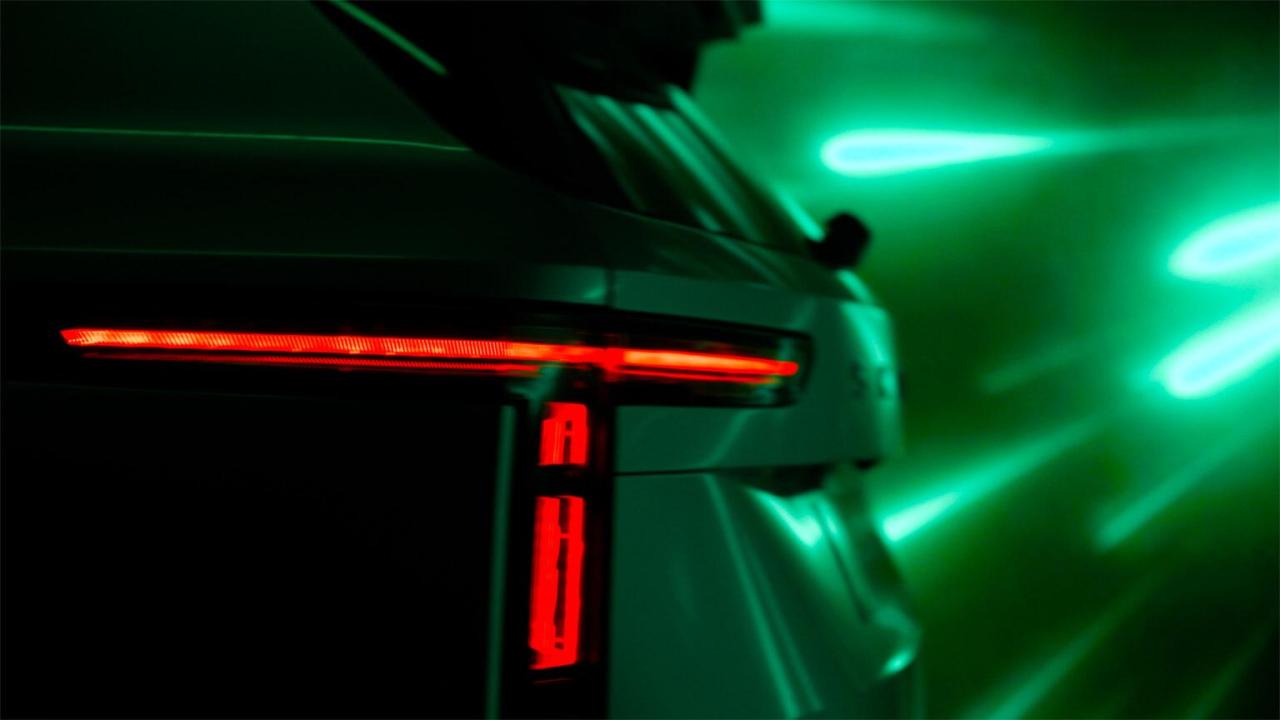
Una breve anteprima del nuovo modello con conferma dell'introduzione nel 2025. *modifica: introduzione dell'auto nel 2026, sul mercato nel 2027
-
-
The ID.EVERY1 concept is a model that will be classified under ID.2ALL (miniGolf). I don't know at the moment which concern siblings this yellow one will share tech&dimensions with, but in the case of a bigger one (seg. Polo, Fabia, Ibiza) it's the Škoda Epiq and the Cupra Raval. I think that it's with this model that the concern will come up with a sibling under the Seat brand. Maybe...
-
-
-
-
-
-
Se guardi da vicino, è un faro C3 Aircross.
-
-
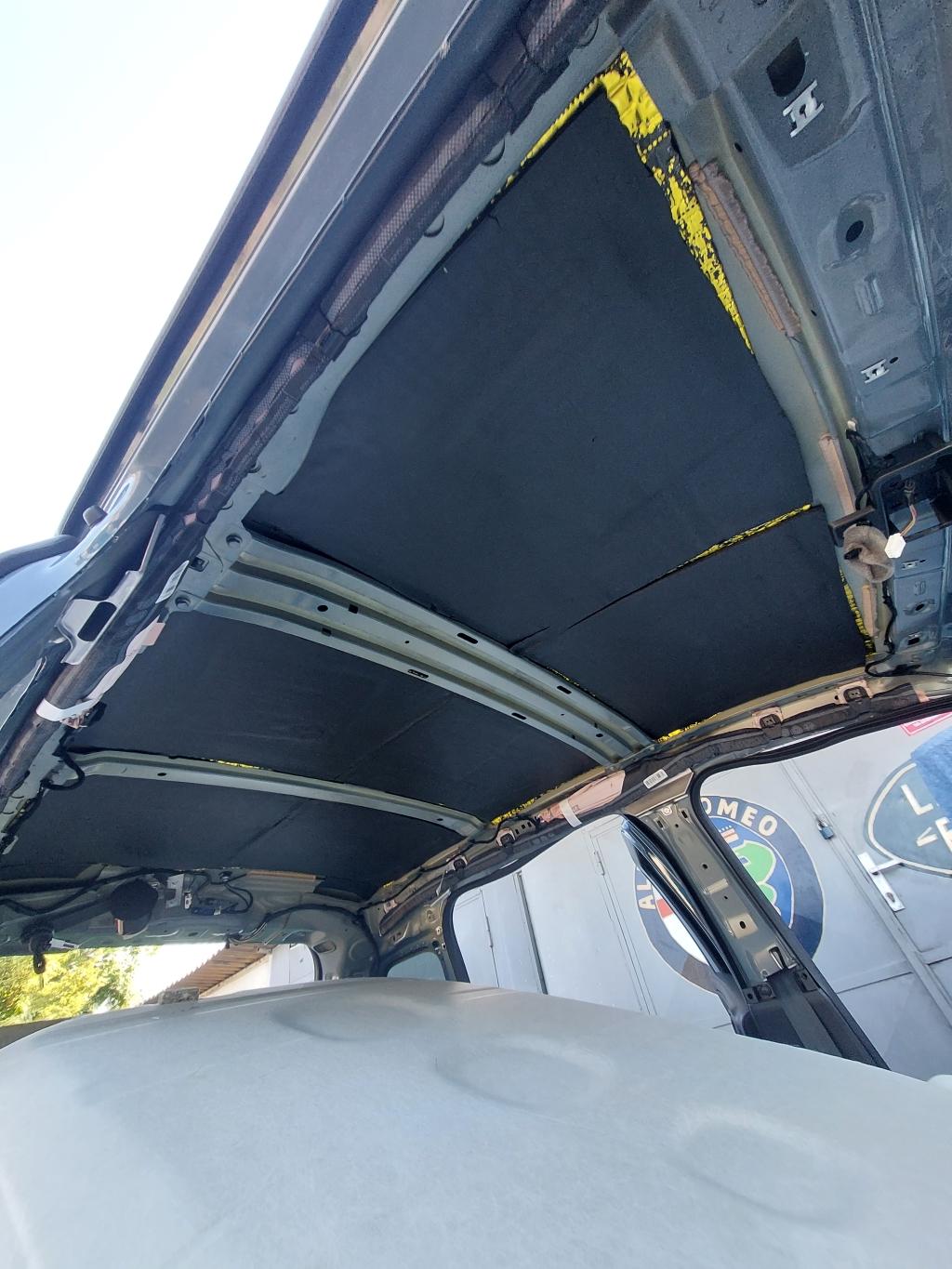
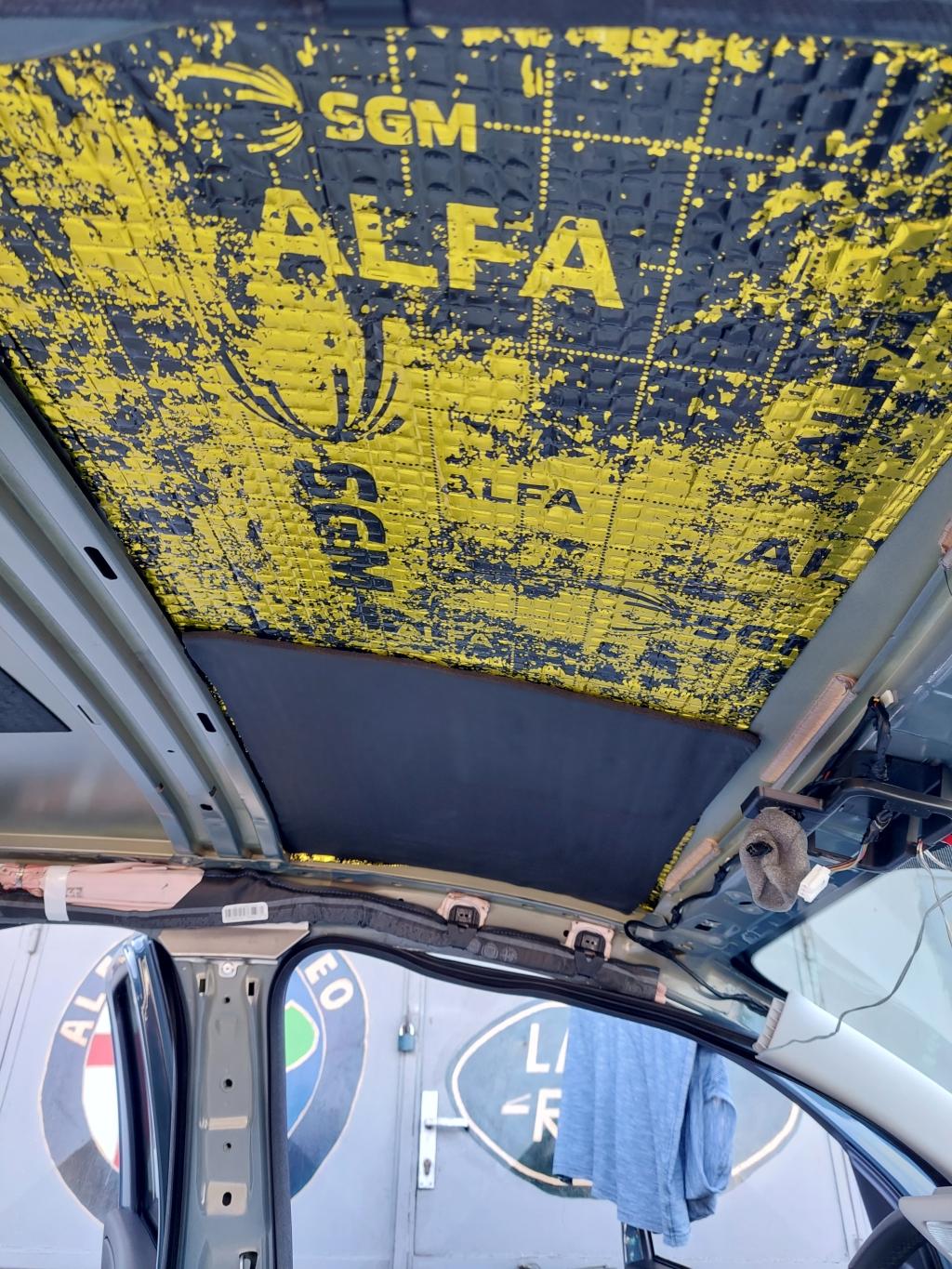
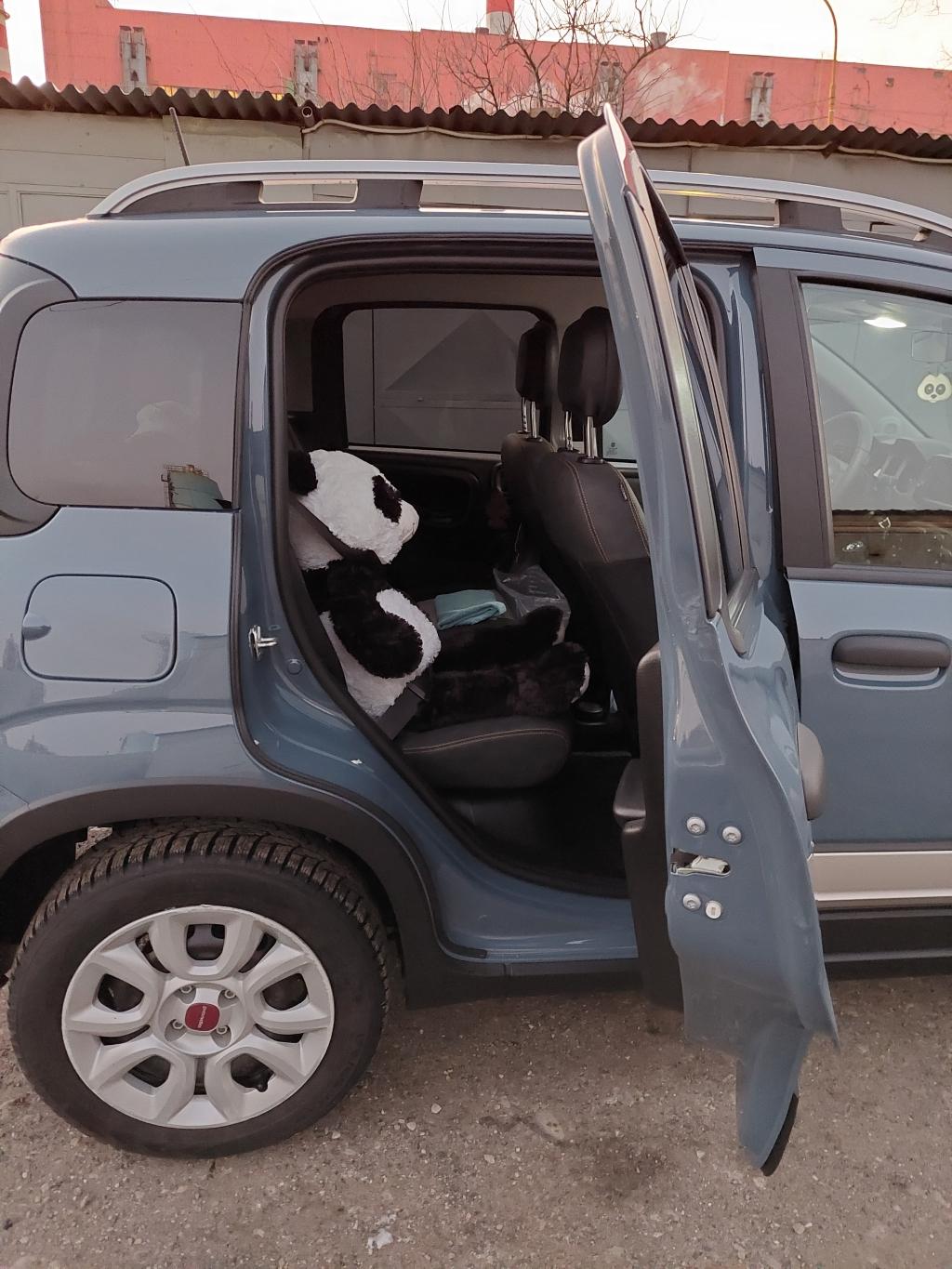
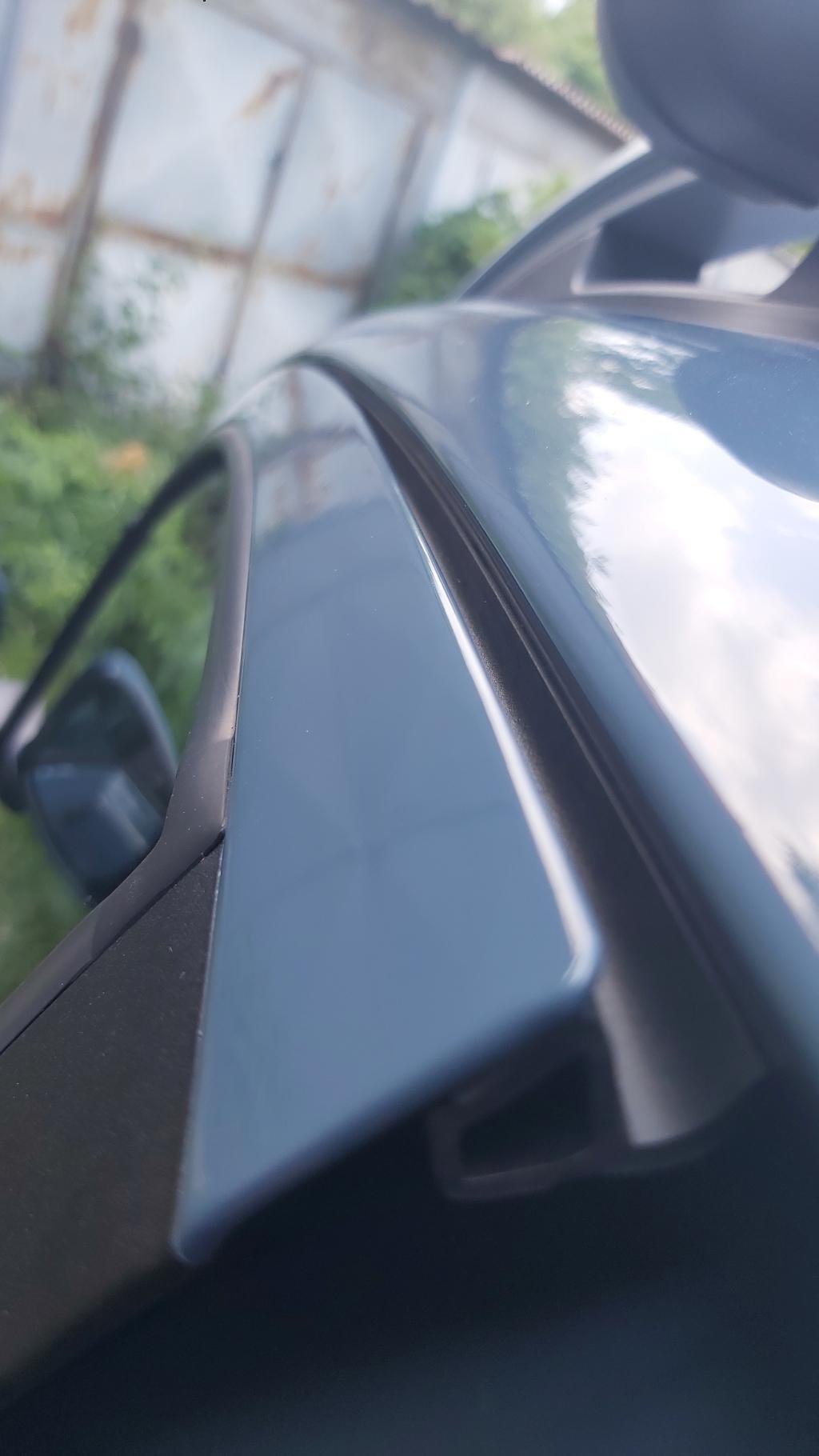
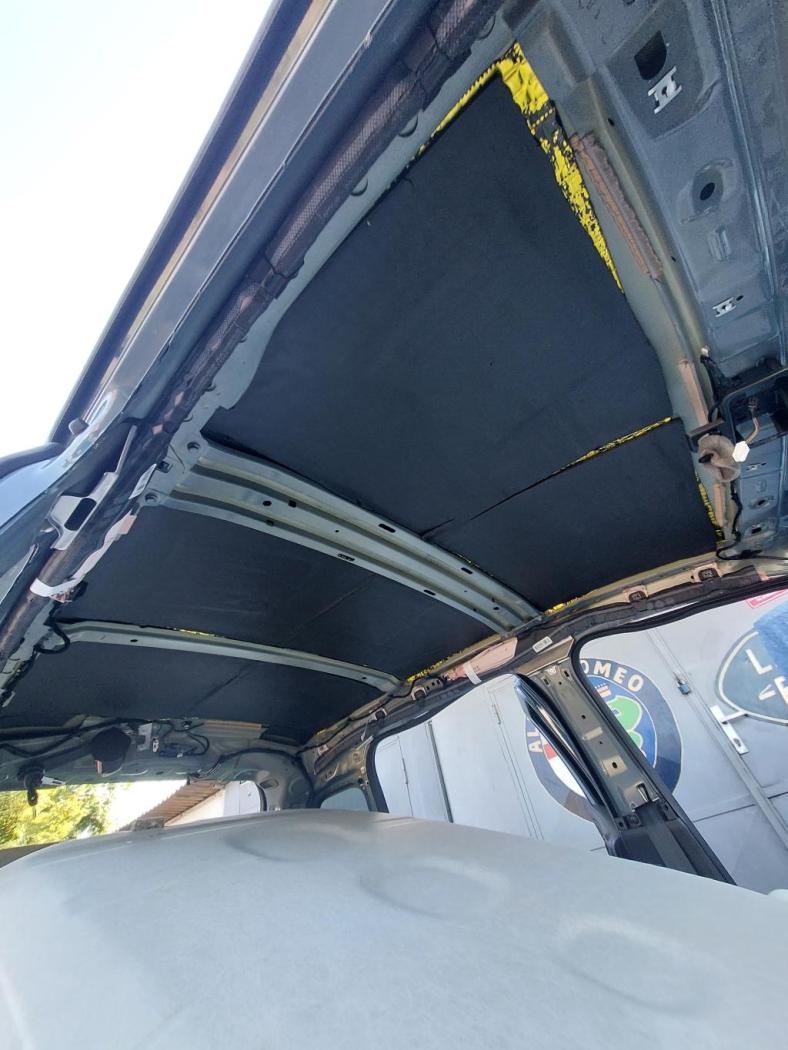
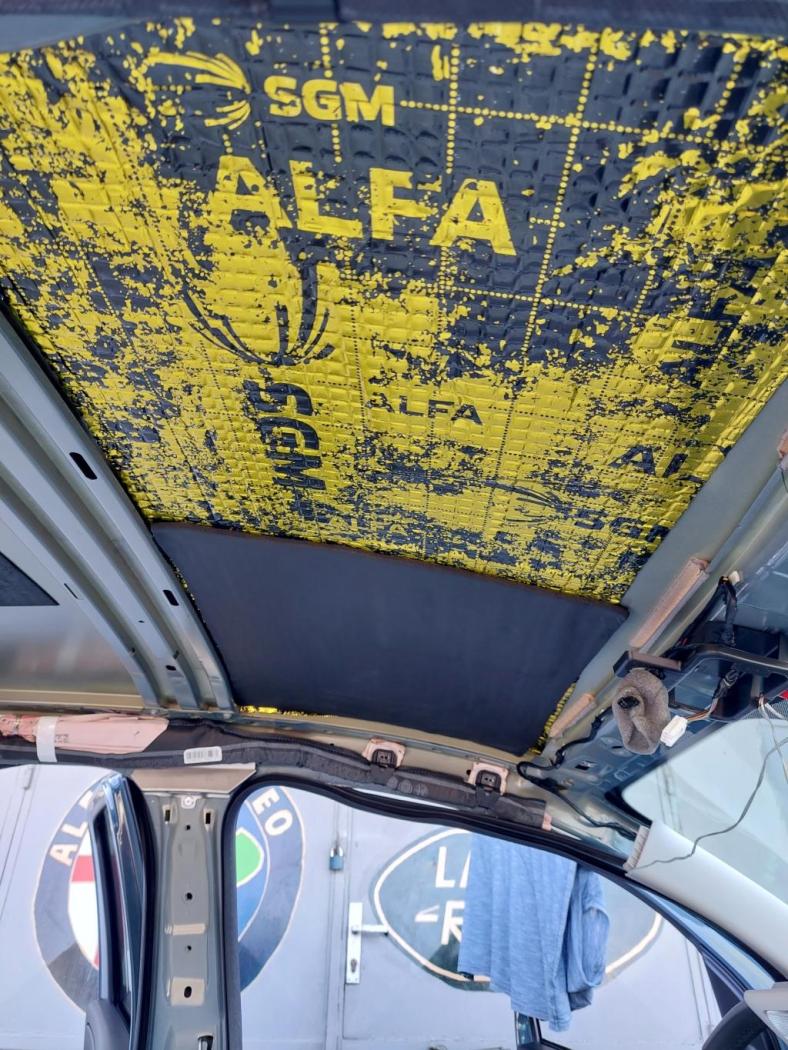
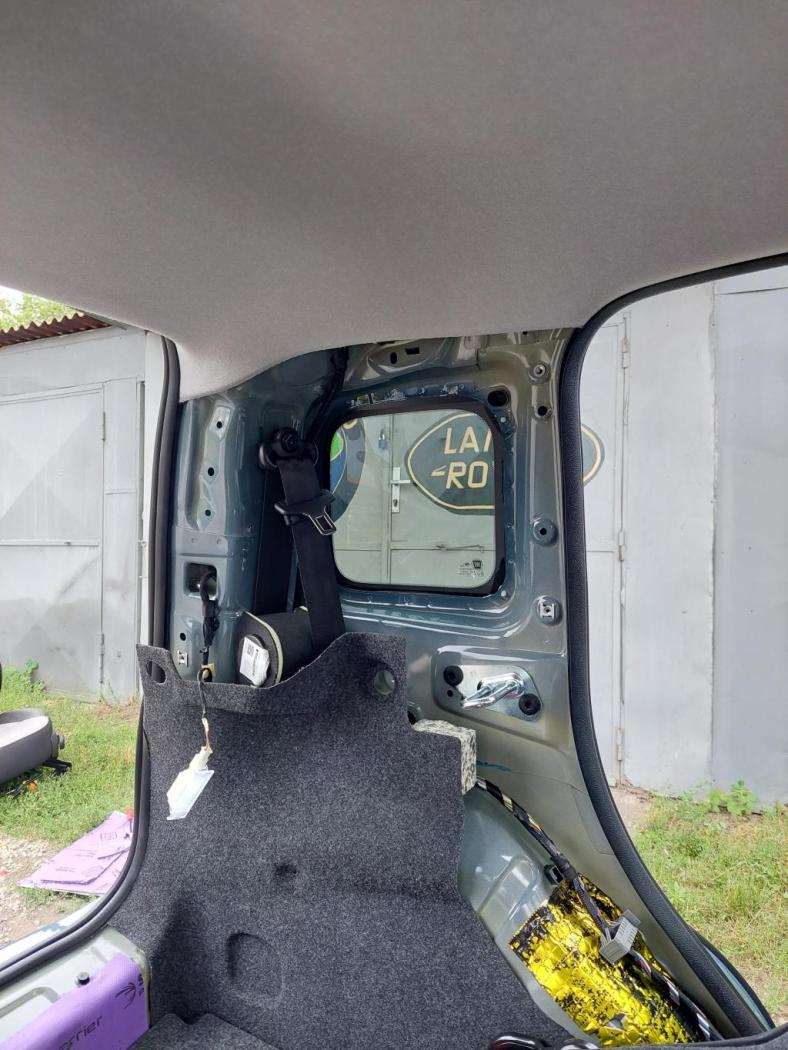
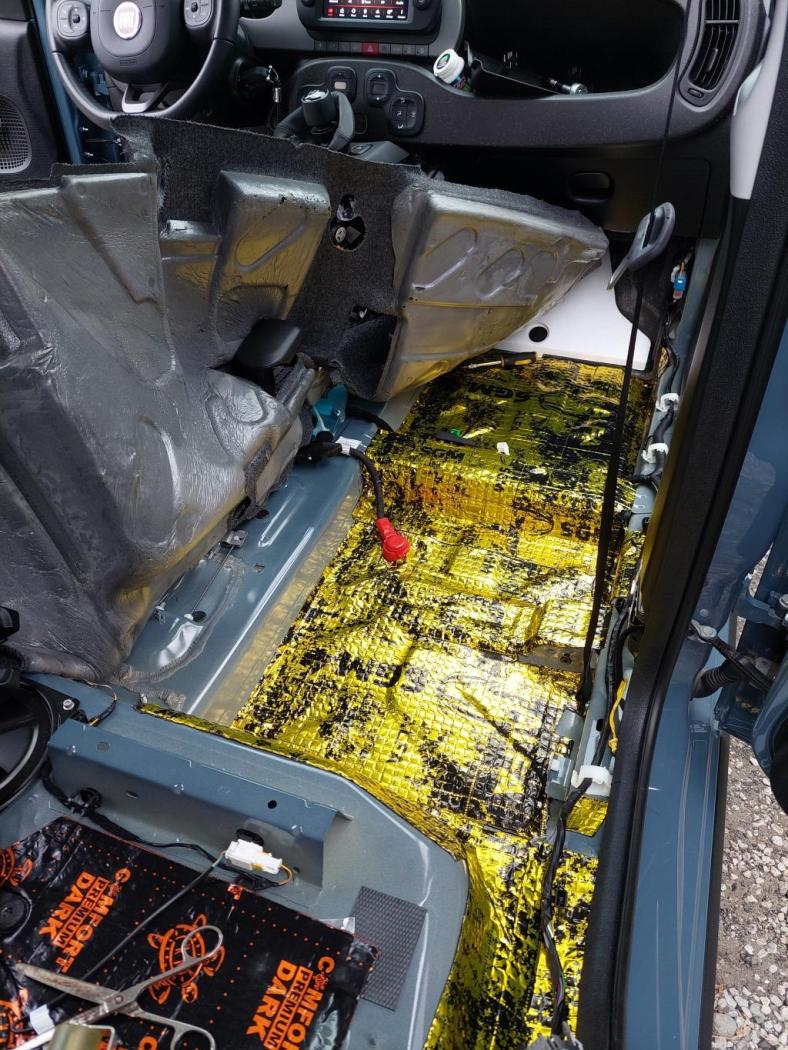
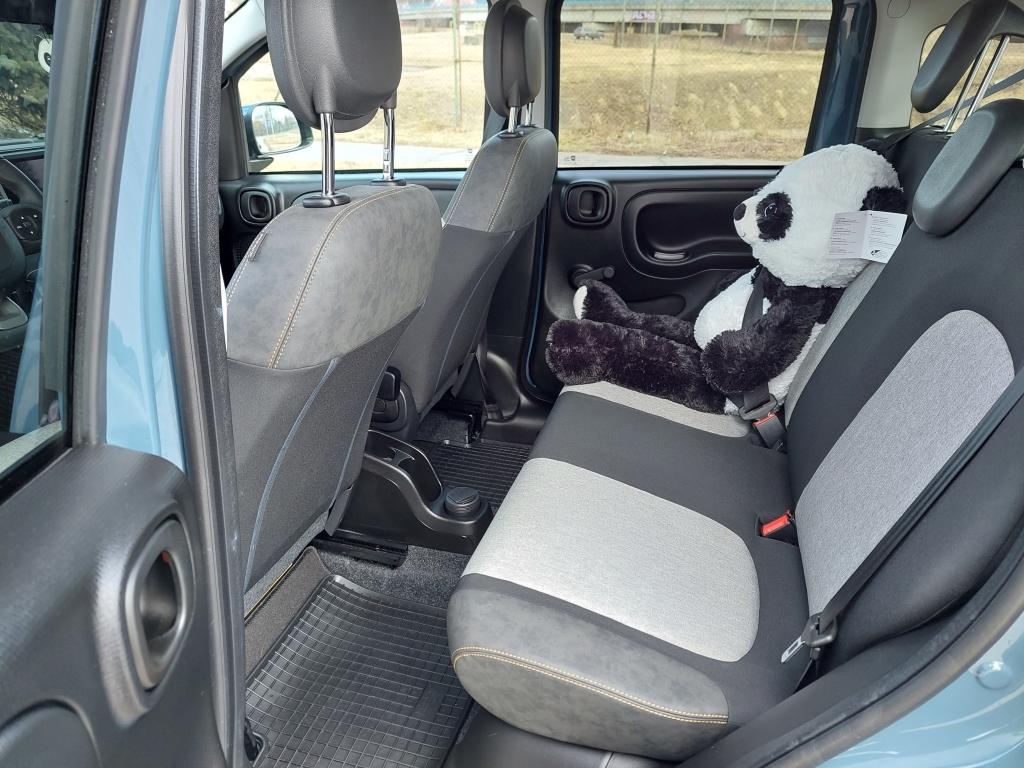
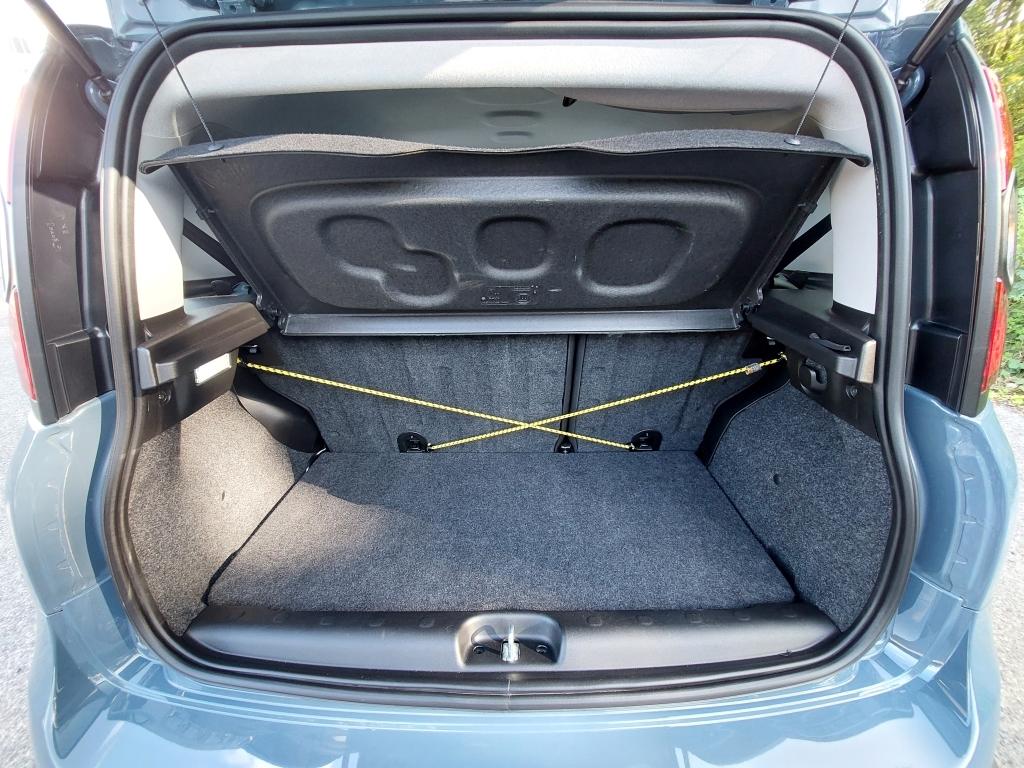
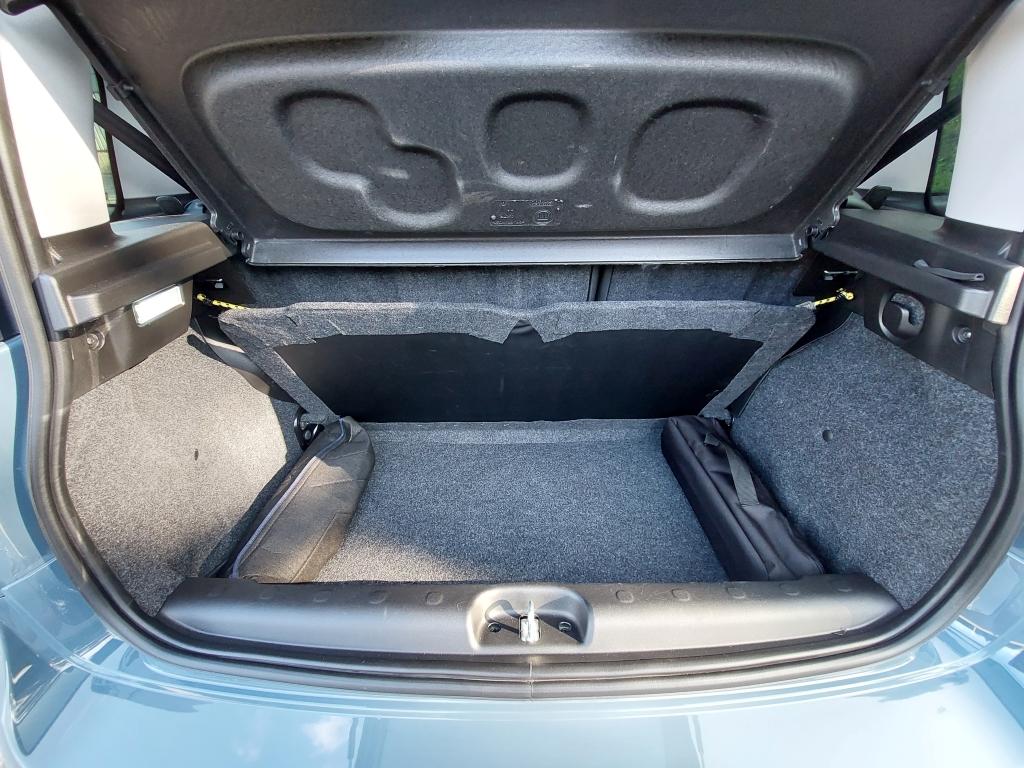
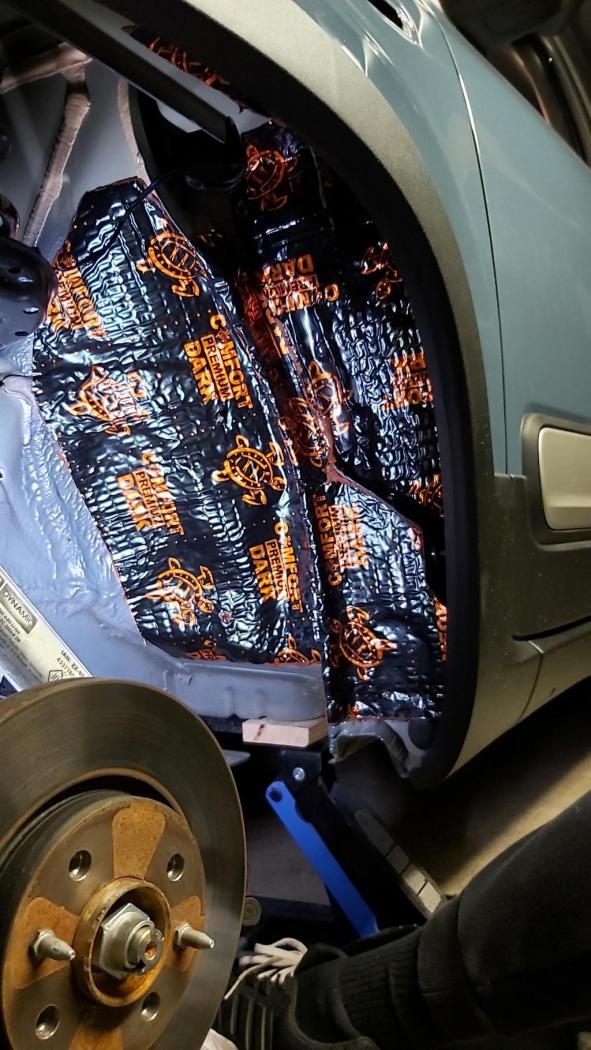
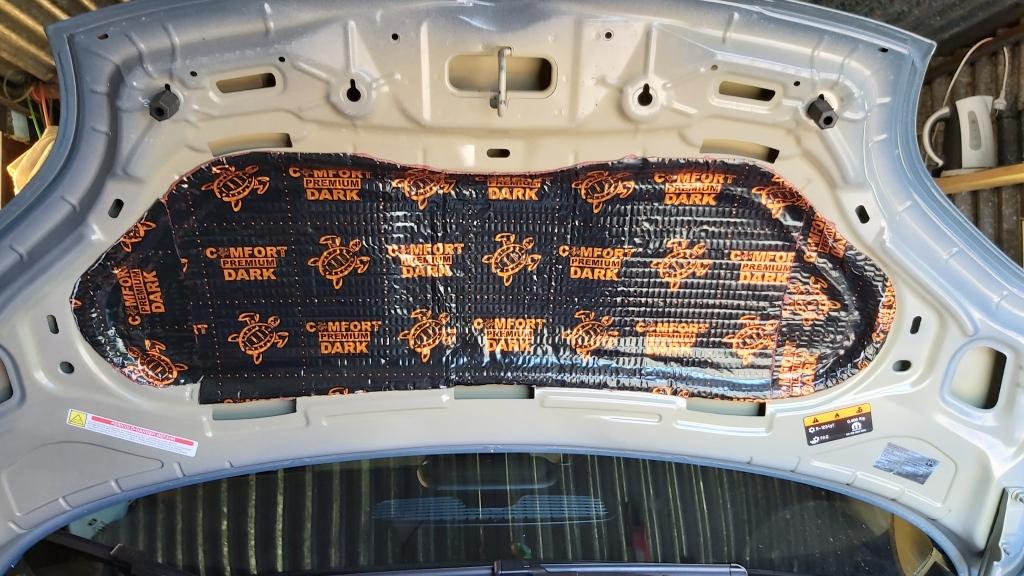
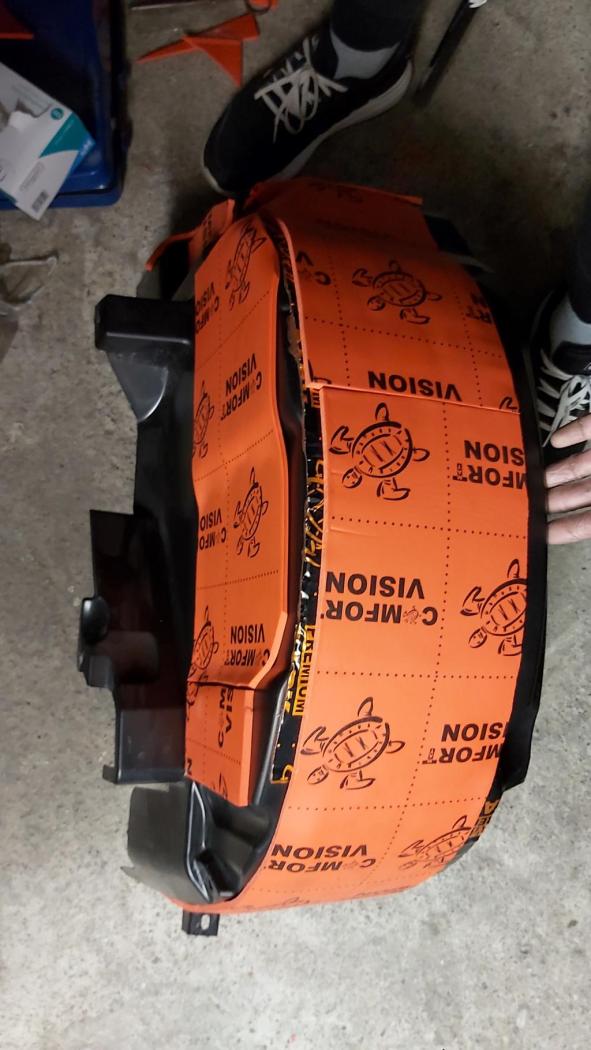
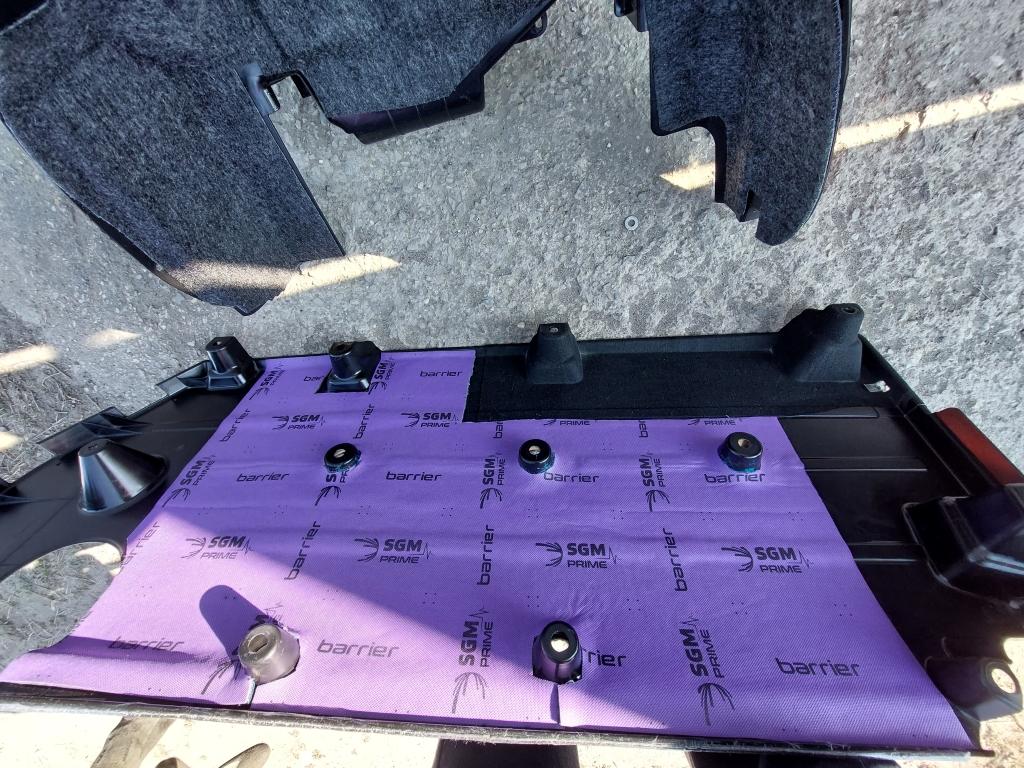
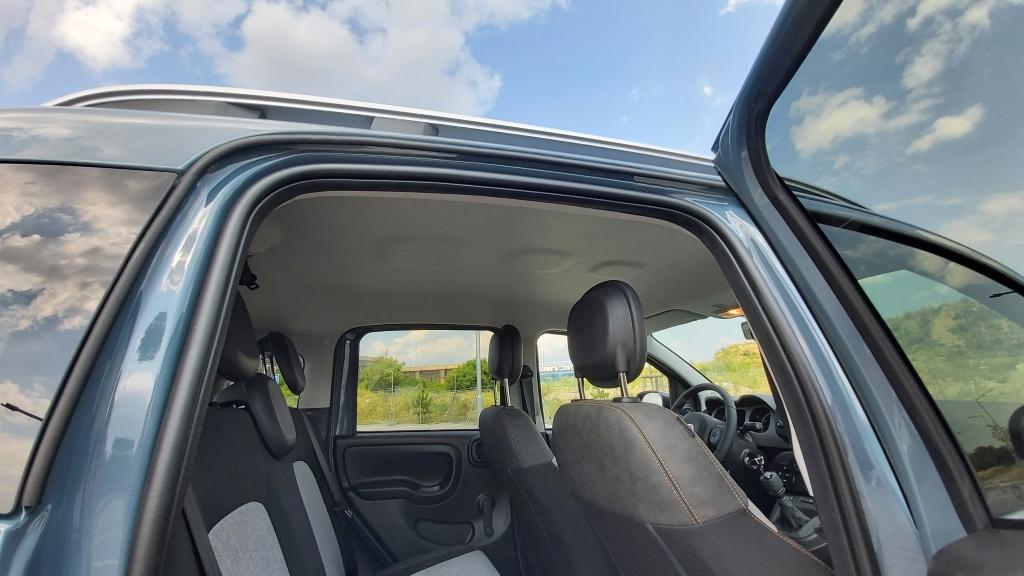
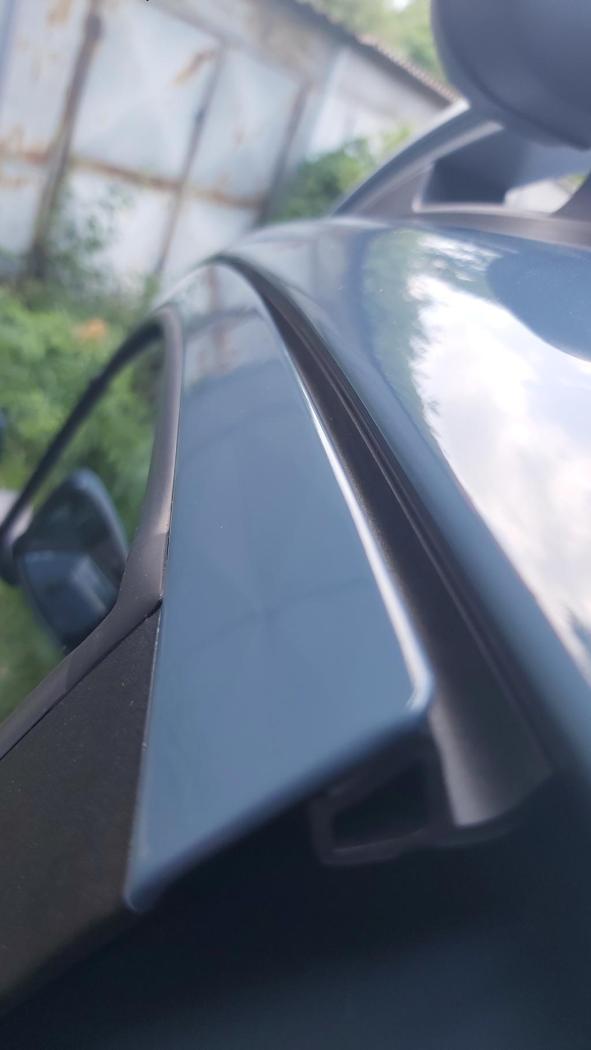
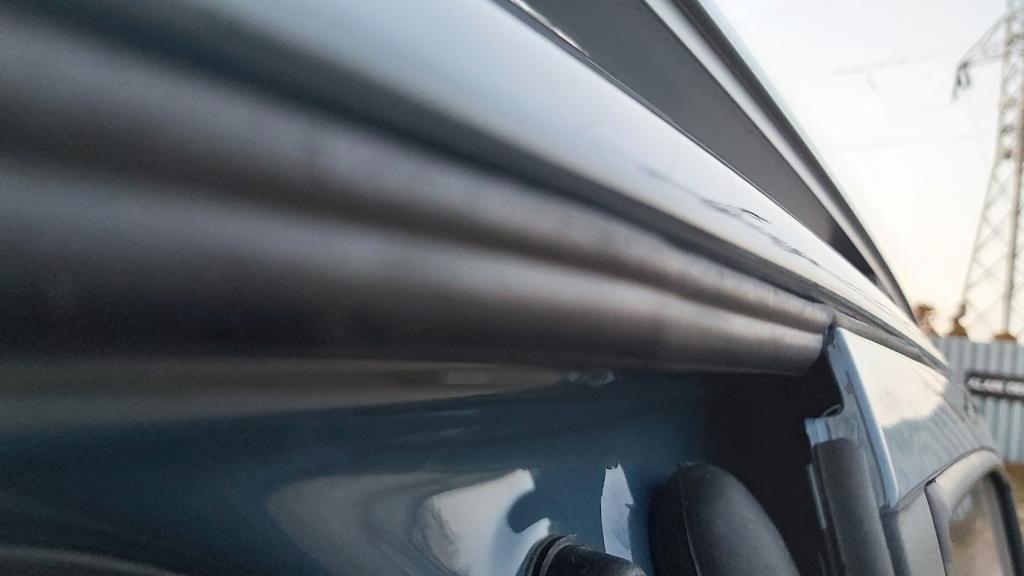
Thank you! In fact, I played with it a lot more. I looked for suitable materials and combinations. Some work was unnecessary, others turned out to be effective for little money. It is relatively easy to insulate the body, but the weakest link always stands out - in this case, thin windows. The most effective thing was to cover the lower chassis covers and the rear plastic fenders around the wheels with self-adhesive carpet. In the rain, you could talk at high speed on the highway in the Panda without any problems. Ultimately, I was very satisfied with the acoustics of my Panda, I only changed it for space reasons. I will definitely find more photos over time if you are interested in this topic. 👌 +I am adding some photos.



-
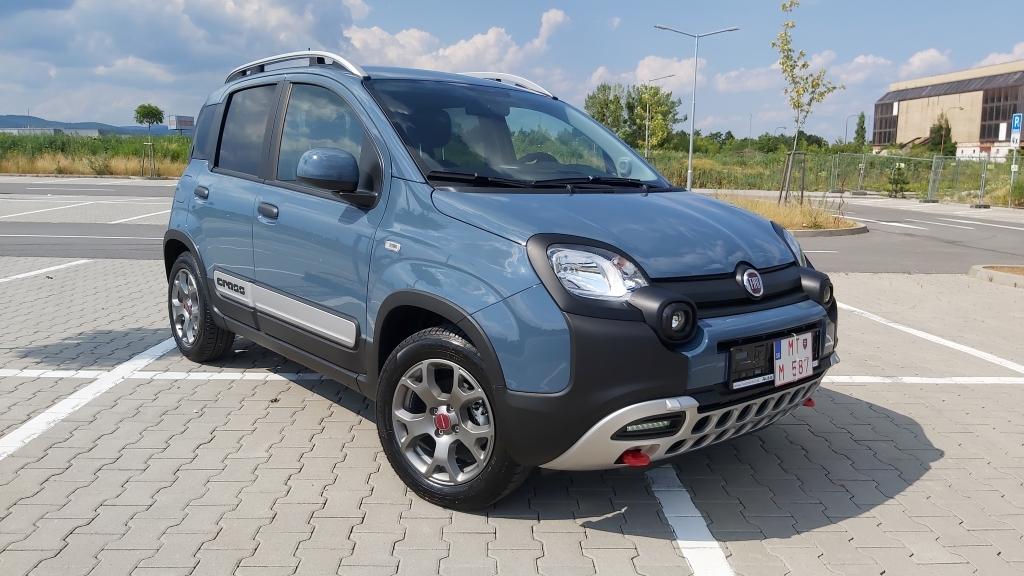
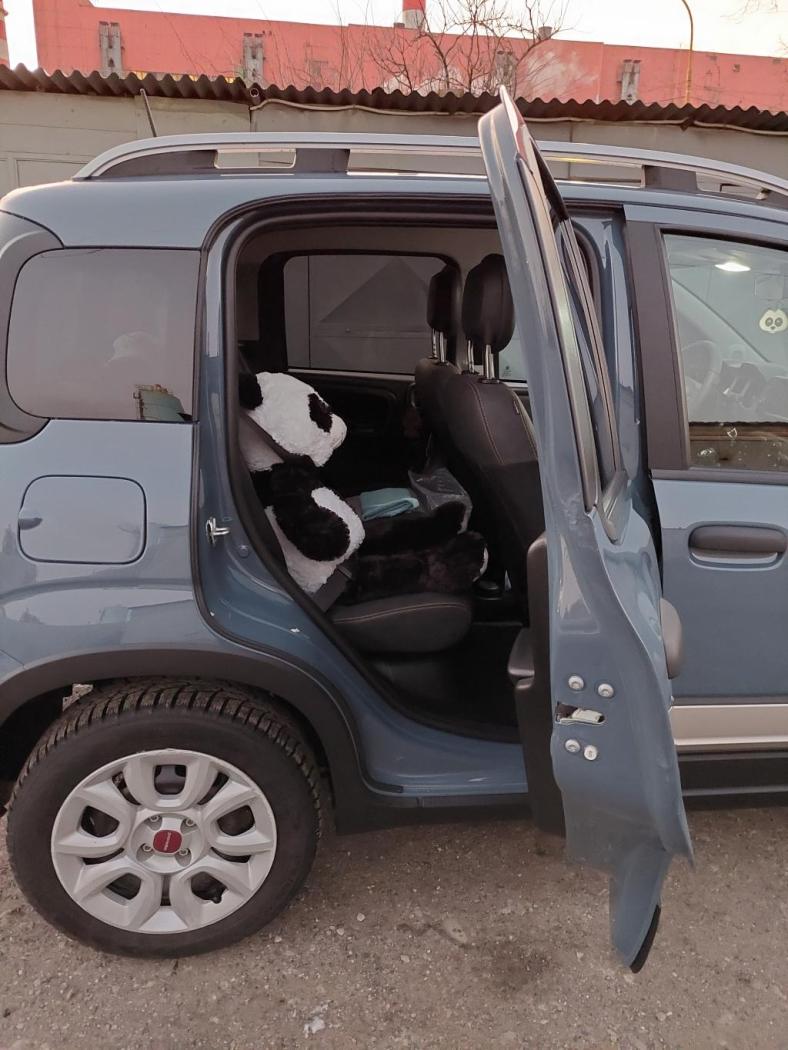
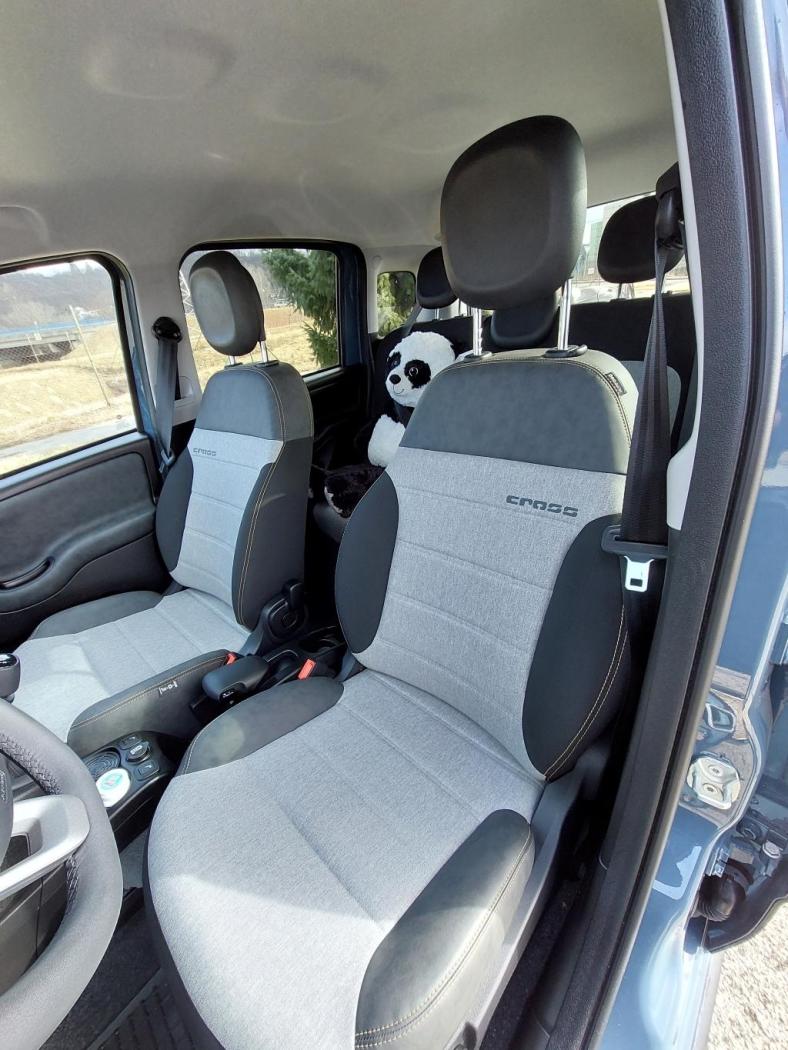
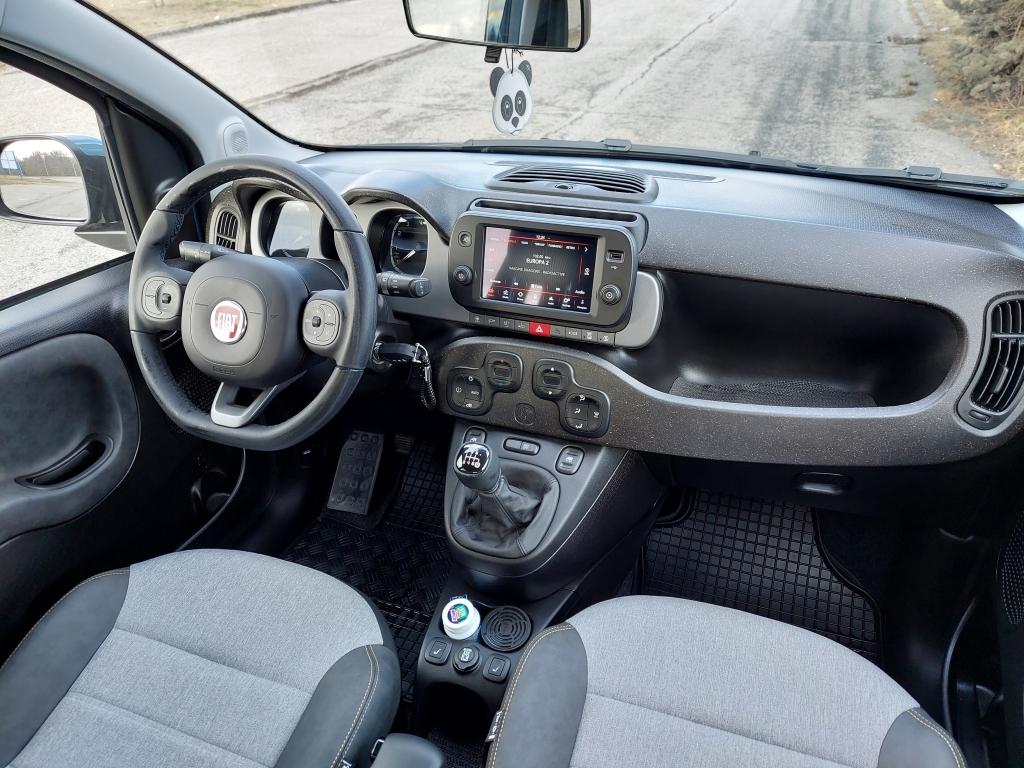
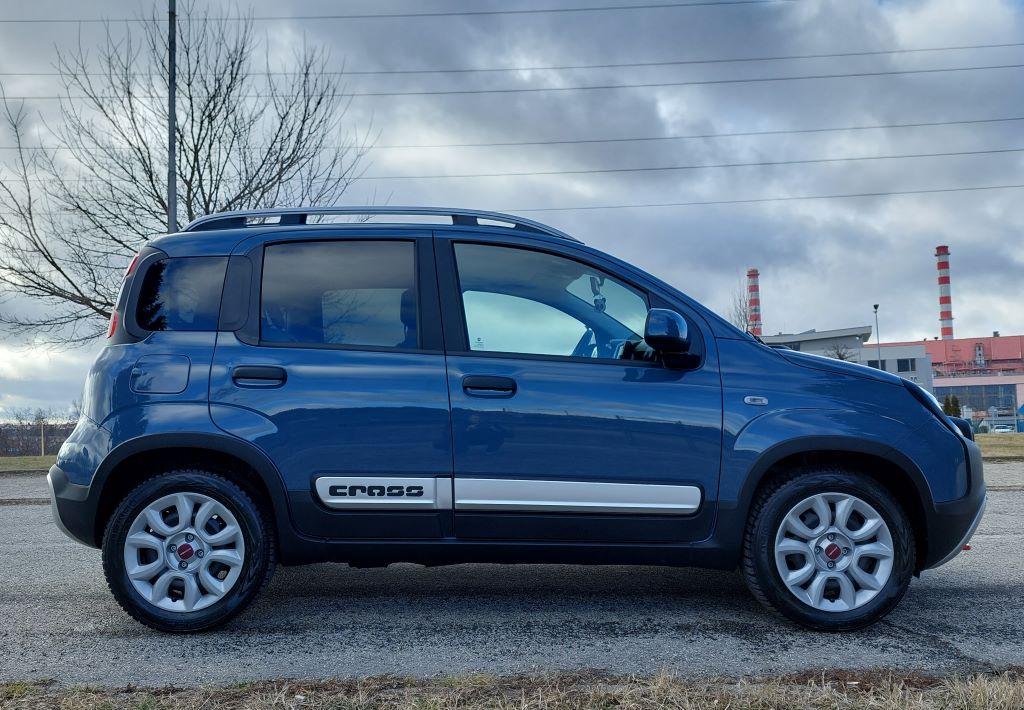
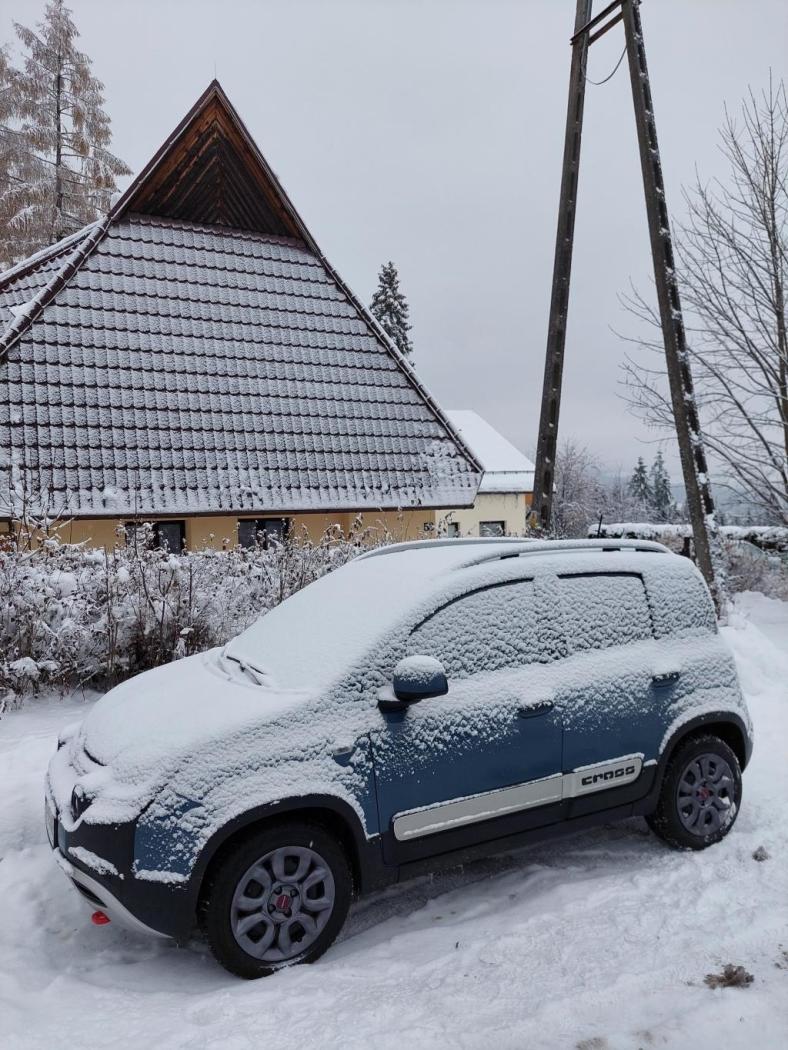
Hello Autopareristas! I will write in English and I apologize in advance, but I don't speak Italian and I want to avoid bad translations that might sound confusing in Italian. I would like to share with you one of the stages of my life when I completely fell for your national treasure - the Fiat Panda. As ridiculous as this car is outside of Italy, I will never call it anything other than brilliant. In the months when the pandemic period came to our region, we all had time to close ourselves at home and think about our real needs. We traveled less and social life went to the side of our daily schedule. I started working from home and as the owner of a beautiful Alfa Romeo Giulietta in pastel black, I wondered if after more than a dozen Alfa Romeo cars I wouldn't try something small and cute. At home, we had a well-serving and equipped Panda 169 1.2 44 kW Dynamic. Driving in this car was excellent. Following this forum and at the same time the situation around Italian cars, my attention was drawn to the (already really famous and rich) upcoming 4 series for the Panda 312. Reviews talked about new decorations, equipment, upholstery and technology. I went to the local dealership to look at the Panda Hybrid Launch Edition in the beautiful Rugiada green color. However, it did not have smartphone mirroring and its seats seemed too plastic to me. So I waited for the winter premiere. After about a month of thinking, I decided in 2020 that this was the best choice. In January 2021, I placed an order online with one of the dealers in our small Slovakia outside my city. Since I always liked the Panda Cross and the new Ceramico Blu color reminded me of my childhood days at elementary art school with clay and blue glaze, the choice fell on the Panda Cross Ceramico Blu. I added side airbags, alloy wheels and tinted windows to the order. I didn't forget about the Winter Package with heated seats, mirrors and heated windshield. I forgot about the Comfort Package, which cost 70 euros at the time, which I regretted. Since our market is perhaps one of the last that Fiat is interested in, the wait was endless and prolonged by the deepening chip crisis. At one point, I almost reached for canceling the order and buying a Hyundai i10 N-Line. Finally, my dream Panda rolled off the production line on June 1, 2021 and arrived at my place on August 3, 2021. The first trip home was terrible. I traveled from western Czech to eastern Slovakia at night, to western Slovakia in the morning and finally back to the east in the Panda. After the first drive on the highway, I regretted it, but I never thought of giving up my Panda. The first days were also difficult because of the performance. The 1.0 Firefly engine was reluctant to accelerate and I really got used to the first kilometers. After 2000 kilometers, I changed the oil and oil filter, I still remember how the engine became quiet. The kilometers increased and after 7000 kilometers the engine finally came to life. The Firefly came to life and the ride was a little better. I still had my Giulietta in reserve. However, I wanted to keep the Panda at a good level, so I started developing new door seals first. I was annoyed that if I pressed my finger through the door seal while driving, the wind blew directly there. I tried several types of seals for the outer door joint. Finally, I found the ideal, the Panda was quieter and more comfortable. I did not stop improving the Panda. I added anti-vibration and anti-noise materials to the plastic wheel arches and chassis covers. Later, I started to carpet the rear seats. I made a double trunk floor for the Panda and I also covered the spare tire area with anti-noise material. The Panda was also significantly improved by soundproofing the front hood, which significantly quietened the engine. I also worked on details such as lighting the entry area when unlocking - I mounted the lights in the rear-view mirrors from below and connected them to the interior lighting. I also added ambient lighting to the door handles. I liked the Panda so much that at some point I decided to give up the Giulietta. In retrospect, I evaluate it as a mistake, my Giulietta with 230,000 kilometers worked like new. The 1.6 MultiJet 105 engine from 2015 was excellent. Since at some point in 2023 I needed to drive more frequently on the motorway, I improved the Panda's damping. I filled the plastic door panels with soundproofing foam, I added carpet damping to the bottom of the dashboard like the Cross 4x4 MultiJet had. When I found out that the Panda's floor was only covered with carpet and poor foam moldings, I completely dampened the entire floor with an anti-vibration and soundproofing layer and did the same on all the rear interior panels. To make matters worse, I also dampened the roof. In the rain, I felt like I was in a Mercedes S-class. I remember those days with pleasure. However, there came a time in my life when I had to give up the Panda due to a job abroad. This happened in January 2024. I sold the Panda after 41,000 kilometers thanks to inflation for good money and changed to a completely different car from France. Panda Cross in general A very versatile car. Robust thanks to body protection, economical thanks to the great 1.0 Firefly even on the highway and practical for everyday life. I liked that despite the Cross version it was equipped with 175/65 R15 tires, i.e. narrow, with a rich profile and great suspension. I drove 41,000 kilometers with an average consumption of 5.8 liters of gasoline per 100 kilometers. I regularly drove in the city, where in the summer the consumption was around 5.5 to 5.8 liters in the summer and up to 6.5 liters in the winter. With the Panda I also regularly covered distances of 680-780 kilometers on the highway and county roads - always with great consumption on the highway, where at a speed of 145 km/h the Panda took about 5.8-6.5 liters of gasoline. Really economical. The Firefly engine handled highway speeds, unless a sharp start was necessary, thanks to the masterful gearbox. 3500 revolutions per minute were acceptable and the consumption was brilliant for a small petrol engine. With a height of 187 centimeters, I had no problem driving, but a little later my thighs started to hurt on long routes. However, the Panda is understandably not designed for long trips. However, it was excellent in the city. The luggage compartment was always enough for me, and the double floor helped significantly with practicality. If we were modest with space, I took 4 other people into the Panda, but it was better if there were three. I gave the Panda frequent oil changes. Before the first inspection at the authorized service twice and then always once between official inspections. During the operation, they completely changed the entire front stabilizer, rear spring mounting and engine cam variator, because it was leaking oil. Otherwise, I didn't experience any problems. Over time, I discovered that the clutch bearing, which initially seemed a bit noisy to me, is noisy on all Panda hybrids. The main advantages that I noticed on the Panda Cross: + definitely the Firefly engine and gearbox + practicality in use and excellent visibility + for me, still the design + very nice exhaust sound Imperfections + weak standard soundproofing + the older platform already has better-designed competitors in this size (Ignis) + I missed cruise control Unfortunately, the 4 series was the last in which the Panda received a significant improvement. The Pandina has new technology, but it loses in equipment. That's why I consider my time with the Panda Cross to be the best it could have been, because my taste for the Panda and the best Panda of all time - if we're talking about the 312 model - met. If you want to ask anything else - I remain open to questions. Francesco.




-
-
-
Penso che l'Elroq trarrà il netto vantaggio di essere effettivamente un Enyaq accorciato in termini di larghezza, spazio interno e trazione posteriore. Questo lo metterà davanti alla concorrenza. Tuttavia, non sono sicuro della strategia di marketing con la grande differenza di prezzo per la maggiore capacità della batteria. Per il resto, secondo le mie osservazioni, il tetto, i parafanghi anteriori e i pannelli laterali sono nuovi, solo le porte e i finestrini sono identici all'Enyaq.
-
-
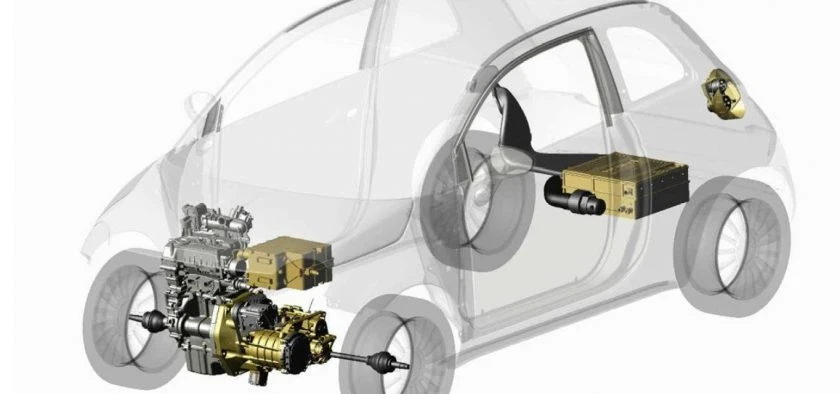
Esattamente. Penso che si tratti solo di semplificare la costruzione e ridurre la complessità. Fin dall'inizio, la Panda ibrida è sempre partita con un antipasto classico. A quanto pare, la Fiat voleva evitare possibili problemi con l'implementazione del generatore di avviamento in piena funzione. Il video qui sopra non è mio, viene da Facebook, ma l'ho salvato. Ho percorso 40.000 chilometri con la Panda Cross ibrida. Il motore utilizzava un classico motorino di avviamento. Sicuramente fornirò una recensione prima o poi.
-
-






.jpg.5c16f1a5ae5d6b268f1af461f8691a0a.jpg)