nik.82
Utente Registrato
-
Iscritto il
-
Ultima visita
Tutti i contenuti di nik.82
-
Bella e muscolosa. Ho avuto un vibe: sembra la mamma proporzionata della Tonale 🤭
-
-
Dopo aver ridato la mia 2.2 dentro a 230k km non avrei paura a prenderne una tra i 150/200k km. Solo che mi aspetterei prezzi da saldo, non da km0.
-
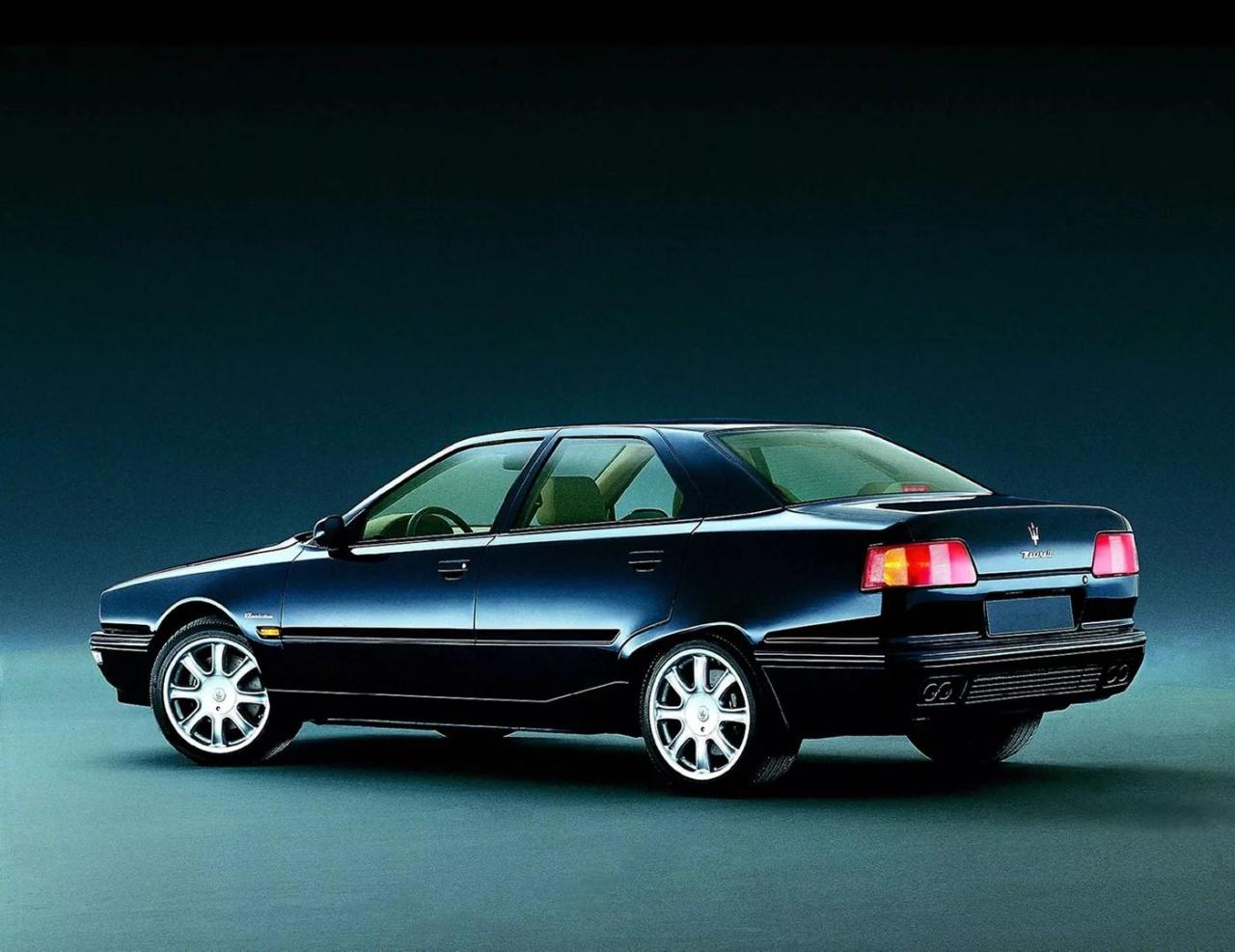
Nel complesso non è male. Sembra aver stemperato le proporzioni da TA con un cofano cortissimo in relazione alla lunghezza totale (ne beneficia l'abitabilità?) In ogni caso a me ha ricordato questa
-
-
-
-
-
La GranCabrio è un sogno
-
Il 2.2 mjet non chiude baracca con passaggio €6 --> €7 ??
-
La cosa più bella delle Audi è la qualità delle infografiche tecniche.
-
-
-
Speriamo non mi si riproponga il cenone! 🫢🫢
- 518 risposte
-
-

- 1
-
-
- c-crossover
- f2x
- fiat
- fiat c-crossover
-
Taggato come:
-
-
-
-
-
-
-
Proporzioni un po' da TA, o no?
-
Povera Giulia nostra. La abbiamo confrontata anche con l'Ape car in questi 9 anni.
-
Non avere proprio dubbi. Dai 25k ai 35k trovi di tutto, sempre roba fresca.
-
-