Tutti i contenuti di cc1920
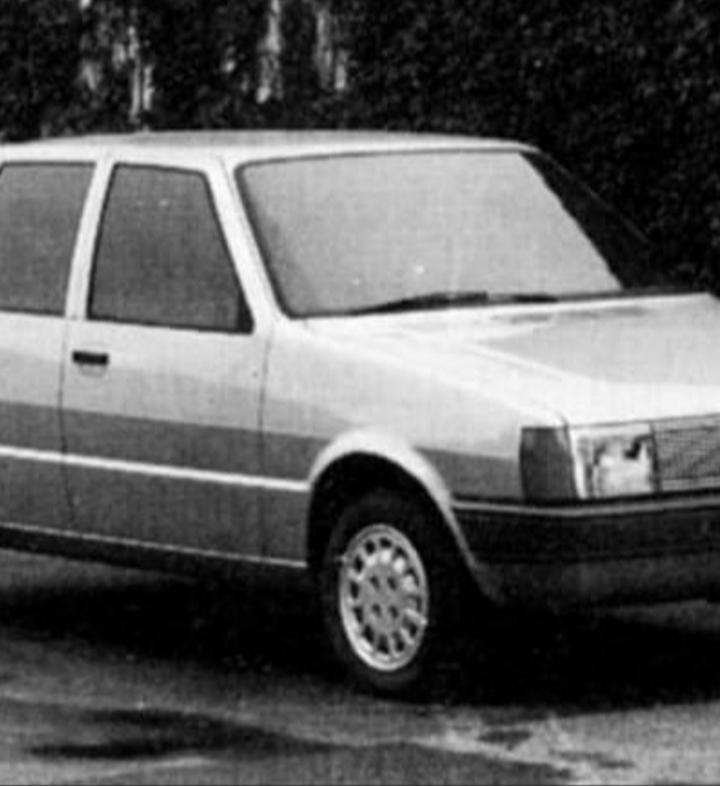
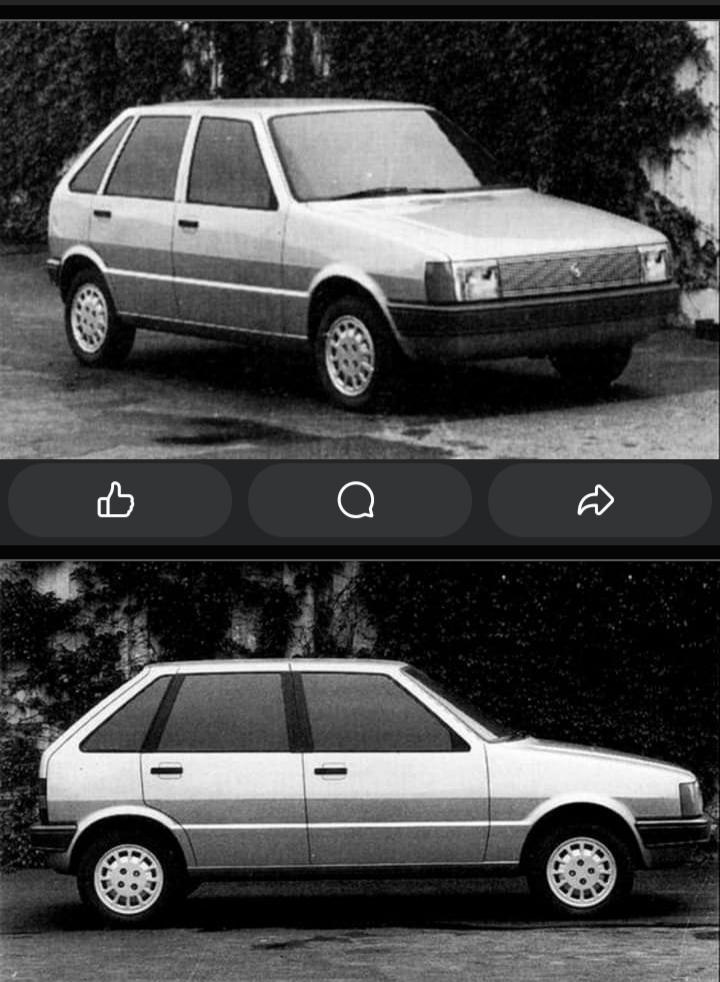
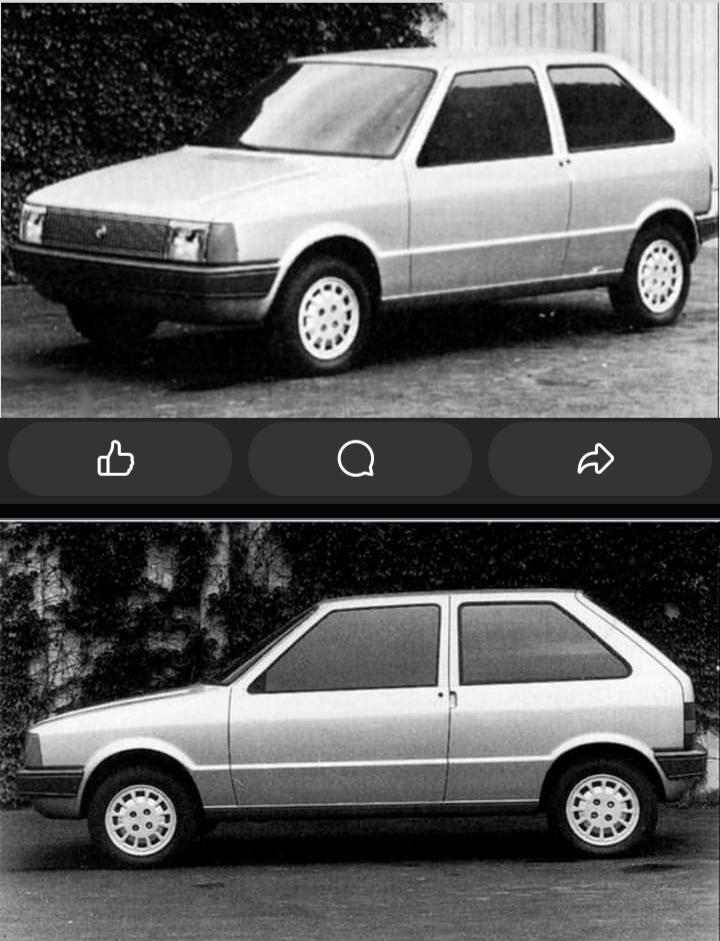
- [Mai nate] Fiat
-
[Mai nate] Fiat
- Il vecchio e riuscito downsizing
Nel super 2000 wtcc/etcc montavano il pratola serra ricavato dal 1.8 che non aveva i contralberi inutili in gara- Il vecchio e riuscito downsizing
Nelle prove di auto il 1.8 andava meglio inoltre non aveva il diffeto di sbronzinare del 2.0- [Mai nate] Fiat
- Dodge Charger [Coupé, Sedan] M.Y. 2026
- Fiat Pandina 2024
- Fiat Pandina 2024
- [Mai Nate] Alfa Romeo
- [Mai nate] Fiat
- Lancia Ypsilon 2024
- [Mai nate] Fiat
- Lancia Ypsilon 2024 - Prj. L21 (Spy & Teaser)
Il montante C la parte meno riuscita, si poteva risolvere meglio- 2393 risposte
-
-
-
- 3
-
-
- cmp
- e-cmp
- lancia
- lancia ypsilon
-
Taggato come:
- Lancia Ypsilon 2024 - Prj. L21 (Spy & Teaser)
Avrebbero dovuto fare il Bsuv a marchio lancia e questa come nuova mito- 2393 risposte
-
-
-
- 5
-
-
- cmp
- e-cmp
- lancia
- lancia ypsilon
-
Taggato come:
- Pazzie con il passato e il presente del mondo automobilistico
- Lancia Ypsilon 2024 - Prj. L21 (Spy & Teaser)
- Usi e abusi del tavolino della Lancia Ypsilon 2024
- [Mai nate] Fiat
- Tesla Cybertruck Concept 2019
- Alfa Romeo Milano 2024 - Prj. 966/Kid (Leak)
- Stagione Calcistica 2024/25
ricordo carletto che si incazzava a bestia per l orecchino di lulù oliverira- Stagione Calcistica 2024/25
- Laboratorio Alfa Romeo
- NSU Prinz EP4 Concept 2023
- Alfa Romeo 33 Stradale 2023/25 (Teaser)
- Il vecchio e riuscito downsizing
Account
Navigation
Cerca
Configure browser push notifications
Chrome (Android)
- Tap the lock icon next to the address bar.
- Tap Permissions → Notifications.
- Adjust your preference.
Chrome (Desktop)
- Click the padlock icon in the address bar.
- Select Site settings.
- Find Notifications and adjust your preference.
Safari (iOS 16.4+)
- Ensure the site is installed via Add to Home Screen.
- Open Settings App → Notifications.
- Find your app name and adjust your preference.
Safari (macOS)
- Go to Safari → Preferences.
- Click the Websites tab.
- Select Notifications in the sidebar.
- Find this website and adjust your preference.
Edge (Android)
- Tap the lock icon next to the address bar.
- Tap Permissions.
- Find Notifications and adjust your preference.
Edge (Desktop)
- Click the padlock icon in the address bar.
- Click Permissions for this site.
- Find Notifications and adjust your preference.
Firefox (Android)
- Go to Settings → Site permissions.
- Tap Notifications.
- Find this site in the list and adjust your preference.
Firefox (Desktop)
- Open Firefox Settings.
- Search for Notifications.
- Find this site in the list and adjust your preference.