





super pax
Utente Registrato
-
Iscritto il
-
Ultima visita
Tutti i contenuti di super pax
-
Io spero che se mai ci sarà un futuro per lancia sia molto diverso dal recente passato....Io rilancio ....
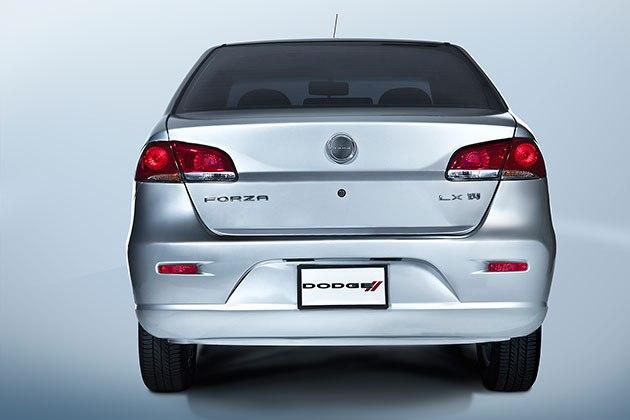
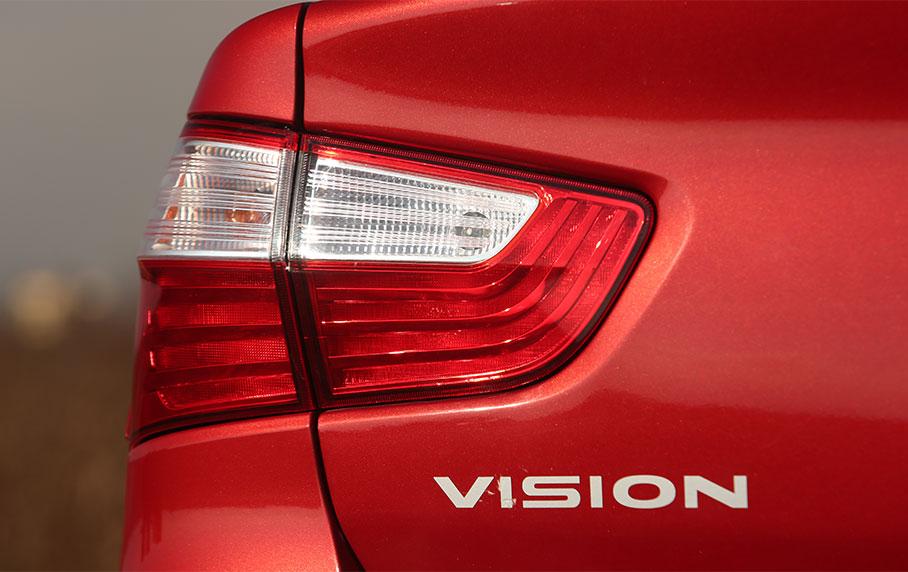
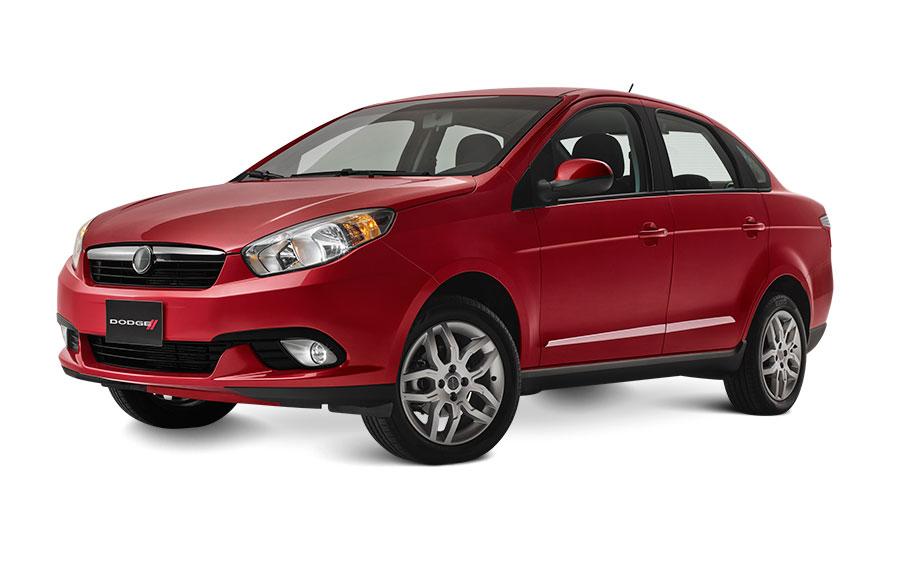
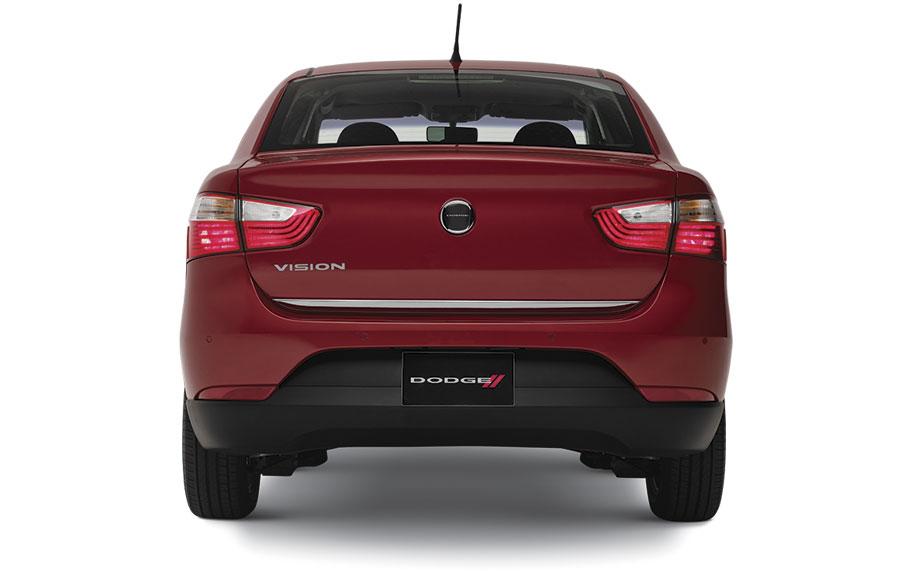
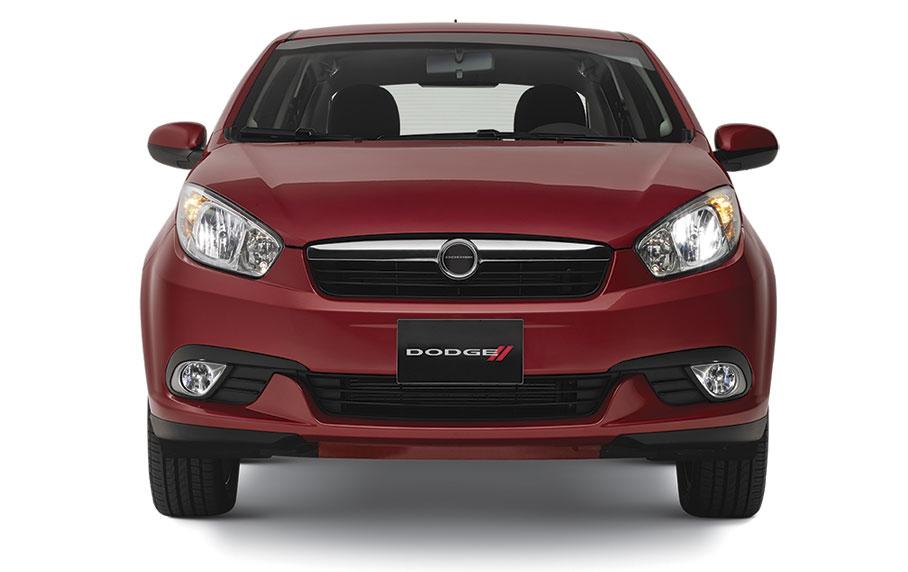
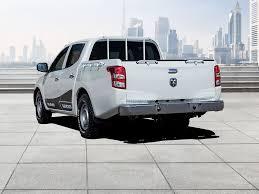
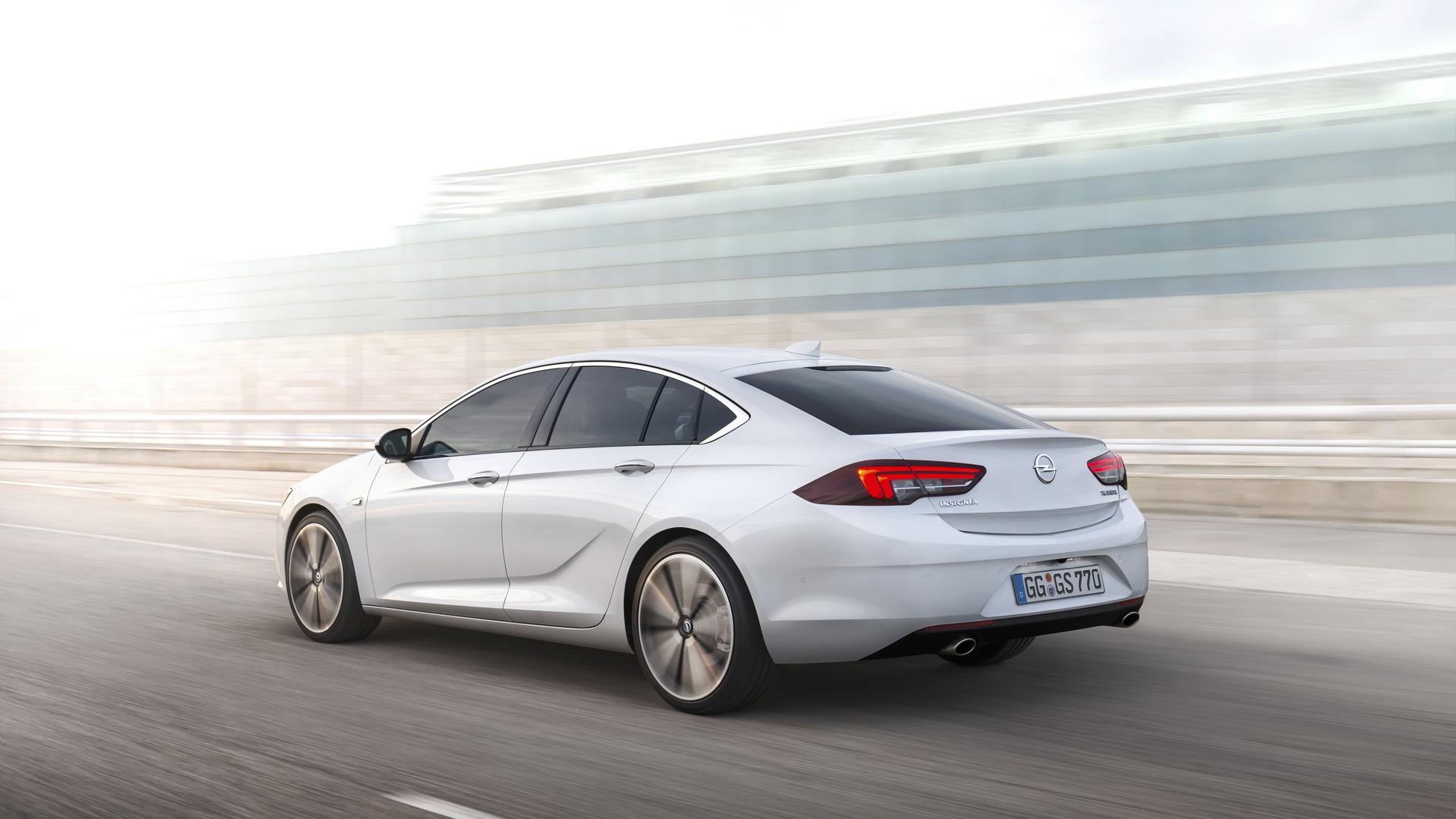
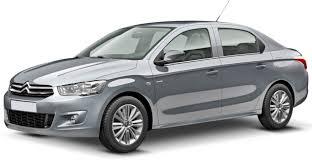 In queste foto il progresso sul lato del desing sembra esserci. Per la qualita di interni ecc. va vista e toccata con mano per giudicare. Capitolo convenienza . Per quella cifra mi orienteri su una 500 x km 0 che per lo stesso prezzo offre una rete di assistenza capillare una buona rivendibilta e ricambi garantiti . http://m.autoscout24.it/risultato?atype=C&mmvmk0=28&mmvmd0=20628&priceto=15000&cy=I&ustate=N%2cU&zipr=200&zipc=IFixed






















Account
Navigation
Cerca
Configure browser push notifications
Chrome (Android)
- Tap the lock icon next to the address bar.
- Tap Permissions → Notifications.
- Adjust your preference.
Chrome (Desktop)
- Click the padlock icon in the address bar.
- Select Site settings.
- Find Notifications and adjust your preference.
Safari (iOS 16.4+)
- Ensure the site is installed via Add to Home Screen.
- Open Settings App → Notifications.
- Find your app name and adjust your preference.
Safari (macOS)
- Go to Safari → Preferences.
- Click the Websites tab.
- Select Notifications in the sidebar.
- Find this website and adjust your preference.
Edge (Android)
- Tap the lock icon next to the address bar.
- Tap Permissions.
- Find Notifications and adjust your preference.
Edge (Desktop)
- Click the padlock icon in the address bar.
- Click Permissions for this site.
- Find Notifications and adjust your preference.
Firefox (Android)
- Go to Settings → Site permissions.
- Tap Notifications.
- Find this site in the list and adjust your preference.
Firefox (Desktop)
- Open Firefox Settings.
- Search for Notifications.
- Find this site in the list and adjust your preference.